
LoremGenie Overview
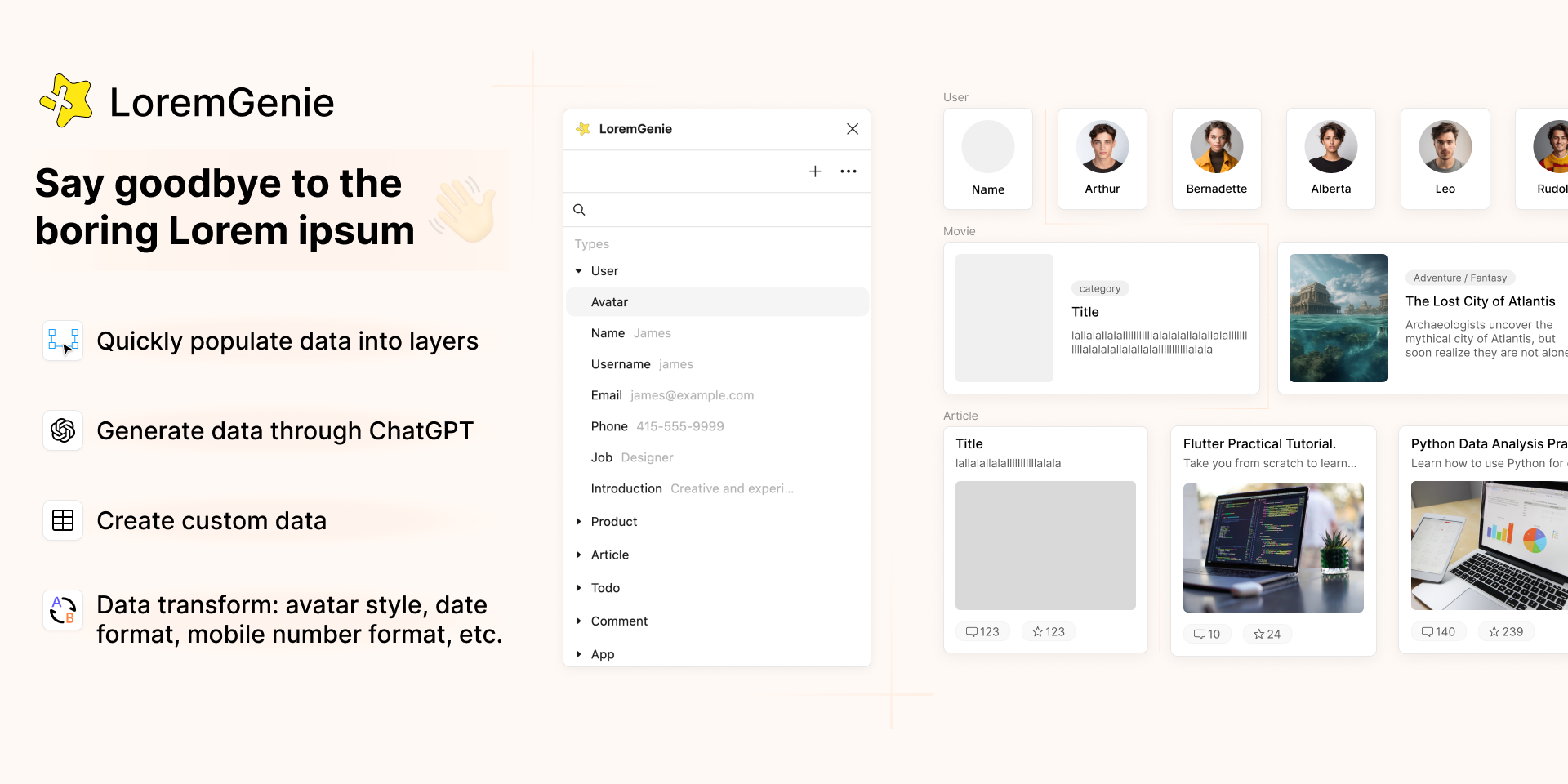
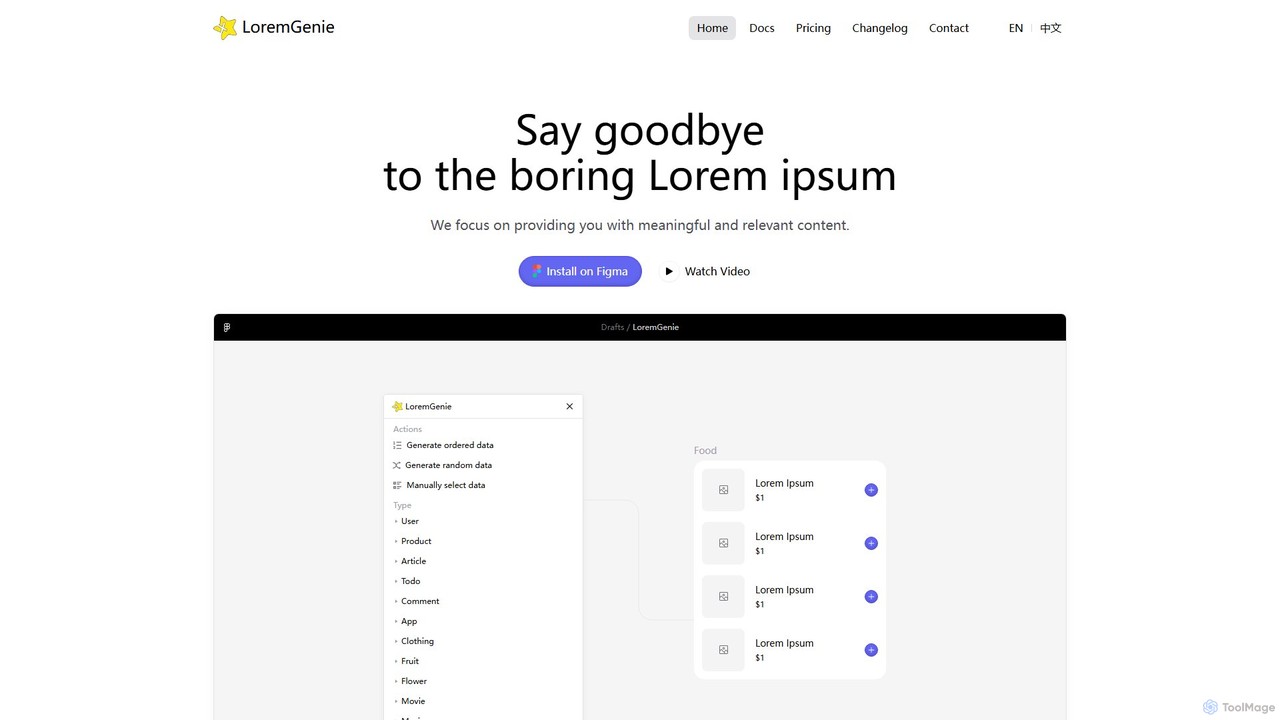
LoremGenie is a powerful and intuitive Figma plugin designed to revolutionize the way designers handle placeholder content. Say goodbye to the monotonous and unrealistic 'Lorem ipsum' text. LoremGenie populates your designs with meaningful, structured, and contextually relevant data, making your mockups come to life. With a vast library of over 22 unique content categories—ranging from user profiles, e-commerce products, and articles to more specific data like cryptocurrencies, addresses, and even emojis—it caters to a wide array of design needs. The plugin is enhanced with AI, leveraging ChatGPT to generate custom data on the fly, ensuring that the content perfectly matches your project's specific requirements. This allows designers to focus on the creative aspects of their work, rather than the tedious task of sourcing or creating placeholder content.
How to use LoremGenie
Using LoremGenie is seamlessly integrated into the Figma workflow. First, install the LoremGenie plugin from the Figma Community. Once installed, you can start populating your designs in just a few clicks.
1. Select one or more layers in your Figma design file that you want to fill with content.
2. Open the LoremGenie plugin. You will see a wide range of data categories.
3. Choose the desired data category and the specific data field (e.g., User > Name).
4. Utilize one of the flexible filling methods: 'Point & Click' to fill selected layers, 'Drag & Drop' to drag content directly onto the canvas, or 'Instant Create' to generate a new layer with the content already applied. For more advanced use, you can use the AI generation feature by providing a natural language prompt to ChatGPT, or import your own data from sources like Notion or a custom-built online table.
Core Features of LoremGenie
- Extensive Content Library: Access over 22 diverse data categories including Users, Products, Articles, Todos, Comments, Furniture, Food, Music, Books, and more.
- AI-Powered Content Generation: Integrates with ChatGPT to generate highly specific and customized data using natural language prompts.
- Structured & Realistic Data: Provides multi-field data that is contextually coherent, such as a user profile with a matching name, avatar, email, and bio.
- Visually Consistent Imagery: Offers a large collection of images, icons, and avatars with a consistent style to ensure visual harmony in your designs.
- Flexible Filling Methods: Supports point-and-click, drag-and-drop, and instant creation of new layers for a fast and intuitive workflow.
- Custom Data & Imports: Create your own datasets using an online table editor or import data directly from Notion, giving you full control over the content.
- Data Transformation: Automatically format data to your needs, such as changing date formats or applying currency symbols and separators.
- Manual Selection: If you're not satisfied with the automatically generated data, you can manually browse and select the exact content that fits your design perfectly.
- Multiple Avatar Styles: Choose from various avatar styles, including realistic photos and emojis, to match your design's aesthetic.
Use Cases for LoremGenie
LoremGenie is invaluable for a variety of design projects. For UI/UX designers working on a social media app, it can instantly generate realistic user profiles with names, avatars, and bios. When designing an e-commerce website, it can populate product listings with titles, descriptions, prices, and images. For content-heavy platforms like blogs or news sites, it can fill layouts with complete articles, including headlines, authors, and body text. It's also perfect for creating prototypes of productivity apps by generating to-do lists, or for financial apps by generating cryptocurrency data and credit card details. Essentially, any design that requires dynamic or repeated content can benefit from the speed and realism LoremGenie provides.
Advantages of LoremGenie
The primary advantage of LoremGenie is the massive boost in efficiency. It eliminates the time-consuming task of creating or finding placeholder content, allowing designers to iterate faster. The use of realistic data leads to more convincing and professional-looking designs, which facilitates better feedback from stakeholders and clients. The structured data also improves the design-to-development handoff, as the data reflects the final product's structure. The AI integration provides unparalleled flexibility, making it possible to generate content for any niche or specific scenario. Ultimately, LoremGenie empowers designers to build more immersive and higher-fidelity prototypes with minimal effort.
Pricing and Plans
LoremGenie operates on a freemium model, making it accessible to everyone. The free plan includes access to a generous selection of core data categories and standard filling features, which is perfect for individual designers and small projects. For professionals and teams requiring more advanced capabilities, LoremGenie offers a Pro subscription. The Pro plan unlocks premium features such as unlimited AI-powered content generation via ChatGPT, the ability to create and import custom datasets (including from Notion), access to the full range of content categories and image libraries, and other advanced customization options. This tiered approach allows users to leverage the core functionality for free and upgrade as their needs grow.
LoremGenie Alternatives

UX Pilot
UX Pilot is an AI-powered design platform that accelerates the UX/UI workflow. It enables designers, product teams, and founders to generate high-fidelity designs, wireframes, screen flows, and prototypes from simple text prompts in seconds. With deep Figma integration, it streamlines the entire process from ideation to handoff.
Ui Ux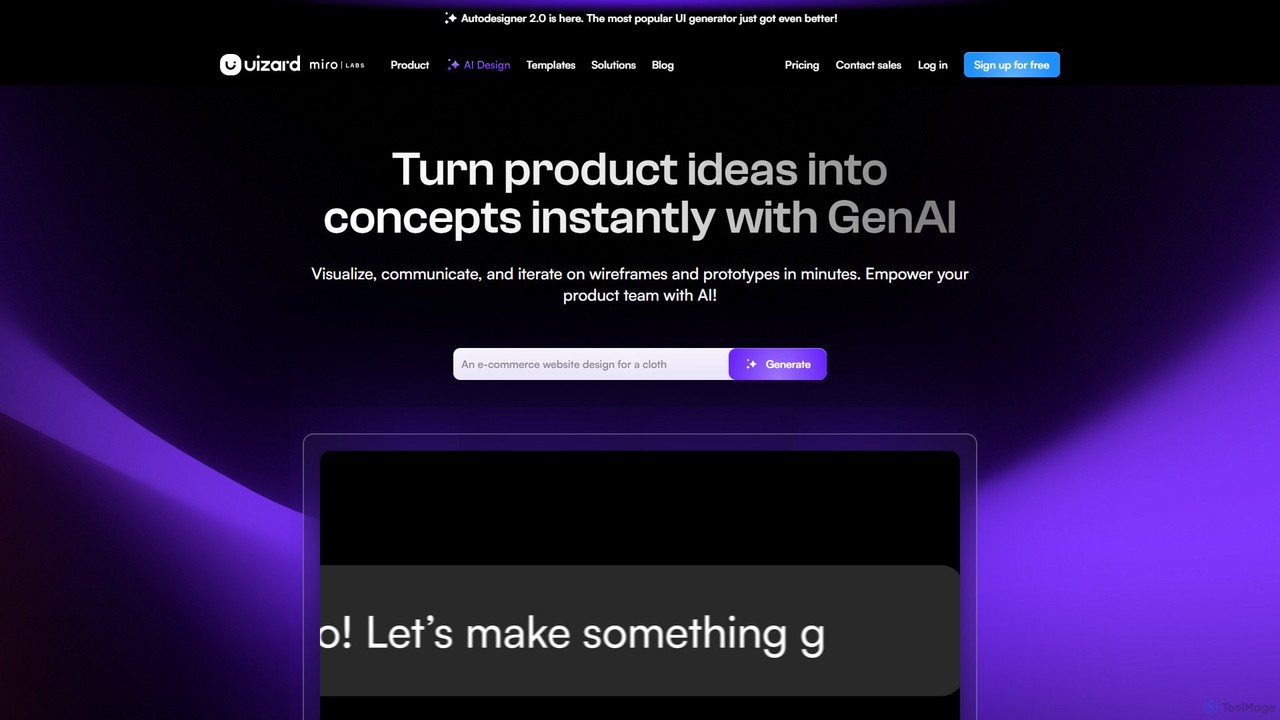
Uizard
Uizard is an AI-powered UI design tool that empowers both designers and non-designers to create stunning websites, web apps, and mobile app mockups in minutes. Transform text prompts, hand-drawn sketches, or screenshots into editable, interactive prototypes. It's designed for rapid ideation, real-time collaboration, and streamlining the entire product design workflow from concept to handoff.
Ui Ux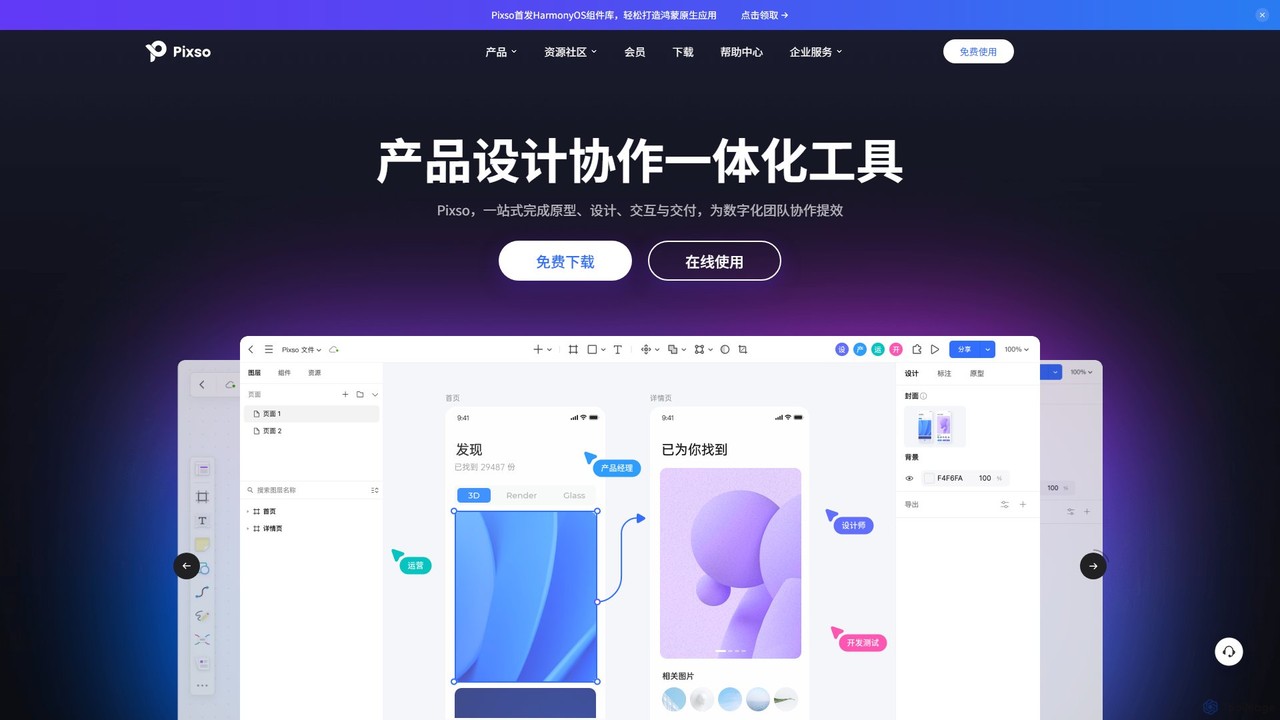
Pixso
Pixso is an all-in-one, cloud-based collaborative product design platform for UI/UX design, prototyping, and developer handoff. It integrates design tools, interactive prototyping, and an online whiteboard, positioning itself as a powerful, real-time alternative to Figma and Sketch, built to enhance team efficiency.
Ui Ux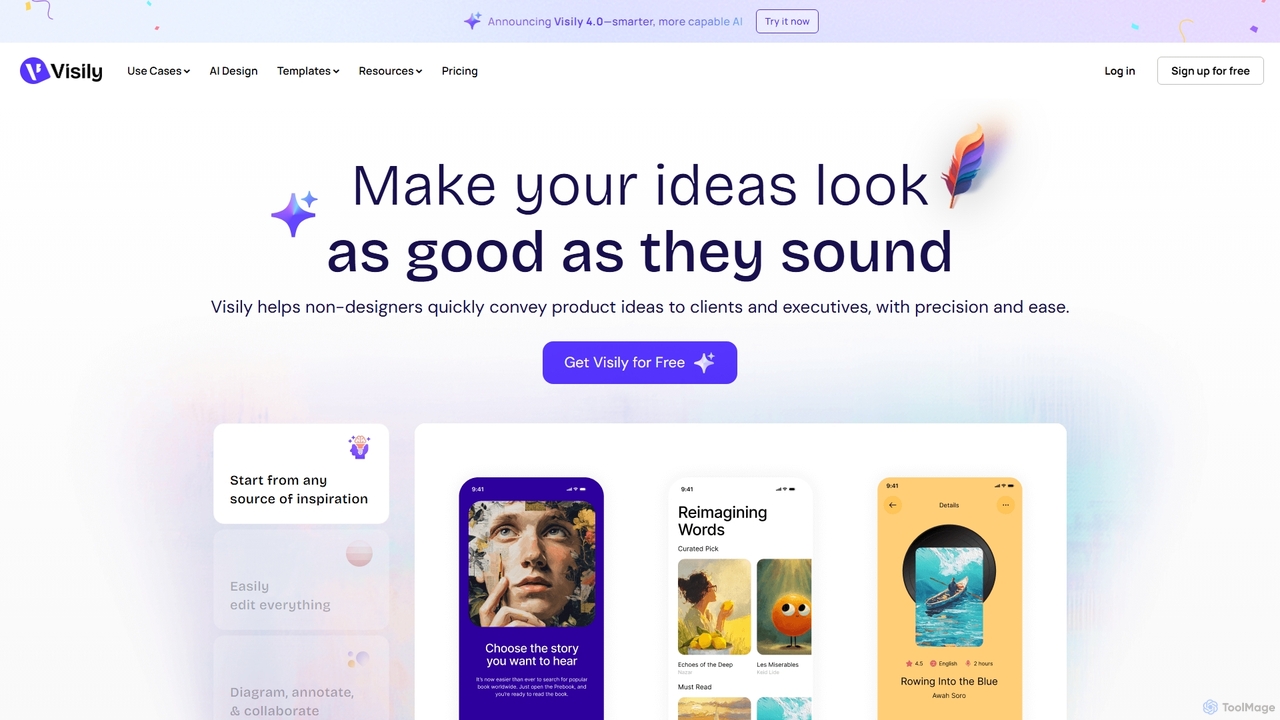
Visily
Visily is an AI-powered UI design and prototyping tool specifically created for non-designers. It enables teams to quickly transform ideas, screenshots, or text prompts into high-fidelity wireframes and mockups. With its intuitive interface and powerful collaboration features, Visily streamlines the process of visualizing product concepts and gathering feedback, bridging the gap between ideas and execution without a steep learning curve.
Ui Ux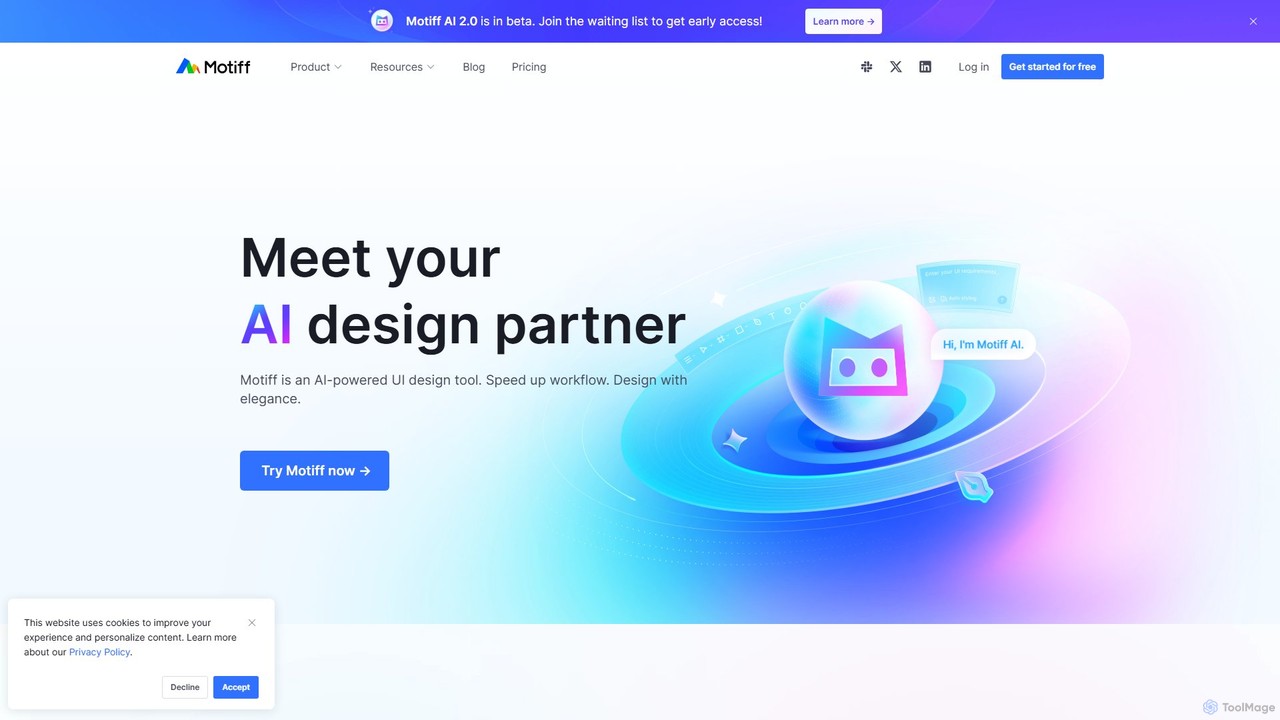
Motiff
Motiff is an AI-powered professional interface design tool that accelerates the entire workflow. It enables users to generate UIs from text and images, iterate on designs with AI assistance, and collaborate in real-time. Combining robust design tools, prototyping, and a developer-friendly handoff mode, Motiff serves as a comprehensive, high-performance platform for modern product teams.
Ui UxLoremGenie Categories
LoremGenie Embed Widget
Copy this embed code to place the badge on your blog, article, or product site and send readers directly to this ToolMage detail page.

Related AI tools
UX Pilot
UX Pilot is an AI-powered design platform that accelerates the UX/UI workflow. It enables designers, product teams, and founders to generate high-fidelity designs, wireframes, screen flows, and prototypes from simple text prompts in seconds. With deep Figma integration, it streamlines the entire process from ideation to handoff.
Ui Ux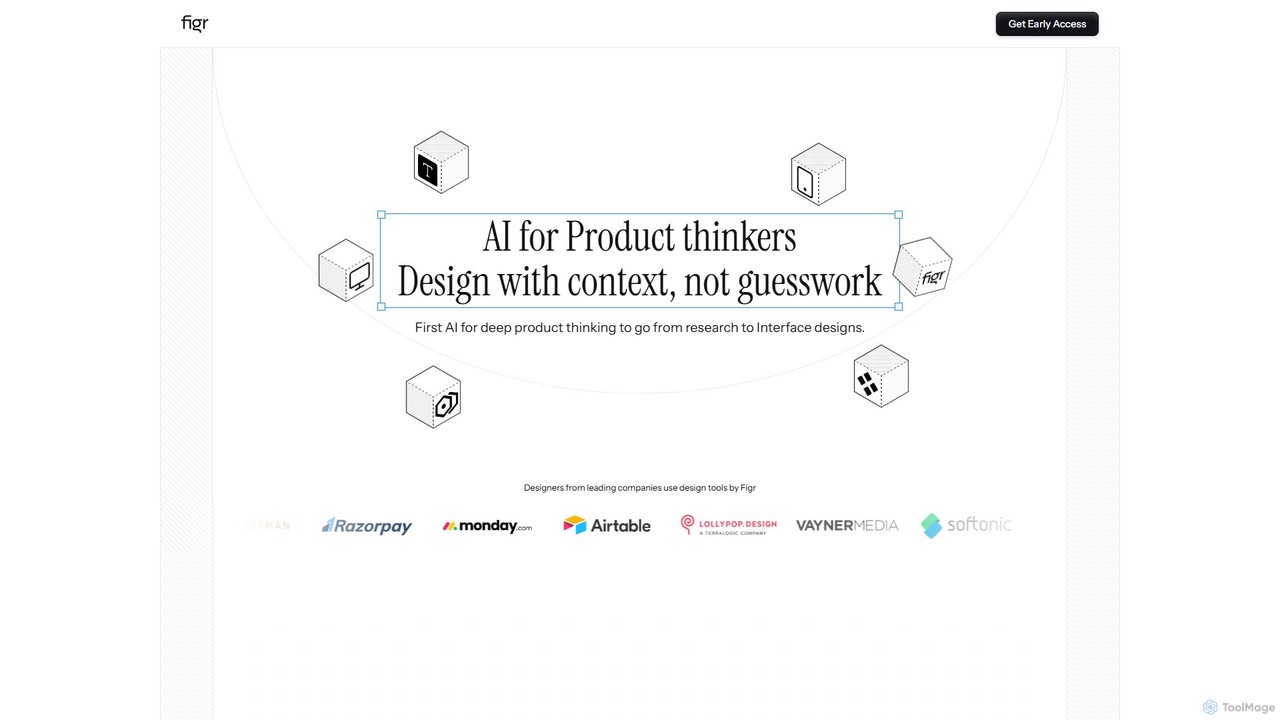
Figr
Figr is an AI-powered design suite that accelerates the product design workflow. It specializes in creating production-grade design systems directly within Figma, automating the generation of design tokens, components, and documentation. It's built for product thinkers, designers, and teams to transform research and context into clear, consistent, and scalable user interfaces with remarkable speed.
Ui Ux
Little Bro
Little Bro is an AI-powered design assistant and user research simulator for Figma. It helps designers think like their users by simulating various user personas and scenarios, providing contextual feedback to catch usability issues, overcome creative blocks, and ship designs with confidence.
User Research
Galileo AI
Galileo AI is a pioneering AI-powered UI design generator that transforms simple text prompts into beautiful, functional interface designs. Acquired by Google, it has now evolved into 'Stitch', a more powerful tool integrated with Google's Gemini models, making advanced design accessible to everyone for free.
Ui Ux Design
Uizard
Uizard is an AI-powered UI design tool that empowers both designers and non-designers to create stunning websites, web apps, and mobile app mockups in minutes. Transform text prompts, hand-drawn sketches, or screenshots into editable, interactive prototypes. It's designed for rapid ideation, real-time collaboration, and streamlining the entire product design workflow from concept to handoff.
Ui UxPixso
Pixso is an all-in-one, cloud-based collaborative product design platform for UI/UX design, prototyping, and developer handoff. It integrates design tools, interactive prototyping, and an online whiteboard, positioning itself as a powerful, real-time alternative to Figma and Sketch, built to enhance team efficiency.
Ui UxVisily
Visily is an AI-powered UI design and prototyping tool specifically created for non-designers. It enables teams to quickly transform ideas, screenshots, or text prompts into high-fidelity wireframes and mockups. With its intuitive interface and powerful collaboration features, Visily streamlines the process of visualizing product concepts and gathering feedback, bridging the gap between ideas and execution without a steep learning curve.
Ui UxMotiff
Motiff is an AI-powered professional interface design tool that accelerates the entire workflow. It enables users to generate UIs from text and images, iterate on designs with AI assistance, and collaborate in real-time. Combining robust design tools, prototyping, and a developer-friendly handoff mode, Motiff serves as a comprehensive, high-performance platform for modern product teams.
Ui Ux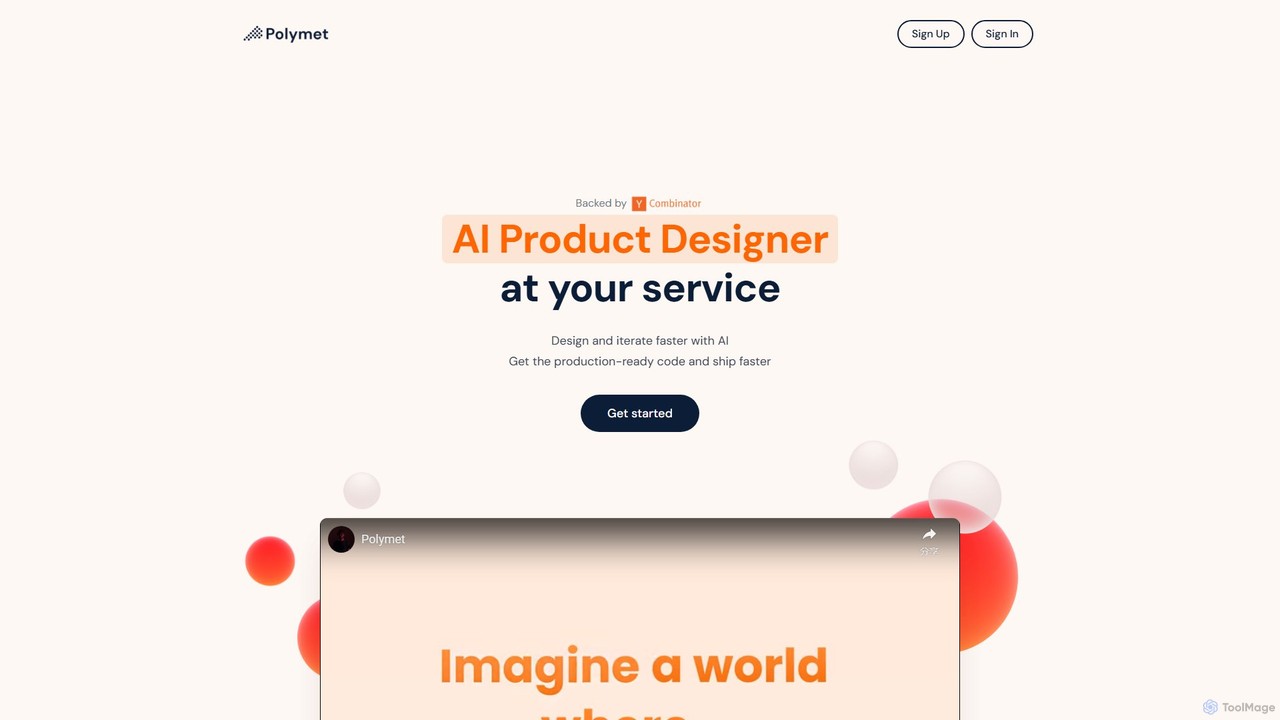
Polymet
Polymet is an AI-powered product designer that transforms ideas, text descriptions, or images into interactive prototypes with production-ready code in seconds. It streamlines the design and development workflow, integrating seamlessly with Figma and existing codebases.
Ui Ux
Creatie
Creatie is an intuitive, AI-powered product design and collaboration platform. It enables teams to move from wireframes to high-fidelity mockups, interactive prototypes, and developer handoff seamlessly. Featuring AI tools like a mockup wizard, icon generator, and image enhancer, it's designed to accelerate the UI/UX workflow for designers, product managers, and developers.
Icon Generation
sketchgpt.xyz
sketchgpt.xyz is an AI-powered tool that transforms hand-drawn sketches into functional HTML and CSS code in real-time. Simply draw your website or app layout on a digital whiteboard, and watch as the AI instantly generates a live, interactive web prototype. It's designed to accelerate the prototyping and development process for designers, developers, and product teams.
Ui Ux
MasterGo
MasterGo is an AI-powered, all-in-one collaborative UI/UX design platform. It streamlines the entire workflow from prototyping and interface design to developer handoff. Built for real-time collaboration, it helps teams create, iterate, and manage digital products efficiently with features like design systems, AI-assisted generation, and enterprise-level security.
Ui Ux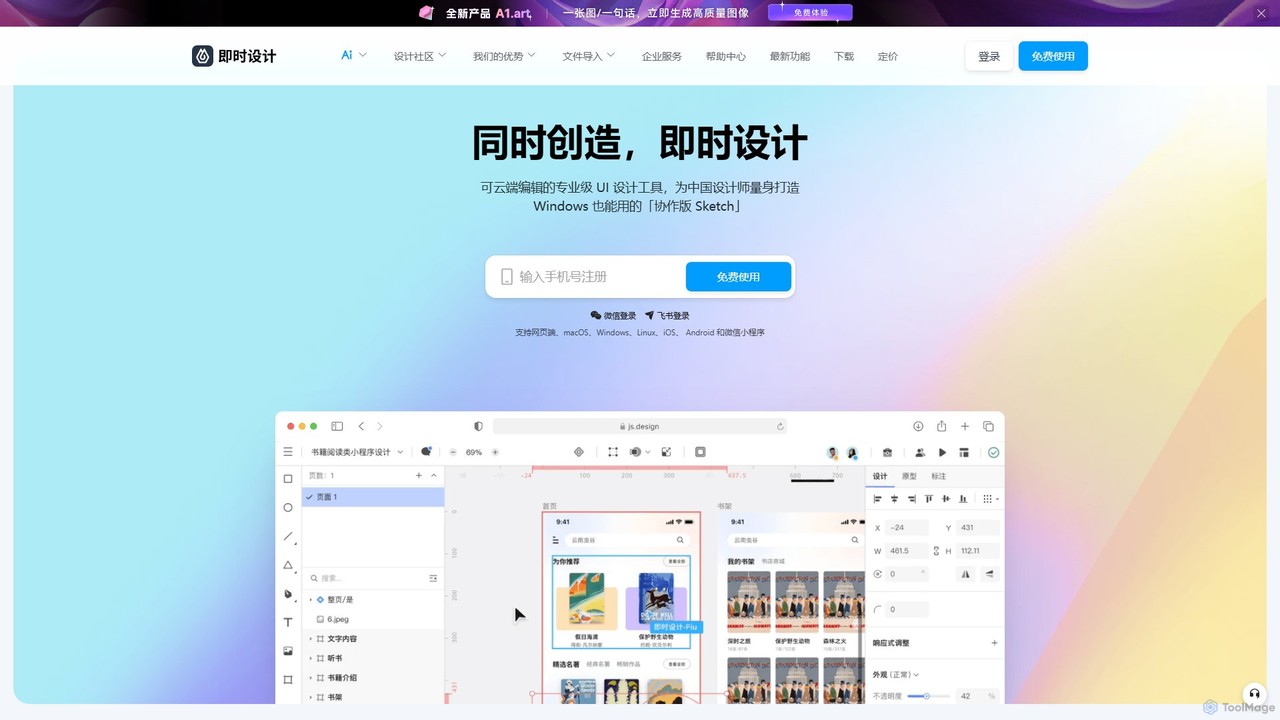
JsDesign
JsDesign is a professional, cloud-based UI/UX design tool that enables real-time collaboration. It offers a cross-platform experience with powerful AI features to accelerate the design workflow, from ideation and prototyping to developer handoff. It's positioned as a strong alternative to Figma and Sketch.
Ai Design Assistant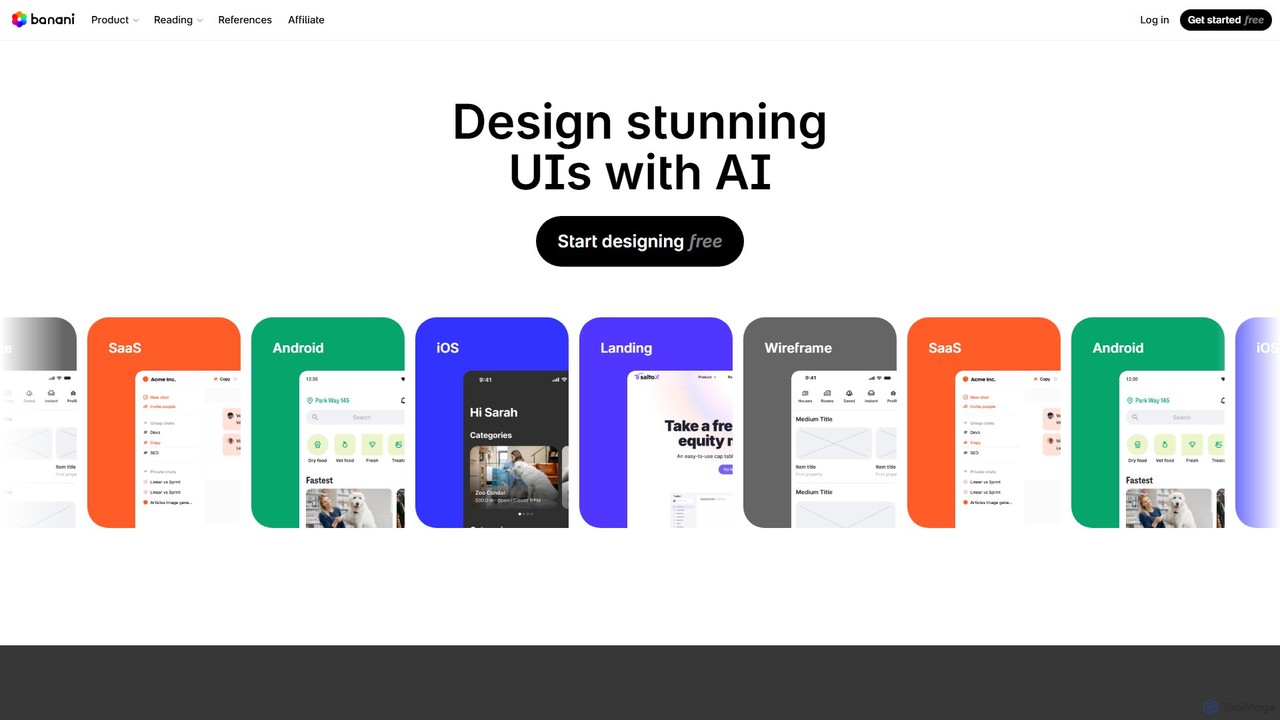
Banani
Banani is an AI-powered UI design copilot that transforms text prompts into stunning, interactive user interfaces and prototypes. It's designed for rapid ideation and visualization, enabling product managers, founders, and designers to create beautiful, user-friendly designs in seconds, even without prior design skills.
Ui Design
LoremGenie Comments (0)
Sign in to comment.
Sign inNo comments yet.