Design Best in category 4 results Assistant AI Tool

Popular AI tools in the Assistant field of Design include swapme、ExtendImageAI、Typper、Magician, etc., helping you quickly improve efficiency.

ExtendImageAI

ExtendImageAI

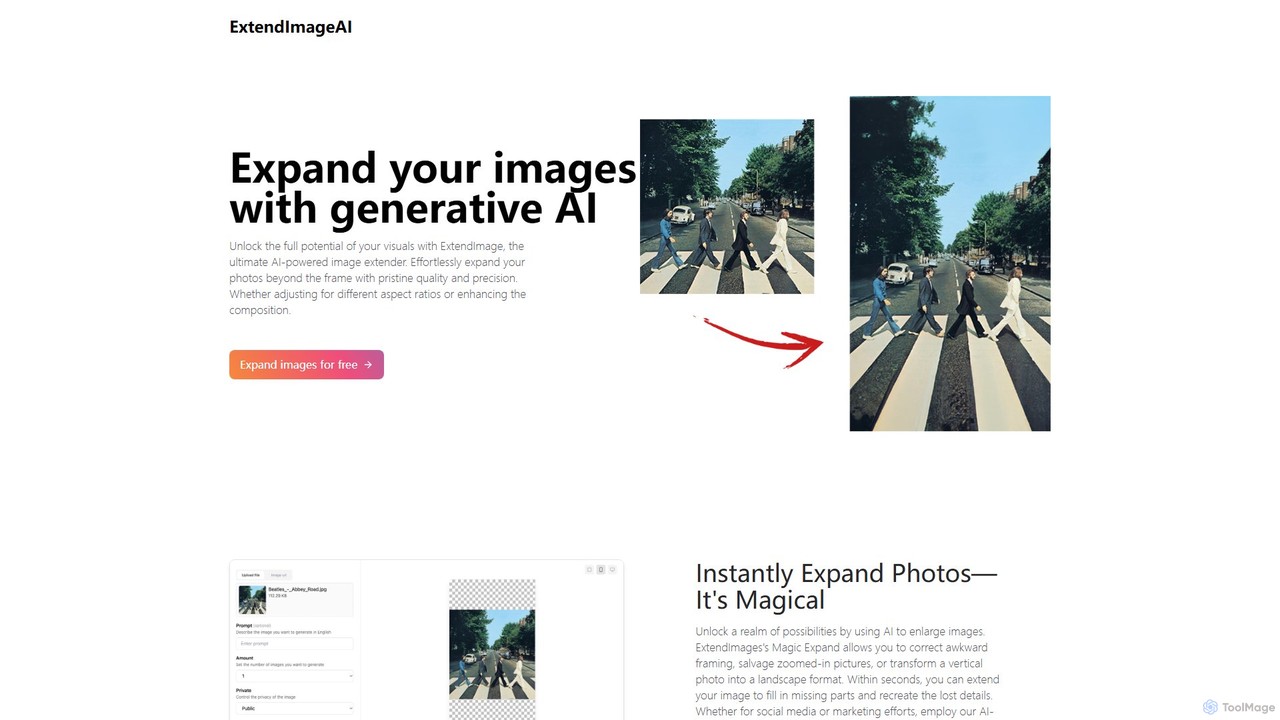
ExtendImageAI is an AI-powered tool that expands your images beyond their original borders. Using generative AI, it intelligently …

8.7K
Typper

Typper

Typper is an all-in-one AI plugin suite for Figma that accelerates the design workflow. It integrates powerful AI …

2.7K
Magician

Magician

Magician is a powerful AI design assistant for Figma and FigJam. It helps designers supercharge their workflow by …

2.5K
swapme

swapme

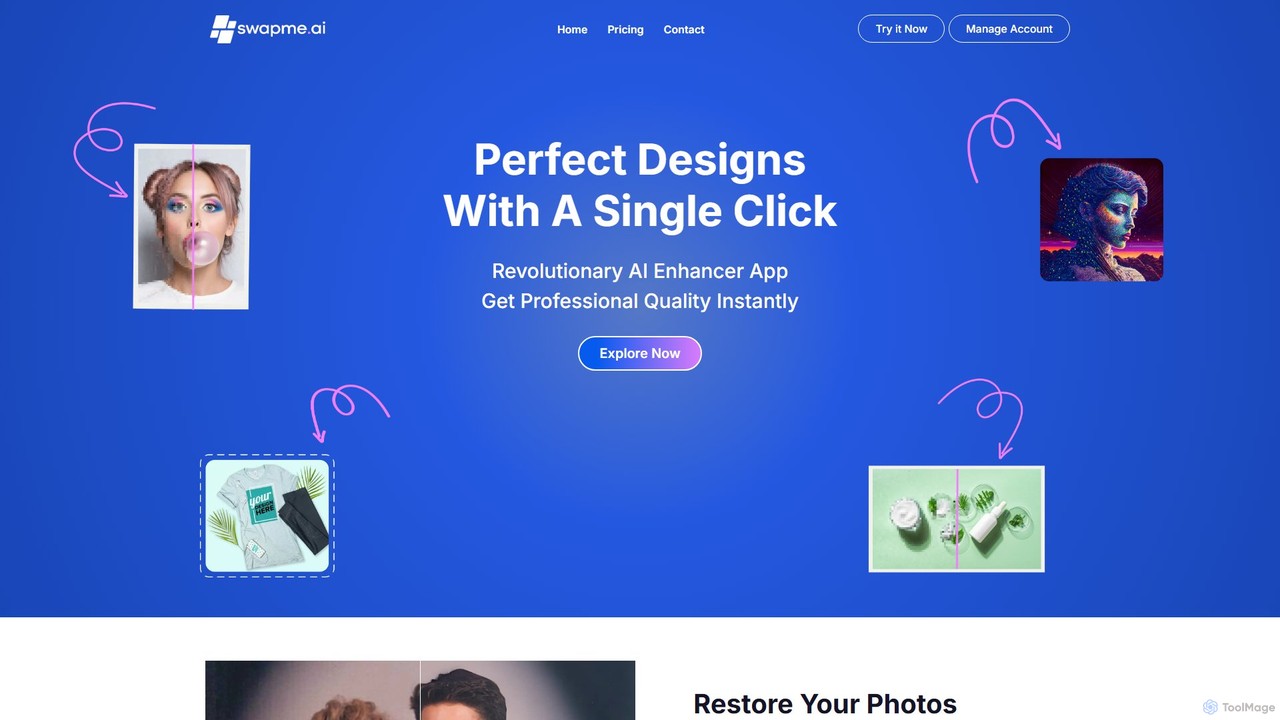
swapme is a powerful AI image enhancer and upscaler integrated directly into Canva. Trusted by over 500,000 users, …

22.6K

About Assistant

AI Design Assistants are AI-powered tools that augment human designers by streamlining and enhancing various stages of the design process. These tools leverage artificial intelligence to automate repetitive tasks, generate creative ideas, provide intelligent suggestions, and analyze design elements. They help designers work faster, explore more options, ensure consistency across projects, and overcome creative blocks, acting as a co-pilot to free up time for higher-level strategic and creative decisions.

Core Features

  • Creative Idea Generation: Suggests diverse concepts, themes, and styles for design projects.
  • Content & Copywriting Assistance: Generates text for design mockups, headlines, and ad copy.
  • Design Element Suggestion: Recommends suitable fonts, color palettes, image assets, and layout structures.
  • Automated Design Optimization: Checks designs for consistency, accessibility, responsiveness, and brand adherence.
  • Workflow Automation: Automates repetitive tasks such as image resizing, background removal, and format conversions.

Use Cases

Graphic designers utilize these assistants for rapid prototyping and exploring visual directions. UI/UX designers benefit from AI-driven suggestions for component placement and user flow optimization. Marketing teams employ them to generate multiple variations of ad creatives and accompanying copy, ensuring brand consistency and efficiency.

How to Choose

When selecting an AI Design Assistant, consider its integration capabilities with your existing design software, the specific AI functionalities offered (e.g., generative vs. analytical), customization options for output, ease of use, and pricing model. Evaluate how well it aligns with your specific design workflow and creative needs.

AssistantUse Cases

1

Generating Diverse Design Concepts

Graphic designers can input project briefs to receive a wide array of visual concepts, mood boards, and style suggestions, accelerating the initial brainstorming phase and exploring more creative directions without manual effort.

2

Automating Brand Guideline Compliance

For large design teams or brand managers, AI assistants can automatically scan new designs for adherence to established brand guidelines, checking colors, fonts, logos, and spacing, ensuring consistency across all marketing materials and reducing manual review time.

3

Crafting Compelling Ad Copy for Visuals

Marketing designers can use these tools to generate multiple variations of headlines, calls-to-action, and body text that perfectly fit specific ad layouts and visual themes, optimizing for engagement and conversion rates across different platforms.

4

Optimizing UI/UX Layouts and Accessibility

UI/UX designers can leverage AI assistants to analyze interface mockups, suggesting improvements for element placement, user flow, and accessibility standards (e.g., color contrast, font sizes), enhancing user experience and compliance.

5

Personalizing Design Asset Recommendations

Content creators and social media managers can receive AI-driven recommendations for images, icons, and fonts that align with their specific content themes, target audience, and brand aesthetic, streamlining asset selection and ensuring visual coherence.

6

Streamlining Repetitive Image Editing Tasks

Photographers and e-commerce professionals can automate tedious tasks like background removal, image resizing for various platforms, color correction, and batch processing of product photos, significantly reducing post-production time and effort.

AssistantFrequently Asked Questions