


Magician Overview
Magician is a revolutionary AI-powered plugin designed specifically for Figma and FigJam, acting as a creative partner for designers. It seamlessly integrates into the design workflow, eliminating the need to switch between multiple applications for content and assets. By leveraging advanced AI, Magician automates and enhances repetitive tasks, allowing designers to focus on high-level problem-solving and creativity. Whether you're stuck on a headline, need a unique icon, or want to generate a specific image, Magician provides the 'magic' to bring your ideas to life instantly.
How to use Magician
Using Magician is an intuitive process designed to feel like a natural extension of Figma:
- Installation: Find and install the Magician plugin from the Figma Community page.
- Launch: In your Figma or FigJam file, select a layer, text box, or shape where you want to add content. Right-click, go to 'Plugins', and select 'Magician'.
- Choose a Spell: The plugin interface will present you with its core functions, often called 'spells'. These include Magic Copy, Magic Icon, and Magic Image.
- Provide a Prompt: Select the function you need. For Magic Copy, you might write 'Generate a headline for a travel app'. For Magic Icon, you could type 'A minimalist icon of a rocket ship'. For Magic Image, describe the scene you envision, like 'A photorealistic image of a modern desk setup at sunrise'.
- Generate & Apply: Click the generate button. The AI will process your request and produce the content. You can then instantly apply the generated text, icon, or image to your selected layer. You can also refine the results by tweaking your prompt and regenerating.
Core Features of Magician
- Magic Copy: An AI copywriter that generates everything from headlines and body text to button labels and user notifications. You can specify the tone (e.g., formal, witty, playful) to ensure the copy aligns with your brand's voice.
- Magic Icon: A text-to-icon generator that creates unique, scalable SVG icons from simple descriptions. This eliminates the tedious process of searching through icon libraries for the perfect fit.
- Magic Image: A powerful text-to-image generator that creates high-quality images and illustrations based on your prompts. It's perfect for creating mood boards, unique visual assets, or placeholder images that fit your exact needs.
- Brainstorming Assistant: In FigJam, Magician can help facilitate brainstorming sessions by generating ideas, user personas, or sample user flows, providing a creative spark to kickstart projects.
Use Cases for Magician
Magician is versatile and valuable for a wide range of professionals:
- UI/UX Designers: Can rapidly prototype and build high-fidelity mockups by populating them with realistic copy and custom-generated icons and images, drastically speeding up the design process.
- Product Managers: Can use Magician in FigJam to quickly brainstorm and visualize ideas, user journeys, and feature lists with their teams.
- Marketers and Content Strategists: Can draft and test different marketing copy and headlines directly within a design prototype to see how it looks and feels in context.
- Solo Founders and Developers: Can create professional-looking designs and marketing materials without needing to hire a dedicated designer, copywriter, or illustrator.
Advantages of Magician
The primary advantage of Magician is its deep integration into the Figma ecosystem. This creates a fluid, uninterrupted workflow. Instead of breaking your creative flow to search for assets or write copy in another tool, you can do it all in one place. This not only saves a significant amount of time but also helps maintain creative momentum. It acts as a powerful creative partner, helping to overcome writer's block or design ruts by providing instant inspiration and tangible assets.
Pricing and Plans
Magician operates on a freemium model, making it accessible to everyone.
- Free Plan: Users typically get a limited number of free credits per month to use across all the AI features. This is ideal for casual users or for trying out the tool.
- Pro Plan: For professionals and teams, a paid subscription (often around $12 per month, with discounts for annual billing) offers unlimited generations, priority access to new features, and enhanced support. This plan is designed for heavy users who rely on Magician as a core part of their design toolkit.
(Note: Specific pricing is subject to change. Please visit the official website for the most current information.)
Magician Alternatives
Daydrm.ai
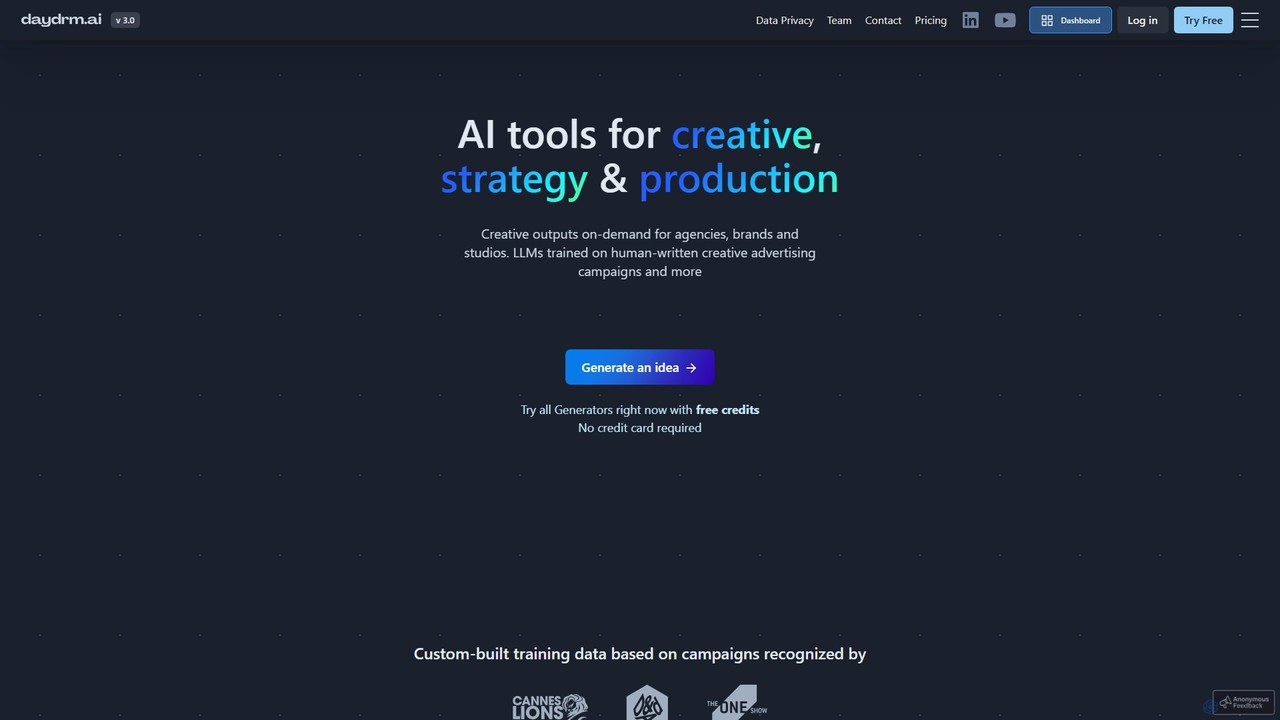
Daydrm.ai is an AI-powered creative suite for advertising and marketing professionals. It generates strategic briefs, creative concepts, brand names, and production assets using an LLM trained on a curated dataset of human-written, award-winning advertising campaigns.
Advertising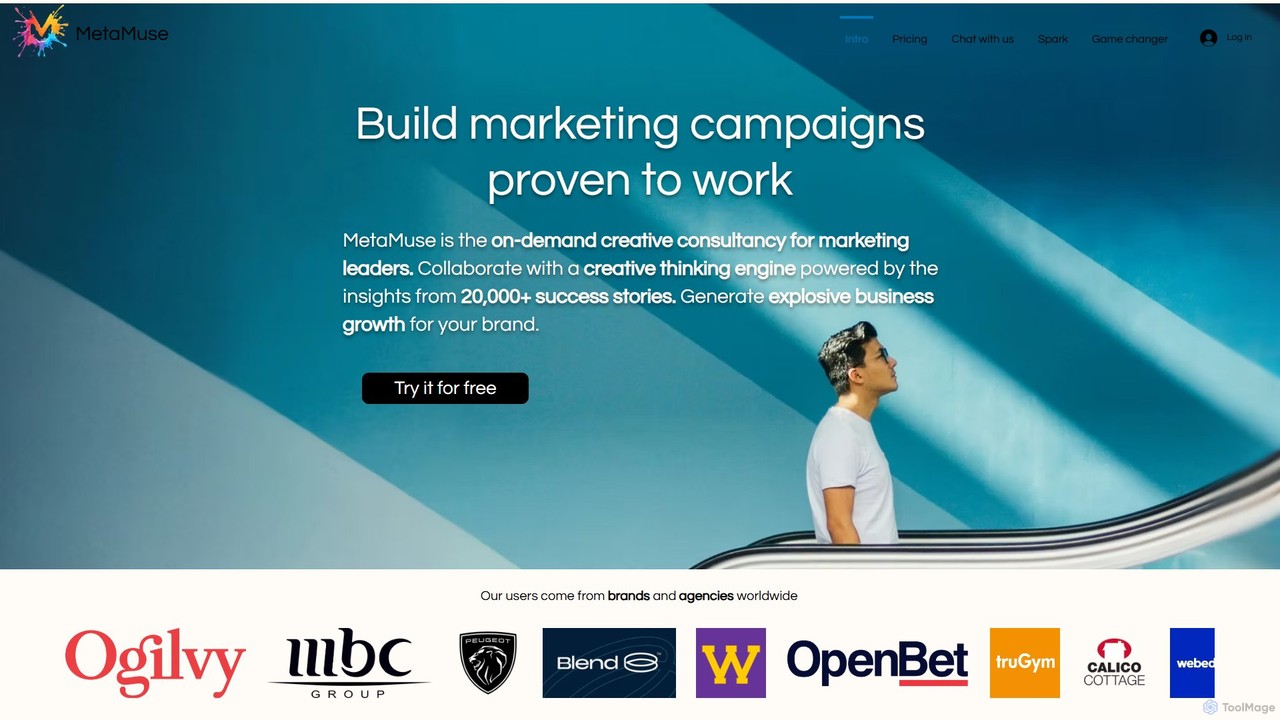
MetaMuse Marketing
MetaMuse is an AI-powered creative consultancy for marketing leaders. Trained on over 20,000 award-winning campaigns, it acts as a strategic thinking partner to help brands generate unique, effective marketing ideas, de-risk investments, and build unforgettable campaigns proven to work, moving beyond generic AI outputs.
Advertising
boundlessai
BoundlessAI is an all-in-one AI-powered platform designed for marketers, creators, and businesses. It integrates content generation, image creation, social media management, and SEO optimization into a single, seamless workflow. Streamline your creative process, maintain brand consistency, and accelerate your marketing efforts with one powerful tool.
Image Generation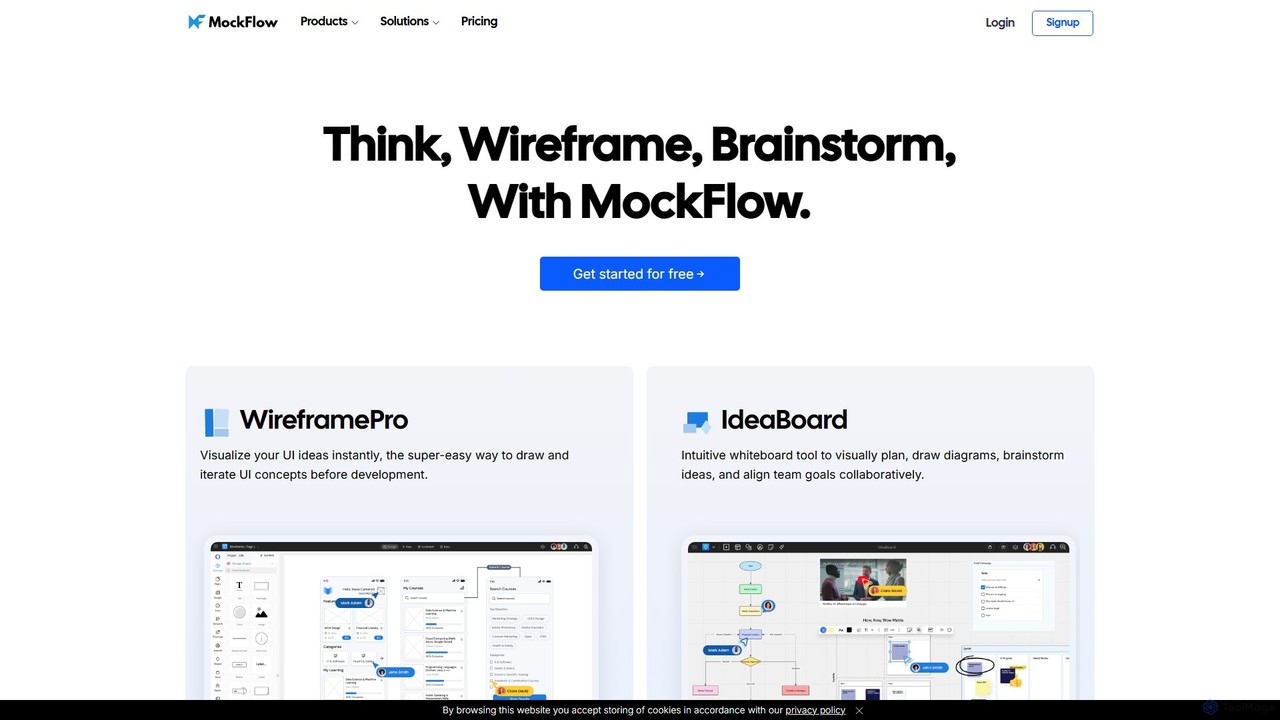
MockFlow
MockFlow is an all-in-one suite for product design, offering tools for wireframing, prototyping, and brainstorming. It leverages AI to accelerate the design process, allowing users to convert text or screenshots into editable wireframes, generate diagrams, and create content automatically. With extensive collaboration features and integrations, it streamlines the entire workflow from initial idea to developer handoff.
Ui Ux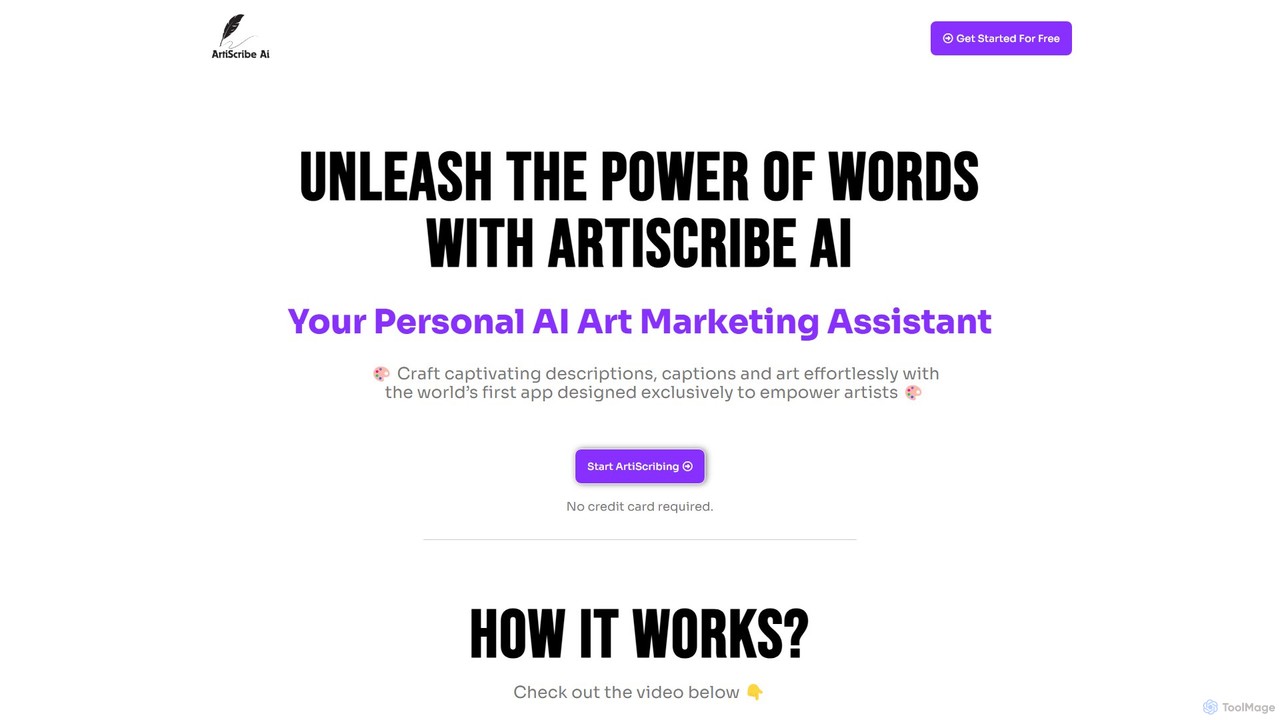
ArtiScribe AI
ArtiScribe AI is a personal AI marketing assistant designed for artists, painters, and photographers. It helps create captivating descriptions, social media captions, email content, and more, streamlining the art marketing process. It also features an AI artwork creator to generate visual inspiration from text.
Image GenerationMagician Categories
Magician Embed Widget
Copy this embed code to place the badge on your blog, article, or product site and send readers directly to this ToolMage detail page.

Related AI tools

UX Pilot
UX Pilot is an AI-powered design platform that accelerates the UX/UI workflow. It enables designers, product teams, and founders to generate high-fidelity designs, wireframes, screen flows, and prototypes from simple text prompts in seconds. With deep Figma integration, it streamlines the entire process from ideation to handoff.
Ui Ux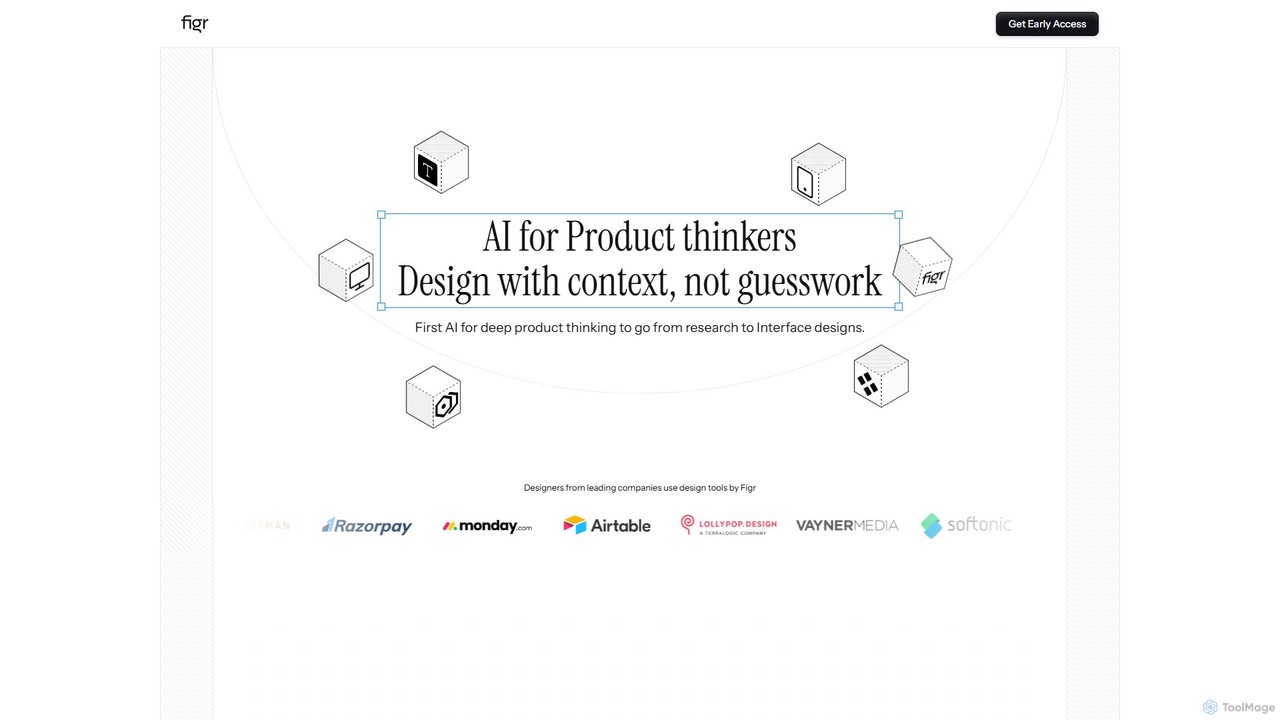
Figr
Figr is an AI-powered design suite that accelerates the product design workflow. It specializes in creating production-grade design systems directly within Figma, automating the generation of design tokens, components, and documentation. It's built for product thinkers, designers, and teams to transform research and context into clear, consistent, and scalable user interfaces with remarkable speed.
Ui Ux
Little Bro
Little Bro is an AI-powered design assistant and user research simulator for Figma. It helps designers think like their users by simulating various user personas and scenarios, providing contextual feedback to catch usability issues, overcome creative blocks, and ship designs with confidence.
User ResearchMockFlow
MockFlow is an all-in-one suite for product design, offering tools for wireframing, prototyping, and brainstorming. It leverages AI to accelerate the design process, allowing users to convert text or screenshots into editable wireframes, generate diagrams, and create content automatically. With extensive collaboration features and integrations, it streamlines the entire workflow from initial idea to developer handoff.
Ui Ux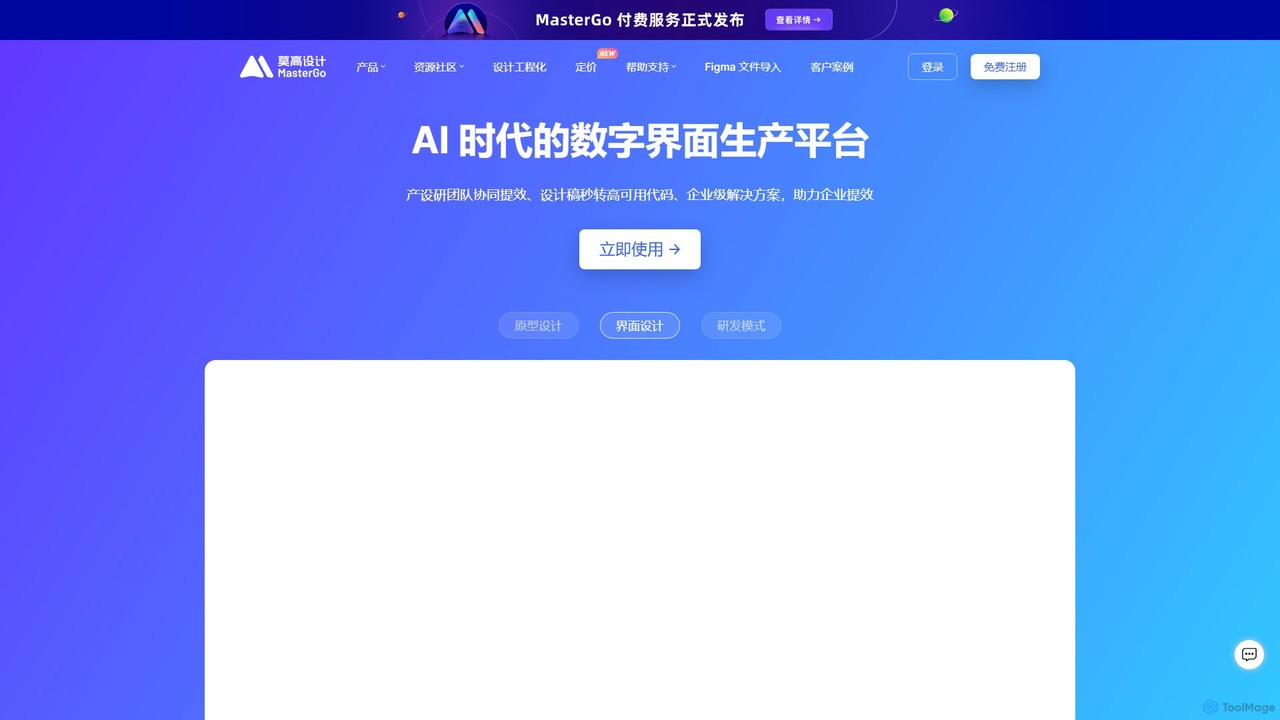
MasterGo
MasterGo is an AI-powered, all-in-one collaborative UI/UX design platform. It streamlines the entire workflow from prototyping and interface design to developer handoff. Built for real-time collaboration, it helps teams create, iterate, and manage digital products efficiently with features like design systems, AI-assisted generation, and enterprise-level security.
Ui Ux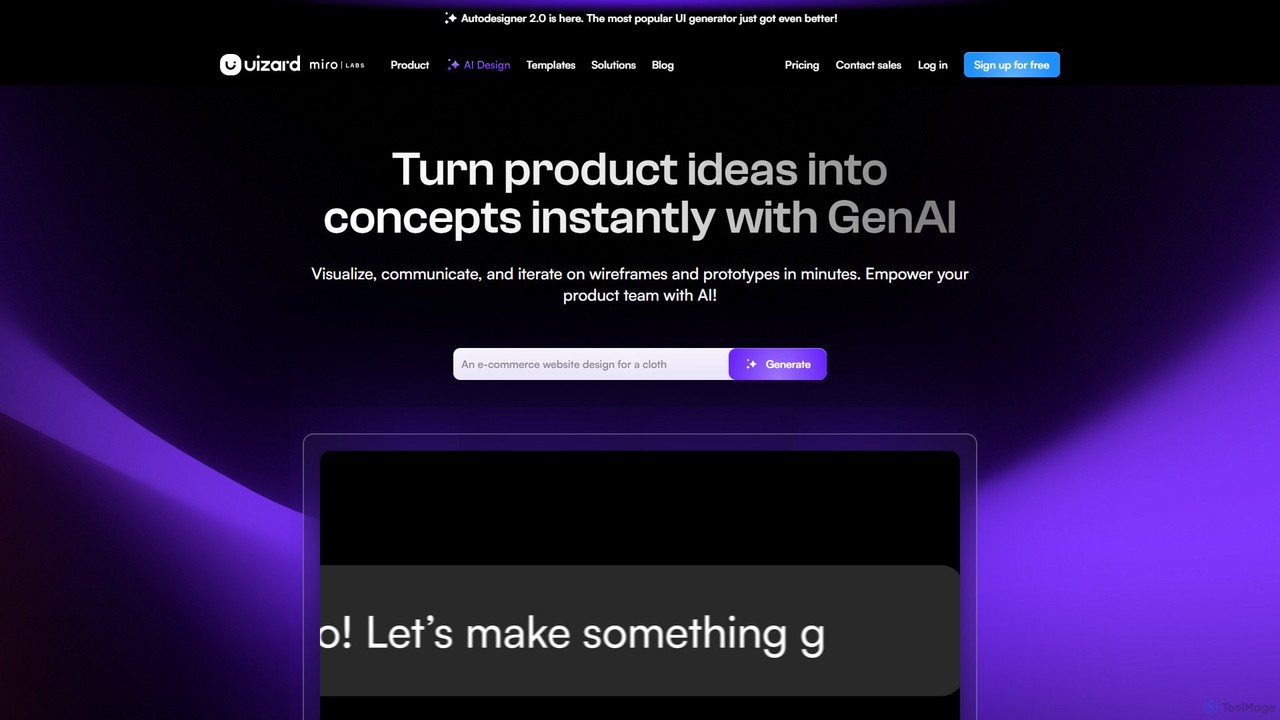
Uizard
Uizard is an AI-powered UI design tool that empowers both designers and non-designers to create stunning websites, web apps, and mobile app mockups in minutes. Transform text prompts, hand-drawn sketches, or screenshots into editable, interactive prototypes. It's designed for rapid ideation, real-time collaboration, and streamlining the entire product design workflow from concept to handoff.
Ui Ux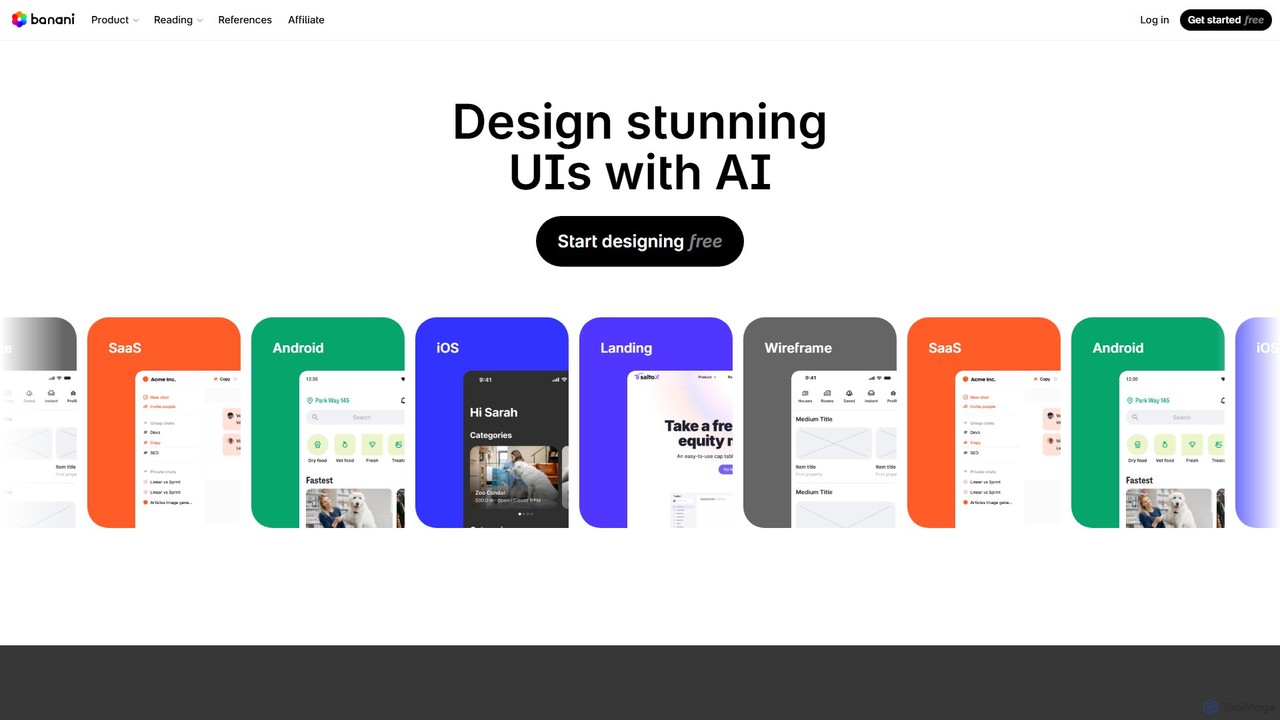
Banani
Banani is an AI-powered UI design copilot that transforms text prompts into stunning, interactive user interfaces and prototypes. It's designed for rapid ideation and visualization, enabling product managers, founders, and designers to create beautiful, user-friendly designs in seconds, even without prior design skills.
Ui Design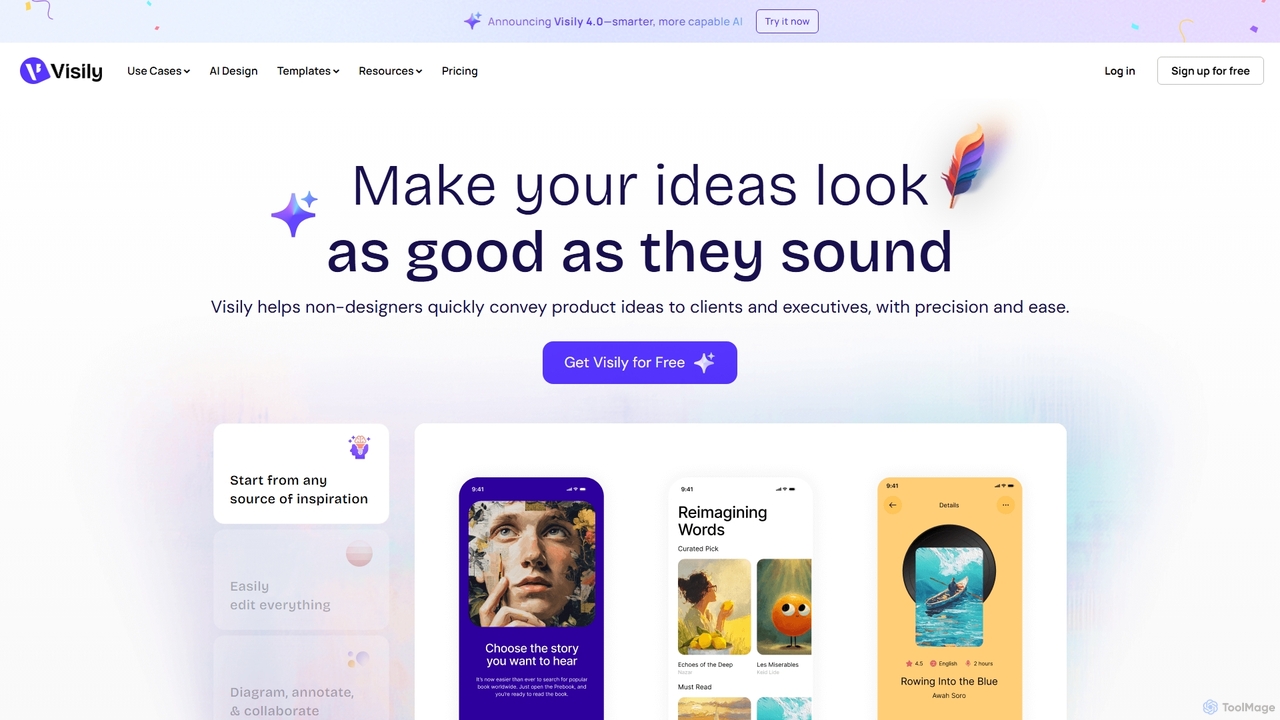
Visily
Visily is an AI-powered UI design and prototyping tool specifically created for non-designers. It enables teams to quickly transform ideas, screenshots, or text prompts into high-fidelity wireframes and mockups. With its intuitive interface and powerful collaboration features, Visily streamlines the process of visualizing product concepts and gathering feedback, bridging the gap between ideas and execution without a steep learning curve.
Ui Ux
Flowmapp
Flowmapp is an all-in-one UX planning tool designed for freelancers, agencies, and product teams. It streamlines website and app development by integrating AI-powered sitemap and wireframe generation, user flow diagrams, content planning, and collaborative project management into a single platform. Create high-converting project proposals and accelerate your design workflow.
Ux Design
Creatie
Creatie is an intuitive, AI-powered product design and collaboration platform. It enables teams to move from wireframes to high-fidelity mockups, interactive prototypes, and developer handoff seamlessly. Featuring AI tools like a mockup wizard, icon generator, and image enhancer, it's designed to accelerate the UI/UX workflow for designers, product managers, and developers.
Icon Generation
sketchgpt.xyz
sketchgpt.xyz is an AI-powered tool that transforms hand-drawn sketches into functional HTML and CSS code in real-time. Simply draw your website or app layout on a digital whiteboard, and watch as the AI instantly generates a live, interactive web prototype. It's designed to accelerate the prototyping and development process for designers, developers, and product teams.
Ui Ux
Galileo AI
Galileo AI is a pioneering AI-powered UI design generator that transforms simple text prompts into beautiful, functional interface designs. Acquired by Google, it has now evolved into 'Stitch', a more powerful tool integrated with Google's Gemini models, making advanced design accessible to everyone for free.
Ui Ux Design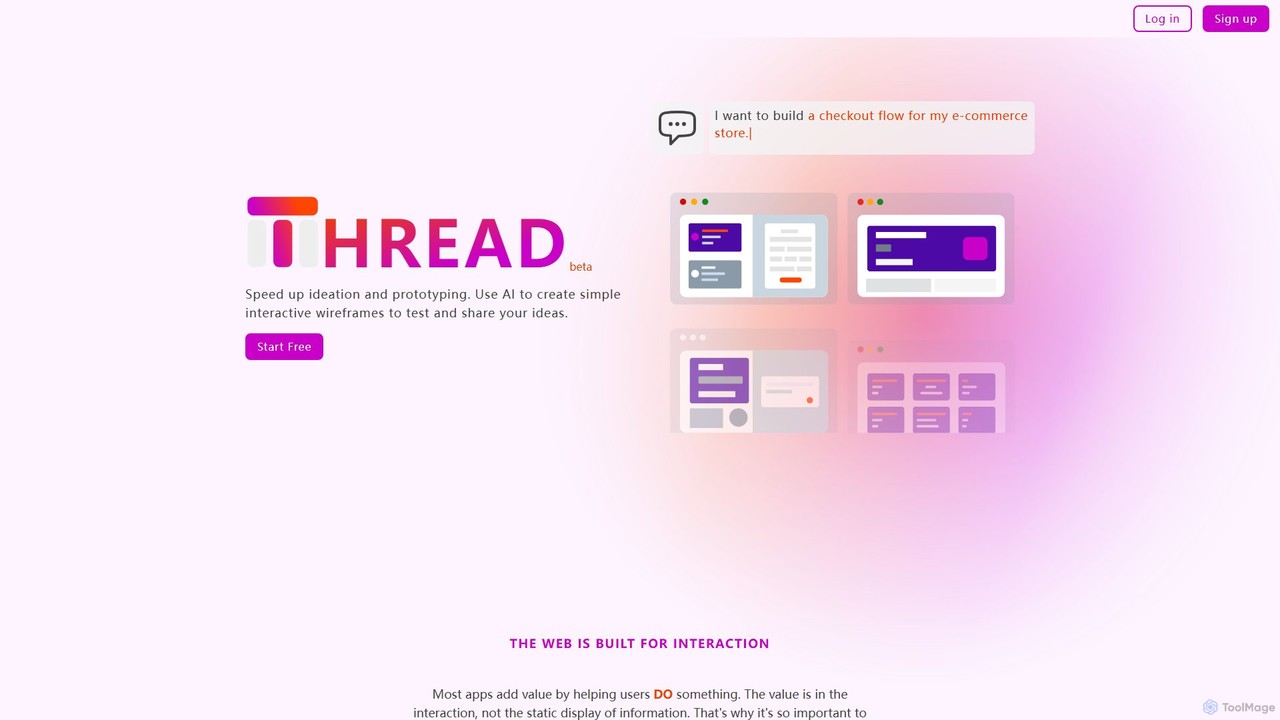
Thread App
Thread App is an AI-powered tool that instantly creates simple, interactive wireframes from text descriptions. It's designed to accelerate ideation and prototyping for designers, developers, and product managers, allowing them to test and share app ideas quickly without complex design software.
Prototyping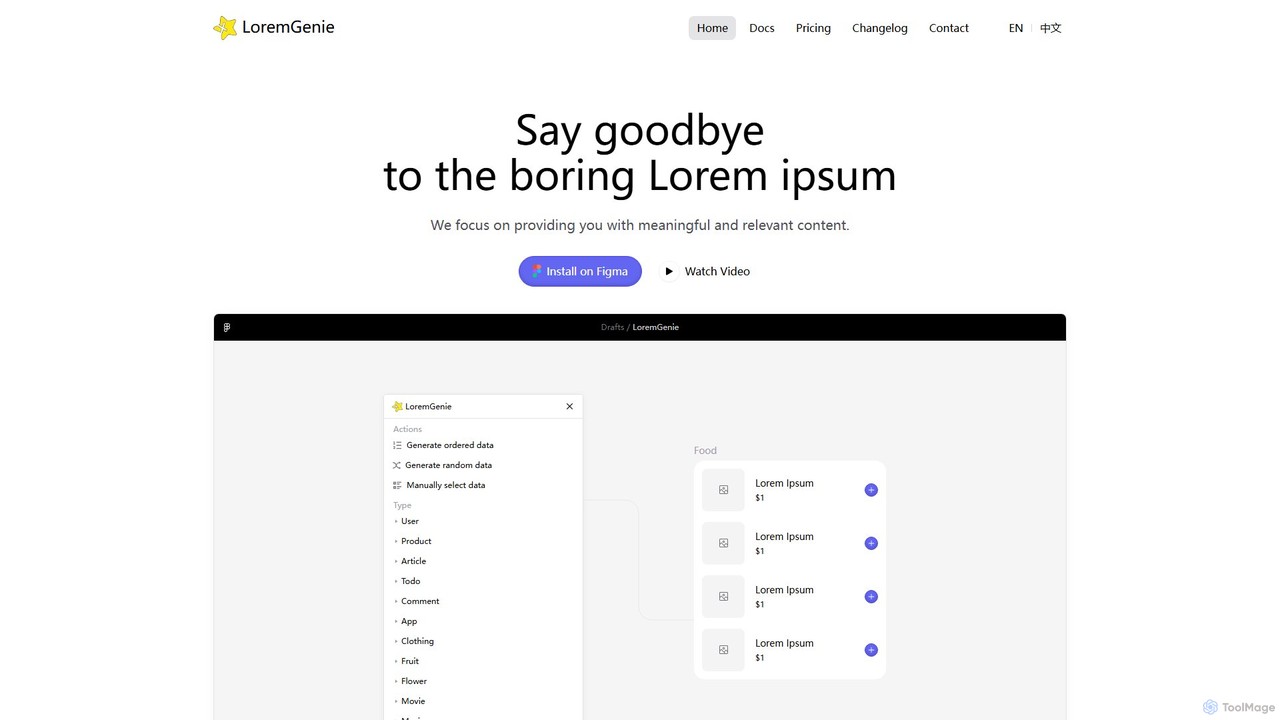
LoremGenie
LoremGenie is an advanced Figma plugin that replaces generic 'Lorem ipsum' with meaningful, realistic, and AI-generated data. It offers over 22 content categories, including user profiles, products, and articles, to help designers create highly realistic and context-aware mockups, significantly speeding up the design workflow.
Ui Ux
usersketch
usersketch is an AI-powered platform designed to accelerate the UX/UI design process. It enables users to instantly generate wireframes, user flows, sitemaps, and personas from simple text descriptions. Ideal for product managers, designers, and developers, it streamlines ideation, prototyping, and collaboration, turning concepts into visual designs in minutes.
Ux Design
Magician Comments (0)
Sign in to comment.
Sign inNo comments yet.