
UX Pilot Overview
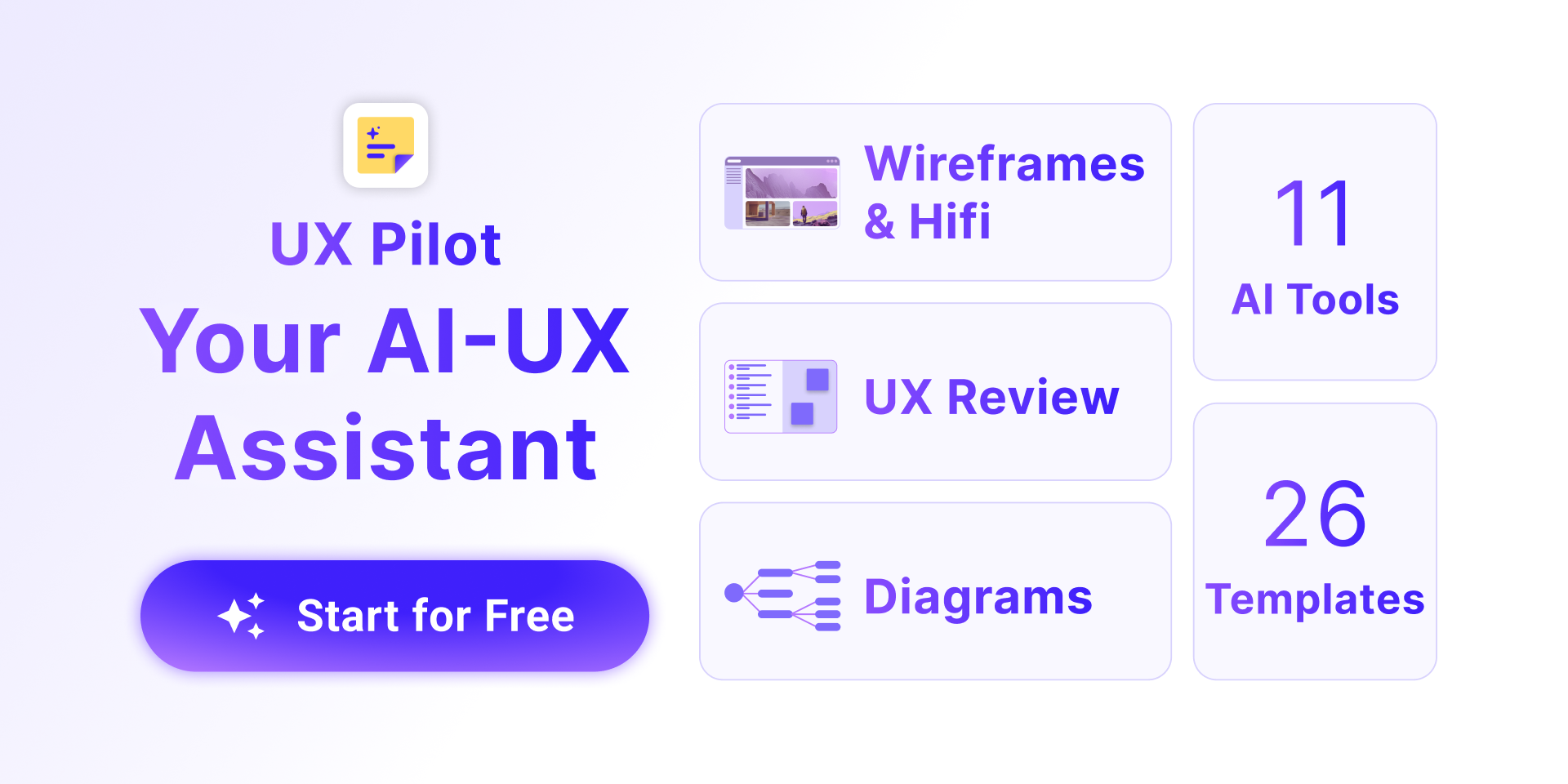
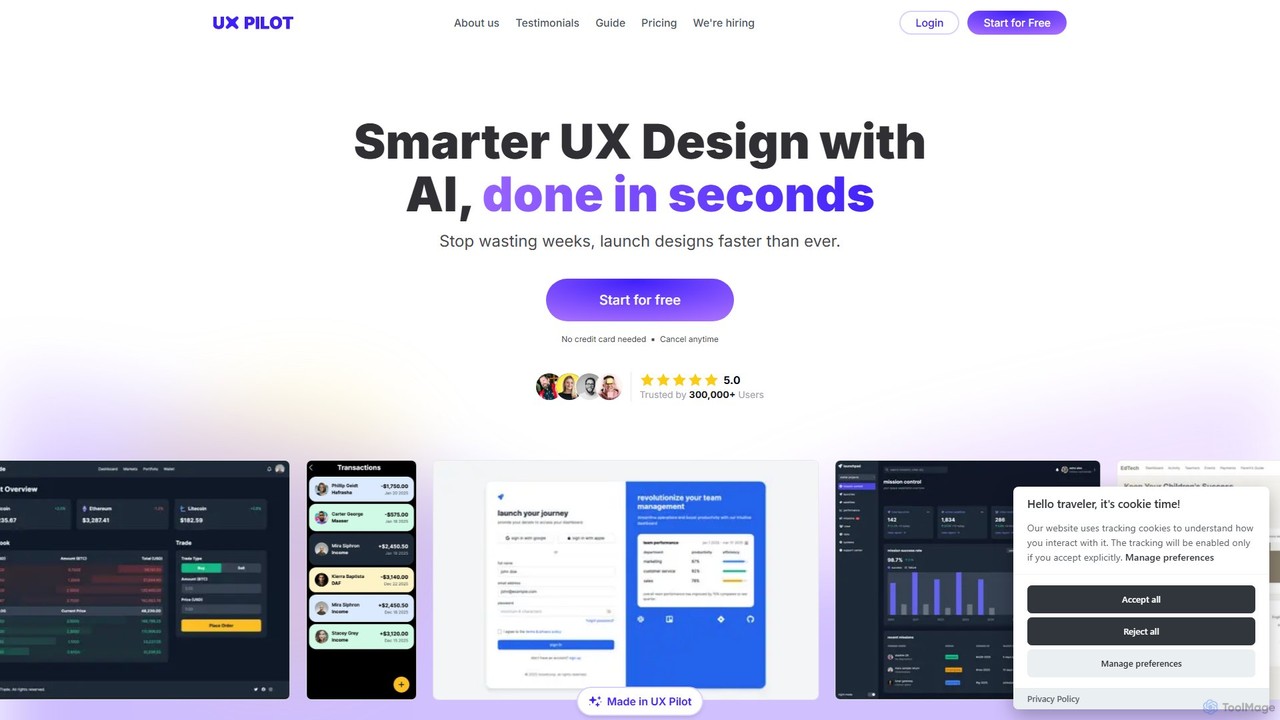
UX Pilot is a cutting-edge, AI-driven platform designed to revolutionize the user experience (UX) and user interface (UI) design process. Born from the expertise of the Adam Fard Studio, its mission is to bridge the gap between UX theory and practical application, empowering creators to build exceptional digital products faster than ever. Trusted by over 300,000 users, UX Pilot integrates seamlessly into your workflow, particularly with Figma, to transform ideas into pixel-perfect, high-fidelity designs in mere seconds.
The platform is built for a wide range of professionals, including UX specialists, product managers, developers, and founders. It acts as an intelligent assistant throughout the entire product development lifecycle. From initial research and ideation to detailed design and developer handoff, UX Pilot provides a suite of tools to enhance creativity, boost productivity by up to 4x, and foster better collaboration between cross-functional teams. It eliminates repetitive tasks, allowing designers to focus on strategic problem-solving and innovation.
How to use UX Pilot
Getting started with UX Pilot is a straightforward process designed for maximum efficiency. Here’s a typical workflow:
- Sign Up: Create a free account on the UX Pilot website using a Google account or email. New users receive complimentary credits to explore the platform's core features.
- Choose Your Tool: You can work directly on the UX Pilot web app or, for a more integrated experience, install the UX Pilot plugin from the Figma community.
- Write a Prompt: Describe the screen or component you want to create using natural language. You can start with a simple prompt like "A landing page for a job search platform" or provide detailed requirements, including UI components, color schemes, and fonts.
- Generate Designs: Click 'Generate' and let the AI create wireframes or high-fidelity designs in seconds. The platform can generate single screens, individual components, or entire multi-screen user flows (Autoflow).
- Iterate and Refine: Use the AI-powered chat interface to edit your designs. You can modify the entire screen or use the 'Edit Section' feature to make targeted changes to specific areas without regenerating everything.
- Use Custom Assets: While direct uploads are not supported, you can easily incorporate your own logos or assets. Upload the image to a service like PostImages, copy the direct link, and paste it into the prompt context, describing what it is.
- Handoff: Once the design is finalized, UX Pilot can generate implementation-ready source code, streamlining the handoff process to developers.
Core Features of UX Pilot
- AI Hifi Designer: Instantly generates high-fidelity, pixel-perfect UI designs from text prompts.
- AI Wireframer: Quickly creates flexible wireframes for both desktop and mobile to explore various UX concepts.
- Figma & Figjam Integration: A powerful plugin that brings AI generation directly into your Figma and Figjam workflow, allowing you to create designs, diagrams, and sitemaps seamlessly.
- Chat with Designs: An intuitive chat interface to iterate on and refine generated screens with simple text commands.
- Screen Flow Generation: Create entire user journeys and screen sequences based on your design requirements, either manually defined or automatically with Autoflow.
- UX Research & Ideation Tools: Generate context-aware interview questions for users and stakeholders, and use tried-and-tested UX frameworks to kickstart your process.
- Reference-Based Creation: Import design inspirations to guide the AI in producing interfaces that match a desired aesthetic, including smart color palette extraction.
- Source Code Handoff: Bridge the gap between design and development by generating ready-to-use source code for your screens.
Use Cases for UX Pilot
UX Pilot is versatile and can be applied in numerous scenarios:
- Rapid Prototyping: Startups and product teams can visualize and test new app ideas in a fraction of the time.
- Concept Exploration: UX designers can generate dozens of design variations for a single feature to conduct A/B testing or present multiple options to stakeholders.
- Pitch Decks & Presentations: Founders and managers can create professional-looking mockups to secure funding or gain project approval.
- Design System Adherence: Teams can generate designs that seamlessly adapt to various design systems.
- Accelerating Development: Frontend developers can use the generated source code to speed up the implementation process.
- UX Research: Researchers can quickly generate structured interview guides to uncover deep user insights.
Advantages of UX Pilot
Choosing UX Pilot provides a significant competitive edge:
- Unmatched Speed: Reduces the design timeline from weeks to minutes, saving an average of 15 hours per project.
- Creative Freedom & Flexibility: Unlike rigid templates, the AI follows your precise requirements and allows for unlimited design variations and easy experimentation.
- Enhanced Collaboration: Serves as a common language for designers, developers, and product managers, making the design process more inclusive.
- Cost-Effective: By automating repetitive tasks and speeding up the workflow, it significantly reduces project costs.
- Expertise-Driven: Built on decades of combined UX and product development experience, ensuring high-quality, practical outputs.
Pricing and Plans
UX Pilot operates on a freemium model, making it accessible to everyone.
- Free Plan: Users can sign up for free and receive a set of complimentary credits. This allows you to test the AI models and generate a limited number of wireframes and designs at no cost.
- Paid Plan (Unlimited): For full access to all features, including the high-fidelity UI generator and unlimited generations, users can upgrade to the paid plan. The plan is offered at a competitive monthly price (e.g., starting around $6/month, as mentioned in guides), providing an affordable solution for professionals and teams.
For the most current and detailed pricing information, please visit the official UX Pilot website.
Traffic
Latest traffic
Status
Monthly traffic trend
- 2025-9: 734.6K
- 2026-1: 707.3K
- 2026-2: 760.8K
- 2026-3: 776.7K
- 2026-4: 699.1K
- 2026-5: 728.1K
Geography
Top 5 countries / regions
- 🇮🇳India41.0%
- 🇺🇸United States33.4%
- 🇧🇷Brazil9.2%
- 🇮🇩Indonesia8.6%
- 🇫🇷France7.8%
Traffic sources
| Source type | Percentage |
|---|---|
Direct | 80.8% |
Referral | 15.8% |
Email | 3.5% |
Top keywords
| Keyword | Cost per click |
|---|---|
| figma | $0.78 |
| figma ai | $1.76 |
| google stitch | $1.11 |
| ux pilot | $0.80 |
| uxpilot | $0.12 |
UX Pilot Videos on YouTube


DesignWithArash

Era of AI with Rash
sinclair thompson

Edward Chechique

AI Tooltip

Nathan Sebhastian
UX Pilot Alternatives
Visily
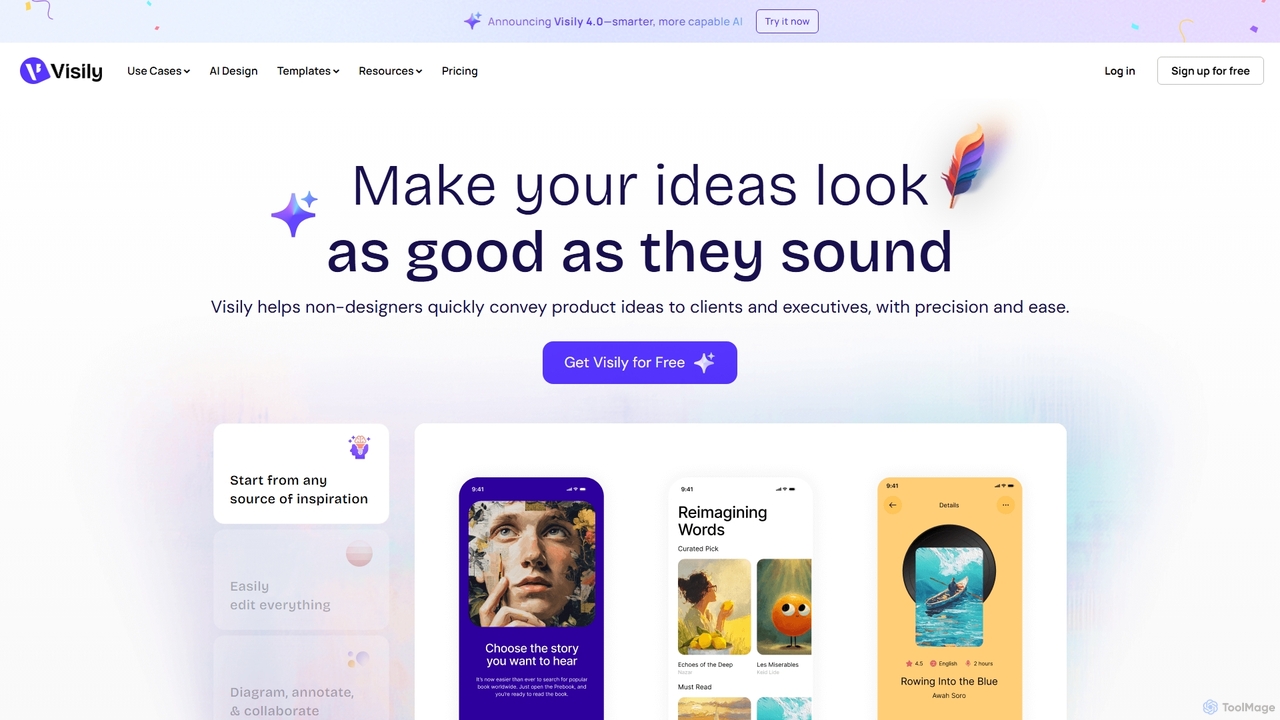
Visily is an AI-powered UI design and prototyping tool specifically created for non-designers. It enables teams to quickly transform ideas, screenshots, or text prompts into high-fidelity wireframes and mockups. With its intuitive interface and powerful collaboration features, Visily streamlines the process of visualizing product concepts and gathering feedback, bridging the gap between ideas and execution without a steep learning curve.
Ui Ux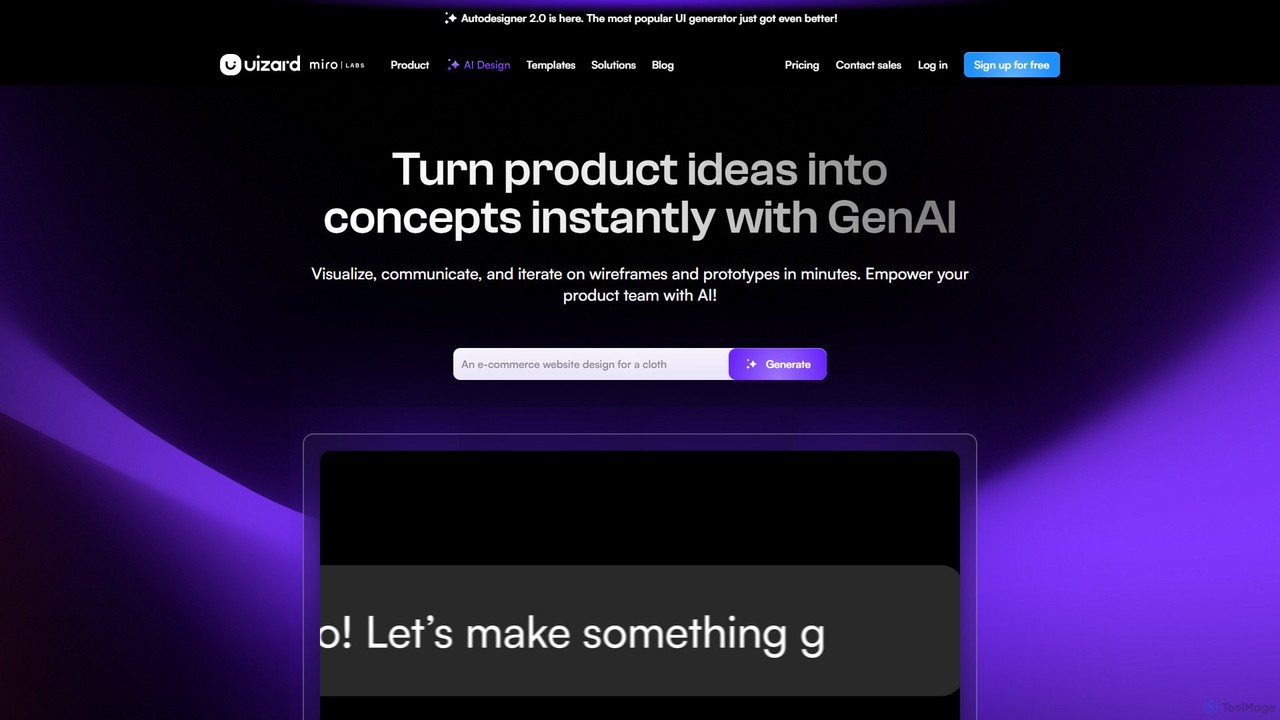
Uizard
Uizard is an AI-powered UI design tool that empowers both designers and non-designers to create stunning websites, web apps, and mobile app mockups in minutes. Transform text prompts, hand-drawn sketches, or screenshots into editable, interactive prototypes. It's designed for rapid ideation, real-time collaboration, and streamlining the entire product design workflow from concept to handoff.
Ui Ux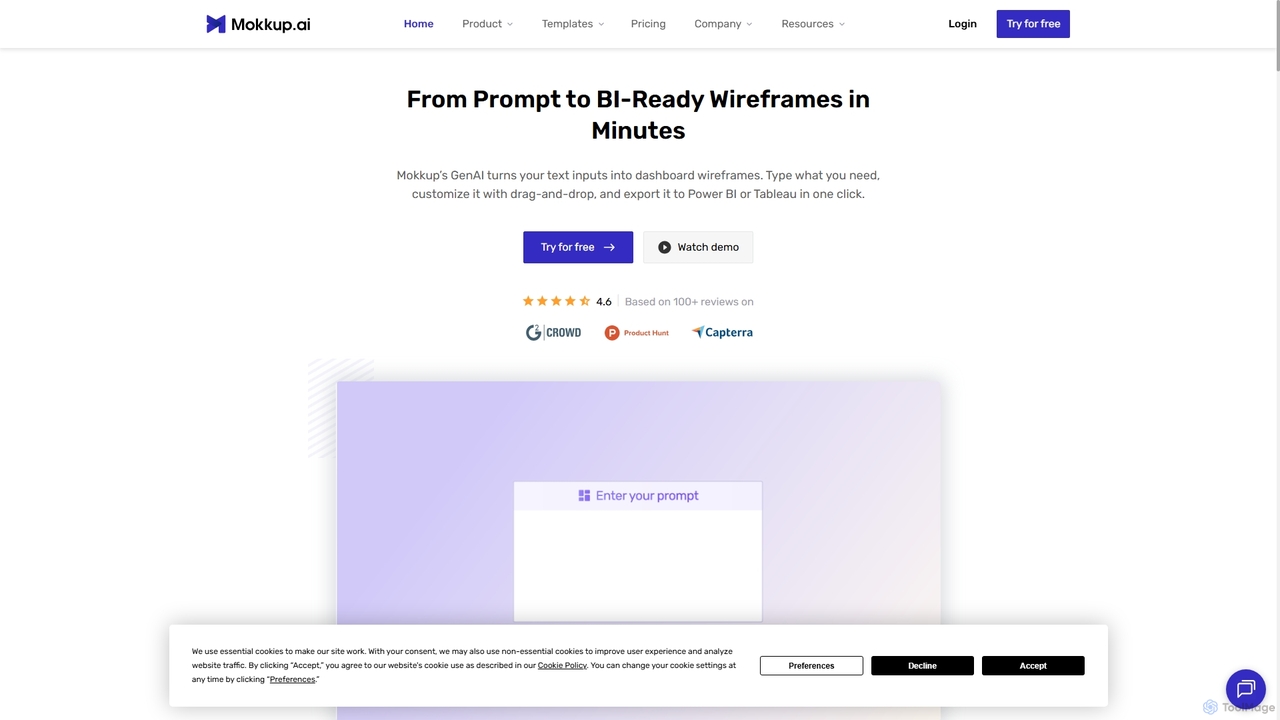
Mokkup
Mokkup is an AI-powered dashboard wireframing tool that transforms text prompts into high-fidelity, BI-ready mockups in minutes. Designed for data analysts and BI developers, it simplifies the design process with a drag-and-drop editor, real-time collaboration, and one-click export to Power BI and Tableau, accelerating the entire business intelligence workflow.
Visualization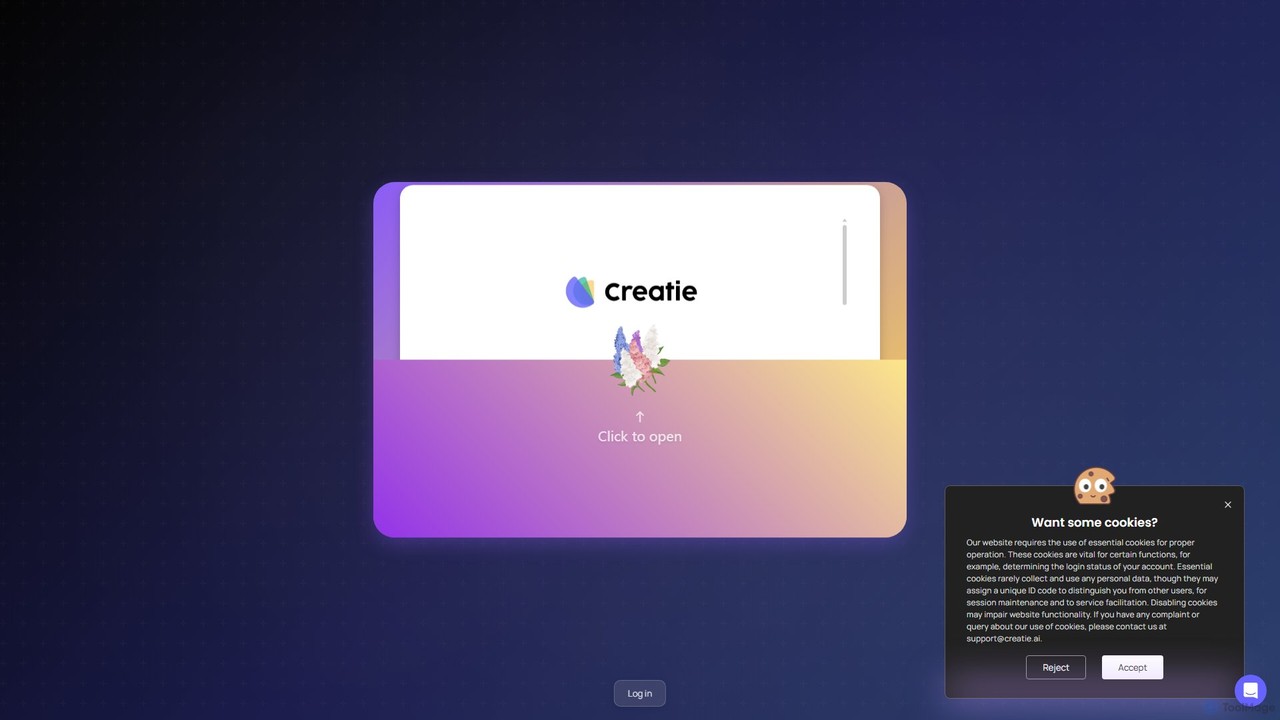
Creatie
Creatie is an intuitive, AI-powered product design and collaboration platform. It enables teams to move from wireframes to high-fidelity mockups, interactive prototypes, and developer handoff seamlessly. Featuring AI tools like a mockup wizard, icon generator, and image enhancer, it's designed to accelerate the UI/UX workflow for designers, product managers, and developers.
Icon Generation
sketchgpt.xyz
sketchgpt.xyz is an AI-powered tool that transforms hand-drawn sketches into functional HTML and CSS code in real-time. Simply draw your website or app layout on a digital whiteboard, and watch as the AI instantly generates a live, interactive web prototype. It's designed to accelerate the prototyping and development process for designers, developers, and product teams.
Ui UxUX Pilot Categories
UX Pilot Embed Widget
Copy this embed code to place the badge on your blog, article, or product site and send readers directly to this ToolMage detail page.

Related AI tools
Visily
Visily is an AI-powered UI design and prototyping tool specifically created for non-designers. It enables teams to quickly transform ideas, screenshots, or text prompts into high-fidelity wireframes and mockups. With its intuitive interface and powerful collaboration features, Visily streamlines the process of visualizing product concepts and gathering feedback, bridging the gap between ideas and execution without a steep learning curve.
Ui Ux
Uizard
Uizard is an AI-powered UI design tool that empowers both designers and non-designers to create stunning websites, web apps, and mobile app mockups in minutes. Transform text prompts, hand-drawn sketches, or screenshots into editable, interactive prototypes. It's designed for rapid ideation, real-time collaboration, and streamlining the entire product design workflow from concept to handoff.
Ui Ux
App Alchemy
App Alchemy is an AI-powered design tool that generates beautiful, professional mobile app mockups in seconds. Simply describe your app idea, use a template, or upload screenshots, and the AI will instantly create UI designs. It's designed for developers, entrepreneurs, and designers to rapidly visualize, iterate, and export app concepts without needing complex design skills or expensive software.
Ui Ux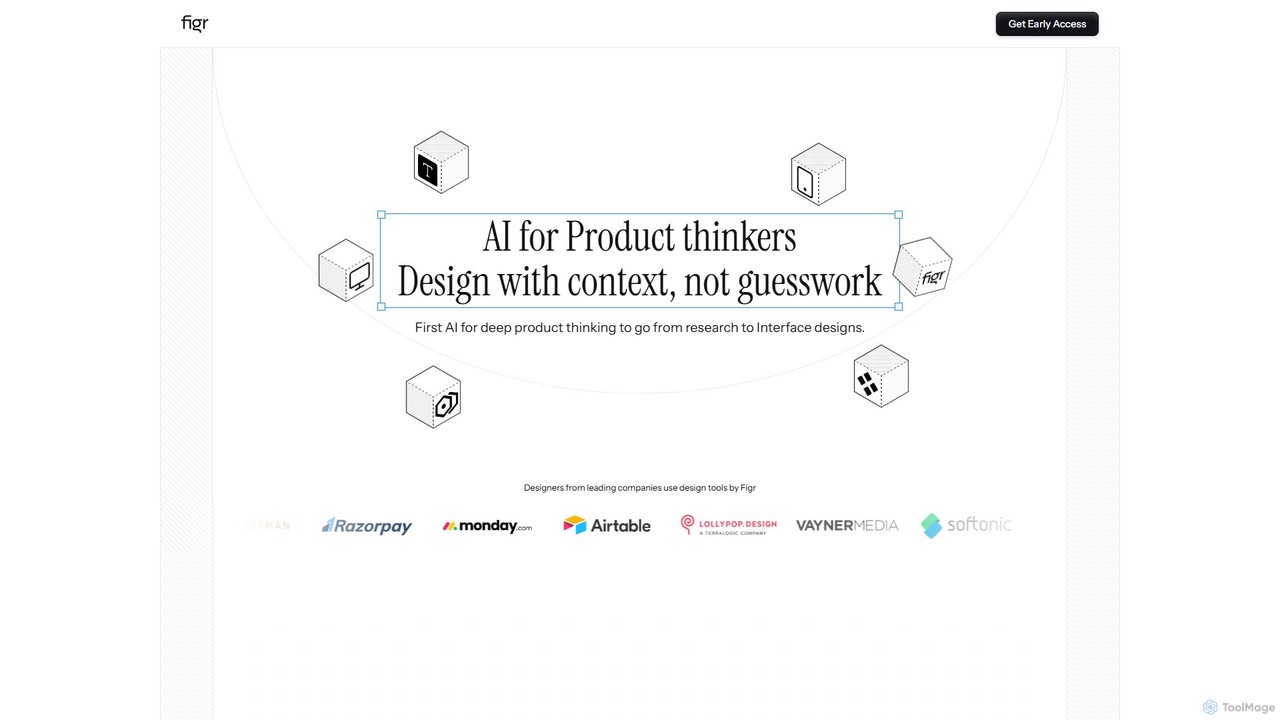
Figr
Figr is an AI-powered design suite that accelerates the product design workflow. It specializes in creating production-grade design systems directly within Figma, automating the generation of design tokens, components, and documentation. It's built for product thinkers, designers, and teams to transform research and context into clear, consistent, and scalable user interfaces with remarkable speed.
Ui Ux
Figr AI
Figr AI is an AI-powered design platform that transforms text prompts into high-fidelity UI/UX designs, diagrams, and prototypes. It streamlines the creative process, enabling designers, developers, and product managers to rapidly visualize ideas, generate components, and build complete user flows. By automating repetitive tasks, Figr AI accelerates product development, enhances collaboration, and makes professional design accessible to everyone on the team.
Ui Ux
Little Bro
Little Bro is an AI-powered design assistant and user research simulator for Figma. It helps designers think like their users by simulating various user personas and scenarios, providing contextual feedback to catch usability issues, overcome creative blocks, and ship designs with confidence.
User ResearchMokkup
Mokkup is an AI-powered dashboard wireframing tool that transforms text prompts into high-fidelity, BI-ready mockups in minutes. Designed for data analysts and BI developers, it simplifies the design process with a drag-and-drop editor, real-time collaboration, and one-click export to Power BI and Tableau, accelerating the entire business intelligence workflow.
VisualizationCreatie
Creatie is an intuitive, AI-powered product design and collaboration platform. It enables teams to move from wireframes to high-fidelity mockups, interactive prototypes, and developer handoff seamlessly. Featuring AI tools like a mockup wizard, icon generator, and image enhancer, it's designed to accelerate the UI/UX workflow for designers, product managers, and developers.
Icon Generationsketchgpt.xyz
sketchgpt.xyz is an AI-powered tool that transforms hand-drawn sketches into functional HTML and CSS code in real-time. Simply draw your website or app layout on a digital whiteboard, and watch as the AI instantly generates a live, interactive web prototype. It's designed to accelerate the prototyping and development process for designers, developers, and product teams.
Ui Ux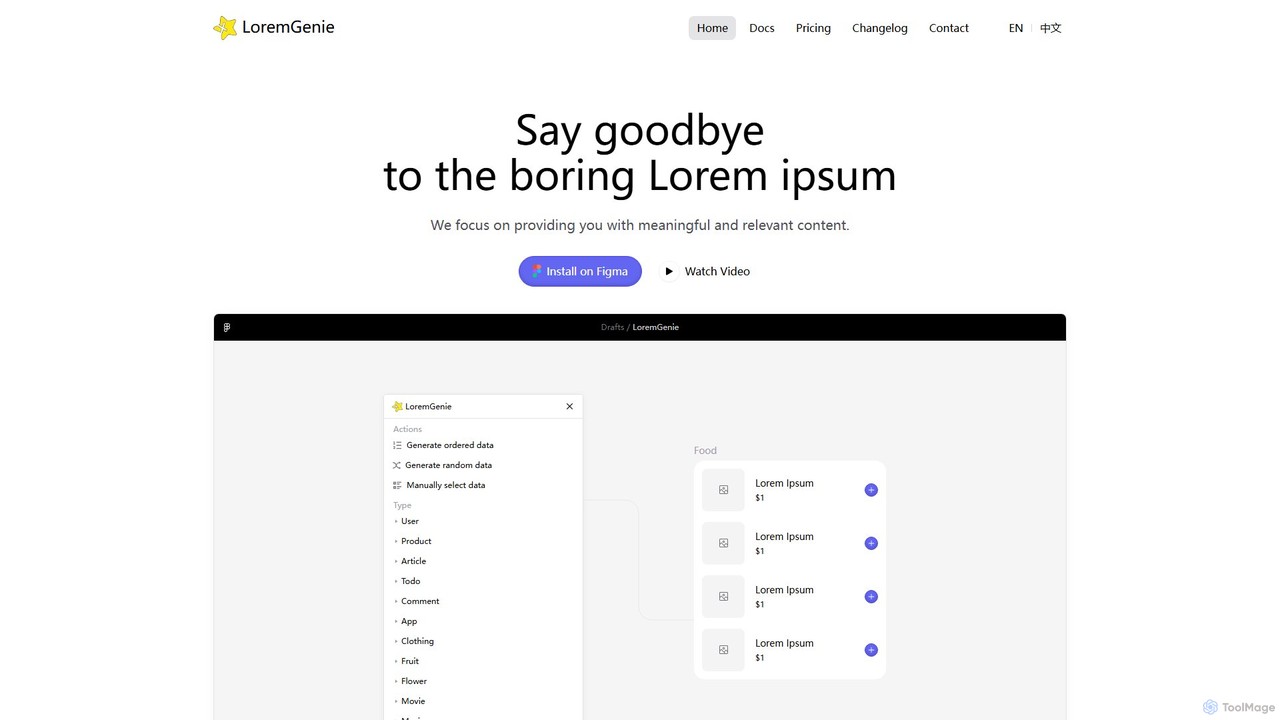
LoremGenie
LoremGenie is an advanced Figma plugin that replaces generic 'Lorem ipsum' with meaningful, realistic, and AI-generated data. It offers over 22 content categories, including user profiles, products, and articles, to help designers create highly realistic and context-aware mockups, significantly speeding up the design workflow.
Ui Ux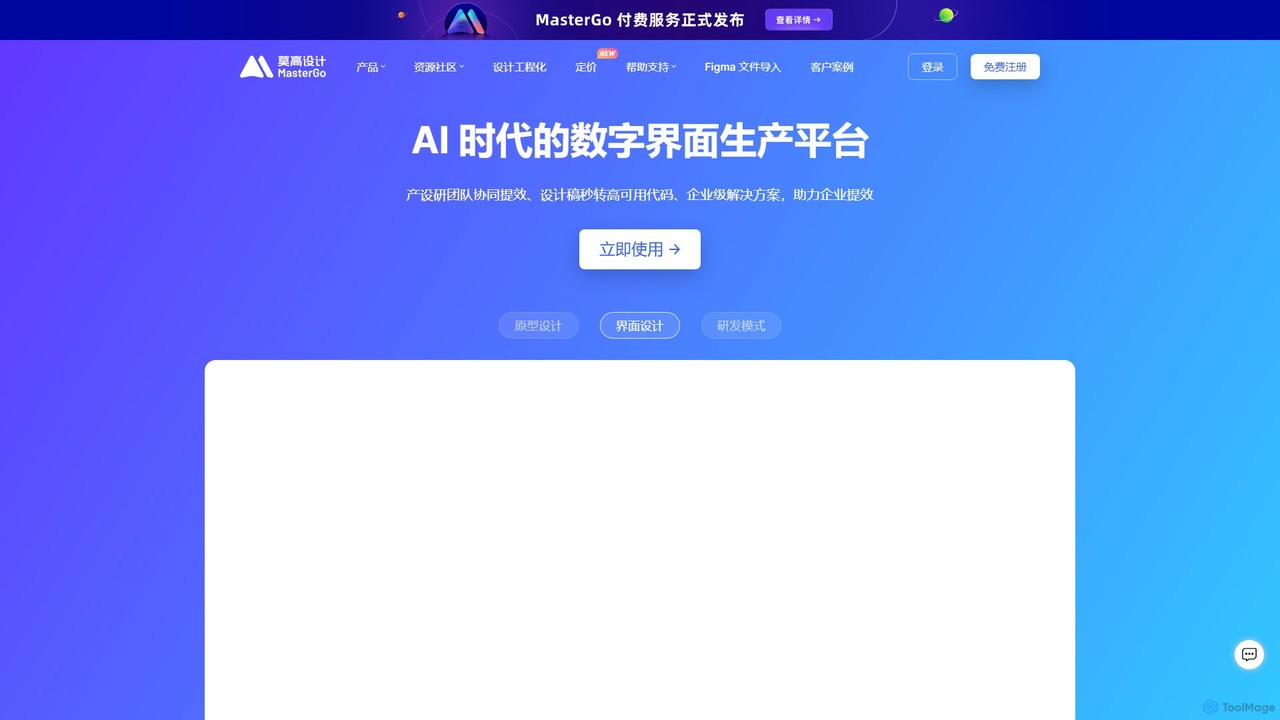
MasterGo
MasterGo is an AI-powered, all-in-one collaborative UI/UX design platform. It streamlines the entire workflow from prototyping and interface design to developer handoff. Built for real-time collaboration, it helps teams create, iterate, and manage digital products efficiently with features like design systems, AI-assisted generation, and enterprise-level security.
Ui Ux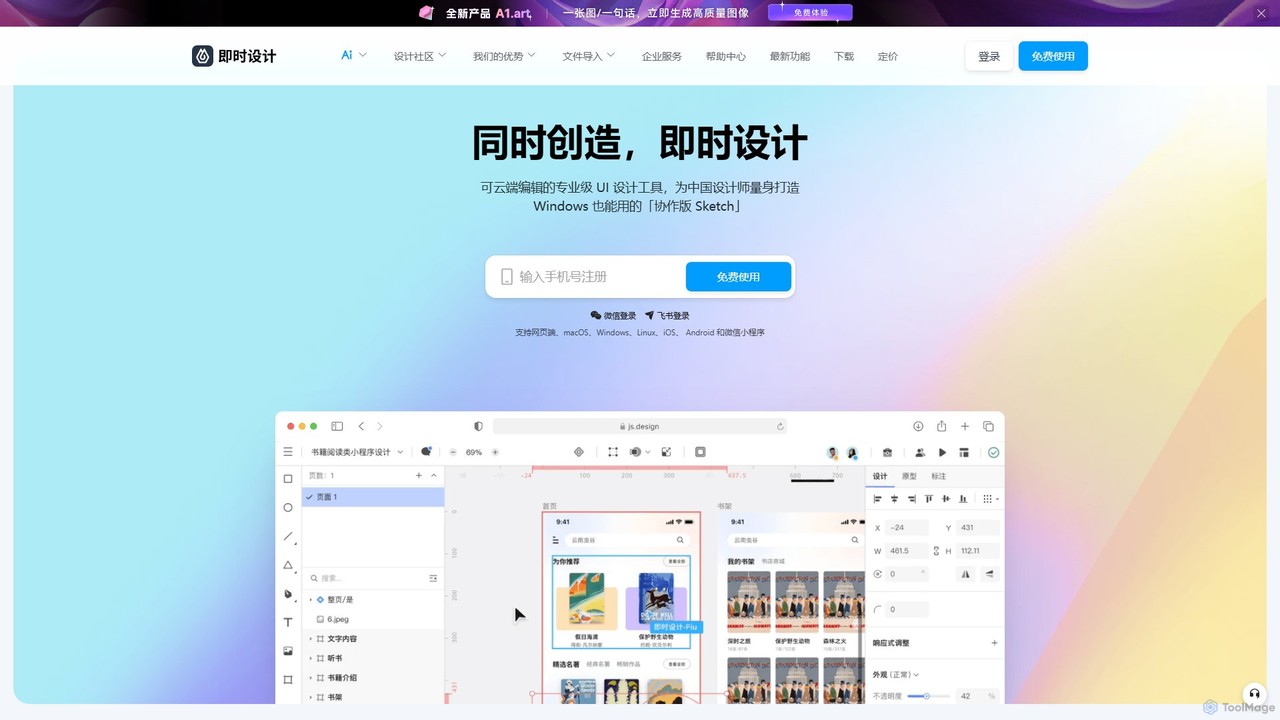
JsDesign
JsDesign is a professional, cloud-based UI/UX design tool that enables real-time collaboration. It offers a cross-platform experience with powerful AI features to accelerate the design workflow, from ideation and prototyping to developer handoff. It's positioned as a strong alternative to Figma and Sketch.
Ai Design Assistant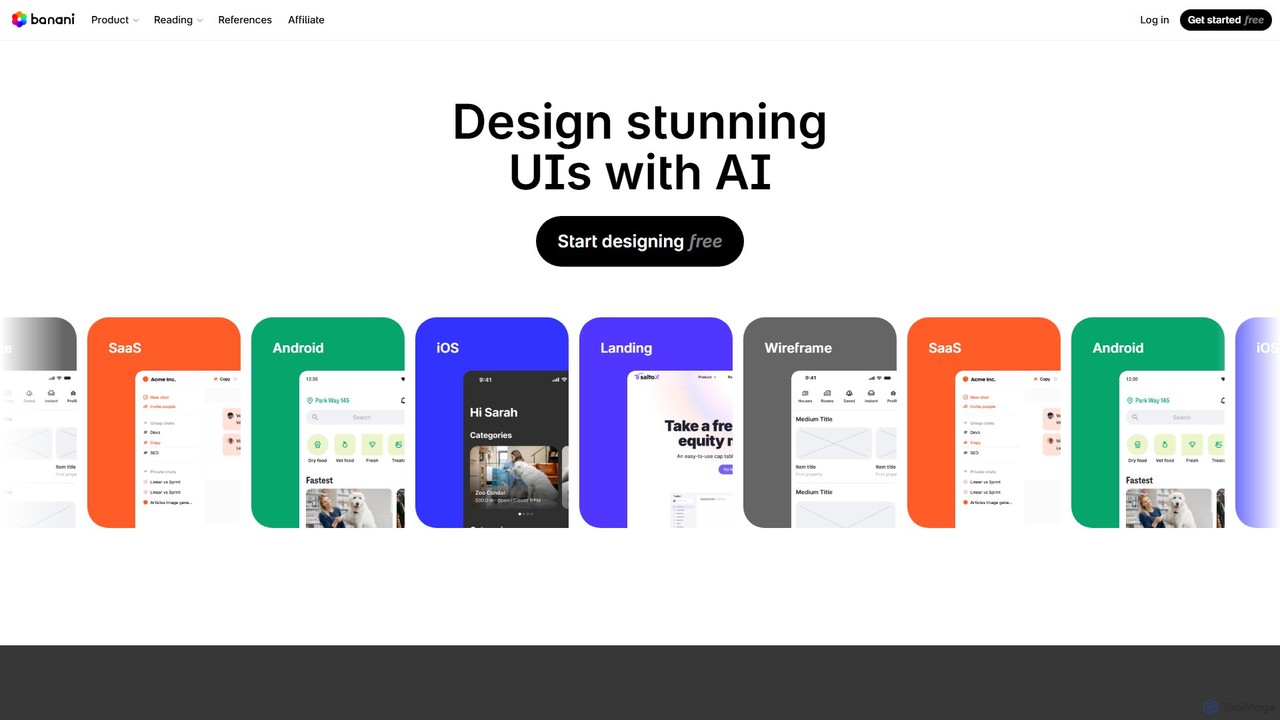
Banani
Banani is an AI-powered UI design copilot that transforms text prompts into stunning, interactive user interfaces and prototypes. It's designed for rapid ideation and visualization, enabling product managers, founders, and designers to create beautiful, user-friendly designs in seconds, even without prior design skills.
Ui Design
Jyek
Jyek is an AI agent platform that understands objectives, creates execution plans, uses tools, and delivers verifiable results for complex, multi-step tasks.
Automation
UX Pilot Comments (0)
Sign in to comment.
Sign inNo comments yet.