


Figr AI Overview
Figr AI is a cutting-edge design tool that leverages the power of artificial intelligence to revolutionize the way digital products are created. It serves as an intelligent assistant for UI/UX designers, product managers, developers, and founders, allowing them to convert simple text descriptions into complex, visually appealing designs in a matter of seconds. Whether you're wireframing a new app, creating a detailed user flow, or generating a complete design system, Figr AI provides the speed and efficiency needed in today's fast-paced development cycles. The platform is designed to be intuitive, bridging the gap between imagination and execution by interpreting natural language to produce pixel-perfect mockups and functional prototypes.
How to use Figr AI
Using Figr AI is a straightforward process designed for maximum efficiency. Here’s a typical workflow:
- Sign Up & Project Setup: Create an account on the Figr AI web application and start a new project. You can define initial parameters like target device (web, iOS, Android) and brand colors.
- Describe Your Vision: In the main editor, use the prompt bar to describe the screen or component you want to create. Be as specific as possible, e.g., "Create a login screen for a minimalist fintech app with a logo, email and password fields, a 'Sign In' button, and a 'Forgot Password' link."
- Generate & Iterate: The AI will generate a design based on your prompt. You can then refine it with further commands, such as "Change the primary button color to #5A3FFF" or "Add a Google sign-in option."
- Create User Flows: Connect multiple generated screens to build interactive prototypes and user flows. Simply describe the connections, like "Link the 'Sign In' button to the user dashboard screen."
- Customize & Refine: Use the built-in editing tools to manually adjust details, fine-tune layouts, and ensure every element aligns with your design system.
- Export & Collaborate: Once satisfied, export your designs to popular formats like Figma, Sketch, PNG, or SVG, or share a link with your team for feedback and collaboration.
Core Features of Figr AI
- Text-to-UI Generation: The core engine that converts natural language prompts into complete UI screens and components.
- AI-Powered Diagramming: Automatically generate user flows, sitemaps, and process diagrams from simple text descriptions.
- Interactive Prototyping: Link generated screens together to create clickable, interactive prototypes for user testing and presentations.
- Design System Automation: Define your brand's colors, typography, and component styles, and the AI will ensure all generated assets are consistent.
- Component Library Creation: Generate and save reusable components (buttons, forms, cards) to speed up future design work.
- Iterative Refinement: Easily modify and improve AI-generated designs with follow-up prompts, allowing for precise control over the final output.
- Multi-Format Export: Seamlessly integrate with existing workflows by exporting designs to Figma, Sketch, Adobe XD, and standard image formats.
Use Cases for Figr AI
Figr AI is versatile and can be applied across various stages of product development:
- Rapid Prototyping: Founders and product managers can quickly create and test new product ideas without needing extensive design resources.
- UI/UX Ideation: Designers can overcome creative blocks by generating multiple design variations and concepts in minutes.
- Developer Handoff: Developers can generate initial UI mockups or specific components, reducing ambiguity and improving communication with the design team.
- Marketing & Sales: Create professional-looking visuals for presentations, landing pages, and marketing materials without hiring a dedicated designer.
- Agile Development: Teams can quickly create mockups for new features within a sprint, facilitating faster feedback loops and iteration.
Advantages of Figr AI
Figr AI offers significant advantages over traditional design methods:
- Unprecedented Speed: Reduce design time from days or hours to just minutes.
- Enhanced Collaboration: Empowers non-designers like developers and marketers to contribute to the design process effectively.
- Cost-Effective: Reduces the need for large design teams or expensive freelance resources, especially for early-stage startups.
- Consistency: Ensures all designs adhere to a predefined style guide, maintaining brand consistency across the product.
- Fosters Creativity: By handling the tedious aspects of design, it frees up creators to focus on high-level strategy, user experience, and innovation.
Pricing and Plans
As an "Early Preview" tool, Figr AI is expected to follow a freemium model to encourage adoption. The anticipated pricing structure is as follows:
- Free Plan: Ideal for individuals and students. Offers a limited number of AI generations per month, access to core features, and a single project.
- Pro Plan: Designed for freelancers and professionals. Includes unlimited AI generations, advanced export options, multiple projects, and priority support. Typically priced on a monthly subscription basis.
- Team Plan: Built for collaborative teams and businesses. Offers all Pro features plus shared workspaces, collaborative editing, centralized billing, and team management features.
Specific pricing details will be finalized after the early preview phase, with potential discounts for early adopters.
Traffic
Latest traffic
Status
Monthly traffic trend
- 2025-9: 2.3K
- 2026-1: 6.2K
- 2026-2: 7.1K
- 2026-3: 17.8K
- 2026-4: 20.5K
- 2026-5: 7.2K
Geography
Top 5 countries / regions
- 🇮🇳India51.7%
- 🇬🇧United Kingdom15.4%
- 🇰🇷South Korea11.7%
- 🇫🇷France11.1%
- 🇮🇩Indonesia10.0%
Traffic sources
| Source type | Percentage |
|---|---|
Direct | 82.9% |
Referral | 16.0% |
Email | 1.1% |
Top keywords
| Keyword | Cost per click |
|---|---|
| cursor ai | $2.46 |
| figma | $0.78 |
| figr | $8.06 |
| figr ai | $0.00 |
| google stitch | $1.11 |
Figr AI Alternatives
Visily
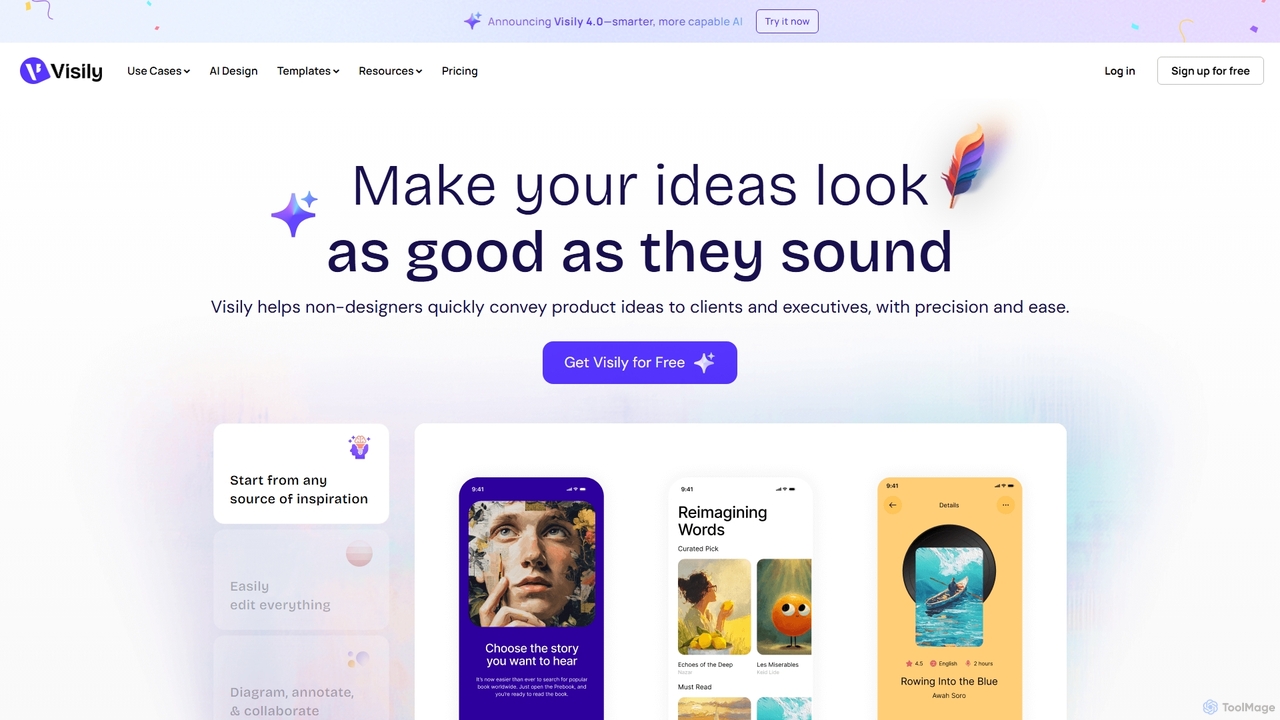
Visily is an AI-powered UI design and prototyping tool specifically created for non-designers. It enables teams to quickly transform ideas, screenshots, or text prompts into high-fidelity wireframes and mockups. With its intuitive interface and powerful collaboration features, Visily streamlines the process of visualizing product concepts and gathering feedback, bridging the gap between ideas and execution without a steep learning curve.
Ui Ux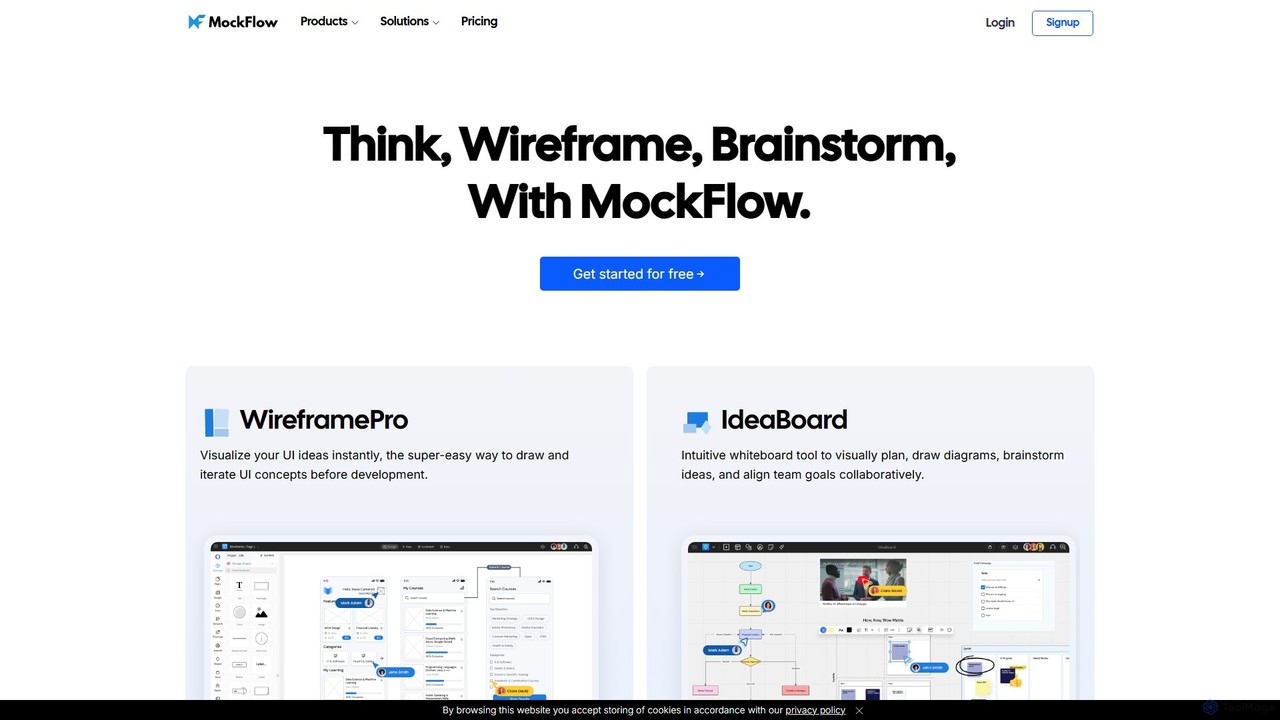
MockFlow
MockFlow is an all-in-one suite for product design, offering tools for wireframing, prototyping, and brainstorming. It leverages AI to accelerate the design process, allowing users to convert text or screenshots into editable wireframes, generate diagrams, and create content automatically. With extensive collaboration features and integrations, it streamlines the entire workflow from initial idea to developer handoff.
Ui Ux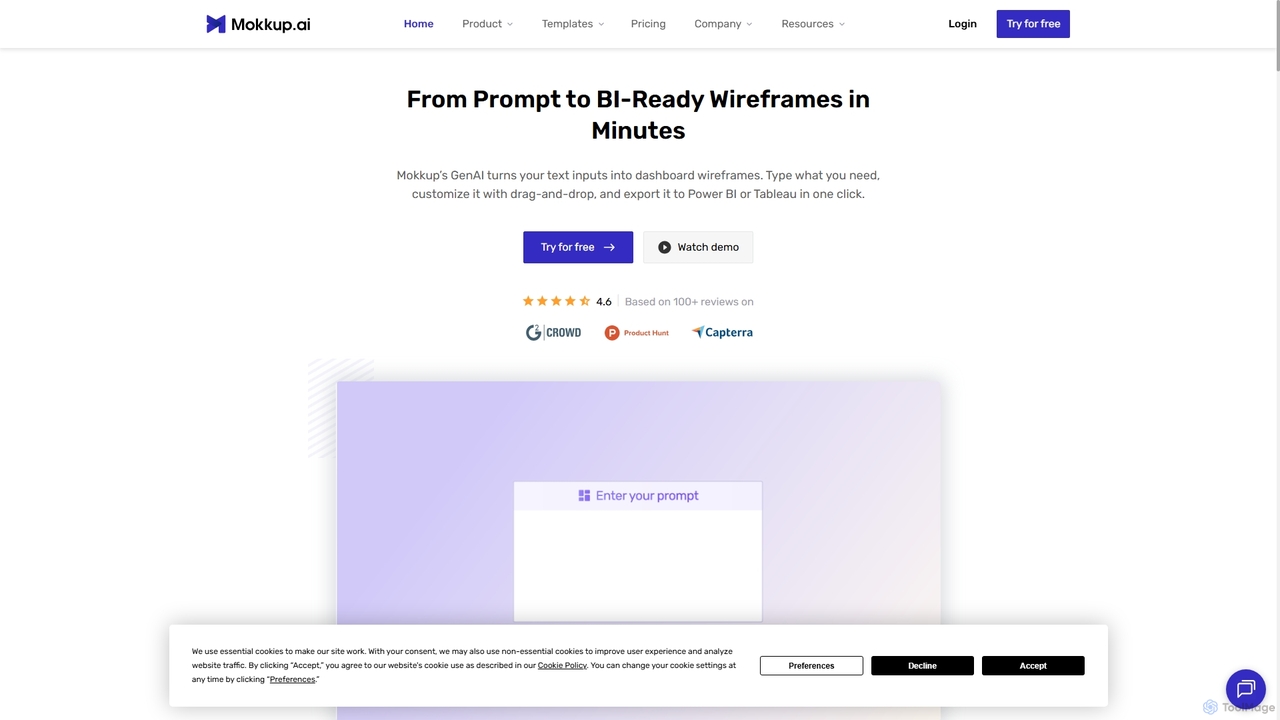
Mokkup
Mokkup is an AI-powered dashboard wireframing tool that transforms text prompts into high-fidelity, BI-ready mockups in minutes. Designed for data analysts and BI developers, it simplifies the design process with a drag-and-drop editor, real-time collaboration, and one-click export to Power BI and Tableau, accelerating the entire business intelligence workflow.
Visualization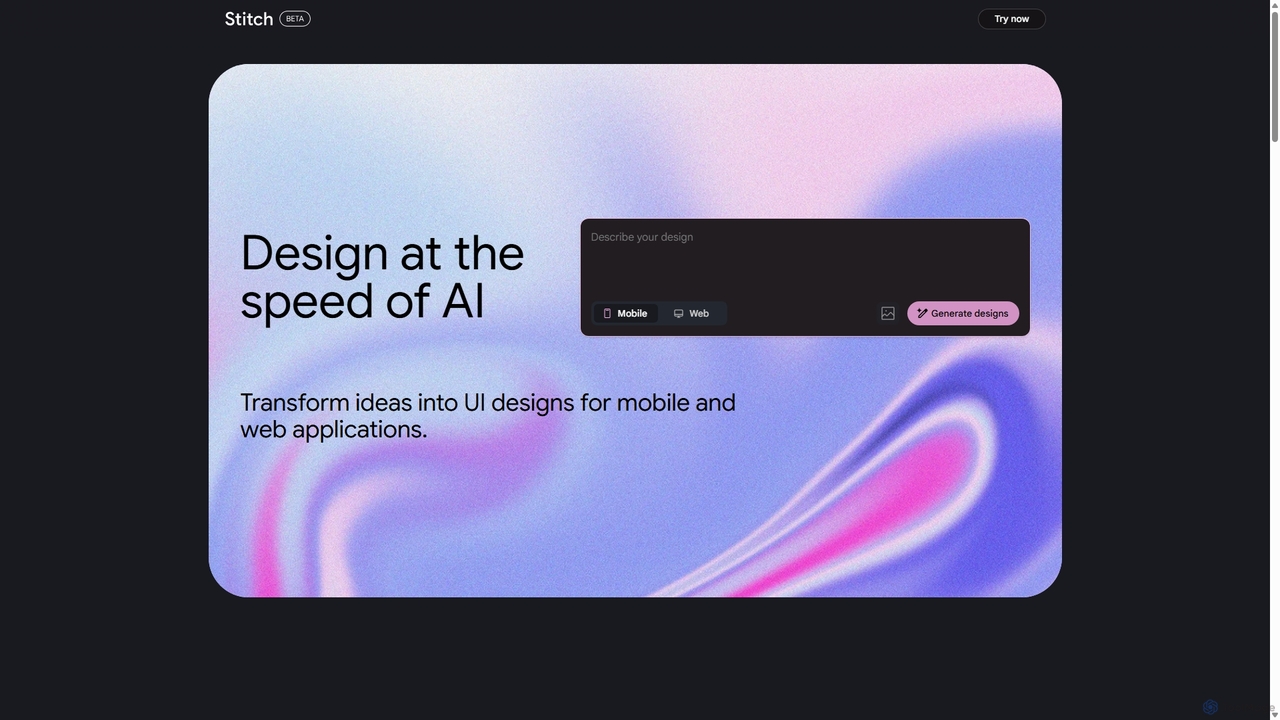
Stitch
Stitch is a revolutionary AI-powered design platform by Google that transforms text prompts and rough sketches into high-fidelity mockups and prototypes. It streamlines the design workflow, enabling creators to rapidly ideate, iterate, and generate stunning visuals, UI/UX designs, and complete design systems with unprecedented speed and efficiency.
Generative Design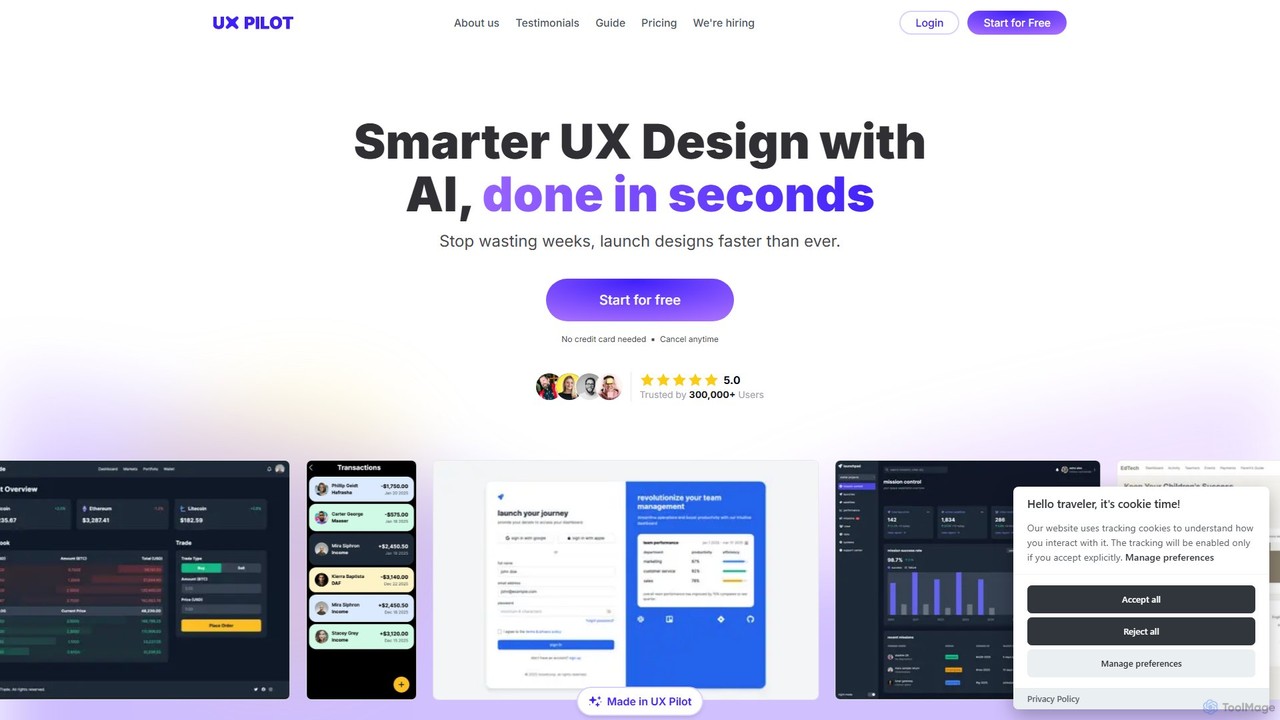
UX Pilot
UX Pilot is an AI-powered design platform that accelerates the UX/UI workflow. It enables designers, product teams, and founders to generate high-fidelity designs, wireframes, screen flows, and prototypes from simple text prompts in seconds. With deep Figma integration, it streamlines the entire process from ideation to handoff.
Ui UxFigr AI Categories
Figr AI Jobs
Figr AI Embed Widget
Copy this embed code to place the badge on your blog, article, or product site and send readers directly to this ToolMage detail page.

Related AI tools
Visily
Visily is an AI-powered UI design and prototyping tool specifically created for non-designers. It enables teams to quickly transform ideas, screenshots, or text prompts into high-fidelity wireframes and mockups. With its intuitive interface and powerful collaboration features, Visily streamlines the process of visualizing product concepts and gathering feedback, bridging the gap between ideas and execution without a steep learning curve.
Ui UxStitch
Stitch is a revolutionary AI-powered design platform by Google that transforms text prompts and rough sketches into high-fidelity mockups and prototypes. It streamlines the design workflow, enabling creators to rapidly ideate, iterate, and generate stunning visuals, UI/UX designs, and complete design systems with unprecedented speed and efficiency.
Generative Design
Relume
Relume is an AI-powered platform that accelerates the website design and building process. It enables users to generate sitemaps and wireframes from a simple prompt, create comprehensive style guides, and access a vast library of over 1000+ components. With seamless export to Figma, Webflow, and React, Relume streamlines the entire workflow for designers, developers, and agencies, turning ideas into high-fidelity designs in minutes.
Website Builder
Jyek
Jyek is an AI agent platform that understands objectives, creates execution plans, uses tools, and delivers verifiable results for complex, multi-step tasks.
AutomationMokkup
Mokkup is an AI-powered dashboard wireframing tool that transforms text prompts into high-fidelity, BI-ready mockups in minutes. Designed for data analysts and BI developers, it simplifies the design process with a drag-and-drop editor, real-time collaboration, and one-click export to Power BI and Tableau, accelerating the entire business intelligence workflow.
Visualization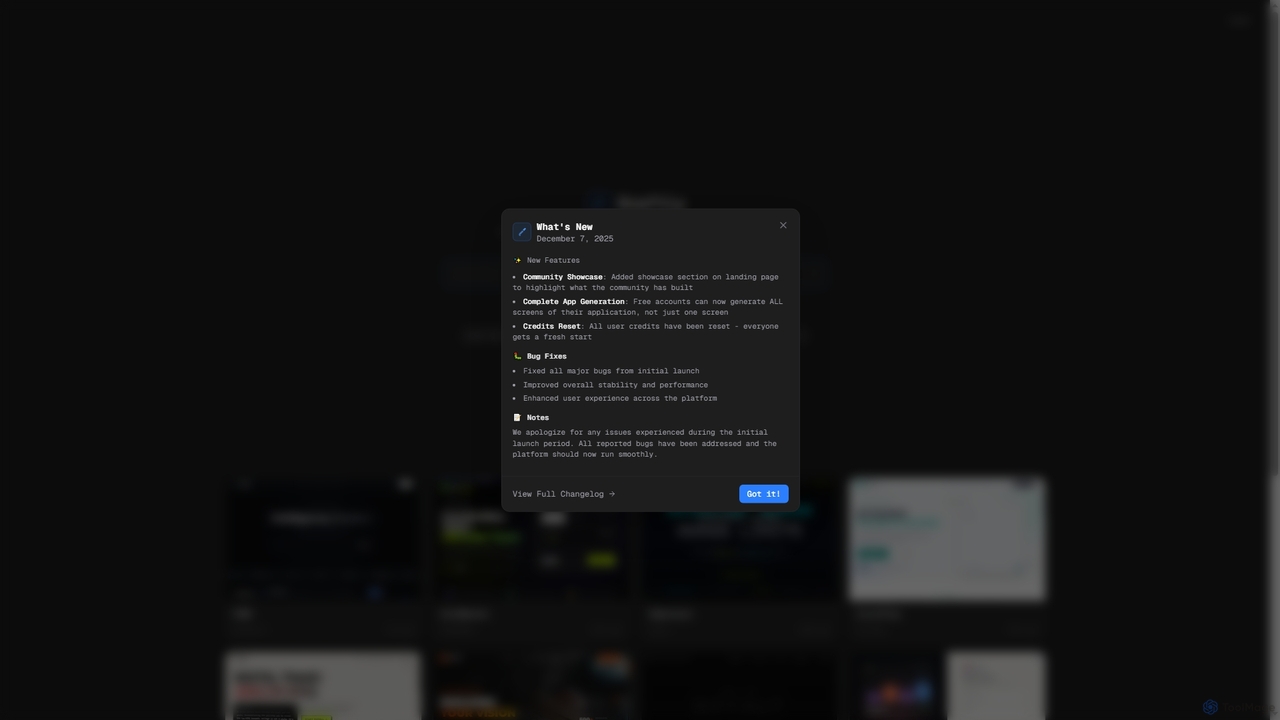
Draftly
Draftly is an AI-powered UI design generator that enables users to quickly create complete application screens. It streamlines the design process, offering enhanced stability and a community showcase for inspiration. Free accounts now benefit from full app generation capabilities.
Ui Ux Design
1ui
1ui is an AI-powered platform that generates pixel-perfect, production-ready UI designs from natural language prompts. It streamlines the design process by creating responsive layouts, contextual images, and clean HTML/CSS code in seconds. Features include a prompt enhancer, team collaboration, and direct export to Figma as editable layers.
Code Generation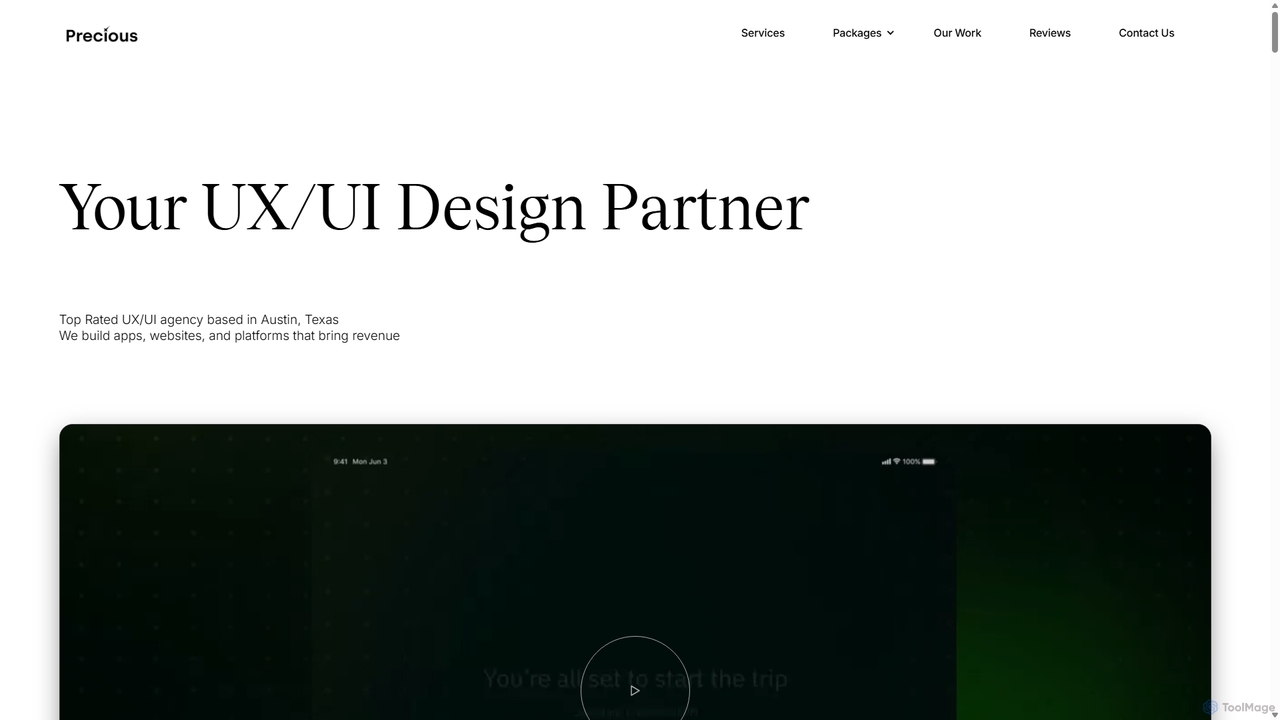
Precious
Precious is a top-rated UX/UI design and development agency based in Austin, TX. They specialize in creating user-centric apps, websites, and platforms for startups and enterprises. With a dedicated focus on "UX for AI," they help businesses design intuitive and engaging experiences for AI agents, chatbots, and AI-powered applications, turning complex technology into seamless user journeys.
Ai ConsultingUX Pilot
UX Pilot is an AI-powered design platform that accelerates the UX/UI workflow. It enables designers, product teams, and founders to generate high-fidelity designs, wireframes, screen flows, and prototypes from simple text prompts in seconds. With deep Figma integration, it streamlines the entire process from ideation to handoff.
Ui Ux
App Alchemy
App Alchemy is an AI-powered design tool that generates beautiful, professional mobile app mockups in seconds. Simply describe your app idea, use a template, or upload screenshots, and the AI will instantly create UI designs. It's designed for developers, entrepreneurs, and designers to rapidly visualize, iterate, and export app concepts without needing complex design skills or expensive software.
Ui Ux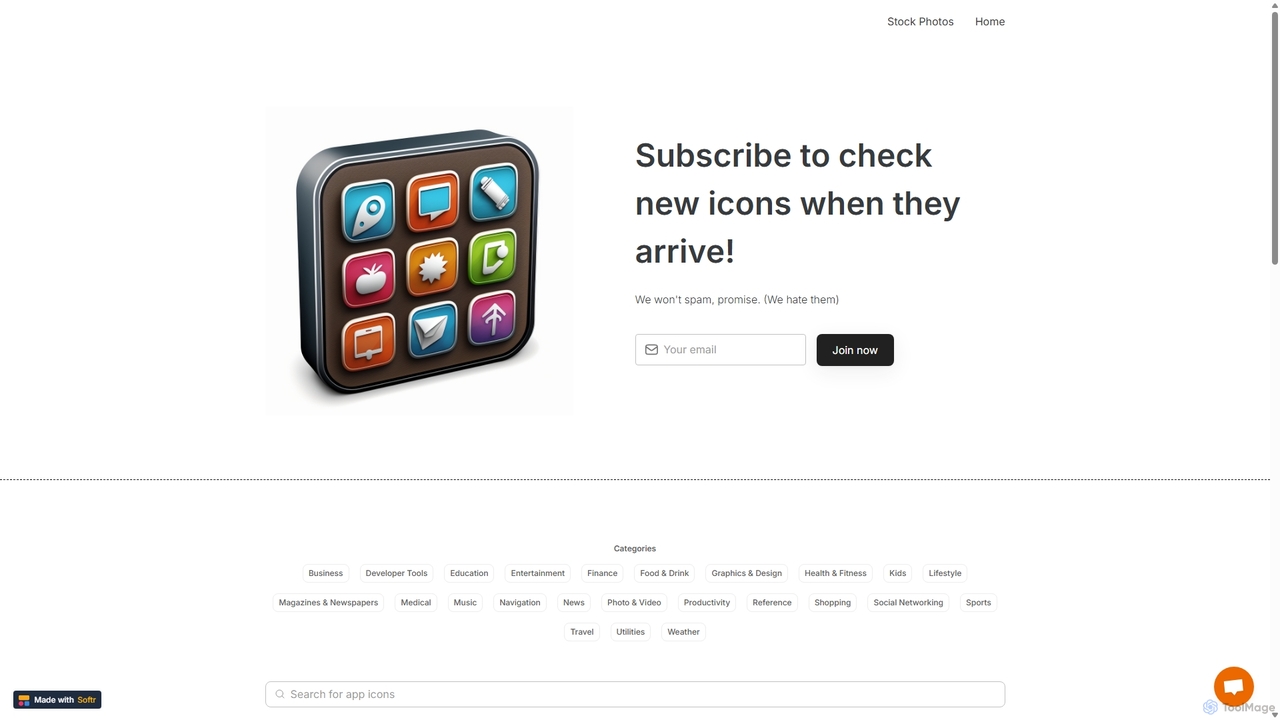
IconMaker
IconMaker is a marketplace for unique, AI-generated app icons and royalty-free stock photos. Ideal for developers, designers, and startups, it offers a vast, categorized library of ready-to-use visual assets. Purchase and download high-quality icons instantly to give your application a professional and distinct identity without the high cost of custom design.
AssetsMockFlow
MockFlow is an all-in-one suite for product design, offering tools for wireframing, prototyping, and brainstorming. It leverages AI to accelerate the design process, allowing users to convert text or screenshots into editable wireframes, generate diagrams, and create content automatically. With extensive collaboration features and integrations, it streamlines the entire workflow from initial idea to developer handoff.
Ui Ux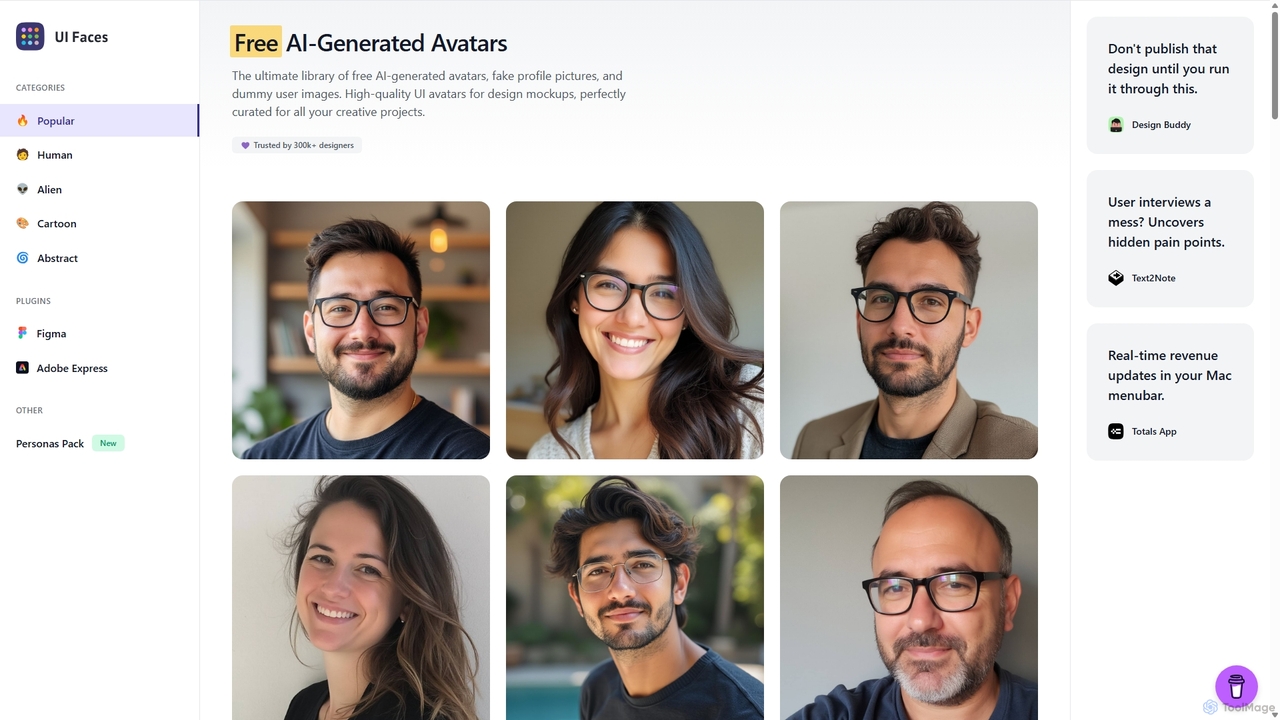
UI Faces
UI Faces is the ultimate library of free, high-quality AI-generated avatars and fake profile pictures for design mockups. It provides designers and developers with a vast collection of dummy user images to enhance the realism of their creative projects, all free for commercial use. It also offers a premium User Personas Pack.
Graphics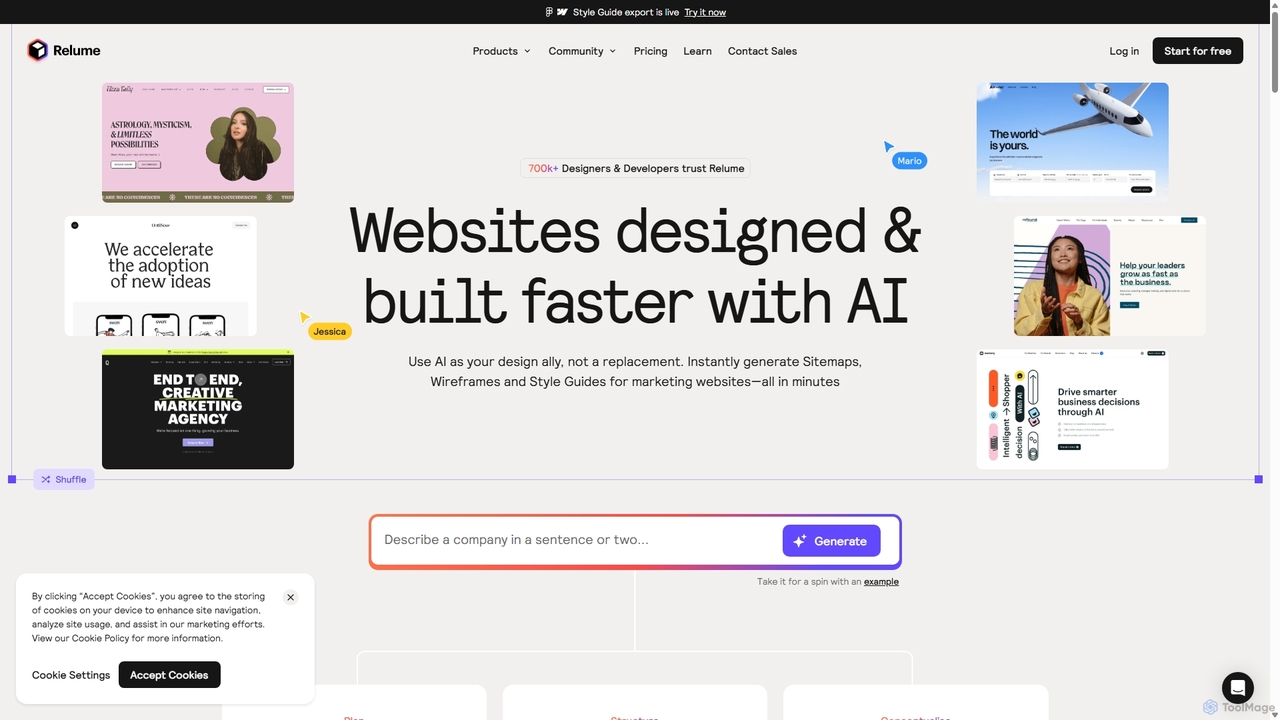
Relume
Relume is an AI-powered website builder designed to accelerate the web design and development process. It enables users to generate sitemaps and wireframes from simple text prompts, create comprehensive style guides, and utilize a vast library of over 1,000 components for Figma, Webflow, and React. Relume streamlines the entire workflow from initial concept to final export, empowering designers, developers, and agencies to build high-quality websites faster.
Web Design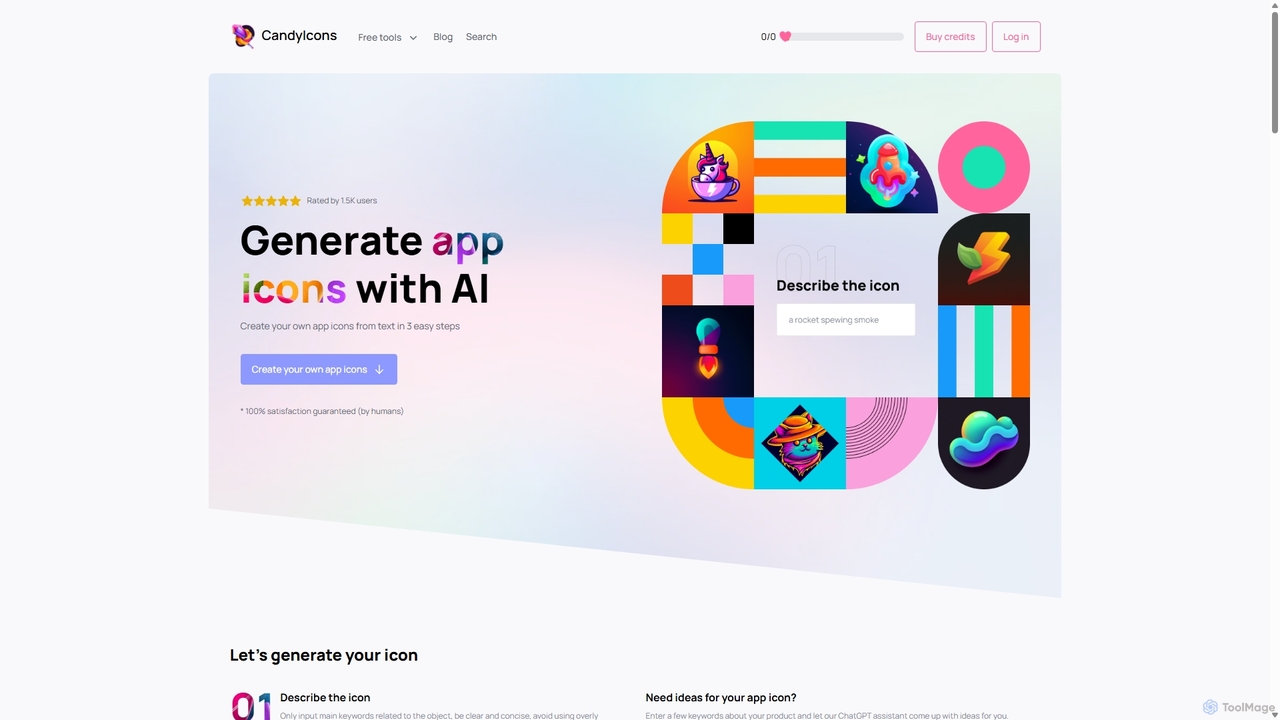
CandyIcons
CandyIcons is an AI-powered app icon generator that creates stunning, unique icons from simple text descriptions. In just three easy steps, users can describe an icon, choose colors, and select from various styles to generate professional-grade icons for apps and websites, with full ownership rights.
Icon Generation
Figr AI Comments (0)
Sign in to comment.
Sign inNo comments yet.