

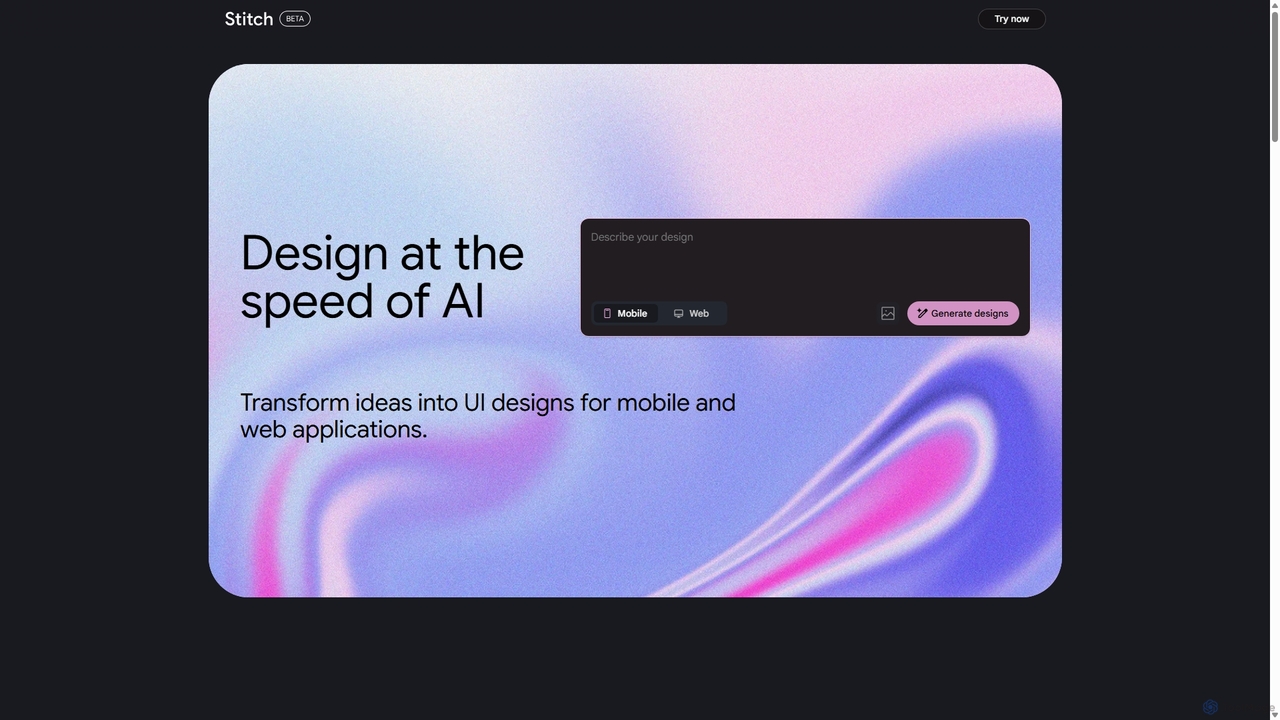
Stitch Overview
Stitch, a cutting-edge AI tool from Google, is revolutionizing the design landscape by bridging the gap between imagination and creation. It functions as an intelligent design partner, capable of understanding natural language prompts, interpreting rough sketches, and transforming these inputs into polished, high-fidelity designs in a matter of seconds. Whether you're a seasoned UI/UX designer, a product manager, a marketer, or a developer, Stitch empowers you to visualize ideas, create prototypes, and build consistent design systems with remarkable ease and speed.
The core philosophy of Stitch is to automate the repetitive and time-consuming aspects of design, allowing creators to focus on high-level strategy and creativity. By simply describing a desired interface or concept, users can watch as the AI assembles components, applies styles, and generates complete layouts. This generative capability not only accelerates the workflow but also serves as a powerful brainstorming tool, offering countless design variations and novel ideas that can overcome creative blocks.
How to use Stitch
Using Stitch is designed to be an intuitive and seamless experience, even for those without a deep design background:
- Provide Your Input: Start by typing a descriptive prompt, such as "Create a mobile app dashboard for a fitness tracker with a dark theme and neon green accents." Alternatively, you can upload a simple hand-drawn sketch or wireframe of your desired layout.
- AI-Powered Generation: Stitch's advanced AI models will instantly analyze your input. It deconstructs the request, identifies key elements (like dashboards, themes, colors), and intelligently assembles a high-quality design mockup that matches your vision.
- Iterate and Refine: The initial design is just the starting point. You can refine the output using further text commands. For example, you can say, "Make the buttons rounder," "Change the primary font to Roboto," or "Add a data visualization chart for weekly progress." The AI will apply these changes in real-time.
- Collaborate and Export: Once you are satisfied with the design, you can share a link with your team for feedback directly within the platform. Stitch also supports exporting assets to popular design tools like Figma and Sketch, or even generating basic code snippets (HTML/CSS) to hand off to developers, ensuring a smooth transition from design to development.
Core Features of Stitch
- Text-to-Design Generation: Convert detailed text descriptions into complex UI/UX mockups and visual designs.
- Sketch-to-Design Conversion: Transform rough, hand-drawn wireframes into clean, polished digital interfaces.
- AI-Powered Design System Creation: Automatically generate consistent design systems, including color palettes, typography, and UI components, based on a brand description.
- Intelligent Component Assembly: The AI understands design principles and intelligently arranges components to create aesthetically pleasing and functional layouts.
- Real-Time Iteration: Modify and refine generated designs instantly using natural language follow-up commands.
- Seamless Integration: Export designs and assets to leading design software and development frameworks.
- Collaborative Workspace: Share projects and gather feedback from team members in a centralized environment.
Use Cases for Stitch
Stitch is a versatile tool suitable for a wide range of professionals and tasks:
- UI/UX Designers: Rapidly create multiple prototype variations for user testing and stakeholder presentations, drastically cutting down on initial mockup time.
- Product Managers: Quickly visualize new features and user flows to communicate ideas more effectively with design and development teams.
- Marketers: Generate on-brand social media graphics, ad creatives, and landing page mockups without needing extensive design resources.
- Developers: Create quick mockups for front-end development, ensuring visual and functional alignment before writing code.
- Startups and Entrepreneurs: Design an entire app or website interface from scratch to pitch to investors or build an MVP.
Advantages of Stitch
The primary advantage of Stitch is its incredible speed and efficiency. It reduces the design process from days or hours to mere minutes. It democratizes design, enabling non-designers to produce professional-quality visuals. For professionals, it acts as a powerful assistant, automating mundane tasks and freeing up time for more strategic thinking. Being a Google product, it benefits from state-of-the-art AI research, ensuring high-quality and relevant outputs.
Pricing and Plans
Stitch is currently available as a public beta, offering a generous free plan for individual users to explore its core features. This plan typically includes a certain number of monthly generations and basic export options. For professional teams and enterprises, a 'Pro' plan is anticipated, which will offer unlimited generations, advanced collaboration features, priority support, and enhanced integration capabilities. The exact pricing details for the premium tiers will be announced after the beta period.
Traffic
Latest traffic
Status
Monthly traffic trend
- 2025-9: 2.0M
- 2026-1: 5.0M
- 2026-2: 6.3M
- 2026-3: 12.9M
- 2026-4: 12.9M
- 2026-5: 9.3M
Geography
Top 5 countries / regions
- 🇮🇳India43.0%
- 🇺🇸United States21.7%
- 🇮🇩Indonesia16.3%
- 🇧🇷Brazil11.4%
- 🇧🇩Bangladesh7.6%
Traffic sources
| Source type | Percentage |
|---|---|
Direct | 86.1% |
Referral | 12.4% |
Email | 1.5% |
Top keywords
| Keyword | Cost per click |
|---|---|
| google stitch | $1.11 |
| stich | $0.26 |
| stitch | $0.27 |
| stitch ai | $0.94 |
| stitch google | $1.10 |
Stitch Videos on YouTube
Digital Dhandha

WorldofAI


UI Collective

By Yuya Mei

Stitch Alternatives
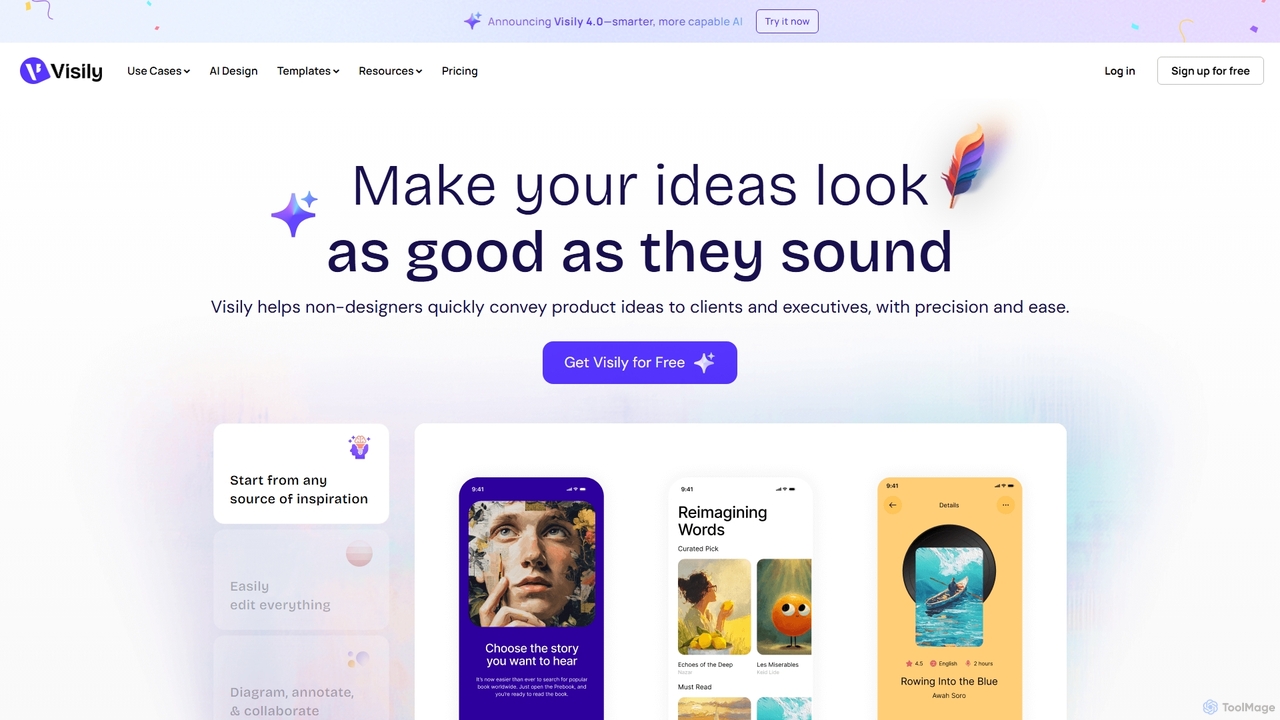
Visily
Visily is an AI-powered UI design and prototyping tool specifically created for non-designers. It enables teams to quickly transform ideas, screenshots, or text prompts into high-fidelity wireframes and mockups. With its intuitive interface and powerful collaboration features, Visily streamlines the process of visualizing product concepts and gathering feedback, bridging the gap between ideas and execution without a steep learning curve.
Ui Ux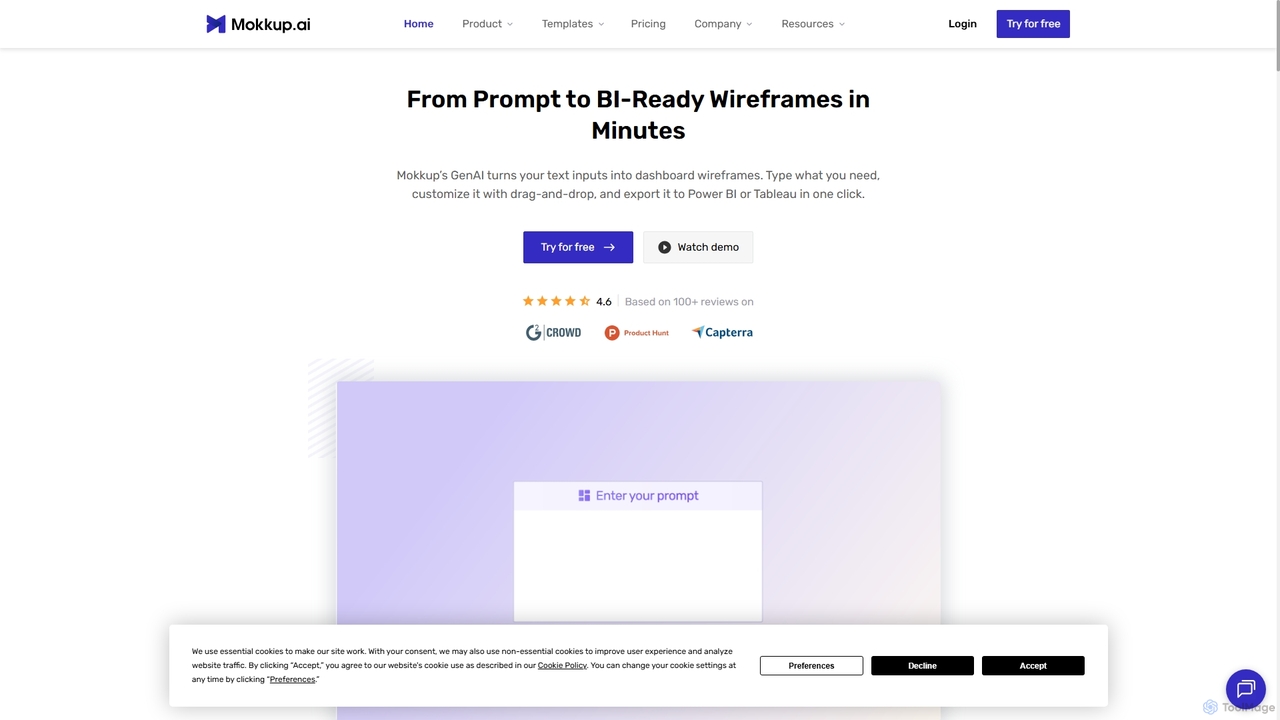
Mokkup
Mokkup is an AI-powered dashboard wireframing tool that transforms text prompts into high-fidelity, BI-ready mockups in minutes. Designed for data analysts and BI developers, it simplifies the design process with a drag-and-drop editor, real-time collaboration, and one-click export to Power BI and Tableau, accelerating the entire business intelligence workflow.
Visualization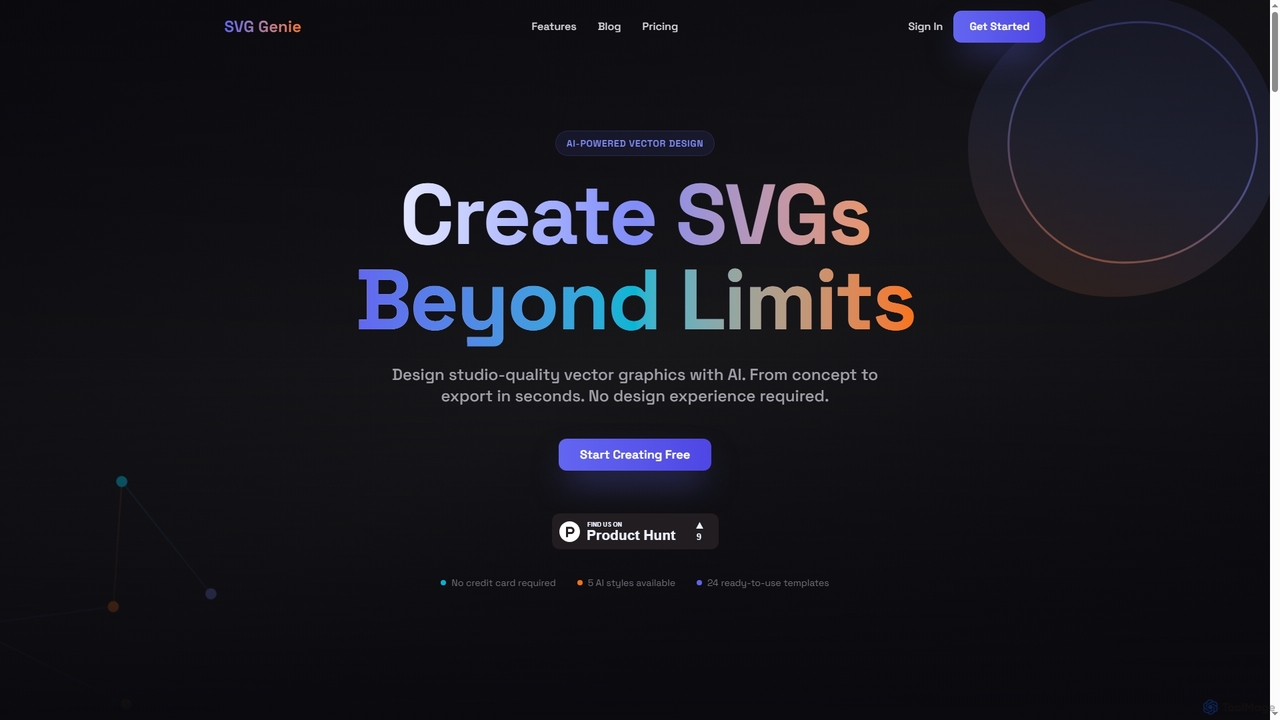
SVG Genie
SVG Genie is an AI-powered platform that transforms text descriptions into high-quality, infinitely scalable vector graphics (SVGs). Designed for users of all skill levels, it generates studio-quality logos, icons, and illustrations in seconds across five unique artistic styles, requiring no design experience.
Illustration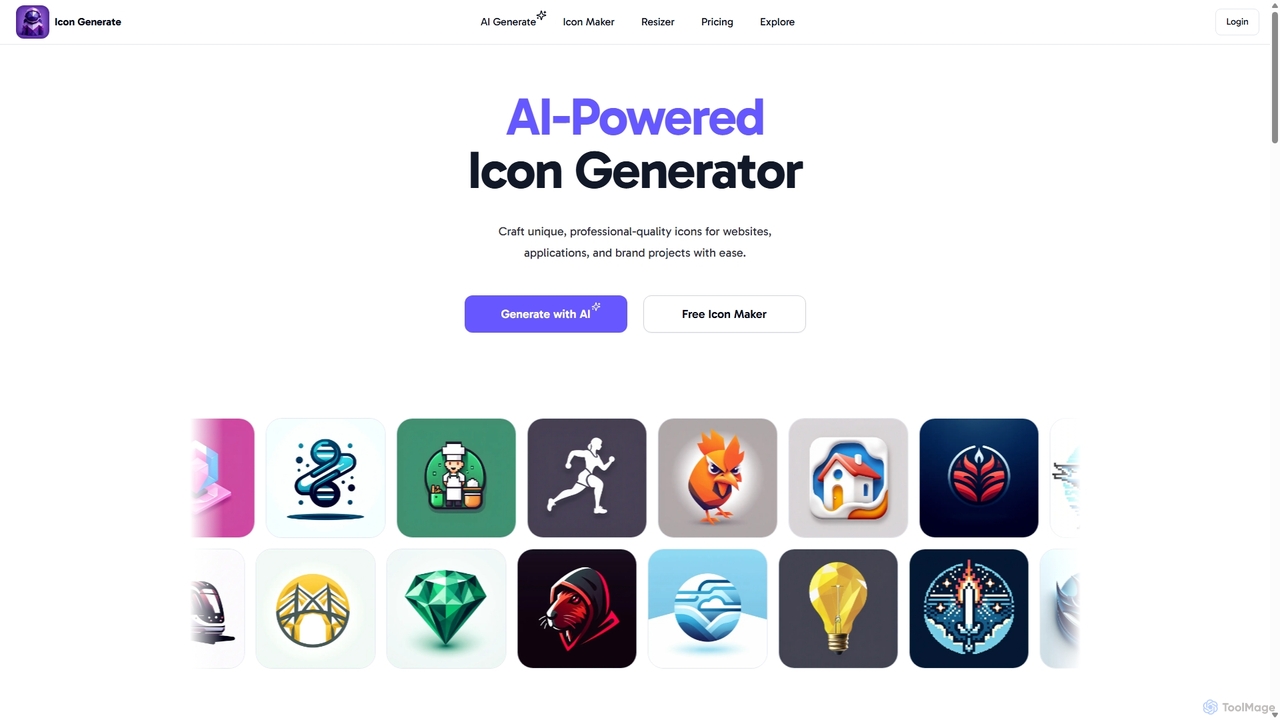
Icongenerate
Icongenerate is an AI-powered icon generator that allows users to create unique, professional-quality icons for websites, applications, and branding projects. Simply describe your desired icon, choose from a wide range of styles like 3D, Pixelated, and Minimalistic, and let the AI bring your vision to life in seconds. It also offers a free icon maker for customizing existing icons, making it a versatile tool for designers, developers, and creators of all skill levels.
Icon Generation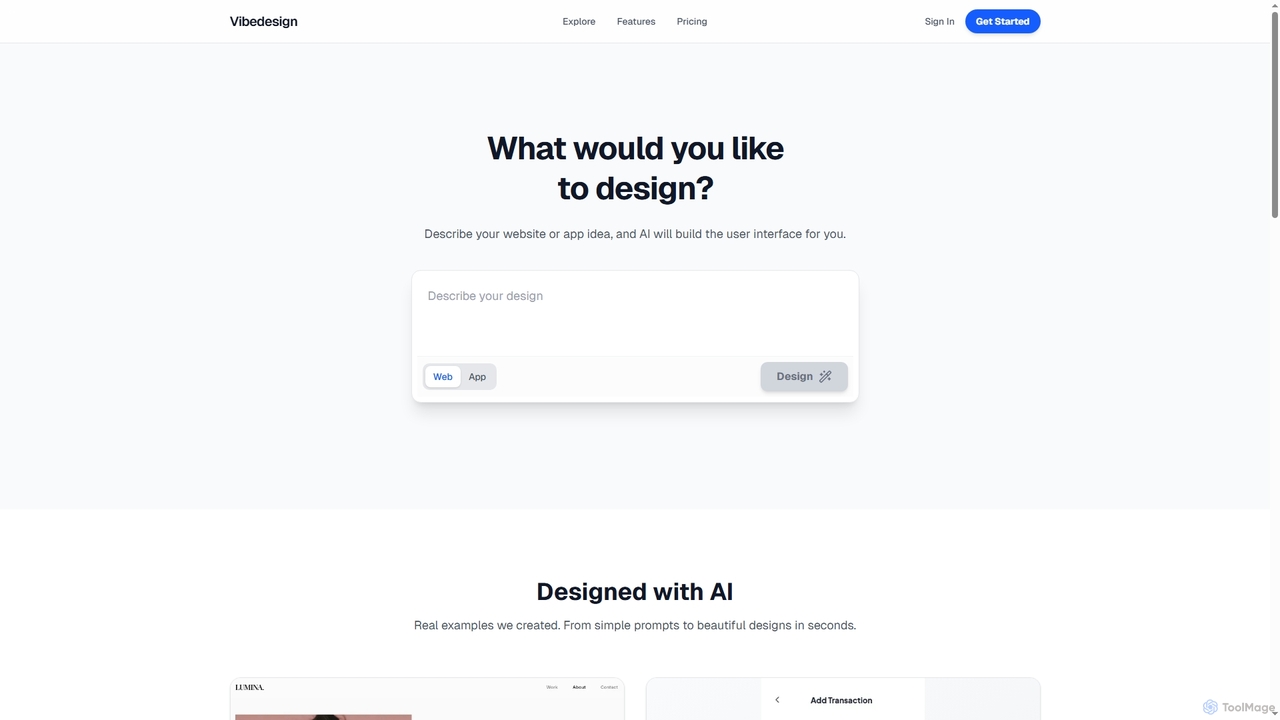
Vibedesign
Vibedesign is an AI-powered tool that generates user interfaces for websites and mobile apps from simple text descriptions. Users can instantly create, refine, and preview designs for different screen sizes, then export them to code with full ownership.
Ui DesignStitch Categories
Stitch Jobs
Stitch Embed Widget
Copy this embed code to place the badge on your blog, article, or product site and send readers directly to this ToolMage detail page.

Related AI tools
Icongen
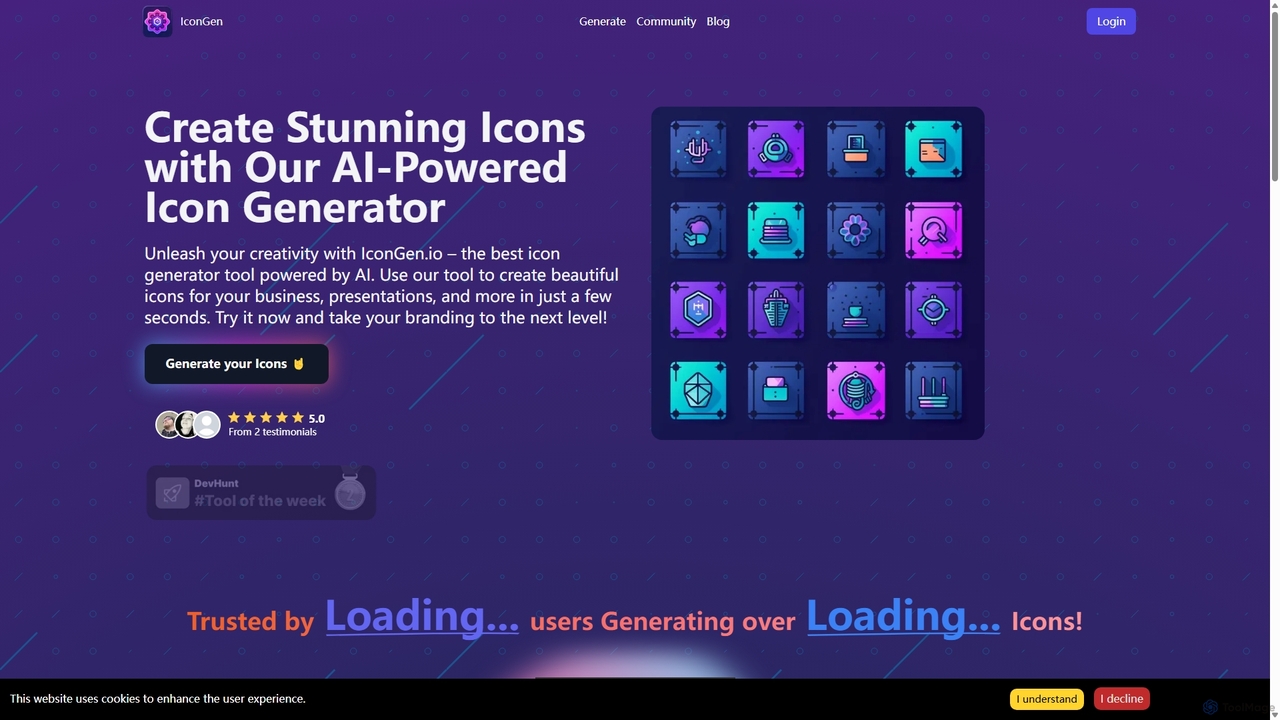
Icongen is an AI-powered tool that enables users to generate unique, high-quality icons in seconds. By simply providing a text prompt, users can create custom icons tailored to their specific needs, choosing from 12 distinct styles, various colors, and shapes. It's designed for designers, developers, and marketers looking to enhance their projects with original visual assets.
Image GenerationSVG Genie
SVG Genie is an AI-powered platform that transforms text descriptions into high-quality, infinitely scalable vector graphics (SVGs). Designed for users of all skill levels, it generates studio-quality logos, icons, and illustrations in seconds across five unique artistic styles, requiring no design experience.
IllustrationIcongenerate
Icongenerate is an AI-powered icon generator that allows users to create unique, professional-quality icons for websites, applications, and branding projects. Simply describe your desired icon, choose from a wide range of styles like 3D, Pixelated, and Minimalistic, and let the AI bring your vision to life in seconds. It also offers a free icon maker for customizing existing icons, making it a versatile tool for designers, developers, and creators of all skill levels.
Icon GenerationVisily
Visily is an AI-powered UI design and prototyping tool specifically created for non-designers. It enables teams to quickly transform ideas, screenshots, or text prompts into high-fidelity wireframes and mockups. With its intuitive interface and powerful collaboration features, Visily streamlines the process of visualizing product concepts and gathering feedback, bridging the gap between ideas and execution without a steep learning curve.
Ui Ux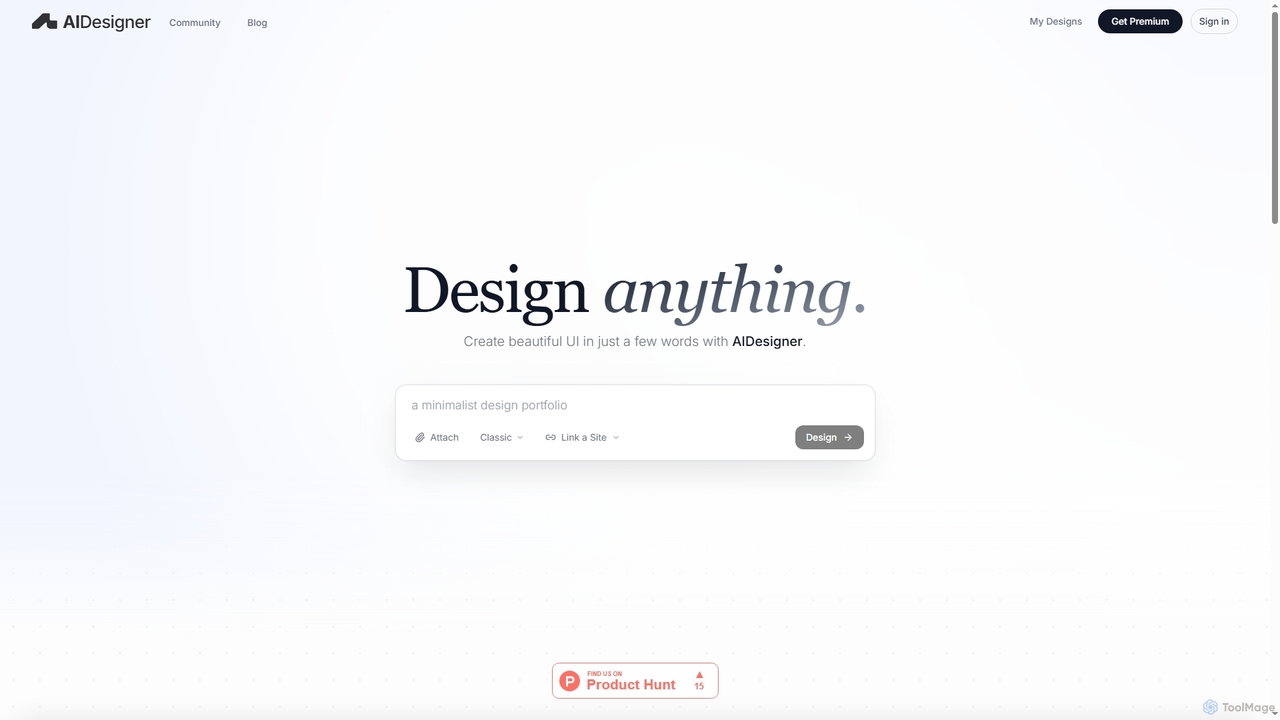
AIDesigner
AIDesigner is an advanced AI-powered platform that transforms textual descriptions into stunning UX/UI designs. It offers a unique approach to design generation, enabling users to create beautiful websites, mobile apps, and portfolios without the generic 'AI look.' With a rich library of production-ready templates and powerful customization options, AIDesigner empowers creators to rapidly prototype and launch visually distinctive digital experiences.
User Experience
Figr AI
Figr AI is an AI-powered design platform that transforms text prompts into high-fidelity UI/UX designs, diagrams, and prototypes. It streamlines the creative process, enabling designers, developers, and product managers to rapidly visualize ideas, generate components, and build complete user flows. By automating repetitive tasks, Figr AI accelerates product development, enhances collaboration, and makes professional design accessible to everyone on the team.
Ui Ux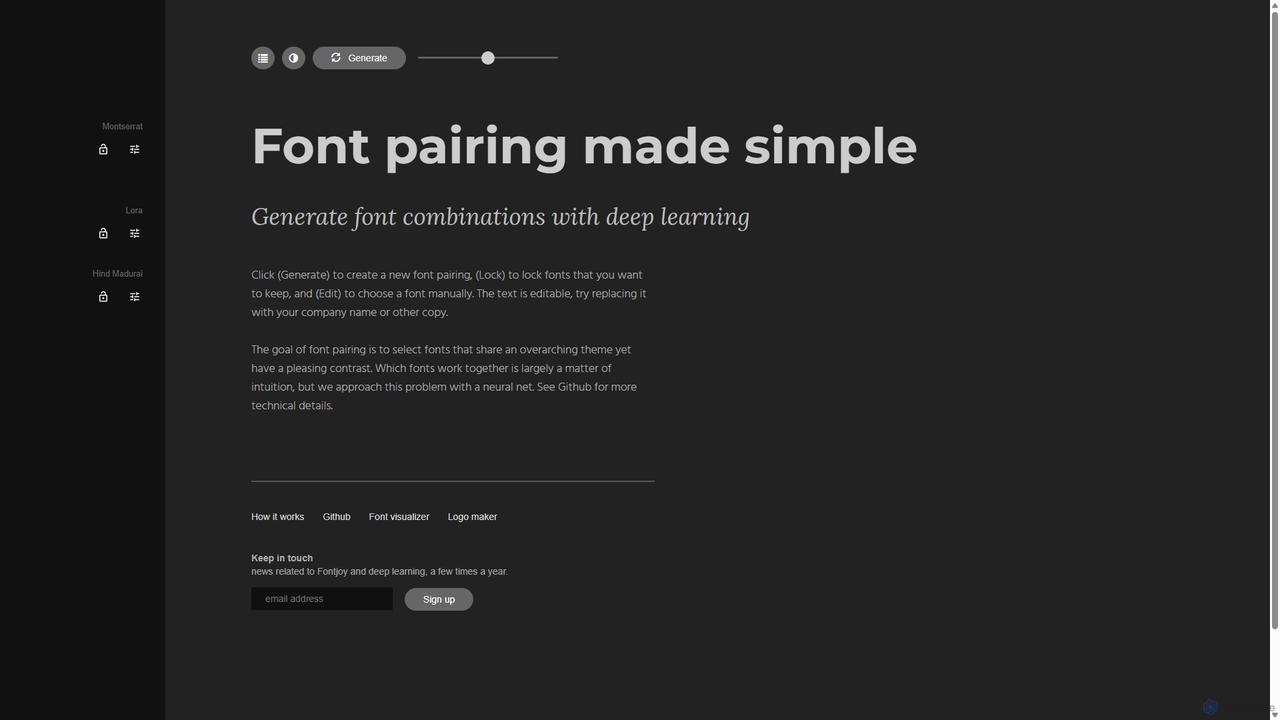
Fontjoy
Fontjoy is an AI-powered tool that helps designers and developers generate beautiful and harmonious font pairings with a single click. Using deep learning, it intelligently selects fonts for headings, subheadings, and body text that balance contrast and similarity, streamlining the design process.
Typography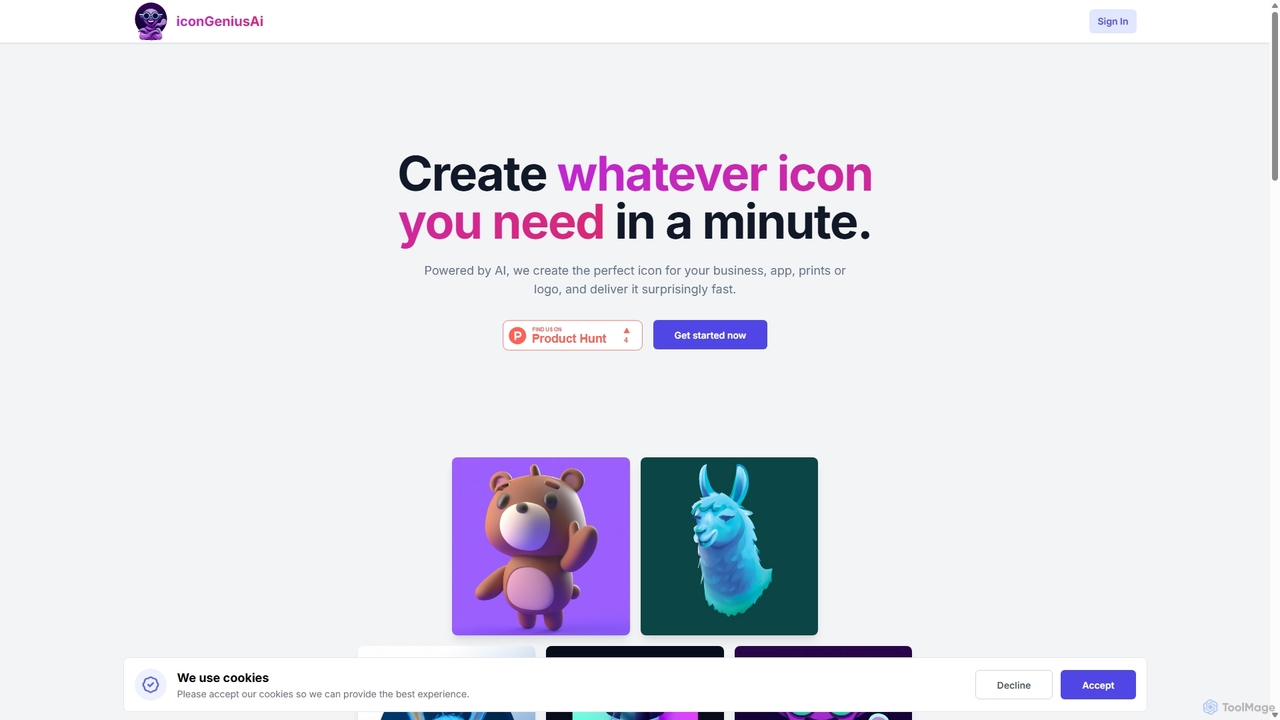
IconGeniusAi
iconGeniusAi is an AI-powered tool that allows users to create custom, high-resolution icons in minutes. Simply describe your desired icon, choose a color and style, and the AI generates unique visuals for your business, app, or personal projects. It offers a flexible, credit-based system instead of a recurring subscription.
Graphics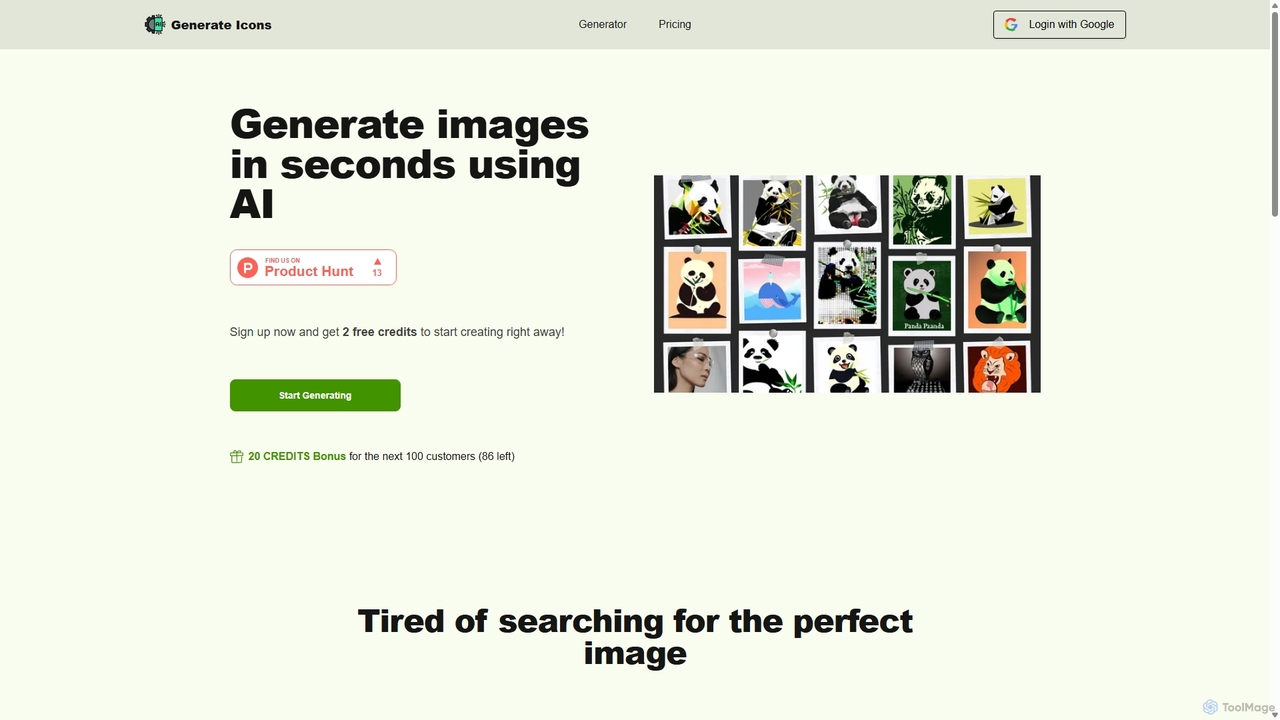
Generate Icons
Generate Icons is an AI-powered tool that creates unique, high-quality icons and images from text prompts in seconds. It offers a wide variety of styles, from metallic and 3D to minimalistic and hand-drawn, making it perfect for designers, marketers, and developers. Save time and money while overcoming creative blocks and generating stunning visuals for any project with full commercial rights.
Icon Generation
Jyek
Jyek is an AI agent platform that understands objectives, creates execution plans, uses tools, and delivers verifiable results for complex, multi-step tasks.
AutomationMokkup
Mokkup is an AI-powered dashboard wireframing tool that transforms text prompts into high-fidelity, BI-ready mockups in minutes. Designed for data analysts and BI developers, it simplifies the design process with a drag-and-drop editor, real-time collaboration, and one-click export to Power BI and Tableau, accelerating the entire business intelligence workflow.
Visualization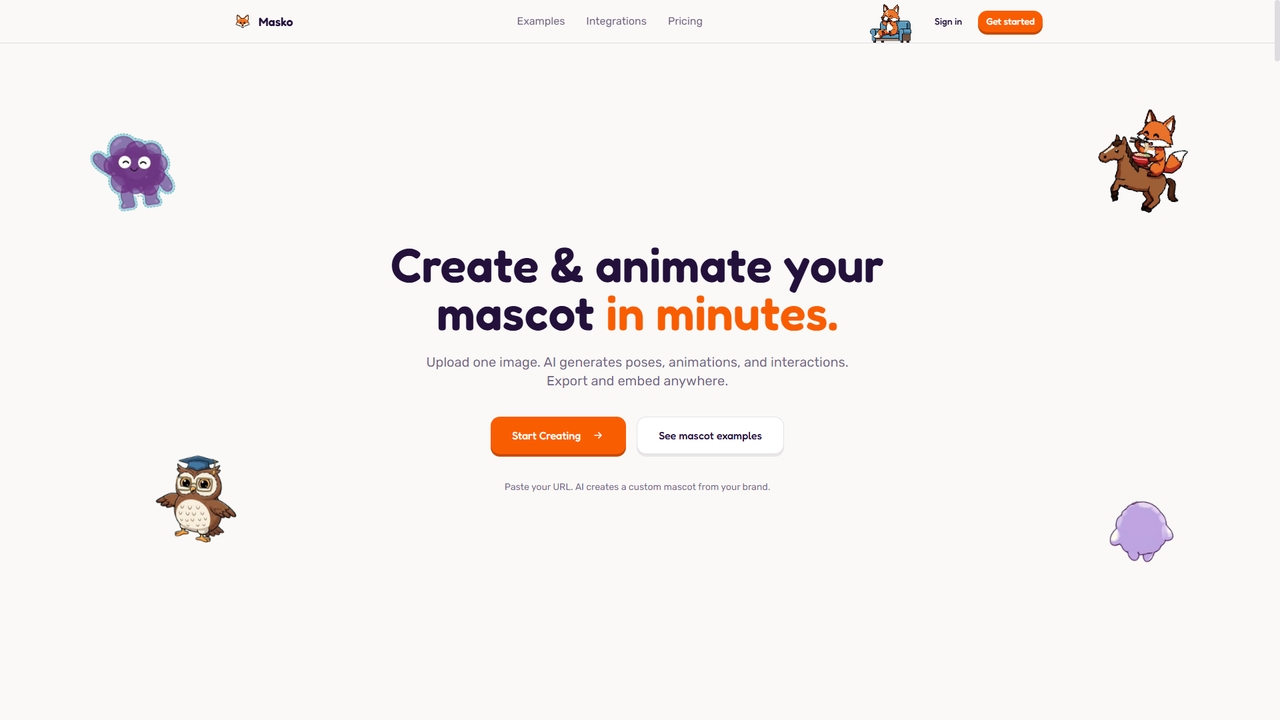
Masko
Masko is an AI-powered platform that allows you to generate unique, animated mascot characters, logos, and marketing assets from simple text descriptions or uploaded images. It simplifies brand identity creation by producing transparent videos and images ready for web, mobile, and app integration, drastically reducing the time and cost compared to traditional design methods.
Character Animation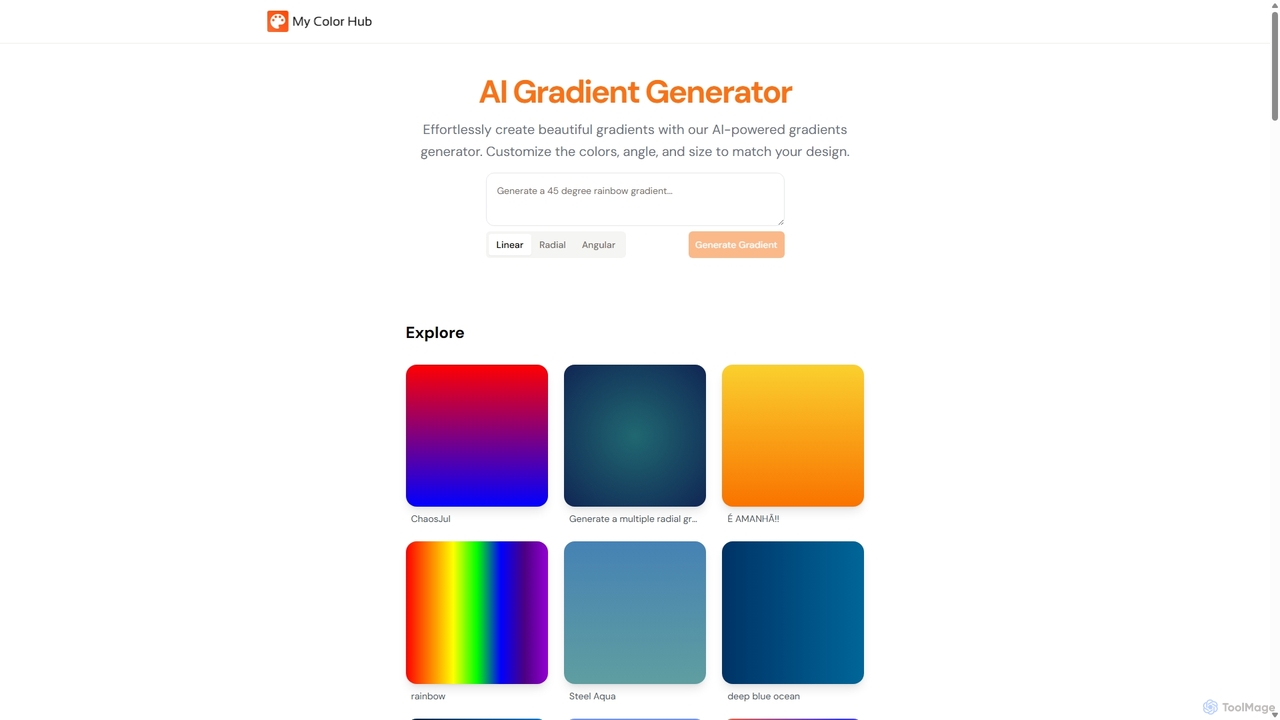
MyColorHub
MyColorHub is an AI-powered gradient generator that effortlessly creates beautiful, unique color gradients from simple text prompts. Describe a mood, a scene, or a color combination, and the AI will generate stunning linear, radial, or angular gradients. It's an intuitive tool for designers, developers, and content creators to quickly find inspiration and generate custom color schemes for their projects.
GraphicsVibedesign
Vibedesign is an AI-powered tool that generates user interfaces for websites and mobile apps from simple text descriptions. Users can instantly create, refine, and preview designs for different screen sizes, then export them to code with full ownership.
Ui Design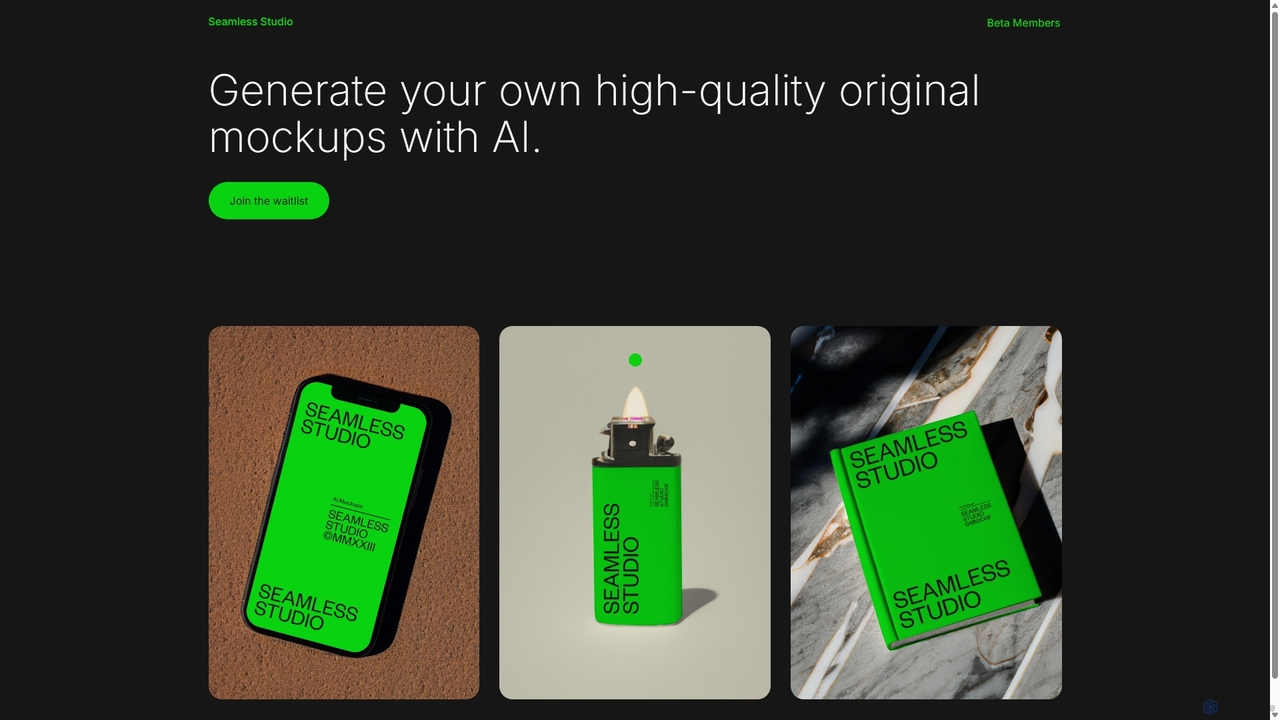
Seamless Studio
Seamless Studio is an AI-powered platform designed to generate high-quality, original mockups in seconds. It helps designers, marketers, and e-commerce owners create unique and realistic product visuals without the need for expensive photoshoots or complex software.
Mockup Generation
Stitch Comments (0)
Sign in to comment.
Sign inNo comments yet.