Design Best in category 6 results User Experience AI Tool

Popular AI tools in the User Experience field of Design include AIDesigner、Helpfull、Roast My Web、The Mobile Spoon、Inspired Monks、Research Studio, etc., helping you quickly improve efficiency.

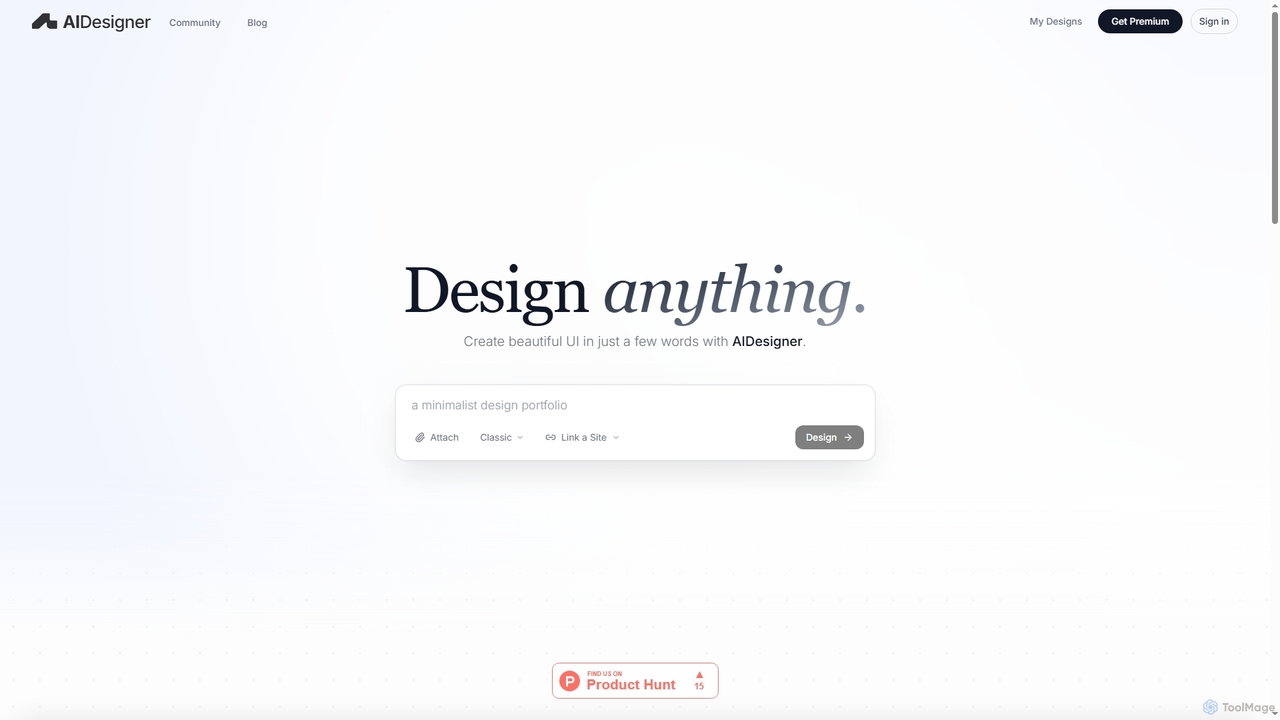
AIDesigner

AIDesigner

AIDesigner is an advanced AI-powered platform that transforms textual descriptions into stunning UX/UI designs. It offers a unique …

181.9K
Inspired Monks

Inspired Monks

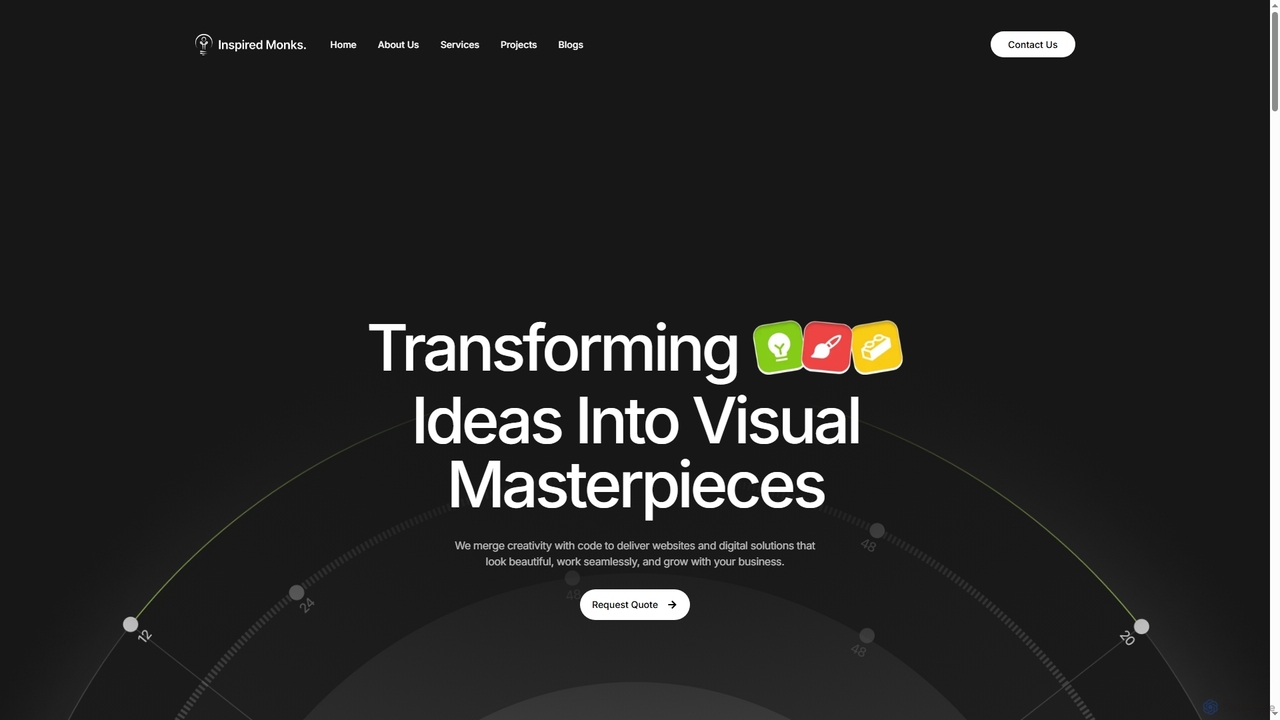
Inspired Monks is a professional web development agency specializing in transforming ideas into robust digital solutions. They offer …

3.4K
Roast My Web

Roast My Web

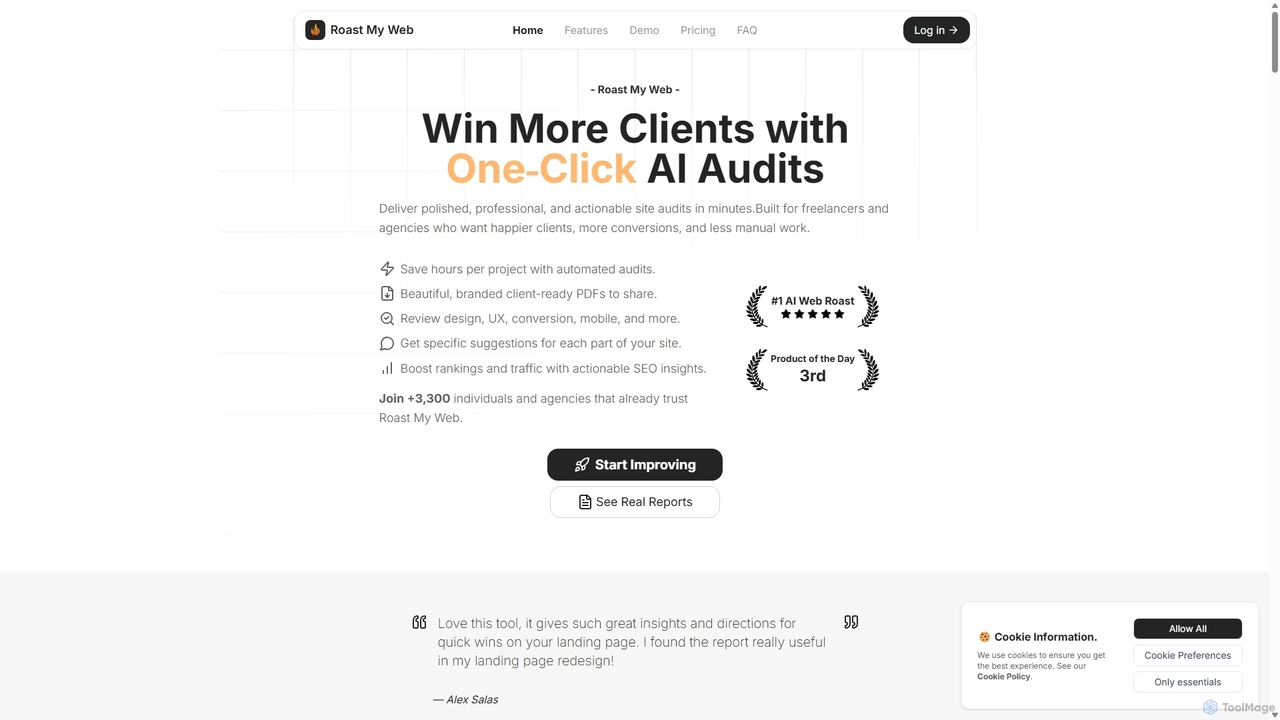
Roast My Web is an AI-powered tool that delivers instant, brutally honest website audits. Designed for freelancers and …

7.7K
Free
The Mobile Spoon

The Mobile Spoon

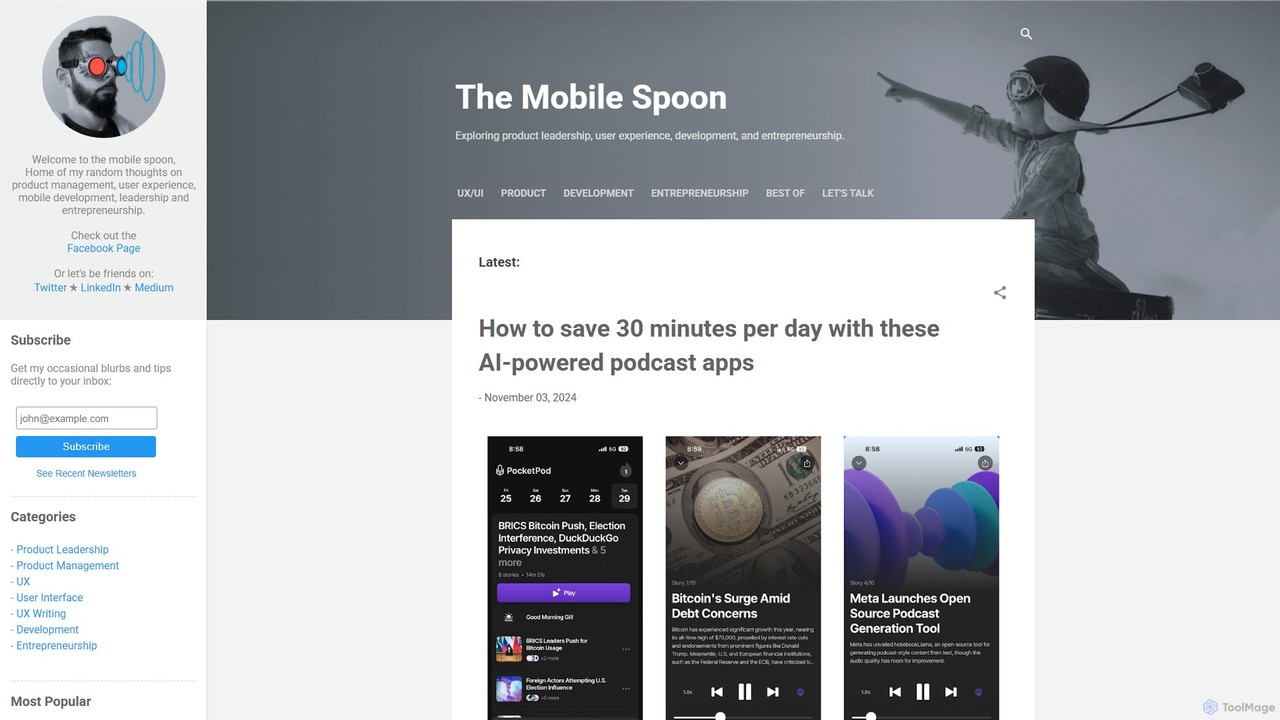
The Mobile Spoon is an insightful tech blog for product managers, designers, and tech enthusiasts. It offers in-depth …

6.1K
Research Studio

Research Studio

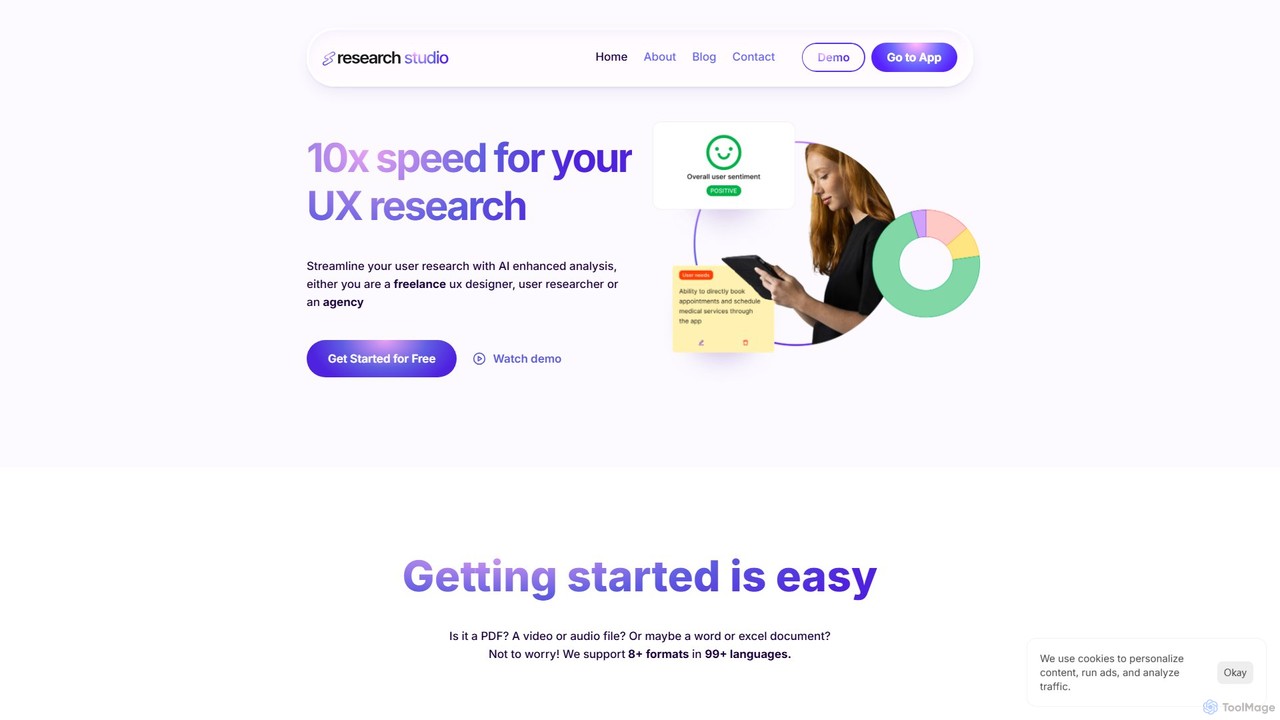
Research Studio is an AI-powered platform designed to accelerate UX research by 10x. It automates the analysis of …

3.0K
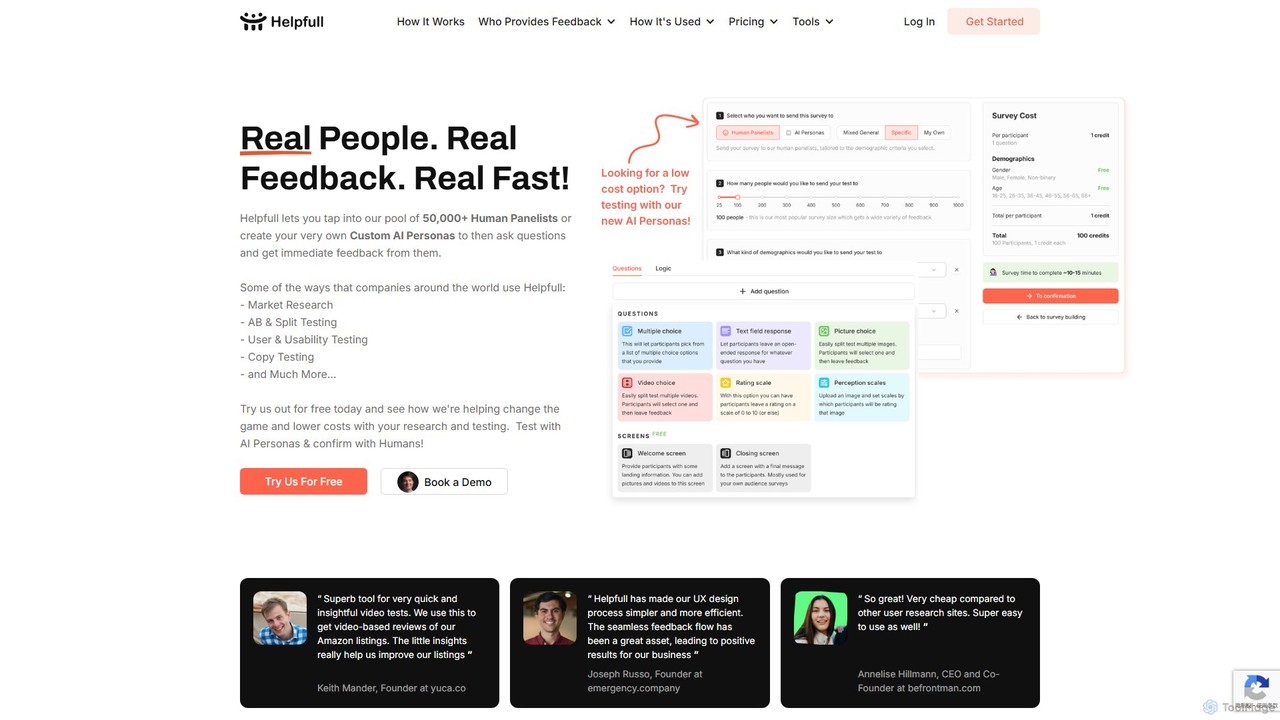
Helpfull

Helpfull

Helpfull is a hybrid feedback platform that provides rapid insights from both a panel of over 50,000 real …

15.3K

About User Experience

User Experience (UX) AI tools are a specialized category within the broader design field, leveraging artificial intelligence to streamline, enhance, and automate various stages of the user experience design process. These tools utilize machine learning, natural language processing, and computer vision to gather insights, generate design elements, and predict user behavior. Their primary value lies in accelerating design cycles, enabling data-driven decisions, and creating more intuitive, personalized, and accessible digital products.

Core Features

  • AI-powered User Research: Automates the collection and analysis of user feedback, surveys, and behavioral data to identify patterns and generate insights.
  • Intelligent Prototyping & Wireframing: Transforms text descriptions or sketches into functional wireframes, mockups, and interactive prototypes rapidly.
  • Automated Usability Testing: Simulates user interactions and predicts potential usability issues, pain points, and areas for improvement in a design.
  • Personalized UX Design: Dynamically adapts interface elements, content, and navigation based on individual user data, preferences, and behavior.
  • Accessibility Enhancement: Automatically scans designs for compliance with accessibility standards and suggests improvements for inclusive design.

Applicable Scenarios

Product teams use these tools to accelerate new feature development by quickly validating design concepts. E-commerce platforms leverage AI for personalized shopping experiences, while marketing agencies optimize landing pages with data-driven design recommendations. UX researchers benefit from automated data synthesis, and designers can rapidly iterate on prototypes, ensuring a more efficient and user-centric design workflow across various industries.

How to Choose

When selecting a UX AI tool, consider its specific focus within the UX lifecycle (e.g., research, prototyping, testing). Evaluate its integration capabilities with your existing design software (e.g., Figma, Sketch) and project management tools. Assess the tool's data privacy and security measures, especially when handling sensitive user data. Finally, consider the learning curve for your team and the scalability of the solution to accommodate projects of varying complexity and size.

User ExperienceUse Cases

1

Automated User Research & Persona Generation

UX researchers and product managers utilize AI tools to analyze vast datasets from customer feedback, support tickets, and social media. These tools identify sentiment, recurring pain points, and behavioral patterns, automatically generating detailed user personas and journey maps. This process significantly reduces the manual effort in data synthesis, allowing teams to gain actionable insights and make data-driven design decisions in a fraction of the time.

2

Intelligent Wireframing & Rapid Prototyping

Product designers and UI/UX specialists employ AI to transform initial concepts, whether text descriptions or hand-drawn sketches, into functional wireframes and interactive prototypes. The AI interprets design intent, suggests layouts, and populates content, enabling designers to rapidly iterate on ideas, test multiple variations, and gather early feedback without spending extensive time on manual design creation. This accelerates the ideation and validation phases of product development.

3

Predictive Usability Testing & Issue Detection

UX designers and quality assurance teams leverage AI to simulate user interactions with a design, predicting potential usability issues, navigation difficulties, or areas of confusion before formal user testing. These tools can analyze eye-tracking patterns, click-through rates, and task completion probabilities based on learned user behaviors. This proactive approach helps identify and rectify design flaws early, saving resources and improving the overall user experience before launch.

4

Personalized User Interface Adaptation

E-commerce businesses and app developers use AI to dynamically tailor the user interface and content for individual users. Based on browsing history, purchase patterns, demographics, and real-time behavior, AI can adjust product recommendations, layout elements, and call-to-action buttons. This personalization leads to a more relevant and engaging experience, increasing conversion rates, user satisfaction, and retention by making each interaction feel unique and catered.

5

Automated Accessibility Auditing & Recommendations

Design and development teams integrate AI tools to automatically scan websites and applications for compliance with accessibility standards like WCAG. The AI identifies issues such as insufficient color contrast, missing alt text for images, improper heading structures, or keyboard navigation problems. Beyond detection, these tools often provide specific recommendations for remediation, ensuring that digital products are inclusive and usable by people with diverse abilities, reducing manual audit time.

6

Optimizing A/B Testing & Design Iteration

Marketing and product teams deploy AI to analyze the results of A/B tests with greater depth and speed. Instead of just identifying a winning variant, AI can uncover subtle reasons behind user preferences, segment users based on their responses, and even suggest new design hypotheses for future tests. This data-driven optimization refines design iterations, leading to continuous improvements in user engagement, conversion funnels, and overall product performance.

User ExperienceFrequently Asked Questions