Design Best in category 10 results Ux Design AI Tool

Popular AI tools in the Ux Design field of Design include Flowmapp、User Persona、Little Bro、Halaska Studio、Pathmode、Ideator、Microcopy Fixer、usersketch、UX Design GPT、Languify, etc., helping you quickly improve efficiency.

Microcopy Fixer

Microcopy Fixer

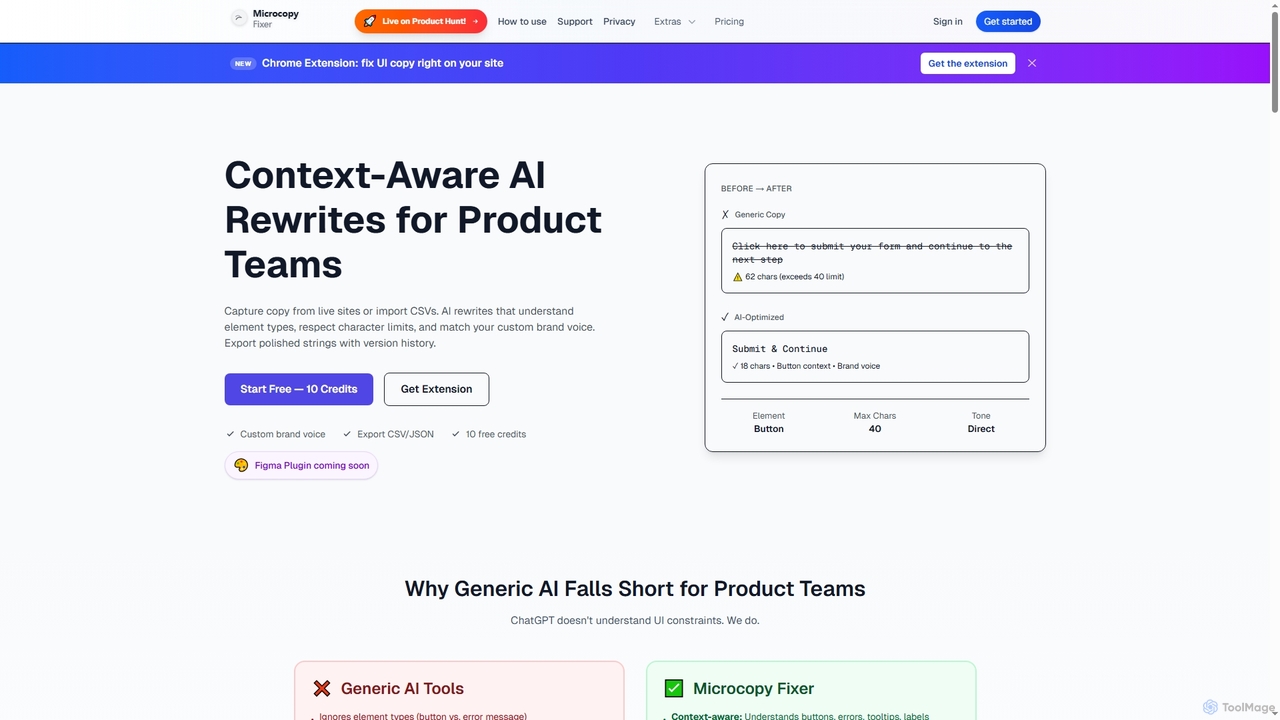
Microcopy Fixer is an AI-powered tool designed for product teams to generate context-aware, on-brand UI copy. It offers …

3.0K
Free
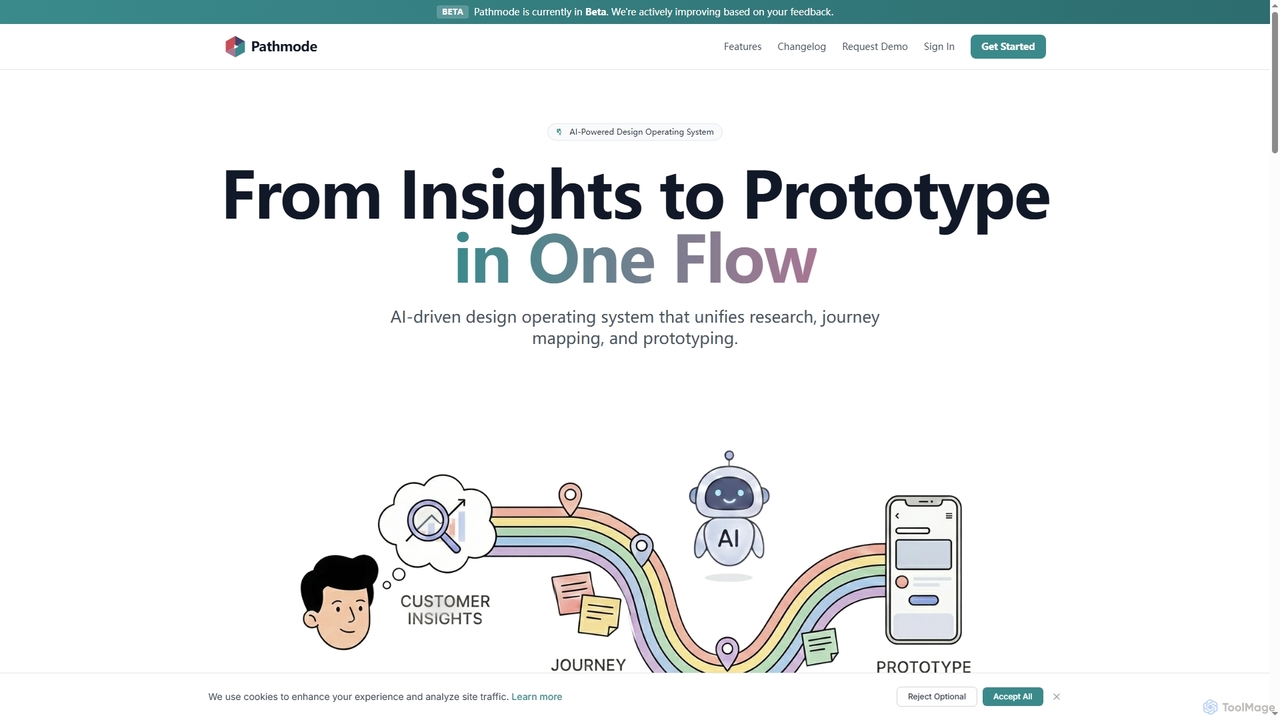
Pathmode

Pathmode

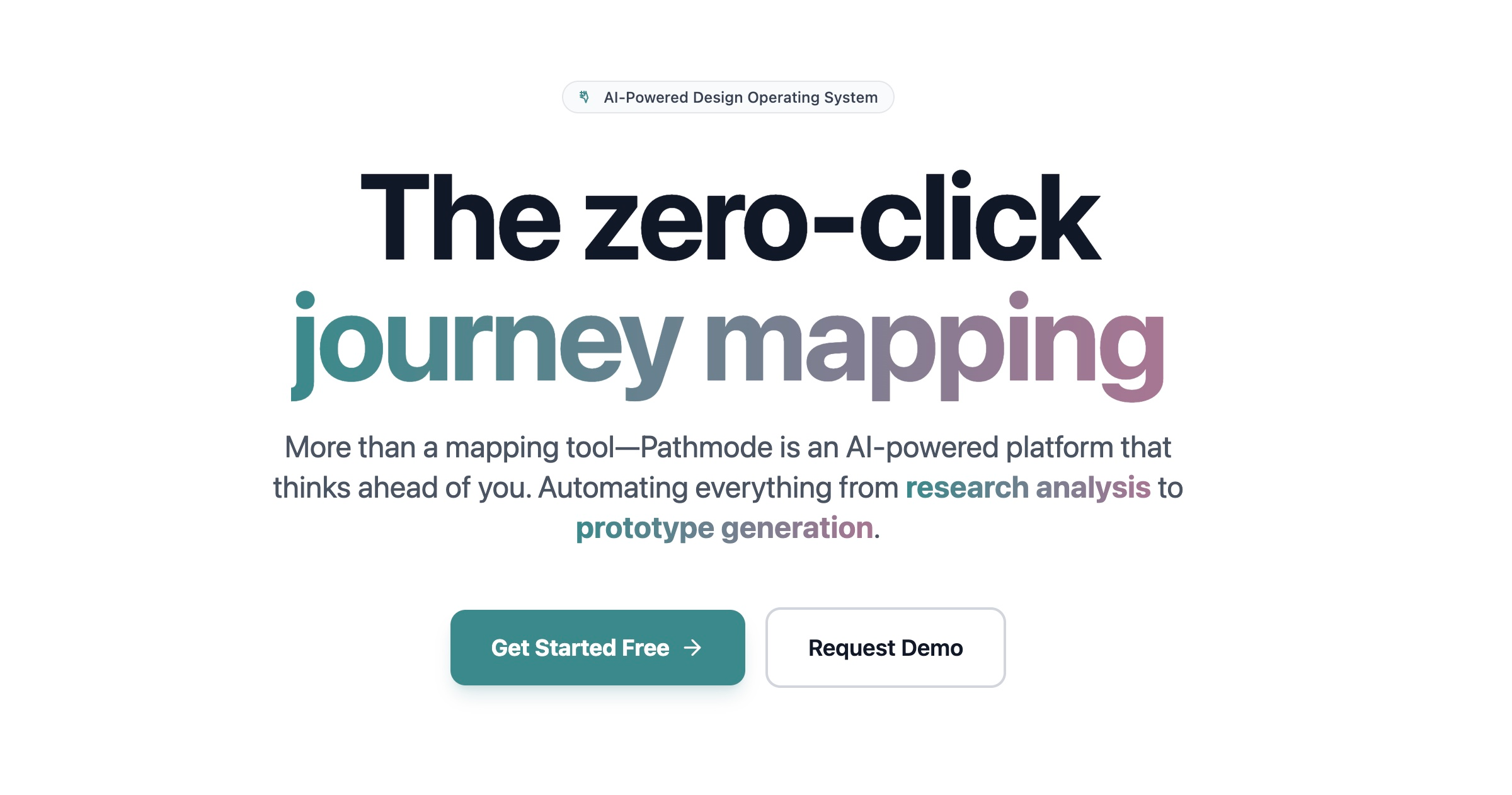
Pathmode is an AI-powered design operating system that unifies user research, automated journey mapping, and prototype specification into …

5.4K
Free
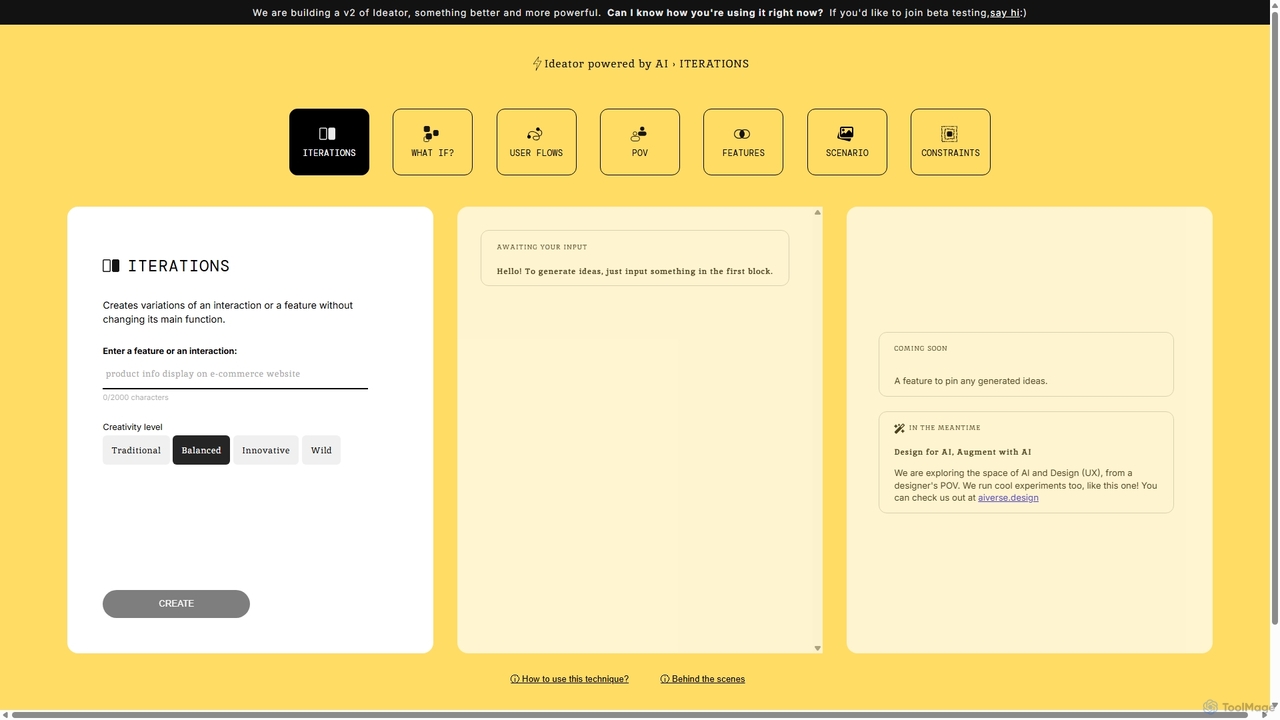
Ideator

Ideator

Ideator is an AI-powered brainstorming tool designed for UX/UI designers and innovators. It generates creative variations of a …

4.3K
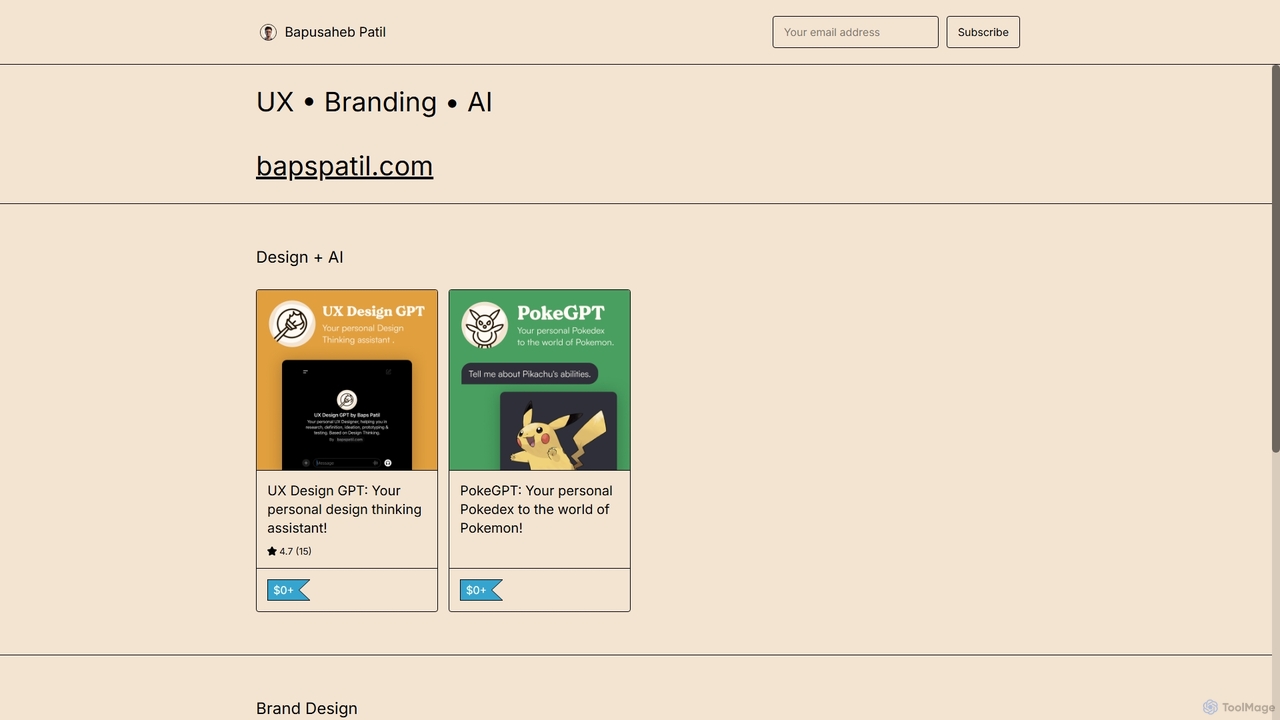
UX Design GPT

UX Design GPT

UX Design GPT is a personal AI assistant for designers, built on the Design Thinking framework. Powered by …

2.8K
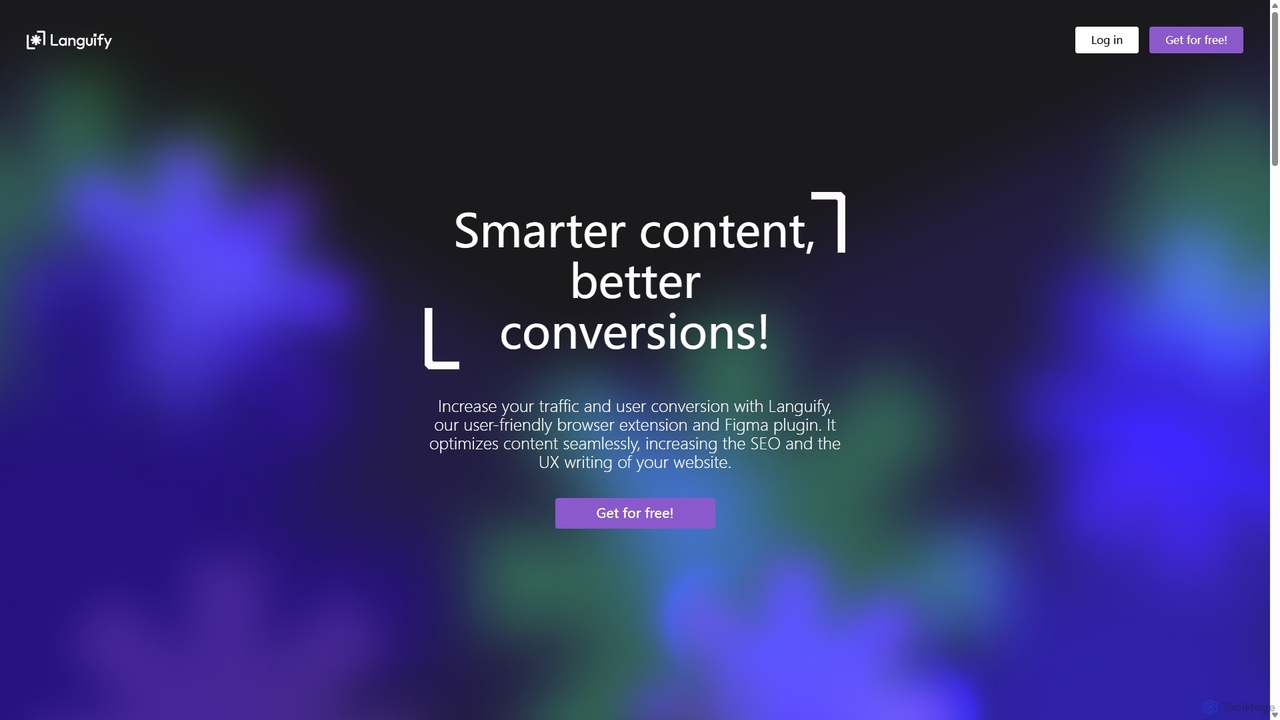
Languify

Languify

Languify is an AI-powered platform designed to optimize UX writing and content for better conversions and SEO. Available …

2.8K
usersketch

usersketch

usersketch is an AI-powered platform designed to accelerate the UX/UI design process. It enables users to instantly generate …

2.9K
Flowmapp

Flowmapp

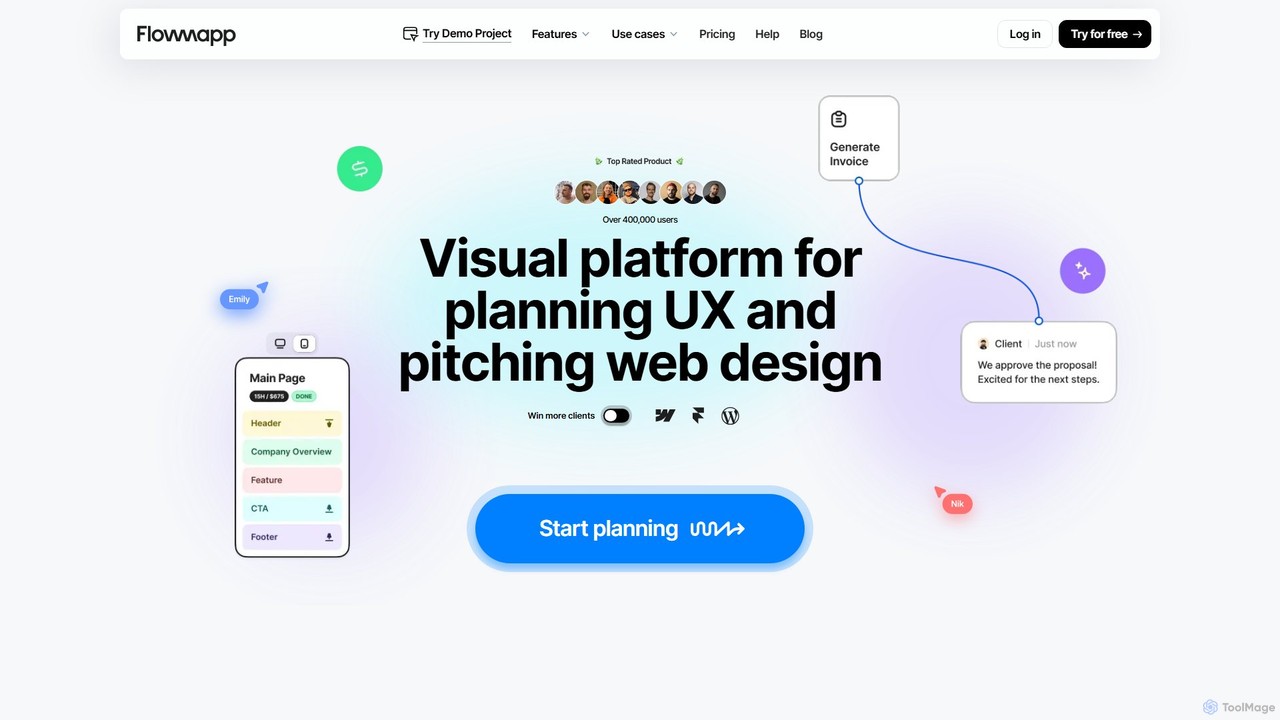
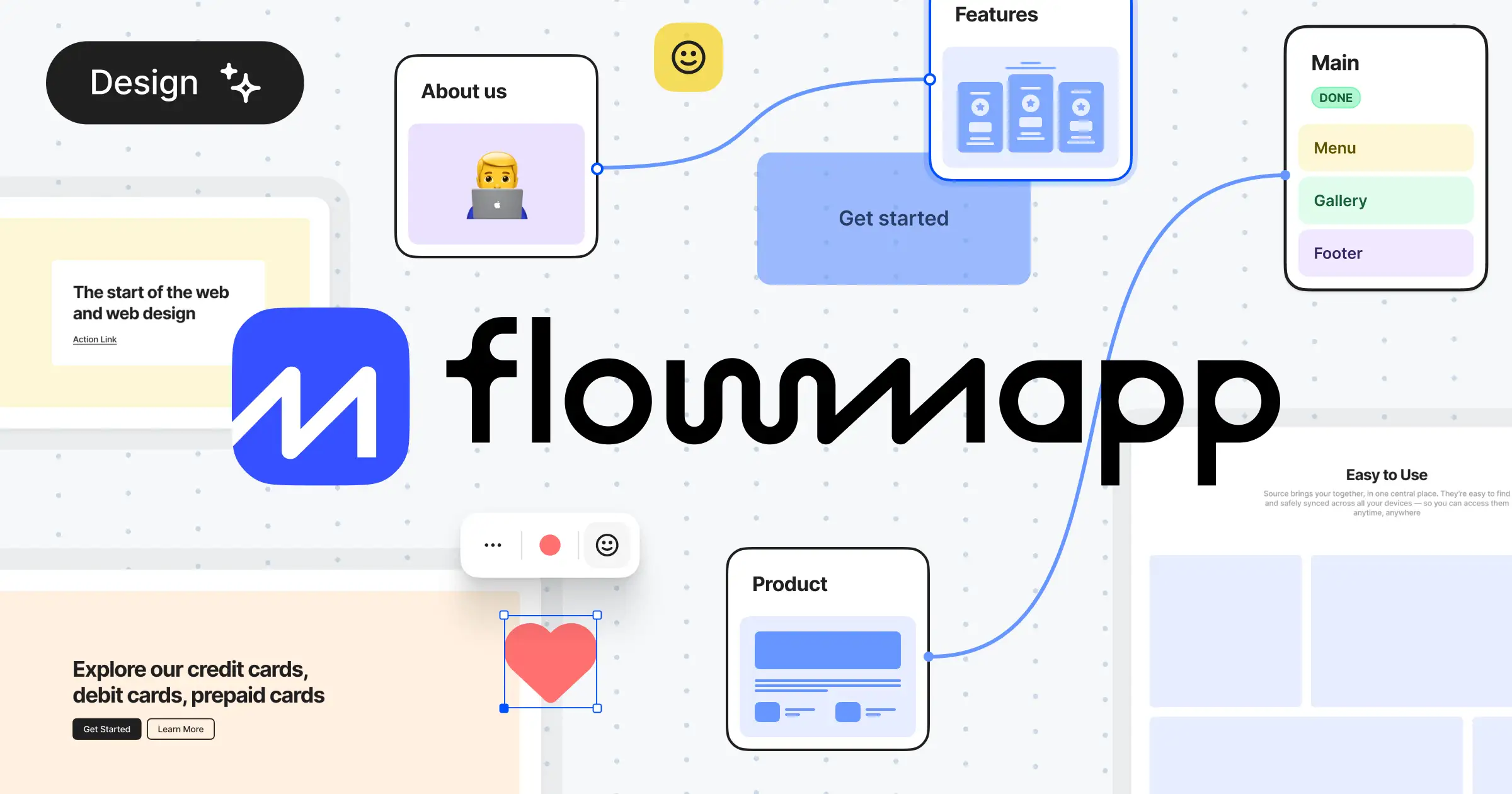
Flowmapp is an all-in-one UX planning tool designed for freelancers, agencies, and product teams. It streamlines website and …

66.4K
Free
User Persona

User Persona

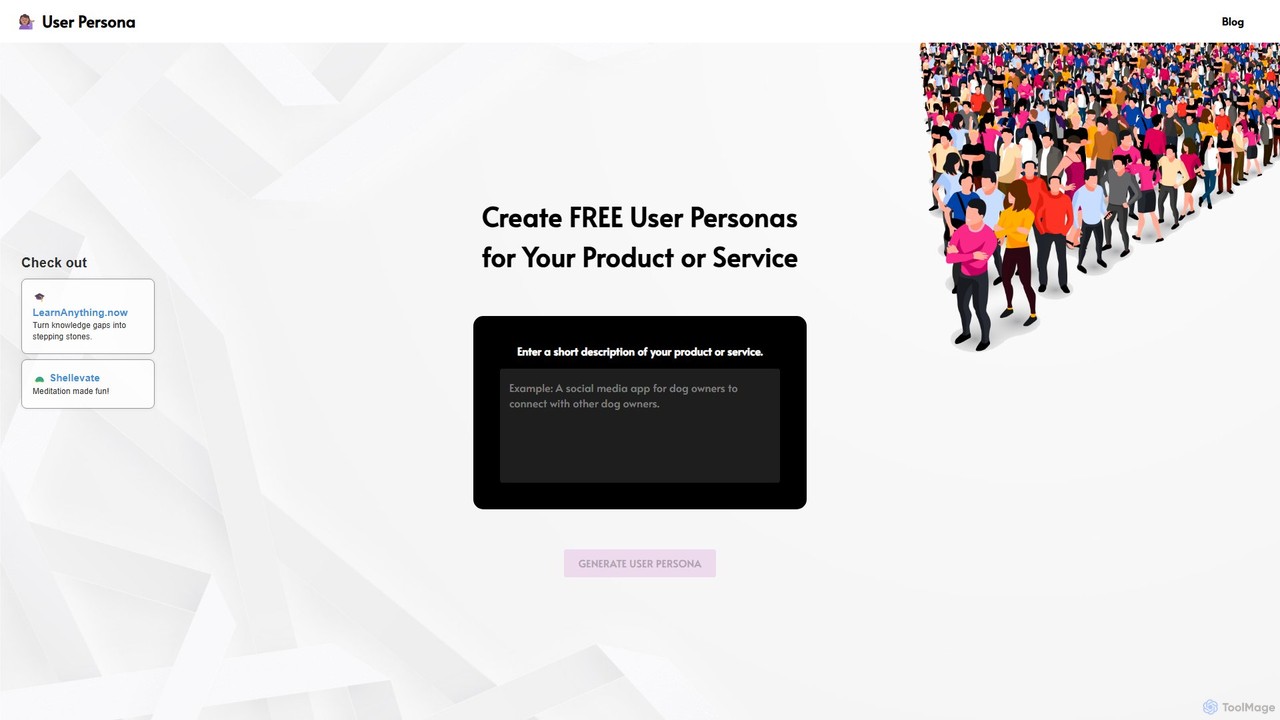
User Persona is a free AI-powered tool that generates detailed, data-backed user personas in seconds. Simply enter a …

11.9K
Halaska Studio

Halaska Studio

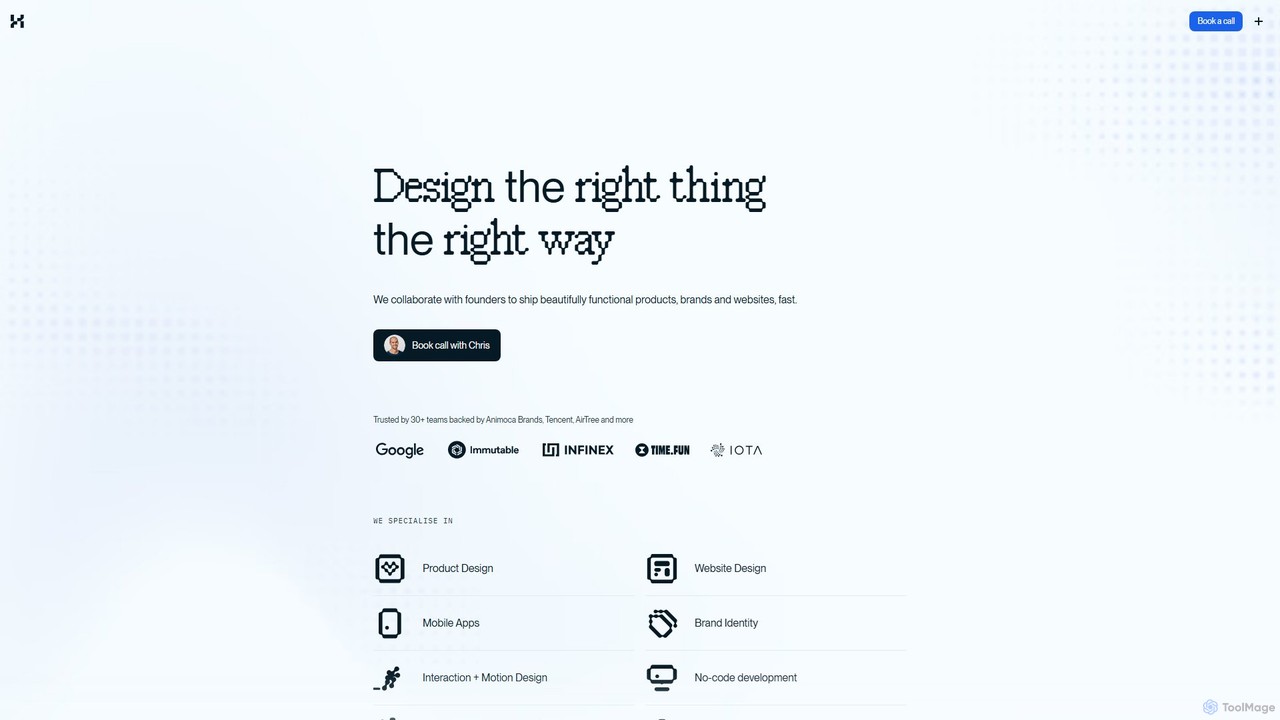
A premium product design studio specializing in Web3, AI, and tech. Led by a former Google UX lead, …

5.5K
Little Bro

Little Bro

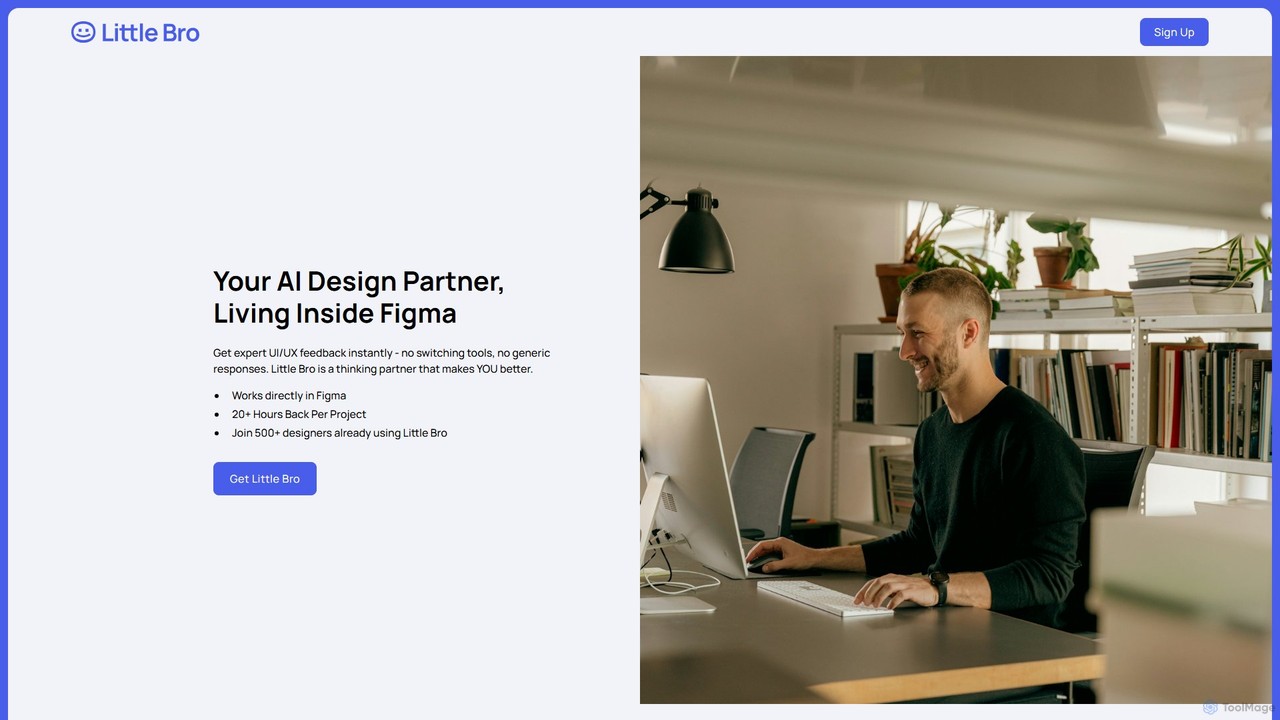
Little Bro is an AI-powered design assistant and user research simulator for Figma. It helps designers think like …

6.1K

About Ux Design

UX Design AI tools are a category of artificial intelligence applications specifically engineered to enhance and automate various stages of the user experience design process. These tools leverage machine learning, natural language processing, and computer vision to provide data-driven insights, generate design elements, and streamline workflows. They empower designers to understand user behavior more deeply, accelerate iteration cycles, and create more intuitive and accessible digital products, serving as a powerful extension within the broader design ecosystem.

Core Features

  • User Research Analysis: Automatically analyze qualitative data from interviews, surveys, and feedback to identify patterns, sentiments, and pain points.
  • Wireframe & Prototype Generation: Convert text descriptions or sketches into functional wireframes and interactive prototypes, speeding up initial design phases.
  • Usability Testing Insights: Process user session recordings and eye-tracking data to pinpoint usability issues and suggest improvements without manual review.
  • Personalized Design Recommendations: Offer data-backed suggestions for UI elements, content placement, and user flows to optimize engagement and conversion.
  • Accessibility Auditing: Automatically scan designs for compliance with accessibility standards (e.g., WCAG), identifying potential barriers for users with disabilities.

Applicable Scenarios

UX Design AI tools are invaluable for product teams, independent UX designers, and agencies aiming to accelerate design sprints and improve user-centricity. They are used in early-stage ideation for rapid prototyping, during user research to synthesize vast amounts of data, and in post-launch optimization to continuously refine user interfaces based on real-time feedback.

How to Choose

When selecting UX Design AI tools, consider their integration capabilities with your existing design software (e.g., Figma, Sketch), the sophistication and transparency of their AI models, and their ability to handle diverse data types. Evaluate the level of customization offered, data privacy policies, and the tool's learning curve to ensure it aligns with your team's technical proficiency and workflow.

Ux DesignUse Cases

1

Analyzing User Feedback at Scale

Product managers and UX researchers use AI tools to process thousands of customer support tickets, social media comments, and survey responses. The AI identifies recurring themes, sentiment trends, and critical pain points, providing actionable insights for product improvements in a fraction of the time it would take manually.

2

Rapid Wireframe Generation from Text

Product designers can input simple text descriptions like "e-commerce product page with image gallery, add to cart button, and reviews section" into an AI tool. The AI then generates multiple wireframe variations, allowing for quick exploration of layout options and accelerating the initial ideation phase of a new feature or product.

3

Predicting User Behavior & Pain Points

UX strategists leverage AI to analyze existing user data, such as clickstreams and navigation paths, to predict potential areas of friction or confusion in a new design. This proactive identification of pain points helps designers optimize user flows before extensive development, saving resources and improving the final product.

4

Automating Usability Test Analysis

During usability testing, AI tools can automatically transcribe user interviews, categorize feedback, and even detect emotional cues from video recordings. This significantly reduces the manual effort required to synthesize test results, allowing designers to focus on implementing improvements rather than data processing.

5

Personalizing Onboarding Flows

Marketing and product teams use AI to dynamically adapt user onboarding experiences based on initial user input or demographic data. The AI suggests personalized content, feature highlights, and tutorial paths, leading to higher engagement rates and better feature adoption for diverse user segments.

6

Ensuring Design Accessibility Compliance

UX designers integrate AI tools into their workflow to automatically check prototypes and final designs against accessibility guidelines (e.g., WCAG). The AI identifies issues like insufficient color contrast, missing alt text, or keyboard navigation problems, ensuring designs are inclusive for all users and preventing costly reworks.

Ux DesignFrequently Asked Questions