

Thread App Overview
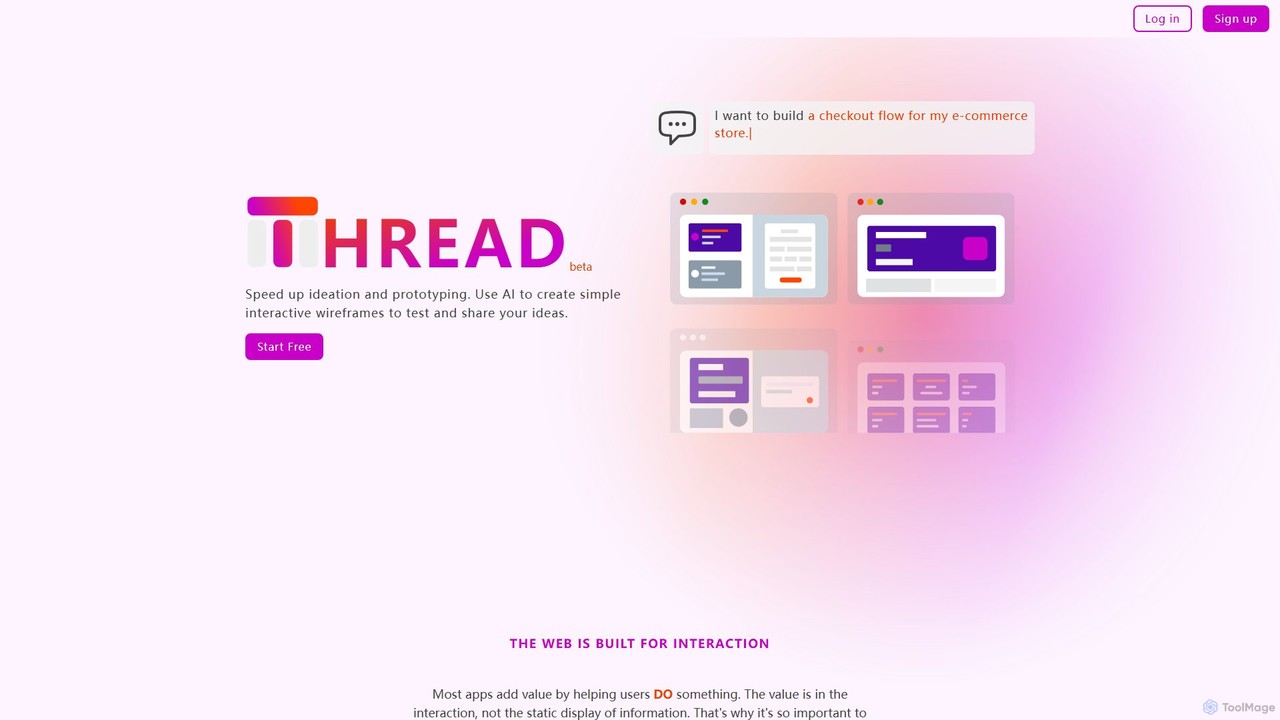
Thread App is a revolutionary AI-powered platform designed to streamline the early stages of application design and development. It empowers users to transform their ideas into simple, interactive wireframes almost instantly, simply by describing what they want to build. This approach significantly accelerates the ideation and prototyping process, making it an invaluable tool for product managers, developers, designers, and entrepreneurs.
The core philosophy behind Thread App is that the value of most applications lies in their interaction. Traditional static mockups often fail to capture the user experience (UX) effectively. Thread App addresses this by generating clickable, interactive wireframes, allowing teams to test user flows and validate concepts before investing significant time in detailed design or coding. This focus on early-stage UX testing helps prevent costly rework and ensures the final product is more user-centric.
How to use Thread App
Using Thread App is designed to be intuitive and follows a simple three-step process:
- Describe Your Vision: Start by writing a natural language description of the app or screen you want to create. For example, you could type "I want to build a SaaS app for project management" or be more specific, like "Create a login screen with fields for email and password, a 'Sign In' button, and a link for 'Forgot Password'."
- AI-Powered Generation: Once you provide the description, Thread's AI engine gets to work. In seconds, it interprets your request and generates a set of wireframes that match your description. These aren't just static images; they are interactive elements that form a basic prototype.
- Customize and Refine: Review the AI-generated wireframes. You can then provide further instructions to the AI to make changes, such as "Change the primary button color to blue" or "Add a search bar to the header." You can also perform manual edits to fine-tune the layout and elements to perfectly match your vision.
Core Features of Thread App
- AI Wireframe Generation: Converts text prompts into visual, structured wireframes instantly.
- Interactive Prototyping: Automatically creates clickable prototypes to simulate user flows and interactions.
- Conversational Editing: Refine and iterate on your designs by giving follow-up commands in plain English.
- User-Friendly Interface: No steep learning curve or complex design software knowledge required, making it accessible to non-designers.
- Rapid Ideation: Quickly mock up ideas to share with teams, stakeholders, or clients ahead of meetings.
- Collaboration and Sharing: Easily share links to your interactive prototypes for feedback and validation.
- HTML Export (Pro Plan): Export your wireframes to HTML, providing a foundational starting point for developers.
- Multi-Screen Generation (Pro Plan): Generate up to 8 connected screens simultaneously to build out more complex user journeys.
Use Cases for Thread App
Thread App is versatile and can be used by various professionals:
- Product Managers: Quickly create a tangible prototype to communicate a new feature idea to developers and designers, ensuring everyone is aligned.
- Startup Founders: Build an interactive demo for an investor pitch to effectively showcase the product's vision and core functionality.
- UX/UI Designers: Rapidly explore different layout concepts and user flows at the beginning of a project, saving time on low-fidelity mockups.
- Developers: Independently create simple UIs to clarify requirements or build quick internal tools without waiting for formal design assets.
- Entrepreneurs & Innovators: Test a business idea's viability by creating a simple, testable prototype to gather user feedback.
Advantages of Thread App
The primary advantage of Thread App is its incredible speed and efficiency. It drastically reduces the time between concept and a testable prototype. By empowering non-designers to visualize their ideas, it fosters better collaboration and communication within teams. This early validation of user experience helps identify potential flaws before development begins, saving significant time and resources in the long run. It democratizes the design process, allowing anyone to build and test their ideas.
Pricing and Plans
Thread App offers a freemium model to suit different needs:
- Starter Plan (Free): Ideal for individuals and small projects. Includes 2 projects, unlimited wireframes, and basic customer support, subject to a fair use policy.
- Pro Plan (Coming Soon - $10 per user/month): Designed for professionals and teams. Offers unlimited projects, the ability to generate up to 8 screens simultaneously, export to HTML, and more advanced features.
- Enterprise Plan (Custom Pricing): Tailored for large organizations. Includes all Pro features plus Role-Based Access Control (RBAC), customized pricing, and priority support from engineers.
Thread App Alternatives
Uizard
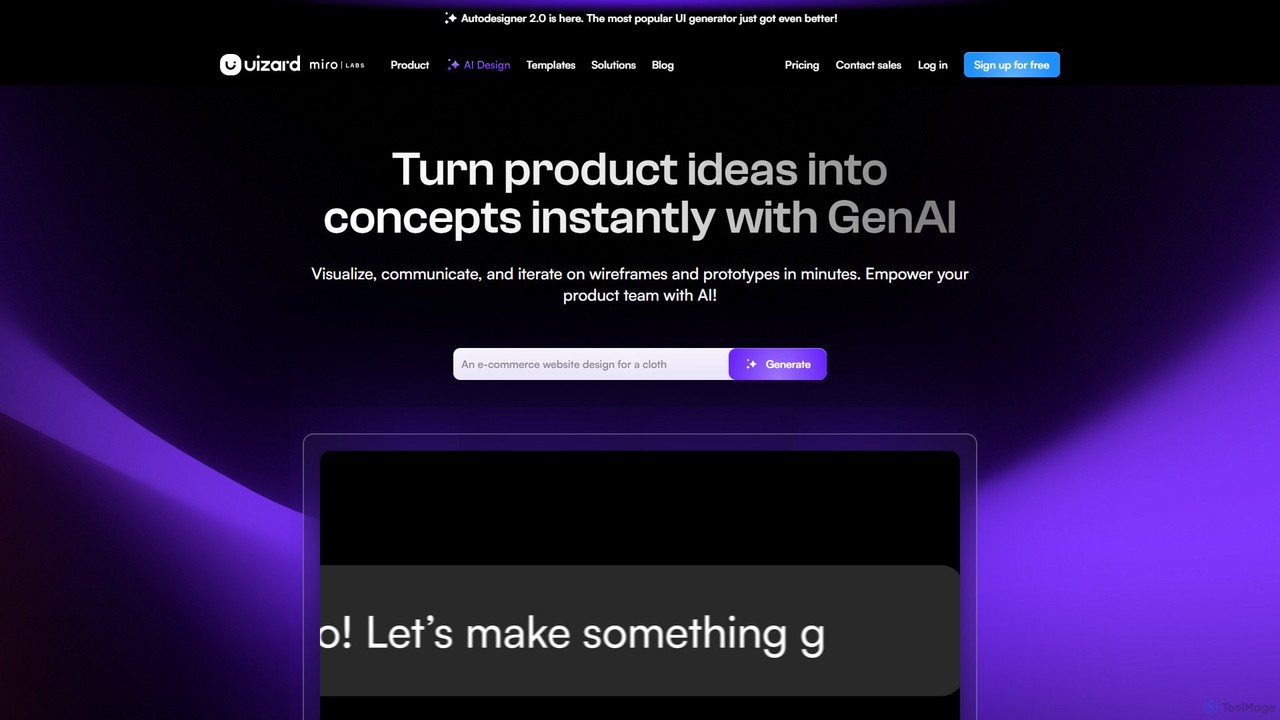
Uizard is an AI-powered UI design tool that empowers both designers and non-designers to create stunning websites, web apps, and mobile app mockups in minutes. Transform text prompts, hand-drawn sketches, or screenshots into editable, interactive prototypes. It's designed for rapid ideation, real-time collaboration, and streamlining the entire product design workflow from concept to handoff.
Ui Ux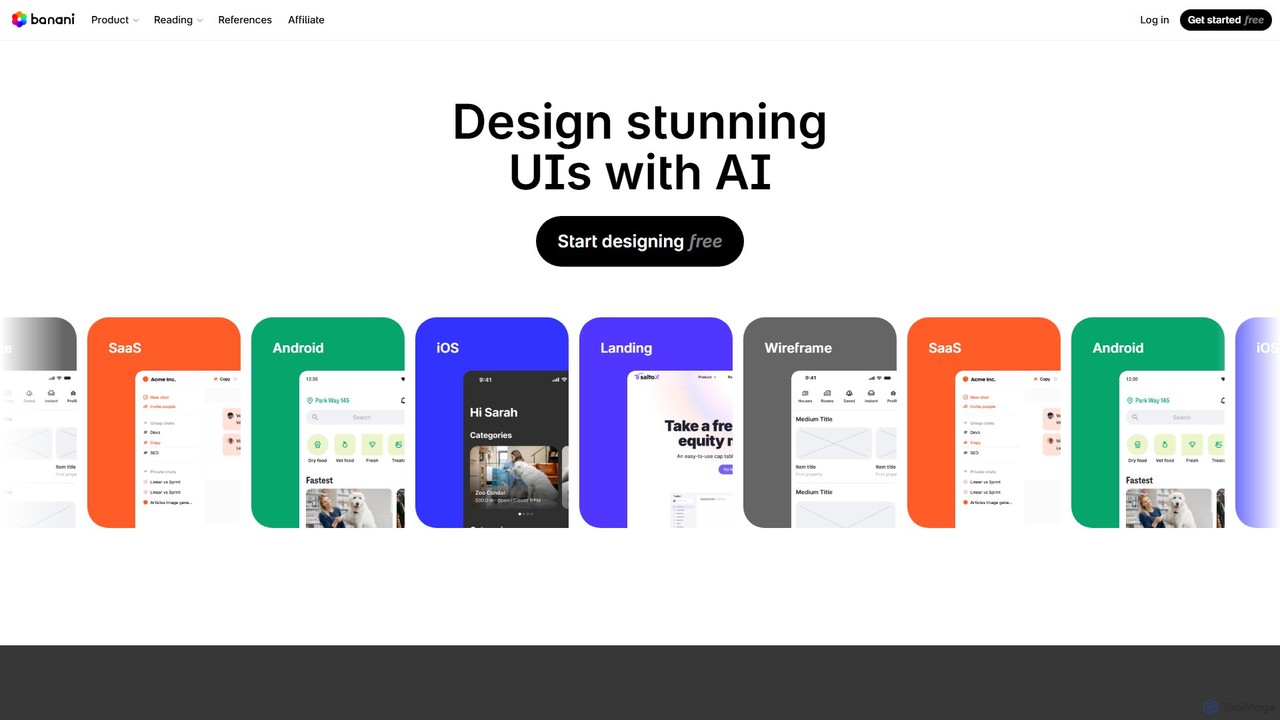
Banani
Banani is an AI-powered UI design copilot that transforms text prompts into stunning, interactive user interfaces and prototypes. It's designed for rapid ideation and visualization, enabling product managers, founders, and designers to create beautiful, user-friendly designs in seconds, even without prior design skills.
Ui Design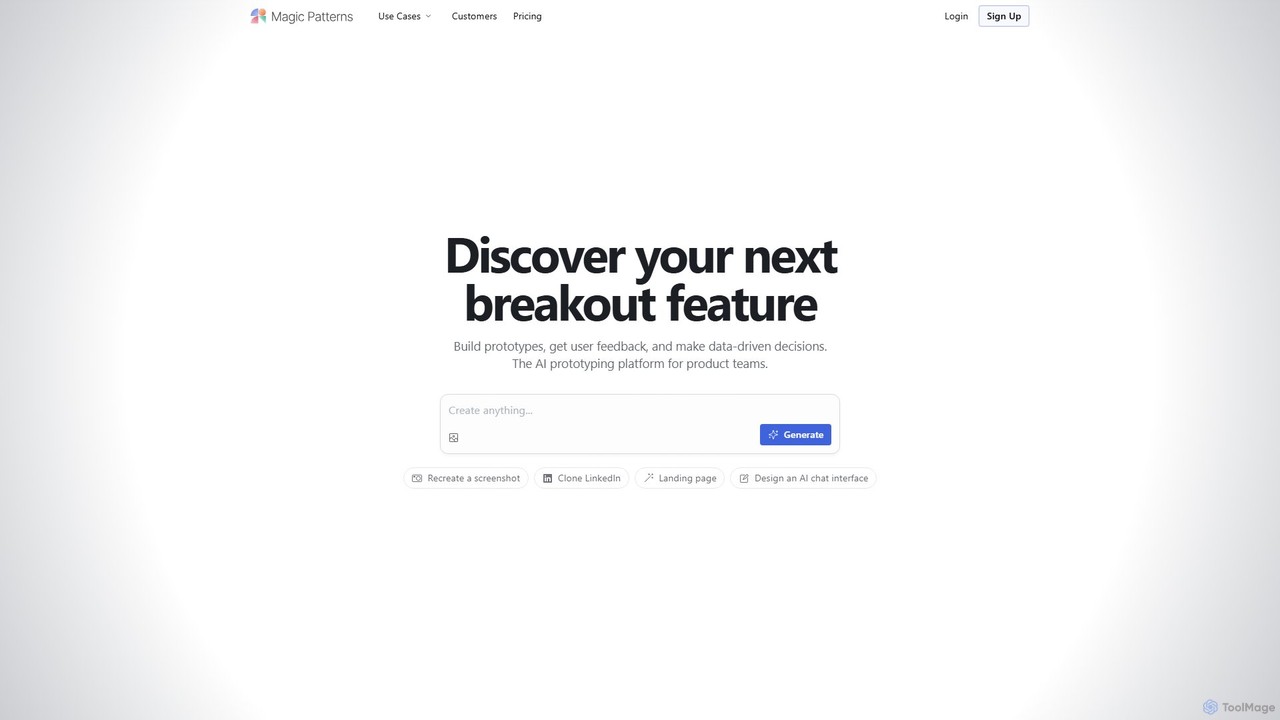
Magic Patterns
Magic Patterns is an AI-powered prototyping platform for product teams, designers, and developers. It accelerates UI creation by generating interactive prototypes and production-ready code (React, Tailwind CSS) from text prompts, screenshots, or existing websites. It helps teams iterate faster, gather user feedback, and make data-driven decisions.
Prototyping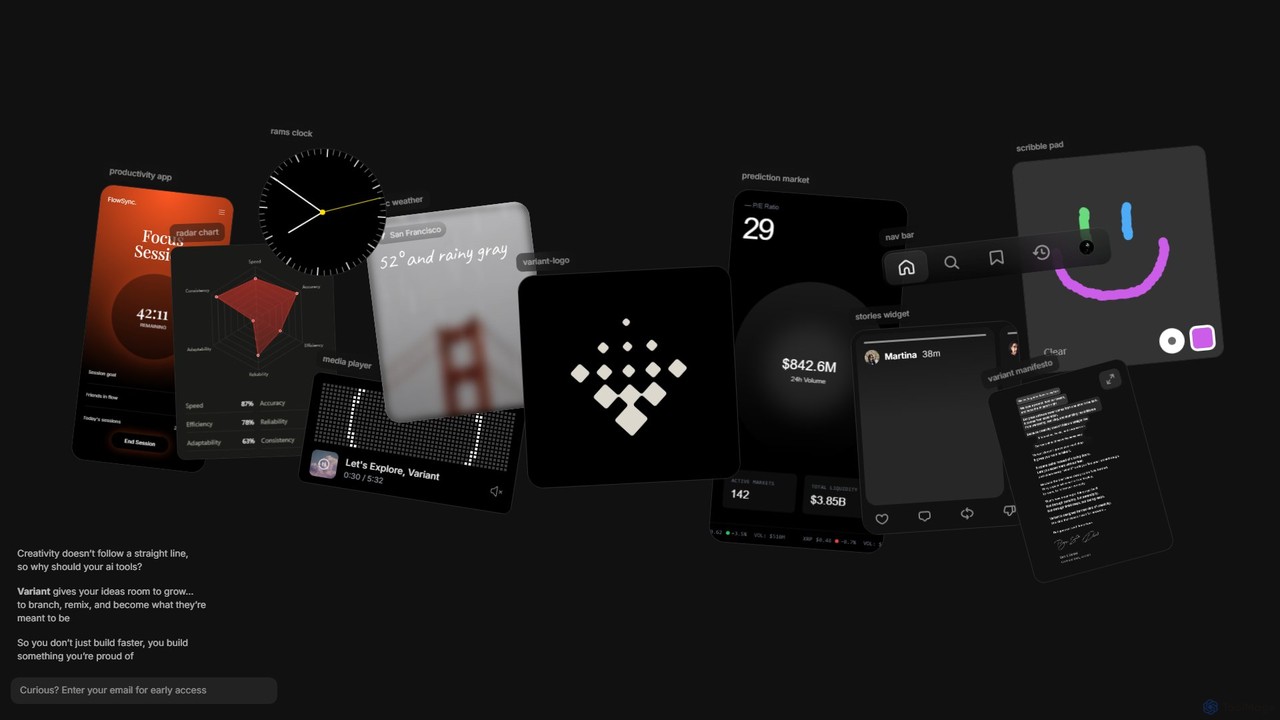
Variant
Variant is an AI-powered creative suite designed to break free from linear workflows. It provides a dynamic, non-linear environment for developers, designers, and creators to explore, remix, and branch ideas. Instead of single prompts, Variant fosters serendipity and experimentation, allowing you to build unique software and designs you're proud of.
Prototyping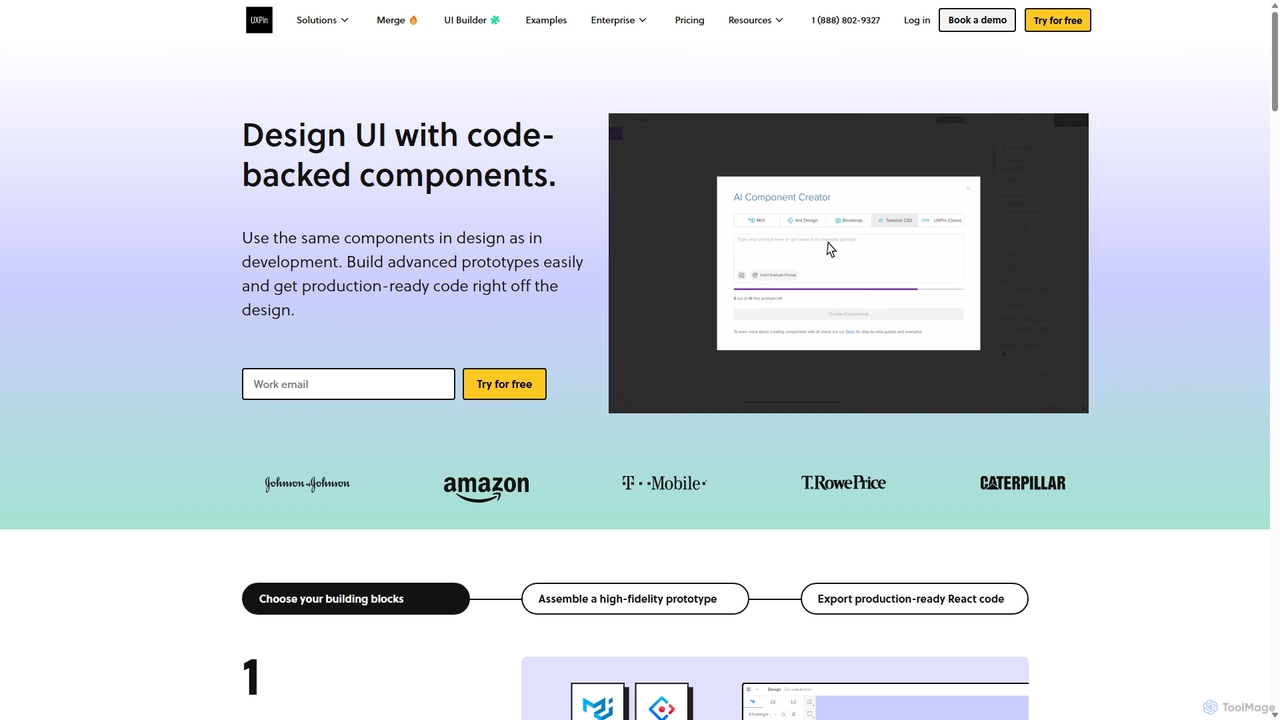
UXPin
UXPin is a code-based design and prototyping tool that bridges the gap between design and engineering. It enables teams to create high-fidelity, interactive prototypes using real code components, ensuring consistency and dramatically speeding up the product development lifecycle from concept to launch.
PrototypingThread App Categories
Thread App Embed Widget
Copy this embed code to place the badge on your blog, article, or product site and send readers directly to this ToolMage detail page.

Related AI tools
Uizard
Uizard is an AI-powered UI design tool that empowers both designers and non-designers to create stunning websites, web apps, and mobile app mockups in minutes. Transform text prompts, hand-drawn sketches, or screenshots into editable, interactive prototypes. It's designed for rapid ideation, real-time collaboration, and streamlining the entire product design workflow from concept to handoff.
Ui UxBanani
Banani is an AI-powered UI design copilot that transforms text prompts into stunning, interactive user interfaces and prototypes. It's designed for rapid ideation and visualization, enabling product managers, founders, and designers to create beautiful, user-friendly designs in seconds, even without prior design skills.
Ui Design
GeniusUI
GeniusUI is an AI-powered design tool that transforms text prompts into stunning, high-fidelity UI/UX designs and components. It automates the design and front-end coding process, allowing creators to build beautiful interfaces in minutes, not days, without writing a single line of code.
Ui Ux Design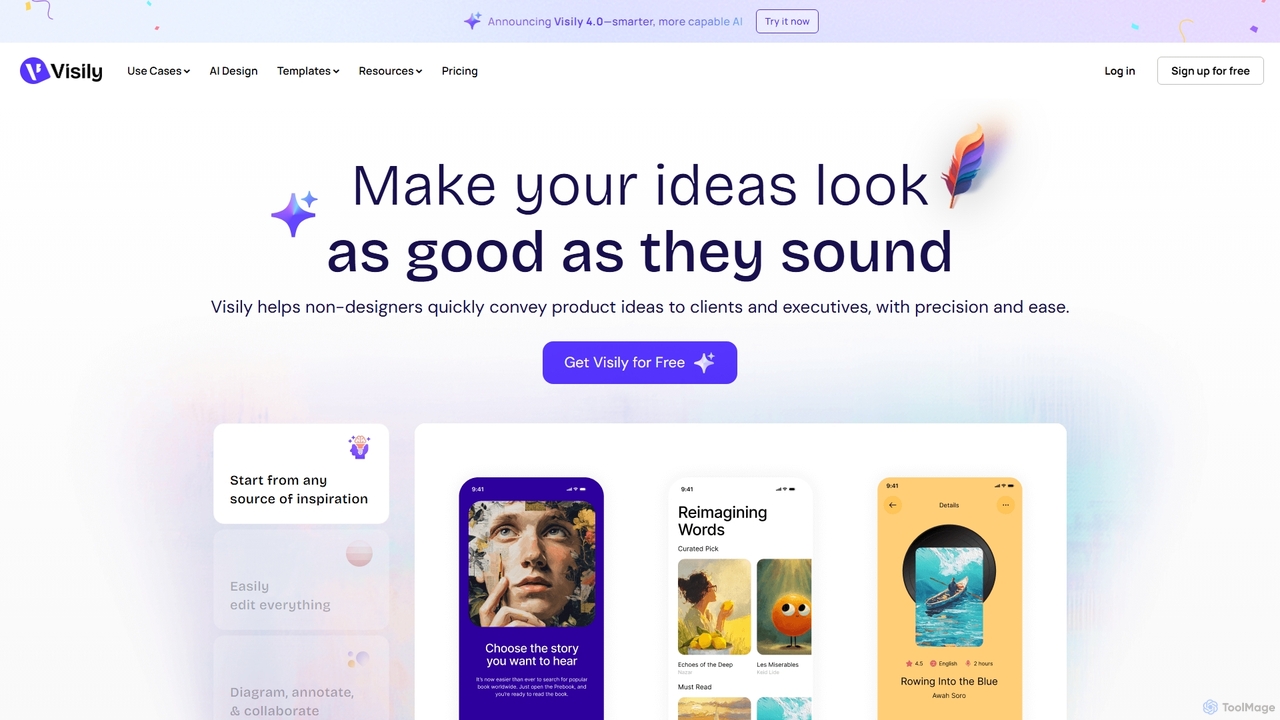
Visily
Visily is an AI-powered UI design and prototyping tool specifically created for non-designers. It enables teams to quickly transform ideas, screenshots, or text prompts into high-fidelity wireframes and mockups. With its intuitive interface and powerful collaboration features, Visily streamlines the process of visualizing product concepts and gathering feedback, bridging the gap between ideas and execution without a steep learning curve.
Ui Ux
usersketch
usersketch is an AI-powered platform designed to accelerate the UX/UI design process. It enables users to instantly generate wireframes, user flows, sitemaps, and personas from simple text descriptions. Ideal for product managers, designers, and developers, it streamlines ideation, prototyping, and collaboration, turning concepts into visual designs in minutes.
Ux DesignMagic Patterns
Magic Patterns is an AI-powered prototyping platform for product teams, designers, and developers. It accelerates UI creation by generating interactive prototypes and production-ready code (React, Tailwind CSS) from text prompts, screenshots, or existing websites. It helps teams iterate faster, gather user feedback, and make data-driven decisions.
Prototyping
MasterGo
MasterGo is an AI-powered, all-in-one collaborative UI/UX design platform. It streamlines the entire workflow from prototyping and interface design to developer handoff. Built for real-time collaboration, it helps teams create, iterate, and manage digital products efficiently with features like design systems, AI-assisted generation, and enterprise-level security.
Ui Ux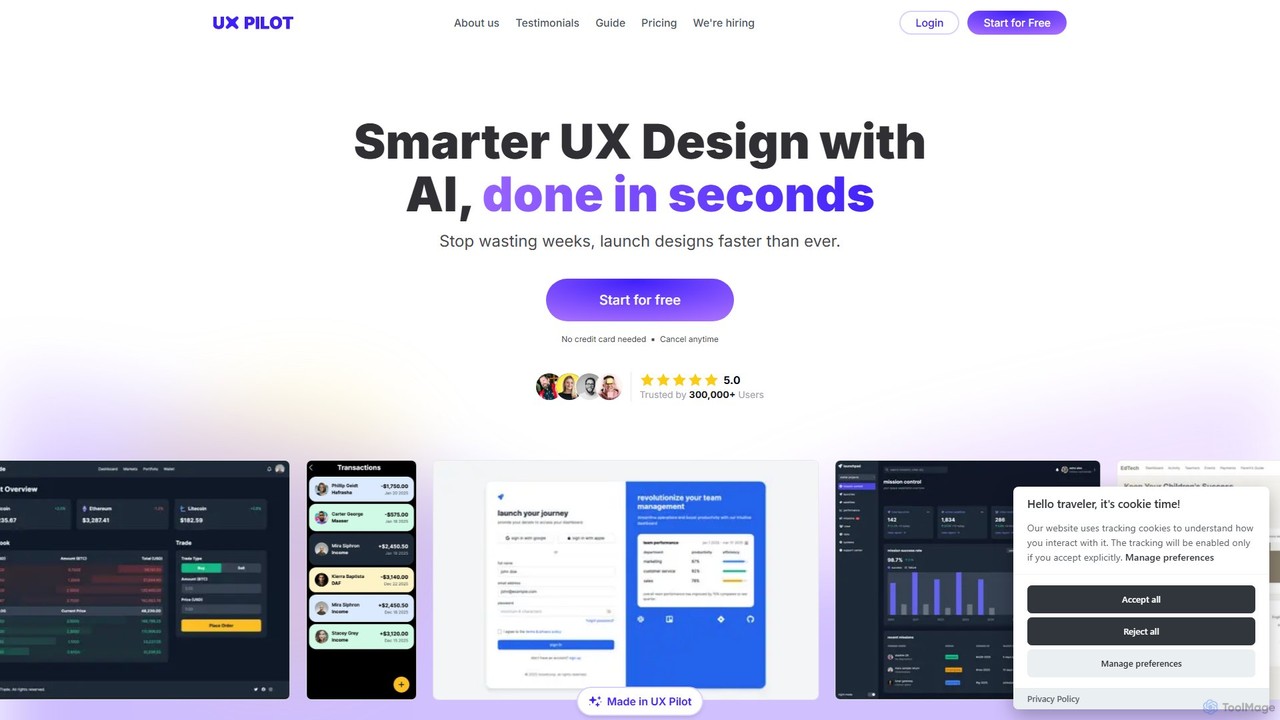
UX Pilot
UX Pilot is an AI-powered design platform that accelerates the UX/UI workflow. It enables designers, product teams, and founders to generate high-fidelity designs, wireframes, screen flows, and prototypes from simple text prompts in seconds. With deep Figma integration, it streamlines the entire process from ideation to handoff.
Ui Ux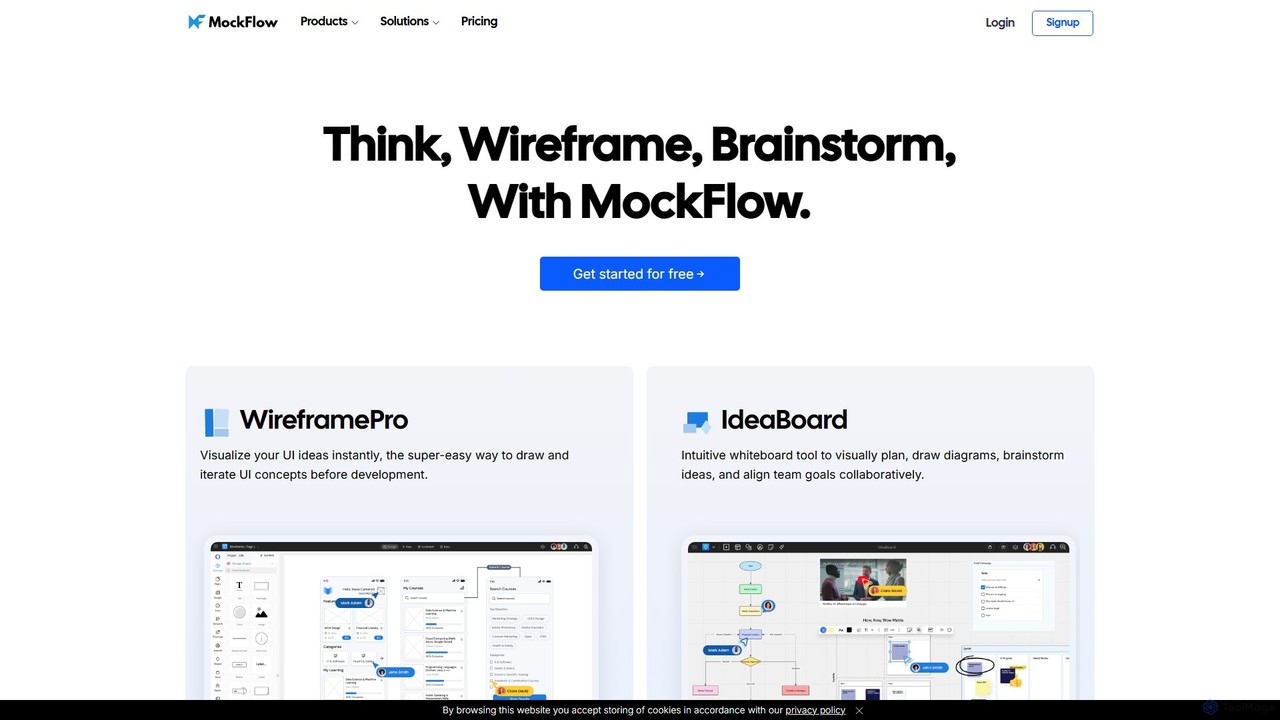
MockFlow
MockFlow is an all-in-one suite for product design, offering tools for wireframing, prototyping, and brainstorming. It leverages AI to accelerate the design process, allowing users to convert text or screenshots into editable wireframes, generate diagrams, and create content automatically. With extensive collaboration features and integrations, it streamlines the entire workflow from initial idea to developer handoff.
Ui Ux
App Alchemy
App Alchemy is an AI-powered design tool that generates beautiful, professional mobile app mockups in seconds. Simply describe your app idea, use a template, or upload screenshots, and the AI will instantly create UI designs. It's designed for developers, entrepreneurs, and designers to rapidly visualize, iterate, and export app concepts without needing complex design skills or expensive software.
Ui Ux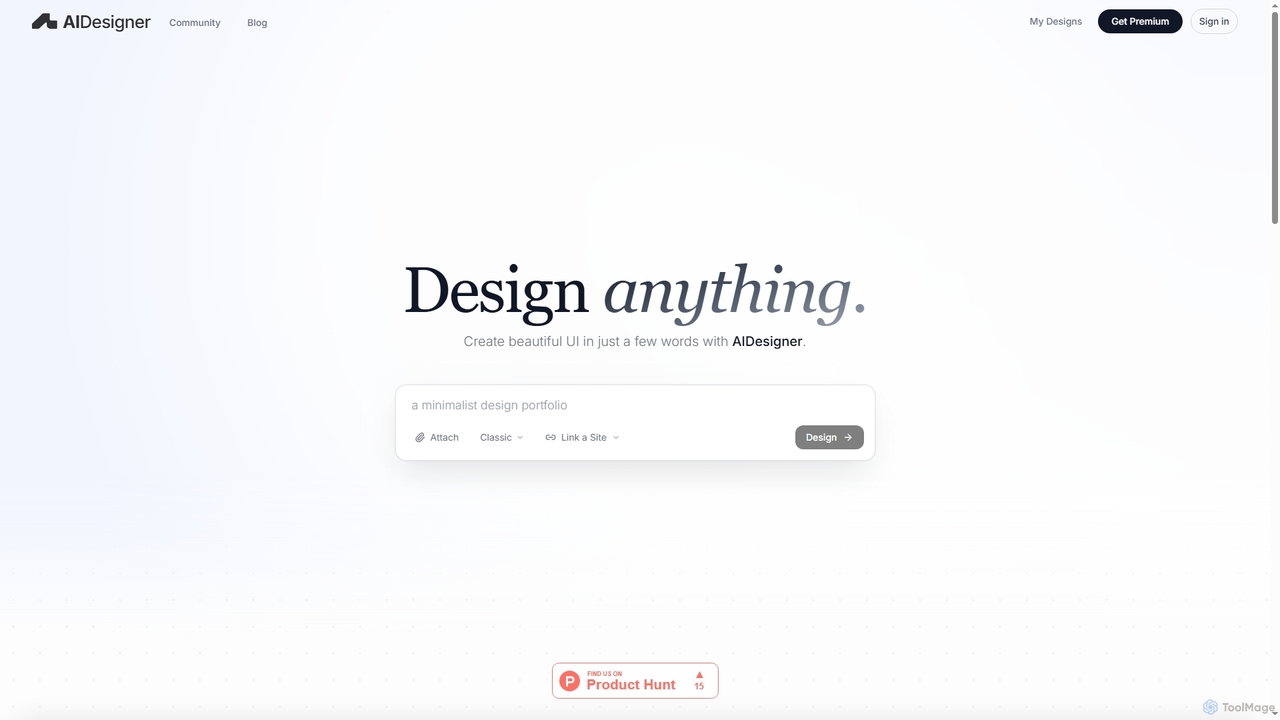
AIDesigner
AIDesigner is an advanced AI-powered platform that transforms textual descriptions into stunning UX/UI designs. It offers a unique approach to design generation, enabling users to create beautiful websites, mobile apps, and portfolios without the generic 'AI look.' With a rich library of production-ready templates and powerful customization options, AIDesigner empowers creators to rapidly prototype and launch visually distinctive digital experiences.
User Experience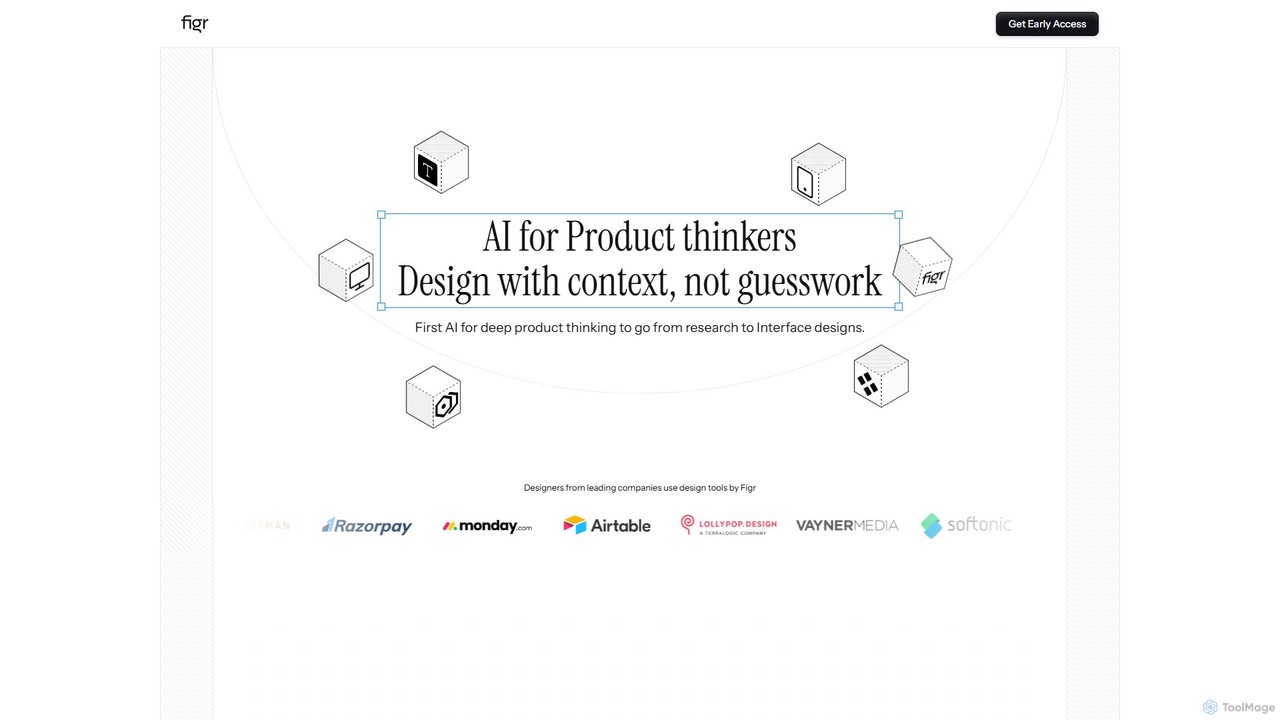
Figr
Figr is an AI-powered design suite that accelerates the product design workflow. It specializes in creating production-grade design systems directly within Figma, automating the generation of design tokens, components, and documentation. It's built for product thinkers, designers, and teams to transform research and context into clear, consistent, and scalable user interfaces with remarkable speed.
Ui Ux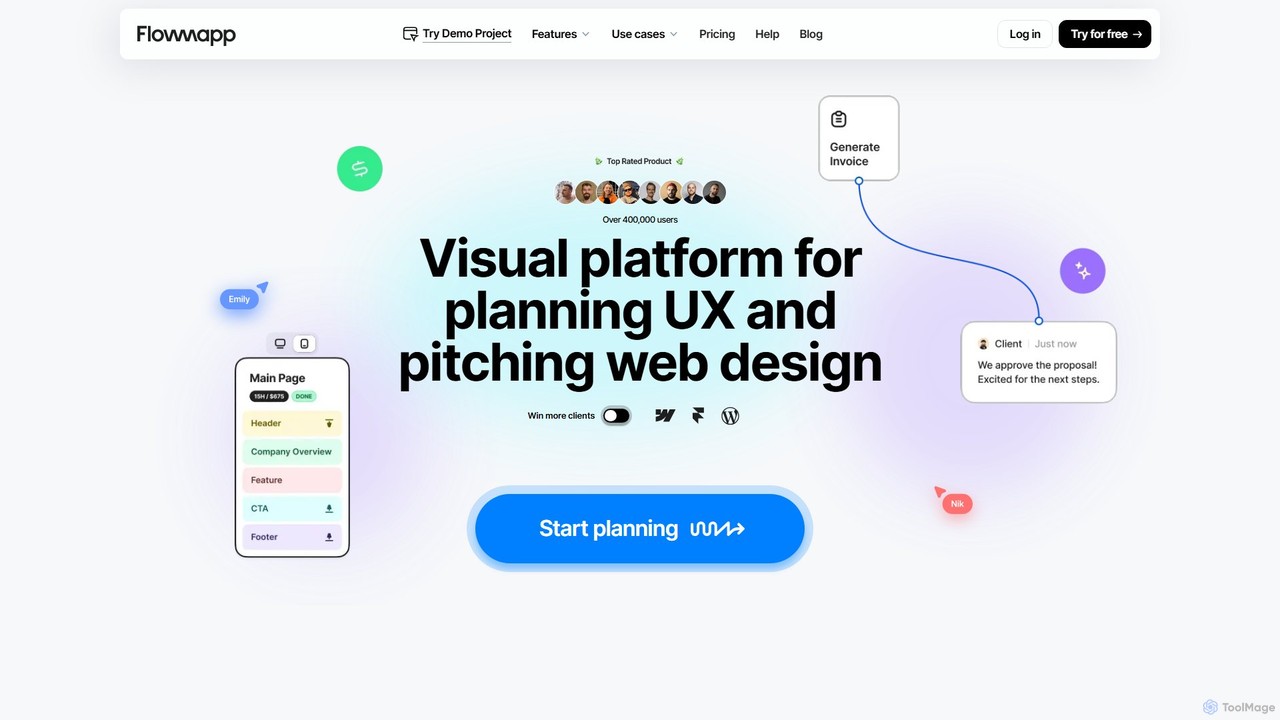
Flowmapp
Flowmapp is an all-in-one UX planning tool designed for freelancers, agencies, and product teams. It streamlines website and app development by integrating AI-powered sitemap and wireframe generation, user flow diagrams, content planning, and collaborative project management into a single platform. Create high-converting project proposals and accelerate your design workflow.
Ux Design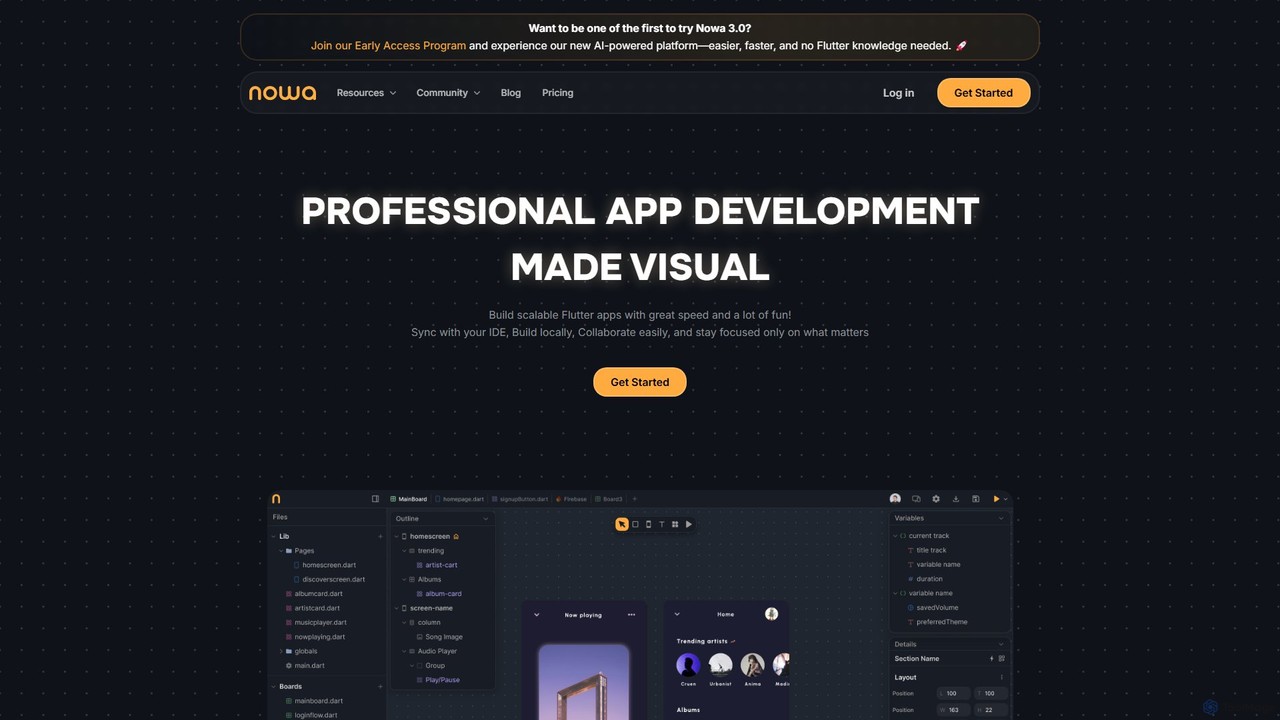
nowa
nowa is a visual, AI-powered Flutter app builder for professional development. It enables developers and designers to build scalable, high-quality applications with incredible speed, combining visual design, logic building, and seamless IDE integration without vendor lock-in.
Low Code No Code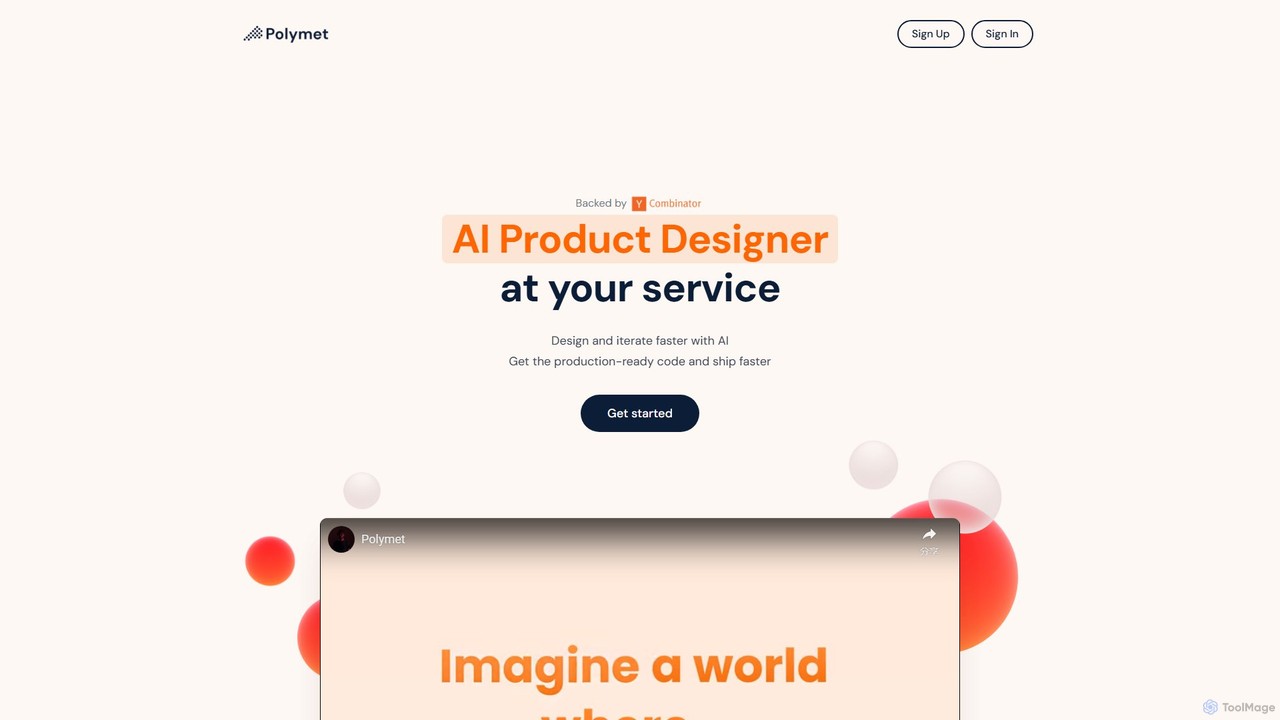
Polymet
Polymet is an AI-powered product designer that transforms ideas, text descriptions, or images into interactive prototypes with production-ready code in seconds. It streamlines the design and development workflow, integrating seamlessly with Figma and existing codebases.
Ui Ux
Thread App Comments (0)
Sign in to comment.
Sign inNo comments yet.