
Thread App
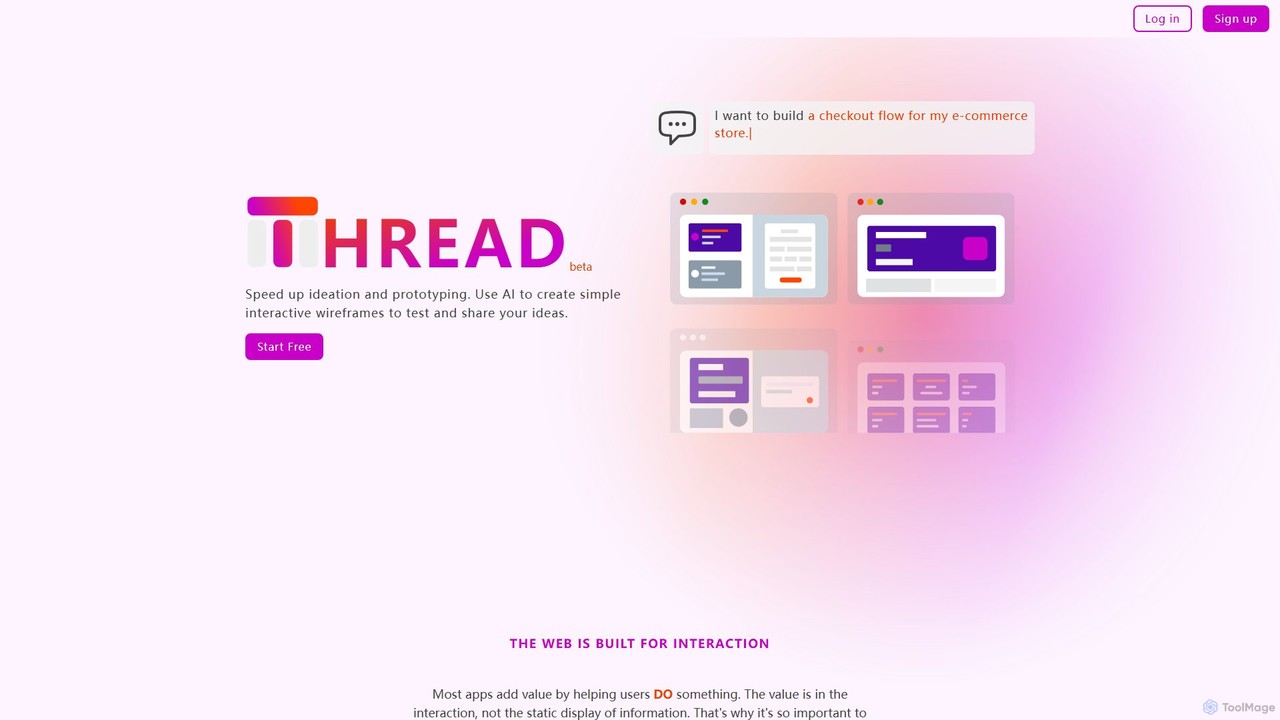
Thread App is an AI-powered tool that instantly creates simple, interactive wireframes from text descriptions. It's designed to …
Thread App is an AI-powered tool that instantly creates simple, interactive wireframes from text descriptions. It's designed to accelerate ideation and prototyping for designers, developers, and product managers, allowing them to test and share app ideas quickly without complex design software.
About Ui Builders
UI Builders are AI-powered tools designed to streamline the creation of user interfaces (UIs) for web and mobile applications. Leveraging machine learning, these tools automate repetitive design tasks, generate code snippets, and provide intelligent suggestions, significantly accelerating the development workflow for developers and designers. As a specialized category within Developer Tools, UI Builders focus on enhancing the front-end development process.
Core Features
- AI-Driven Component Generation: Automatically creates UI elements from text descriptions or design inputs.
- Visual Drag-and-Drop Interface: Allows intuitive assembly of UIs without extensive coding.
- Code Export & Integration: Generates clean, production-ready front-end code (e.g., React, Vue) that integrates with existing projects.
- Responsive Design Support: Ensures UIs adapt seamlessly across various devices and screen sizes.
- Design System Adherence: Helps maintain consistency by aligning generated components with established design systems.
Applicable Scenarios
UI Builders are ideal for rapid prototyping, enabling product teams to quickly visualize and test new features. Front-end developers use them to automate boilerplate code, freeing up time for complex logic. Design teams leverage these tools to ensure design system consistency and bridge the gap between design mockups and functional code.
How to Choose
When selecting a UI Builder, consider its AI capabilities for design interpretation and code quality, compatibility with your existing tech stack and design tools, and the level of customization offered. Evaluate its support for responsive design, accessibility features, and the learning curve for your team. Pricing models and community support are also important factors.
Ui BuildersUse Cases
Rapid Prototyping for Startups
Startup founders or product managers can use UI Builders to quickly generate interactive prototypes from basic wireframes or even text descriptions. This allows for rapid iteration and validation of product ideas with potential users and investors, significantly reducing time-to-market for new features or entire applications.
Automated Front-End Code Generation
Front-end developers can leverage UI Builders to automatically generate clean, production-ready code (e.g., React, Vue, Angular) from visual designs. This eliminates manual coding of boilerplate UI components, allowing developers to focus on complex logic and backend integration, boosting development speed and code consistency.
Maintaining Design System Consistency
Large enterprises or design teams can integrate UI Builders with their existing design systems. The AI ensures that all generated UI components adhere strictly to the established brand guidelines, typography, and component libraries, maintaining consistency across multiple projects and reducing design debt.
Personalized UI for A/B Testing
Marketing and product teams can use UI Builders to quickly create multiple variations of a UI for A/B testing purposes. The AI can suggest different layouts, color schemes, or button placements, enabling rapid experimentation to optimize user engagement and conversion rates without extensive manual design effort.
Bridging Design-to-Code Gap
Designers can use UI Builders to translate their high-fidelity mockups directly into functional code, reducing the communication overhead and handoff issues with developers. This ensures that the final product closely matches the original design vision, improving collaboration and project efficiency.
Accessibility Compliance Automation
Development teams can leverage UI Builders that incorporate accessibility best practices. The AI can automatically suggest or implement accessible UI patterns, ARIA attributes, and color contrast checks during the design and development phase, helping to build inclusive applications from the start and meet compliance standards.