ToolMage
Sign in

Best 18 Color Palette AI tools for Design

Popular Color Palette AI tools in Design include ColorMagic, Huemint, Khroma, itsvg, PaletteMaker, My Color Analysis AI, Color.io, Ipalettes, Perception, and huewheel, helping you work more efficiently.

Aura Mixer
Freemium

Aura Mixer

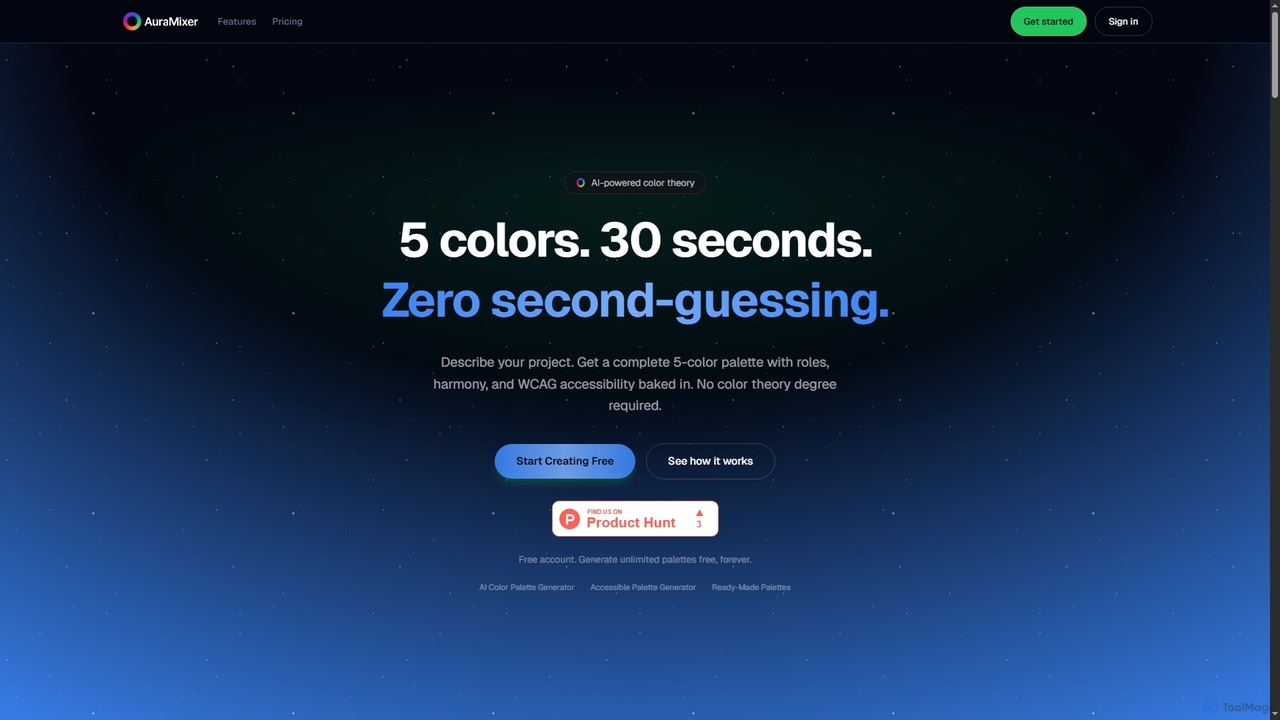
Aura Mixer is an AI-powered color palette generator that creates professional, accessible 5-color palettes in seconds. It applies real color theory, ensuring WCAG AA compliance and balanced color distribution for UI/UX design, web development, and branding projects.

Design Tools
Visits 5.9KFavorites 118Likes 101
Ipalettes
Free

Ipalettes

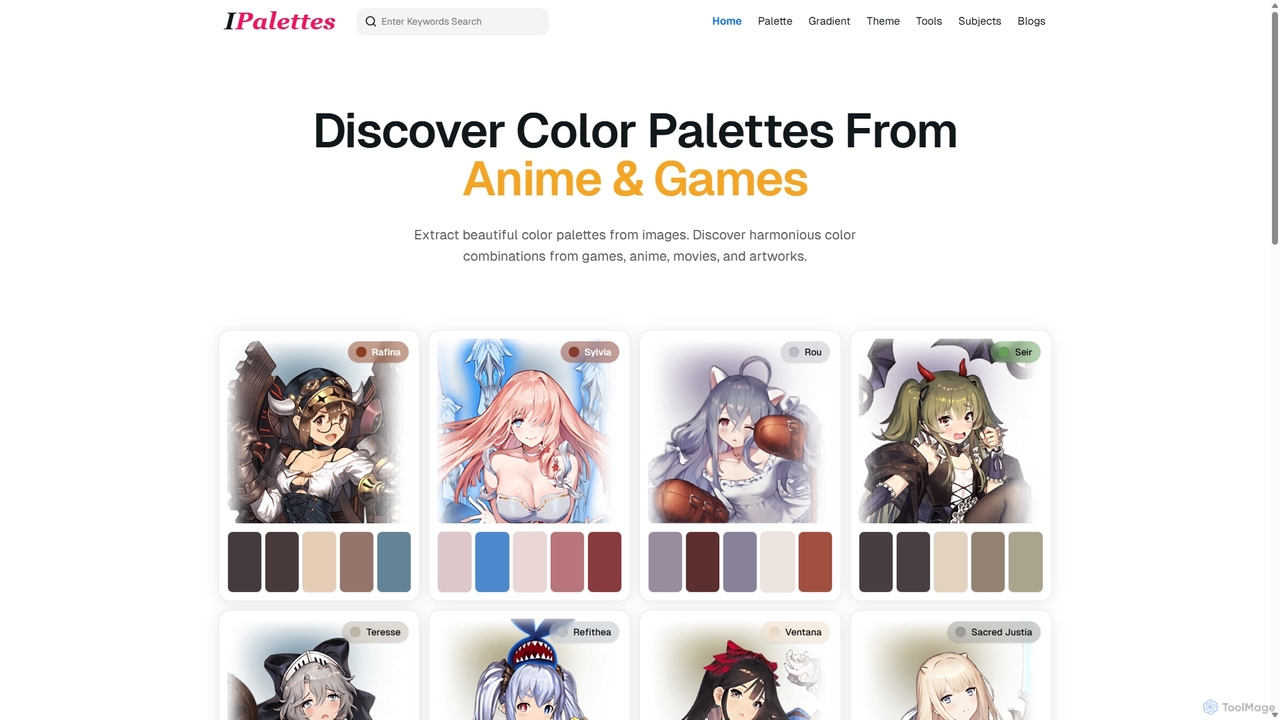
Ipalettes is an AI-powered suite of tools for designers and developers, offering instant generation of color palettes, gradients, and shadcn/ui themes from simple text prompts. Discover unique color combinations and draw inspiration from a vast library derived from games, anime, and art.

Color Palette
Visits 16.2KFavorites 144Likes 145
Color.io
Freemium

Color.io

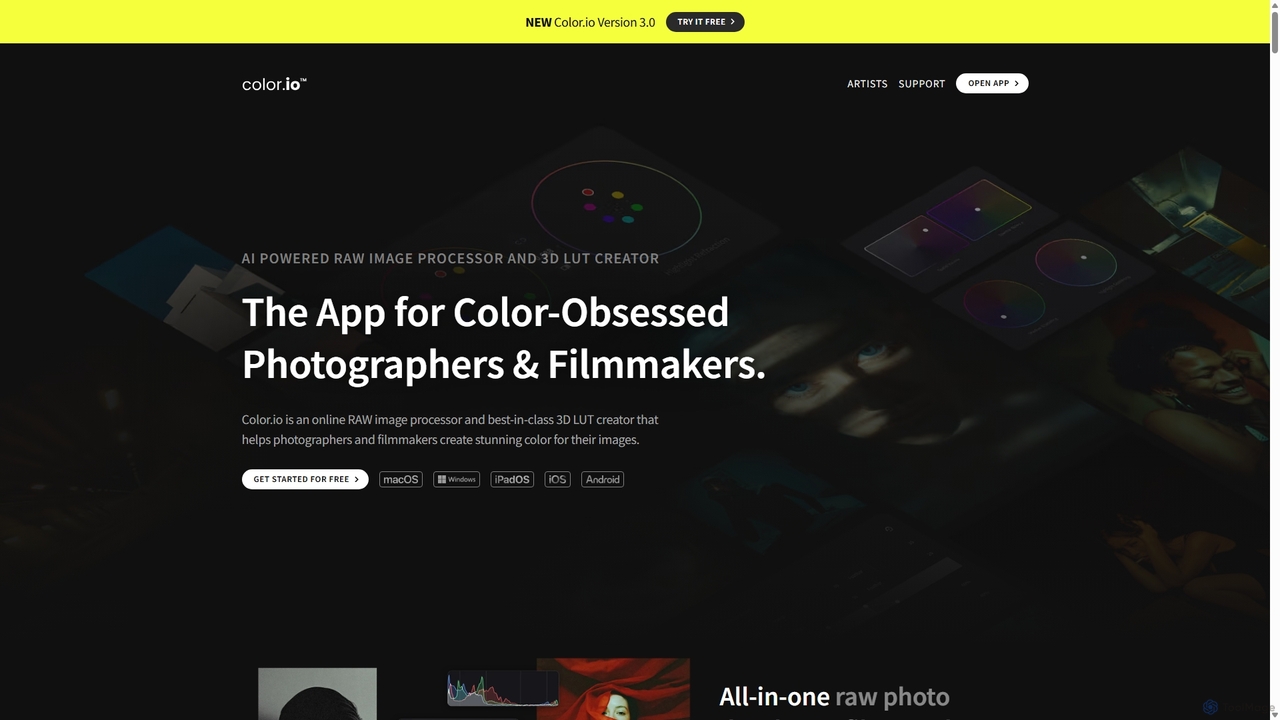
Color.io is an AI-powered RAW photo editor and 3D LUT creator for photographers and filmmakers. It specializes in advanced film emulation, cinema-quality color grading, and AI-driven look transfer. Create and export professional 3D LUTs compatible with DaVinci Resolve, Premiere Pro, Lightroom, and more.

3D
Visits 32.7KFavorites 168Likes 173
Uicolorful
Free

Uicolorful

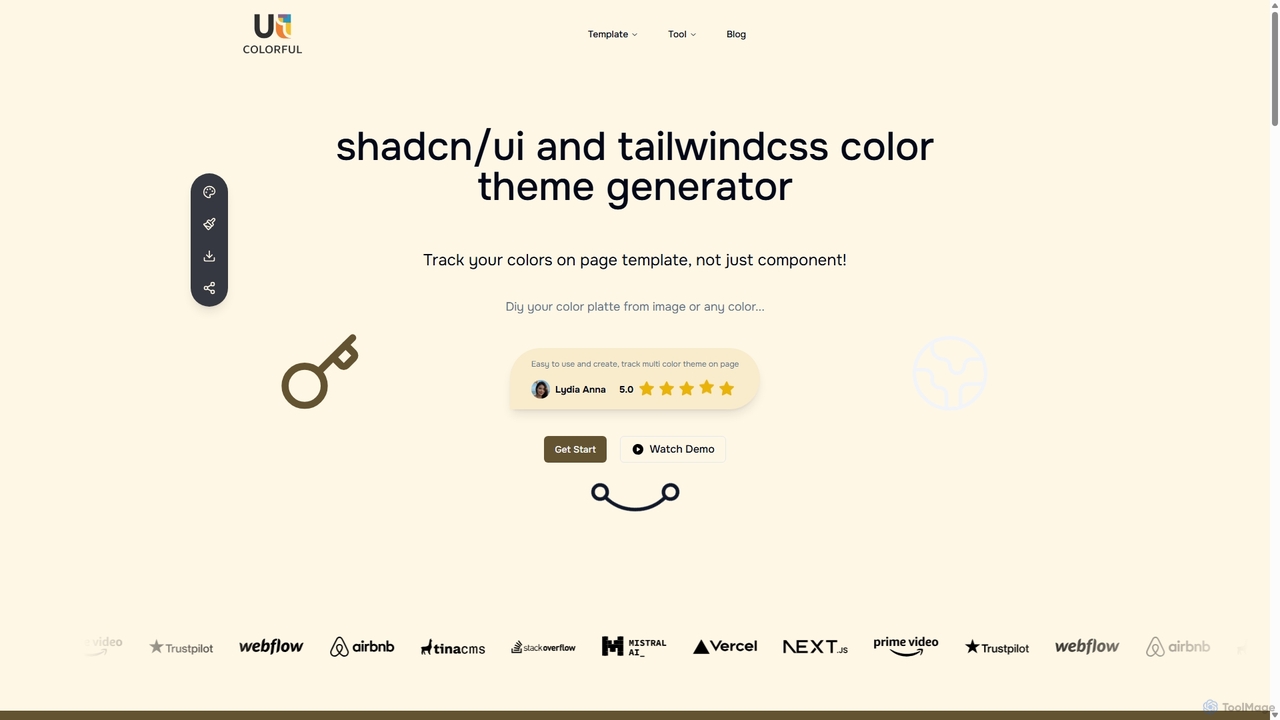
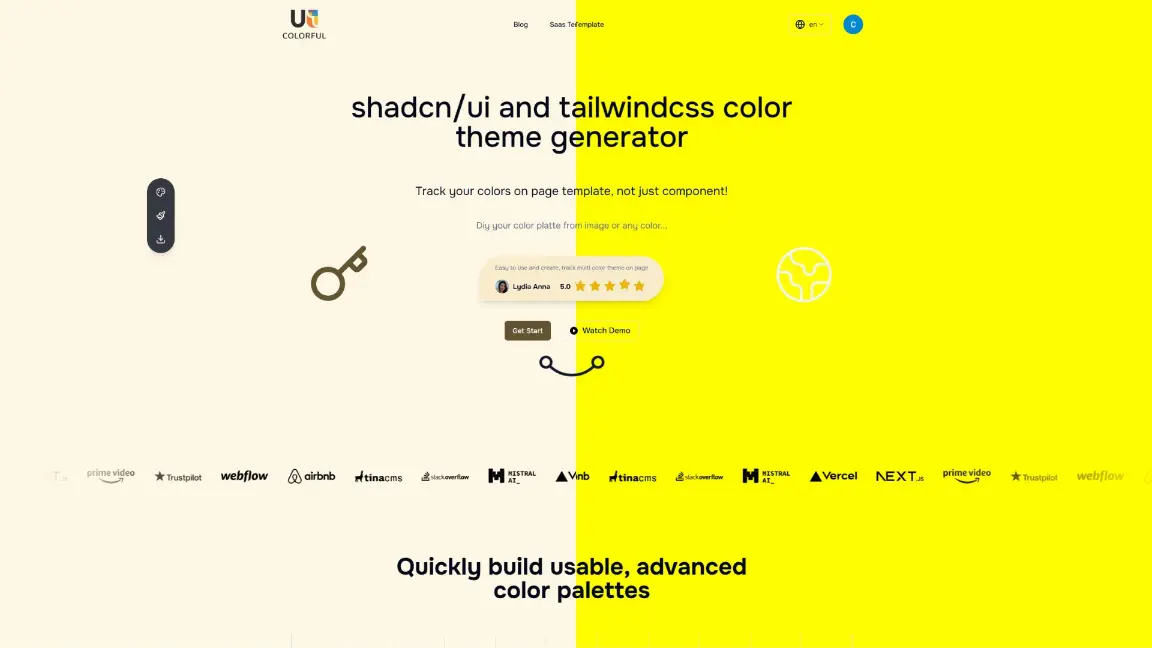
An AI-powered color theme generator for developers and designers using shadcn/ui and Tailwind CSS. Effortlessly create unique, cohesive color palettes from images or custom selections, preview them live on templates, and export them as CSS variables in multiple formats (HEX, RGB, HSL) to streamline your web design workflow.

Color Palette
Visits 6.5KFavorites 153Likes 152
Khroma
Free

Khroma

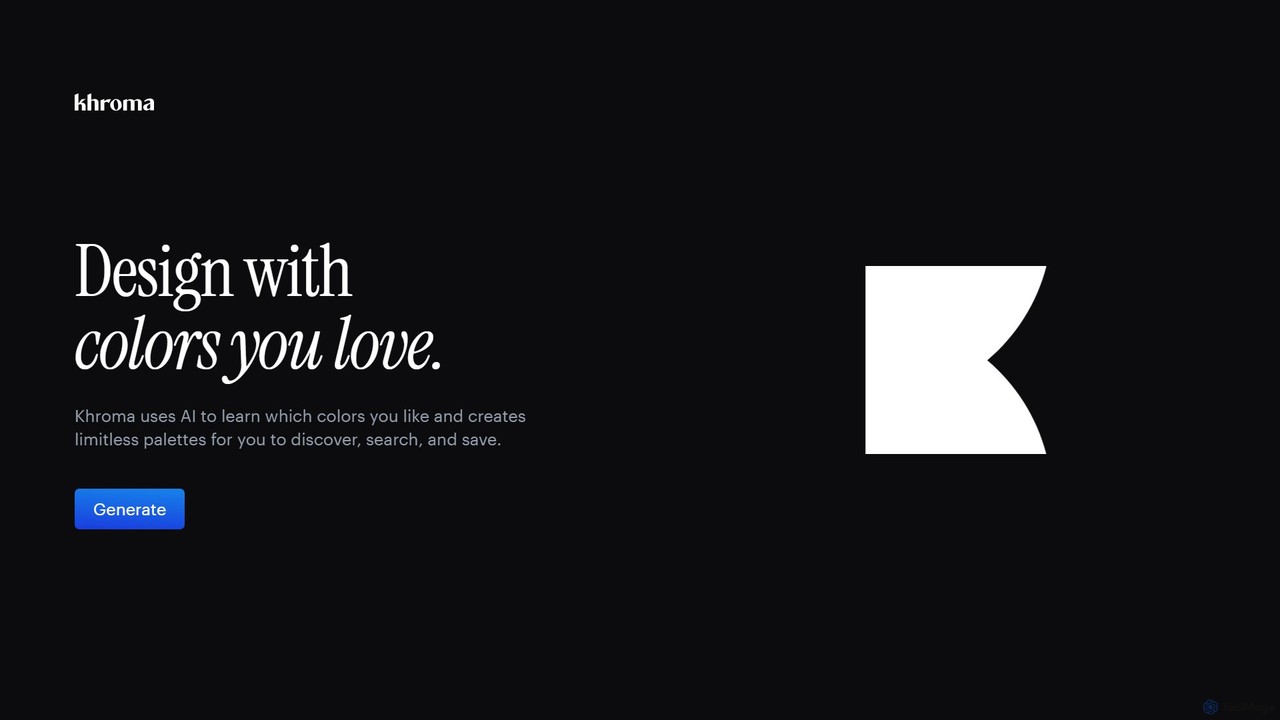
Khroma is an AI-powered color tool for designers that learns your personal aesthetic preferences. By training a neural network with colors you like, it generates an infinite number of unique and beautiful color palettes, which can be viewed as typography, gradients, or on custom images. It's a powerful assistant for discovering, searching, and saving color combinations for any design project.

Generative Art
Visits 164.7KFavorites 120Likes 144
Colorfolio
Freemium

Colorfolio

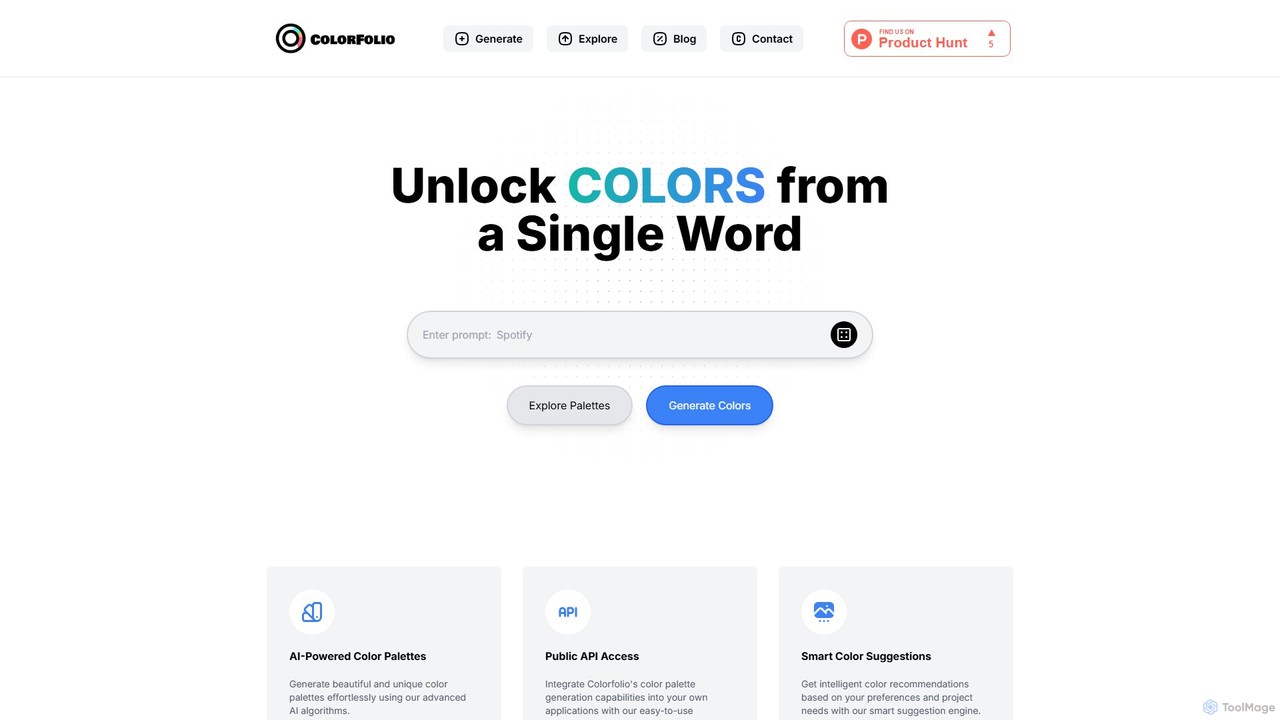
Colorfolio is an AI-powered color palette generator that creates beautiful and unique color schemes from a single word or text prompt. Ideal for designers, developers, and brand managers, it simplifies the color selection process with smart suggestions and offers a public API for integration.

Color Palette
Visits 5.7KFavorites 145Likes 128
PaletteMaker
Free

PaletteMaker

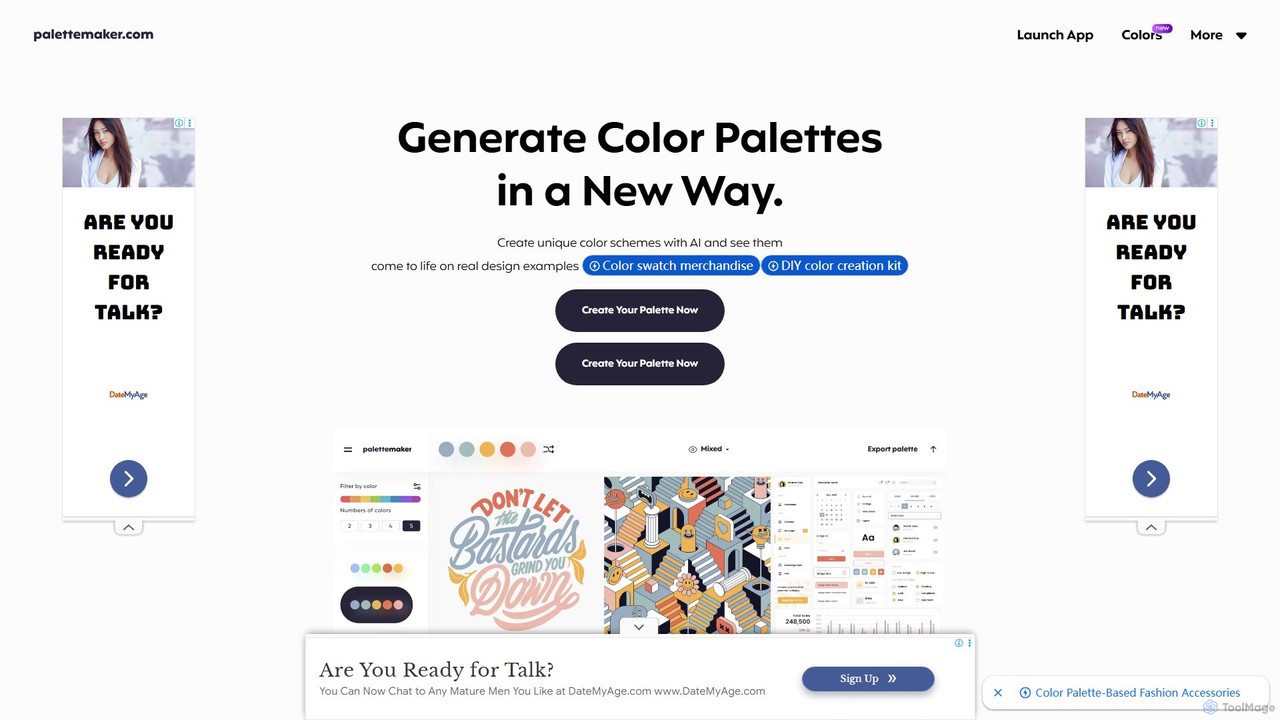
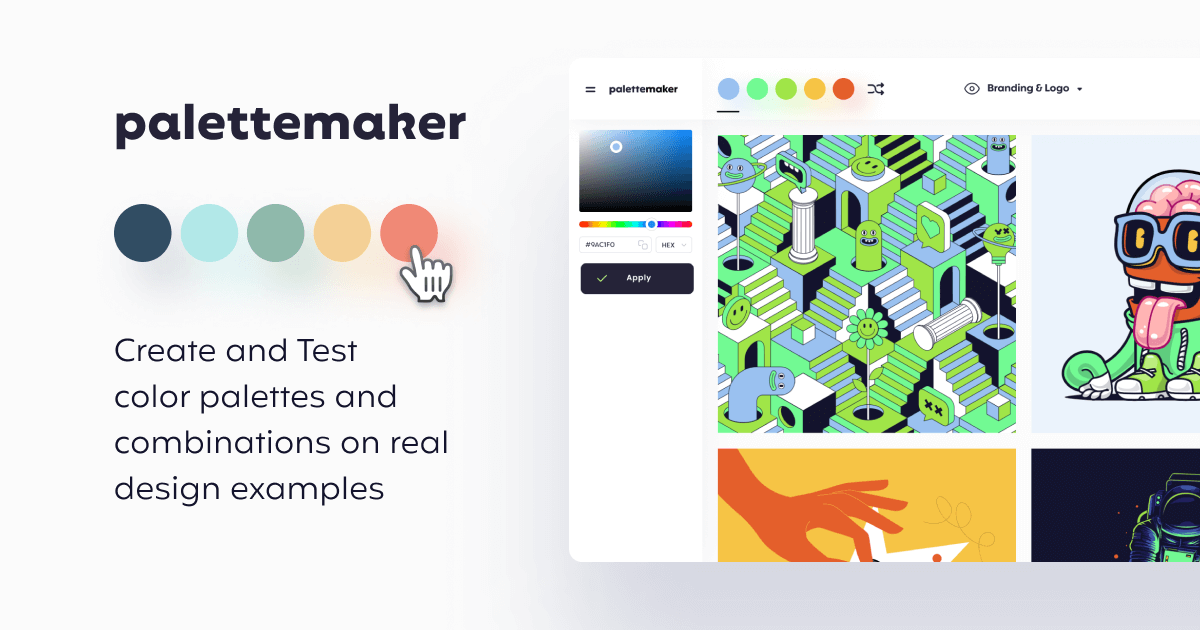
PaletteMaker is a free, AI-powered color palette generator that allows designers and creatives to create and instantly preview color schemes on real-world design mockups. It supports various creative fields like UI/UX, branding, and illustration, offering powerful export options for professional workflows.

Inspiration
Visits 96KFavorites 130Likes 101
ipalettes
Freemium

ipalettes

ipalettes is an AI-powered color palette generator that creates stunning color schemes from text prompts, images, or URLs. Ideal for designers, developers, and creatives, it instantly translates ideas and visuals into harmonious and usable color palettes, streamlining the design workflow.

Inspiration
Visits 5.7KFavorites 147Likes 150
Droplette
Paid

Droplette

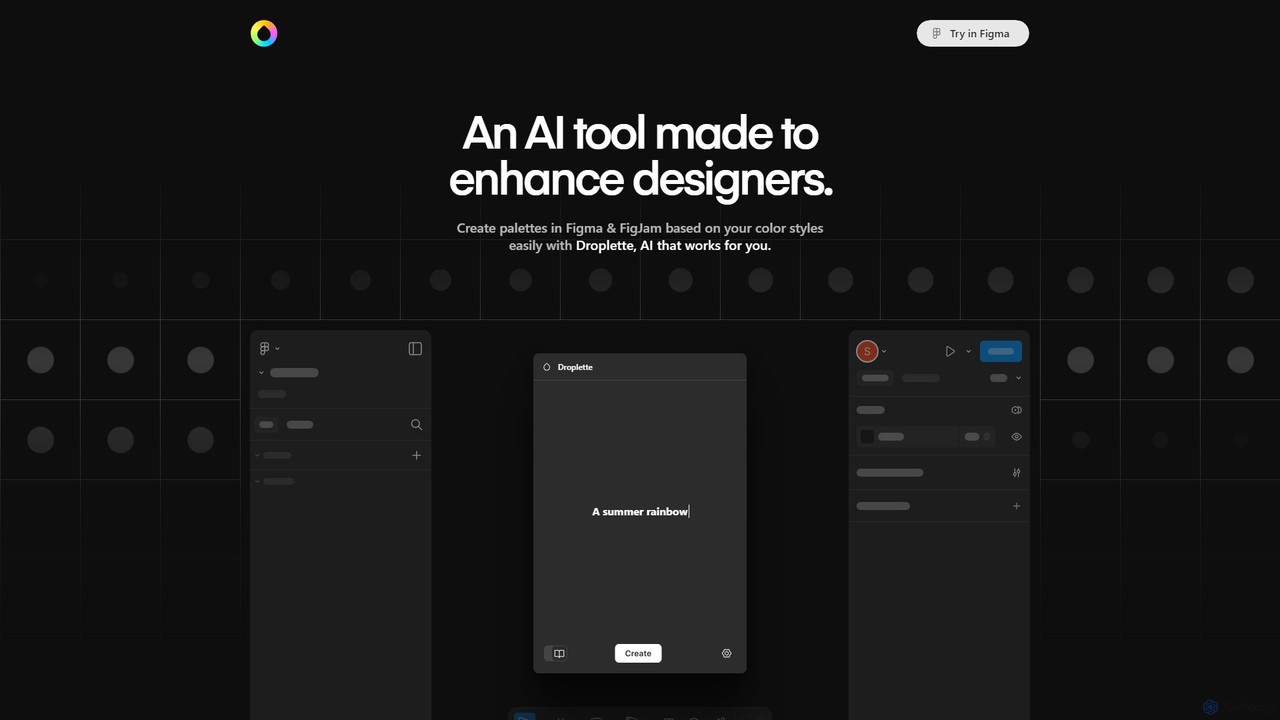
Droplette is an intelligent AI-powered color palette generator designed as a plugin for Figma and FigJam. It helps designers create unique and harmonious color schemes by extracting colors from frames, syncing with existing color styles, or generating new palettes from scratch. It offers an intuitive interface for real-time adjustments and iterations, streamlining the design workflow.

Color Palette
Visits 5.8KFavorites 154Likes 139
itsvg
Free

itsvg

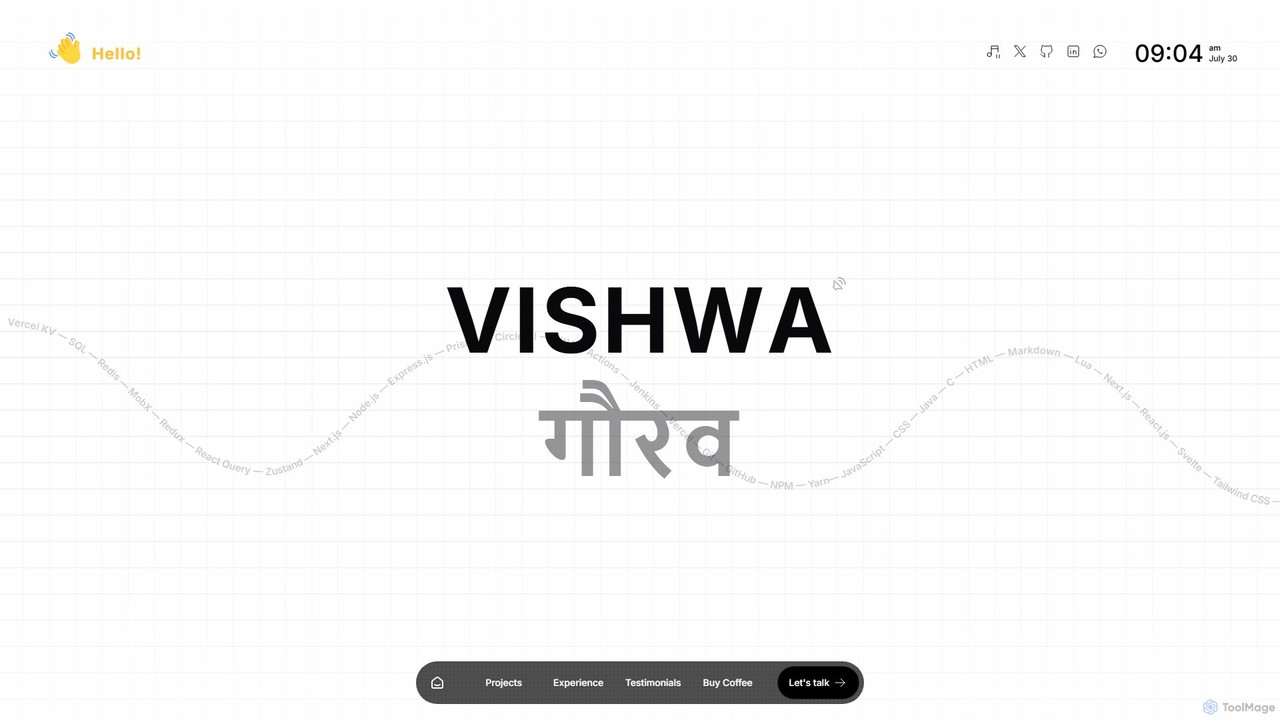
itsvg is a versatile suite of free, AI-powered web tools developed by Vishwa Gaurav. It offers a range of applications for developers, designers, content creators, and job seekers, including a color palette generator, an AI recruiter, a GitHub profile maker, and YouTube optimization tools.

Color Palette
Visits 152KFavorites 123Likes 110
Perception
Freemium

Perception

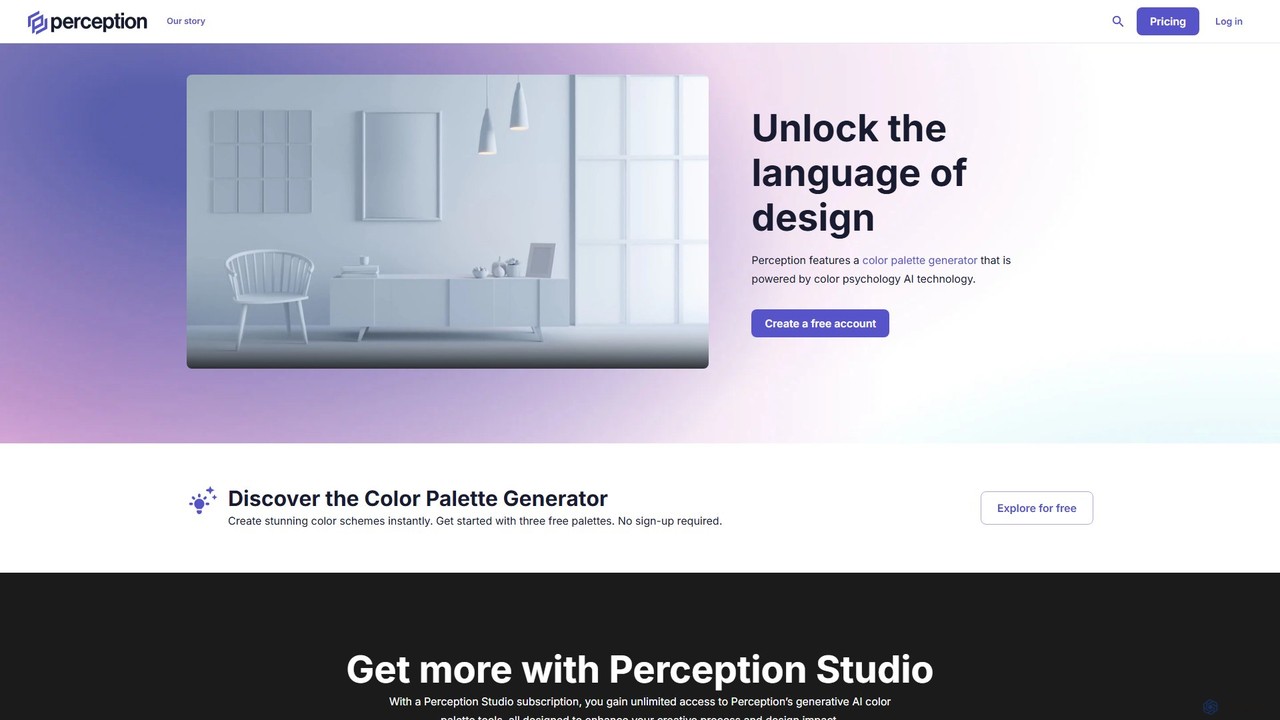
Perception is an AI-powered design intelligence platform that generates color palettes based on color psychology. It helps designers and creators build emotionally resonant color schemes using simple text prompts, analyze existing palettes, and explore a vast library of over 50 million AI-generated options to make impactful design choices.

Generative Art
Visits 8.2KFavorites 169Likes 169
Color Fuse AI
Freemium

Color Fuse AI

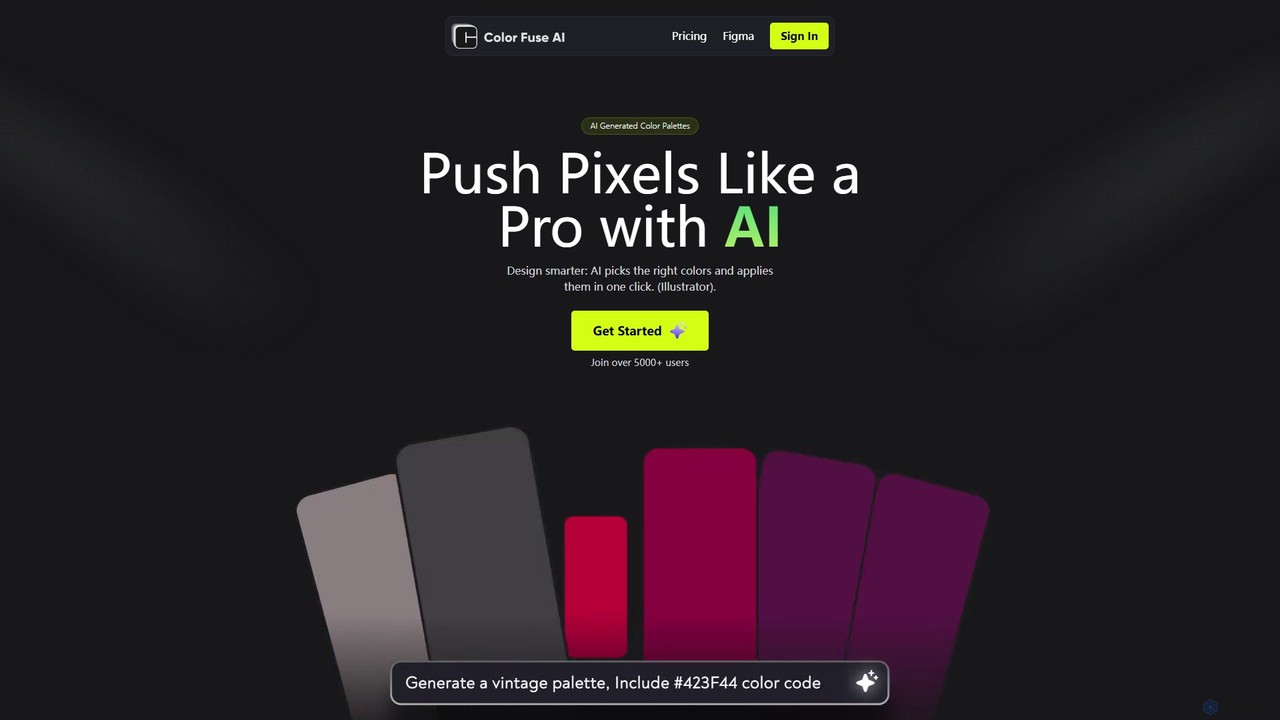
Color Fuse AI is an AI-powered chat assistant that generates stunning color palettes from simple text prompts. It integrates seamlessly with Figma, Adobe Illustrator, and Photoshop, allowing designers to find, customize, and apply perfect color schemes with a single click, dramatically speeding up the design workflow.

Illustration
Visits 6.5KFavorites 129Likes 137
huewheel
Freemium

huewheel

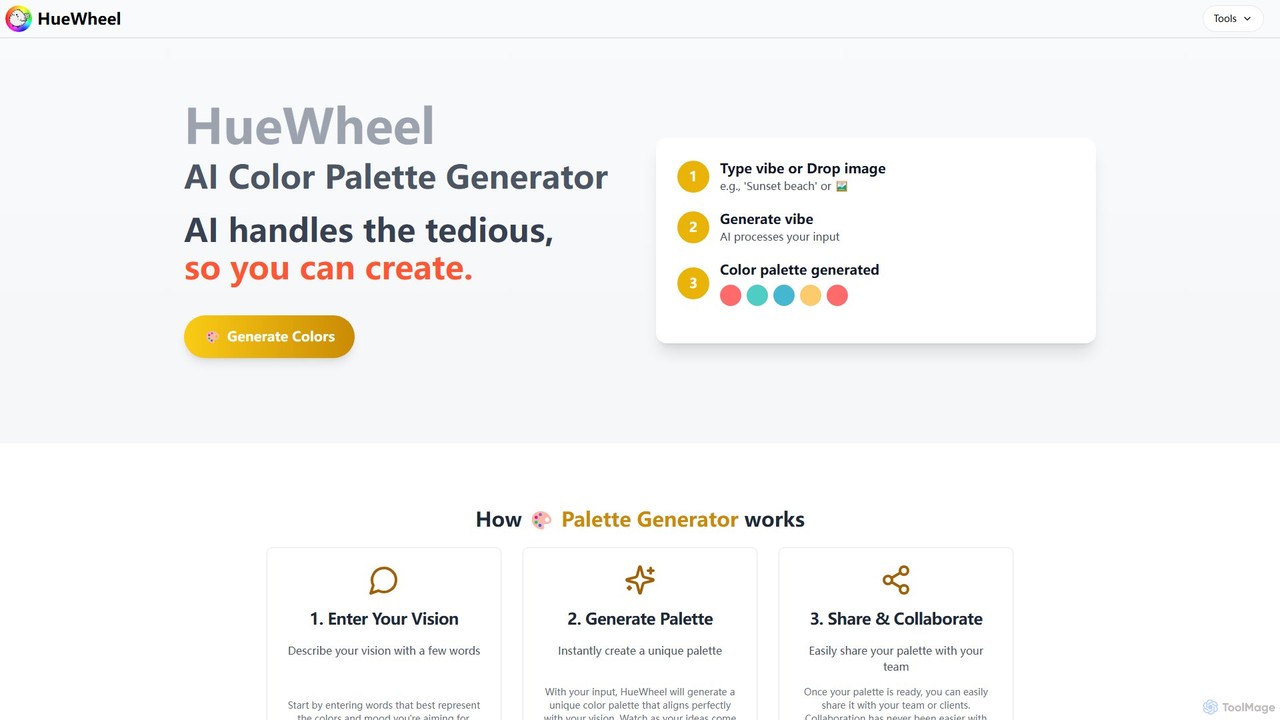
huewheel is an AI-powered color palette generator that creates stunning color combinations from natural language descriptions or image uploads. It's designed for designers, developers, and creatives to quickly find harmonious and trending palettes. The platform includes a comprehensive Color Studio for fine-tuning, a Mockup Generator for previews, and a community gallery for endless inspiration.

Inspiration
Visits 6.9KFavorites 174Likes 184
My Color Analysis AI
Freemium

My Color Analysis AI

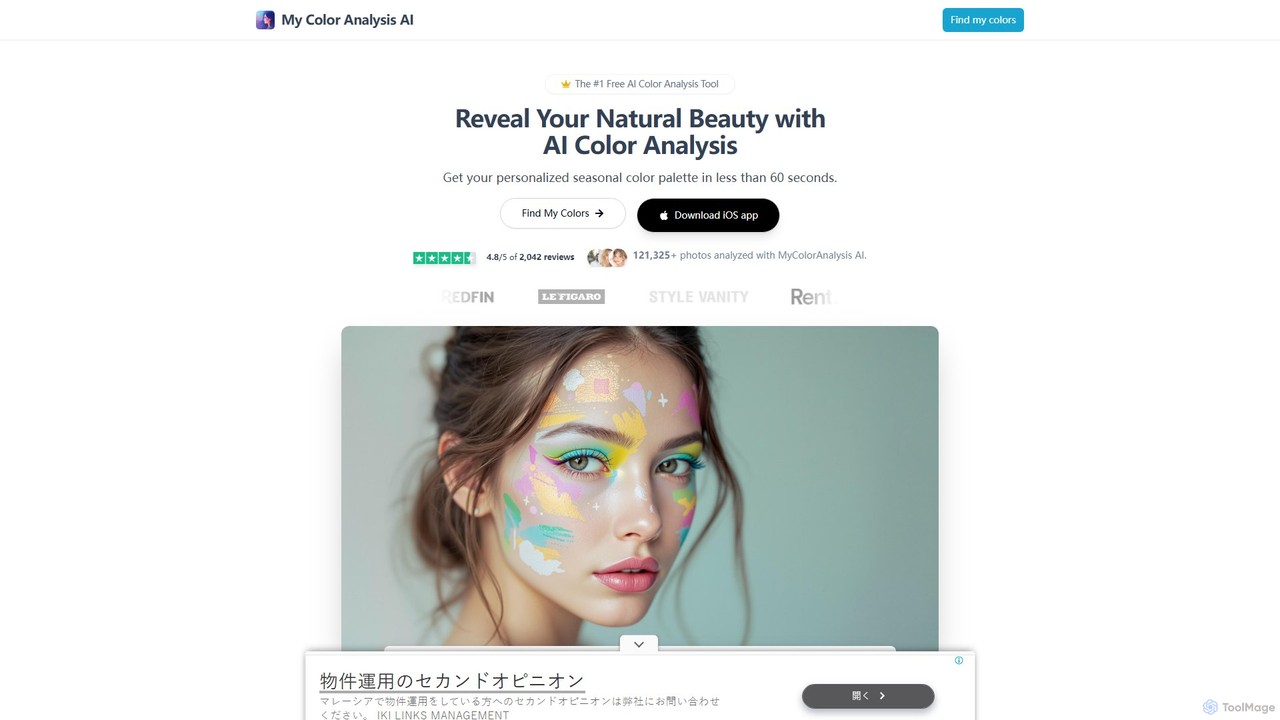
My Color Analysis AI is a leading tool that uses artificial intelligence to determine your personal seasonal color palette in seconds. By analyzing a selfie, it provides personalized color recommendations for clothing, makeup, and hair, helping you enhance your natural beauty and shop with confidence. It also offers an expert analysis service for more detailed guidance.

Color Palette
Visits 49.2KFavorites 139Likes 123
HueBizz
Freemium

HueBizz

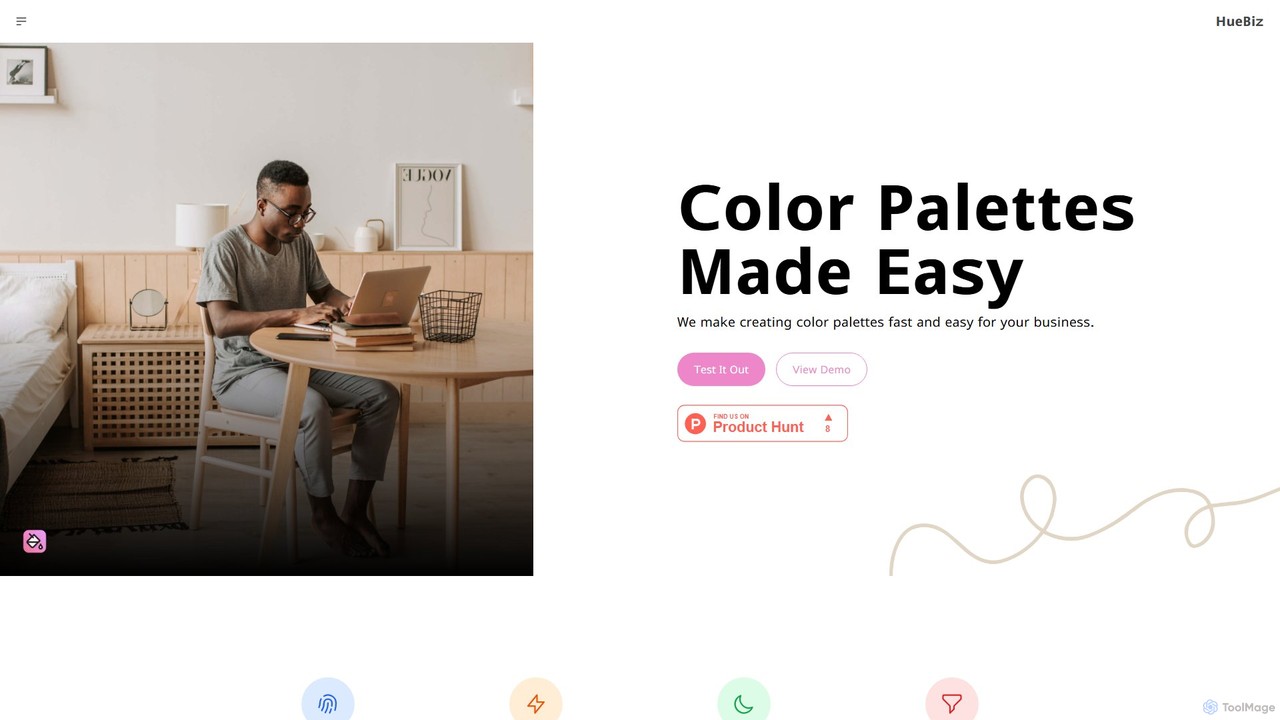
HueBizz is an AI-powered color palette generator that helps businesses create fast, easy, and effective color schemes. It leverages AI to analyze market trends and brand identity, delivering tailored palettes for various industries, complete with dynamic light and dark mode adjustments.

Color Palette
Visits 5.8KFavorites 113Likes 128
Huemint
Free

Huemint

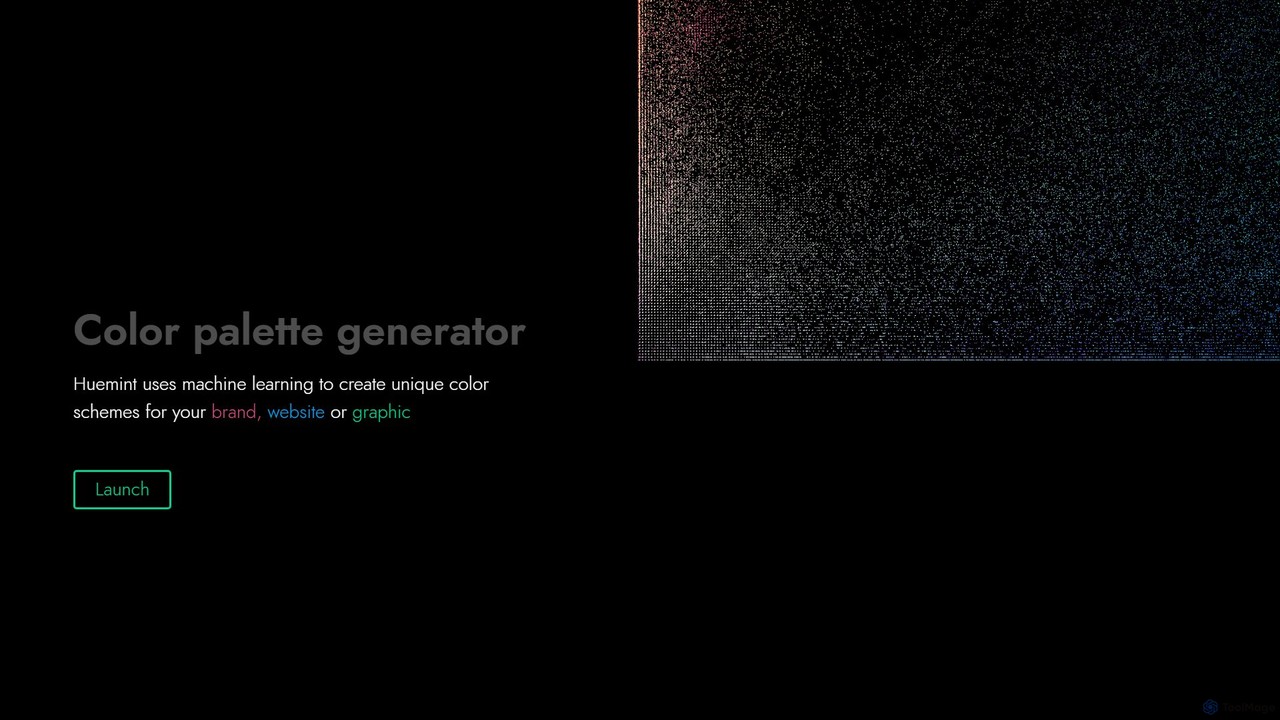
Huemint is an AI-powered color palette generator that uses machine learning to create unique and harmonious color schemes for brands, websites, graphics, and illustrations. It provides contextual previews to visualize how colors work together in real-world applications.

Inspiration
Visits 167KFavorites 153Likes 130
ColorMagic
Free

ColorMagic

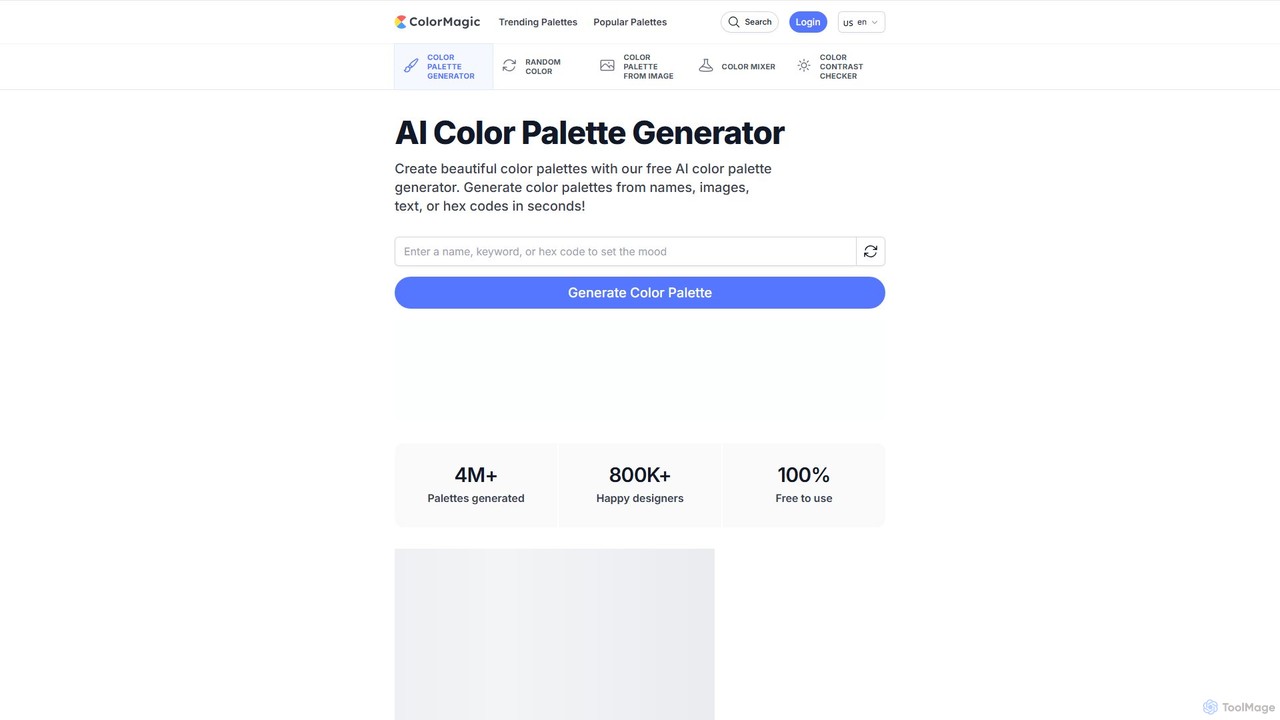
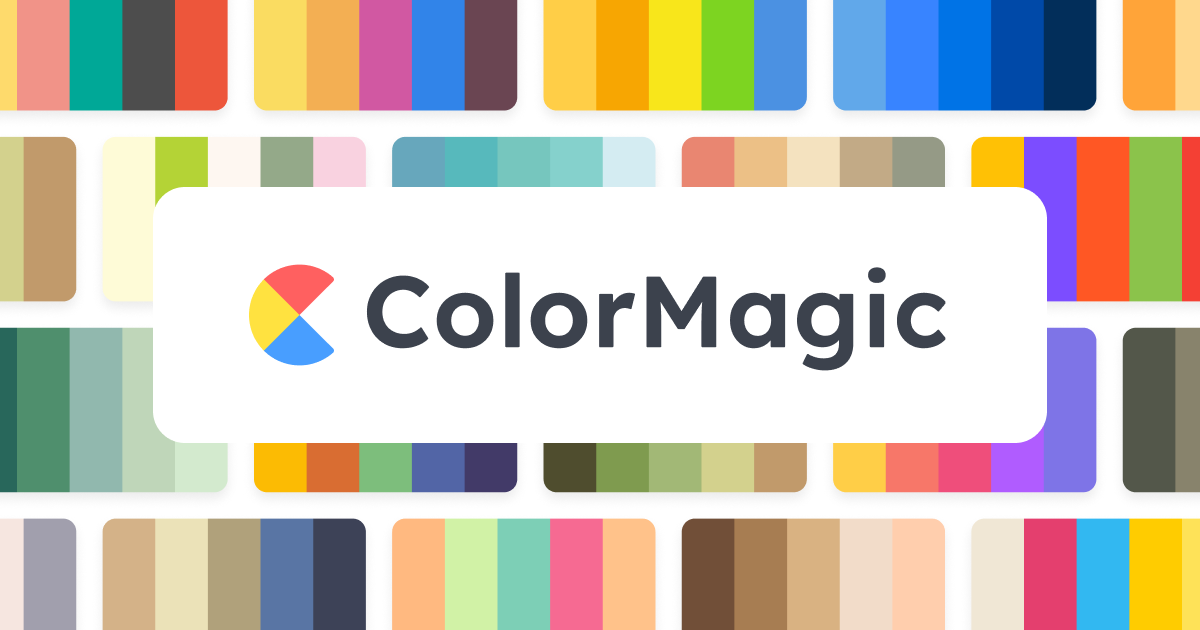
ColorMagic is a free AI-powered color palette generator. It allows designers, artists, and developers to instantly create beautiful and harmonious color schemes from text prompts, keywords, images, or hex codes. It's a versatile tool for finding color inspiration and practical design assets.

Color Palette
Visits 306KFavorites 96Likes 101
aicolors
Freemium

aicolors

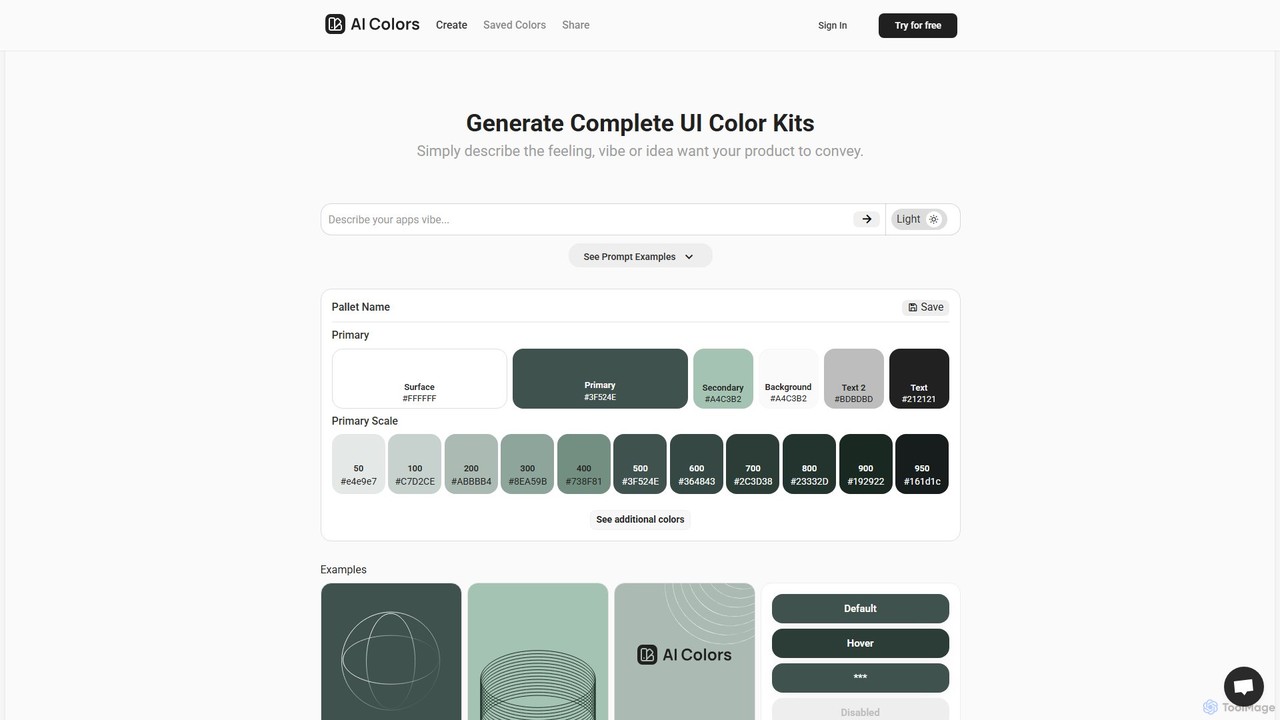
aicolors is an AI-powered color palette generator that creates complete, ready-to-use UI color kits from simple text prompts. Describe a feeling, vibe, or idea, and instantly get a harmonious and functional color scheme for your web or app design projects.

Color Palette
Visits 6.5KFavorites 135Likes 128

About Color Palette

Color Palette tools are AI-powered applications that assist designers, artists, and content creators in generating, exploring, and refining harmonious color schemes. These tools leverage advanced algorithms to analyze color theory principles, user preferences, and visual trends, enabling the creation of aesthetically pleasing and functionally effective palettes for various design projects. They streamline the often time-consuming process of color selection, ensuring visual consistency and impact across digital and print media, fitting seamlessly within the broader Design category.

Core Features

  • AI-Powered Generation: Automatically suggests unique color combinations based on keywords, images, or design styles.
  • Color Theory Application: Integrates principles like complementary, analogous, triadic, and monochromatic schemes for balanced results.
  • Accessibility Checker: Evaluates color contrast ratios to ensure designs meet WCAG standards for readability.
  • Image-to-Palette Extraction: Extracts dominant colors from uploaded images to create a matching palette.
  • Palette Management & Export: Organizes saved palettes and allows export in various formats (HEX, RGB, CMYK, CSS).

Applicable Scenarios

Color Palette tools are indispensable for graphic designers creating brand identities, web developers designing user interfaces, and marketers developing campaign visuals. They are used to quickly generate mood boards for client presentations, ensure brand consistency across all touchpoints, and explore new visual directions without extensive manual experimentation. These tools significantly reduce the iterative design cycle for color selection, enhancing overall design efficiency.

How to Choose

When selecting a Color Palette tool, consider its AI generation capabilities, including the diversity and relevance of suggested palettes. Evaluate its integration with existing design software, the range of color theory options offered, and its accessibility features for inclusive design. User interface intuitiveness and the ability to export in required formats are also crucial for efficient workflow and seamless project execution.

Featured tool rankings

Color Palette use cases

1

Generating Brand Identity Color Schemes

A branding designer needs to create a unique and memorable color palette for a new startup. Using an AI Color Palette tool, they input keywords related to the brand's values (e.g., "innovative," "sustainable," "friendly") or upload a mood board image. The tool generates several distinct palettes, allowing the designer to quickly iterate and present options that perfectly capture the brand's essence, saving hours of manual experimentation.

2

Designing Accessible Web Interfaces

A UI/UX designer is developing a new website and must ensure it meets accessibility standards for users with visual impairments. The Color Palette tool's built-in accessibility checker allows them to test proposed color combinations for sufficient contrast ratios (WCAG 2.1 AA/AAA). This ensures text is readable against backgrounds and interactive elements are clearly distinguishable, preventing costly redesigns later.

3

Creating Cohesive Social Media Graphics

A social media manager needs to produce daily engaging graphics that maintain a consistent brand aesthetic. They use a Color Palette tool to define a core set of brand colors and generate variations for different campaign themes (e.g., seasonal promotions, product launches). This ensures all visual content, from Instagram stories to banner ads, looks professional and on-brand without requiring extensive design expertise for each post.

4

Extracting Colors from Photography for Art Projects

A digital artist wants to create an illustration inspired by a specific photograph, capturing its exact mood and atmosphere. They upload the photograph to a Color Palette tool, which automatically extracts the dominant and secondary colors, presenting them as a ready-to-use palette. This allows the artist to accurately replicate the photo's color scheme in their digital painting, ensuring visual harmony and emotional resonance.

5

Developing Thematic Color Schemes for Events

An event planner is organizing a corporate gala and needs a sophisticated color scheme for invitations, decorations, and digital signage. They input the event's theme (e.g., "futuristic elegance," "tropical paradise") into an AI Color Palette generator. The tool provides several curated palettes, complete with HEX codes, allowing the planner to easily communicate precise color requirements to vendors and maintain a cohesive visual experience.

6

Rapid Prototyping for UI/UX Concepts

A product designer is rapidly prototyping multiple UI concepts for a new mobile app feature. Instead of manually selecting colors for each iteration, they use a Color Palette tool to quickly apply different pre-generated or AI-suggested palettes to their wireframes. This allows for swift visual exploration and client feedback on various aesthetic directions, accelerating the initial design phase.

Color Palette FAQ

What are AI Color Palette tools?

AI Color Palette tools are software applications that use artificial intelligence to help users generate, explore, and manage color schemes. They leverage algorithms to understand color theory, user input (like keywords or images), and design trends to suggest harmonious and effective color combinations. These tools are invaluable for designers, marketers, and artists seeking to streamline their color selection process and ensure visual consistency.

How do AI Color Palette tools differ from traditional color pickers?

Traditional color pickers allow manual selection of individual colors, often requiring a deep understanding of color theory to create cohesive palettes. AI Color Palette tools, however, automate this process by intelligently suggesting entire palettes based on various inputs (e.g., a single color, an image, or descriptive keywords). They apply complex algorithms to ensure color harmony, contrast, and accessibility, significantly reducing manual effort and expertise required.

What features should I look for in an AI Color Palette tool?

When choosing an AI Color Palette tool, prioritize features like AI-powered generation based on diverse inputs (keywords, images), robust color theory application (e.g., complementary, analogous), and an accessibility checker for contrast ratios. Look for comprehensive palette management, easy export options (HEX, RGB, CMYK, CSS), and integration capabilities with your existing design software. A user-friendly interface is also key for efficient workflow.

Can AI Color Palette tools help with design accessibility?

Yes, many advanced AI Color Palette tools include built-in accessibility checkers. These features analyze the contrast ratios of your chosen color combinations, ensuring they meet Web Content Accessibility Guidelines (WCAG) standards. This helps designers create visually appealing products that are also usable and readable for individuals with various visual impairments, promoting inclusive design practices.

Who benefits most from using AI Color Palette tools?

AI Color Palette tools are highly beneficial for a wide range of professionals. Graphic designers, web developers, UI/UX designers, content creators, marketers, and digital artists can all leverage these tools to quickly generate, refine, and manage color schemes. They are particularly useful for those who need to maintain brand consistency, explore new visual directions efficiently, or ensure their designs meet accessibility standards without extensive manual effort.