

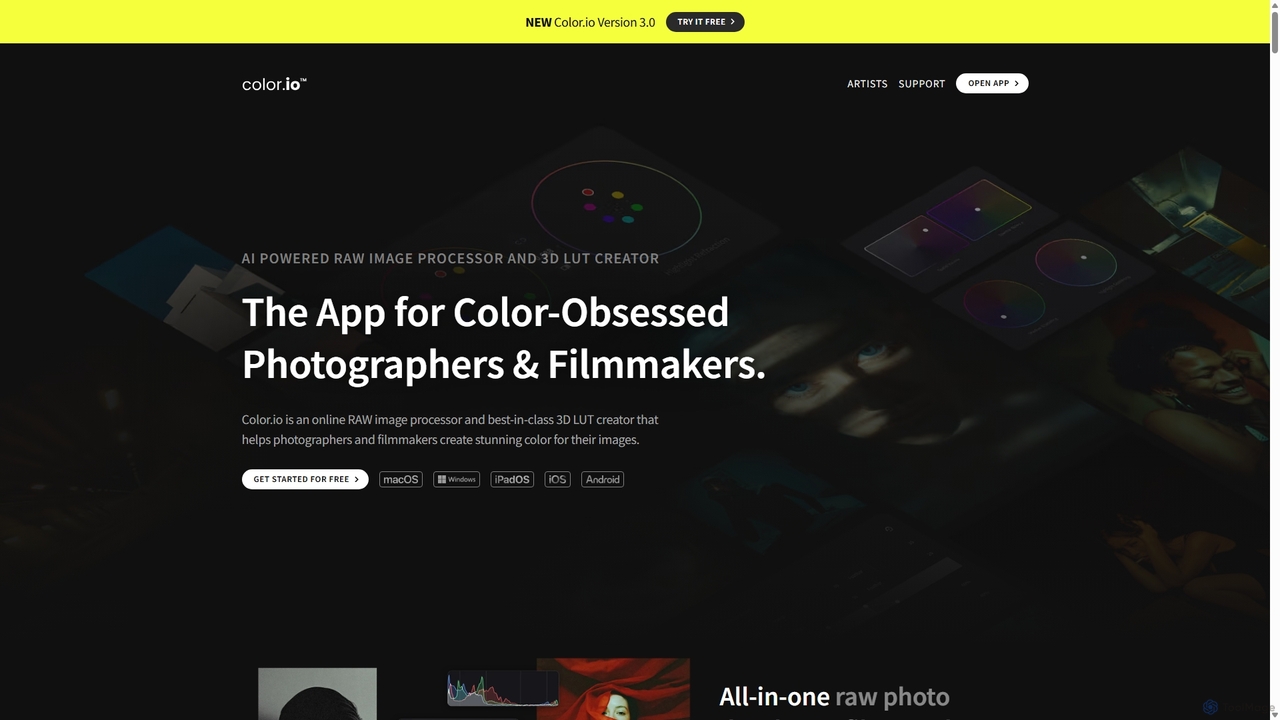
Color.io Overview
Color.io is a sophisticated, all-in-one online RAW image processor and 3D LUT creator designed for color-obsessed photographers, filmmakers, and colorists. It provides a unique suite of tools to create stunning, film-like color for images and videos. The platform operates on a one-of-a-kind color modeling engine that simulates the light response of analog film, allowing creators to push their images to the limit while maintaining a natural, untouched look. All processing, including AI features, is done locally on your device, ensuring speed, privacy, and offline capability.
How to use Color.io
Getting started with Color.io is intuitive and integrates seamlessly into existing workflows. First, you can drag and drop hundreds of RAW files directly into the browser-based app or the installed PWA. The project-based panel keeps your entire shoot organized. You can grade a single image and then instantly sync the edits across the rest of the project. For look creation, you can use the AI Color Match feature by uploading a reference image (like a film still) to automatically extract and apply its color, contrast, and brightness. For manual control, Color.io offers analog-style curves, proprietary Refraction Wheels for stable color shifts, and a vast library of authentic film emulation presets. Once your look is perfected, you can export it as a color-managed 3D LUT (.cube format) for use in virtually any video or photo editing software, or as a custom XMP profile for Adobe Lightroom.
Core Features of Color.io
- AI Color Match: Uses AI to extract and transfer the color, contrast, and brightness from any reference image to your own photos or videos, enabling pro-grade look transfer.
- 3D LUT Creator & Exporter: Generate and export fully color-managed 3D LUTs compatible with DaVinci Resolve, Premiere Pro, Photoshop, Lightroom, Final Cut Pro, and even on-set camera monitors.
- LOG Based RAW Processing (Cinema RAW™): Processes RAW images in an ultra-wide, log-encoded color space, similar to high-end cinema cameras, enabling cinematic color grading for photography.
- Advanced Film Emulation: Goes beyond simple presets by algorithmically modeling film behavior. Features include physically accurate Film Halation (HalationFX) and volumetric film grain that reconstructs the image's pixel structure for an organic look.
- Analog Grading Tools: Includes intuitive, non-linear Color Curves, proprietary Refraction Wheels for high-stability HSL adjustments, and real-time scopes like histograms, waveforms, and vectorscopes for precise control.
- Extensive Preset Library: A comprehensive collection of authentic film stock emulations, including Kodak Vision 3, Portra 400, CineStill 800T, Fuji Pro 400, and more. Every preset is fully editable and can be exported as a LUT.
- Project-Based Workflow: Organize entire shoots in a clean project panel, enabling efficient batch editing, synchronization, and batch exporting of images and LUTs.
Use Cases for Color.io
Color.io is ideal for a variety of creative professionals. Filmmakers and Directors of Photography use it to develop custom 'show looks', create monitoring LUTs for on-set previews (for ARRI, RED, Sony cameras), and ensure color consistency from capture to post-production. Photographers leverage it as a filmic RAW pre-processor to achieve authentic analog aesthetics that are difficult to replicate in software like Lightroom, especially for lookbooks, photo essays, or fine art series. Colorists integrate Color.io into their DaVinci Resolve workflow to build complex looks with fewer nodes and maintain a clean, organized timeline. Content creators use the AI Color Match to quickly emulate the style of their favorite films or creators and export LUTs for their videos on platforms like YouTube, Instagram, or TikTok.
Advantages of Color.io
The primary advantage of Color.io is its unique analog-driven color science, which produces incredibly natural and fluid color transitions, even under extreme grading. Unlike competitors that simply overlay effects, Color.io rebuilds images with filmic characteristics. Its on-device processing ensures user privacy and delivers performance that rivals native desktop software, without cloud uploads. The tool is built on open standards (3D LUTs), preventing vendor lock-in and ensuring your creative work remains yours forever. Furthermore, its focus as a specialized look development tool allows it to offer more powerful and nuanced features than the limited grading tools found in generalist software like Lightroom or Capture One.
Pricing and Plans
Color.io operates on a freemium model. The free version is highly functional, allowing users to explore and use all grading tools, install the app, and export low-resolution previews without watermarks or a time-limited trial. For professional use, Color.io Pro is available through an upgrade. The Pro plan unlocks advanced features like high-resolution uncompressed rendering, 3D LUT export, and access to certain creative tools. There are three pricing tiers for the Pro plan: a monthly subscription, a yearly subscription, and a one-time lifetime license that includes all future updates. Color.io also supports Purchasing Power Parity (PPP) to make its tools accessible to creators worldwide.
Traffic
Latest traffic
Status
Monthly traffic trend
- 2025-9: 193.5K
- 2026-1: 104.8K
- 2026-2: 59.9K
- 2026-3: 58.2K
- 2026-4: 35.8K
- 2026-5: 26.7K
Geography
Top 5 countries / regions
- 🇺🇸United States58.6%
- 🇩🇪Germany13.9%
- 🇮🇳India10.8%
- 🇬🇧United Kingdom8.8%
- 🇳🇱Netherlands7.9%
Traffic sources
| Source type | Percentage |
|---|---|
Direct | 91.8% |
Referral | 4.3% |
Email | 3.9% |
Top keywords
| Keyword | Cost per click |
|---|---|
| color io | $2.54 |
| color.io | $0.00 |
| color.io free online lut converter | $0.00 |
| dehancer | $1.61 |
| vsco davinci resolve | $0.00 |
Color.io Alternatives
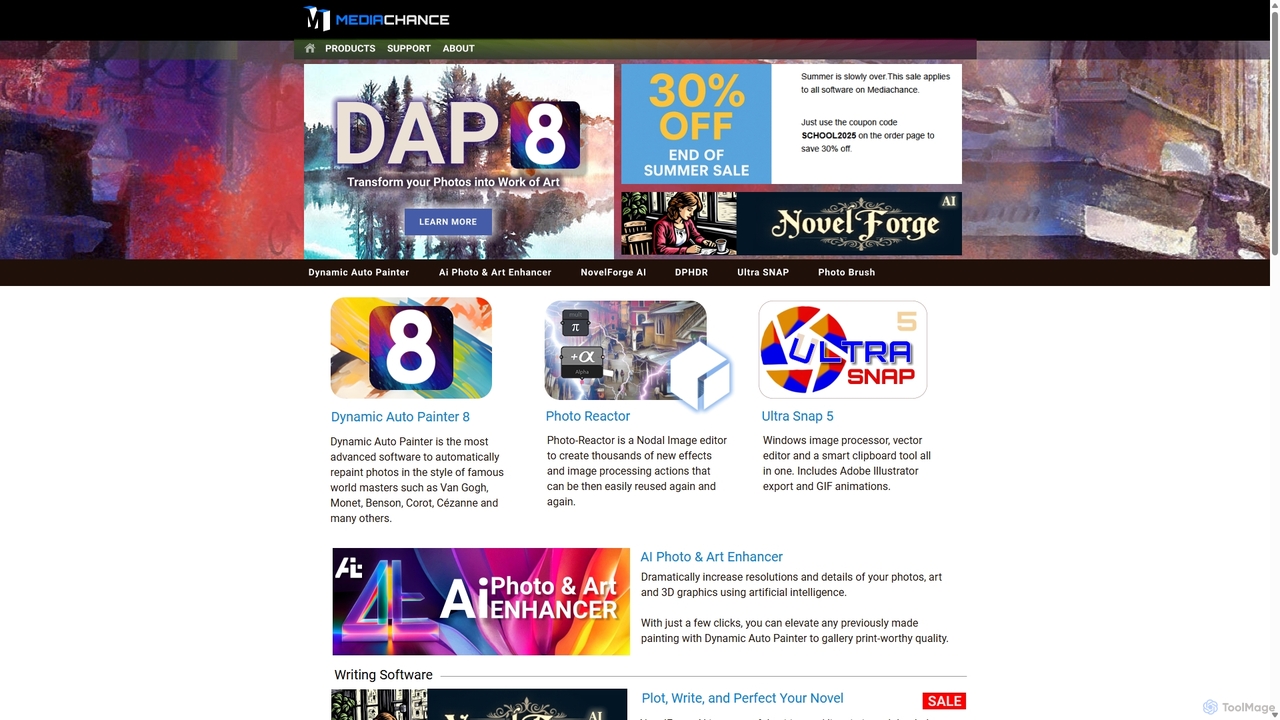
Mediachance
Mediachance offers a comprehensive suite of innovative graphics, video, and multimedia software for Windows. Since 1998, they have developed powerful tools for digital artists, photographers, and writers, including AI-powered applications like Dynamic Auto Painter for artistic photo conversion, AI Photo & Art Enhancer for upscaling, and NovelForge AI for creative writing assistance.
3D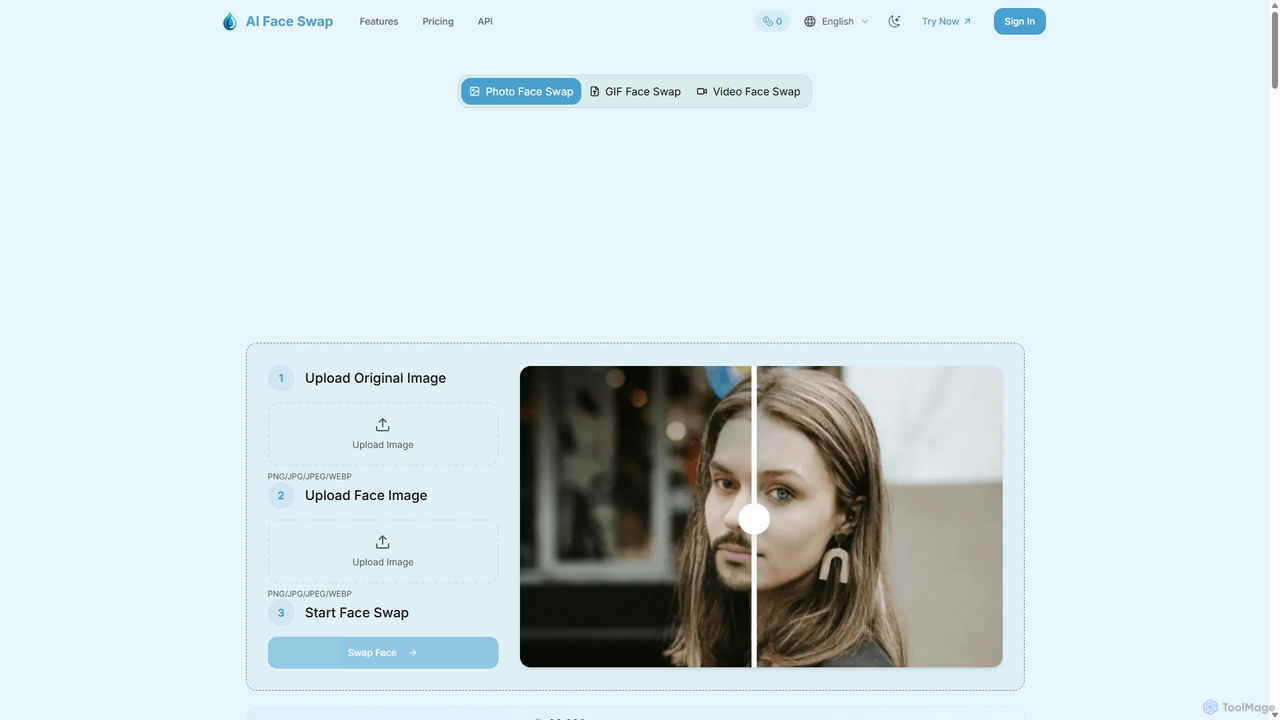
Aifaceswap
Aifaceswap is an online AI tool for creating realistic face swaps in photos, GIFs, and videos. It offers a user-friendly interface, fast processing, and high-quality results. Ideal for creating memes, social media content, and for entertainment, it supports single and multiple face swaps with a focus on user privacy.
3D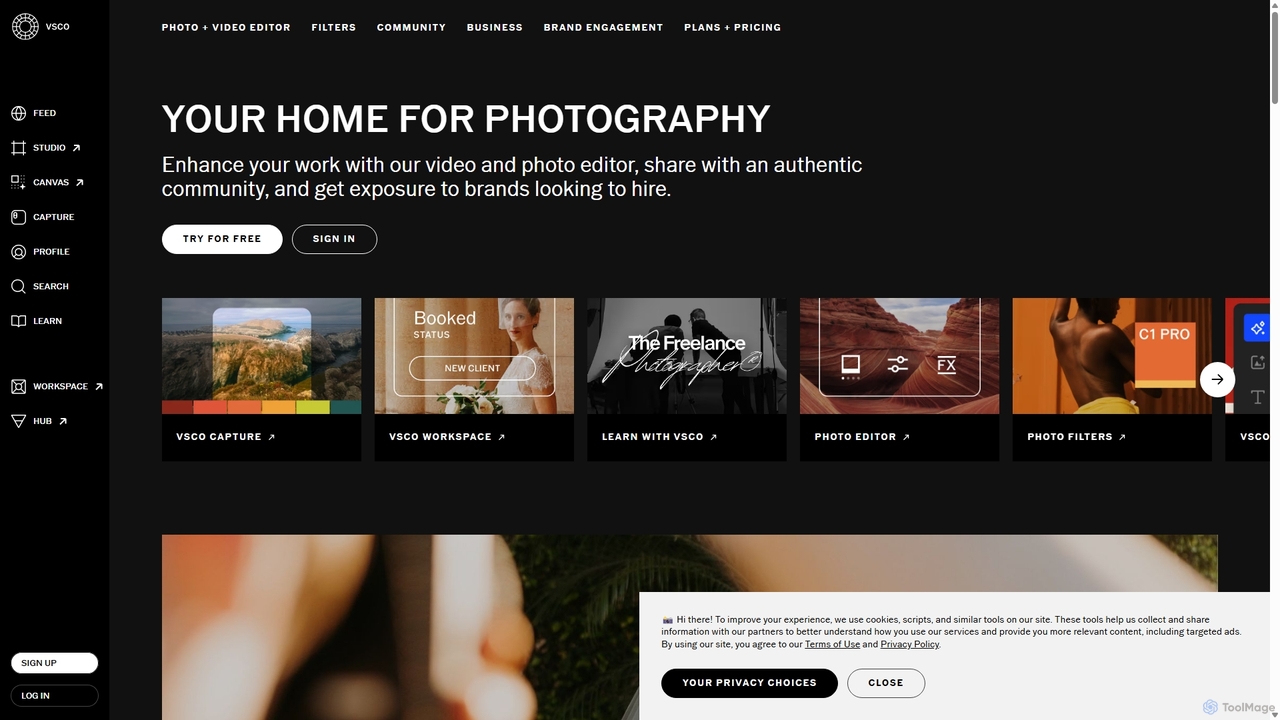
VSCO
VSCO is an all-in-one platform for photographers, offering a powerful photo and video editor with over 200 presets, AI-powered tools, and a vibrant creative community. It also provides professional tools like portfolio websites, studio management software, and opportunities to get hired, supporting creators at every stage of their journey.
3D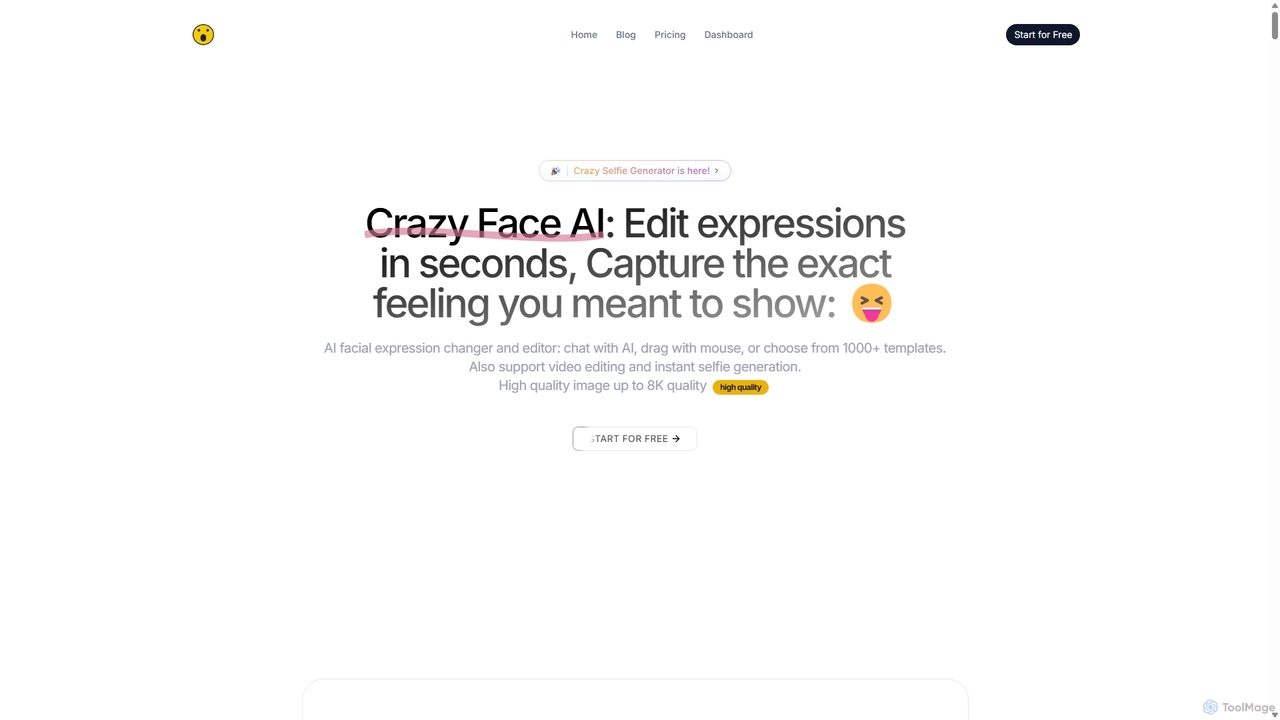
CrazyFaceAI
CrazyFaceAI is a powerful AI-driven platform for editing facial expressions in photos and videos. It allows users to change expressions using text prompts, templates, or a unique live-drag editor. The tool also features a selfie generator, hairstyle try-on, pet photo editor, and video animation capabilities, all supporting up to 8K resolution for professional-quality results.
3D
Picsart
Picsart is an all-in-one AI-powered creative platform for photo and video editing. It offers a comprehensive suite of tools, including AI image generation, background removal, photo enhancement, and a vast library of templates and stock content. Designed for everyone from beginners to professionals, Picsart simplifies the creation of stunning visuals for social media, marketing, and personal projects, accessible on both web and mobile.
3DColor.io Categories
Color.io Jobs
Color.io Embed Widget
Copy this embed code to place the badge on your blog, article, or product site and send readers directly to this ToolMage detail page.

Related AI tools
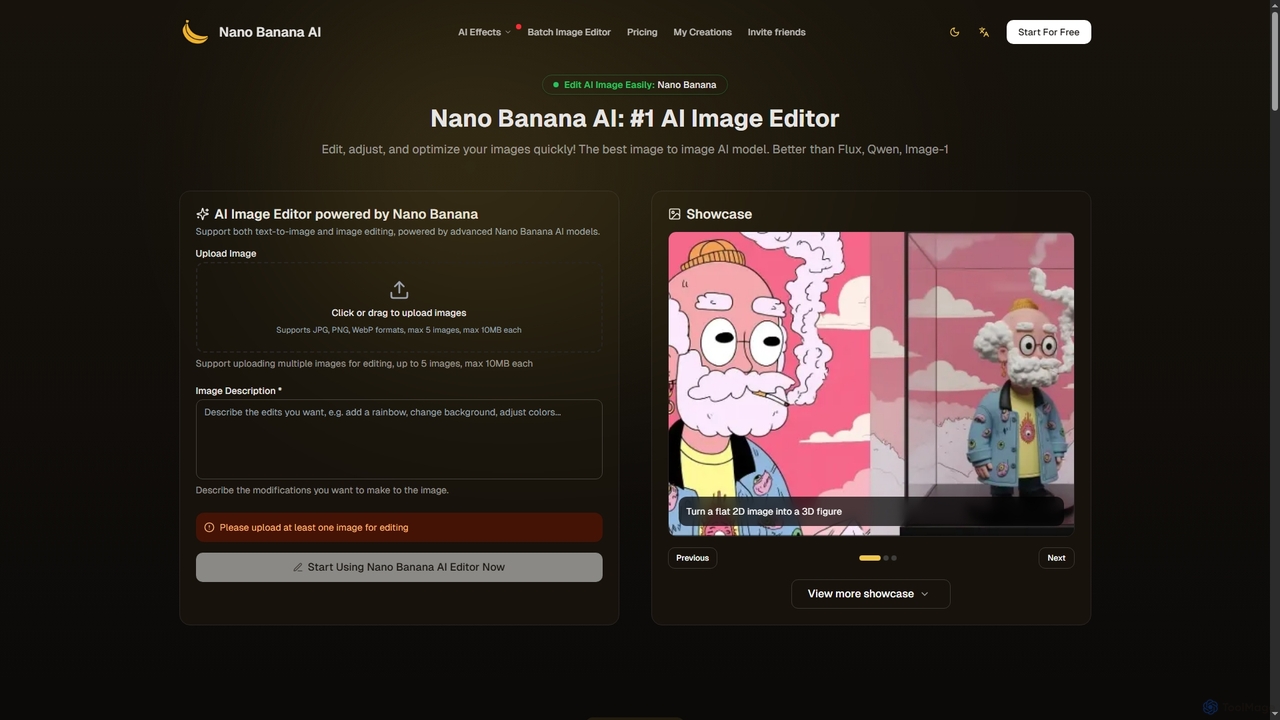
Nano Banana
Nano Banana is an advanced AI image editor and generator that allows users to effortlessly transform photos and create stunning visuals. It supports text-to-image generation, comprehensive image editing, and even specialized features like AI action figure creation. With lightning-fast processing and professional-quality output, Nano Banana simplifies complex editing tasks for personal and commercial use.
Digital ArtMediachance
Mediachance offers a comprehensive suite of innovative graphics, video, and multimedia software for Windows. Since 1998, they have developed powerful tools for digital artists, photographers, and writers, including AI-powered applications like Dynamic Auto Painter for artistic photo conversion, AI Photo & Art Enhancer for upscaling, and NovelForge AI for creative writing assistance.
3D
Adobe
Adobe is the industry-leading suite of creative, marketing, and document management software, supercharged with powerful generative AI. Featuring tools like Photoshop, Premiere Pro, and Acrobat, integrated with Adobe Firefly AI, it empowers creators, businesses, and individuals to bring any idea to life, from stunning visuals and cinematic videos to intelligent, interactive documents.
Graphic Design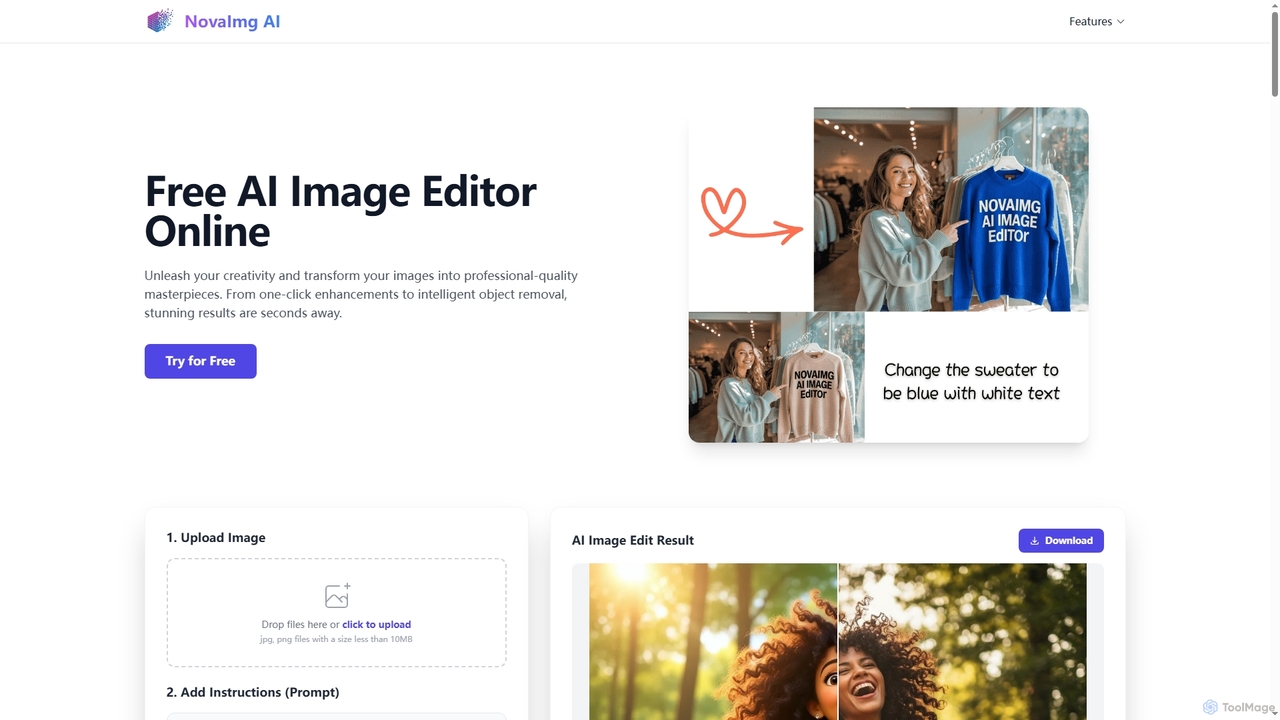
Novaimg
Novaimg is a versatile online AI tool suite for transforming and enhancing visual content. It offers a range of features including AI image editing with text prompts, 4K image upscaling, realistic face swapping for photos, videos, and GIFs, and an intelligent watermark remover. Designed for ease of use, Novaimg helps users create professional-quality images and videos for social media, e-commerce, and creative projects, often for free or with generous daily limits.
Graphic Design
Colorify
Colorify is an AI-powered tool that automatically adds realistic color to black and white photos. By leveraging advanced deep learning algorithms, it breathes new life into historical images, old family portraits, and any monochrome picture. Simply upload your image, and the AI will intelligently analyze and colorize it in seconds, preserving details and creating a vibrant, natural-looking result. It's perfect for historians, genealogists, artists, and anyone looking to restore and reimagine their vintage photo collections.
Photography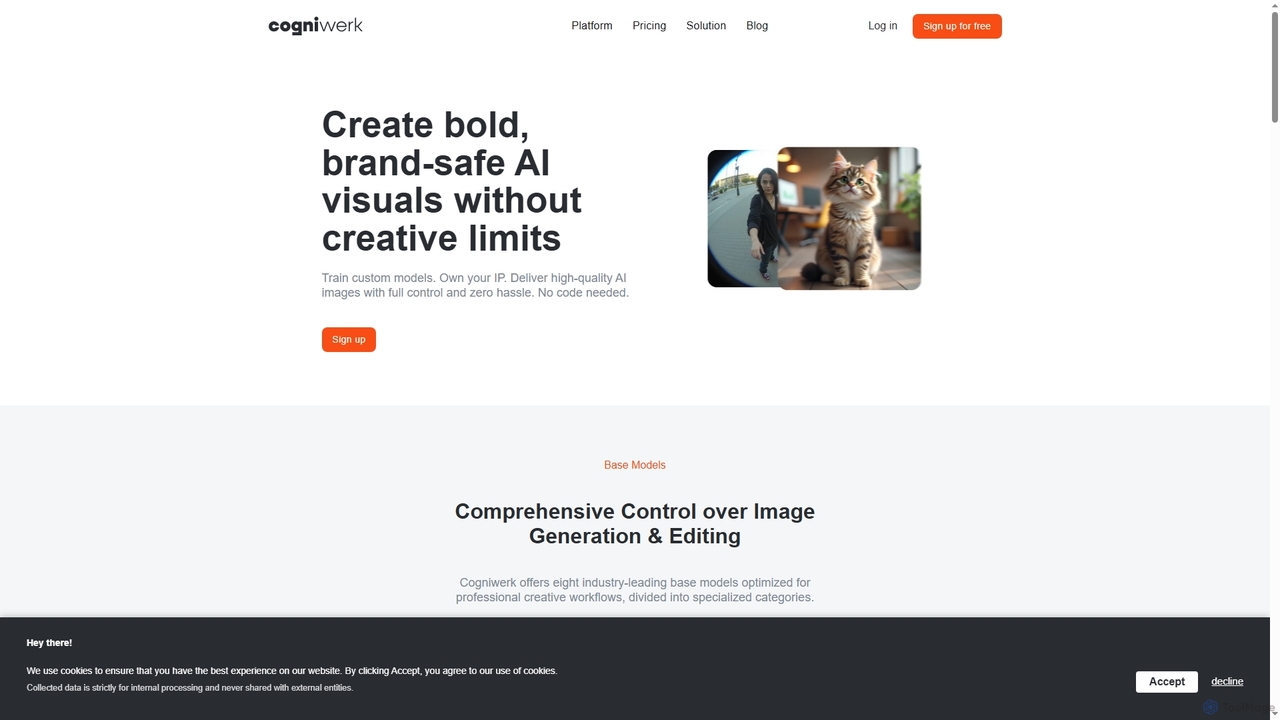
Cogniwerk
Cogniwerk is a comprehensive European AI platform designed for creative professionals, offering advanced tools for high-quality image and video generation, custom model training, and sophisticated prompting. It emphasizes compliance with GDPR and EU AI Act readiness, providing creators with full ownership and creative freedom for their digital assets.
Visual DesignAifaceswap
Aifaceswap is an online AI tool for creating realistic face swaps in photos, GIFs, and videos. It offers a user-friendly interface, fast processing, and high-quality results. Ideal for creating memes, social media content, and for entertainment, it supports single and multiple face swaps with a focus on user privacy.
3D
TensorPix
TensorPix is an AI-powered online platform for video and image enhancement. It offers a suite of tools to upscale resolution up to 4K/8K, restore old footage, remove noise, and improve overall visual quality. Ideal for filmmakers, content creators, and archivists, TensorPix simplifies complex post-production tasks with an intuitive web-based interface, making professional-grade restoration accessible to everyone.
Creative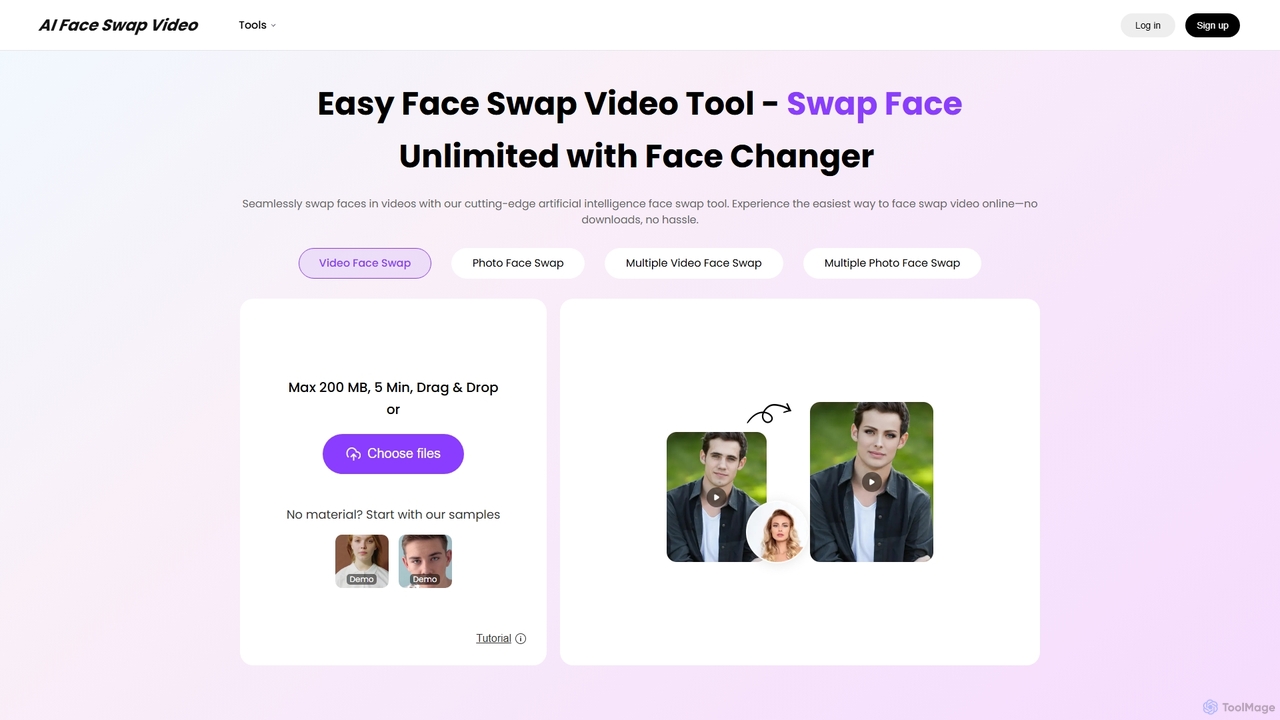
AIFaceSwapVideo
AIFaceSwapVideo is an advanced online AI tool for effortlessly swapping faces in videos, photos, and GIFs. It offers seamless blending, realistic expressions, and precise tracking, making it ideal for creating fun, viral content, or professional edits without any downloads.
3D
Runway
Runway is an advanced AI-powered creative suite for content creation. It offers a wide range of tools, including state-of-the-art text-to-video (Gen-2), video-to-video (Gen-1), image generation, AI-powered video editing, and more. It's designed for filmmakers, artists, and marketers to ideate, generate, and edit content like never before, streamlining complex creative workflows.
Image Generation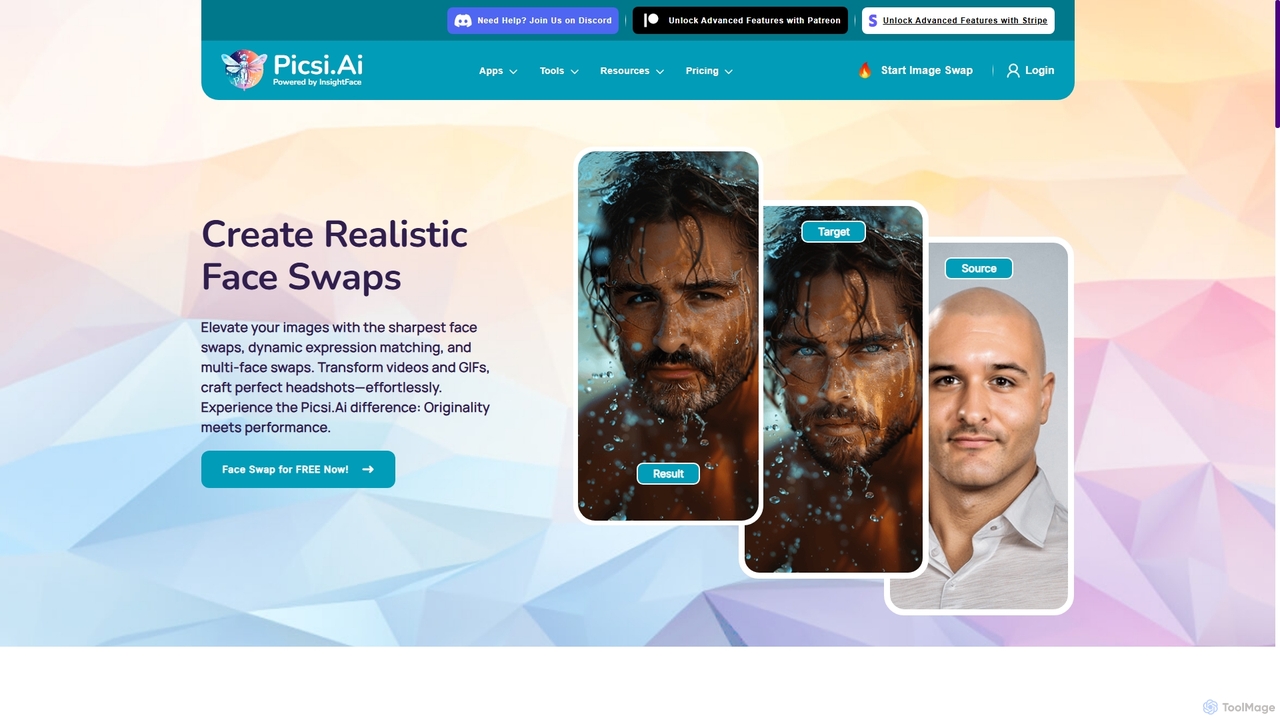
Picsi
Picsi is an advanced AI face-swapping platform powered by InsightFace technology, enabling users to create highly realistic face swaps in images, videos, and GIFs. It offers a versatile ecosystem including a web app, iOS app with live swapping, Discord bot, Chrome extension, and Photoshop plugin. It features multi-face swapping, AI headshot creation, and a suite of advanced editing tools for both creative and professional use.
Entertainment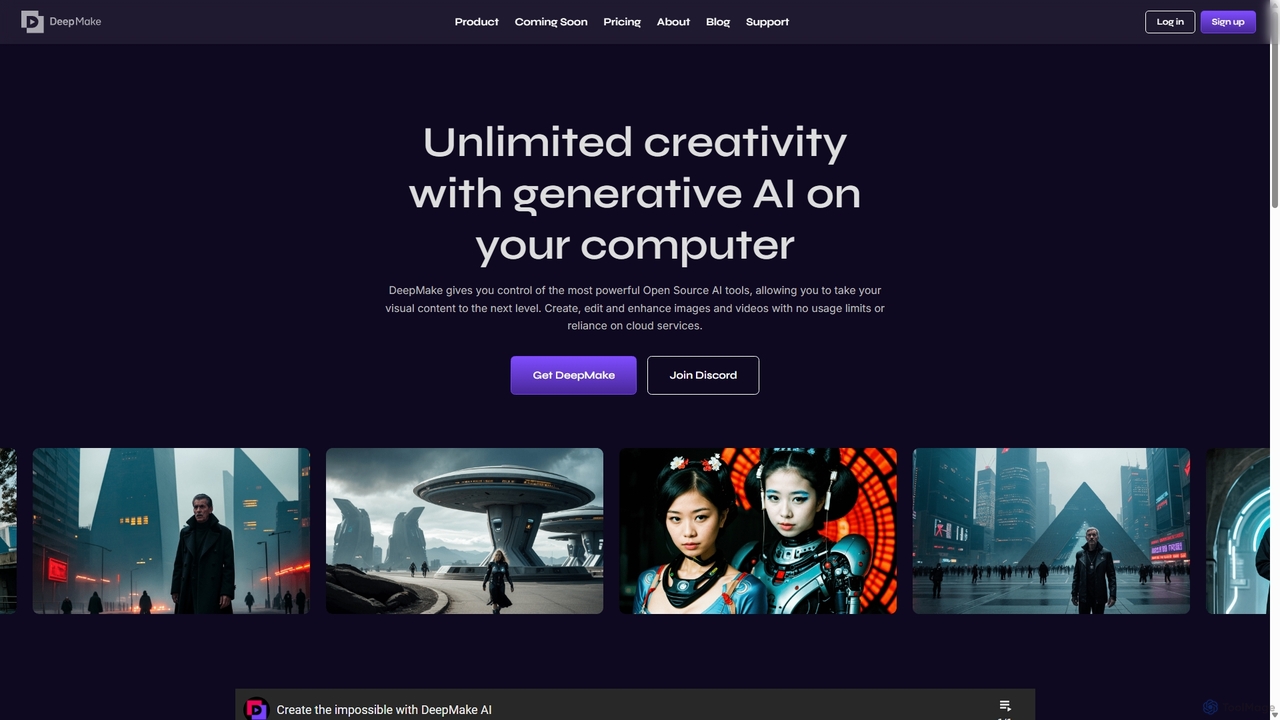
DeepMake
DeepMake is a powerful suite of generative AI tools that run locally on your computer, integrating directly into Adobe After Effects. It offers unlimited, fee-free creation, editing, and enhancement of images and videos, including text-to-image generation, smart masking, and AI upscaling, giving creators full control over their visual content without cloud reliance.
Design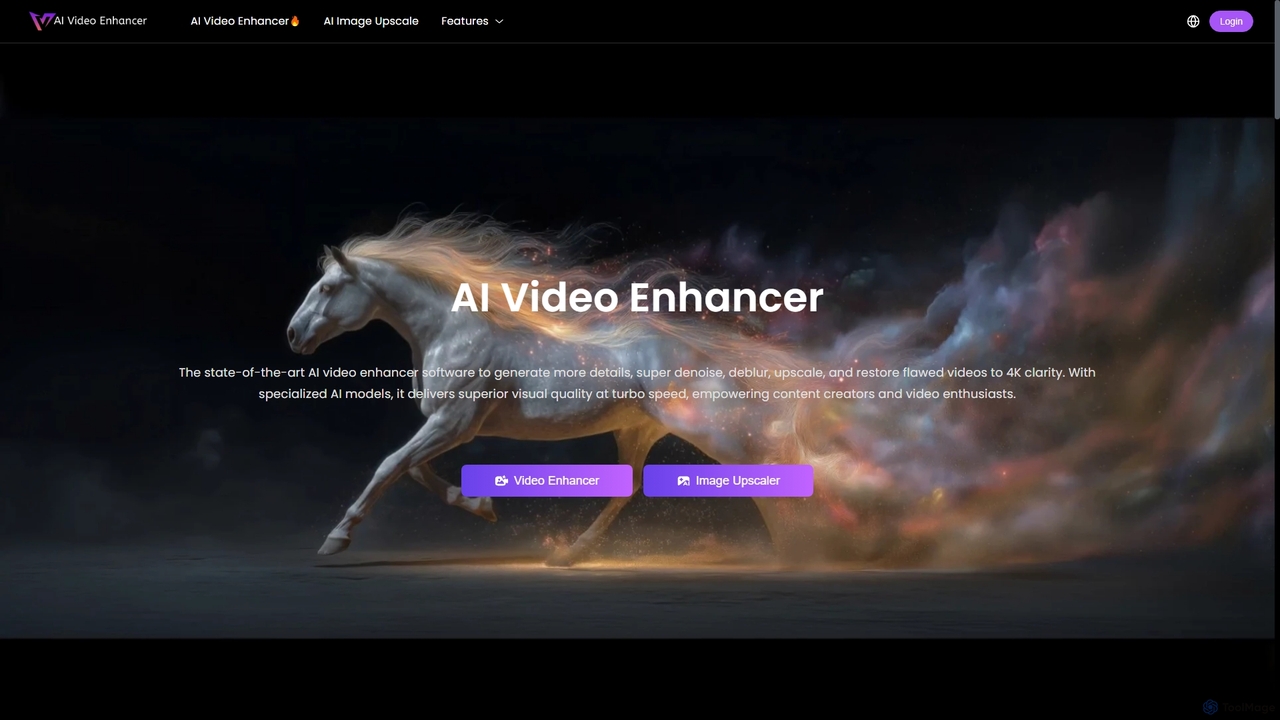
AIVideoEnhancer
AIVideoEnhancer is an AI-powered online tool designed to enhance and upscale low-quality videos to 4K resolution. It also functions as an image upscaler, increasing photo resolution by up to 800%. The tool automatically denoises, deblurs, and restores details with one-click simplicity, focusing on realistic results and fast, GPU-accelerated processing.
Creative
Jyek
Jyek is an AI agent platform that understands objectives, creates execution plans, uses tools, and delivers verifiable results for complex, multi-step tasks.
Automation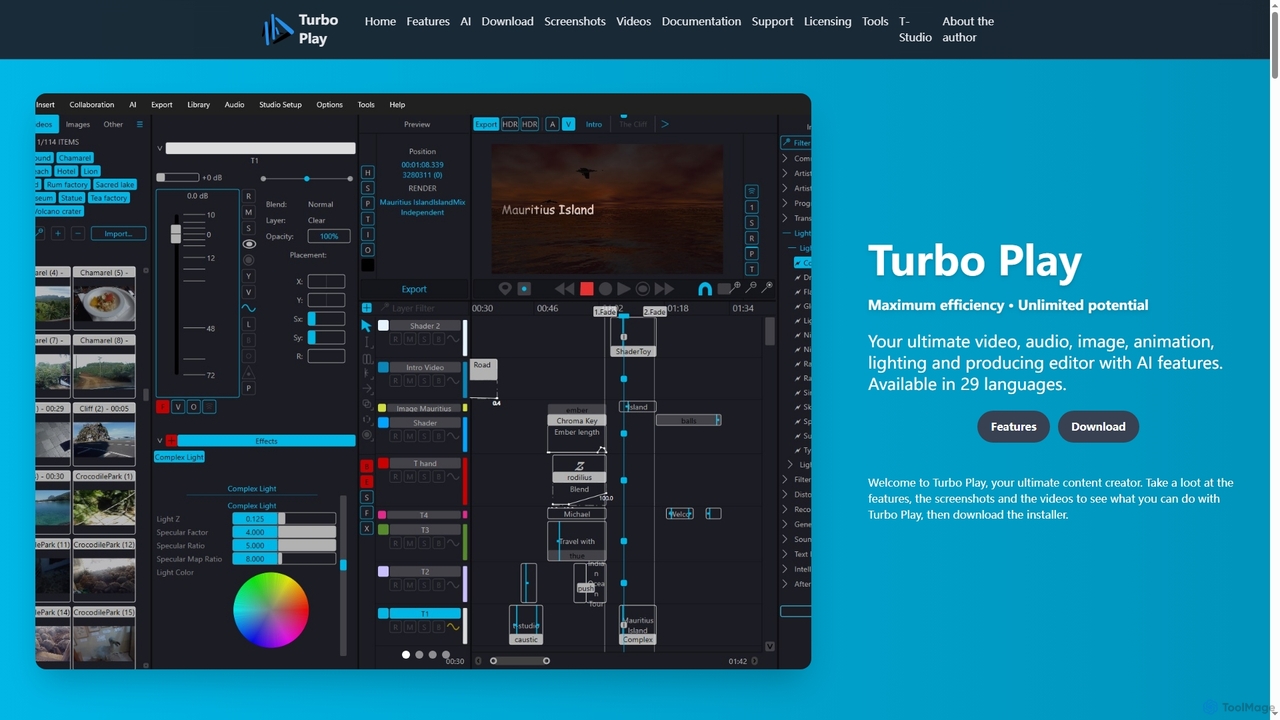
Turbo Play
Turbo Play is an all-in-one AI-powered video, audio, image, and animation editor designed for maximum efficiency and unlimited creative potential. It offers a comprehensive suite of tools for content creation, including advanced AI features for background removal, face swapping, speech separation, and text-to-image generation, catering to both casual and professional users across 29 languages.
3D
Color.io Comments (0)
Sign in to comment.
Sign inNo comments yet.