Art Best in category 10 results Photography AI Tool

Popular AI tools in the Photography field of Art include Palette、Pixu、RestorePhotos.io、Colorify、dreamprewedding、Pet Lens AI、itraveledthere、PoseX、Newborn Photography、Lover Snap, etc., helping you quickly improve efficiency.

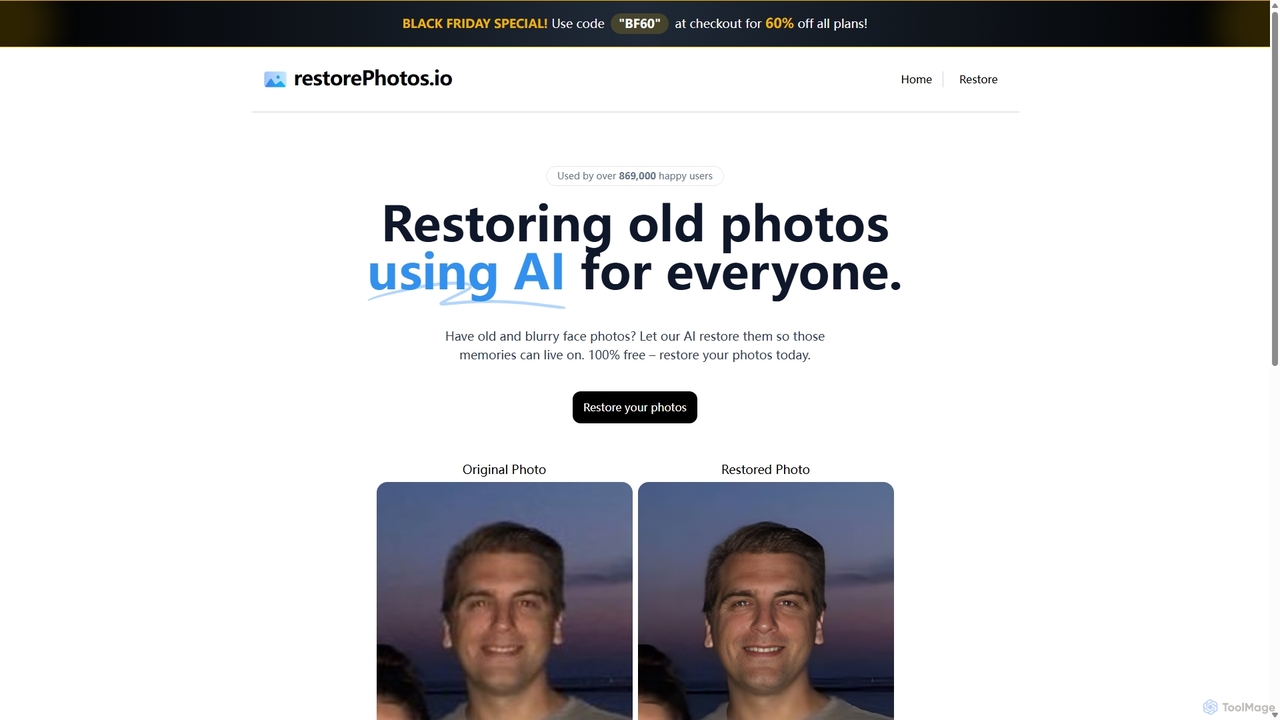
RestorePhotos.io

RestorePhotos.io

An AI-powered tool designed to restore old, blurry, and damaged face photos. It uses advanced algorithms to enhance …

33.5K
Colorify

Colorify

Colorify is an AI-powered tool that automatically adds realistic color to black and white photos. By leveraging advanced …

8.5K
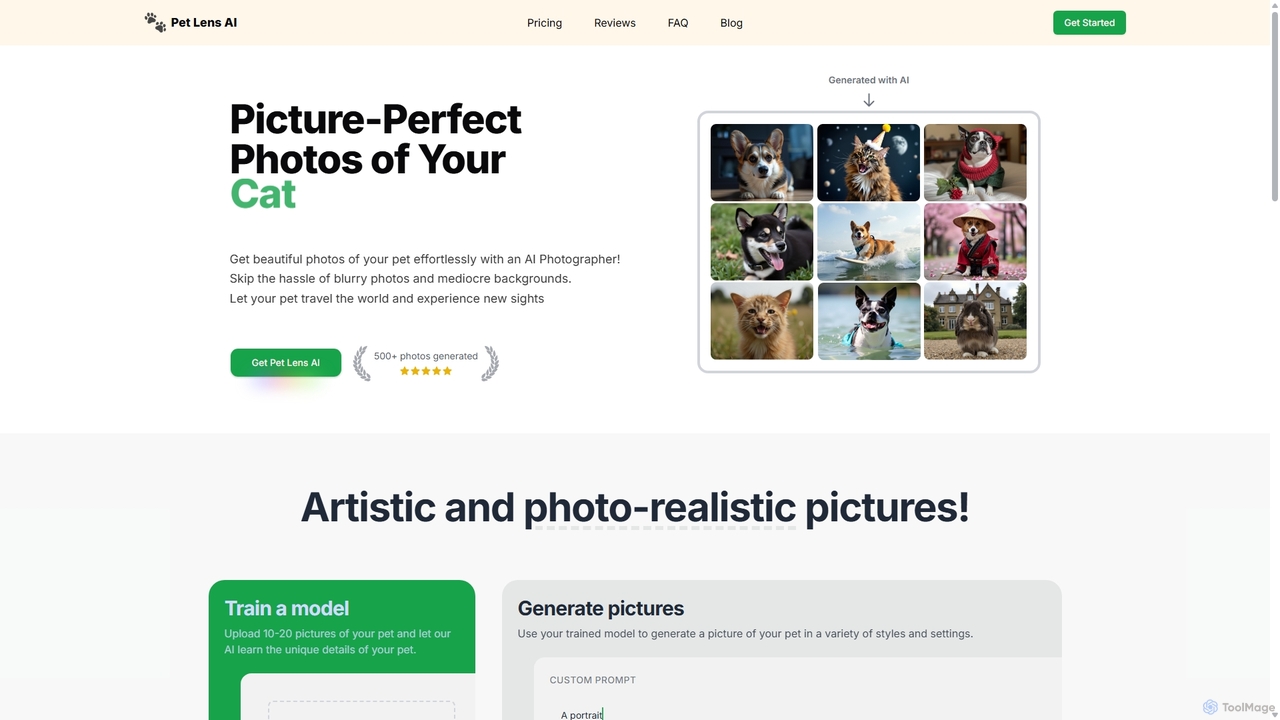
Pet Lens AI

Pet Lens AI

Pet Lens AI is an AI-powered photographer that transforms your pet photos into professional, artistic, and fun portraits. …

3.7K
Newborn Photography

Newborn Photography

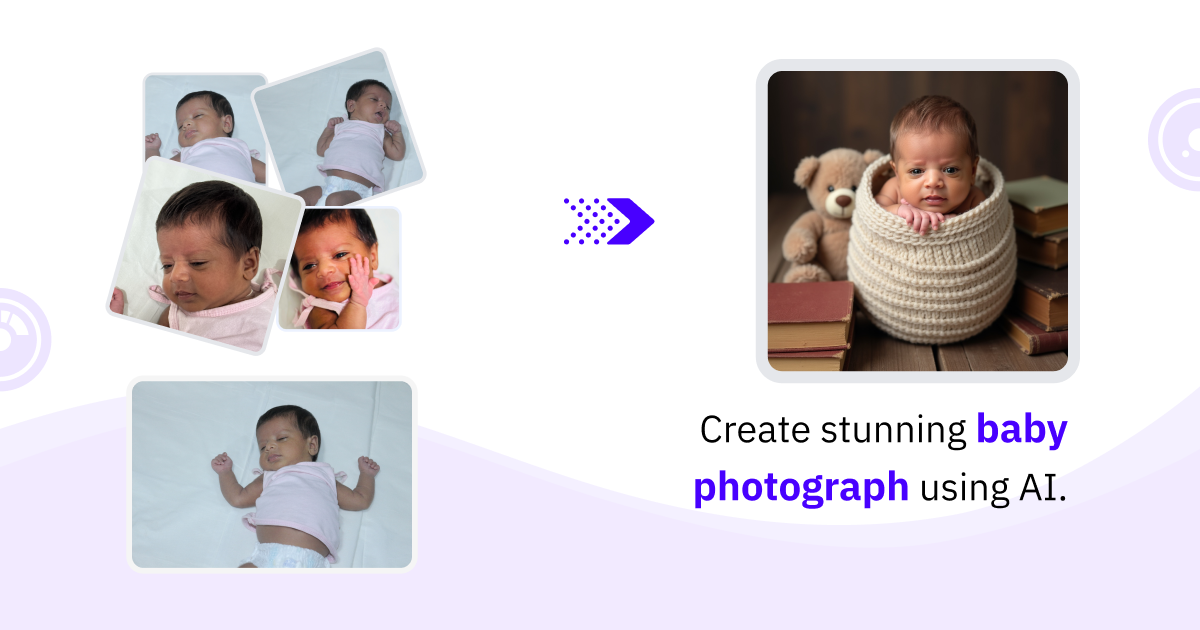
Newborn Photography is an AI-powered tool that allows parents to create stunning, studio-quality photos of their newborn without …

3.1K
itraveledthere

itraveledthere

itraveledthere is an AI-powered tool that generates stunning, hyper-realistic 8K travel photos of you in the world's most …

3.4K
PoseX

PoseX

PoseX is an AI-powered photo generator that transforms your pictures, placing you in amazing new locations and themed …

3.2K
Lover Snap

Lover Snap

Lover Snap is an innovative iOS app that uses advanced AI to create stunning, photorealistic virtual photographs. Easily …

3.0K
dreamprewedding

dreamprewedding

Dream Prewedding AI is an innovative tool that uses artificial intelligence to create stunning, personalized pre-wedding photos. It …

4.0K
Palette

Palette

Palette is an advanced AI-powered tool designed to colorize black and white photos with remarkable accuracy and realism. …

216.7K
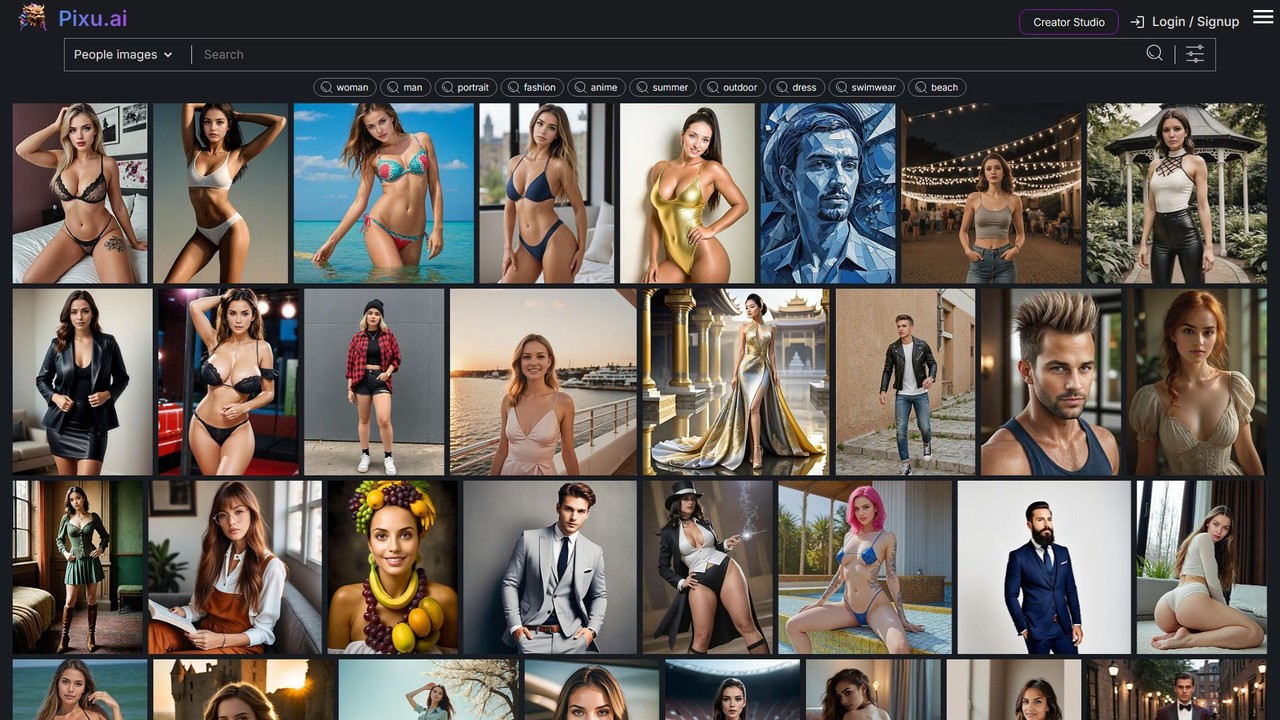
Pixu

Pixu

Pixu is an AI-powered platform for creating personalized, royalty-free stock photos. It specializes in generating high-quality images of …

84.7K

About Photography

AI Photography tools are a class of software that leverage artificial intelligence to automate and enhance the photo editing, culling, and management process. These tools use machine learning models to analyze image content, enabling them to perform complex tasks like subject detection, quality assessment, and intelligent adjustments. Their primary value lies in significantly reducing manual effort and saving time for photographers, while achieving professional-grade results. This allows creators to focus more on the creative aspects of their work rather than on repetitive technical edits.

Core Features

  • AI-Powered Culling: Automatically sorts through large photo sets to identify and group the best images based on focus, composition, and subject expression.
  • Intelligent Enhancement: Provides one-click adjustments for exposure, color, sharpness, and noise reduction tailored to the specific content of each photo.
  • Advanced Retouching: Automates portrait editing tasks such as skin smoothing, blemish removal, and eye enhancement while preserving natural textures.
  • Object and Sky Replacement: Seamlessly detects and replaces skies or other objects within an image with high precision.

Use Cases

AI Photography tools are widely used by professional wedding and event photographers to manage massive volumes of images. Portrait and fashion photographers utilize them to streamline their retouching workflow. Additionally, real estate and e-commerce professionals rely on these tools for batch-processing images to ensure consistency and quality across their listings.

How to Choose

When selecting an AI Photography tool, consider its integration with your existing workflow, such as compatibility with Lightroom or Photoshop. Evaluate the accuracy and speed of its core AI features, like culling or enhancement. Also, check its support for RAW files from your specific camera models and assess the pricing model, whether it's a one-time purchase or a subscription.

PhotographyUse Cases

1

Automated Photo Culling for Event Photographers

An event photographer shoots over 3,000 photos at a wedding. Instead of spending 8-10 hours manually reviewing each image, they use an AI culling tool. The software automatically analyzes the entire set for technical quality (focus, exposure) and aesthetic attributes (subject's eyes open, no blinking). It groups similar shots, highlights the best ones, and flags potential rejects. This reduces the initial review time to under an hour, allowing the photographer to move to creative editing much faster and deliver galleries to clients days earlier.

2

Advanced Portrait Retouching for Studio Photographers

A studio photographer needs to retouch a series of headshots. Using an AI-powered portrait tool, they can apply sophisticated edits in batch. The AI detects faces and allows for precise control over skin smoothing (while retaining texture), eye and teeth whitening, and subtle facial sculpting. Instead of spending 30-60 minutes per image on manual frequency separation and dodge & burn techniques in Photoshop, the photographer achieves a comparable, natural-looking result in under 5 minutes per photo, dramatically increasing their throughput and profitability.

3

Real Estate Photo Sky Replacement and Enhancement

A real estate agent has photos of a property taken on a cloudy, overcast day. To make the listing more appealing, they use an AI photography tool. With one click, the software detects and masks the sky, replacing the dull grey with a selection of bright, sunny sky options. The tool also automatically adjusts the lighting and color temperature of the entire scene to match the new sky, creating a realistic and inviting image. This process takes seconds, compared to the complex manual masking and color grading that would be required in a traditional editor.

4

Restoring and Colorizing Old Family Photos

A user wants to restore a collection of scanned vintage family photos that are faded, scratched, and have color casts. They use an AI photo restoration tool. The software automatically detects and repairs imperfections like cracks and dust spots. It then uses a separate AI model to remove the color cast and accurately colorize the black-and-white image by predicting plausible colors for clothing, skin tones, and backgrounds. This transforms a damaged, monochrome memory into a vibrant, clear image, a task that would require a highly skilled restoration artist hours of manual work.

5

Noise Reduction and Sharpening for Wildlife Photography

A wildlife photographer often shoots in low-light conditions, resulting in high-ISO images with significant noise. Using an AI-powered noise reduction tool, they can clean up the digital grain while preserving fine details, like animal fur or feathers. The software's AI model distinguishes between noise and actual image detail better than traditional algorithms. They can then apply AI-based sharpening that intelligently enhances edges and textures without introducing halos or artifacts, resulting in a clean, crisp, and detailed final image that was previously unsalvageable.

6

Batch Background Removal for E-commerce Products

An e-commerce store manager needs to prepare photos for hundreds of new products. Each product must be on a pure white background for the website. Instead of manually tracing each item in Photoshop, they use an AI tool for background removal. They upload the entire batch of photos, and the AI automatically detects the product in each image and removes the background with high precision, even for complex items like clothing or jewelry. This reduces a task that would take days of manual labor to just a few minutes of processing, ensuring consistency and speed to market.

PhotographyFrequently Asked Questions