


Colorify Overview
Colorify is a state-of-the-art online tool that utilizes the power of artificial intelligence to transform black and white photographs into full-color images. It is designed for users of all skill levels, from professional archivists to individuals looking to restore precious family memories. The platform's core technology is built on sophisticated deep learning models that have been trained on millions of diverse images. This extensive training enables the AI to understand the context of a photo, recognize different objects and textures (like skin, fabric, sky, and foliage), and apply colors that are not only visually appealing but also historically and contextually appropriate.
The process is incredibly simple and efficient, eliminating the need for complex and time-consuming manual colorization in software like Adobe Photoshop. With just a few clicks, Colorify can produce results that would take a professional artist hours or even days to achieve. The tool provides a clear 'Before' and 'After' comparison, allowing users to instantly see the dramatic transformation and appreciate the newfound vibrancy and emotional depth in their old photos.
How to use Colorify
Using Colorify is a straightforward and intuitive process, designed to be accessible to everyone, regardless of their technical expertise. Here’s a simple step-by-step guide:
- Visit the Website: Navigate to the Colorify.ai homepage.
- Sign Up/Log In: Create a free account or log in to your existing one. An account is typically required to manage your uploads and access your colorized images.
- Upload Your Image: Click the 'GET STARTED' or 'Upload Image' button. You can then select a black and white photo from your computer or simply drag and drop the file into the designated area on the website.
- Automatic AI Processing: Once the image is uploaded, the AI will automatically begin the colorization process. This usually takes just a few seconds to a minute, depending on the image size and server load.
- Review and Compare: The platform will display a side-by-side comparison of the original black and white photo and the new colorized version. This allows you to immediately assess the quality of the result.
- Download Your Colorized Photo: If you are satisfied with the result, click the 'Download' button to save the full-color image to your device. Depending on your plan, you may have options for different resolutions or formats.
Core Features of Colorify
- Advanced AI Colorization: Employs cutting-edge deep learning algorithms to produce realistic and natural-looking colors.
- High-Resolution Output: Supports the processing and downloading of high-quality images suitable for printing and professional use (often a premium feature).
- User-Friendly Interface: A simple, intuitive drag-and-drop interface that requires no prior photo editing experience.
- Fast Processing Speed: Delivers colorized images in a matter of seconds, significantly speeding up the restoration workflow.
- Batch Processing: Allows users to upload and colorize multiple images simultaneously, ideal for large archives or photo albums (typically available in paid plans).
- API Access: Provides an API for developers and businesses to integrate Colorify's technology into their own applications, websites, or services.
- Secure and Private: Ensures user privacy by securely handling uploaded images and not sharing them publicly without permission.
Use Cases for Colorify
Colorify is a versatile tool with a wide range of applications:
- Genealogy and Family History: Families can bring old portraits of ancestors to life, creating a more tangible connection to their heritage and sharing vivid memories across generations.
- Historical Archives and Museums: Historians, researchers, and curators can colorize historical photographs to make exhibitions more engaging and educational materials more impactful.
- Creative Professionals: Photographers, graphic designers, and artists can use the tool to restore vintage photos for client projects or as a creative element in their work.
- Content Creation and Marketing: Marketers and social media managers can use colorized vintage images to create eye-catching content for campaigns, blogs, and social media posts.
- Education: Teachers and students can use Colorify to visualize historical events and figures in color, making history lessons more immersive and relatable.
Advantages of Colorify
The primary advantage of Colorify is its ability to democratize photo colorization. It combines speed, quality, and ease of use into one powerful platform. Unlike manual methods that are slow, expensive, and require specialized skills, Colorify provides instant, high-quality results at an affordable price. The AI's ability to generate plausible colors adds a layer of realism that can be difficult to achieve manually, breathing new life and emotion into static historical records.
Pricing and Plans
Colorify likely operates on a freemium model to cater to a wide range of users:
- Free Plan: Allows users to colorize a limited number of images (e.g., 3-5 photos) to test the service. Outputs may be of a lower resolution and might include a small watermark.
- Subscription Plan (e.g., Pro): A monthly or annual subscription that offers a significant number of credits or unlimited colorizations, high-resolution downloads, no watermarks, batch processing capabilities, and priority customer support. This plan is ideal for frequent users and professionals.
- Business/API Plan: Custom pricing for businesses and developers who require high-volume processing and API access to integrate the colorization feature into their own products.
Traffic
Latest traffic
Status
Monthly traffic trend
- 2025-9: 13.3K
- 2026-1: 5.7K
- 2026-2: 3.6K
- 2026-3: 4.6K
- 2026-4: 5.5K
- 2026-5: 5.5K
Geography
Top 5 countries / regions
- 🇺🇸United States60.7%
- 🇮🇳India39.3%
Top keywords
| Keyword | Cost per click |
|---|---|
| colorifay | $0.00 |
| colorify | $1.07 |
| colorify ai | $1.11 |
| colorifyai | $1.34 |
| colorifyaiart | $0.00 |
Colorify Alternatives
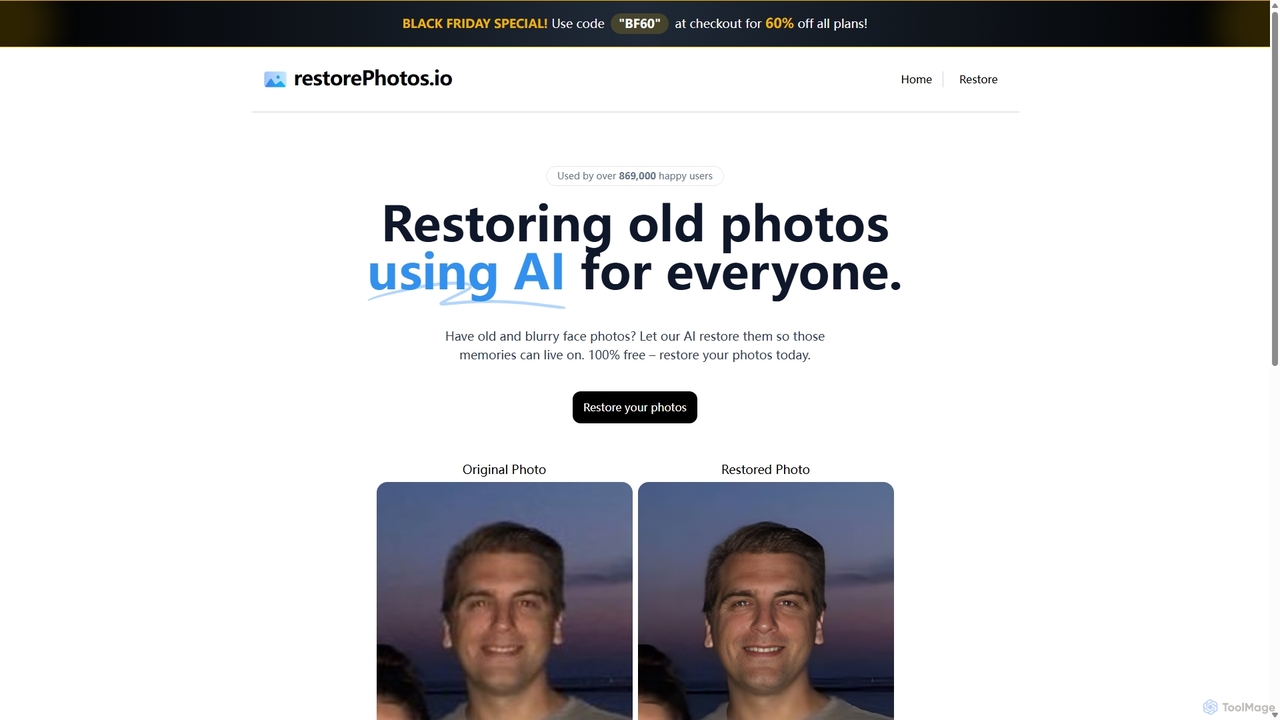
RestorePhotos.io
An AI-powered tool designed to restore old, blurry, and damaged face photos. It uses advanced algorithms to enhance clarity, reduce noise, and bring cherished memories back to life with remarkable detail. Ideal for anyone looking to digitize and improve their old photo collections.
Photography
Colorfix
Colorfix is an AI-powered web application designed to breathe new life into old, damaged, or faded photographs. It offers advanced photo restoration, intelligent colorization of black and white images, and the unique ability to transform static pictures into dynamic, musical videos, helping users revive and preserve their most cherished memories.
Video Generation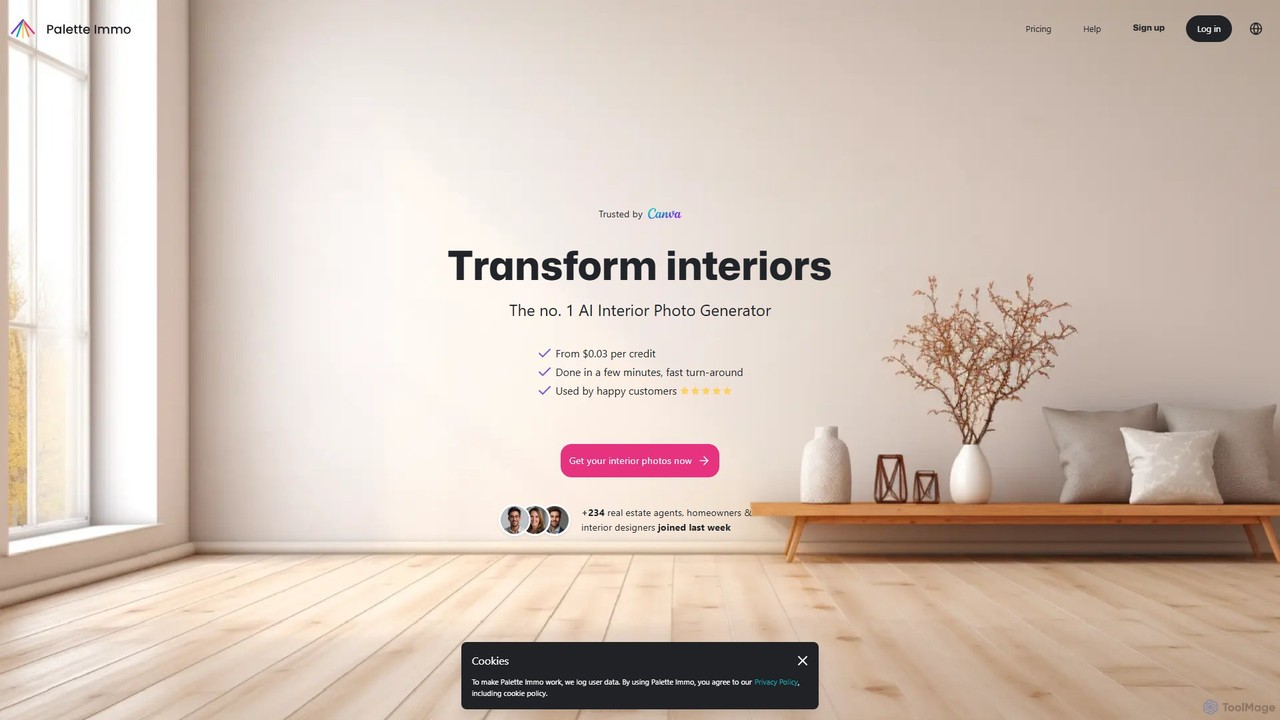
Palette
Palette is an advanced AI-powered tool designed to colorize black and white photos with remarkable accuracy and realism. It offers over 21 unique color filters, allowing users to transform historical images, family portraits, and artistic shots into vibrant, lifelike color photos in seconds. Trusted by professionals and enthusiasts alike, Palette provides a simple yet powerful interface for bringing memories back to life.
Photography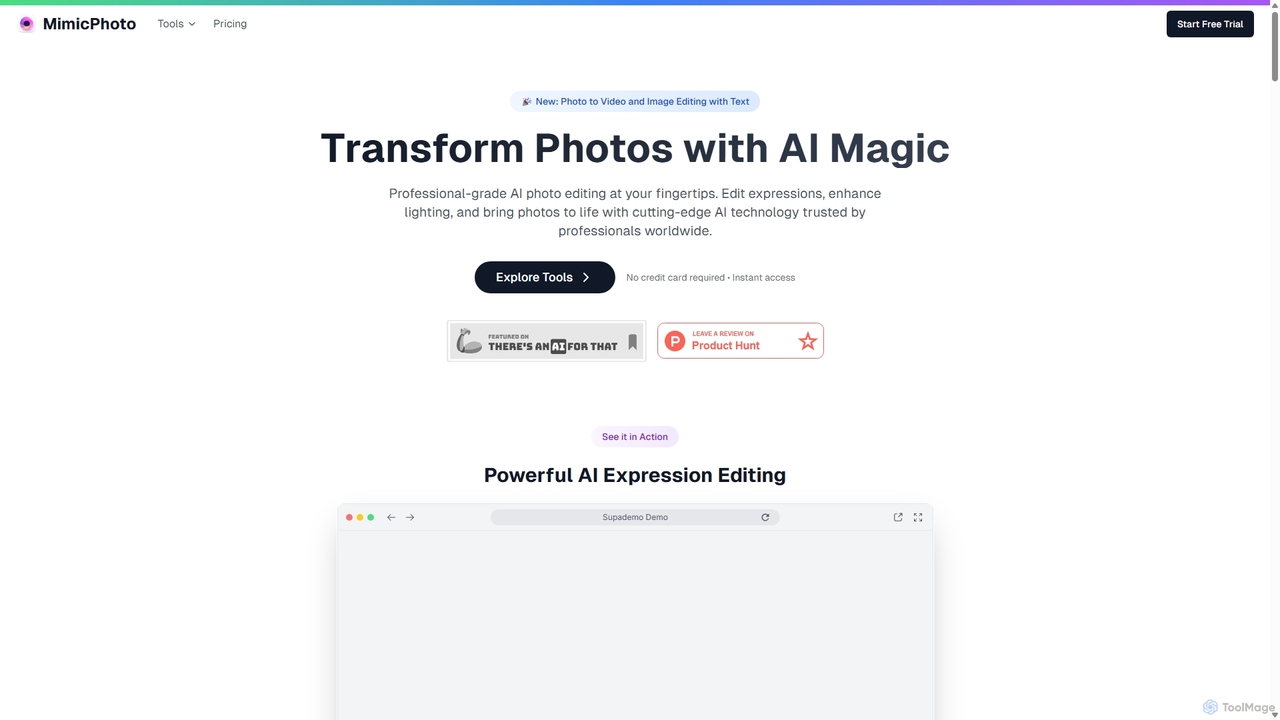
MimicPhoto
MimicPhoto is a professional-grade AI photo and video editing suite. It excels at manipulating facial expressions, relighting photos, and animating static images into dynamic videos. With features like text-based image editing, AI effects, face swapping, and object removal, it's designed for photographers, content creators, and marketers to save time and produce stunning, natural-looking results.
Avatars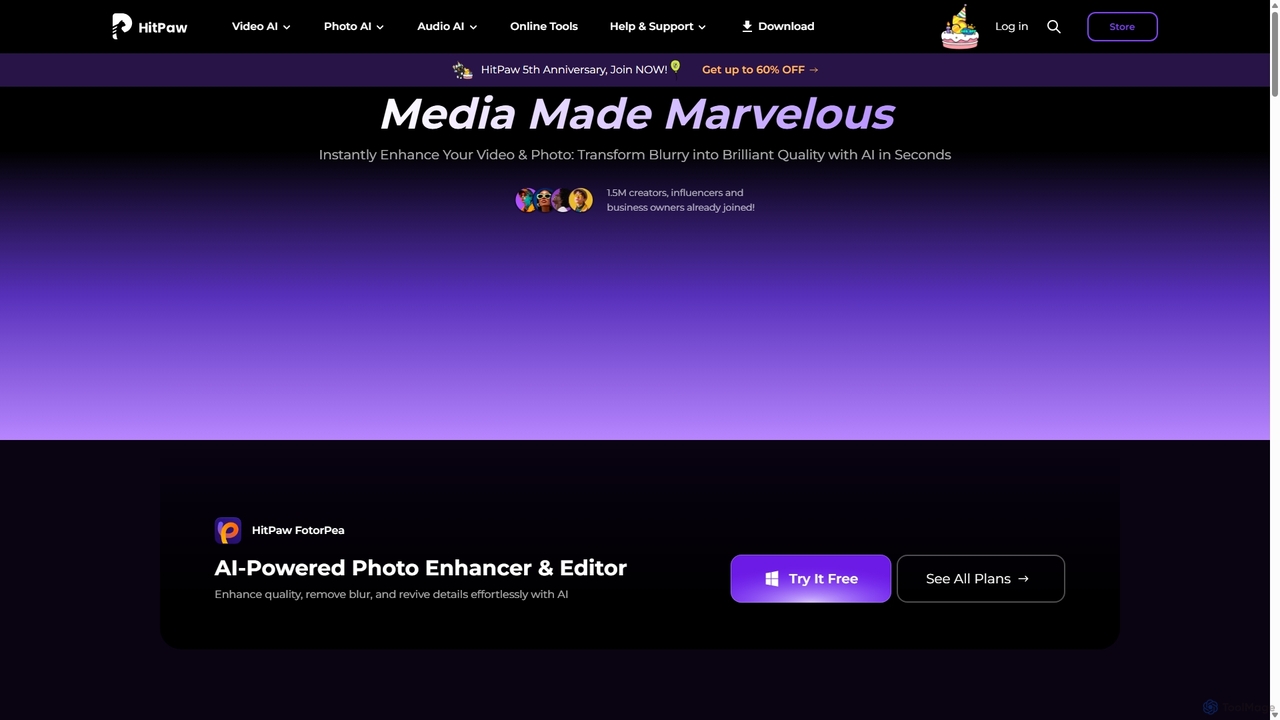
HitPaw
HitPaw is a comprehensive AI-powered multimedia software suite designed for video, photo, and audio enhancement. It offers a range of tools for upscaling video to 8K, restoring old photos, changing voices in real-time, converting file formats, and more, catering to creators, professionals, and enthusiasts.
Voice ModulationColorify Categories
Colorify Jobs
Colorify Embed Widget
Copy this embed code to place the badge on your blog, article, or product site and send readers directly to this ToolMage detail page.

Related AI tools
Colorfix
Colorfix is an AI-powered web application designed to breathe new life into old, damaged, or faded photographs. It offers advanced photo restoration, intelligent colorization of black and white images, and the unique ability to transform static pictures into dynamic, musical videos, helping users revive and preserve their most cherished memories.
Video Generation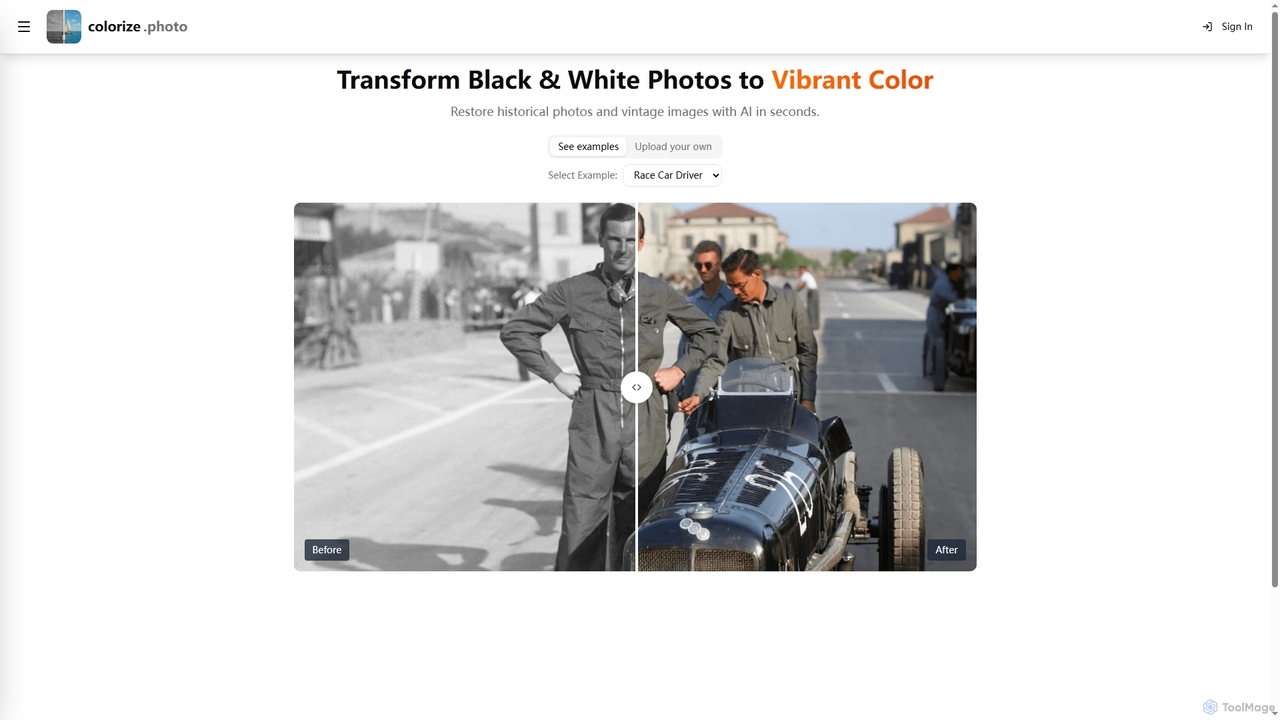
Colorize
Colorize is a free AI-powered online tool that transforms black and white photos into vibrant color. It leverages advanced artificial intelligence to restore historical and vintage images quickly, bringing them to life with realistic hues in seconds.
Image EnhancementMimicPhoto
MimicPhoto is a professional-grade AI photo and video editing suite. It excels at manipulating facial expressions, relighting photos, and animating static images into dynamic videos. With features like text-based image editing, AI effects, face swapping, and object removal, it's designed for photographers, content creators, and marketers to save time and produce stunning, natural-looking results.
AvatarsRestorePhotos.io
An AI-powered tool designed to restore old, blurry, and damaged face photos. It uses advanced algorithms to enhance clarity, reduce noise, and bring cherished memories back to life with remarkable detail. Ideal for anyone looking to digitize and improve their old photo collections.
PhotographyPalette
Palette is an advanced AI-powered tool designed to colorize black and white photos with remarkable accuracy and realism. It offers over 21 unique color filters, allowing users to transform historical images, family portraits, and artistic shots into vibrant, lifelike color photos in seconds. Trusted by professionals and enthusiasts alike, Palette provides a simple yet powerful interface for bringing memories back to life.
Photography
Imamind
Imamind is a revolutionary full-stack AI visual design platform that automates the entire creative process from concept to professional delivery. It offers dual-engine architecture, intelligent AI workflows, precise face fidelity for portraits, and advanced AI editing tools, empowering over 200,000 creators globally.
Product Imaging
MyHeritage
MyHeritage is a leading global platform for discovering your family history. It offers powerful tools to build your family tree, search billions of historical records, and uncover your ethnic origins through a simple DNA test. AI features like Deep Nostalgia™ animate old photos, bringing your ancestors to life.
History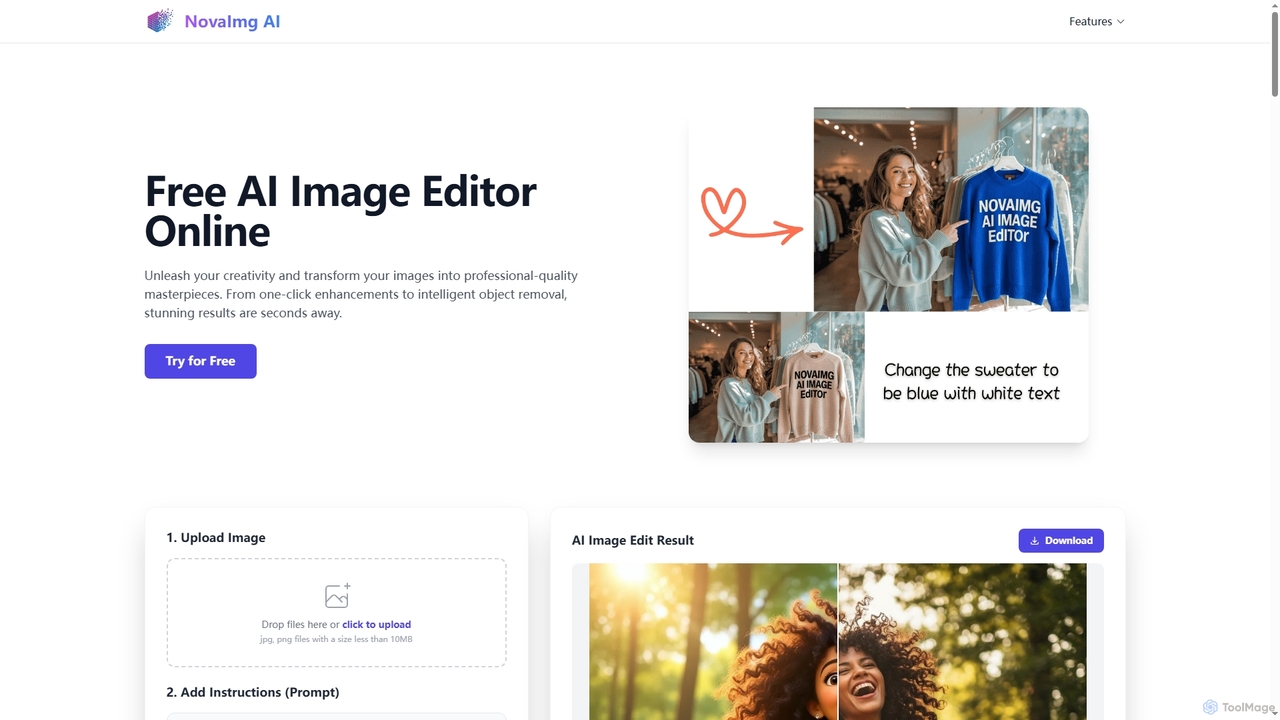
Novaimg
Novaimg is a versatile online AI tool suite for transforming and enhancing visual content. It offers a range of features including AI image editing with text prompts, 4K image upscaling, realistic face swapping for photos, videos, and GIFs, and an intelligent watermark remover. Designed for ease of use, Novaimg helps users create professional-quality images and videos for social media, e-commerce, and creative projects, often for free or with generous daily limits.
Graphic Design
InstantEditAI
InstantEditAI is an AI-powered photo editing tool that delivers professional-grade results in minutes. Specializing in one-click color correction, skin smoothing, and cropping, it's perfect for wedding, event, and family photos. Choose from over 30 styles created by top photographers to transform your images without needing complex software.
Image Editing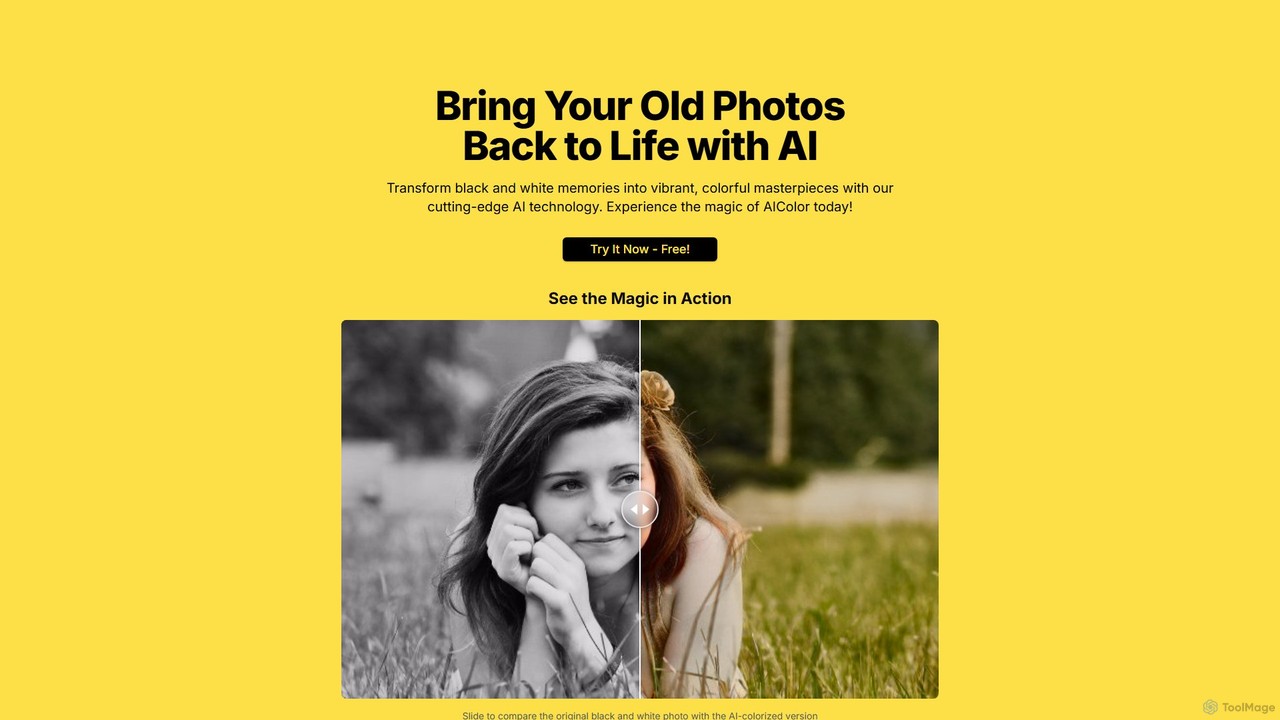
AIColor
AIColor is an AI-powered online tool that automatically transforms black and white photos into vibrant, realistic color images. Simply upload your old family photos, historical images, or any monochrome picture, and the advanced AI will colorize them in seconds, bringing your cherished memories back to life with stunning detail and accuracy.
Generative Art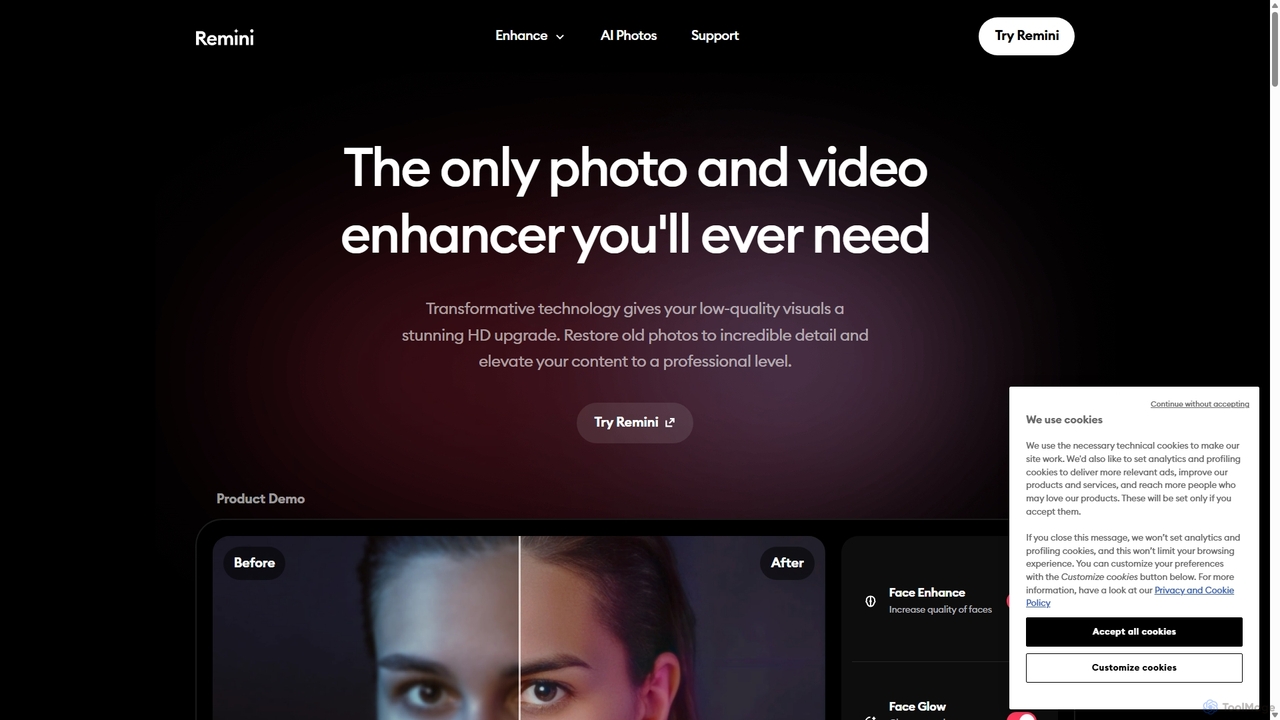
Remini
Remini is an AI-powered photo and video enhancer that transforms low-quality, blurry, or old images and videos into stunning high-definition visuals. Using advanced AI, it restores details, sharpens focus, reduces noise, and can even generate professional-quality AI photos of yourself.
3D
TensorPix
TensorPix is an AI-powered online platform for video and image enhancement. It offers a suite of tools to upscale resolution up to 4K/8K, restore old footage, remove noise, and improve overall visual quality. Ideal for filmmakers, content creators, and archivists, TensorPix simplifies complex post-production tasks with an intuitive web-based interface, making professional-grade restoration accessible to everyone.
Creative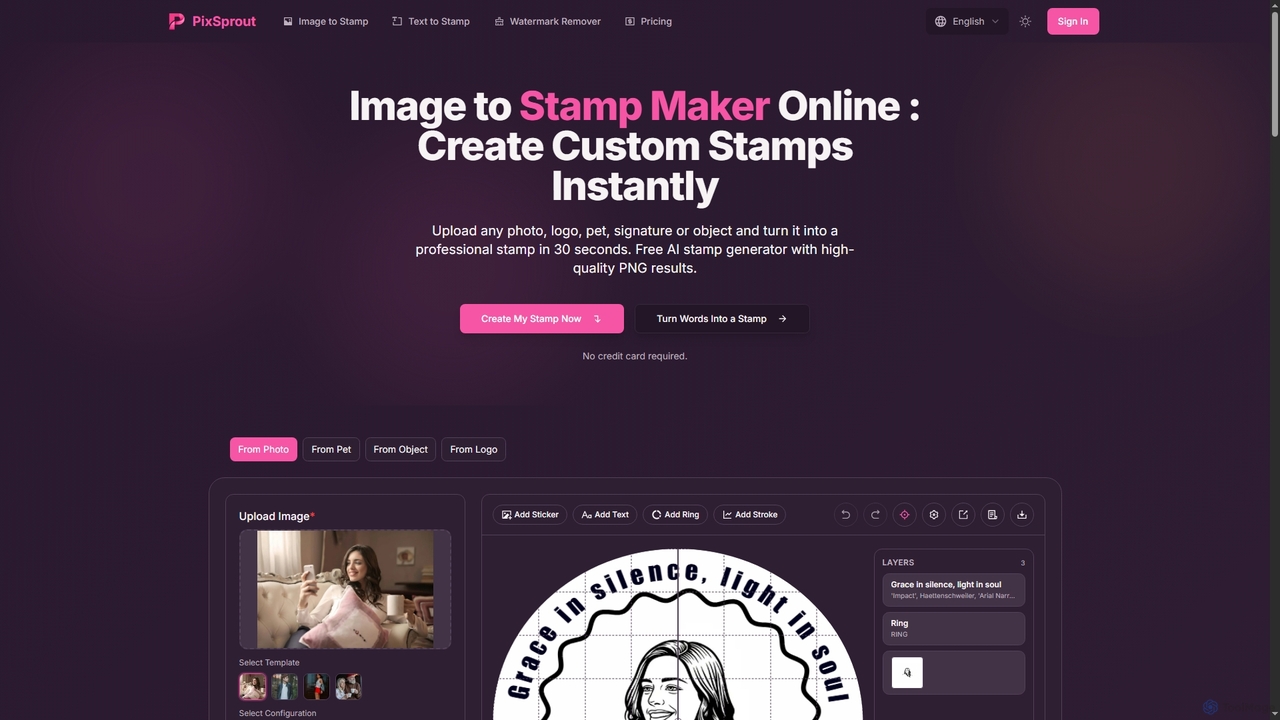
Pixsprout
Pixsprout is an AI-powered online toolkit for creating custom digital stamps from images or text prompts in seconds. It also features an automatic AI watermark remover. Ideal for business branding, personal projects, and creative designs, offering high-resolution, watermark-free PNG downloads.
Logo Generator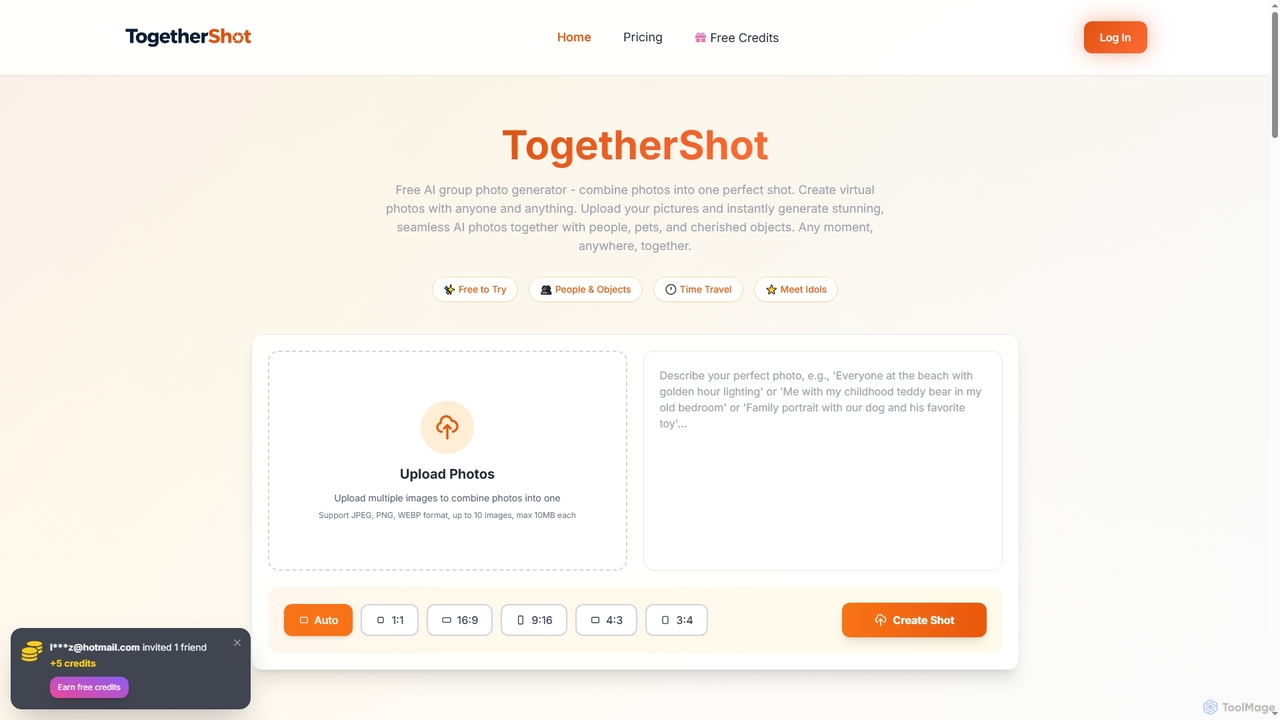
TogetherShot
An AI-powered group photo generator that seamlessly combines multiple images into a single, cohesive picture. Users can upload photos of people, pets, and objects to create virtual reunions, meet idols, fill in missing moments from events, or craft imaginative scenes. It's free to try with a simple three-step process.
Photo & Video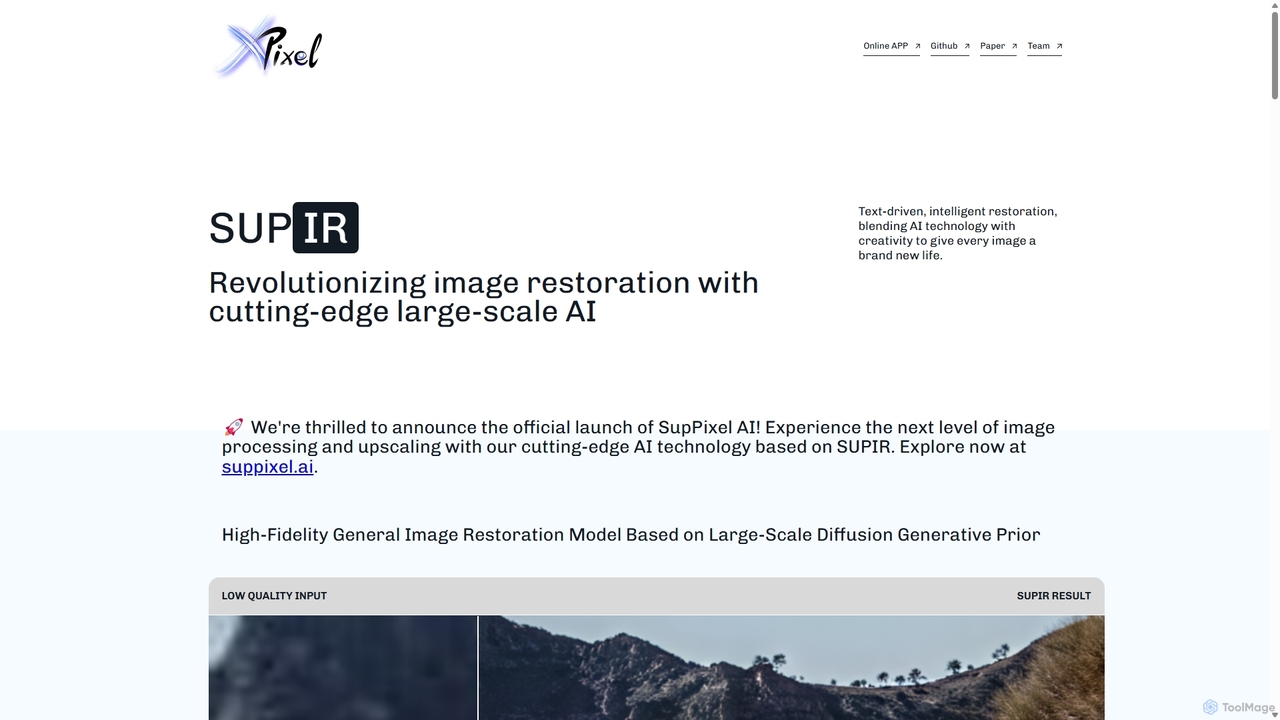
SUPIR
SUPIR (Scaling-up-Prior Image Restoration) is a cutting-edge, high-fidelity general image restoration model. It leverages large-scale diffusion generative priors to intelligently restore and upscale images with stunning clarity and detail. From vintage photos to gaming assets, SUPIR breathes new life into any low-quality image.
Generative Art
Colorify Comments (0)
Sign in to comment.
Sign inNo comments yet.