

AIColor Overview
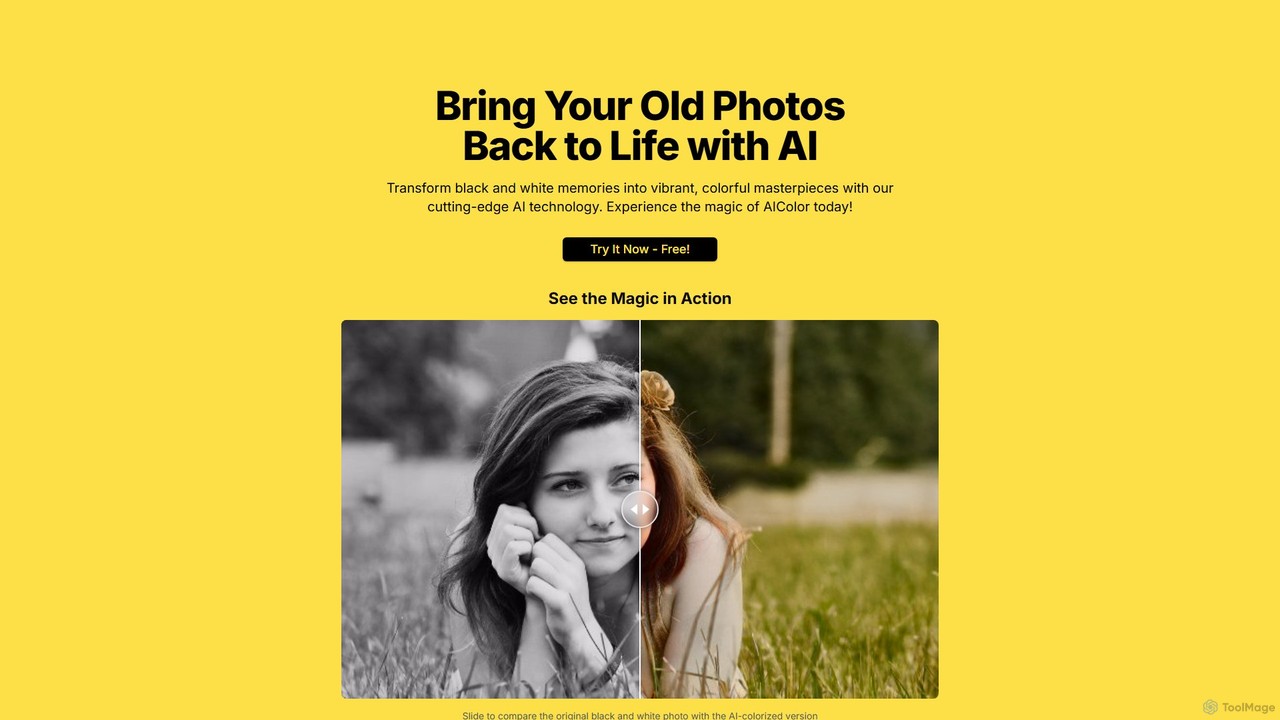
AIColor is a cutting-edge web-based tool designed to breathe new life into monochrome memories. By leveraging sophisticated artificial intelligence and deep learning algorithms, AIColor can intelligently analyze black and white photographs and apply realistic, context-aware colors. This process transforms old, faded, or historical images into vibrant, full-color masterpieces, making them more relatable and emotionally resonant for modern audiences. The technology goes beyond simple tinting; it understands the textures, lighting, and objects within the photo to generate a plausible and aesthetically pleasing color palette, effectively reviving the past in vivid detail.
How to use AIColor
Using AIColor is designed to be an incredibly simple and intuitive three-step process, requiring no technical expertise:
- Upload Your Photo: Begin by visiting the AIColor website. You can either click the upload button to select a photo from your device or simply drag and drop your image file onto the designated area. The platform supports common image formats such as PNG, JPG, and JPEG, with a maximum file size of 5MB.
- AI Colorization: Once your photo is uploaded, AIColor's powerful AI engine immediately gets to work. It analyzes the content of the image, from faces and clothing to landscapes and objects, and applies a full spectrum of colors. This automated process is incredibly fast, typically taking only a few seconds to complete.
- Download Your Masterpiece: After the colorization is finished, the tool will present a side-by-side comparison or the final colorized version. You can then download the newly colored image to your computer to share with family, use in projects, or print.
Core Features of AIColor
- Advanced AI Colorization: Utilizes state-of-the-art deep learning models to produce accurate, natural, and vibrant colors.
- High-Speed Processing: Transforms black and white photos into color in just a matter of seconds, offering instant gratification.
- User-Friendly Interface: A simple drag-and-drop or click-to-upload system makes the tool accessible to everyone, regardless of technical skill.
- No Software Installation: As a fully web-based tool, it works directly in your browser on any device without needing to download or install any software.
- Data Privacy: Prioritizes user security by ensuring that uploaded photos are processed securely and are not stored long-term on their servers.
- Instant Preview: Allows users to see the magic happen with a comparison slider, showcasing the before-and-after effect.
Use Cases for AIColor
AIColor is a versatile tool with a wide range of applications:
- Family History and Genealogy: Genealogists and families can colorize ancestral portraits and old family albums, creating a stronger connection to their heritage.
- Historical Restoration and Archiving: Museums, libraries, and historians can colorize historical photographs for exhibitions, documentaries, and educational materials, making history more engaging.
- Creative Projects: Artists and designers can use the tool to add a new dimension to vintage-style projects or to quickly colorize sketches.
- Social Media Content: Create compelling before-and-after posts for social media platforms, engaging followers with visually stunning transformations.
- Personal Gifts: Turn an old black and white photo of a loved one into a beautiful color print, creating a unique and heartfelt gift for birthdays, anniversaries, or holidays.
Advantages of AIColor
The primary advantage of AIColor is its combination of simplicity, speed, and quality. It democratizes the complex process of photo colorization, which traditionally required hours of skilled manual work in software like Photoshop. The AI-driven approach ensures consistency and produces surprisingly realistic results with a single click. Its accessibility as a free online tool makes it an invaluable resource for anyone looking to quickly and effectively restore and enhance their old photographs.
Pricing and Plans
AIColor operates on a freemium model, making its core technology accessible to everyone.
- Free Plan: Users can colorize a limited number of photos for free. This plan is ideal for trying out the service and for casual use. The free version may include a watermark on the final image or have limitations on download resolution.
- Premium Plans: For users who require higher volume, better quality, or commercial use, AIColor is expected to offer paid plans. These premium tiers would likely include features such as unlimited colorizations, high-resolution downloads, no watermarks, batch processing, and priority support. Specific details can be found on the official website.
AIColor Alternatives
Palette
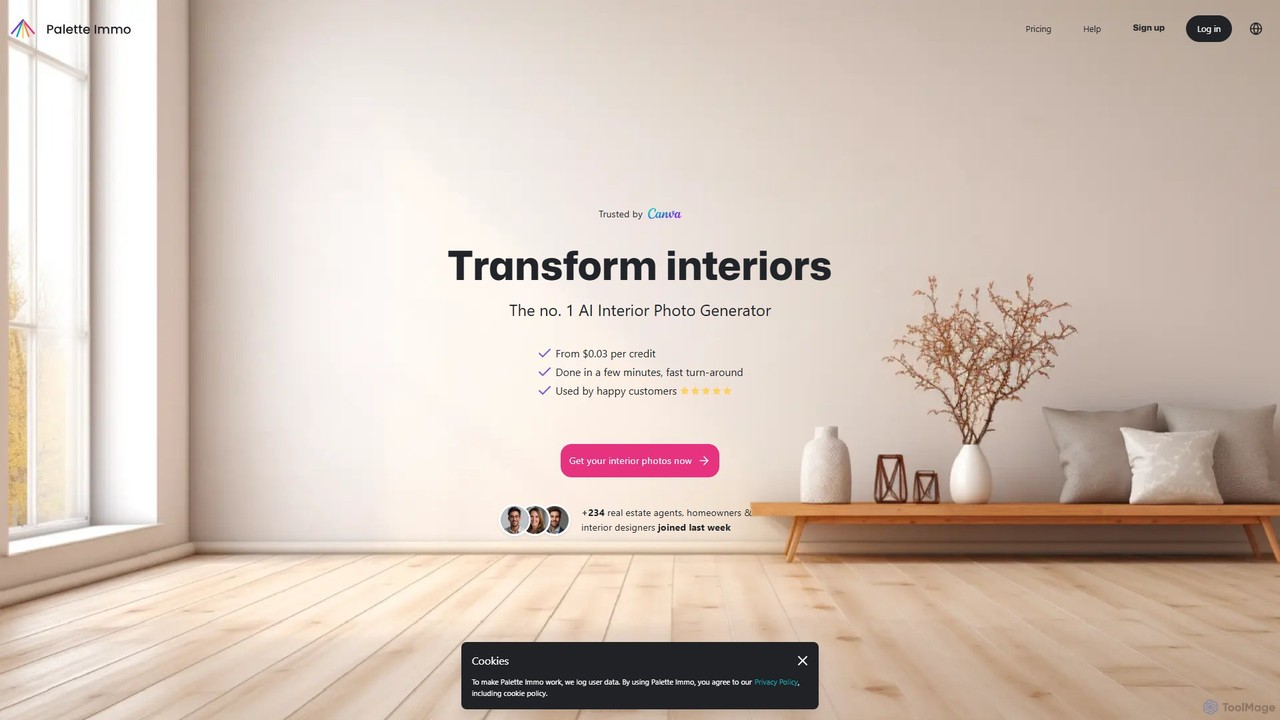
Palette is an advanced AI-powered tool designed to colorize black and white photos with remarkable accuracy and realism. It offers over 21 unique color filters, allowing users to transform historical images, family portraits, and artistic shots into vibrant, lifelike color photos in seconds. Trusted by professionals and enthusiasts alike, Palette provides a simple yet powerful interface for bringing memories back to life.
Photography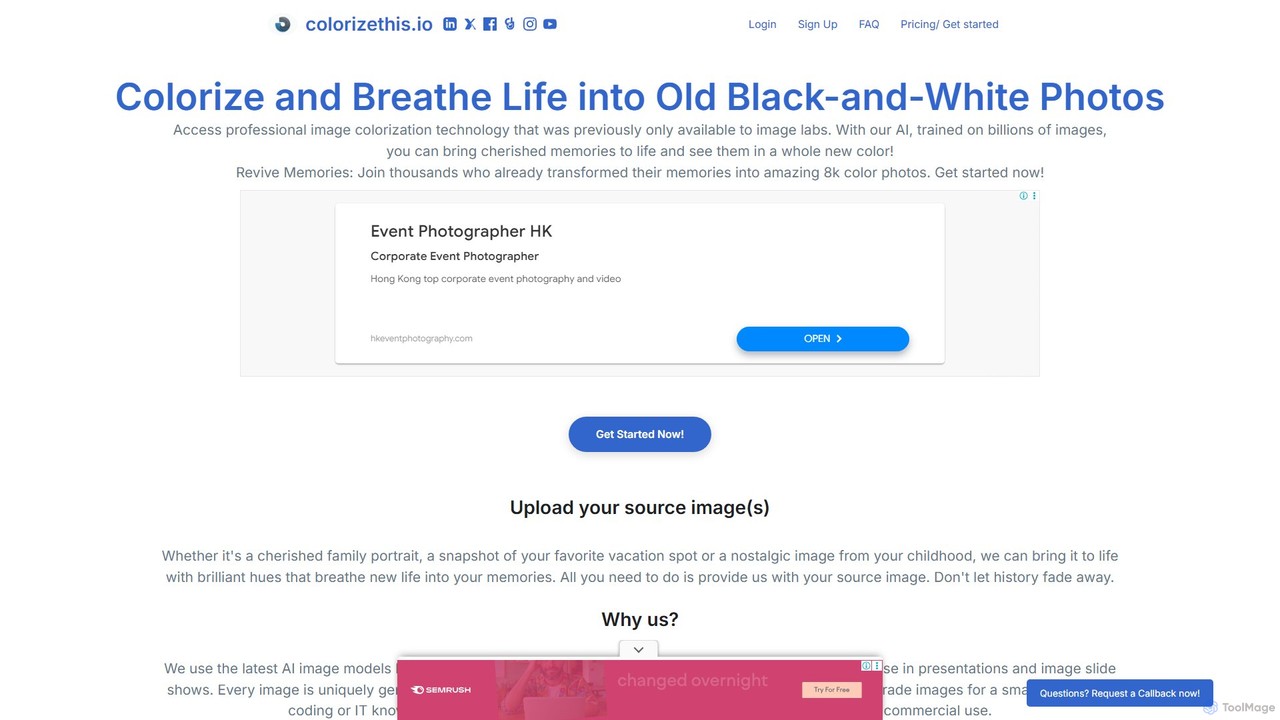
colorizethis
An advanced AI tool that breathes new life into black-and-white photos by colorizing them into stunning 8K resolution images. It leverages sophisticated AI models for both personal photo restoration and highly precise technical applications, such as industrial material analysis.
Photo & Video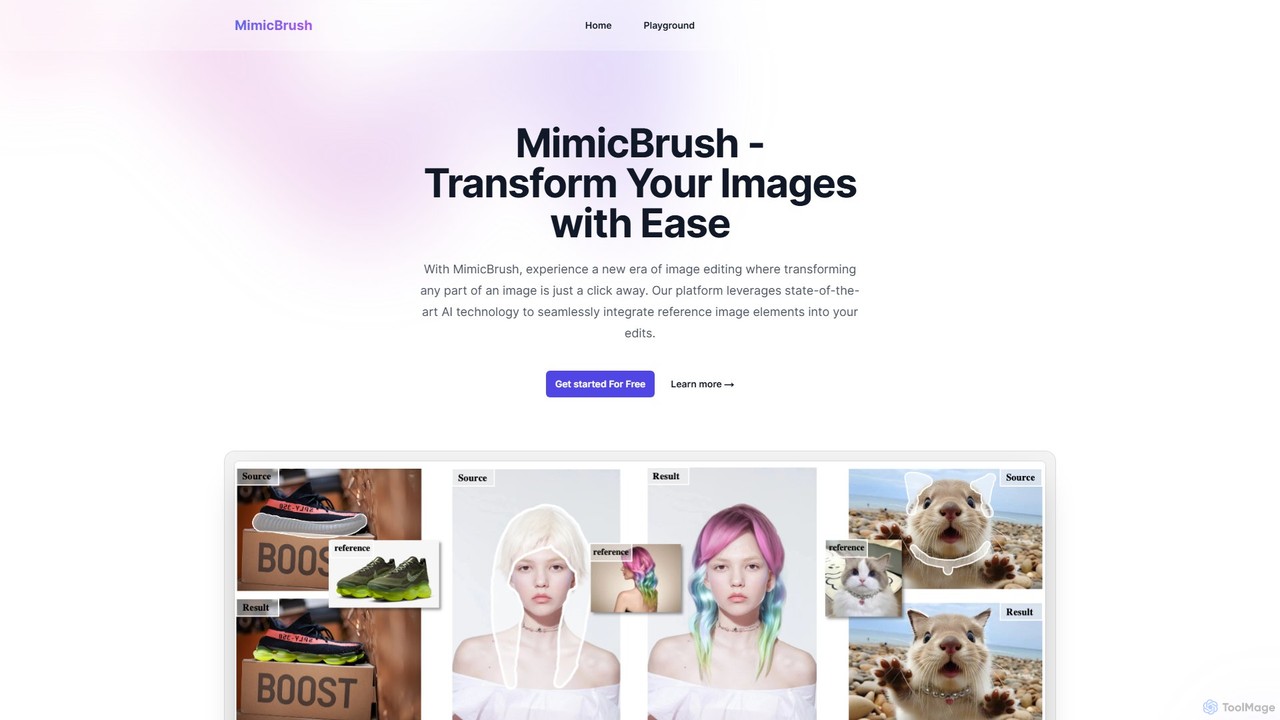
MimicBrush
MimicBrush is an AI-powered image editor that specializes in imitative editing. It allows users to transfer the style, texture, and visual elements from a reference image to a specific area of a source image seamlessly, requiring no professional skills.
Generative Art
Photoleap
Photoleap is a powerful all-in-one AI photo editing app by Lightricks. It combines traditional editing tools with a massive suite of cutting-edge AI features, allowing users to transform photos, generate stunning AI art from text, create professional headshots, and apply creative effects with ease. It's designed for everyone from social media creators to casual users looking to elevate their images.
Generative Art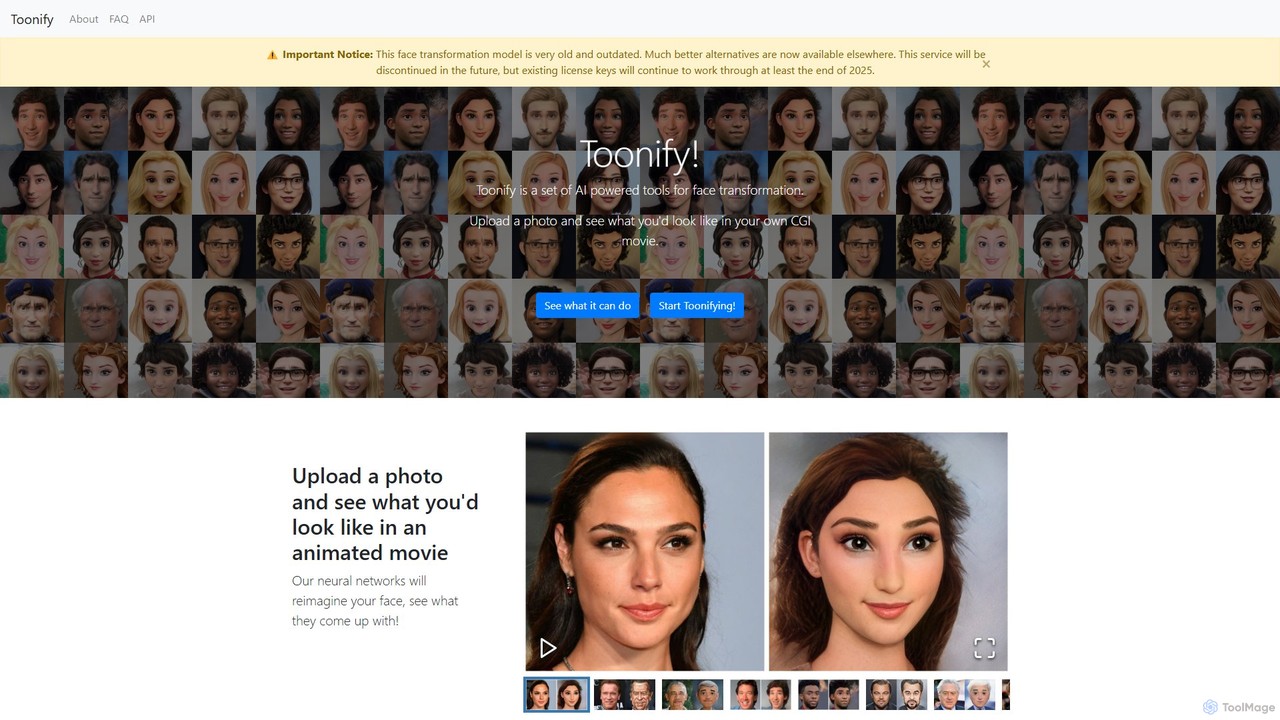
Toonify
Toonify is an AI-powered tool that transforms your face photos into various cartoon and animated styles. Using deep learning, it can turn your portrait into a CGI character, caricature, comic book hero, or emoji. While the classic model is free, please note that this is an older service, new licenses are no longer sold, and it will be discontinued in the future.
Generative ArtAIColor Categories
AIColor Embed Widget
Copy this embed code to place the badge on your blog, article, or product site and send readers directly to this ToolMage detail page.

Related AI tools
Palette
Palette is an advanced AI-powered tool designed to colorize black and white photos with remarkable accuracy and realism. It offers over 21 unique color filters, allowing users to transform historical images, family portraits, and artistic shots into vibrant, lifelike color photos in seconds. Trusted by professionals and enthusiasts alike, Palette provides a simple yet powerful interface for bringing memories back to life.
Photographycolorizethis
An advanced AI tool that breathes new life into black-and-white photos by colorizing them into stunning 8K resolution images. It leverages sophisticated AI models for both personal photo restoration and highly precise technical applications, such as industrial material analysis.
Photo & Video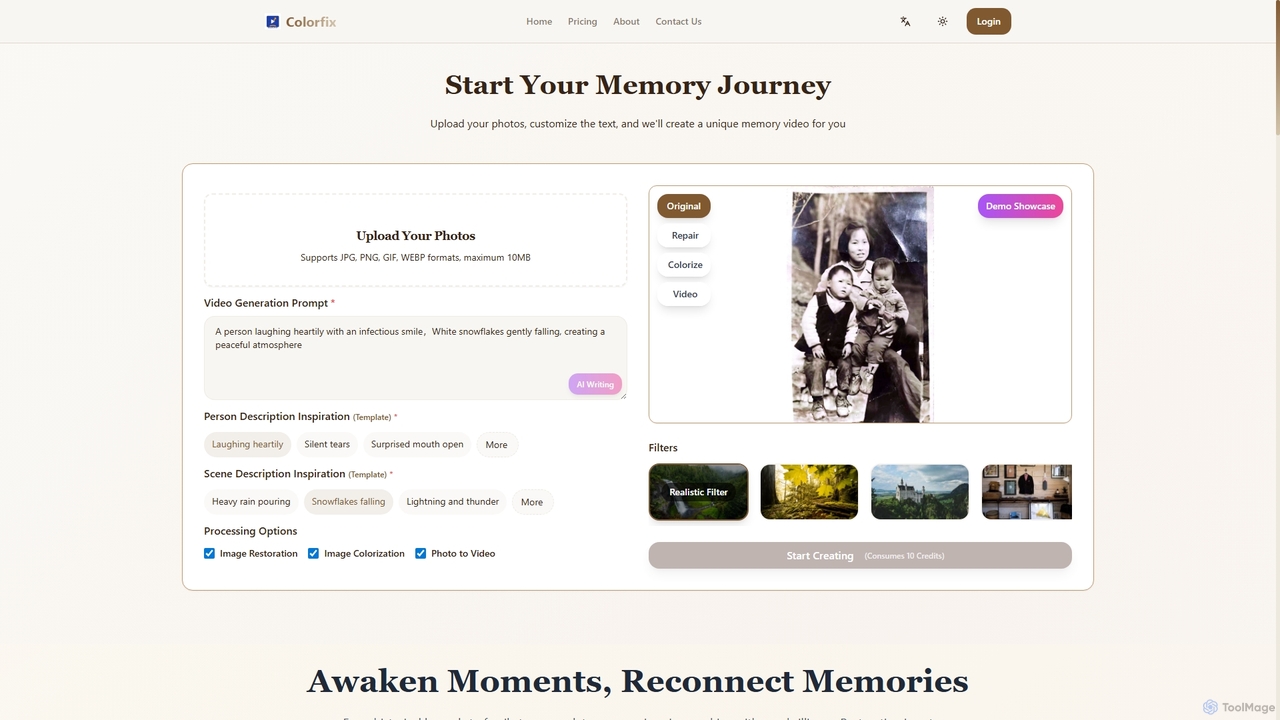
Colorfix
Colorfix is an AI-powered web application designed to breathe new life into old, damaged, or faded photographs. It offers advanced photo restoration, intelligent colorization of black and white images, and the unique ability to transform static pictures into dynamic, musical videos, helping users revive and preserve their most cherished memories.
Video Generation
Colorify
Colorify is an AI-powered tool that automatically adds realistic color to black and white photos. By leveraging advanced deep learning algorithms, it breathes new life into historical images, old family portraits, and any monochrome picture. Simply upload your image, and the AI will intelligently analyze and colorize it in seconds, preserving details and creating a vibrant, natural-looking result. It's perfect for historians, genealogists, artists, and anyone looking to restore and reimagine their vintage photo collections.
Photography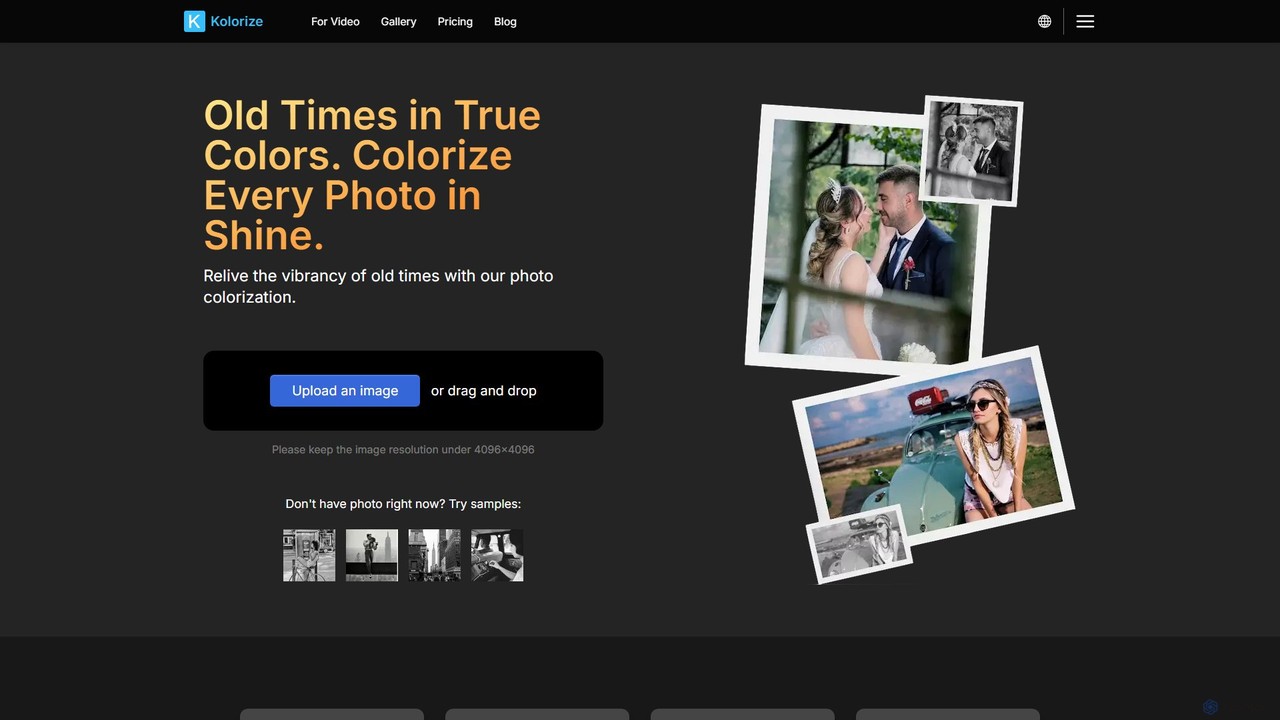
kolorize
Kolorize is an AI-powered online tool that breathes new life into black and white photos and videos by adding realistic, vibrant colors. Using advanced proprietary algorithms, it can colorize monochrome images, restore faded colors, and even enhance video footage. It offers unlimited free previews, allowing users to pay only when they are satisfied with the result. It's perfect for reviving family memories, historical archives, and classic films.
Image Editing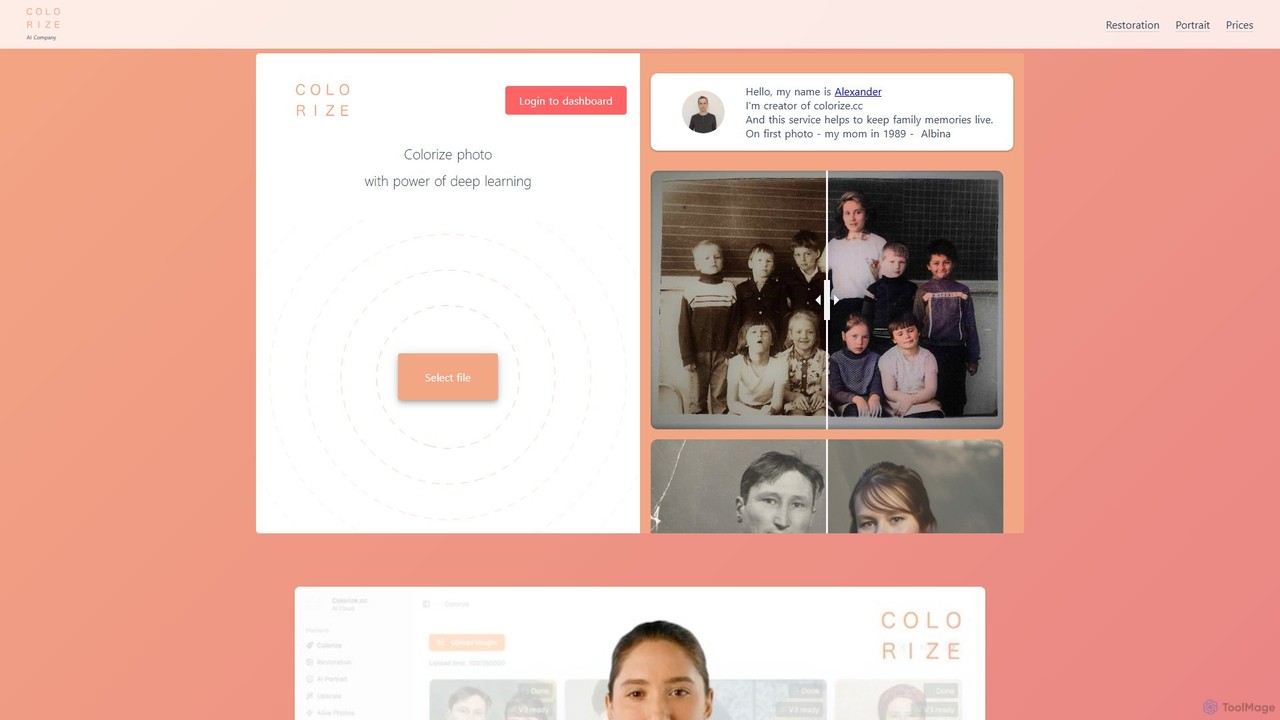
colorize.cc
An AI-powered platform for colorizing, restoring, and enhancing photos and videos. It offers multiple AI models, 4K upscaling, photo animation, and AI portrait generation. It features a unique pay-as-you-go credit system with no subscriptions or expiring credits.
RestorationMimicBrush
MimicBrush is an AI-powered image editor that specializes in imitative editing. It allows users to transfer the style, texture, and visual elements from a reference image to a specific area of a source image seamlessly, requiring no professional skills.
Generative Art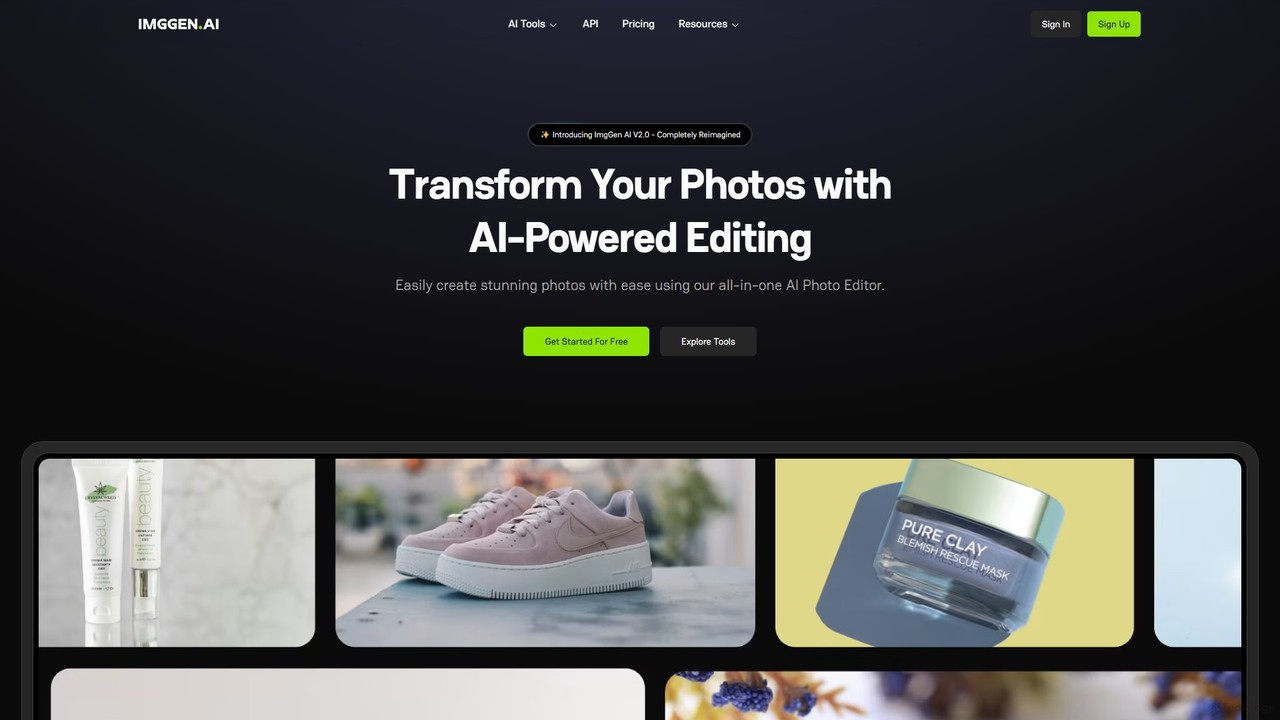
ImgGen AI
ImgGen AI is an all-in-one AI-powered photo editing platform. It offers a comprehensive suite of tools for image generation, enhancement, background removal, and restoration. Designed for creators, businesses, and individuals, it simplifies complex editing tasks, allowing users to create stunning visuals from text prompts, restore old photos, upscale images, and much more, with no prior experience needed.
Image Editing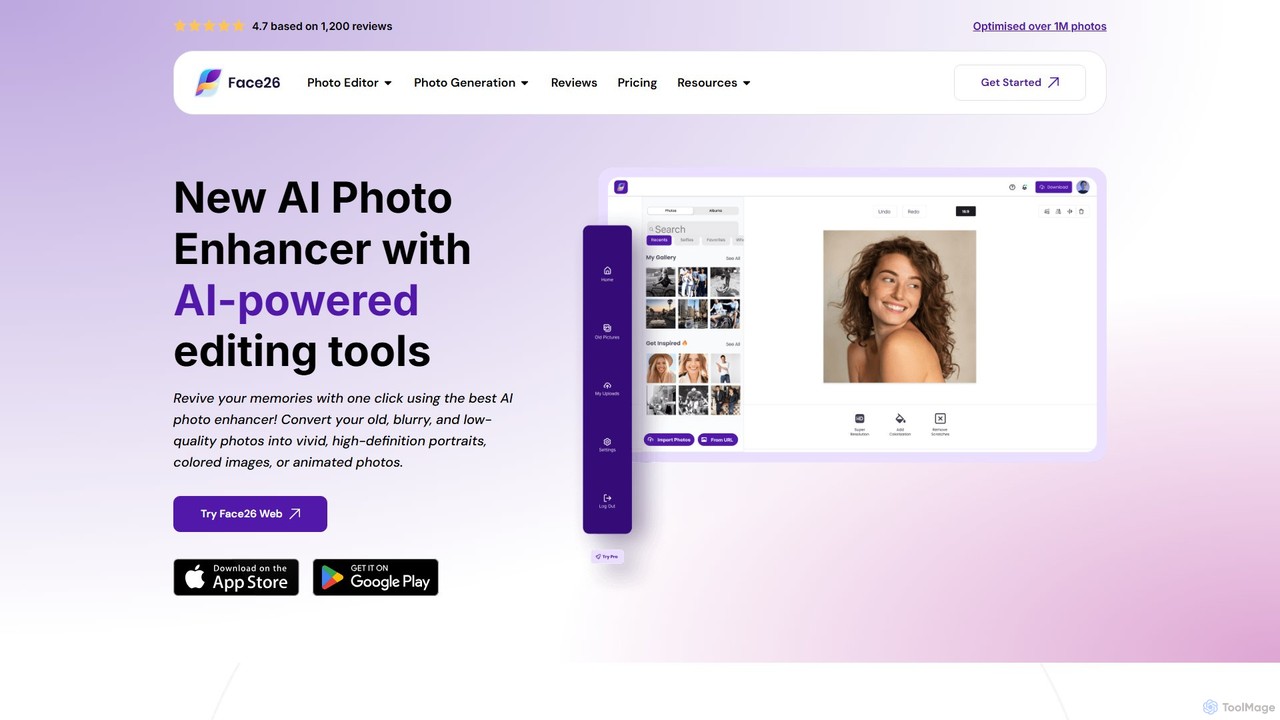
face26
Face26 is a comprehensive AI-powered photo enhancement suite. With just one click, it can restore old, blurry photos, colorize black-and-white images, upscale pictures to HD quality, and perform detailed facial retouching. It's designed for both casual users and professionals, requiring no editing skills to achieve stunning results.
Image Editing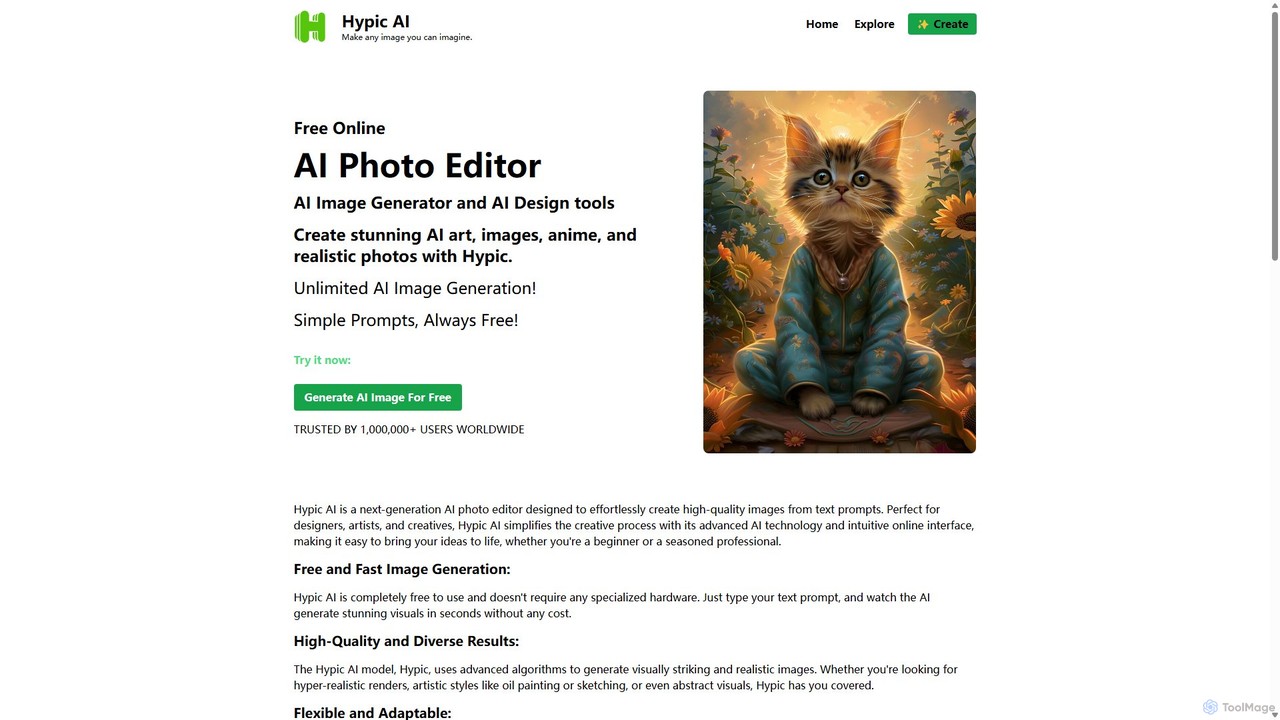
Hypic
Hypic is a powerful, all-in-one AI photo editing app for both beginners and professionals. It offers a wide range of AI-powered features, including one-tap portrait retouching, object removal, background replacement, and creative filters. Elevate your photos for social media, personal use, or e-commerce with professional-grade tools made simple and accessible on your mobile device.
Image Generation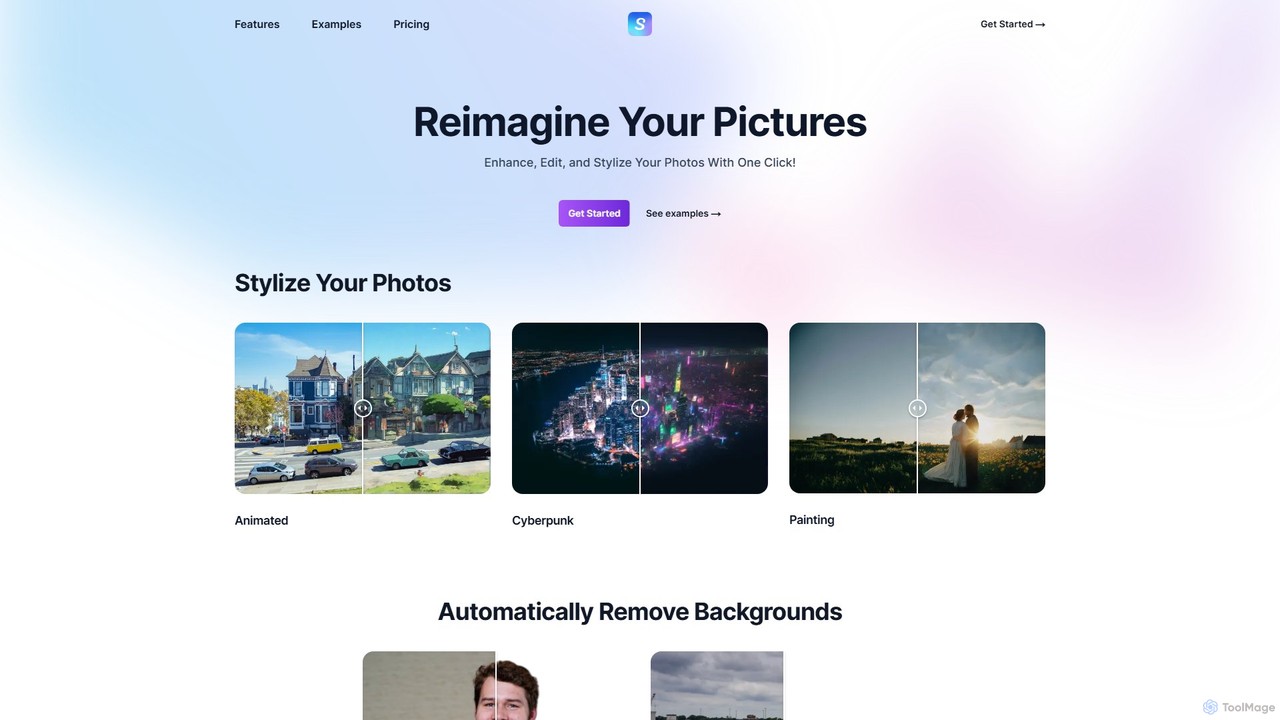
Stylize
Stylize is an AI-powered image editing suite that allows you to enhance, edit, and transform your photos with a single click. It offers a range of tools including artistic stylization, text-prompt editing, 4x image upscaling, automatic background removal, and colorization for old photos. It's designed for simplicity, speed, and high-quality results, making advanced photo editing accessible to everyone.
Image Stylization
DeepNostalgiaAI
DeepNostalgiaAI is a powerful AI tool that brings old family photos to life by transforming them into animated videos. Beyond its core photo animation feature, it allows users to generate unique AI videos from text prompts or images, merge two photos into a creative 'AI hugging' image, and customize results with advanced models. It offers a user-friendly interface and a flexible, credit-based pricing system, making it accessible for both personal and creative projects.
Generative Art
InstantEditAI
InstantEditAI is an AI-powered photo editing tool that delivers professional-grade results in minutes. Specializing in one-click color correction, skin smoothing, and cropping, it's perfect for wedding, event, and family photos. Choose from over 30 styles created by top photographers to transform your images without needing complex software.
Image Editing
Createanimagewithbing
An AI-powered platform for creating unique images from text prompts and editing existing photos. It features a fast text-to-image generator with various style options and a versatile photo editor that supports multi-image compositions and detailed modifications.
Art Generation
Image Boost AI
Image Boost AI is a powerful AI-driven tool designed to automatically enhance and upscale your images. Effortlessly increase resolution, sharpen details, correct colors, and remove noise to transform your photos into professional-quality visuals. Ideal for photographers, designers, and marketers seeking stunning results with minimal effort.
Graphics
AIColor Comments (0)
Sign in to comment.
Sign inNo comments yet.