ToolMage
Sign in

Best 4 Restoration AI tools for Image

Popular Restoration AI tools in Image include Remini, ImageColorizer, colorize.cc, and magictiger, helping you work more efficiently.

Remini
Freemium

Remini

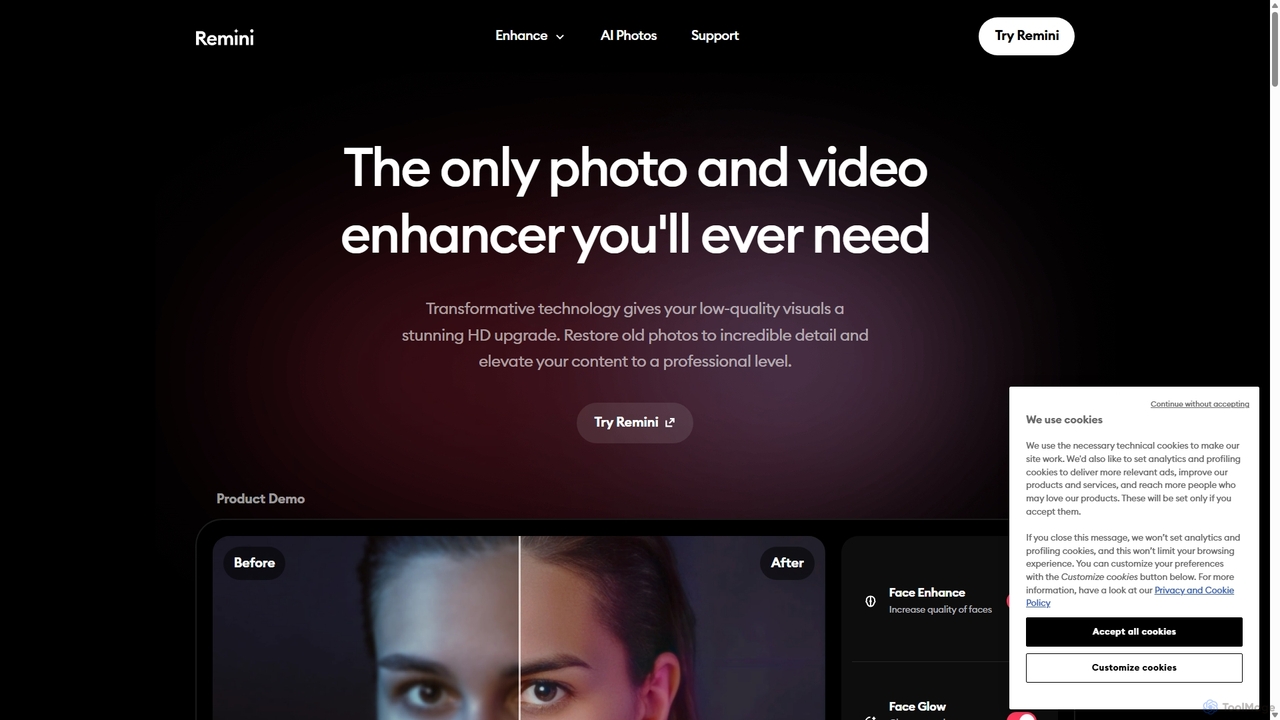
Remini is an AI-powered photo and video enhancer that transforms low-quality, blurry, or old images and videos into stunning high-definition visuals. Using advanced AI, it restores details, sharpens focus, reduces noise, and can even generate professional-quality AI photos of yourself.

3D
Visits 1.2MFavorites 123Likes 135
colorize.cc
Paid

colorize.cc

An AI-powered platform for colorizing, restoring, and enhancing photos and videos. It offers multiple AI models, 4K upscaling, photo animation, and AI portrait generation. It features a unique pay-as-you-go credit system with no subscriptions or expiring credits.

Restoration
Visits 102.2KFavorites 142Likes 140
ImageColorizer
Freemium

ImageColorizer

ImageColorizer is a comprehensive AI-powered toolkit designed to breathe new life into old photographs. It automatically colorizes black and white images, restores damaged photos by removing scratches and tears, enhances quality by fixing pixelation and blur, and upscales images without losing detail. It's a user-friendly online tool for preserving cherished memories with professional-grade results, no editing skills required.

3D
Visits 175.4KFavorites 136Likes 138
magictiger
Freemium

magictiger

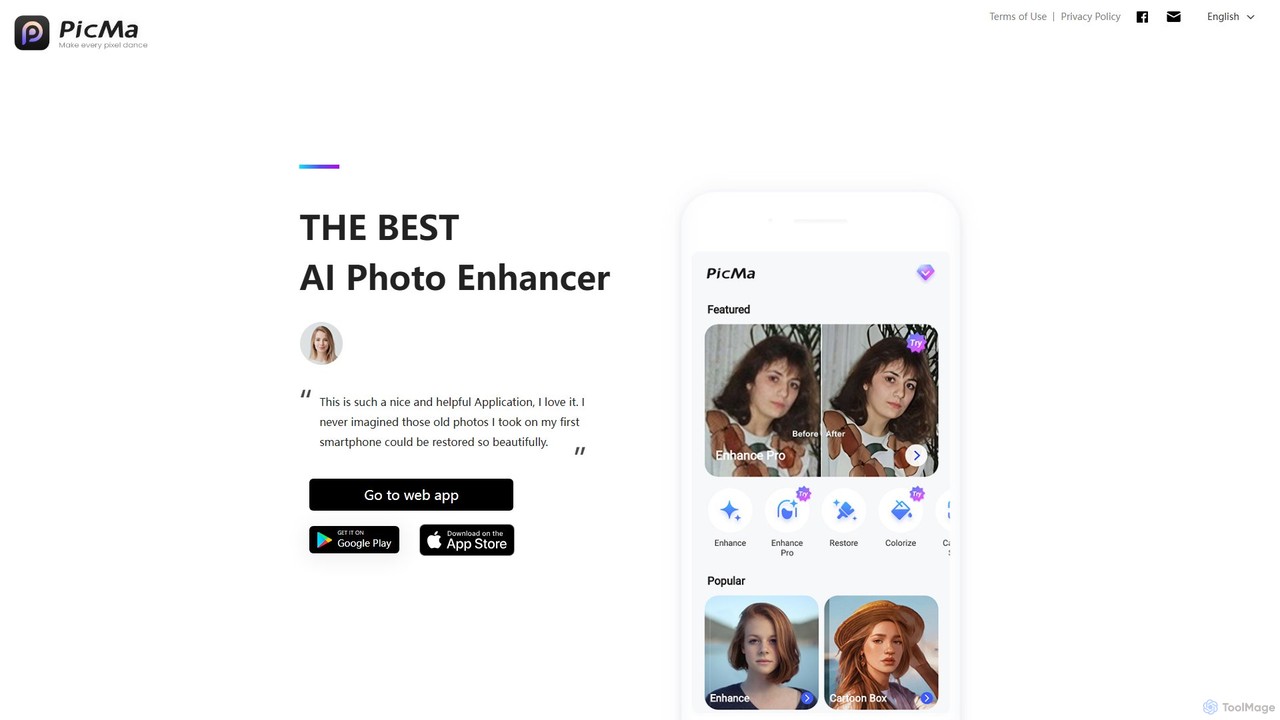
magictiger (PicMa) is an AI-powered photo enhancer and restorer. It specializes in reviving old, blurry, or damaged photos with one click. Features include colorization, scratch removal, denoising, and resolution upscaling, available on both web and mobile (iOS/Android).

Enhancement
Visits 60.8KFavorites 97Likes 97

About Restoration

AI Restoration tools are specialized AI-powered applications designed to repair, enhance, and revitalize damaged, degraded, or low-quality images and videos. Leveraging advanced deep learning algorithms, these tools can automatically detect and correct imperfections such as scratches, noise, blur, and color fading, often upscaling resolution and adding color to black-and-white media. They provide an efficient and precise solution for preserving visual memories, improving archival quality, and preparing media for professional use, significantly reducing the manual effort traditionally required for such tasks.

Core Features

  • Damage Removal: Automatically identifies and eliminates scratches, tears, dust, and other physical imperfections from images.
  • Noise Reduction: Cleans up visual noise and grain, especially prevalent in old photos or low-light captures, for clearer visuals.
  • Colorization: Intelligently adds realistic colors to black-and-white photographs and videos, bringing historical moments to life.
  • Resolution Upscaling: Enhances image and video resolution without significant loss of quality, making low-res media suitable for larger displays or prints.
  • Face Enhancement: Specifically improves facial details, sharpens features, and corrects imperfections in portraits within restored images.

Applicable Scenarios

These tools are invaluable for professional photographers, archivists, graphic designers, and individuals seeking to preserve personal memories. They are used in digitizing historical documents, enhancing old family photographs, preparing low-resolution images for print or web, and improving the clarity of surveillance footage or scientific imagery.

How to Choose

When selecting an AI Restoration tool, consider the specific types of damage you need to address, the quality of the output, and the ease of use. Evaluate features like batch processing capabilities, supported file formats, integration with other editing software, and pricing models. Look for tools that offer a balance of automation and fine-tuned control to achieve desired results.

Featured tool rankings

Restoration use cases

1

Restoring Faded Family Photographs

Individuals digitizing old family albums can use AI restoration tools to automatically repair faded colors, remove scratches, and sharpen blurry details. This preserves precious memories, making them suitable for sharing digitally or printing as new keepsakes, saving hours of manual retouching.

2

Enhancing Archival Historical Documents

Museums and historical societies utilize these tools to restore damaged or deteriorated historical photographs, maps, and documents. AI can remove age-related blemishes, improve legibility, and even colorize black-and-white records, aiding in preservation and research efforts.

3

Upscaling Low-Resolution Product Images

E-commerce businesses often need high-quality product images for their online stores. AI restoration tools can upscale low-resolution photos, remove compression artifacts, and enhance details, ensuring products look sharp and professional on various platforms, improving conversion rates.

4

Revitalizing Old Black-and-White Videos

Content creators and filmmakers can employ AI restoration to colorize and enhance vintage black-and-white footage. This process breathes new life into historical films, documentaries, or personal home videos, making them more engaging and accessible to modern audiences.

5

Improving Surveillance or Forensic Imagery

Law enforcement and security professionals use AI restoration to clarify blurry or noisy surveillance footage and forensic photographs. These tools can enhance details, reduce grain, and improve overall visibility, providing clearer evidence for investigations.

6

Repairing Damaged Artwork Scans

Artists and art conservators can use AI restoration tools to repair digital scans of old or damaged artworks. The tools can remove cracks, discoloration, and dust spots, helping to create high-quality digital archives or prepare images for reproduction while preserving the original integrity.

Restoration FAQ

What are AI Restoration tools?

AI Restoration tools are software applications that use artificial intelligence, particularly deep learning, to automatically repair and enhance damaged or low-quality images and videos. They analyze visual data to identify imperfections like scratches, noise, blur, and color degradation, then intelligently reconstruct or improve the affected areas, often surpassing manual editing capabilities in speed and precision.

How do AI Restoration tools work?

These tools typically employ neural networks, such as Generative Adversarial Networks (GANs) or diffusion models, trained on vast datasets of clean and degraded images. When presented with a damaged image, the AI analyzes patterns of degradation and generates a restored version by predicting missing information or correcting imperfections based on its learned knowledge of what a "clean" image should look like. This process involves complex algorithms for denoising, deblurring, inpainting, and colorization.

What types of damage can AI Restoration tools fix?

AI Restoration tools are capable of fixing a wide range of image and video damage. This includes removing physical imperfections like scratches, tears, dust spots, and creases from old photos. They can also correct digital issues such as excessive noise, motion blur, out-of-focus areas, color fading, and compression artifacts. Many tools can also colorize black-and-white media and upscale low-resolution content.

How to choose the best AI Restoration tool?

To choose the best AI restoration tool, consider the specific types of media you need to restore and the desired output quality. Evaluate features like the range of damage it can fix (e.g., scratches, blur, color), its ability to handle different file formats, and whether it offers batch processing. Look for tools with intuitive interfaces, good reviews on restoration accuracy, and a pricing model that fits your budget, often with free trials available to test performance.

What is the difference between AI Restoration and AI Image Editing?

AI Restoration specifically focuses on repairing and improving the inherent quality of an image or video by fixing existing damage or degradation, such as removing scratches, reducing noise, or colorizing old photos. AI Image Editing, while it can include some enhancement features, generally refers to broader creative manipulation, adjustments (like brightness, contrast, filters), and artistic alterations to an image, rather than solely repairing its original state. Restoration aims to bring media back to an ideal original form, while editing often transforms it.