ToolMage
Sign in

Best 3 Enhancement AI tools for Image

Popular Enhancement AI tools in Image include Pica AI, magictiger, and Uptechai, helping you work more efficiently.

Pica AI
Freemium

Pica AI

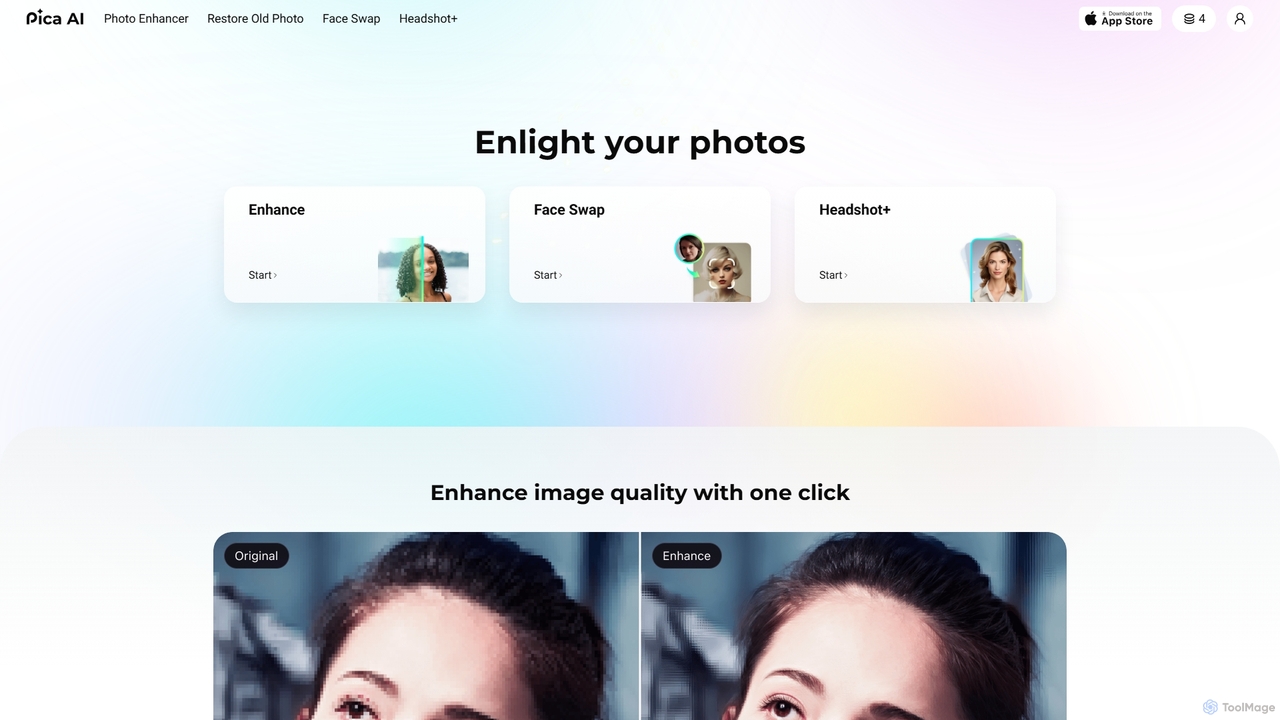
Pica AI is a versatile AI-powered platform for photo editing and creation. It offers a suite of tools including a photo enhancer to improve quality and resolution, an old photo restorer to fix scratches and damage, a fun face swap tool for photos and videos, and a professional AI headshot generator. It's designed for ease of use, delivering high-quality results with just a few clicks.

3D
Visits 674.7KFavorites 124Likes 118
magictiger
Freemium

magictiger

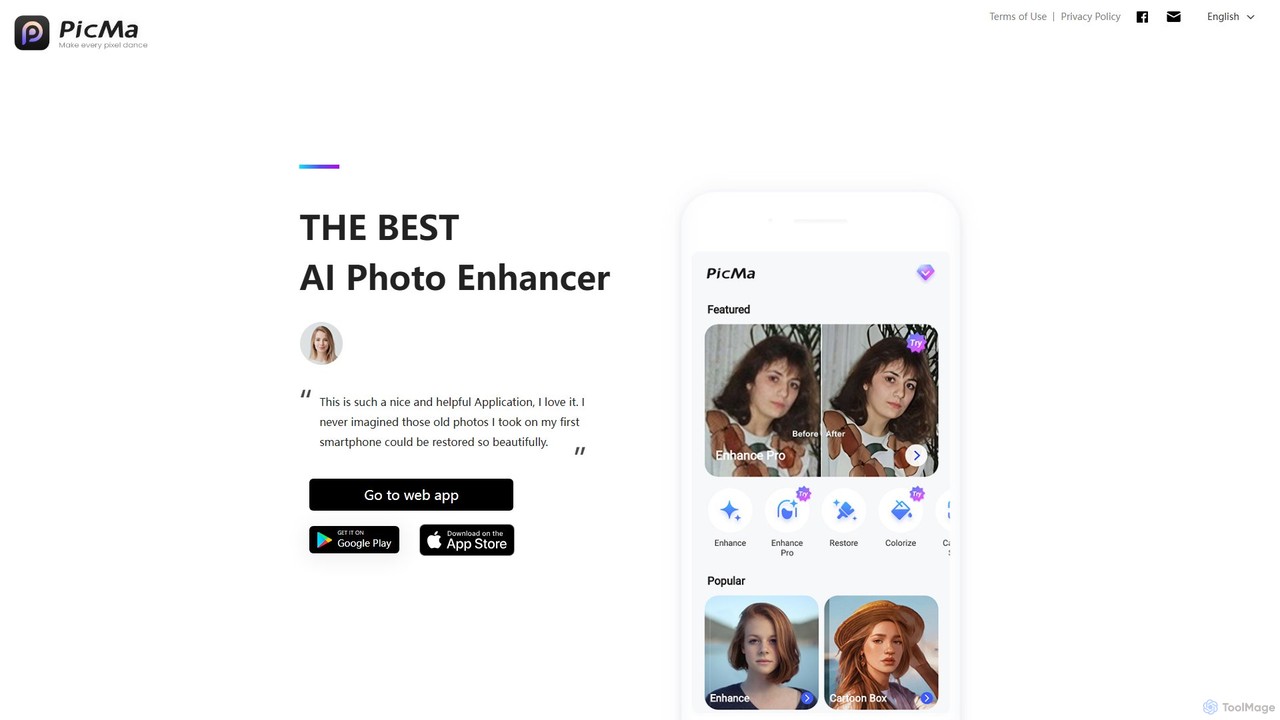
magictiger (PicMa) is an AI-powered photo enhancer and restorer. It specializes in reviving old, blurry, or damaged photos with one click. Features include colorization, scratch removal, denoising, and resolution upscaling, available on both web and mobile (iOS/Android).

Enhancement
Visits 60.8KFavorites 97Likes 97
Uptechai
Freemium

Uptechai

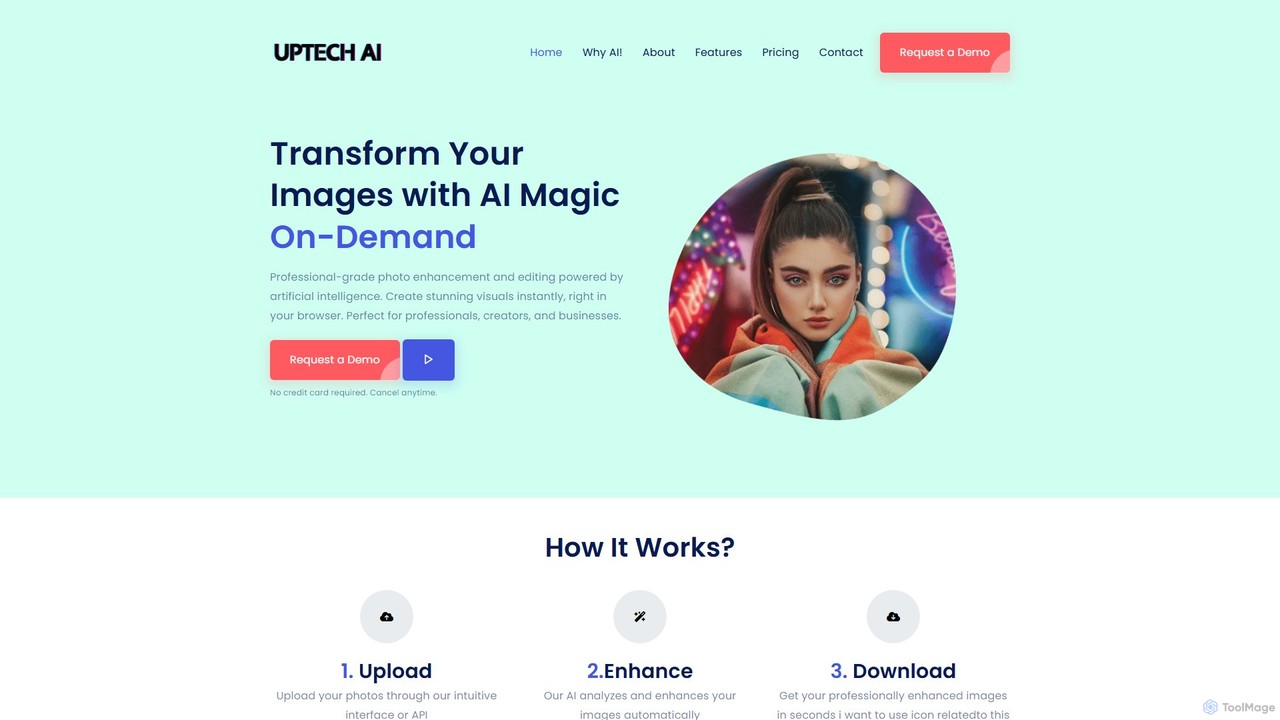
Uptechai is an AI-powered photo enhancement and editing platform designed for professionals, creators, and businesses. It transforms images instantly in your browser, providing professional-grade results with features like automated enhancement, API integration, and customizable editing tools to streamline workflows and improve visual quality.

3D
Visits 4.9KFavorites 67Likes 71

About Enhancement

Image Enhancement tools are AI-powered solutions designed to significantly improve the visual quality and characteristics of digital images. These tools leverage advanced algorithms, often based on deep learning, to intelligently analyze image data and apply precise corrections or augmentations. They can transform low-resolution, noisy, or poorly exposed images into high-quality visuals suitable for various professional and personal applications, delivering superior results with minimal manual effort compared to traditional methods.

Core Features

  • Image Upscaling/Super-resolution: Increases image resolution and detail without significant quality loss.
  • Noise Reduction: Eliminates unwanted grain, pixelation, or artifacts from photos.
  • Sharpening & Clarity: Improves edge definition, texture, and overall image crispness.
  • Color Correction & Grading: Adjusts color balance, saturation, contrast, and brightness for optimal visual appeal.
  • Restoration: Repairs damage, removes scratches, and revitalizes old or degraded images.

Applicable Scenarios

These tools are invaluable for professional photographers enhancing client deliverables, e-commerce businesses optimizing product images for online listings, and individuals restoring cherished old family photos. They also benefit graphic designers needing to upscale assets for print and content creators improving user-generated content quality.

How to Choose

When selecting an AI image enhancement tool, consider your specific needs (e.g., upscaling, noise reduction, restoration), the output quality and detail preservation capabilities, ease of use and integration with your workflow, and the pricing model, especially for batch processing requirements.

Featured tool rankings

Enhancement use cases

1

Optimize E-commerce Product Images

E-commerce sellers utilize AI enhancement tools to batch process low-resolution or poorly lit product photos, improving clarity, color saturation, and performing lossless upscaling. This ensures high-quality visuals on product detail pages, leading to increased conversion rates and a more professional brand image.

2

Restore Old Photos and Historical Images

Individuals or archivists use AI enhancement tools to remove scratches, stains, and noise from old photographs, restore faded colors, and even clarify blurry faces. This breathes new life into precious historical moments, making them suitable for digital preservation and sharing with enhanced detail.

3

Enhance Professional Photography Post-processing

Photographers integrate AI enhancement into their post-processing workflow to intelligently reduce noise, sharpen details, and correct colors in portraits, landscapes, or event photos. This is particularly effective for low-light shots, significantly improving image quality and reducing manual adjustment time, allowing more focus on creative aspects.

4

Lossless Upscaling for Print and Large Displays

Designers and advertising agencies often need to enlarge low-resolution images or client-provided assets for high-quality printing or large-format displays. AI enhancement tools intelligently interpolate pixels, increasing image resolution multiple times without significant detail loss, meeting the demands of high-precision output.

5

Improve User-Generated Content Visual Quality

Social media platforms or content community operators leverage AI enhancement tools to automatically optimize user-uploaded images and video stills. This standardizes visual quality, makes platform content more appealing, and reduces the workload for content moderation and editing teams, fostering a more engaging user experience.

6

Increase Clarity and Detail in Medical Imaging

Medical professionals use AI enhancement technology to denoise and sharpen medical images such as X-rays, CT scans, or MRIs. This highlights subtle pathological details, improving diagnostic accuracy. It helps doctors observe fine structures more clearly, aiding in the early detection and evaluation of diseases.

Enhancement FAQ

What are AI Image Enhancement tools?

AI Image Enhancement tools are software solutions that use artificial intelligence, particularly deep learning, to automatically improve the visual quality of digital images. Their core functions include upscaling resolution, reducing noise, sharpening details, correcting colors, and restoring damaged photos, making images clearer, more vibrant, and professional-looking with minimal user input.

How do I choose the best AI Image Enhancement tool for my needs?

To choose the right tool, first identify your primary enhancement needs, such as upscaling for print, noise reduction for low-light photos, or restoring old images. Evaluate the output quality, checking for detail preservation and artifact avoidance. Consider the tool's ease of use, batch processing capabilities for efficiency, and how well it integrates with your existing workflow and budget.

What's the difference between AI Image Enhancement and traditional image editing?

Traditional image editing relies on manual adjustments, filters, and layer-based operations, requiring significant user skill and time. AI Image Enhancement, conversely, automates complex quality improvements using intelligent algorithms that analyze and reconstruct image data. It excels at tasks like noise reduction, super-resolution, and restoration, often achieving superior results faster and with less effort than manual methods, especially for fundamental quality issues.

What are the main capabilities of AI Image Enhancement tools?

The main capabilities include Image Upscaling, which increases resolution without pixelation; Noise Reduction, removing unwanted grain; Sharpening, enhancing edge definition and clarity; Color Correction, adjusting hues, saturation, and contrast; and Image Restoration, repairing damage like scratches or fading in old photographs. These functions collectively transform suboptimal images into high-quality visuals.

Can AI Image Enhancement tools create details that aren't originally present?

While AI image enhancement tools are incredibly powerful at inferring and reconstructing details, especially during upscaling or de-blurring, they cannot truly "create" information from nothing. They leverage vast datasets to predict plausible details based on learned patterns, making existing features clearer or adding convincing new ones. However, if the original image quality is extremely poor or lacks fundamental information, the AI might introduce artifacts or generate details that aren't entirely accurate, rather than genuinely inventing new, verifiable content.