


ImageColorizer Overview
ImageColorizer is an advanced, AI-driven online platform dedicated to reviving your cherished memories by restoring and enhancing old photographs. This powerful toolkit leverages sophisticated artificial intelligence algorithms, trained on millions of images, to automatically perform complex editing tasks that once required professional skills. Whether you have faded black and white family portraits, damaged historical snapshots, or pixelated digital images, ImageColorizer provides a one-click solution to bring them back to life with stunning clarity and vibrant color.
The platform is designed for simplicity and efficiency, allowing anyone to achieve professional-grade results without any prior editing experience. From colorizing monochrome images with natural and realistic tones to repairing physical damage like scratches, tears, and stains, ImageColorizer handles it all. It also excels at enhancing overall image quality by improving brightness, contrast, and sharpness, and can even upscale photos to a higher resolution without sacrificing detail.
How to use ImageColorizer
Using ImageColorizer is a straightforward and intuitive process, designed to be accessible to everyone, regardless of technical skill. The entire workflow is automated by AI.
- Upload Your Photo: Simply visit the ImageColorizer website and upload the black and white, faded, or damaged photo you wish to restore.
- Let AI Do the Work: Once uploaded, the powerful AI algorithms automatically analyze the image. Depending on the feature you choose (e.g., Colorize, Restore, Enhance), the AI will add color, repair imperfections, or improve clarity. The process is fast and fully automated.
- Customize (Optional): For more control, users can customize positive and negative prompts or adjust the color palette to achieve a specific look.
- Download the Result: Within seconds, your restored and enhanced photo is ready. You can preview the result and download the high-quality image to share with family and friends or use for commercial projects.
Core Features of ImageColorizer
- AI Photo Colorization: Automatically adds natural and realistic colors to black and white photos using a deep learning model trained on a vast dataset of colorized images.
- AI Photo Restoration: Intelligently repairs old photos by removing scratches, tears, spots, creases, water damage, and other imperfections. The AI reconstructs missing or damaged areas seamlessly.
- AI Photo Enhancer: Improves the overall quality of photos by fixing pixelated images, deblurring, and automatically adjusting color, hue, contrast, and brightness for a vibrant, true-to-life look.
- AI Portrait Retouching: Specifically designed to touch up old portraits and selfies. It can smooth skin texture, brighten eyes, and sharpen facial features to unveil the subject's natural beauty.
- AI Object Remover: Easily removes unwanted objects, people, or blemishes from your pictures. Simply mark the area, and the AI will intelligently fill in the background.
- AI Image Upscaler: Increases the resolution of old photos by up to 200% without losing quality, making them suitable for printing or high-resolution displays.
- Batch Processing: Paid plan users can process multiple images simultaneously, saving significant time and effort.
Use Cases for ImageColorizer
ImageColorizer is a versatile tool suitable for a wide range of applications:
- Genealogists and Historians: Restore and colorize historical photographs for research, archives, and publications, bringing historical figures and events to life.
- Families and Individuals: Preserve precious family memories by restoring old, faded, or damaged photo albums for future generations.
- Photographers and Designers: Quickly enhance or repair images for client projects, or use the colorization feature for creative artistic effects.
- Real Estate Agents: Enhance property photos by improving clarity, brightness, and removing unwanted objects.
- Social Media Users: Revive old selfies or family pictures to share vibrant, high-quality versions on social platforms.
Advantages of ImageColorizer
ImageColorizer stands out with several key benefits:
- Fully Automatic: The entire restoration and enhancement process is driven by AI, requiring zero manual editing.
- Ease of Use: The user-friendly interface makes it accessible to beginners and professionals alike.
- High-Quality Results: The advanced AI ensures that the output is natural, detailed, and visually appealing.
- Comprehensive Toolkit: Offers a wide range of features, from colorization to object removal, in a single platform.
- Speed and Efficiency: Processes images in seconds, with batch processing available for larger projects.
- Commercial Use: Processed images are free to use for commercial purposes without hidden fees.
- 24/7 Support: Provides round-the-clock customer support to assist users.
Pricing and Plans
ImageColorizer offers a flexible freemium model to suit different needs:
- Free Plan: $0/month. Includes 50 credits per month, processing for images up to 3000px, single image processing, and access to all AI features. This plan is ad-supported.
- Starter Plan: $3.9/month. Provides 500 credits per month, batch processing, no ads, and the ability for credits to roll over to the next month.
- Premium Plan (Most Popular): $6.9/month. Includes 1000 credits per month with all the benefits of the Starter plan.
- Business Plan: $9.9/month. Offers 2000 credits per month for heavy users, along with all premium features.
All paid plans come with a 7-day money-back guarantee and secure SSL encrypted payment.
Traffic
Latest traffic
Status
Monthly traffic trend
- 2025-9: 401.6K
- 2026-1: 313.1K
- 2026-2: 203.6K
- 2026-3: 189.5K
- 2026-4: 190.4K
- 2026-5: 170.5K
Geography
Top 5 countries / regions
- 🇺🇸United States69.5%
- 🇬🇧United Kingdom12.2%
- 🇮🇳India8.6%
- 🇩🇪Germany4.9%
- 🇹🇭Thailand4.8%
Traffic sources
| Source type | Percentage |
|---|---|
Direct | 84.3% |
Referral | 14.7% |
Email | 1.0% |
Top keywords
| Keyword | Cost per click |
|---|---|
| colorize image | $0.65 |
| colorize photo | $0.41 |
| colorizer | $2.08 |
| image colorizer | $0.87 |
| photo colorizer | $1.40 |
ImageColorizer Videos on YouTube

Computerhelp4all


toolscounselor
ImageColorizer Alternatives
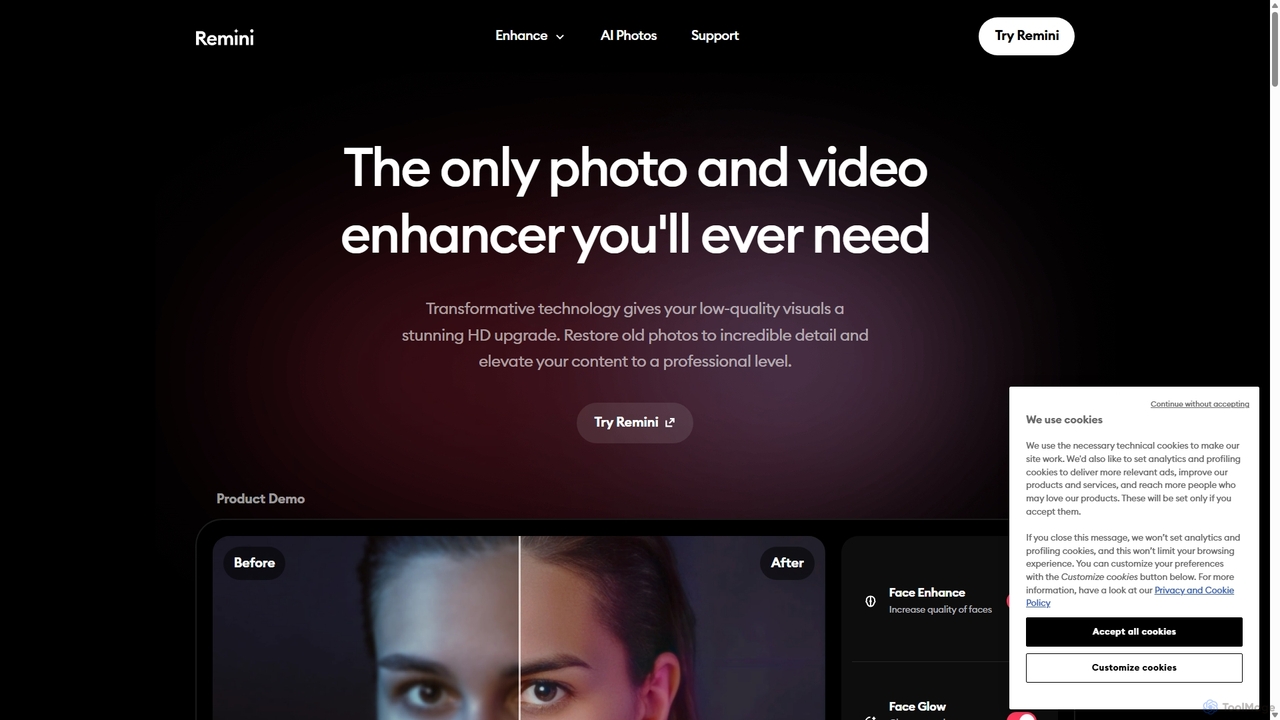
Remini
Remini is an AI-powered photo and video enhancer that transforms low-quality, blurry, or old images and videos into stunning high-definition visuals. Using advanced AI, it restores details, sharpens focus, reduces noise, and can even generate professional-quality AI photos of yourself.
3D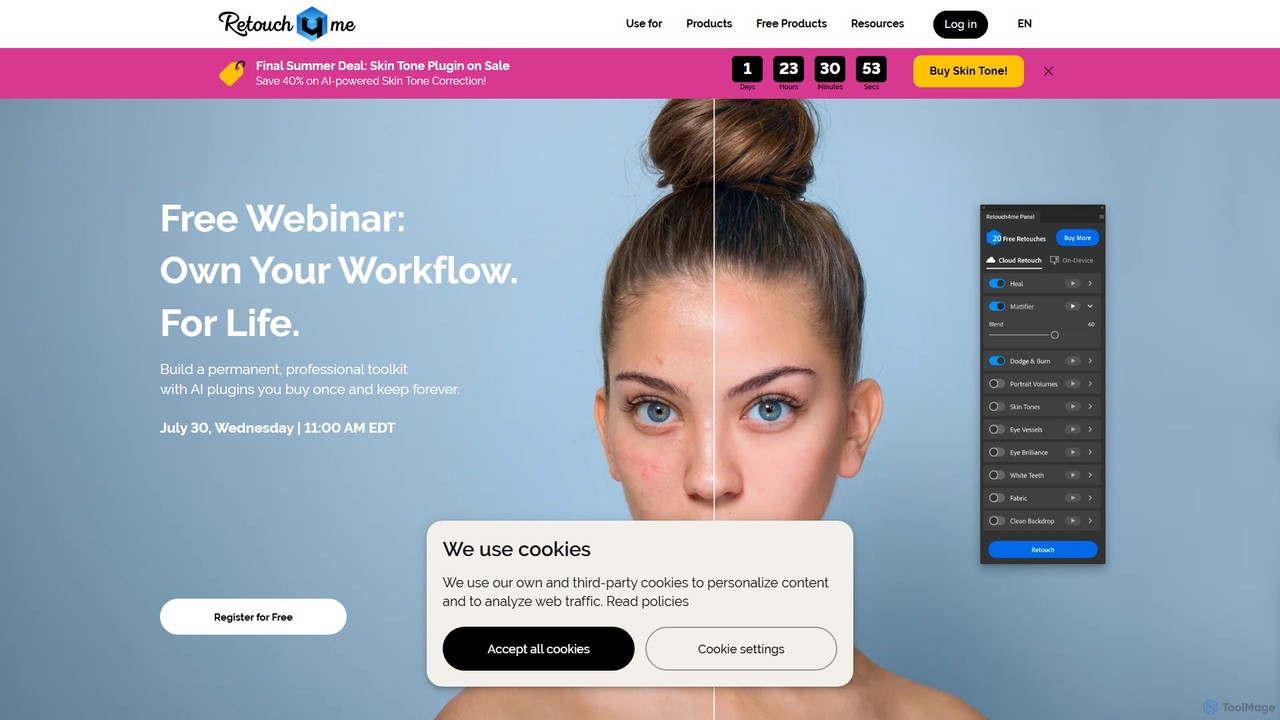
Retouch4me
Retouch4me is a suite of AI-powered plugins and standalone apps designed for professional photographers and videographers. It automates complex retouching tasks like skin smoothing, background cleaning, and color correction, integrating seamlessly with Photoshop, Lightroom, and other editors to dramatically speed up workflows while maintaining natural-looking results.
3D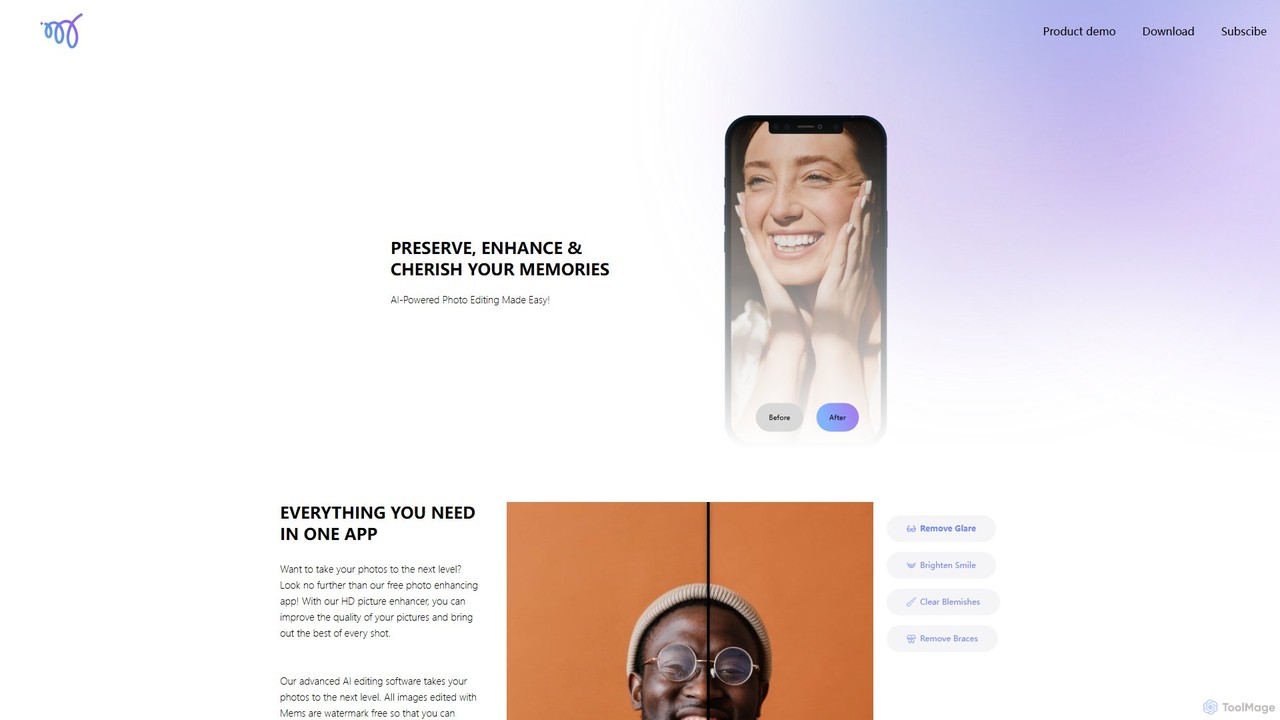
Mems
Mems is an AI-powered mobile photo enhancer that makes professional-grade editing easy. With one-tap tools, you can improve image quality, retouch portraits by removing blemishes and braces, brighten smiles, and eliminate glare. It delivers natural-looking, watermark-free results, perfect for both personal memories and professional use.
Image Editing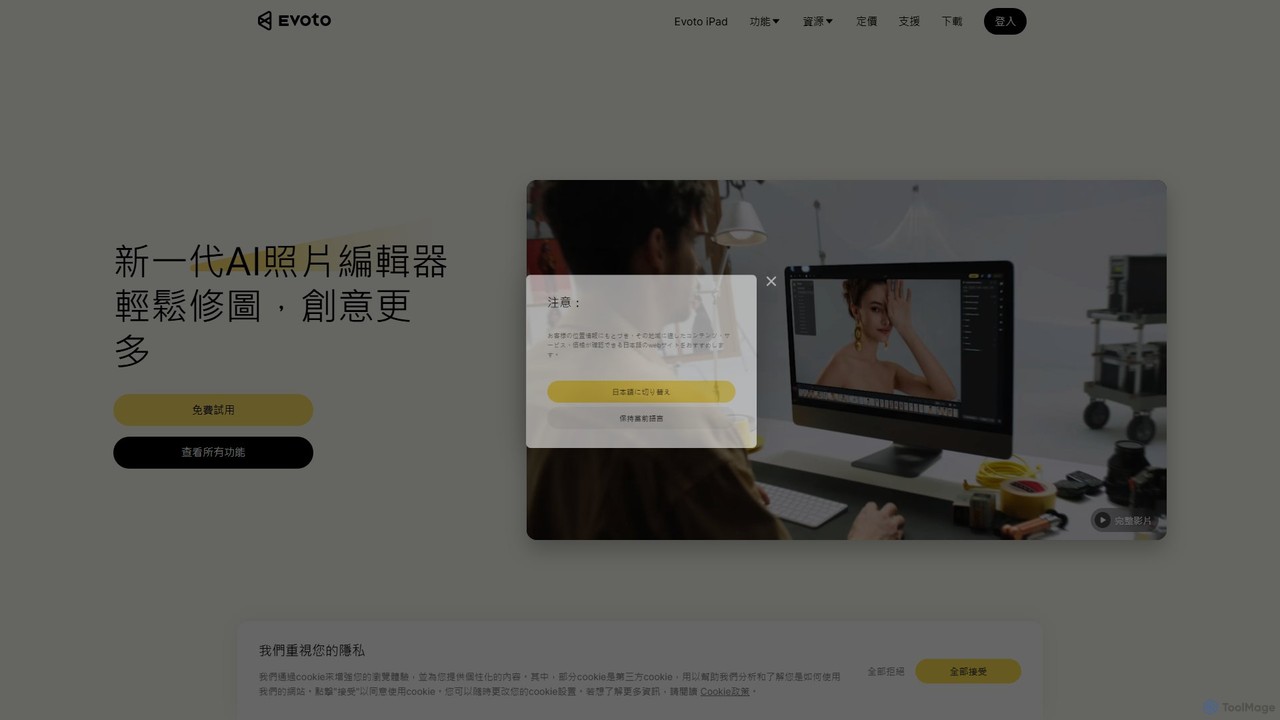
Evoto
An AI-powered photo editing application designed for professional photographers. Evoto streamlines workflows with powerful tools for portrait retouching, color grading, background removal, and batch processing. It delivers natural, high-quality results in a fraction of the time, boosting productivity for wedding, portrait, and studio photography.
3D
cleanup.pictures
An AI-powered photo editing tool that allows users to effortlessly remove unwanted objects, people, text, and defects from any picture in seconds. It offers incredible quality and a simple drag-and-drop interface, making professional-level retouching accessible to everyone.
3DImageColorizer Categories
ImageColorizer Embed Widget
Copy this embed code to place the badge on your blog, article, or product site and send readers directly to this ToolMage detail page.

Related AI tools
Remini
Remini is an AI-powered photo and video enhancer that transforms low-quality, blurry, or old images and videos into stunning high-definition visuals. Using advanced AI, it restores details, sharpens focus, reduces noise, and can even generate professional-quality AI photos of yourself.
3D
Fixblurry
fixblurry is a free, AI-powered online tool suite designed to enhance your images instantly. It specializes in unblurring and sharpening photos, restoring old or faded pictures, upscaling low-resolution images without quality loss, colorizing black-and-white photos, and removing backgrounds with a single click. No registration or software installation is required, offering professional-grade results for everyone.
Image EditingMems
Mems is an AI-powered mobile photo enhancer that makes professional-grade editing easy. With one-tap tools, you can improve image quality, retouch portraits by removing blemishes and braces, brighten smiles, and eliminate glare. It delivers natural-looking, watermark-free results, perfect for both personal memories and professional use.
Image Editing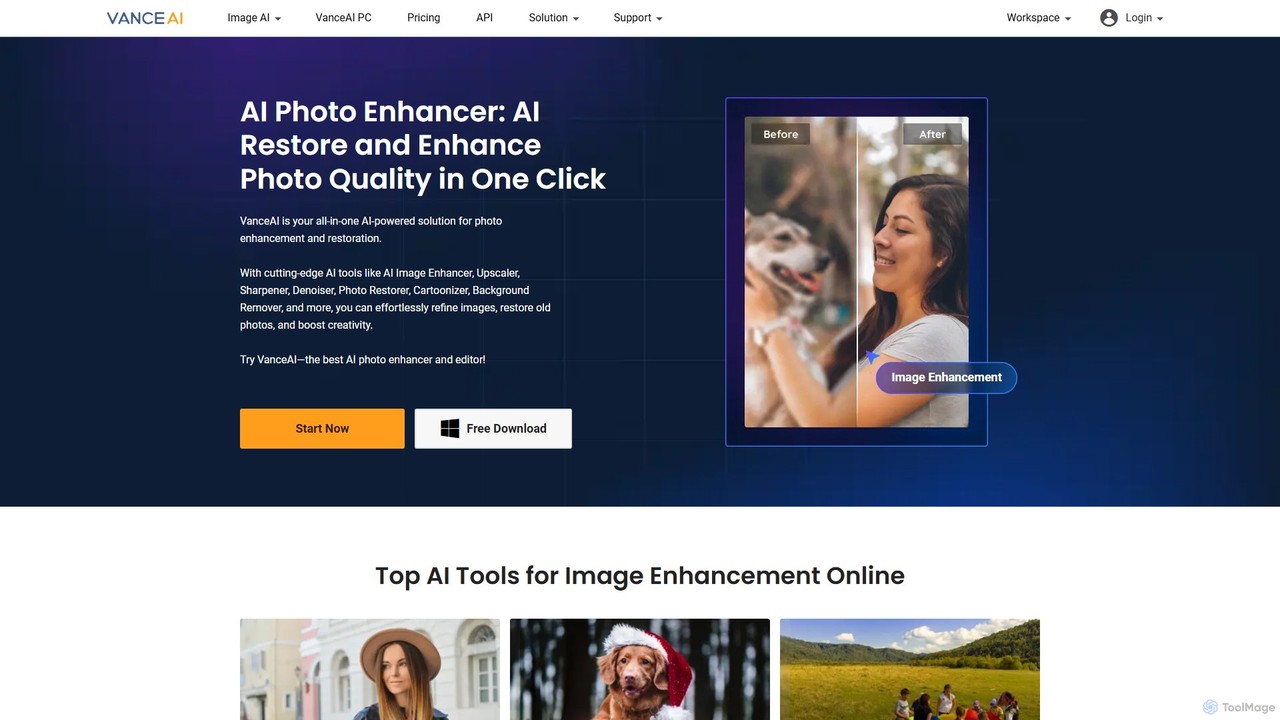
VanceAI
VanceAI is a comprehensive, AI-powered suite for photo enhancement, restoration, and editing. It offers a wide range of tools, including an image upscaler, sharpener, denoiser, background remover, and photo restorer. With one-click solutions and batch processing capabilities, VanceAI helps users from photographers to e-commerce businesses improve image quality, streamline workflows, and boost creativity effortlessly, available both online and as a desktop application.
Image Editing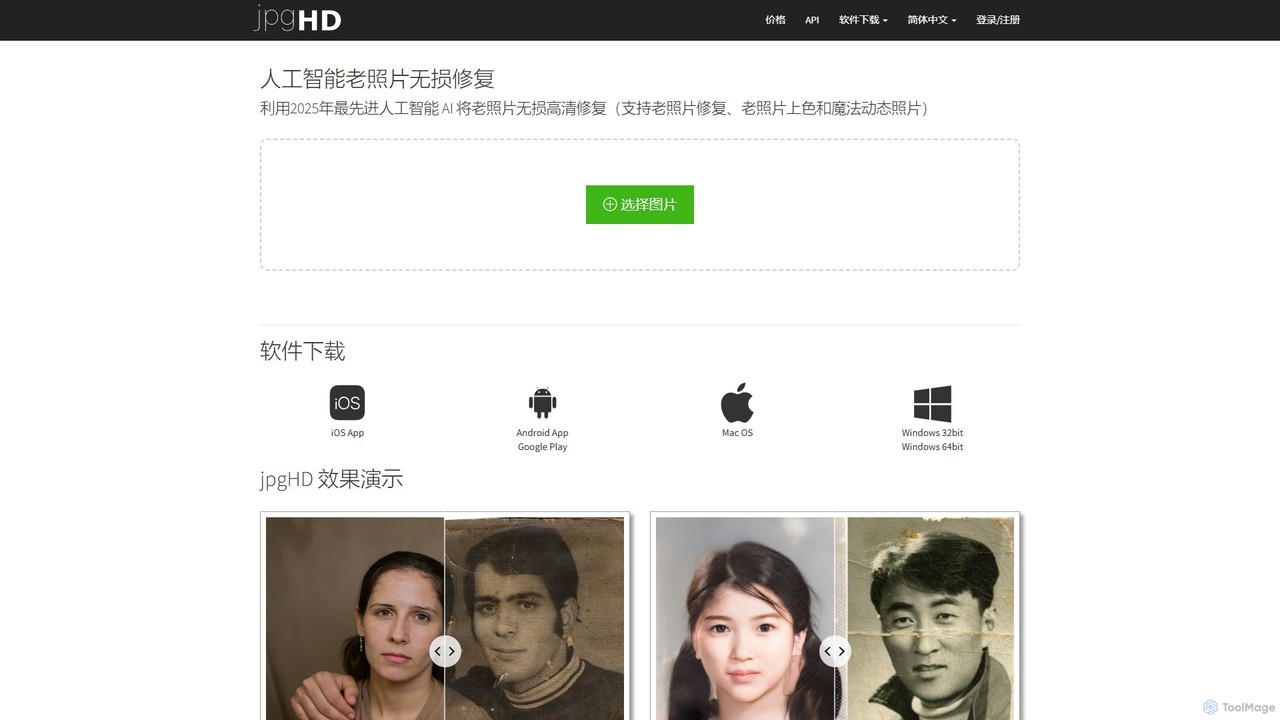
jpgHD
An AI-powered tool for lossless old photo restoration, colorization, and enhancement. It repairs scratches, upscales resolution, reduces noise, and even animates faces in photos, available on web, desktop, and mobile.
Image Editing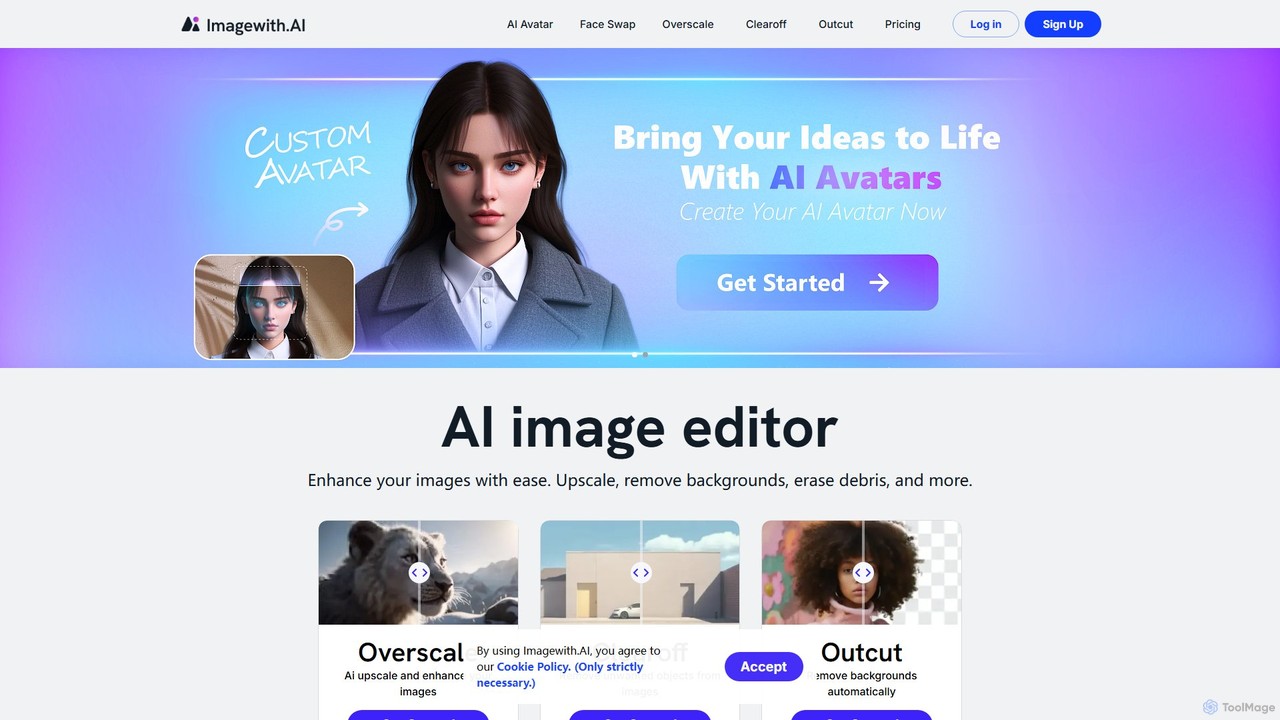
imagewith.ai
imagewith.ai is an AI-powered online image editing suite designed to simplify complex photo editing tasks. It offers a set of powerful tools including an image upscaler (Overscale), a background remover (Outcut), and an object remover (Clearoff). This platform enables users of all skill levels, from amateur photographers to e-commerce professionals, to enhance, clean, and perfect their images with just a few clicks, boosting efficiency and creativity without the need for complex software.
Product Photos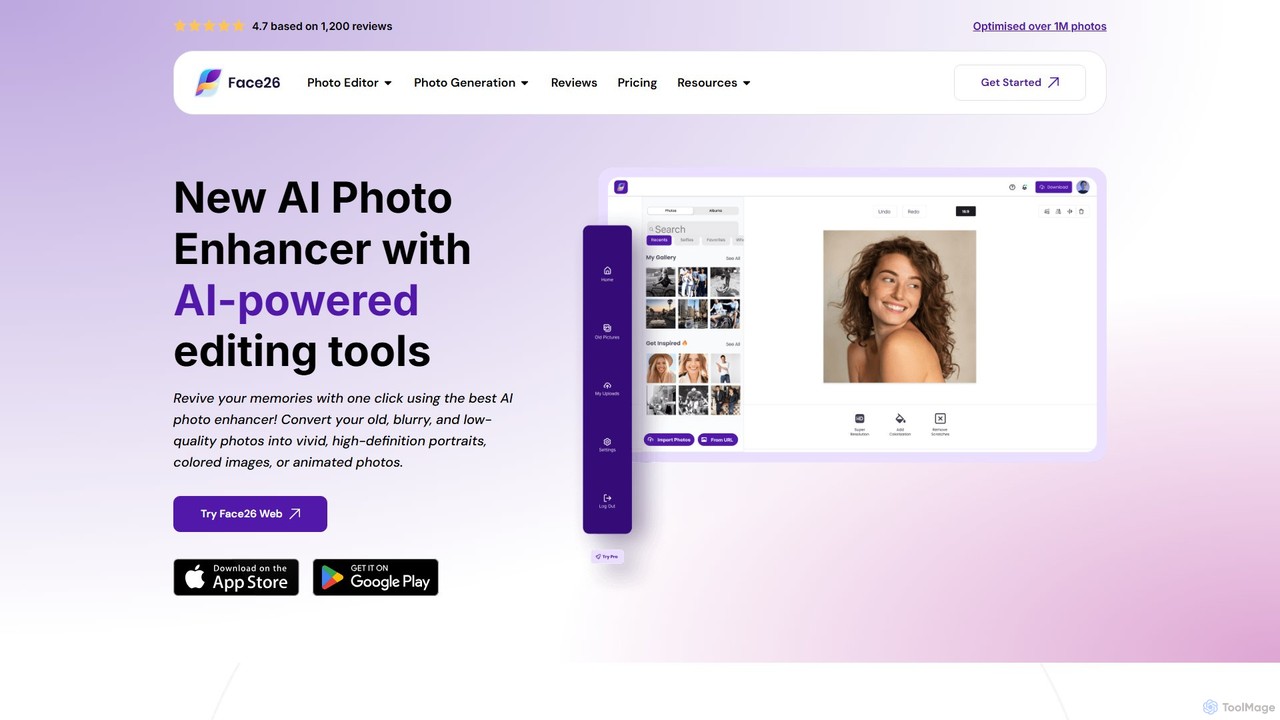
face26
Face26 is a comprehensive AI-powered photo enhancement suite. With just one click, it can restore old, blurry photos, colorize black-and-white images, upscale pictures to HD quality, and perform detailed facial retouching. It's designed for both casual users and professionals, requiring no editing skills to achieve stunning results.
Image Editing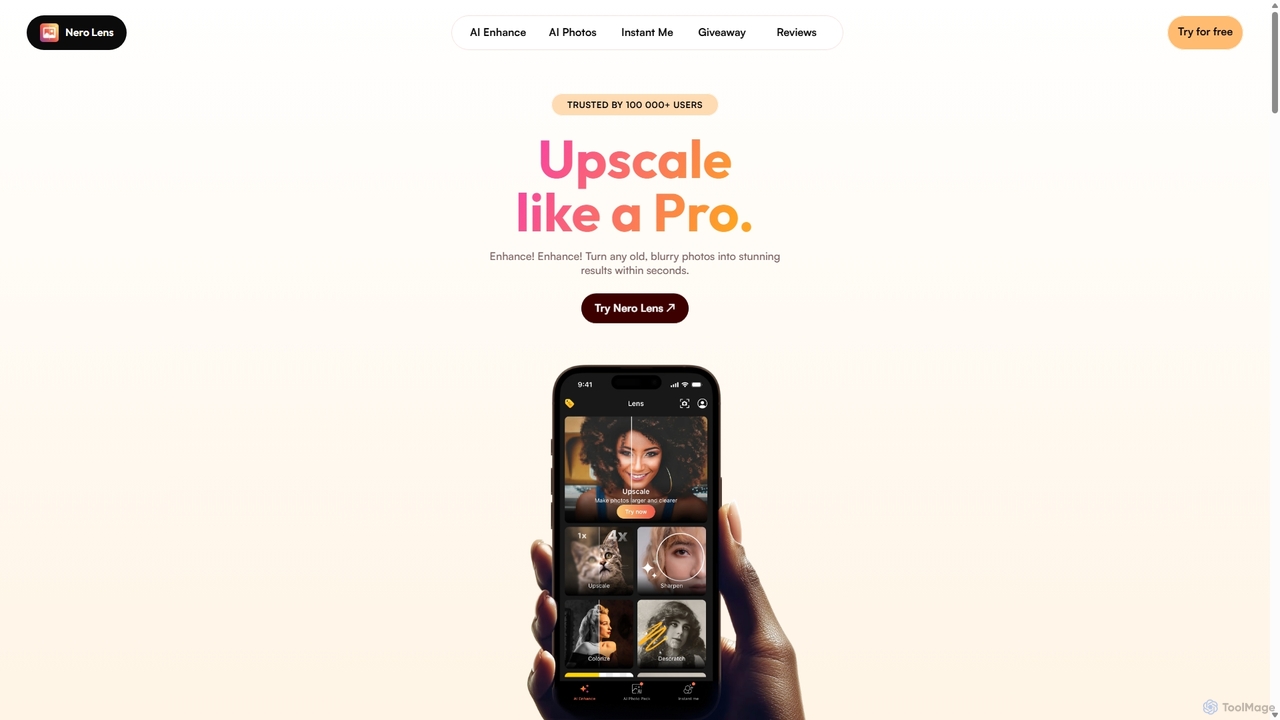
Nero Lens
Nero Lens is an all-in-one AI-powered photo enhancer app that instantly upscales, restores, colorizes, and denoises images. It also features an AI avatar and headshot generator, turning your selfies into stunning, stylized photos for social media, dating profiles, or professional use.
Ai Avatar Generator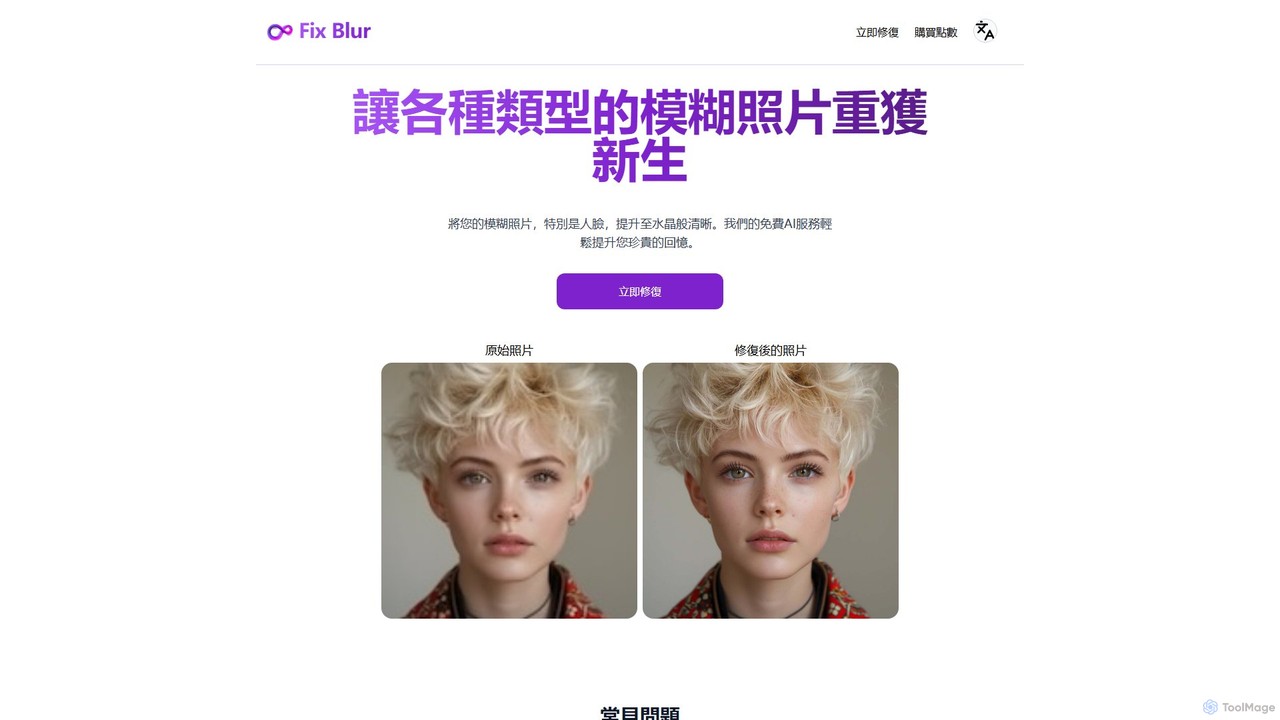
FixBlur
FixBlur is an AI-powered tool that sharpens blurry photos, especially faces, in seconds. It uses advanced algorithms to deblur images, restore details, and bring your precious memories back to crystal clarity. Ideal for fixing motion blur, out-of-focus shots, and old photos.
Image Enhancement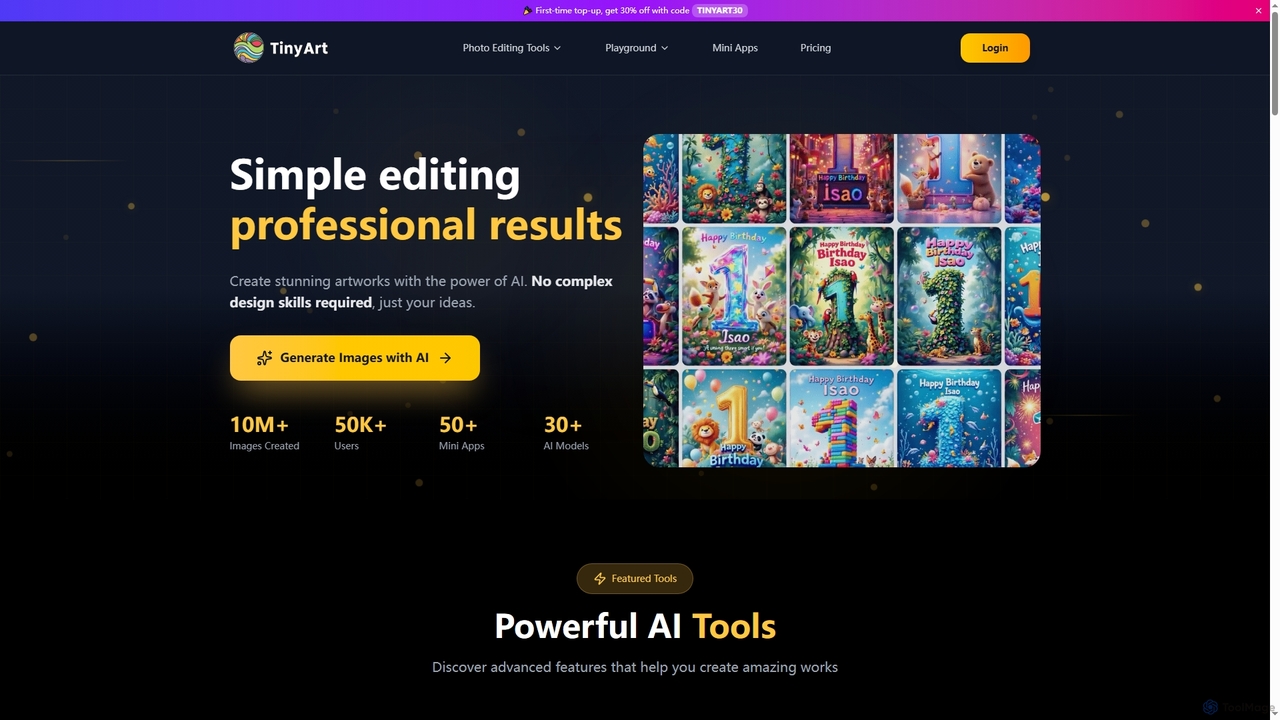
TinyArt
TinyArt is an AI-powered photo editing and image generation platform designed for professional results without complex design skills. It offers a suite of tools including background removal, image upscaling, watermark removal, object cleanup, and text-to-image generation, alongside specialized mini-apps for ID photos, face swaps, and photo restoration.
Creative Tools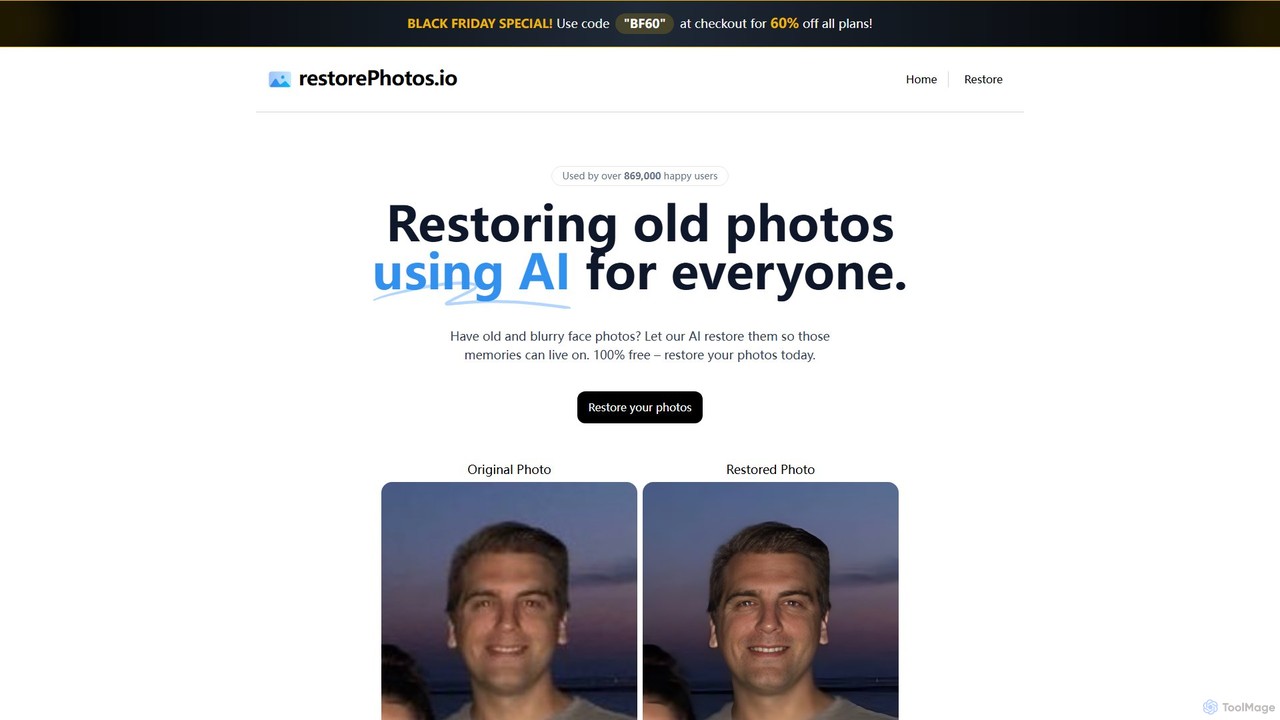
Restore Photos
Restore Photos is a free, AI-powered online tool designed to bring your old memories back to life. It specializes in restoring old black and white photos, fixing blurry faces, and repairing damaged images automatically. Simply upload your photo and let the AI enhance its quality, clarity, and color.
Photo Editing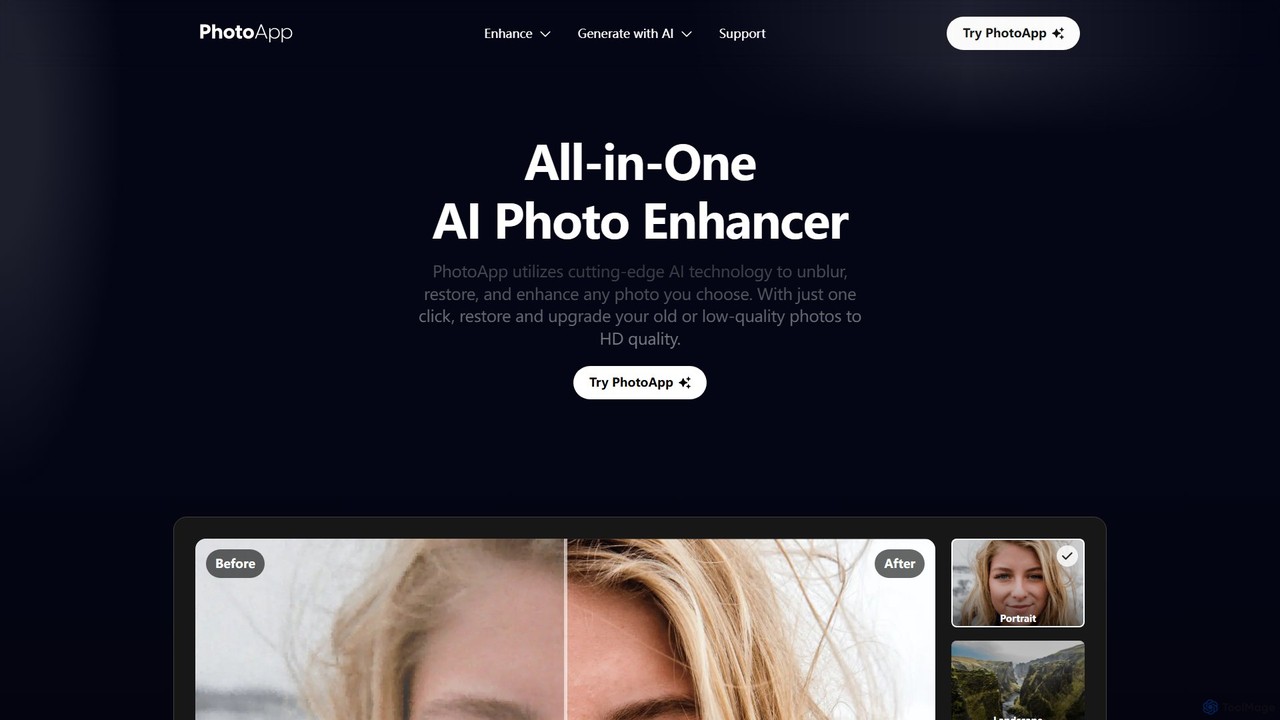
PhotoApp
PhotoApp is an all-in-one AI photo editor that enhances, restores, and unblurs your images with a single click. Using advanced AI, it sharpens details, removes noise, corrects colors, and revives old photos. It also features an AI photo generator to create professional-quality images of yourself. Available on iOS and Android for on-the-go editing.
3D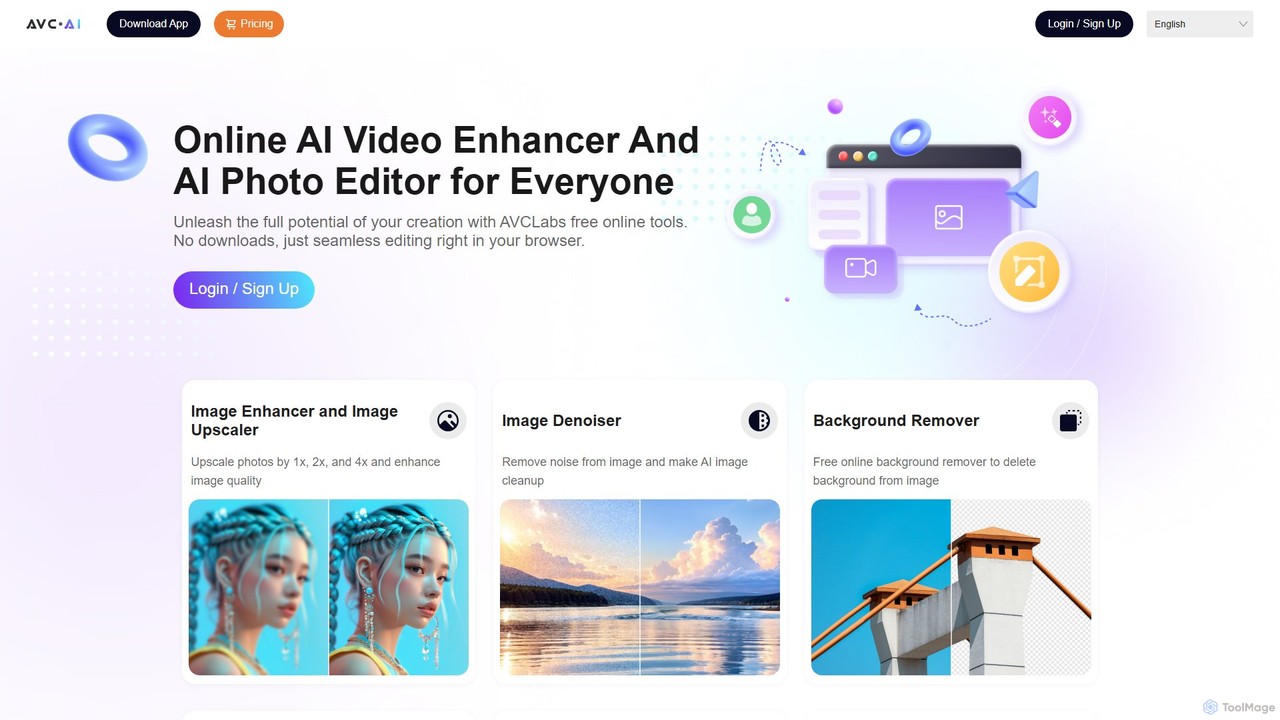
AVC.AI
AVC.AI is a comprehensive AI-powered suite for photo and video enhancement. It offers free online tools for quick tasks like upscaling, denoising, and object removal, alongside powerful desktop software for professional-grade restoration, colorization, and editing. It's designed for both casual users and professionals seeking to improve media quality effortlessly.
3D
photofix
Photofix is an all-in-one AI-powered platform for photo restoration and enhancement. Effortlessly repair old, damaged photos, colorize black and white images, remove unwanted objects, and upscale resolution with just a few clicks. Ideal for photographers, families, and businesses.
3D
imgupscaler
imgupscaler is an AI-powered tool designed to enlarge and enhance images without sacrificing quality. Using advanced deep learning algorithms, it can upscale photos, anime art, and digital graphics up to 8x, intelligently adding detail, reducing noise, and fixing blurriness. It's a fast, user-friendly solution for professionals and hobbyists alike.
Image Enhancement
ImageColorizer Comments (0)
Sign in to comment.
Sign inNo comments yet.