
Evoto Overview
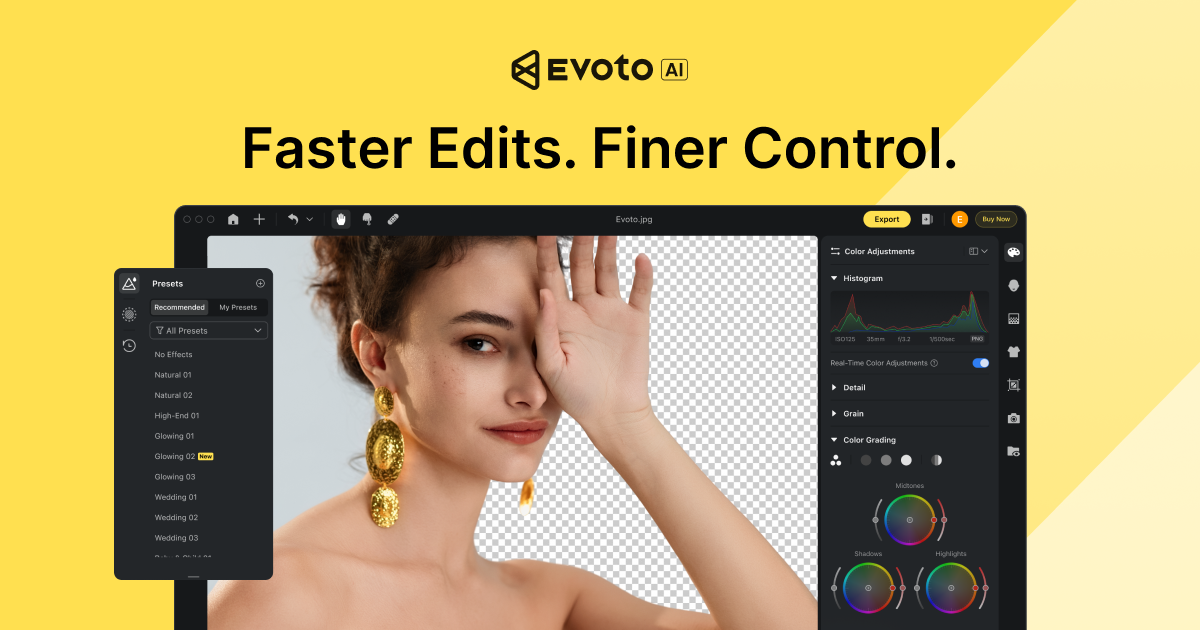
Evoto is a next-generation, AI-powered photo editing software designed to revolutionize the workflow of professional photographers and studios. Available for desktop (Windows/macOS) and iPad, Evoto replaces tedious manual editing tasks with intelligent, one-click solutions, allowing creators to achieve stunning, high-quality results with unprecedented speed and efficiency. The software is trusted by industry professionals for its ability to handle large volumes of photos while maintaining a consistent, natural aesthetic.
At its core, Evoto leverages advanced AI algorithms to automate complex retouching processes. From subtle portrait enhancements to complete background transformations, the tool provides a comprehensive suite of features that cater to various photography genres, including weddings, portraits, family, school, and commercial projects. Its intuitive interface, featuring simple sliders and real-time previews, makes sophisticated editing accessible to users of all skill levels, dramatically reducing post-production time and costs.
How to use Evoto
Getting started with Evoto is a straightforward process designed for maximum efficiency:
- Download and Install: Download the Evoto application for your Windows, macOS, or iPad device from the official website.
- Import Photos: Import your images, including RAW files, into the application. You can also use the 'Tethered Shooting' feature to connect your camera directly to Evoto for instant capture and editing.
- Apply AI Edits: Use the powerful tools in the editing panel. For portrait retouching, the AI automatically detects facial features, allowing you to adjust skin smoothness, remove blemishes, and enhance eyes with simple sliders.
- Color Correction: Utilize the 'AI Color Match' feature by uploading a reference photo to instantly transfer its color style to your image. Fine-tune colors, tones, and hues for the perfect look.
- Batch Process: After perfecting one image, create a preset from your edits. Apply this preset to an entire batch of photos with a single click to ensure a consistent look across the whole album.
- Export: Export your finished photos in high-quality formats like JPEG, PNG, or TIFF, ready for delivery to clients or for portfolio use.
Core Features of Evoto
- AI Portrait Retouching: Automatically smooths skin while preserving texture, removes blemishes, acne, and wrinkles, whitens teeth, and removes red veins from eyes for a flawless yet natural look.
- AI Color Match & Grading: Instantly transfer the color palette and style from a reference image to your photos. Includes advanced color correction tools and a library of presets.
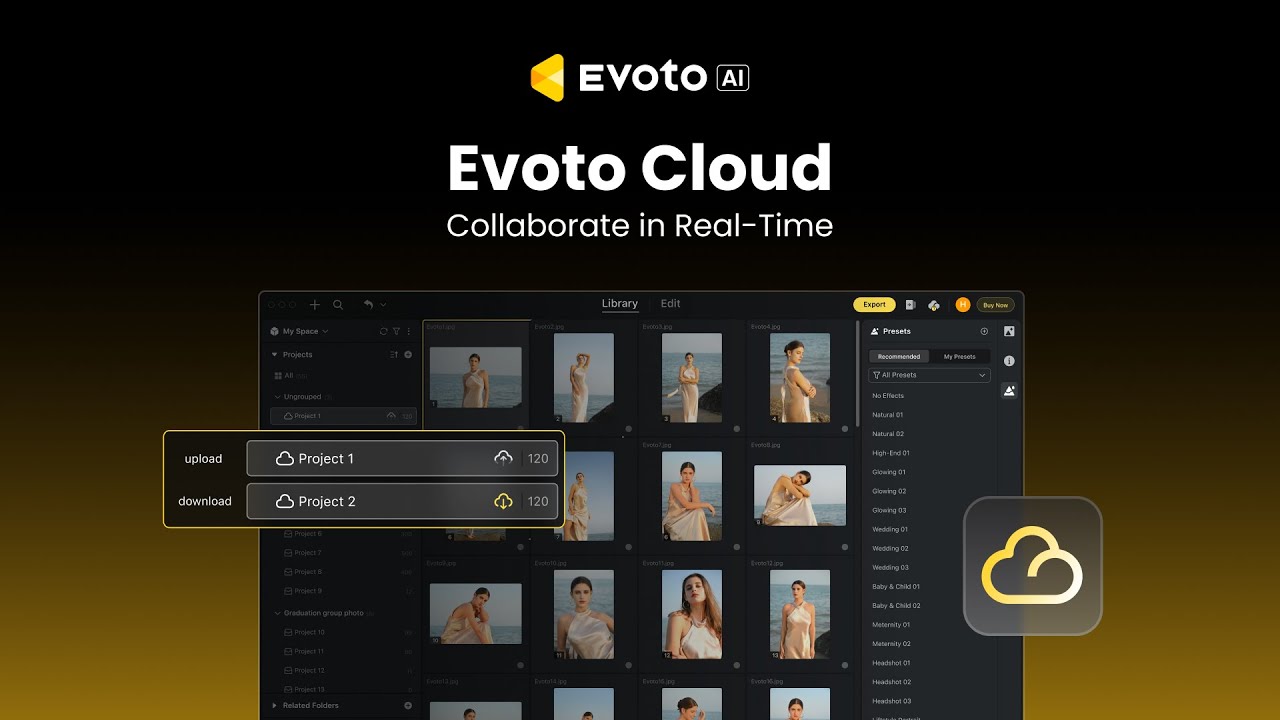
- Batch Processing: Edit hundreds of photos at once by syncing edits and presets across an entire project, ensuring consistency and saving hours of work.
- AI Background Removal & Replacement: Cleanly remove or replace backgrounds with a single click, perfect for product photography, headshots, and creative composites.
- AI Body Editor: Subtly and realistically reshape body contours to meet client requests or creative visions.
- Tethered Shooting: Connect your camera for a live-view shooting and editing experience, allowing for immediate adjustments on set.
- Additional AI Tools: Includes a wide array of specific problem-solvers like a clothing de-wrinkler, glasses glare remover, tattoo remover, photo sharpener, and hand rejuvenator.
Use Cases for Evoto
Evoto is a versatile tool for various professional scenarios:
- Wedding Photography: Photographers can batch process entire wedding albums, ensuring consistent color grading and flawless skin retouching on every photo, delivering stunning results to clients faster.
- Portrait & Headshot Studios: Drastically speed up the retouching process for individual and corporate headshots. Features like blemish removal, hair cleanup, and background replacement are invaluable.
- School Photography: Efficiently process thousands of student photos, applying uniform edits and corrections to deliver high-volume projects on time.
- Fashion & Commercial Photography: Quickly prepare images for campaigns by using tools like the body editor, clothing de-wrinkler, and advanced color grading to achieve a polished, professional look.
- Social Media Content Creators: Create a consistent and appealing aesthetic for personal brands by using presets and quick AI enhancements on photos before posting.
Advantages of Evoto
Evoto offers significant advantages over traditional editing methods:
- Unmatched Speed: Reduces editing time by up to 10x, turning hours of work into minutes.
- Professional Quality: The AI is trained to produce natural-looking results, avoiding the 'plastic' look of other automated tools by preserving critical details like skin texture.
- Cost-Effective: By saving immense amounts of time, it directly reduces labor costs for studios and allows photographers to take on more work.
- Ease of Use: An intuitive, user-friendly interface makes powerful editing tools accessible without a steep learning curve.
- Workflow Consistency: Presets and batch processing ensure a uniform style across all images in a series, which is crucial for professional branding and album creation.
Pricing and Plans
Evoto operates on a freemium model. Users can download the software and receive a number of free credits to test its full capabilities. After the trial, pricing is based on a pay-as-you-go credit system, where one credit is typically used to export one edited photo. This flexible model allows users to pay only for what they use, making it scalable for both individual photographers and large studios. For enterprise-level needs, custom plans and pricing are available by contacting their sales team.
Traffic
Latest traffic
Status
Monthly traffic trend
- 2026-1: 1.1M
- 2026-2: 1.1M
- 2026-3: 1.3M
- 2026-4: 1.3M
- 2026-5: 1.4M
Geography
Top 5 countries / regions
- 🇺🇸United States44.1%
- 🇧🇷Brazil16.5%
- 🇰🇷South Korea15.1%
- 🇻🇳Vietnam12.4%
- 🇯🇵Japan11.9%
Traffic sources
| Source type | Percentage |
|---|---|
Direct | 69.1% |
Referral | 27.5% |
Email | 3.4% |
Top keywords
| Keyword | Cost per click |
|---|---|
| ai clothes remover | $0.00 |
| ai 画像生成 無料 | $0.63 |
| evoto | $3.52 |
| evoto ai | $4.15 |
| $0.35 |
Evoto Videos on YouTube


Teelens Visual


Gronde Photography

Evoto Alternatives
pixcakeai
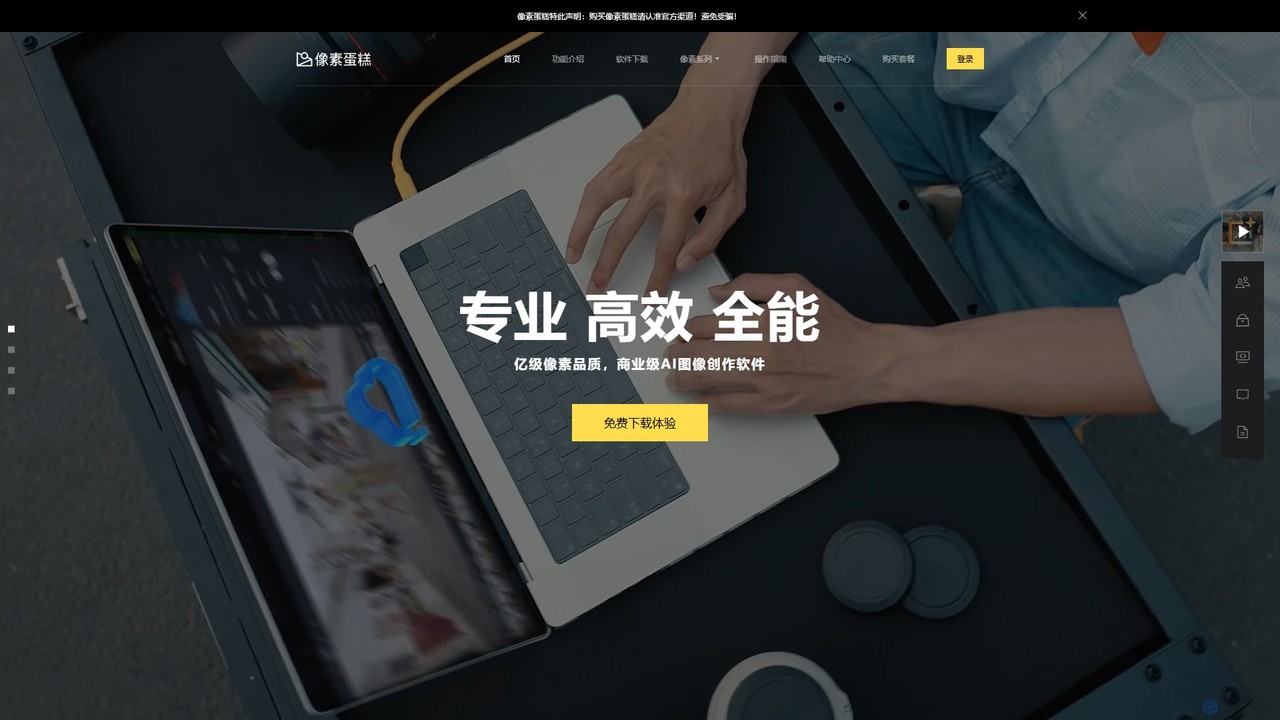
pixcakeai is a commercial-grade AI photo editing software for professional photographers. It offers pixel-level retouching with a powerful RAW engine, 16-bit color, and advanced AI tools for portrait enhancement, object removal, and color matching, streamlining the entire photography workflow.
3D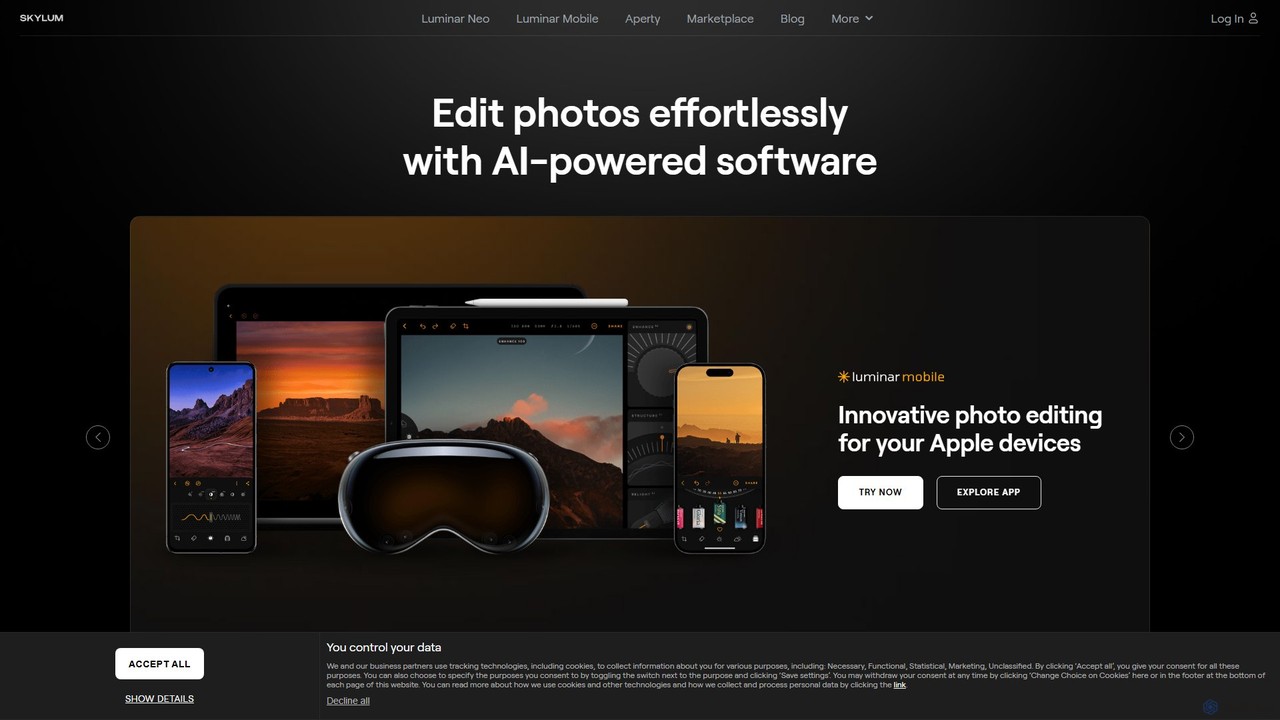
Skylum
Skylum develops AI-powered photo editing software, including the flagship Luminar Neo. Designed for photographers of all skill levels, its tools simplify complex editing tasks like sky replacement, portrait retouching, and landscape enhancement, enabling users to achieve professional-quality results with intuitive controls and creative automation.
Graphics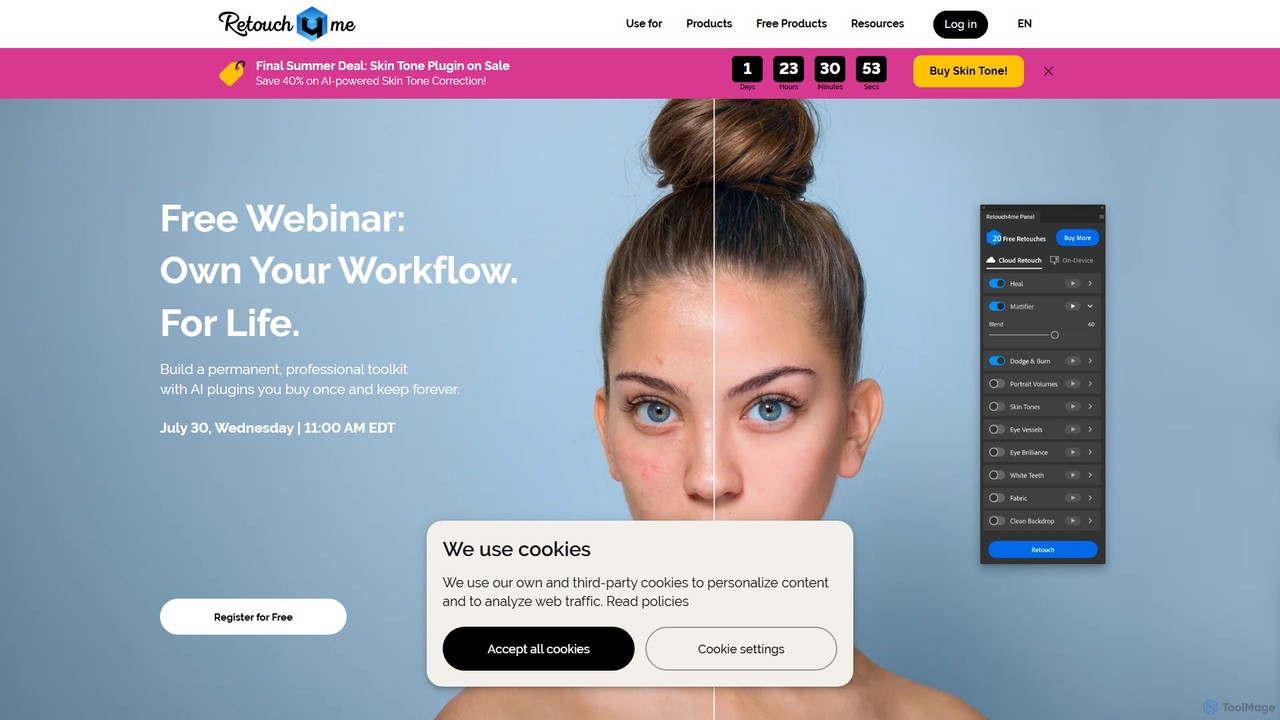
Retouch4me
Retouch4me is a suite of AI-powered plugins and standalone apps designed for professional photographers and videographers. It automates complex retouching tasks like skin smoothing, background cleaning, and color correction, integrating seamlessly with Photoshop, Lightroom, and other editors to dramatically speed up workflows while maintaining natural-looking results.
3D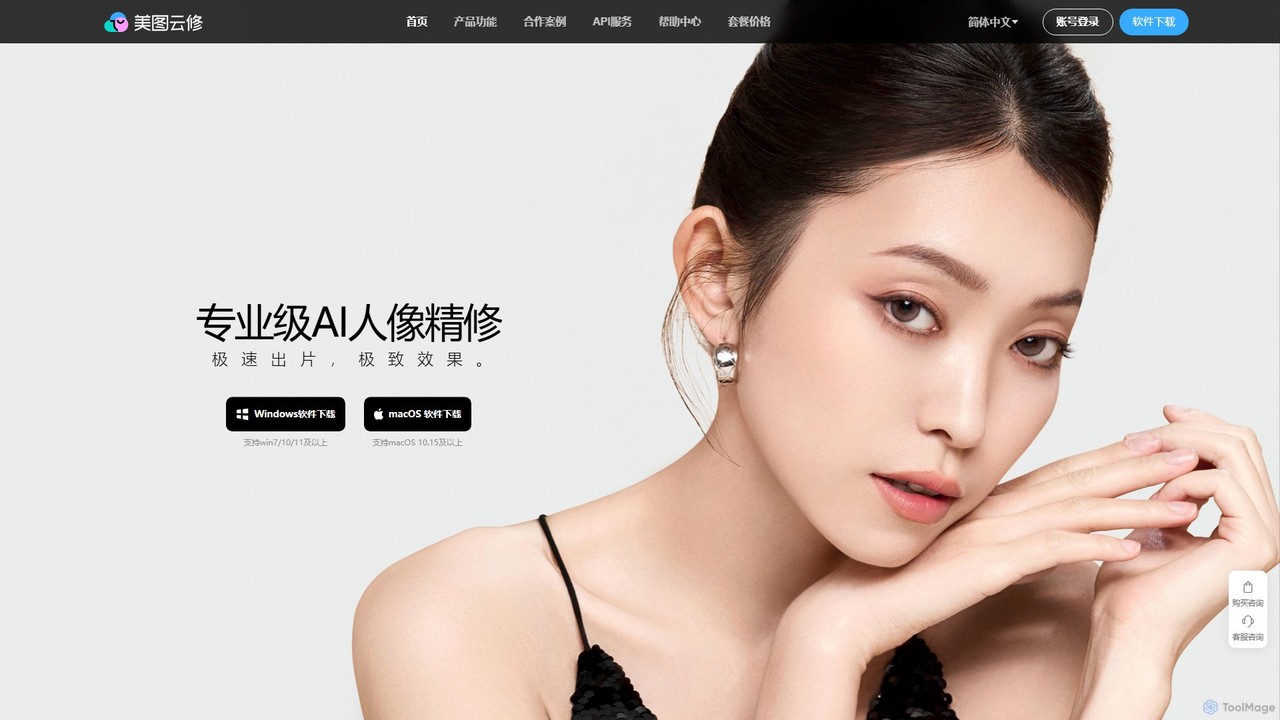
Yunxiu
Yunxiu is a professional-grade AI portrait retouching software by Meitu, designed for commercial photographers. It leverages advanced AI to automate and accelerate post-production, enabling batch processing of up to 1000 photos per hour with high-quality, natural-looking results.
3D
aifillimage.com
A powerful AI image editing tool for generative fill, inpainting, and outpainting. Effortlessly remove unwanted objects, extend image canvases, or add new elements with simple text prompts. Perfect for photographers, designers, and marketers to enhance visuals quickly.
3DEvoto Categories
Evoto Embed Widget
Copy this embed code to place the badge on your blog, article, or product site and send readers directly to this ToolMage detail page.

Related AI tools
Yunxiu
Yunxiu is a professional-grade AI portrait retouching software by Meitu, designed for commercial photographers. It leverages advanced AI to automate and accelerate post-production, enabling batch processing of up to 1000 photos per hour with high-quality, natural-looking results.
3DSkylum
Skylum develops AI-powered photo editing software, including the flagship Luminar Neo. Designed for photographers of all skill levels, its tools simplify complex editing tasks like sky replacement, portrait retouching, and landscape enhancement, enabling users to achieve professional-quality results with intuitive controls and creative automation.
Graphicspixcakeai
pixcakeai is a commercial-grade AI photo editing software for professional photographers. It offers pixel-level retouching with a powerful RAW engine, 16-bit color, and advanced AI tools for portrait enhancement, object removal, and color matching, streamlining the entire photography workflow.
3D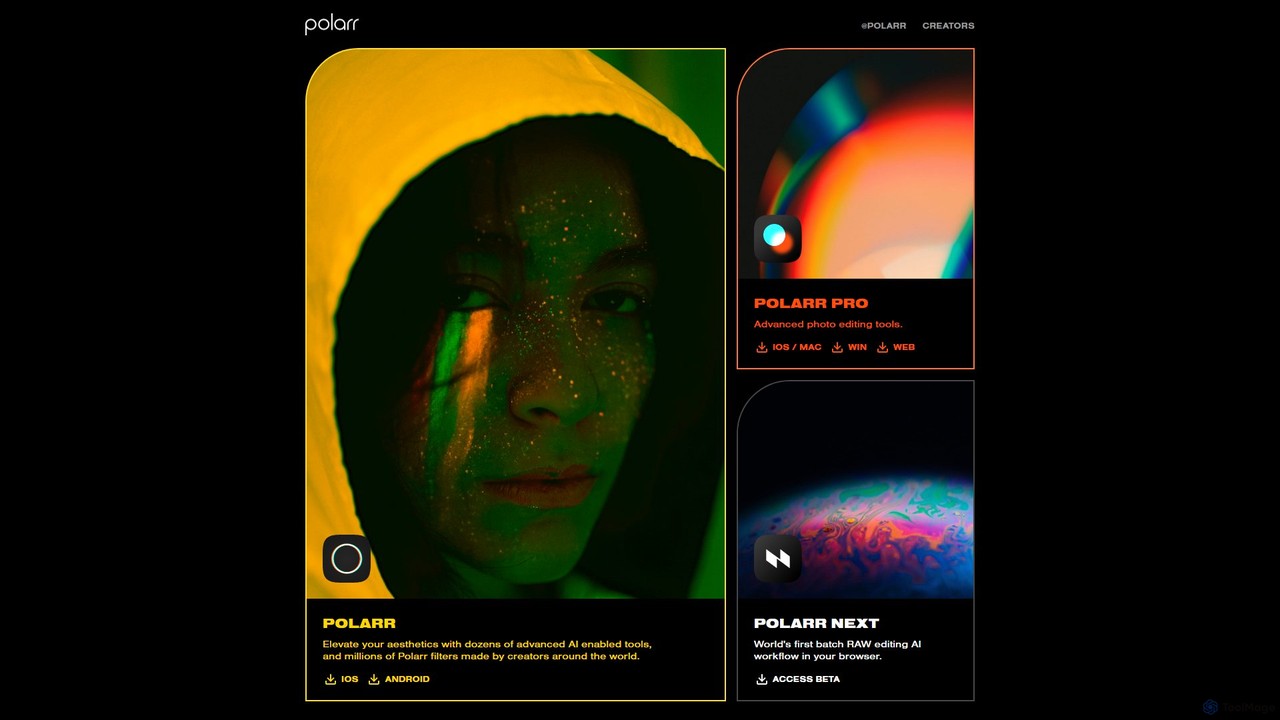
Polarr
Polarr is a powerful AI-driven photo and video editing suite for creators of all levels. It offers advanced editing tools, a vast library of millions of community-created filters, and a revolutionary batch RAW editing workflow, available across all devices.
Generative Art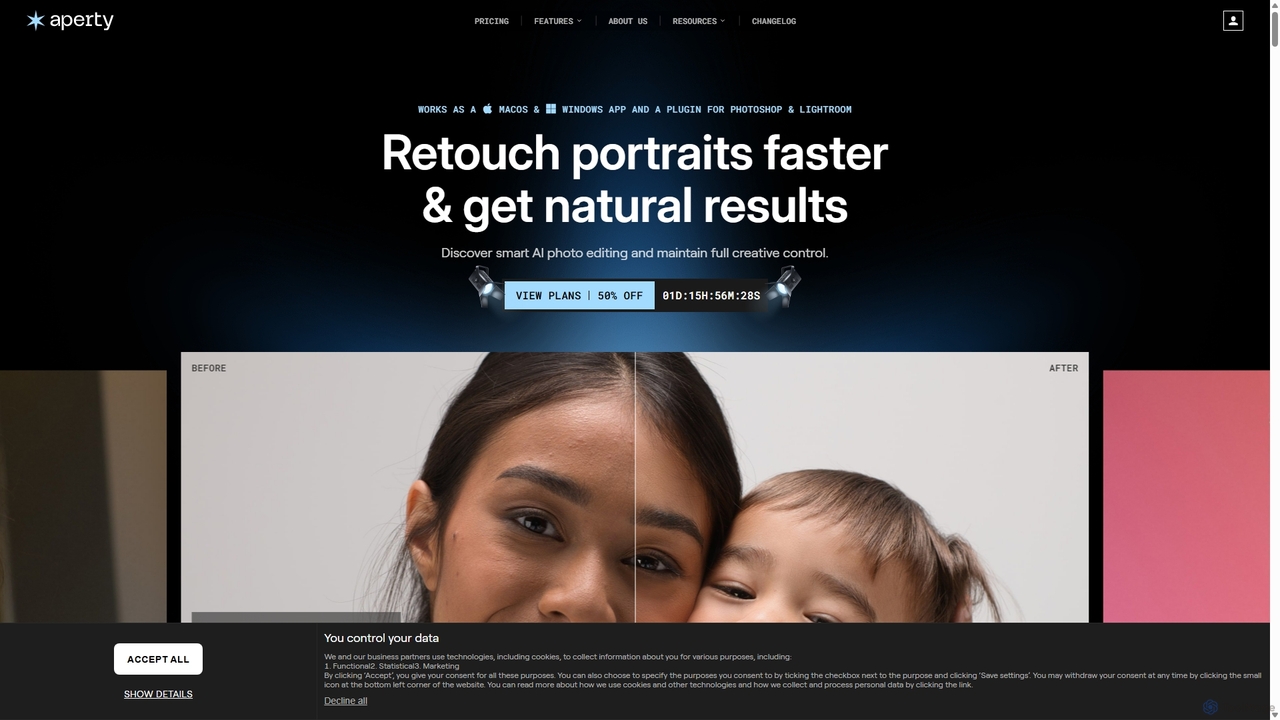
Aperty
Aperty is an AI-powered portrait photo editor designed for photographers to accelerate their retouching workflow. It offers smart, natural-looking enhancements for skin, eyes, and makeup, and functions as a standalone app for macOS/Windows or as a plugin for Photoshop and Lightroom, ensuring full creative control and efficiency.
Graphics
eyeq
eyeq provides world-leading AI-powered automatic photo correction and video enhancement solutions for businesses. Its core technology, Perfectly Clear, uses 20+ years of scientific research and AI to deliver vibrant, accurate colors, intelligent retouching, and automated workflows, helping companies improve quality, reduce costs, and increase revenue.
3DRetouch4me
Retouch4me is a suite of AI-powered plugins and standalone apps designed for professional photographers and videographers. It automates complex retouching tasks like skin smoothing, background cleaning, and color correction, integrating seamlessly with Photoshop, Lightroom, and other editors to dramatically speed up workflows while maintaining natural-looking results.
3Daifillimage.com
A powerful AI image editing tool for generative fill, inpainting, and outpainting. Effortlessly remove unwanted objects, extend image canvases, or add new elements with simple text prompts. Perfect for photographers, designers, and marketers to enhance visuals quickly.
3D
Photor
Photor is a comprehensive AI-powered photo editing suite designed to transform and enhance images with ease. It offers a wide range of tools, from one-click enhancements and style transfers to advanced features like natural language editing via chat, AI photo analysis for professional feedback, and a video generator. It caters to both hobbyists and professional photographers, simplifying complex editing tasks into intuitive, AI-driven workflows.
3D
Zyng AI
Zyng AI is a powerful, AI-driven platform for bulk image editing, specifically catering to e-commerce businesses, photographers, and marketing teams. It automates tedious editing tasks, allowing users to process thousands of images in minutes. Key features include background removal, model swapping, smart cropping, face retouching, and AI-generated backgrounds. Zyng AI streamlines workflows, reduces costs, and helps create high-quality, consistent visuals for online stores and marketing campaigns, supporting resolutions up to 8K.
3D
Ceacle Pipeline
Ceacle Pipeline is an AI-powered automation platform for creators. It enables the creation of custom workflows to automate repetitive tasks in image processing, content generation, and design. Build pipelines using natural language or templates to save time and boost productivity.
Graphics
FaceCropJet
FaceCropJet is an AI-powered desktop software that automatically detects and crops faces from photos, creating perfectly formatted images for ID cards, passports, and profiles. It supports batch processing and folder monitoring for complete automation.
3D
remove.bg
remove.bg is an AI-powered tool that automatically removes the background from any image in just 5 seconds. It uses advanced AI to accurately handle challenging edges like hair and fur. Ideal for photographers, e-commerce businesses, marketers, and developers, it offers web, desktop, and plugin integrations to streamline workflows.
Editing
PicWish
PicWish is an all-in-one AI-powered photo editing suite designed to simplify complex image processing. It offers a wide range of free and pro tools, including background removal, photo enhancement, object removal, and AI background generation. Available online and as a dedicated app, PicWish empowers e-commerce sellers, designers, and content creators to produce professional-quality visuals effortlessly, without needing advanced technical skills.
Image Generation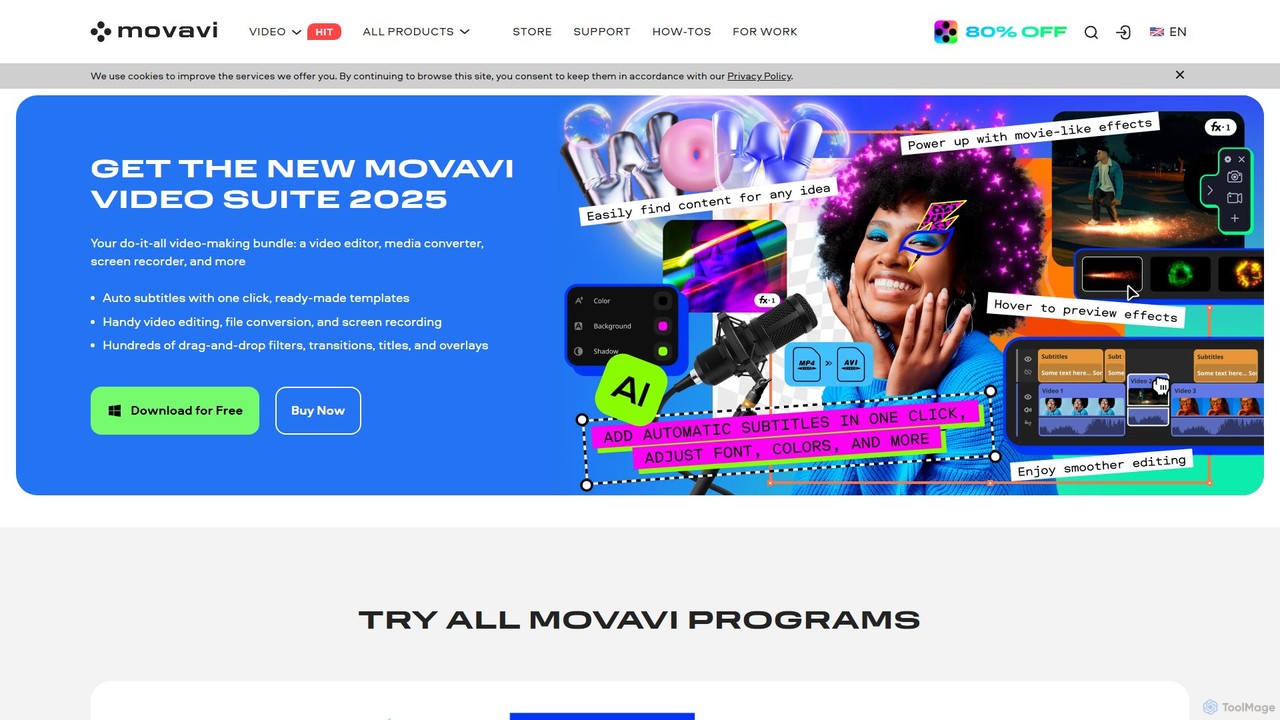
Movavi
Movavi is a comprehensive suite of multimedia programs, featuring a powerful yet user-friendly AI video editor, photo editor, screen recorder, and file converter. It's designed for everyone from beginners to seasoned creators, offering AI-driven features like background removal, motion tracking, and audio denoising to simplify the creative process. Create stunning videos, edit photos, and capture your screen with an intuitive drag-and-drop interface and a vast library of effects.
Screen Recording
Evoto Comments (0)
Sign in to comment.
Sign inNo comments yet.