

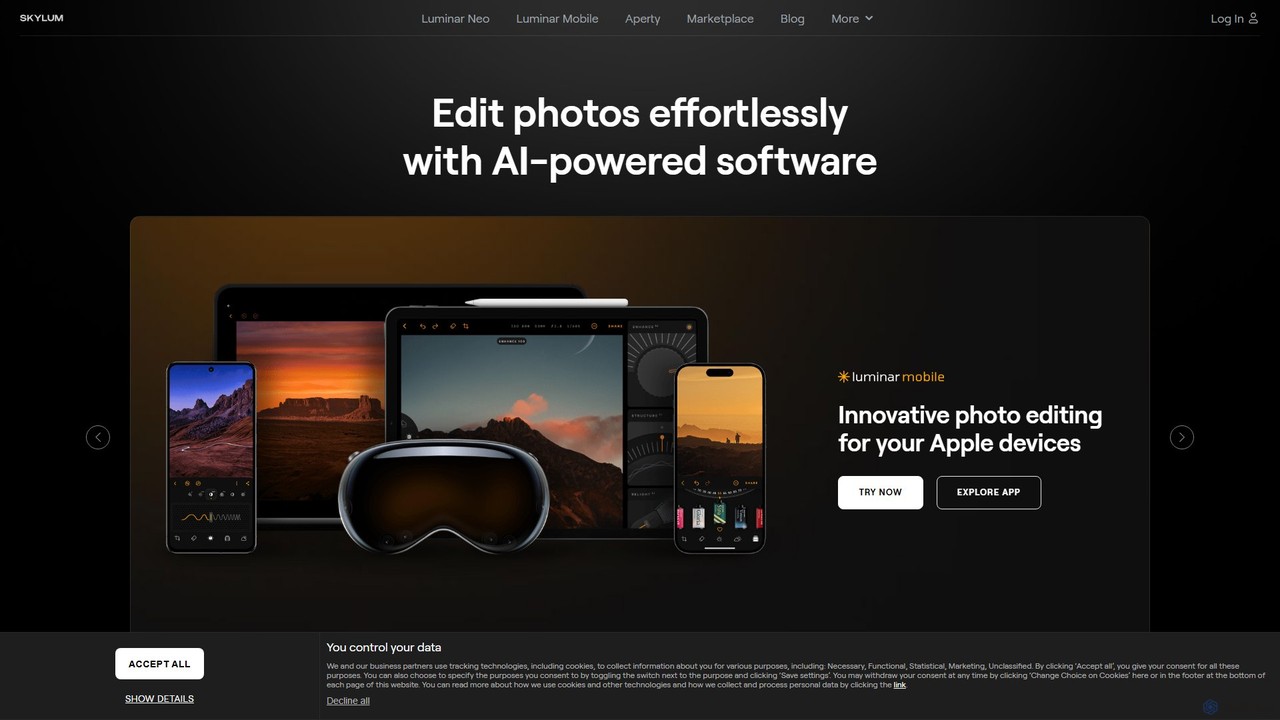
Skylum Overview
Skylum is an innovative technology company dedicated to revolutionizing the world of photo editing. It is renowned for its suite of AI-powered software that makes complex editing accessible and inspiring for everyone, from amateur photographers to seasoned professionals. The company's mission is to combine creativity with technology, pushing the boundaries of what's possible in digital photography. Skylum's flagship product, Luminar Neo, along with specialized tools like Aperty for portraits and Luminar Mobile for on-the-go editing, empowers creators to bring their artistic visions to life effortlessly.
How to use Skylum
Using Skylum's software, particularly Luminar Neo, is designed to be an intuitive experience. The general workflow is as follows:
- Installation & Setup: Download and install the software on your PC or Mac. Luminar Neo can function as a standalone application or as a plugin for Adobe Photoshop and Lightroom, integrating seamlessly into existing workflows.
- Import Photos: Open the application and import your images. You can add individual photos or entire folders to your catalog for easy organization.
- Apply AI-Powered Tools: Navigate to the 'Edit' panel to access a wide array of AI tools. Use one-click tools like 'Enhance AI' (Accent AI) to intelligently balance tone and color, or 'Sky AI' to replace a dull sky in seconds. For portraits, tools like 'Face AI', 'Skin AI', and 'Portrait Bokeh AI' offer precise control over facial features and background blur.
- Creative Adjustments & Presets: Explore the extensive library of 'Presets' (formerly Looks) to apply a specific style instantly. You can also make manual adjustments to exposure, contrast, color, and details using traditional sliders for fine-tuning.
- Use Advanced Features: For more complex edits, utilize features like Panorama Stitching, Focus Stacking for macro shots, and AI-powered Background Removal to isolate subjects. Tools like 'Power Lines Removal' and 'Dust Spot Removal' clean up your images automatically.
- Export & Share: Once you are satisfied with your edit, export the photo in your desired format (JPEG, TIFF, PNG, etc.) and quality, ready to be shared online or printed.
Core Features of Skylum
- Luminar Neo: An all-in-one AI photo editor featuring a suite of powerful tools like Sky AI, Enhance AI, Relight AI, and Structure AI for comprehensive image enhancement.
- AI-Powered Portrait Tools: Includes Face AI, Skin AI, and Body AI for detailed and natural-looking portrait retouching, as well as Portrait Bokeh AI for creating creamy background blur.
- Automatic Object Removal: Features like Power Lines Removal, Dust Spot Removal, and Background Removal AI simplify the process of cleaning up images and isolating subjects.
- Advanced Creative Tools: Offers unique capabilities such as Magic Light AI to add realistic light streaks, Sunrays to introduce natural-looking sunlight, and Panorama Stitching.
- Aperty: A specialized, next-generation AI retouching software designed for professional portrait photographers to streamline their editing workflow.
- Luminar Mobile: A versatile photo editing app for iPhone, iPad, Android, and ChromeOS, allowing for powerful edits on the go.
- Marketplace: An ecosystem of creative assets, including over 800 presets, LUTs, sky packs, and educational courses to expand creative possibilities.
Use Cases for Skylum
Skylum's tools are versatile and cater to a wide range of users:
- Landscape Photographers: Can dramatically improve their images using Sky AI, Sunrays, and Enhance AI to create breathtaking scenes.
- Portrait Photographers: Can save hours of work with Aperty and Luminar Neo's portrait tools, achieving flawless skin, enhanced eyes, and perfect background blur.
- Hobbyists and Beginners: The intuitive interface and powerful presets allow new users to create stunning photos without a steep learning curve.
- Content Creators: Can quickly edit photos for social media, blogs, and websites, ensuring a consistent and high-quality visual style.
- Real Estate Photographers: Can use tools to enhance interior and exterior shots, replace overcast skies, and correct perspective for more appealing property listings.
Advantages of Skylum
Skylum stands out in the crowded photo editing market for several reasons:
- Innovation and AI Leadership: The company is consistently at the forefront of AI-driven editing, turning complex manual processes into simple, one-click solutions.
- User-Centric Design: The software features a clean, intuitive interface that is accessible to beginners while offering the depth required by professionals.
- Time-Saving Workflow: AI automation drastically reduces editing time, allowing photographers to focus more on the creative aspects of their work.
- Flexibility: The ability to use the software as a standalone editor or as a plugin for Adobe products provides great flexibility for different workflows.
- Vibrant Community and Ecosystem: Skylum fosters a strong community and provides a rich marketplace with assets and learning materials to support user growth.
Pricing and Plans
Skylum offers several purchasing options for its software. While specific prices fluctuate and are subject to promotions, the general structure is as follows:
- Subscription Plans: Users can subscribe to the 'Pro' plan, which typically includes Luminar Neo and all its extensions, regular updates, and other perks. Subscriptions are available on a monthly or yearly basis, with the annual plan offering better value.
- Lifetime License: Skylum often provides an option to purchase a lifetime license for Luminar Neo, which grants perpetual access to the core software. Extensions and major future versions may require separate purchases.
- Bundles: The company frequently offers bundles that include the software along with marketplace assets like presets or courses at a discounted price.
For the most current and detailed pricing information, it is recommended to visit the official Skylum website.
Traffic
Latest traffic
Status
Monthly traffic trend
- 2026-1: 1.9M
- 2026-2: 1.3M
- 2026-3: 1.3M
- 2026-4: 1.4M
- 2026-5: 1.3M
Geography
Top 5 countries / regions
- 🇺🇸United States47.0%
- 🇩🇪Germany19.9%
- 🇮🇳India11.8%
- 🇫🇷France10.8%
- 🇯🇵Japan10.5%
Traffic sources
| Source type | Percentage |
|---|---|
Direct | 59.0% |
Referral | 23.9% |
Email | 17.2% |
Top keywords
| Keyword | Cost per click |
|---|---|
| ai nude | $0.00 |
| luminar | $1.45 |
| luminar ai | $1.20 |
| luminar neo | $1.29 |
| skylum | $0.86 |
Skylum Videos on YouTube

Mark McGee Photos


Christopher Neal


Joseph Martin

Eddy Kinol | Photographie • Production • Éducation
Skylum Alternatives

Evoto
An AI-powered photo editing application designed for professional photographers. Evoto streamlines workflows with powerful tools for portrait retouching, color grading, background removal, and batch processing. It delivers natural, high-quality results in a fraction of the time, boosting productivity for wedding, portrait, and studio photography.
3D
pixcakeai
pixcakeai is a commercial-grade AI photo editing software for professional photographers. It offers pixel-level retouching with a powerful RAW engine, 16-bit color, and advanced AI tools for portrait enhancement, object removal, and color matching, streamlining the entire photography workflow.
3D
Clipdrop
Clipdrop is an all-in-one suite of AI-powered tools for image creation, editing, and enhancement. Developed by Stability AI, it allows users to effortlessly remove backgrounds, clean up images, upscale resolution, generate visuals from text, and much more, all within a simple web interface.
Graphics
ImageUpscaler
An all-in-one AI-powered platform for image enhancement. Upscale photos up to 4x without quality loss, remove backgrounds, deblur images, generate art from text, and utilize a wide range of creative tools like cartoonizers, colorizers, and object removers. Ideal for professionals and hobbyists.
Graphics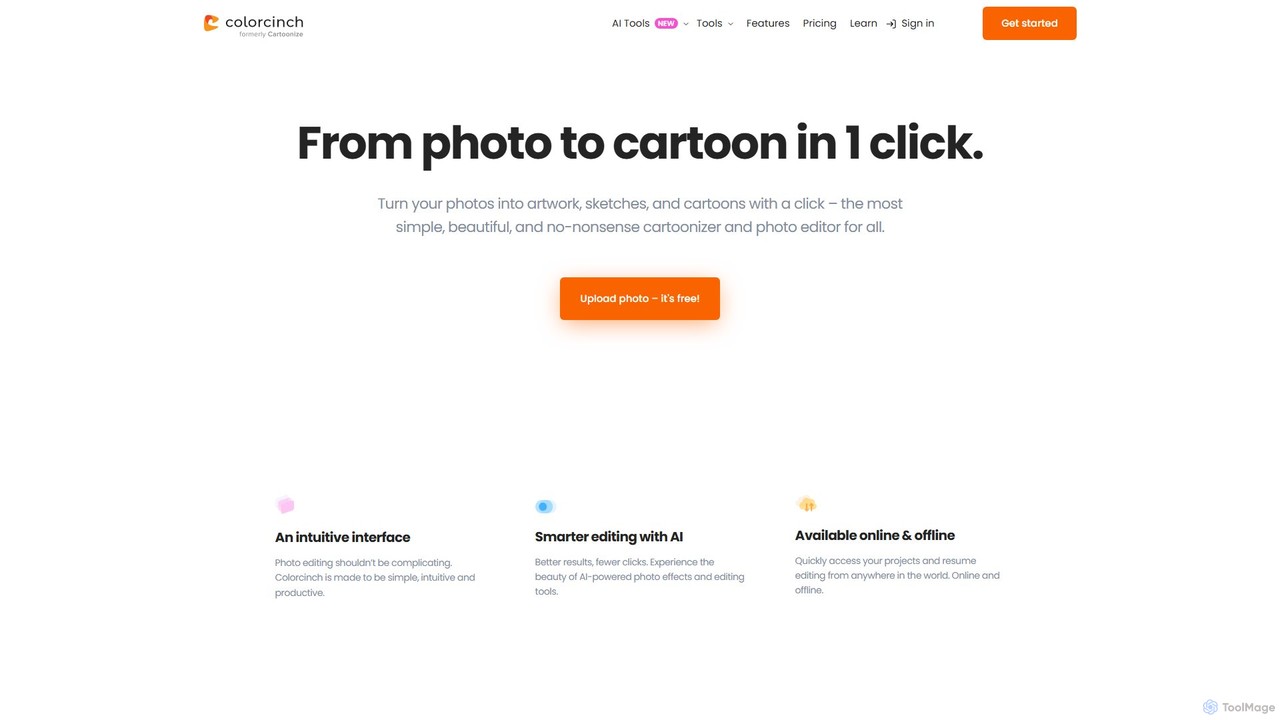
Colorcinch
Colorcinch is a user-friendly, AI-powered online photo editor that allows you to transform your photos into cartoons, sketches, and unique artwork with a single click. It combines powerful AI features like a cartoonizer and background remover with a comprehensive suite of traditional editing tools, making professional-quality photo editing accessible to everyone, regardless of experience.
GraphicsSkylum Categories
Skylum Embed Widget
Copy this embed code to place the badge on your blog, article, or product site and send readers directly to this ToolMage detail page.

Related AI tools
Evoto
An AI-powered photo editing application designed for professional photographers. Evoto streamlines workflows with powerful tools for portrait retouching, color grading, background removal, and batch processing. It delivers natural, high-quality results in a fraction of the time, boosting productivity for wedding, portrait, and studio photography.
3D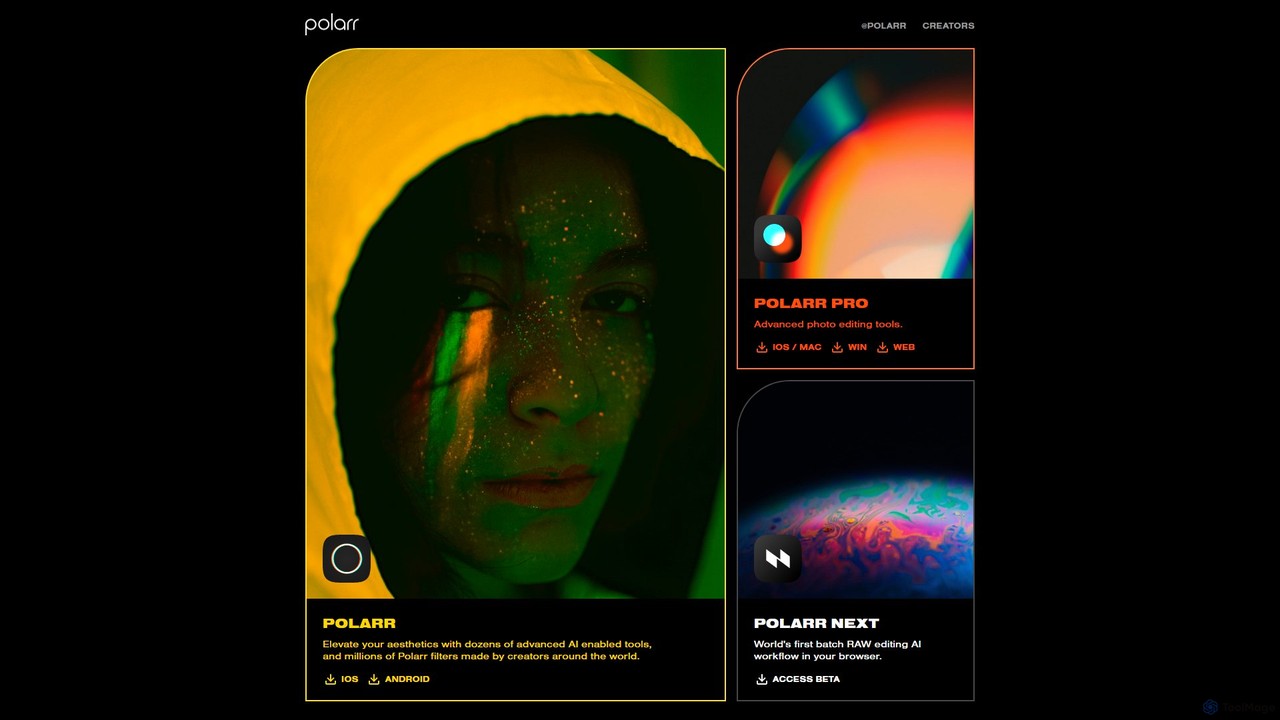
Polarr
Polarr is a powerful AI-driven photo and video editing suite for creators of all levels. It offers advanced editing tools, a vast library of millions of community-created filters, and a revolutionary batch RAW editing workflow, available across all devices.
Generative Art
Yunxiu
Yunxiu is a professional-grade AI portrait retouching software by Meitu, designed for commercial photographers. It leverages advanced AI to automate and accelerate post-production, enabling batch processing of up to 1000 photos per hour with high-quality, natural-looking results.
3Dpixcakeai
pixcakeai is a commercial-grade AI photo editing software for professional photographers. It offers pixel-level retouching with a powerful RAW engine, 16-bit color, and advanced AI tools for portrait enhancement, object removal, and color matching, streamlining the entire photography workflow.
3D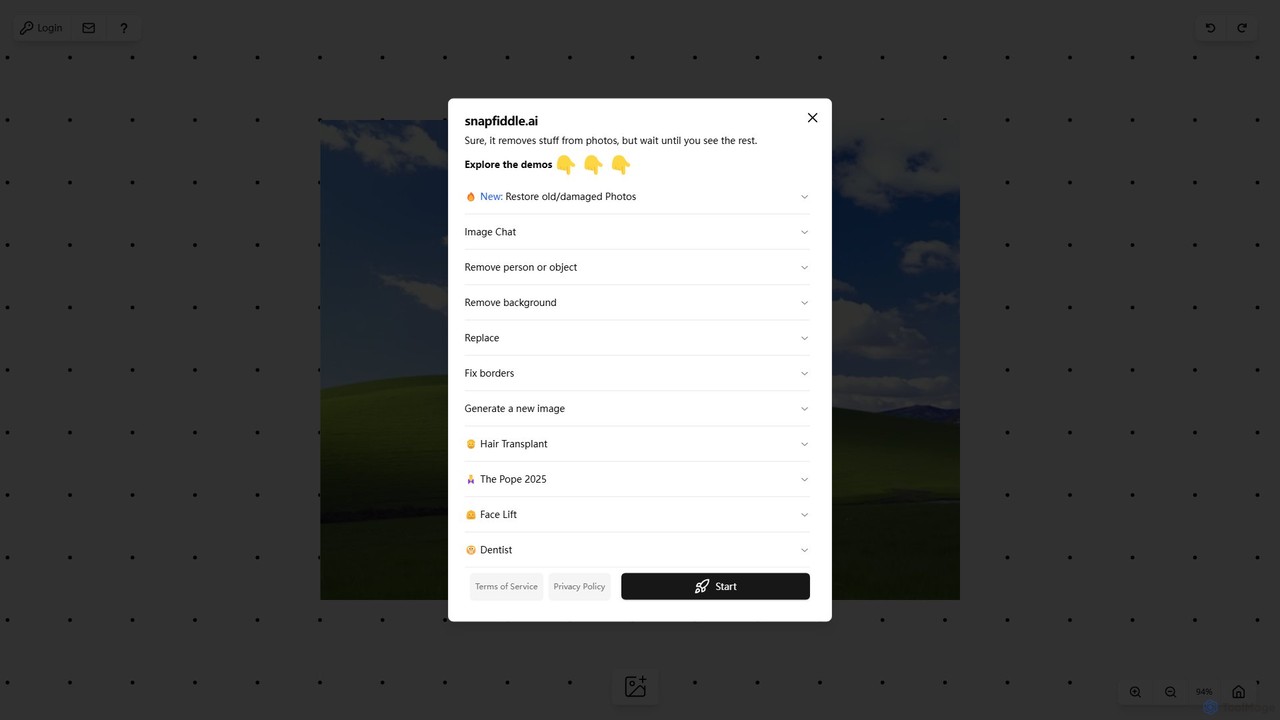
snapfiddle.ai
snapfiddle.ai is a comprehensive AI-powered image editing suite. It allows users to effortlessly remove objects, restore old photos, remove backgrounds, generate new images, and perform advanced edits like face lifts or hair transplants through an intuitive web interface.
Image Generation
remove.bg
remove.bg is an AI-powered tool that automatically removes the background from any image in just 5 seconds. It uses advanced AI to accurately handle challenging edges like hair and fur. Ideal for photographers, e-commerce businesses, marketers, and developers, it offers web, desktop, and plugin integrations to streamline workflows.
Editing
Nano-Banana
Nano-Banana is an advanced online AI image editor that empowers users to create and modify images with text prompts, offering features like generation, inpainting, style transfer, and outpainting. It ensures character consistency and scene coherence with fast, studio-quality results.
Photo Editor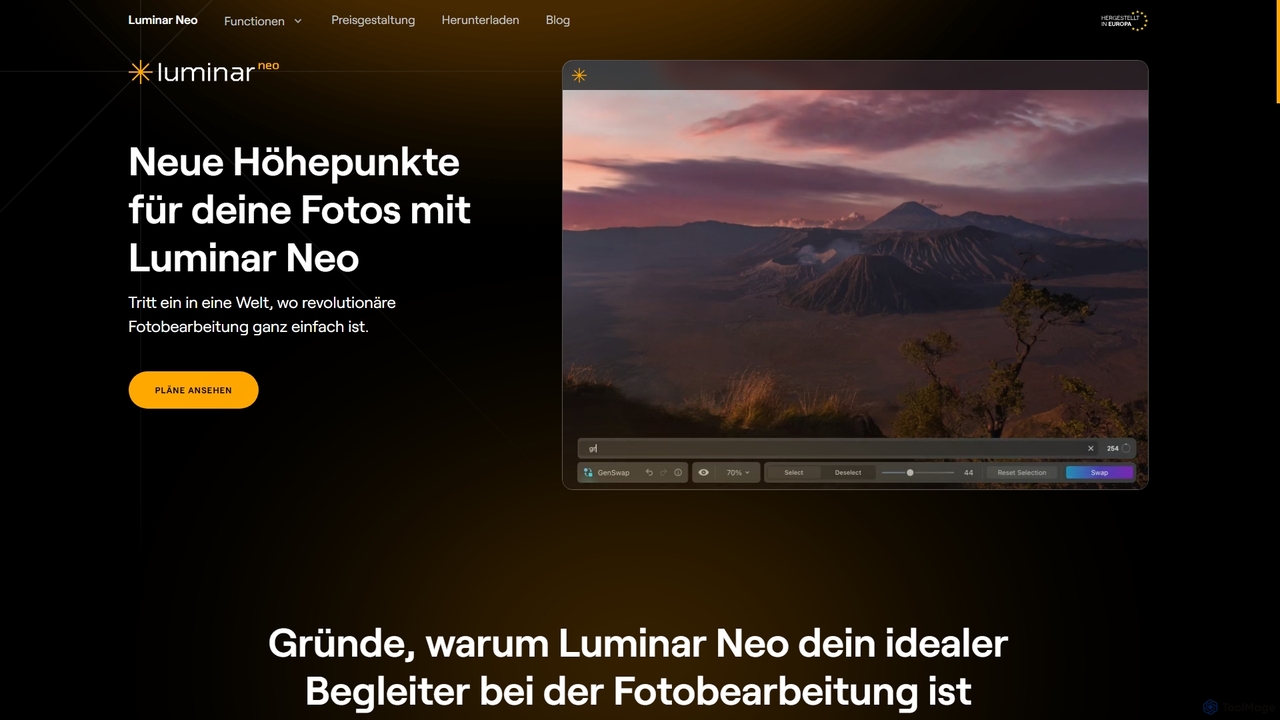
Luminar Neo
Luminar Neo is a revolutionary AI-powered photo editing software designed to simplify complex tasks and unleash creativity. It offers a comprehensive suite of advanced tools for image enhancement, RAW processing, and creative composition, making professional-grade results accessible to both beginners and experienced photographers on macOS and Windows.
Digital Art
Photor
Photor is a comprehensive AI-powered photo editing suite designed to transform and enhance images with ease. It offers a wide range of tools, from one-click enhancements and style transfers to advanced features like natural language editing via chat, AI photo analysis for professional feedback, and a video generator. It caters to both hobbyists and professional photographers, simplifying complex editing tasks into intuitive, AI-driven workflows.
3D
NeuralCam
NeuralCam is an AI-powered camera app for iOS that enhances mobile photography. It offers real-time composition guidance from an AI Photo Coach, smart capture modes for any lighting, and professional-grade auto-editing features like DSLR-like bokeh, intelligent illumination, and AI color grading. It's a complete system designed to help both beginners and experienced photographers take stunning photos.
Ios AppsClipdrop
Clipdrop is an all-in-one suite of AI-powered tools for image creation, editing, and enhancement. Developed by Stability AI, it allows users to effortlessly remove backgrounds, clean up images, upscale resolution, generate visuals from text, and much more, all within a simple web interface.
Graphics
PicWish
PicWish is an all-in-one AI-powered photo editing suite designed to simplify complex image processing. It offers a wide range of free and pro tools, including background removal, photo enhancement, object removal, and AI background generation. Available online and as a dedicated app, PicWish empowers e-commerce sellers, designers, and content creators to produce professional-quality visuals effortlessly, without needing advanced technical skills.
Image Generation
Pixelbin
Pixelbin is a comprehensive AI-powered platform for visual asset management and real-time image transformation. It offers a suite of tools including an AI editor, background remover, image upscaler, and watermark remover, alongside a robust Digital Asset Management (DAM) system and a smart CDN. Designed for developers, marketers, and e-commerce businesses, Pixelbin streamlines the entire visual content lifecycle from creation and storage to optimization and delivery, ensuring high-quality visuals and faster performance.
Digital Asset Management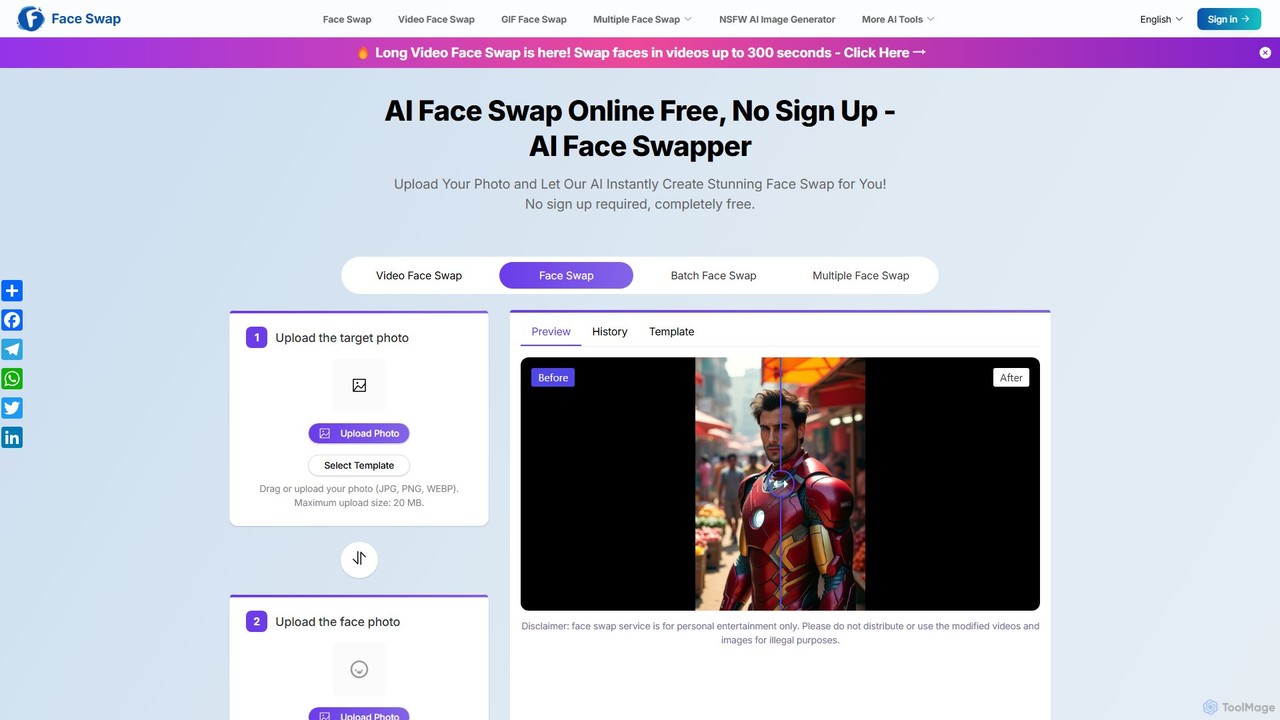
aifaceswapper
aifaceswapper is a free, online AI tool that allows users to instantly swap faces in photos, videos, and GIFs without any sign-up. It supports single, multiple, and batch face swaps, offering high-quality, realistic results. With a focus on user privacy, the tool provides a rich template library and a simple interface for creating fun memes, social media content, and creative projects effortlessly.
Meme Generator
Problembo
Problembo is a versatile AI suite offering a wide range of creative tools. It enables users to generate music, videos, and images, edit photos, train custom AI models, and more. Operating on a flexible pay-as-you-go model, it provides access to advanced AI technology without requiring monthly subscriptions, making it ideal for creators, marketers, and developers.
Music Generation
Skylum Comments (0)
Sign in to comment.
Sign inNo comments yet.