ToolMage
Sign in

Best 7 Editing AI tools for Design

Popular Editing AI tools in Design include remove.bg, Erase.bg, Retoucher.online, remove_background, bgremover, simpleish, and RMBG AI, helping you work more efficiently.

remove.bg
Freemium

remove.bg

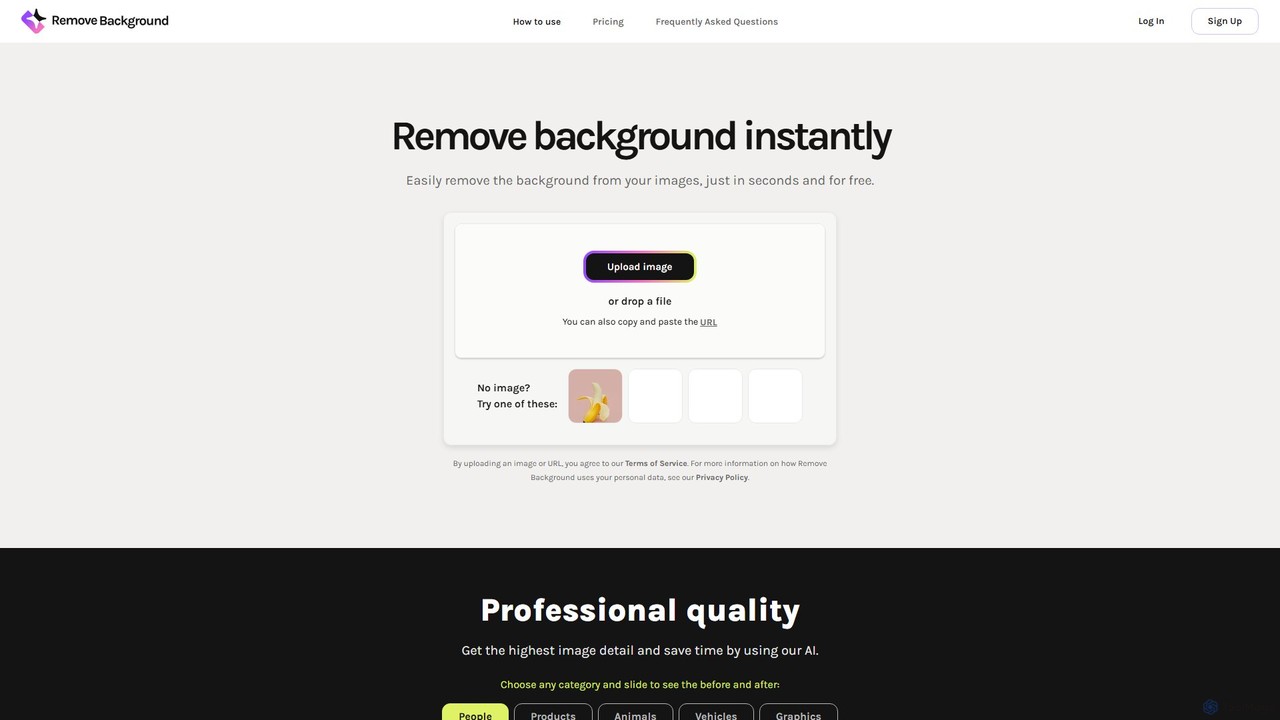
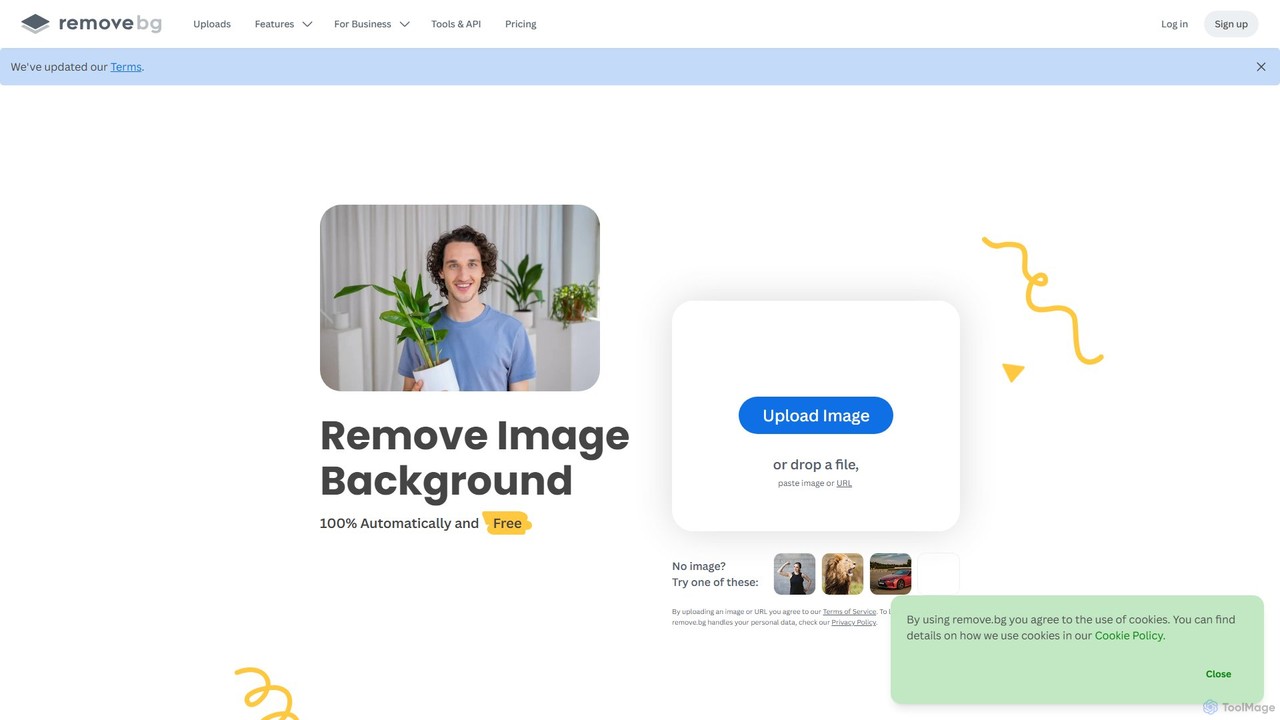
remove.bg is an AI-powered tool that automatically removes the background from any image in just 5 seconds. It uses advanced AI to accurately handle challenging edges like hair and fur. Ideal for photographers, e-commerce businesses, marketers, and developers, it offers web, desktop, and plugin integrations to streamline workflows.

Editing
Visits 62.6MFavorites 128Likes 115
RMBG AI
Free

RMBG AI

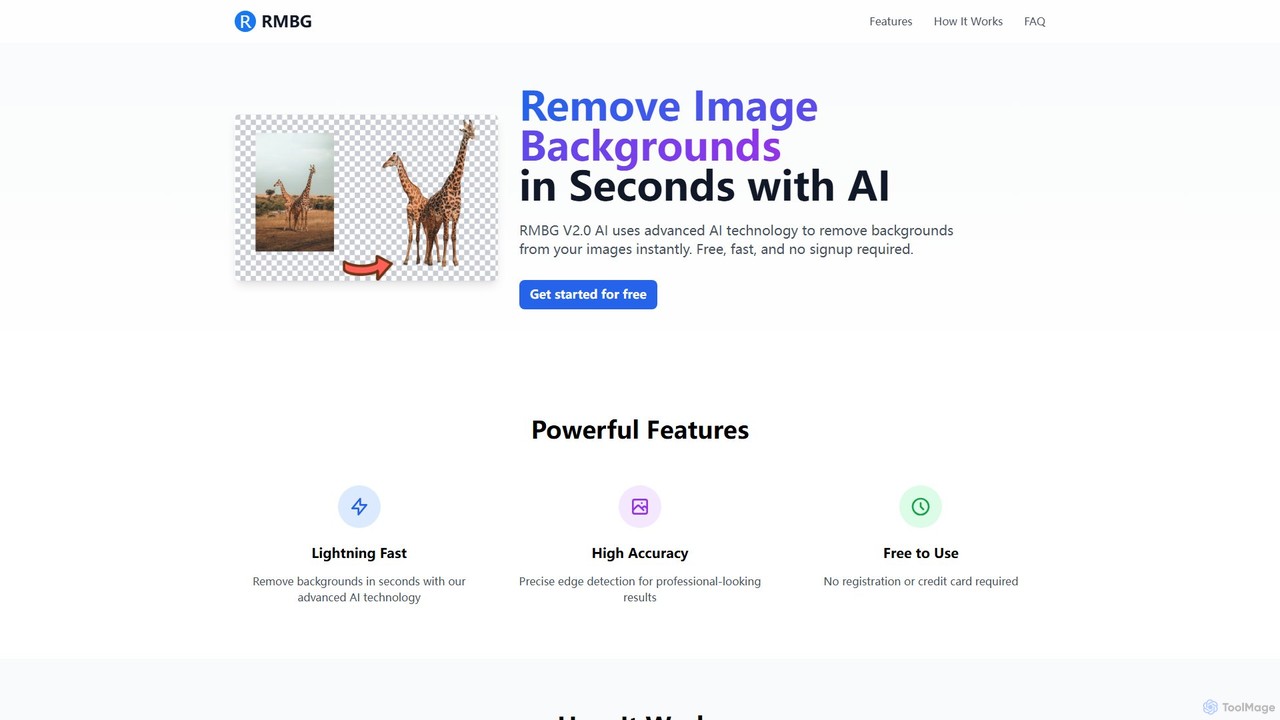
RMBG AI is a free online tool that uses advanced AI to instantly remove backgrounds from images. Developed by BRIA AI, it offers high-precision results in seconds without any need for registration or payment. It supports various image formats and is ideal for e-commerce, graphic design, and personal projects.

Editing
Visits 3.4KFavorites 133Likes 119
Erase.bg
Freemium

Erase.bg

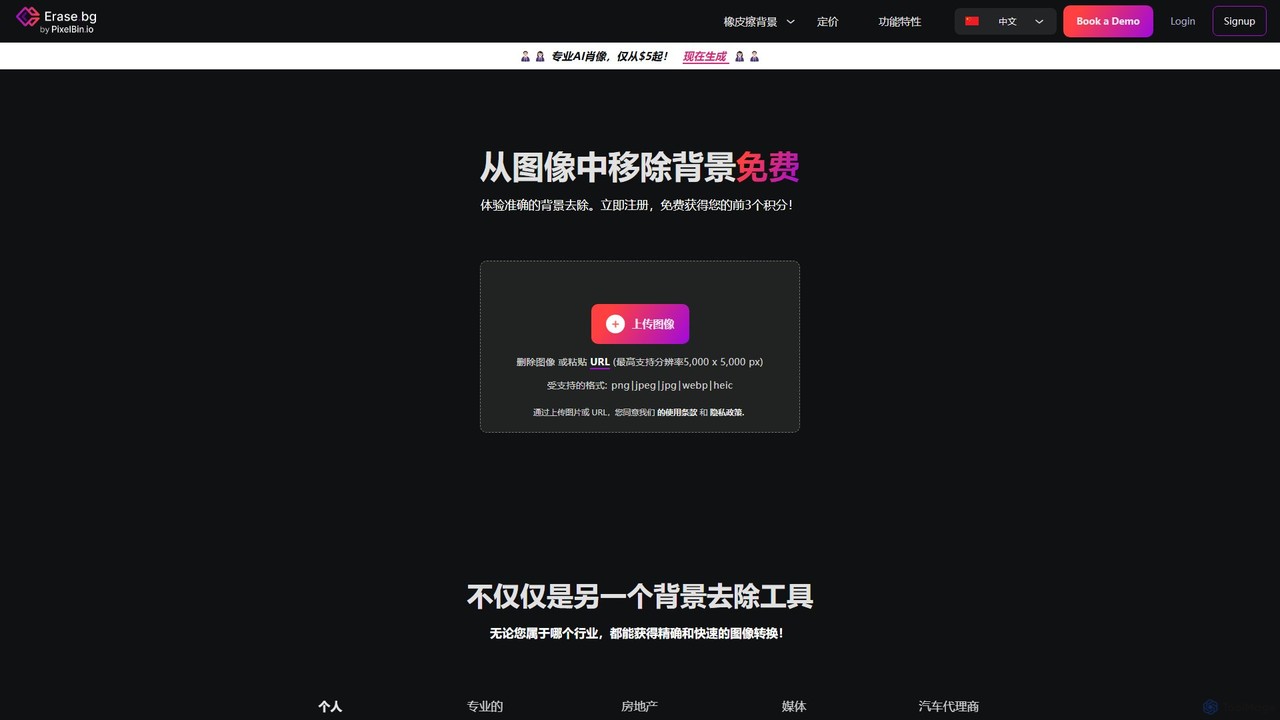
Erase.bg is an AI-powered tool that automatically removes backgrounds from images in seconds. It's designed for a wide range of users, from individuals creating social media content to e-commerce businesses needing clean product photos. The tool supports various formats, offers high-resolution output, and provides simple editing options to add new backgrounds. It is accessible via web and mobile apps, with an API for developers.

Editing
Visits 833.5KFavorites 106Likes 102
remove_background
Freemium

remove_background

An AI-powered tool to instantly remove image backgrounds for free. It creates high-quality transparent backgrounds, offers advanced editing tools, and can even generate custom backgrounds using AI prompts. Ideal for e-commerce, social media, and professional designs.

Editing
Visits 104KFavorites 126Likes 122
Retoucher.online
Freemium

Retoucher.online

Retoucher.online is an AI-powered tool that automatically removes backgrounds from images in seconds. It's designed for e-commerce, marketing, and personal use, offering features like bulk processing, background replacement, and a built-in editor. No signup is required for free use, making professional photo editing accessible to everyone.

Editing
Visits 534KFavorites 148Likes 154
simpleish
Freemium

simpleish

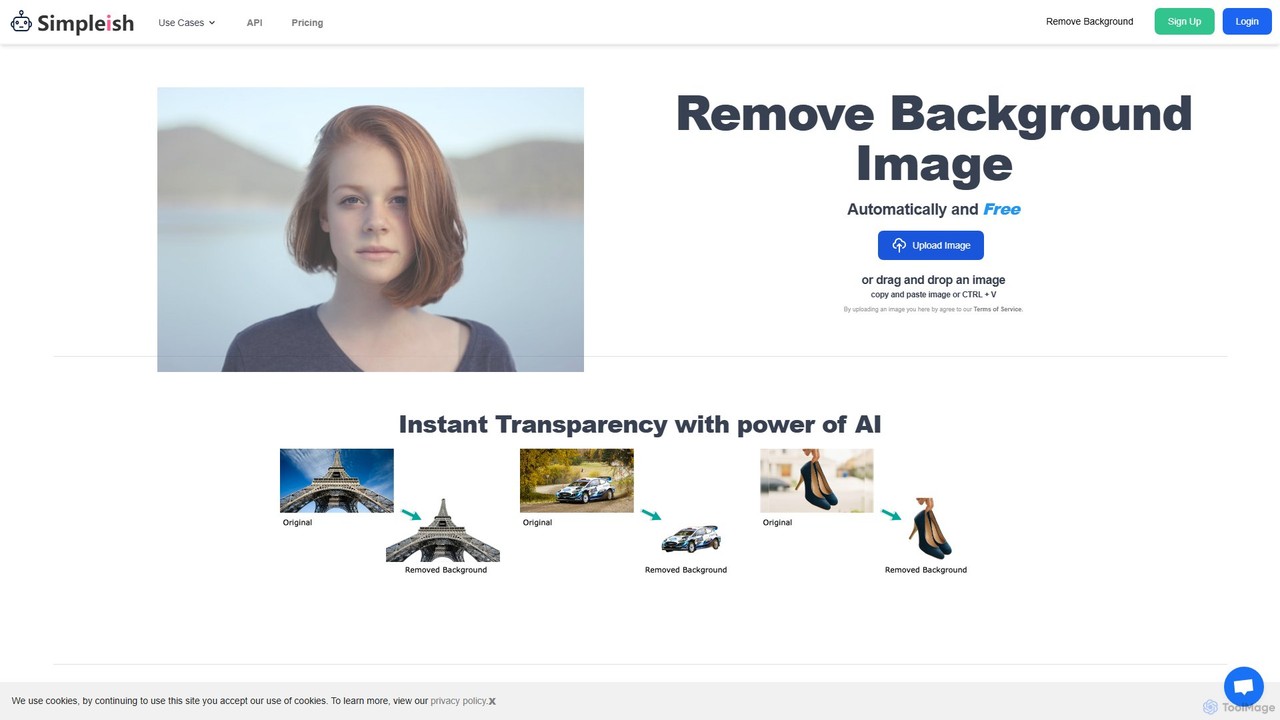
simpleish is an AI-powered online tool that automatically removes backgrounds from images in just 5 seconds. With a single click, it creates transparent PNGs or allows you to add new colored backgrounds. Ideal for e-commerce, marketing, and personal projects, it also offers an API for seamless integration into software workflows, streamlining your creative process.

Editing
Visits 4KFavorites 118Likes 117
bgremover
Freemium

bgremover

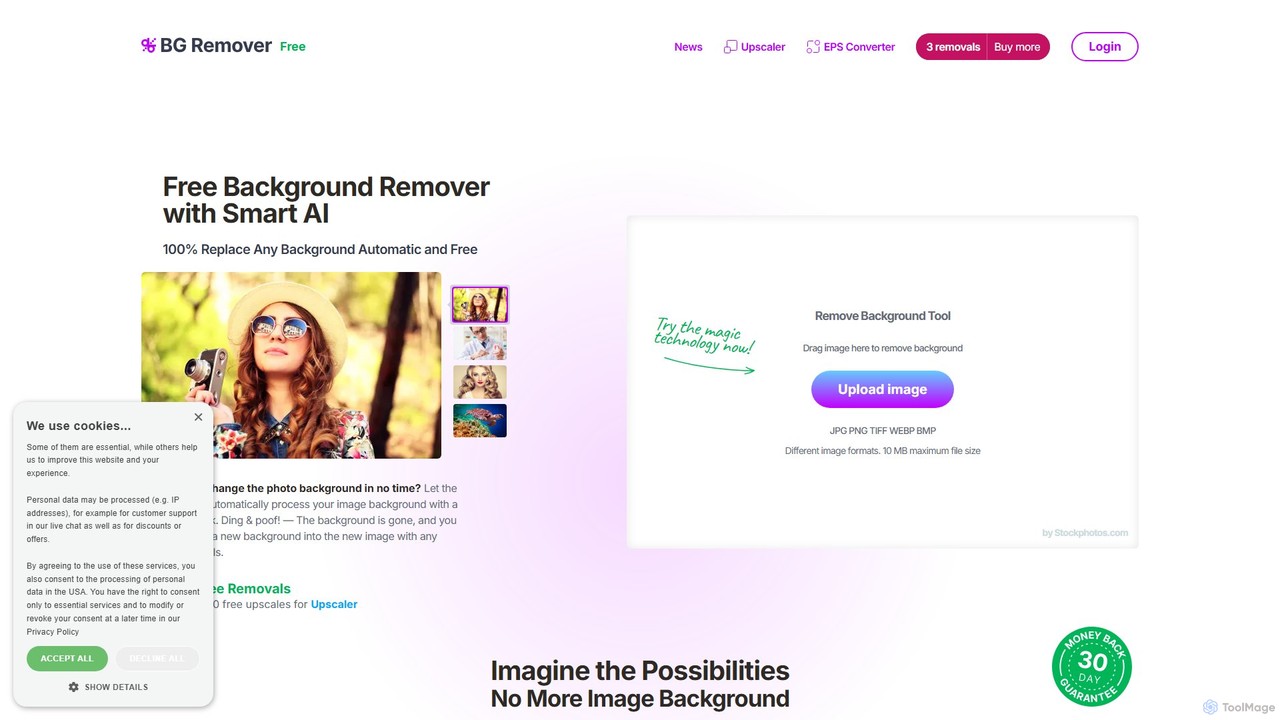
bgremover by Stockphotos.com is an AI-powered tool that automatically removes backgrounds from images in seconds. Simply upload your image to get a clean, transparent PNG. It's ideal for e-commerce, marketing, and creative projects, offering high-precision results for people, products, and graphics. It provides a free trial and flexible pay-as-you-go plans.

Editing
Visits 11.9KFavorites 132Likes 116

About Editing

AI Editing tools are a class of design software that leverages machine learning to automate and enhance the manipulation of images and videos. These tools utilize advanced algorithms, such as generative AI and computer vision, to perform complex tasks like object removal, background replacement, and intelligent retouching with minimal user input. They significantly accelerate post-production workflows, enabling creators and marketers to refine visual content with unprecedented speed and precision. This focus on intelligent automation distinguishes them within the broader design category.

Core Features

  • Smart Object Removal: Intelligently erases unwanted objects, people, or text from images and videos, automatically reconstructing the background.
  • Generative Fill & Expand: Uses AI to seamlessly extend an image's canvas or fill in selected areas with context-aware, newly generated content.
  • AI-Powered Retouching: Automates portrait enhancements like skin smoothing, blemish removal, and teeth whitening while preserving natural textures.
  • Automated Adjustments: Provides one-click solutions for color correction, lighting enhancement, noise reduction, and image sharpening.
  • Style Transfer: Applies the artistic style of one image or artist to another photo or video clip using neural networks.

Applicable Scenarios

These tools are widely used by photographers, social media managers, e-commerce store owners, and marketing teams. For instance, a photographer can quickly clean up event photos by removing distracting elements, while an e-commerce business can batch-process thousands of product images to ensure a consistent, professional look. Content creators also use them to adapt visuals for different platforms efficiently.

Selection Criteria

When choosing an AI Editing tool, consider the specificity of its features—whether it excels at photo retouching, video enhancement, or background manipulation. Evaluate its integration capabilities with existing software like Adobe Photoshop or Figma. Also, assess the processing speed, output resolution limits, and the subscription model to ensure it aligns with your workflow volume and budget.

Featured tool rankings

Editing use cases

1

E-commerce Product Photo Enhancement

An e-commerce manager needs to prepare hundreds of new product photos for a website launch. Using an AI Editing tool, they can batch-process the entire photo set. The tool automatically removes the original backgrounds and replaces them with a consistent, pure white backdrop. It also auto-corrects lighting and color balance to ensure all products look vibrant and true-to-life. This process reduces manual editing time from hours to minutes, ensuring a professional and uniform look across the entire online store.

2

Adapting Marketing Visuals with Generative Expand

A marketing team has a high-quality horizontal photograph for a web banner but needs vertical and square versions for social media stories and posts. Instead of awkwardly cropping the image and losing key elements, they use an AI Editing tool's generative expand feature. The tool intelligently generates new, context-aware content to extend the top and bottom of the image, creating a natural-looking vertical version. This allows them to maintain the original composition while perfectly fitting the new aspect ratios, saving time and avoiding costly reshoots.

3

Quickly Retouching Portraits for Professional Headshots

A corporate photographer needs to deliver a large volume of employee headshots on a tight deadline. Manually retouching each photo is time-consuming. By using an AI Editing tool, the photographer can apply automated enhancements to the entire batch. The AI intelligently smooths skin while preserving texture, whitens teeth, and reduces minor blemishes and stray hairs. The photographer retains full control to adjust the intensity of the effects, ensuring a consistent, professional, yet natural look for all headshots, completing the job in a fraction of the time.

4

Cleaning Up Real Estate Photography

A real estate agent wants to make property photos more appealing to potential buyers. A photo of a beautiful home exterior is marred by a car parked on the street and a dull, overcast sky. Using an AI Editing tool, the agent can select the car and use the object removal feature to erase it seamlessly. Then, with a sky replacement function, they can swap the grey sky for a bright, sunny one in a single click. These quick edits dramatically improve the photo's curb appeal, making the listing more attractive without misrepresenting the property itself.

5

Automated Video Stabilization and Audio Cleanup

A travel vlogger captures exciting footage on the go, but some clips are shaky and have distracting background wind noise. Instead of discarding the footage, they use an AI video editing tool. The tool's stabilization feature analyzes the motion and smooths out the shakiness automatically, creating a professional, cinematic feel. Simultaneously, its AI audio enhancement feature identifies and reduces the wind noise while keeping the vlogger's voice clear. This salvages valuable content and elevates the overall production quality of the vlog with minimal effort.

6

Applying Artistic Styles for Creative Projects

A graphic designer is creating a series of promotional images for an art exhibition and wants a unique, painterly look. Instead of spending hours manually applying filters and brushes in traditional software, they use an AI Editing tool with a style transfer feature. They upload a reference painting by a famous artist and apply its style across all their promotional photos. The AI intelligently adapts the colors, textures, and brushstrokes of the painting to the content of the photos, creating a cohesive and artistic set of images in minutes.

Editing FAQ

What are AI Editing tools?

AI Editing tools are specialized software that use artificial intelligence to automate complex image and video editing tasks. Unlike traditional editors that require manual adjustments, these tools leverage machine learning for functions like one-click object removal, generative fill, automated color correction, and intelligent portrait retouching. They are designed to significantly speed up post-production workflows for photographers, designers, and content creators.

How to choose the right AI Editing tool?

To choose the right tool, first identify your primary need: are you editing photos, videos, or both? Then, consider these factors:

  • Feature Set: Look for tools with specific features you need, such as background removal, generative fill, or video stabilization.
  • Ease of Use: Evaluate the user interface. Many tools are designed for beginners with one-click solutions, while others offer more advanced controls.
  • Integration: Check if it works as a standalone application or as a plugin for software you already use, like Photoshop or Premiere Pro.
  • Pricing Model: Compare subscription plans, pay-per-use credits, or one-time purchase options to find what best fits your budget and usage frequency.
AI Editing vs. traditional software like Photoshop: What's the difference?

The main difference lies in automation and workflow. Traditional software like Photoshop provides a comprehensive toolkit that requires manual skill and time to achieve results. AI Editing tools, on the other hand, are built to automate specific, often complex, tasks. For example, removing an object in Photoshop requires manual selection and cloning, whereas an AI tool does it in one click. AI tools excel at speed and simplicity for common tasks, while traditional software offers deeper control and versatility for complex, multi-layered design projects.

Can AI Editing tools replace professional designers or photographers?

AI Editing tools are best viewed as powerful assistants rather than replacements. They excel at automating repetitive and time-consuming tasks, freeing up creative professionals to focus on more strategic aspects like composition, storytelling, and client communication. While AI can execute technical edits quickly, it lacks the creative judgment, artistic intent, and contextual understanding that a professional brings to a project. These tools augment a professional's workflow, allowing them to produce higher quality work more efficiently.

What are the limitations of AI Editing tools?

While powerful, AI Editing tools have limitations. They can sometimes produce unnatural or flawed results, especially in complex scenes with intricate details, which may require manual correction. The output of generative features can be unpredictable and may not always align with the user's specific creative vision. Additionally, most tools rely on cloud processing, meaning a stable internet connection is often required, and there can be privacy considerations regarding uploaded content. Finally, they are specialized and may not offer the full range of creative capabilities found in comprehensive design suites.