
Erase.bg Overview
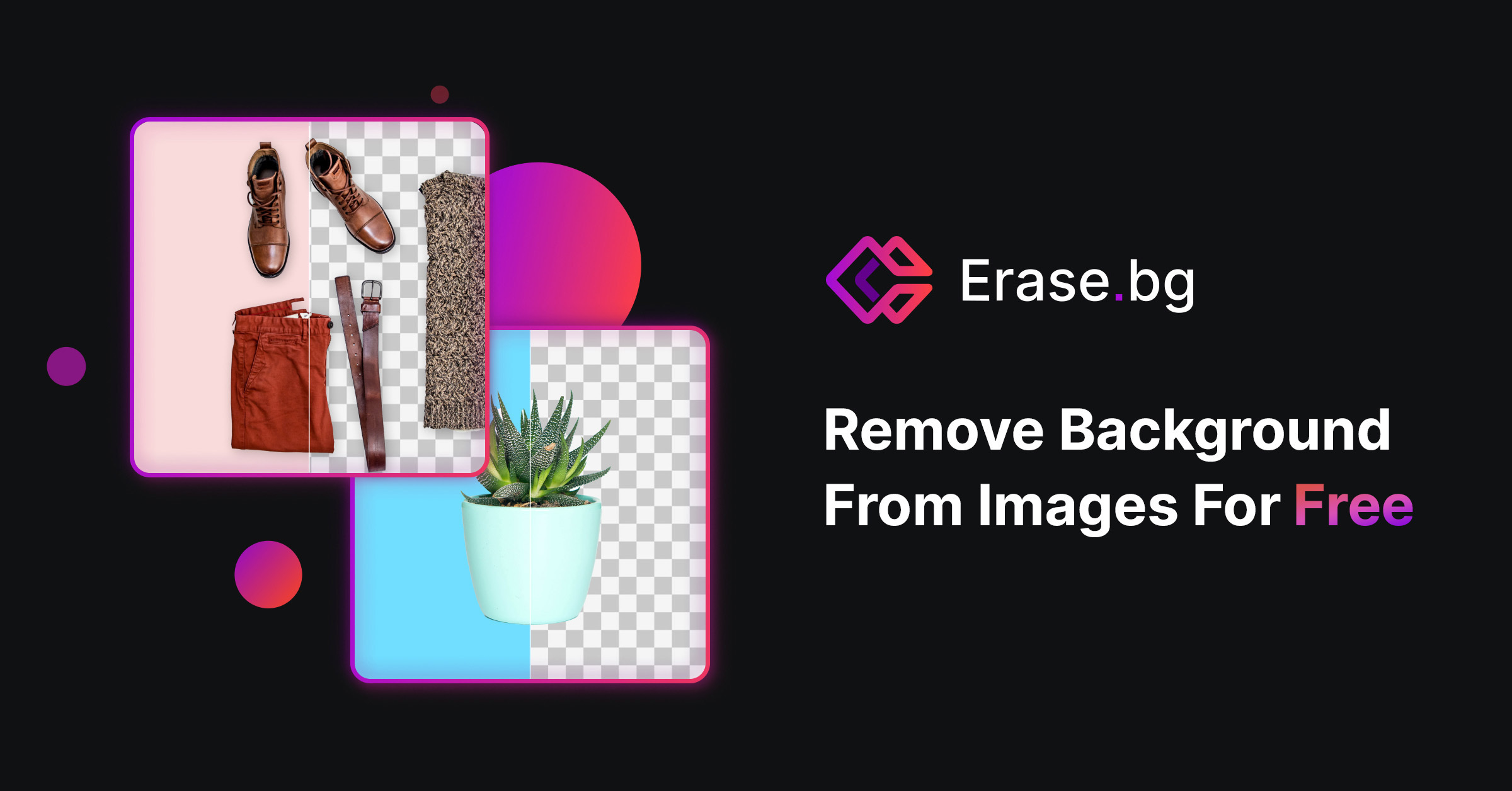
Erase.bg is a smart, AI-driven tool designed to automatically and precisely remove the background from any image within seconds. Developed by PixelBin, it aims to democratize visual design by making complex editing technology simple and accessible to everyone. Whether you are a professional photographer, an e-commerce store owner, a marketer, or an individual looking to enhance your social media photos, Erase.bg provides a fast, intuitive, and efficient solution. The platform supports high-resolution images and is available as a user-friendly web tool and as mobile applications for both Android and iOS, empowering creativity and boosting productivity on the go.
How to use Erase.bg
Using Erase.bg is a straightforward process that requires no technical skills. Follow these simple steps:
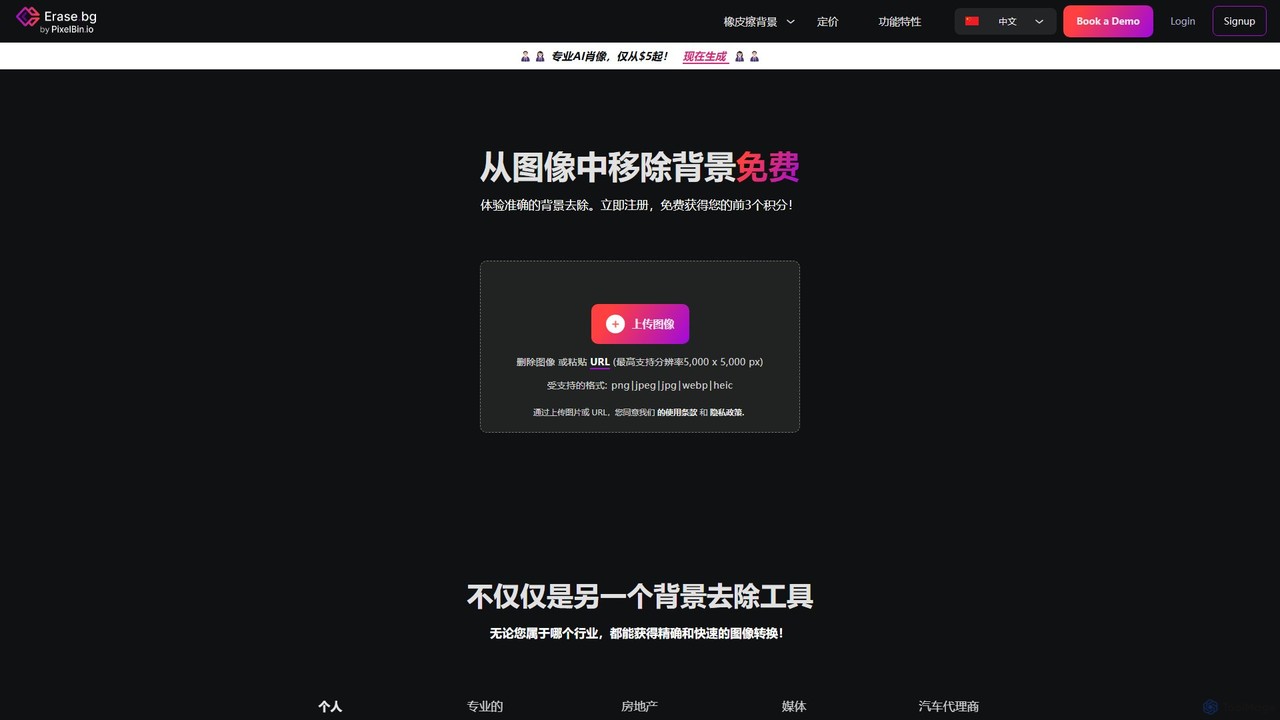
1. Upload Image: Visit the Erase.bg website or open the mobile app. You can click the 'Upload Image' button to select a file from your device, drag and drop an image onto the interface, or paste an image URL.
2. Automatic Processing: Once the image is uploaded, the AI will automatically detect the foreground subject and remove the background. This process typically takes only a few seconds.
3. Edit and Customize (Optional): After the background is removed, you can choose to download the image with a transparent background. Alternatively, you can use the built-in editor to add a new background, such as a solid color, a pre-designed template, or your own custom image.
4. Download: Click the 'Download' button to save the final image to your device. High-resolution downloads are available for free for personal use.
Core Features of Erase.bg
- AI-Powered Automatic Removal: Utilizes advanced AI algorithms to accurately detect and isolate the subject from the background, ensuring a clean and precise cutout without manual effort.
- High-Resolution Support: Supports images with resolutions up to 5,000 x 5,000 pixels and file sizes up to 25 MB, preserving the quality of your original photos.
- Background Editor: Offers tools to add new backgrounds, including a wide range of solid colors, patterns, and the option to upload a custom background image.
- Batch Processing: For users with large volumes of images, Erase.bg offers bulk processing capabilities through its parent platform, PixelBin.io, streamlining workflows for businesses.
- API Integration: Provides a robust API for developers to integrate Erase.bg's background removal functionality directly into their own applications, websites, and systems.
- Cross-Platform Accessibility: Seamlessly works on web browsers and dedicated mobile apps for iOS and Android devices, allowing you to edit images anytime, anywhere.
- Multiple Format Support: Compatible with a variety of popular image formats, including PNG, JPEG, JPG, WEBP, and HEIC.
Use Cases for Erase.bg
Erase.bg is a versatile tool suitable for numerous applications:
E-commerce: Create professional, clean product photos with white or transparent backgrounds for platforms like Amazon, Shopify, and eBay, leading to a consistent look and increased sales.
Marketing & Advertising: Design eye-catching promotional materials, social media posts, and web banners by easily isolating people or products.
Photography: Speed up the post-production workflow for portrait, wedding, and event photographers by automating the tedious task of background removal.
Individual Use: Craft unique profile pictures, personalized greeting cards, and creative content for social media platforms like Instagram and TikTok.
Real Estate: Enhance property listings by removing distracting backgrounds or replacing skies to make the images more appealing to potential buyers.
Automotive Industry: Produce high-quality, standardized images of cars for dealership websites and online marketplaces.
Advantages of Erase.bg
Speed and Efficiency: Drastically reduces editing time from minutes or hours to just a few seconds per image.
Ease of Use: The intuitive interface requires no prior experience with photo editing software.
High Accuracy: The AI delivers precise cutouts, even with complex edges like hair and fur.
Cost-Effective: Offers a generous free plan for personal use, making professional-grade editing accessible to everyone.
Versatility: A single tool that caters to the needs of individuals, small businesses, and large enterprises across various industries.
Pricing and Plans
Erase.bg operates on a freemium model, making it accessible for different user needs.
Free Plan: Ideal for personal use, users can process images for free on the website and mobile apps. New users can sign up to receive free credits to get started. Downloading high-resolution images is also free for non-commercial purposes.
Subscription Plans (via PixelBin.io): For commercial use, high-volume batch processing, and API access, Erase.bg offers various subscription plans through its parent platform, PixelBin.io. These plans are credit-based, allowing businesses and developers to choose a package that scales with their specific requirements.
Traffic
Latest traffic
Status
Monthly traffic trend
- 2026-1: 893.0K
- 2026-2: 805.7K
- 2026-3: 876.4K
- 2026-4: 881.8K
- 2026-5: 830.1K
Geography
Top 5 countries / regions
- 🇮🇩Indonesia40.0%
- 🇮🇳India32.9%
- 🇺🇸United States14.4%
- 🇧🇷Brazil8.5%
- 🇪🇸Spain4.3%
Traffic sources
| Source type | Percentage |
|---|---|
Direct | 90.2% |
Referral | 7.9% |
Email | 2.0% |
Top keywords
| Keyword | Cost per click |
|---|---|
| background remover | $0.35 |
| bg remove | $0.36 |
| erase bg | $0.24 |
| remove background | $0.28 |
| remove bg | $0.28 |
Erase.bg Alternatives
remove_background
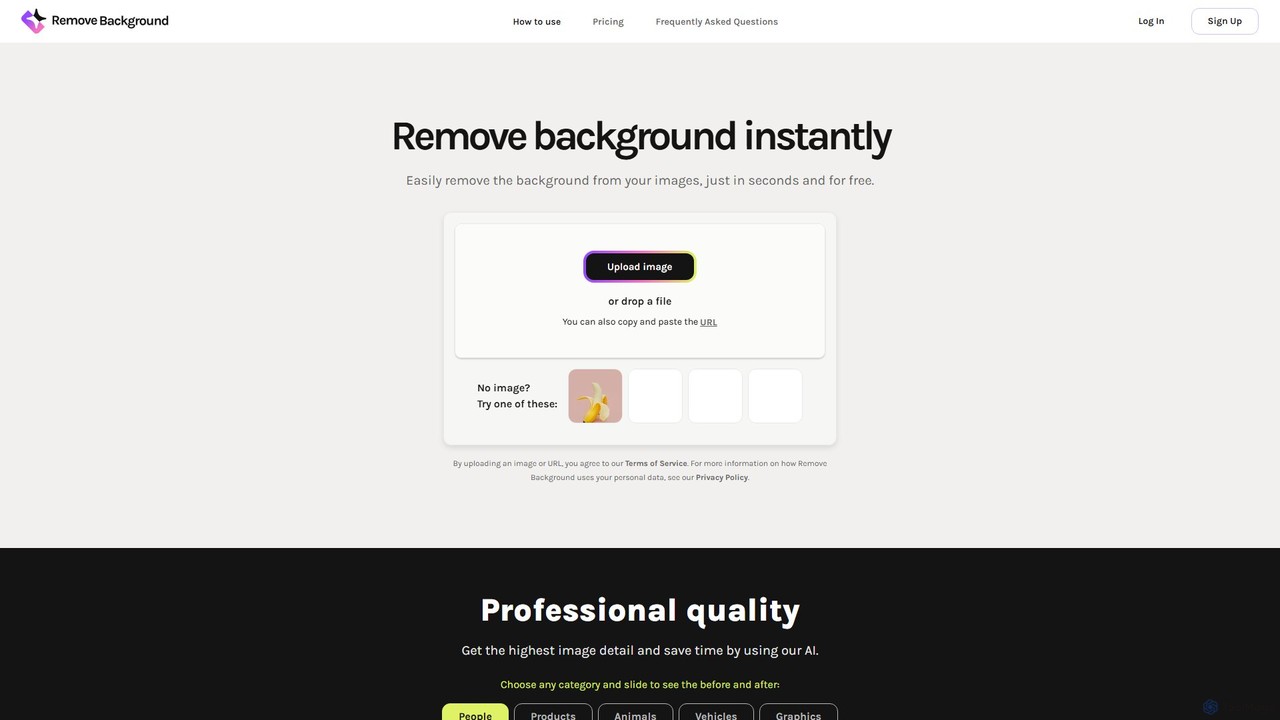
An AI-powered tool to instantly remove image backgrounds for free. It creates high-quality transparent backgrounds, offers advanced editing tools, and can even generate custom backgrounds using AI prompts. Ideal for e-commerce, social media, and professional designs.
Editing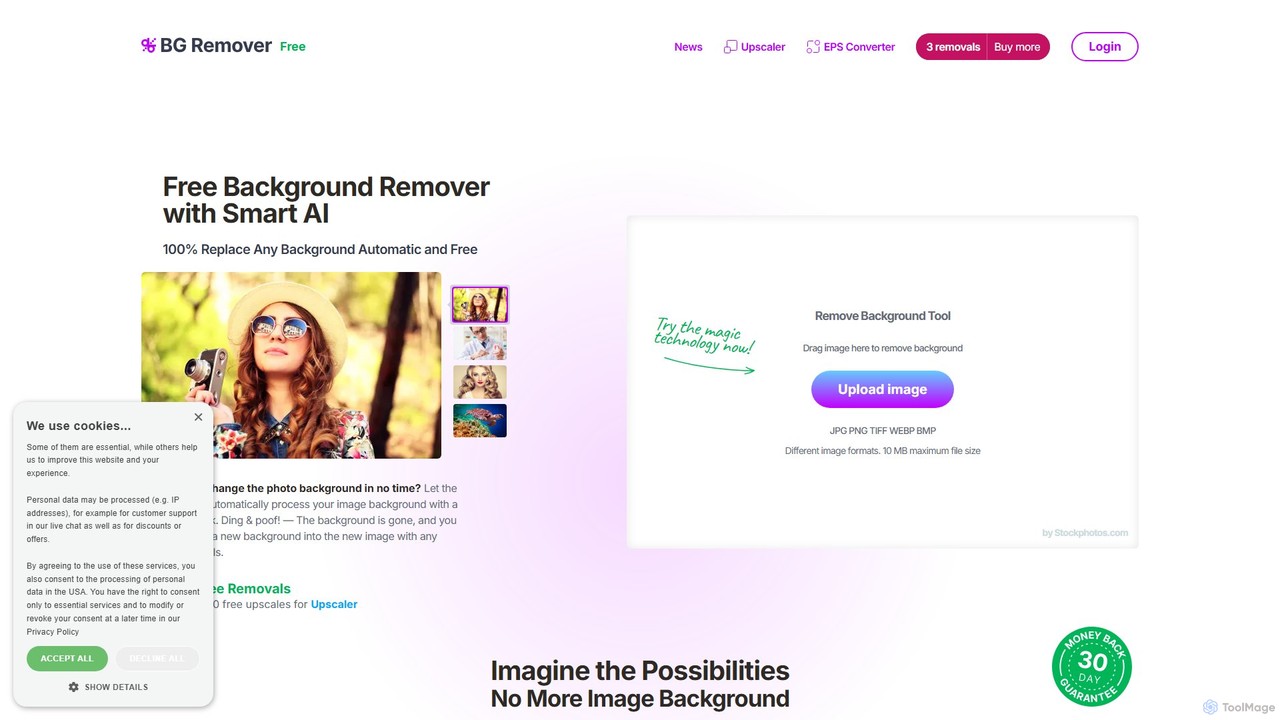
bgremover
bgremover by Stockphotos.com is an AI-powered tool that automatically removes backgrounds from images in seconds. Simply upload your image to get a clean, transparent PNG. It's ideal for e-commerce, marketing, and creative projects, offering high-precision results for people, products, and graphics. It provides a free trial and flexible pay-as-you-go plans.
Editing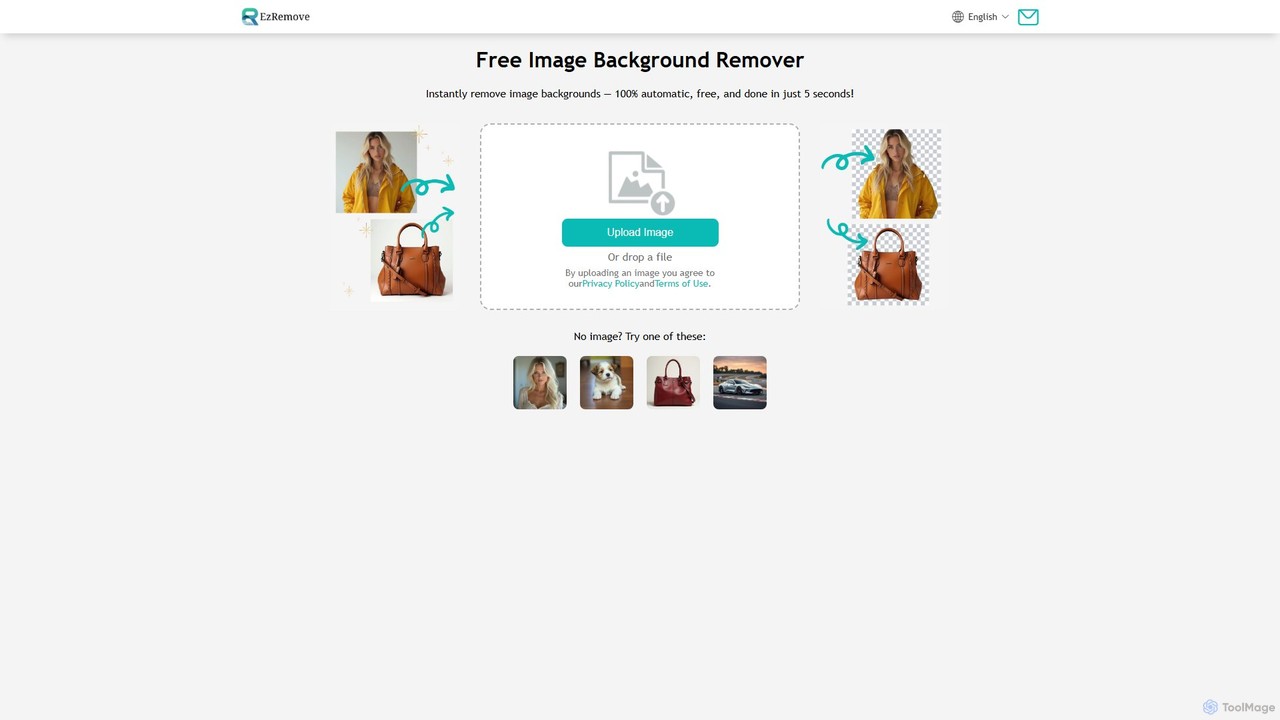
ezremove
ezremove is a free, AI-powered image background remover that automatically creates transparent backgrounds in just 5 seconds. Ideal for e-commerce, graphic design, and social media, it supports batch processing, basic editing, and various image formats. No software or technical skills required—simply upload your image and download a high-quality, clean PNG file instantly.
Image Editing
Fotoai.ai
Fotoai.ai is a powerful AI-powered tool for instant, automatic background removal. It allows users to create transparent backgrounds (PNGs), add new backgrounds, and remove unwanted objects with text prompts or a magic eraser. Designed for e-commerce, marketing, and design, it supports batch processing to streamline workflows. It's a fast, free, and user-friendly solution for professional-quality image editing without any technical skills.
Product Photos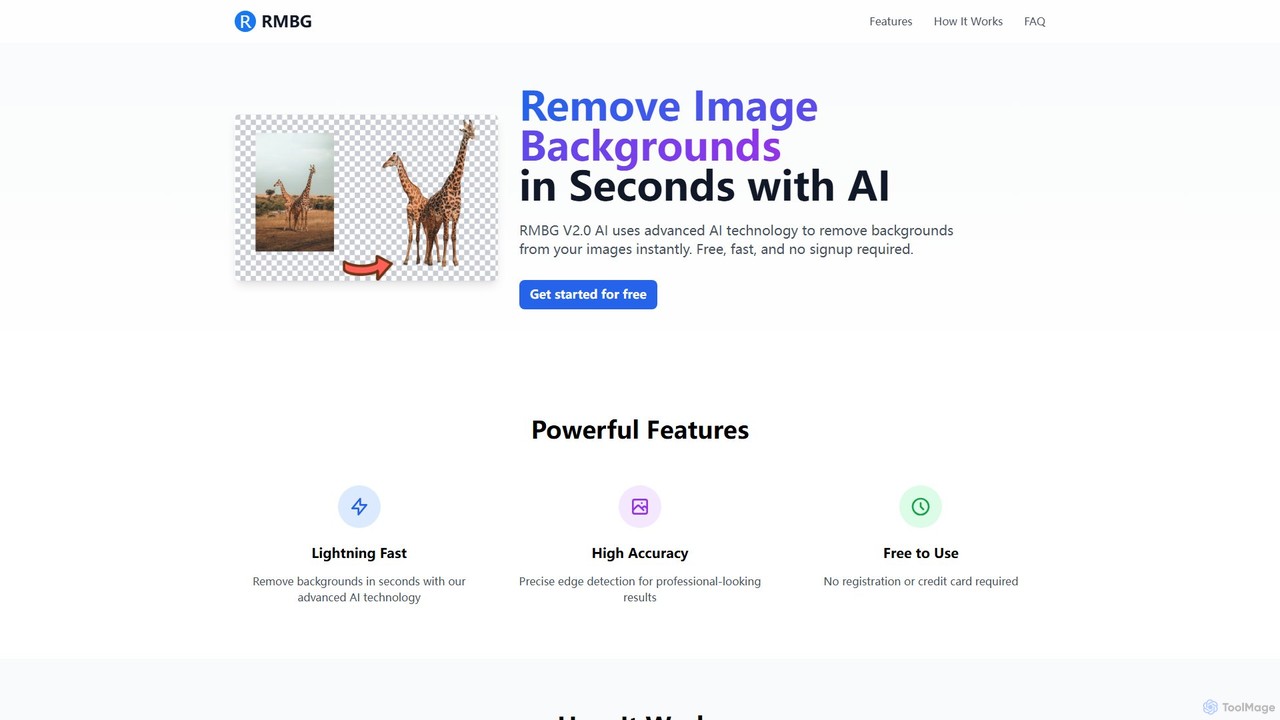
RMBG AI
RMBG AI is a free online tool that uses advanced AI to instantly remove backgrounds from images. Developed by BRIA AI, it offers high-precision results in seconds without any need for registration or payment. It supports various image formats and is ideal for e-commerce, graphic design, and personal projects.
EditingErase.bg Categories
Erase.bg Embed Widget
Copy this embed code to place the badge on your blog, article, or product site and send readers directly to this ToolMage detail page.

Related AI tools
remove_background
An AI-powered tool to instantly remove image backgrounds for free. It creates high-quality transparent backgrounds, offers advanced editing tools, and can even generate custom backgrounds using AI prompts. Ideal for e-commerce, social media, and professional designs.
Editingbgremover
bgremover by Stockphotos.com is an AI-powered tool that automatically removes backgrounds from images in seconds. Simply upload your image to get a clean, transparent PNG. It's ideal for e-commerce, marketing, and creative projects, offering high-precision results for people, products, and graphics. It provides a free trial and flexible pay-as-you-go plans.
Editingezremove
ezremove is a free, AI-powered image background remover that automatically creates transparent backgrounds in just 5 seconds. Ideal for e-commerce, graphic design, and social media, it supports batch processing, basic editing, and various image formats. No software or technical skills required—simply upload your image and download a high-quality, clean PNG file instantly.
Image EditingFotoai.ai
Fotoai.ai is a powerful AI-powered tool for instant, automatic background removal. It allows users to create transparent backgrounds (PNGs), add new backgrounds, and remove unwanted objects with text prompts or a magic eraser. Designed for e-commerce, marketing, and design, it supports batch processing to streamline workflows. It's a fast, free, and user-friendly solution for professional-quality image editing without any technical skills.
Product Photos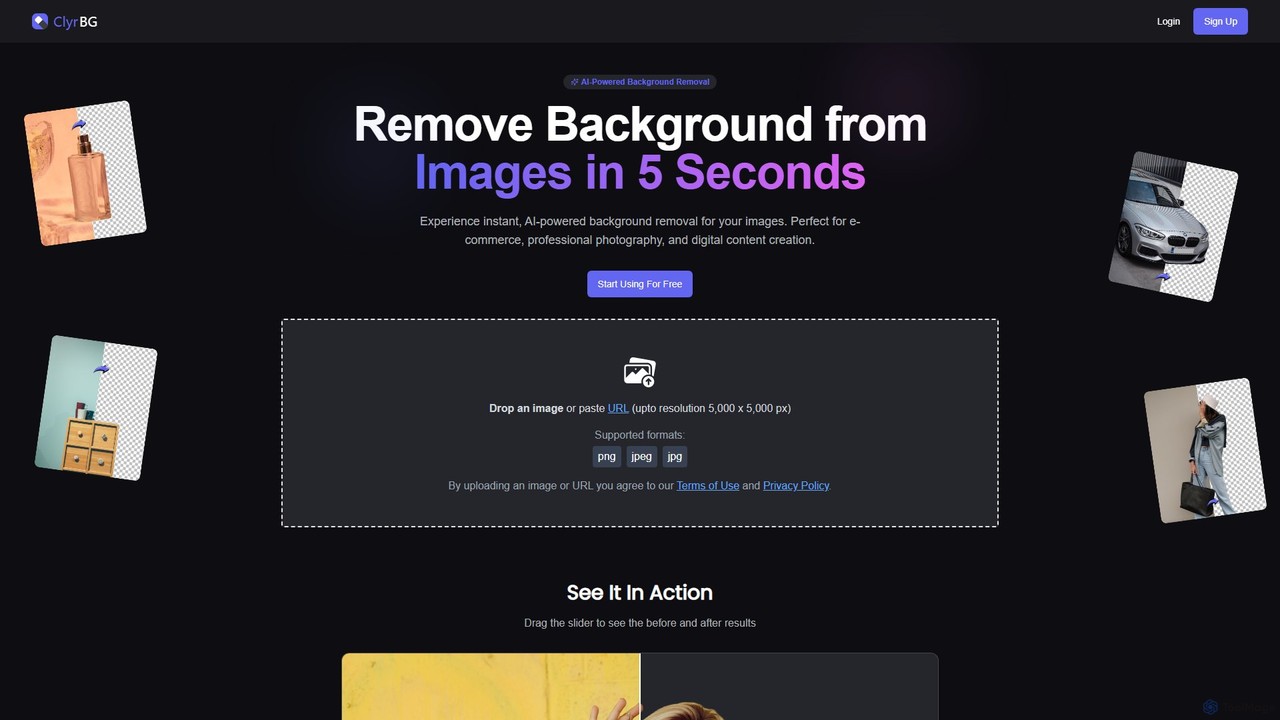
clyrbg
ClyrBG is an AI-powered tool that automatically removes backgrounds from images in just 5 seconds. It's designed for e-commerce, photographers, marketers, and designers, offering high-precision cutouts, batch processing, and an API for integration. Simply upload an image to get a transparent background instantly, no technical skills required.
Image Editing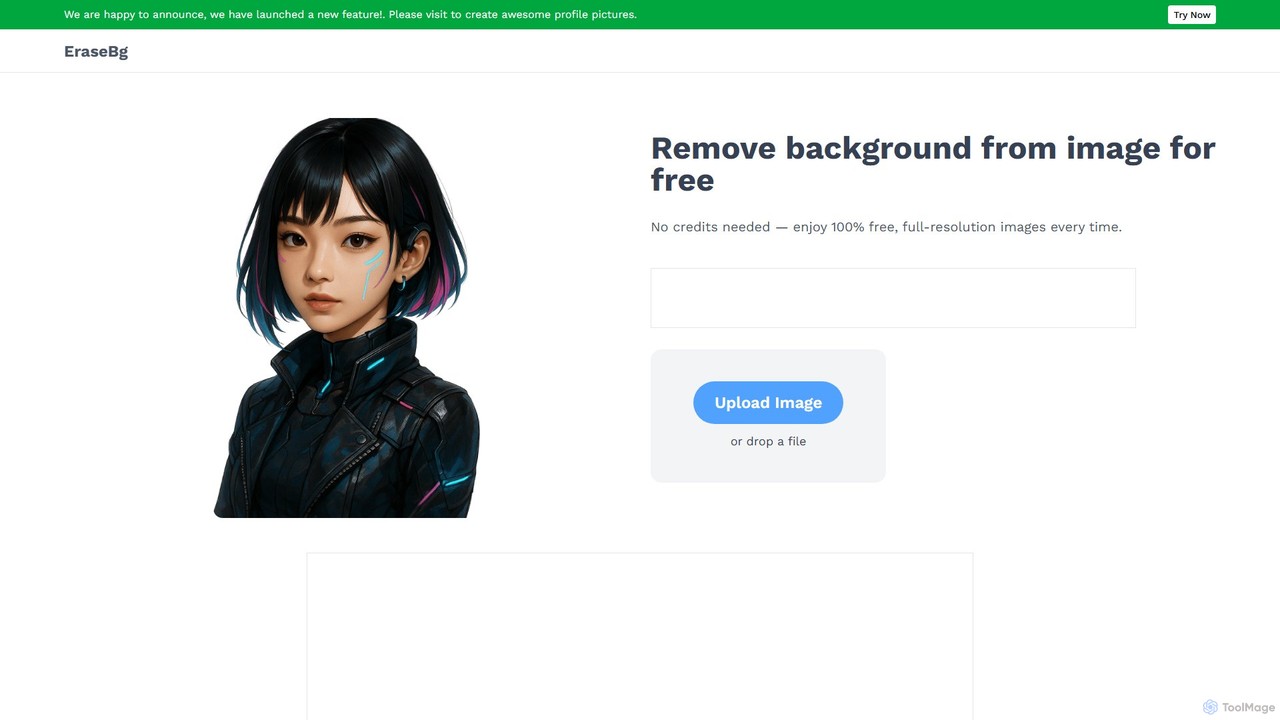
Erase BG
Erase BG is a completely free AI-powered tool that instantly removes backgrounds from images. It requires no registration or credits, offering unlimited downloads in high resolution (up to 4K). Simply upload your image to get a clean, transparent PNG or a white-background JPEG in seconds. It also features a creative GIF maker for personalized animations.
Image Editing
Retoucher.online
Retoucher.online is an AI-powered tool that automatically removes backgrounds from images in seconds. It's designed for e-commerce, marketing, and personal use, offering features like bulk processing, background replacement, and a built-in editor. No signup is required for free use, making professional photo editing accessible to everyone.
Editing
Jyek
Jyek is an AI agent platform that understands objectives, creates execution plans, uses tools, and delivers verifiable results for complex, multi-step tasks.
Automation
stripbackground
A free, AI-powered online tool to instantly remove backgrounds from photos. Supports various image formats and allows replacing the background with a solid color or a new image. Ideal for e-commerce, graphic design, and personal use, with a focus on privacy and ease of use.
Image Editing
background_remover
background_remover is a free, AI-powered online tool that automatically removes the background from any image in a single click. It requires no registration or software installation. Simply upload your JPG or PNG image to get a high-quality, transparent background instantly. Ideal for e-commerce, graphic design, and personal projects, it supports high-resolution images and works on any device.
3D
magicbackgroundremover
magicbackgroundremover is an AI-powered tool that automatically removes backgrounds from any image in seconds. With just one click, get a high-precision cutout with a transparent background, perfect for e-commerce, marketing, and creative projects. It handles complex edges like hair and fur with ease, saving you time and effort compared to manual editing. Simply upload your image and let the AI do the magic.
Image Editing
bgclearer
bgclearer is an AI-powered tool that automatically removes the background from any image in seconds. It provides professional-grade, clean cutouts perfect for e-commerce, product photography, and graphic design. The service offers a free trial, a simple drag-and-drop interface, and a developer API for seamless integration.
Image Editing
removal.ai
An AI-powered background remover that instantly erases the background from images for free. It offers high-quality cutouts, batch processing, a built-in photo editor, and an API for seamless integration, catering to photographers, e-commerce, marketers, and developers.
Photo Editing
simpleish
simpleish is an AI-powered online tool that automatically removes backgrounds from images in just 5 seconds. With a single click, it creates transparent PNGs or allows you to add new colored backgrounds. Ideal for e-commerce, marketing, and personal projects, it also offers an API for seamless integration into software workflows, streamlining your creative process.
Editing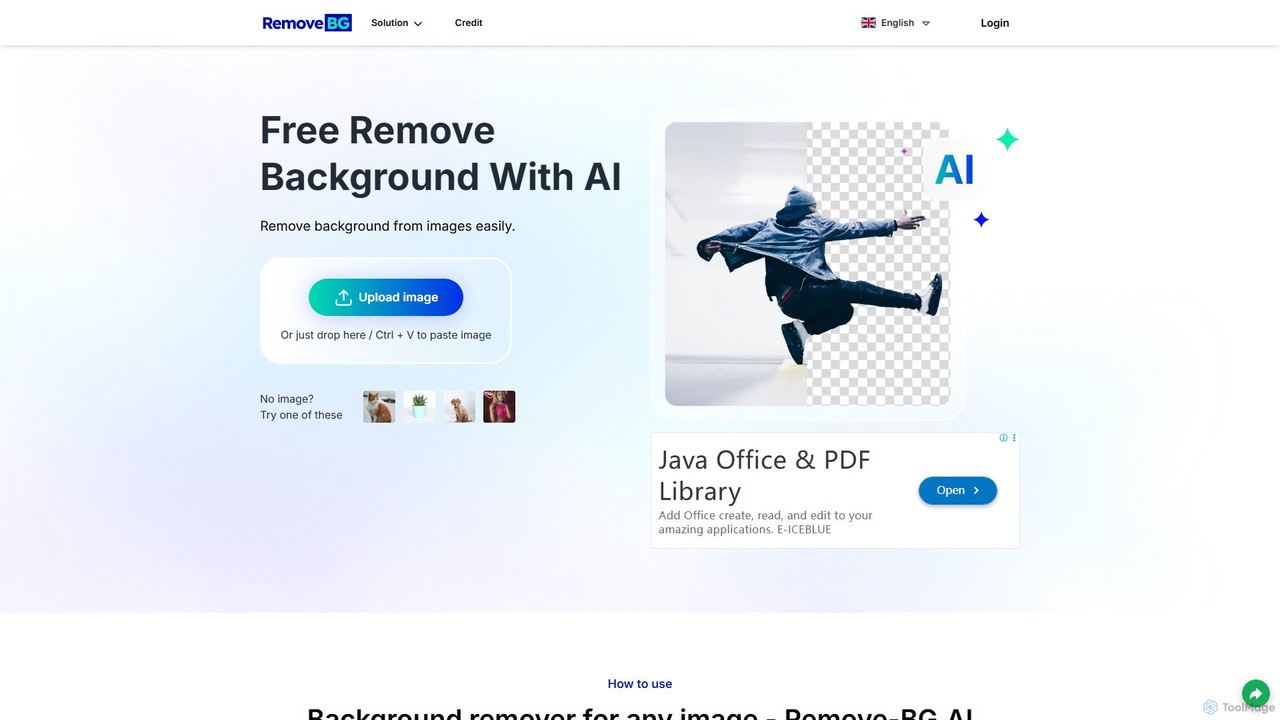
remove-bg.ai
A free, AI-powered tool that automatically removes backgrounds from images in seconds. Upload any photo to get a high-quality, transparent background. Features include manual editing tools, background customization with colors and templates, and support for all common image formats. Ideal for e-commerce, marketing, and personal use without needing an account.
Image Editing
Erase.bg Comments (0)
Sign in to comment.
Sign inNo comments yet.