

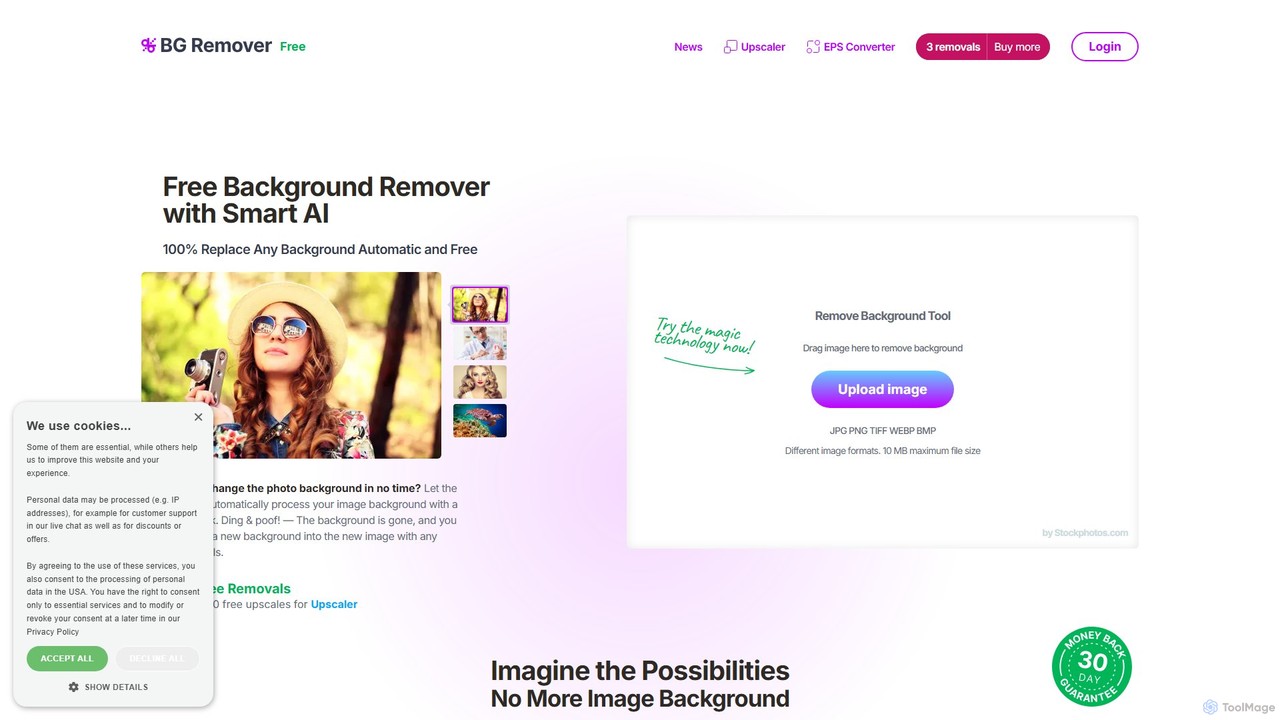
bgremover Overview
bgremover, developed by Stockphotos.com, is a highly efficient and user-friendly online tool designed to automatically remove backgrounds from any image using advanced artificial intelligence. Powered by Bria AI, this tool simplifies the often tedious task of image editing, allowing users to get a high-quality transparent background in just a few seconds with a single click. It's built for speed and precision, intelligently detecting the main subject in a photo—whether it's a person, a product, an animal, or a graphic—and perfectly cutting it out with smooth, clean edges, eliminating any pixelation or unwanted artifacts. The final output is a high-resolution PNG file with a transparent background, ready to be used in any design project or placed onto a new background.
The platform is designed to be accessible to everyone, regardless of their technical skill. There's no need for complex software or manual editing techniques. This makes it an invaluable asset for professionals and hobbyists alike, streamlining workflows and boosting productivity. For developers and businesses, bgremover also offers a powerful API for seamless integration into existing applications, websites, e-commerce platforms, or design software, enabling automated background removal at scale.
How to use bgremover
Using bgremover is an incredibly straightforward three-step process:
- Upload Image: Simply drag and drop your image file onto the website or use the 'Upload Image' button. The tool supports a wide range of formats, including JPG, PNG, TIFF, WEBP, and BMP, with a maximum file size of 10 MB.
- Automatic Processing: The AI gets to work instantly. In approximately 8 seconds, it analyzes the image, identifies the foreground subject, and meticulously removes the background. No manual selection or adjustments are needed.
- Download Result: Once the processing is complete, you can immediately download the resulting image as a high-quality PNG file with a transparent background. You can then use this image in any design tool, presentation, or website.
Core Features of bgremover
- AI-Powered Automatic Removal: Utilizes sophisticated AI to automatically detect and isolate subjects from the background without any manual intervention.
- High-Precision Cutouts: The technology ensures clean, smooth edges for a professional finish, accurately handling complex areas like hair and fur.
- Blazing-Fast Speed: Processes images and removes backgrounds in as little as 8 seconds, significantly accelerating your workflow.
- Wide Format Support: Accepts common image formats such as JPG, PNG, TIFF, WEBP, and BMP.
- Batch Processing: The Premium plan allows users to upload and process multiple images simultaneously, perfect for large projects.
- Developer API: Offers a simple and robust API for integrating background removal functionality directly into your own applications, websites, or systems.
- High-Resolution Export: Paid plans support exporting images in high resolution (up to 8000x8000 pixels), suitable for print and professional use.
Use Cases for bgremover
bgremover is a versatile tool with applications across various fields:
- E-commerce: Create clean, consistent product photos with white or transparent backgrounds for platforms like Amazon, Shopify, and eBay, leading to a more professional look and increased sales.
- Marketing & Advertising: Design compelling banners, social media posts, flyers, and other promotional materials by easily isolating subjects and placing them in new contexts.
- Graphic Design: Speed up the design process by quickly preparing assets for logos, presentations, and web design without tedious manual masking.
- Photography: Portrait and product photographers can save hours of post-processing time by automating the background removal process.
- Personal Use: Create custom profile pictures, personalized greeting cards, memes, or digital collages with ease.
Advantages of bgremover
The main advantage of bgremover is its combination of speed, simplicity, and quality. It democratizes photo editing by making a professional-level task accessible to anyone. The pay-as-you-go pricing model is a significant benefit, offering flexibility without the commitment of a monthly subscription. This makes it highly cost-effective for both infrequent users and those with high-volume needs. Furthermore, the API integration provides scalability for businesses, making it a powerful tool for automating creative production.
Pricing and Plans
bgremover offers a flexible, non-subscription pricing structure. You only pay for what you need.
- Free Plan: New users receive 3 free removals upon signing up. This plan has a maximum input size of 2000 pixels and a maximum export size of 1200 pixels, with lower processing priority.
- Standard Plan: For a one-time payment of $4.90, you get 20 removals. This plan includes fast, high-priority processing, a maximum output size of 8000 pixels, 90-day history and backup, and unused removals expire after 12 months.
- Premium Plan: For a one-time payment of $15, you get 100 removals. It includes all the features of the Standard plan, plus the ability to perform batch removals for maximum efficiency.
Traffic
Latest traffic
Status
Monthly traffic trend
- 2025-9: 1.6K
- 2026-1: 1.8K
- 2026-2: 2.6K
- 2026-3: 8.9K
- 2026-4: 8.7K
- 2026-5: 8.5K
Geography
Top 5 countries / regions
- 🇧🇷Brazil70.3%
- 🇩🇪Germany23.2%
- 🇦🇹Austria3.0%
- 🇮🇱Israel2.1%
- 🇬🇷Greece1.4%
Traffic sources
| Source type | Percentage |
|---|---|
Direct | 68.4% |
Referral | 31.6% |
Top keywords
| Keyword | Cost per click |
|---|---|
| bg remover | $0.51 |
| bgremover | $0.39 |
| remover fundo | $0.14 |
| remover fundo de imagem | $0.10 |
| remover fundo ia online grati | $0.00 |
bgremover Videos on YouTube


Code Nexon

bgremover Alternatives
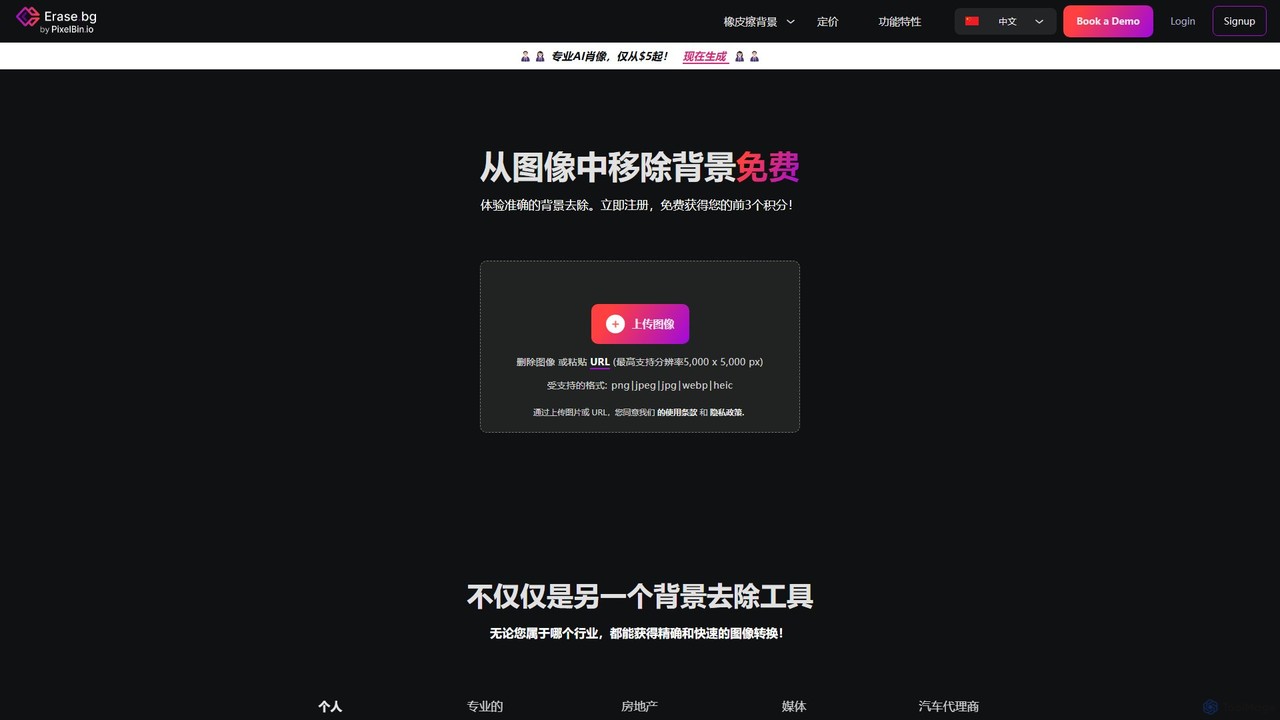
Erase.bg
Erase.bg is an AI-powered tool that automatically removes backgrounds from images in seconds. It's designed for a wide range of users, from individuals creating social media content to e-commerce businesses needing clean product photos. The tool supports various formats, offers high-resolution output, and provides simple editing options to add new backgrounds. It is accessible via web and mobile apps, with an API for developers.
Editing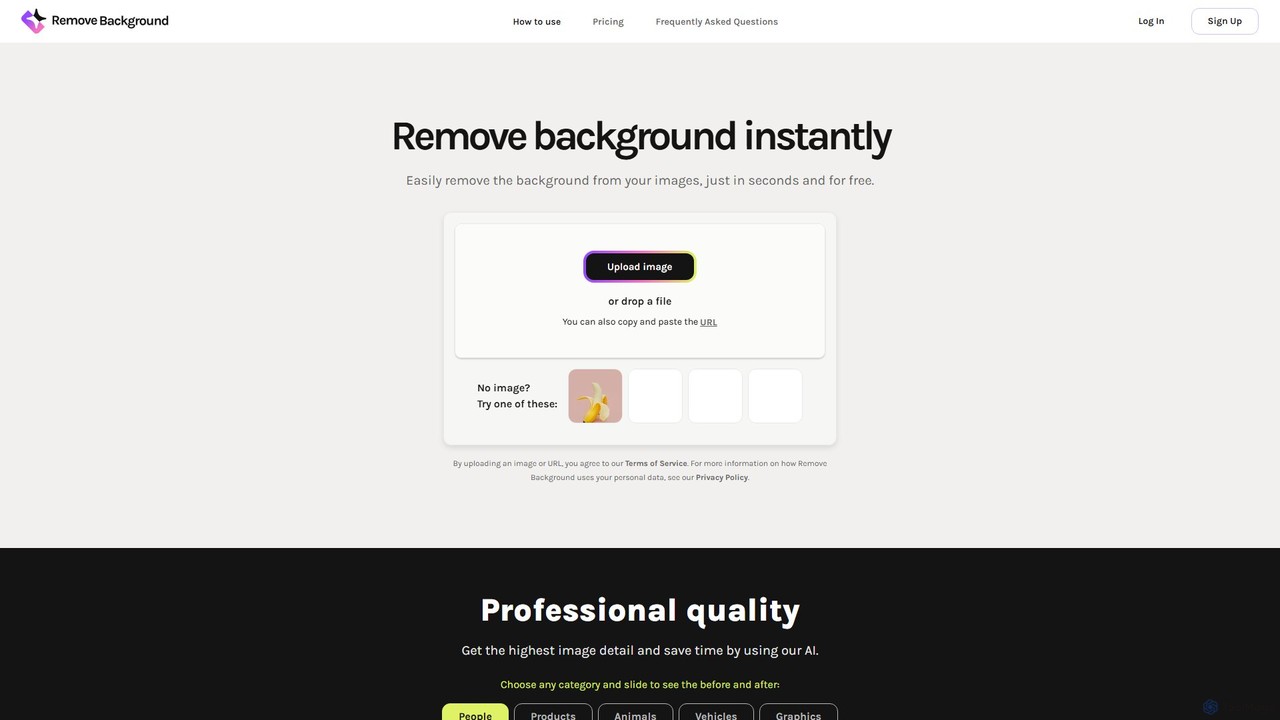
remove_background
An AI-powered tool to instantly remove image backgrounds for free. It creates high-quality transparent backgrounds, offers advanced editing tools, and can even generate custom backgrounds using AI prompts. Ideal for e-commerce, social media, and professional designs.
Editing
Retoucher.online
Retoucher.online is an AI-powered tool that automatically removes backgrounds from images in seconds. It's designed for e-commerce, marketing, and personal use, offering features like bulk processing, background replacement, and a built-in editor. No signup is required for free use, making professional photo editing accessible to everyone.
Editing
removal.ai
An AI-powered background remover that instantly erases the background from images for free. It offers high-quality cutouts, batch processing, a built-in photo editor, and an API for seamless integration, catering to photographers, e-commerce, marketers, and developers.
Photo Editing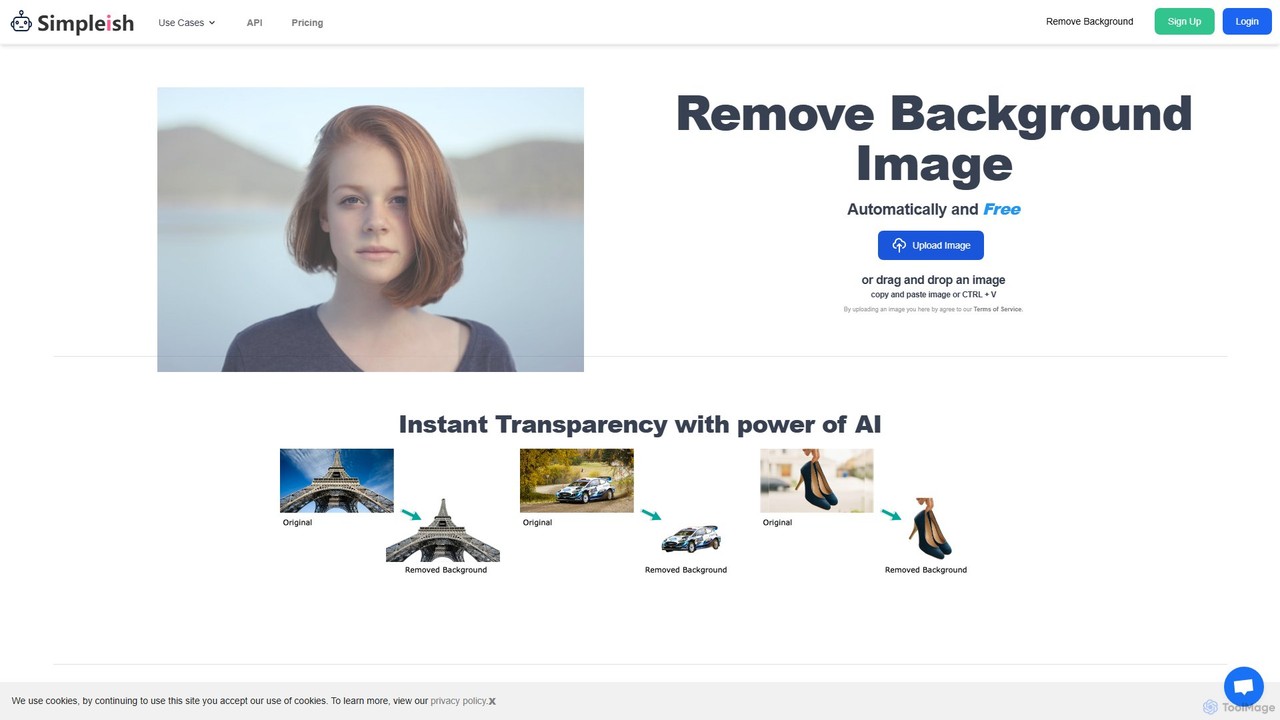
simpleish
simpleish is an AI-powered online tool that automatically removes backgrounds from images in just 5 seconds. With a single click, it creates transparent PNGs or allows you to add new colored backgrounds. Ideal for e-commerce, marketing, and personal projects, it also offers an API for seamless integration into software workflows, streamlining your creative process.
Editingbgremover Categories
bgremover Embed Widget
Copy this embed code to place the badge on your blog, article, or product site and send readers directly to this ToolMage detail page.

Related AI tools
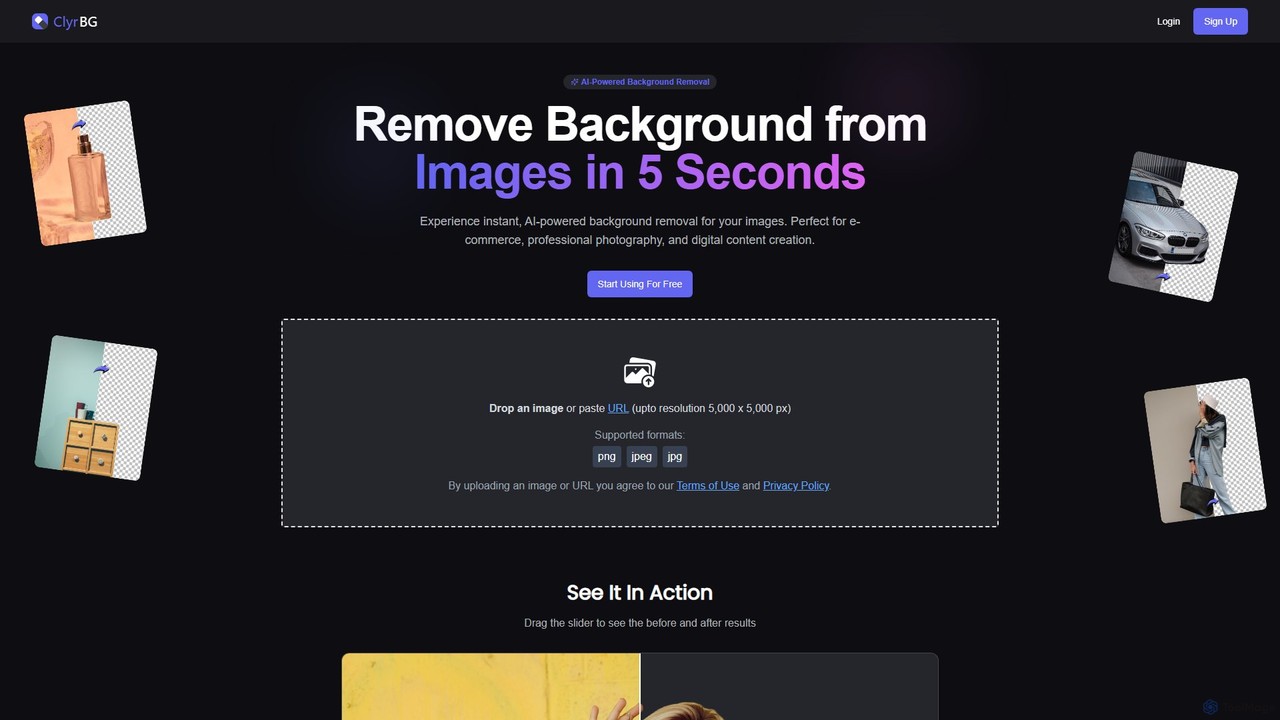
clyrbg
ClyrBG is an AI-powered tool that automatically removes backgrounds from images in just 5 seconds. It's designed for e-commerce, photographers, marketers, and designers, offering high-precision cutouts, batch processing, and an API for integration. Simply upload an image to get a transparent background instantly, no technical skills required.
Image EditingErase.bg
Erase.bg is an AI-powered tool that automatically removes backgrounds from images in seconds. It's designed for a wide range of users, from individuals creating social media content to e-commerce businesses needing clean product photos. The tool supports various formats, offers high-resolution output, and provides simple editing options to add new backgrounds. It is accessible via web and mobile apps, with an API for developers.
Editingremove_background
An AI-powered tool to instantly remove image backgrounds for free. It creates high-quality transparent backgrounds, offers advanced editing tools, and can even generate custom backgrounds using AI prompts. Ideal for e-commerce, social media, and professional designs.
EditingRetoucher.online
Retoucher.online is an AI-powered tool that automatically removes backgrounds from images in seconds. It's designed for e-commerce, marketing, and personal use, offering features like bulk processing, background replacement, and a built-in editor. No signup is required for free use, making professional photo editing accessible to everyone.
Editing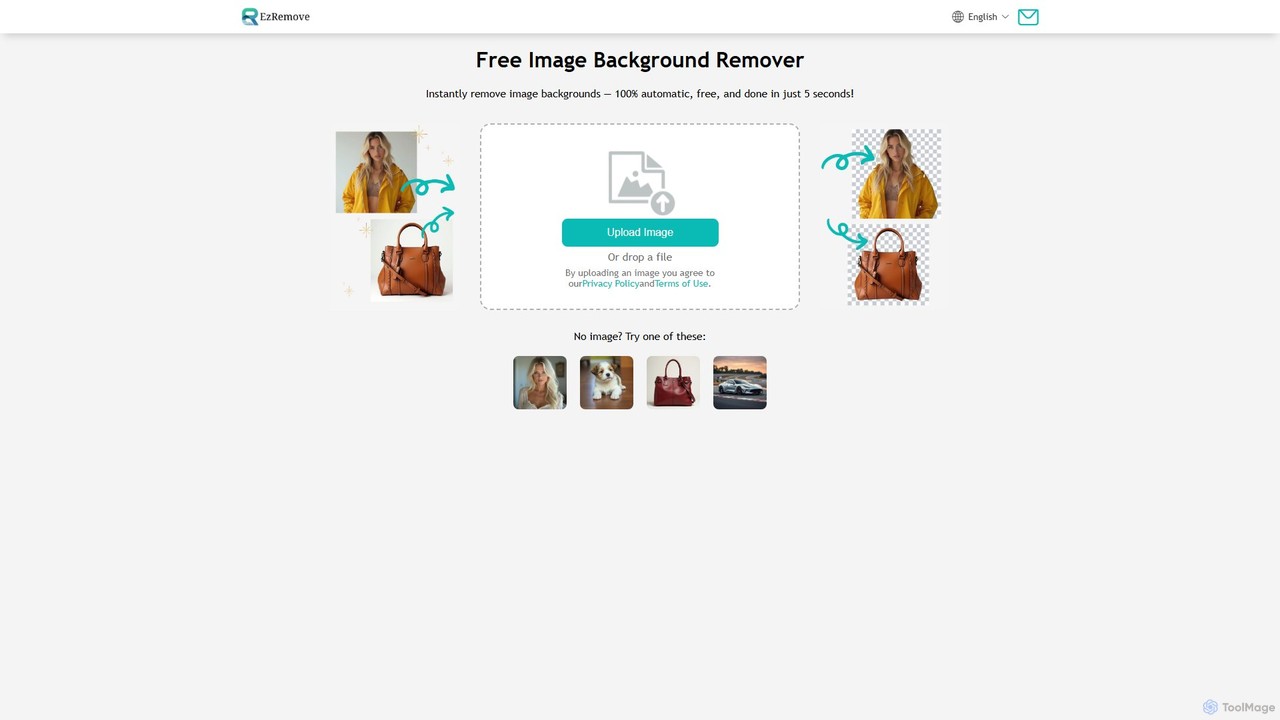
ezremove
ezremove is a free, AI-powered image background remover that automatically creates transparent backgrounds in just 5 seconds. Ideal for e-commerce, graphic design, and social media, it supports batch processing, basic editing, and various image formats. No software or technical skills required—simply upload your image and download a high-quality, clean PNG file instantly.
Image Editing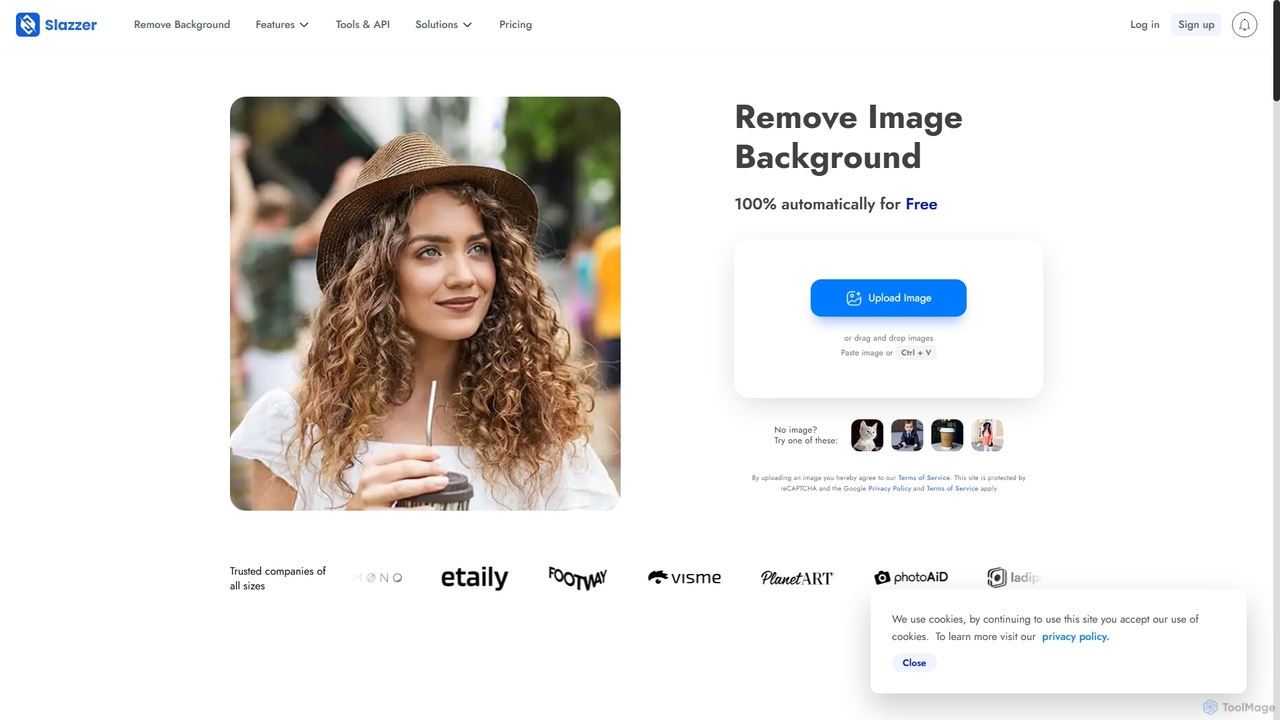
Slazzer
Slazzer is an AI-powered visual editing platform that automatically removes image backgrounds in seconds. It offers a suite of tools including AI background generation, image enhancement, upscaling, and shadow creation. Designed for efficiency, it serves e-commerce, photographers, marketers, and developers with web-based tools, desktop apps, and API integration for bulk processing.
Api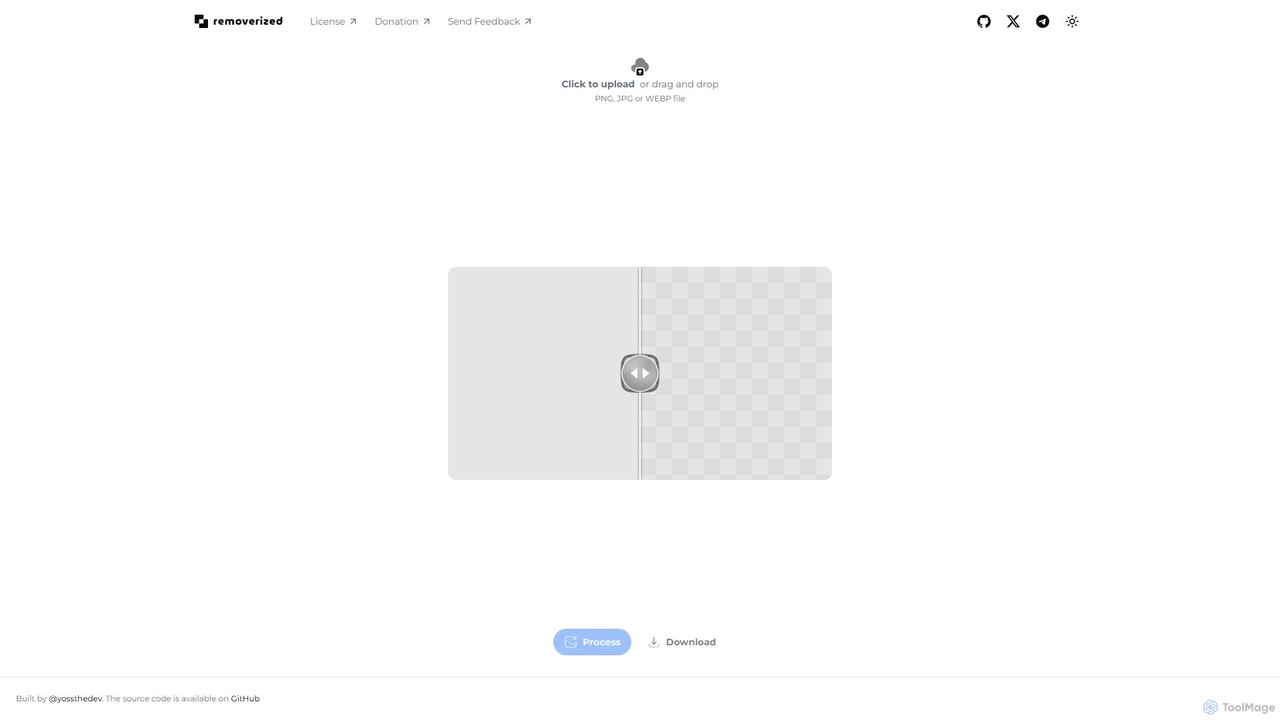
removerized
A free, open-source AI tool that instantly removes backgrounds from images. Simply upload your PNG, JPG, or WEBP file, and the AI will automatically detect and erase the background, providing a high-quality transparent image for download.
Image Editing
Fotoai.ai
Fotoai.ai is a powerful AI-powered tool for instant, automatic background removal. It allows users to create transparent backgrounds (PNGs), add new backgrounds, and remove unwanted objects with text prompts or a magic eraser. Designed for e-commerce, marketing, and design, it supports batch processing to streamline workflows. It's a fast, free, and user-friendly solution for professional-quality image editing without any technical skills.
Product Photos
Background Removal AI
An AI-powered tool that instantly and automatically removes backgrounds from any image for free. Ideal for e-commerce, graphic design, marketing, and personal use, it offers high-precision results, batch processing, and API integration for streamlined workflows. Get clean, professional images with transparent backgrounds in seconds.
Image Editing
magicbackgroundremover
magicbackgroundremover is an AI-powered tool that automatically removes backgrounds from any image in seconds. With just one click, get a high-precision cutout with a transparent background, perfect for e-commerce, marketing, and creative projects. It handles complex edges like hair and fur with ease, saving you time and effort compared to manual editing. Simply upload your image and let the AI do the magic.
Image Editing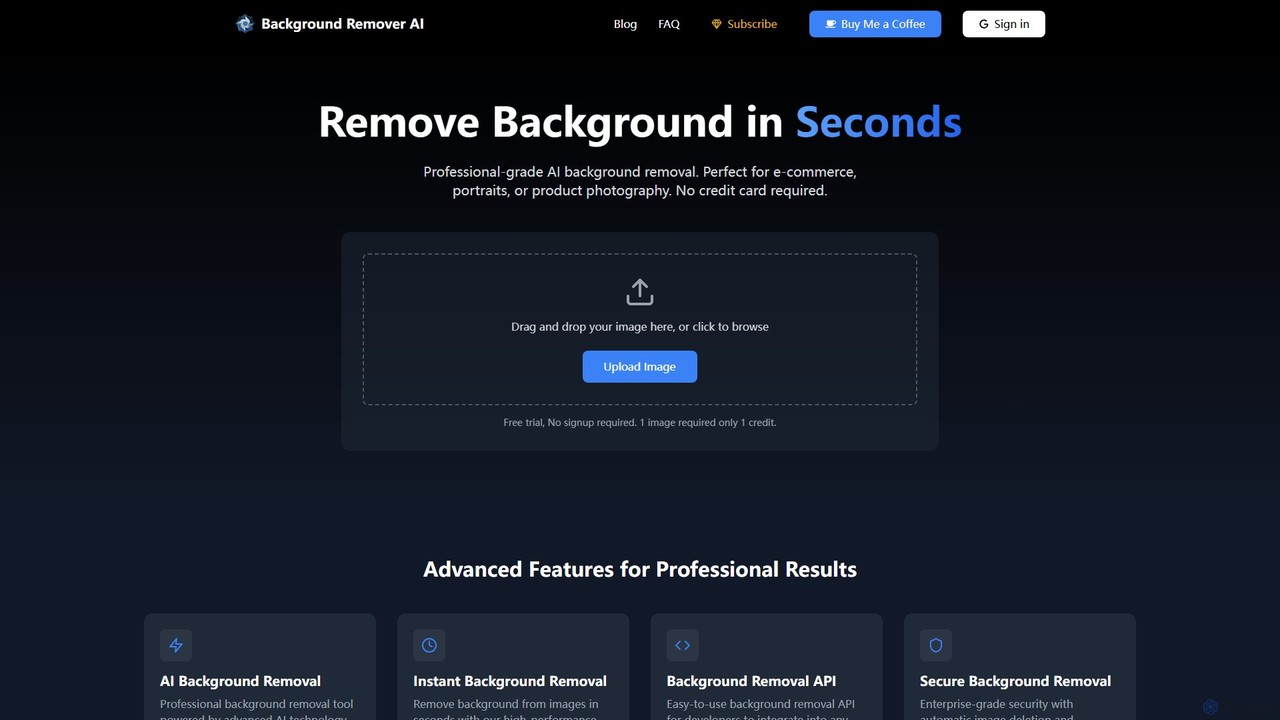
bgclearer
bgclearer is an AI-powered tool that automatically removes the background from any image in seconds. It provides professional-grade, clean cutouts perfect for e-commerce, product photography, and graphic design. The service offers a free trial, a simple drag-and-drop interface, and a developer API for seamless integration.
Image Editing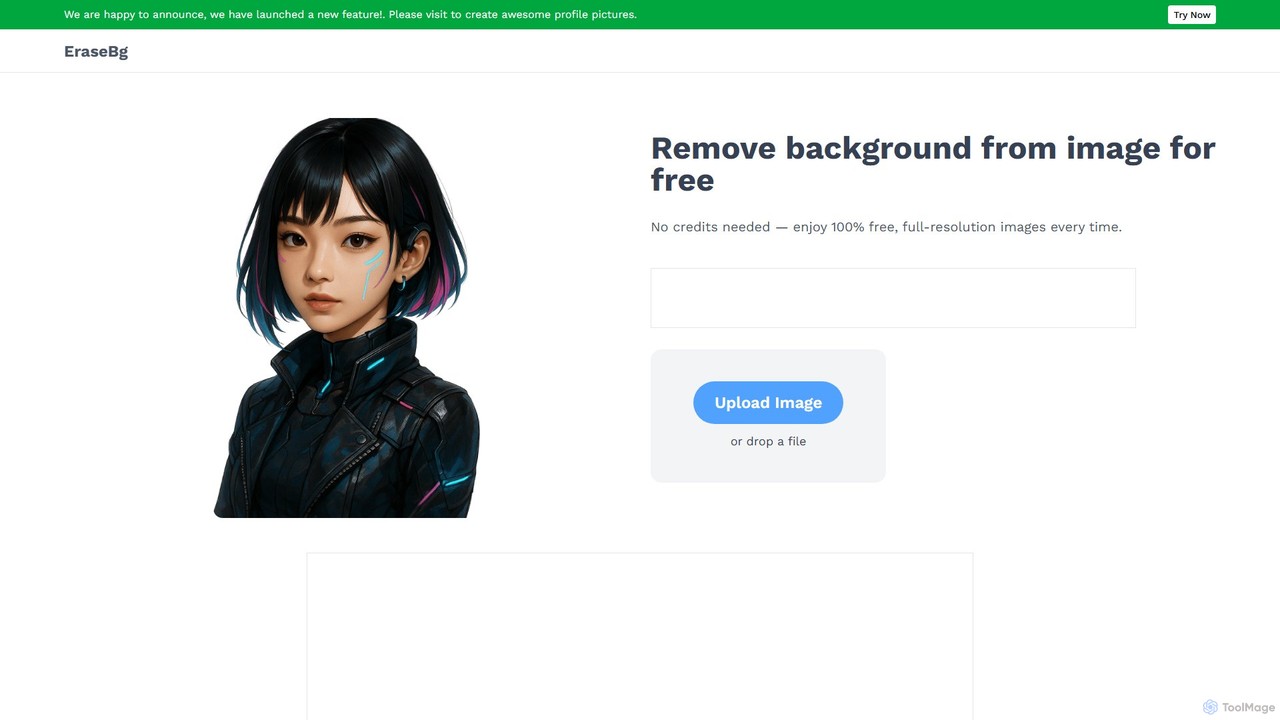
Erase BG
Erase BG is a completely free AI-powered tool that instantly removes backgrounds from images. It requires no registration or credits, offering unlimited downloads in high resolution (up to 4K). Simply upload your image to get a clean, transparent PNG or a white-background JPEG in seconds. It also features a creative GIF maker for personalized animations.
Image Editingremoval.ai
An AI-powered background remover that instantly erases the background from images for free. It offers high-quality cutouts, batch processing, a built-in photo editor, and an API for seamless integration, catering to photographers, e-commerce, marketers, and developers.
Photo Editingsimpleish
simpleish is an AI-powered online tool that automatically removes backgrounds from images in just 5 seconds. With a single click, it creates transparent PNGs or allows you to add new colored backgrounds. Ideal for e-commerce, marketing, and personal projects, it also offers an API for seamless integration into software workflows, streamlining your creative process.
Editing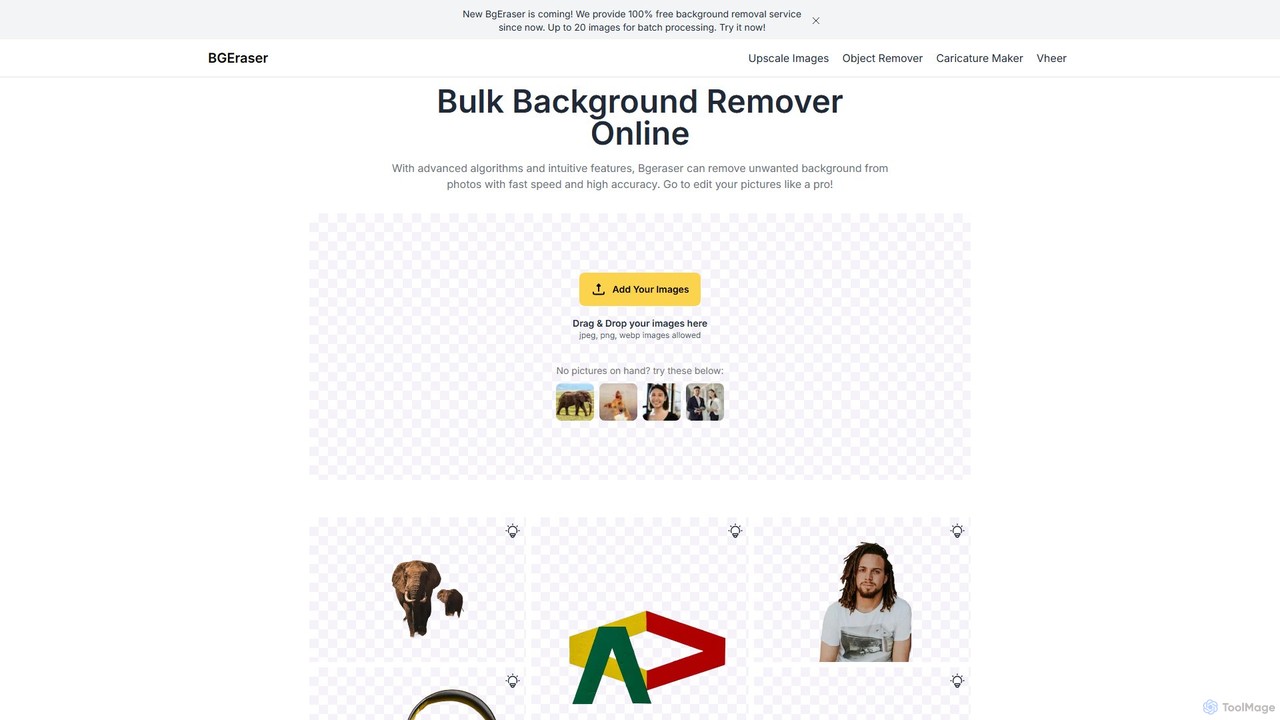
bgeraser
bgeraser is a free, AI-powered online tool for bulk background removal. It allows users to quickly and accurately remove backgrounds from multiple images (JPEG, PNG, WEBP) simultaneously, offering high-precision, watermark-free results ideal for e-commerce, marketing, and design.
Image Editing
bgremover Comments (0)
Sign in to comment.
Sign inNo comments yet.