
Polarr Overview
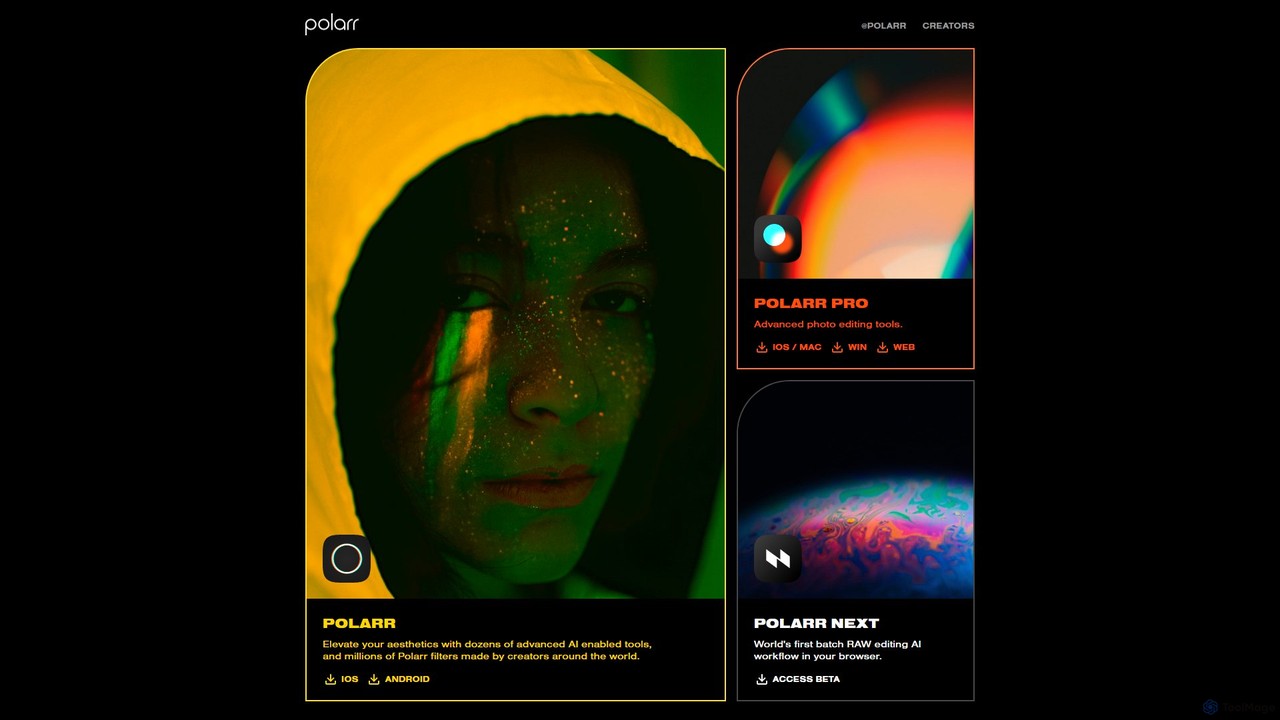
Polarr is a comprehensive and versatile editing platform that leverages artificial intelligence to empower creators, from beginners to professionals. It provides a suite of tools for both photo and video editing, designed to enhance aesthetics and streamline creative workflows. The Polarr ecosystem is primarily composed of two powerful applications: Polarr Pro and Polarr Next.
Polarr Pro is an advanced editor packed with professional-grade tools. It goes beyond simple filters, offering precise control over every aspect of an image. With dozens of AI-enabled features, users can perform complex edits with ease. Polarr is also famous for its vibrant creator community, which has produced millions of unique filters (known as 'Polarr filters' or 'styles'). These filters can be easily shared and imported via QR codes, allowing for endless creative possibilities.
Polarr Next represents the future of photo editing workflows. Billed as the world's first batch RAW editing AI workflow in a browser, it is designed for photographers who need to process large volumes of high-resolution images efficiently. This tool automates tedious tasks, applies consistent edits across entire photoshoots, and brings professional power to a web-based interface.
How to use Polarr
1. Choose Your Platform: Download the Polarr app for iOS, Android, macOS, or Windows, or access the web editor directly in your browser.
2. Import Your Media: Open the app and import a photo or video from your device's gallery or file system.
3. Apply Filters: Browse the extensive library of filters created by the Polarr community. You can search for specific aesthetics, discover trending styles, or import filters from other creators using QR codes. Apply a filter with a single tap.
4. Perform Advanced Edits (Polarr Pro): Switch to the editing panel to access a full suite of tools. Start with basic adjustments like light (exposure, contrast) and color (temperature, vibrance). Then, dive into advanced AI tools for tasks like sky replacement or portrait retouching. Use selective masks (brush, radial, gradient) for precise local adjustments.
5. Use Polarr Next for Batch Editing: For professional workflows, open Polarr Next in your browser. Upload a folder of RAW images. Use its AI capabilities to automatically cull, sort, and apply a consistent style or correction to all photos at once.
6. Create and Share Your Own Style: After perfecting an edit, you can save your adjustments as a new, unique filter. Share your creation with the Polarr community by generating a QR code.
7. Export and Save: Once you're satisfied with your edit, export the final image or video. You can choose from various formats and quality settings to suit your needs, whether for social media or high-resolution printing.
Core Features of Polarr
- AI-Powered Tools: Features include AI Auto-Enhance, AI Sky Replacement, AI Portrait Enhancement (skin smoothing, face sculpting, blemish removal), and AI Object Removal for clean and professional results.
- Advanced Editing Suite: Full control over Light, Color, HSL, Curves, Toning, and Effects like Grain and Fringing. Includes detailed tools for perspective and distortion correction.
- Selective Adjustments: Utilize a range of masks (Brush, Radial, Gradient, Color, Luminance) to apply edits to specific parts of an image with precision.
- Massive Filter Library: Access millions of unique, user-generated filters. The platform makes it easy to discover, save, and apply complex aesthetic styles in seconds.
- Filter Creation and Sharing: Any edit can be turned into a custom filter and shared with others via QR codes, fostering a vibrant and creative community.
- Polarr Next Batch RAW Workflow: A revolutionary browser-based tool for processing hundreds of RAW files simultaneously, powered by AI to streamline professional workflows.
- Cross-Platform Sync: Your Pro subscription, custom filters, and edits are synchronized across all your devices, including iOS, Android, macOS, Windows, and the web.
- Video Editing: Apply the same powerful color grading tools and Polarr filters to your video clips for a consistent look across all your media.
Use Cases for Polarr
Social Media Content Creators: Quickly develop and maintain a consistent aesthetic for Instagram, TikTok, or YouTube by creating and reusing custom filters across photos and videos.
Professional Photographers: Use Polarr Next to dramatically speed up the culling and editing process for events like weddings or photoshoots. Use Polarr Pro for detailed retouching on a tablet or desktop.
Hobbyist Photographers: Explore advanced editing techniques in an intuitive environment. Learn from the community by deconstructing and modifying existing filters.
Casual Users: Elevate everyday snapshots into share-worthy images with one-tap filters and simple, AI-driven correction tools.
Advantages of Polarr
Accessibility and Power: Polarr successfully bridges the gap between simple, one-tap filter apps and complex professional desktop software.
Community-Driven Creativity: The endless stream of user-created filters provides constant inspiration and allows users to achieve trendy or niche looks without extensive manual editing.
Workflow Innovation: Polarr Next is a game-changer for photographers, bringing time-saving batch AI processing to an accessible web platform.
True Cross-Platform Experience: The ability to start an edit on a phone, refine it on a tablet, and finalize it on a desktop is seamless and powerful.
Freemium Model: The robust free version is highly capable, allowing users to experience the core features before committing to a Pro subscription.
Pricing and Plans
Polarr operates on a freemium model, offering both a free and a paid subscription tier.
Free Version: Includes access to standard editing tools, a large selection of free community filters, and standard-quality exports. It's a great starting point for anyone new to photo editing.
Polarr Pro: A subscription-based plan, available with monthly or annual billing. The Pro plan unlocks the full potential of the platform, including:
- Access to all advanced features and AI-powered tools (e.g., Sky Replacement, Portrait tools, Object Removal).
- Complete suite of selective adjustment masks.
- RAW file editing support.
- Video editing capabilities.
- High-resolution export options.
- Full access to the Polarr Next beta workflow.
Traffic
Latest traffic
Status
Monthly traffic trend
- 2025-9: 79.8K
- 2026-1: 102.5K
- 2026-2: 91.7K
- 2026-3: 99.6K
- 2026-4: 96.3K
- 2026-5: 102.7K
Geography
Top 5 countries / regions
- 🇺🇸United States55.6%
- 🇻🇳Vietnam18.1%
- 🇮🇳India9.7%
- 🇧🇷Brazil8.3%
- 🇹🇭Thailand8.3%
Traffic sources
| Source type | Percentage |
|---|---|
Direct | 73.0% |
Referral | 27.0% |
Top keywords
| Keyword | Cost per click |
|---|---|
| polar lightroom free | $0.00 |
| polarr | $1.03 |
| polarr photo editor | $1.87 |
| polarr pricing | $0.00 |
| polarr pro photo editor | $1.82 |
Polarr Alternatives

EaseUS
EaseUS offers a comprehensive suite of software for data management, recovery, and multimedia creation, enhanced with powerful AI. From AI-powered file repair and data recovery to creative tools like AI image generation and vocal removal, EaseUS provides reliable, user-friendly applications for both individual and enterprise users. It simplifies complex tasks like disk partitioning, system backup, and data transfer, making digital life easier and more secure.
Generative Art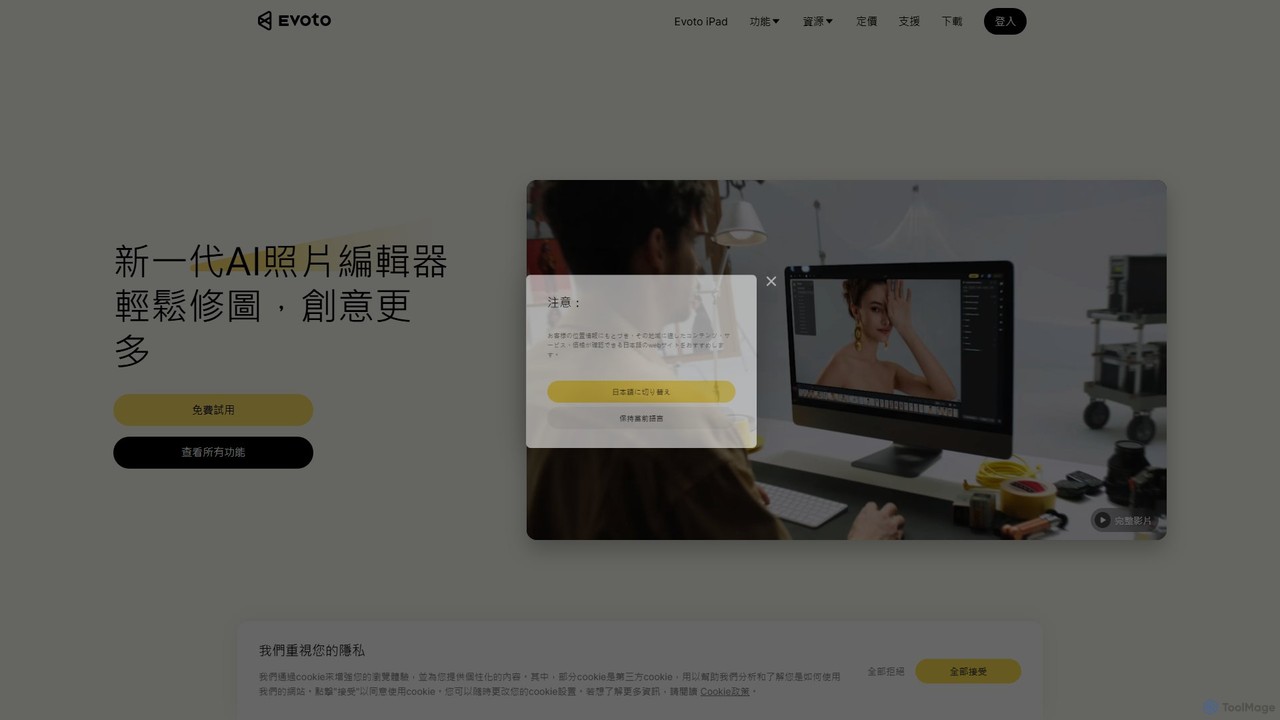
Evoto
An AI-powered photo editing application designed for professional photographers. Evoto streamlines workflows with powerful tools for portrait retouching, color grading, background removal, and batch processing. It delivers natural, high-quality results in a fraction of the time, boosting productivity for wedding, portrait, and studio photography.
3D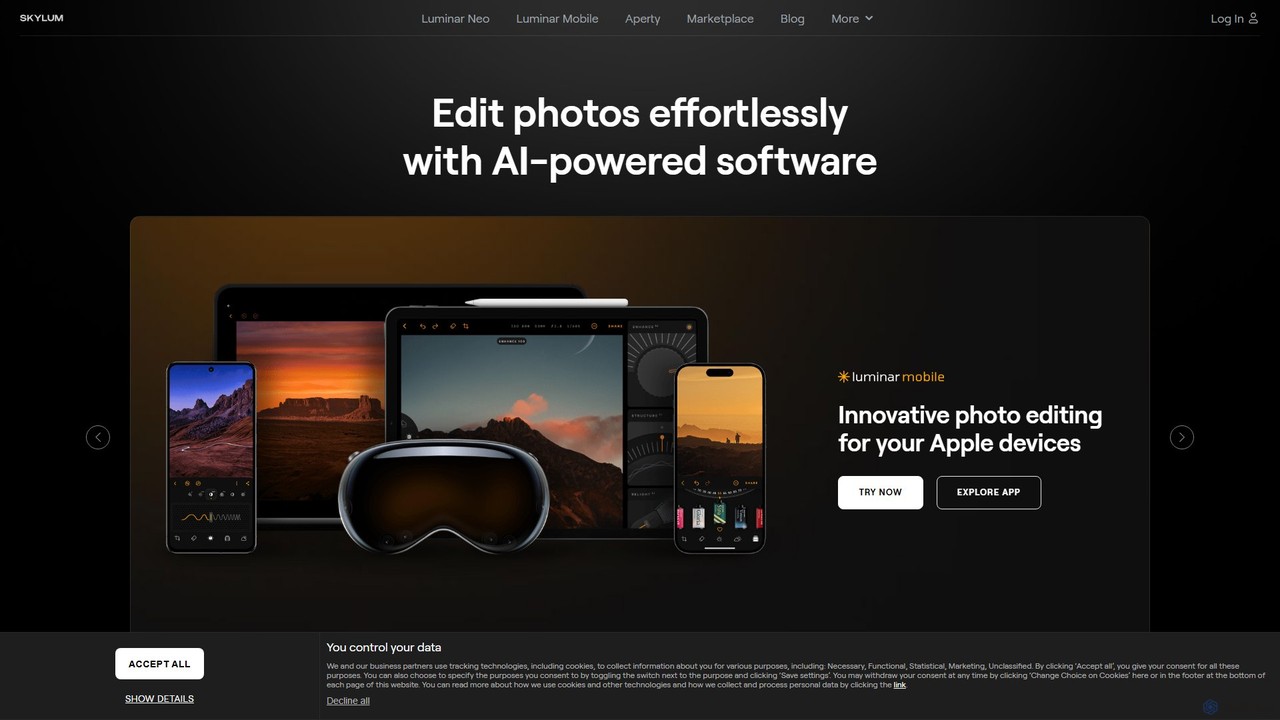
Skylum
Skylum develops AI-powered photo editing software, including the flagship Luminar Neo. Designed for photographers of all skill levels, its tools simplify complex editing tasks like sky replacement, portrait retouching, and landscape enhancement, enabling users to achieve professional-quality results with intuitive controls and creative automation.
Graphics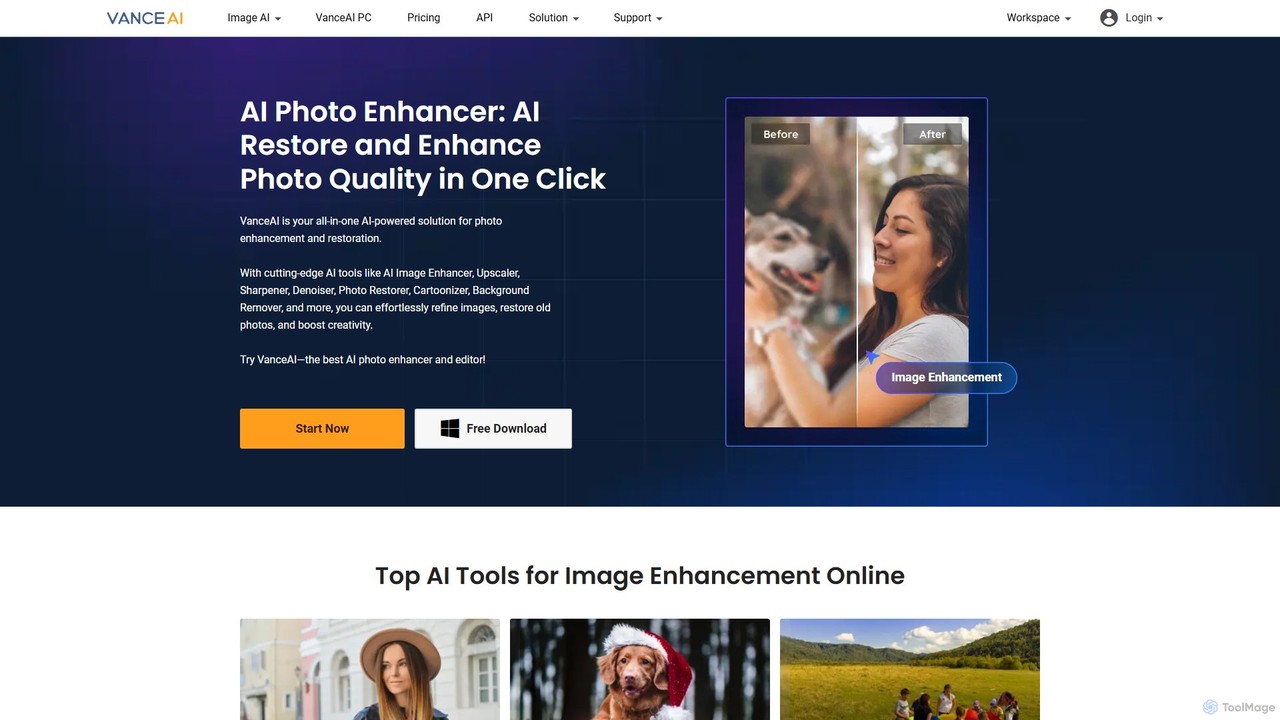
VanceAI
VanceAI is a comprehensive, AI-powered suite for photo enhancement, restoration, and editing. It offers a wide range of tools, including an image upscaler, sharpener, denoiser, background remover, and photo restorer. With one-click solutions and batch processing capabilities, VanceAI helps users from photographers to e-commerce businesses improve image quality, streamline workflows, and boost creativity effortlessly, available both online and as a desktop application.
Image Editing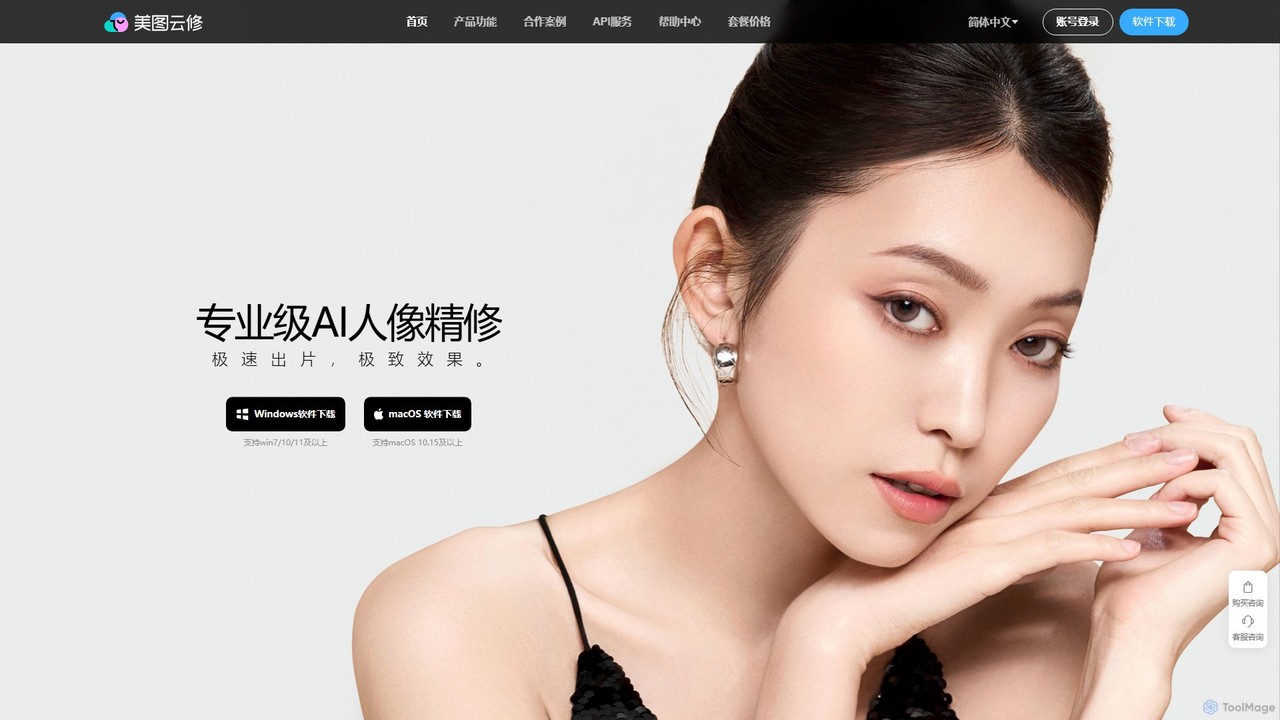
Yunxiu
Yunxiu is a professional-grade AI portrait retouching software by Meitu, designed for commercial photographers. It leverages advanced AI to automate and accelerate post-production, enabling batch processing of up to 1000 photos per hour with high-quality, natural-looking results.
3DPolarr Categories
Polarr Embed Widget
Copy this embed code to place the badge on your blog, article, or product site and send readers directly to this ToolMage detail page.

Related AI tools
Evoto
An AI-powered photo editing application designed for professional photographers. Evoto streamlines workflows with powerful tools for portrait retouching, color grading, background removal, and batch processing. It delivers natural, high-quality results in a fraction of the time, boosting productivity for wedding, portrait, and studio photography.
3DSkylum
Skylum develops AI-powered photo editing software, including the flagship Luminar Neo. Designed for photographers of all skill levels, its tools simplify complex editing tasks like sky replacement, portrait retouching, and landscape enhancement, enabling users to achieve professional-quality results with intuitive controls and creative automation.
GraphicsYunxiu
Yunxiu is a professional-grade AI portrait retouching software by Meitu, designed for commercial photographers. It leverages advanced AI to automate and accelerate post-production, enabling batch processing of up to 1000 photos per hour with high-quality, natural-looking results.
3D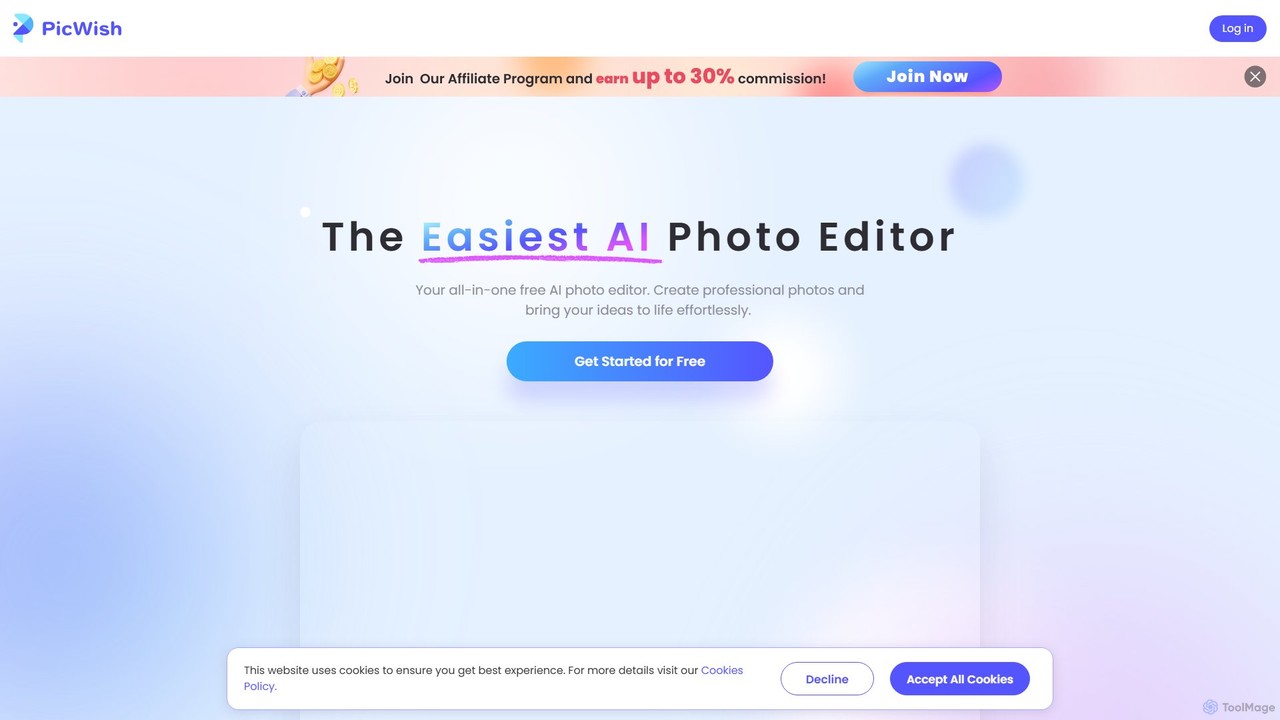
PicWish
PicWish is an all-in-one AI-powered photo editing suite designed to simplify complex image processing. It offers a wide range of free and pro tools, including background removal, photo enhancement, object removal, and AI background generation. Available online and as a dedicated app, PicWish empowers e-commerce sellers, designers, and content creators to produce professional-quality visuals effortlessly, without needing advanced technical skills.
Image Generation
removal.ai
An AI-powered background remover that instantly erases the background from images for free. It offers high-quality cutouts, batch processing, a built-in photo editor, and an API for seamless integration, catering to photographers, e-commerce, marketers, and developers.
Photo Editing
pixcakeai
pixcakeai is a commercial-grade AI photo editing software for professional photographers. It offers pixel-level retouching with a powerful RAW engine, 16-bit color, and advanced AI tools for portrait enhancement, object removal, and color matching, streamlining the entire photography workflow.
3D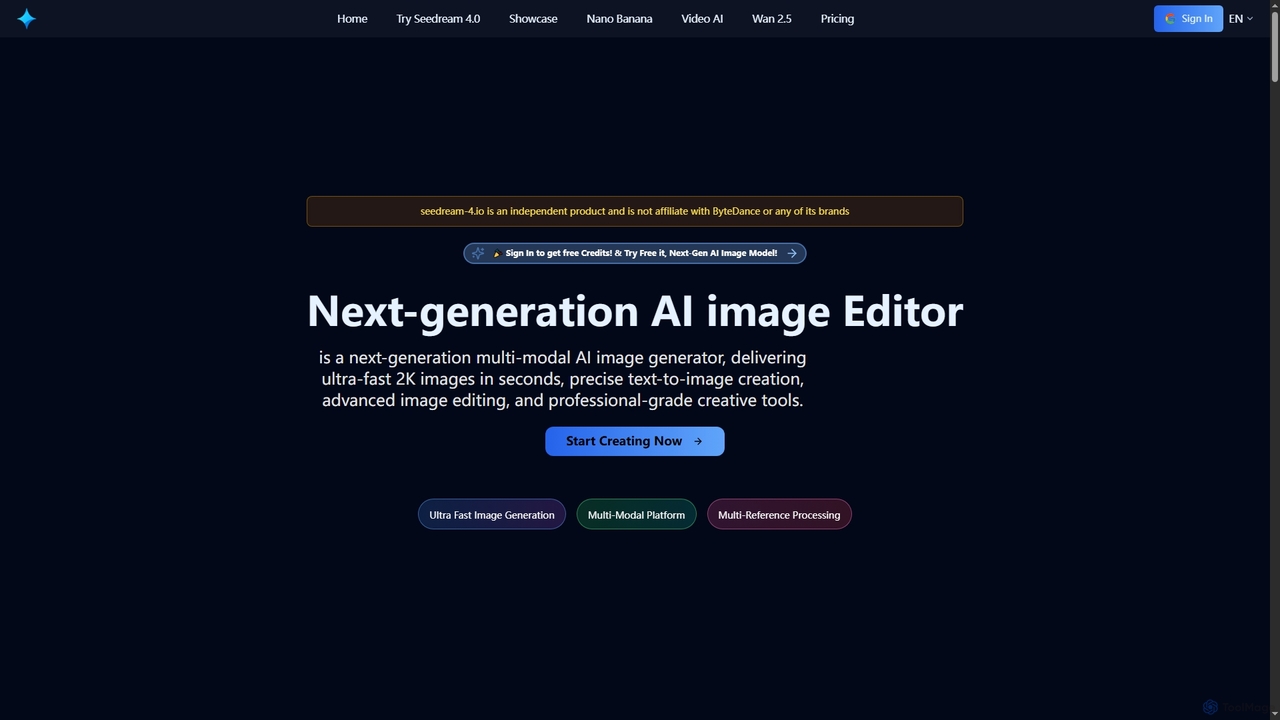
Seedream 4
Seedream 4 is a cutting-edge multimodal AI platform for ultra-fast 2K image and video generation and editing. Leveraging advanced MoE architecture, it offers precise text-to-image creation, multi-reference processing, and batch generation, supporting both English and Chinese prompts for global creators.
Ai Photo Editor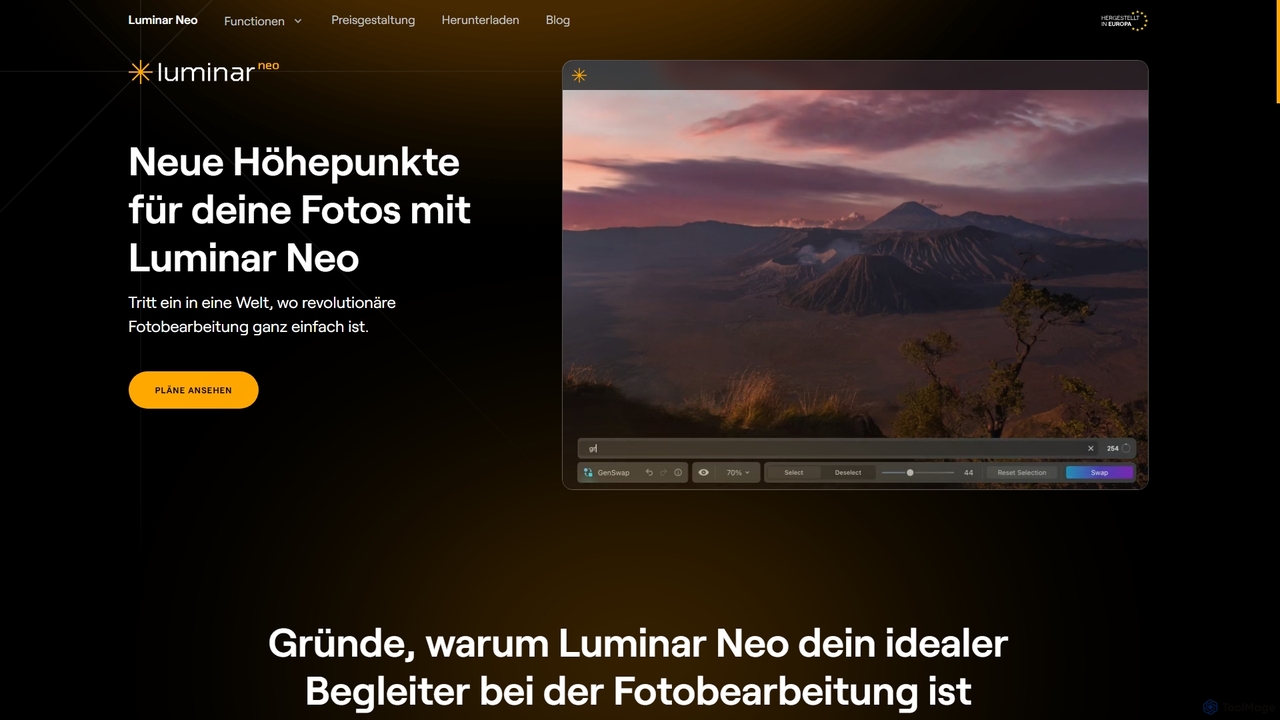
Luminar Neo
Luminar Neo is a revolutionary AI-powered photo editing software designed to simplify complex tasks and unleash creativity. It offers a comprehensive suite of advanced tools for image enhancement, RAW processing, and creative composition, making professional-grade results accessible to both beginners and experienced photographers on macOS and Windows.
Digital Art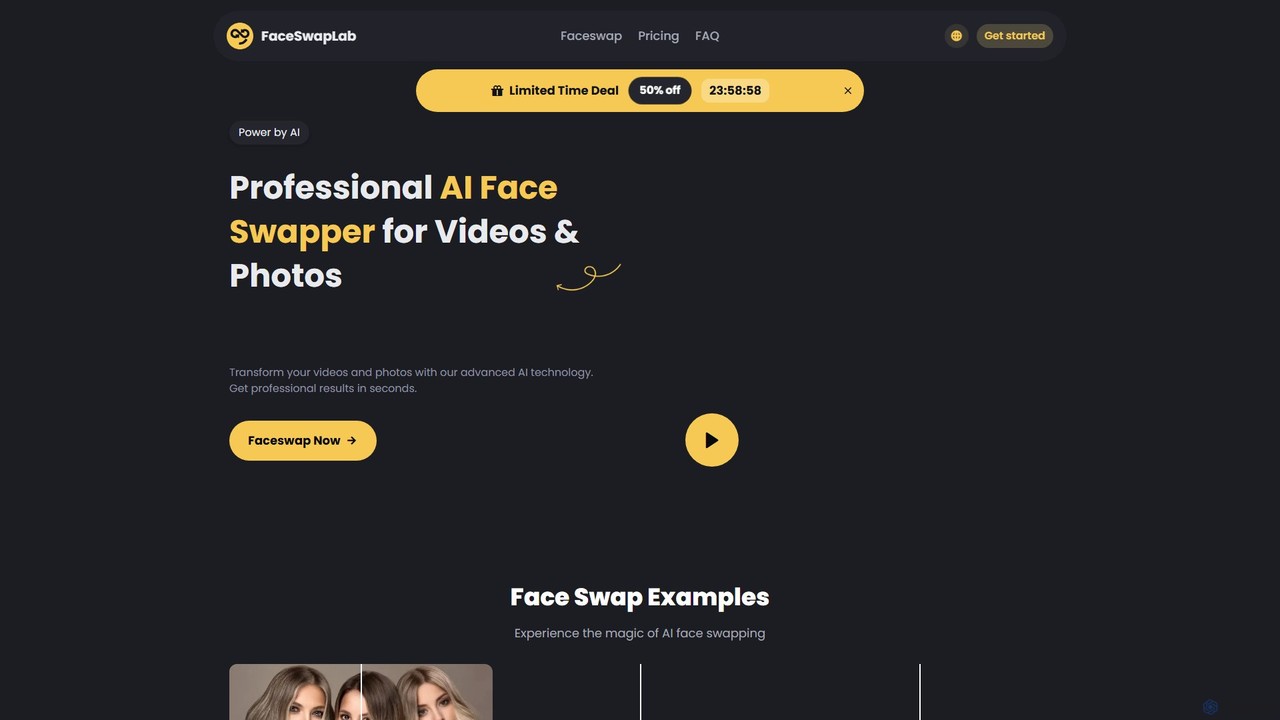
FaceSwapLab
FaceSwapLab is a professional AI-powered tool for creating high-quality, realistic face swaps in videos, photos, and GIFs. It features bulk processing, over 90% facial similarity, and an intuitive, cloud-based interface that requires no technical skills. Transform your media in seconds with unparalleled speed and privacy.
Meme Generator
Jyek
Jyek is an AI agent platform that understands objectives, creates execution plans, uses tools, and delivers verifiable results for complex, multi-step tasks.
Automation
Photor
Photor is a comprehensive AI-powered photo editing suite designed to transform and enhance images with ease. It offers a wide range of tools, from one-click enhancements and style transfers to advanced features like natural language editing via chat, AI photo analysis for professional feedback, and a video generator. It caters to both hobbyists and professional photographers, simplifying complex editing tasks into intuitive, AI-driven workflows.
3D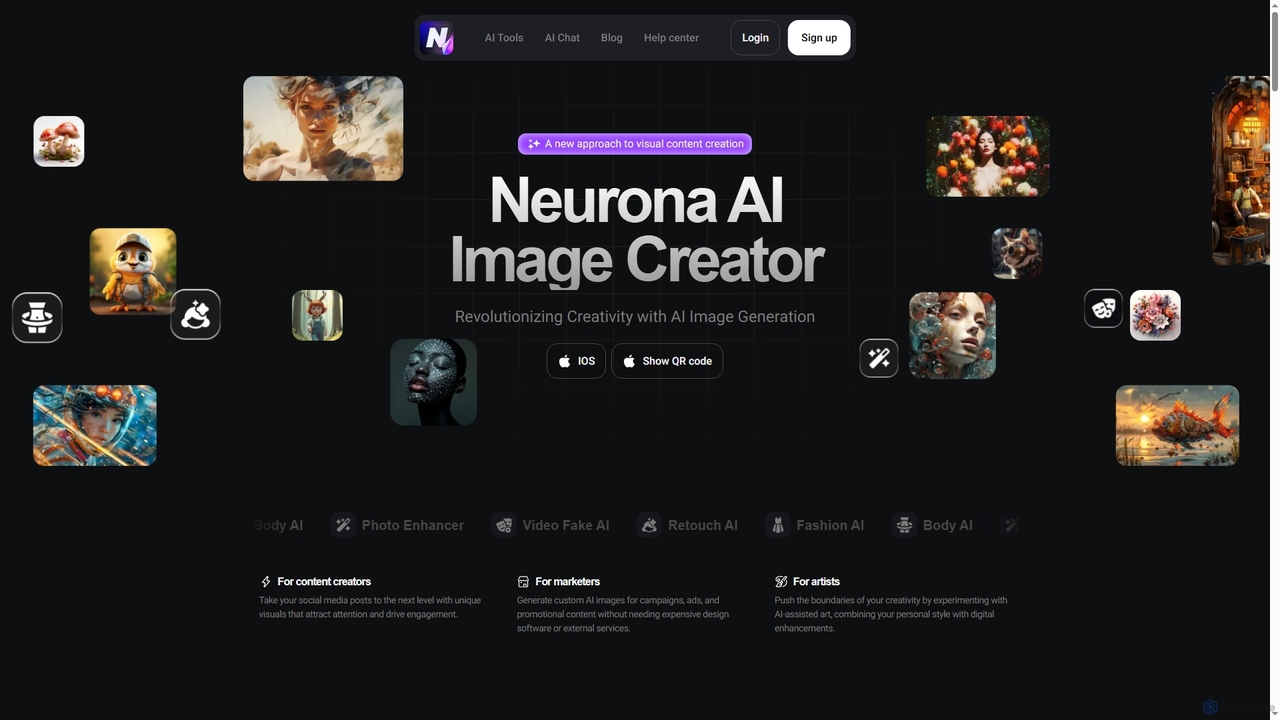
Neurona
Neurona is an AI-powered platform that revolutionizes visual content creation, offering advanced tools for generating high-quality images from text prompts, performing realistic face swaps in photos and videos, enhancing image quality, and professional photo retouching. It's designed for creators, marketers, and artists seeking fast, customizable, and stunning visuals.
Art Generation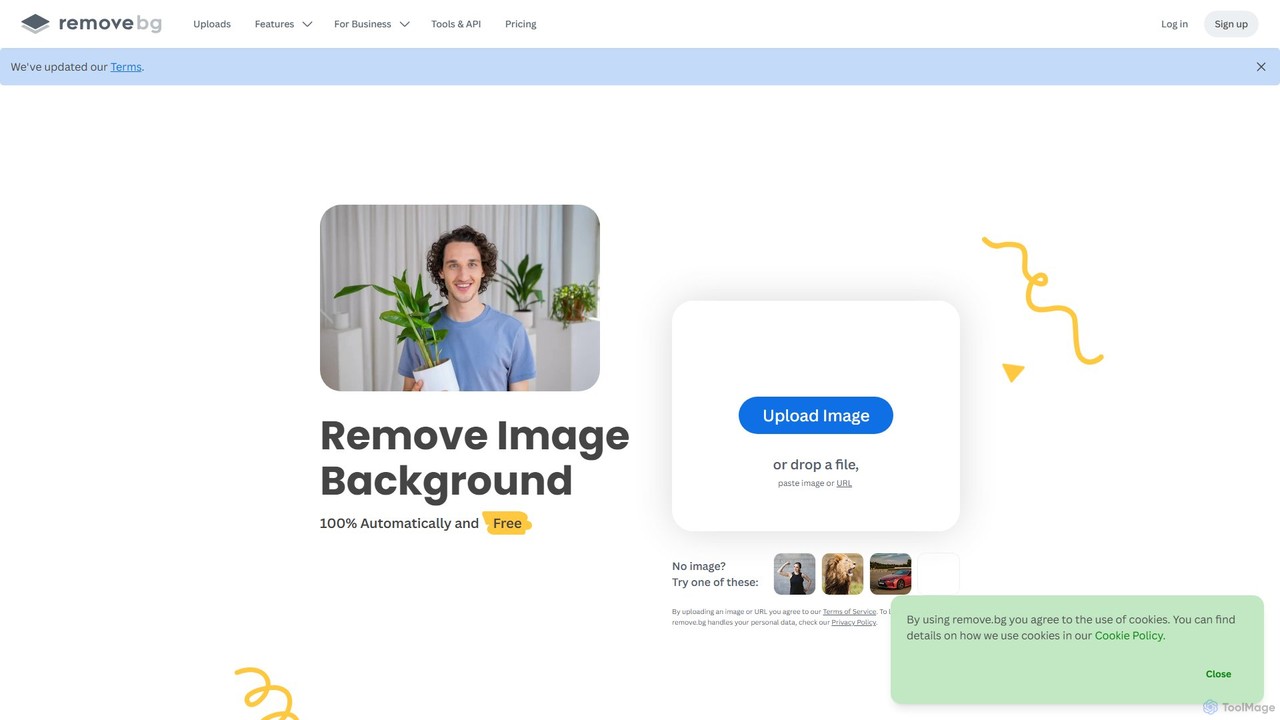
remove.bg
remove.bg is an AI-powered tool that automatically removes the background from any image in just 5 seconds. It uses advanced AI to accurately handle challenging edges like hair and fur. Ideal for photographers, e-commerce businesses, marketers, and developers, it offers web, desktop, and plugin integrations to streamline workflows.
Editing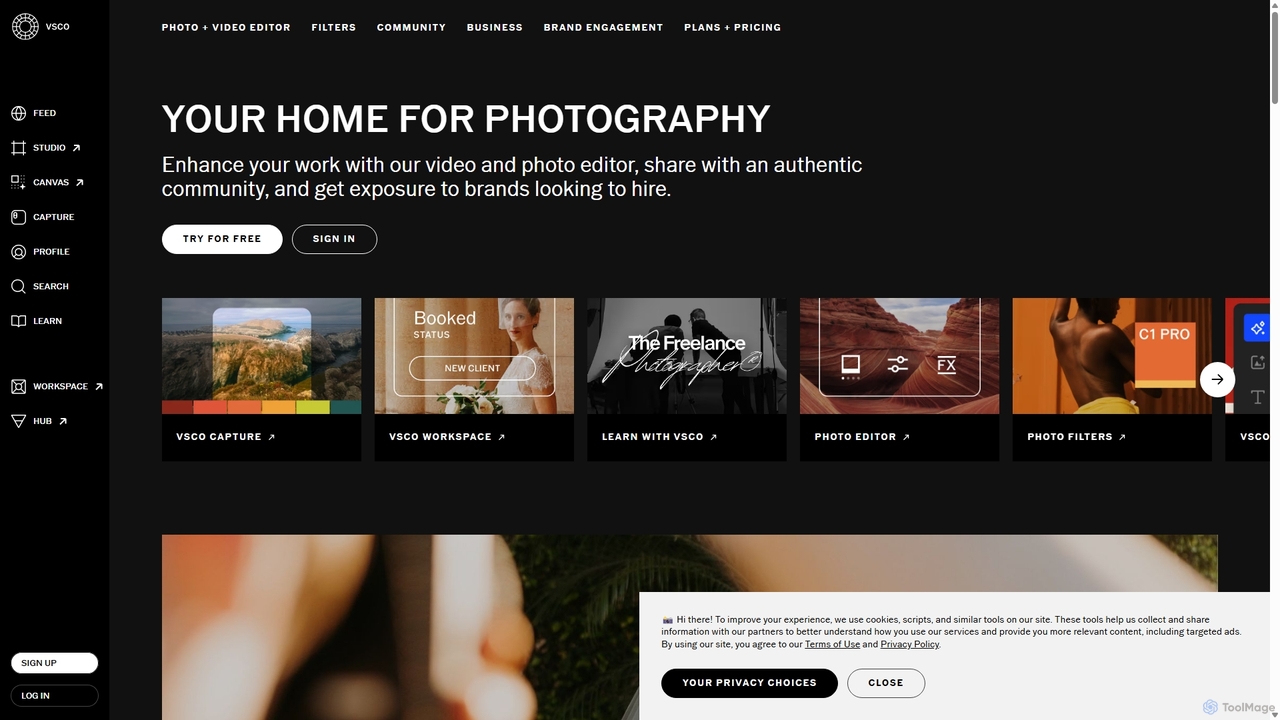
VSCO
VSCO is an all-in-one platform for photographers, offering a powerful photo and video editor with over 200 presets, AI-powered tools, and a vibrant creative community. It also provides professional tools like portfolio websites, studio management software, and opportunities to get hired, supporting creators at every stage of their journey.
3D
Picsart
Picsart is an all-in-one AI-powered creative platform for photo and video editing. It offers a comprehensive suite of tools, including AI image generation, background removal, photo enhancement, and a vast library of templates and stock content. Designed for everyone from beginners to professionals, Picsart simplifies the creation of stunning visuals for social media, marketing, and personal projects, accessible on both web and mobile.
3D
Polarr Comments (0)
Sign in to comment.
Sign inNo comments yet.