
Fotor Overview
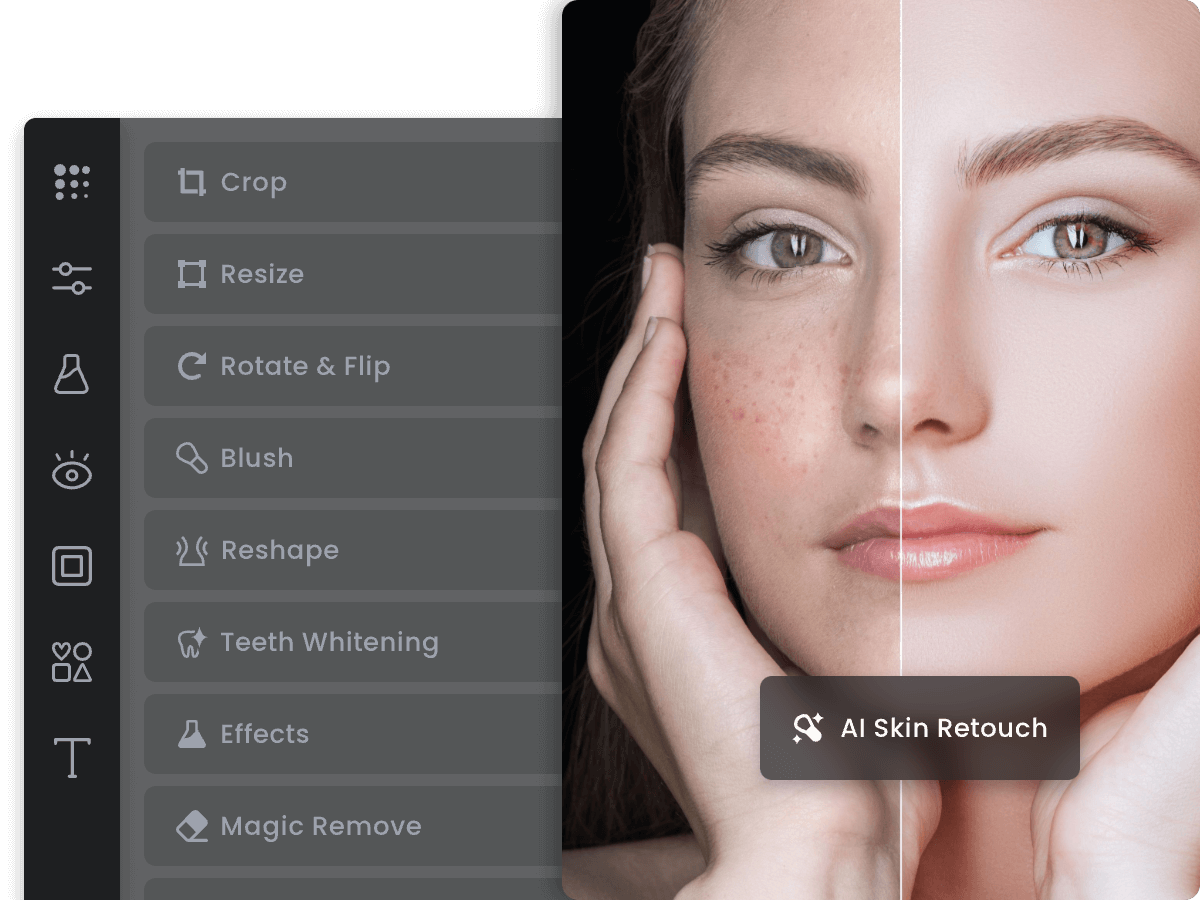
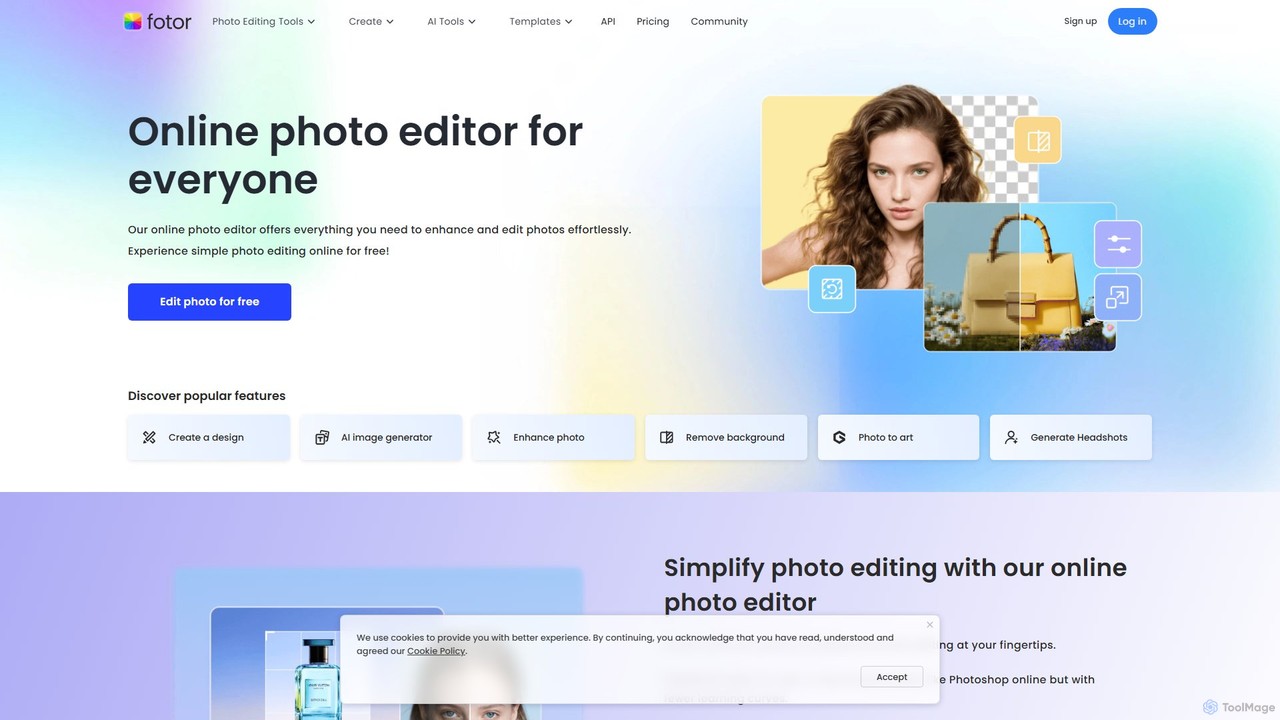
Fotor is a versatile and user-friendly online photo editing and graphic design platform, supercharged with a comprehensive suite of Artificial Intelligence tools. Trusted by over 800 million users worldwide, Fotor positions itself as a powerful yet accessible alternative to complex software like Photoshop, catering to a wide audience from content creators and marketers to entrepreneurs and casual users. It provides a seamless experience across its web-based editor, desktop applications, and mobile apps, ensuring you can create and edit anytime, anywhere.
The platform is built around the principle of making professional-grade editing and design simple and efficient. Whether you need to perform quick adjustments, undertake detailed retouching, or unleash your creativity with generative AI, Fotor provides all the necessary tools in one integrated workspace. Its intuitive interface significantly reduces the learning curve, allowing users to achieve high-quality results in a fraction of the time.
How to use Fotor
Fotor streamlines the creative process into three simple steps, making it accessible to everyone regardless of their technical skill level:
- Upload Photo: Begin by uploading or simply dragging and dropping your image into the Fotor online editor. The platform supports various formats, including JPG and PNG.
- Edit and Customize: This is where the magic happens. Use the extensive range of tools to perfect your image. Make basic adjustments to lighting and color, apply artistic filters, or leverage powerful AI tools to remove backgrounds, erase unwanted objects, or generate new visual elements from text prompts. You can also add text, stickers, and frames to personalize your creation.
- Download & Share: Once you are satisfied with your edit, you can download the final image in high-quality JPG, PNG, or PDF formats. The image is ready to be shared directly on your social media platforms or used in your projects.
Core Features of Fotor
- AI Photo Enhancer: Instantly improve photo quality with a single click. This tool automatically adjusts lighting, enhances colors, removes blur, and sharpens details to transform mediocre photos into clear, vibrant images.
- AI Background & Object Remover: Seamlessly remove backgrounds from images in seconds to create transparent PNGs or replace them with new scenes. The AI Object Remover (Magic Eraser) lets you effortlessly brush over and eliminate unwanted people, text, or distractions from your photos.
- Generative AI Suite: Explore the future of image creation with tools like Text to Image, which turns your descriptive prompts into stunning AI-generated art. The AI Replace feature allows you to add or swap objects within a photo using text, while the AI Image Expander (Outpainting) intelligently extends your image beyond its original borders.
- AI Avatar Generator: Upload your selfies to create a variety of stylized AI avatars, perfect for professional profiles on LinkedIn or creative PFPs for social media.
- Comprehensive Editing Tools: Fotor includes a full set of classic editing functions, such as cropping, resizing, rotating, and adjusting brightness, contrast, saturation, and exposure.
- Artistic Filters and Effects: Apply a wide range of filters, from vintage and black & white to modern AI effects that can turn your photos into cartoons, anime characters, or sketches.
- Collage Maker & Design Templates: Easily combine multiple photos into beautiful collages using a vast library of customizable templates, layouts, and grids. Access millions of design assets, including stock photos, stickers, icons, and stylish fonts.
- Batch Processing: Save time by applying the same edits (like resizing, watermarking, or format conversion) to multiple images simultaneously.
Use Cases for Fotor
Fotor is an invaluable tool for a variety of professional and personal applications:
- Social Media Management: Create eye-catching posts, stories, and profile pictures for platforms like Instagram, Facebook, and LinkedIn.
- E-commerce: Produce clean, professional product photos by removing or changing backgrounds to make products stand out.
- Content Creation: Enhance images for blogs, websites, and YouTube thumbnails to attract and engage audiences.
- Marketing & Branding: Design promotional materials, ads, and banners with custom text and graphics.
- Professional & Personal Branding: Generate professional AI headshots for resumes and online profiles or create unique avatars.
- Personal Projects: Design custom invitations, create memorable photo collages of family events, or simply have fun transforming photos into art.
Advantages of Fotor
Fotor stands out for its unique combination of power and simplicity:
- User-Friendly: An intuitive interface makes advanced editing accessible to non-designers.
- All-in-One Platform: It combines a photo editor, design tool, and generative AI suite, eliminating the need for multiple applications.
- Efficiency: AI-powered features and batch editing automate complex tasks, dramatically speeding up the workflow.
- Cross-Platform Availability: Work seamlessly across web browsers, dedicated desktop apps (Windows/Mac), and mobile apps (iOS/Android).
- Rich Asset Library: Gain access to millions of stock photos, templates, fonts, and design elements directly within the editor.
Pricing and Plans
Fotor operates on a freemium model, offering both free and paid plans to suit different needs. The Free plan provides access to basic editing tools, limited AI features, and standard-quality, watermarked downloads. For users seeking advanced capabilities, Fotor offers premium subscriptions like Fotor Pro and Fotor Pro+. These paid plans unlock all advanced AI tools, provide a generous number of monthly AI credits, grant access to the full library of premium templates and assets, and enable high-resolution, watermark-free downloads.
Traffic
Latest traffic
Status
Monthly traffic trend
- 2025-9: 15.7M
- 2026-1: 11.5M
- 2026-2: 10.0M
- 2026-3: 10.2M
- 2026-4: 9.5M
- 2026-5: 9.2M
Geography
Top 5 countries / regions
- 🇷🇺Russia42.2%
- 🇺🇸United States26.1%
- 🇮🇳India12.8%
- 🇧🇷Brazil9.8%
- 🇮🇩Indonesia9.1%
Traffic sources
| Source type | Percentage |
|---|---|
Direct | 86.3% |
Referral | 12.6% |
Email | 1.1% |
Top keywords
| Keyword | Cost per click |
|---|---|
| background remover | $0.35 |
| fotor | $0.36 |
| fotor ai | $0.34 |
| улучшить качество фото | $0.22 |
| улучшить качество фото онлайн | $0.17 |
Fotor Videos on YouTube




MR SETH INDIAN
Fotor Alternatives
BeFunky
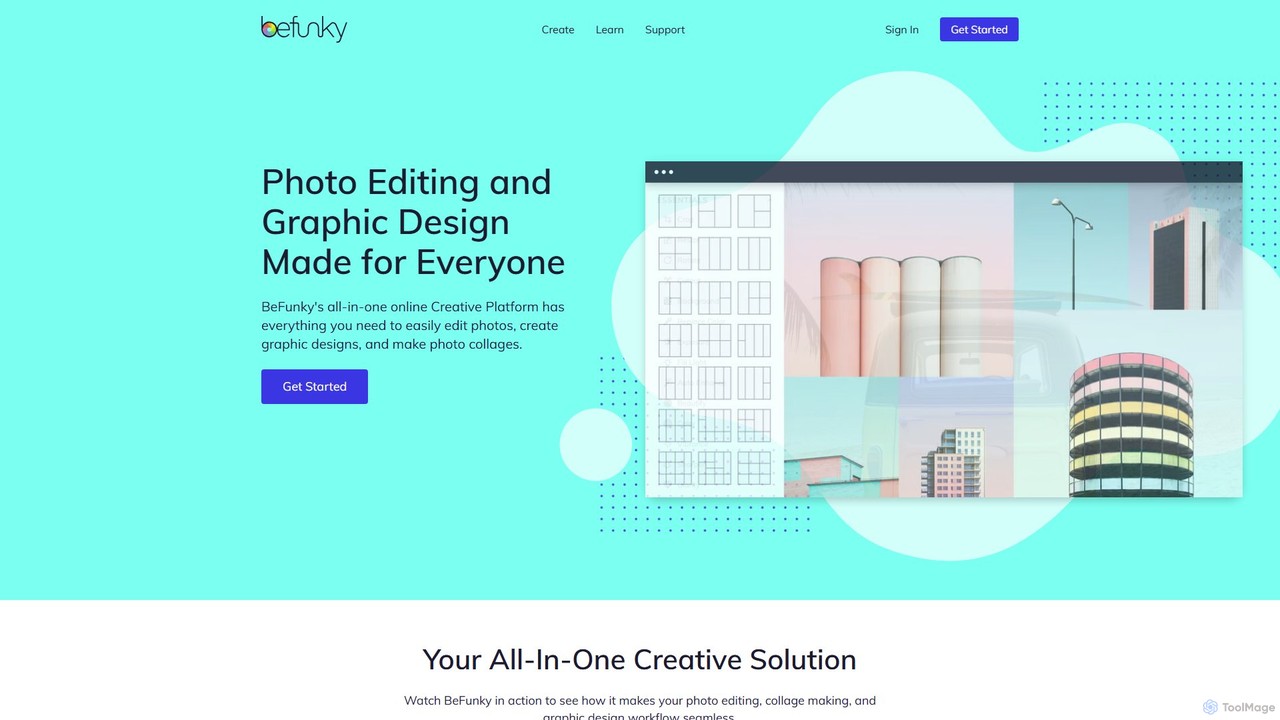
BeFunky is an all-in-one online creative platform designed for easy photo editing, collage making, and graphic design. It offers a powerful suite of tools, including an AI-powered background remover, one-click collage creation, and extensive design templates. With access to millions of stock photos and vector graphics, BeFunky simplifies the creative process for everyone, from beginners to professionals, making it a versatile alternative to complex software.
3D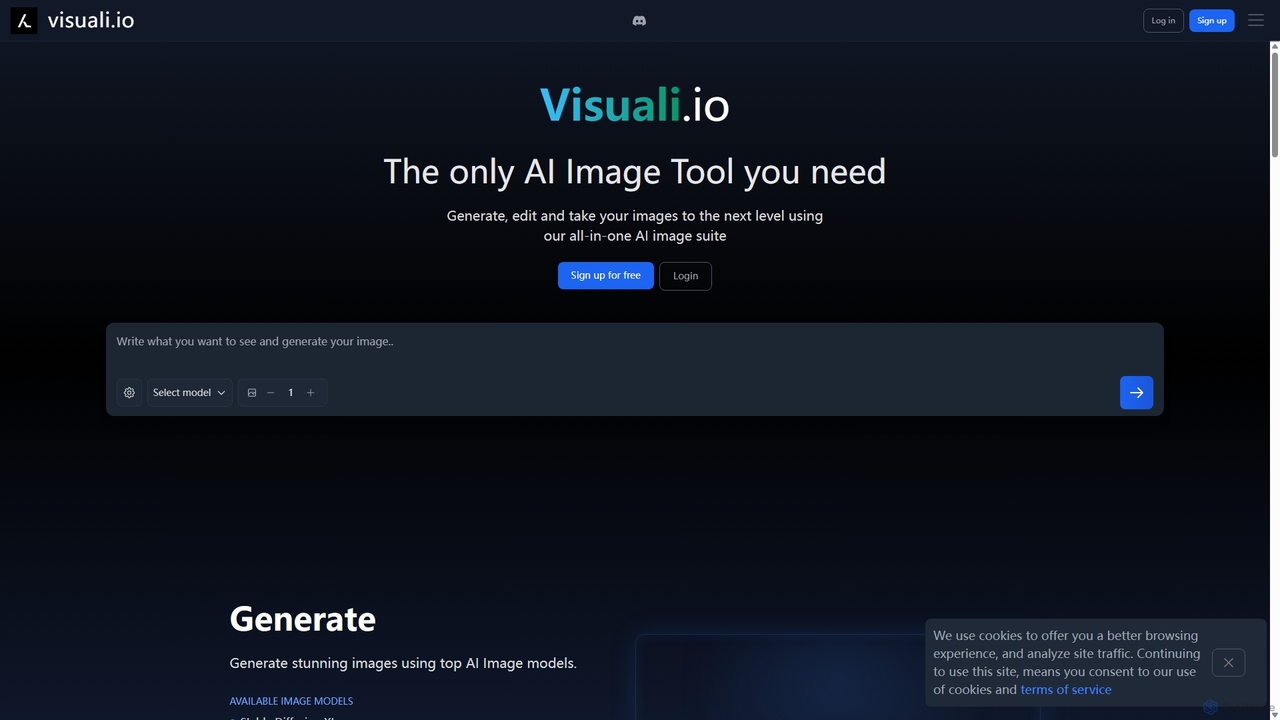
Visuali
Visuali is an all-in-one AI image suite that allows you to generate, edit, and enhance images directly in your browser. Leveraging top AI models like Stable Diffusion XL, it offers powerful features including text-to-image generation, natural language editing, seamless inpainting and outpainting on an infinite canvas, and the ability to transform sketches into photorealistic images. It's a versatile tool for creators, marketers, and designers.
3D
Phot.AI
Phot.AI is an AI-powered visual content creation platform designed for e-commerce, marketers, and businesses. It offers a suite of over 40 tools to automate photo editing, generate high-converting ads, create professional product photos, and scale visual content production effortlessly. From background removal to AI art generation, Phot.AI helps users save time and boost sales with studio-quality visuals.
3D
Picsart
Picsart is an all-in-one AI-powered creative platform for photo and video editing. It offers a comprehensive suite of tools, including AI image generation, background removal, photo enhancement, and a vast library of templates and stock content. Designed for everyone from beginners to professionals, Picsart simplifies the creation of stunning visuals for social media, marketing, and personal projects, accessible on both web and mobile.
3D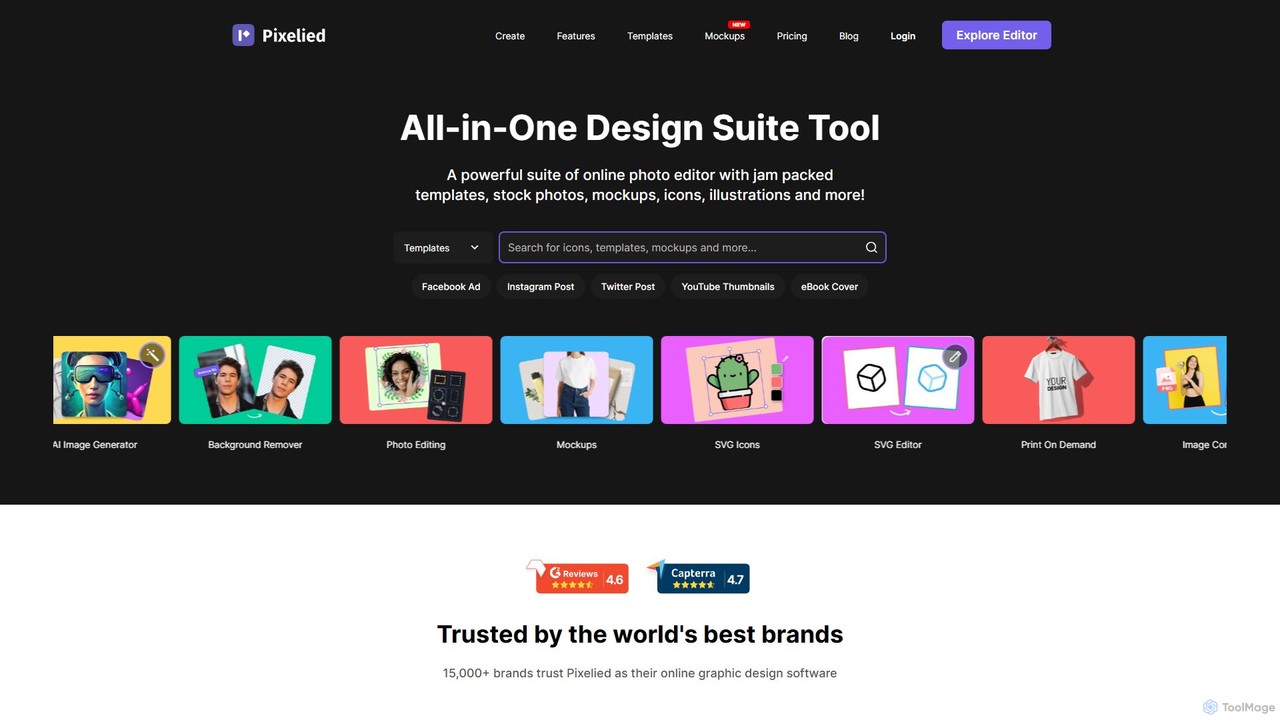
Pixelied
Pixelied is an all-in-one online graphic design suite and photo editor designed for non-designers. It empowers users to create stunning visuals in minutes with a vast library of templates, millions of stock photos, advanced editing tools, and an AI-powered background remover. Ideal for social media graphics, marketing materials, and blog visuals.
3DFotor Categories
Fotor Embed Widget
Copy this embed code to place the badge on your blog, article, or product site and send readers directly to this ToolMage detail page.

Related AI tools
BeFunky
BeFunky is an all-in-one online creative platform designed for easy photo editing, collage making, and graphic design. It offers a powerful suite of tools, including an AI-powered background remover, one-click collage creation, and extensive design templates. With access to millions of stock photos and vector graphics, BeFunky simplifies the creative process for everyone, from beginners to professionals, making it a versatile alternative to complex software.
3D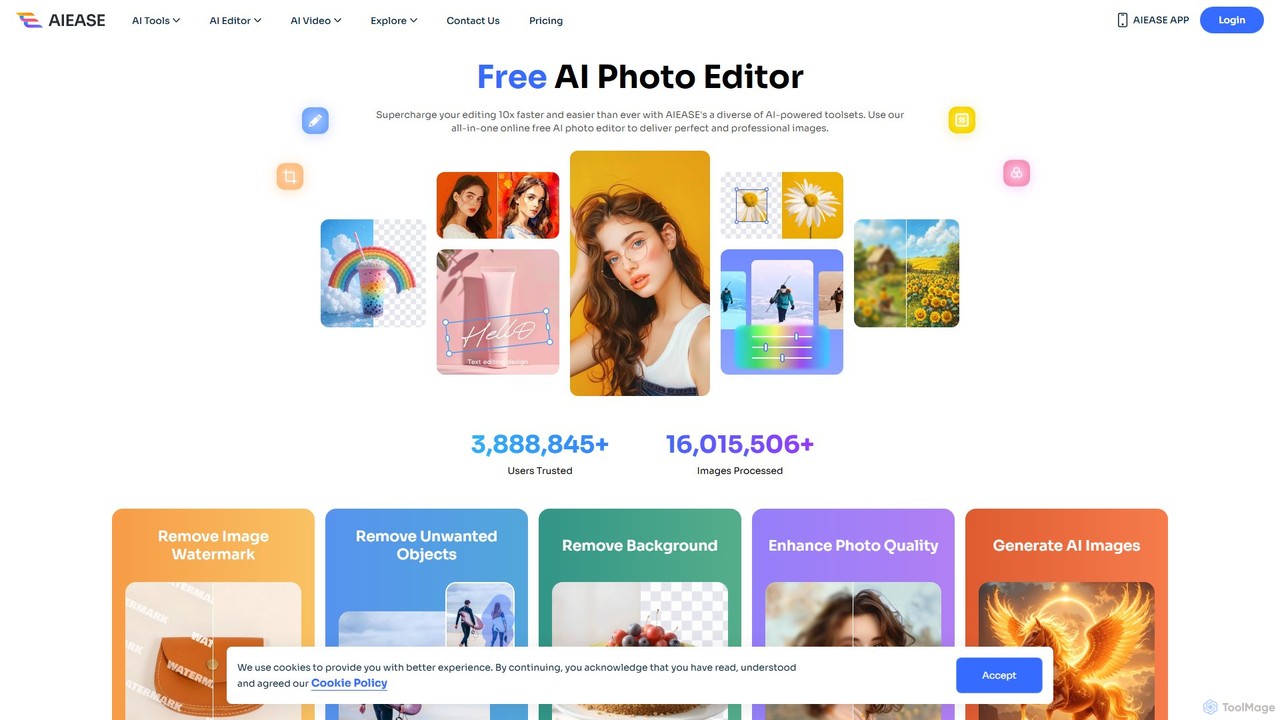
AIEASE
AIEASE is a comprehensive, all-in-one AI photo editing suite designed to simplify and accelerate your workflow. It offers a wide range of tools, from background and object removal to photo enhancement, AI image generation, and creative effects like face swapping and hairstyle changes. Available on web and mobile, it caters to both professional and personal use cases, making advanced photo editing accessible to everyone.
3D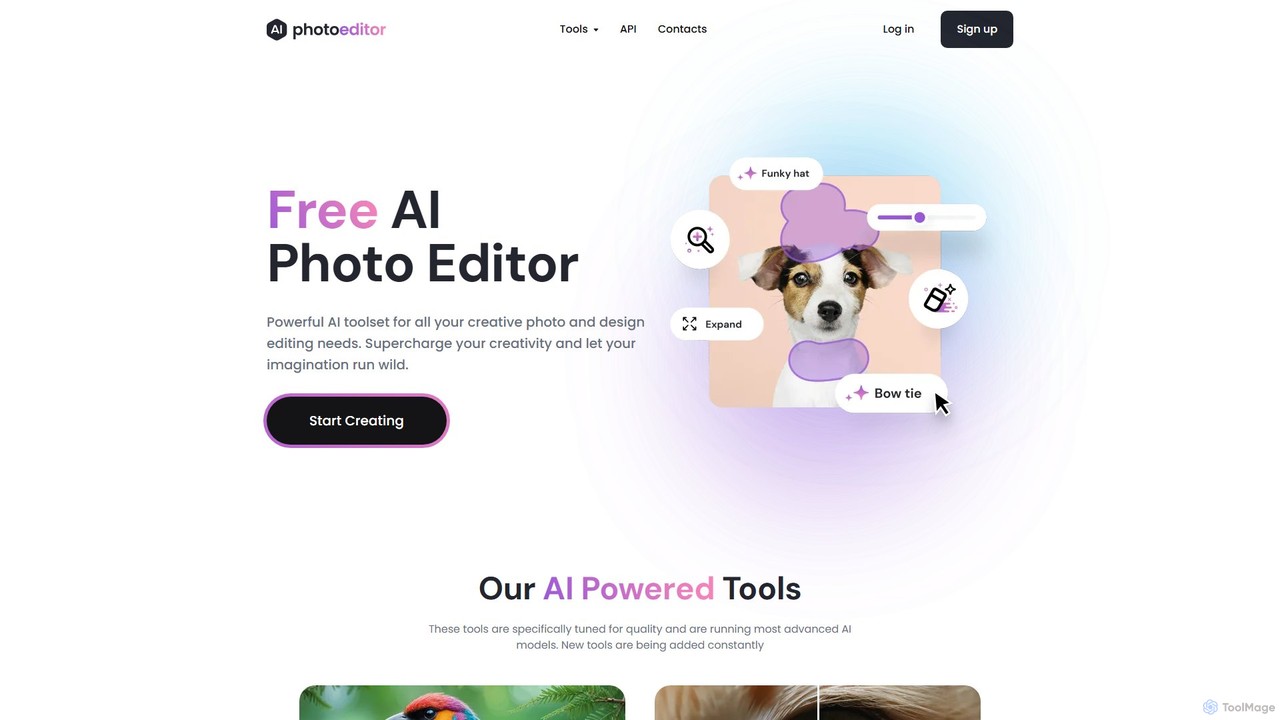
photoeditor.ai
An all-in-one AI-powered photo editing suite. Effortlessly generate images from text, remove backgrounds and objects, enhance, upscale, and expand photos with generative fill. No design skills needed, accessible directly from your web browser.
Image EditingPhot.AI
Phot.AI is an AI-powered visual content creation platform designed for e-commerce, marketers, and businesses. It offers a suite of over 40 tools to automate photo editing, generate high-converting ads, create professional product photos, and scale visual content production effortlessly. From background removal to AI art generation, Phot.AI helps users save time and boost sales with studio-quality visuals.
3D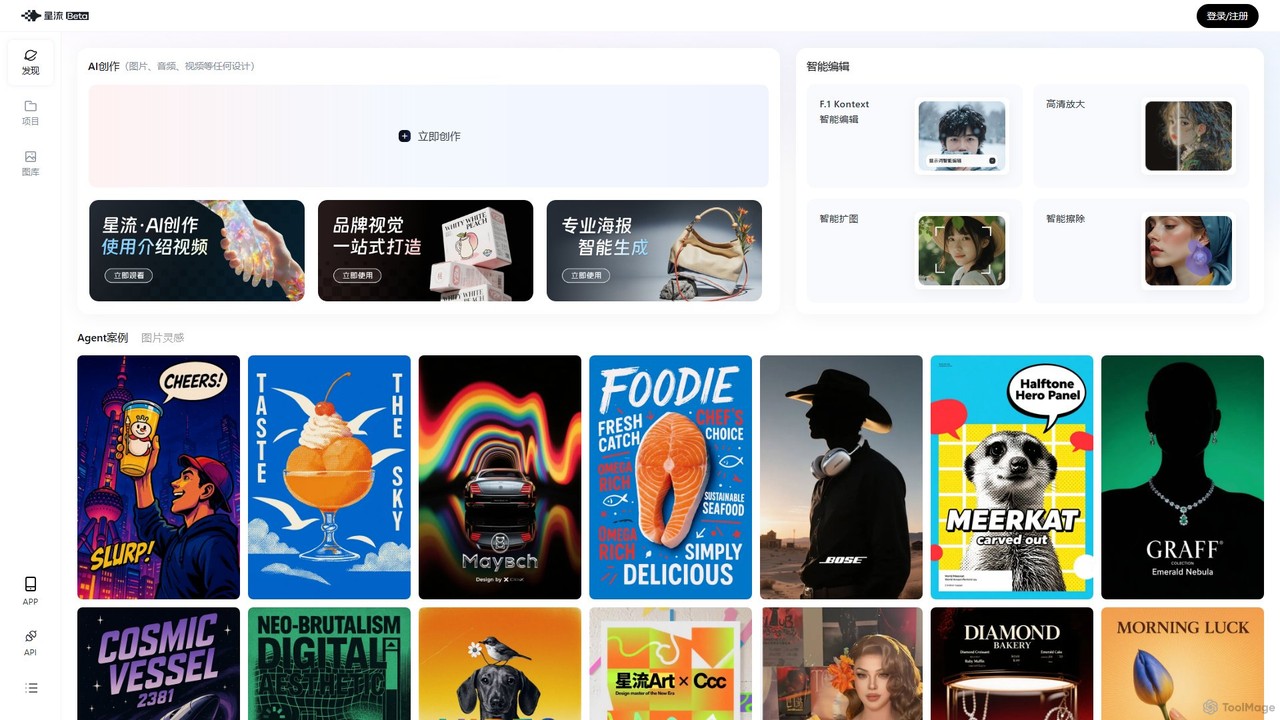
Xingliu
Xingliu is a next-generation AI creation suite that seamlessly integrates content generation and smart editing. Create stunning images, posters, and designs from text prompts, and refine them with powerful tools like HD upscaling, smart outpainting, object removal, and background cutout. It's an all-in-one platform for designers, marketers, and creators to bring their ideas to life effortlessly.
Image Generation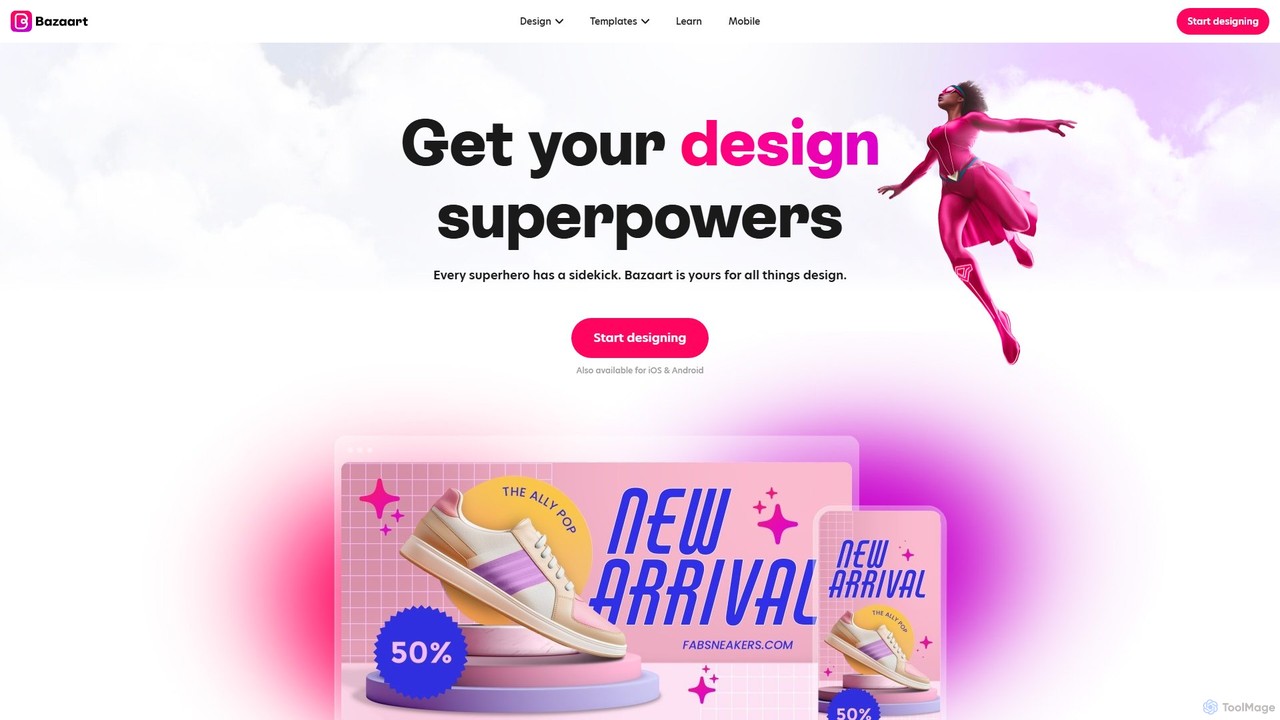
Bazaart
Bazaart is a powerful AI-powered photo editing and graphic design app for web, iOS, and Android. It offers a suite of magical AI tools, including background removal, object eraser, and an AI art generator, alongside thousands of templates and a vast library of design elements. Ideal for social media pros, business owners, and content creators, Bazaart simplifies professional design, enabling users to create stunning visuals effortlessly.
Ai Art Generator
imgifyai
imgifyai is a comprehensive, all-in-one AI image toolkit for creators. It combines a powerful text-to-image generator with styles like anime and Pixar, alongside essential editing tools such as background removal, image upscaling, enhancement, and restoration. With free cloud storage and a user-friendly interface, imgifyai empowers users to effortlessly create and edit stunning visuals, turning imagination into high-quality art in seconds.
Image EditorPicsart
Picsart is an all-in-one AI-powered creative platform for photo and video editing. It offers a comprehensive suite of tools, including AI image generation, background removal, photo enhancement, and a vast library of templates and stock content. Designed for everyone from beginners to professionals, Picsart simplifies the creation of stunning visuals for social media, marketing, and personal projects, accessible on both web and mobile.
3D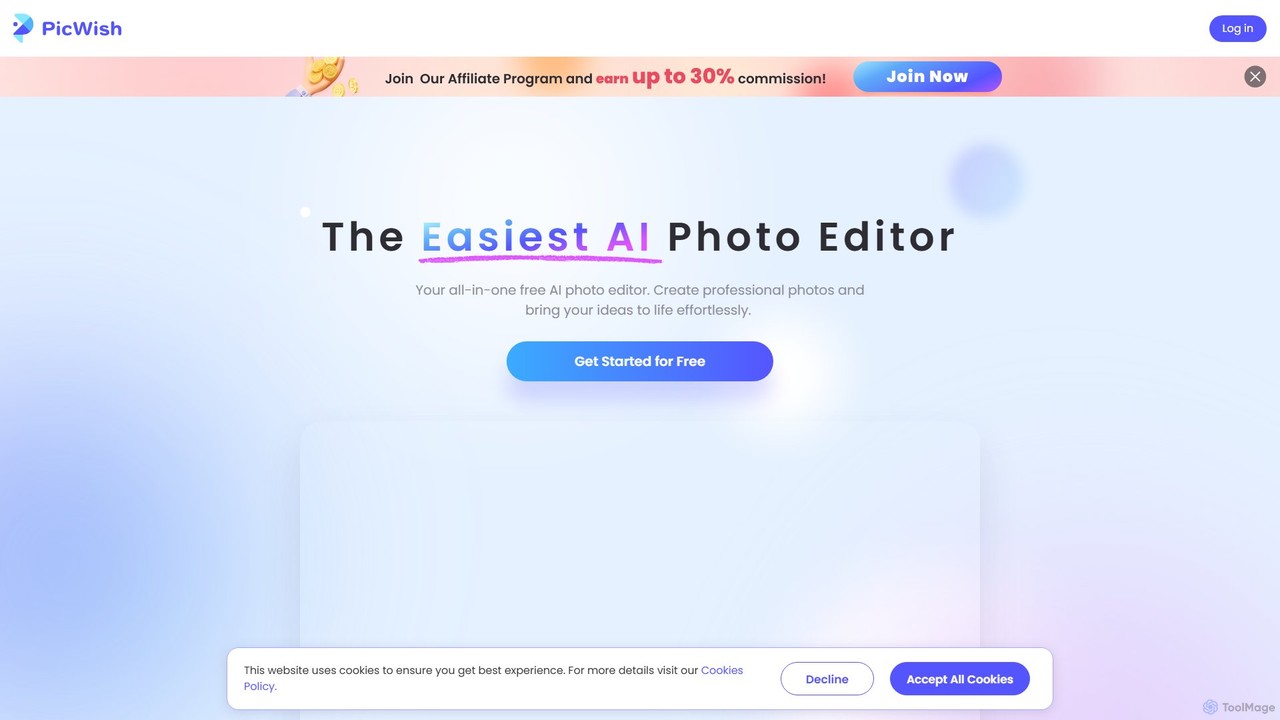
PicWish
PicWish is an all-in-one AI-powered photo editing suite designed to simplify complex image processing. It offers a wide range of free and pro tools, including background removal, photo enhancement, object removal, and AI background generation. Available online and as a dedicated app, PicWish empowers e-commerce sellers, designers, and content creators to produce professional-quality visuals effortlessly, without needing advanced technical skills.
Image Generation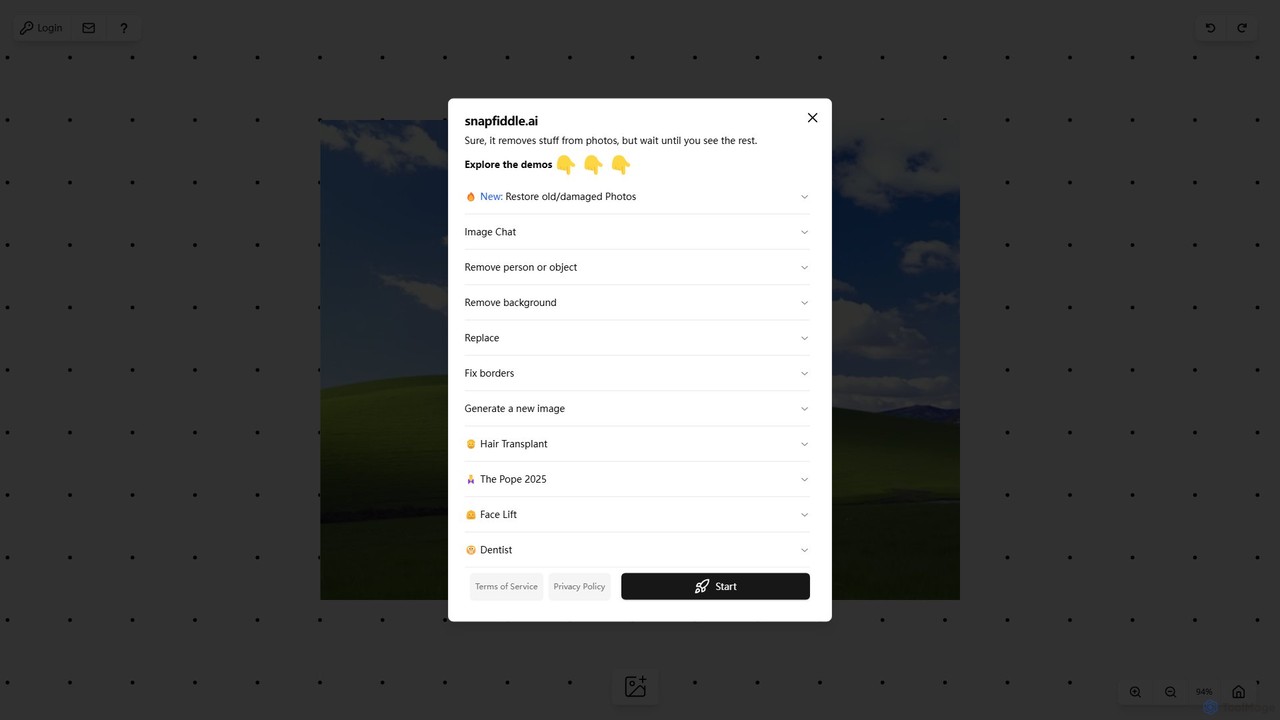
snapfiddle.ai
snapfiddle.ai is a comprehensive AI-powered image editing suite. It allows users to effortlessly remove objects, restore old photos, remove backgrounds, generate new images, and perform advanced edits like face lifts or hair transplants through an intuitive web interface.
Image Generation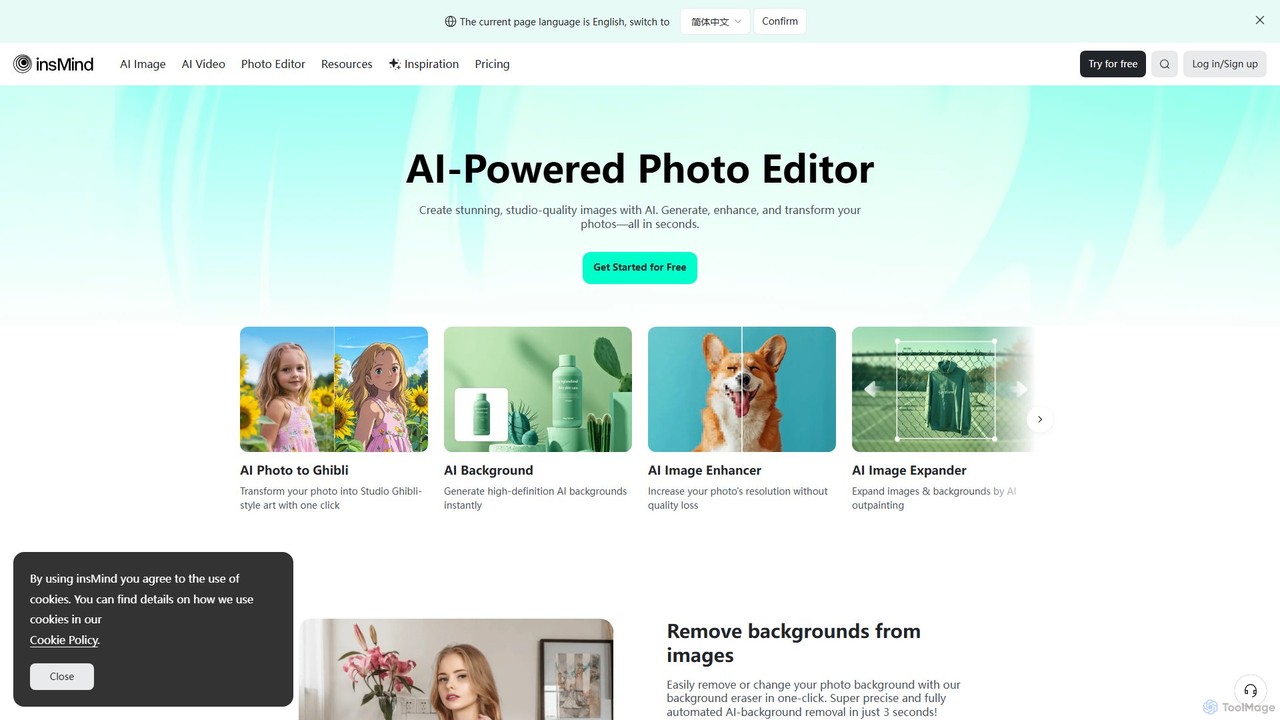
insmind
insmind is an AI-powered photo editor designed for e-commerce and marketing. It offers a comprehensive suite of tools to instantly remove backgrounds, generate realistic scenes, enhance image quality, erase unwanted objects, and create professional product photos, social media posts, and headshots in seconds. It's built to be user-friendly for both beginners and professionals, streamlining the entire image creation workflow.
3D
Kira
Kira is a powerful AI-powered platform for professional-grade image generation and editing. It combines a versatile text-to-image generator with a comprehensive suite of editing tools, including background removal, inpainting, upscaling, and stylization. Its key feature is the ability to maintain consistent styles and characters across multiple edits and generations, making it ideal for branding, marketing, and creative projects that require a cohesive visual identity.
Graphic Design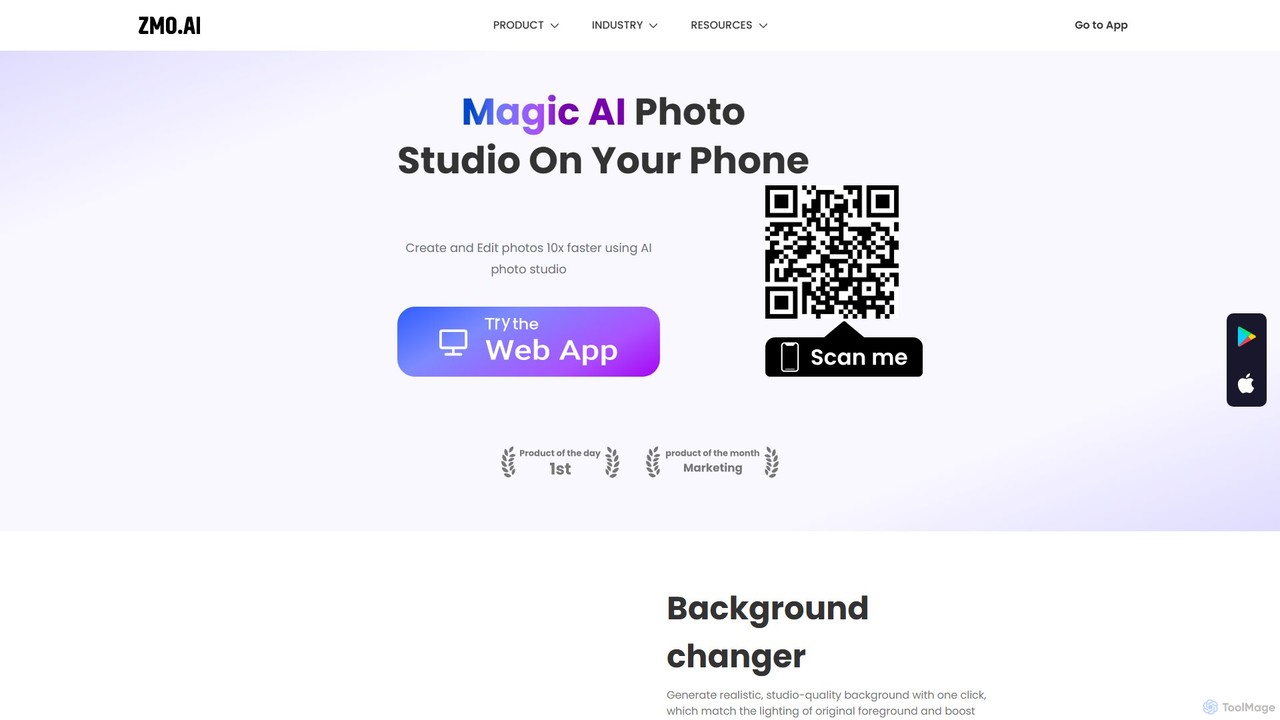
ZMO.AI Photo Studio
An AI-powered suite for creating and editing professional images. Instantly generate studio-quality backgrounds, remove unwanted objects, and showcase products on AI-generated models. Ideal for e-commerce, marketing, and social media, it streamlines photo production, saving time and reducing costs significantly.
3D
Pixelfox
Pixelfox is a comprehensive, free-to-use AI suite for creators and businesses. It combines a powerful online photo and video editor with over 300 AI writing tools. Effortlessly retouch photos, remove backgrounds, generate images from text, swap faces, and enhance quality. Simultaneously, create SEO-optimized articles, social media content, product descriptions, and much more, all within a single, no-download platform.
3D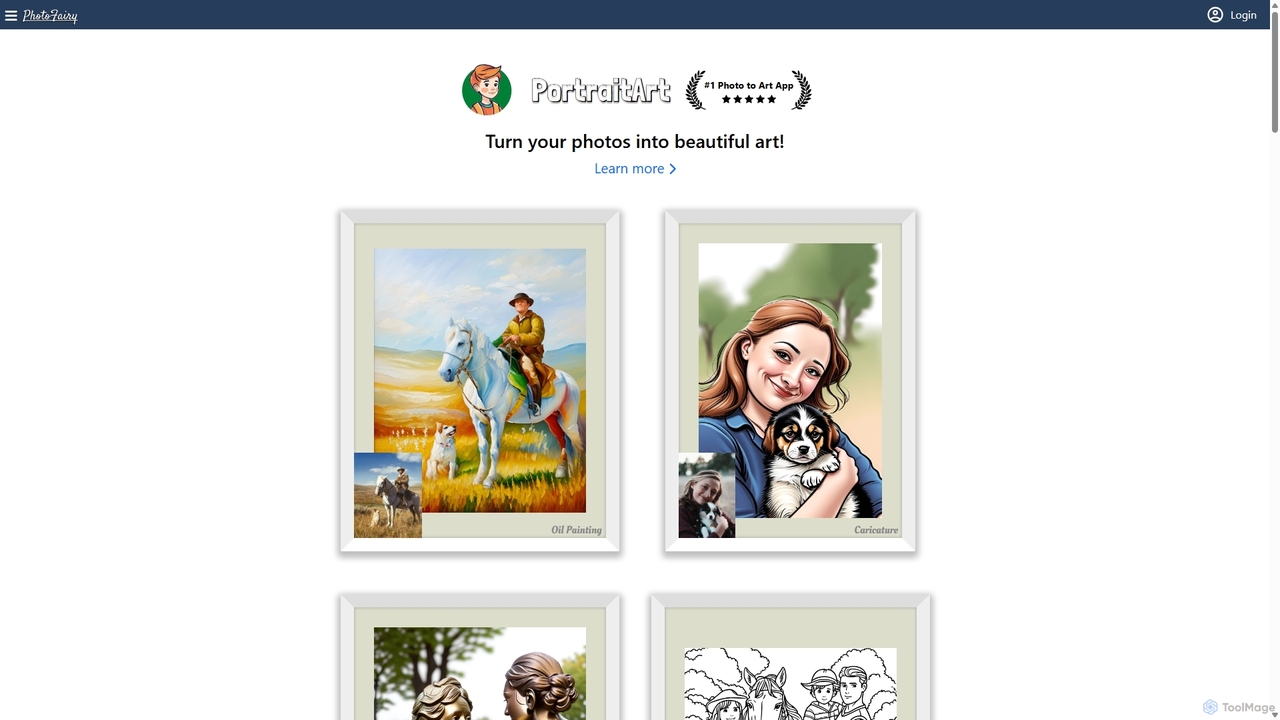
PhotoFairy
PhotoFairy is a powerful AI-driven photo editor and graphic design tool. It effortlessly transforms photos into various art styles, removes backgrounds and objects, generates images from text, and provides an infinite canvas for creative projects. Ideal for designers, marketers, and content creators seeking an all-in-one visual creation platform.
Art Generation
Fotor Comments (0)
Sign in to comment.
Sign inNo comments yet.