

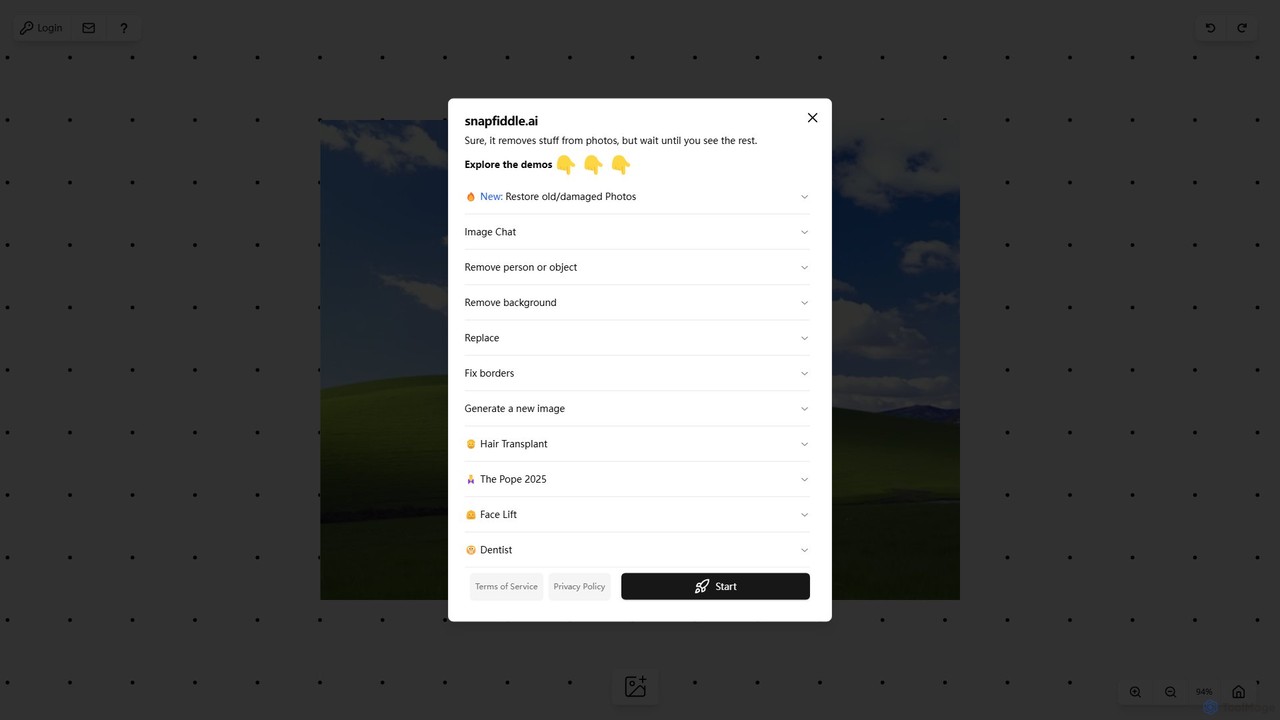
snapfiddle.ai Overview
snapfiddle.ai is a versatile and powerful online AI image editing platform designed to cater to a wide range of photo manipulation needs. It moves beyond simple filters, offering a suite of sophisticated tools that leverage artificial intelligence to automate complex editing tasks. Whether you are a professional photographer, a social media manager, a graphic designer, or a casual user looking to enhance your personal photos, snapfiddle.ai provides an accessible yet robust solution. The platform's core strength lies in its ability to combine multiple high-demand editing functions into a single, user-friendly interface, eliminating the need for expensive and complicated desktop software.
The platform is built for speed and efficiency, allowing users to achieve professional-grade results in just a few clicks. From cleaning up distracting elements in a landscape photo to completely restoring a cherished but damaged family portrait, snapfiddle.ai handles it all with remarkable precision. Its innovative features, such as 'Image Chat', introduce a new paradigm for image editing, allowing users to direct changes through natural language, making the creative process more intuitive and interactive than ever before.
How to use snapfiddle.ai
Using snapfiddle.ai is designed to be a straightforward and intuitive process, even for those with no prior editing experience:
- Upload Your Image: Start by dragging and dropping your photo onto the website or selecting a file from your computer.
- Choose Your Tool: On the main dashboard, you'll find a clear menu of available tools. Select the function you need, such as 'Remove person or object', 'Restore old/damaged Photos', or 'Remove background'.
- Apply the Edit: Depending on the tool, you will interact with the image. For object removal, you might use a brush to highlight the unwanted element. For image generation or 'Image Chat', you would type a text prompt describing your desired outcome.
- Let AI Do the Work: After you provide the input, the AI engine processes your request and generates a preview of the edited image.
- Refine and Download: If you're satisfied with the result, you can download the high-quality image. If needed, you can further refine the edit or try another tool on the same image.
Core Features of snapfiddle.ai
- AI Object & Person Removal: Intelligently removes unwanted people, objects, text, or blemishes from any photo, seamlessly filling in the background.
- Photo Restoration: Automatically repairs old, scratched, or faded photographs. It can fix cracks, remove dust spots, and even colorize black-and-white images.
- One-Click Background Removal: Instantly creates a transparent background for any image, perfect for product photos, portraits, and graphic design projects.
- AI Image Generation: Create entirely new images from simple text descriptions, allowing for limitless creative possibilities.
- Image Replacement & Inpainting: Select an area of your image and describe what you want to replace it with, from changing a person's clothing to adding new elements to a scene.
- Image Expansion (Outpainting): Extend the borders of your photos in any direction. The AI intelligently generates new content that matches the style and context of the original image.
- Image Chat: A revolutionary feature that allows you to edit photos using conversational commands, such as "make the sky look more dramatic" or "add sunglasses to the man."
- Advanced AI Retouching: Specialized tools demonstrated by demos like 'Hair Transplant', 'Face Lift', and 'Dentist' for detailed and realistic portrait enhancements.
Use Cases for snapfiddle.ai
snapfiddle.ai is a valuable asset for various professionals and hobbyists:
- Photographers: Quickly clean up client photos by removing stray hairs, skin imperfections, or distracting background elements. Restore vintage photos for special projects.
- E-commerce Businesses: Create clean, professional product listings by removing backgrounds. Generate lifestyle mockups by placing products in AI-generated scenes.
- Marketers & Social Media Managers: Produce eye-catching visuals for campaigns. Easily resize and adapt images for different platforms using the outpainting feature.
- Real Estate Agents: Enhance property photos by removing clutter, fixing lighting, or even adding virtual staging elements.
- Personal Users: Perfect family photos, remove photobombers from travel pictures, restore precious memories from old prints, and have fun creating unique AI art.
Advantages of snapfiddle.ai
The primary advantage of snapfiddle.ai is its combination of power and simplicity. It consolidates a wide array of professional-grade AI editing tools into one accessible web application. This saves users time and money by eliminating the need for multiple subscriptions or complex software like Adobe Photoshop for many common tasks. The intuitive interface and innovative features like Image Chat lower the barrier to entry for advanced photo editing, empowering anyone to bring their creative vision to life.
Pricing and Plans
snapfiddle.ai likely operates on a freemium model. New users can typically start with a free trial or a set of complimentary credits to explore the core features. This allows you to test the tools and see the quality of the results firsthand. For more extensive use, higher resolution downloads, or access to premium features and higher processing limits, users can subscribe to one of several paid plans. These plans are generally tiered to suit different needs, from casual users to professionals and businesses requiring high-volume processing or API access.
Traffic
Latest traffic
Status
Monthly traffic trend
- 2025-9: 3.9K
- 2026-1: 451
- 2026-2: 317
- 2026-3: 709
- 2026-4: 2.1K
- 2026-5: 471
Top keywords
| Keyword | Cost per click |
|---|---|
| snaplead ai | $0.00 |
snapfiddle.ai Alternatives
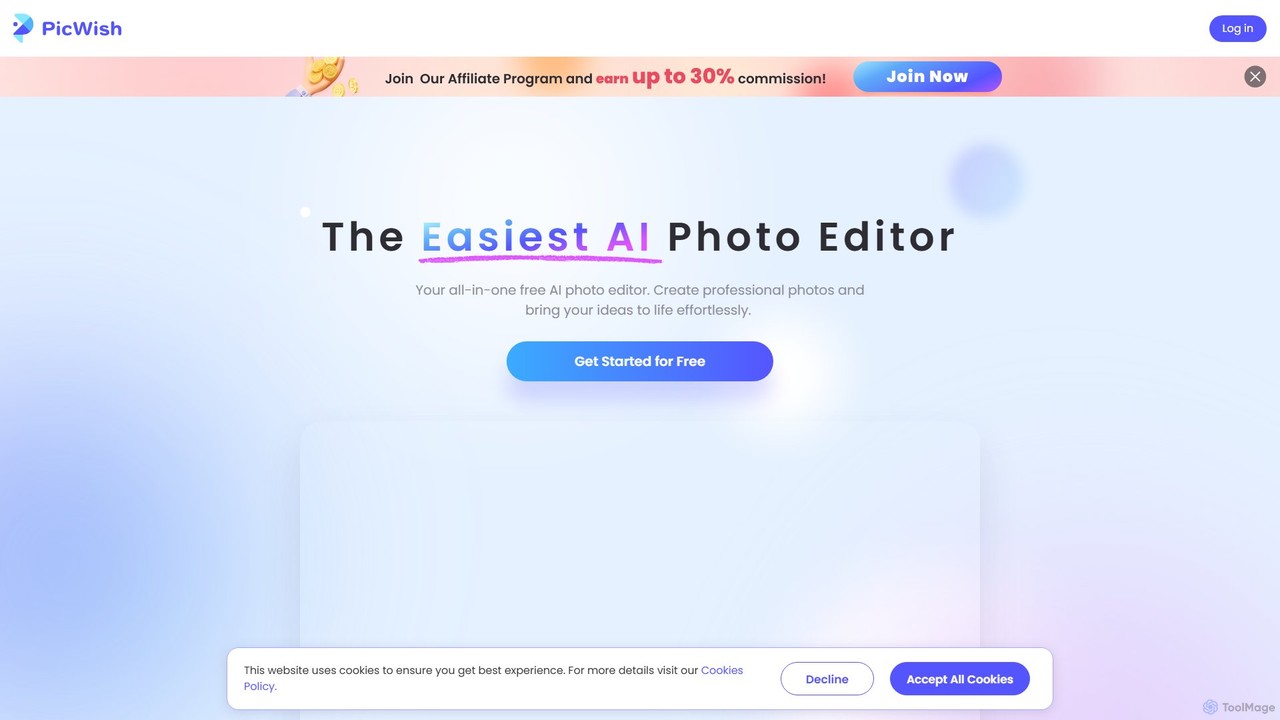
PicWish
PicWish is an all-in-one AI-powered photo editing suite designed to simplify complex image processing. It offers a wide range of free and pro tools, including background removal, photo enhancement, object removal, and AI background generation. Available online and as a dedicated app, PicWish empowers e-commerce sellers, designers, and content creators to produce professional-quality visuals effortlessly, without needing advanced technical skills.
Image Generation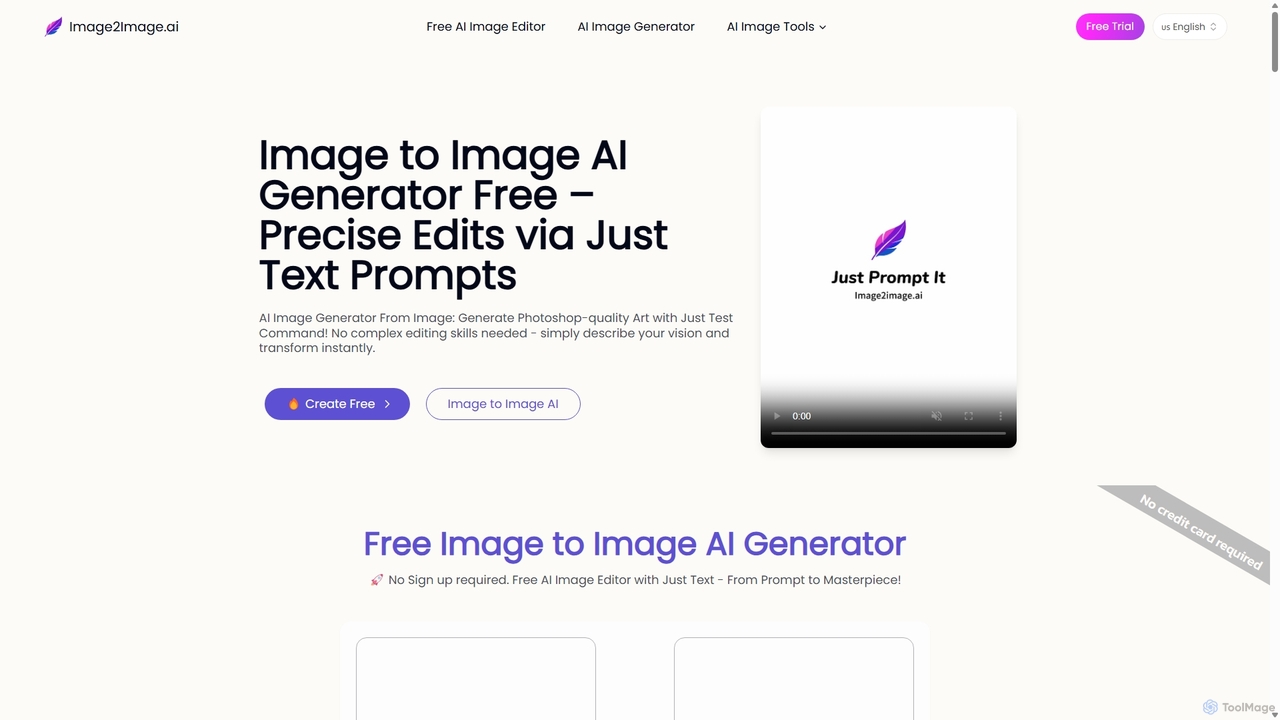
Image to Image AI
Image to Image AI is a powerful free tool that transforms your existing photos into stunning new creations using simple text prompts. It allows for precise edits, style transfers, object removal, and photo restoration while maintaining the consistency and composition of the original image, no professional skills required.
Ai Art Generator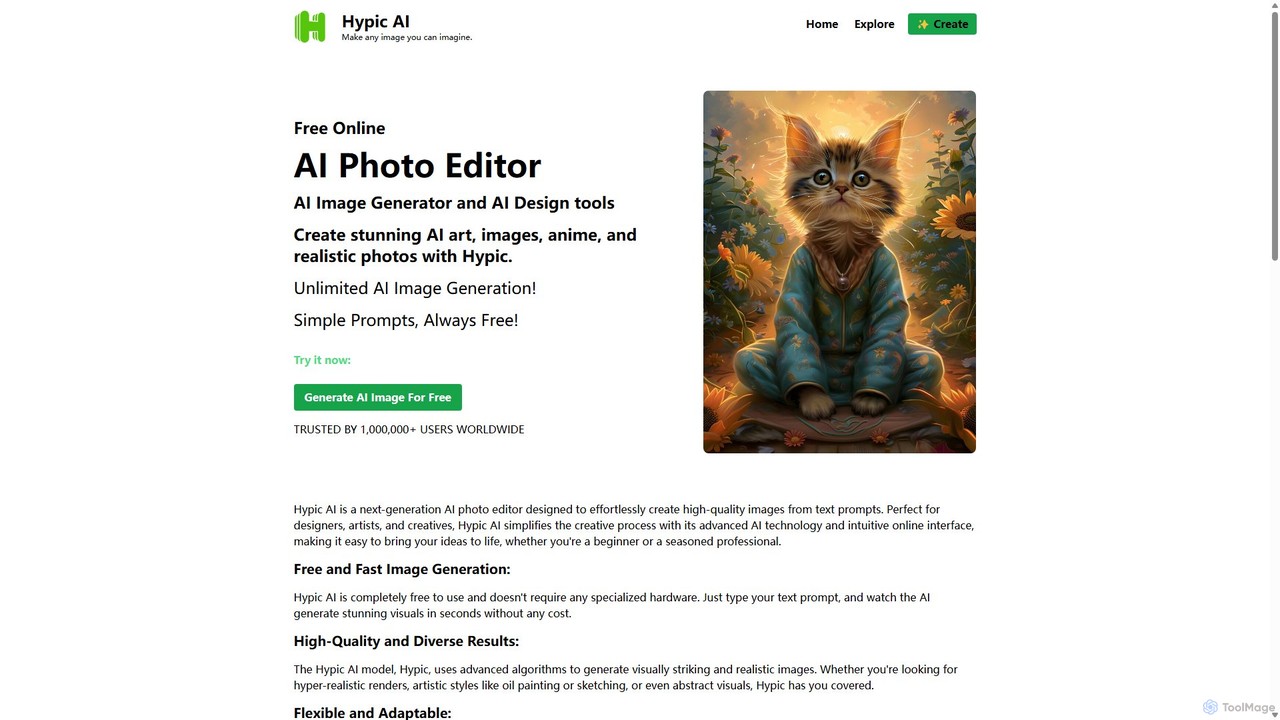
Hypic
Hypic is a powerful, all-in-one AI photo editing app for both beginners and professionals. It offers a wide range of AI-powered features, including one-tap portrait retouching, object removal, background replacement, and creative filters. Elevate your photos for social media, personal use, or e-commerce with professional-grade tools made simple and accessible on your mobile device.
Image Generation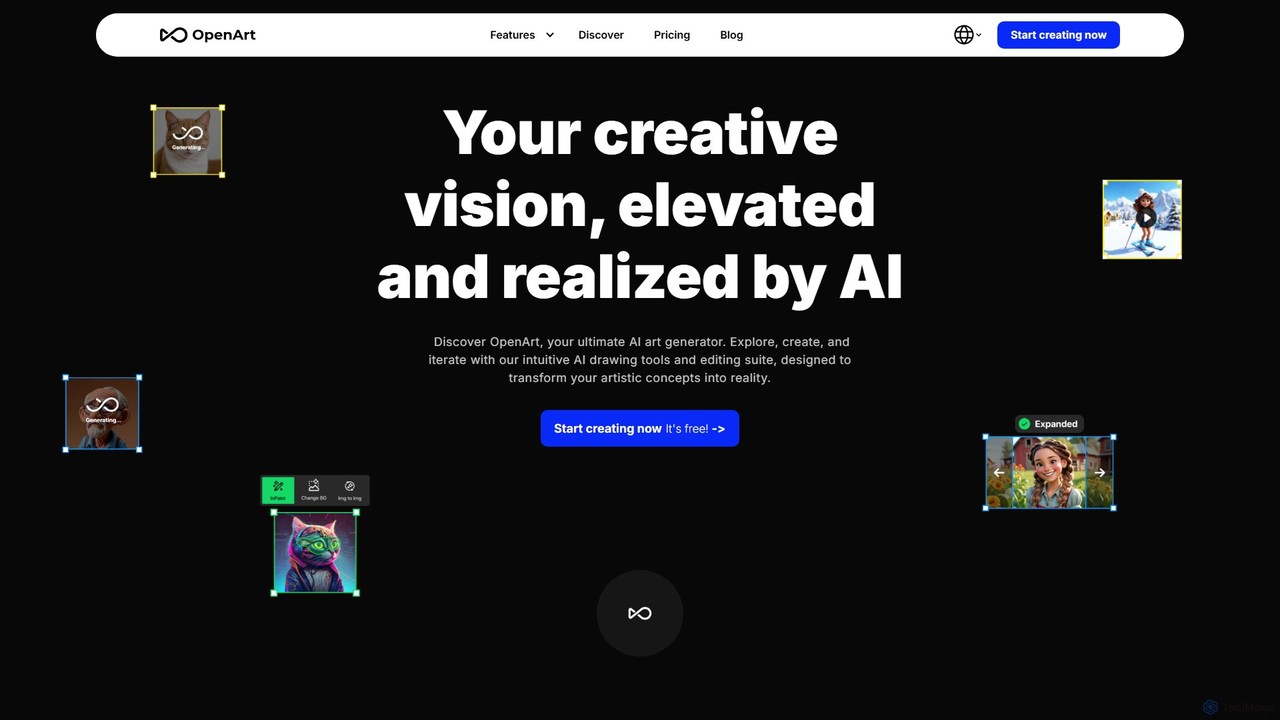
OpenArt
OpenArt is a powerful AI art platform for creating and editing images. It features an advanced AI image generator, a comprehensive suite of editing tools, and the unique ability to train custom AI models for specific styles or characters. Ideal for artists, designers, and hobbyists, it offers both free and professional plans.
Art Generation
OmniGen AI
OmniGen AI is a powerful, open-source AI image generation platform that unifies text-to-image, image editing, and controlled generation into a single framework. Leveraging advanced Diffusion Transformer models and OminiControl technology, it allows users to create stunning, high-quality visuals from text prompts, edit existing images with precision, and utilize features like virtual try-on, background removal, and subject-driven generation with unprecedented ease and control.
Virtual Try Onsnapfiddle.ai Categories
snapfiddle.ai Embed Widget
Copy this embed code to place the badge on your blog, article, or product site and send readers directly to this ToolMage detail page.

Related AI tools
PicWish
PicWish is an all-in-one AI-powered photo editing suite designed to simplify complex image processing. It offers a wide range of free and pro tools, including background removal, photo enhancement, object removal, and AI background generation. Available online and as a dedicated app, PicWish empowers e-commerce sellers, designers, and content creators to produce professional-quality visuals effortlessly, without needing advanced technical skills.
Image GenerationImage to Image AI
Image to Image AI is a powerful free tool that transforms your existing photos into stunning new creations using simple text prompts. It allows for precise edits, style transfers, object removal, and photo restoration while maintaining the consistency and composition of the original image, no professional skills required.
Ai Art Generator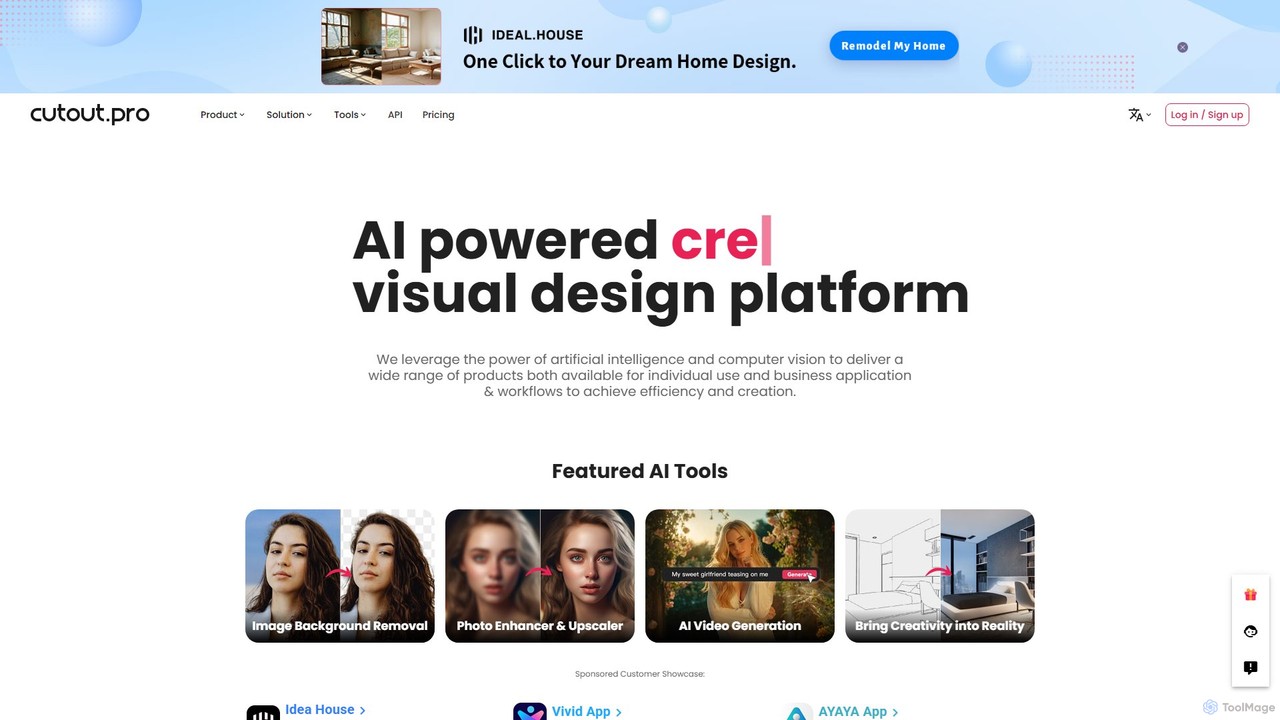
Cutout.Pro
Cutout.Pro is an AI-powered visual design platform offering a comprehensive suite of tools for image and video editing. It specializes in automated background removal, photo enhancement, object removal, and AI content generation, catering to designers, e-commerce businesses, developers, and individual users.
3D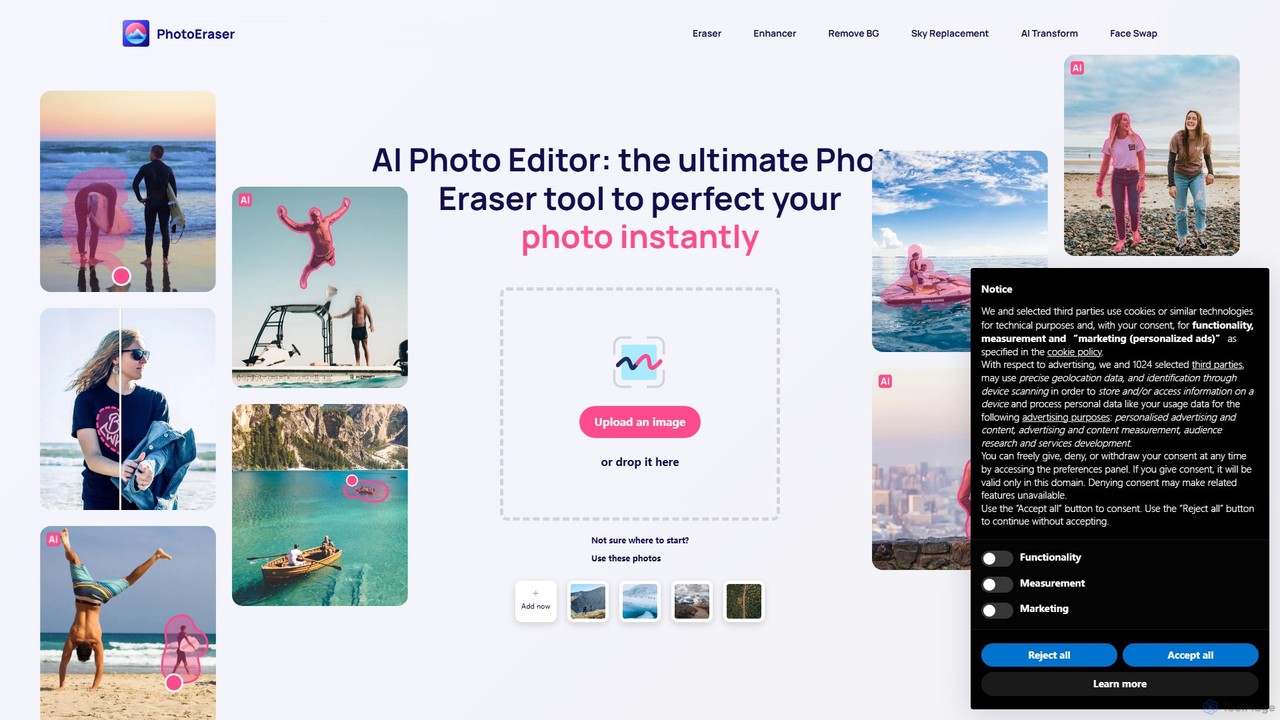
Photoeraser
Photoeraser is an all-in-one AI-powered photo editing suite. It allows users to effortlessly remove unwanted objects, people, or text from images, enhance photo quality, swap faces, and restore old photos. Its intuitive interface makes professional-grade editing accessible to everyone, from social media users to real estate professionals.
Face Swap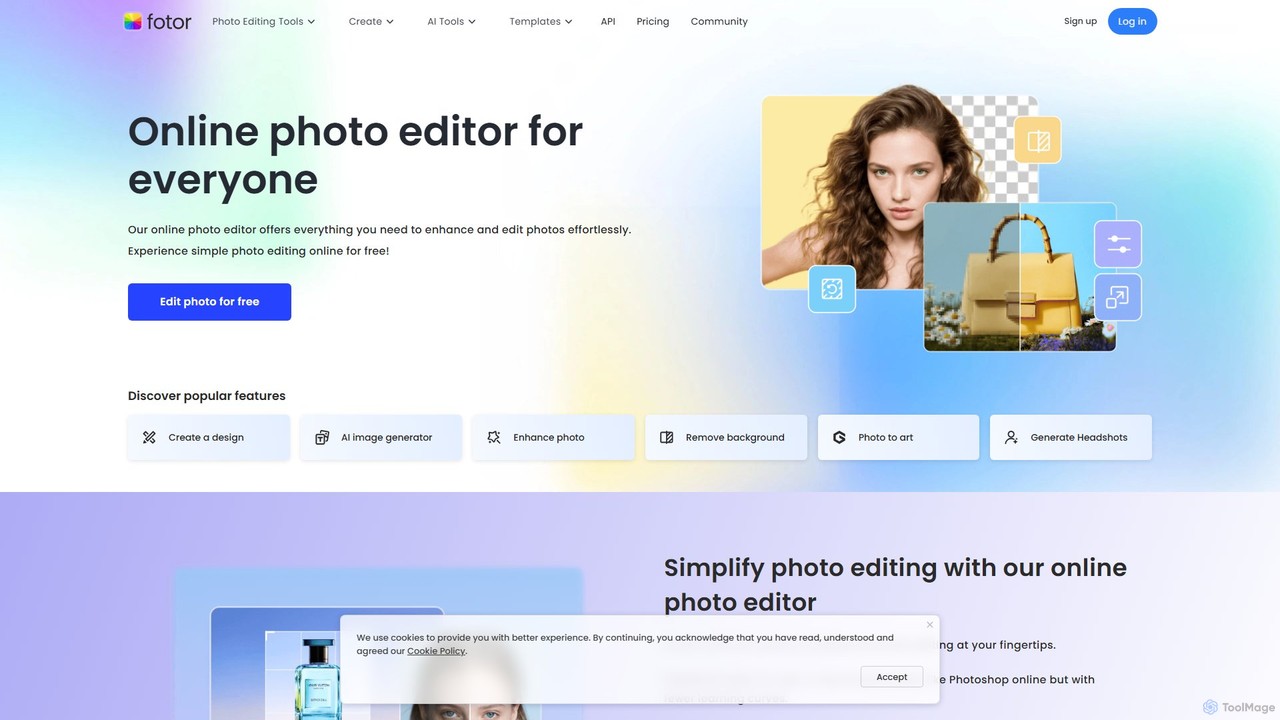
Fotor
Fotor is a comprehensive, all-in-one AI photo editor and design platform. It offers a powerful suite of tools for both beginners and professionals, including one-click photo enhancement, background and object removal, and advanced generative AI features like text-to-image creation, AI-powered object replacement, and image expansion. Fotor simplifies complex editing tasks, making it easy to create stunning visuals for social media, marketing, and personal projects across web, desktop, and mobile devices.
3D
SnapEdit
SnapEdit is an AI-powered online photo editor designed to simplify complex editing tasks. With one-click tools, it allows users to effortlessly remove unwanted objects, people, text, and backgrounds from images, enhance photo quality, and retouch portraits without needing professional skills.
3D
aifillimage.com
A powerful AI image editing tool for generative fill, inpainting, and outpainting. Effortlessly remove unwanted objects, extend image canvases, or add new elements with simple text prompts. Perfect for photographers, designers, and marketers to enhance visuals quickly.
3DOpenArt
OpenArt is a powerful AI art platform for creating and editing images. It features an advanced AI image generator, a comprehensive suite of editing tools, and the unique ability to train custom AI models for specific styles or characters. Ideal for artists, designers, and hobbyists, it offers both free and professional plans.
Art GenerationOmniGen AI
OmniGen AI is a powerful, open-source AI image generation platform that unifies text-to-image, image editing, and controlled generation into a single framework. Leveraging advanced Diffusion Transformer models and OminiControl technology, it allows users to create stunning, high-quality visuals from text prompts, edit existing images with precision, and utilize features like virtual try-on, background removal, and subject-driven generation with unprecedented ease and control.
Virtual Try On
PicPicAI
PicPicAI is an all-in-one AI-powered photo editing suite designed for ease of use and professional results. It offers a wide range of tools, including photo enhancement, background and object removal, AI art generation, portrait retouching, and old photo restoration. Ideal for marketers, e-commerce sellers, and content creators.
Image Generation
imggood
imggood is a comprehensive AI-powered online photo editor that simplifies complex editing tasks. It offers a suite of tools including a one-click background remover, object remover, image enhancer, photo colorizer, and AI image generator. Designed for both professionals and casual users, it makes creating high-quality, stunning photos fast and effortless, directly from your browser.
Image Generation
PhotoGrid
PhotoGrid is an all-in-one online collage maker and AI photo editor. It offers over 20,000 templates and a suite of powerful AI tools to create stunning photo collages, remove backgrounds, enhance image quality, and apply creative filters, making professional photo editing accessible to everyone.
Collage Maker
Clipdrop
Clipdrop is an all-in-one suite of AI-powered tools for image creation, editing, and enhancement. Developed by Stability AI, it allows users to effortlessly remove backgrounds, clean up images, upscale resolution, generate visuals from text, and much more, all within a simple web interface.
Graphics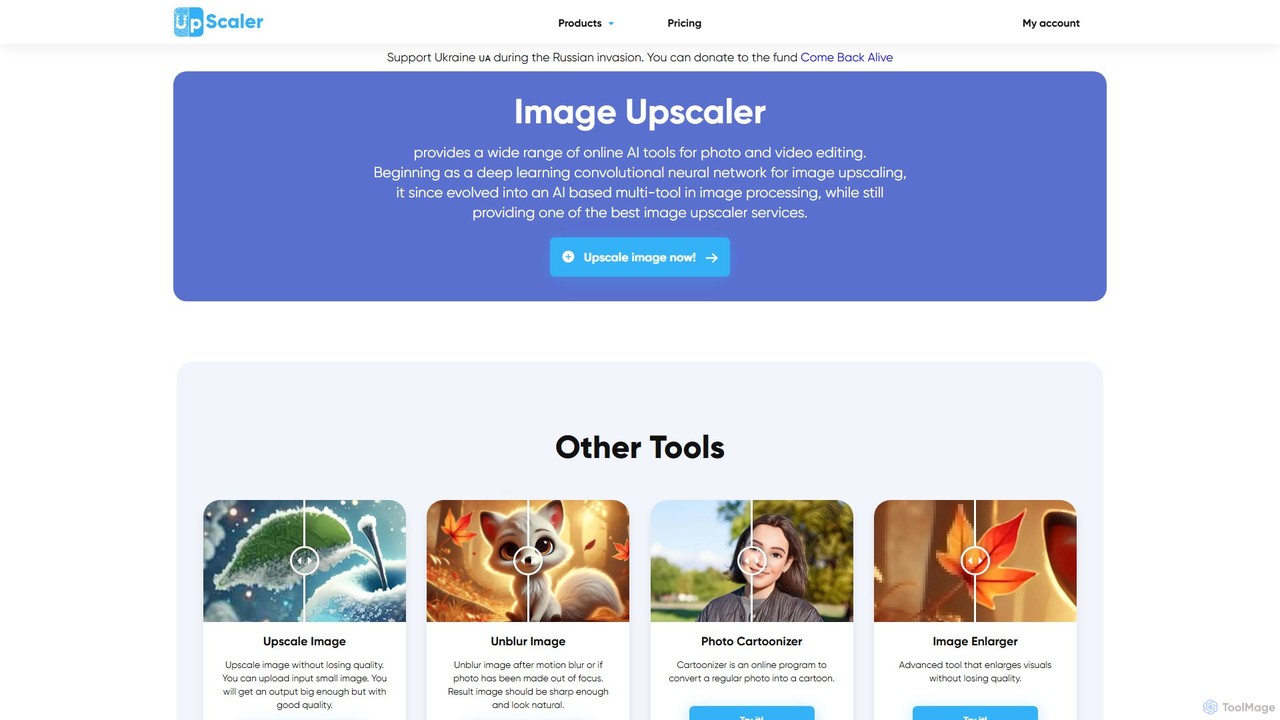
ImageUpscaler
An all-in-one AI-powered platform for image enhancement. Upscale photos up to 4x without quality loss, remove backgrounds, deblur images, generate art from text, and utilize a wide range of creative tools like cartoonizers, colorizers, and object removers. Ideal for professionals and hobbyists.
Graphics
drawww
drawww is a revolutionary AI art studio for iPad, designed for artists. It uniquely combines vector and pixel drawing tools with a powerful suite of AI features, including image generation, vectorization, inpainting, and outpainting. Create stunning concept art, comics, and illustrations with unprecedented speed and flexibility.
Image Generation
snapfiddle.ai Comments (0)
Sign in to comment.
Sign inNo comments yet.