
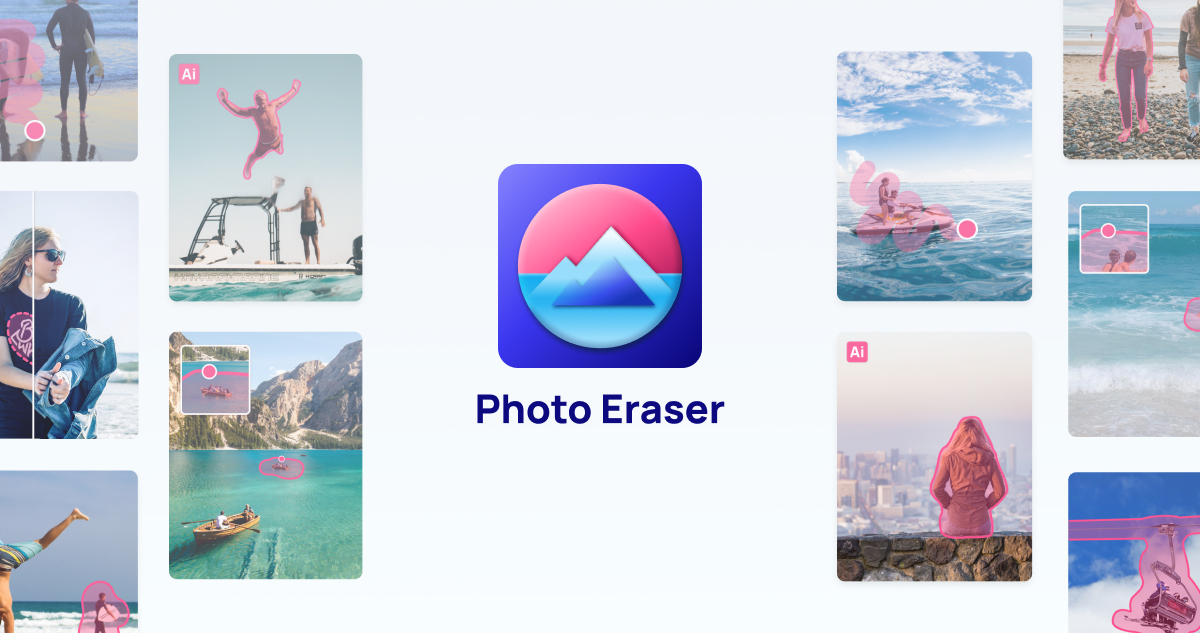
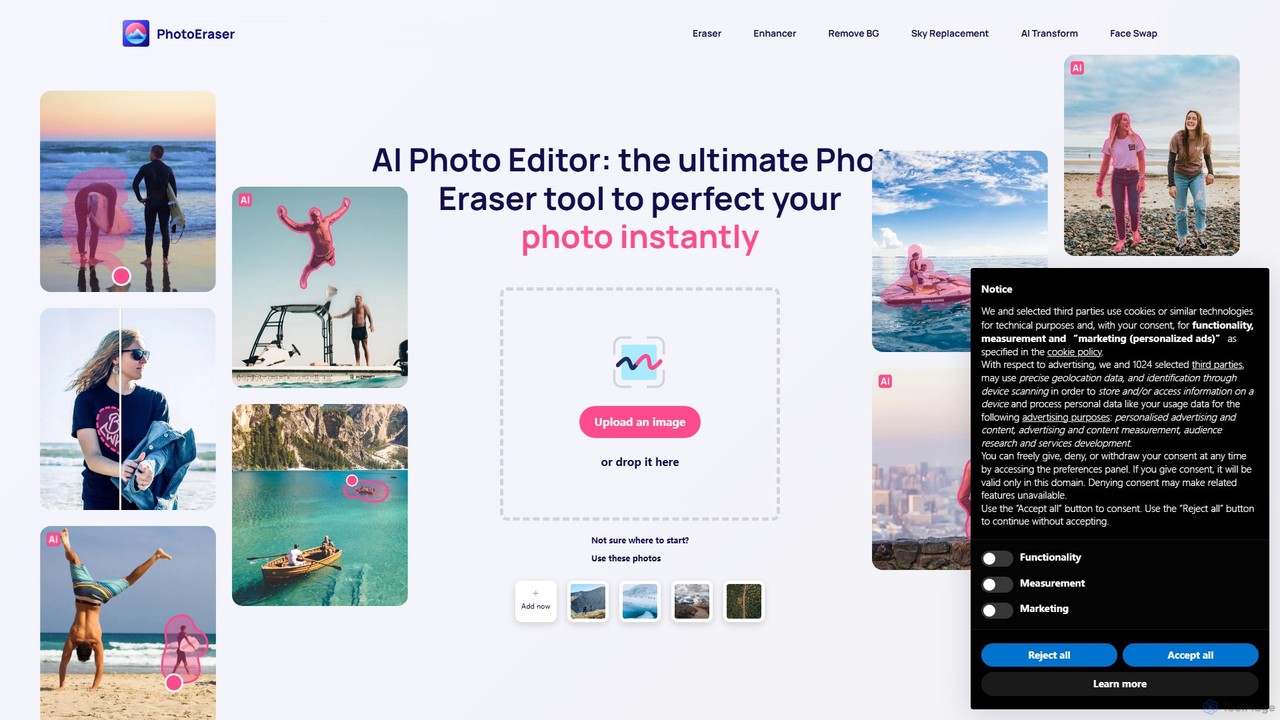
Photoeraser Overview
Photoeraser is a versatile and powerful AI-driven online photo editor designed to simplify complex editing tasks. It serves as a comprehensive toolkit for anyone looking to improve their images without the steep learning curve of traditional software like Photoshop. The platform's core strength lies in its use of advanced artificial intelligence to automate processes such as object removal, image enhancement, and creative transformations, delivering high-quality results in just a few clicks.
Whether you're a photographer aiming to clean up a landscape shot, a real estate agent needing to perfect property photos, or a casual user wanting to remove photobombers from a precious memory, Photoeraser provides the necessary tools. Its capabilities extend beyond simple removal; it can upscale low-resolution images, fix blurriness, restore faded colors in old photographs, and even offer fun features like AI face swapping for creative projects.
How to use Photoeraser
The workflow on Photoeraser is designed for simplicity and efficiency. Users can transform their photos in a few easy steps:
- Upload Your Image: Start by dragging and dropping your photo onto the website or selecting it from your device.
- Choose a Tool: Select the desired function from the main dashboard, such as 'Eraser', 'Enhancer', 'Face Swap', or 'Restoration'.
- Apply the Edit: For object removal, simply use the brush tool to highlight the unwanted element (e.g., a person, a watermark, or a blemish). For enhancement or restoration, the AI will typically analyze and process the image automatically.
- AI Processing: The platform's AI algorithms will intelligently analyze the context and pixels to perform the edit, seamlessly filling in removed areas or sharpening details.
- Preview and Download: Review the edited image. If you're satisfied with the result, you can download the high-quality photo to your device.
Core Features of Photoeraser
- AI Object Eraser: Intelligently removes any unwanted objects, people, text, or watermarks from photos, filling the background naturally.
- AI Photo Enhancer: Automatically improves image quality by increasing resolution, sharpening details, reducing noise, and correcting colors. It can effectively unblur and clarify grainy photos.
- AI Face Swap: Seamlessly and realistically swaps faces between different photos, perfect for creating entertaining content, marketing materials, or artistic expressions.
- Old Photo Restoration: Repairs damage on old photographs, such as scratches, creases, and tears. It can also colorize black-and-white images to bring memories back to life.
- AI Image Transformation: Offers creative tools to turn standard photos into works of art or humorous images, as seen in its 'Comedy Gold' transformations.
- Background Removal: Quickly and accurately removes the background from an image, creating a transparent PNG ideal for product listings, portraits, and graphic design.
Use Cases for Photoeraser
Photoeraser is suitable for a wide range of applications:
- Personal Photography: Perfecting vacation photos by removing tourists, enhancing family portraits, and restoring cherished old pictures.
- Social Media: Creating flawless profile pictures, eye-catching posts, and engaging visual content for platforms like Instagram and Facebook.
- Real Estate: Enhancing property photos by removing clutter, improving lighting, and sharpening details to attract more buyers.
- E-commerce: Creating clean, professional product images with uniform backgrounds to boost online sales.
- Marketing and Advertising: Designing creative campaigns using face swap technology or quickly editing images for promotional materials.
- Professional Portfolios: Creating the perfect CV or LinkedIn headshot by removing distracting backgrounds and enhancing facial features.
Advantages of Photoeraser
The platform stands out due to its numerous benefits:
- All-in-One Solution: Combines multiple powerful AI editing tools into a single, convenient web application.
- User-Friendly Interface: No advanced technical skills are required; the tools are intuitive and easy for anyone to use.
- High-Quality Results: The AI algorithms are trained to produce professional, realistic, and seamless edits.
- Time-Saving: Automates complex editing tasks that would traditionally take hours in manual software.
- Accessibility: As a web-based tool, it's accessible from any device with an internet connection, with no need for software installation.
Pricing and Plans
Photoeraser operates on a freemium model, making it accessible to all users. The platform offers a Free Plan that allows users to test the core features, which may include a limited number of edits, lower-resolution downloads, or watermarked results. For users who require more advanced capabilities and unlimited access, Photoeraser provides Premium Plans. These paid subscriptions typically unlock features like high-resolution exports, batch processing, unlimited use of all tools, an ad-free experience, and priority customer support. This model allows users to experience the tool's power before committing to a paid plan.
Traffic
Latest traffic
Status
Monthly traffic trend
- 2025-9: 57.0K
- 2026-1: 40.8K
- 2026-2: 48.7K
- 2026-3: 32.5K
- 2026-4: 44.2K
- 2026-5: 65.9K
Geography
Top 5 countries / regions
- 🇺🇸United States72.3%
- 🇵🇹Portugal8.2%
- 🇬🇧United Kingdom7.4%
- 🇳🇱Netherlands6.7%
- 🇵🇱Poland5.4%
Traffic sources
| Source type | Percentage |
|---|---|
Direct | 77.8% |
Email | 20.5% |
Referral | 1.7% |
Top keywords
| Keyword | Cost per click |
|---|---|
| enhance photo free | $1.09 |
| image upscaler | $0.26 |
| i want to remove someone from a photo | $0.00 |
| nero ai photo restoration | $2.33 |
| remove people from photos | $0.69 |
Photoeraser Alternatives
imgai
imgai is a comprehensive, all-in-one AI platform for image and video creation and editing. It offers a vast suite of tools, including text-to-image generation, face swapping for photos and videos, image upscaling, background removal, photo restoration, and unique artistic effects. Designed for both professionals and casual users, it provides a user-friendly experience with a generous free plan and flexible credit-based pricing.
Face Swap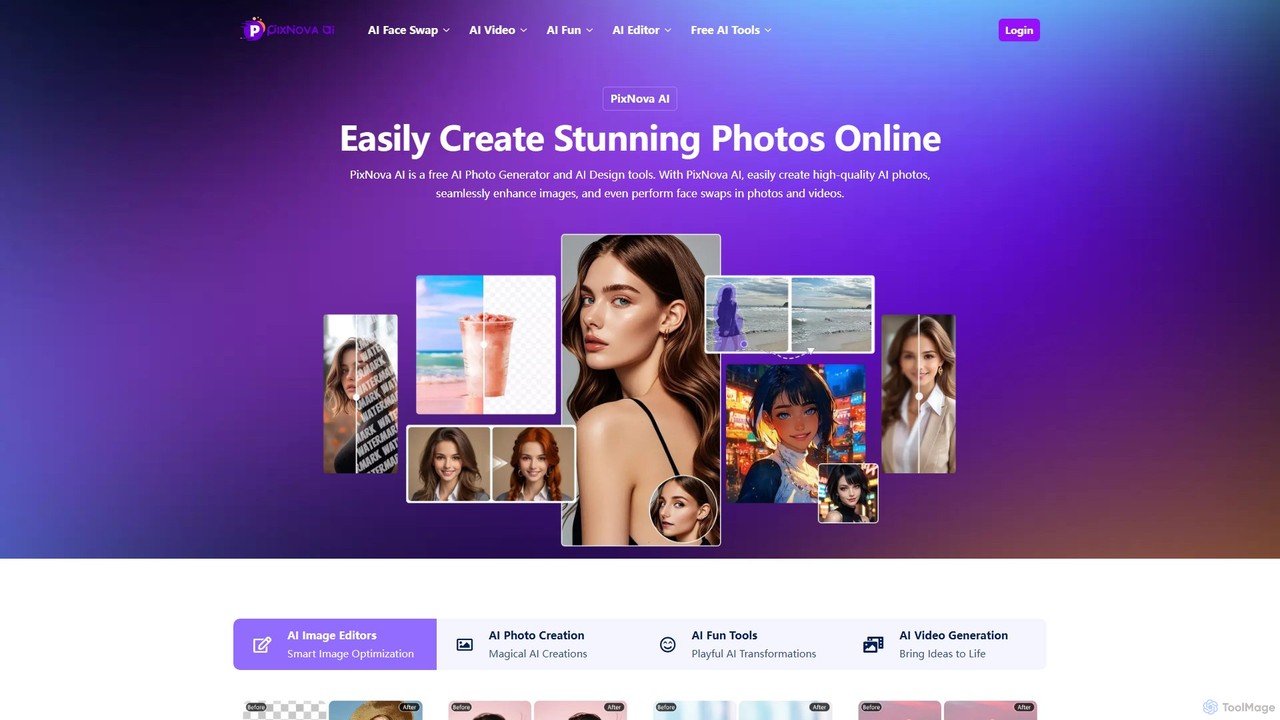
PixNova AI
PixNova AI is a free, all-in-one online platform for AI-powered image and video creation. It offers a comprehensive suite of tools, including a photo generator, advanced image editor, seamless face swap for photos and videos, and various creative transformation tools.
Face Swap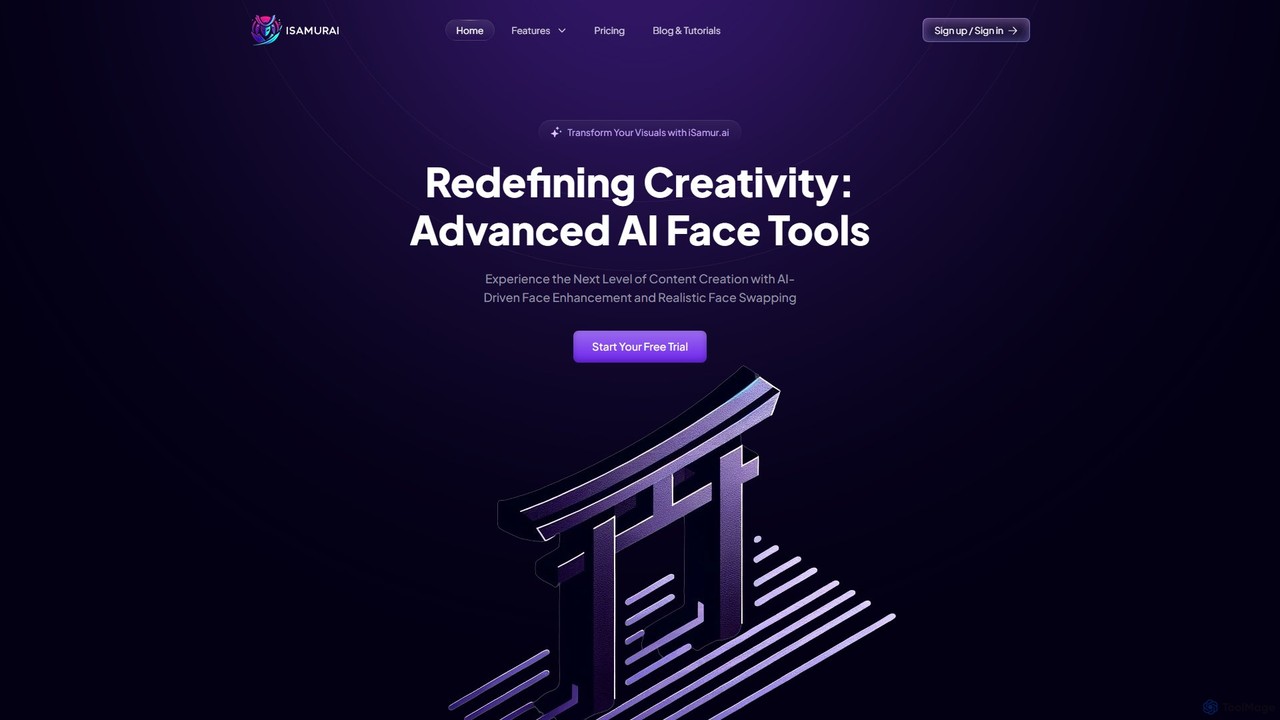
isamur.ai
isamur.ai is an advanced AI multimedia platform specializing in high-quality face enhancement, photo restoration, and realistic face swapping for both images and long-form videos. It breaks common video length limits, offering creative freedom for extensive projects. With a user-friendly interface and affordable pricing, it's designed for content creators, marketers, and individuals seeking to elevate their visual content with powerful AI tools.
Face Swap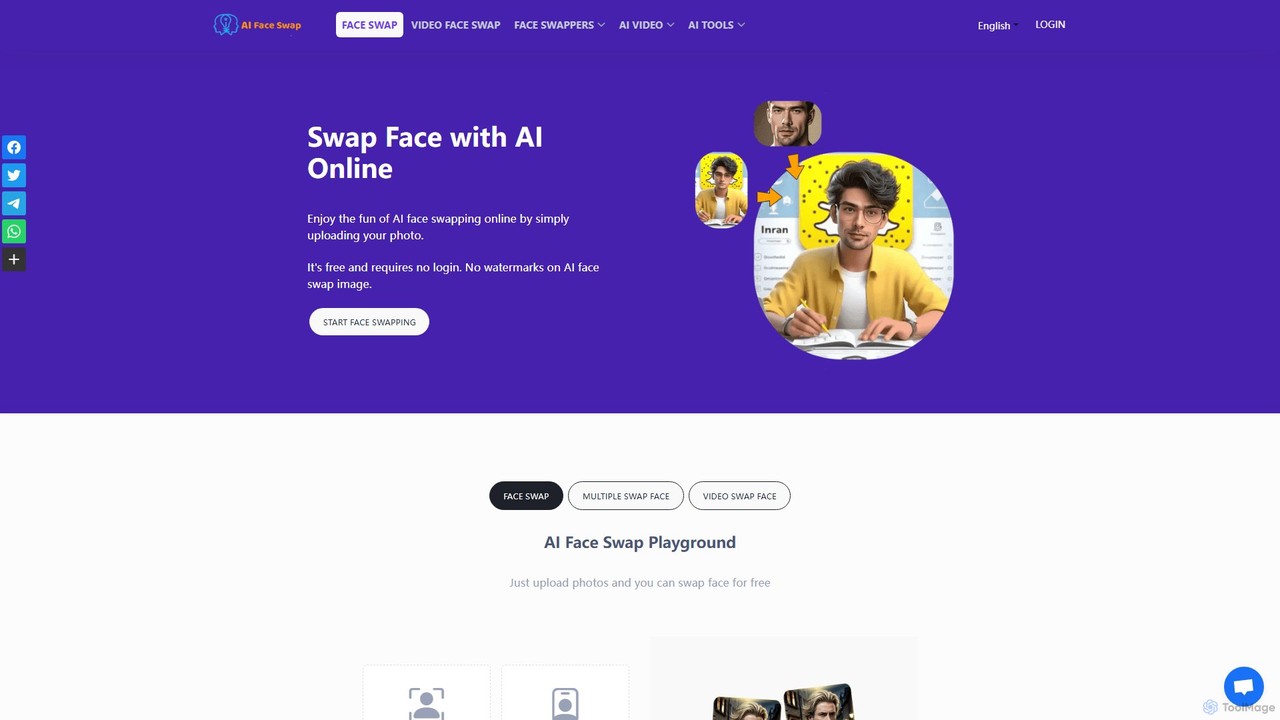
aifaceswap
A powerful and free online AI tool for seamlessly swapping faces in both images and videos. Create hilarious memes, transform into celebrities, or produce high-quality video edits in seconds without any sign-up required for basic features.
Face Swap
PhotoGrid
PhotoGrid is an all-in-one online collage maker and AI photo editor. It offers over 20,000 templates and a suite of powerful AI tools to create stunning photo collages, remove backgrounds, enhance image quality, and apply creative filters, making professional photo editing accessible to everyone.
Collage MakerPhotoeraser Categories
Photoeraser Embed Widget
Copy this embed code to place the badge on your blog, article, or product site and send readers directly to this ToolMage detail page.

Related AI tools
PhotoGrid
PhotoGrid is an all-in-one online collage maker and AI photo editor. It offers over 20,000 templates and a suite of powerful AI tools to create stunning photo collages, remove backgrounds, enhance image quality, and apply creative filters, making professional photo editing accessible to everyone.
Collage Maker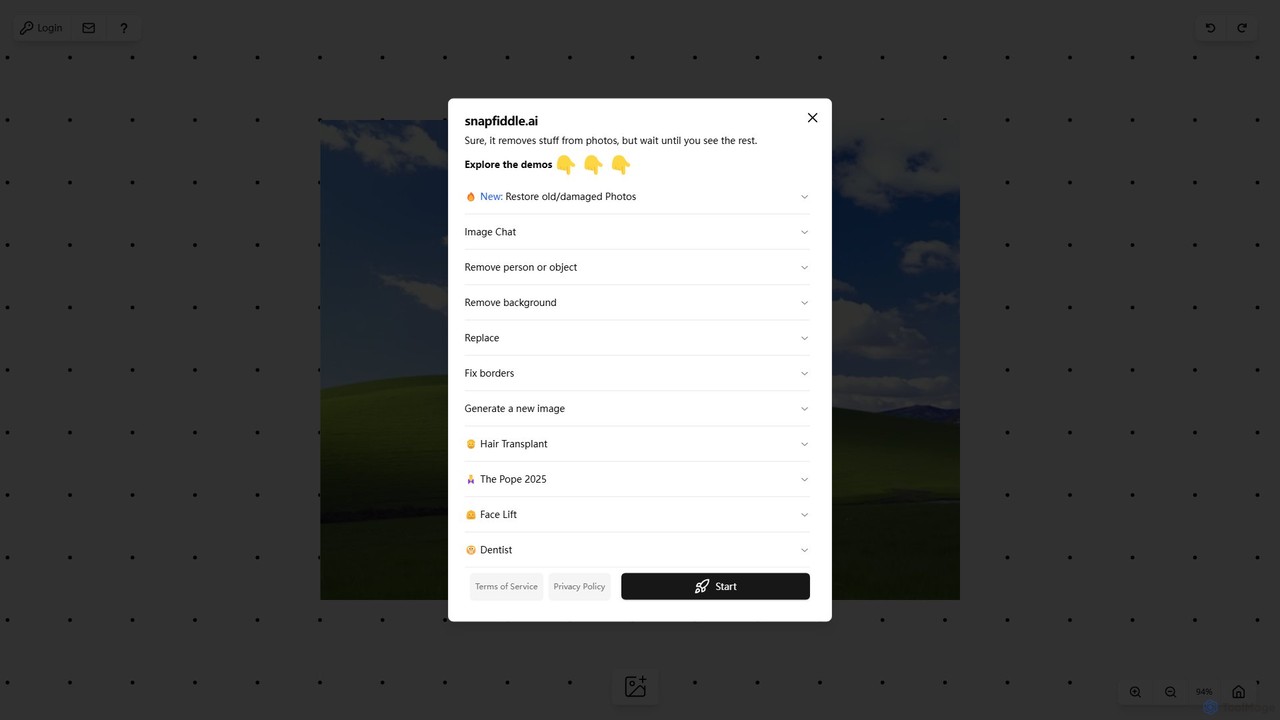
snapfiddle.ai
snapfiddle.ai is a comprehensive AI-powered image editing suite. It allows users to effortlessly remove objects, restore old photos, remove backgrounds, generate new images, and perform advanced edits like face lifts or hair transplants through an intuitive web interface.
Image Generation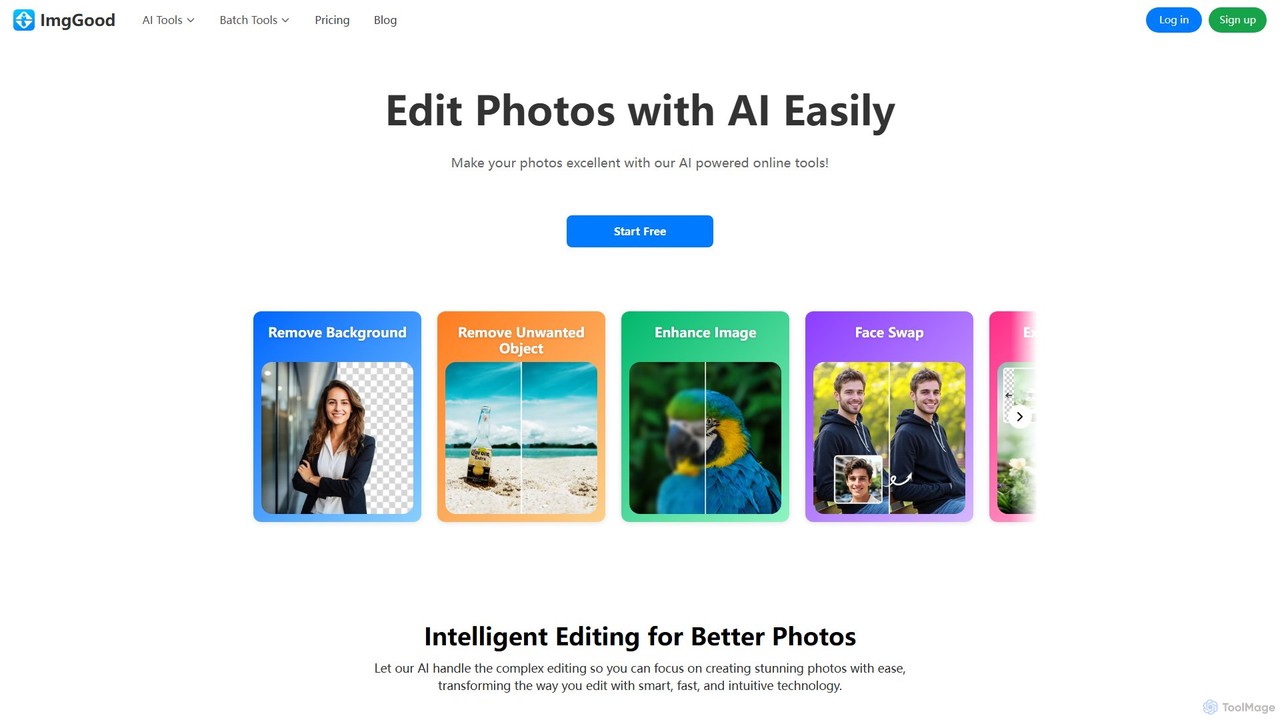
imggood
imggood is a comprehensive AI-powered online photo editor that simplifies complex editing tasks. It offers a suite of tools including a one-click background remover, object remover, image enhancer, photo colorizer, and AI image generator. Designed for both professionals and casual users, it makes creating high-quality, stunning photos fast and effortless, directly from your browser.
Image Generation
pictureperfect.ai
PicturePerfect.ai is an AI-powered image enhancement and editing suite designed to help users create flawless, professional-quality photos effortlessly. It offers a range of tools, including one-click retouching, image upscaling, object removal, and background editing, making it ideal for photographers, marketers, and content creators.
Image Editing
Jyek
Jyek is an AI agent platform that understands objectives, creates execution plans, uses tools, and delivers verifiable results for complex, multi-step tasks.
Automation
SnapEdit
SnapEdit is an AI-powered online photo editor designed to simplify complex editing tasks. With one-click tools, it allows users to effortlessly remove unwanted objects, people, text, and backgrounds from images, enhance photo quality, and retouch portraits without needing professional skills.
3D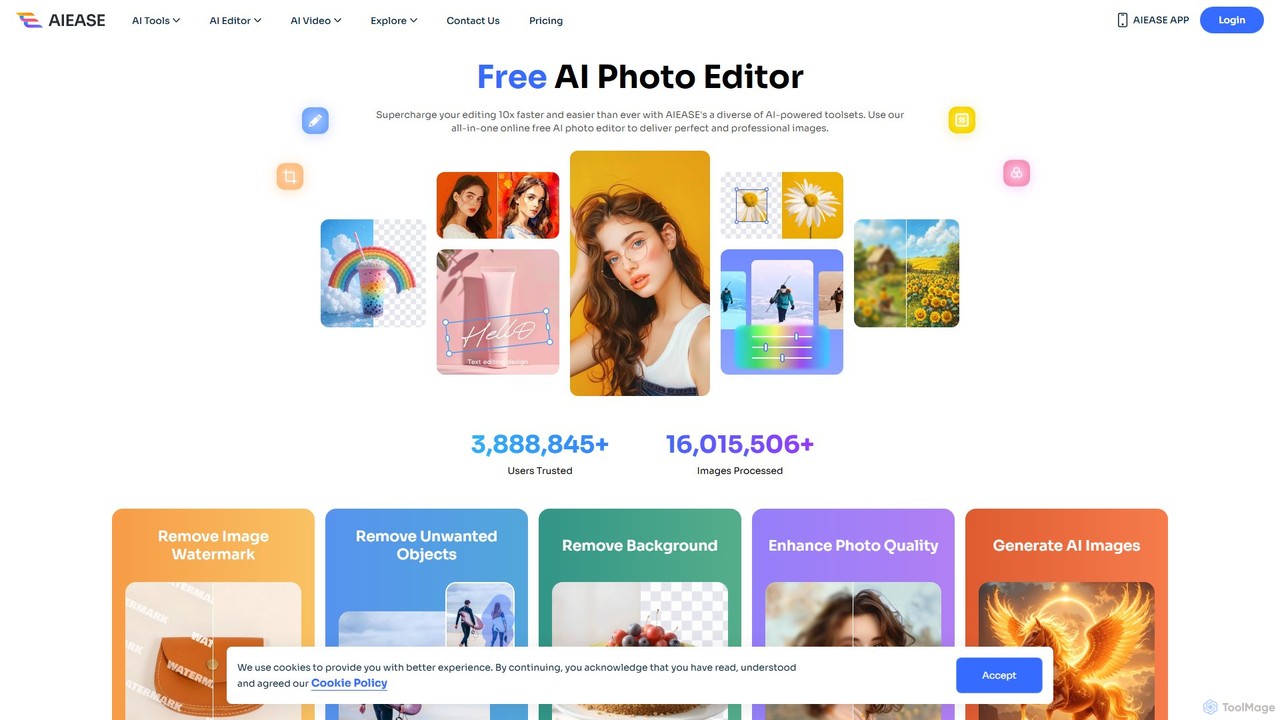
AIEASE
AIEASE is a comprehensive, all-in-one AI photo editing suite designed to simplify and accelerate your workflow. It offers a wide range of tools, from background and object removal to photo enhancement, AI image generation, and creative effects like face swapping and hairstyle changes. Available on web and mobile, it caters to both professional and personal use cases, making advanced photo editing accessible to everyone.
3D
Pixelfox
Pixelfox is a comprehensive, free-to-use AI suite for creators and businesses. It combines a powerful online photo and video editor with over 300 AI writing tools. Effortlessly retouch photos, remove backgrounds, generate images from text, swap faces, and enhance quality. Simultaneously, create SEO-optimized articles, social media content, product descriptions, and much more, all within a single, no-download platform.
3Dimgai
imgai is a comprehensive, all-in-one AI platform for image and video creation and editing. It offers a vast suite of tools, including text-to-image generation, face swapping for photos and videos, image upscaling, background removal, photo restoration, and unique artistic effects. Designed for both professionals and casual users, it provides a user-friendly experience with a generous free plan and flexible credit-based pricing.
Face Swap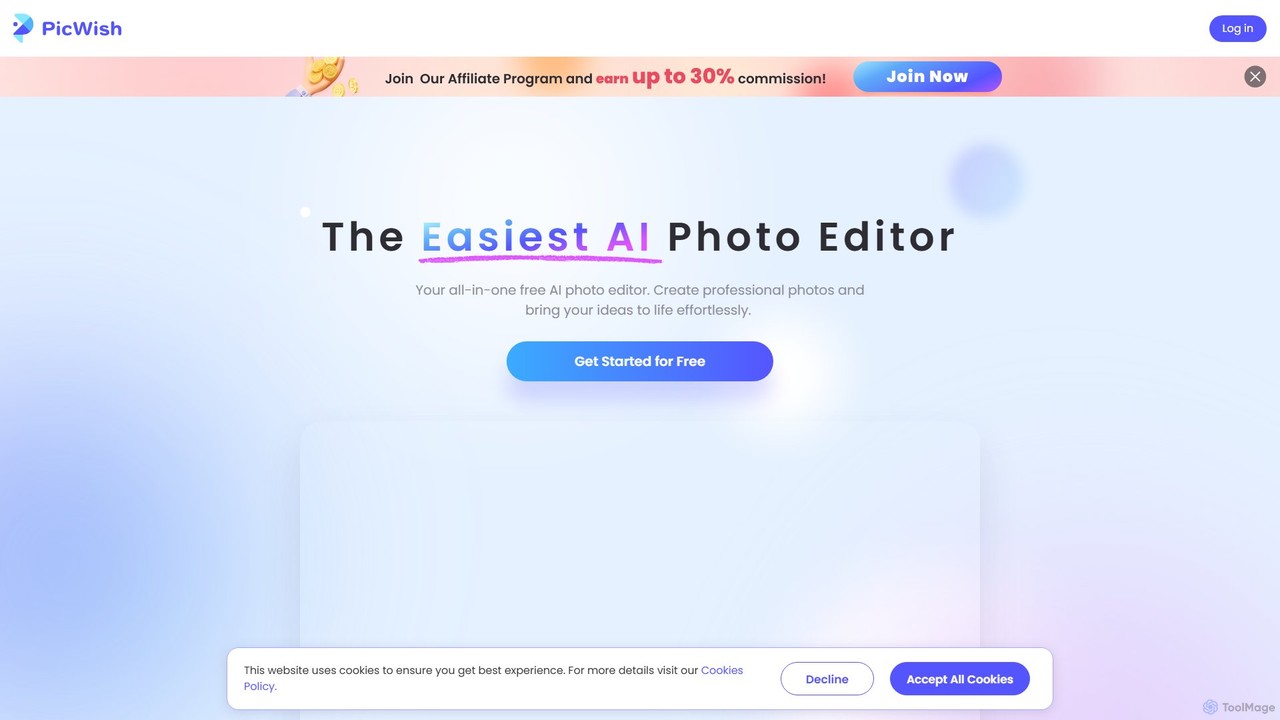
PicWish
PicWish is an all-in-one AI-powered photo editing suite designed to simplify complex image processing. It offers a wide range of free and pro tools, including background removal, photo enhancement, object removal, and AI background generation. Available online and as a dedicated app, PicWish empowers e-commerce sellers, designers, and content creators to produce professional-quality visuals effortlessly, without needing advanced technical skills.
Image Generation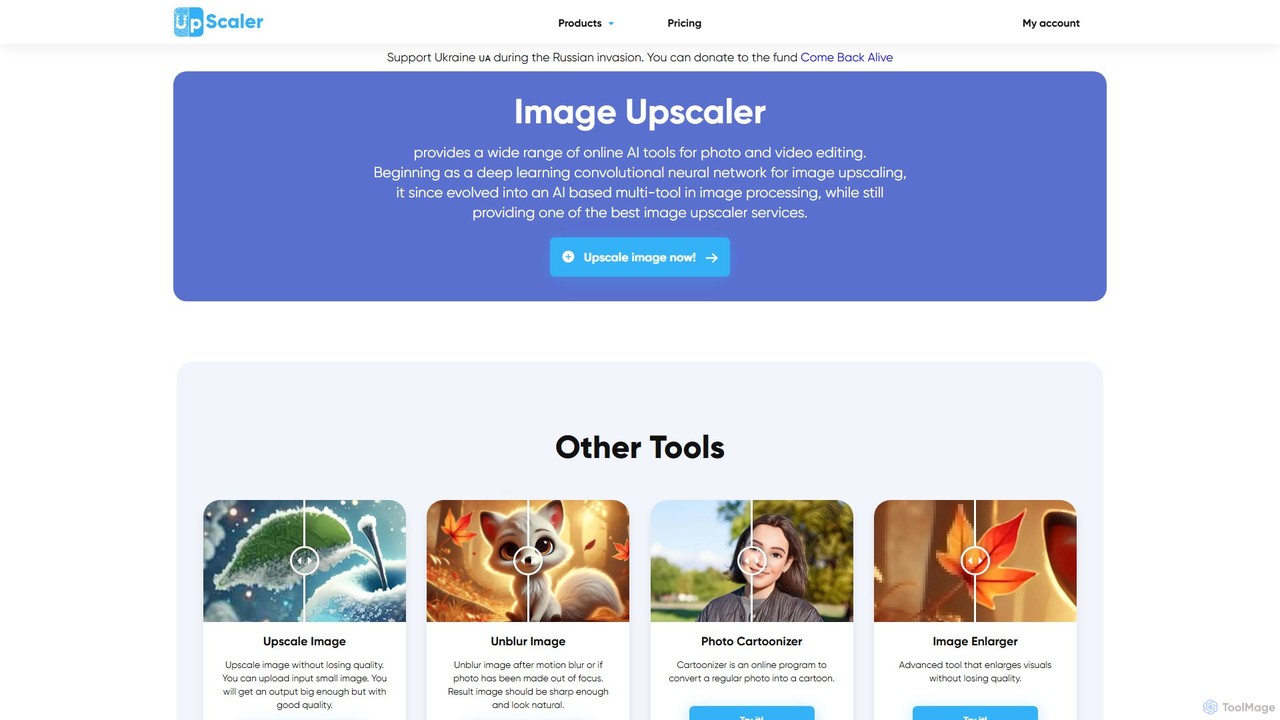
ImageUpscaler
An all-in-one AI-powered platform for image enhancement. Upscale photos up to 4x without quality loss, remove backgrounds, deblur images, generate art from text, and utilize a wide range of creative tools like cartoonizers, colorizers, and object removers. Ideal for professionals and hobbyists.
Graphics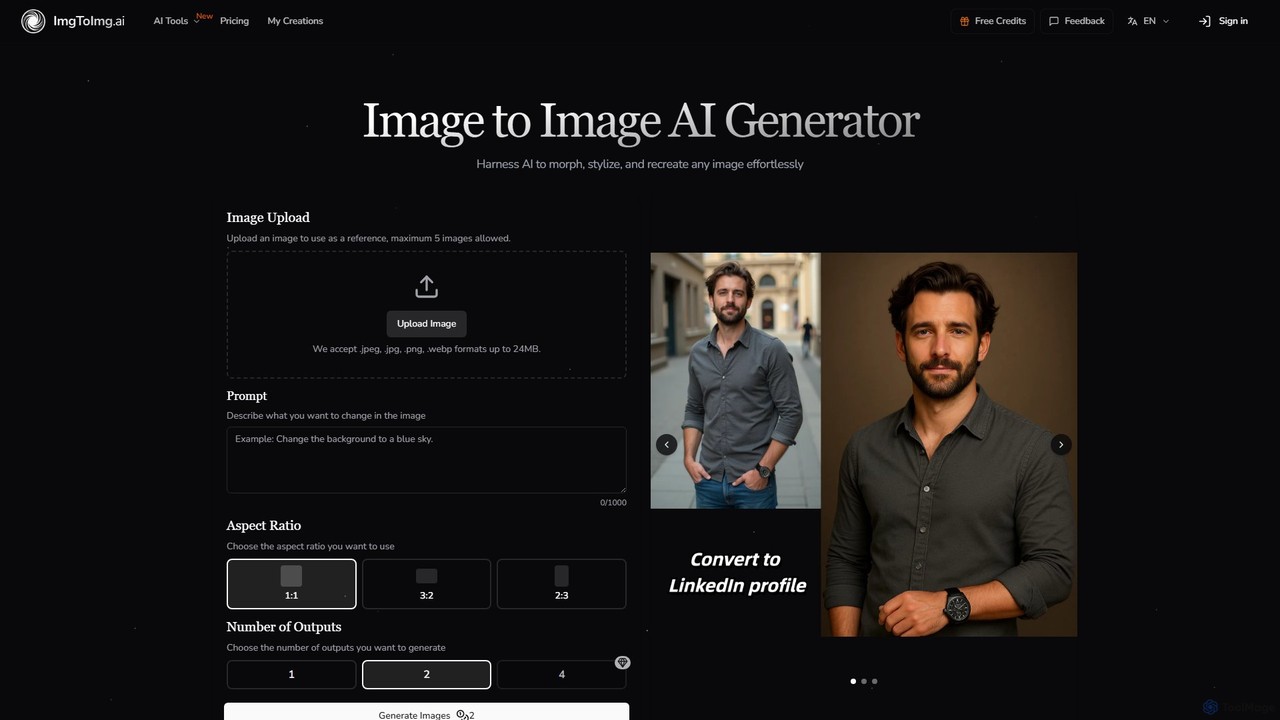
imgtoimg.ai
imgtoimg.ai is a comprehensive AI-powered suite for image creation and editing. It specializes in transforming existing images with text prompts while preserving their core structure (image-to-image). It also features a powerful text-to-image generator to create unique visuals from scratch. The platform includes additional tools like AI face swap, background remover, image upscaler, and photo restoration, making it a versatile solution for designers, marketers, and creators.
Art Generation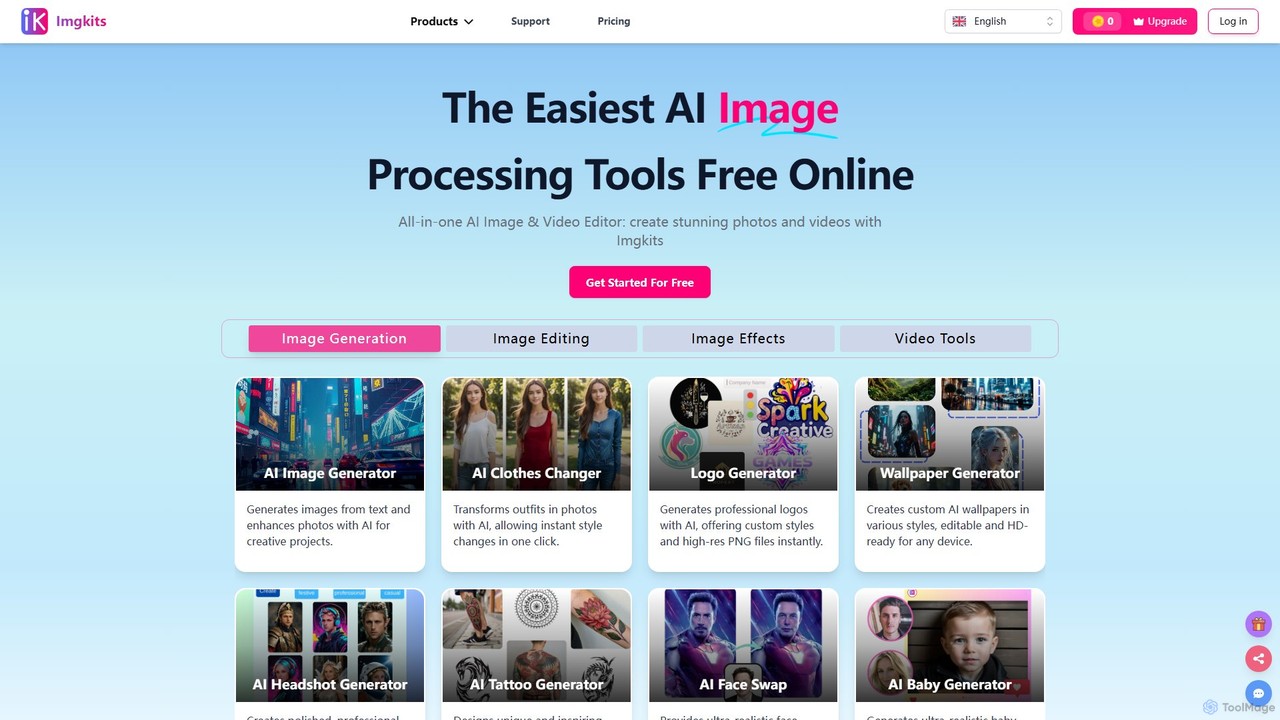
Imgkits
Imgkits is a comprehensive, AI-powered online platform for image and video editing. It offers a wide array of tools, including AI image generation, background removal, photo restoration, object removal, and video creation from text or images. Designed for ease of use, it allows users to create stunning visuals for professional or personal projects without requiring any technical expertise.
Generative Art
aieasyphoto
aieasyphoto is a comprehensive AI-powered photo and video studio offering over 50 tools. Create professional headshots, creative portraits, and dynamic videos by training a custom AI model or using instant editing tools. Features include text-to-image generation, face swap, background removal, and various style transformers. With a vast library of free-to-try tools and flexible pricing plans, it's perfect for professionals, social media users, and creatives looking to enhance their visual content effortlessly.
Avatars
pixalto
Pixalto is an all-in-one AI creative suite for effortless content creation. It allows users to generate stunning videos and images from text, perform advanced photo and video editing like background removal and object erasing, and utilize creative tools such as face swap and style transfer.
Generative Art
Photoeraser Comments (0)
Sign in to comment.
Sign inNo comments yet.