

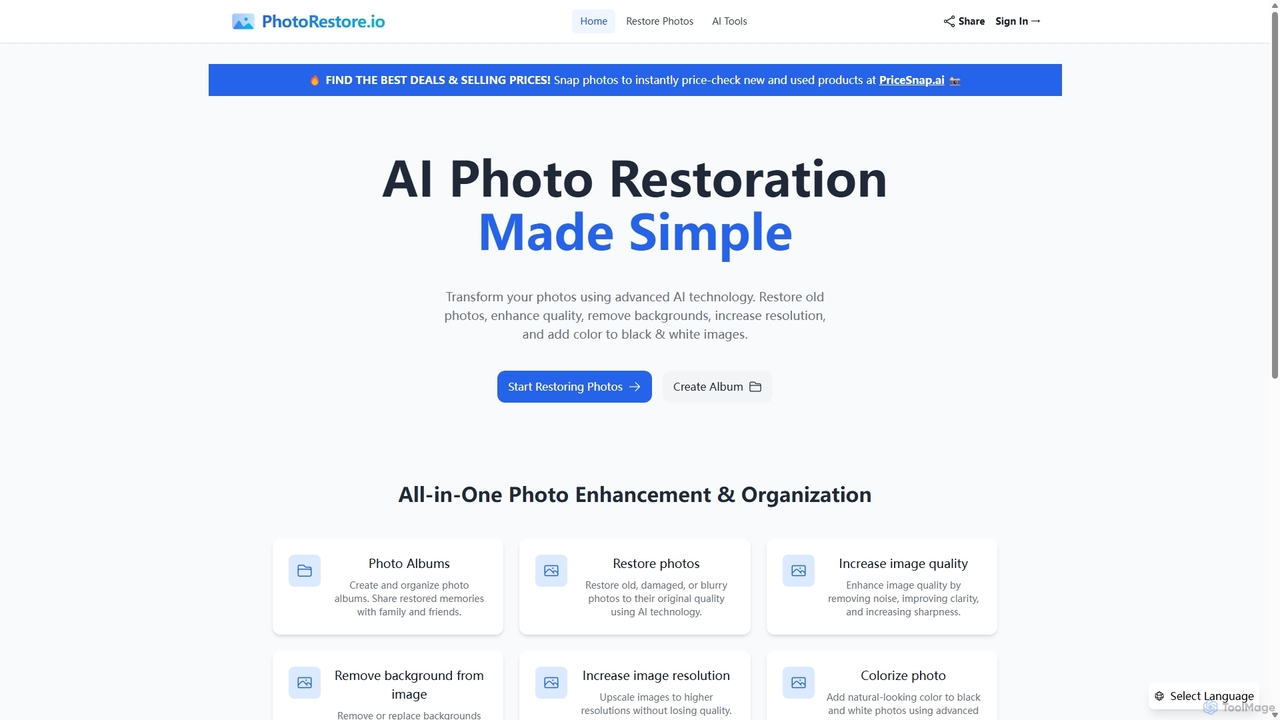
PhotoRestore Overview
PhotoRestore is a comprehensive, AI-driven web application designed to breathe new life into your photographs. Whether you have a collection of faded family heirlooms or modern digital images that need a touch-up, PhotoRestore provides a complete suite of tools to enhance, repair, and organize your visual memories. By leveraging advanced artificial intelligence, the platform simplifies complex photo editing tasks, making professional-grade results accessible to everyone, regardless of technical skill.
The core mission of PhotoRestore is to preserve precious moments. It tackles common issues like scratches, tears, blurriness, and fading in old photographs, intelligently reconstructing missing or damaged parts to restore them to their former glory. Beyond simple restoration, it offers powerful enhancement features, including noise reduction, sharpening, and resolution upscaling, ensuring every image is crisp, clear, and ready for high-definition displays or printing. The platform also includes creative tools like an AI colorizer that adds realistic color to monochrome photos and a precise background remover perfect for portraits, product images, and graphic design projects.
How to use PhotoRestore
The platform is designed for simplicity and efficiency, featuring a straightforward three-step workflow:
- Upload Your Photos: Begin by uploading single or multiple images directly from your computer. The tool supports common file formats such as PNG, JPG, and JPEG, with a generous file size limit (e.g., up to 10MB). You can simply drag and drop your files into the upload area.
- Choose Enhancement Options: Once uploaded, you can select from a menu of AI-powered tools. Choose 'Restore' for damaged photos, 'Increase Quality' for blurry or noisy images, 'Remove Background' for isolating subjects, 'Increase Resolution' to upscale, or 'Colorize' for black and white pictures. You can apply multiple enhancements to a single image to achieve the desired result.
- Download Enhanced Photos: After the AI processes your image, you can preview the result. If you're satisfied, simply click the download button to save the high-quality, professionally restored photo to your device. You can also add the restored photos directly to a new or existing album within the platform.
Core Features of PhotoRestore
- AI Photo Restoration: Intelligently repairs old, damaged, or blurry photos by fixing scratches, tears, spots, and fading, restoring them to their original quality.
- Image Quality Enhancement: Improves overall image quality by removing digital noise, enhancing clarity, and increasing sharpness for a crisp, professional look.
- Background Removal: Automatically and precisely removes or replaces the background from any image, ideal for creating clean portraits, product shots for e-commerce, or creative compositions.
- Image Resolution Upscaling: Increases the resolution of images up to 4x or more without losing quality, making low-resolution photos suitable for large prints and high-definition screens.
- AI Photo Colorization: Transforms black and white photos into vibrant, colored images by adding natural and realistic colors based on the context of the image.
- Photo Album Management: A unique feature that allows users to create, organize, and manage photo albums directly on the platform. This makes it easy to group related photos and share entire collections of restored memories with family and friends through a simple link.
Use Cases for PhotoRestore
PhotoRestore is a versatile tool suitable for a wide range of users:
- Families and Individuals: Perfect for digitizing and restoring old family albums, repairing faded wedding photos, or improving the quality of everyday smartphone pictures.
- Genealogists and Historians: An invaluable resource for clarifying details in historical photographs and documents, bringing ancestors and past events to life.
- Photographers and Graphic Designers: A time-saving tool for client work, such as offering photo restoration services or quickly preparing image assets by removing backgrounds and enhancing quality.
- E-commerce and Marketing Professionals: Quickly create clean, professional product images with transparent backgrounds for online stores and marketing campaigns.
- Real Estate Agents: Enhance property photos by improving clarity, brightness, and sharpness to attract more potential buyers.
Advantages of PhotoRestore
PhotoRestore stands out with its combination of power and simplicity. Its key advantages include being an all-in-one solution that eliminates the need for multiple, complex software. The user-friendly interface makes advanced photo editing accessible to beginners. Powered by cutting-edge AI, it consistently delivers high-quality, natural-looking results. The process is fast, and the integrated album management feature provides a seamless way to organize and share your enhanced photos, setting it apart from other single-purpose restoration tools.
Pricing and Plans
While the website does not explicitly detail its pricing structure, tools like PhotoRestore typically operate on a freemium model to allow users to test the service. A possible structure could be:
- Free Plan: Offers a limited number of free credits (e.g., 3-5 photo enhancements) to try out the core features. Outputs may have a watermark or be limited to standard resolution.
- Subscription Plans (e.g., Basic/Pro): Monthly or annual plans that provide a larger number of credits, access to all features, high-resolution downloads, no watermarks, and priority customer support.
- Pay-As-You-Go: Credit packages available for purchase, ideal for users with occasional but larger projects.
For the most accurate and up-to-date information, please visit the official PhotoRestore website.
Traffic
Latest traffic
Status
Monthly traffic trend
- 2025-9: 104.3K
- 2026-1: 57.7K
- 2026-2: 47.7K
- 2026-3: 37.4K
- 2026-4: 30.0K
- 2026-5: 35.8K
Geography
Top 5 countries / regions
- 🇮🇳India54.6%
- 🇺🇸United States22.9%
- 🇩🇪Germany7.9%
- 🇵🇭Philippines7.9%
- 🇲🇽Mexico6.8%
Traffic sources
| Source type | Percentage |
|---|---|
Direct | 96.7% |
Referral | 3.3% |
Top keywords
| Keyword | Cost per click |
|---|---|
| image restore | $0.00 |
| restore photo | $0.07 |
| restore photo ai | $0.46 |
| колоризация tiff фото онлайн нейросеть бесплатно | $0.00 |
| улучшить старое фото онлайн бесплатно нейросеть | $0.00 |
PhotoRestore Videos on YouTube



Nayeem unlimited

PhotoRestore Alternatives
Fixblurry
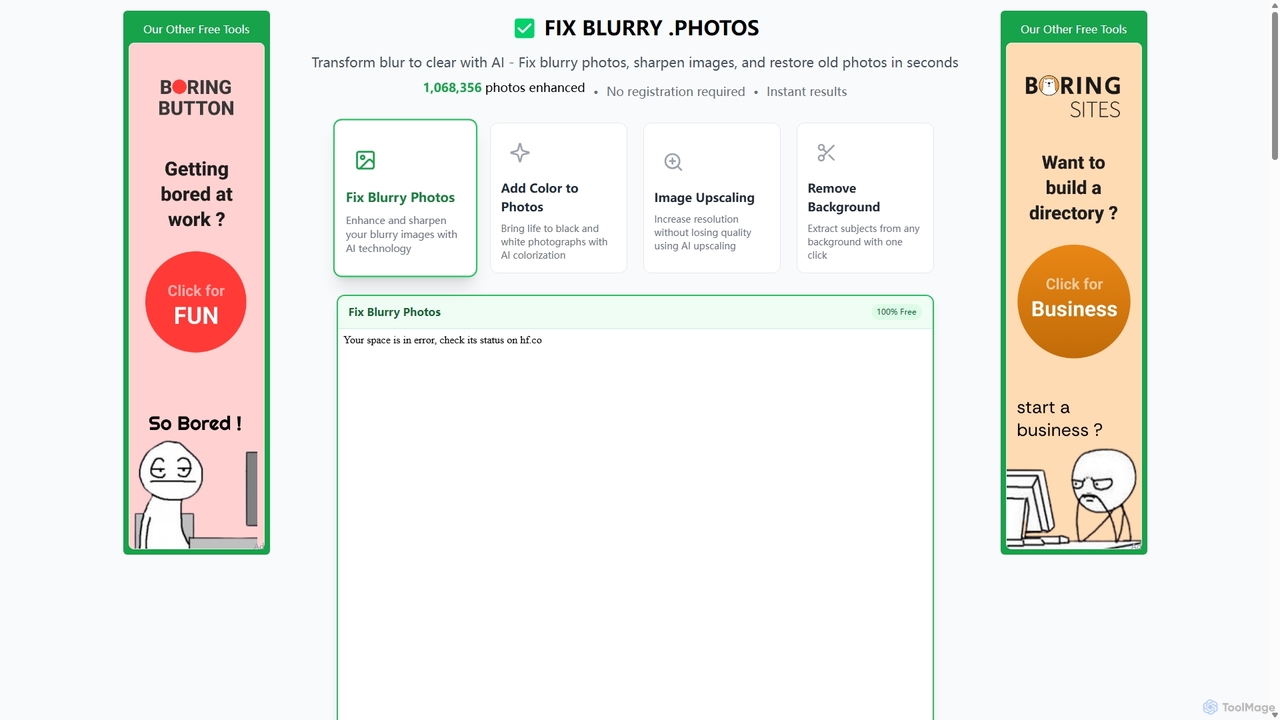
fixblurry is a free, AI-powered online tool suite designed to enhance your images instantly. It specializes in unblurring and sharpening photos, restoring old or faded pictures, upscaling low-resolution images without quality loss, colorizing black-and-white photos, and removing backgrounds with a single click. No registration or software installation is required, offering professional-grade results for everyone.
Image Editing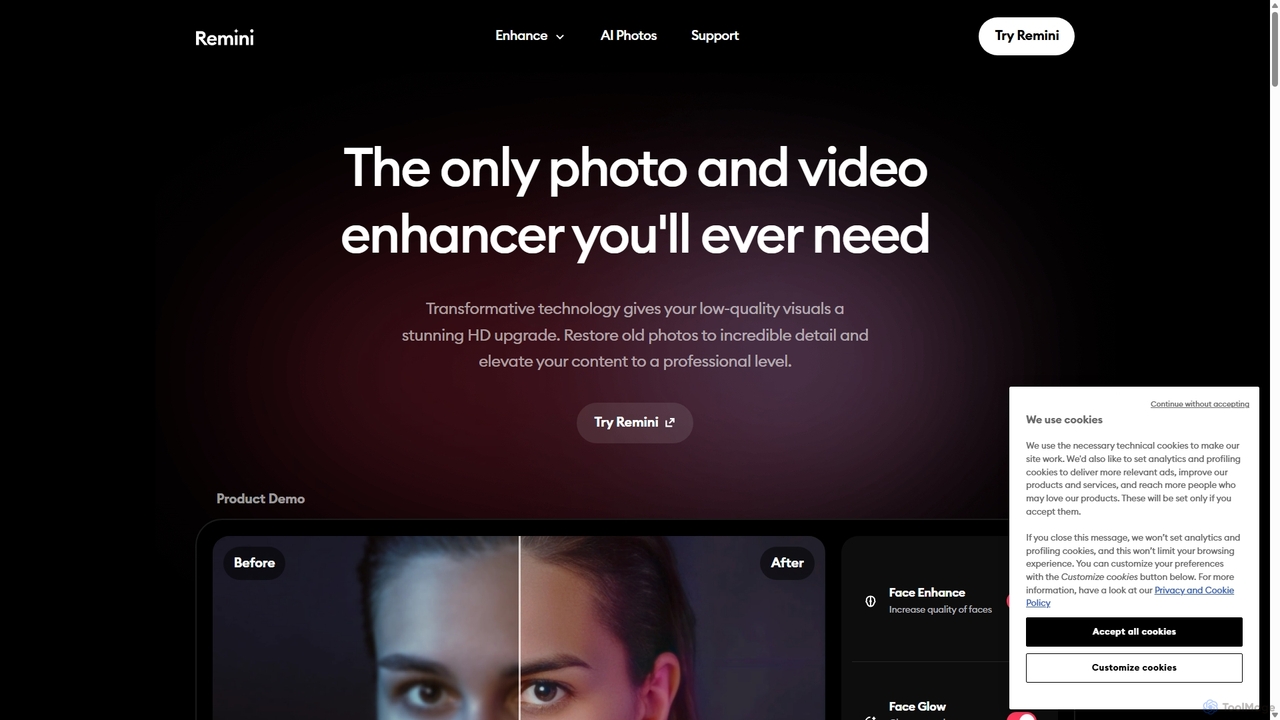
Remini
Remini is an AI-powered photo and video enhancer that transforms low-quality, blurry, or old images and videos into stunning high-definition visuals. Using advanced AI, it restores details, sharpens focus, reduces noise, and can even generate professional-quality AI photos of yourself.
3D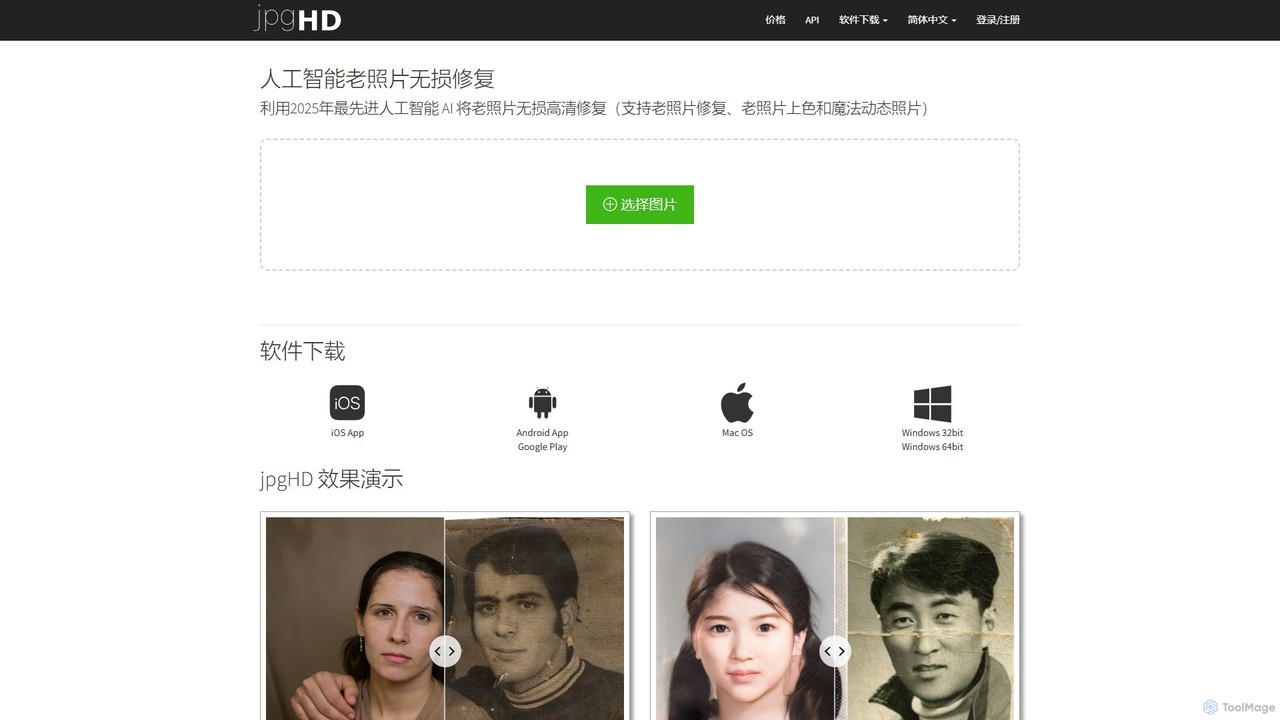
jpgHD
An AI-powered tool for lossless old photo restoration, colorization, and enhancement. It repairs scratches, upscales resolution, reduces noise, and even animates faces in photos, available on web, desktop, and mobile.
Image Editing
Nero Lens
Nero Lens is an all-in-one AI-powered photo enhancer app that instantly upscales, restores, colorizes, and denoises images. It also features an AI avatar and headshot generator, turning your selfies into stunning, stylized photos for social media, dating profiles, or professional use.
Ai Avatar Generator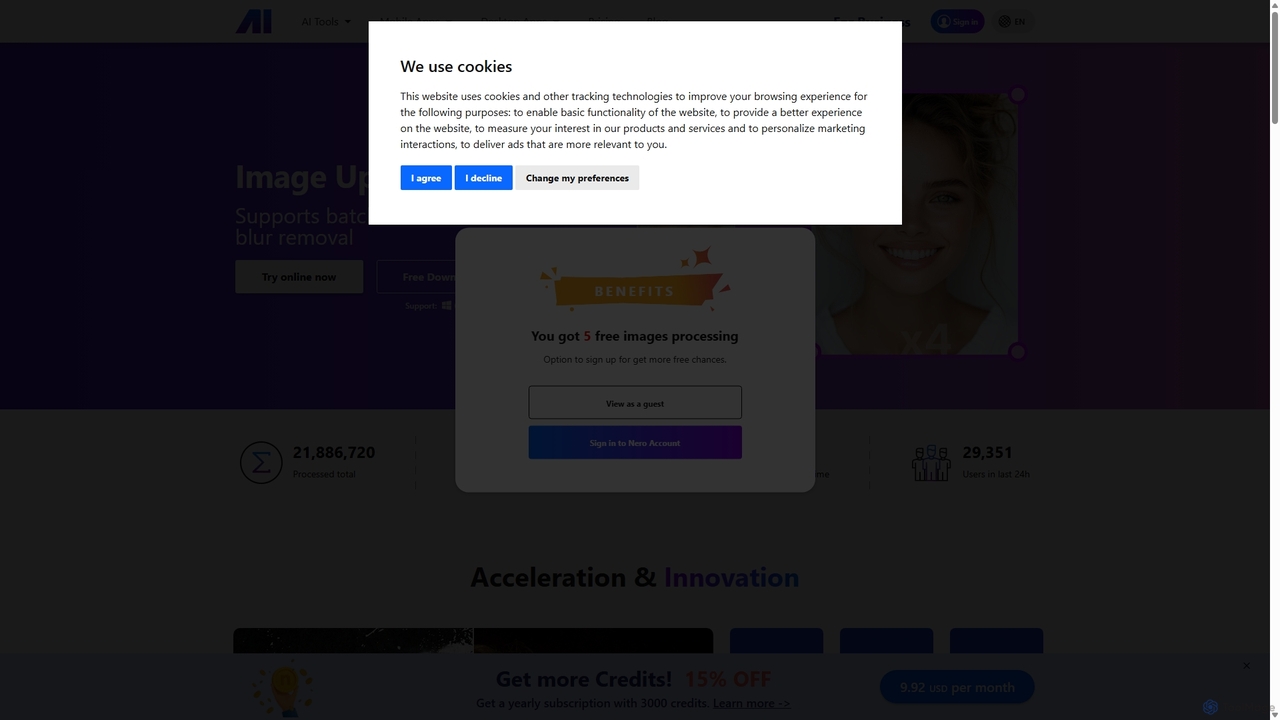
Nero AI
Nero AI is a comprehensive suite of AI-powered tools for image and video enhancement. It offers features like image and video upscaling, photo restoration, background and object removal, face animation, and creative stylization. Designed for creators, marketers, and designers, it provides easy-to-use solutions for both online and desktop platforms to elevate visual content quality.
Graphic DesignPhotoRestore Categories
PhotoRestore Jobs
PhotoRestore Embed Widget
Copy this embed code to place the badge on your blog, article, or product site and send readers directly to this ToolMage detail page.

Related AI tools
Fixblurry
fixblurry is a free, AI-powered online tool suite designed to enhance your images instantly. It specializes in unblurring and sharpening photos, restoring old or faded pictures, upscaling low-resolution images without quality loss, colorizing black-and-white photos, and removing backgrounds with a single click. No registration or software installation is required, offering professional-grade results for everyone.
Image EditingNero Lens
Nero Lens is an all-in-one AI-powered photo enhancer app that instantly upscales, restores, colorizes, and denoises images. It also features an AI avatar and headshot generator, turning your selfies into stunning, stylized photos for social media, dating profiles, or professional use.
Ai Avatar GeneratorRemini
Remini is an AI-powered photo and video enhancer that transforms low-quality, blurry, or old images and videos into stunning high-definition visuals. Using advanced AI, it restores details, sharpens focus, reduces noise, and can even generate professional-quality AI photos of yourself.
3DNero AI
Nero AI is a comprehensive suite of AI-powered tools for image and video enhancement. It offers features like image and video upscaling, photo restoration, background and object removal, face animation, and creative stylization. Designed for creators, marketers, and designers, it provides easy-to-use solutions for both online and desktop platforms to elevate visual content quality.
Graphic DesignjpgHD
An AI-powered tool for lossless old photo restoration, colorization, and enhancement. It repairs scratches, upscales resolution, reduces noise, and even animates faces in photos, available on web, desktop, and mobile.
Image Editing
Jyek
Jyek is an AI agent platform that understands objectives, creates execution plans, uses tools, and delivers verifiable results for complex, multi-step tasks.
Automation
PhotoGrid
PhotoGrid is an all-in-one online collage maker and AI photo editor. It offers over 20,000 templates and a suite of powerful AI tools to create stunning photo collages, remove backgrounds, enhance image quality, and apply creative filters, making professional photo editing accessible to everyone.
Collage Maker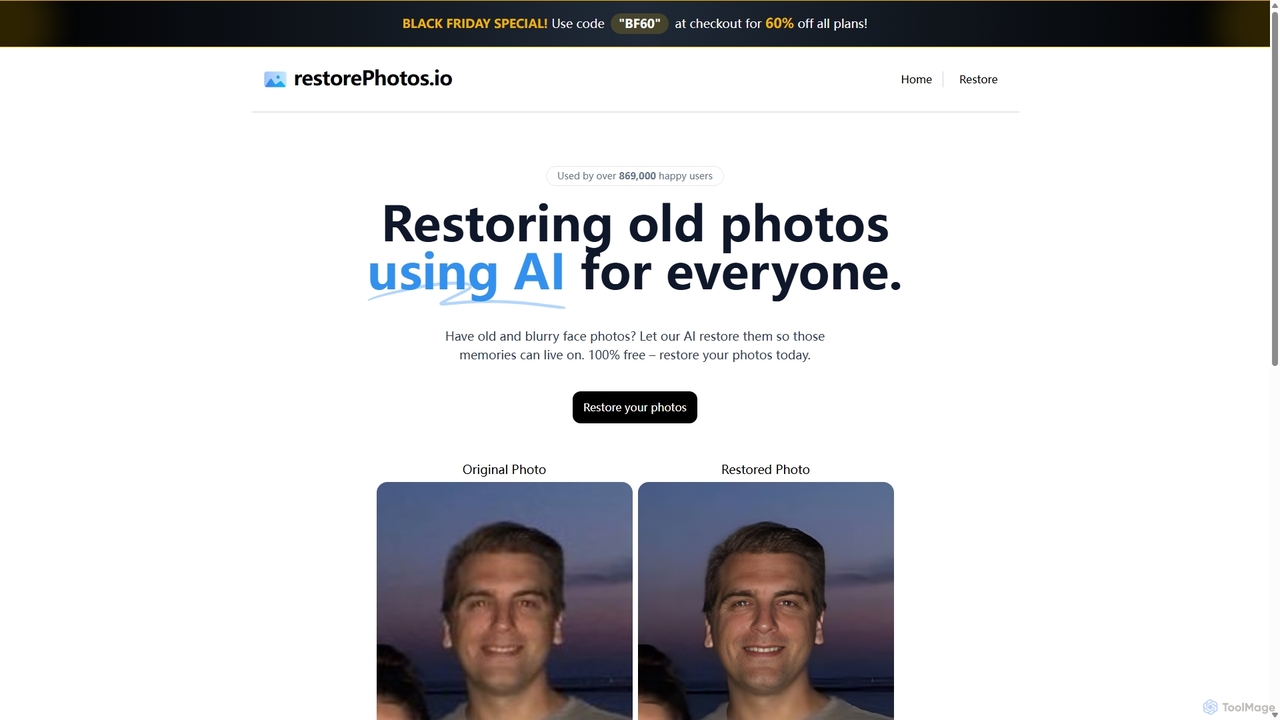
RestorePhotos.io
An AI-powered tool designed to restore old, blurry, and damaged face photos. It uses advanced algorithms to enhance clarity, reduce noise, and bring cherished memories back to life with remarkable detail. Ideal for anyone looking to digitize and improve their old photo collections.
Photography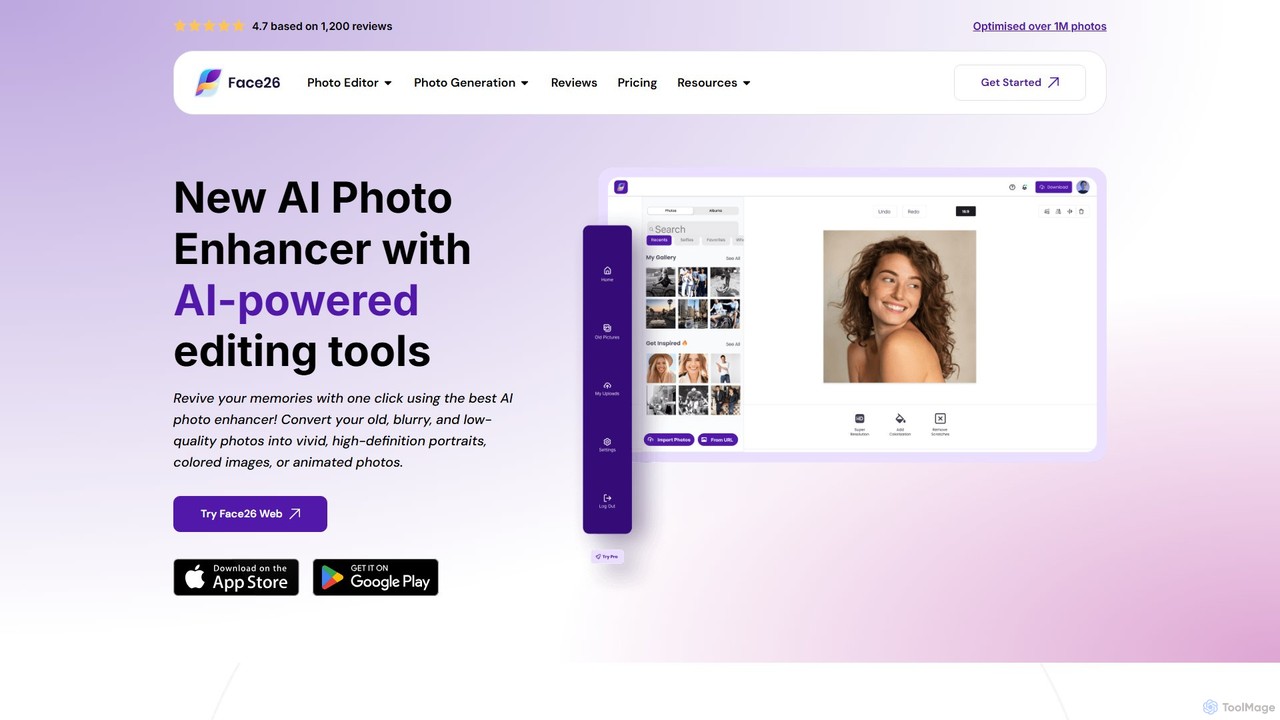
face26
Face26 is a comprehensive AI-powered photo enhancement suite. With just one click, it can restore old, blurry photos, colorize black-and-white images, upscale pictures to HD quality, and perform detailed facial retouching. It's designed for both casual users and professionals, requiring no editing skills to achieve stunning results.
Image Editing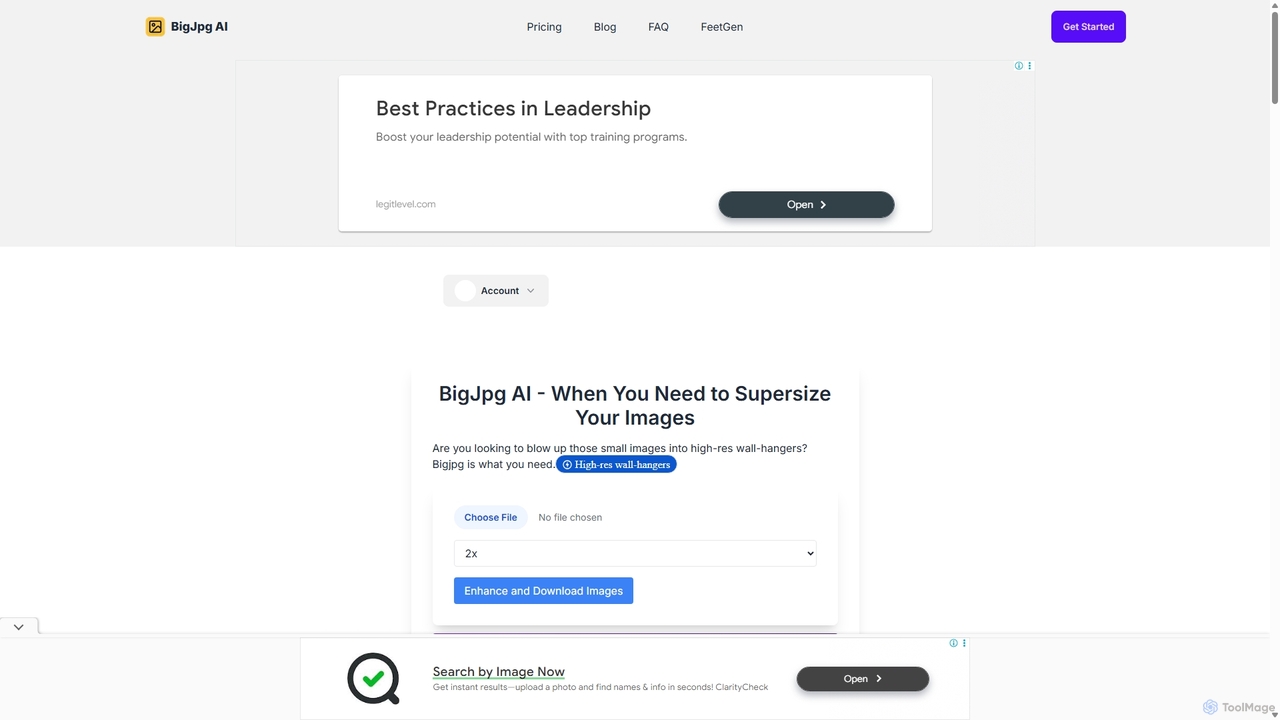
BigJpg AI
BigJpg AI is an advanced AI-powered image upscaler that enlarges images up to 16x their original size without losing quality. It intelligently analyzes and enhances image details, making it perfect for creating high-resolution prints, web graphics, and detailed visuals from small source files. Ideal for photographers, designers, and marketers.
Image Editing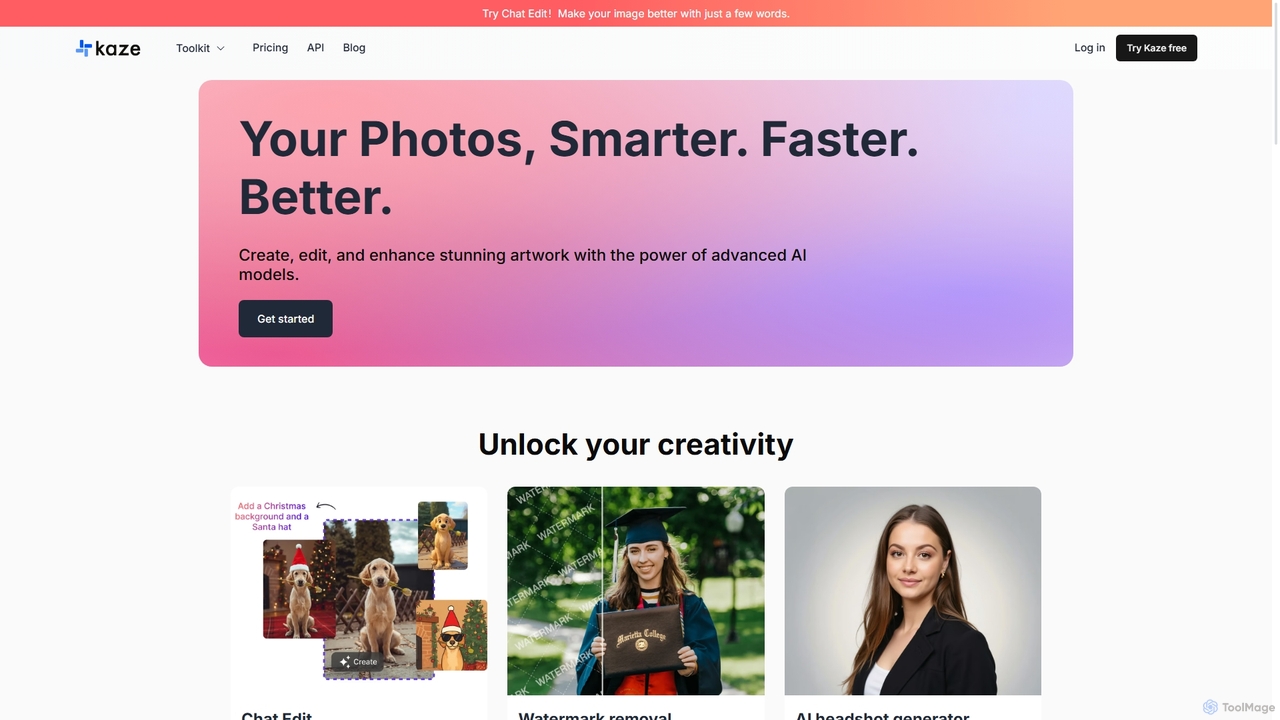
Kaze
Kaze is a comprehensive AI-powered image editing suite designed to create, edit, and enhance photos effortlessly. It offers a wide range of tools including one-click watermark and object removal, photo restoration, image upscaling, background removal, and an AI headshot generator. With its user-friendly interface and advanced AI models, Kaze delivers professional, studio-quality results in seconds, catering to creators, marketers, and photographers.
3D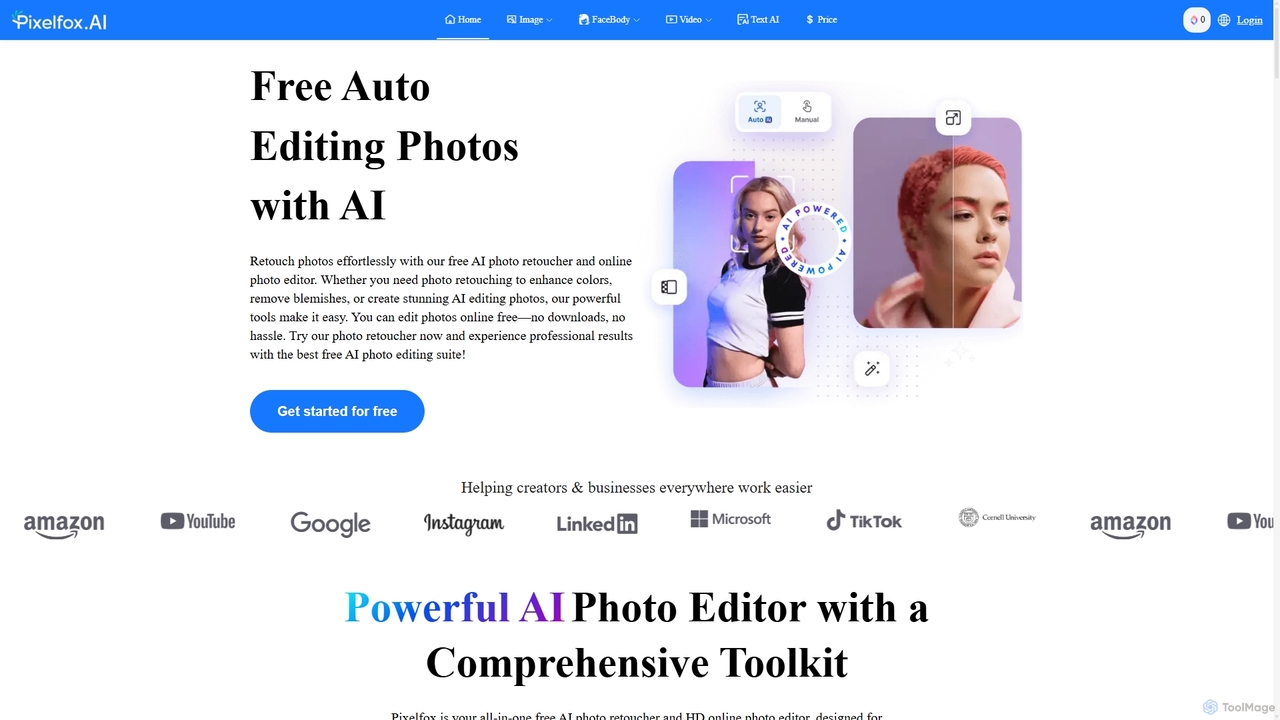
Pixelfox
Pixelfox is a comprehensive, free-to-use AI suite for creators and businesses. It combines a powerful online photo and video editor with over 300 AI writing tools. Effortlessly retouch photos, remove backgrounds, generate images from text, swap faces, and enhance quality. Simultaneously, create SEO-optimized articles, social media content, product descriptions, and much more, all within a single, no-download platform.
3D
Remover
Remover is a free AI-powered tool by ZMO.AI that effortlessly removes unwanted objects, people, text, and backgrounds from photos. Ideal for e-commerce, real estate, and general photo cleanup, it provides unlimited edits and professional results in seconds without needing complex software like Photoshop.
3D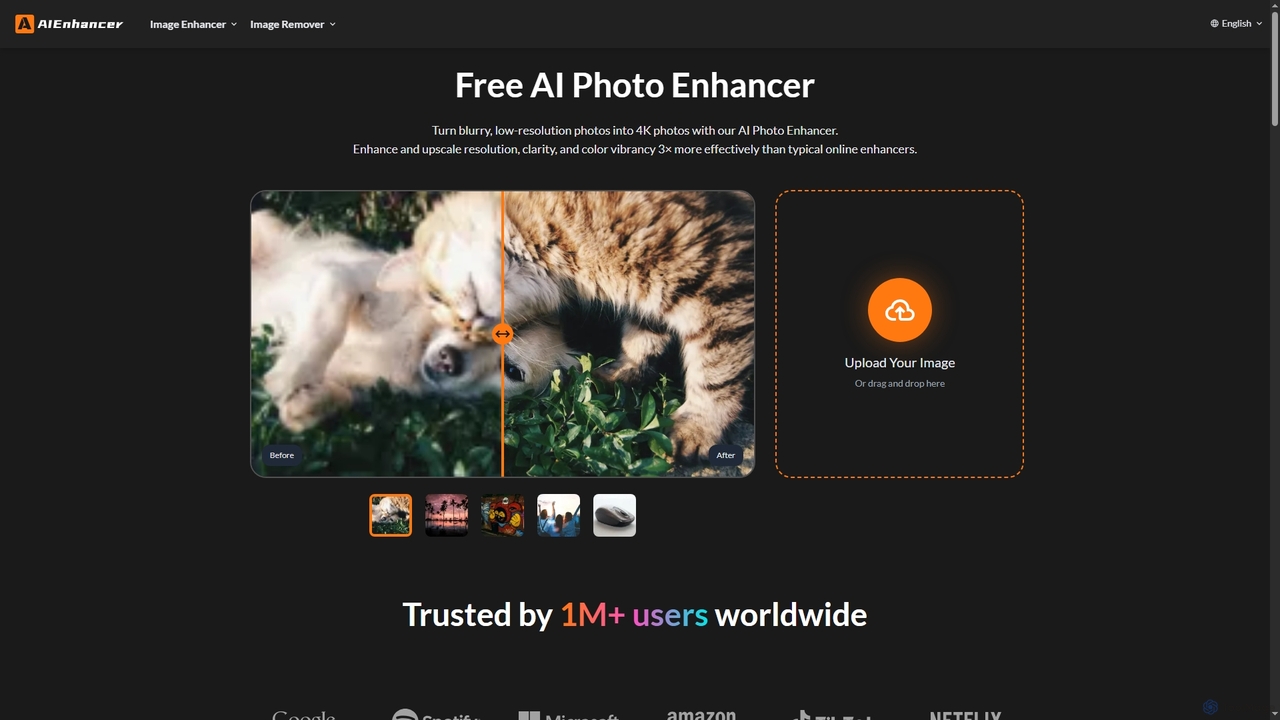
AIEnhancer
AIEnhancer is a powerful online AI tool that transforms and perfects images. It enhances resolution, restores old photos, removes blur and noise, sharpens details, converts to HD, and precisely removes backgrounds, making professional-grade photo editing accessible and effortless for everyone.
Background Removal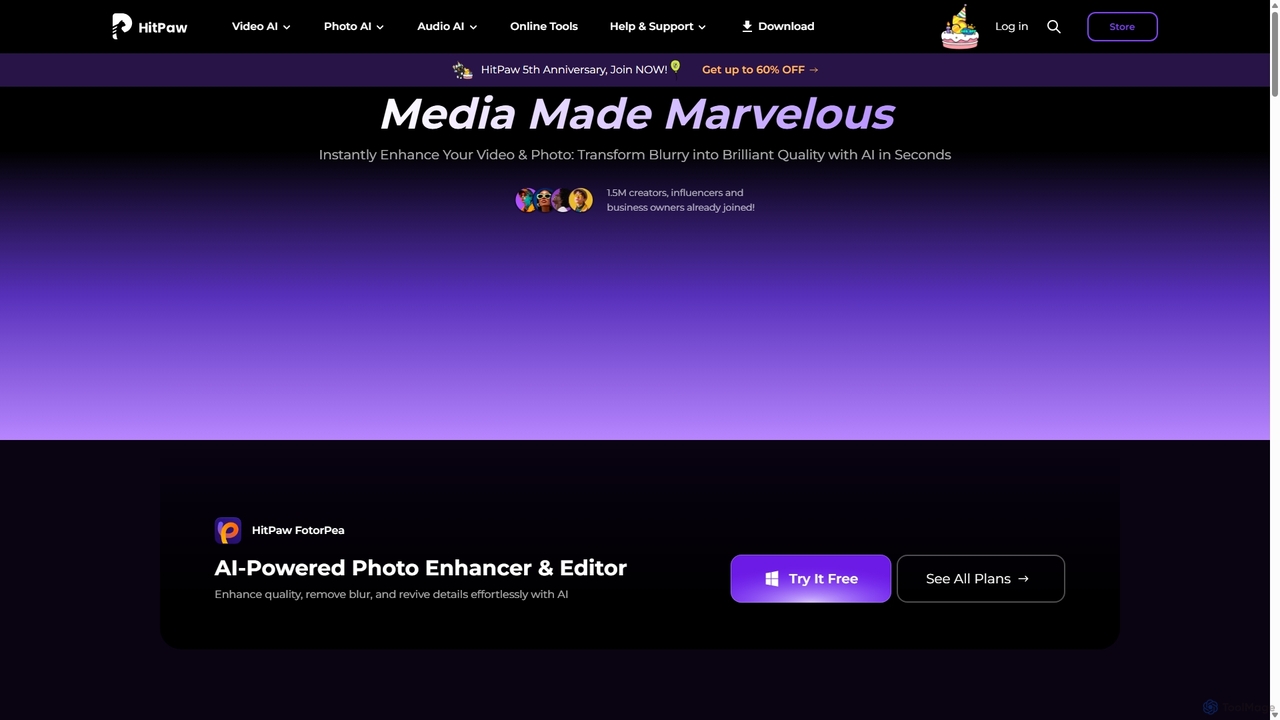
HitPaw
HitPaw is a comprehensive AI-powered multimedia software suite designed for video, photo, and audio enhancement. It offers a range of tools for upscaling video to 8K, restoring old photos, changing voices in real-time, converting file formats, and more, catering to creators, professionals, and enthusiasts.
Voice Modulation
PhotoRestore Comments (0)
Sign in to comment.
Sign inNo comments yet.