ToolMage
Sign in

Best 37 Image Enhancement AI tools for Image

Popular Image Enhancement AI tools in Image include imgupscaler, LetsEnhance, Remini, ImageUpscaler, Image-Upscaling.net, FliFlik, VanceAI, PhotoApp, jpgHD, and isamur.ai, helping you work more efficiently.

Remini
Freemium

Remini

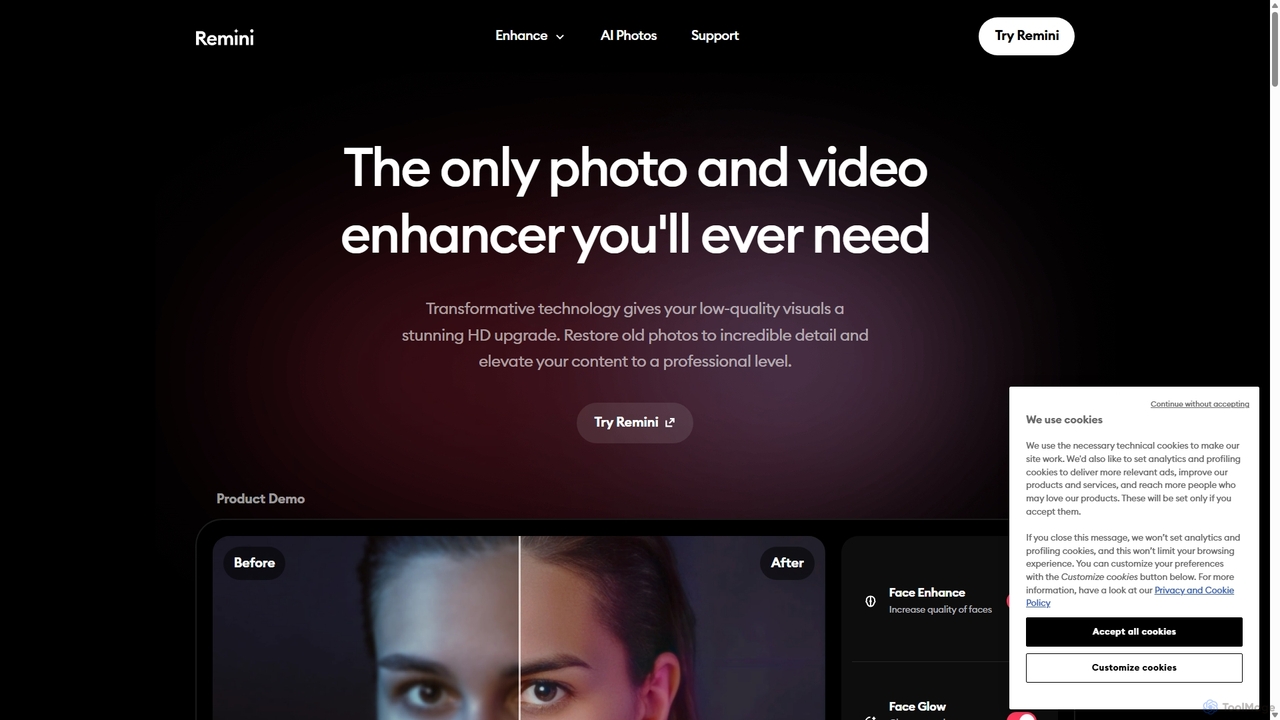
Remini is an AI-powered photo and video enhancer that transforms low-quality, blurry, or old images and videos into stunning high-definition visuals. Using advanced AI, it restores details, sharpens focus, reduces noise, and can even generate professional-quality AI photos of yourself.

3D
Visits 1.2MFavorites 132Likes 139
SUPIR
Freemium

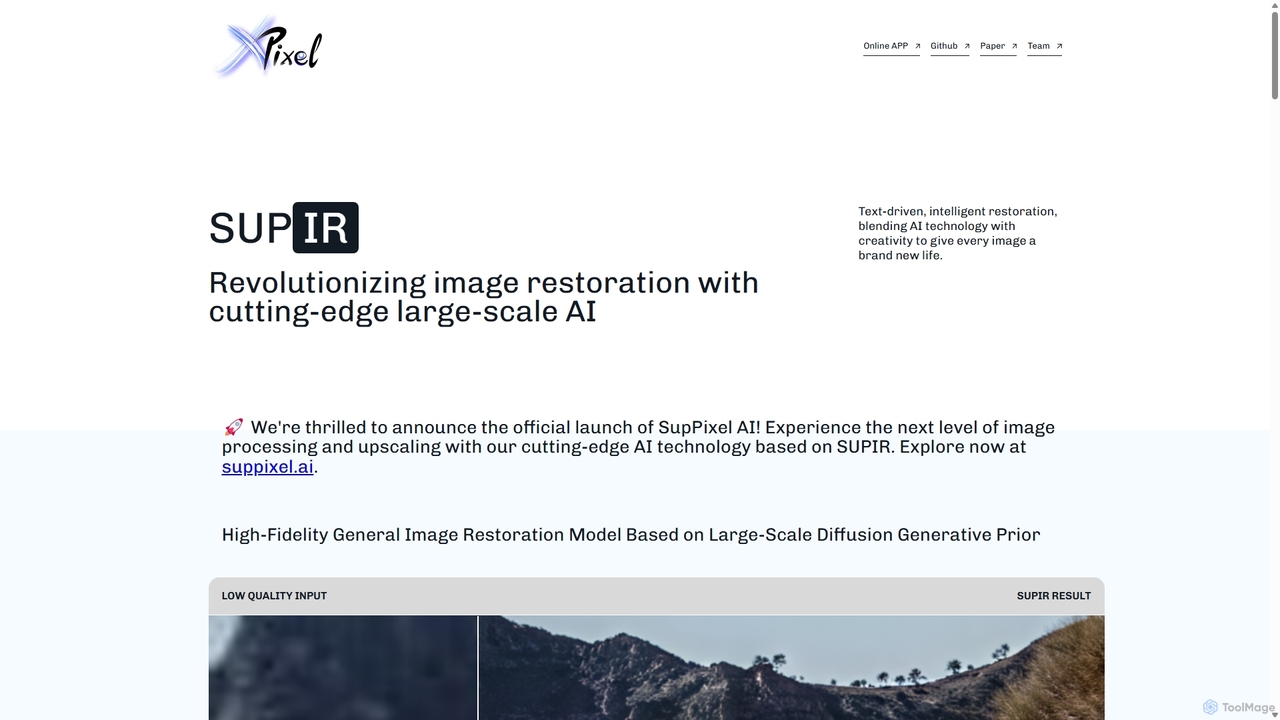
SUPIR

SUPIR (Scaling-up-Prior Image Restoration) is a cutting-edge, high-fidelity general image restoration model. It leverages large-scale diffusion generative priors to intelligently restore and upscale images with stunning clarity and detail. From vintage photos to gaming assets, SUPIR breathes new life into any low-quality image.

Generative Art
Visits 6.7KFavorites 138Likes 145
Nero Lens
Freemium

Nero Lens

Nero Lens is an all-in-one AI-powered photo enhancer app that instantly upscales, restores, colorizes, and denoises images. It also features an AI avatar and headshot generator, turning your selfies into stunning, stylized photos for social media, dating profiles, or professional use.

Ai Avatar Generator
Visits 7.4KFavorites 143Likes 131
RestorePhotos.io
Freemium

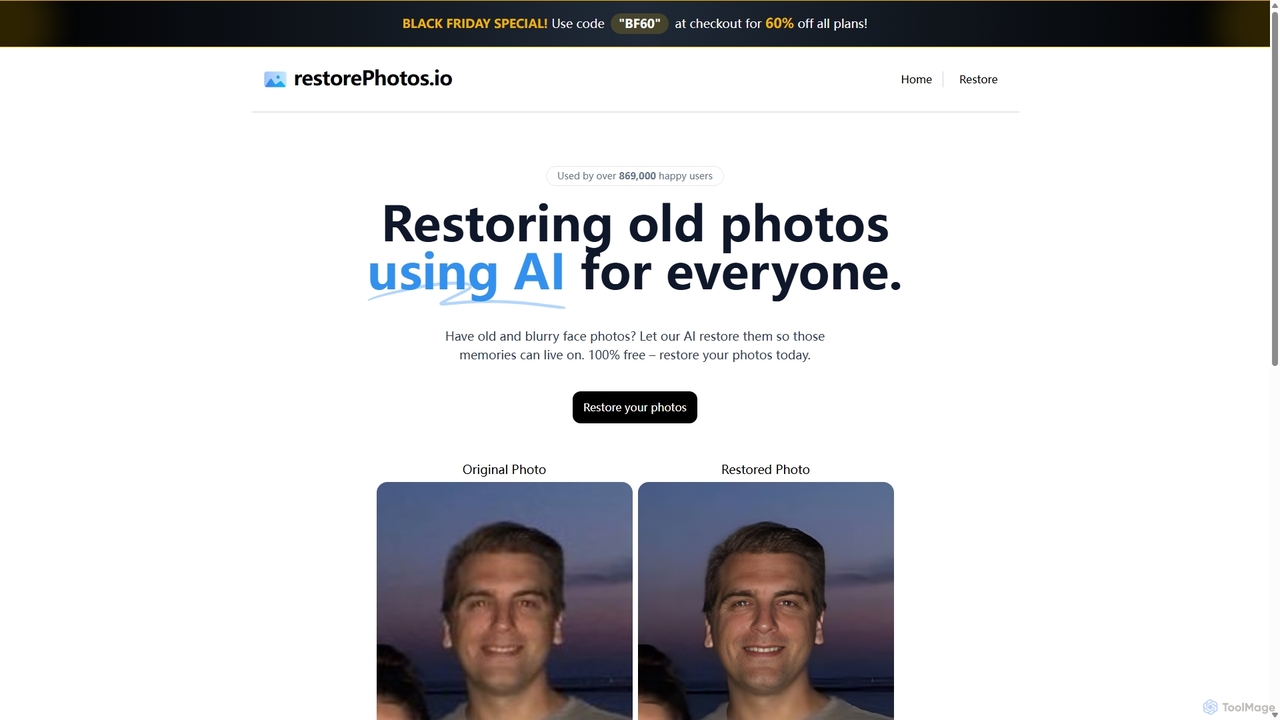
RestorePhotos.io

An AI-powered tool designed to restore old, blurry, and damaged face photos. It uses advanced algorithms to enhance clarity, reduce noise, and bring cherished memories back to life with remarkable detail. Ideal for anyone looking to digitize and improve their old photo collections.

Photography
Visits 28.3KFavorites 123Likes 109
Nightmare AI
Freemium

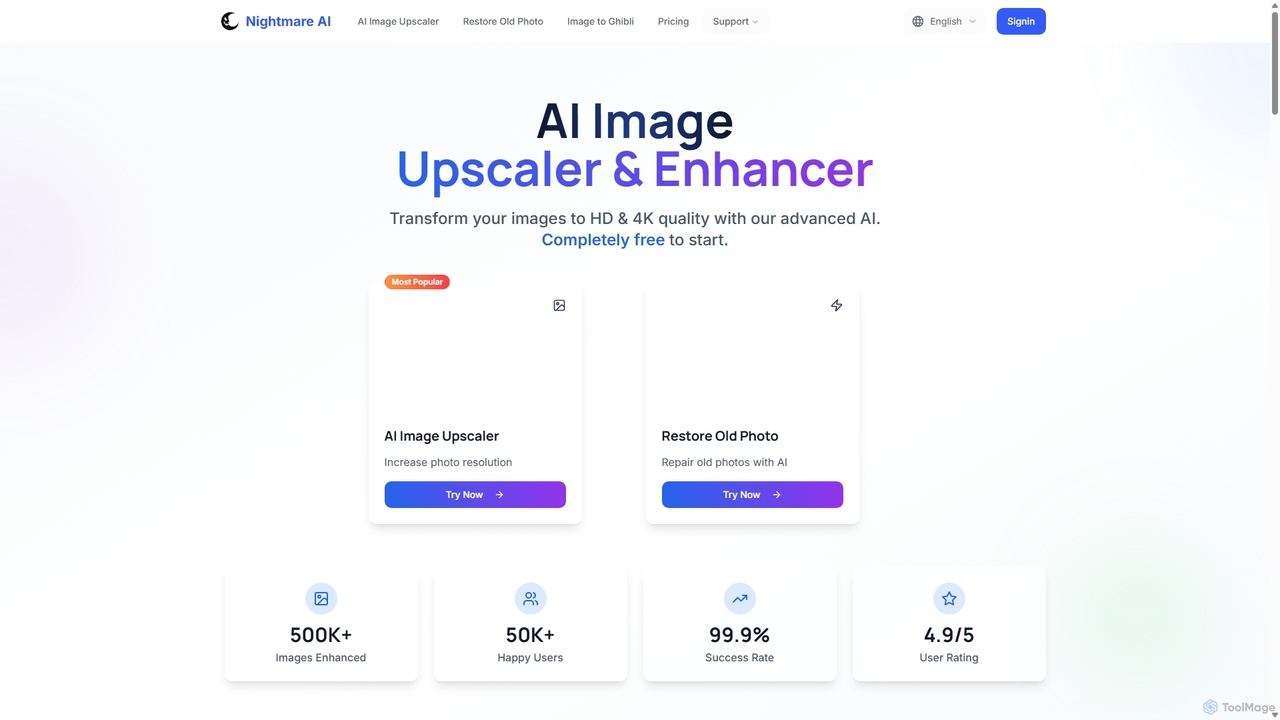
Nightmare AI

Nightmare AI is a powerful online tool that uses advanced AI algorithms like Real-ESRGAN to upscale images to 4K, enhance photo quality, and restore old, damaged photos. It specializes in improving photos, anime, and cartoons without losing detail. Offering a user-friendly interface, it provides both free and premium plans for photographers, artists, and content creators.

Image Enhancement
Visits 11.1KFavorites 157Likes 166
PhotoRestore
Freemium

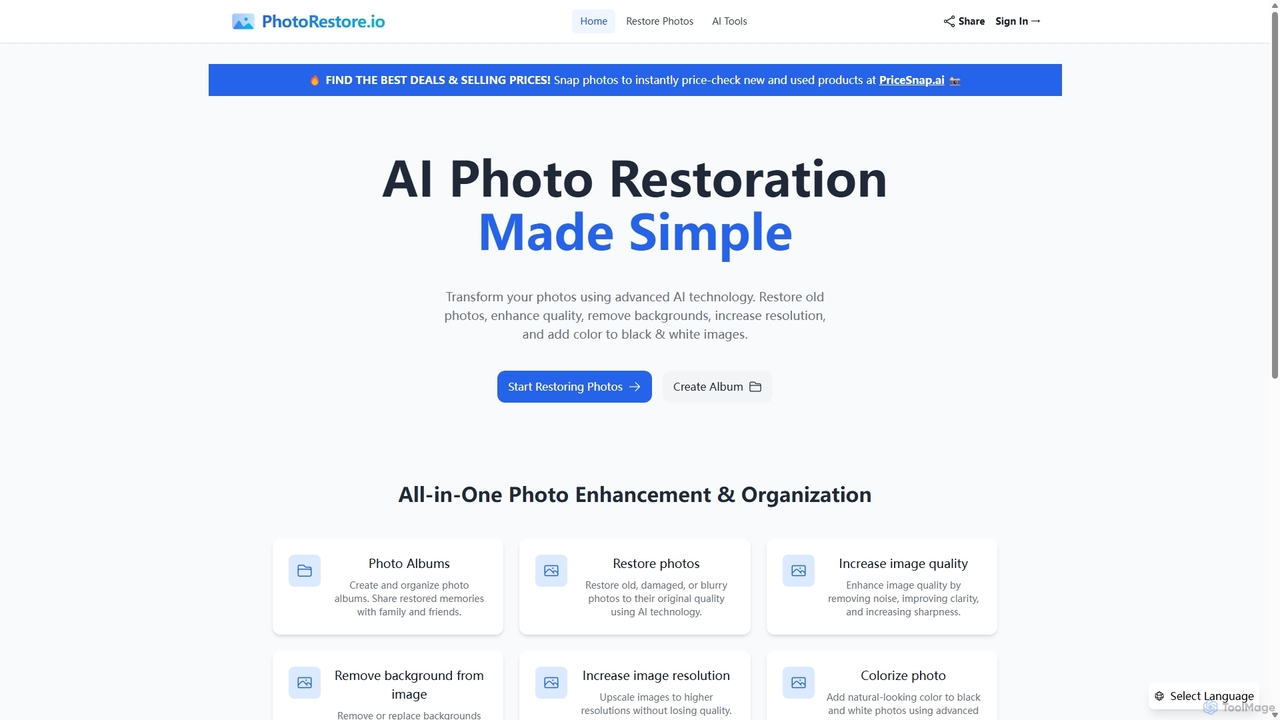
PhotoRestore

PhotoRestore is an all-in-one AI-powered platform for photo restoration and management. It effortlessly restores old, damaged, or blurry photos, enhances image quality, removes backgrounds, upscales resolution, and colorizes black-and-white images. It also features album creation for easy organization and sharing.

Image Editing
Visits 40.8KFavorites 139Likes 119
Fixblurry
Free

Fixblurry

fixblurry is a free, AI-powered online tool suite designed to enhance your images instantly. It specializes in unblurring and sharpening photos, restoring old or faded pictures, upscaling low-resolution images without quality loss, colorizing black-and-white photos, and removing backgrounds with a single click. No registration or software installation is required, offering professional-grade results for everyone.

Image Editing
Visits 5KFavorites 112Likes 103
optimusdrive
Freemium

optimusdrive

An AI-powered media processing platform offering a suite of tools for video and image optimization. It specializes in high-quality compression, resolution upscaling to 4K, and advanced facial enhancement to transform your media assets for web and streaming.

Image Enhancement
Visits 5.1KFavorites 98Likes 103
Nero AI
Freemium

Nero AI

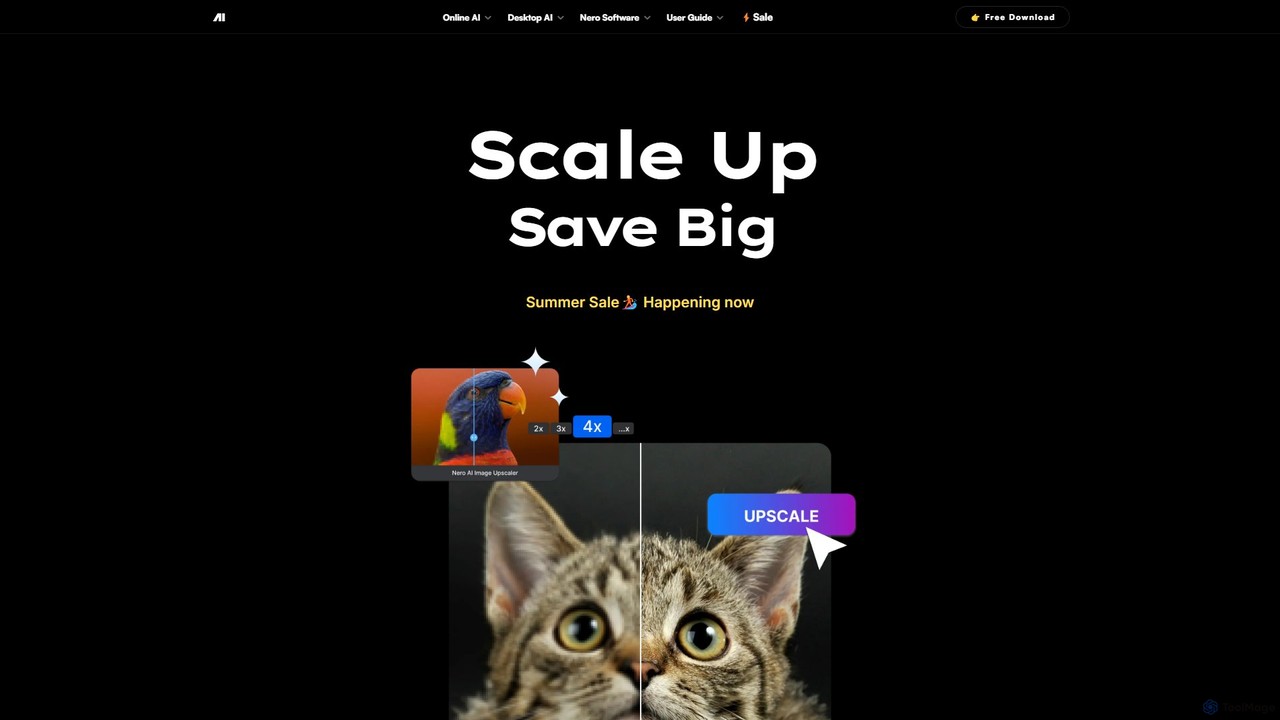
Nero AI is a professional AI-powered software suite for PC, designed to enhance, upscale, and restore photos and videos. It offers tools for 4K image and video upscaling, as well as intelligent object and face blurring for privacy.

Image Enhancement
Visits 55.3KFavorites 104Likes 101
restorephoto.app
Freemium

restorephoto.app

An AI-powered online tool designed to restore old, blurry, and damaged photographs. It automatically removes scratches, sharpens details, colorizes black-and-white images, and enhances facial features, bringing cherished memories back to life with just a few clicks.

Image Enhancement
Visits 5KFavorites 143Likes 168
SupaRes
Freemium

SupaRes

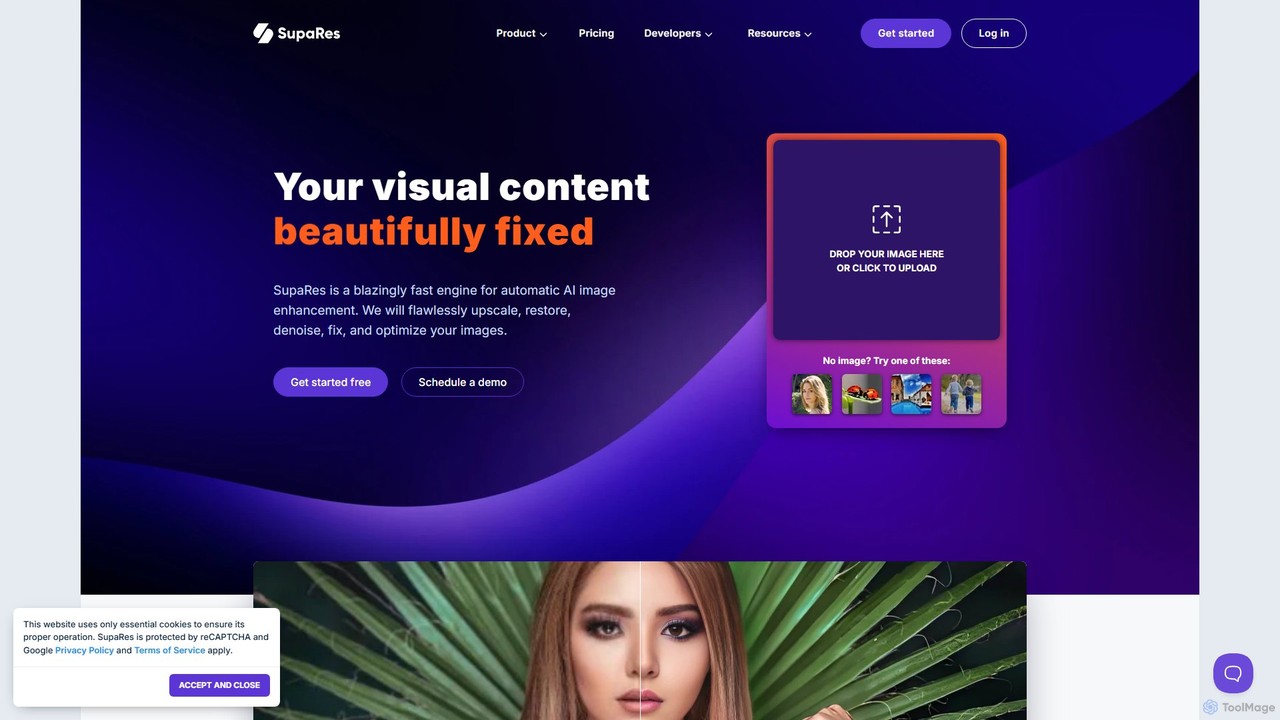
SupaRes is an AI-powered image enhancement platform that automatically upscales, restores, denoises, and optimizes your visual content. It provides a fast, one-stop solution for businesses and individuals to achieve professional-quality images in seconds without complex software.

Image Enhancement
Visits 4.9KFavorites 116Likes 117
FixBlur
Freemium

FixBlur

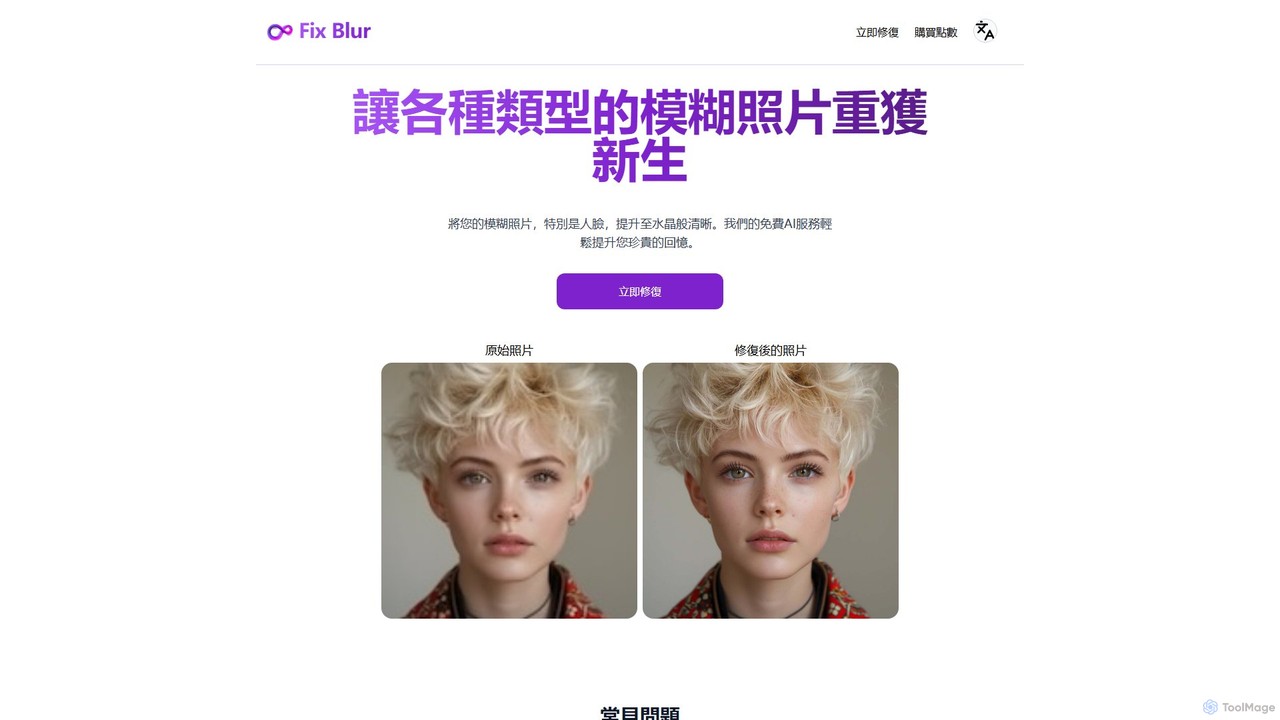
FixBlur is an AI-powered tool that sharpens blurry photos, especially faces, in seconds. It uses advanced algorithms to deblur images, restore details, and bring your precious memories back to crystal clarity. Ideal for fixing motion blur, out-of-focus shots, and old photos.

Image Enhancement
Visits 7KFavorites 117Likes 120
PhotoApp
Freemium

PhotoApp

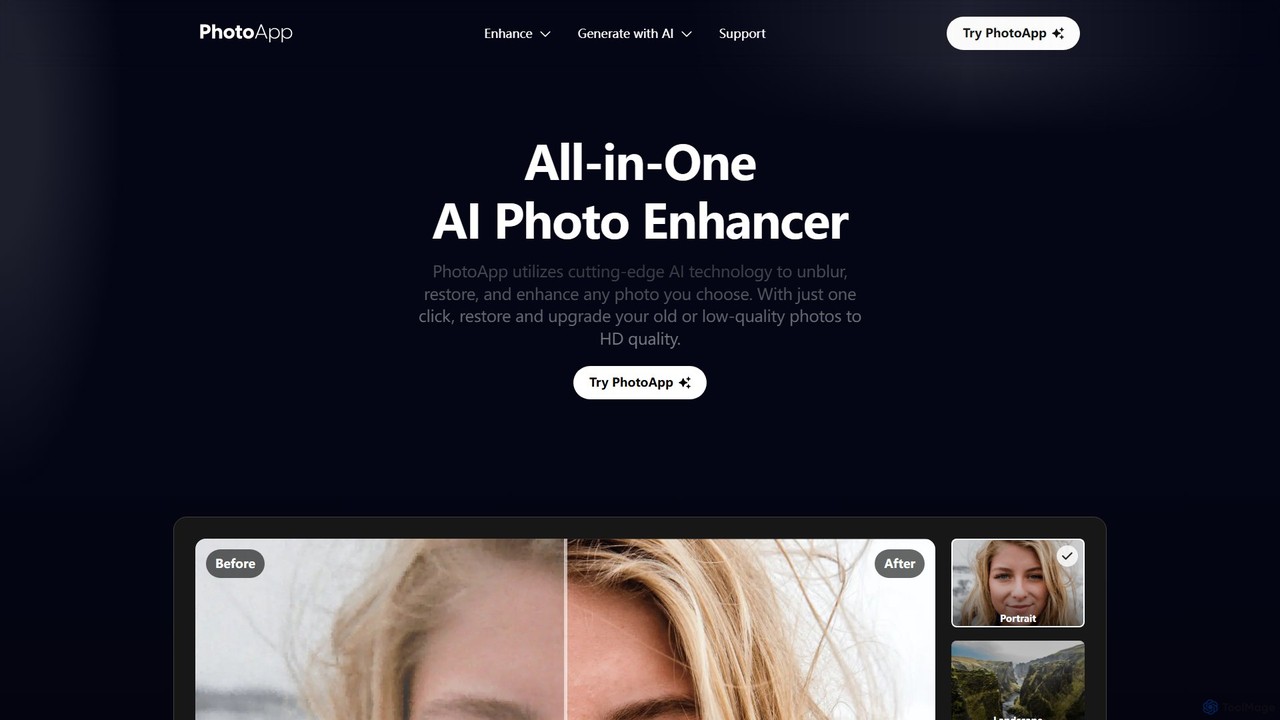
PhotoApp is an all-in-one AI photo editor that enhances, restores, and unblurs your images with a single click. Using advanced AI, it sharpens details, removes noise, corrects colors, and revives old photos. It also features an AI photo generator to create professional-quality images of yourself. Available on iOS and Android for on-the-go editing.

3D
Visits 185.1KFavorites 115Likes 114
oneimg
Free

oneimg

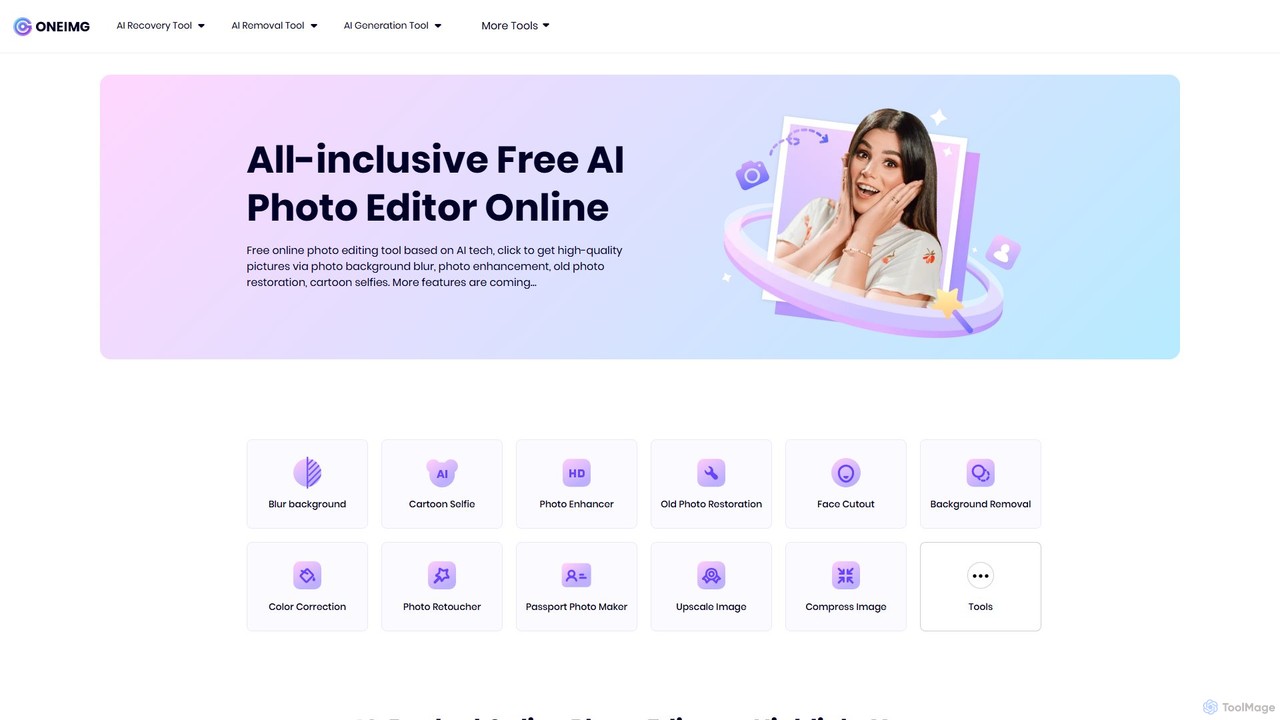
oneimg is a free, all-in-one online photo editor powered by AI. It offers a comprehensive suite of tools for image enhancement, background manipulation, old photo restoration, and creative effects like cartoon selfies. Designed for ease of use, it allows users to achieve professional-quality results with just a few clicks, no software installation or technical skills required.

Background Removal
Visits 6.3KFavorites 129Likes 128
SupPixel AI
Paid

SupPixel AI

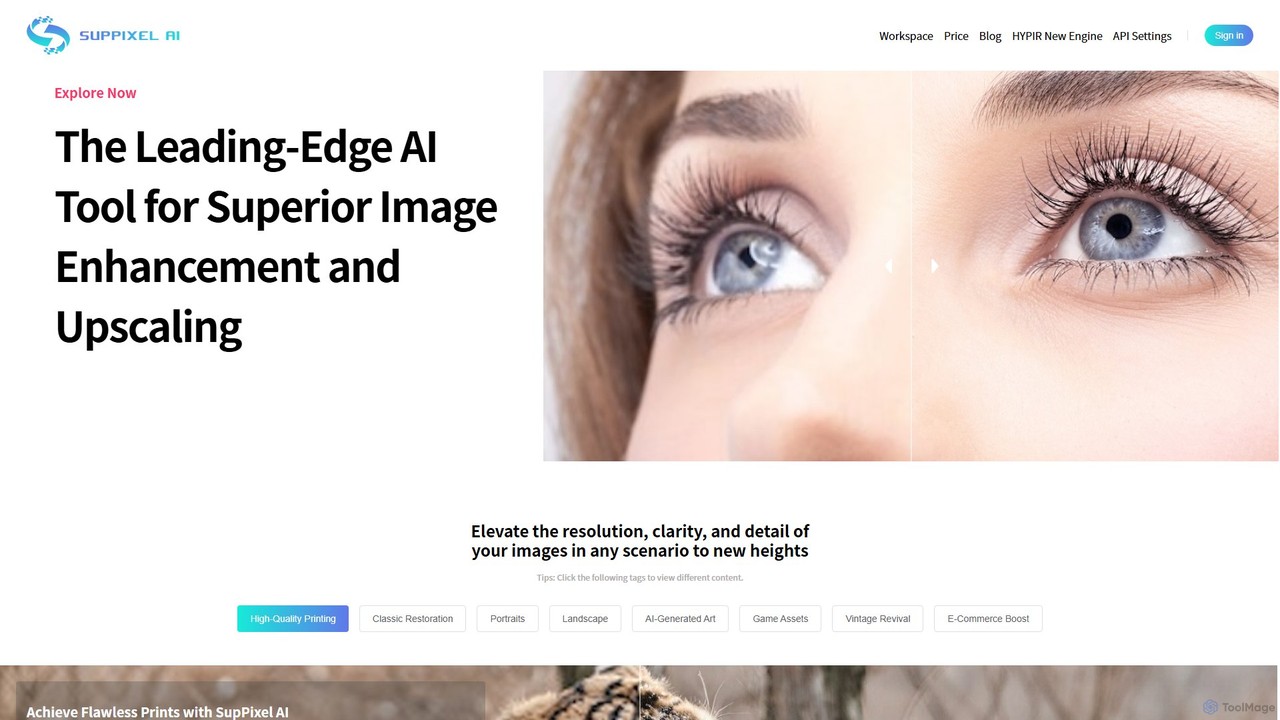
SupPixel AI is a leading-edge AI tool for superior image enhancement and upscaling. It elevates the resolution, clarity, and detail of any image, making it ideal for high-quality printing, photo restoration, e-commerce, and enhancing AI-generated art.

Image Editing
Visits 9.1KFavorites 139Likes 136
Anvsoft
Freemium

Anvsoft

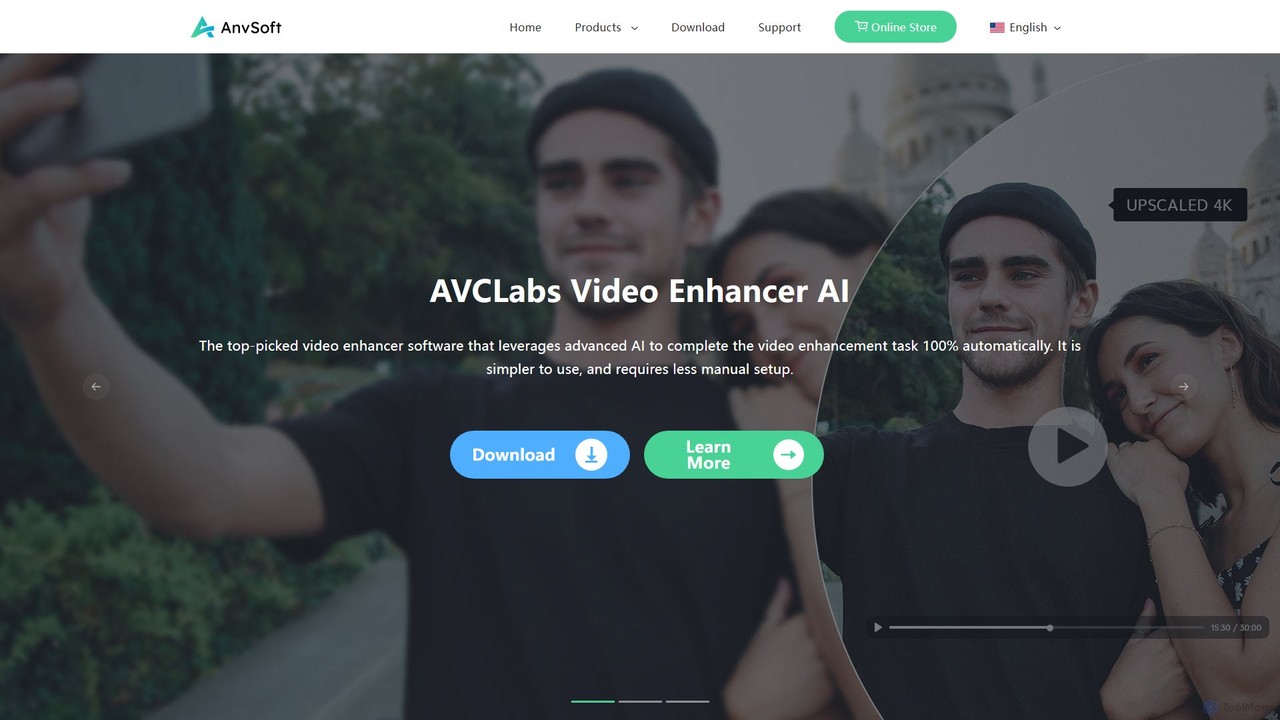
Anvsoft offers a suite of AI-powered multimedia software designed to enhance, convert, and edit videos and photos. Its flagship products, like AI Video Enhancer and AI Video Blur, use advanced algorithms for upscaling, colorization, face refinement, and automatic blurring, catering to both casual users and professionals.

Image Enhancement
Visits 38.3KFavorites 119Likes 123
ImageUpscaler
Freemium

ImageUpscaler

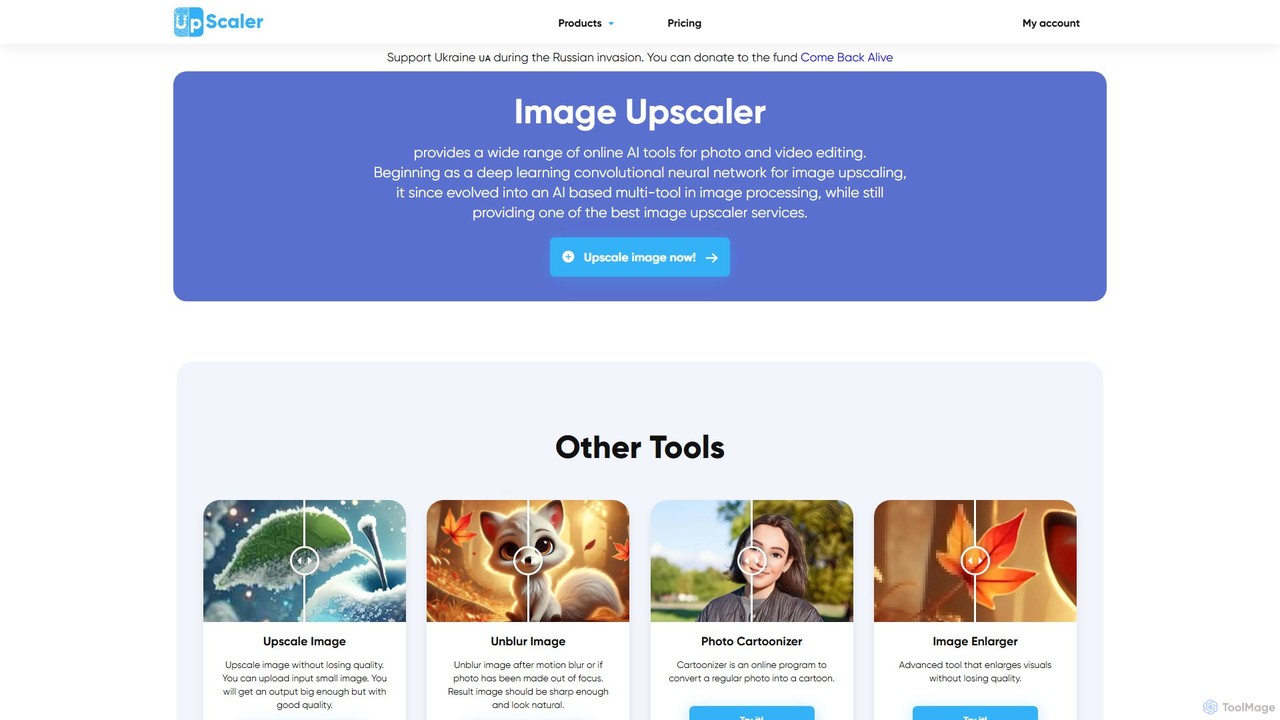
An all-in-one AI-powered platform for image enhancement. Upscale photos up to 4x without quality loss, remove backgrounds, deblur images, generate art from text, and utilize a wide range of creative tools like cartoonizers, colorizers, and object removers. Ideal for professionals and hobbyists.

Graphics
Visits 764KFavorites 147Likes 138
isamur.ai
Freemium

isamur.ai

isamur.ai is an advanced AI multimedia platform specializing in high-quality face enhancement, photo restoration, and realistic face swapping for both images and long-form videos. It breaks common video length limits, offering creative freedom for extensive projects. With a user-friendly interface and affordable pricing, it's designed for content creators, marketers, and individuals seeking to elevate their visual content with powerful AI tools.

Face Swap
Visits 79.3KFavorites 137Likes 144
jpgHD
Freemium

jpgHD

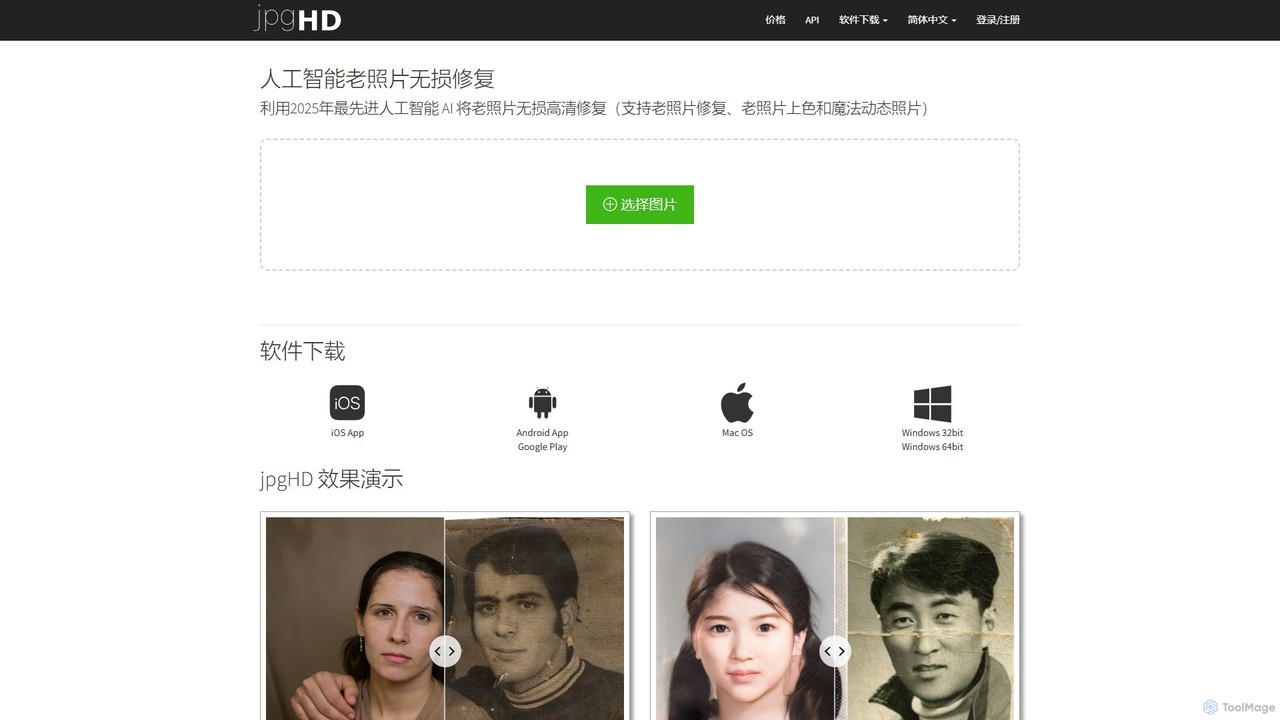
An AI-powered tool for lossless old photo restoration, colorization, and enhancement. It repairs scratches, upscales resolution, reduces noise, and even animates faces in photos, available on web, desktop, and mobile.

Image Editing
Visits 159.6KFavorites 140Likes 175
Stylize
Freemium

Stylize

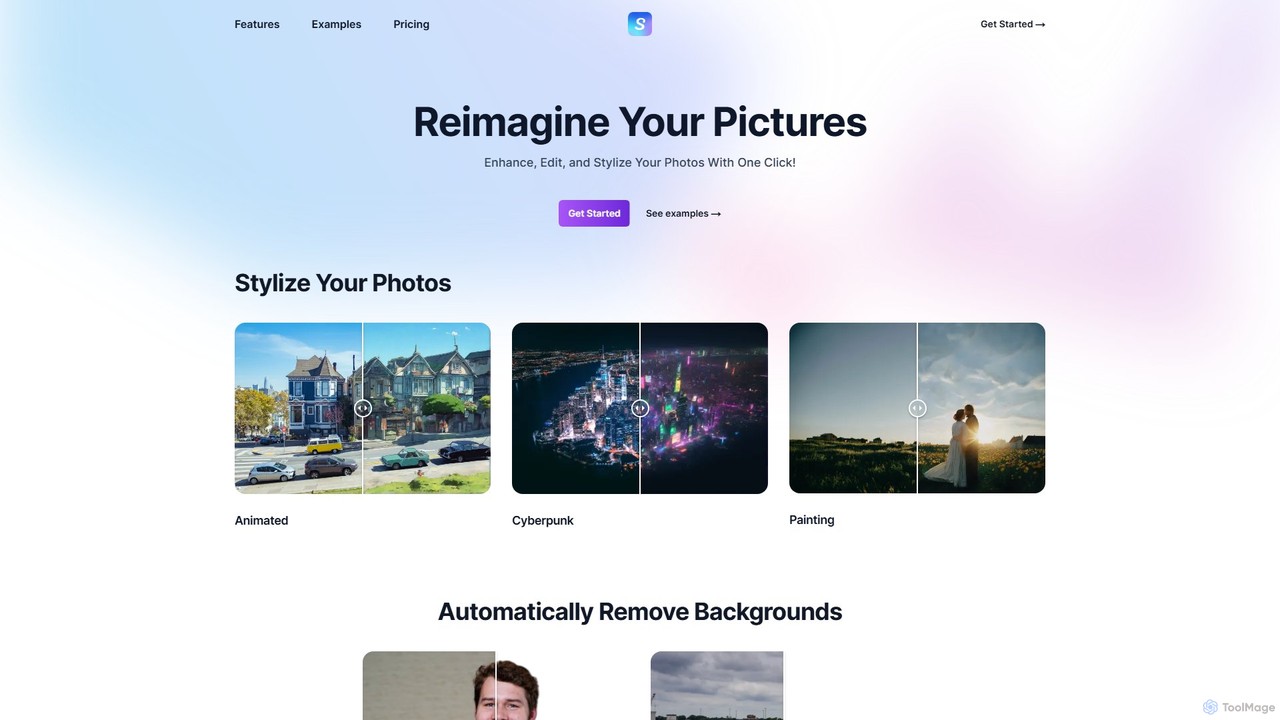
Stylize is an AI-powered image editing suite that allows you to enhance, edit, and transform your photos with a single click. It offers a range of tools including artistic stylization, text-prompt editing, 4x image upscaling, automatic background removal, and colorization for old photos. It's designed for simplicity, speed, and high-quality results, making advanced photo editing accessible to everyone.

Image Stylization
Visits 7.7KFavorites 148Likes 135
imgupscaler
Freemium

imgupscaler

imgupscaler is an AI-powered tool designed to enlarge and enhance images without sacrificing quality. Using advanced deep learning algorithms, it can upscale photos, anime art, and digital graphics up to 8x, intelligently adding detail, reducing noise, and fixing blurriness. It's a fast, user-friendly solution for professionals and hobbyists alike.

Image Enhancement
Visits 3.4MFavorites 175Likes 160
face26
Freemium

face26

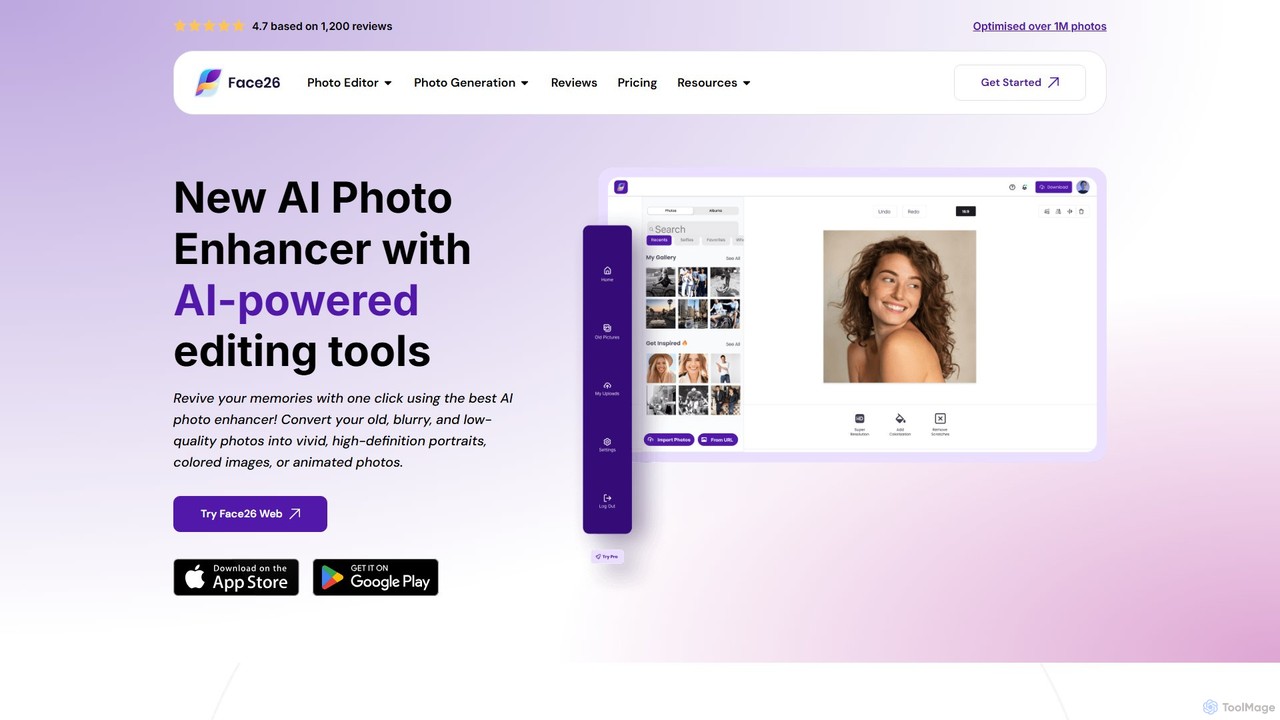
Face26 is a comprehensive AI-powered photo enhancement suite. With just one click, it can restore old, blurry photos, colorize black-and-white images, upscale pictures to HD quality, and perform detailed facial retouching. It's designed for both casual users and professionals, requiring no editing skills to achieve stunning results.

Image Editing
Visits 61.7KFavorites 108Likes 130
aiphotorestorer
Freemium

aiphotorestorer

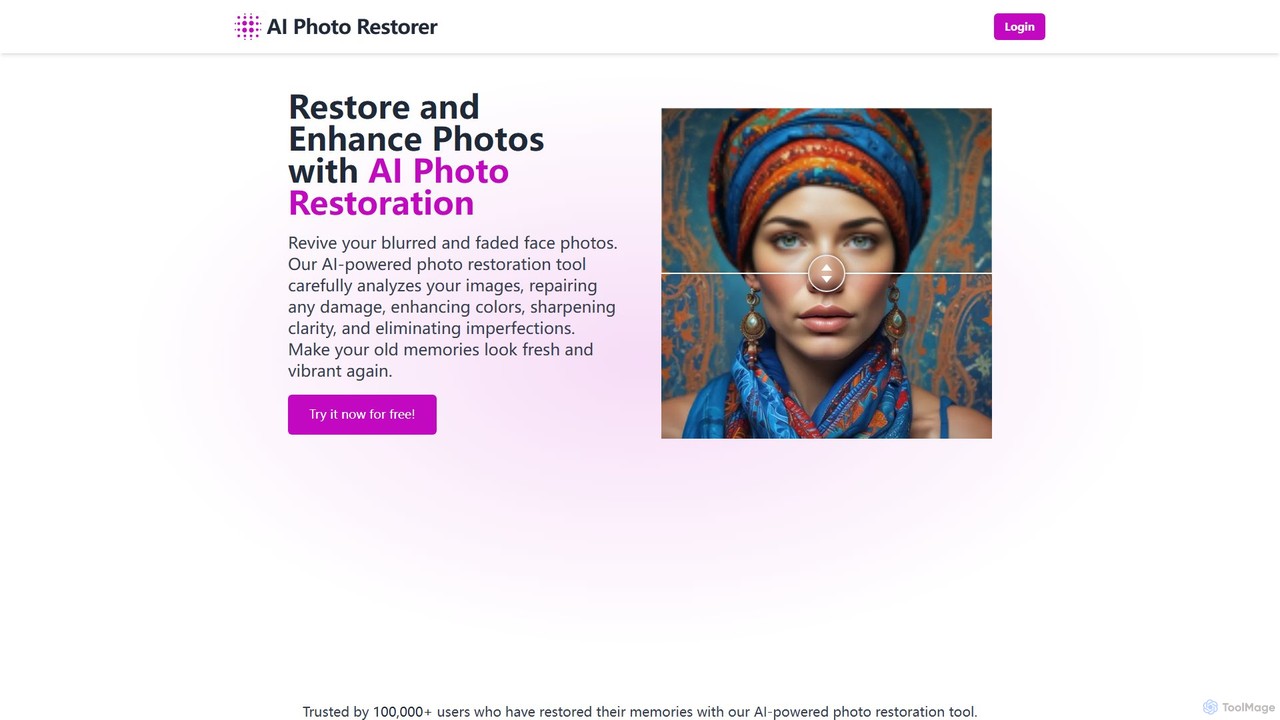
An AI-powered online tool that automatically restores, enhances, and upscales old, blurry, or damaged photos. It effectively removes scratches, corrects colors, and sharpens details to bring your cherished memories back to life with stunning clarity. Ideal for both personal and professional use.

Image Enhancement
Visits 5.1KFavorites 141Likes 148
Image-Upscaling.net
Freemium

Image-Upscaling.net

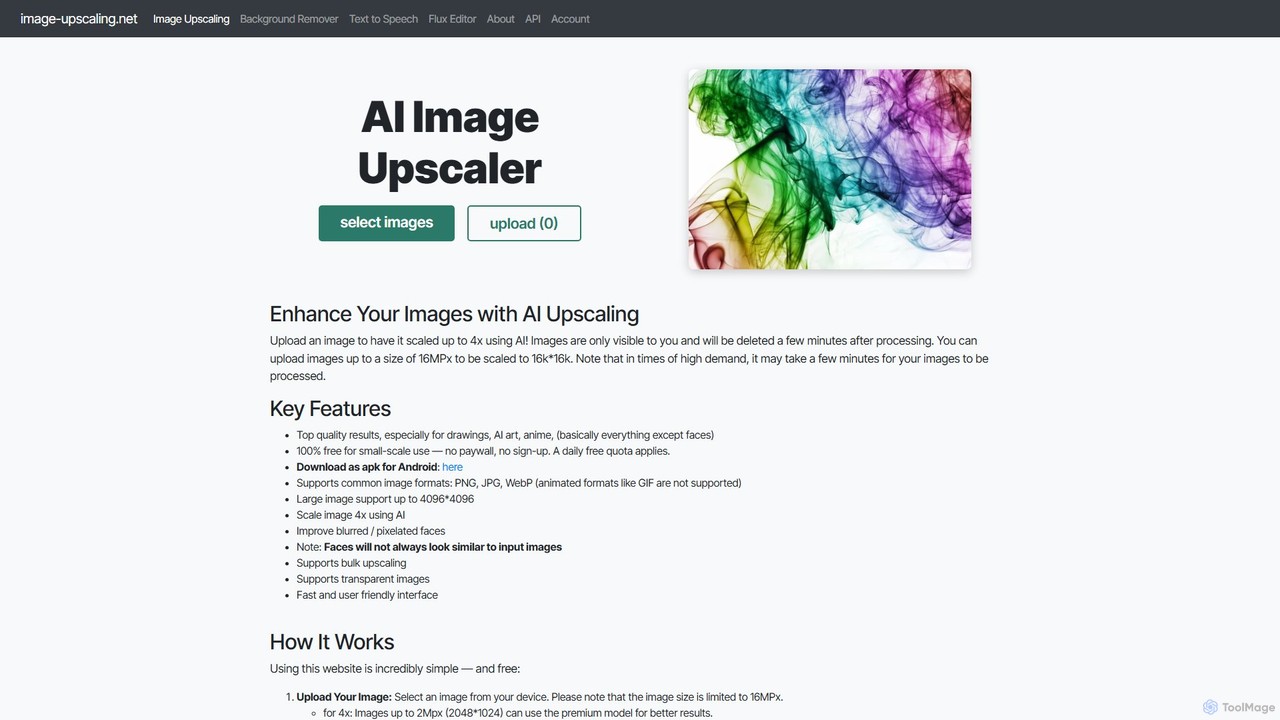
A free, web-based AI tool for upscaling images up to 16K resolution without sign-ups or watermarks. It uses advanced AI to enhance details and preserve quality, offering a simple upload-process-download workflow. It also provides background removal and text-to-speech services. The platform is privacy-focused, deleting images after 30 minutes, and offers a fair pay-as-you-go model for extended use beyond the daily free quota.

Graphics
Visits 705.3KFavorites 108Likes 119

About Image Enhancement

Image Enhancement tools are applications that use artificial intelligence to automatically improve the visual quality of digital photos. Leveraging deep learning models, these tools analyze and correct issues like low resolution, noise, blur, and poor lighting. They are designed to restore details, sharpen focus, and balance colors, transforming subpar images into clear, high-quality visuals with minimal user effort. This automates complex editing tasks that traditionally required professional software and expertise.

Core Features

  • Resolution Upscaling: Intelligently increases image size and pixel count while preserving and adding detail, ideal for printing or high-resolution displays.
  • Noise and Artifact Reduction: Automatically removes digital noise, grain, and compression artifacts for a cleaner, smoother image.
  • Color and Light Correction: Balances exposure, contrast, saturation, and white balance to make images look more natural and vibrant.
  • Deblurring and Sharpening: Corrects motion blur or out-of-focus shots by reconstructing details and enhancing edges for improved clarity.
  • AI Face Restoration: Specifically trained to identify and enhance facial features in old, blurry, or low-quality portraits.

Applicable Scenarios

These tools are widely used by photographers to salvage imperfect shots, e-commerce businesses to improve product photos, and digital marketers to create polished social media content. They are also valuable in fields like historical photo restoration, real estate photography, and for personal users wanting to revive old family pictures.

Selection Criteria

When choosing an Image Enhancement tool, consider the specific functions you need, such as upscaling versus face repair. Evaluate its batch processing capabilities for efficiency, supported input/output formats, and whether it operates online or as a downloadable application. Also, compare pricing models and the user interface's ease of use.

Featured tool rankings

Image Enhancement use cases

1

Restoring Old Family Photographs

An individual or genealogist working with scanned historical family photos often faces challenges like faded colors, scratches, and low resolution. Using an AI Image Enhancement tool, they can upload these scans and apply features like color correction and scratch removal. The tool's AI Face Restoration function can specifically sharpen and clarify faces, bringing ancestors' portraits back to life. The result is a digitally preserved, high-quality family archive that can be shared and printed, preserving memories for future generations.

2

Enhancing E-commerce Product Images

An e-commerce manager receives product photos from a supplier that are low-resolution and have inconsistent lighting. To create professional listings, they use an AI enhancer to batch process the entire photo set. The tool upscales the images to 4K resolution for zoom functionality, applies automatic color correction for consistency across all products, and sharpens details to make the products look more appealing. This process saves hours of manual editing and results in a polished, uniform online store catalog that can increase customer trust and conversion rates.

3

Improving Real Estate Photography

A real estate agent takes photos of a property on an overcast day, resulting in dark and dull images. Before listing the property online, they use an AI Image Enhancement tool. The tool automatically adjusts the brightness and contrast, making interior rooms look more spacious and inviting. It also enhances colors, making the lawn look greener and the sky bluer in exterior shots. The sharpening feature brings out architectural details. This quick enhancement process produces vibrant, professional-looking photos that attract more potential buyers and can lead to a faster sale.

4

Upscaling Digital Art for High-Quality Prints

A digital artist creates a piece of artwork on a tablet at a standard screen resolution (e.g., 1920x1080 pixels). A client wants to purchase a large physical print of the artwork, which requires a much higher resolution to avoid pixelation. The artist uses an AI upscaling tool to increase the image resolution by 4x or 8x. The AI intelligently adds new pixel data that respects the original lines and textures, resulting in a large, crisp file ready for professional printing. This allows the artist to sell high-quality prints without having to recreate their art at a massive native resolution.

5

Optimizing Social Media Content on the Go

A social media manager takes a quick photo with their smartphone for an immediate post, but the lighting is poor and the image is slightly noisy. Using a mobile AI image enhancement app, they can instantly apply an 'auto-enhance' function. The AI corrects the exposure, reduces the digital noise, and boosts the colors to make the image more eye-catching. The entire process takes less than a minute, allowing them to post high-quality, engaging content quickly, which is crucial for maintaining audience engagement on fast-paced platforms like Instagram or Twitter.

6

Clarifying Scientific and Medical Imagery

A researcher captures microscopic images for a study, but some images suffer from digital noise due to low-light capture conditions. To ensure accurate analysis, they use an AI enhancement tool specialized in scientific imagery. The tool's noise reduction algorithm cleans the images without smudging critical details. The sharpening function can then be used to better define cellular structures or other points of interest. This results in clearer, more reliable images for data analysis, publication in scientific journals, and presentation, improving the integrity and impact of their research.

Image Enhancement FAQ

What is AI Image Enhancement?

AI Image Enhancement is the process of using artificial intelligence algorithms to automatically improve the quality of a digital image. Unlike manual editing, these tools analyze an image and apply targeted corrections for issues like low resolution, noise, blur, and poor color balance. Key functions include upscaling (increasing resolution), denoising, sharpening, and color correction. It's designed to quickly salvage flawed photos or upgrade existing ones with minimal human intervention.

How to choose the right AI Image Enhancement tool?

To choose the right tool, consider these factors:

  • Primary Need: Identify your main goal. Do you need to upscale low-res images, restore old photos, or simply perform quick touch-ups? Different tools specialize in different areas.
  • Batch Processing: If you have many images to process, look for a tool with efficient batch processing capabilities to save time.
  • Platform: Decide if you prefer a web-based tool for convenience or a downloadable desktop application for offline access and potentially more power.
  • Ease of Use: Evaluate the user interface. Some tools offer simple one-click enhancements, while others provide more granular control.
  • Pricing: Compare free trials, subscription models, and pay-per-image plans to find what best fits your budget and usage frequency.
What's the difference between Image Enhancement and Image Editing?

Image Enhancement focuses on automatically improving the fundamental quality of an image. Its goal is corrective, aiming to fix flaws like blur, noise, or low resolution to make the image clearer and more realistic. Image Editing is a broader term that includes enhancement but also covers creative and transformative changes. Editing can involve manual adjustments, adding or removing objects, applying artistic filters, or compositing multiple images. In short, enhancement fixes and improves what's already there, while editing can fundamentally change it.

Can AI truly increase image resolution without losing quality?

Yes, AI can significantly increase image resolution with impressive results, a process known as 'super-resolution'. Unlike traditional methods that simply stretch pixels and cause blurriness, AI models are trained on millions of high and low-resolution image pairs. They learn to intelligently predict and generate new, realistic pixel details to fill in the gaps when an image is enlarged. While it's a sophisticated reconstruction rather than magic, modern AI enhancers can often upscale images by 2x, 4x, or even more while maintaining or even improving sharpness and clarity.

Who can benefit from using AI Image Enhancement tools?

A wide range of users can benefit from these tools. This includes:

  • Photographers: To quickly fix lighting issues, reduce noise in low-light shots, and sharpen focus.
  • E-commerce Owners: To create clean, high-resolution, and consistent product images for online stores.
  • Marketers and Content Creators: To polish images for social media, blogs, and advertising campaigns, increasing visual appeal.
  • Historians and Archivists: To restore and preserve old, damaged, or faded photographs.
  • Personal Users: To improve everyday photos, restore old family pictures, and get better quality prints from their digital images.