
Nero AI Overview
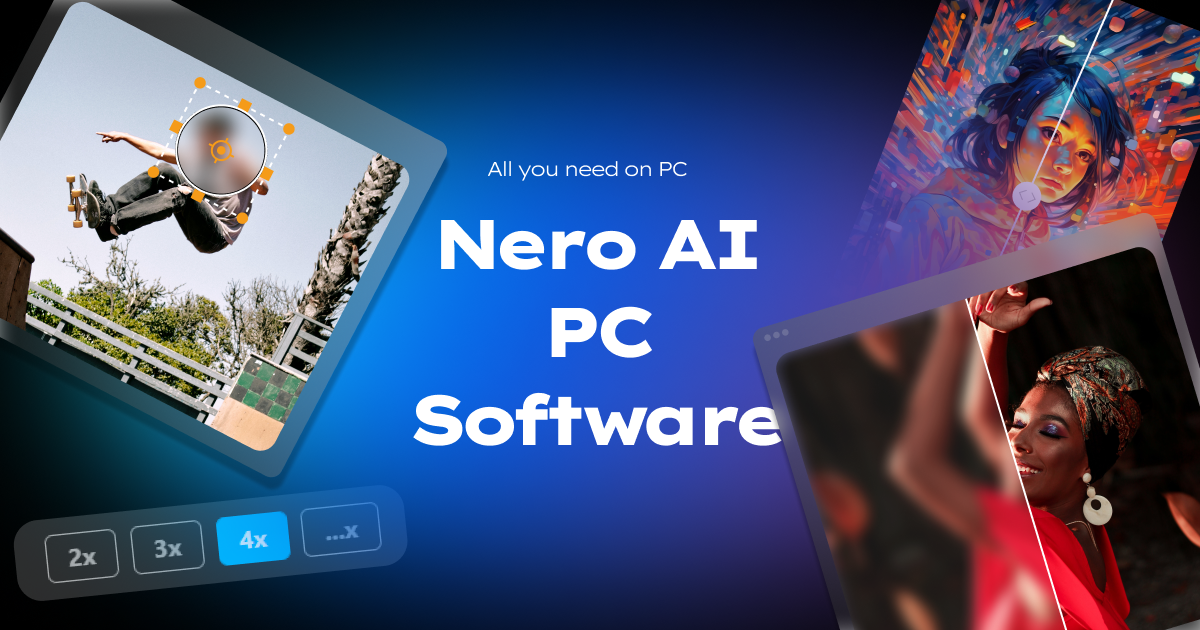
Nero AI is a comprehensive suite of artificial intelligence tools developed by Nero, a trusted name in multimedia software. Designed specifically for PC users, this suite provides powerful solutions for enhancing and manipulating digital photos and videos. Leveraging advanced AI models, Nero AI aims to deliver professional-grade results with a user-friendly interface, making it accessible to both hobbyists and professionals.
The core of the Nero AI suite consists of three main components: the AI Image Upscaler, the AI Video Upscaler, and the AI Blur Face/Object tool. These tools are engineered to tackle common challenges in media editing, such as low-resolution source material, digital noise, and privacy concerns. By running directly on your PC, Nero AI ensures faster processing speeds and enhanced data privacy compared to many online-only alternatives, as your files are not uploaded to external servers.
How to use Nero AI
Using the Nero AI suite is designed to be a straightforward process, integrated into a simple workflow:
- Download and Install: First, download the Nero AI software from the official website and install it on your Windows PC.
- Launch and Select Tool: Open the application and choose the specific tool you need, such as the Image Upscaler, Video Upscaler, or Blur Face.
- Import Media: Drag and drop your image or video file into the application, or use the file browser to select it from your computer.
- Choose AI Model and Settings: For upscaling, select one of the specialized AI models (e.g., for realistic photos, cartoons, etc.) and choose your desired output resolution (up to 4K or higher). For blurring, the AI will automatically detect faces or you can manually select objects, license plates, or logos to be blurred throughout the video.
- Process and Preview: Initiate the AI enhancement process. The software will process the file locally on your PC. You can often preview the changes in real-time or via a before-and-after slider.
- Export: Once you are satisfied with the result, export the enhanced photo or video to your desired format and location on your hard drive.
Core Features of Nero AI
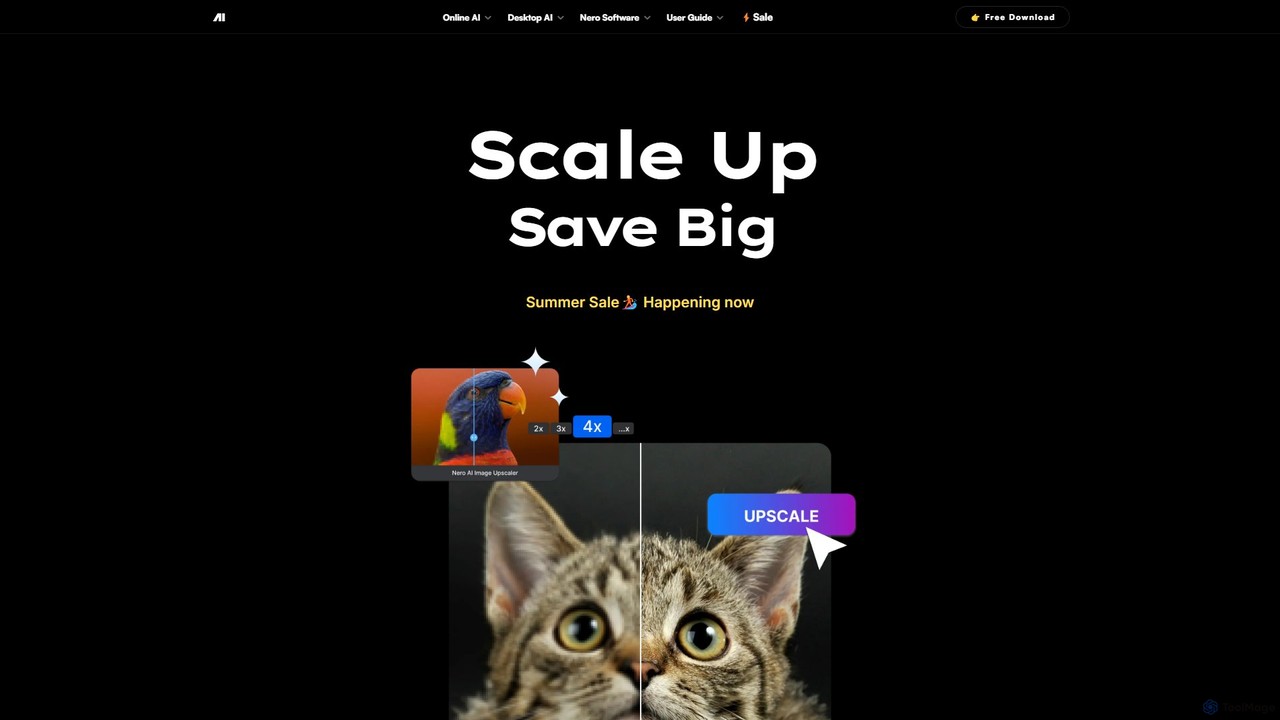
- AI Image Upscaler: Intelligently increases the resolution of photos up to 4K. It features five distinct AI models optimized for different types of images, effectively reducing noise and sharpening details to achieve perfect image quality.
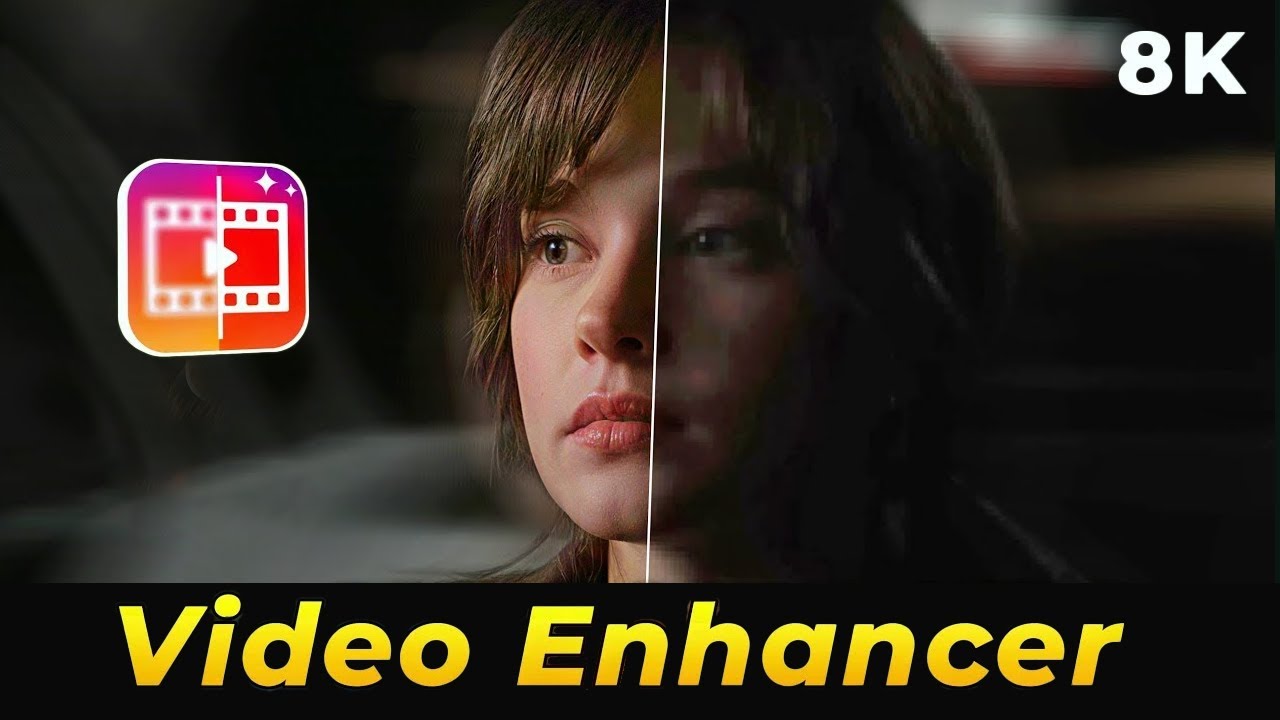
- AI Video Upscaler: Transforms low-resolution videos into super-resolution (up to 4K). This feature enhances clarity, color, and detail frame by frame, making it ideal for restoring old footage or improving content from lower-quality cameras.
- AI Face & Object Blurring: Automatically detects and blurs faces in videos to protect privacy. It can also be used to obscure stationary objects, moving logos, or license plates with high accuracy, even in dynamic scenes.
- Desktop-Based Processing: All processing is done locally on your PC, which provides significant advantages in terms of speed, security, and the ability to work with large files without upload/download delays.
- API Access for Businesses: Nero AI offers a custom plan for commercial use, including API access. This allows businesses to integrate Nero's powerful AI enhancement and blurring technologies directly into their own applications and workflows.
Use Cases for Nero AI
Nero AI is a versatile tool suitable for a wide range of applications:
- Photographers and Designers: Upscale old family photos, restore compressed images, or enlarge digital art for high-quality printing without losing detail.
- Videographers and Filmmakers: Enhance archival footage, improve the quality of drone or action camera videos, and prepare older standard-definition content for modern 4K displays.
- Content Creators and YouTubers: Protect the privacy of individuals in vlogs, interviews, or documentaries by easily blurring faces. Also useful for obscuring branded logos or other sensitive information.
- Business and Legal Professionals: Redact sensitive information like faces or license plates in video evidence or corporate training materials to comply with privacy regulations.
- Real Estate Agents: Enhance property photos and video tours, making them sharper, clearer, and more appealing to potential buyers.
Advantages of Nero AI
The primary advantage of Nero AI is its combination of power and accessibility. It brings professional-grade AI media enhancement to the desktop in an easy-to-use package. Key benefits include high-quality output, fast local processing which ensures data privacy, and a suite of tools that cover the most common enhancement needs. Being a product from Nero, it benefits from the company's long-standing experience in creating reliable and user-friendly multimedia software.
Pricing and Plans
Nero AI operates on a freemium model, providing several options for users:
- Free Trial: Users can try the software for free to test its capabilities. The free version may have limitations, such as watermarks on the output or restricted access to certain features.
- Paid Versions (Buy Now): To unlock the full potential of the software, users can purchase a license. Nero typically offers one-time purchases or subscription plans for its products. These paid plans remove all limitations and provide access to all AI models and features. The website often features promotional deals like the "AI Upscale Bundle" for both photo and video tools.
- Business Plan: A custom plan is available for commercial clients who require API access or need to use the software for business purposes. Pricing for this is available upon contacting their sales team.
For the most current pricing, it is recommended to visit the official Nero AI website.
Traffic
Latest traffic
Status
Monthly traffic trend
- 2025-9: 35.5K
- 2026-1: 49.4K
- 2026-2: 39.7K
- 2026-3: 66.0K
- 2026-4: 70.1K
- 2026-5: 50.2K
Geography
Top 5 countries / regions
- 🇯🇵Japan39.1%
- 🇺🇸United States23.3%
- 🇮🇳India16.9%
- 🇬🇧United Kingdom11.5%
- 🇰🇷South Korea9.3%
Traffic sources
| Source type | Percentage |
|---|---|
Direct | 50.7% |
Referral | 48.3% |
Email | 0.9% |
Top keywords
| Keyword | Cost per click |
|---|---|
| nero ai | $0.48 |
| nero ai video upscaler | $2.00 |
| nero cd ripper | $1.59 |
| nero express | $0.77 |
| wmp アーティスト情報 | $0.00 |
Nero AI Videos on YouTube



Nero AI Alternatives

Aimages
Aimages is a powerful online AI tool for enhancing and upscaling videos and images. It uses advanced algorithms to improve quality, fix blur, reduce noise, restore colors, and increase video frame rates. Ideal for professionals and hobbyists looking to restore old media or perfect new content.
Image Generation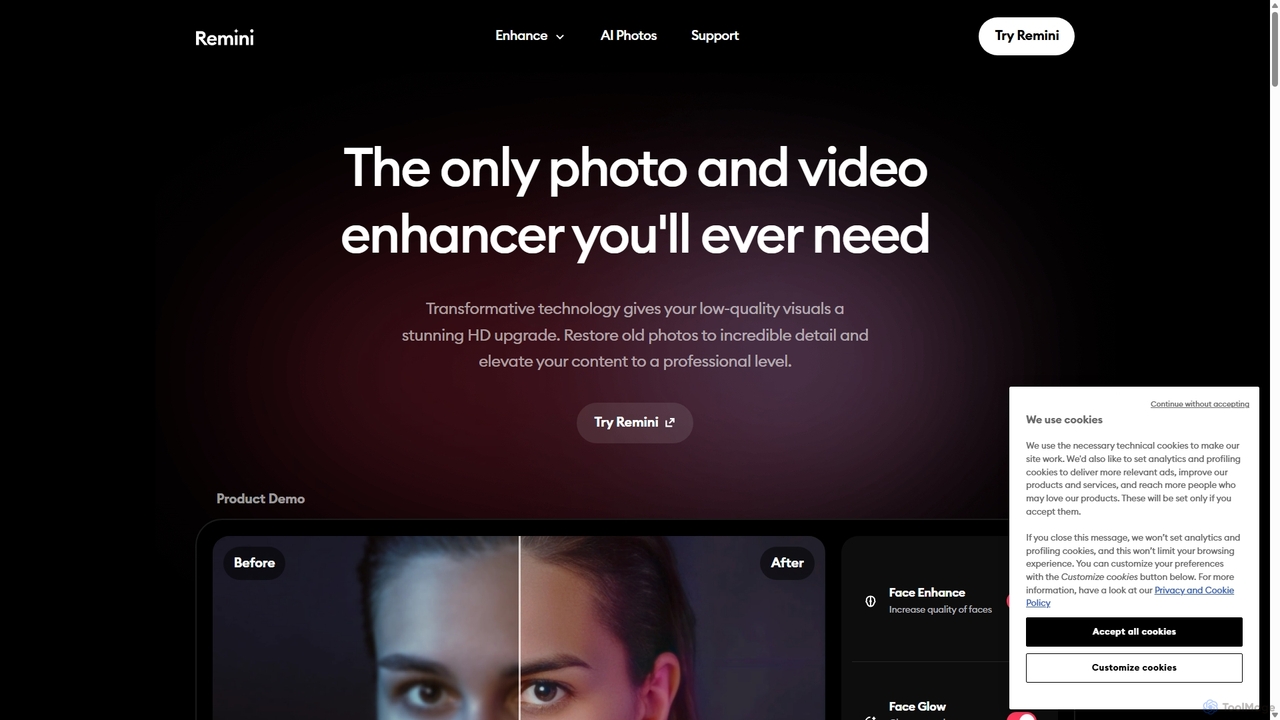
Remini
Remini is an AI-powered photo and video enhancer that transforms low-quality, blurry, or old images and videos into stunning high-definition visuals. Using advanced AI, it restores details, sharpens focus, reduces noise, and can even generate professional-quality AI photos of yourself.
3D
optimusdrive
An AI-powered media processing platform offering a suite of tools for video and image optimization. It specializes in high-quality compression, resolution upscaling to 4K, and advanced facial enhancement to transform your media assets for web and streaming.
Image Enhancement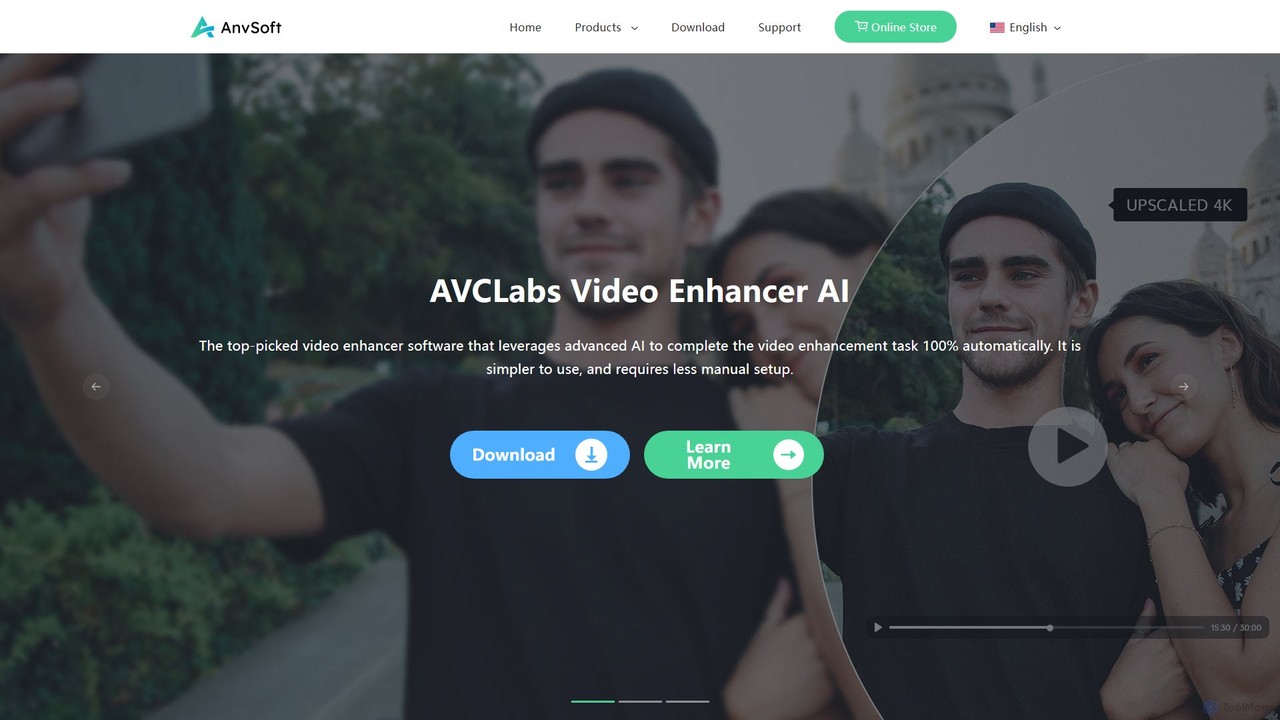
Anvsoft
Anvsoft offers a suite of AI-powered multimedia software designed to enhance, convert, and edit videos and photos. Its flagship products, like AI Video Enhancer and AI Video Blur, use advanced algorithms for upscaling, colorization, face refinement, and automatic blurring, catering to both casual users and professionals.
Image Enhancement
pixelhaha
Pixelhaha is an AI-powered creative platform for enhancing visual media. It offers one-click tools to upscale video resolution and improve photo quality, bringing out vibrant colors and sharp details. It also features a text-to-image generator for creating unique AI art. With a user-friendly interface and a flexible pay-as-you-go pricing model, it's designed for content creators, marketers, and enthusiasts.
Image EnhancementNero AI Categories
Nero AI Embed Widget
Copy this embed code to place the badge on your blog, article, or product site and send readers directly to this ToolMage detail page.

Related AI tools
Aimages
Aimages is a powerful online AI tool for enhancing and upscaling videos and images. It uses advanced algorithms to improve quality, fix blur, reduce noise, restore colors, and increase video frame rates. Ideal for professionals and hobbyists looking to restore old media or perfect new content.
Image Generation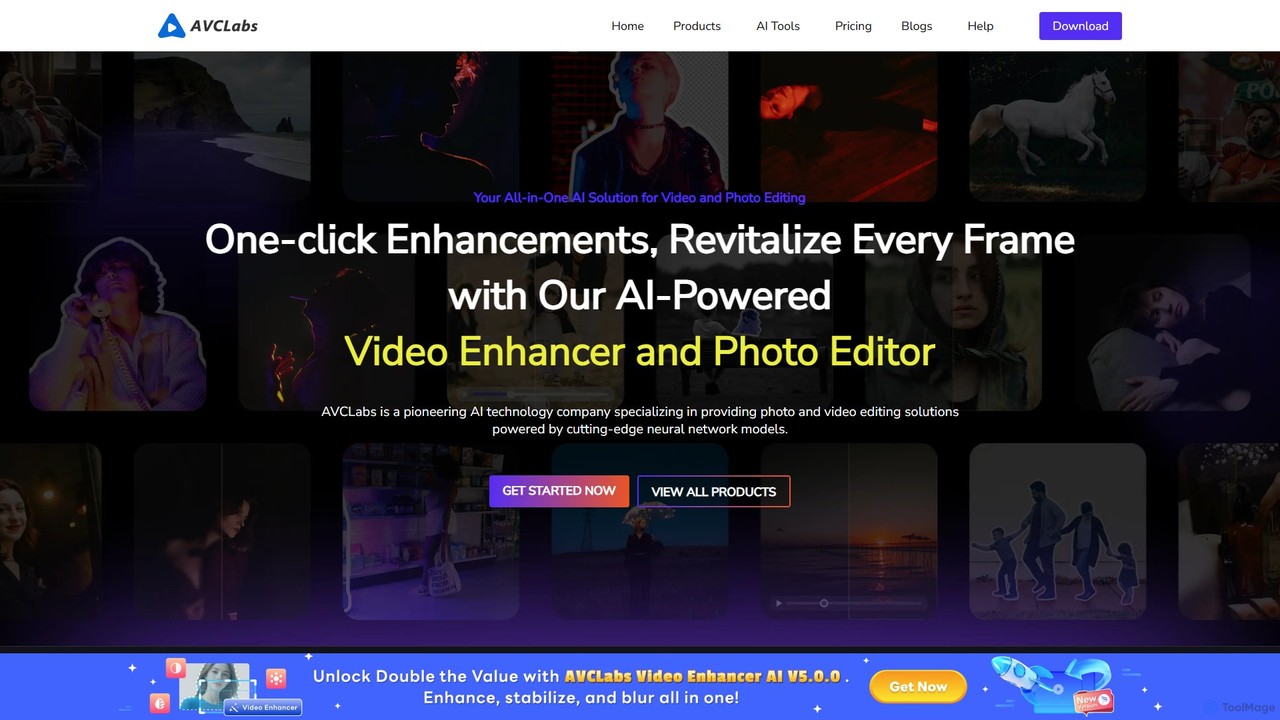
AVCLabs
AVCLabs offers a suite of AI-powered desktop applications designed to enhance, restore, upscale, and edit videos and photos. It leverages artificial intelligence to automate complex tasks like quality improvement to 4K/8K, colorization, noise reduction, and privacy blurring, making professional-grade results accessible to everyone.
EnhancementRemini
Remini is an AI-powered photo and video enhancer that transforms low-quality, blurry, or old images and videos into stunning high-definition visuals. Using advanced AI, it restores details, sharpens focus, reduces noise, and can even generate professional-quality AI photos of yourself.
3Doptimusdrive
An AI-powered media processing platform offering a suite of tools for video and image optimization. It specializes in high-quality compression, resolution upscaling to 4K, and advanced facial enhancement to transform your media assets for web and streaming.
Image Enhancement
TensorPix
TensorPix is an all-in-one, web-based AI platform for enhancing media. It allows users to upscale videos to 4K, improve image quality, restore old footage, generate unique images from text, and compress video files. It's designed for both professionals and casual users, requiring no powerful hardware or complex software.
Generative Art
TensorPix
TensorPix is an AI-powered online platform for video and image enhancement. It offers a suite of tools to upscale resolution up to 4K/8K, restore old footage, remove noise, and improve overall visual quality. Ideal for filmmakers, content creators, and archivists, TensorPix simplifies complex post-production tasks with an intuitive web-based interface, making professional-grade restoration accessible to everyone.
Creative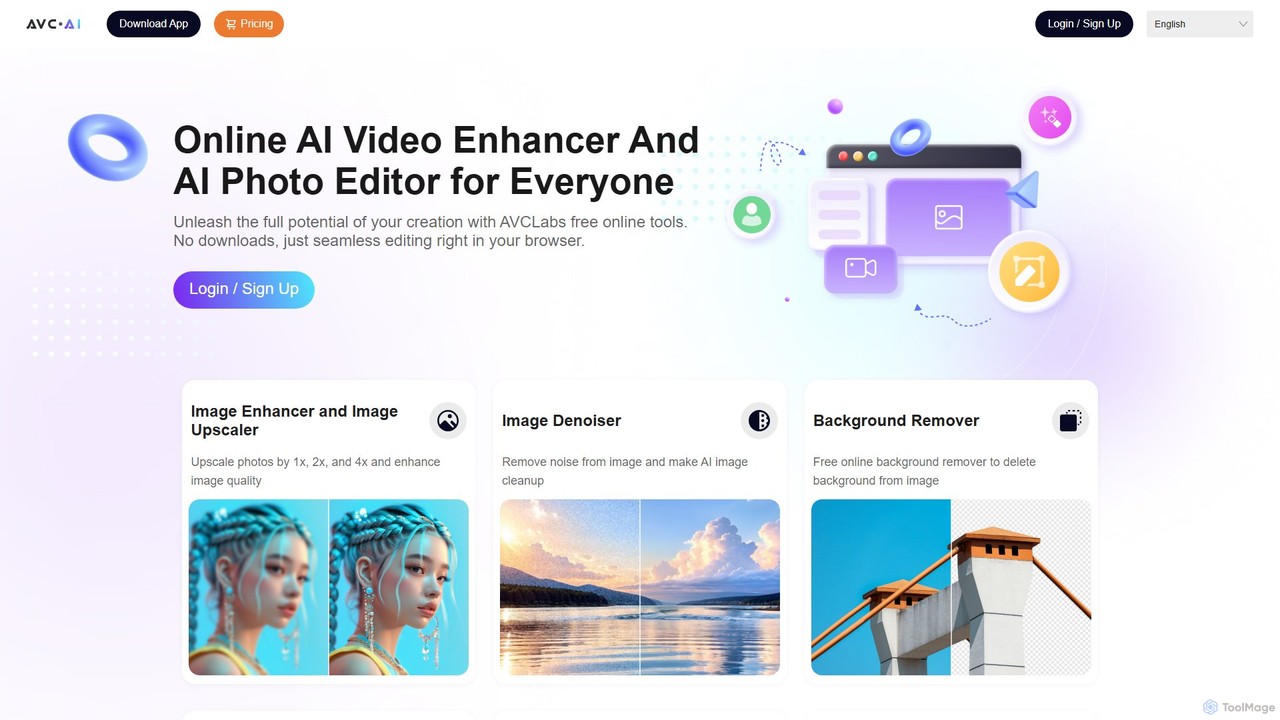
AVC.AI
AVC.AI is a comprehensive AI-powered suite for photo and video enhancement. It offers free online tools for quick tasks like upscaling, denoising, and object removal, alongside powerful desktop software for professional-grade restoration, colorization, and editing. It's designed for both casual users and professionals seeking to improve media quality effortlessly.
3D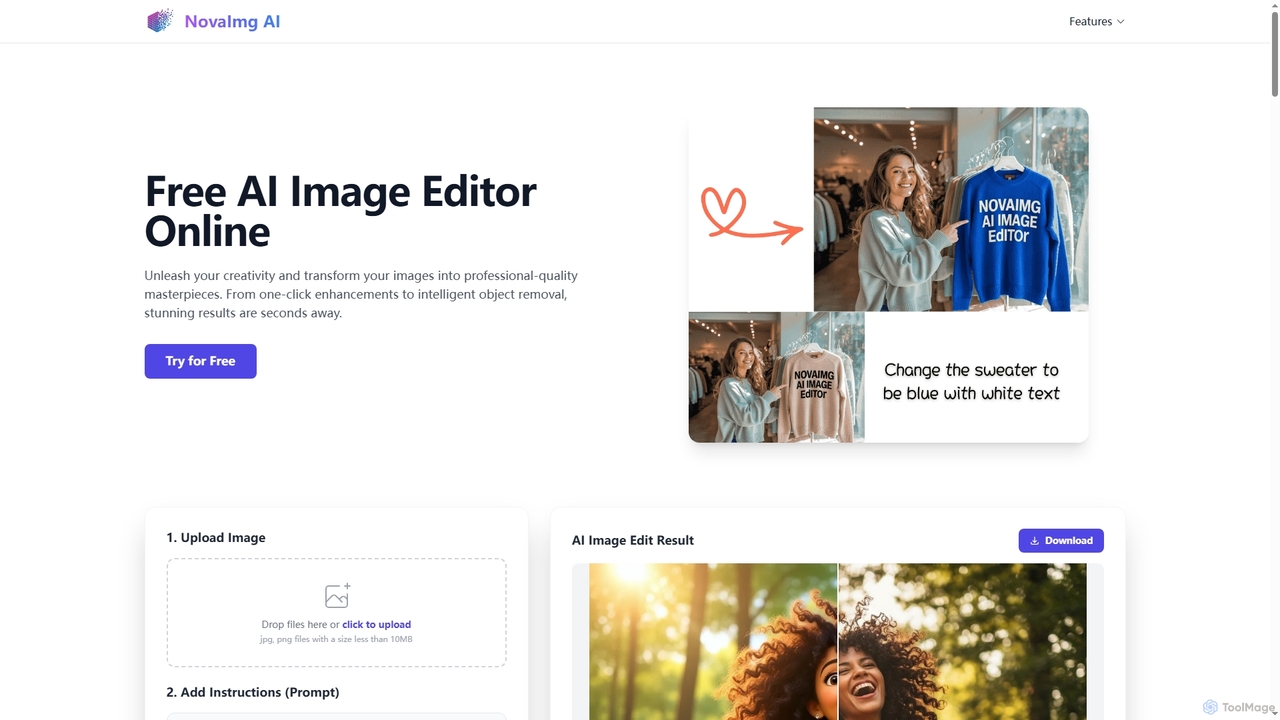
Novaimg
Novaimg is a versatile online AI tool suite for transforming and enhancing visual content. It offers a range of features including AI image editing with text prompts, 4K image upscaling, realistic face swapping for photos, videos, and GIFs, and an intelligent watermark remover. Designed for ease of use, Novaimg helps users create professional-quality images and videos for social media, e-commerce, and creative projects, often for free or with generous daily limits.
Graphic Design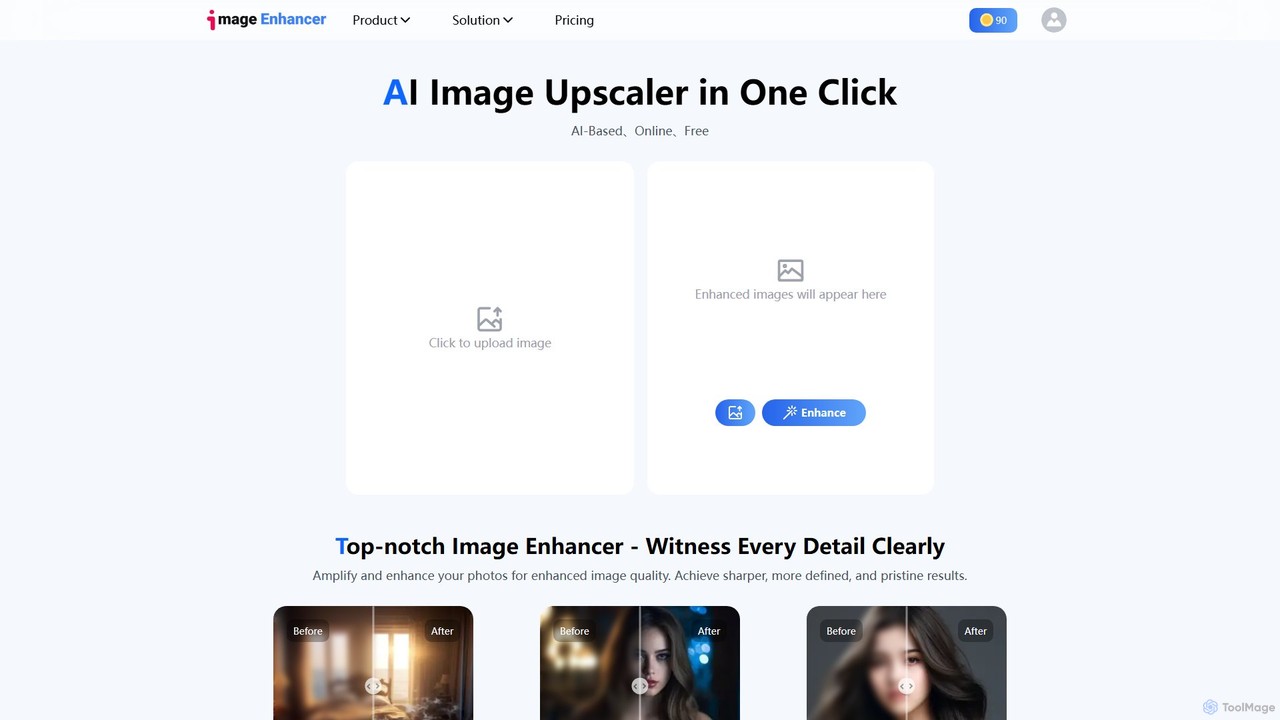
imageenhan
An AI-powered suite of tools for enhancing images and videos. It offers one-click upscaling, sharpening, denoising, background removal, and creative features like cartoonizers and face swapping. Ideal for photographers, designers, and social media users to improve visual quality effortlessly.
Generators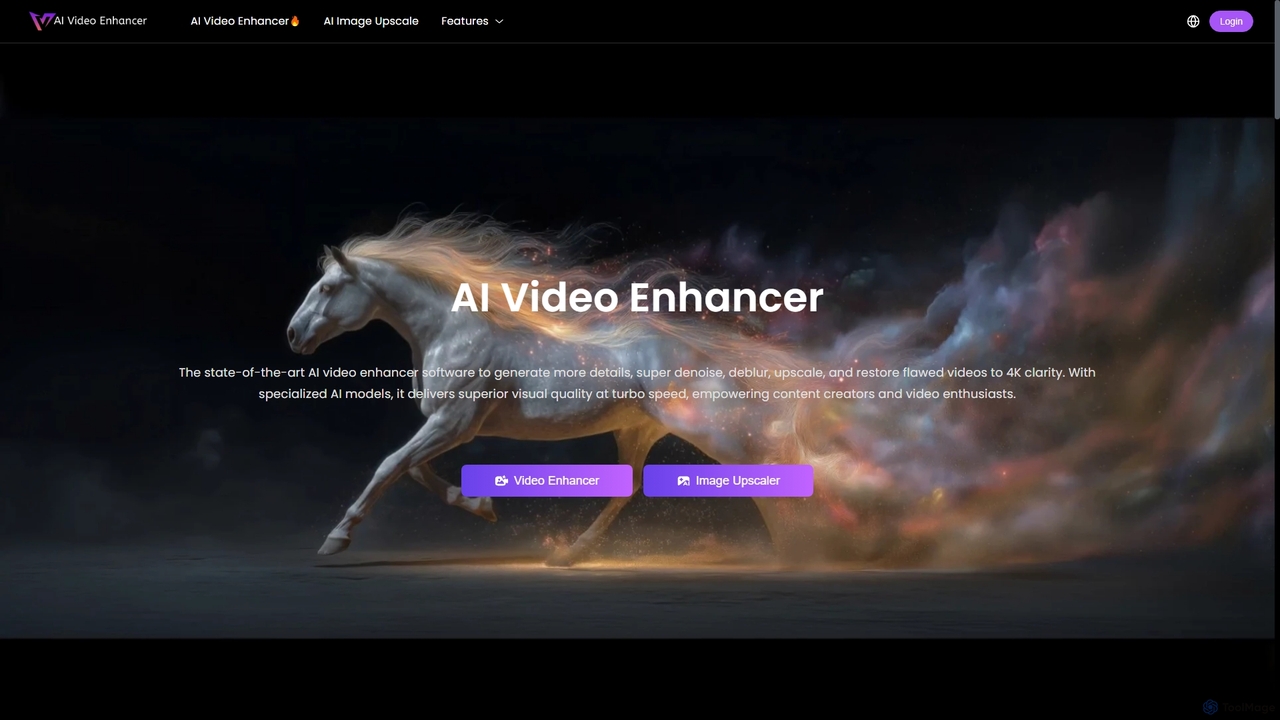
AIVideoEnhancer
AIVideoEnhancer is an AI-powered online tool designed to enhance and upscale low-quality videos to 4K resolution. It also functions as an image upscaler, increasing photo resolution by up to 800%. The tool automatically denoises, deblurs, and restores details with one-click simplicity, focusing on realistic results and fast, GPU-accelerated processing.
CreativeAnvsoft
Anvsoft offers a suite of AI-powered multimedia software designed to enhance, convert, and edit videos and photos. Its flagship products, like AI Video Enhancer and AI Video Blur, use advanced algorithms for upscaling, colorization, face refinement, and automatic blurring, catering to both casual users and professionals.
Image Enhancementpixelhaha
Pixelhaha is an AI-powered creative platform for enhancing visual media. It offers one-click tools to upscale video resolution and improve photo quality, bringing out vibrant colors and sharp details. It also features a text-to-image generator for creating unique AI art. With a user-friendly interface and a flexible pay-as-you-go pricing model, it's designed for content creators, marketers, and enthusiasts.
Image Enhancement
imgupscaler
imgupscaler is an AI-powered tool designed to enlarge and enhance images without sacrificing quality. Using advanced deep learning algorithms, it can upscale photos, anime art, and digital graphics up to 8x, intelligently adding detail, reducing noise, and fixing blurriness. It's a fast, user-friendly solution for professionals and hobbyists alike.
Image Enhancement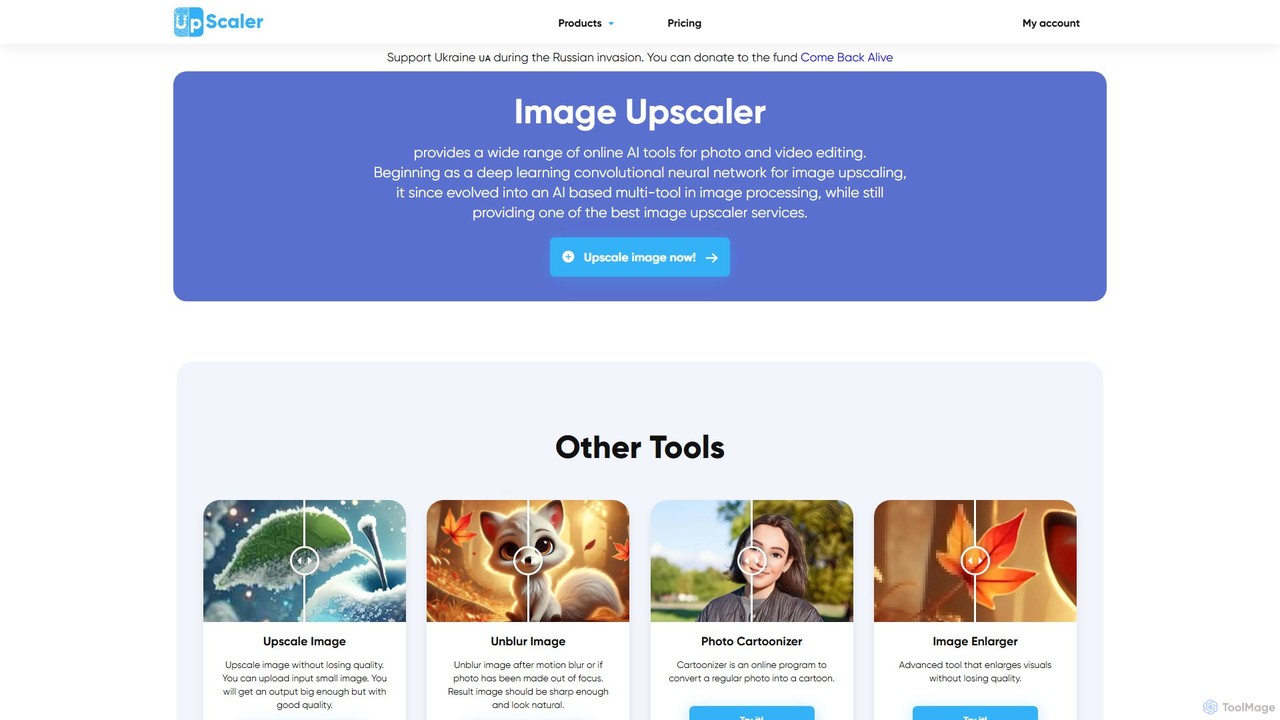
ImageUpscaler
An all-in-one AI-powered platform for image enhancement. Upscale photos up to 4x without quality loss, remove backgrounds, deblur images, generate art from text, and utilize a wide range of creative tools like cartoonizers, colorizers, and object removers. Ideal for professionals and hobbyists.
Graphics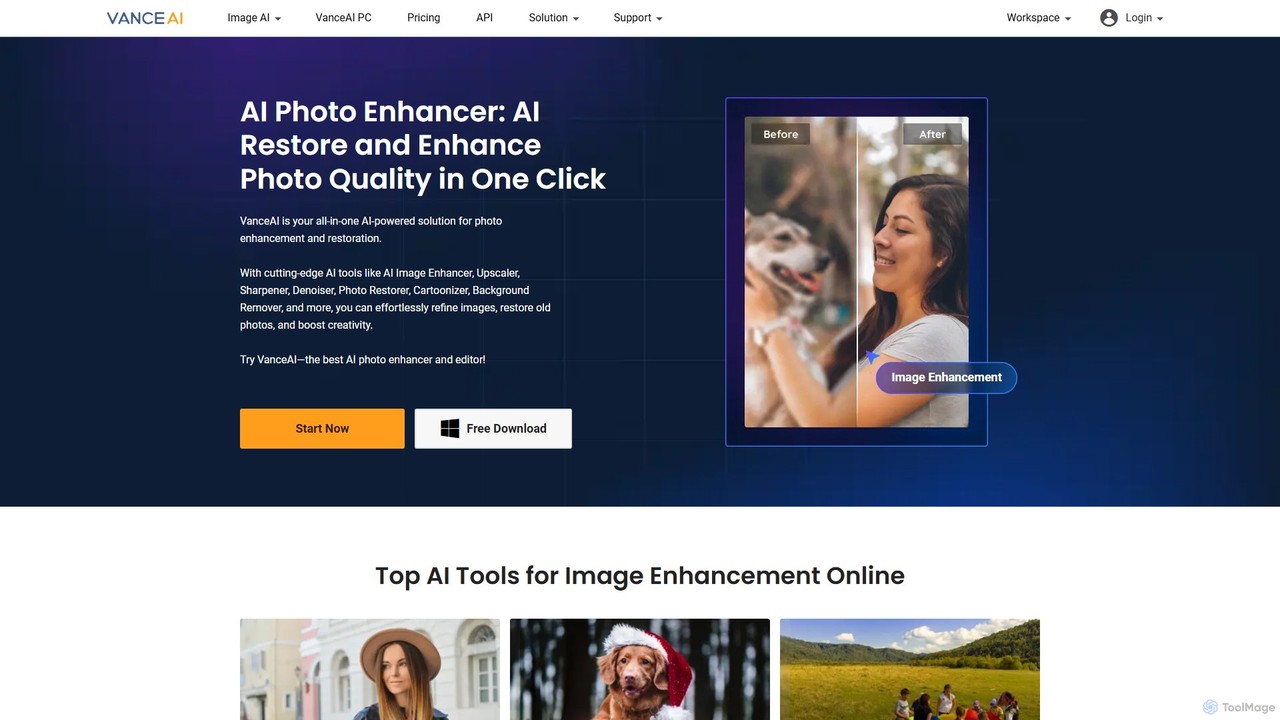
VanceAI
VanceAI is a comprehensive, AI-powered suite for photo enhancement, restoration, and editing. It offers a wide range of tools, including an image upscaler, sharpener, denoiser, background remover, and photo restorer. With one-click solutions and batch processing capabilities, VanceAI helps users from photographers to e-commerce businesses improve image quality, streamline workflows, and boost creativity effortlessly, available both online and as a desktop application.
Image Editing
Nero AI Comments (0)
Sign in to comment.
Sign inNo comments yet.