ToolMage
Sign in

Best 2 Generative Art AI tools for Productivity

Popular Generative Art AI tools in Productivity include TensorPix and PhotoApp, helping you work more efficiently.

PhotoApp
Freemium

PhotoApp

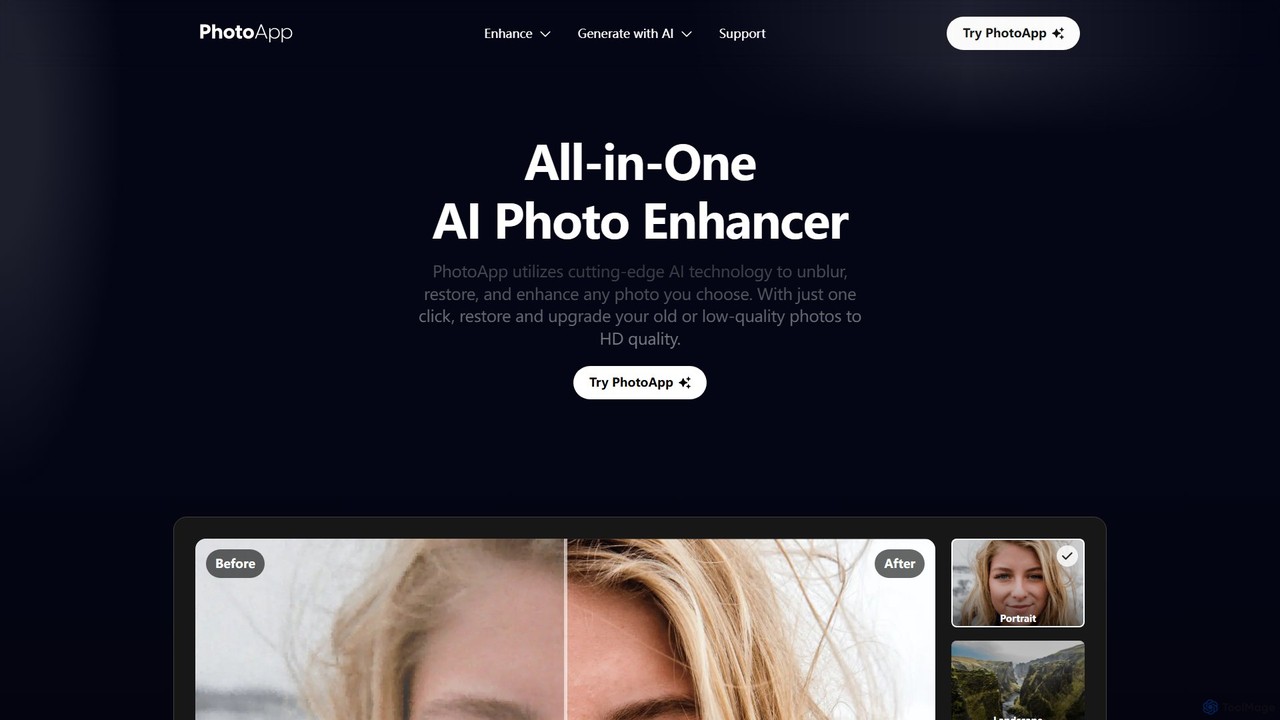
PhotoApp is an all-in-one AI photo editor that enhances, restores, and unblurs your images with a single click. Using advanced AI, it sharpens details, removes noise, corrects colors, and revives old photos. It also features an AI photo generator to create professional-quality images of yourself. Available on iOS and Android for on-the-go editing.

3D
Visits 184.4KFavorites 107Likes 111
TensorPix
Freemium

TensorPix

TensorPix is an all-in-one, web-based AI platform for enhancing media. It allows users to upscale videos to 4K, improve image quality, restore old footage, generate unique images from text, and compress video files. It's designed for both professionals and casual users, requiring no powerful hardware or complex software.

Generative Art
Visits 436.3KFavorites 105Likes 97

About Generative Art

Generative Art tools are a class of AI applications that use algorithms to create unique visual artworks, patterns, and designs from user inputs. These tools typically leverage advanced models like diffusion or GANs to interpret text prompts or image references, transforming them into novel visual content. Their primary value lies in accelerating the creative process, enabling rapid exploration of concepts, and producing a vast array of artistic variations that would be time-consuming to create manually. This technology empowers creators to bypass technical barriers and focus directly on ideation and aesthetic refinement.

Core Features

  • Text-to-Image Synthesis: Generates complex images from descriptive text prompts, translating words into visual art.
  • Style Control & Transfer: Allows users to specify or replicate particular artistic styles, from photorealism to abstract expressionism.
  • Parameter Tuning: Offers controls for aspects like seed, guidance scale, and negative prompts to fine-tune the output.
  • Iterative Variation: Creates multiple unique variations from a single prompt, facilitating creative exploration.
  • Image Upscaling & Enhancement: Improves the resolution and adds detail to generated images for high-quality use.

Use Cases

Generative Art tools are widely used by digital artists, graphic designers, game developers, and marketers. They are ideal for creating concept art for characters and environments, generating unique visuals for social media campaigns, designing abstract backgrounds for websites, and producing large collections of assets for projects like NFTs.

How to Choose

When selecting a Generative Art tool, consider the quality and aesthetic style of its underlying AI model. Evaluate the level of control and customization it offers for fine-tuning results. Critically, review the tool's terms of service regarding commercial usage rights and ownership of the generated images. Finally, compare pricing models, whether it's a subscription or a credit-based system, to find one that aligns with your usage needs.

Featured tool rankings

Generative Art use cases

1

Concept Art for Game Development

A game designer needs to visualize a new character, 'a cybernetic druid in a neon jungle'. Instead of spending days on initial sketches, they use a Generative Art tool. By inputting detailed text prompts like 'female druid, glowing circuits on skin, ancient wooden staff with holographic leaves, bioluminescent jungle background', they generate dozens of high-quality concept images in minutes. This allows the art team to rapidly iterate on designs, select a direction, and move to 3D modeling much faster, significantly shortening the pre-production phase.

2

Unique Marketing Visuals for Campaigns

A marketing team is launching a campaign for a new tech product and wants to avoid generic stock photos. They use a Generative Art tool to create a series of abstract, futuristic images that align with their brand's innovative identity. Prompts like 'data streams flowing through a crystal city, minimalist, blue and silver palette' produce unique visuals for their website, social media posts, and digital ads. This approach not only saves on stock photo licensing fees but also creates a distinctive and memorable visual language for the campaign.

3

Abstract Backgrounds for Web Design

A web designer is building a portfolio site and needs a unique, non-distracting background for the hero section. Instead of searching for textures or gradients, they use a Generative Art tool with prompts like 'subtle watercolor wash, pastel colors, soft texture, 4K resolution'. Within moments, they have several high-resolution, seamless background options. This allows for perfect brand alignment and a custom feel that stock assets cannot provide, enhancing the overall professionalism and aesthetic appeal of the website.

4

NFT Collection Generation

An NFT artist plans to launch a collection of 1,000 unique profile pictures based on a central character. Manually creating each variation would take months. Using a Generative Art tool, they can establish a base character design and then use text prompts to generate hundreds of variations with different attributes, accessories, and backgrounds (e.g., 'with sunglasses', 'in a futuristic city', 'with a gold chain'). The tool ensures each output is unique while maintaining a consistent theme, enabling the artist to produce a large, diverse collection efficiently.

5

Inspiration for Fashion & Textile Design

A fashion designer is brainstorming for a new collection and seeks novel pattern ideas. They use a Generative Art tool to explore visual concepts that are difficult to imagine. By inputting prompts like 'Art Deco floral pattern in cyberpunk neon colors, seamless tile', they can generate an endless stream of unique textile prints. These AI-generated patterns serve as a powerful source of inspiration, helping the designer to break creative blocks and develop innovative fabric designs that stand out in the market.

6

Custom Illustrations for Digital Content

A content creator needs a specific illustration for their blog post about 'The Future of Urban Farming'. Instead of searching for a suitable stock image or hiring an illustrator for a single piece, they use a Generative Art tool. With the prompt 'vertical farm inside a glass skyscraper, lush green plants, solar panels, photorealistic style', they get a perfect, custom-made image in seconds. This allows them to maintain a high-quality, consistent visual style across their content at a fraction of the cost and time.

Generative Art FAQ

What are Generative Art tools?

Generative Art tools are AI-powered software that create original images, patterns, and designs from text or image inputs. They use complex algorithms, such as diffusion models or Generative Adversarial Networks (GANs), to synthesize new visual content that aligns with the user's description. Unlike traditional graphics software that edits existing pixels, these tools generate entirely new pixels from scratch. They are widely used by artists, designers, and content creators to quickly visualize ideas, explore creative variations, and produce unique visual assets.

How to choose the right Generative Art tool?

Choosing the right tool depends on your specific needs. Consider these factors:

  • Artistic Style: Different models excel at different aesthetics (e.g., photorealism, anime, abstract). Find a tool whose output matches your desired style.
  • Control & Customization: Assess how much control you have over the generation process. Look for features like negative prompts, seed numbers, and parameter adjustments for fine-tuning.
  • Commercial Use License: Carefully read the terms of service. Some tools allow unrestricted commercial use of generated images, while others have limitations or require specific subscription tiers.
  • Pricing Model: Compare costs. Some tools offer monthly subscriptions with unlimited or generous generation quotas, while others use a pay-per-image credit system. Choose one that fits your budget and expected usage.
What's the difference between Generative Art tools and photo editors?

The core difference lies in creation versus modification. Generative Art tools create entirely new images from scratch based on prompts. They synthesize pixels to form a novel piece of art. Photo editors (like Photoshop or GIMP) modify existing images. They work with a pre-existing set of pixels, allowing you to adjust colors, crop, remove objects, or combine different images. While some modern photo editors incorporate AI features for tasks like object removal, their primary function is to edit, not to generate a complete image from a text description.

Who can benefit from using Generative Art tools?

A wide range of professionals and hobbyists can benefit from these tools. This includes:

  • Digital Artists & Illustrators: For brainstorming, creating base layers for paintings, or exploring new styles quickly.
  • Graphic Designers: To generate unique assets, backgrounds, and textures for branding and marketing materials.
  • Game Developers: For rapid prototyping of characters, environments, and in-game assets during pre-production.
  • Content Creators & Marketers: To produce custom, eye-catching visuals for social media, blogs, and advertisements without relying on stock photos.
  • Architects & Interior Designers: For creating conceptual visualizations and mood boards.
Can I use AI-generated art for commercial projects?

The ability to use AI-generated art for commercial purposes depends entirely on the specific terms of service of the tool you use. There is no single answer. Some services grant you full ownership and commercial rights to the images you create, especially with paid plans. Others may have restrictions, such as prohibiting the resale of the images as standalone prints or NFTs, or they might retain some rights. It is crucial to always read and understand the licensing agreement of any Generative Art tool before using its output for commercial work to avoid potential legal issues.