

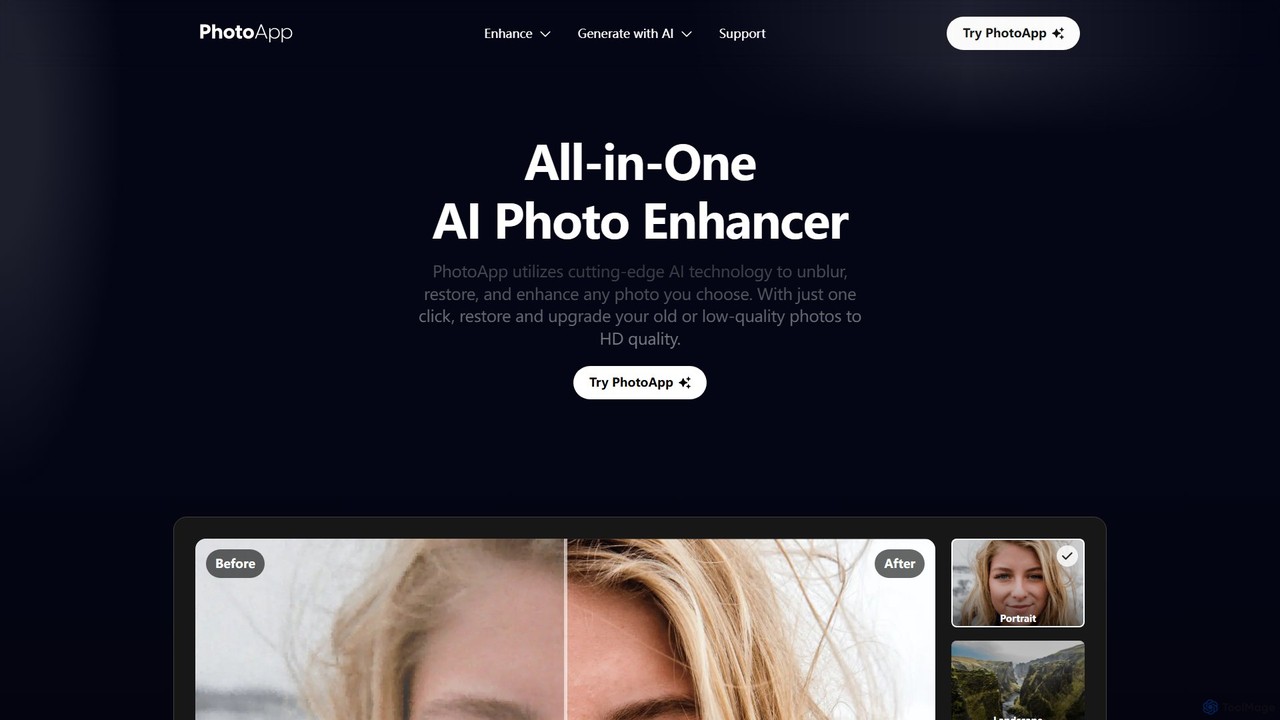
PhotoApp Overview
PhotoApp is a comprehensive AI-powered photo enhancement tool designed to bring your images to life. It leverages cutting-edge artificial intelligence to automatically unblur, restore, and enhance any photo, transforming low-quality, blurry, or old pictures into stunning, high-definition visuals. With a focus on simplicity and power, PhotoApp provides a suite of features accessible to everyone, from social media enthusiasts to professionals. The platform is available as a user-friendly website and a convenient mobile app for both iOS and Android, allowing you to perfect your photos anytime, anywhere.
A standout feature is its new AI Photos generator, which allows users to create lifelike, professional-quality photos of themselves, harnessing the creative power of AI for personal and professional use. Whether you're looking to improve your social media presence, restore precious family memories, or enhance product images for e-commerce, PhotoApp offers a quick, effective, and impressive solution.
How to use PhotoApp
Using PhotoApp is designed to be incredibly simple and intuitive, often requiring just a single click. 1. Upload Your Photo: Select the photo you want to enhance from your device. This can be an old, blurry photo, a noisy image, or a portrait that needs a touch-up. 2. Choose an Enhancement: Select the desired AI function, such as 'Unblur', 'Denoise', 'Restore Old Photo', or 'Face Enhancer'. The AI will automatically process the image. 3. Review and Download: PhotoApp will present a before-and-after comparison. If you're satisfied with the result, you can download the enhanced, high-definition photo directly to your device.
Core Features of PhotoApp
- AI Photo Enhancer: Instantly improves photo quality, clarity, and color with a single tap.
- Unblur & Sharpen: Eliminates motion blur and out-of-focus issues, creating sharp, clear images with well-defined edges.
- Old Photo Restoration: Revives old, faded, scratched, and damaged photos, restoring them to their original vibrancy and clarity.
- Denoise: Removes grain and digital noise from photos, especially those taken in low light, resulting in a smooth, clean finish.
- Face Enhancer: Intelligently enhances facial features, polishes skin, and improves portrait quality for a natural, high-definition look.
- Color Adjuster: Automatically corrects and enriches colors, making them more vivid and natural.
- Image Enlarger: Upscales images by up to 2x without losing quality, perfect for creating large prints from lower-resolution files.
- AI Photos Generator: Creates realistic, AI-generated photos of yourself for various purposes like professional profiles or creative content.
Use Cases for PhotoApp
PhotoApp is a versatile tool for a wide range of applications. Social Media: Elevate your Instagram, Facebook, and other social media posts with captivating, high-quality visuals. E-commerce: Improve product photos to look more professional, driving higher engagement and sales. Printed Images: Enhance low-resolution images to ensure they look stunning in large-format prints, posters, or photo albums. Memory Preservation: Restore old family photos, bringing cherished memories back to life with incredible detail. Professional Portfolios: Use the Face Enhancer and Denoise features to create polished, professional-looking portraits. Learning & Content Creation: Develop visually appealing educational materials or blog content that grabs and holds attention.
Advantages of PhotoApp
PhotoApp stands out for its speed, simplicity, and effectiveness. Its primary advantage is the use of advanced AI to automate complex editing tasks, delivering professional-grade results with just one click. This saves users time and eliminates the need for technical editing skills. The all-in-one nature of the app means you don't need multiple tools for different tasks. Furthermore, its availability as a mobile app for iOS and Android makes powerful photo enhancement accessible on the go. Millions of users prefer PhotoApp because it consistently produces a 'Wow!' effect, transforming ordinary photos into extraordinary ones.
Pricing and Plans
PhotoApp operates on a freemium model. Users can download the app and try out the basic enhancement features for free. This allows you to experience the power of its AI on your own photos. For unlimited access, advanced features, higher resolution exports, and batch processing, PhotoApp offers premium subscription plans. These plans are typically available on a monthly or yearly basis, providing a cost-effective solution for users who frequently need to enhance their images.
Traffic
Latest traffic
Status
Monthly traffic trend
- 2025-9: 384.6K
- 2026-1: 263.9K
- 2026-2: 198.7K
- 2026-3: 211.0K
- 2026-4: 198.1K
- 2026-5: 180.1K
Geography
Top 5 countries / regions
- 🇺🇸United States56.0%
- 🇲🇽Mexico17.5%
- 🇧🇷Brazil15.8%
- 🇮🇹Italy5.8%
- 🇨🇴Colombia4.9%
Traffic sources
| Source type | Percentage |
|---|---|
Direct | 82.3% |
Referral | 17.5% |
Email | 0.2% |
Top keywords
| Keyword | Cost per click |
|---|---|
| mejorar calidad de imagen | $0.15 |
| photoapp | $1.34 |
| remini | $0.27 |
| topaz photo ai | $0.95 |
| upscayl | $0.54 |
PhotoApp Alternatives
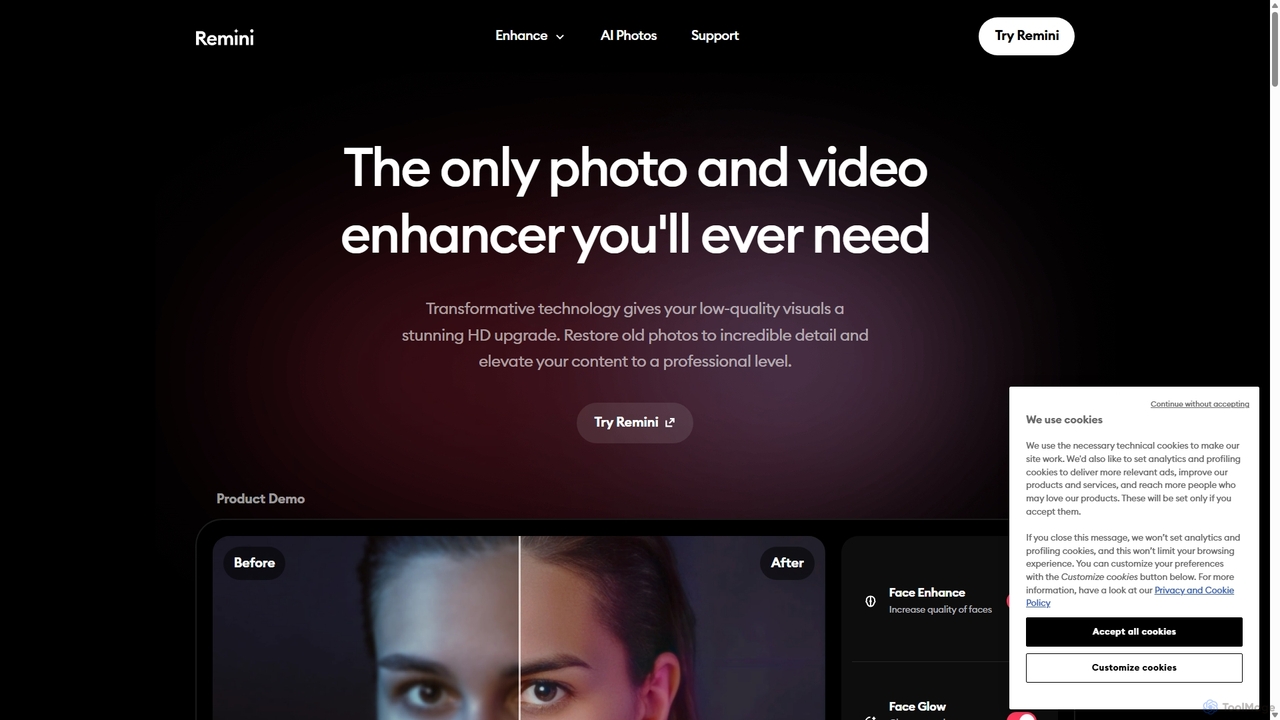
Remini
Remini is an AI-powered photo and video enhancer that transforms low-quality, blurry, or old images and videos into stunning high-definition visuals. Using advanced AI, it restores details, sharpens focus, reduces noise, and can even generate professional-quality AI photos of yourself.
3D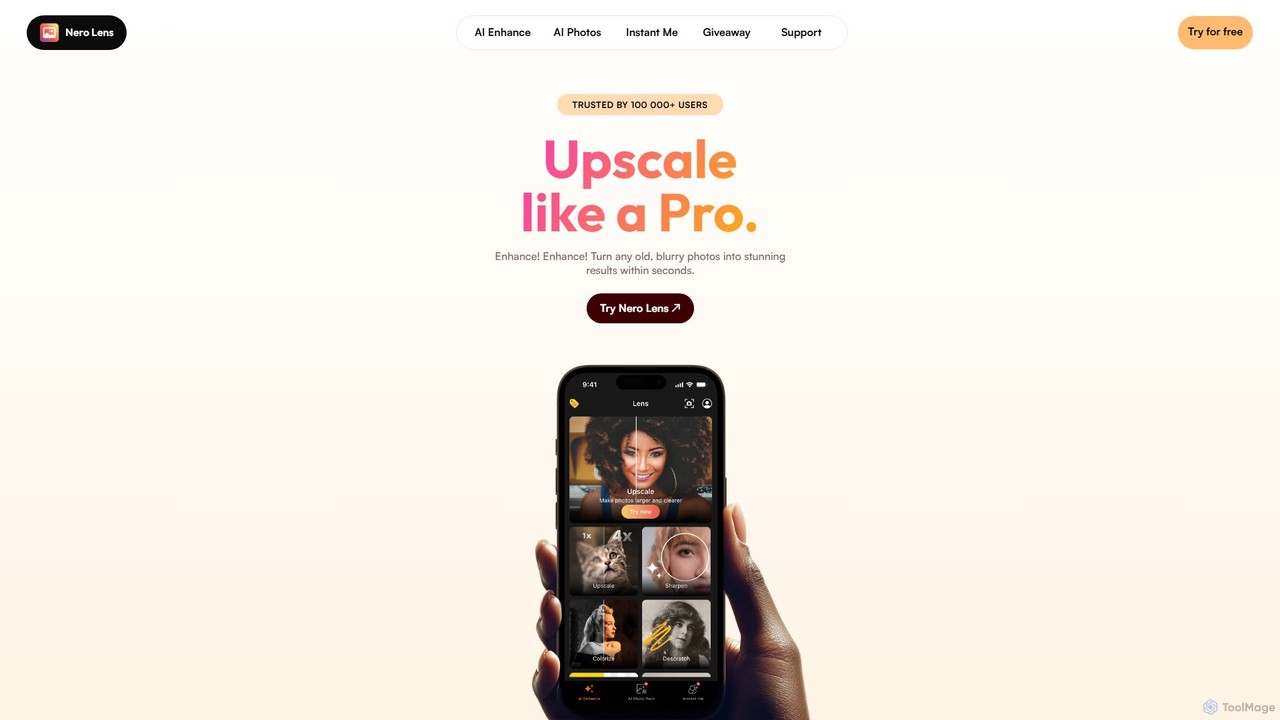
Nero Lens
Nero Lens is an all-in-one AI-powered photo enhancement application for mobile and PC. It specializes in upscaling, restoring old photos, denoising, colorizing, and creating unique AI-generated portraits and art styles. Instantly transform blurry, low-resolution, or damaged images into stunning, high-quality visuals with a single tap.
Generative Art
Nero Lens
Nero Lens is an all-in-one AI-powered photo enhancer app that instantly upscales, restores, colorizes, and denoises images. It also features an AI avatar and headshot generator, turning your selfies into stunning, stylized photos for social media, dating profiles, or professional use.
Ai Avatar Generator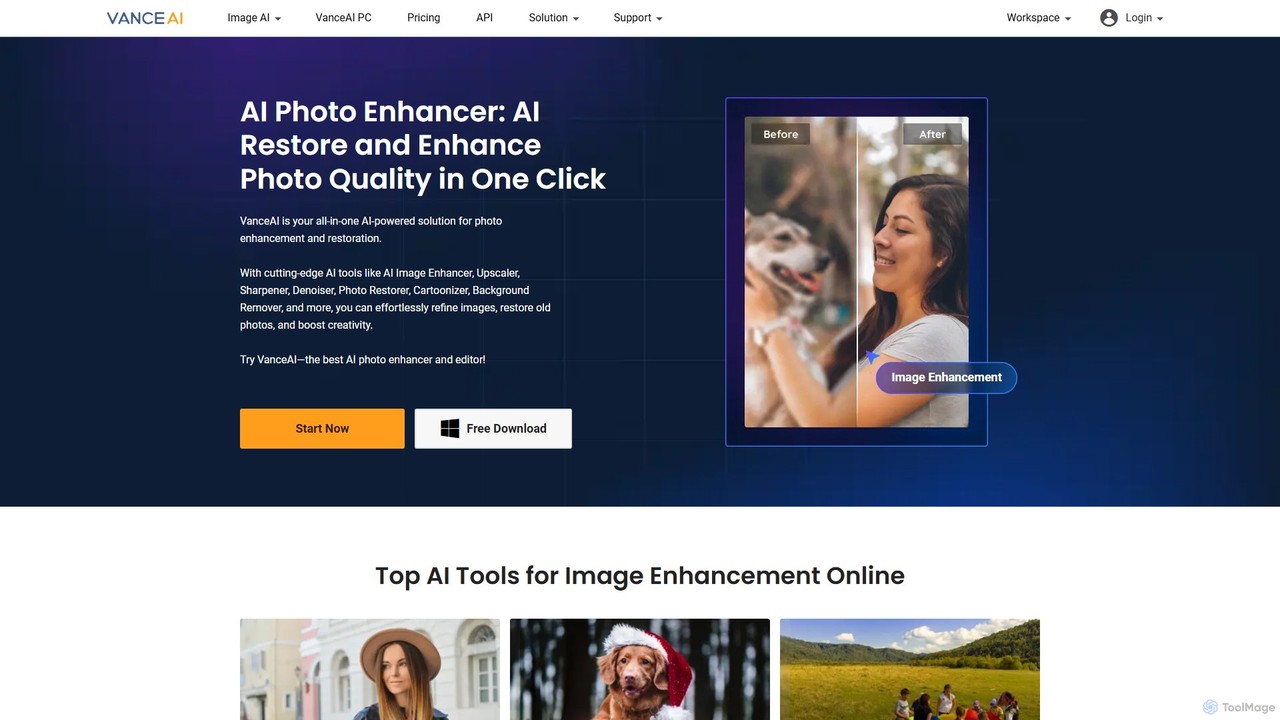
VanceAI
VanceAI is a comprehensive, AI-powered suite for photo enhancement, restoration, and editing. It offers a wide range of tools, including an image upscaler, sharpener, denoiser, background remover, and photo restorer. With one-click solutions and batch processing capabilities, VanceAI helps users from photographers to e-commerce businesses improve image quality, streamline workflows, and boost creativity effortlessly, available both online and as a desktop application.
Image Editing
Fixblurry
fixblurry is a free, AI-powered online tool suite designed to enhance your images instantly. It specializes in unblurring and sharpening photos, restoring old or faded pictures, upscaling low-resolution images without quality loss, colorizing black-and-white photos, and removing backgrounds with a single click. No registration or software installation is required, offering professional-grade results for everyone.
Image EditingPhotoApp Categories
PhotoApp Embed Widget
Copy this embed code to place the badge on your blog, article, or product site and send readers directly to this ToolMage detail page.

Related AI tools
Remini
Remini is an AI-powered photo and video enhancer that transforms low-quality, blurry, or old images and videos into stunning high-definition visuals. Using advanced AI, it restores details, sharpens focus, reduces noise, and can even generate professional-quality AI photos of yourself.
3DNero Lens
Nero Lens is an all-in-one AI-powered photo enhancement application for mobile and PC. It specializes in upscaling, restoring old photos, denoising, colorizing, and creating unique AI-generated portraits and art styles. Instantly transform blurry, low-resolution, or damaged images into stunning, high-quality visuals with a single tap.
Generative ArtNero Lens
Nero Lens is an all-in-one AI-powered photo enhancer app that instantly upscales, restores, colorizes, and denoises images. It also features an AI avatar and headshot generator, turning your selfies into stunning, stylized photos for social media, dating profiles, or professional use.
Ai Avatar GeneratorVanceAI
VanceAI is a comprehensive, AI-powered suite for photo enhancement, restoration, and editing. It offers a wide range of tools, including an image upscaler, sharpener, denoiser, background remover, and photo restorer. With one-click solutions and batch processing capabilities, VanceAI helps users from photographers to e-commerce businesses improve image quality, streamline workflows, and boost creativity effortlessly, available both online and as a desktop application.
Image EditingFixblurry
fixblurry is a free, AI-powered online tool suite designed to enhance your images instantly. It specializes in unblurring and sharpening photos, restoring old or faded pictures, upscaling low-resolution images without quality loss, colorizing black-and-white photos, and removing backgrounds with a single click. No registration or software installation is required, offering professional-grade results for everyone.
Image Editing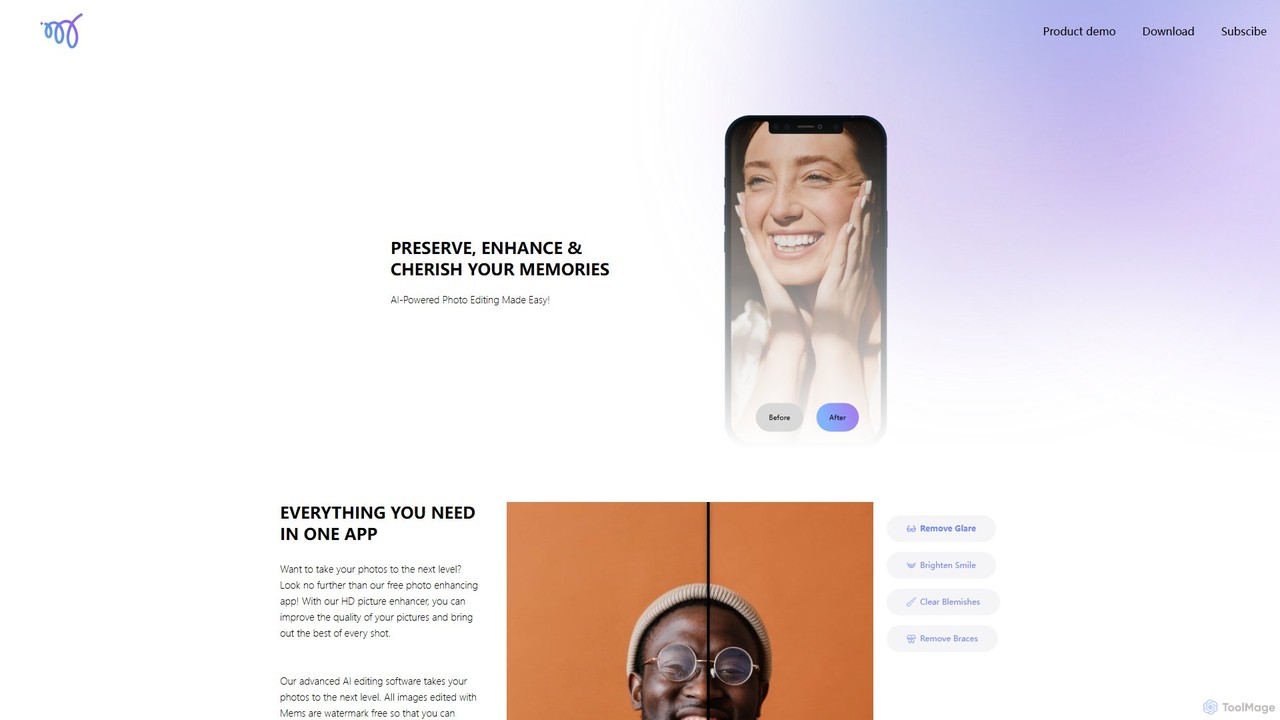
Mems
Mems is an AI-powered mobile photo enhancer that makes professional-grade editing easy. With one-tap tools, you can improve image quality, retouch portraits by removing blemishes and braces, brighten smiles, and eliminate glare. It delivers natural-looking, watermark-free results, perfect for both personal memories and professional use.
Image Editing
LetsEnhance
An AI-powered platform for image enhancement, upscaling, and generation. It automatically increases image resolution up to 16x, sharpens details, corrects colors, and removes artifacts. Features include old photo restoration, a text-to-image generator for creating high-resolution AI art, and batch processing. Ideal for photographers, designers, e-commerce, and print professionals.
Image Enhancement
Jyek
Jyek is an AI agent platform that understands objectives, creates execution plans, uses tools, and delivers verifiable results for complex, multi-step tasks.
Automation
ImageColorizer
ImageColorizer is a comprehensive AI-powered toolkit designed to breathe new life into old photographs. It automatically colorizes black and white images, restores damaged photos by removing scratches and tears, enhances quality by fixing pixelation and blur, and upscales images without losing detail. It's a user-friendly online tool for preserving cherished memories with professional-grade results, no editing skills required.
3D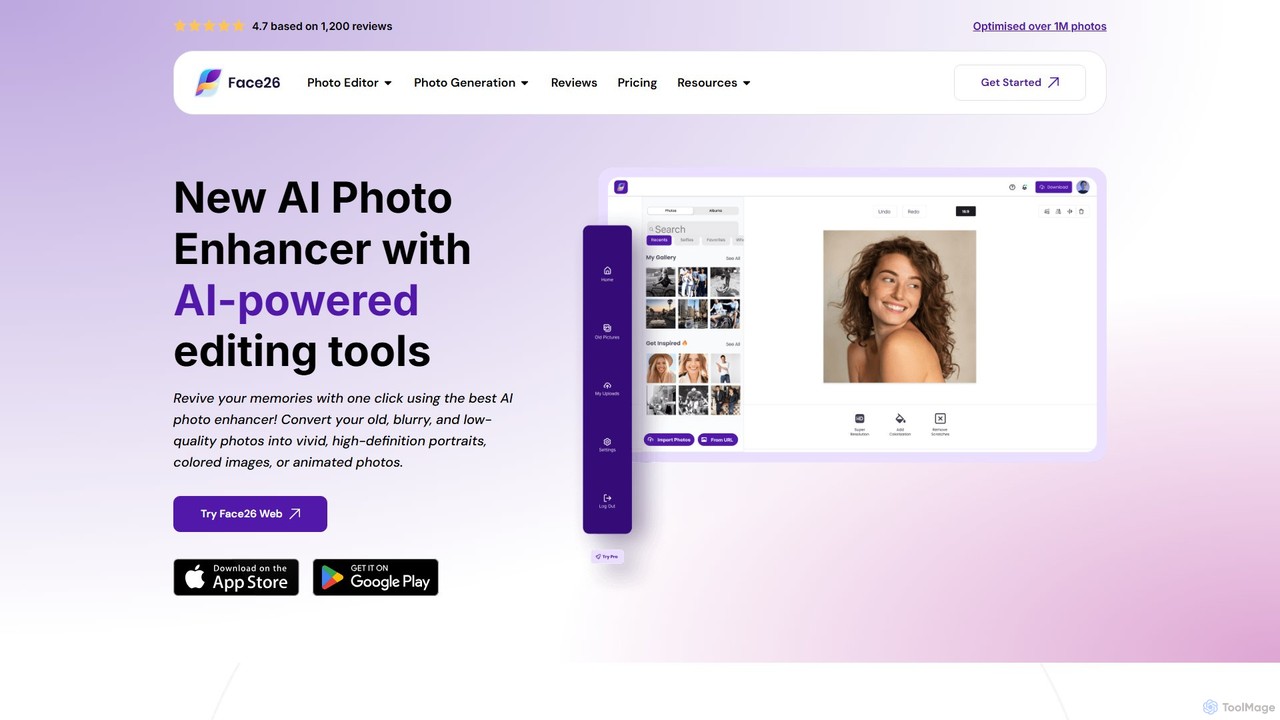
face26
Face26 is a comprehensive AI-powered photo enhancement suite. With just one click, it can restore old, blurry photos, colorize black-and-white images, upscale pictures to HD quality, and perform detailed facial retouching. It's designed for both casual users and professionals, requiring no editing skills to achieve stunning results.
Image Editing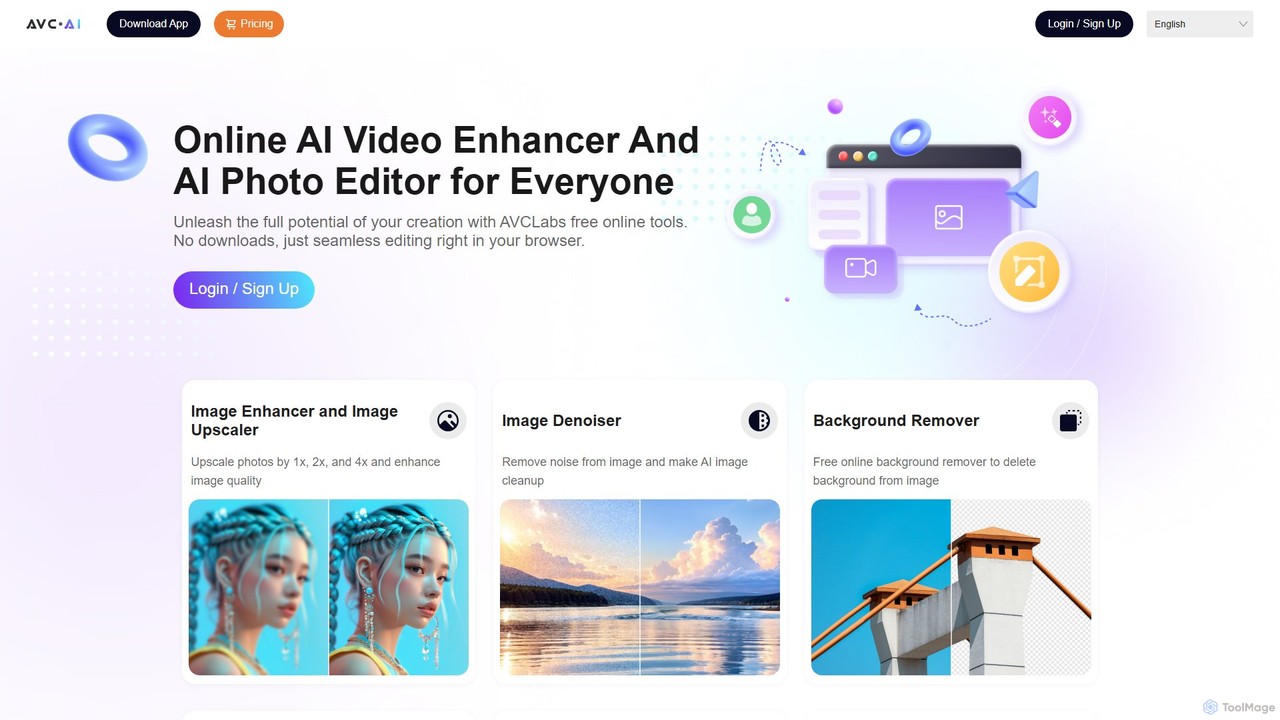
AVC.AI
AVC.AI is a comprehensive AI-powered suite for photo and video enhancement. It offers free online tools for quick tasks like upscaling, denoising, and object removal, alongside powerful desktop software for professional-grade restoration, colorization, and editing. It's designed for both casual users and professionals seeking to improve media quality effortlessly.
3D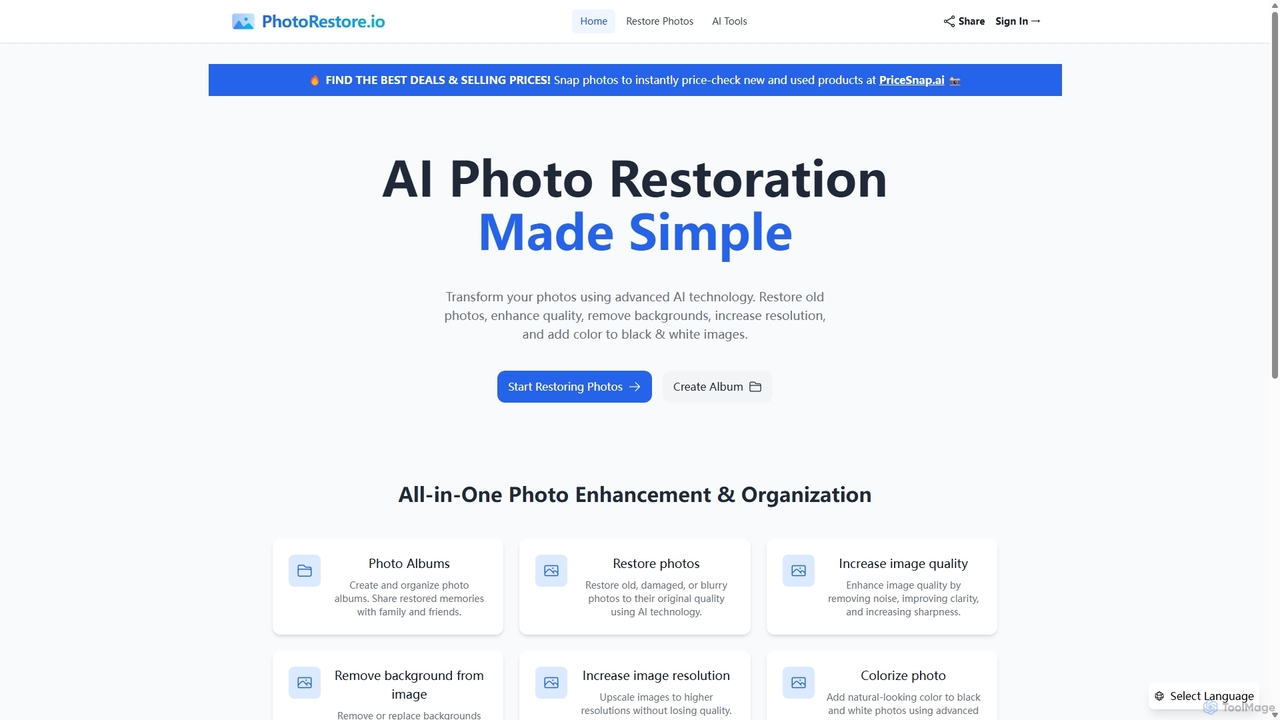
PhotoRestore
PhotoRestore is an all-in-one AI-powered platform for photo restoration and management. It effortlessly restores old, damaged, or blurry photos, enhances image quality, removes backgrounds, upscales resolution, and colorizes black-and-white images. It also features album creation for easy organization and sharing.
Image Editing
Aimages
Aimages is a powerful online AI tool for enhancing and upscaling videos and images. It uses advanced algorithms to improve quality, fix blur, reduce noise, restore colors, and increase video frame rates. Ideal for professionals and hobbyists looking to restore old media or perfect new content.
Image Generation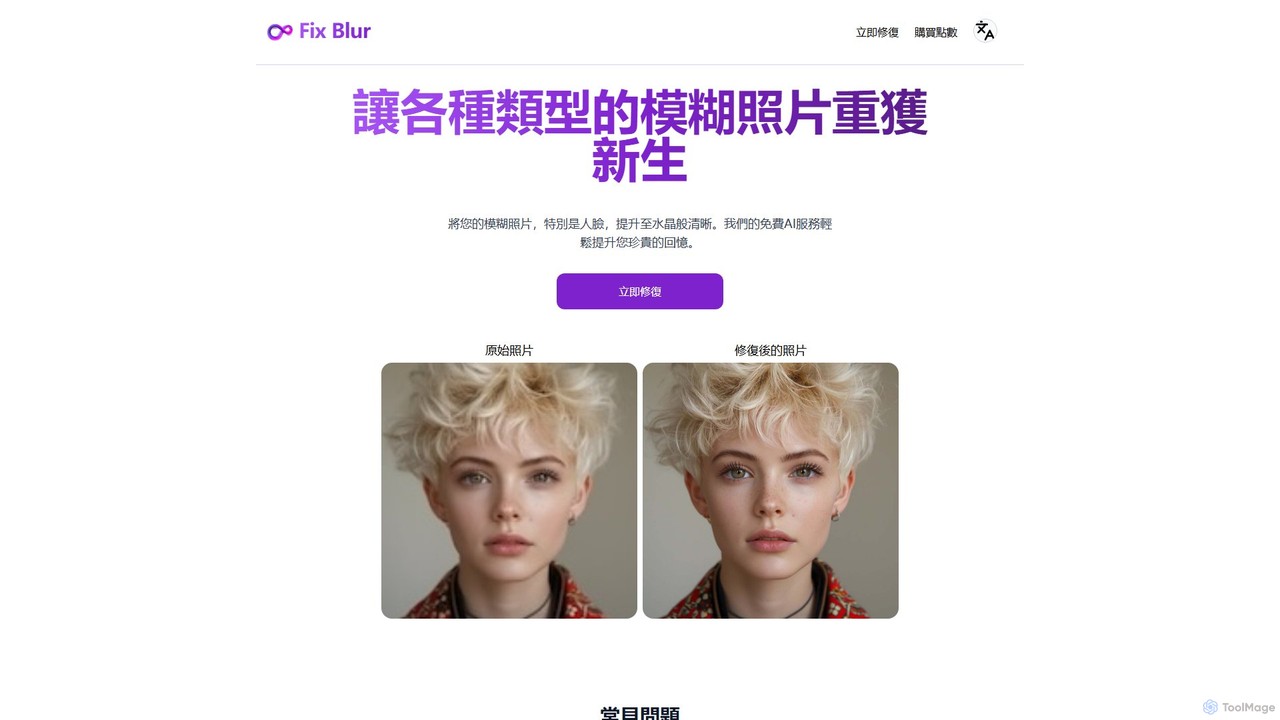
FixBlur
FixBlur is an AI-powered tool that sharpens blurry photos, especially faces, in seconds. It uses advanced algorithms to deblur images, restore details, and bring your precious memories back to crystal clarity. Ideal for fixing motion blur, out-of-focus shots, and old photos.
Image Enhancement
Media.io Img Sharpener
An AI-powered online tool that instantly sharpens blurry photos, enhances details, and improves overall image quality. It effectively fixes out-of-focus portraits, removes noise from low-light images, and restores clarity to pixelated pictures with a single click, no editing skills required.
Image Enhancement
PhotoApp Comments (0)
Sign in to comment.
Sign inNo comments yet.