
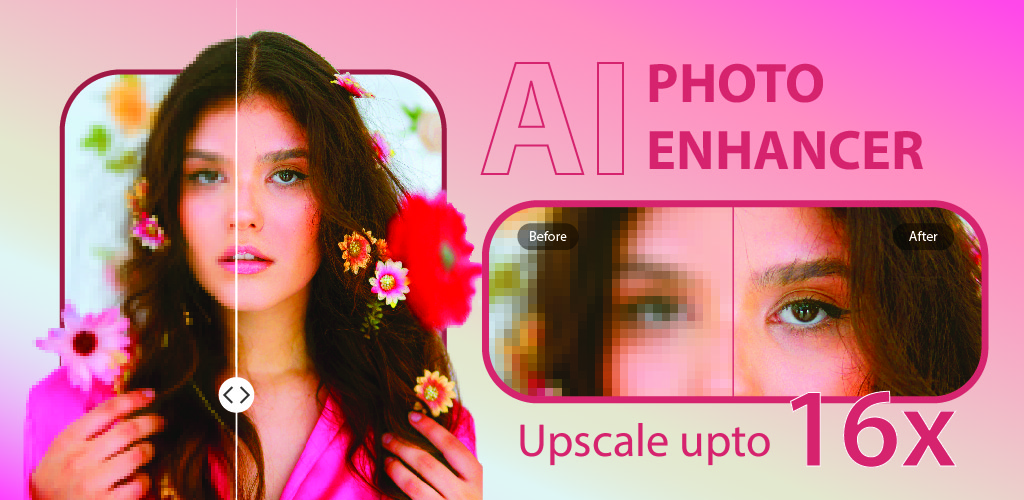

Nero Lens Overview
Nero Lens is a comprehensive AI photo enhancement suite designed to bring professional-grade image editing capabilities to everyone. Available as a user-friendly mobile app and a powerful PC software (Nero AI), it leverages advanced artificial intelligence to dramatically improve photo quality. Whether you're looking to rescue old family memories, perfect a professional headshot, or unleash your creativity with AI-generated art, Nero Lens provides a complete set of tools to make your photos look their absolute best. Trusted by a large user base, it simplifies complex editing tasks like upscaling, restoration, and denoising into simple, one-click operations.
How to use Nero Lens
The process is designed for simplicity and efficiency on both mobile and PC platforms:
- Download and Install: Get the Nero Lens app from the App Store or download the Nero AI software for your PC.
- Upload Your Photo: Open the application and select the image you want to enhance. This can be an old scanned photo, a low-resolution image from social media, or a picture taken in poor lighting.
- Choose an AI Tool: Select from the wide range of AI features available. For example, choose 'Upscale' to increase resolution, 'Colorize' for black and white photos, or 'Denoise' to remove grain.
- Process and Preview: The AI will automatically process the image within seconds. You can instantly see a before-and-after comparison to appreciate the enhancement.
- Save and Share: Once you are satisfied with the result, save the high-quality photo to your device or share it directly with others.
Core Features of Nero Lens
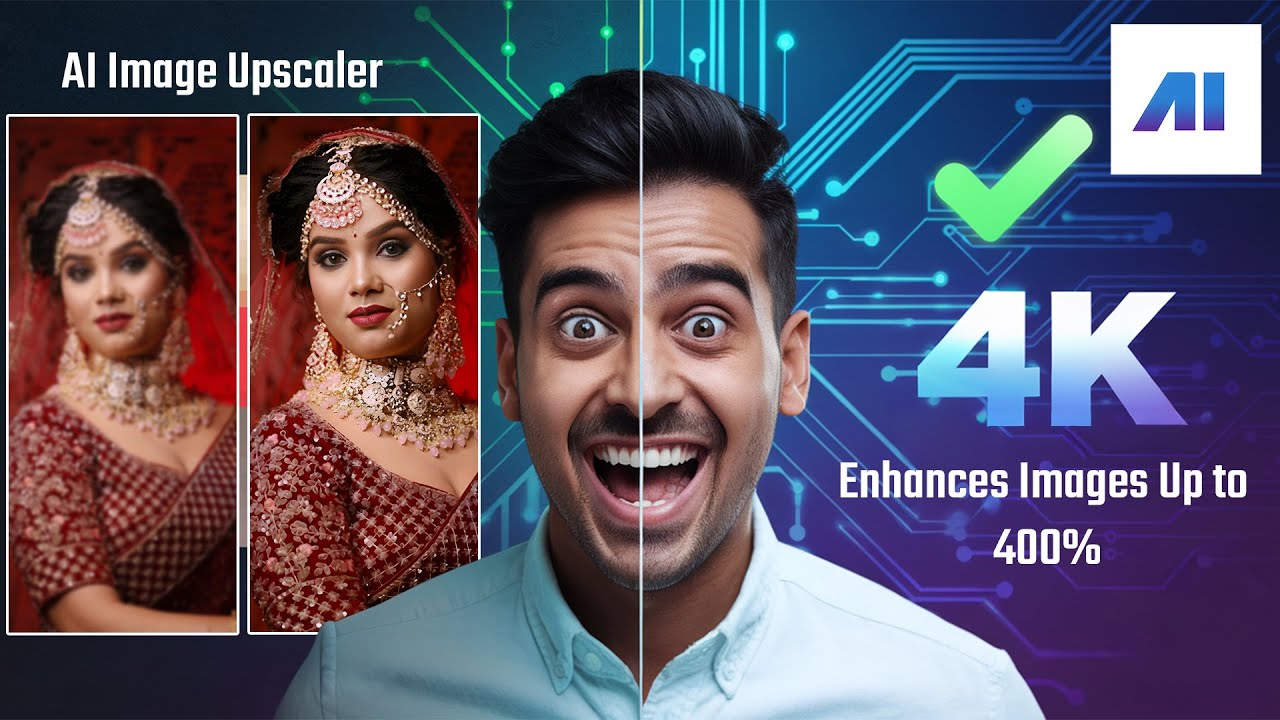
- AI Image Upscaler: Increase image resolution by up to 400% (4x) without losing clarity, perfect for enlarging small photos for print or display.
- Colorize & Restore: Automatically add natural and realistic colors to black and white photos. It also repairs scratches, removes blur, and restores faded details in old or damaged pictures.
- Image Denoiser: Eliminate digital noise and grain from photos taken in low-light conditions or with high ISO settings, resulting in a cleaner, smoother image.
- Face Enhancer: Intelligently detects and enhances facial features, sharpening details, and improving skin texture for crystal-clear portraits.
- Background Remover: Precisely and automatically cut out the subject from any background, creating a transparent PNG for use in other designs.
- Image Compressor: Drastically reduce image file sizes for easier sharing and storage, with minimal to no perceptible loss in quality.
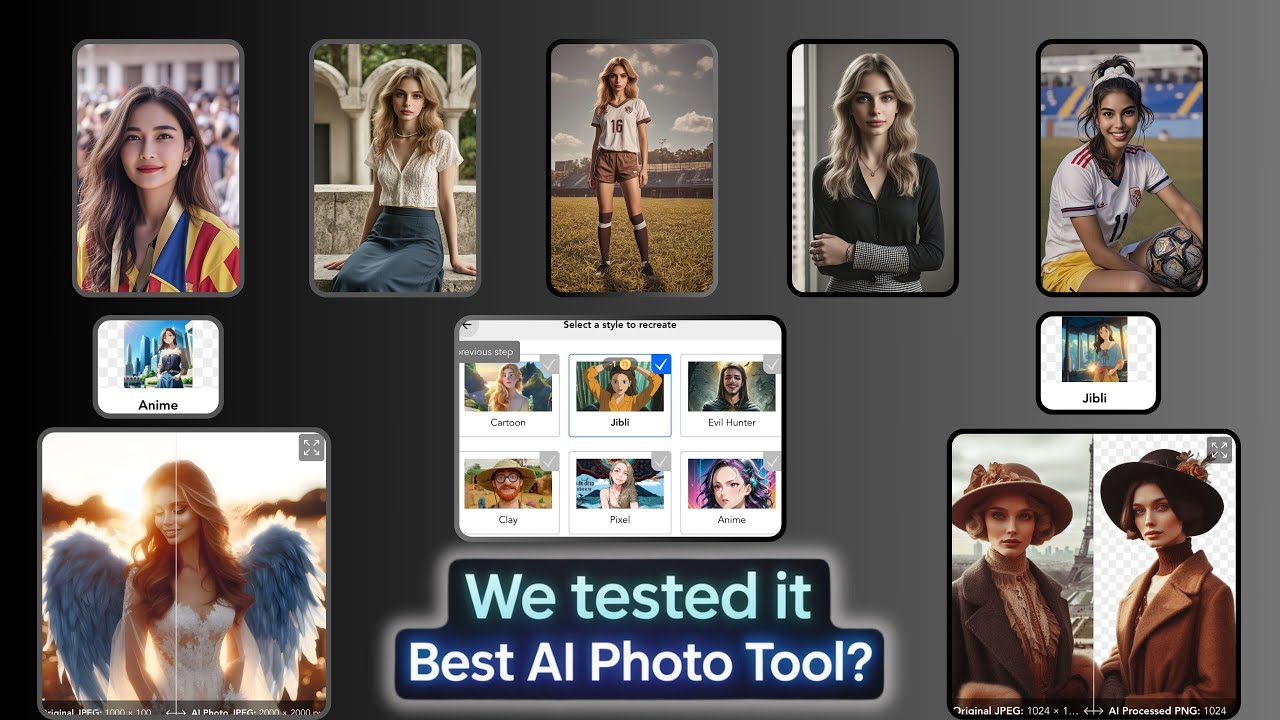
- AI Photos & Instant Me: Generate stunning, stylized AI portraits of yourself for various purposes like LinkedIn headshots or dating profiles. The 'Instant Me' feature can transform your photos into different art styles like Anime, Cartoon, and more.
Use Cases for Nero Lens
Nero Lens is a versatile tool suitable for a wide range of users:
- Nostalgia Lovers: Digitize and restore old family albums, bringing faded memories back to life in vibrant color and sharp detail.
- Social Media Enthusiasts: Enhance selfies, travel photos, and daily snapshots to create a stunning and professional-looking social media feed.
- Professionals: Create high-quality, AI-generated headshots for LinkedIn or company websites without the need for a professional photoshoot.
- Photographers: Quickly denoise, sharpen, and upscale images as part of the post-processing workflow.
- E-commerce Sellers: Remove backgrounds from product photos to create clean, consistent listings for online stores.
Advantages of Nero Lens
Nero Lens stands out due to its combination of power and simplicity. Its key advantages include an all-in-one feature set that eliminates the need for multiple apps, incredibly fast processing times, and high-quality, professional-looking results. The intuitive interface makes it accessible to beginners, while the advanced AI engine delivers results that satisfy even demanding users. Its availability on both mobile and PC platforms provides flexibility for users to edit on the go or on a more powerful desktop setup.
Pricing and Plans
Nero Lens operates on a freemium model. The mobile app is free to download and use, with certain features and higher limits likely available through in-app purchases or a Pro subscription. For desktop users, the Nero AI suite (including Image and Video Upscalers) is offered as a paid software with options to buy individual tools or a complete bundle. Nero also provides custom business plans with API access for commercial use.
Traffic
Latest traffic
Status
Monthly traffic trend
- 2026-1: 49.4K
- 2026-2: 39.7K
- 2026-3: 66.0K
- 2026-4: 70.1K
- 2026-5: 50.2K
Geography
Top 5 countries / regions
- 🇯🇵Japan39.1%
- 🇺🇸United States23.3%
- 🇮🇳India16.9%
- 🇬🇧United Kingdom11.5%
- 🇰🇷South Korea9.3%
Traffic sources
| Source type | Percentage |
|---|---|
Direct | 50.7% |
Referral | 48.3% |
Email | 0.9% |
Top keywords
| Keyword | Cost per click |
|---|---|
| nero ai | $0.48 |
| nero ai video upscaler | $2.00 |
| nero cd ripper | $1.59 |
| nero express | $0.77 |
| wmp アーティスト情報 | $0.00 |
Nero Lens Videos on YouTube

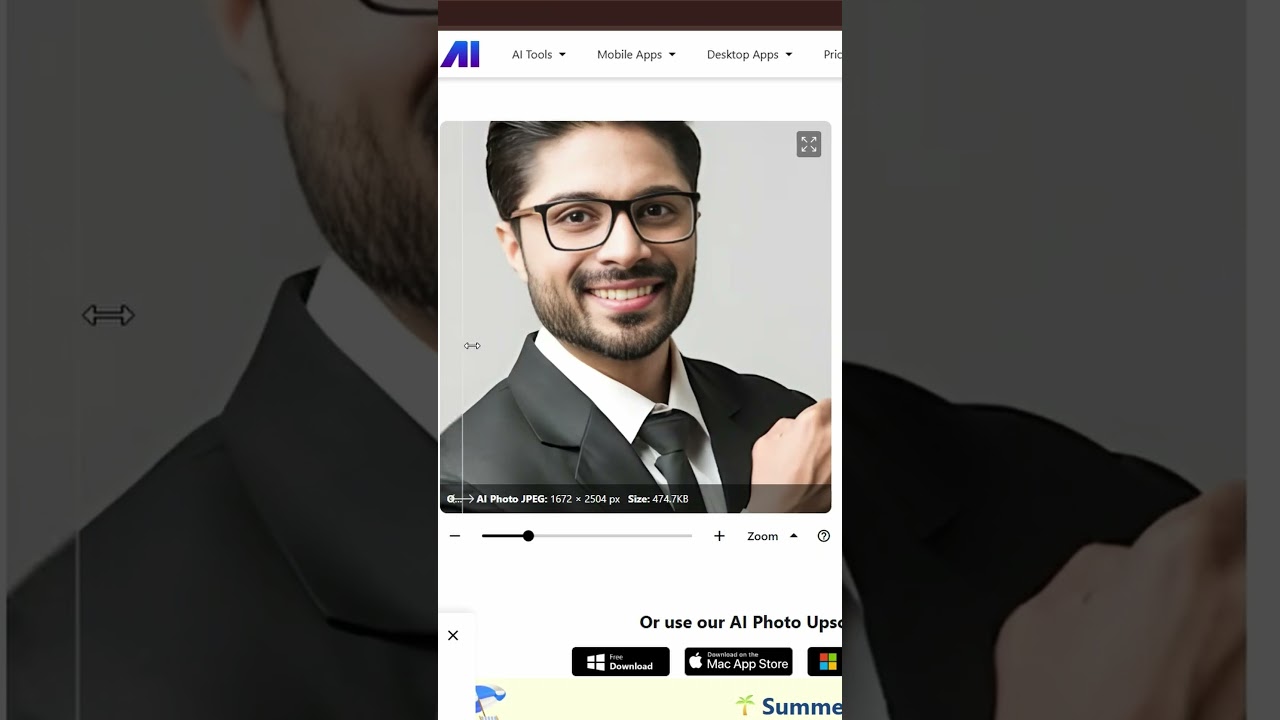
Nero Lens Alternatives
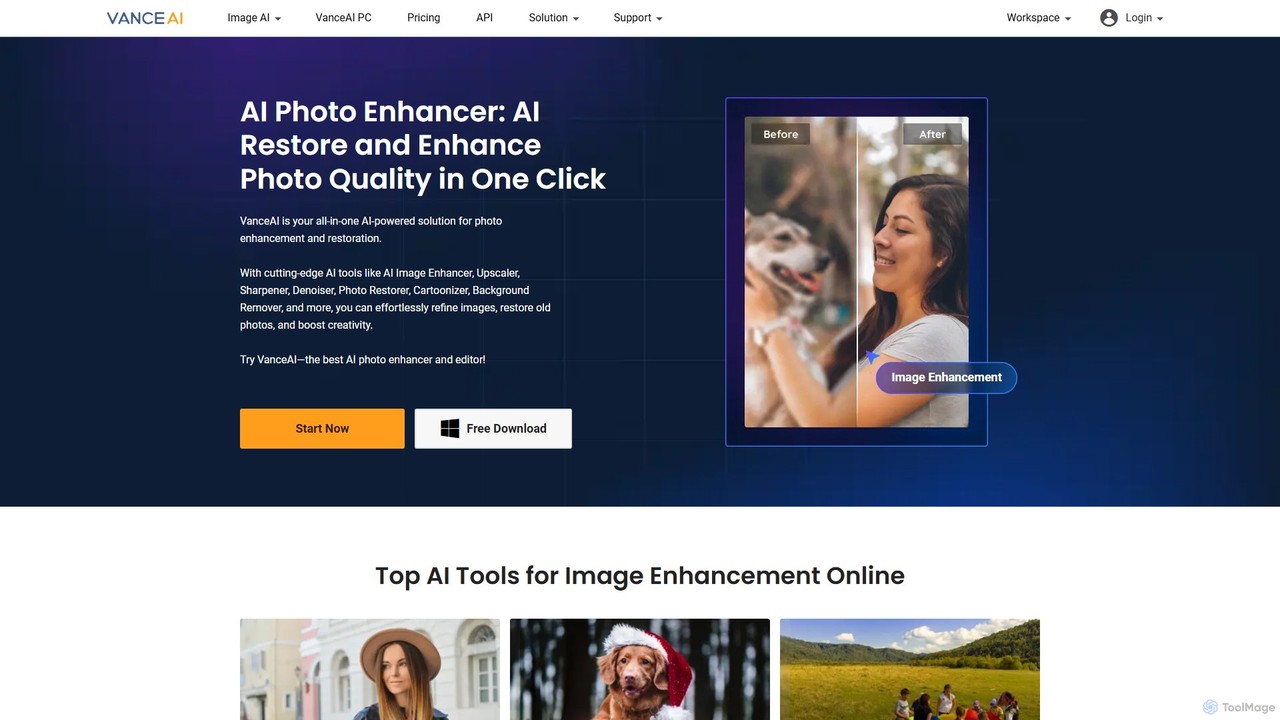
VanceAI
VanceAI is a comprehensive, AI-powered suite for photo enhancement, restoration, and editing. It offers a wide range of tools, including an image upscaler, sharpener, denoiser, background remover, and photo restorer. With one-click solutions and batch processing capabilities, VanceAI helps users from photographers to e-commerce businesses improve image quality, streamline workflows, and boost creativity effortlessly, available both online and as a desktop application.
Image Editing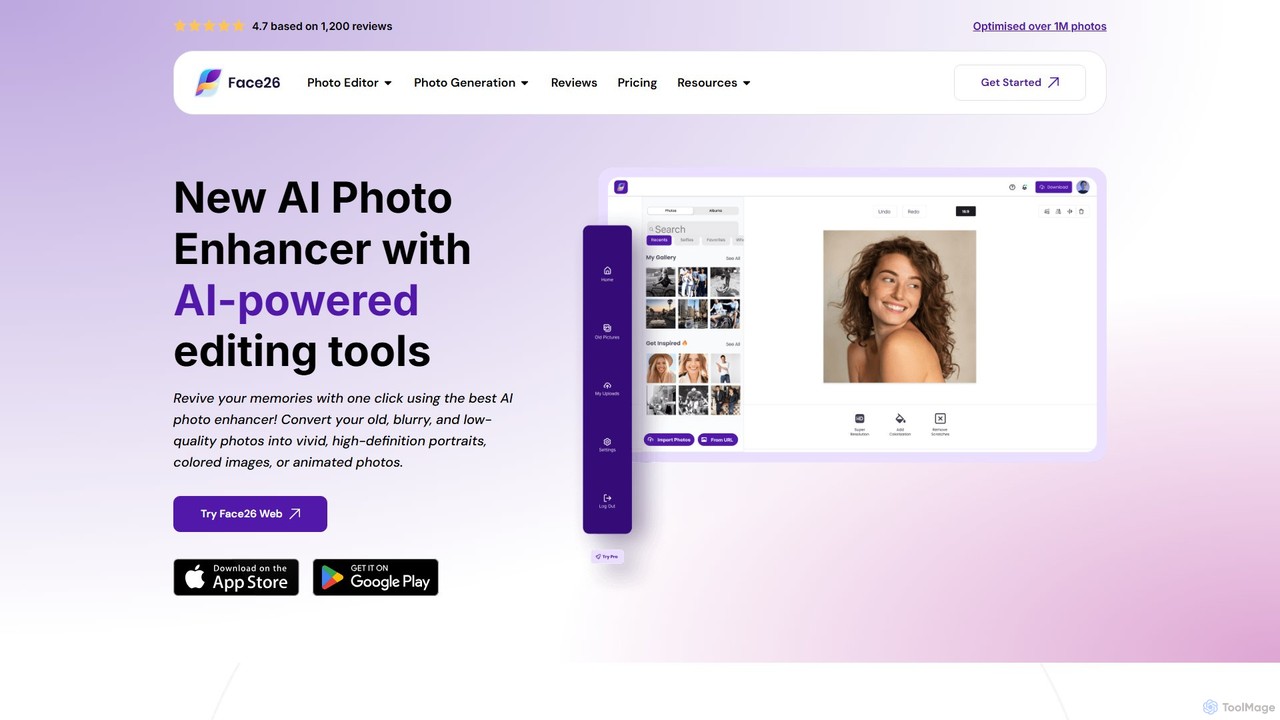
face26
Face26 is a comprehensive AI-powered photo enhancement suite. With just one click, it can restore old, blurry photos, colorize black-and-white images, upscale pictures to HD quality, and perform detailed facial retouching. It's designed for both casual users and professionals, requiring no editing skills to achieve stunning results.
Image Editing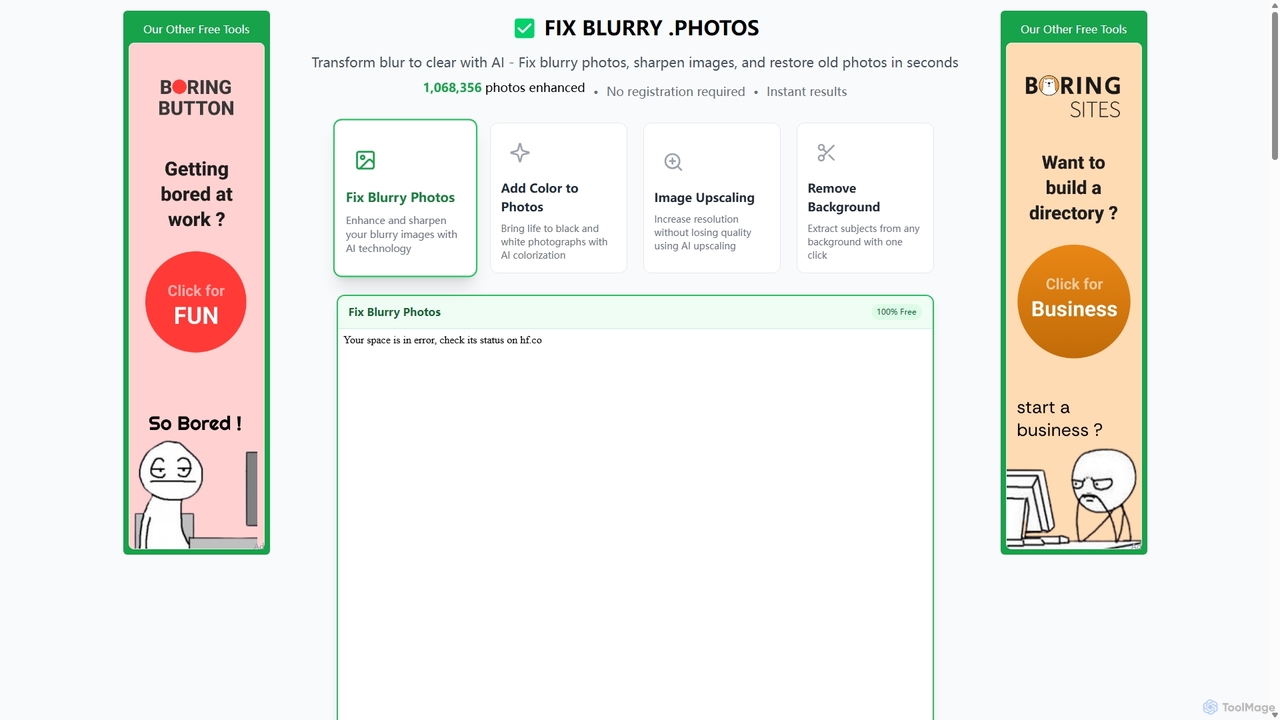
Fixblurry
fixblurry is a free, AI-powered online tool suite designed to enhance your images instantly. It specializes in unblurring and sharpening photos, restoring old or faded pictures, upscaling low-resolution images without quality loss, colorizing black-and-white photos, and removing backgrounds with a single click. No registration or software installation is required, offering professional-grade results for everyone.
Image Editing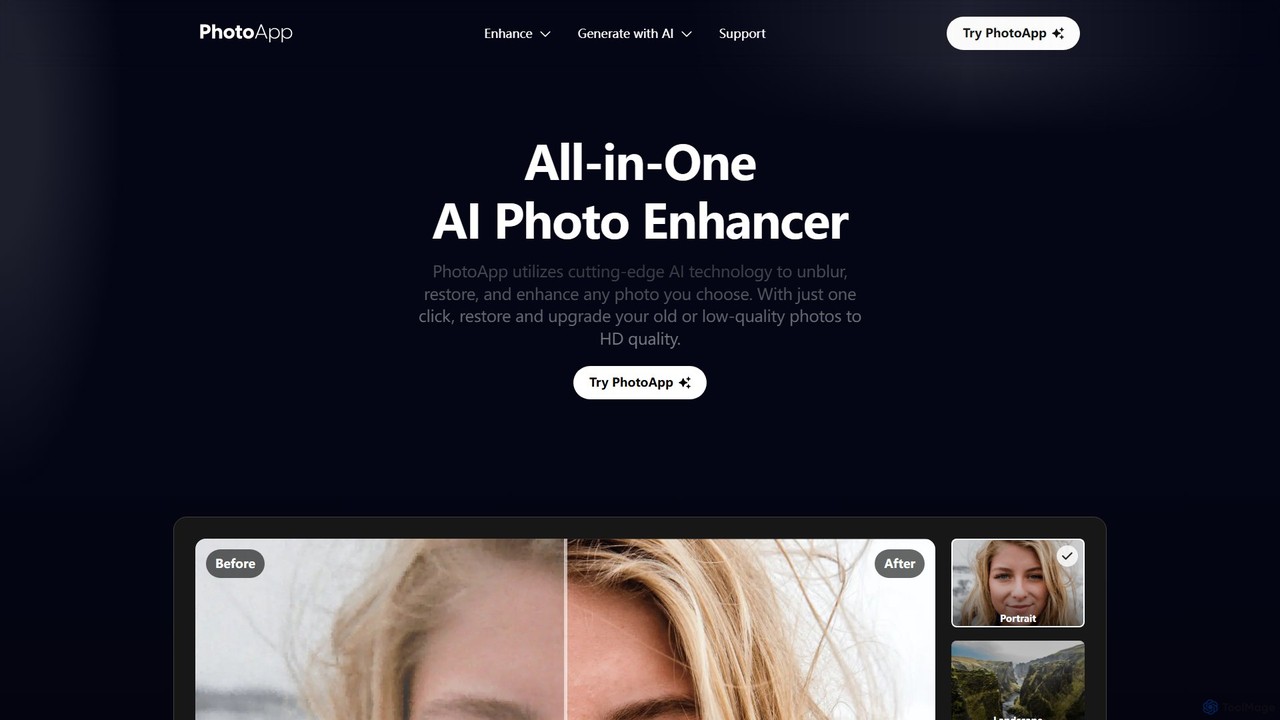
PhotoApp
PhotoApp is an all-in-one AI photo editor that enhances, restores, and unblurs your images with a single click. Using advanced AI, it sharpens details, removes noise, corrects colors, and revives old photos. It also features an AI photo generator to create professional-quality images of yourself. Available on iOS and Android for on-the-go editing.
3D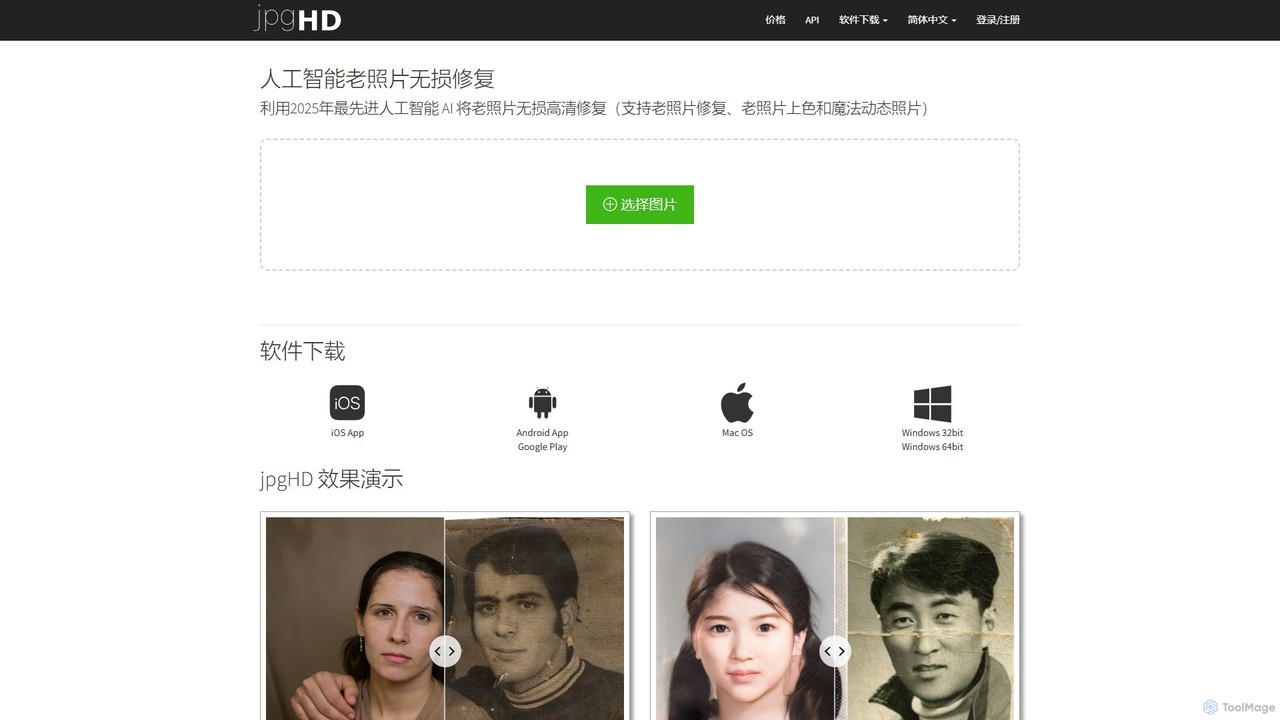
jpgHD
An AI-powered tool for lossless old photo restoration, colorization, and enhancement. It repairs scratches, upscales resolution, reduces noise, and even animates faces in photos, available on web, desktop, and mobile.
Image EditingNero Lens Categories
Nero Lens Embed Widget
Copy this embed code to place the badge on your blog, article, or product site and send readers directly to this ToolMage detail page.

Related AI tools
PhotoApp
PhotoApp is an all-in-one AI photo editor that enhances, restores, and unblurs your images with a single click. Using advanced AI, it sharpens details, removes noise, corrects colors, and revives old photos. It also features an AI photo generator to create professional-quality images of yourself. Available on iOS and Android for on-the-go editing.
3D
Nero Lens
Nero Lens is an all-in-one AI-powered photo enhancer app that instantly upscales, restores, colorizes, and denoises images. It also features an AI avatar and headshot generator, turning your selfies into stunning, stylized photos for social media, dating profiles, or professional use.
Ai Avatar Generator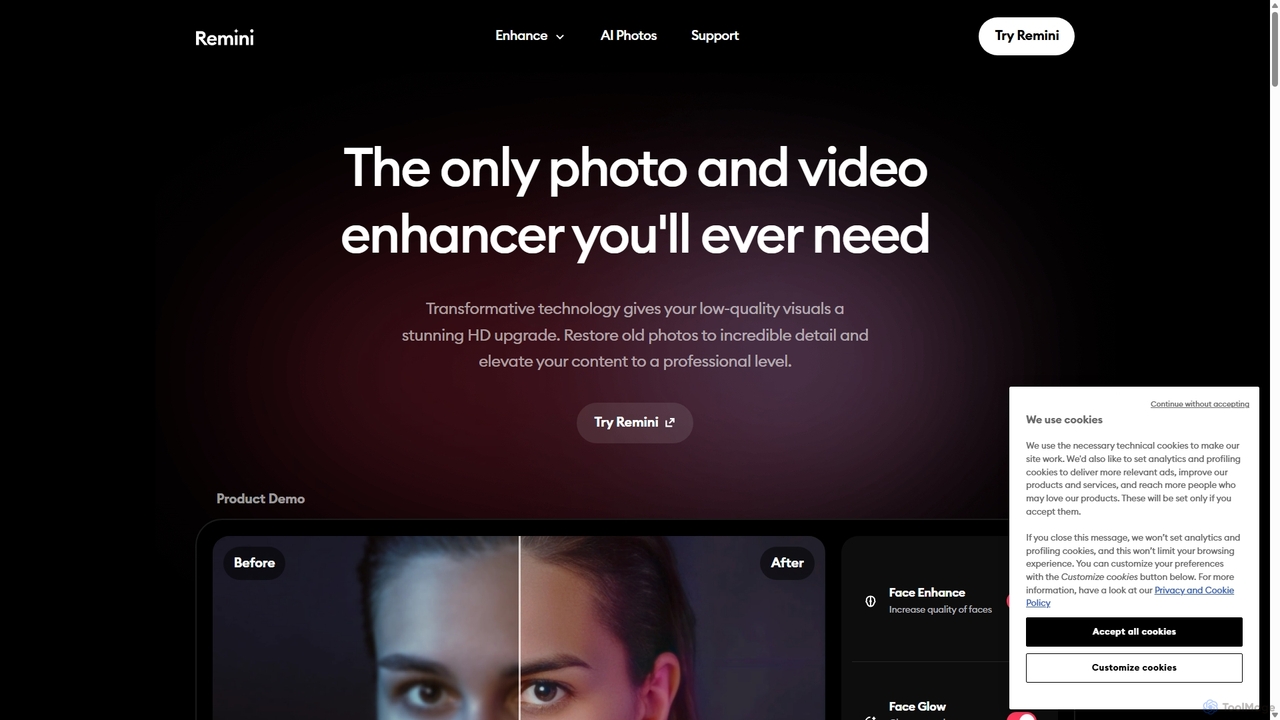
Remini
Remini is an AI-powered photo and video enhancer that transforms low-quality, blurry, or old images and videos into stunning high-definition visuals. Using advanced AI, it restores details, sharpens focus, reduces noise, and can even generate professional-quality AI photos of yourself.
3D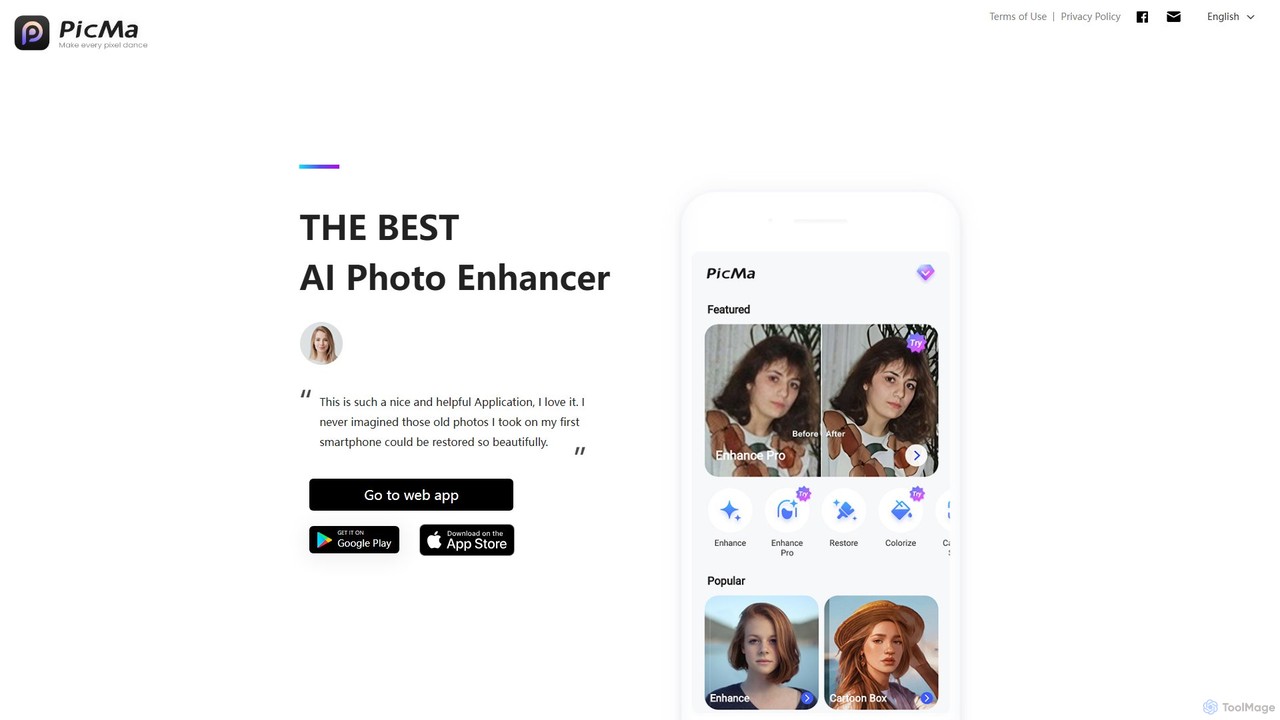
magictiger
magictiger (PicMa) is an AI-powered photo enhancer and restorer. It specializes in reviving old, blurry, or damaged photos with one click. Features include colorization, scratch removal, denoising, and resolution upscaling, available on both web and mobile (iOS/Android).
EnhancementVanceAI
VanceAI is a comprehensive, AI-powered suite for photo enhancement, restoration, and editing. It offers a wide range of tools, including an image upscaler, sharpener, denoiser, background remover, and photo restorer. With one-click solutions and batch processing capabilities, VanceAI helps users from photographers to e-commerce businesses improve image quality, streamline workflows, and boost creativity effortlessly, available both online and as a desktop application.
Image Editingface26
Face26 is a comprehensive AI-powered photo enhancement suite. With just one click, it can restore old, blurry photos, colorize black-and-white images, upscale pictures to HD quality, and perform detailed facial retouching. It's designed for both casual users and professionals, requiring no editing skills to achieve stunning results.
Image EditingFixblurry
fixblurry is a free, AI-powered online tool suite designed to enhance your images instantly. It specializes in unblurring and sharpening photos, restoring old or faded pictures, upscaling low-resolution images without quality loss, colorizing black-and-white photos, and removing backgrounds with a single click. No registration or software installation is required, offering professional-grade results for everyone.
Image Editing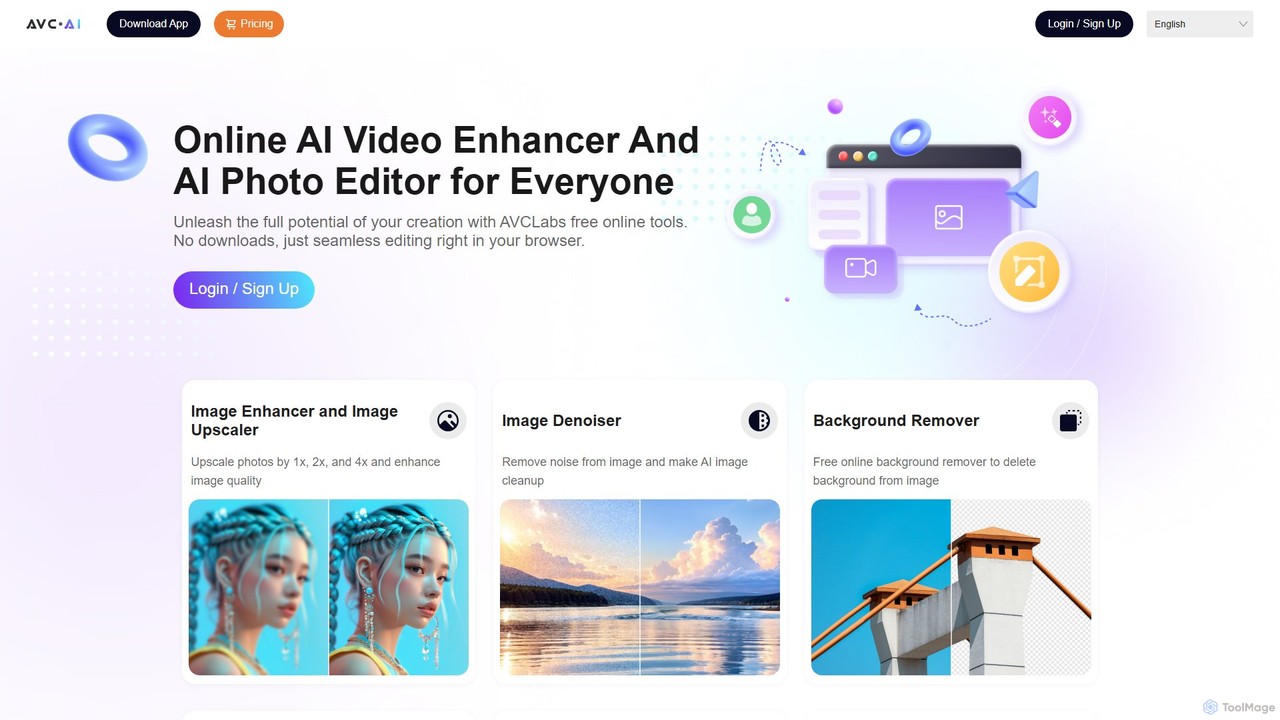
AVC.AI
AVC.AI is a comprehensive AI-powered suite for photo and video enhancement. It offers free online tools for quick tasks like upscaling, denoising, and object removal, alongside powerful desktop software for professional-grade restoration, colorization, and editing. It's designed for both casual users and professionals seeking to improve media quality effortlessly.
3D
photofix
Photofix is an all-in-one AI-powered platform for photo restoration and enhancement. Effortlessly repair old, damaged photos, colorize black and white images, remove unwanted objects, and upscale resolution with just a few clicks. Ideal for photographers, families, and businesses.
3DjpgHD
An AI-powered tool for lossless old photo restoration, colorization, and enhancement. It repairs scratches, upscales resolution, reduces noise, and even animates faces in photos, available on web, desktop, and mobile.
Image Editing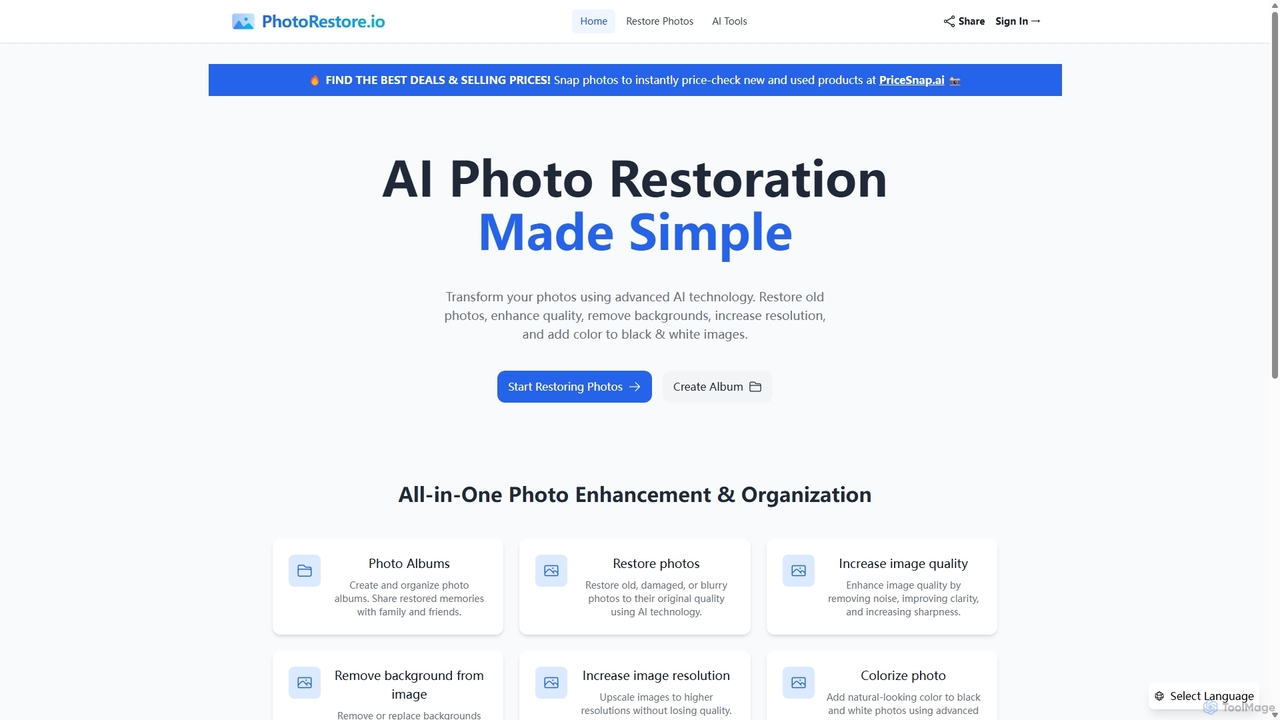
PhotoRestore
PhotoRestore is an all-in-one AI-powered platform for photo restoration and management. It effortlessly restores old, damaged, or blurry photos, enhances image quality, removes backgrounds, upscales resolution, and colorizes black-and-white images. It also features album creation for easy organization and sharing.
Image Editing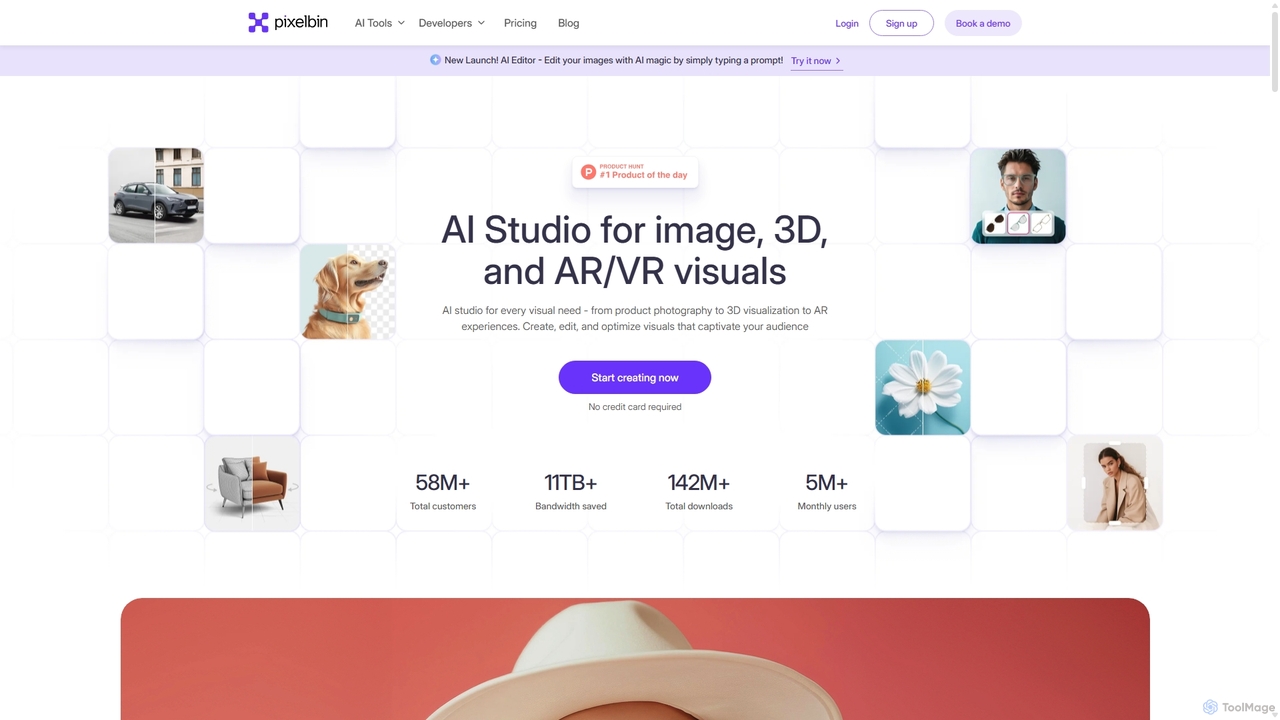
Pixelbin
Pixelbin is a comprehensive AI-powered platform for visual asset management and real-time image transformation. It offers a suite of tools including an AI editor, background remover, image upscaler, and watermark remover, alongside a robust Digital Asset Management (DAM) system and a smart CDN. Designed for developers, marketers, and e-commerce businesses, Pixelbin streamlines the entire visual content lifecycle from creation and storage to optimization and delivery, ensuring high-quality visuals and faster performance.
Digital Asset Management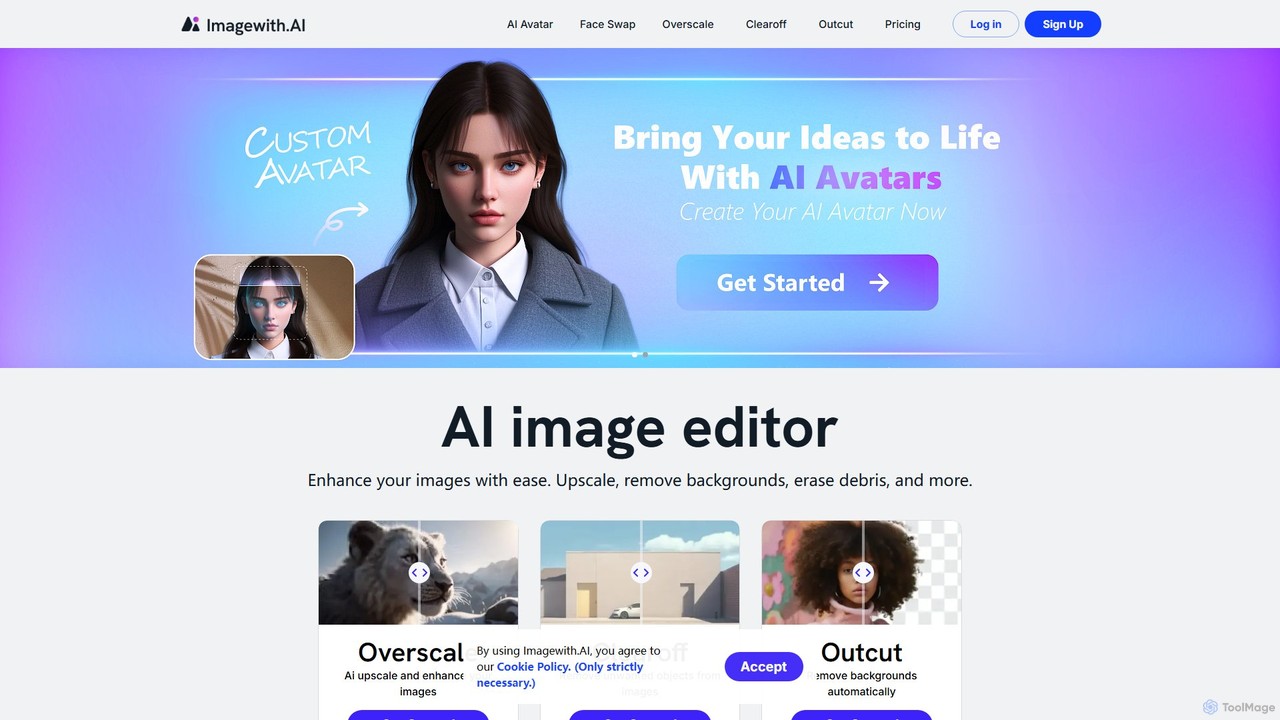
imagewith.ai
imagewith.ai is an AI-powered online image editing suite designed to simplify complex photo editing tasks. It offers a set of powerful tools including an image upscaler (Overscale), a background remover (Outcut), and an object remover (Clearoff). This platform enables users of all skill levels, from amateur photographers to e-commerce professionals, to enhance, clean, and perfect their images with just a few clicks, boosting efficiency and creativity without the need for complex software.
Product Photos
cre8tiveAI
cre8tiveAI is a comprehensive online AI platform designed for creative tasks, offering a suite of tools for photo and video editing. It simplifies complex processes like image upscaling, face refinement, illustration generation, photo-to-video conversion, and object removal. Aimed at both professionals and beginners, it provides fast, high-quality results with a simple upload-based interface, eliminating the need for specialized software knowledge.
Ai Art Generator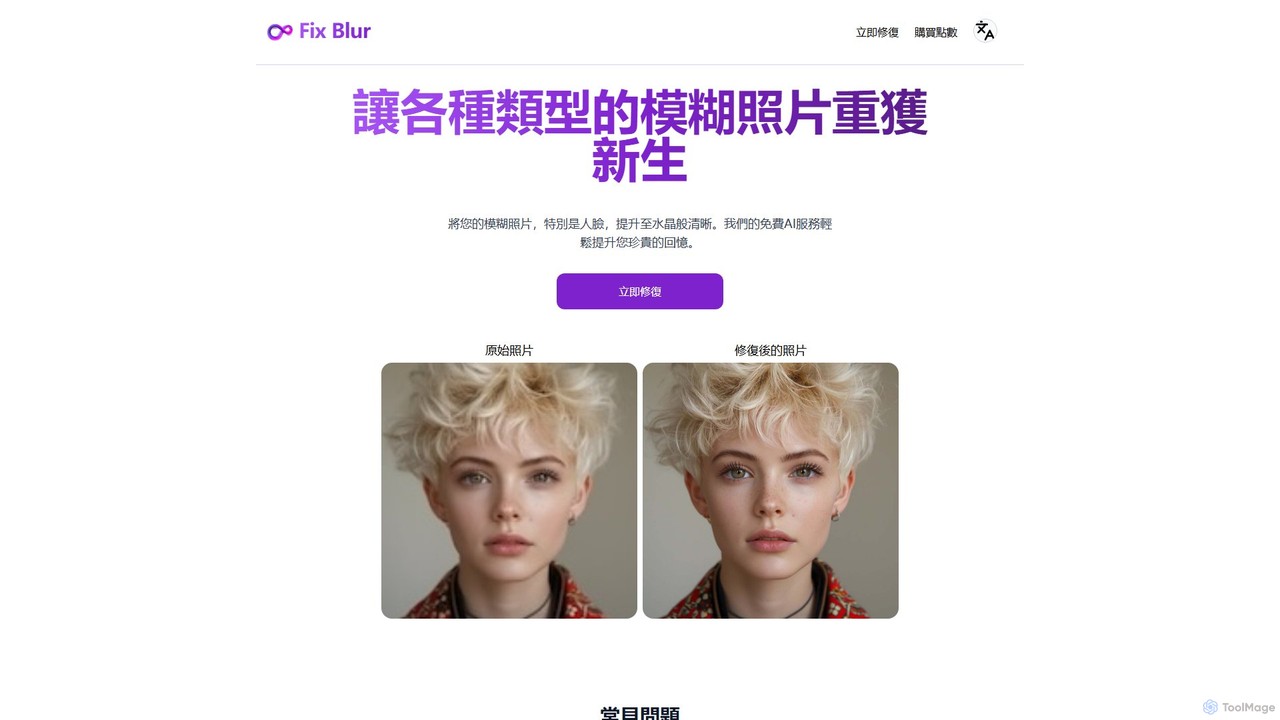
FixBlur
FixBlur is an AI-powered tool that sharpens blurry photos, especially faces, in seconds. It uses advanced algorithms to deblur images, restore details, and bring your precious memories back to crystal clarity. Ideal for fixing motion blur, out-of-focus shots, and old photos.
Image Enhancement
Nero Lens Comments (0)
Sign in to comment.
Sign inNo comments yet.