

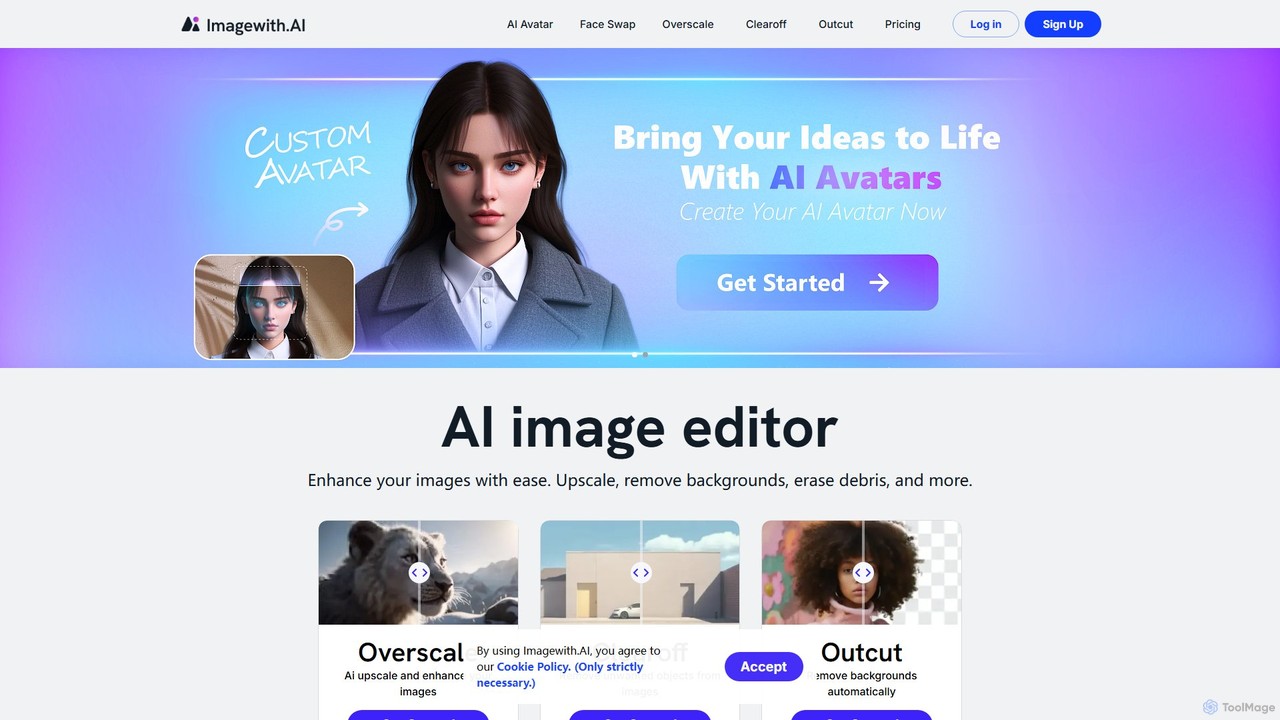
imagewith.ai Overview
imagewith.ai is a comprehensive, AI-driven online platform that revolutionizes image editing by making professional-grade tools accessible to everyone. It consolidates multiple essential editing functions into a single, user-friendly interface, eliminating the steep learning curve associated with traditional software like Photoshop. The suite is designed to streamline workflows for content creators, marketers, e-commerce store owners, and photographers, enabling them to produce high-quality, polished visuals effortlessly. The core philosophy of imagewith.ai is to leverage artificial intelligence to automate tedious tasks, allowing users to focus on their creative vision.
The platform is built around three primary tools: Overscale, Outcut, and Clearoff. Each tool is specialized for a specific task and uses advanced AI algorithms to deliver precise and impressive results. Whether you need to enhance the resolution of a low-quality image, isolate a subject from its background for a product listing, or remove distracting elements from a photograph, imagewith.ai provides a fast and effective solution. The platform is praised for its simplicity, speed, and the professional quality of its output, making it an invaluable asset for anyone working with digital images.
How to use imagewith.ai
Using imagewith.ai is designed to be a straightforward and intuitive process, requiring no prior technical expertise. Here is a general guide:
- Select a Tool: Navigate to the imagewith.ai website and choose the specific tool you need for your task: 'Overscale' for upscaling, 'Outcut' for background removal, or 'Clearoff' for object removal.
- Upload Your Image: Click the 'Get Started' or upload button and select the image file from your computer that you wish to edit.
- AI Processing: The platform's AI will automatically analyze and process your image. This step is typically very fast, taking only a few seconds. For object removal with Clearoff, you may need to brush over the object you want to erase.
- Review and Refine: The tool will present the edited image. You can review the result to ensure it meets your expectations.
- Download: Once you are satisfied with the edit, you can download the high-quality, processed image to your device.
Core Features of imagewith.ai
- Overscale (AI Image Upscaler): This feature uses advanced AI to increase the resolution and enhance the quality of your images without losing detail or introducing artifacts. It effectively reduces noise and sharpens blurry photos, making it perfect for reviving old pictures or improving low-resolution graphics.
- Outcut (AI Background Remover): Outcut automatically detects the main subject in an image and precisely removes the background. It's ideal for creating clean product photos for e-commerce, professional headshots, or creative compositions for marketing materials.
- Clearoff (AI Object Remover): This tool allows you to effortlessly erase unwanted objects, people, text, or blemishes from your photos. Simply by highlighting the area, the AI intelligently fills in the space, creating a seamless and natural-looking result.
- User-Friendly Interface: The entire platform is designed for simplicity and ease of use, enabling users to achieve professional results without any training.
- Web-Based Accessibility: As an online tool, imagewith.ai requires no downloads or installations. It can be accessed from any device with an internet connection.
Use Cases for imagewith.ai
imagewith.ai is a versatile tool that caters to a wide range of professional and personal needs:
- E-commerce: Online sellers can use Outcut to create clean, white-background product images that meet marketplace standards (like Amazon and eBay). They can also use Clearoff to remove props or imperfections and Overscale to ensure all images are high-resolution and sharp.
- Marketing and Social Media: Content creators and marketers can quickly prepare stunning visuals for campaigns, posts, and advertisements. Removing backgrounds allows for creative graphic design, while object removal ensures a clean, focused message.
- Photography: Professional and amateur photographers can save significant time on post-processing. They can use Clearoff to clean up portraits or landscapes, Outcut to create composites, and Overscale to prepare images for large-format printing.
- Graphic Design: Designers can use the tool to quickly prepare assets for their projects, such as isolating elements from photos or cleaning up stock imagery.
- Personal Use: Individuals can restore old family photos, remove photobombers from travel pictures, or simply enhance their favorite snapshots for sharing.
Advantages of imagewith.ai
The primary advantage of imagewith.ai is its combination of power and simplicity. It democratizes photo editing by providing AI-powered features that were once exclusive to expensive, complex software. Key benefits include significant time savings, cost-effectiveness (especially with its free offerings), and consistent, high-quality results. Its accessibility as a web-based tool means users can edit images anytime, anywhere, making it a highly efficient part of any creative workflow.
Pricing and Plans
imagewith.ai operates on a freemium model, making it accessible to all users. While there isn't a dedicated pricing page in the provided content, this model typically includes:
- Free Plan: Users can access the core features for free, usually with certain limitations such as a limited number of edits (credits) per month, lower resolution downloads, or watermarks. This is ideal for casual users or for testing the platform's capabilities.
- Paid Plans (Subscription-based): For professionals and heavy users, imagewith.ai likely offers monthly or annual subscription plans. These plans would provide a larger number of credits, access to the highest resolution outputs, batch processing capabilities, priority support, and potentially API access for business integration. Specific tiers and pricing should be confirmed on the official website.
Traffic
Latest traffic
Status
Monthly traffic trend
- 2025-9: 191.7K
- 2026-1: 83.5K
- 2026-2: 84.2K
- 2026-3: 171.6K
- 2026-4: 59.2K
- 2026-5: 64.9K
Geography
Top 5 countries / regions
- 🇮🇳India25.1%
- 🇹🇹Trinidad & Tobago22.9%
- 🇪🇸Spain22.0%
- 🇭🇰Hong Kong SAR China15.5%
- 🇷🇺Russia14.5%
Traffic sources
| Source type | Percentage |
|---|---|
Direct | 96.6% |
Referral | 2.9% |
Email | 0.5% |
Top keywords
| Keyword | Cost per click |
|---|---|
| dslr ai | $0.00 |
| image with ai | $0.68 |
| overscale | $0.00 |
| апскейл картинки с текстом онлайн | $0.00 |
| улучшить качество фото онлайн бесплатно | $0.00 |
imagewith.ai Alternatives
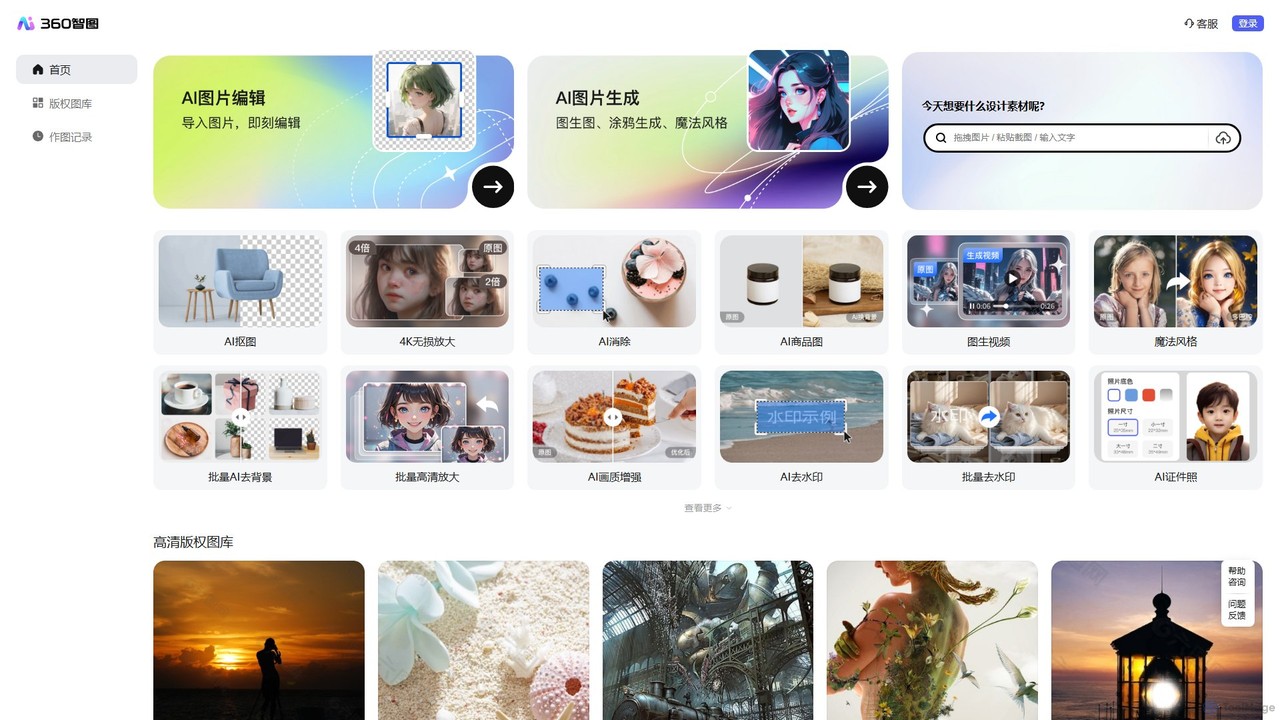
360 Zhitou
360 Zhitou is a comprehensive AI-powered image creation and editing platform. It offers a suite of tools including AI background removal, 4K image upscaling, object and watermark removal, AI-generated product photos, image-to-video conversion, and artistic style transfer. It's designed for e-commerce, marketing, and design professionals.
Generative Art
Magic Studio
Magic Studio is an all-in-one AI-powered image editing suite designed for everyone. It allows users to effortlessly create stunning visuals, remove unwanted objects, change backgrounds, generate images from text, and enhance photo quality in seconds, no design skills required.
Product Photos
Photoroom
Photoroom is an AI-powered photo editor that automatically removes backgrounds to create professional product photos, profile pictures, and marketing images in seconds. Featuring AI-generated backgrounds, magic eraser, and batch editing, it simplifies complex editing tasks for e-commerce sellers, marketers, and creators. Available on web and mobile, it offers a fast, easy way to produce studio-quality visuals without any design skills.
Graphic Design
PxBee
PxBee is a free, AI-powered photo editor designed to create stunning visuals effortlessly. It specializes in one-click background removal, AI background generation, and photo enhancement. Users can easily change backgrounds, fix blurry images, upscale resolution, and generate realistic scenes, making it ideal for e-commerce, marketing, and creative projects.
Product Photos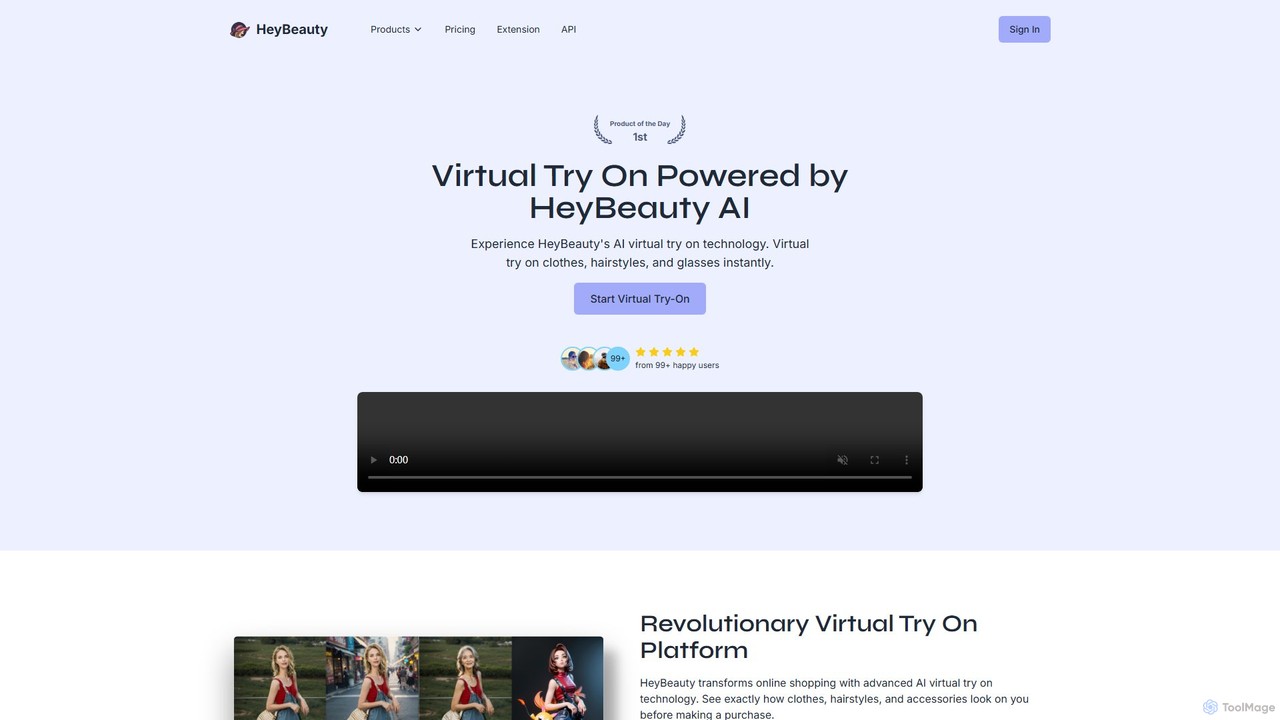
HeyBeauty
HeyBeauty is an AI-powered platform for virtual try-on and image enhancement. It allows users to instantly try on clothes, hairstyles, and glasses on their photos. It also offers advanced features like AI model generation, product imaging, background removal, and object removal for e-commerce, fashion, and creative projects.
Product Photosimagewith.ai Categories
imagewith.ai Embed Widget
Copy this embed code to place the badge on your blog, article, or product site and send readers directly to this ToolMage detail page.

Related AI tools
360 Zhitou
360 Zhitou is a comprehensive AI-powered image creation and editing platform. It offers a suite of tools including AI background removal, 4K image upscaling, object and watermark removal, AI-generated product photos, image-to-video conversion, and artistic style transfer. It's designed for e-commerce, marketing, and design professionals.
Generative Art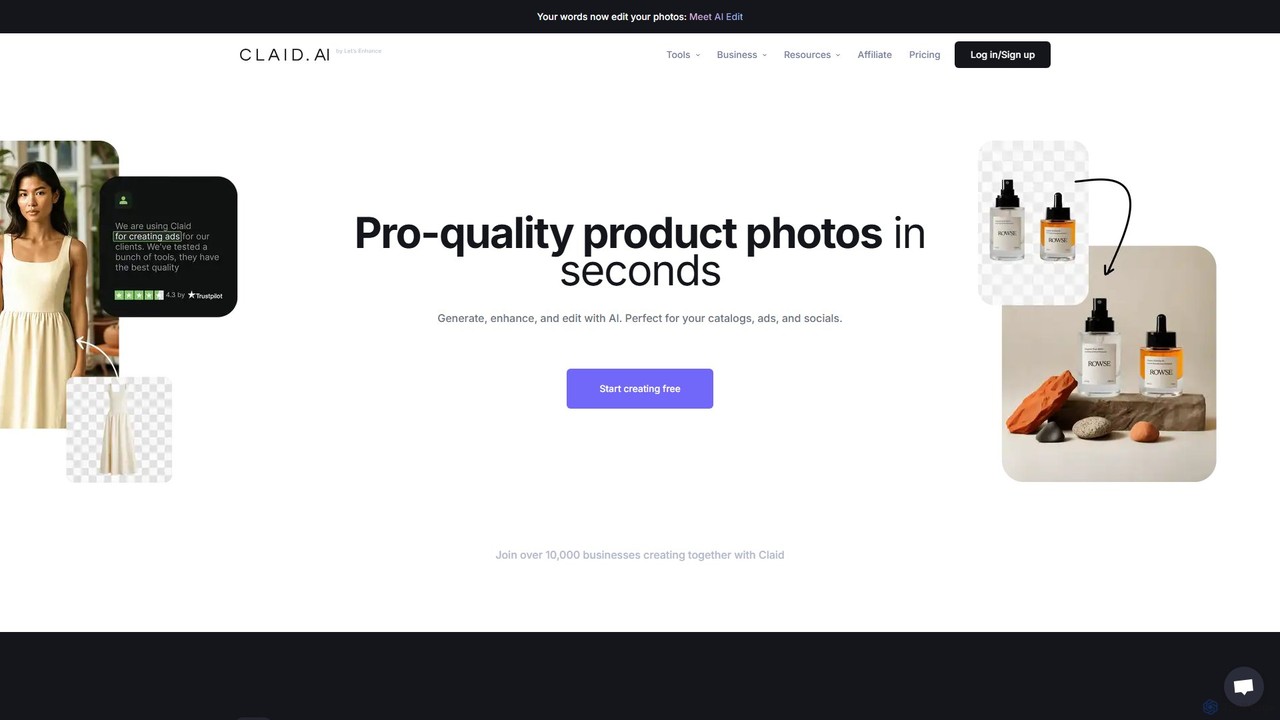
Claid.ai
Claid.ai is an all-in-one AI product photography suite designed for e-commerce and marketing. It allows users to generate, enhance, and edit professional-quality product photos in seconds. Key features include AI background generation, AI fashion models, image upscaling, and automated editing workflows, helping businesses improve conversions and streamline content creation without needing technical skills.
3D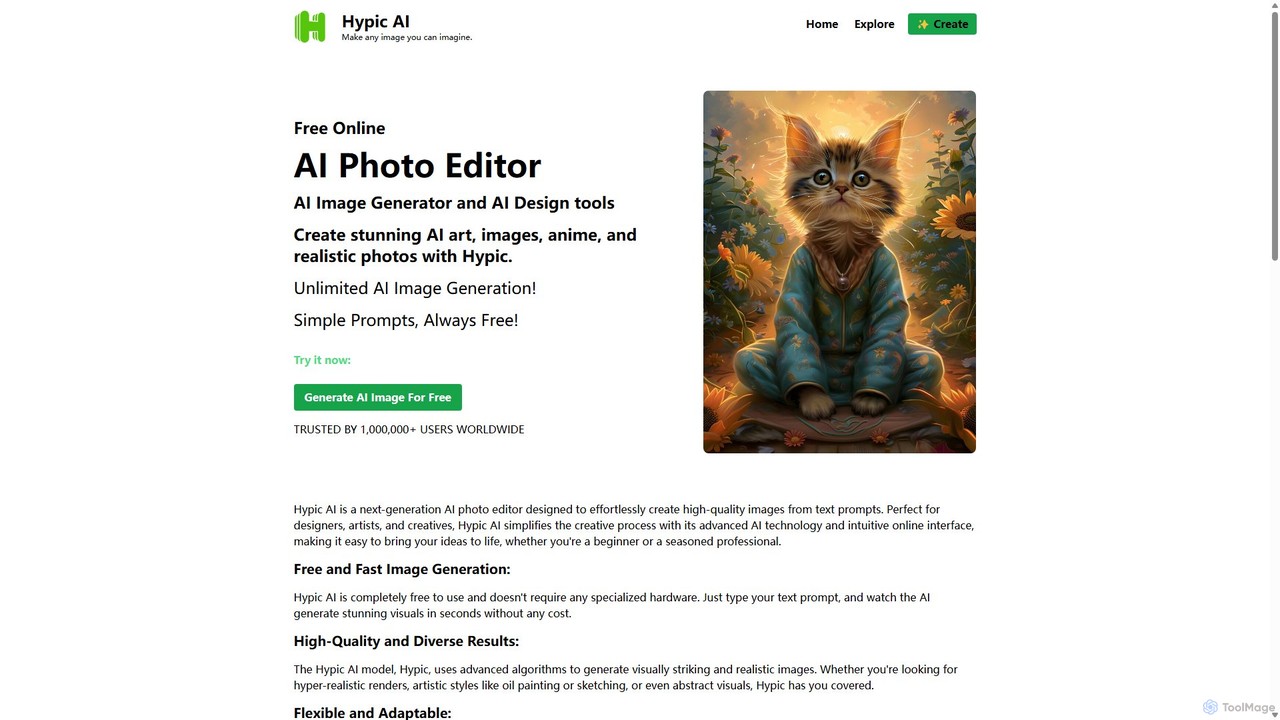
Hypic
Hypic is a powerful, all-in-one AI photo editing app for both beginners and professionals. It offers a wide range of AI-powered features, including one-tap portrait retouching, object removal, background replacement, and creative filters. Elevate your photos for social media, personal use, or e-commerce with professional-grade tools made simple and accessible on your mobile device.
Image Generation
photorush
Photorush is an AI-powered image editing suite designed for speed and efficiency. It automates complex tasks like background removal, object erasing, and one-click enhancement, enabling users to create professional-quality images in seconds. Ideal for e-commerce, marketing, and social media content creation.
Product Images
xiu.ai
xiu.ai is an all-in-one AI-powered image editing and creation suite. It offers tools for one-click photo enhancement, background removal, object erasing, image upscaling, and text-to-image generation, designed for creators and marketers.
Image Generation
PhotoGrid
PhotoGrid is an all-in-one online collage maker and AI photo editor. It offers over 20,000 templates and a suite of powerful AI tools to create stunning photo collages, remove backgrounds, enhance image quality, and apply creative filters, making professional photo editing accessible to everyone.
Collage Maker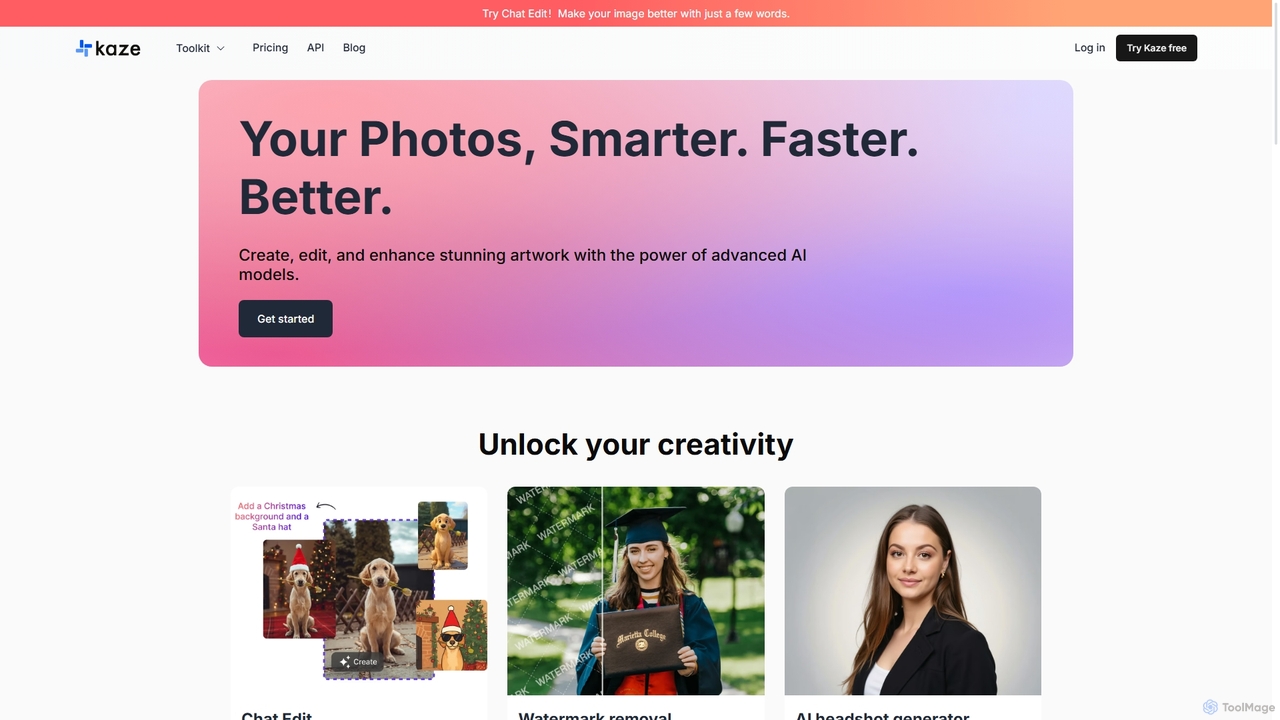
Kaze
Kaze is a comprehensive AI-powered image editing suite designed to create, edit, and enhance photos effortlessly. It offers a wide range of tools including one-click watermark and object removal, photo restoration, image upscaling, background removal, and an AI headshot generator. With its user-friendly interface and advanced AI models, Kaze delivers professional, studio-quality results in seconds, catering to creators, marketers, and photographers.
3D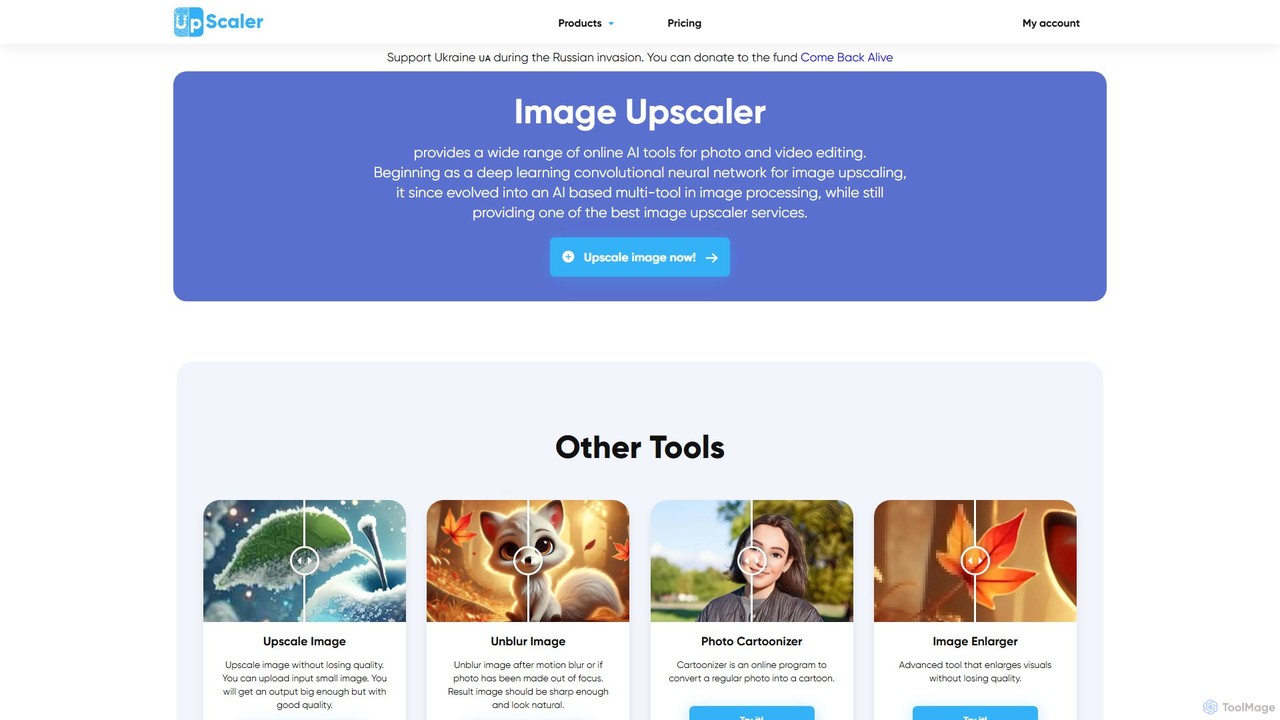
ImageUpscaler
An all-in-one AI-powered platform for image enhancement. Upscale photos up to 4x without quality loss, remove backgrounds, deblur images, generate art from text, and utilize a wide range of creative tools like cartoonizers, colorizers, and object removers. Ideal for professionals and hobbyists.
Graphics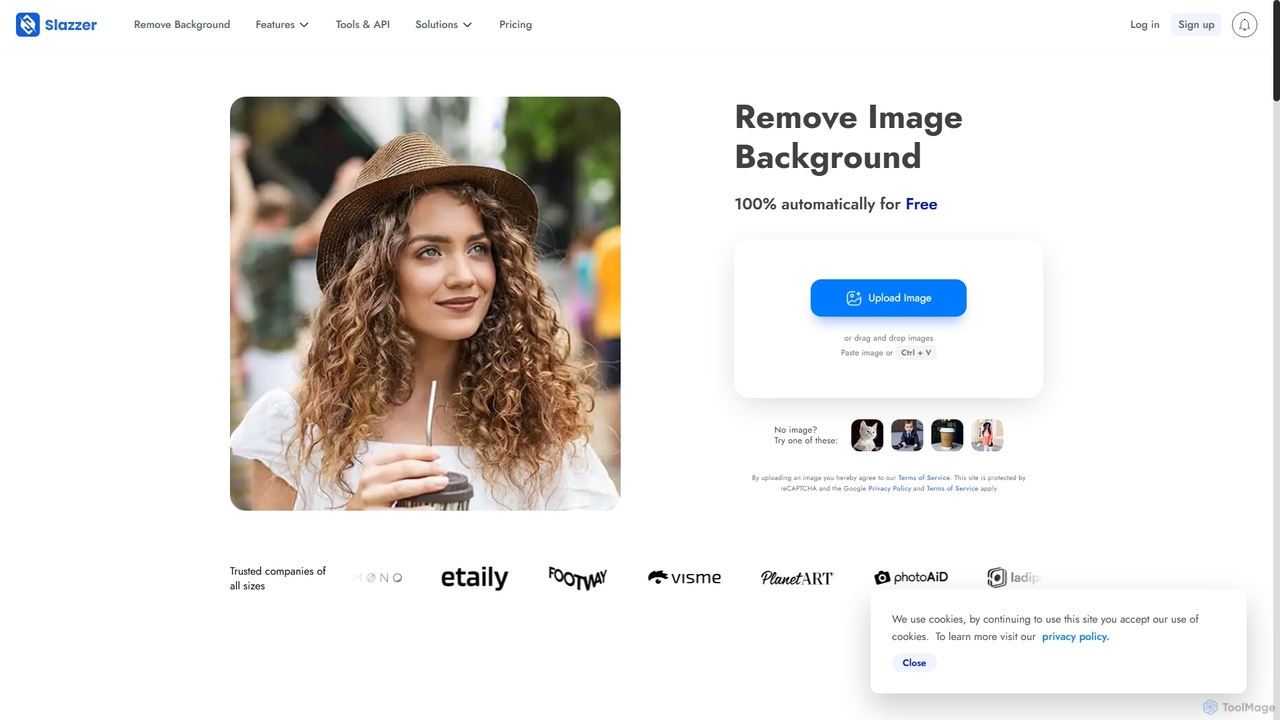
Slazzer
Slazzer is an AI-powered visual editing platform that automatically removes image backgrounds in seconds. It offers a suite of tools including AI background generation, image enhancement, upscaling, and shadow creation. Designed for efficiency, it serves e-commerce, photographers, marketers, and developers with web-based tools, desktop apps, and API integration for bulk processing.
Api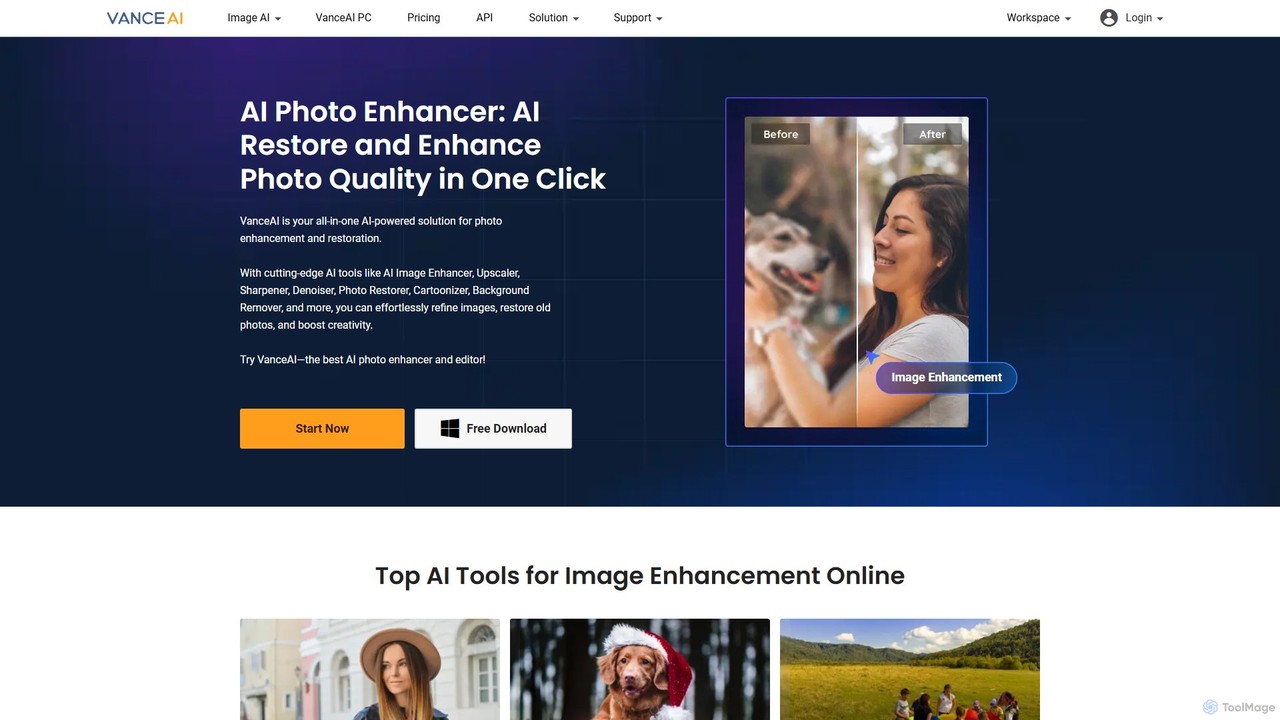
VanceAI
VanceAI is a comprehensive, AI-powered suite for photo enhancement, restoration, and editing. It offers a wide range of tools, including an image upscaler, sharpener, denoiser, background remover, and photo restorer. With one-click solutions and batch processing capabilities, VanceAI helps users from photographers to e-commerce businesses improve image quality, streamline workflows, and boost creativity effortlessly, available both online and as a desktop application.
Image Editing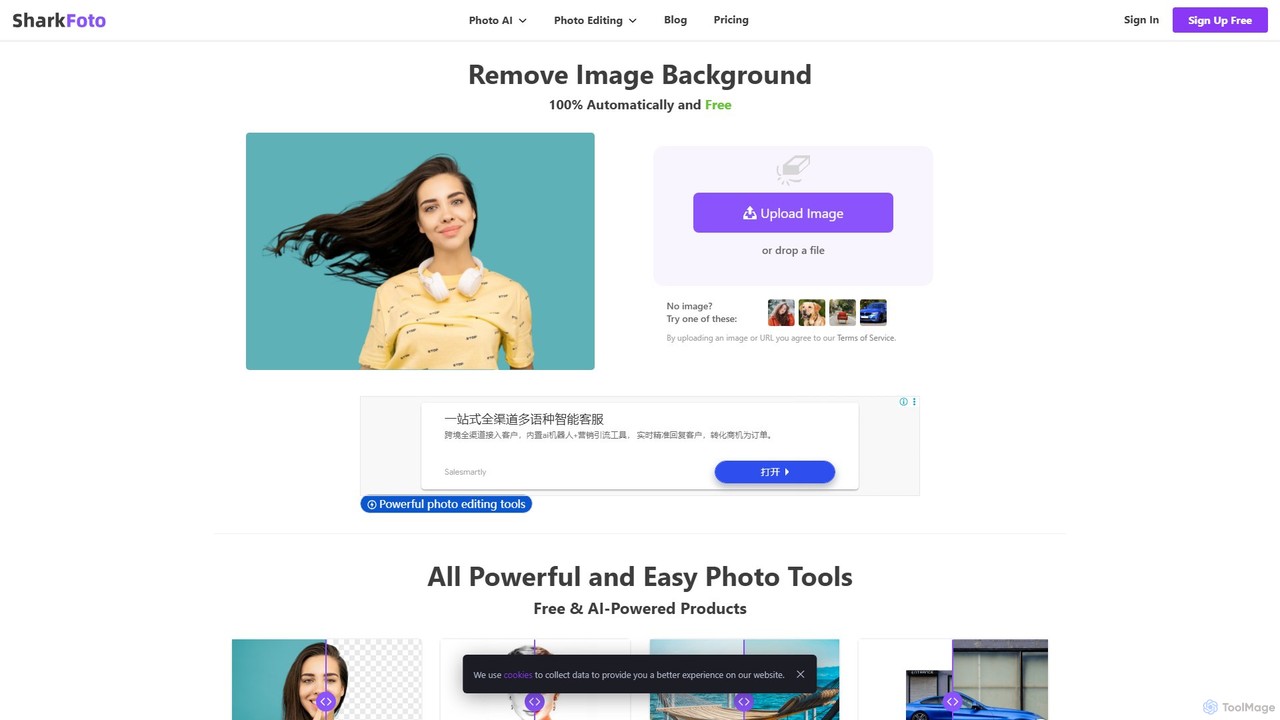
sharkfoto
sharkfoto is an all-in-one online photo editing suite powered by AI. It offers a range of tools including automatic background removal, image colorization, photo enhancement, and resolution enlargement. Additionally, it provides over 10 free standard editing tools like image conversion, compression, resizing, and a full-featured photo editor, catering to both professionals and casual users.
Background Removal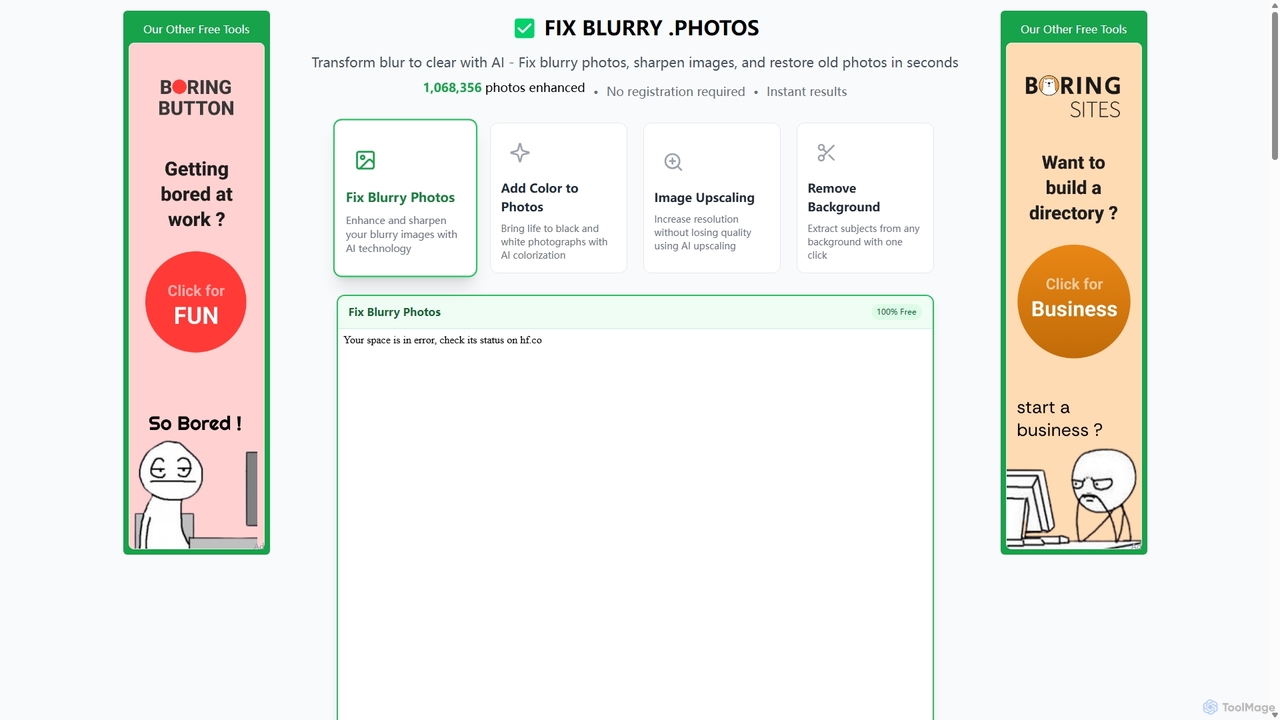
Fixblurry
fixblurry is a free, AI-powered online tool suite designed to enhance your images instantly. It specializes in unblurring and sharpening photos, restoring old or faded pictures, upscaling low-resolution images without quality loss, colorizing black-and-white photos, and removing backgrounds with a single click. No registration or software installation is required, offering professional-grade results for everyone.
Image Editing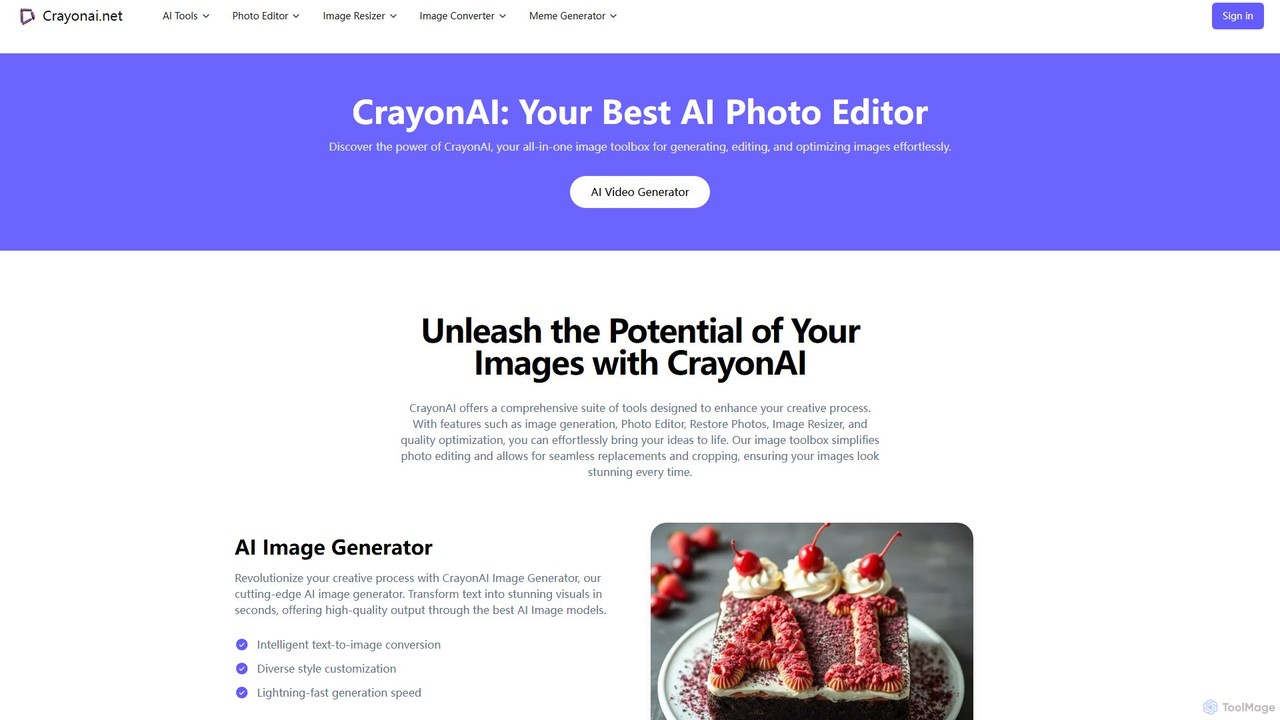
CrayonAI
CrayonAI is an all-in-one AI-powered image and video toolbox. It enables users to generate stunning visuals from text, edit photos with a comprehensive suite of tools, remove backgrounds, restore old images, create memes, and much more, all within a single, user-friendly platform.
Meme Generation
photofix
Photofix is an all-in-one AI-powered platform for photo restoration and enhancement. Effortlessly repair old, damaged photos, colorize black and white images, remove unwanted objects, and upscale resolution with just a few clicks. Ideal for photographers, families, and businesses.
3DMagic Studio
Magic Studio is an all-in-one AI-powered image editing suite designed for everyone. It allows users to effortlessly create stunning visuals, remove unwanted objects, change backgrounds, generate images from text, and enhance photo quality in seconds, no design skills required.
Product Photos
imagewith.ai Comments (0)
Sign in to comment.
Sign inNo comments yet.