

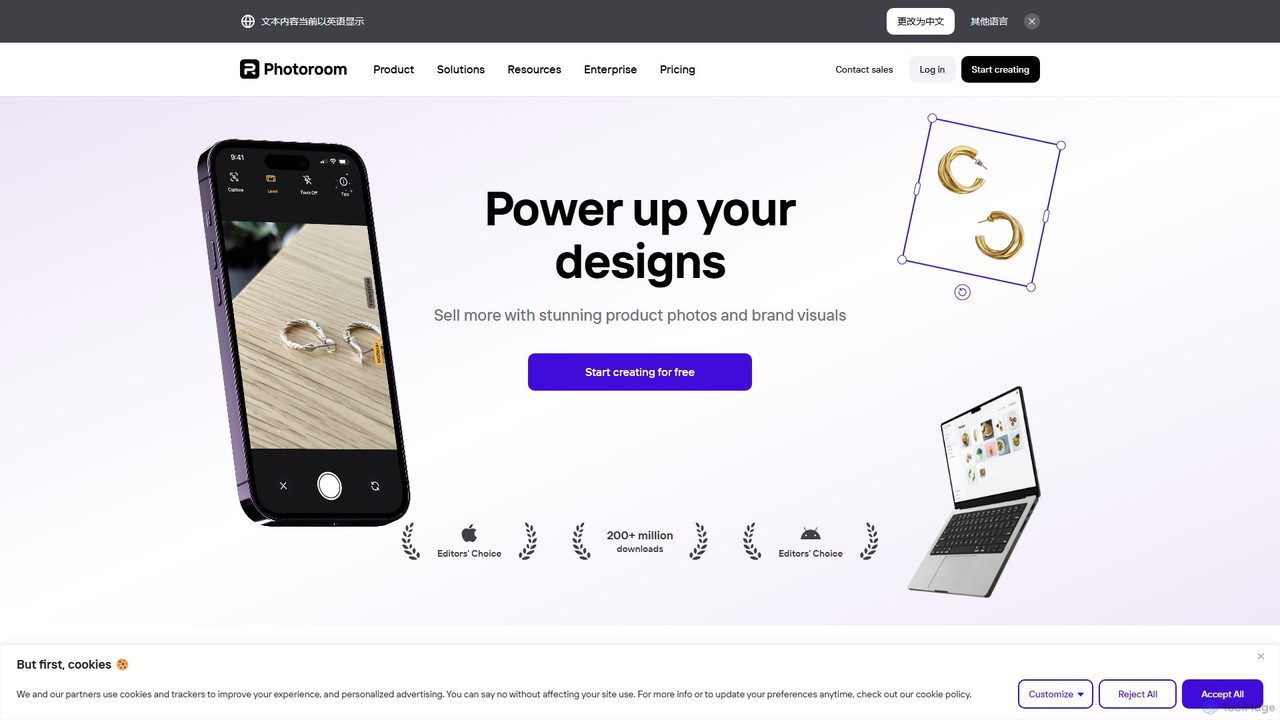
Photoroom Overview
Photoroom is an all-in-one AI photo editing suite designed to empower entrepreneurs, marketers, and creators to produce stunning, professional-quality visuals with ease. At its core, Photoroom excels at instantly and accurately removing backgrounds from any image, but its capabilities extend far beyond this single function. It serves as a comprehensive visual content creation tool, trusted by millions of users worldwide to elevate their brand and product presentation.
The platform leverages advanced artificial intelligence to automate tedious editing tasks that would traditionally require specialized software and skills. From creating clean, consistent product shots for e-commerce platforms to designing eye-catching social media posts, Photoroom provides the tools and templates needed to get the job done in a fraction of the time. It is accessible via a user-friendly web interface and dedicated mobile apps for iOS and Android, ensuring a seamless workflow across devices.
How to use Photoroom
Using Photoroom is designed to be intuitive and straightforward, even for users with no prior editing experience. The typical workflow is as follows:
- Upload Your Image: Start by uploading a photo from your device or taking a new one directly within the mobile app.
- Automatic Background Removal: The moment you upload, Photoroom's AI instantly detects the subject and removes the background with remarkable precision.
- Choose a New Scene: You are then presented with a variety of options. You can select a simple white or colored background, choose from thousands of professional templates, or use the AI Backgrounds feature to generate a unique scene from a text description.
- Refine and Edit: Utilize the Magic Studio suite to perfect your image. Use the Magic Eraser to remove unwanted objects, add realistic AI-generated shadows, or enhance the image quality. You can also add text, logos, or other graphic elements.
- Export and Share: Once you are satisfied with the result, export your image in standard or high definition. The image is now ready to be used on your website, e-commerce store, social media, or any other platform.
Core Features of Photoroom
- AI Background Remover: Instantly erases the background from photos of people, products, or objects with industry-leading accuracy.
- Magic Studio: A comprehensive suite of AI tools including:
- AI Backgrounds: Generate custom, photorealistic backgrounds simply by describing what you want.
- AI Shadows: Automatically add realistic shadows to your subject to create depth and professionalism.
- AI Retouch (Magic Eraser): Effortlessly remove unwanted objects, people, text, or blemishes from your photos.
- AI Image Upscaler & Unblur: Enhance the resolution and sharpen blurry images for a crisp, clear finish.
- Batch Editor: Save significant time by applying the same edits (like background removal or resizing) to dozens of photos simultaneously.
- Extensive Template Library: Access thousands of professionally designed templates for product listings, social media posts, profile pictures, marketing materials, and more.
- Team Collaboration: Business plans allow teams to work together in a shared workspace, ensuring brand consistency across all visuals.
- API Access: Integrate Photoroom's powerful editing capabilities directly into your own applications, websites, or workflows for automated image processing.
Use Cases for Photoroom
Photoroom is a versatile tool suitable for a wide range of applications:
- E-commerce & Marketplaces: Create clean, compliant, and high-converting product photos for platforms like Amazon, Shopify, eBay, and Etsy.
- Social Media Marketing: Design engaging posts, stories, and covers for Instagram, Facebook, TikTok, and other social channels.
- Small Business Owners: Produce professional marketing materials, from flyers to website banners, without hiring a designer.
- Portrait & Profile Pictures: Generate professional headshots for LinkedIn or creative profile pictures for social media.
- Graphic Designers & Creators: Quickly isolate subjects from their backgrounds to incorporate into larger design projects.
Advantages of Photoroom
The primary advantage of Photoroom is its ability to democratize professional photo editing. It combines power with simplicity, offering speed, accuracy, and consistency. Users can achieve studio-quality results in seconds, drastically reducing costs and time associated with traditional photoshoots and manual editing. Its cross-platform availability and team features make it a scalable solution for individuals and businesses alike.
Pricing and Plans
Photoroom operates on a freemium model, offering several tiers to meet different user needs:
- Free Plan: Ideal for casual users. Includes basic editing features, standard resolution exports, and access to a limited number of templates. Images exported on this plan will have a Photoroom watermark.
- Pro Plan: Aimed at individuals and professionals. This plan removes the watermark, unlocks all templates and AI features (like Magic Eraser and AI Backgrounds), allows for high-resolution exports, and includes the Batch Editor. It is available as a monthly or annual subscription.
- Business Plan: Designed for teams. It includes all Pro features plus multi-user access, a shared workspace for collaboration, and centralized billing.
- API Plan: A custom-priced plan for developers and businesses who want to integrate Photoroom's technology into their own products.
Traffic
Latest traffic
Status
Monthly traffic trend
- 2025-9: 18.1M
- 2026-1: 19.4M
- 2026-2: 18.8M
- 2026-3: 20.4M
- 2026-4: 19.9M
- 2026-5: 19.5M
Geography
Top 5 countries / regions
- 🇮🇳India32.0%
- 🇷🇺Russia19.3%
- 🇧🇷Brazil18.5%
- 🇺🇸United States16.2%
- 🇮🇩Indonesia13.9%
Traffic sources
| Source type | Percentage |
|---|---|
Direct | 91.0% |
Referral | 7.3% |
Email | 1.7% |
Top keywords
| Keyword | Cost per click |
|---|---|
| background remover | $0.35 |
| photoroom | $0.30 |
| quitar fondo | $0.19 |
| remove background | $0.28 |
| remove bg | $0.28 |
Photoroom Videos on YouTube

Photoroom

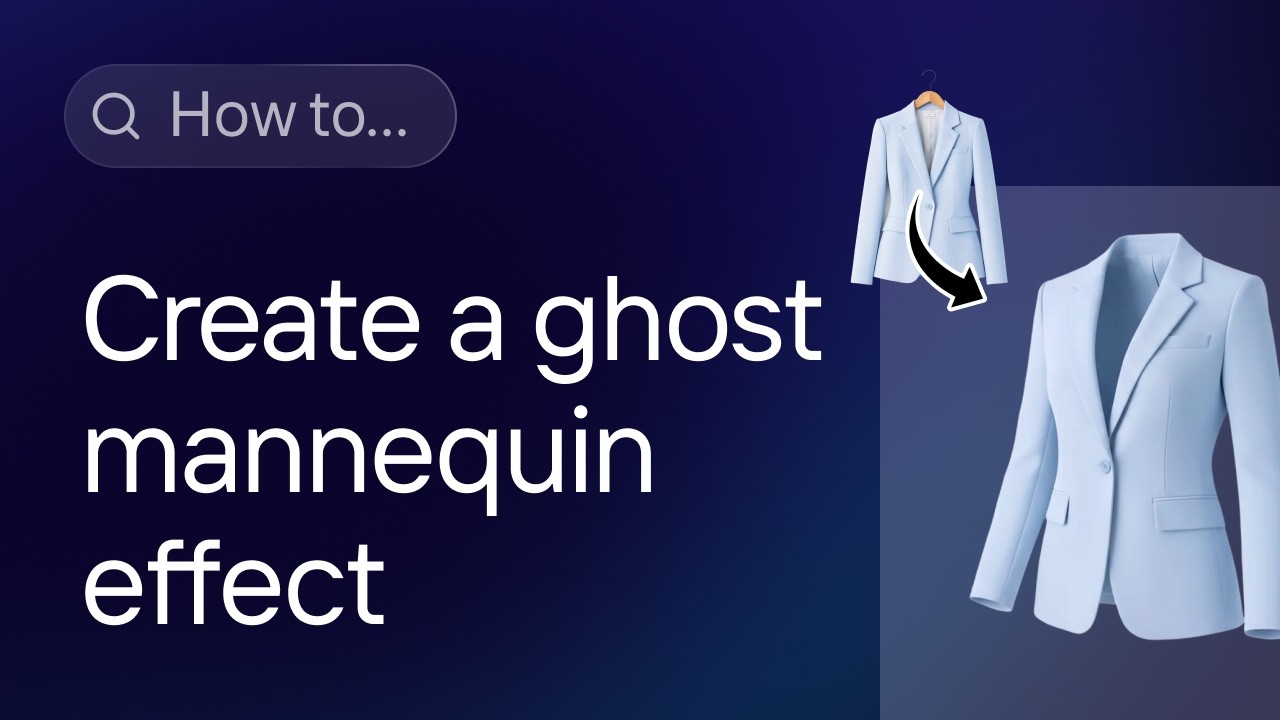
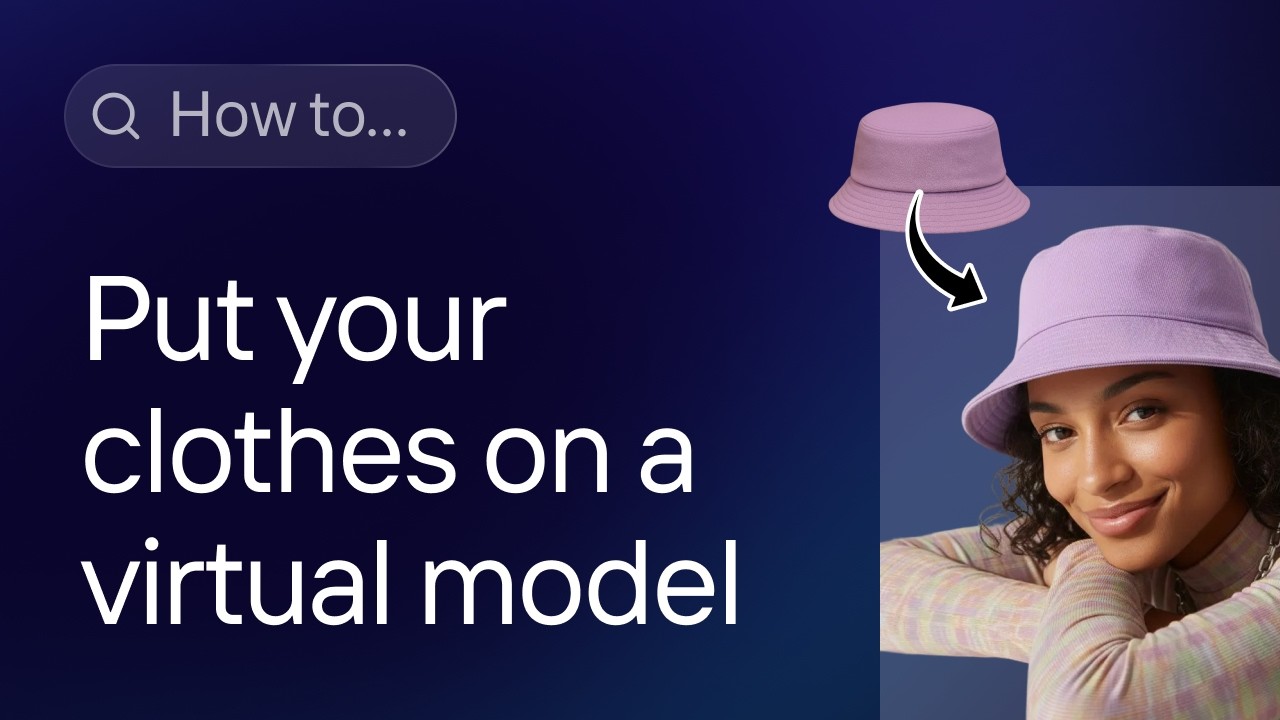


Dan - Smart Tutorials


Photoroom Alternatives

PxBee
PxBee is a free, AI-powered photo editor designed to create stunning visuals effortlessly. It specializes in one-click background removal, AI background generation, and photo enhancement. Users can easily change backgrounds, fix blurry images, upscale resolution, and generate realistic scenes, making it ideal for e-commerce, marketing, and creative projects.
Product Photos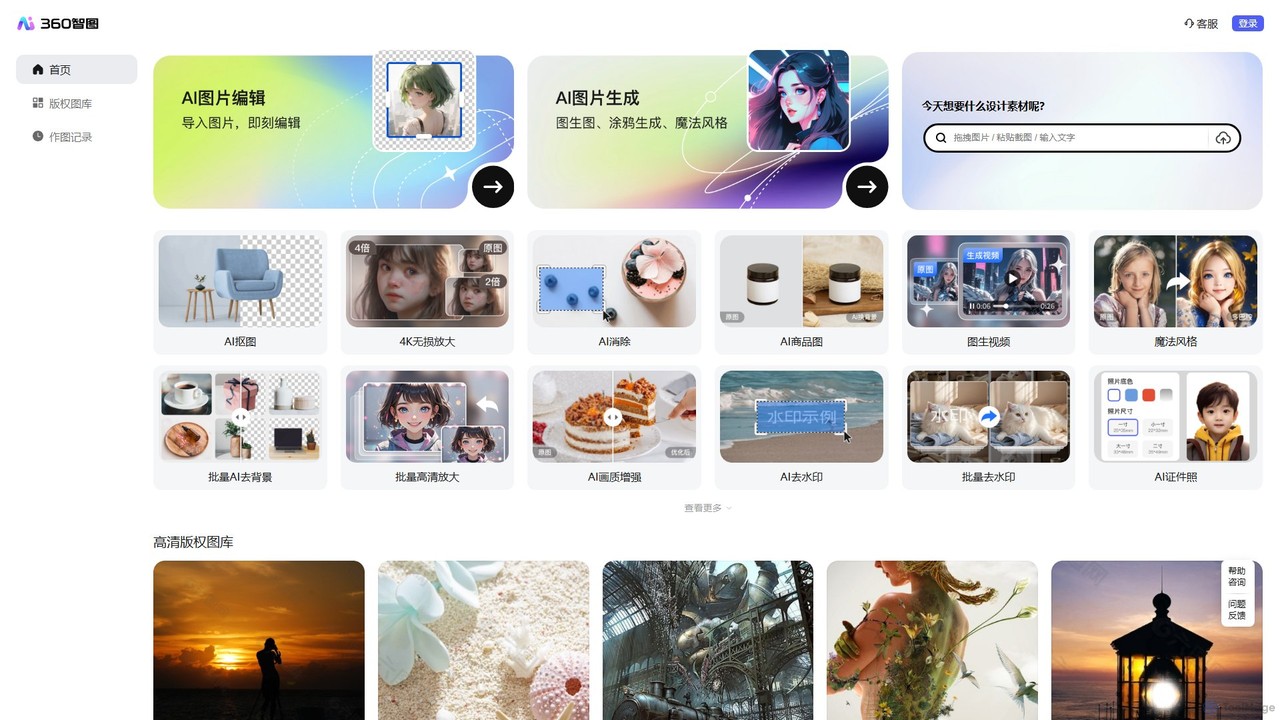
360 Zhitou
360 Zhitou is a comprehensive AI-powered image creation and editing platform. It offers a suite of tools including AI background removal, 4K image upscaling, object and watermark removal, AI-generated product photos, image-to-video conversion, and artistic style transfer. It's designed for e-commerce, marketing, and design professionals.
Generative Art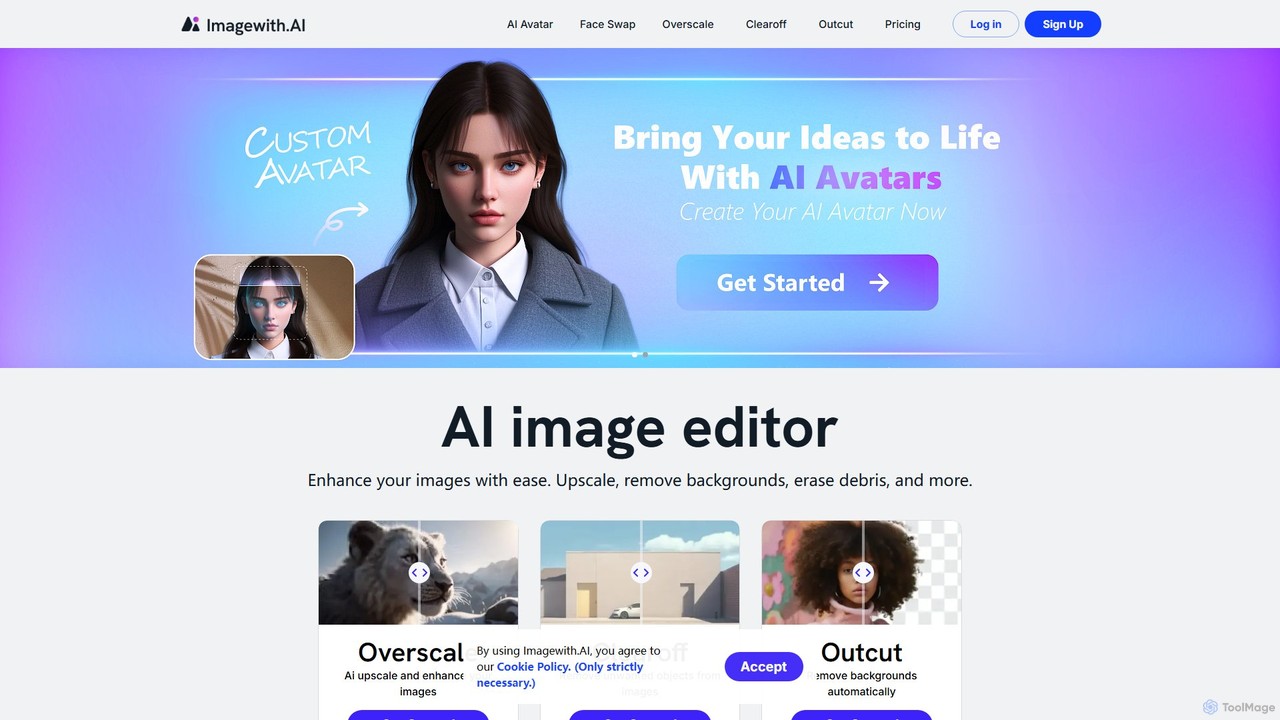
imagewith.ai
imagewith.ai is an AI-powered online image editing suite designed to simplify complex photo editing tasks. It offers a set of powerful tools including an image upscaler (Overscale), a background remover (Outcut), and an object remover (Clearoff). This platform enables users of all skill levels, from amateur photographers to e-commerce professionals, to enhance, clean, and perfect their images with just a few clicks, boosting efficiency and creativity without the need for complex software.
Product Photos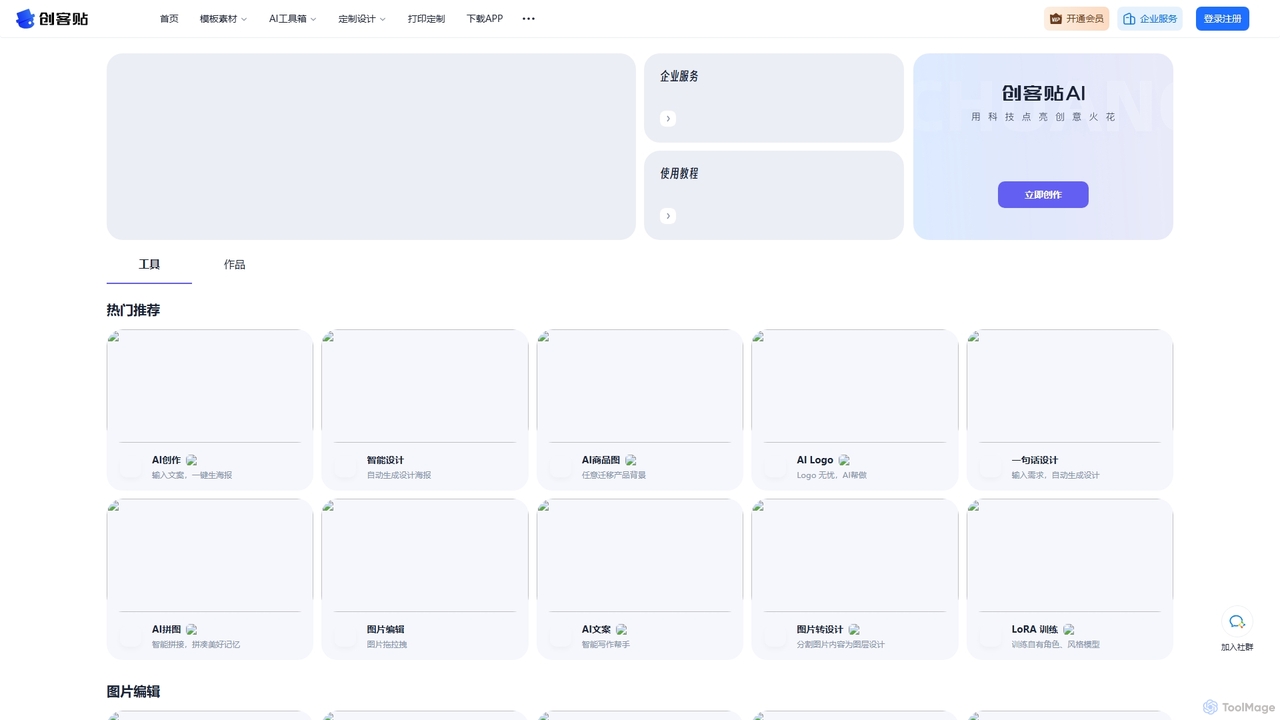
Chuangkit AI
Chuangkit AI is an all-in-one intelligent design platform that leverages AI to automate creative workflows. It enables users to generate posters, product photos, logos, and social media content from simple text prompts, and offers a comprehensive suite of AI-powered image editing tools.
Graphic Design
Snapied
Snapied is an intuitive, AI-powered online graphic design platform that enables users to create professional visual content without any design skills. It features a drag-and-drop editor, one-click background removal, an AI image generator, and extensive templates. Ideal for marketers, small businesses, and content creators looking to streamline their design workflow and maintain brand consistency.
Graphic DesignPhotoroom Categories
Photoroom Embed Widget
Copy this embed code to place the badge on your blog, article, or product site and send readers directly to this ToolMage detail page.

Related AI tools
PxBee
PxBee is a free, AI-powered photo editor designed to create stunning visuals effortlessly. It specializes in one-click background removal, AI background generation, and photo enhancement. Users can easily change backgrounds, fix blurry images, upscale resolution, and generate realistic scenes, making it ideal for e-commerce, marketing, and creative projects.
Product Photos
Phot.AI
Phot.AI is an AI-powered visual content creation platform designed for e-commerce, marketers, and businesses. It offers a suite of over 40 tools to automate photo editing, generate high-converting ads, create professional product photos, and scale visual content production effortlessly. From background removal to AI art generation, Phot.AI helps users save time and boost sales with studio-quality visuals.
3D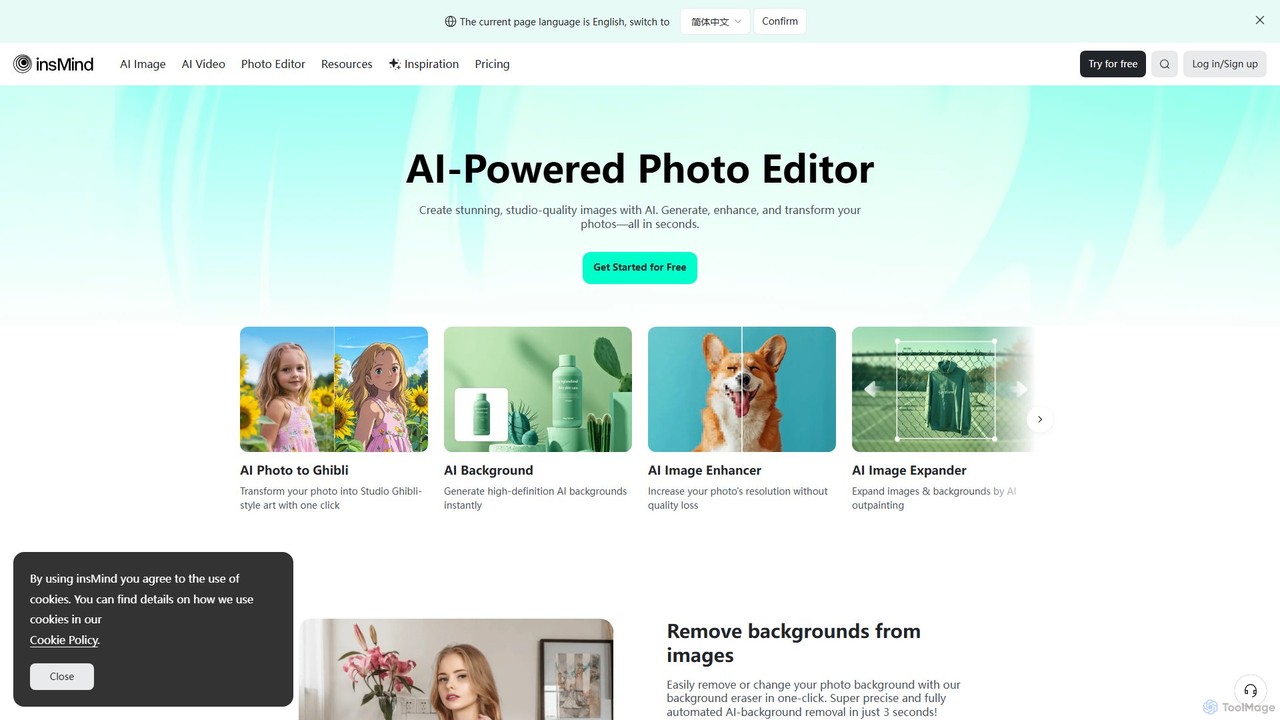
insmind
insmind is an AI-powered photo editor designed for e-commerce and marketing. It offers a comprehensive suite of tools to instantly remove backgrounds, generate realistic scenes, enhance image quality, erase unwanted objects, and create professional product photos, social media posts, and headshots in seconds. It's built to be user-friendly for both beginners and professionals, streamlining the entire image creation workflow.
3D
Pokecut
A powerful, free AI photo editor and image generator. Pokecut offers a suite of tools including background removal, photo enhancement, magic eraser, and AI image generation powered by advanced models like Stable Diffusion. It's designed for everyone from casual users to e-commerce sellers and professional designers, available on web, iOS, and Android.
Image Editing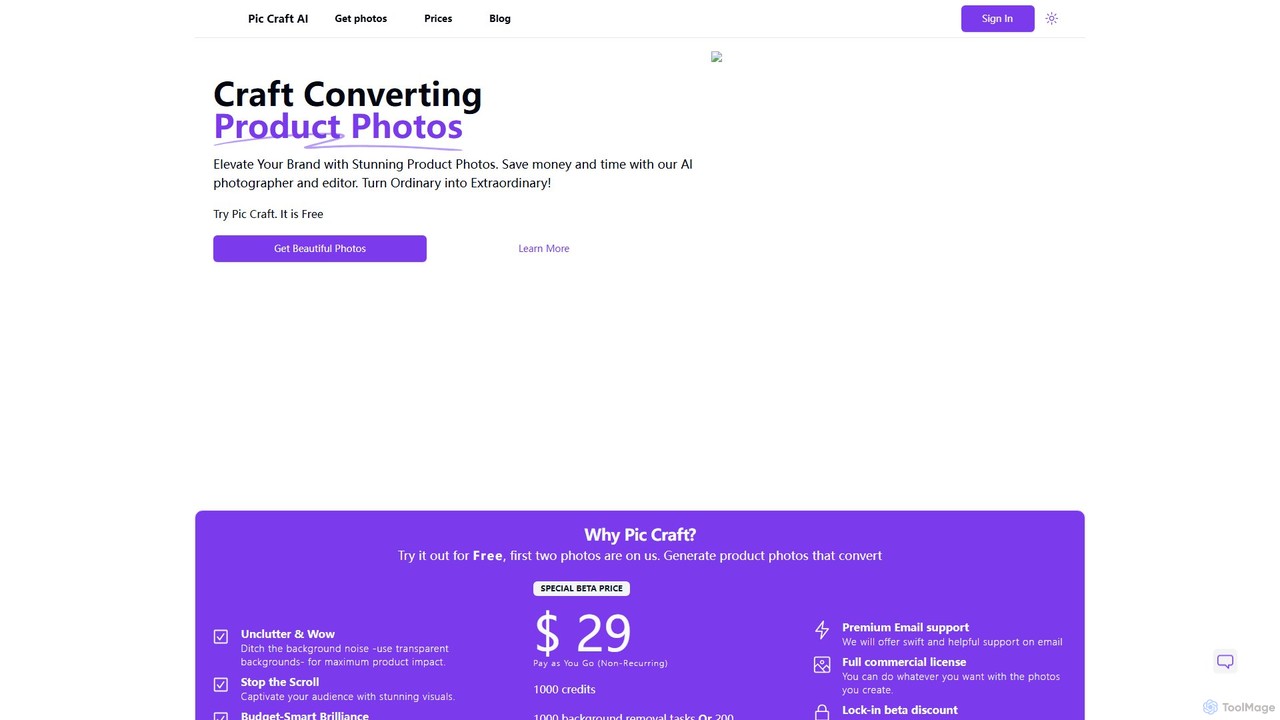
PicCraftAI
PicCraftAI is an AI-powered photographer and editor designed to create stunning, high-converting product photos. It allows users to instantly remove backgrounds or generate unique, AI-crafted scenes for their products. Ideal for e-commerce businesses, marketers, and content creators, it saves significant time and money compared to traditional photoshoots, helping brands elevate their visual presence and captivate audiences.
3D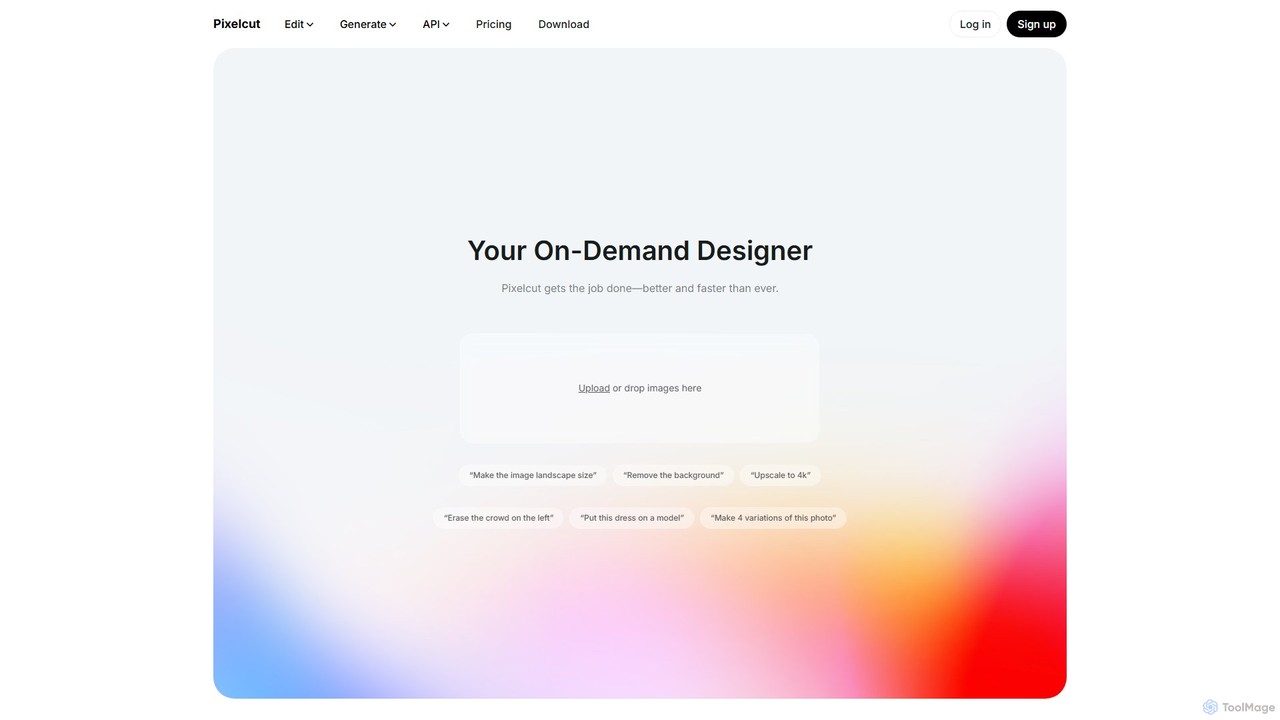
Pixelcut
Pixelcut is an all-in-one AI-powered creative suite for photo and video editing. It enables users to instantly remove backgrounds, upscale images to 4K, erase objects, generate images and videos from text prompts, and collaborate with teams. It's designed for creators, brands, and businesses to produce professional-quality content quickly and easily.
Image Editing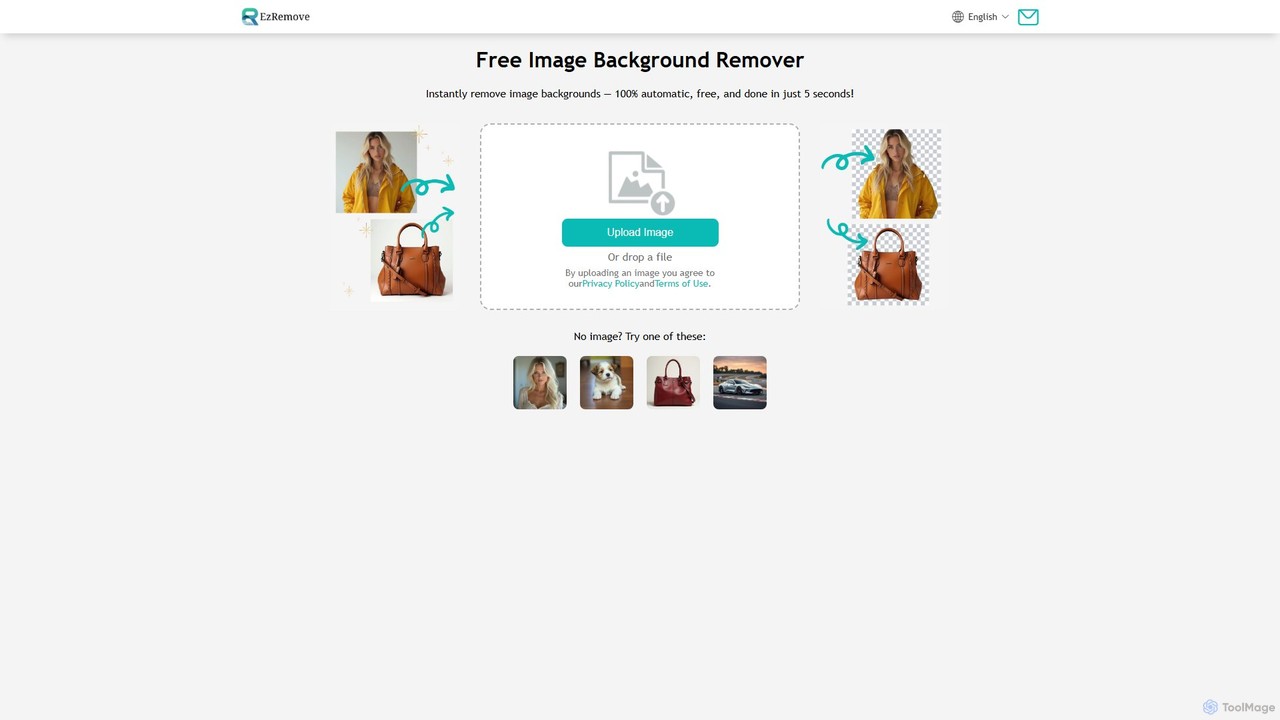
ezremove
ezremove is a free, AI-powered image background remover that automatically creates transparent backgrounds in just 5 seconds. Ideal for e-commerce, graphic design, and social media, it supports batch processing, basic editing, and various image formats. No software or technical skills required—simply upload your image and download a high-quality, clean PNG file instantly.
Image Editing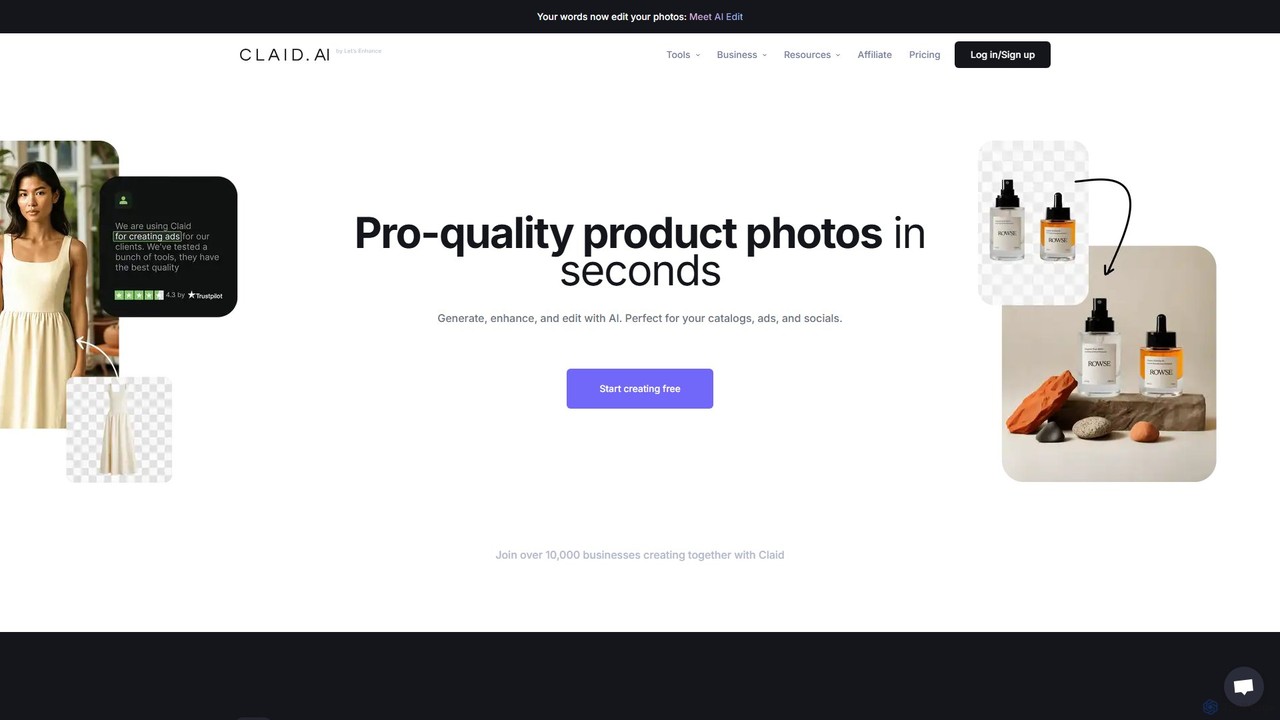
Claid.ai
Claid.ai is an all-in-one AI product photography suite designed for e-commerce and marketing. It allows users to generate, enhance, and edit professional-quality product photos in seconds. Key features include AI background generation, AI fashion models, image upscaling, and automated editing workflows, helping businesses improve conversions and streamline content creation without needing technical skills.
3D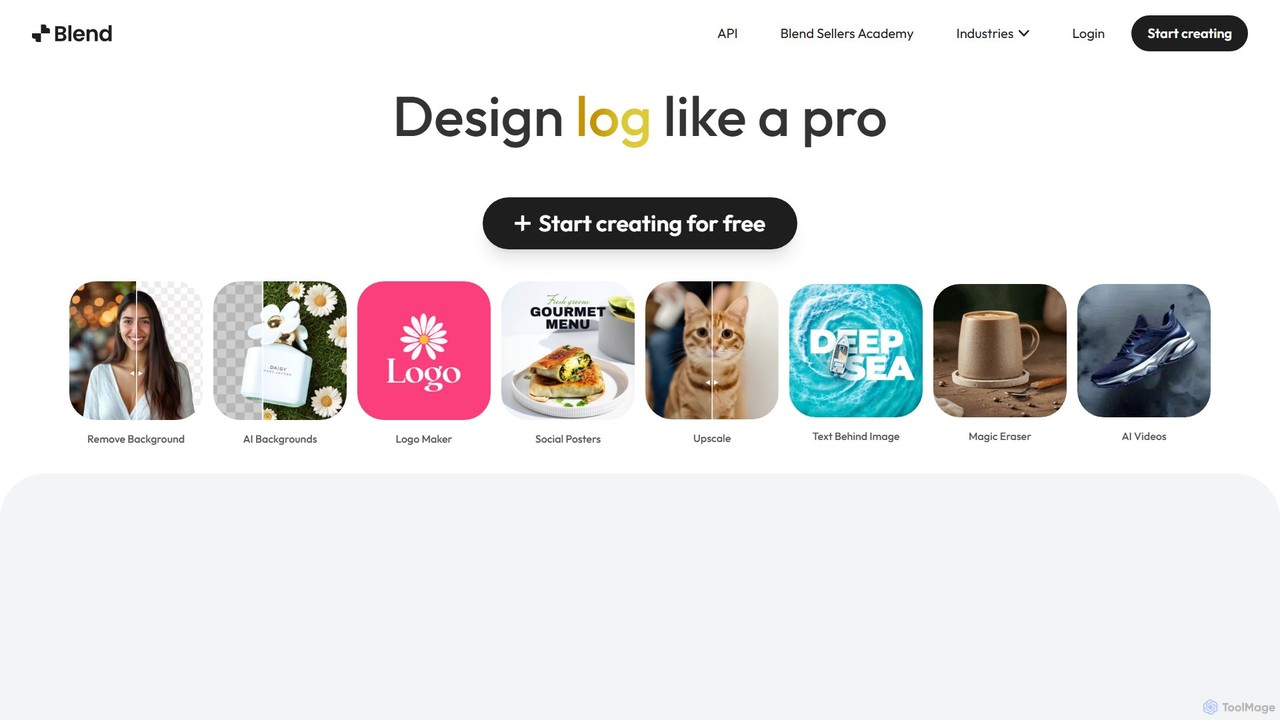
Blend
Blend is an AI-powered visual design platform for e-commerce, offering tools like an instant background remover, AI photoshoot generator, and logo maker. It helps businesses create professional product photos, social media content, and brand assets in seconds, eliminating the need for expensive photoshoots and complex software.
Logo Generation
Hypic
Hypic is a powerful, all-in-one AI photo editing app for both beginners and professionals. It offers a wide range of AI-powered features, including one-tap portrait retouching, object removal, background replacement, and creative filters. Elevate your photos for social media, personal use, or e-commerce with professional-grade tools made simple and accessible on your mobile device.
Image Generation
Eightcube
Eightcube is an AI-powered platform for creating professional-grade product photography and visual content in seconds. It enables e-commerce brands to generate hyper-realistic scenes, consistent AI models, and high-converting ads without expensive photoshoots, saving time and costs while boosting engagement.
Product Photos
CleanerPro
CleanerPro is an AI-powered image editor app for Shopify, designed to effortlessly enhance your product photos. It allows you to remove unwanted objects, people, and text, erase backgrounds, upscale image resolution, and compress file sizes in seconds, ensuring your store's visuals are professional and load quickly.
Product Image Editing
Fotoai.ai
Fotoai.ai is a powerful AI-powered tool for instant, automatic background removal. It allows users to create transparent backgrounds (PNGs), add new backgrounds, and remove unwanted objects with text prompts or a magic eraser. Designed for e-commerce, marketing, and design, it supports batch processing to streamline workflows. It's a fast, free, and user-friendly solution for professional-quality image editing without any technical skills.
Product Photos
PicWish
PicWish is an all-in-one AI-powered photo editing suite designed to simplify complex image processing. It offers a wide range of free and pro tools, including background removal, photo enhancement, object removal, and AI background generation. Available online and as a dedicated app, PicWish empowers e-commerce sellers, designers, and content creators to produce professional-quality visuals effortlessly, without needing advanced technical skills.
Image Generation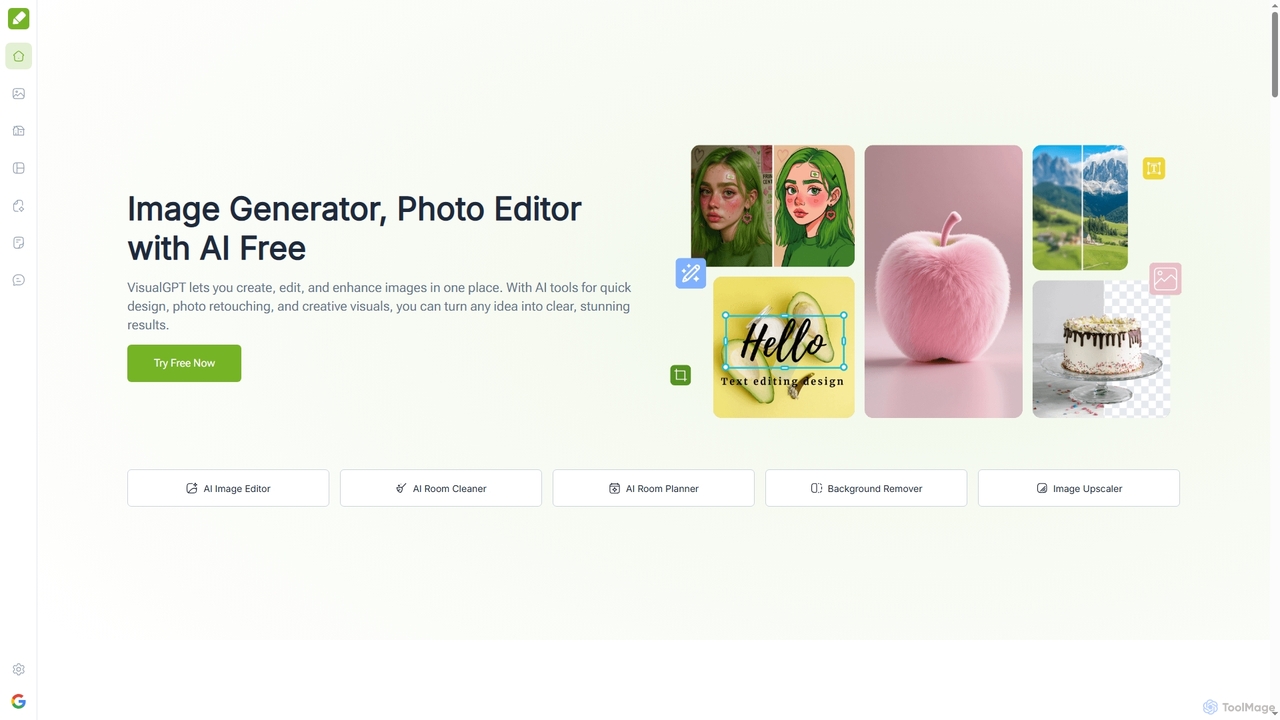
VisualGPT
VisualGPT is an all-in-one online AI platform for generating, editing, and enhancing images. It offers tools like AI image editing, background removal, room planning, and visualization, powered by advanced models like Nano Banana and Stable Diffusion. Designed for ease of use, it helps users create stunning visuals quickly without complex software or design skills.
Graphic Design
Photoroom Comments (0)
Sign in to comment.
Sign inNo comments yet.