


photorush Overview
Photorush is a revolutionary AI-powered photo editing platform designed to streamline and automate the image creation process for professionals and enthusiasts alike. In a world where visual content is paramount, Photorush provides a suite of powerful, fast, and intuitive tools that eliminate the need for complex and time-consuming manual editing. Whether you're an e-commerce store owner needing clean product shots, a marketer crafting engaging social media campaigns, or a photographer looking to speed up your workflow, Photorush is your all-in-one solution for stunning visuals with minimal effort.
The platform is built on advanced artificial intelligence algorithms that understand the context and elements within your photos. This allows it to perform intricate tasks with incredible accuracy, from isolating a subject from a cluttered background to intelligently retouching imperfections, all in a matter of seconds. Photorush democratizes professional photo editing, making high-end results accessible to everyone, regardless of their technical skill level.
How to use photorush
The user experience is designed to be incredibly straightforward and efficient. The typical workflow involves just a few simple steps:
- Upload Your Image: Simply drag and drop your photo or an entire batch of photos onto the web-based interface. The platform supports various formats like JPG, PNG, and WebP.
- Select an AI Tool: Choose your desired function from the clean and organized dashboard. Options include 'Background Remover,' 'Object Eraser,' 'AI Enhancer,' or 'Image Upscaler.'
- Let AI Do the Work: The AI processes your image instantly. For example, clicking 'Background Remover' will automatically detect the main subject and provide a precise cutout with a transparent background.
- Fine-Tune (Optional): For most tasks, the AI's result is perfect. However, you can make minor adjustments with easy-to-use tools like restore/erase brushes if needed.
- Download: Download your edited image in high resolution. For batch processing, you can download all edited images in a single ZIP file, saving you valuable time.
Core Features of photorush
- AI Background Remover: Instantly and accurately removes the background from any photo, perfect for creating product listings, portraits, and graphic design assets. Supports batch processing for e-commerce catalogs.
- AI Object Eraser: Seamlessly remove unwanted objects, people, text, or blemishes from your photos. The AI intelligently fills the background for a natural, clean look.
- One-Click AI Enhancer: Automatically adjusts color, lighting, contrast, and clarity to transform a dull photo into a vibrant, professional-looking image with a single click.
- AI Image Upscaler: Enlarge low-resolution images by up to 400% without losing quality. Ideal for restoring old photos, preparing images for print, or enhancing user-generated content.
- Batch Processing: Apply any edit—background removal, enhancement, or resizing—to hundreds of images simultaneously, drastically improving workflow efficiency for large projects.
- Smart Resizer: Quickly resize images for any social media platform or custom dimension with pre-set templates for Instagram, Facebook, Twitter, and more.
Use Cases for photorush
E-commerce: Create clean, consistent product images with white or transparent backgrounds to meet marketplace requirements (like Amazon and Shopify) and increase conversion rates.
Marketing & Advertising: Quickly design compelling ad creatives, social media posts, and website banners by easily isolating subjects and placing them in new contexts.
Photography: Speed up the post-production workflow by batch-enhancing event photos, performing quick touch-ups, and preparing images for client delivery.
Real Estate: Enhance property photos by removing clutter, improving lighting, and correcting colors to make listings more attractive to potential buyers.
Personal Use: Improve personal photos, restore old family pictures, or create fun profile pictures and social media content with ease.
Advantages of photorush
Unmatched Speed: Reduces editing time from minutes or hours to mere seconds, freeing up users to focus on creative aspects.
Accessibility: No steep learning curve. The intuitive interface makes it easy for anyone to achieve professional results without prior experience in software like Photoshop.
Cost-Effective: Provides access to powerful editing tools at a fraction of the cost of traditional software licenses or hiring a professional editor.
Consistent Quality: AI ensures a high standard of quality and consistency across all edits, which is especially crucial for branding and product catalogs.
Pricing and Plans
Photorush operates on a freemium model, offering a plan for every need.
- Free Plan: Perfect for casual users. Includes a limited number of free credits per month to test all core features.
- Pro Plan: Designed for individuals and small businesses. Offers a generous monthly credit allowance, access to all features, batch processing, and high-resolution downloads for a fixed monthly or annual fee.
- Business & API Plan: A scalable solution for large teams and developers. Includes unlimited credits, dedicated support, team collaboration features, and API access to integrate Photorush's capabilities into your own applications and workflows.
photorush Alternatives
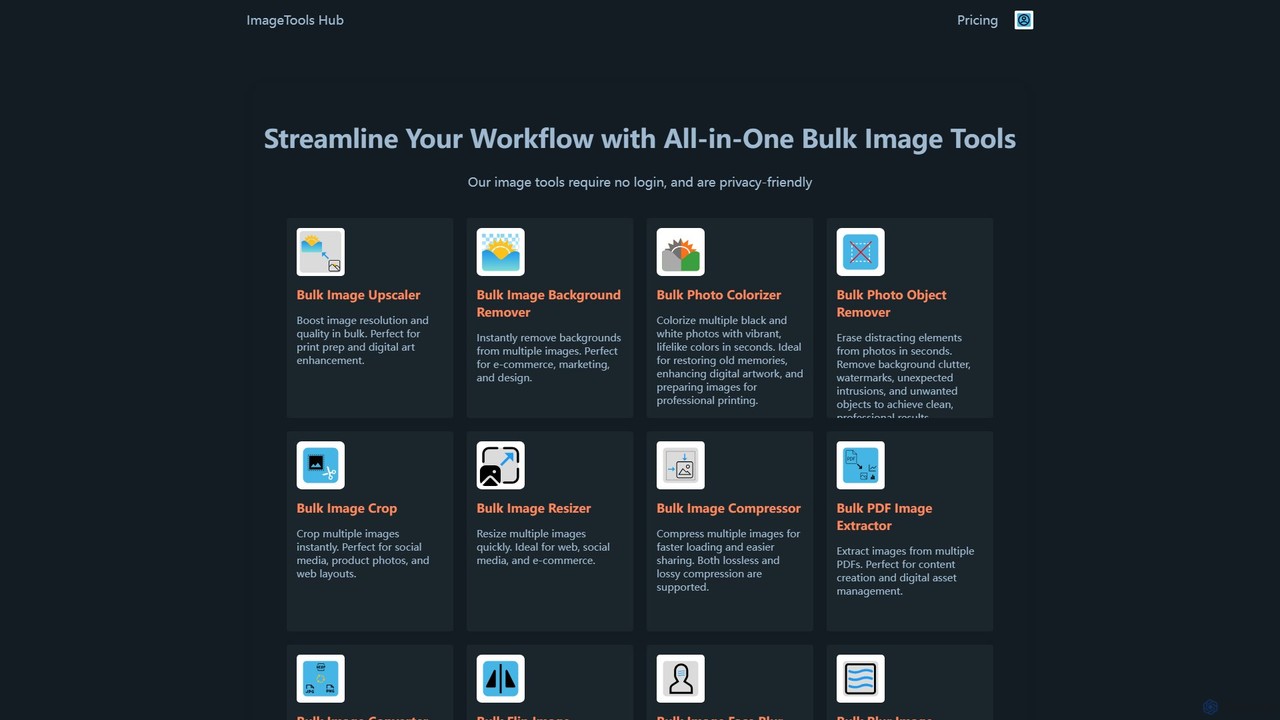
ImageToolsHub
ImageToolsHub is an all-in-one, privacy-focused suite of online image editing tools designed for efficiency. It offers powerful bulk processing capabilities, including AI-powered background removal, image upscaling, photo colorization, and object removal. With no login required for many tools and a strong emphasis on browser-based processing, it provides a fast, secure, and convenient solution for professionals in e-commerce, marketing, and web development to streamline their image workflows.
Graphics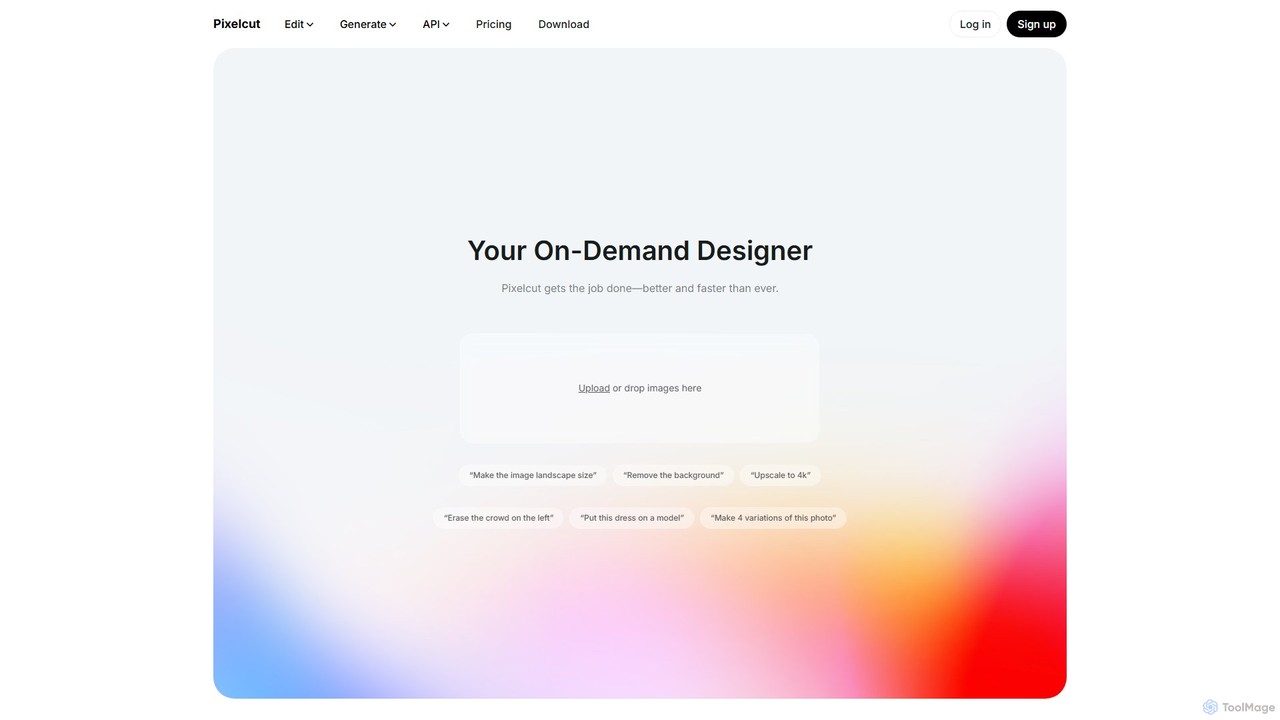
Pixelcut
Pixelcut is an all-in-one AI-powered creative suite for photo and video editing. It enables users to instantly remove backgrounds, upscale images to 4K, erase objects, generate images and videos from text prompts, and collaborate with teams. It's designed for creators, brands, and businesses to produce professional-quality content quickly and easily.
Image Editing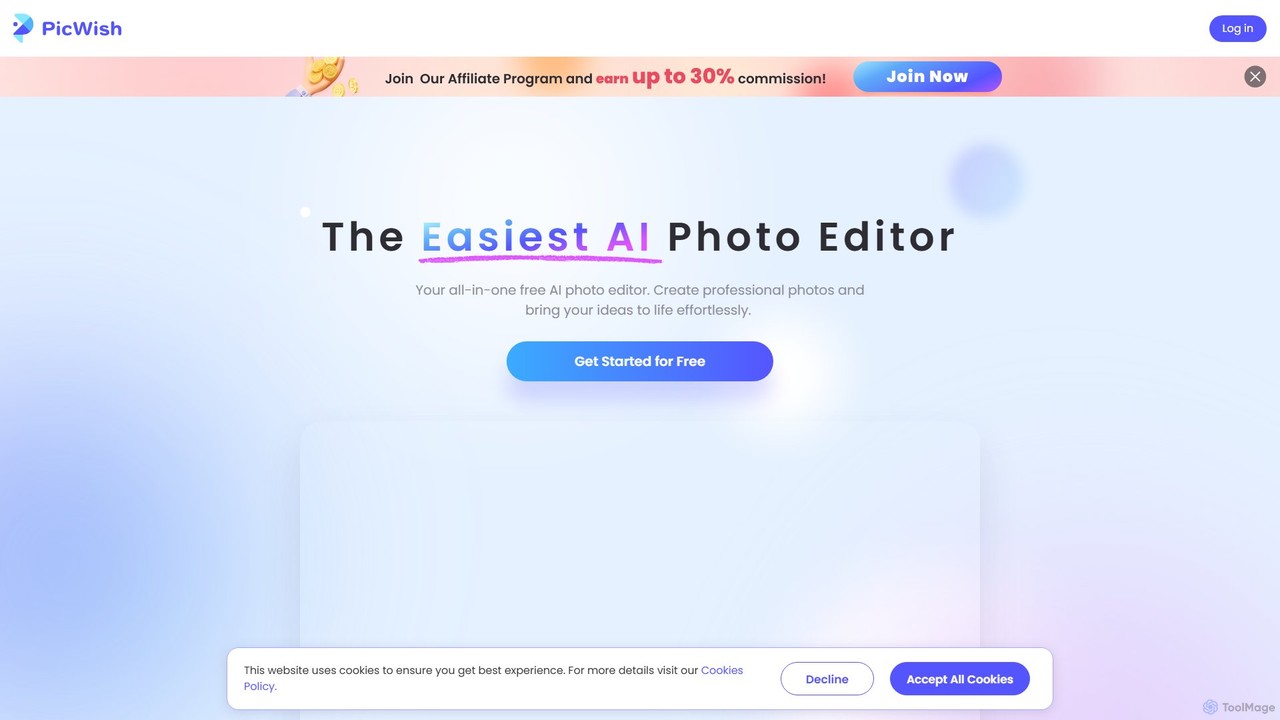
PicWish
PicWish is an all-in-one AI-powered photo editing suite designed to simplify complex image processing. It offers a wide range of free and pro tools, including background removal, photo enhancement, object removal, and AI background generation. Available online and as a dedicated app, PicWish empowers e-commerce sellers, designers, and content creators to produce professional-quality visuals effortlessly, without needing advanced technical skills.
Image Generation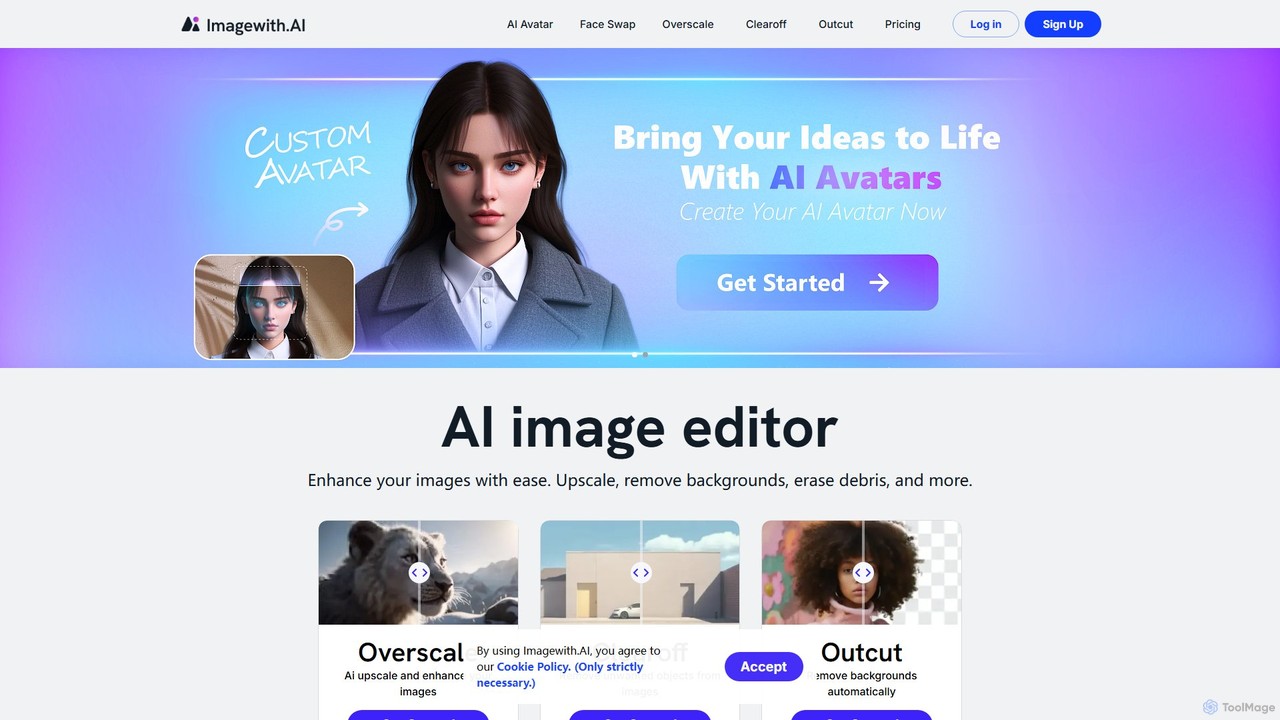
imagewith.ai
imagewith.ai is an AI-powered online image editing suite designed to simplify complex photo editing tasks. It offers a set of powerful tools including an image upscaler (Overscale), a background remover (Outcut), and an object remover (Clearoff). This platform enables users of all skill levels, from amateur photographers to e-commerce professionals, to enhance, clean, and perfect their images with just a few clicks, boosting efficiency and creativity without the need for complex software.
Product Photos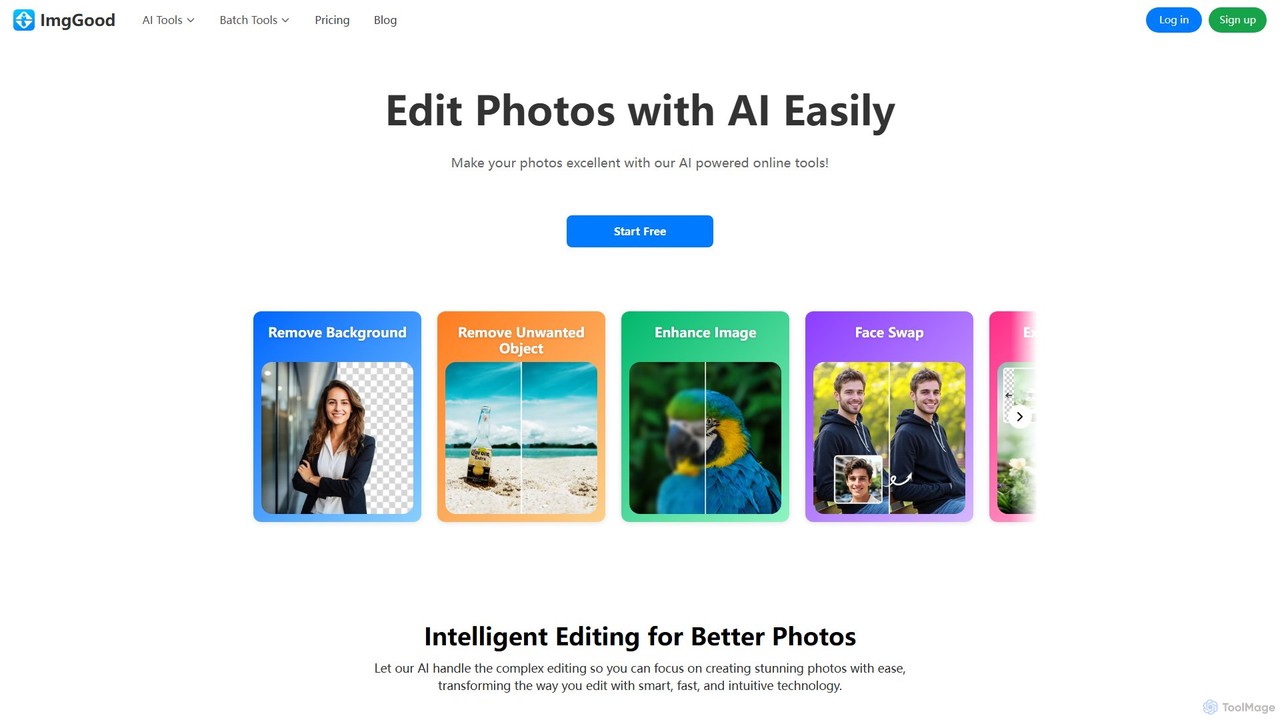
imggood
imggood is a comprehensive AI-powered online photo editor that simplifies complex editing tasks. It offers a suite of tools including a one-click background remover, object remover, image enhancer, photo colorizer, and AI image generator. Designed for both professionals and casual users, it makes creating high-quality, stunning photos fast and effortless, directly from your browser.
Image Generationphotorush Categories
photorush Embed Widget
Copy this embed code to place the badge on your blog, article, or product site and send readers directly to this ToolMage detail page.

Related AI tools
Pixelcut
Pixelcut is an all-in-one AI-powered creative suite for photo and video editing. It enables users to instantly remove backgrounds, upscale images to 4K, erase objects, generate images and videos from text prompts, and collaborate with teams. It's designed for creators, brands, and businesses to produce professional-quality content quickly and easily.
Image EditingPicWish
PicWish is an all-in-one AI-powered photo editing suite designed to simplify complex image processing. It offers a wide range of free and pro tools, including background removal, photo enhancement, object removal, and AI background generation. Available online and as a dedicated app, PicWish empowers e-commerce sellers, designers, and content creators to produce professional-quality visuals effortlessly, without needing advanced technical skills.
Image Generationimagewith.ai
imagewith.ai is an AI-powered online image editing suite designed to simplify complex photo editing tasks. It offers a set of powerful tools including an image upscaler (Overscale), a background remover (Outcut), and an object remover (Clearoff). This platform enables users of all skill levels, from amateur photographers to e-commerce professionals, to enhance, clean, and perfect their images with just a few clicks, boosting efficiency and creativity without the need for complex software.
Product Photosimggood
imggood is a comprehensive AI-powered online photo editor that simplifies complex editing tasks. It offers a suite of tools including a one-click background remover, object remover, image enhancer, photo colorizer, and AI image generator. Designed for both professionals and casual users, it makes creating high-quality, stunning photos fast and effortless, directly from your browser.
Image Generation
pictureperfect.ai
PicturePerfect.ai is an AI-powered image enhancement and editing suite designed to help users create flawless, professional-quality photos effortlessly. It offers a range of tools, including one-click retouching, image upscaling, object removal, and background editing, making it ideal for photographers, marketers, and content creators.
Image Editing
PhotoGrid
PhotoGrid is an all-in-one online collage maker and AI photo editor. It offers over 20,000 templates and a suite of powerful AI tools to create stunning photo collages, remove backgrounds, enhance image quality, and apply creative filters, making professional photo editing accessible to everyone.
Collage Maker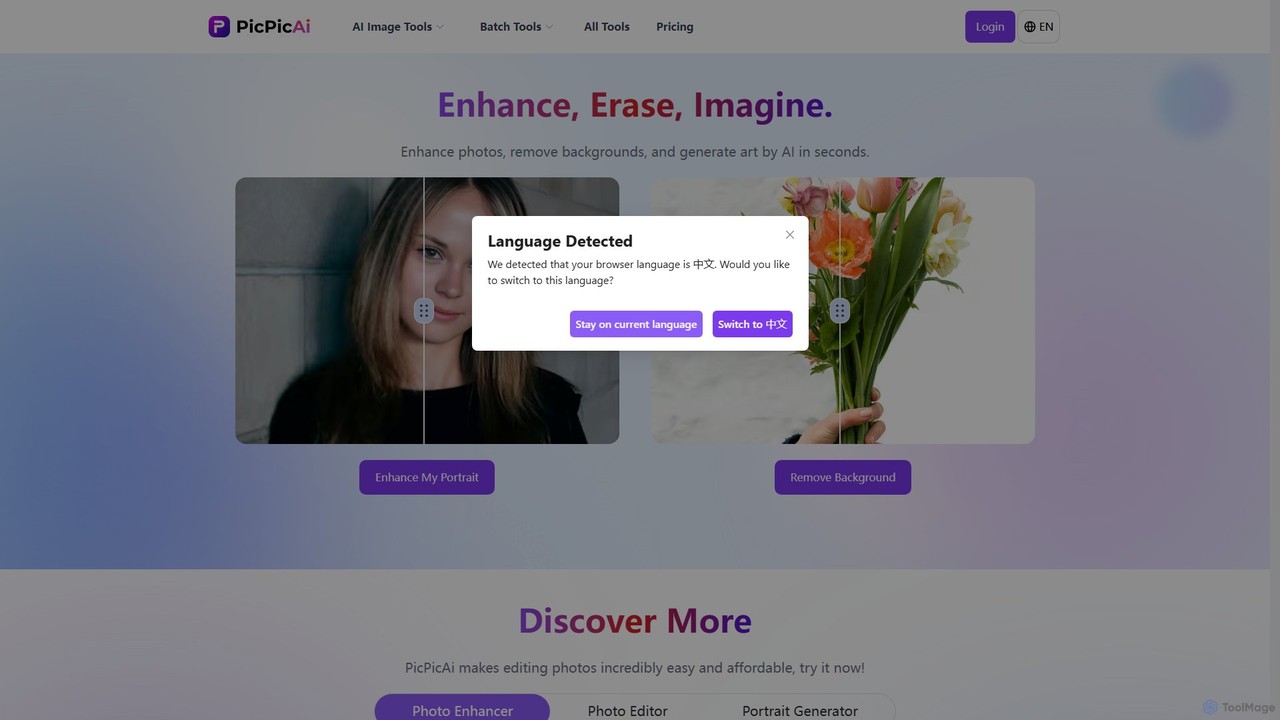
PicPicAI
PicPicAI is an all-in-one AI-powered photo editing suite designed for ease of use and professional results. It offers a wide range of tools, including photo enhancement, background and object removal, AI art generation, portrait retouching, and old photo restoration. Ideal for marketers, e-commerce sellers, and content creators.
Image Generation
SnapEdit
SnapEdit is an AI-powered online photo editor designed to simplify complex editing tasks. With one-click tools, it allows users to effortlessly remove unwanted objects, people, text, and backgrounds from images, enhance photo quality, and retouch portraits without needing professional skills.
3D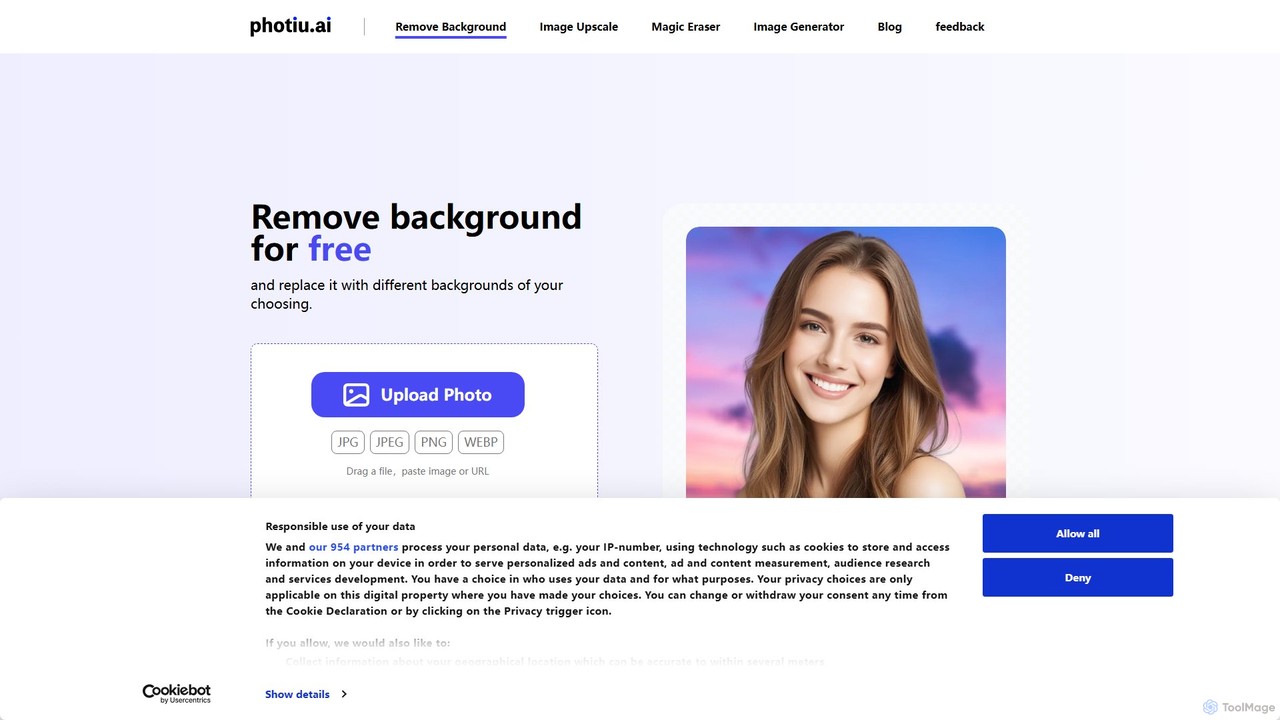
Photiu.ai
Photiu.ai is an AI-powered online image editing suite designed to simplify complex photo manipulation tasks. It offers a set of powerful tools, including a precise background remover, an intelligent object eraser for cleaning up images, and a high-quality image upscaler. This platform is perfect for e-commerce store owners, marketers, photographers, and social media creators who need professional-looking images quickly and without the need for advanced software skills.
3D
PxBee
PxBee is a free, AI-powered photo editor designed to create stunning visuals effortlessly. It specializes in one-click background removal, AI background generation, and photo enhancement. Users can easily change backgrounds, fix blurry images, upscale resolution, and generate realistic scenes, making it ideal for e-commerce, marketing, and creative projects.
Product Photos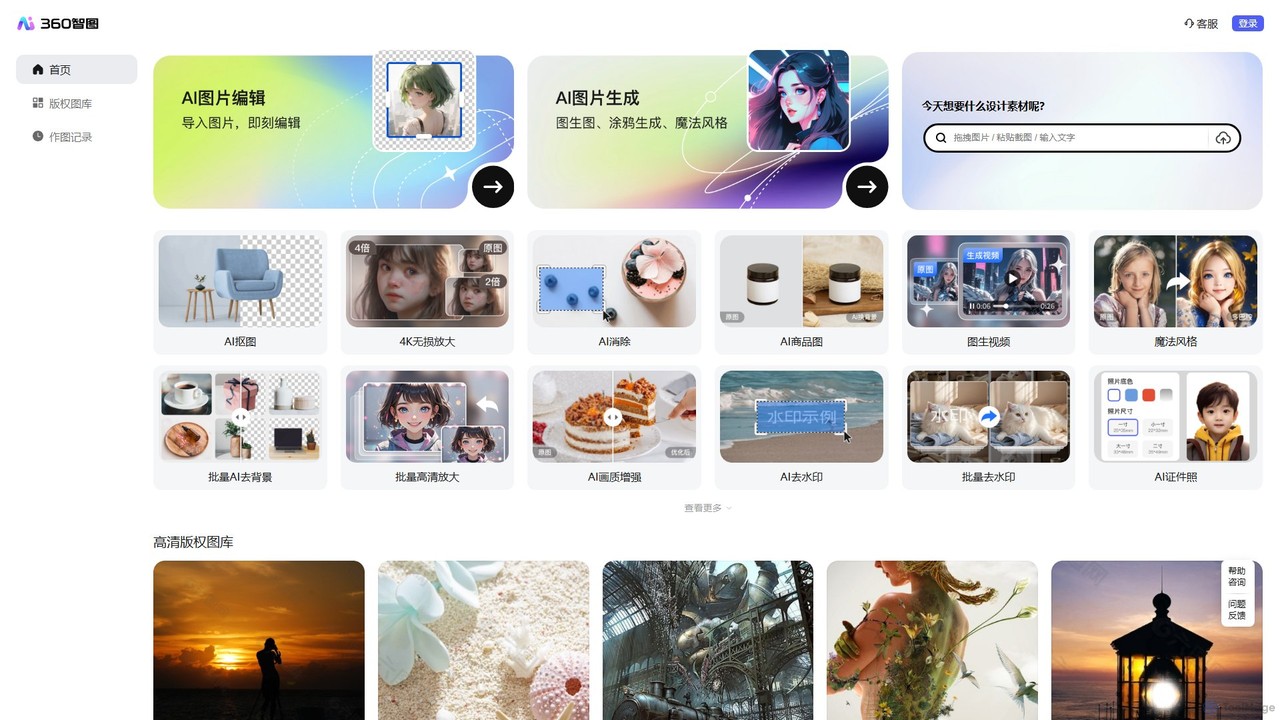
360 Zhitou
360 Zhitou is a comprehensive AI-powered image creation and editing platform. It offers a suite of tools including AI background removal, 4K image upscaling, object and watermark removal, AI-generated product photos, image-to-video conversion, and artistic style transfer. It's designed for e-commerce, marketing, and design professionals.
Generative Art
Upscalepics
Upscalepics is an AI-powered image toolkit that enhances, upscales, and edits photos with remarkable precision. It can increase image resolution up to 8x, remove backgrounds, compress files, and prepare images for high-quality printing at 300 DPI. With features like batch processing, a browser extension, and API access, it serves photographers, designers, and e-commerce businesses.
Image Editing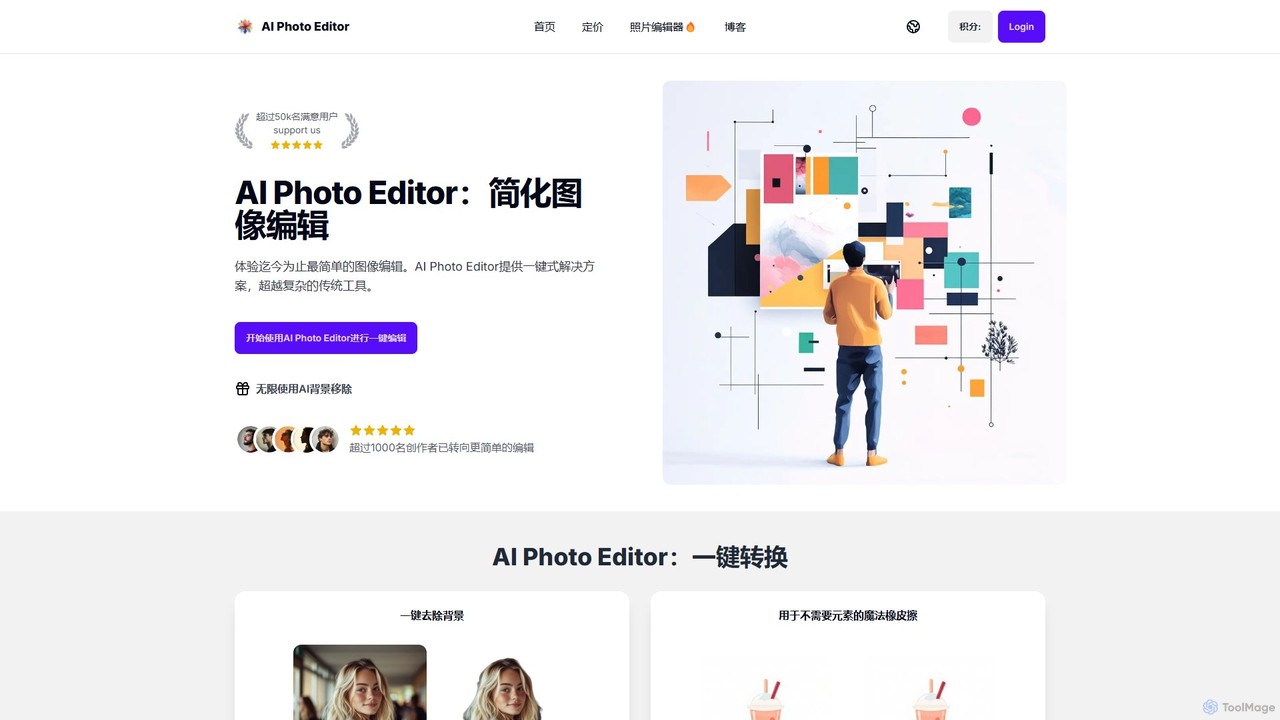
AI Photo Editor
AI Photo Editor is an online tool that simplifies image editing with powerful one-click AI solutions. It offers features like background removal, magic eraser for unwanted objects, photo enhancement, and image upscaling, designed for both beginners and professionals seeking efficiency. Get professional-quality results in seconds without complex software.
Graphics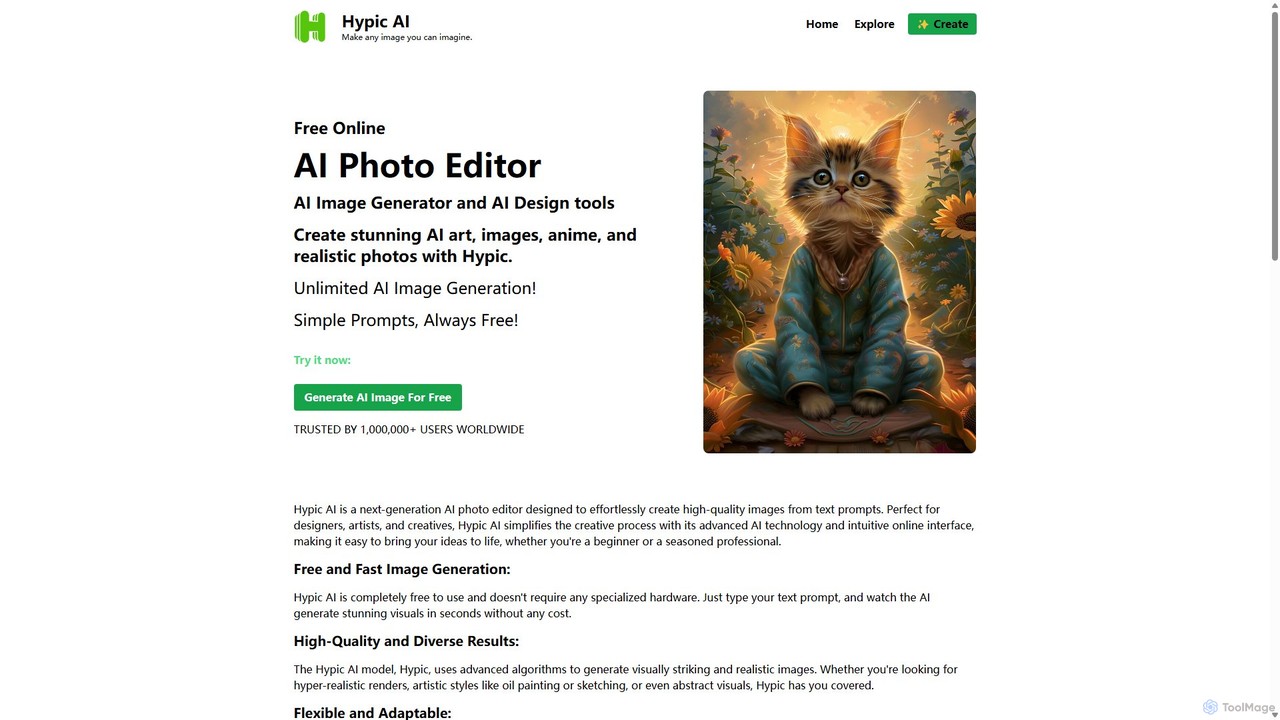
Hypic
Hypic is a powerful, all-in-one AI photo editing app for both beginners and professionals. It offers a wide range of AI-powered features, including one-tap portrait retouching, object removal, background replacement, and creative filters. Elevate your photos for social media, personal use, or e-commerce with professional-grade tools made simple and accessible on your mobile device.
Image Generation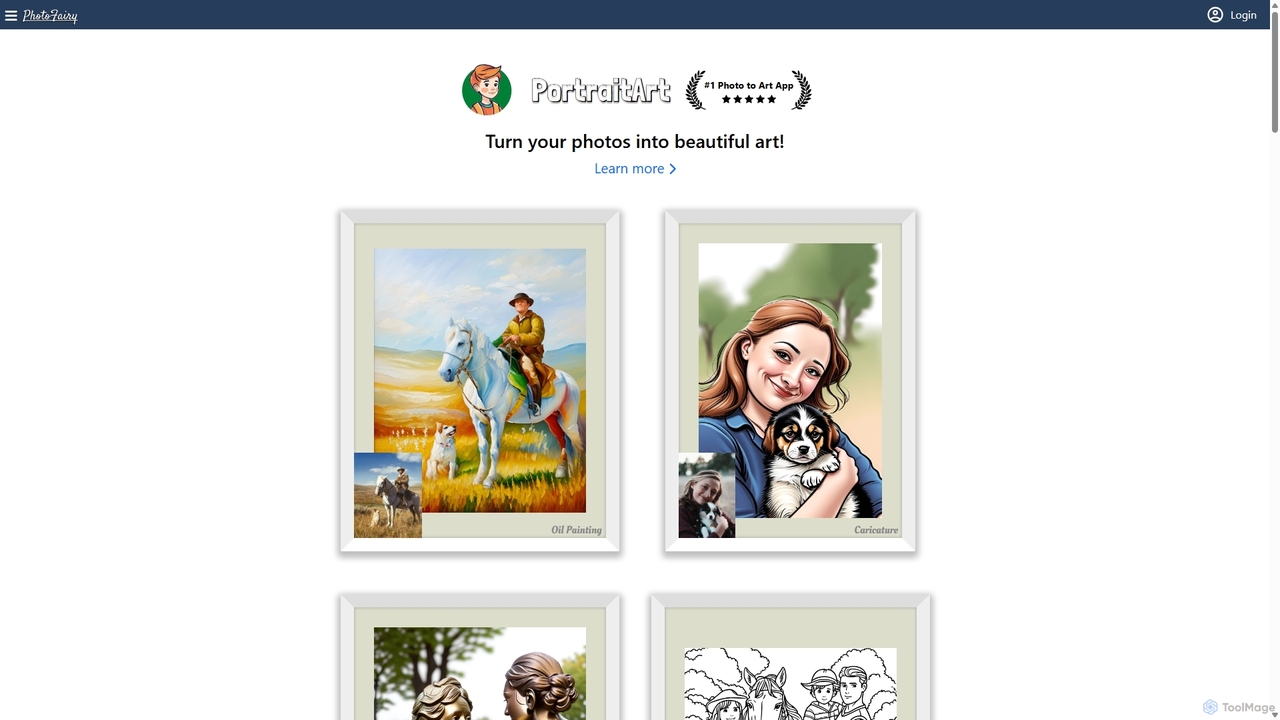
PhotoFairy
PhotoFairy is a powerful AI-driven photo editor and graphic design tool. It effortlessly transforms photos into various art styles, removes backgrounds and objects, generates images from text, and provides an infinite canvas for creative projects. Ideal for designers, marketers, and content creators seeking an all-in-one visual creation platform.
Art Generation
photorush Comments (0)
Sign in to comment.
Sign inNo comments yet.