

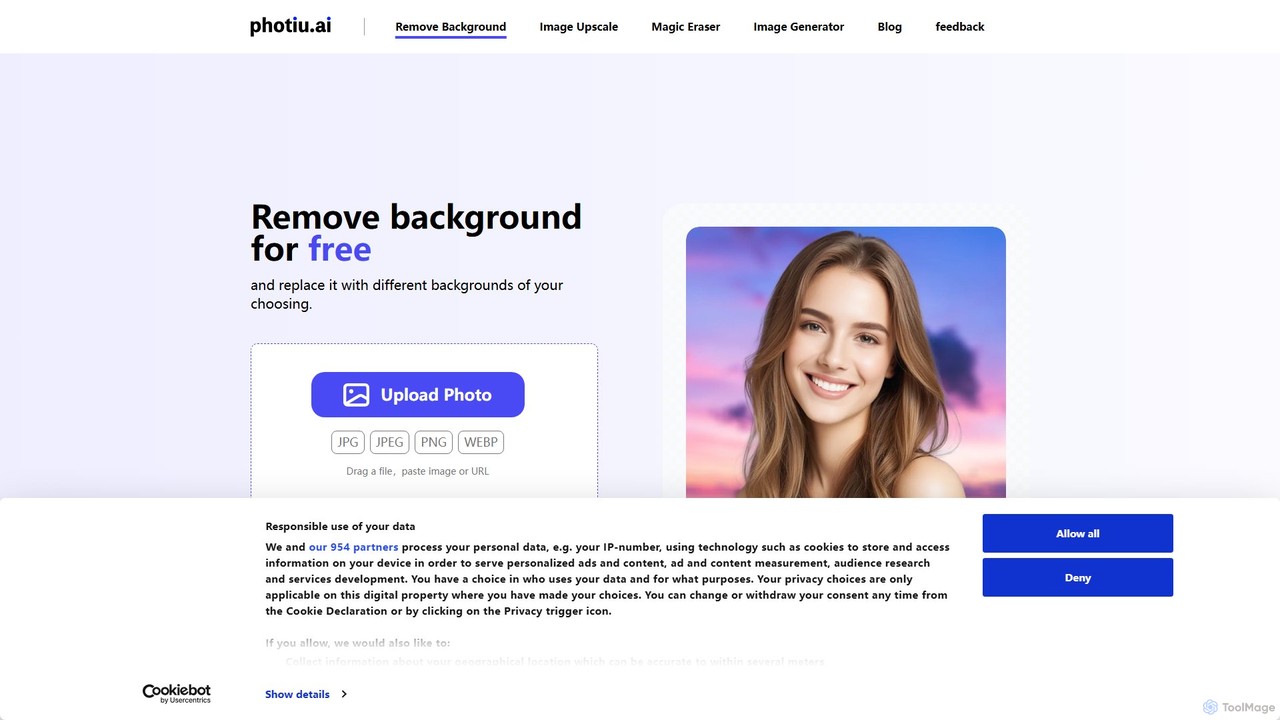
Photiu.ai Overview
Photiu.ai is a comprehensive, AI-driven online platform that provides a suite of essential image editing tools. It is designed to automate and simplify tasks that traditionally require specialized software and skills, such as Adobe Photoshop. With its user-friendly, web-based interface, users can achieve professional-grade results in just a few clicks. The platform's core mission is to empower creators, businesses, and individuals to enhance their visual content effortlessly, saving significant time and resources.
The toolset is particularly beneficial for creating clean, consistent, and high-quality visuals for various purposes, from e-commerce product listings and marketing campaigns to personal photo restoration and social media content. By leveraging advanced artificial intelligence algorithms, Photiu.ai can accurately identify subjects, remove unwanted elements, and enhance image details with remarkable precision.
How to use Photiu.ai
Using Photiu.ai is designed to be a straightforward, three-step process for each of its core functions:
- Upload Your Image: Navigate to the Photiu.ai website and select the specific tool you wish to use (e.g., Background Remover, Object Eraser, or Upscaler). Click the upload button to select an image file from your computer or simply drag and drop it onto the designated area.
- Automatic AI Processing: Once the image is uploaded, the AI engine automatically gets to work. For background removal, it will instantly detect the main subject and create a precise cutout with a transparent background. For object removal, you simply brush over the unwanted element, and the AI will intelligently fill in the space. For upscaling, the AI enhances the resolution automatically.
- Download Your Result: After the processing is complete, you can preview the result. If satisfied, you can download the edited image. The platform typically offers options to download in standard quality for free or in high definition for premium users. You can also make further edits, like adding a new background color or image before downloading.
Core Features of Photiu.ai
- AI Background Remover: Automatically detects and isolates the main subject (people, products, animals, cars, etc.) from its background with high accuracy. It produces a clean cutout with a transparent background (PNG format), perfect for product photos and graphic design.
- AI Object Eraser (Inpainting): Allows users to remove any unwanted objects, people, text, or blemishes from a photo. Users simply highlight the area to be removed, and the AI intelligently reconstructs the background behind it for a seamless finish.
- AI Image Upscaler: Enhances the resolution of low-quality images without sacrificing detail or clarity. It can increase the size of photos by 2x or 4x, making them suitable for print or high-resolution displays.
- Batch Processing: For users with large volumes of images, Photiu.ai likely offers a batch processing feature (typically in paid plans) to remove backgrounds from multiple photos simultaneously, streamlining workflows for e-commerce businesses.
- API Access: Provides a developer-friendly API to integrate Photiu.ai's editing capabilities directly into other applications, websites, or automated workflows.
Use Cases for Photiu.ai
- E-commerce: Creating clean, professional product images with white or uniform backgrounds for platforms like Amazon, Shopify, and eBay.
- Marketing and Advertising: Designing compelling ad creatives, social media posts, and website banners by easily isolating subjects and placing them in new contexts.
- Photography: Speeding up the post-production workflow for portrait and commercial photographers by automating background removal and cleanup tasks.
- Graphic Design: Quickly creating assets for various design projects without needing to perform manual selections in complex software.
- Personal Use: Removing photobombers from travel photos, restoring old family pictures by upscaling them, or creating custom avatars and profile pictures.
Advantages of Photiu.ai
- Time-Saving: Reduces editing time from minutes or hours to mere seconds.
- User-Friendly: No technical skills or complex software required; the interface is intuitive and accessible to everyone.
- High-Quality Output: The AI algorithms ensure clean edges and natural-looking results for all editing tasks.
- Cost-Effective: Offers a free tier for basic use, making it an affordable alternative to expensive photo editing software subscriptions.
- Versatility: Combines three essential editing tools into a single, convenient web-based platform.
Pricing and Plans
Photiu.ai operates on a freemium model, offering both free and paid options to cater to different user needs.
- Free Plan: Users can typically process a limited number of images for free. This plan is ideal for casual users and includes standard-resolution downloads, which may come with a watermark.
- Subscription Plans: For regular users and professionals, monthly or annual subscription plans are available. These plans usually offer a larger number of credits, high-resolution downloads, no watermarks, and access to advanced features like batch processing.
- Pay-As-You-Go: A credit-based system is often available for users who need flexibility. Users can purchase a pack of credits to use across all tools as needed, without committing to a monthly subscription.
- API Access: Custom pricing is typically available for businesses that require API integration, based on usage volume.
Traffic
Latest traffic
Status
Monthly traffic trend
- 2025-9: 256.3K
- 2026-1: 307.9K
- 2026-2: 266.8K
- 2026-3: 251.5K
- 2026-4: 305.0K
- 2026-5: 431.2K
Geography
Top 5 countries / regions
- 🇮🇩Indonesia43.6%
- 🇲🇦Morocco20.5%
- 🇺🇸United States13.6%
- 🇳🇱Netherlands11.2%
- 🇪🇸Spain11.0%
Traffic sources
| Source type | Percentage |
|---|---|
Direct | 90.4% |
Referral | 8.9% |
Email | 0.7% |
Top keywords
| Keyword | Cost per click |
|---|---|
| image upscaler | $0.26 |
| image upscaler free | $0.28 |
| remove bg | $0.28 |
| upscale image | $0.30 |
| upscale image free | $0.30 |
Photiu.ai Alternatives
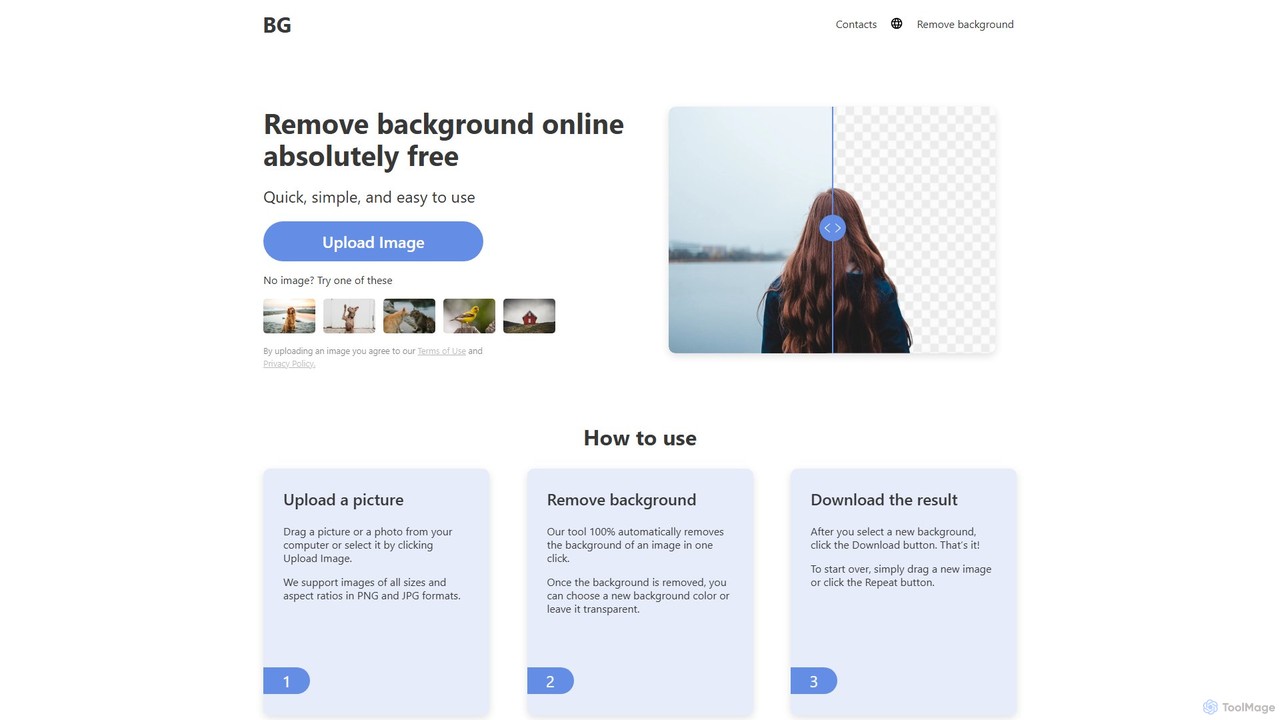
background_remover
background_remover is a free, AI-powered online tool that automatically removes the background from any image in a single click. It requires no registration or software installation. Simply upload your JPG or PNG image to get a high-quality, transparent background instantly. Ideal for e-commerce, graphic design, and personal projects, it supports high-resolution images and works on any device.
3D
aifillimage.com
A powerful AI image editing tool for generative fill, inpainting, and outpainting. Effortlessly remove unwanted objects, extend image canvases, or add new elements with simple text prompts. Perfect for photographers, designers, and marketers to enhance visuals quickly.
3D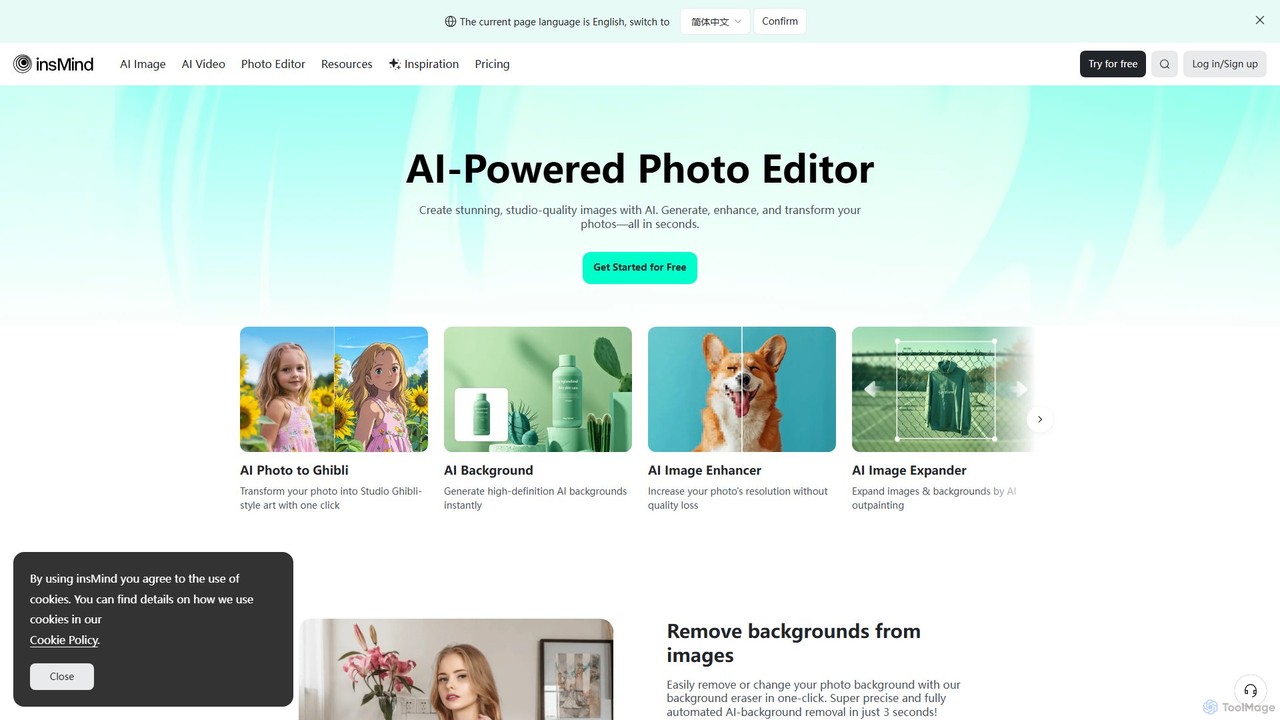
insmind
insmind is an AI-powered photo editor designed for e-commerce and marketing. It offers a comprehensive suite of tools to instantly remove backgrounds, generate realistic scenes, enhance image quality, erase unwanted objects, and create professional product photos, social media posts, and headshots in seconds. It's built to be user-friendly for both beginners and professionals, streamlining the entire image creation workflow.
3D
Claid.ai
Claid.ai is an all-in-one AI product photography suite designed for e-commerce and marketing. It allows users to generate, enhance, and edit professional-quality product photos in seconds. Key features include AI background generation, AI fashion models, image upscaling, and automated editing workflows, helping businesses improve conversions and streamline content creation without needing technical skills.
3D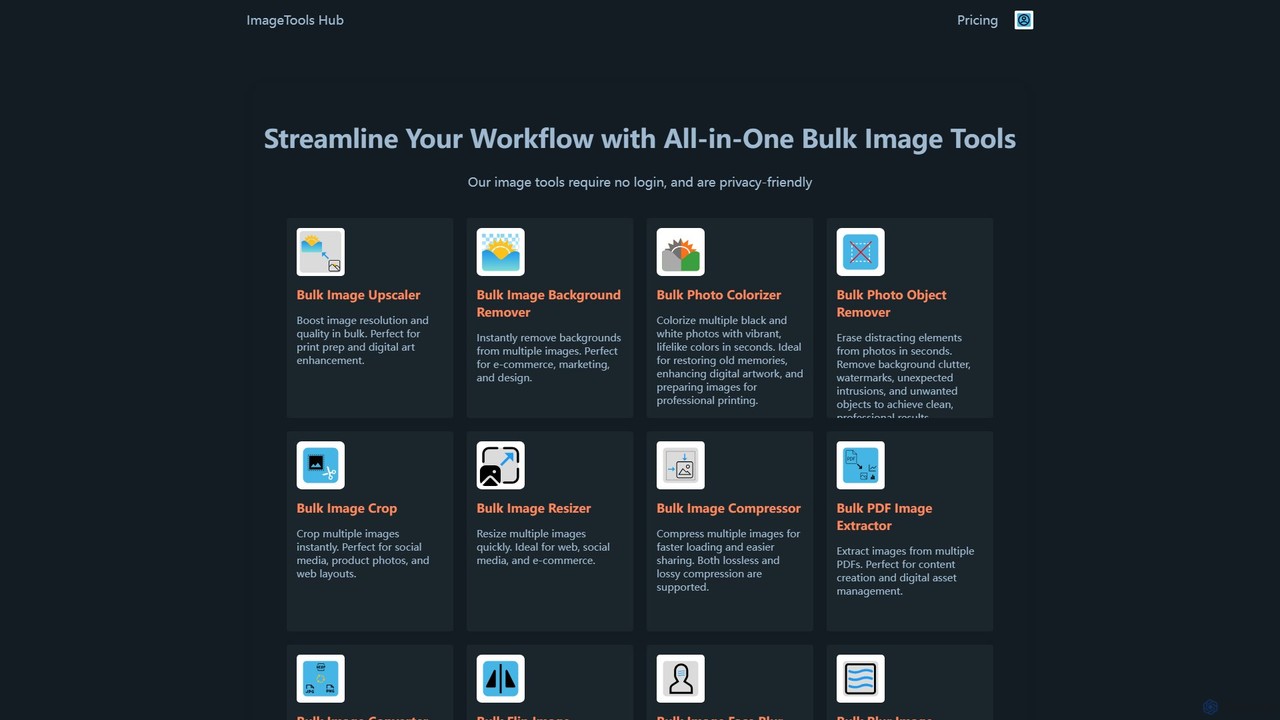
ImageToolsHub
ImageToolsHub is an all-in-one, privacy-focused suite of online image editing tools designed for efficiency. It offers powerful bulk processing capabilities, including AI-powered background removal, image upscaling, photo colorization, and object removal. With no login required for many tools and a strong emphasis on browser-based processing, it provides a fast, secure, and convenient solution for professionals in e-commerce, marketing, and web development to streamline their image workflows.
GraphicsPhotiu.ai Categories
Photiu.ai Embed Widget
Copy this embed code to place the badge on your blog, article, or product site and send readers directly to this ToolMage detail page.

Related AI tools

Background Removal AI
An AI-powered tool that instantly and automatically removes backgrounds from any image for free. Ideal for e-commerce, graphic design, marketing, and personal use, it offers high-precision results, batch processing, and API integration for streamlined workflows. Get clean, professional images with transparent backgrounds in seconds.
Image Editing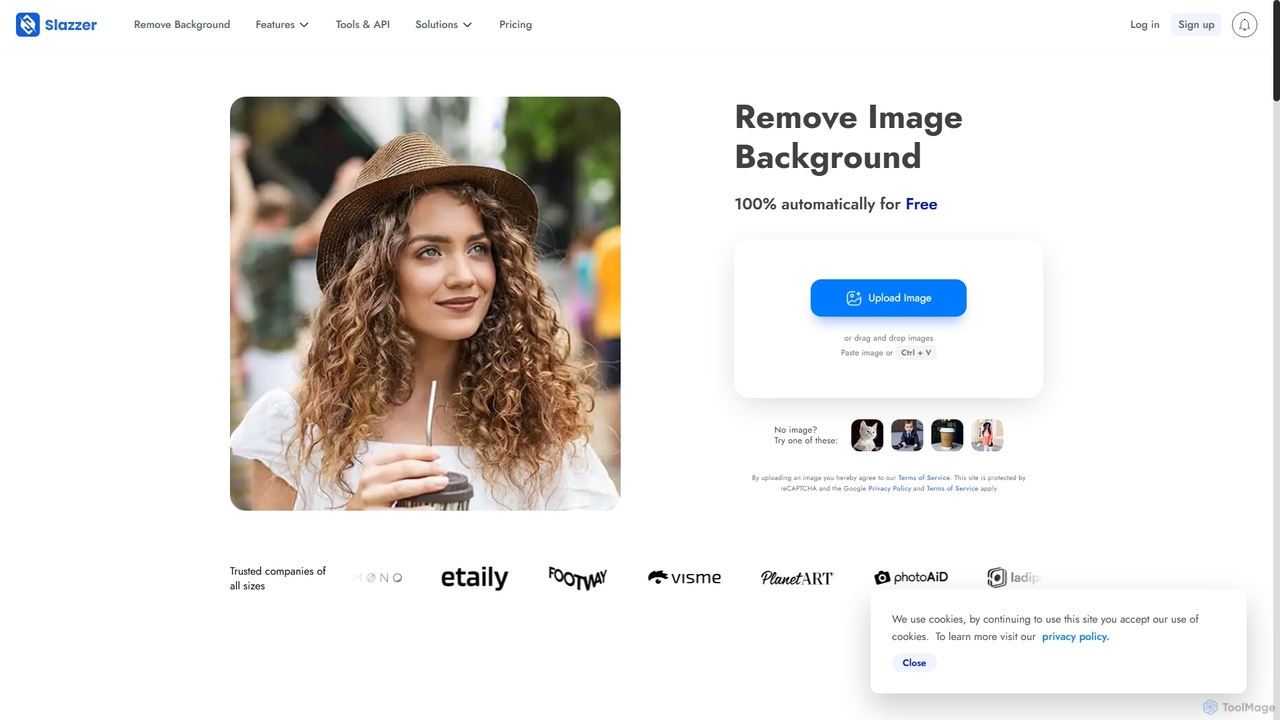
Slazzer
Slazzer is an AI-powered visual editing platform that automatically removes image backgrounds in seconds. It offers a suite of tools including AI background generation, image enhancement, upscaling, and shadow creation. Designed for efficiency, it serves e-commerce, photographers, marketers, and developers with web-based tools, desktop apps, and API integration for bulk processing.
Api
magicbackgroundremover
magicbackgroundremover is an AI-powered tool that automatically removes backgrounds from any image in seconds. With just one click, get a high-precision cutout with a transparent background, perfect for e-commerce, marketing, and creative projects. It handles complex edges like hair and fur with ease, saving you time and effort compared to manual editing. Simply upload your image and let the AI do the magic.
Image Editing
Jyek
Jyek is an AI agent platform that understands objectives, creates execution plans, uses tools, and delivers verifiable results for complex, multi-step tasks.
Automation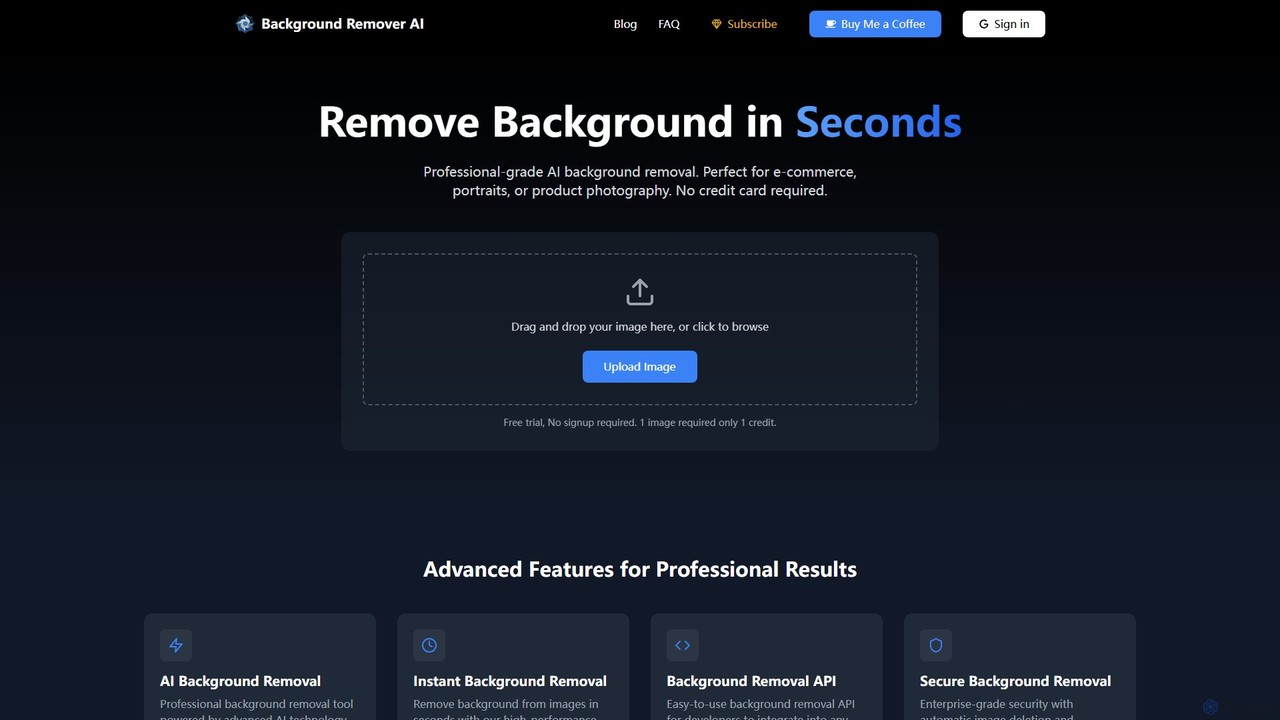
bgclearer
bgclearer is an AI-powered tool that automatically removes the background from any image in seconds. It provides professional-grade, clean cutouts perfect for e-commerce, product photography, and graphic design. The service offers a free trial, a simple drag-and-drop interface, and a developer API for seamless integration.
Image Editingbackground_remover
background_remover is a free, AI-powered online tool that automatically removes the background from any image in a single click. It requires no registration or software installation. Simply upload your JPG or PNG image to get a high-quality, transparent background instantly. Ideal for e-commerce, graphic design, and personal projects, it supports high-resolution images and works on any device.
3D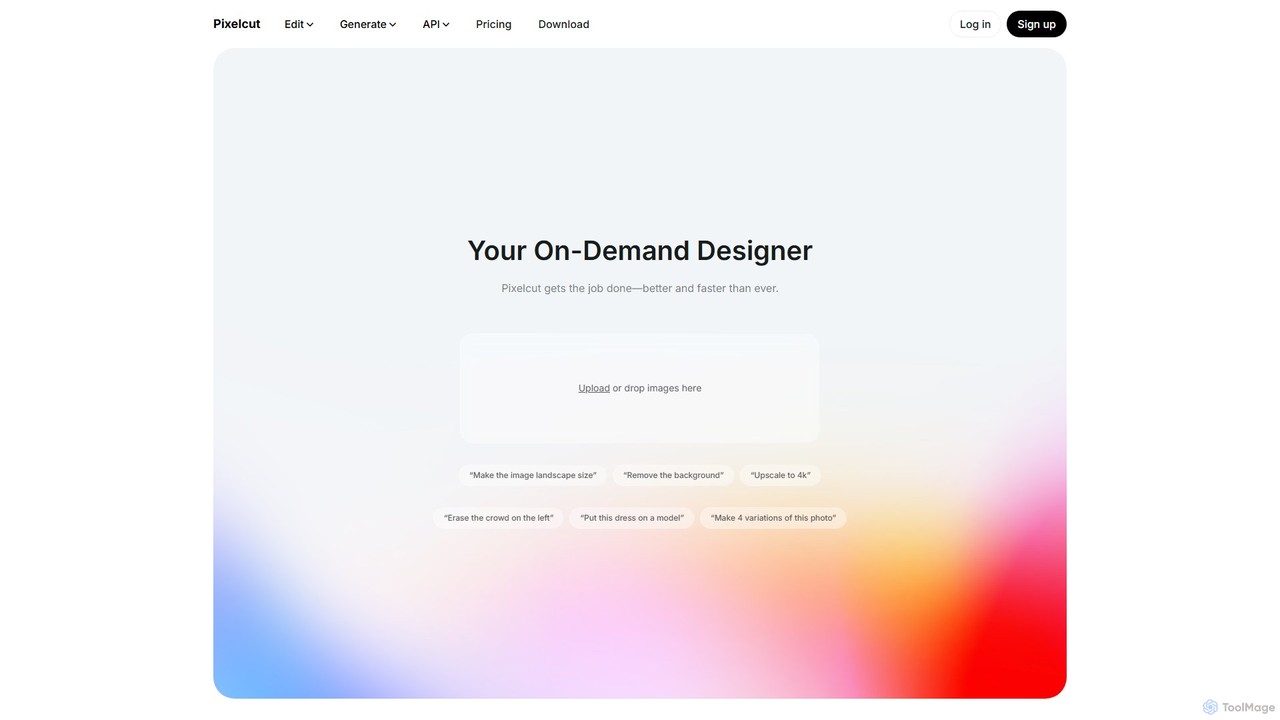
Pixelcut
Pixelcut is an all-in-one AI-powered creative suite for photo and video editing. It enables users to instantly remove backgrounds, upscale images to 4K, erase objects, generate images and videos from text prompts, and collaborate with teams. It's designed for creators, brands, and businesses to produce professional-quality content quickly and easily.
Image Editing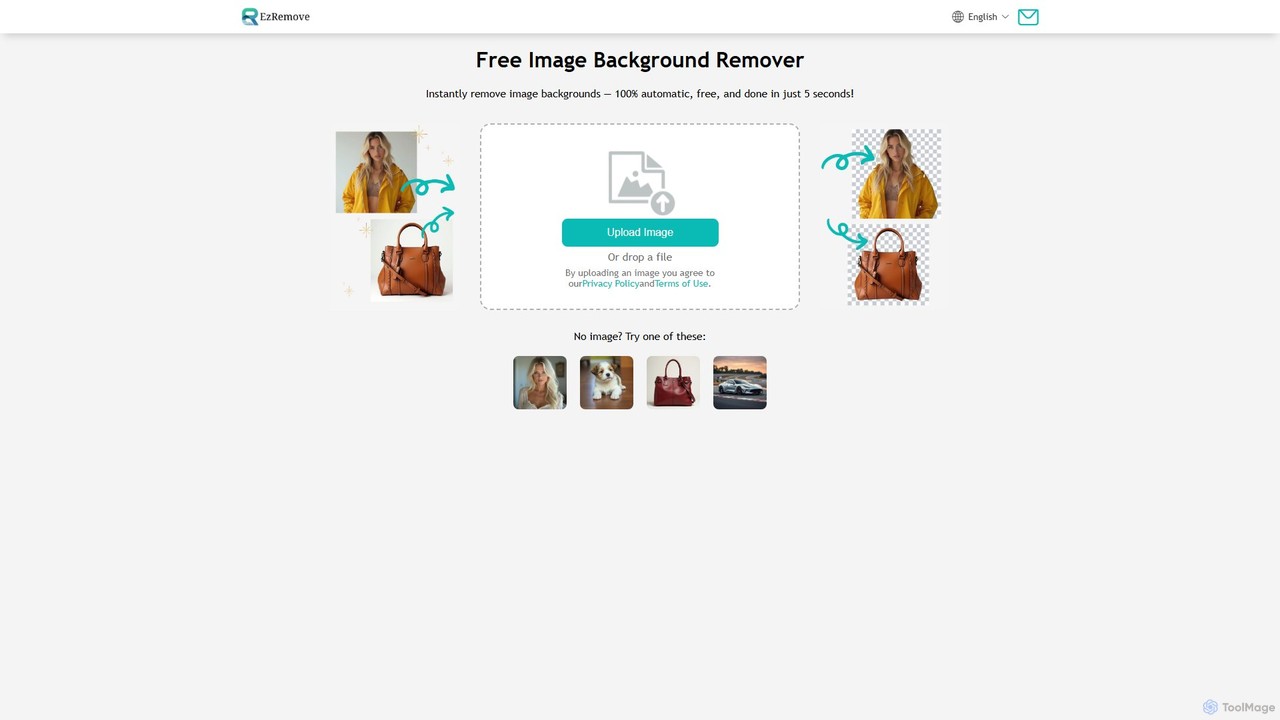
ezremove
ezremove is a free, AI-powered image background remover that automatically creates transparent backgrounds in just 5 seconds. Ideal for e-commerce, graphic design, and social media, it supports batch processing, basic editing, and various image formats. No software or technical skills required—simply upload your image and download a high-quality, clean PNG file instantly.
Image Editing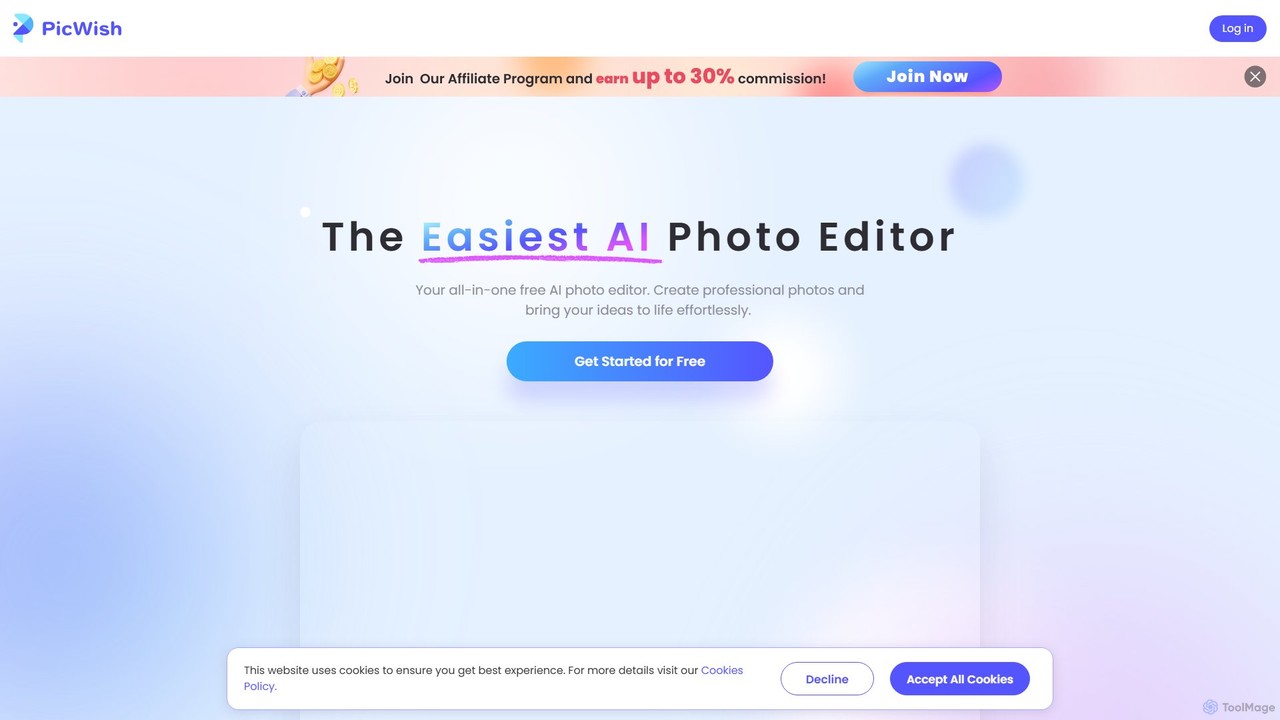
PicWish
PicWish is an all-in-one AI-powered photo editing suite designed to simplify complex image processing. It offers a wide range of free and pro tools, including background removal, photo enhancement, object removal, and AI background generation. Available online and as a dedicated app, PicWish empowers e-commerce sellers, designers, and content creators to produce professional-quality visuals effortlessly, without needing advanced technical skills.
Image Generation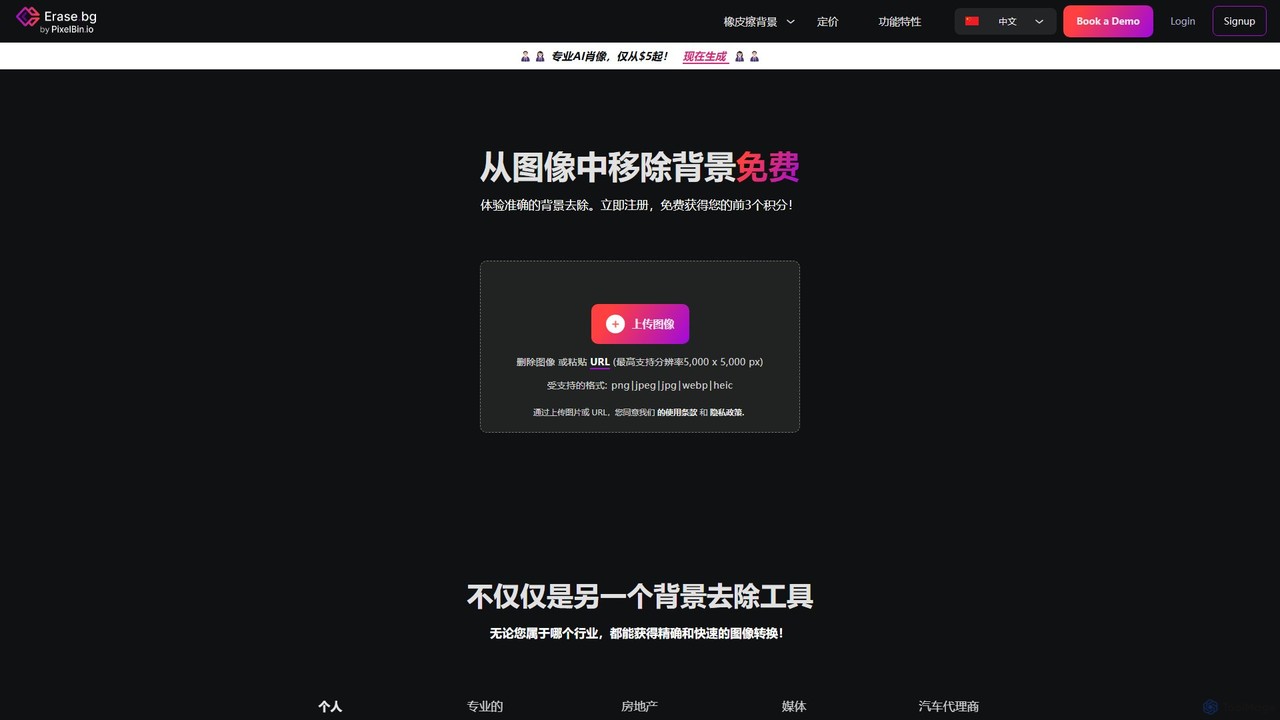
Erase.bg
Erase.bg is an AI-powered tool that automatically removes backgrounds from images in seconds. It's designed for a wide range of users, from individuals creating social media content to e-commerce businesses needing clean product photos. The tool supports various formats, offers high-resolution output, and provides simple editing options to add new backgrounds. It is accessible via web and mobile apps, with an API for developers.
Editing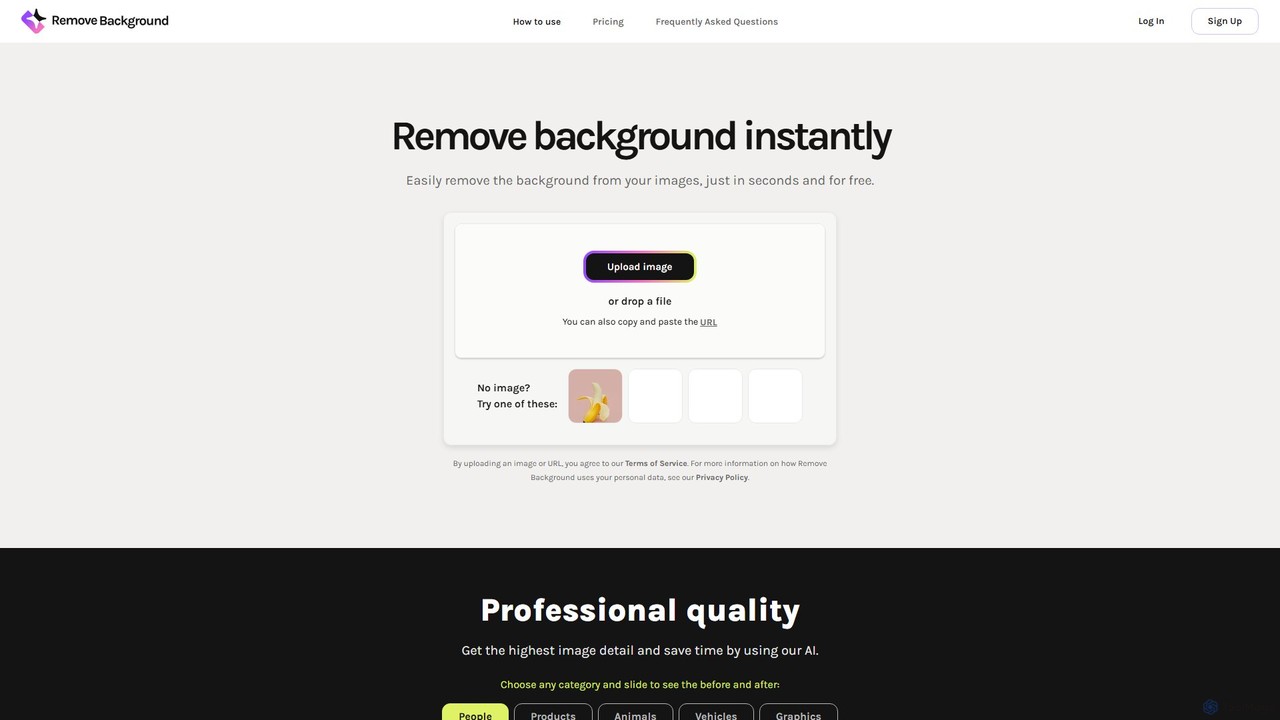
remove_background
An AI-powered tool to instantly remove image backgrounds for free. It creates high-quality transparent backgrounds, offers advanced editing tools, and can even generate custom backgrounds using AI prompts. Ideal for e-commerce, social media, and professional designs.
Editing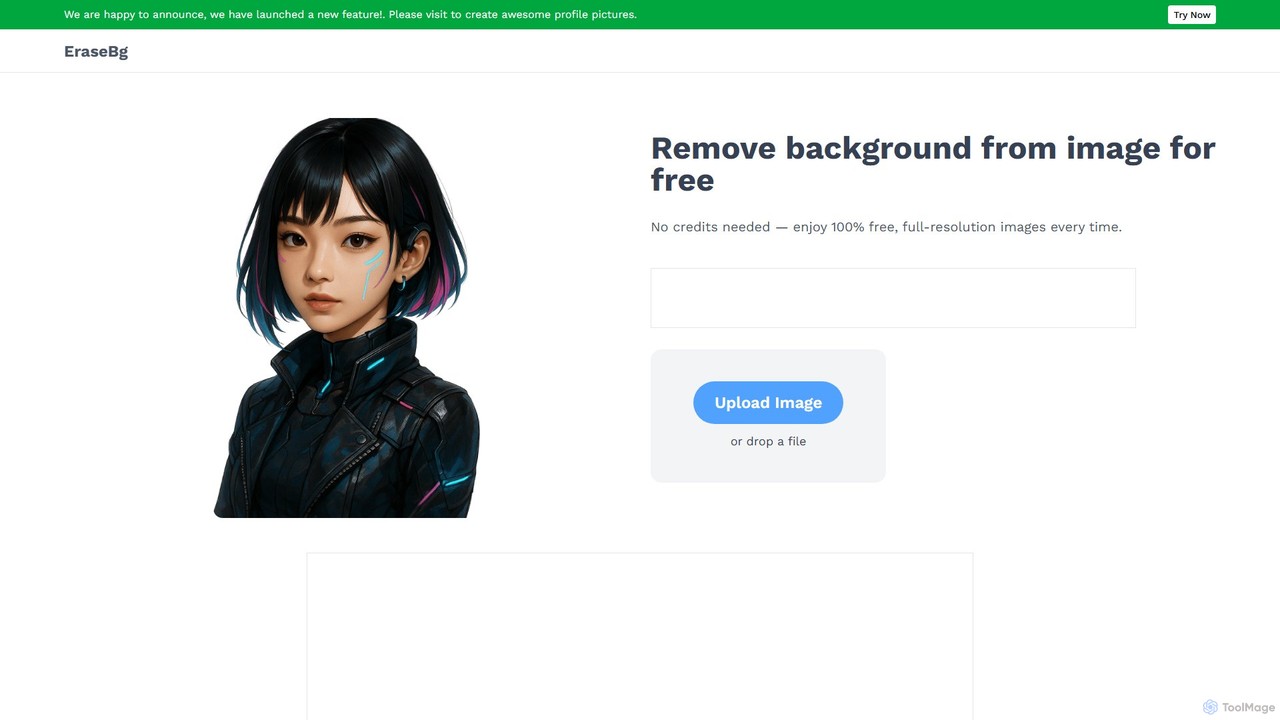
Erase BG
Erase BG is a completely free AI-powered tool that instantly removes backgrounds from images. It requires no registration or credits, offering unlimited downloads in high resolution (up to 4K). Simply upload your image to get a clean, transparent PNG or a white-background JPEG in seconds. It also features a creative GIF maker for personalized animations.
Image Editing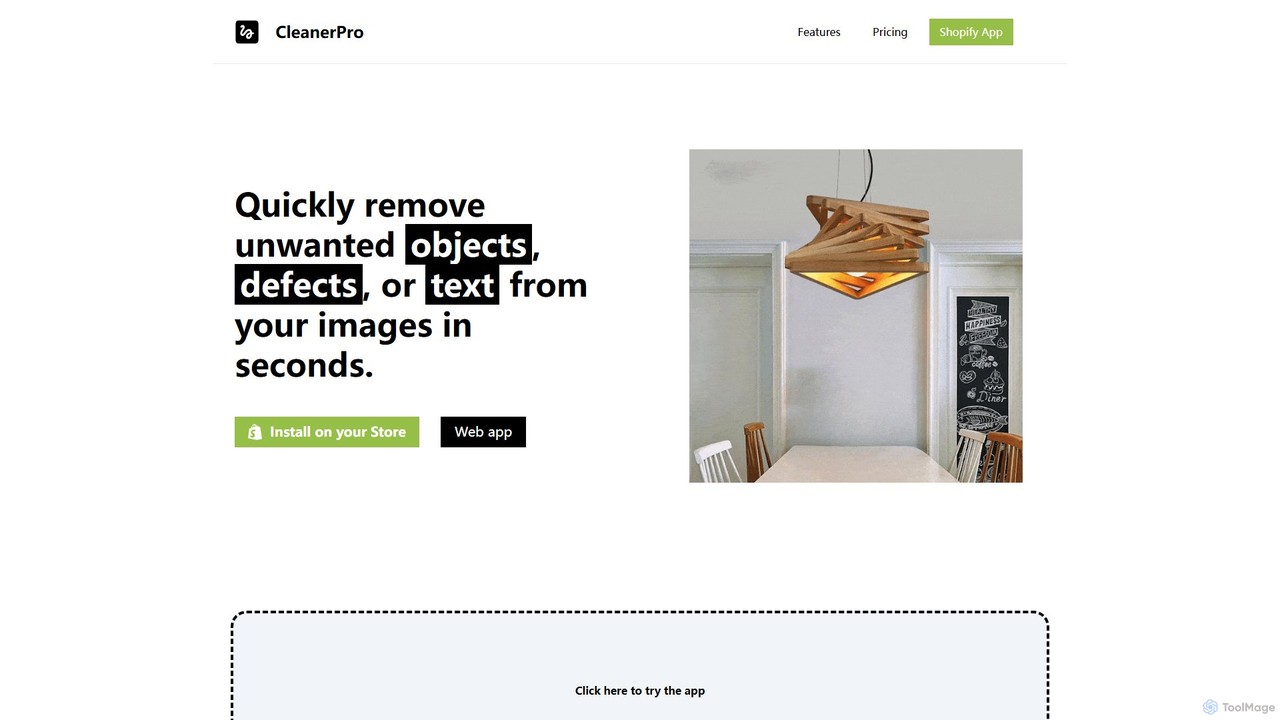
CleanerPro
CleanerPro is an AI-powered image editor app for Shopify, designed to effortlessly enhance your product photos. It allows you to remove unwanted objects, people, and text, erase backgrounds, upscale image resolution, and compress file sizes in seconds, ensuring your store's visuals are professional and load quickly.
Product Image Editing
Fotoai.ai
Fotoai.ai is a powerful AI-powered tool for instant, automatic background removal. It allows users to create transparent backgrounds (PNGs), add new backgrounds, and remove unwanted objects with text prompts or a magic eraser. Designed for e-commerce, marketing, and design, it supports batch processing to streamline workflows. It's a fast, free, and user-friendly solution for professional-quality image editing without any technical skills.
Product Photos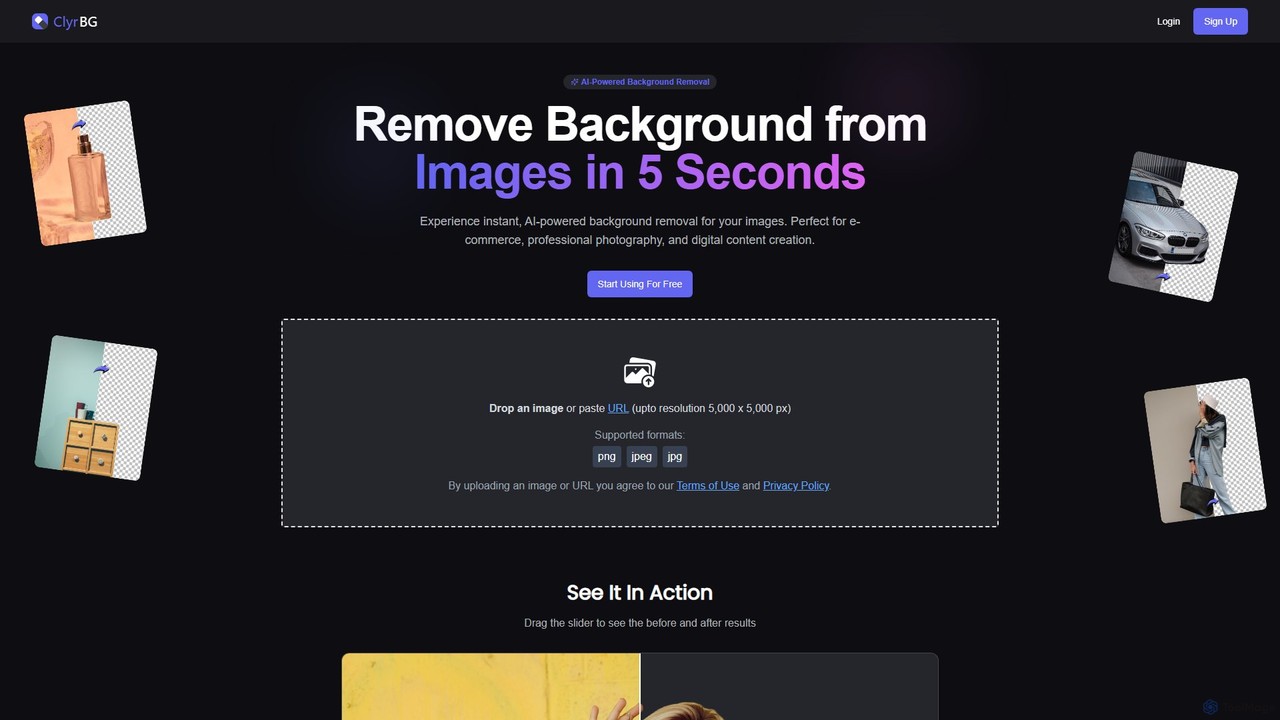
clyrbg
ClyrBG is an AI-powered tool that automatically removes backgrounds from images in just 5 seconds. It's designed for e-commerce, photographers, marketers, and designers, offering high-precision cutouts, batch processing, and an API for integration. Simply upload an image to get a transparent background instantly, no technical skills required.
Image Editing
Photiu.ai Comments (0)
Sign in to comment.
Sign inNo comments yet.