

ImageToolsHub Overview
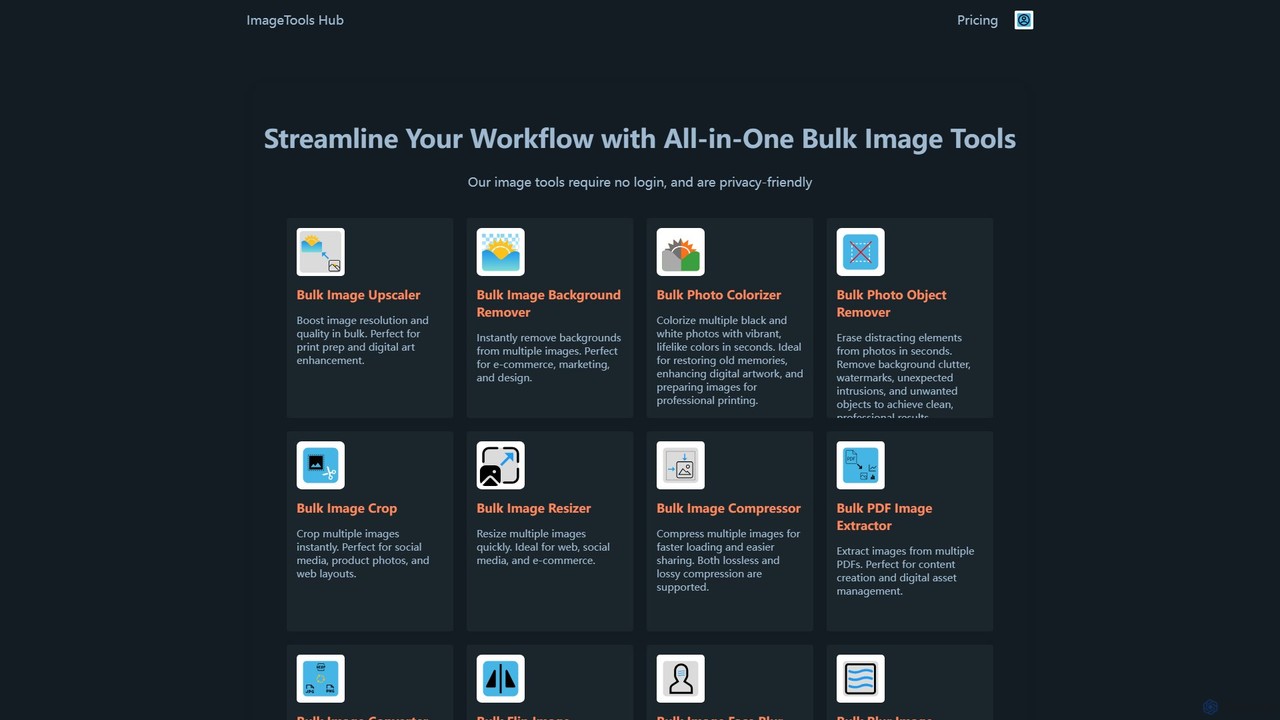
ImageToolsHub is a comprehensive and powerful online toolkit designed to streamline image editing workflows for professionals and individuals alike. It stands out as a one-stop solution for a wide array of image processing needs, with a strong emphasis on bulk operations, user privacy, and efficiency. The platform offers over 18 distinct tools, many of which are powered by AI, to handle tasks from basic resizing and cropping to advanced background removal and photo restoration. By performing many operations directly in the browser, ImageToolsHub ensures that user images remain private and secure, without being uploaded to external servers. This makes it a trusted choice for businesses and individuals worldwide who need to process images quickly and safely.
How to use ImageToolsHub
Using ImageToolsHub is designed to be straightforward and intuitive, requiring no account registration for many of its features. The general workflow is as follows: 1. Select a Tool: Navigate to the ImageToolsHub website and choose the specific tool you need from their extensive collection (e.g., Bulk Background Remover, Image Upscaler). 2. Upload Your Images: Drag and drop your images or select them from your computer. The platform supports popular formats like PNG, JPG, and WebP. You can upload multiple files at once to leverage the bulk processing capabilities. 3. Process: The tool will automatically perform the selected action. For AI-powered tools, the processing happens either on-device (for SoloPlus plan) or on their secure cloud servers (for higher-tier plans). 4. Download: Once processing is complete, you can download the edited images to your device. For premium users with a license key, access to advanced features, unlimited processing, and integrations like REST API and Zapier is unlocked.
Core Features of ImageToolsHub
- AI-Powered Editing: Bulk Image Upscaler, Bulk Background Remover, Bulk Photo Colorizer, Bulk Photo Object Remover, AI Face Analyzer, Bulk Face Blur.
- Batch Processing Utilities: Bulk Image Resizer, Bulk Image Compressor (lossless & lossy), Bulk Image Crop, Bulk Image Converter (to PNG, JPG, WebP), Bulk Flip Image.
- PDF & Document Tools: Bulk PDF Image Extractor, Bulk PDF to Image Converter.
- Creative & Privacy Tools: Profile Picture Maker, Bulk Transparent Image Maker, Bulk Blur Image, Bulk Blur Image Background.
- Web Optimization: Bulk Image Placeholder Generator to improve website loading times.
- Analysis Tool: AI Face Analyzer provides insights into facial features, symmetry, and even offers LooksMax AI recommendations for improving appearance, all processed in-browser for privacy.
- Integrations: REST API and Zapier support for automating workflows (available in premium plans).
Use Cases for ImageToolsHub
ImageToolsHub caters to a diverse range of users: E-commerce Businesses: Quickly remove backgrounds from product photos in bulk, resize images for different platforms, and compress them to ensure fast-loading store pages. Marketers and Social Media Managers: Create eye-catching promotional materials, crop images for various social media formats, and generate profile pictures. Web Developers: Optimize website performance by compressing images, generating lightweight placeholders, and converting images to modern formats like WebP. Photographers and Designers: Enhance digital art with the image upscaler, restore old family photos with the colorizer, and remove distracting elements with the object remover. Journalists and Content Creators: Anonymize photos by blurring faces, extract images from PDF reports, and beautify screenshots for articles and tutorials. Individuals: Improve dating profile pictures with the AI Face Analyzer, create transparent PNGs for personal projects, and manage personal photo collections efficiently.
Advantages of ImageToolsHub
ImageToolsHub offers several key advantages: 100% Privacy-Friendly: Many tools operate directly in the user's browser, meaning sensitive images are never uploaded to a server. This is a significant benefit for users concerned with data privacy. Unmatched Efficiency: The ability to process hundreds of images in a single batch saves countless hours of manual work. Comprehensive Toolkit: With over 18 specialized tools, it eliminates the need to use multiple different applications for various image editing tasks. Ease of Use: The platform is designed with a user-friendly interface that requires no login for basic use, allowing for immediate access. Advanced AI Capabilities: Leverages artificial intelligence for complex tasks like background removal, upscaling, and colorization, delivering high-quality results automatically. Workflow Automation: Premium plans include REST API and Zapier integrations, enabling seamless integration into existing business processes.
Pricing and Plans
ImageToolsHub offers a freemium model with several paid plans tailored to different needs. Free use is available for personal, non-commercial purposes.
SoloPlus ($49/month): Best for individuals. Offers unlimited on-device (offline) processing for all 18 tools, allowing use on up to 5 devices.
LitePlus ($99/month): For small to medium businesses (SMBs). Includes everything in SoloPlus, plus secure cloud processing with a set number of credits (e.g., 5,940 credits) for AI cloud tools, REST API, and Zapier integration.
ProPlus ($249/month): For growing SMBs. Offers a larger pool of cloud credits (e.g., 17,430 credits) and all the features of LitePlus.
UltraPlus ($499/month): For larger brands, providing an even greater number of cloud credits (e.g., 39,920 credits).
Enterprise: A custom plan with tailored pricing, discounted rates, and priority support for large-scale business needs. All plans can be canceled at any time, and payments are handled securely.
Traffic
Latest traffic
Status
Monthly traffic trend
- 2025-9: 149.7K
- 2026-1: 165.1K
- 2026-2: 174.0K
- 2026-3: 277.8K
- 2026-4: 278.3K
- 2026-5: 301.4K
Geography
Top 5 countries / regions
- 🇺🇸United States51.9%
- 🇮🇳India17.6%
- 🇬🇧United Kingdom15.7%
- 🇦🇺Australia7.9%
- 🇳🇬Nigeria7.0%
Traffic sources
| Source type | Percentage |
|---|---|
Direct | 95.2% |
Referral | 4.8% |
Top keywords
| Keyword | Cost per click |
|---|---|
| face analysis | $0.60 |
| face analyzer | $1.35 |
| face rater | $0.52 |
| face rating | $0.53 |
| looksmaxing scale | $0.98 |
ImageToolsHub Alternatives

photorush
Photorush is an AI-powered image editing suite designed for speed and efficiency. It automates complex tasks like background removal, object erasing, and one-click enhancement, enabling users to create professional-quality images in seconds. Ideal for e-commerce, marketing, and social media content creation.
Product Images
Upscalepics
Upscalepics is an AI-powered image toolkit that enhances, upscales, and edits photos with remarkable precision. It can increase image resolution up to 8x, remove backgrounds, compress files, and prepare images for high-quality printing at 300 DPI. With features like batch processing, a browser extension, and API access, it serves photographers, designers, and e-commerce businesses.
Image Editing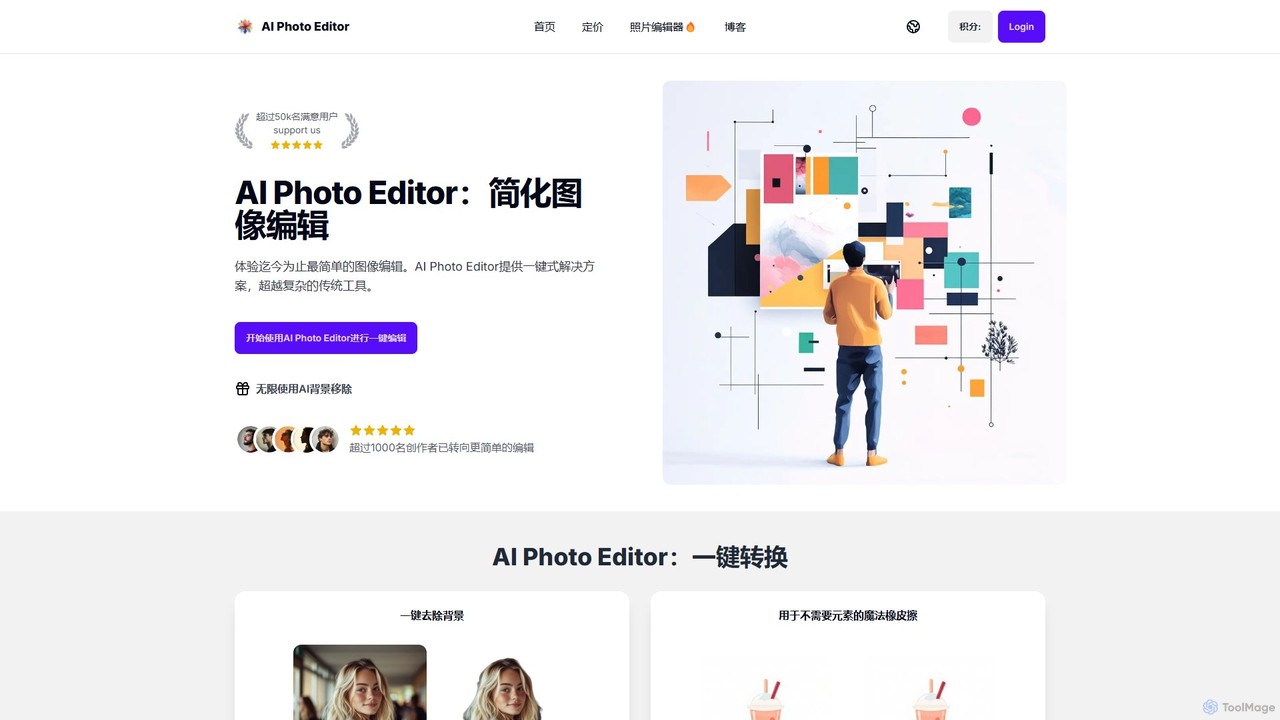
AI Photo Editor
AI Photo Editor is an online tool that simplifies image editing with powerful one-click AI solutions. It offers features like background removal, magic eraser for unwanted objects, photo enhancement, and image upscaling, designed for both beginners and professionals seeking efficiency. Get professional-quality results in seconds without complex software.
Graphics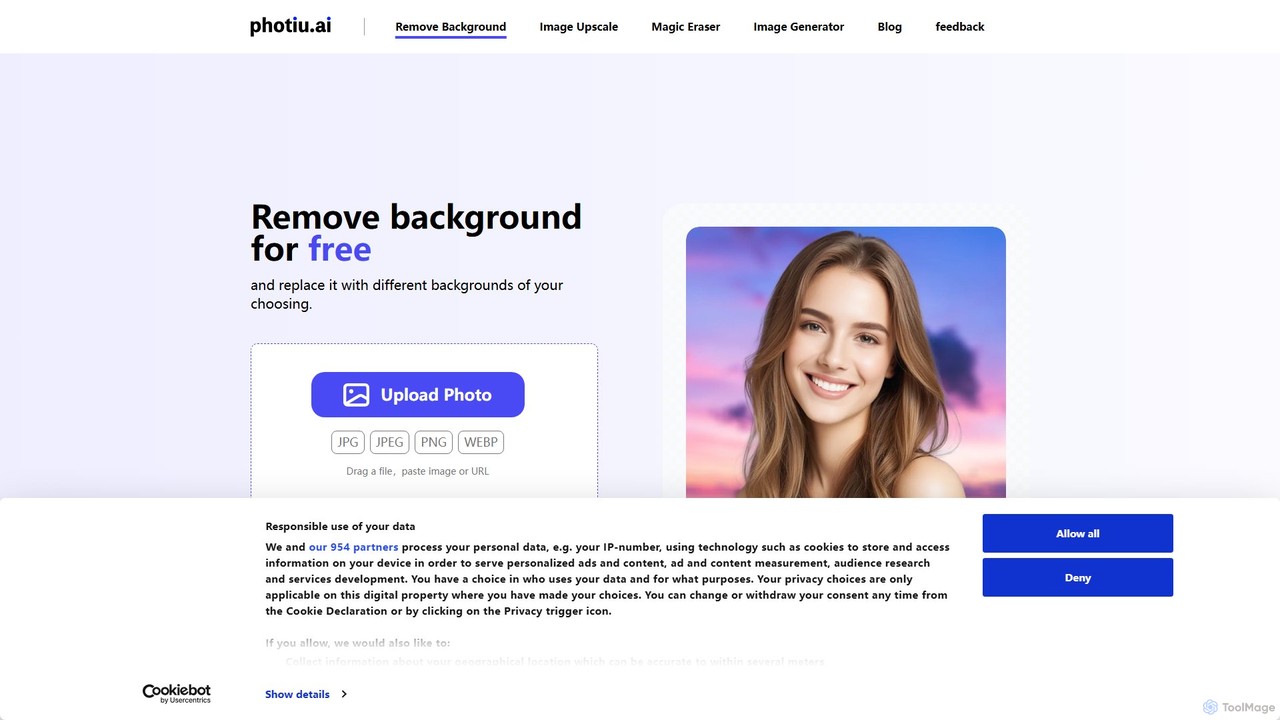
Photiu.ai
Photiu.ai is an AI-powered online image editing suite designed to simplify complex photo manipulation tasks. It offers a set of powerful tools, including a precise background remover, an intelligent object eraser for cleaning up images, and a high-quality image upscaler. This platform is perfect for e-commerce store owners, marketers, photographers, and social media creators who need professional-looking images quickly and without the need for advanced software skills.
3D
Chuangkit AI
Chuangkit AI is an all-in-one intelligent design platform that leverages AI to automate creative workflows. It enables users to generate posters, product photos, logos, and social media content from simple text prompts, and offers a comprehensive suite of AI-powered image editing tools.
Graphic DesignImageToolsHub Categories
ImageToolsHub Embed Widget
Copy this embed code to place the badge on your blog, article, or product site and send readers directly to this ToolMage detail page.

Related AI tools
Upscalepics
Upscalepics is an AI-powered image toolkit that enhances, upscales, and edits photos with remarkable precision. It can increase image resolution up to 8x, remove backgrounds, compress files, and prepare images for high-quality printing at 300 DPI. With features like batch processing, a browser extension, and API access, it serves photographers, designers, and e-commerce businesses.
Image Editing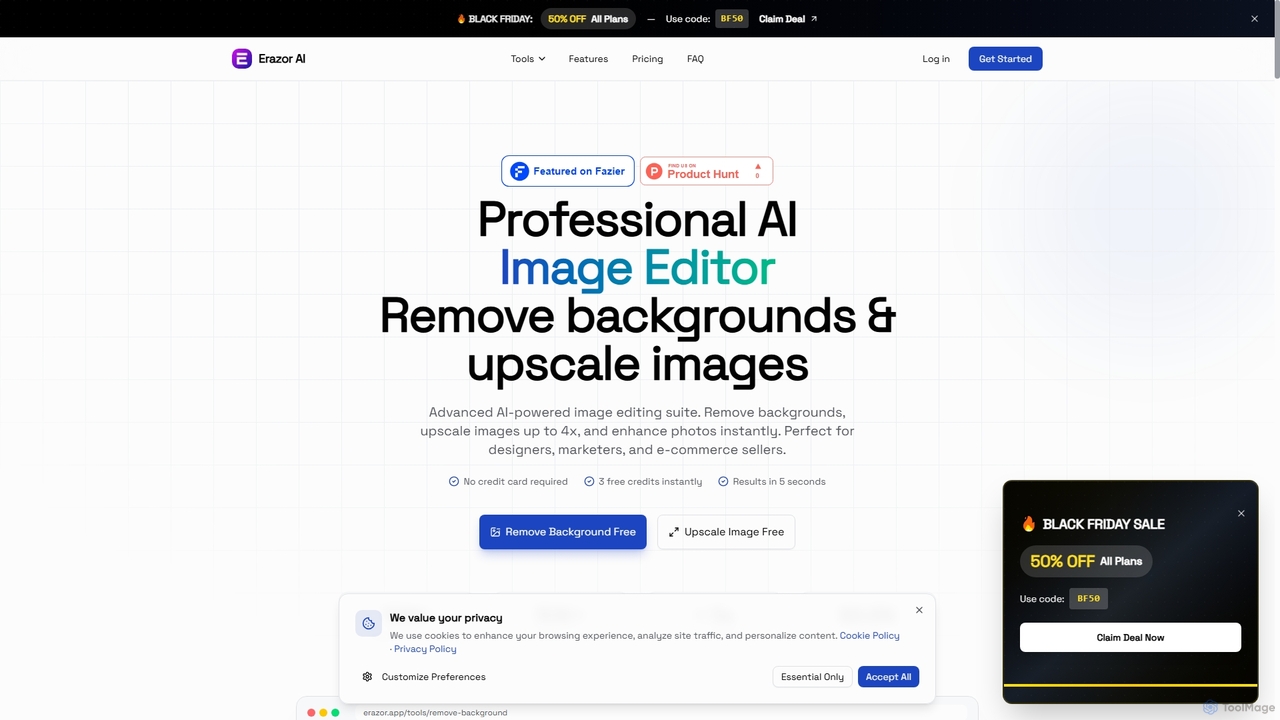
Erazor
Erazor is a professional AI image editor that specializes in lightning-fast background removal and intelligent image upscaling. Designed for designers, marketers, and e-commerce sellers, it delivers high-quality results in seconds, enhancing productivity and visual content creation.
Graphic Design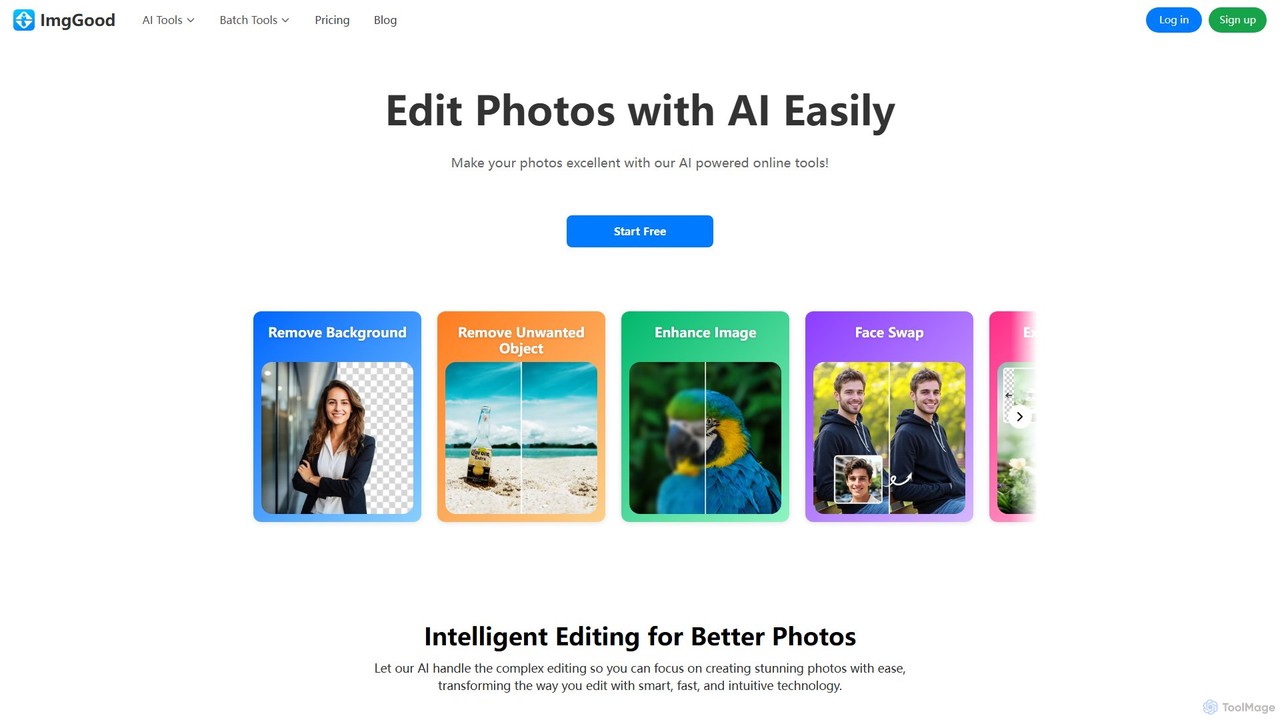
imggood
imggood is a comprehensive AI-powered online photo editor that simplifies complex editing tasks. It offers a suite of tools including a one-click background remover, object remover, image enhancer, photo colorizer, and AI image generator. Designed for both professionals and casual users, it makes creating high-quality, stunning photos fast and effortless, directly from your browser.
Image Generation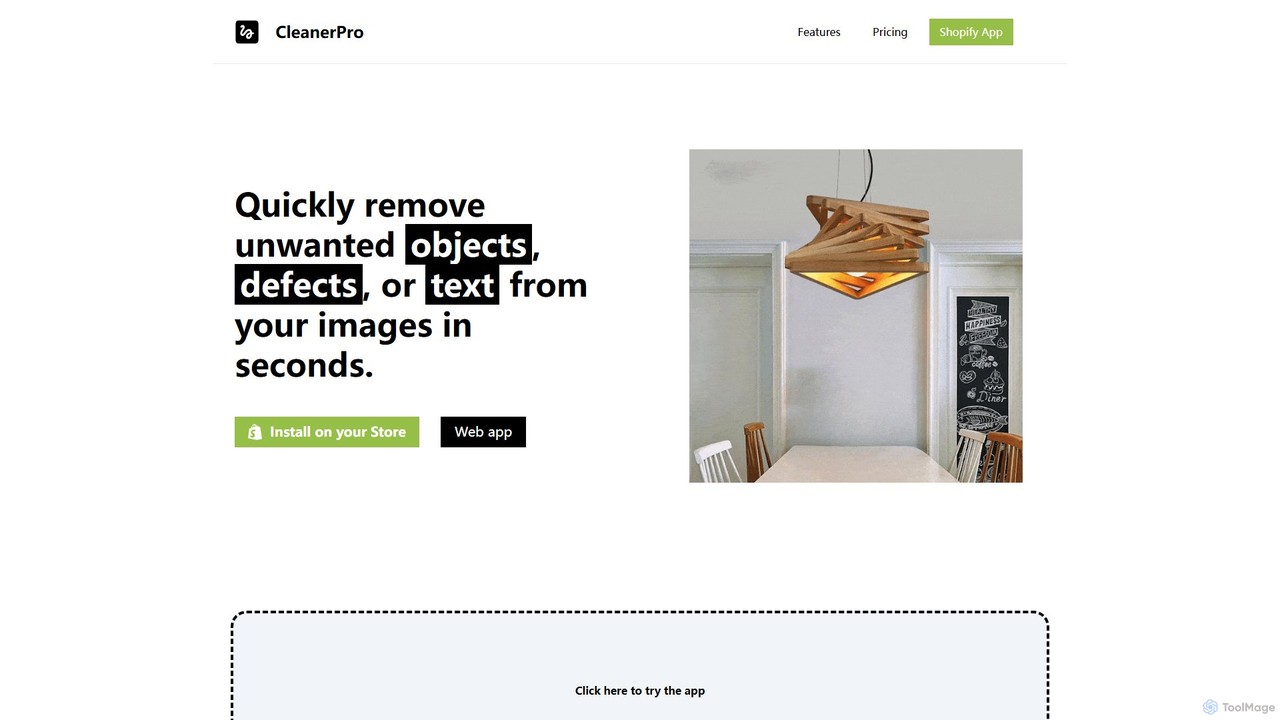
CleanerPro
CleanerPro is an AI-powered image editor app for Shopify, designed to effortlessly enhance your product photos. It allows you to remove unwanted objects, people, and text, erase backgrounds, upscale image resolution, and compress file sizes in seconds, ensuring your store's visuals are professional and load quickly.
Product Image Editingphotorush
Photorush is an AI-powered image editing suite designed for speed and efficiency. It automates complex tasks like background removal, object erasing, and one-click enhancement, enabling users to create professional-quality images in seconds. Ideal for e-commerce, marketing, and social media content creation.
Product Images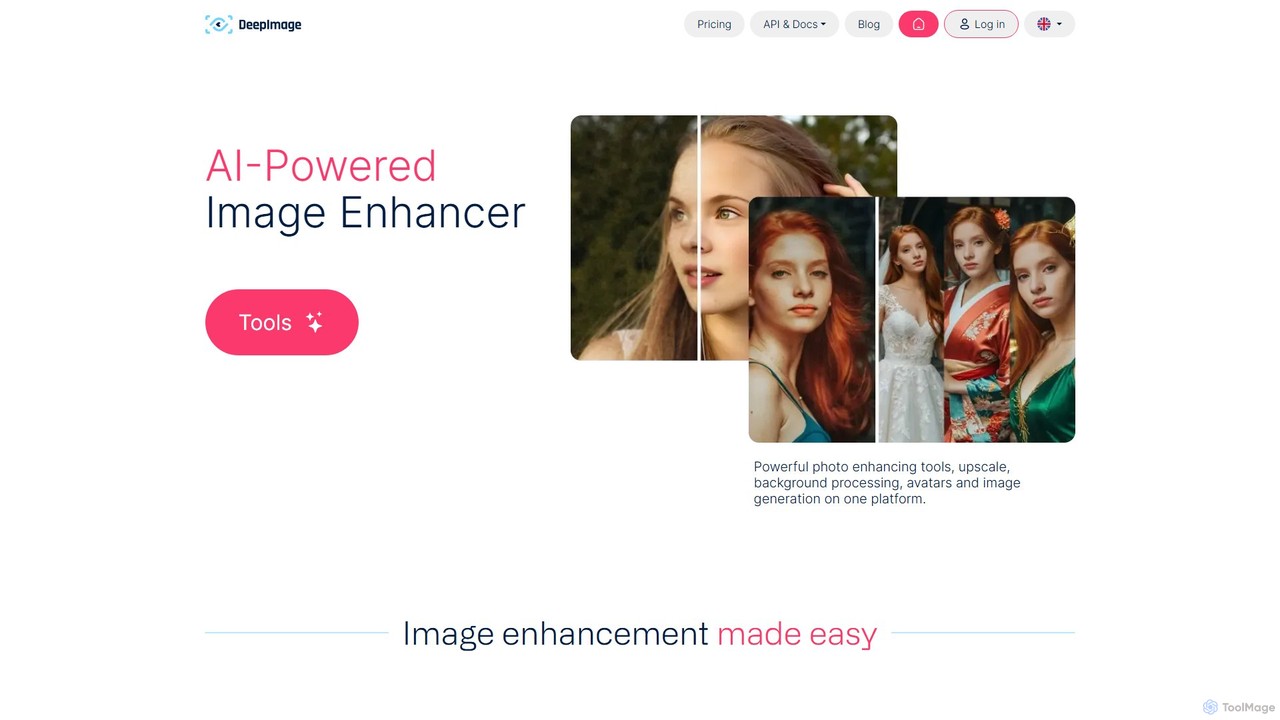
deep_image.ai
A comprehensive AI-powered platform for image enhancement, upscaling, and generation. It offers a suite of tools including noise reduction, sharpening, color correction, background removal, and creating new images from text. Ideal for photographers, e-commerce businesses, and content creators seeking professional-quality results.
Image Editing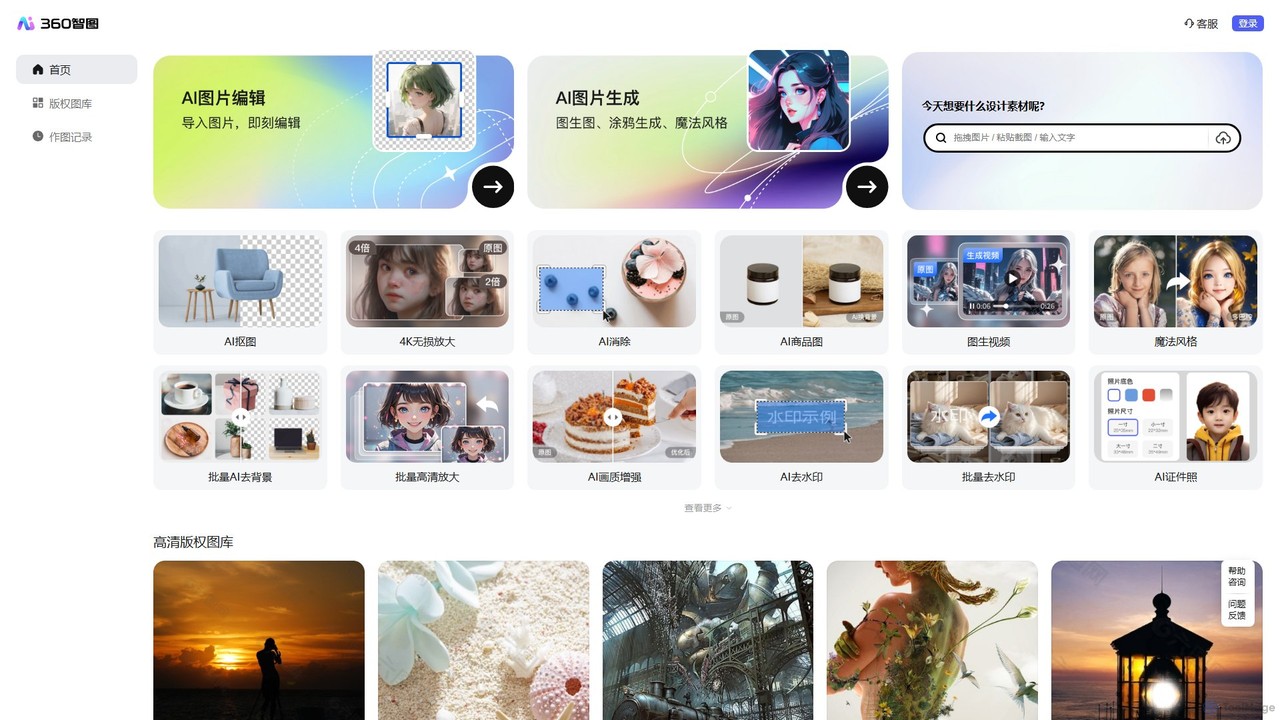
360 Zhitou
360 Zhitou is a comprehensive AI-powered image creation and editing platform. It offers a suite of tools including AI background removal, 4K image upscaling, object and watermark removal, AI-generated product photos, image-to-video conversion, and artistic style transfer. It's designed for e-commerce, marketing, and design professionals.
Generative Art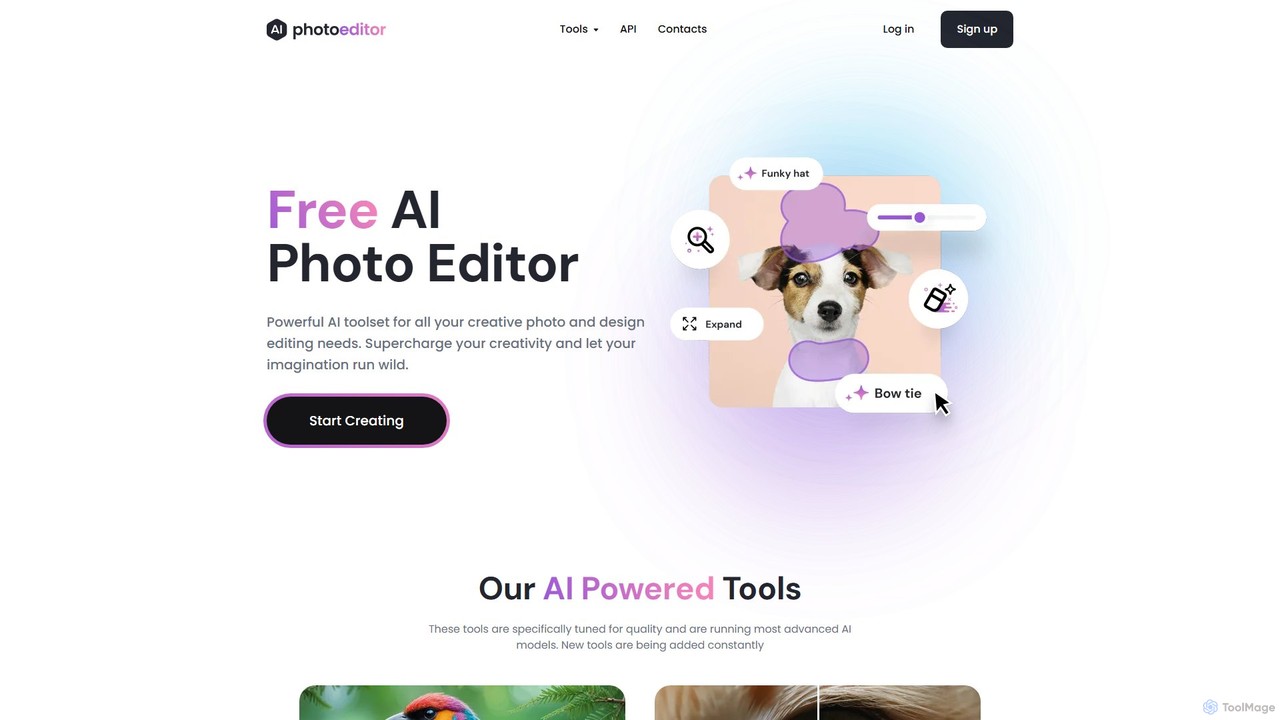
photoeditor.ai
An all-in-one AI-powered photo editing suite. Effortlessly generate images from text, remove backgrounds and objects, enhance, upscale, and expand photos with generative fill. No design skills needed, accessible directly from your web browser.
Image Editing
Icons8
Icons8 is a comprehensive design platform offering a vast library of icons, illustrations, photos, and music. It integrates powerful AI tools like a face generator, image upscaler, and background remover to streamline the creative workflow for designers, marketers, and developers.
Graphics
xiu.ai
xiu.ai is an all-in-one AI-powered image editing and creation suite. It offers tools for one-click photo enhancement, background removal, object erasing, image upscaling, and text-to-image generation, designed for creators and marketers.
Image Generation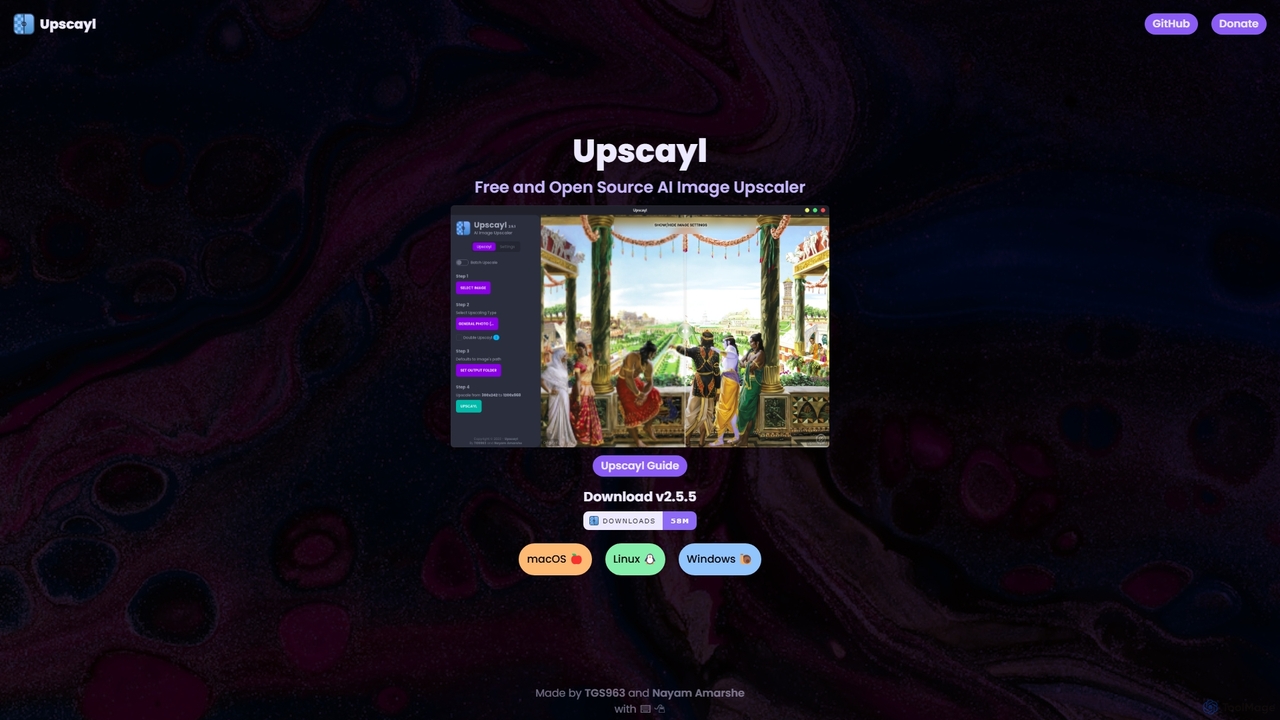
Upscayl
Upscayl is a free and open-source AI image upscaler for Windows, macOS, and Linux. It enhances low-resolution images using advanced AI models, processing everything locally on your device to ensure complete privacy. Ideal for photographers, designers, and AI artists.
Graphics
Upscale.media
Upscale.media is a free AI-powered tool that automatically upscales and enhances images in seconds. It increases image resolution by up to 8x without losing quality, sharpens details, and removes artifacts. Ideal for e-commerce, photographers, and personal use, it offers web, mobile app, and API access for seamless integration.
Image Editing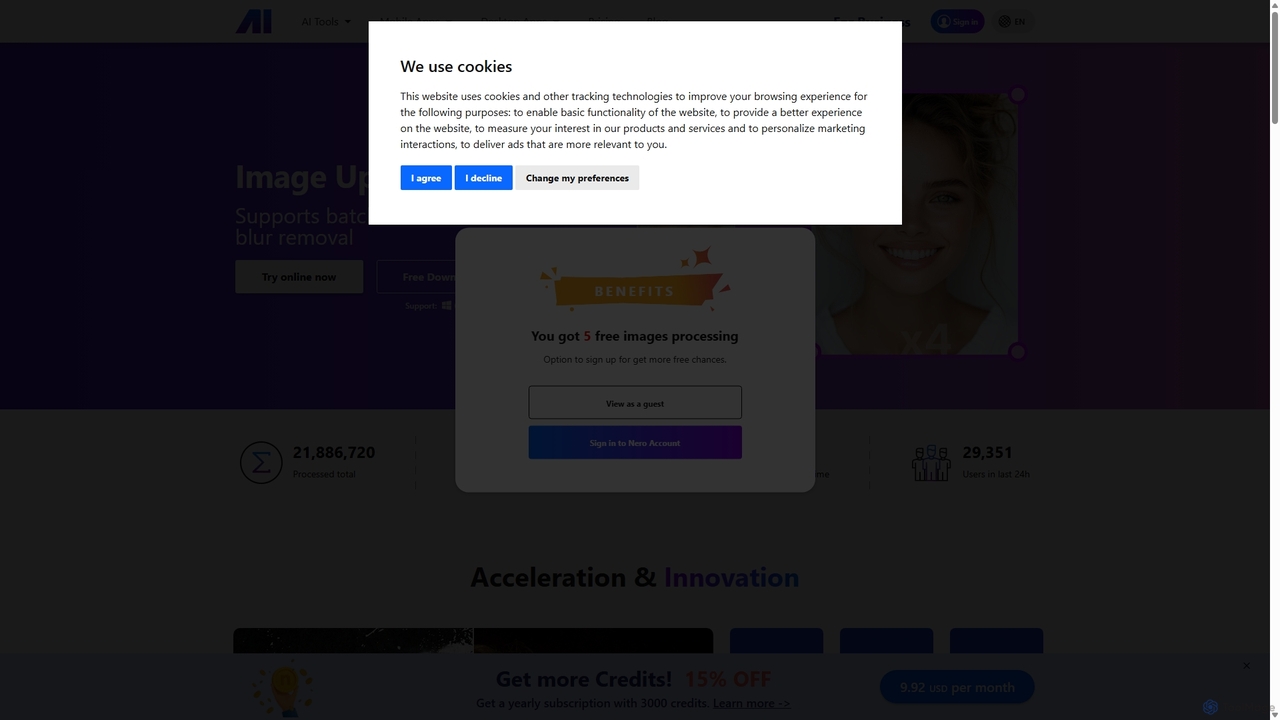
Nero AI
Nero AI is a comprehensive suite of AI-powered tools for image and video enhancement. It offers features like image and video upscaling, photo restoration, background and object removal, face animation, and creative stylization. Designed for creators, marketers, and designers, it provides easy-to-use solutions for both online and desktop platforms to elevate visual content quality.
Graphic Design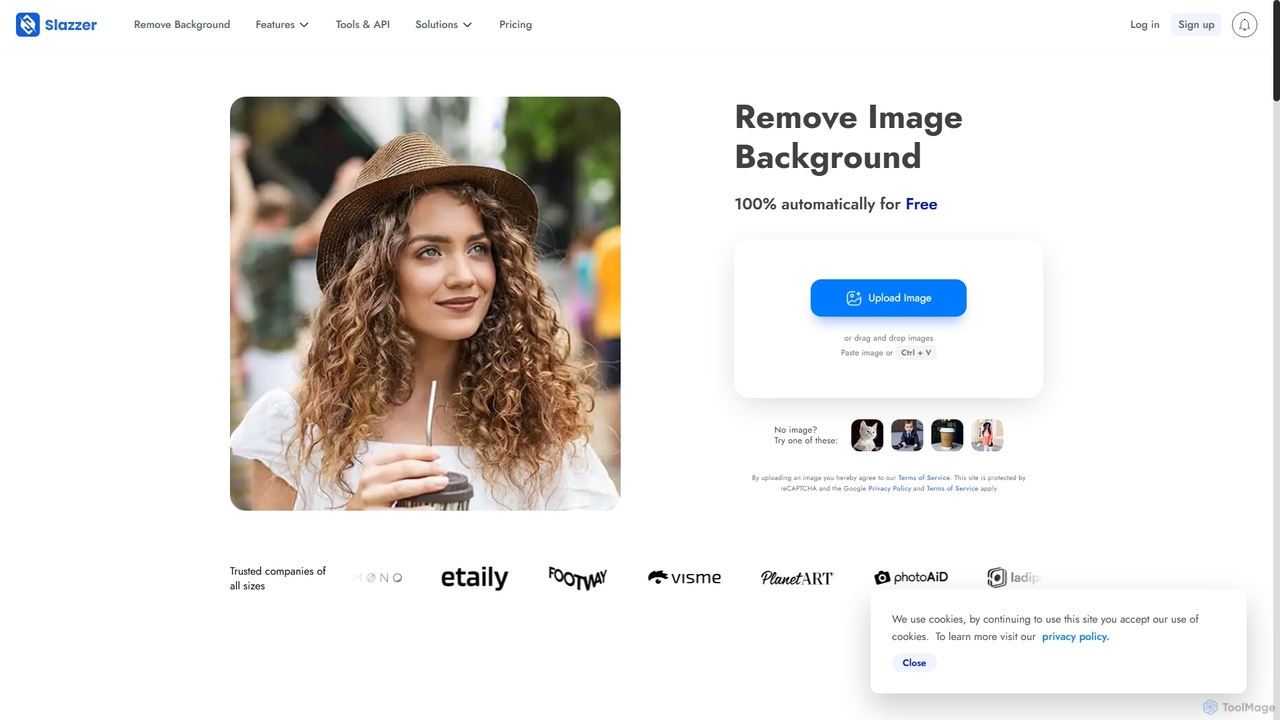
Slazzer
Slazzer is an AI-powered visual editing platform that automatically removes image backgrounds in seconds. It offers a suite of tools including AI background generation, image enhancement, upscaling, and shadow creation. Designed for efficiency, it serves e-commerce, photographers, marketers, and developers with web-based tools, desktop apps, and API integration for bulk processing.
Api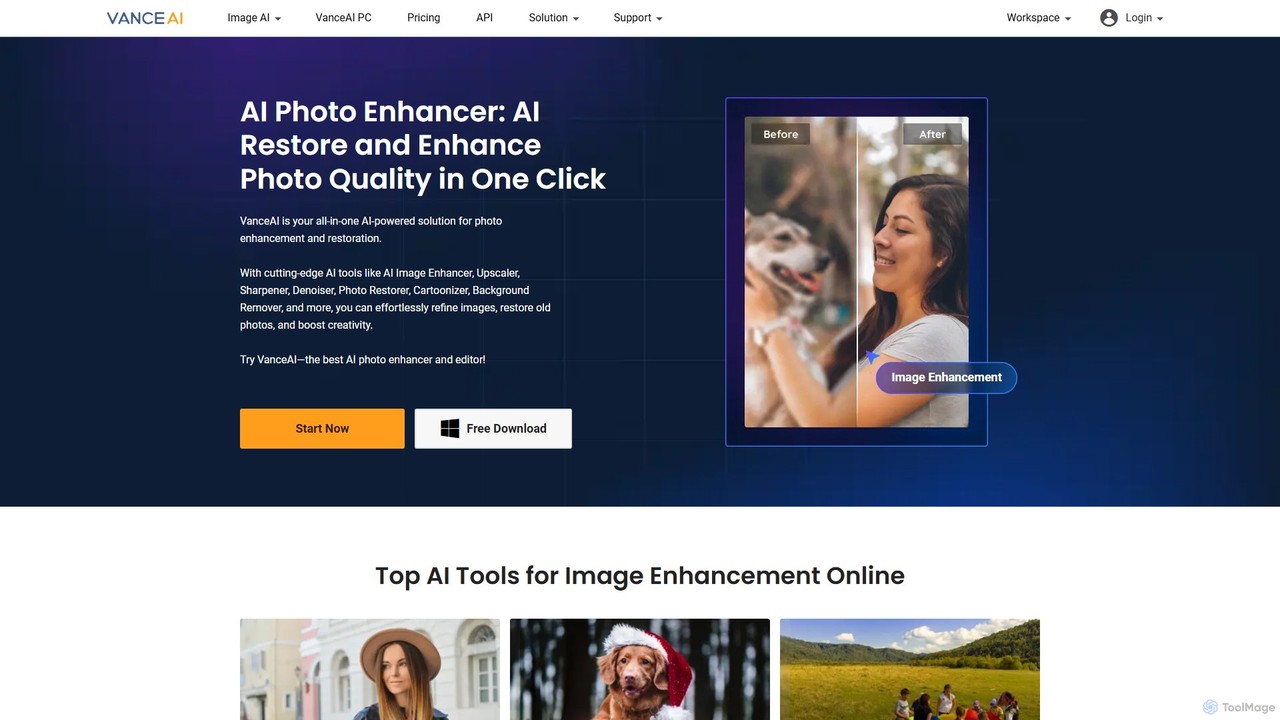
VanceAI
VanceAI is a comprehensive, AI-powered suite for photo enhancement, restoration, and editing. It offers a wide range of tools, including an image upscaler, sharpener, denoiser, background remover, and photo restorer. With one-click solutions and batch processing capabilities, VanceAI helps users from photographers to e-commerce businesses improve image quality, streamline workflows, and boost creativity effortlessly, available both online and as a desktop application.
Image Editing
ImageToolsHub Comments (0)
Sign in to comment.
Sign inNo comments yet.