


Upscalepics Overview
Upscalepics is a comprehensive, AI-driven platform designed to solve all your low-resolution image problems. It utilizes state-of-the-art machine learning algorithms to upscale, enhance, and refine images with just a few clicks. The tool is engineered to intelligently increase image resolution, sharpen details, and clarify visuals without losing the original content's defining characteristics. Whether you're a professional photographer, a graphic designer, an e-commerce store owner, or a casual user, Upscalepics provides a suite of powerful features to elevate your visual content.
The platform goes beyond simple upscaling, offering a multi-functional toolkit that includes a background remover, an image compressor, and a versatile editor. This integrated approach allows users to perform multiple image-editing tasks within a single, streamlined workflow, saving time and effort.
How to use Upscalepics
Using Upscalepics is designed to be intuitive and straightforward. The process typically involves these simple steps:
- Upload Your Image: You can upload an image directly from your computer, drag and drop it onto the web interface, or even paste an image from your clipboard. The platform supports common formats like JPG, PNG, and WebP.
- Choose Your Settings: Customize the upscaling process to your exact needs. You can choose a scaling factor (up to 8x), or specify a custom width and height for precise dimensions. For print projects, you can select the 300 DPI option and choose between RGB and CMYK color modes.
- Process and Enhance: Click the upscale button to let the AI work its magic. The system will process the image, increasing its resolution and enhancing its quality. Paid users benefit from priority processing.
- Download: Once the process is complete, you can preview the enhanced image and download it. Paid plans offer more output formats and the ability to save your work for up to 7 days.
- Use the Browser Extension: For maximum convenience, the 'Upscalepics integrate' browser extension allows you to right-click and upscale images from any website without needing to download and re-upload them.
Core Features of Upscalepics
- AI Image Upscaling: Increase image resolution by up to 8x, transforming low-quality pictures into high-definition visuals up to 256 megapixels.
- Custom Dimensions: Instead of fixed multipliers, you can specify the exact target width or height for your upscaled image.
- Print-Ready Output: A specialized mode allows you to upscale images to 300 DPI, with options for physical dimensions and CMYK color mode, making them perfect for professional printing.
- Batch Processing: Upload and process up to 50 images simultaneously, a crucial time-saver for large projects (available on paid plans).
- AI Background Remover: Instantly and accurately remove the background from any image with a single click.
- Image Compressor: Reduce file sizes without significant quality loss, optimizing images for web use.
- Browser Extension: The 'Upscalepics integrate' extension streamlines your workflow by allowing direct upscaling from any webpage.
- API Access: Developers can integrate Upscalepics' powerful features into their own applications and services.
- Anime Mode: A specialized algorithm optimized for upscaling anime, cartoons, and illustrations, preserving sharp lines and vibrant colors.
Use Cases for Upscalepics
Upscalepics is a versatile tool suitable for a wide range of applications:
- E-commerce: Enhance low-resolution product photos to create crisp, detailed images that attract customers and boost sales.
- Graphic Design & Print Media: Upscale logos, graphics, and photos to 300 DPI for high-quality posters, brochures, and marketing materials.
- Photography: Restore and enhance old or low-resolution digital photos, recovering lost detail and clarity.
- Web Development & Content Creation: Improve the quality of images for websites, blogs, and social media posts to create a more professional online presence.
- Real Estate: Sharpen property photos to make online listings more appealing to potential buyers.
- Art & Illustration: Use the dedicated Anime mode to upscale digital art, fan art, and screenshots while maintaining the original style.
Advantages of Upscalepics
Upscalepics stands out with its combination of power and flexibility. Its key advantages include its highly customizable output, allowing for precise control over dimensions and DPI. The all-in-one platform, which combines an upscaler, background remover, and compressor, eliminates the need for multiple separate tools. The convenience of the browser extension and the availability of an API make it a highly efficient and integrable solution for both individual and business users.
Pricing and Plans
Upscalepics offers a flexible pricing structure to suit different needs:
- Free Plan: $0/month. This plan is free forever and includes 5 credits per day, upscaling up to 36 MP (up to 8x), 2 output formats, and access to the light editor and compressor.
- Subscription Plan: Starting at $3.32/month (when paid yearly). This plan includes everything in the free plan plus 9600 credits per year, upscaling up to 256 MP, 8 output formats, priority processing, access to the browser extension, background remover, batch processing for up to 50 images, and a 7-day backup of your files.
- Enterprise: Custom plans with high discounts are available for bulk orders. Interested parties can contact the sales team directly.
Traffic
Latest traffic
Status
Monthly traffic trend
- 2025-9: 153.1K
- 2026-1: 117.2K
- 2026-2: 93.1K
- 2026-3: 91.6K
- 2026-4: 79.3K
- 2026-5: 65.7K
Geography
Top 5 countries / regions
- 🇺🇸United States39.9%
- 🇬🇧United Kingdom25.8%
- 🇧🇷Brazil13.5%
- 🇮🇳India13.2%
- 🇮🇩Indonesia7.6%
Traffic sources
| Source type | Percentage |
|---|---|
Direct | 88.3% |
Referral | 11.1% |
Email | 0.6% |
Top keywords
| Keyword | Cost per click |
|---|---|
| high res my photo | $0.00 |
| upscale image | $0.30 |
| upscale pic | $0.98 |
| upscale pics | $0.18 |
| upscalepics | $0.77 |
Upscalepics Alternatives

Upscale.media
Upscale.media is a free AI-powered tool that automatically upscales and enhances images in seconds. It increases image resolution by up to 8x without losing quality, sharpens details, and removes artifacts. Ideal for e-commerce, photographers, and personal use, it offers web, mobile app, and API access for seamless integration.
Image Editing
Magic Studio
Magic Studio is an all-in-one AI-powered image editing suite designed for everyone. It allows users to effortlessly create stunning visuals, remove unwanted objects, change backgrounds, generate images from text, and enhance photo quality in seconds, no design skills required.
Product Photos
xiu.ai
xiu.ai is an all-in-one AI-powered image editing and creation suite. It offers tools for one-click photo enhancement, background removal, object erasing, image upscaling, and text-to-image generation, designed for creators and marketers.
Image Generation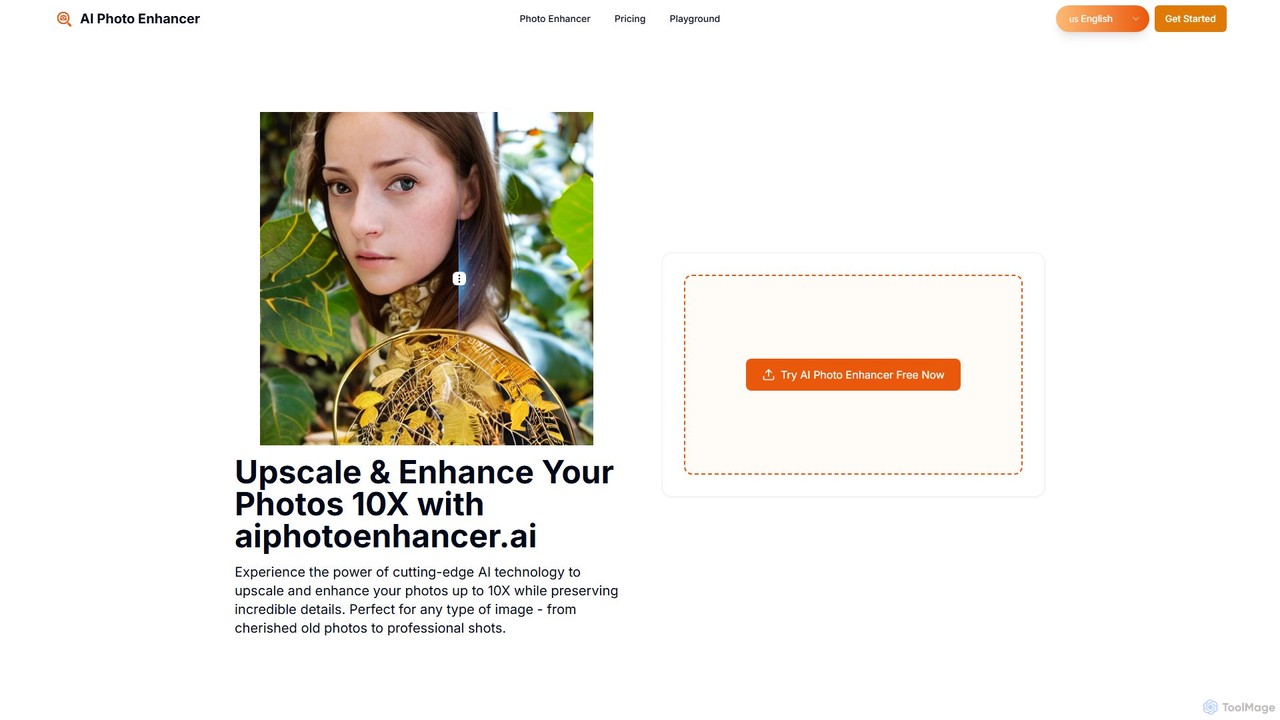
aiphotoenhancer
aiphotoenhancer is an AI-powered tool that upscales and enhances images up to 10X resolution while preserving details. It supports batch processing for up to 10 images and offers specialized modes for various photo types, including portraits, landscapes, e-commerce products, and old photos. With daily free credits, users can easily restore, sharpen, and improve their images for both personal and commercial use.
Image Editing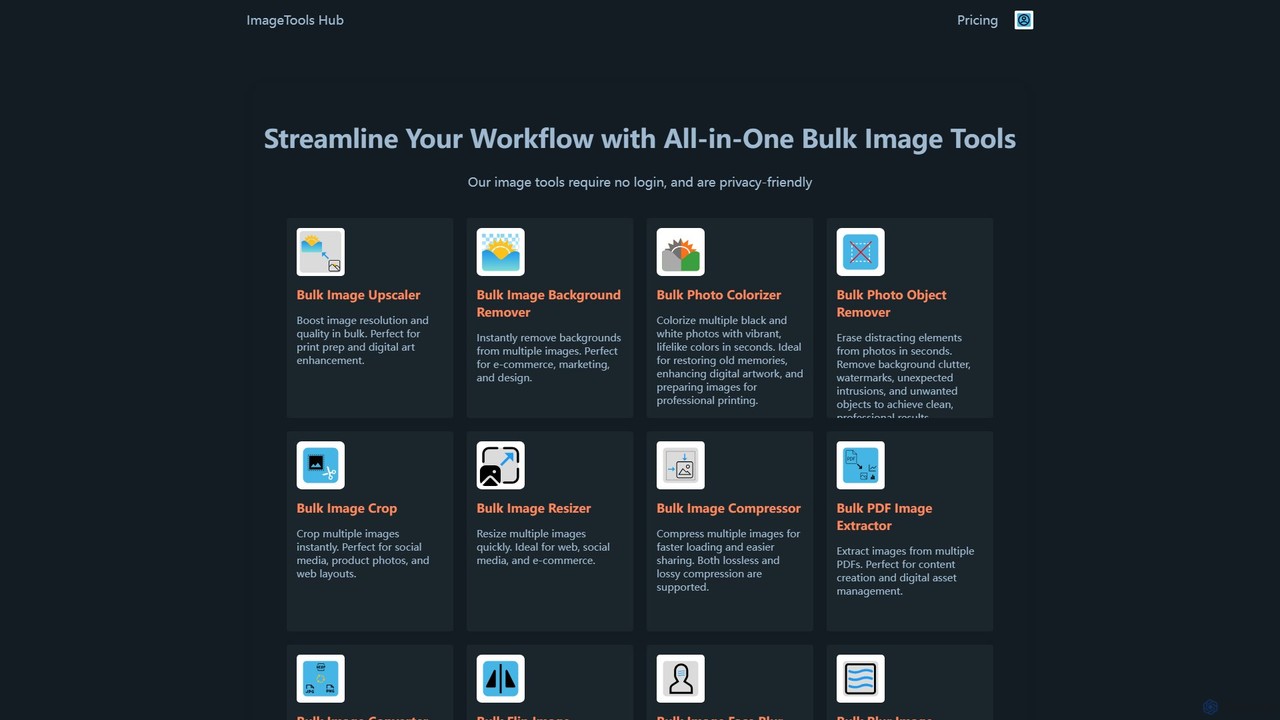
ImageToolsHub
ImageToolsHub is an all-in-one, privacy-focused suite of online image editing tools designed for efficiency. It offers powerful bulk processing capabilities, including AI-powered background removal, image upscaling, photo colorization, and object removal. With no login required for many tools and a strong emphasis on browser-based processing, it provides a fast, secure, and convenient solution for professionals in e-commerce, marketing, and web development to streamline their image workflows.
GraphicsUpscalepics Categories
Upscalepics Embed Widget
Copy this embed code to place the badge on your blog, article, or product site and send readers directly to this ToolMage detail page.

Related AI tools
ImageToolsHub
ImageToolsHub is an all-in-one, privacy-focused suite of online image editing tools designed for efficiency. It offers powerful bulk processing capabilities, including AI-powered background removal, image upscaling, photo colorization, and object removal. With no login required for many tools and a strong emphasis on browser-based processing, it provides a fast, secure, and convenient solution for professionals in e-commerce, marketing, and web development to streamline their image workflows.
GraphicsUpscale.media
Upscale.media is a free AI-powered tool that automatically upscales and enhances images in seconds. It increases image resolution by up to 8x without losing quality, sharpens details, and removes artifacts. Ideal for e-commerce, photographers, and personal use, it offers web, mobile app, and API access for seamless integration.
Image Editing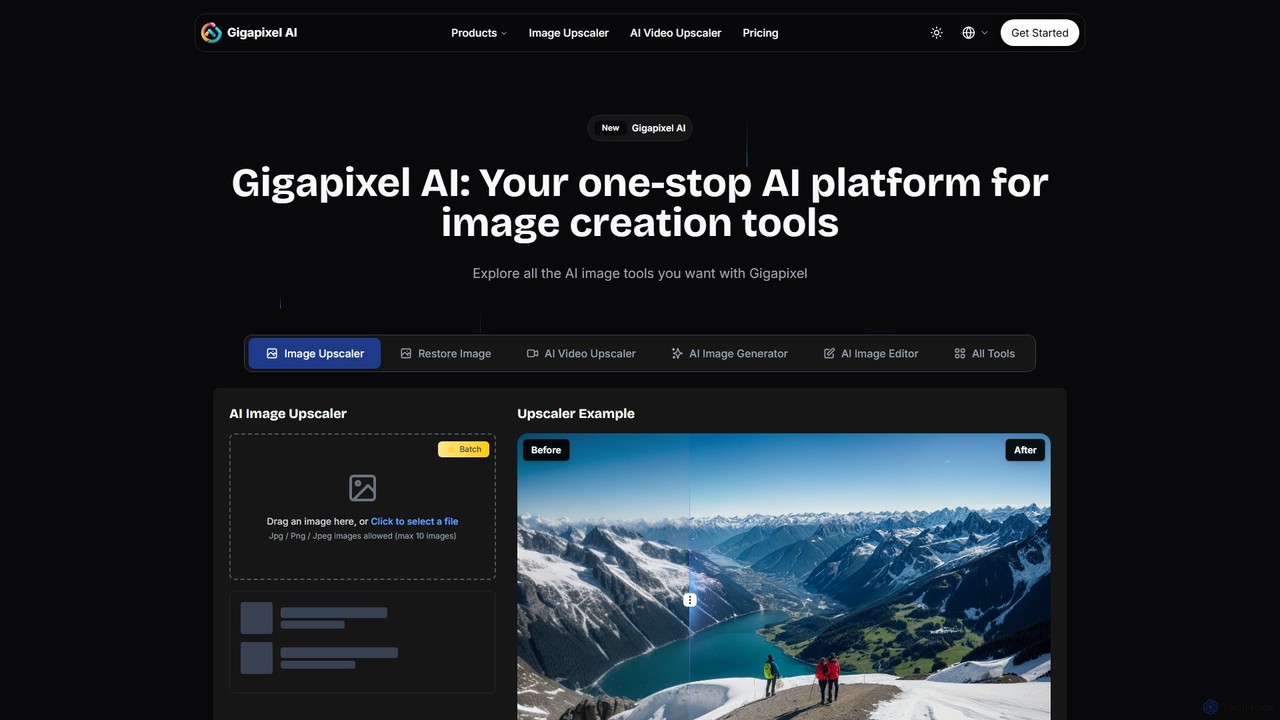
Gigapixel AI
Gigapixel AI is a comprehensive, all-in-one AI platform for image and video creation. It offers a suite of powerful tools, including an advanced image and video upscaler, a versatile image generator, a precise image editor, and a background remover. It's designed for creators, marketers, and developers to enhance, generate, and edit visual content with professional-grade quality and efficiency.
Image Editing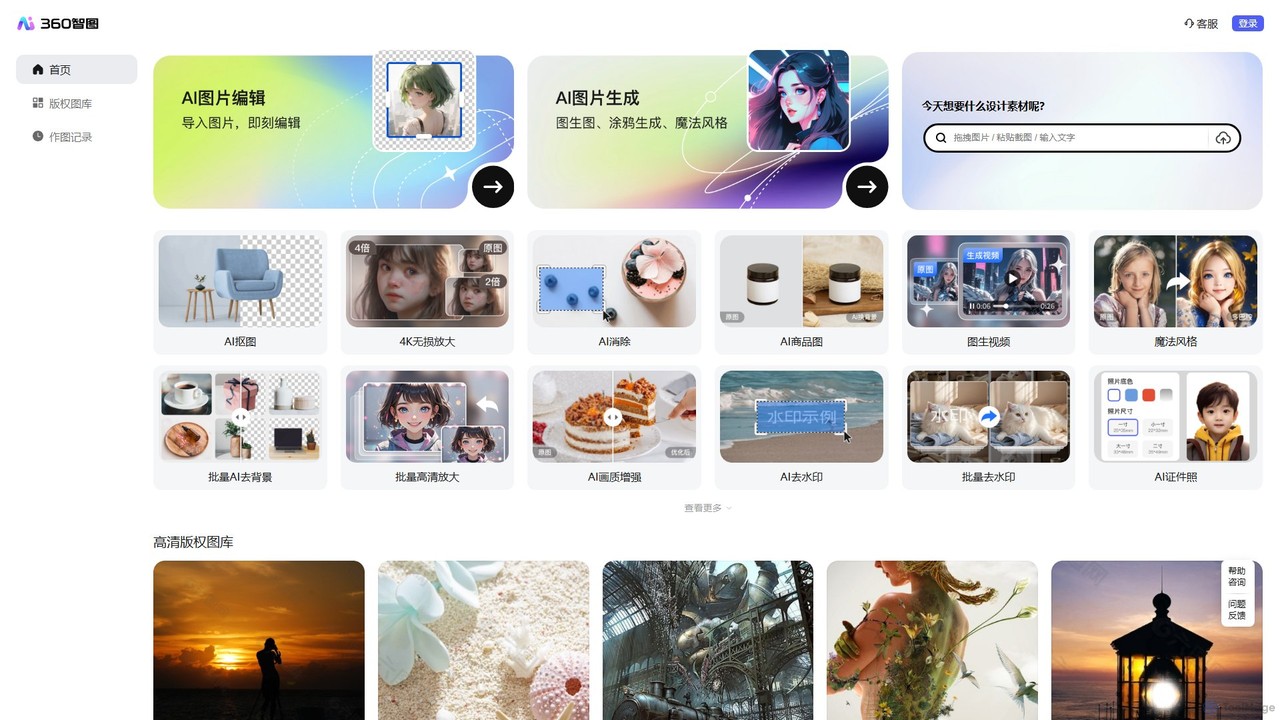
360 Zhitou
360 Zhitou is a comprehensive AI-powered image creation and editing platform. It offers a suite of tools including AI background removal, 4K image upscaling, object and watermark removal, AI-generated product photos, image-to-video conversion, and artistic style transfer. It's designed for e-commerce, marketing, and design professionals.
Generative Art
photorush
Photorush is an AI-powered image editing suite designed for speed and efficiency. It automates complex tasks like background removal, object erasing, and one-click enhancement, enabling users to create professional-quality images in seconds. Ideal for e-commerce, marketing, and social media content creation.
Product Images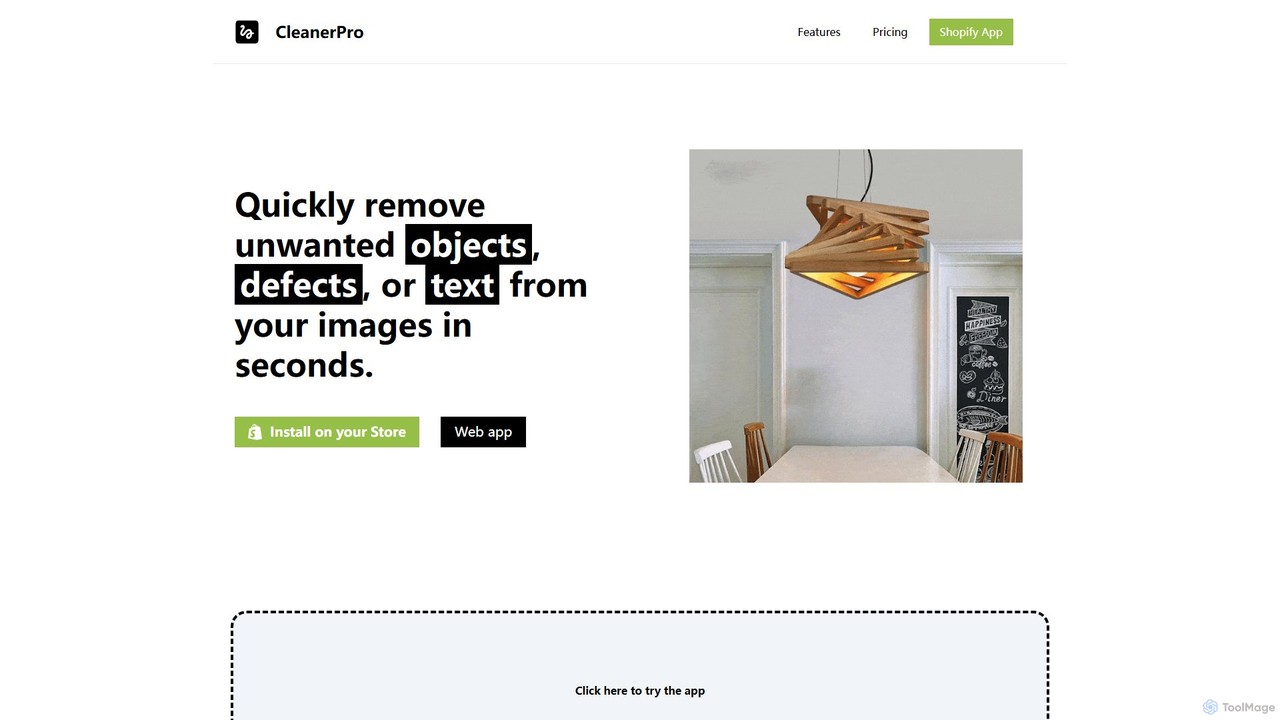
CleanerPro
CleanerPro is an AI-powered image editor app for Shopify, designed to effortlessly enhance your product photos. It allows you to remove unwanted objects, people, and text, erase backgrounds, upscale image resolution, and compress file sizes in seconds, ensuring your store's visuals are professional and load quickly.
Product Image Editing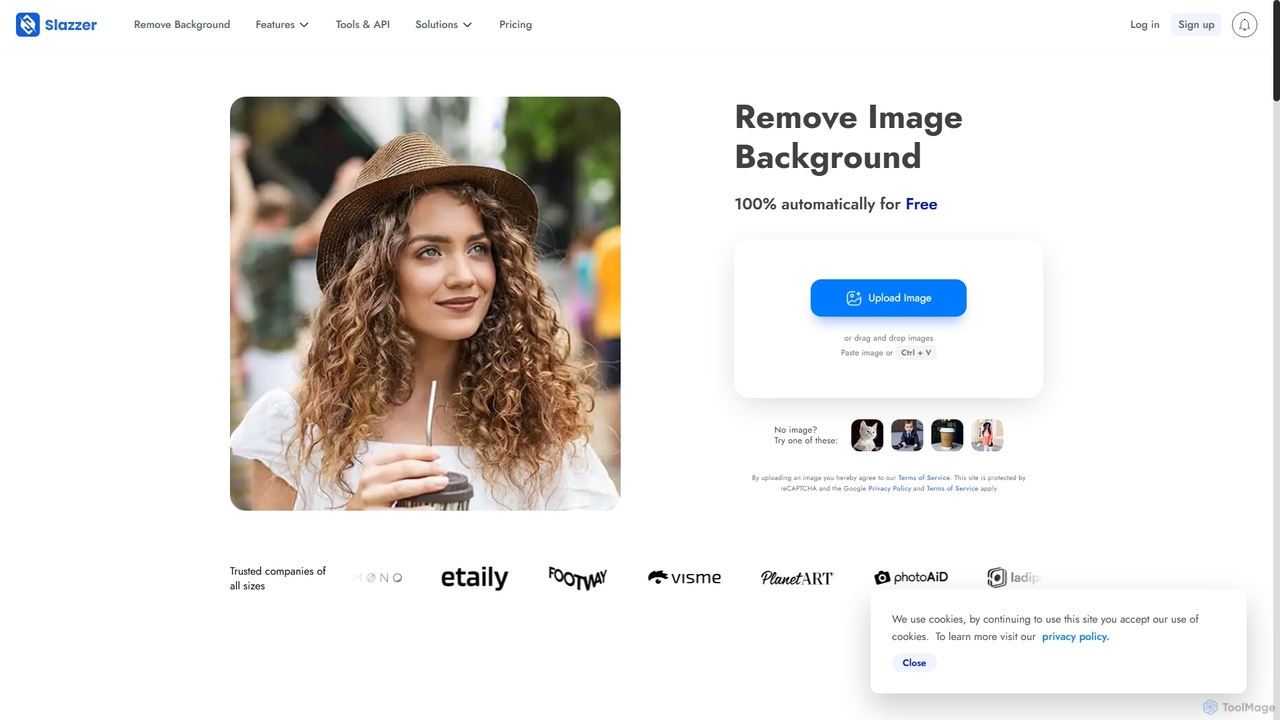
Slazzer
Slazzer is an AI-powered visual editing platform that automatically removes image backgrounds in seconds. It offers a suite of tools including AI background generation, image enhancement, upscaling, and shadow creation. Designed for efficiency, it serves e-commerce, photographers, marketers, and developers with web-based tools, desktop apps, and API integration for bulk processing.
Api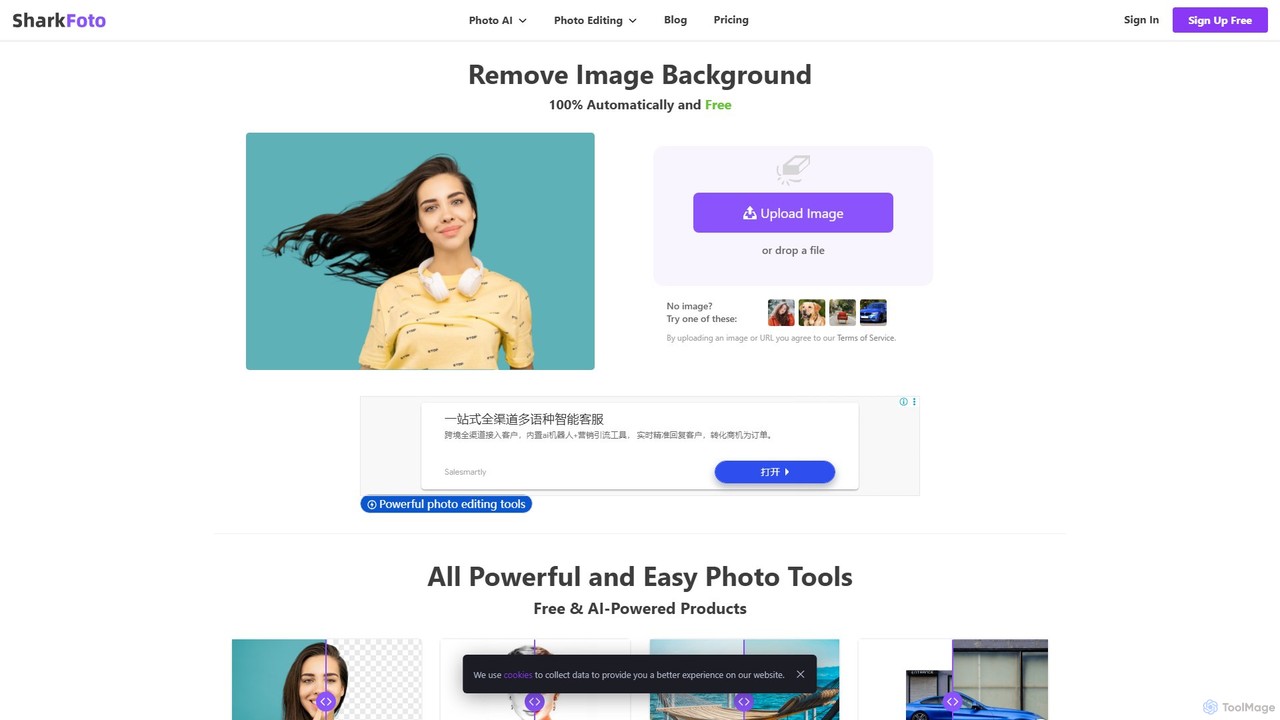
sharkfoto
sharkfoto is an all-in-one online photo editing suite powered by AI. It offers a range of tools including automatic background removal, image colorization, photo enhancement, and resolution enlargement. Additionally, it provides over 10 free standard editing tools like image conversion, compression, resizing, and a full-featured photo editor, catering to both professionals and casual users.
Background Removal
Background Removal AI
An AI-powered tool that instantly and automatically removes backgrounds from any image for free. Ideal for e-commerce, graphic design, marketing, and personal use, it offers high-precision results, batch processing, and API integration for streamlined workflows. Get clean, professional images with transparent backgrounds in seconds.
Image Editing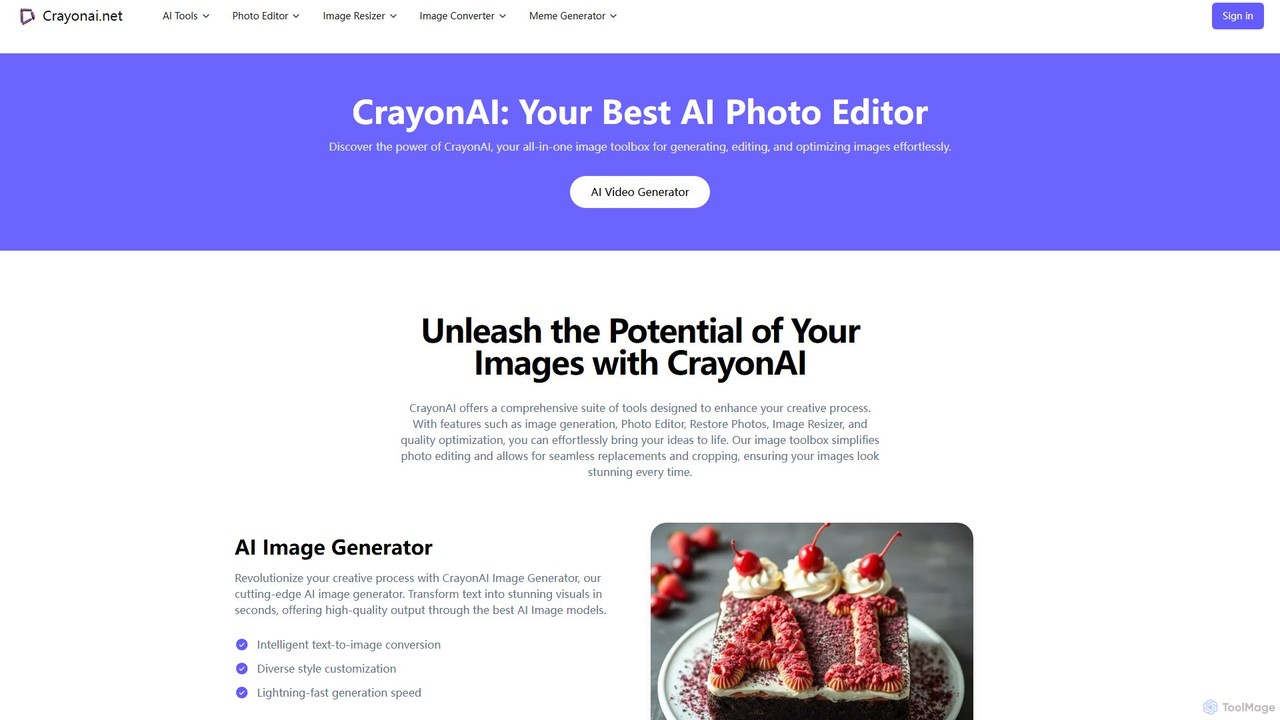
CrayonAI
CrayonAI is an all-in-one AI-powered image and video toolbox. It enables users to generate stunning visuals from text, edit photos with a comprehensive suite of tools, remove backgrounds, restore old images, create memes, and much more, all within a single, user-friendly platform.
Meme GenerationMagic Studio
Magic Studio is an all-in-one AI-powered image editing suite designed for everyone. It allows users to effortlessly create stunning visuals, remove unwanted objects, change backgrounds, generate images from text, and enhance photo quality in seconds, no design skills required.
Product Photosxiu.ai
xiu.ai is an all-in-one AI-powered image editing and creation suite. It offers tools for one-click photo enhancement, background removal, object erasing, image upscaling, and text-to-image generation, designed for creators and marketers.
Image Generationaiphotoenhancer
aiphotoenhancer is an AI-powered tool that upscales and enhances images up to 10X resolution while preserving details. It supports batch processing for up to 10 images and offers specialized modes for various photo types, including portraits, landscapes, e-commerce products, and old photos. With daily free credits, users can easily restore, sharpen, and improve their images for both personal and commercial use.
Image Editing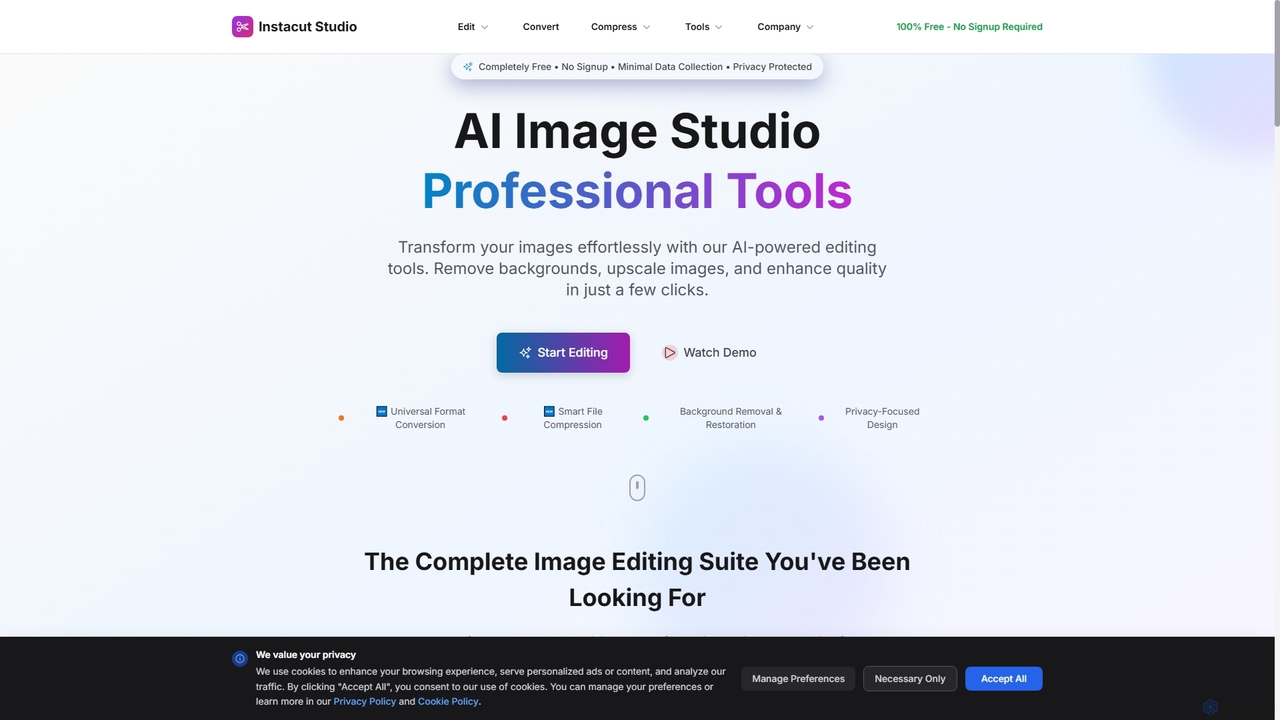
Instacut
Instacut is a comprehensive, privacy-first suite of AI-powered image editing tools available online for free. It requires no signup and offers features like background removal, image upscaling, photo restoration, format conversion, and file compression, ensuring user data is never stored.
Graphics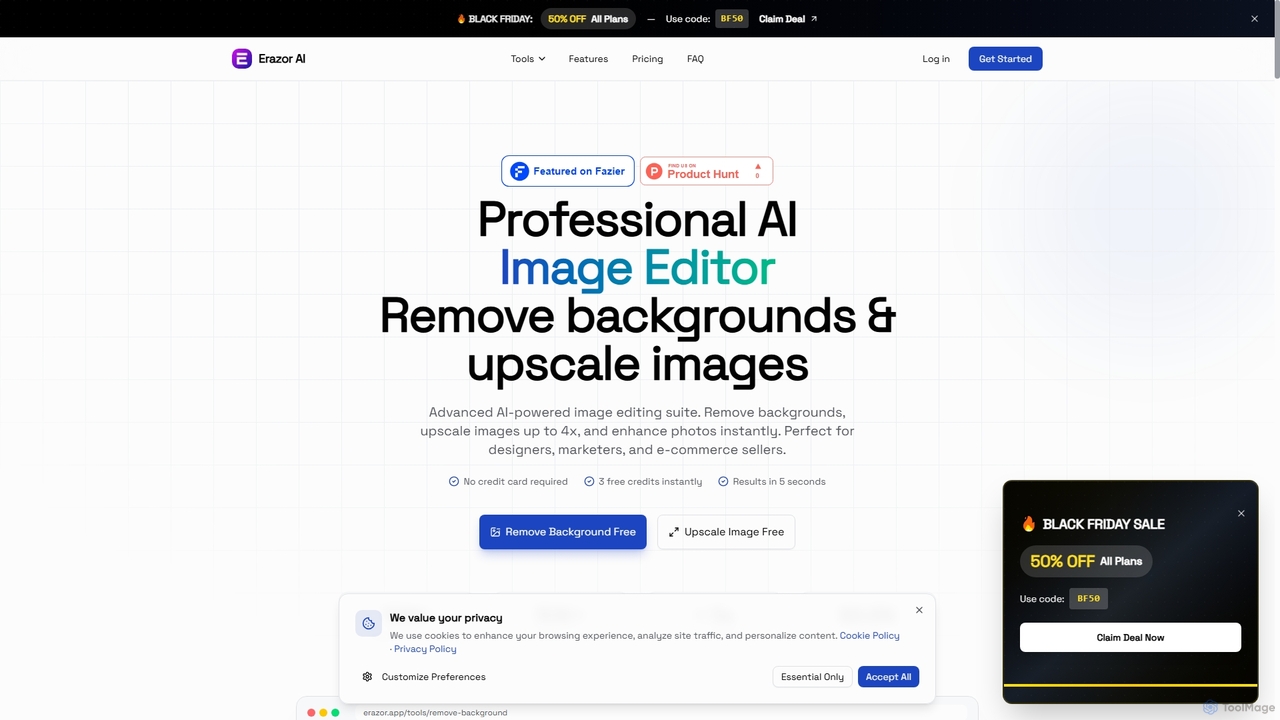
Erazor
Erazor is a professional AI image editor that specializes in lightning-fast background removal and intelligent image upscaling. Designed for designers, marketers, and e-commerce sellers, it delivers high-quality results in seconds, enhancing productivity and visual content creation.
Graphic Design
Upscalepics Comments (0)
Sign in to comment.
Sign inNo comments yet.