

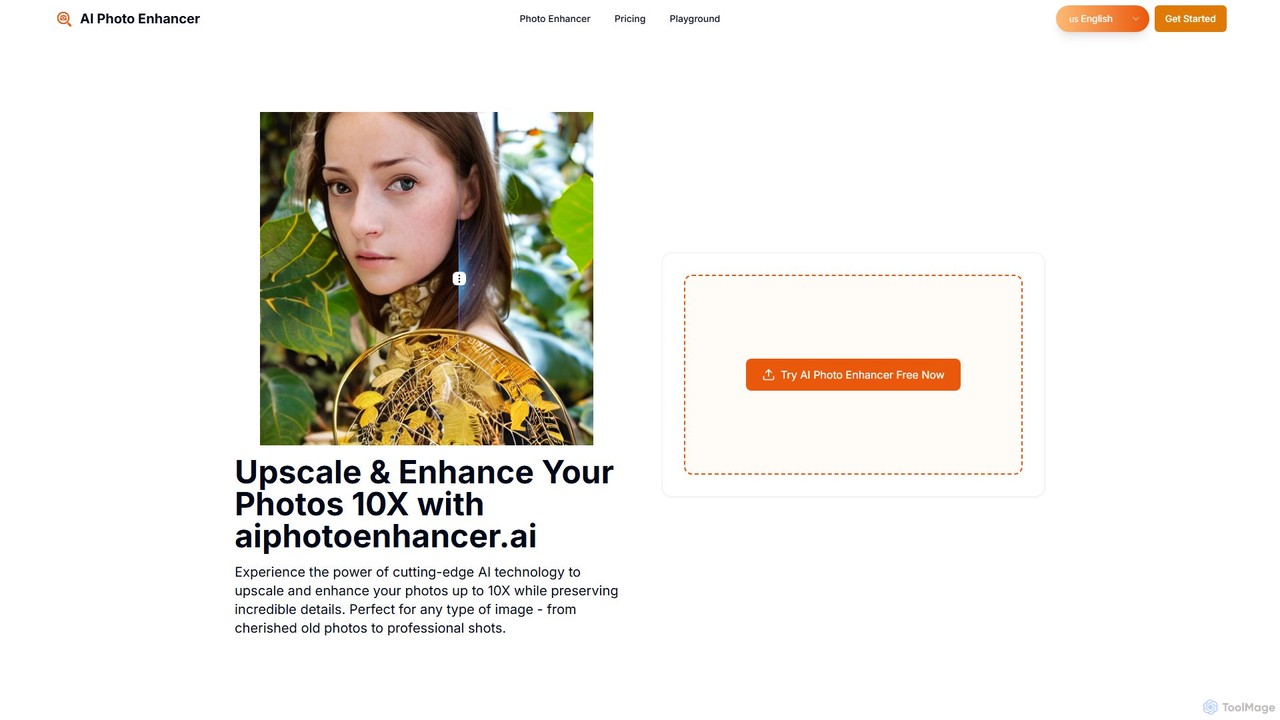
aiphotoenhancer Overview
aiphotoenhancer is a state-of-the-art online tool that leverages advanced artificial intelligence to dramatically improve the quality of your images. Whether you're a professional photographer, an e-commerce store owner, a digital artist, or simply someone looking to restore cherished family photos, this tool offers a powerful and user-friendly solution. It specializes in upscaling images by up to 10 times their original resolution without sacrificing clarity or introducing artifacts. The AI models are trained to understand different types of content, ensuring optimal results for everything from portraits and landscapes to product shots and anime illustrations. With features like batch processing and daily free credits, aiphotoenhancer makes professional-grade photo enhancement accessible to everyone.
How to use aiphotoenhancer
The platform is designed for simplicity and efficiency, allowing you to enhance your photos in just three easy steps:
- Upload Your Photos: Begin by dragging and dropping your images onto the web interface or clicking to browse your files. The tool supports batch processing, allowing you to upload and enhance up to 10 photos simultaneously. Supported formats include JPG, PNG, JPEG, and WEBP.
- Choose Enhancement Options: Once your images are uploaded, you can customize the enhancement settings for each one individually. Select your desired upscale ratio—from 2X, 4X, 8X, up to a massive 10X. You can also specify the photo style (e.g., Portrait, Landscape, E-commerce, Old Photo) to apply a specialized AI model that is optimized for that particular type of image.
- Enhance and Download Results: After setting your preferences, simply click the "Enhance" button. The AI will process your images in seconds. You can then preview the stunning before-and-after results and download your beautifully upscaled and enhanced photos directly to your device.
Core Features of aiphotoenhancer
- Up to 10X AI Upscaling: Increase the resolution of your images by up to 1000% while maintaining exceptional clarity and detail, making low-resolution photos suitable for print or high-definition displays.
- Advanced AI Technology: Powered by state-of-the-art machine learning models, the tool intelligently adds detail, removes noise, and sharpens images for superior results.
- Batch Processing: Enhance your workflow efficiency by processing up to 10 images at the same time, saving you valuable time and effort.
- Specialized Style Processing: The AI is specifically trained to recognize and optimize different image categories, including portraits (improving skin texture and facial features), landscapes (boosting vibrancy and depth), e-commerce products (enhancing clarity for online stores), old photos (restoring color and detail), and anime/illustrations.
- Free Daily Credits: Get started without any commitment. aiphotoenhancer provides 5 free credits every day, which reset every 24 hours, allowing you to test the full capabilities of the service.
- Secure and Private: Your privacy is a priority. All uploaded images are processed securely and are automatically deleted from the servers after processing is complete.
Use Cases for aiphotoenhancer
This versatile tool is perfect for a wide range of applications:
- Old Photo Restoration: Breathe new life into faded, blurry, or damaged vintage photographs. The AI enhances clarity, restores colors, and repairs imperfections, preserving precious memories for generations to come.
- E-commerce Product Photography: Create crisp, professional-grade product images that attract customers. Enhance detail and clarity to make your products stand out in a competitive online marketplace.
- Portrait Enhancement: Perfect your portraits with intelligent optimization. The AI can smooth skin textures, sharpen eyes, and enhance facial features while maintaining a natural look.
- Landscape Photography: Bring out the stunning details in your nature and travel photos. The tool enhances depth, vibrancy, and sharpness, making your scenic shots more immersive.
- Digital Art and Anime: Upscale digital illustrations, anime screenshots, and other artwork without the usual pixelation, making them suitable for high-resolution displays or printing.
- Pet Photography: Capture every adorable detail of your furry friends in crystal-clear quality, from the texture of their fur to the sparkle in their eyes.
Advantages of aiphotoenhancer
aiphotoenhancer stands out from other enhancement tools due to its unique combination of power and accessibility. The ability to upscale images up to 10X is a significant advantage for professionals who need high-resolution assets. The specialized AI models ensure that each photo receives the best possible treatment, rather than a one-size-fits-all approach. Furthermore, the batch processing feature is a massive time-saver for users with large volumes of images. The daily free credits offer a risk-free way to experience the tool's premium features, making it an excellent choice for both casual users and professionals on a budget.
Pricing and Plans
aiphotoenhancer offers a flexible freemium pricing structure to suit different needs:
- Free Plan: Get 5 free credits per day, which reset every 24 hours. This plan includes batch processing and access to the Reimagine AI feature without any subscription.
- Starter Plan: For $7.90 per month, you receive 200 credits. This plan includes batch processing, email support, no ads, and your unused credits roll over to the next month.
- Premium Plan: The most popular option, priced at $23.90 per month, provides 3000 credits. It includes all the benefits of the Starter plan with a much larger credit allowance for heavy users.
An annual subscription option is also available, offering a 20% discount on the monthly prices.
aiphotoenhancer Alternatives

Upscale.media
Upscale.media is a free AI-powered tool that automatically upscales and enhances images in seconds. It increases image resolution by up to 8x without losing quality, sharpens details, and removes artifacts. Ideal for e-commerce, photographers, and personal use, it offers web, mobile app, and API access for seamless integration.
Image Editing
Upscalepics
Upscalepics is an AI-powered image toolkit that enhances, upscales, and edits photos with remarkable precision. It can increase image resolution up to 8x, remove backgrounds, compress files, and prepare images for high-quality printing at 300 DPI. With features like batch processing, a browser extension, and API access, it serves photographers, designers, and e-commerce businesses.
Image Editing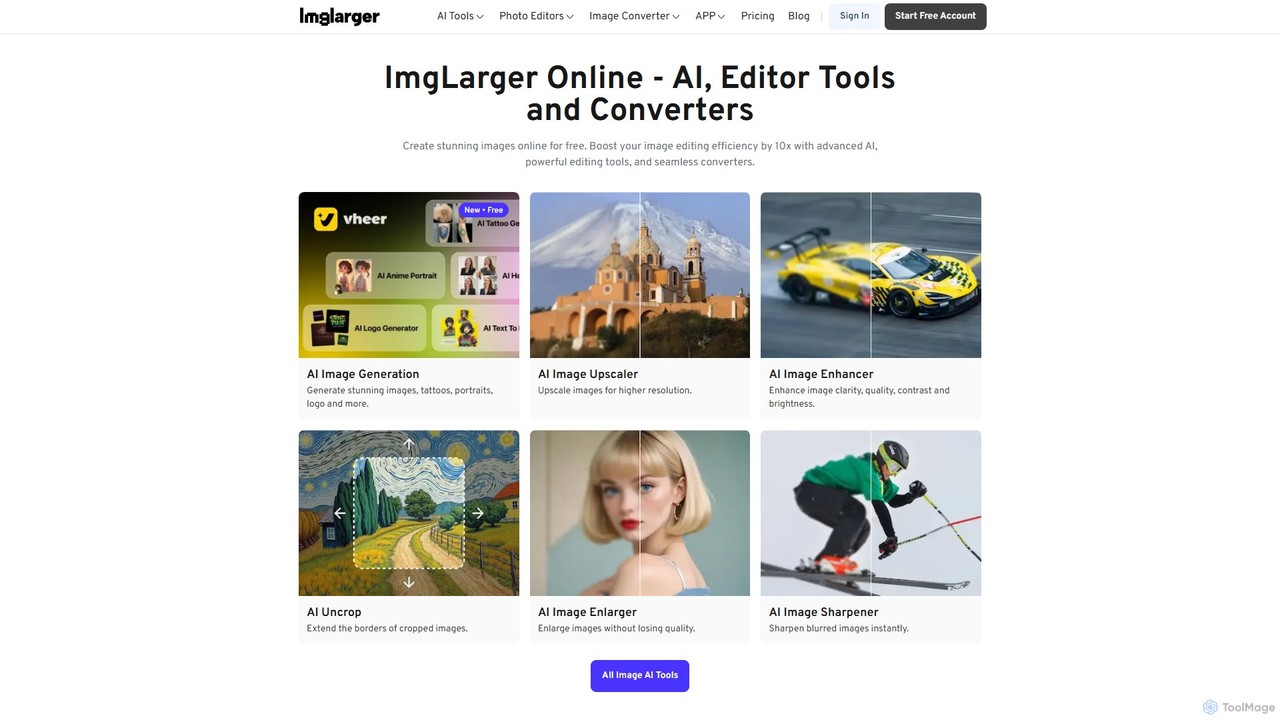
Imglarger
Imglarger is an all-in-one AI-powered toolkit for enhancing, editing, and converting images. It allows users to upscale photos up to 800% without quality loss, remove noise, restore old photos, and perform a wide range of edits like cropping, resizing, and color adjustments. It's a fast, online solution for photographers, designers, and social media managers.
Image Editing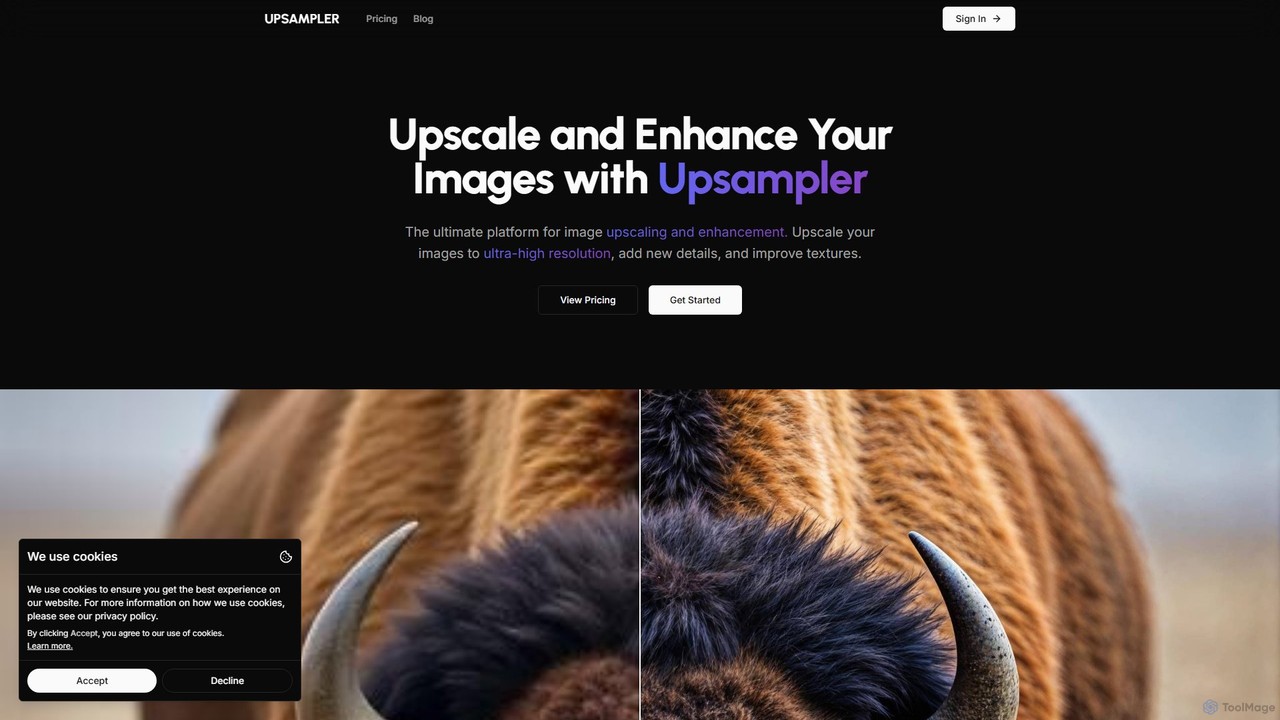
Upsampler
Upsampler is a comprehensive AI-powered online platform for image upscaling, enhancement, restoration, and generation. It features multiple upscaling modes like Smart, Dynamic, and Precise to cater to different image types, from AI art to real photos. It also offers generative fill, photo restoration, and integrates top AI models like GPT-4o and Imagen for image creation.
Image Generation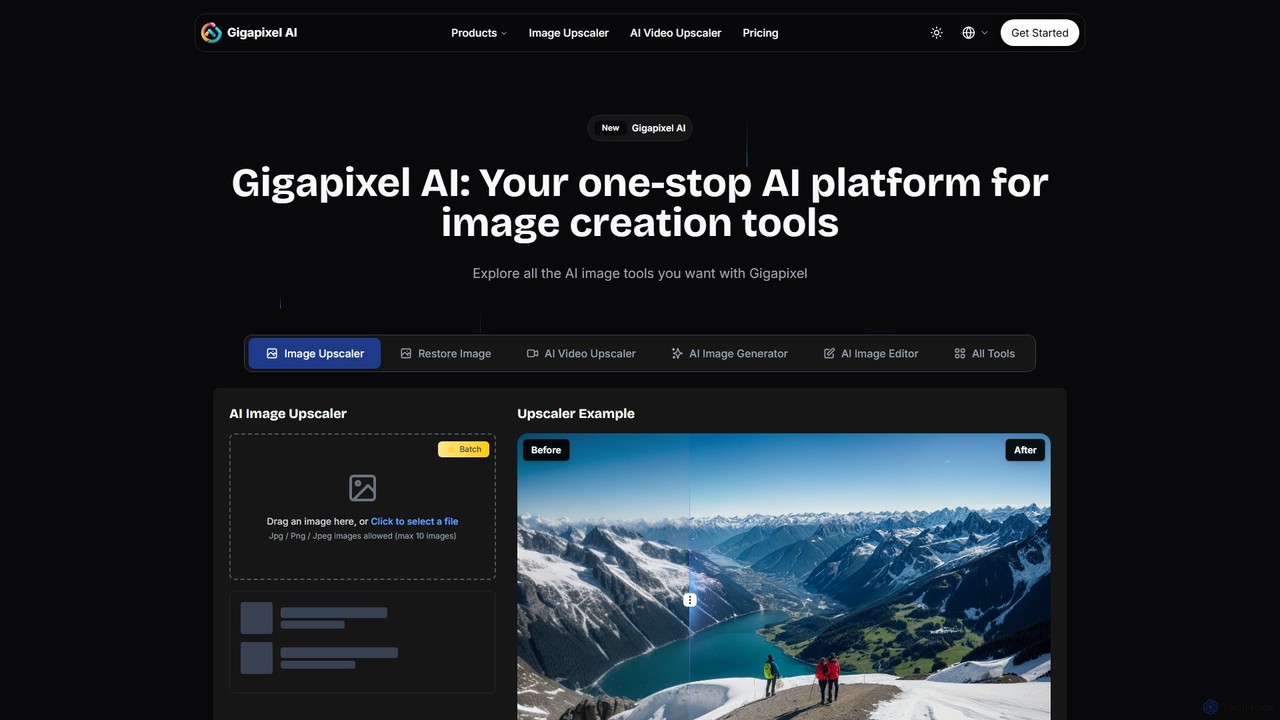
Gigapixel AI
Gigapixel AI is a comprehensive, all-in-one AI platform for image and video creation. It offers a suite of powerful tools, including an advanced image and video upscaler, a versatile image generator, a precise image editor, and a background remover. It's designed for creators, marketers, and developers to enhance, generate, and edit visual content with professional-grade quality and efficiency.
Image Editingaiphotoenhancer Categories
aiphotoenhancer Embed Widget
Copy this embed code to place the badge on your blog, article, or product site and send readers directly to this ToolMage detail page.

Related AI tools
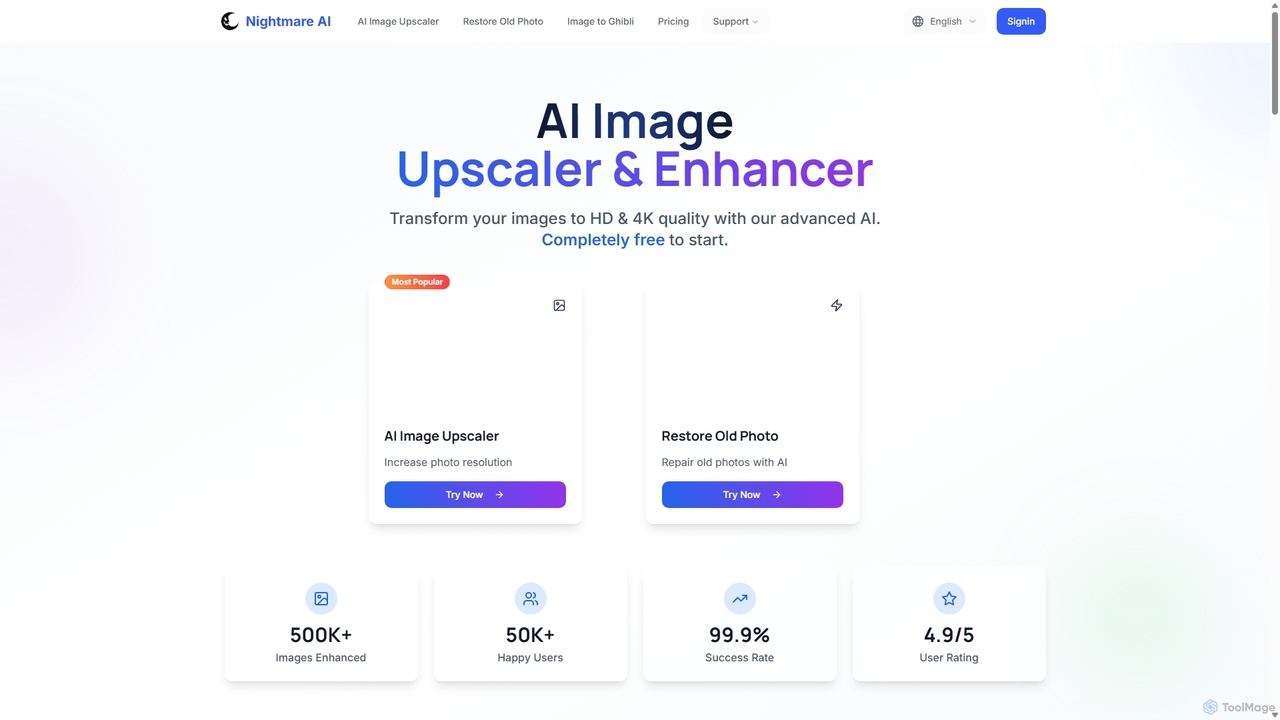
Nightmare AI
Nightmare AI is a powerful online tool that uses advanced AI algorithms like Real-ESRGAN to upscale images to 4K, enhance photo quality, and restore old, damaged photos. It specializes in improving photos, anime, and cartoons without losing detail. Offering a user-friendly interface, it provides both free and premium plans for photographers, artists, and content creators.
Image Enhancement
imgupscaler
imgupscaler is an AI-powered tool designed to enlarge and enhance images without sacrificing quality. Using advanced deep learning algorithms, it can upscale photos, anime art, and digital graphics up to 8x, intelligently adding detail, reducing noise, and fixing blurriness. It's a fast, user-friendly solution for professionals and hobbyists alike.
Image EnhancementUpscale.media
Upscale.media is a free AI-powered tool that automatically upscales and enhances images in seconds. It increases image resolution by up to 8x without losing quality, sharpens details, and removes artifacts. Ideal for e-commerce, photographers, and personal use, it offers web, mobile app, and API access for seamless integration.
Image EditingUpscalepics
Upscalepics is an AI-powered image toolkit that enhances, upscales, and edits photos with remarkable precision. It can increase image resolution up to 8x, remove backgrounds, compress files, and prepare images for high-quality printing at 300 DPI. With features like batch processing, a browser extension, and API access, it serves photographers, designers, and e-commerce businesses.
Image EditingUpsampler
Upsampler is a comprehensive AI-powered online platform for image upscaling, enhancement, restoration, and generation. It features multiple upscaling modes like Smart, Dynamic, and Precise to cater to different image types, from AI art to real photos. It also offers generative fill, photo restoration, and integrates top AI models like GPT-4o and Imagen for image creation.
Image GenerationGigapixel AI
Gigapixel AI is a comprehensive, all-in-one AI platform for image and video creation. It offers a suite of powerful tools, including an advanced image and video upscaler, a versatile image generator, a precise image editor, and a background remover. It's designed for creators, marketers, and developers to enhance, generate, and edit visual content with professional-grade quality and efficiency.
Image Editing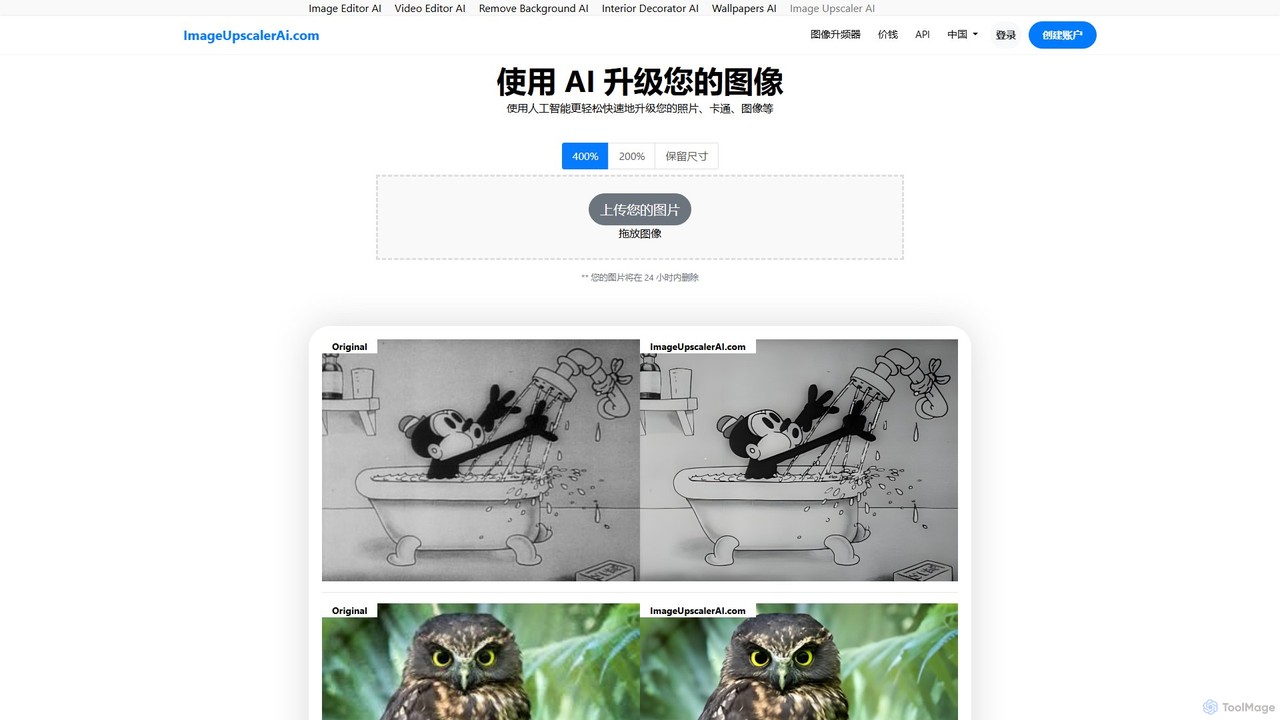
ImageUpscalerAI
ImageUpscalerAI is an AI-powered online tool designed to enlarge and enhance images by up to 400% without losing quality. It supports various image types, including photos, cartoons, and digital art, offering a simple drag-and-drop interface for quick and easy high-resolution results. It prioritizes user privacy by deleting all uploaded images within 24 hours.
Graphics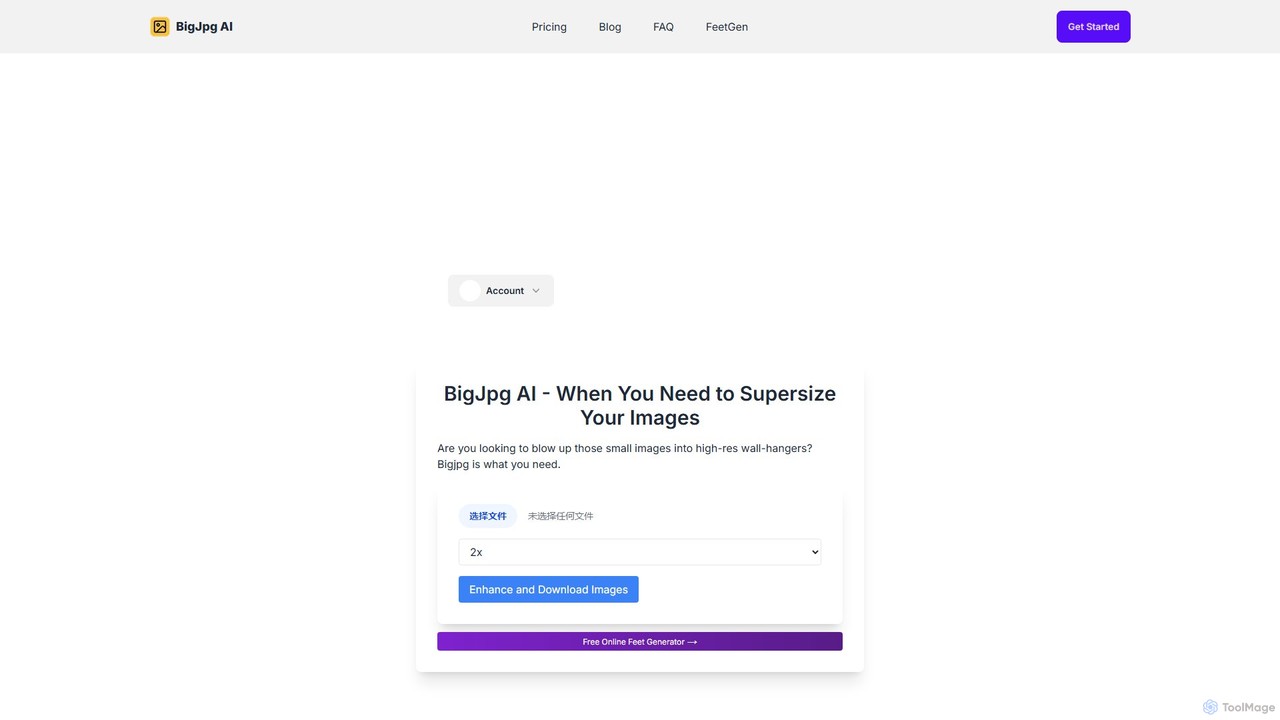
Bigjpg
Bigjpg is an AI-powered image upscaler that uses Deep Convolutional Neural Networks (CNN) to enlarge images without losing quality. It excels at processing anime and illustrations, intelligently reducing noise and serration to produce crisp, clear results. It also supports regular photos, offering a superior alternative to traditional scaling methods. With web, desktop, and mobile apps, Bigjpg provides a flexible solution for artists, designers, and anyone needing to increase image resolution while preserving detail and color fidelity.
Generative Art
Upscayl
Upscayl is a free and open-source AI image upscaler that enhances low-resolution images into high-quality, sharp visuals. It offers both a cross-platform desktop application for local processing and a powerful cloud version with advanced features like batch upscaling and commercial use.
Image Editing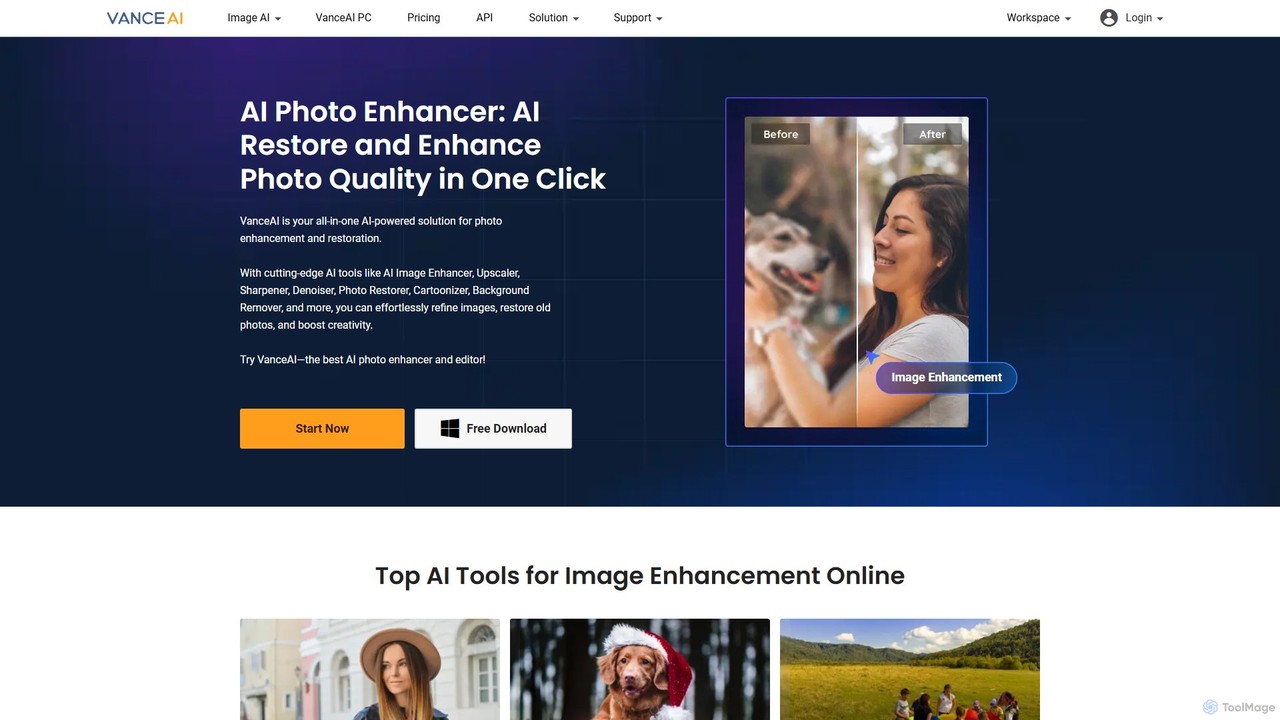
VanceAI
VanceAI is a comprehensive, AI-powered suite for photo enhancement, restoration, and editing. It offers a wide range of tools, including an image upscaler, sharpener, denoiser, background remover, and photo restorer. With one-click solutions and batch processing capabilities, VanceAI helps users from photographers to e-commerce businesses improve image quality, streamline workflows, and boost creativity effortlessly, available both online and as a desktop application.
Image Editing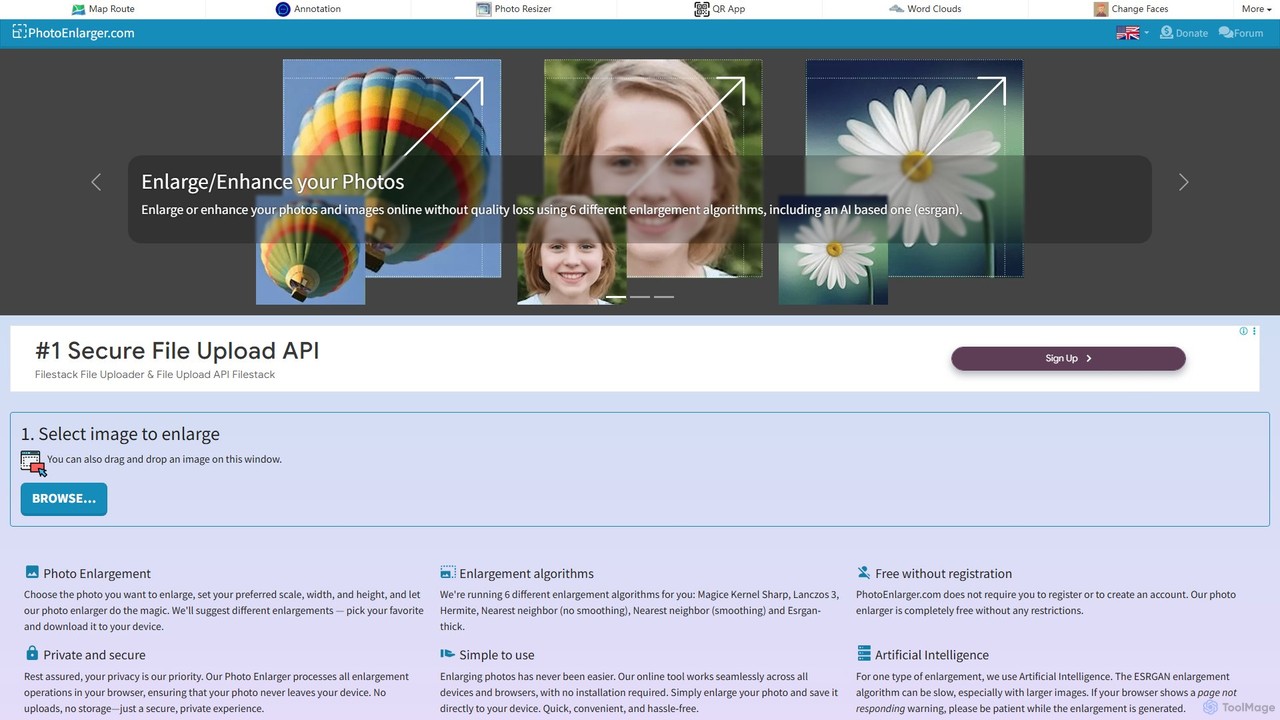
PhotoEnlarger
A free, browser-based tool that enlarges and enhances photos using multiple algorithms, including AI-powered ESRGAN. It requires no registration, processes images directly in your browser for maximum privacy, and offers various enlargement options to choose from.
Image EditingImglarger
Imglarger is an all-in-one AI-powered toolkit for enhancing, editing, and converting images. It allows users to upscale photos up to 800% without quality loss, remove noise, restore old photos, and perform a wide range of edits like cropping, resizing, and color adjustments. It's a fast, online solution for photographers, designers, and social media managers.
Image Editing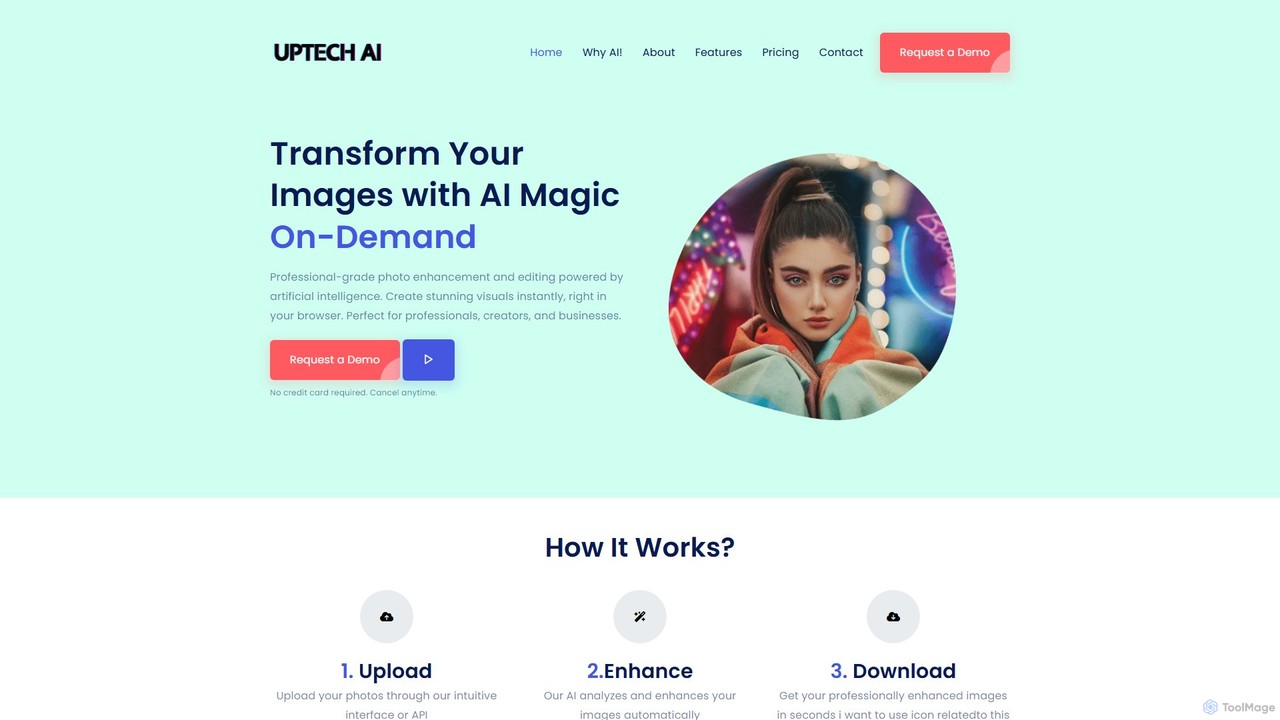
Uptechai
Uptechai is an AI-powered photo enhancement and editing platform designed for professionals, creators, and businesses. It transforms images instantly in your browser, providing professional-grade results with features like automated enhancement, API integration, and customizable editing tools to streamline workflows and improve visual quality.
3D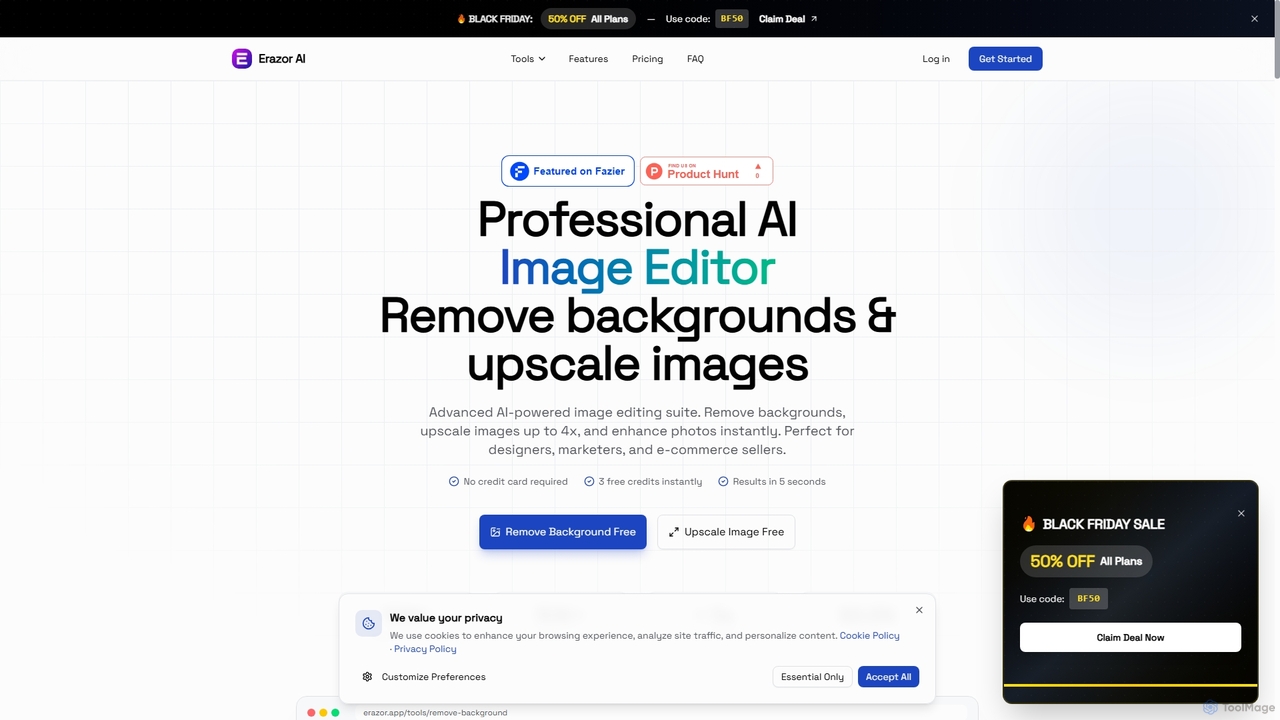
Erazor
Erazor is a professional AI image editor that specializes in lightning-fast background removal and intelligent image upscaling. Designed for designers, marketers, and e-commerce sellers, it delivers high-quality results in seconds, enhancing productivity and visual content creation.
Graphic Design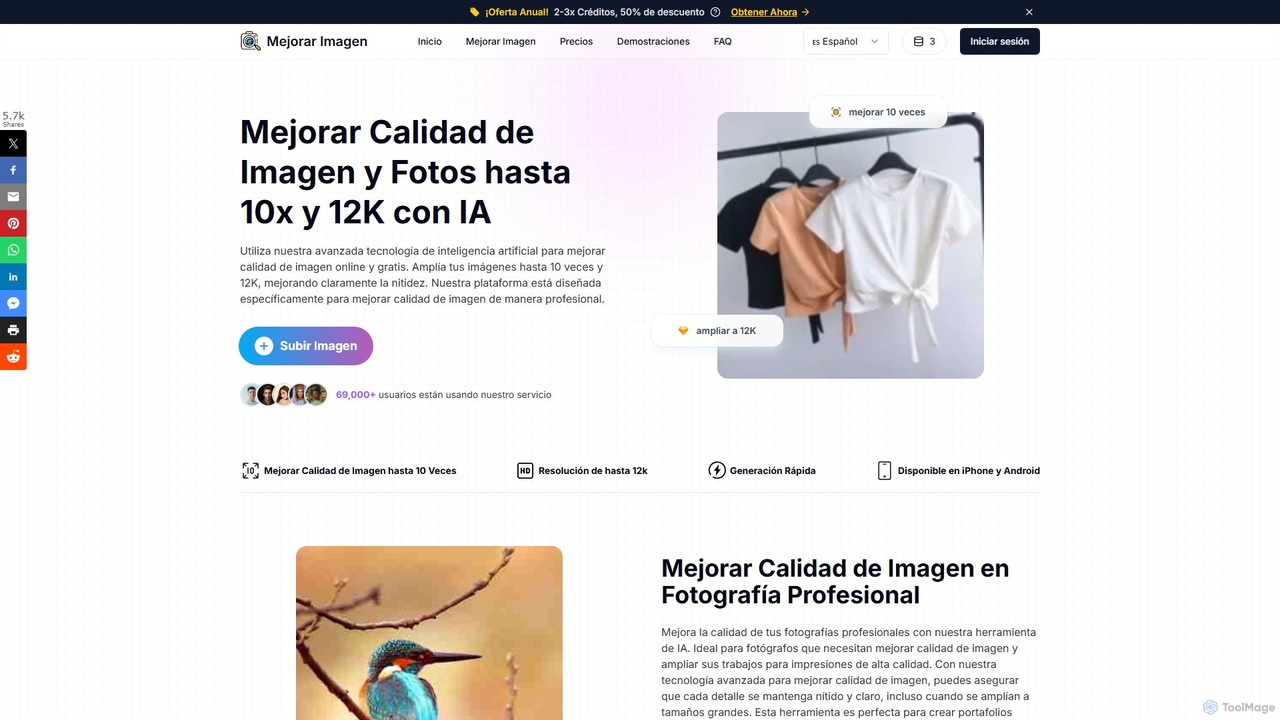
MejorarImagen
MejorarImagen is an AI-powered online tool designed to enhance and upscale image quality. It can enlarge images up to 10x and achieve resolutions up to 12K, significantly improving sharpness and detail. Ideal for professional photographers, graphic designers, and social media managers, it also offers features like batch processing and portrait enhancement.
Image Enhancement
aiphotoenhancer Comments (0)
Sign in to comment.
Sign inNo comments yet.