

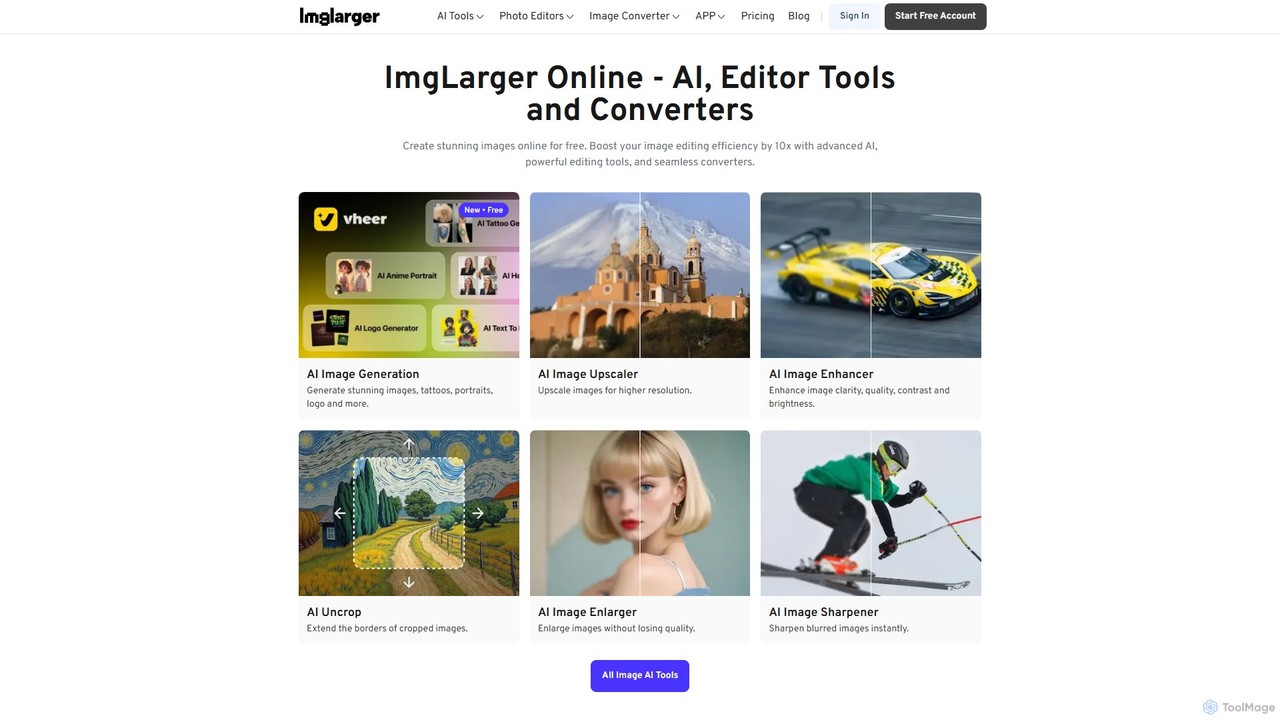
Imglarger Overview
Imglarger is a comprehensive, AI-driven online platform designed to be your go-to solution for all image-related tasks. It combines a powerful suite of tools for enhancing, editing, and converting images, making professional-grade photo manipulation accessible to everyone. Powered by advanced artificial intelligence, Imglarger can significantly improve image quality, whether you're upscaling a small photo, removing digital noise, or restoring an old, damaged picture. Its intuitive interface and fast processing make it an indispensable tool for photographers, graphic designers, marketers, and anyone looking to elevate their visual content.
The platform's core strength lies in its AI-powered enhancement features. You can enlarge images by 200%, 400%, or even 800%—up to 8K resolution—without the typical pixelation and quality loss associated with traditional resizing methods. The AI intelligently analyzes and reconstructs the image, adding sharp details and improving clarity. Beyond enlargement, the innovative AI Uncrop tool can expand the borders of your image, intelligently generating new content to create a more complete and visually appealing composition.
How to use Imglarger
Using Imglarger is designed to be a simple and straightforward process, requiring no technical expertise. Here's a general workflow:
- Upload Your Image: Start by dragging and dropping your image file (JPG, PNG, WEBP, etc.) onto the website or selecting it from your device. The platform supports files up to a certain size depending on your plan.
- Select a Tool and Process: Choose the desired function from the toolkit, such as AI Enlarger, Denoiser, Editor, or Converter. For AI tools, the process is often automatic—just select your desired settings (e.g., 4x upscale) and click the process button. For the editor, you can apply various adjustments like cropping, rotating, or changing contrast.
- Review and Download: After a few seconds, the processed image will be ready for preview. If you're satisfied with the result, you can make further edits or download the high-quality image directly to your computer. All uploaded files are automatically deleted after 24 hours to ensure your privacy.
Core Features of Imglarger
- AI Image Enlarger: Upscale images by 200%, 400%, and 800% to resolutions as high as 8K without losing quality. It effectively removes blur and enhances details.
- AI Uncrop: Expands the dimensions of your images by intelligently generating content beyond the original borders, perfect for adjusting aspect ratios.
- AI Photo Restoration & Enhancement: Includes tools for noise removal (AI Denoiser), sharpening blurry images, and retouching faces to improve overall photo quality.
- Comprehensive Online Image Editor: A full suite of manual editing tools, including crop, resize, rotate, flip, and precise adjustments for brightness, contrast, saturation, exposure, temperature, gamma, clarity, and vibrance.
- Creative Tools: Enhance photos with filters, add custom text, apply decorative frames, add annotations, and use a blur tool to protect privacy.
- Image Converter: Seamlessly convert images between popular formats like JPG, PNG, and WEBP online for free.
- Batch Processing: Available on paid plans, this feature allows you to process multiple images simultaneously, saving significant time and effort.
Use Cases for Imglarger
Imglarger is versatile and serves a wide range of professional and personal needs:
- Photographers & Graphic Designers: Upscale low-resolution source images for high-quality prints or digital displays. Restore old photographs for clients. Batch-process event photos for quick delivery.
- E-commerce Businesses: Enhance and standardize product photos to look professional and appealing. Batch resize images for web optimization and faster loading times.
- Social Media Managers: Quickly crop, resize, and enhance images to fit the specific aspect ratios and quality standards of platforms like Instagram, Facebook, and Pinterest. Use AI Uncrop to repurpose a single image for multiple formats.
- Real Estate Agents: Improve the clarity, brightness, and overall appeal of property photos to attract more potential buyers.
- Personal Use: Enlarge and restore old family photos, improve the quality of smartphone pictures, and create custom graphics for personal projects.
Advantages of Imglarger
Imglarger stands out with several key benefits:
- All-in-One Solution: It eliminates the need for multiple software by providing enhancement, editing, and conversion tools in one place.
- Superior Quality: The AI-driven algorithms ensure that enlarged and enhanced images are sharp, clear, and of the highest possible quality.
- Speed and Automation: Most AI processes are fully automatic and deliver results in seconds, streamlining your workflow.
- Accessibility: As a web-based tool, it requires no installation and can be accessed from any device with a browser. A generous free plan makes it accessible to everyone.
- Data Security: User privacy is prioritized with a policy of automatically deleting all processed files within 24 hours.
Pricing and Plans
Imglarger operates on a freemium model with flexible plans:
- Free Plan: $0/month. Includes 100 credits per month, supports image uploads up to 800px, and offers access to all free editors and converters.
- Starter Plan: $4.9/month. Provides 500 credits per month, allows image uploads up to 3000px, and unlocks batch processing. Credits roll over, and there are no ads.
- Premium Plan: $9.9/month. A popular choice offering 2000 credits per month with all the benefits of the Starter plan.
- Business Plan: $19/month. Designed for heavy users, this plan includes 6000 credits per month and all premium features.
Credits are used for the AI-powered features, while basic tools like the editor and converter are free to use without limits. The platform offers a 7-day money-back guarantee and ensures secure payments with SSL encryption.
Traffic
Latest traffic
Status
Monthly traffic trend
- 2025-9: 693.2K
- 2026-1: 650.3K
- 2026-2: 470.3K
- 2026-3: 544.0K
- 2026-4: 407.1K
- 2026-5: 639.4K
Geography
Top 5 countries / regions
- 🇮🇳India33.1%
- 🇷🇺Russia20.4%
- 🇩🇪Germany15.8%
- 🇨🇳China15.4%
- 🇺🇸United States15.3%
Traffic sources
| Source type | Percentage |
|---|---|
Direct | 92.8% |
Referral | 7.2% |
Email | 0.1% |
Top keywords
| Keyword | Cost per click |
|---|---|
| ai enlarger | $0.67 |
| ai image enlarger | $1.03 |
| image enlarger | $1.12 |
| imglarger | $0.21 |
| png to webp | $0.57 |
Imglarger Videos on YouTube

creativeone4real
Imglarger Alternatives

Upscale.media
Upscale.media is a free AI-powered tool that automatically upscales and enhances images in seconds. It increases image resolution by up to 8x without losing quality, sharpens details, and removes artifacts. Ideal for e-commerce, photographers, and personal use, it offers web, mobile app, and API access for seamless integration.
Image Editing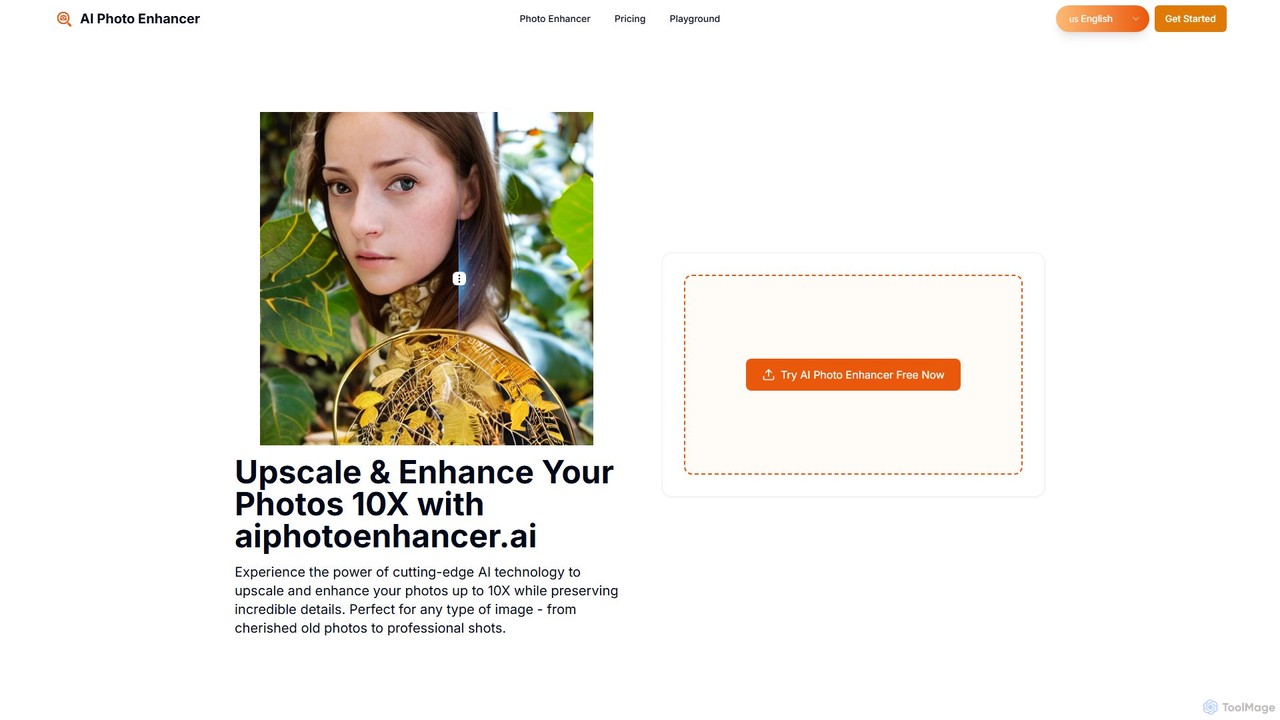
aiphotoenhancer
aiphotoenhancer is an AI-powered tool that upscales and enhances images up to 10X resolution while preserving details. It supports batch processing for up to 10 images and offers specialized modes for various photo types, including portraits, landscapes, e-commerce products, and old photos. With daily free credits, users can easily restore, sharpen, and improve their images for both personal and commercial use.
Image Editing
Upscalepics
Upscalepics is an AI-powered image toolkit that enhances, upscales, and edits photos with remarkable precision. It can increase image resolution up to 8x, remove backgrounds, compress files, and prepare images for high-quality printing at 300 DPI. With features like batch processing, a browser extension, and API access, it serves photographers, designers, and e-commerce businesses.
Image Editing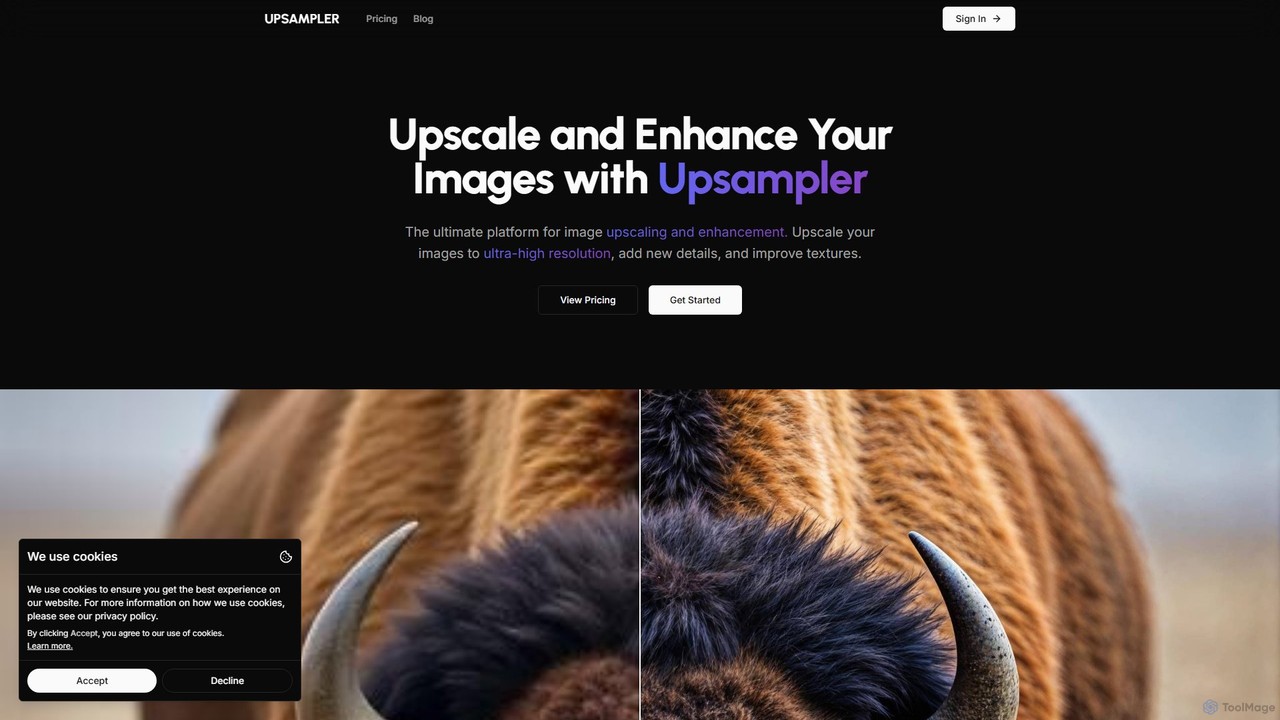
Upsampler
Upsampler is a comprehensive AI-powered online platform for image upscaling, enhancement, restoration, and generation. It features multiple upscaling modes like Smart, Dynamic, and Precise to cater to different image types, from AI art to real photos. It also offers generative fill, photo restoration, and integrates top AI models like GPT-4o and Imagen for image creation.
Image Generation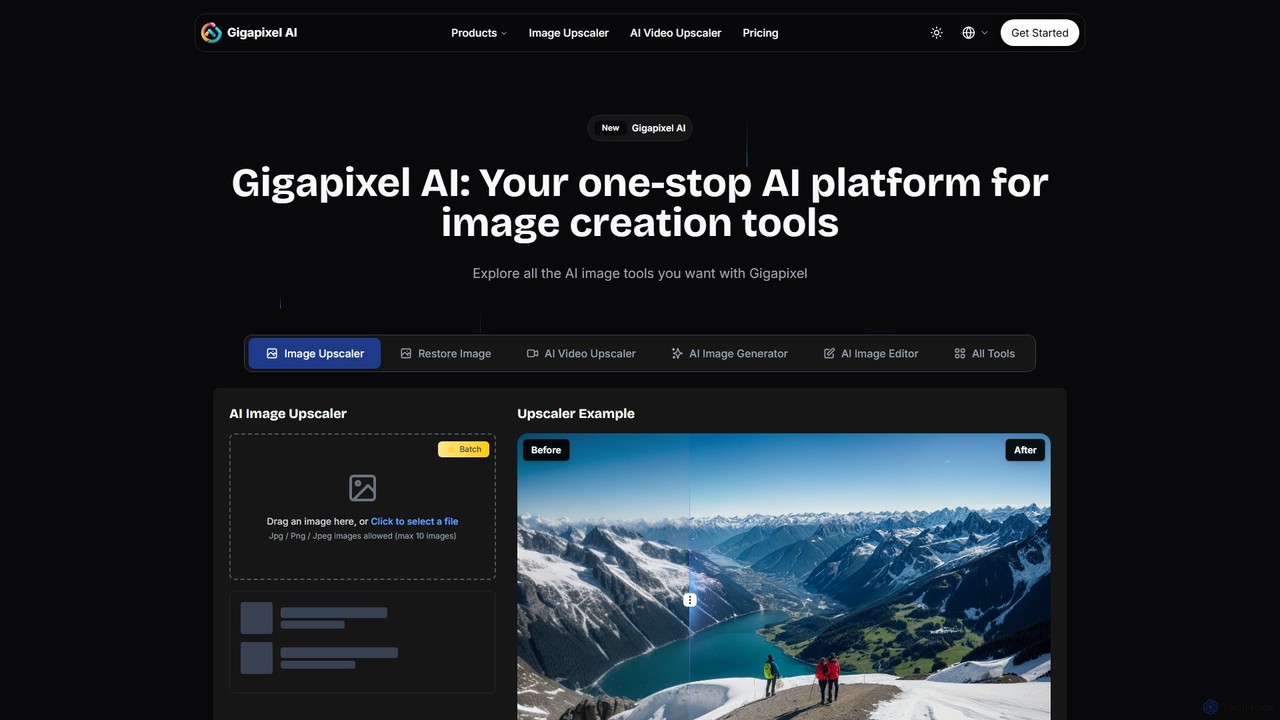
Gigapixel AI
Gigapixel AI is a comprehensive, all-in-one AI platform for image and video creation. It offers a suite of powerful tools, including an advanced image and video upscaler, a versatile image generator, a precise image editor, and a background remover. It's designed for creators, marketers, and developers to enhance, generate, and edit visual content with professional-grade quality and efficiency.
Image EditingImglarger Categories
Imglarger Embed Widget
Copy this embed code to place the badge on your blog, article, or product site and send readers directly to this ToolMage detail page.

Related AI tools
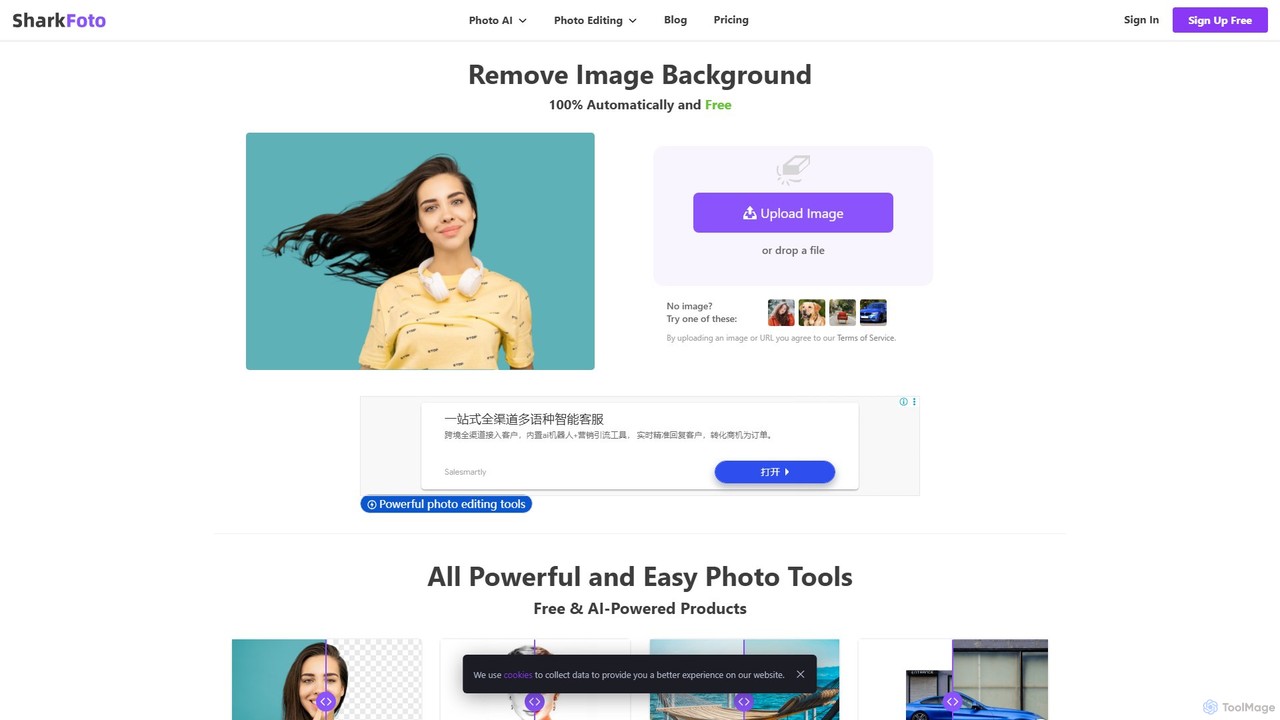
sharkfoto
sharkfoto is an all-in-one online photo editing suite powered by AI. It offers a range of tools including automatic background removal, image colorization, photo enhancement, and resolution enlargement. Additionally, it provides over 10 free standard editing tools like image conversion, compression, resizing, and a full-featured photo editor, catering to both professionals and casual users.
Background Removal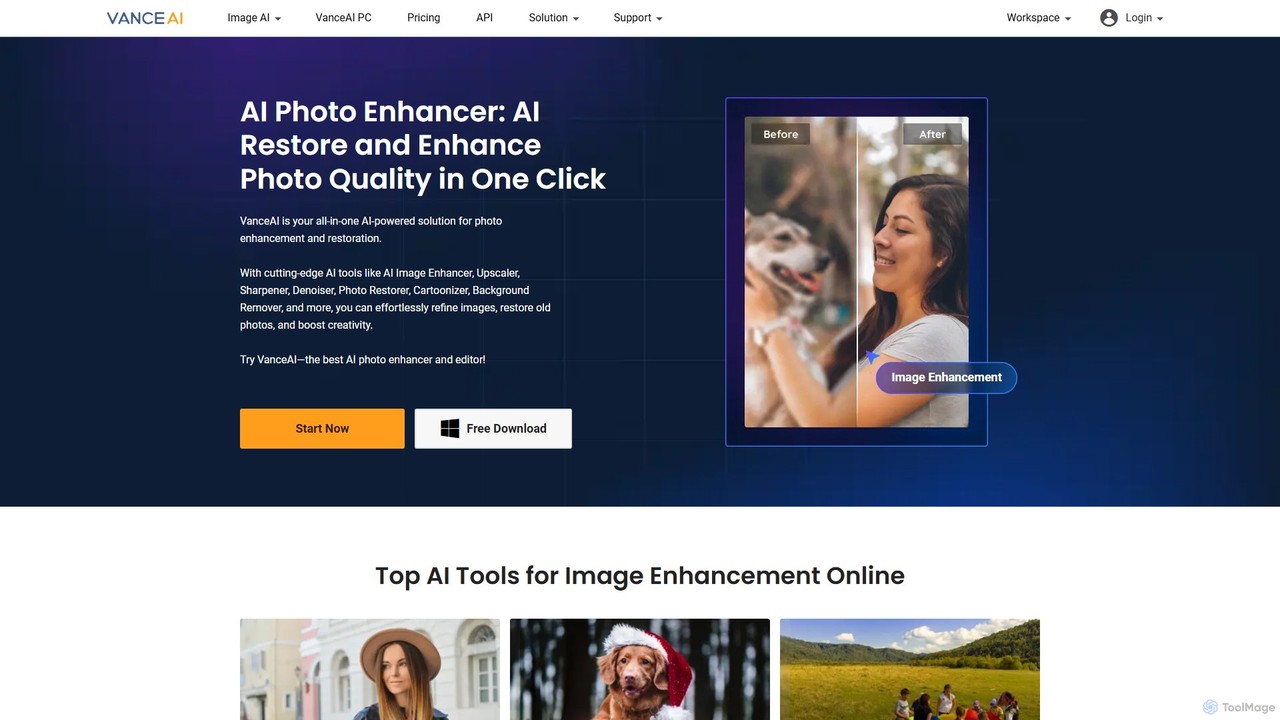
VanceAI
VanceAI is a comprehensive, AI-powered suite for photo enhancement, restoration, and editing. It offers a wide range of tools, including an image upscaler, sharpener, denoiser, background remover, and photo restorer. With one-click solutions and batch processing capabilities, VanceAI helps users from photographers to e-commerce businesses improve image quality, streamline workflows, and boost creativity effortlessly, available both online and as a desktop application.
Image Editing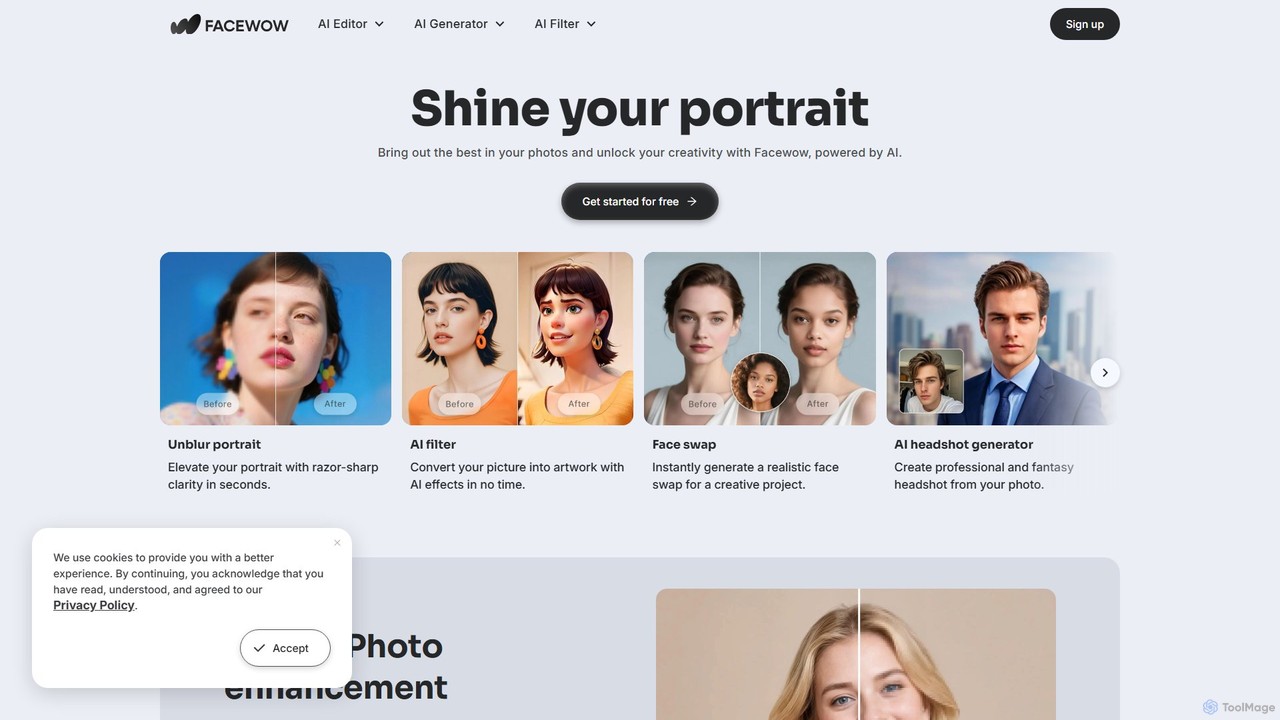
Facewow
Facewow is a comprehensive, free-to-use AI toolkit for creating and editing portraits. It offers a suite of powerful tools including a photo enhancer to unblur and upscale images, over 100 artistic AI filters, a realistic face swap for photos and videos, and an AI headshot generator for professional or creative profiles. It's designed for everyone, requiring no sign-up or technical skills to produce high-quality, watermark-free results instantly.
Memes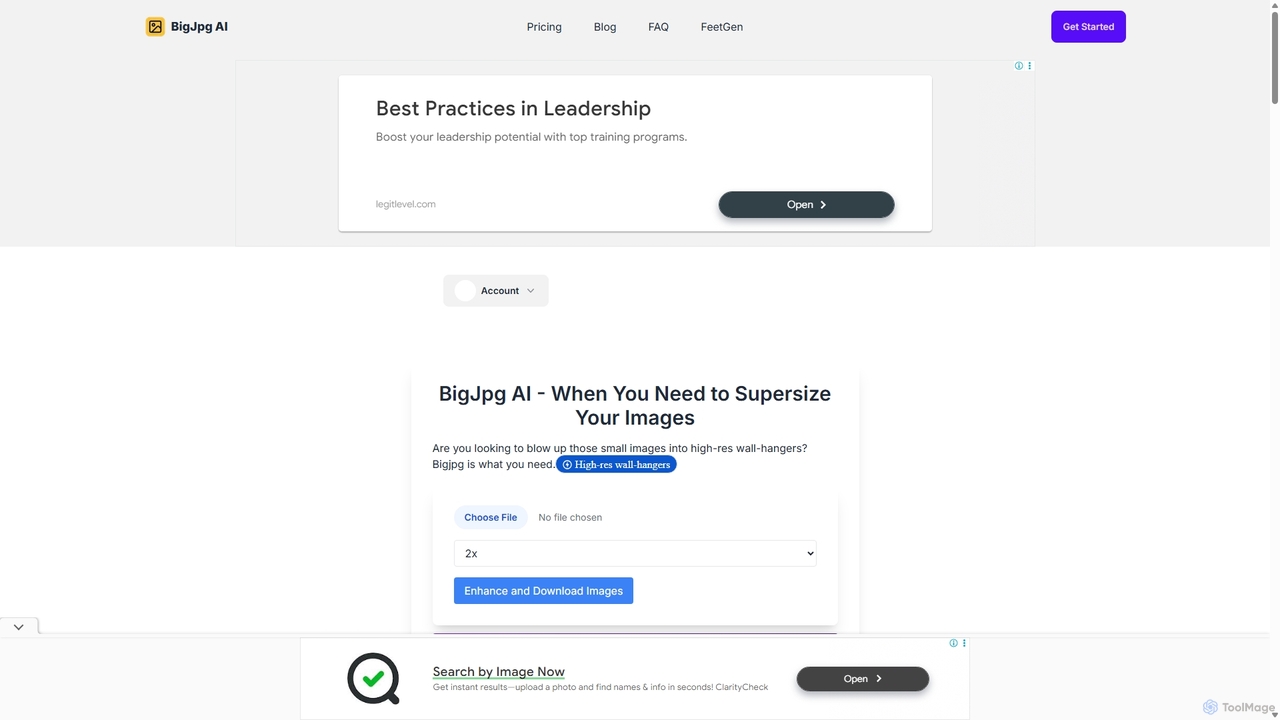
BigJpg AI
BigJpg AI is an advanced AI-powered image upscaler that enlarges images up to 16x their original size without losing quality. It intelligently analyzes and enhances image details, making it perfect for creating high-resolution prints, web graphics, and detailed visuals from small source files. Ideal for photographers, designers, and marketers.
Image Editing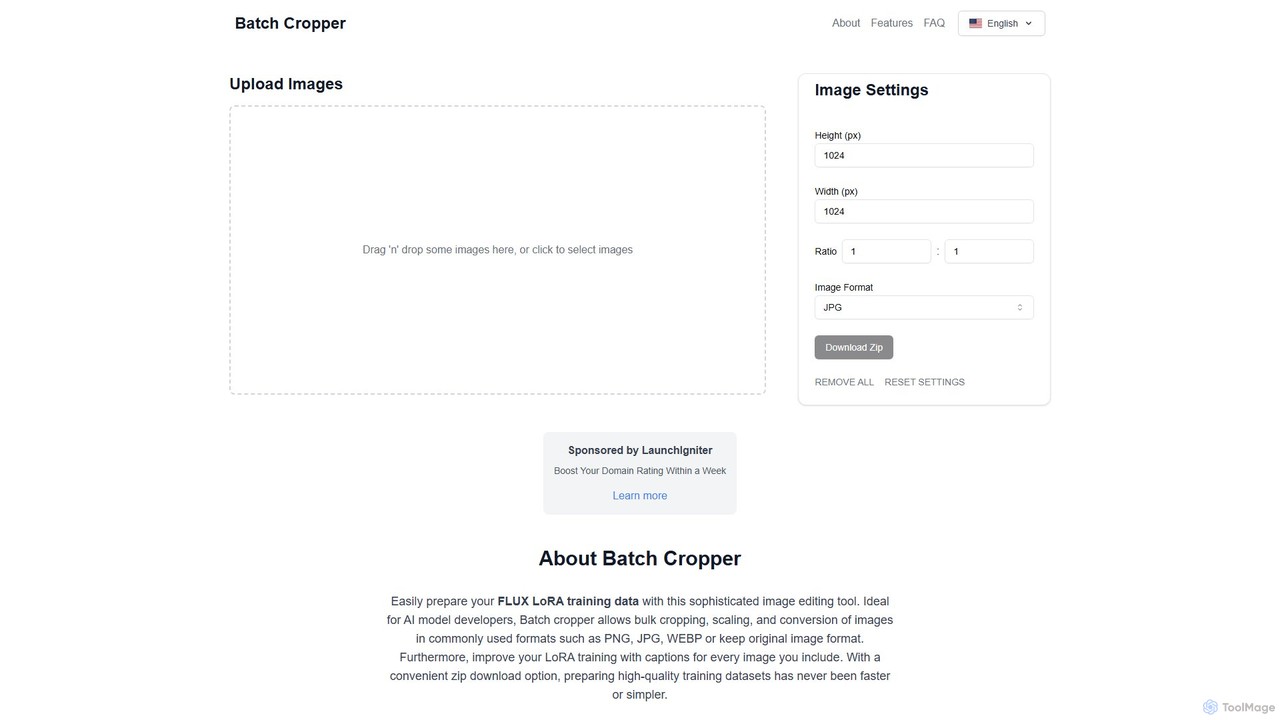
Batchcropper
Batchcropper is a free online tool designed for AI developers and content creators to bulk crop, resize, and convert images. It specializes in preparing datasets for AI model training, such as FLUX LoRA, by also offering automatic caption file generation. Users can process multiple images simultaneously and download them in a convenient ZIP file, all within an ad-free interface.
Data LabelingUpscale.media
Upscale.media is a free AI-powered tool that automatically upscales and enhances images in seconds. It increases image resolution by up to 8x without losing quality, sharpens details, and removes artifacts. Ideal for e-commerce, photographers, and personal use, it offers web, mobile app, and API access for seamless integration.
Image Editingaiphotoenhancer
aiphotoenhancer is an AI-powered tool that upscales and enhances images up to 10X resolution while preserving details. It supports batch processing for up to 10 images and offers specialized modes for various photo types, including portraits, landscapes, e-commerce products, and old photos. With daily free credits, users can easily restore, sharpen, and improve their images for both personal and commercial use.
Image Editing
Jyek
Jyek is an AI agent platform that understands objectives, creates execution plans, uses tools, and delivers verifiable results for complex, multi-step tasks.
Automation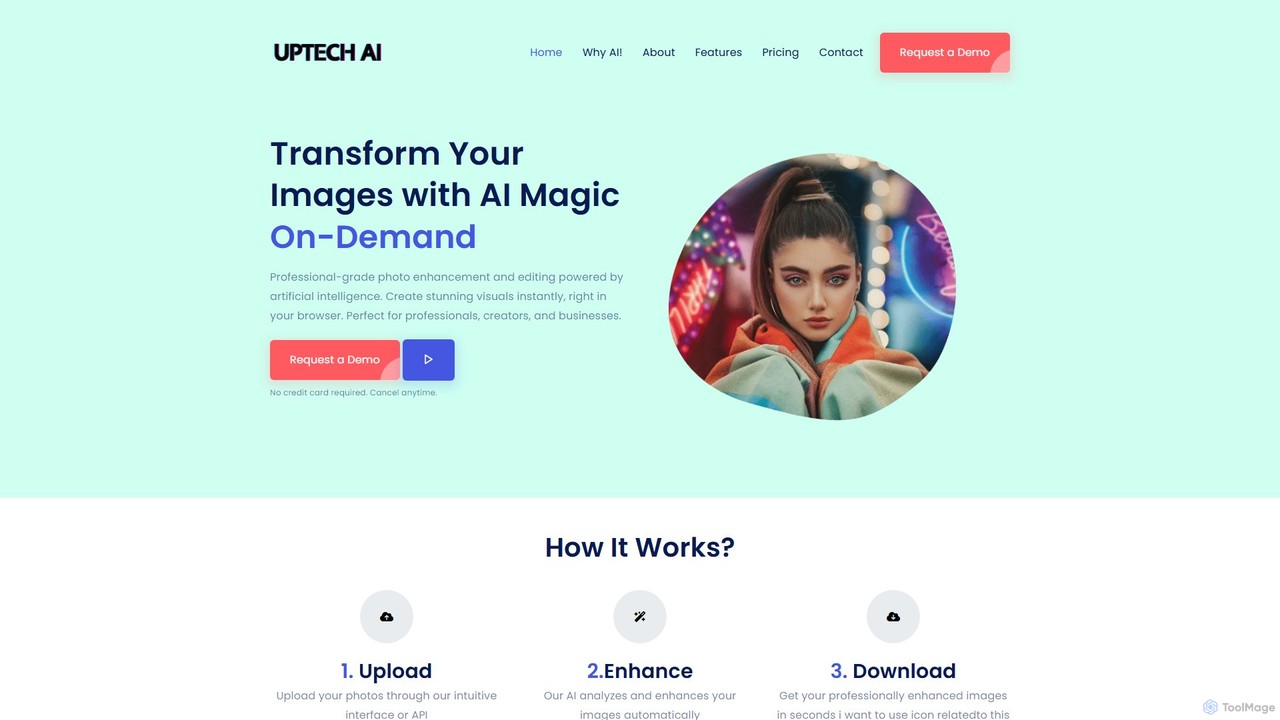
Uptechai
Uptechai is an AI-powered photo enhancement and editing platform designed for professionals, creators, and businesses. It transforms images instantly in your browser, providing professional-grade results with features like automated enhancement, API integration, and customizable editing tools to streamline workflows and improve visual quality.
3D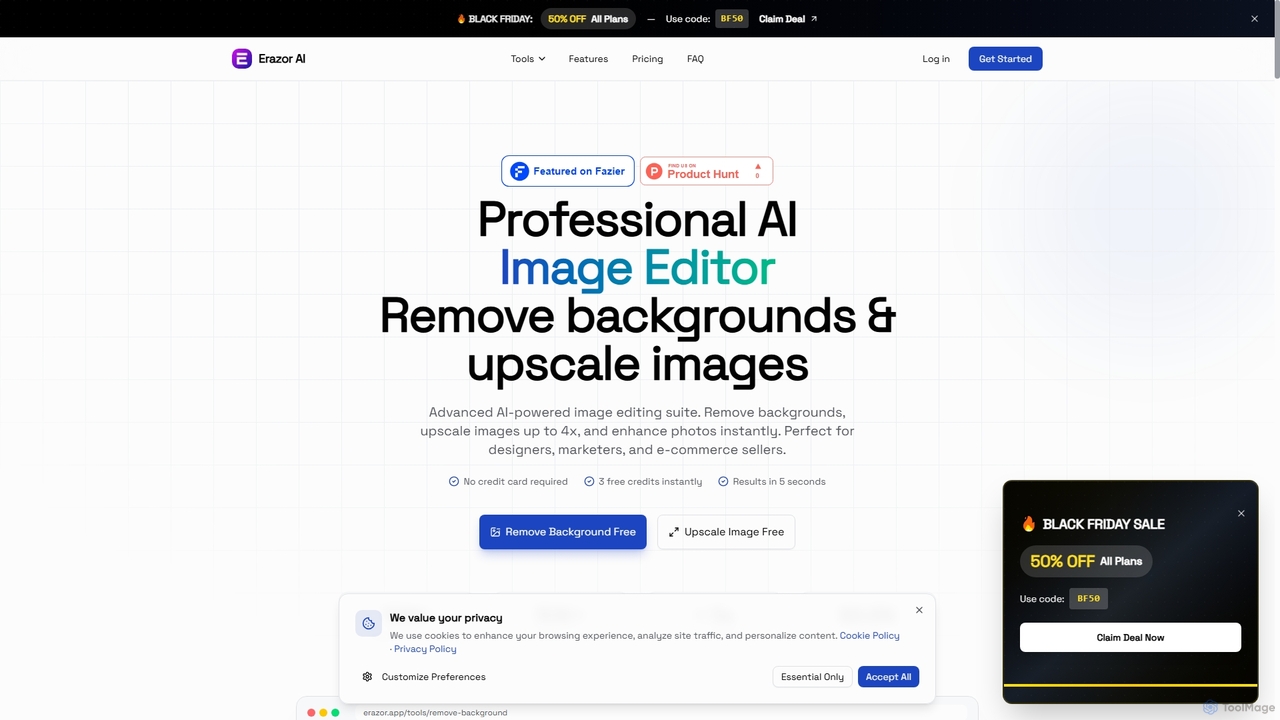
Erazor
Erazor is a professional AI image editor that specializes in lightning-fast background removal and intelligent image upscaling. Designed for designers, marketers, and e-commerce sellers, it delivers high-quality results in seconds, enhancing productivity and visual content creation.
Graphic DesignUpsampler
Upsampler is a comprehensive AI-powered online platform for image upscaling, enhancement, restoration, and generation. It features multiple upscaling modes like Smart, Dynamic, and Precise to cater to different image types, from AI art to real photos. It also offers generative fill, photo restoration, and integrates top AI models like GPT-4o and Imagen for image creation.
Image GenerationGigapixel AI
Gigapixel AI is a comprehensive, all-in-one AI platform for image and video creation. It offers a suite of powerful tools, including an advanced image and video upscaler, a versatile image generator, a precise image editor, and a background remover. It's designed for creators, marketers, and developers to enhance, generate, and edit visual content with professional-grade quality and efficiency.
Image Editing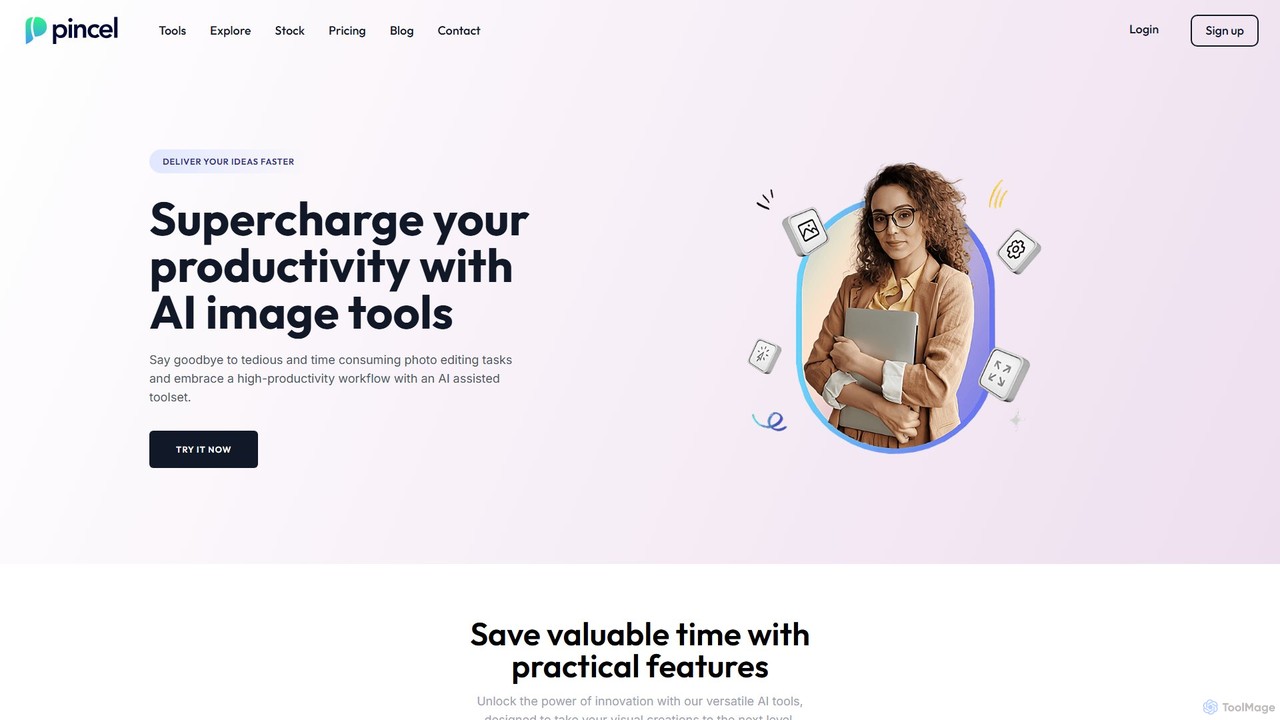
Pincel
Pincel is a comprehensive, web-based AI image editing suite designed for speed and simplicity. It offers a vast collection of tools, from one-click object removal and generative fill to AI portrait creation, face swapping, and artistic QR codes. Ideal for marketers, designers, and content creators, Pincel streamlines complex photo editing tasks into an intuitive workflow, accessible on any device without needing specialized skills or expensive software.
Image Generator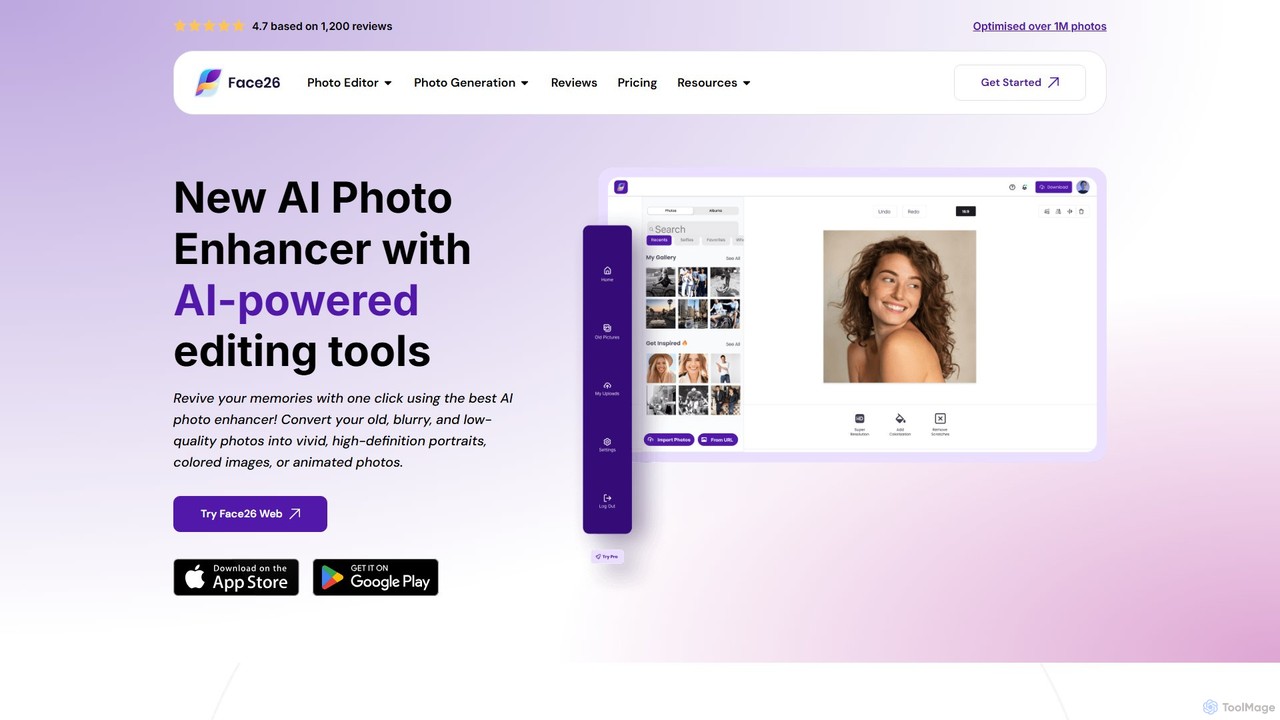
face26
Face26 is a comprehensive AI-powered photo enhancement suite. With just one click, it can restore old, blurry photos, colorize black-and-white images, upscale pictures to HD quality, and perform detailed facial retouching. It's designed for both casual users and professionals, requiring no editing skills to achieve stunning results.
Image Editing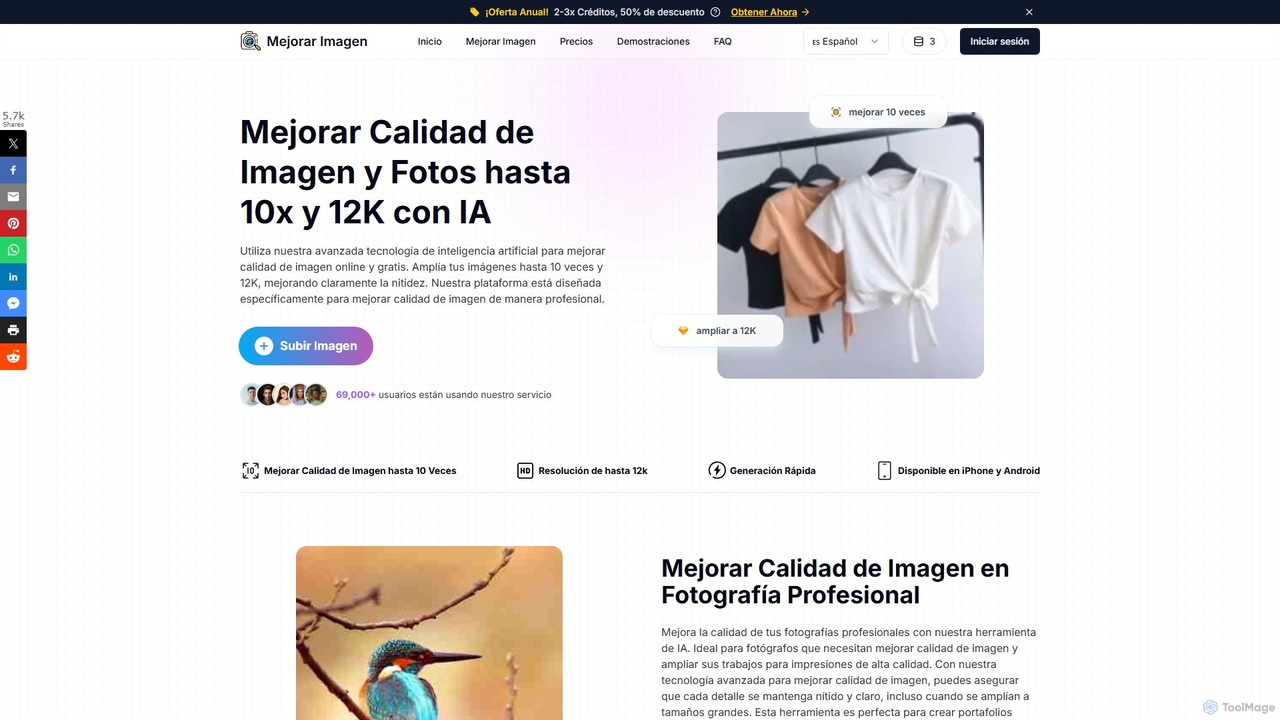
MejorarImagen
MejorarImagen is an AI-powered online tool designed to enhance and upscale image quality. It can enlarge images up to 10x and achieve resolutions up to 12K, significantly improving sharpness and detail. Ideal for professional photographers, graphic designers, and social media managers, it also offers features like batch processing and portrait enhancement.
Image Enhancement
Imglarger Comments (0)
Sign in to comment.
Sign inNo comments yet.