
Batchcropper Overview
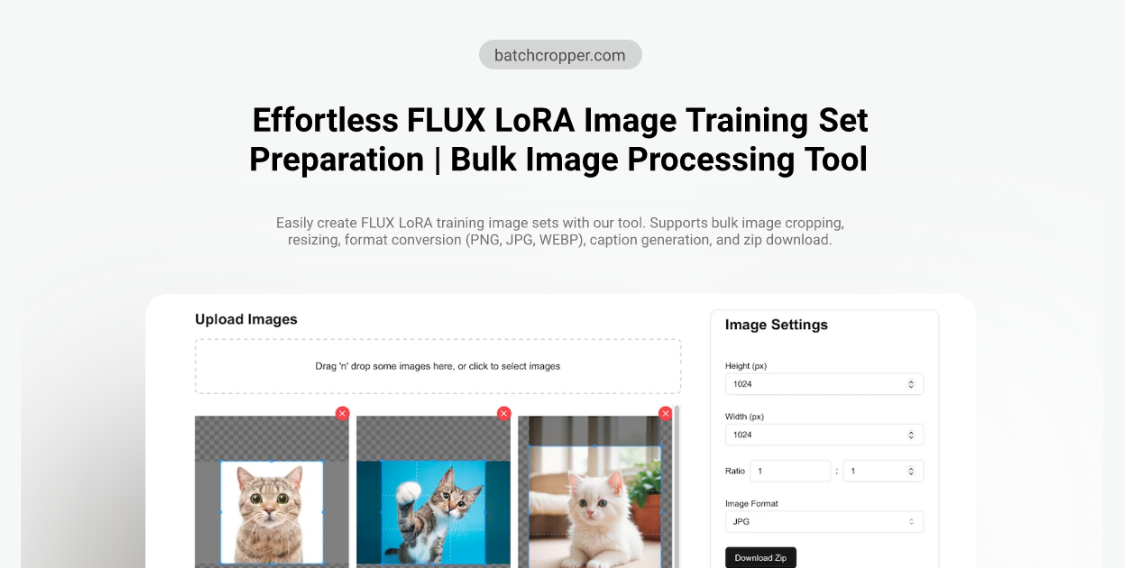
Batchcropper is a sophisticated and user-friendly image editing tool designed to streamline the workflow of AI model developers, data scientists, and content creators. Its primary function is to simplify the preparation of image datasets, particularly for training advanced AI models like FLUX LoRA. The platform allows for the bulk processing of images, enabling users to crop, resize, and convert large numbers of files simultaneously with consistent settings. This eliminates the tedious manual work typically associated with dataset preparation, saving significant time and effort.
The tool supports a wide range of popular image formats, including PNG, JPG, WEBP, HEIC, and AVIF, and offers the flexibility to convert between them or retain the original format. A standout feature is its ability to automatically generate caption files for each image, a crucial step for enhancing the quality and context of LoRA training data. The entire experience is designed for efficiency, culminating in a single ZIP file download that contains all the processed images and their corresponding captions, ready for immediate use.
How to use Batchcropper
Using Batchcropper is a simple and intuitive process that requires no installation or registration. Follow these steps to prepare your image dataset:
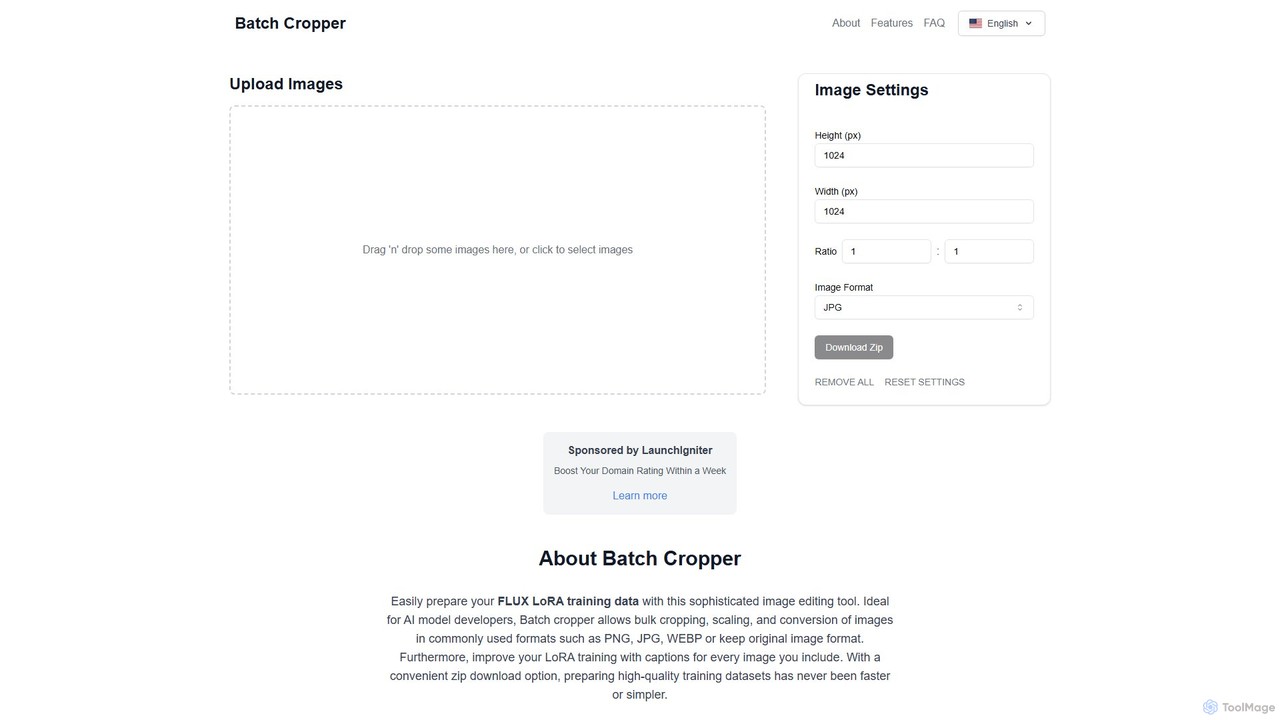
- Upload Images: Begin by dragging and dropping your image files onto the upload area, or click the button to browse and select images from your computer. The tool can handle multiple files at once.
- Configure Image Settings: Once uploaded, define the desired output parameters. You can set a specific height and width in pixels or maintain a certain aspect ratio. These settings will be applied uniformly to all uploaded images.
- Choose Image Format: Select the output format for your images from the dropdown menu (e.g., JPG, PNG, WEBP) or choose to keep the original format.
- Generate Captions (Optional): If you are preparing data for LoRA training, utilize the caption generation feature to create descriptive text files for each image, which improves model performance.
- Process and Download: After configuring your settings, the tool will process all the images. Click the "Download Zip" button to download a single compressed file containing all your edited images and caption files. The "REMOVE ALL" button can be used to clear the queue and start over.
Core Features of Batchcropper
- Bulk Image Cropping & Resizing: Apply consistent dimensions and aspect ratios to hundreds of images simultaneously, ensuring uniformity for training datasets or web content.
- Multi-Format Conversion: Convert images between various modern formats, including PNG, JPG, WEBP, HEIC, and AVIF, or keep the original format to suit different requirements.
- Automatic Caption Generation: Automatically create corresponding text files (captions) for each image, a critical feature for enriching datasets used in LoRA and other AI model training.
- Convenient Zip Download: Download the entire batch of processed images and captions in a single, organized ZIP file, simplifying file management and transfer.
- Ads-Free Experience: The platform is completely free of advertisements, providing a clean, focused, and uninterrupted user experience.
- Client-Side Processing: Image processing is handled in your browser, ensuring your data remains private and secure without being uploaded to a server.
Use Cases for Batchcropper
Batchcropper is versatile, but it excels in specific scenarios:
- AI Model Training: Its primary use case is preparing high-quality, consistently formatted image datasets for training AI models, especially for FLUX LoRA, by providing both resized images and captions.
- Web Content Preparation: Web developers and bloggers can use it to quickly resize and optimize images for their websites, ensuring fast loading times and a consistent look.
- E-commerce Product Images: E-commerce managers can batch process product photos to meet the specific size and format requirements of their online store platforms.
- Social Media Management: Social media managers can prepare images in bulk to fit the ideal dimensions for platforms like Instagram, Facebook, and Twitter.
Advantages of Batchcropper
The main advantage of Batchcropper is its efficiency. It transforms a time-consuming, repetitive task into a quick, automated process. For AI developers, the integrated captioning feature is a significant benefit that directly contributes to better model training outcomes. The tool is free, requires no signup, and respects user privacy by processing images locally. Its ad-free interface ensures a distraction-free workflow, making it a highly practical and accessible solution for anyone needing to process images in bulk.
Pricing and Plans
Batchcropper is completely free to use. There are no hidden fees, subscriptions, or premium tiers. The service is supported by sponsorships, allowing it to offer all its features, including an ad-free experience, to all users at no cost.
Batchcropper Alternatives
PicPicAI
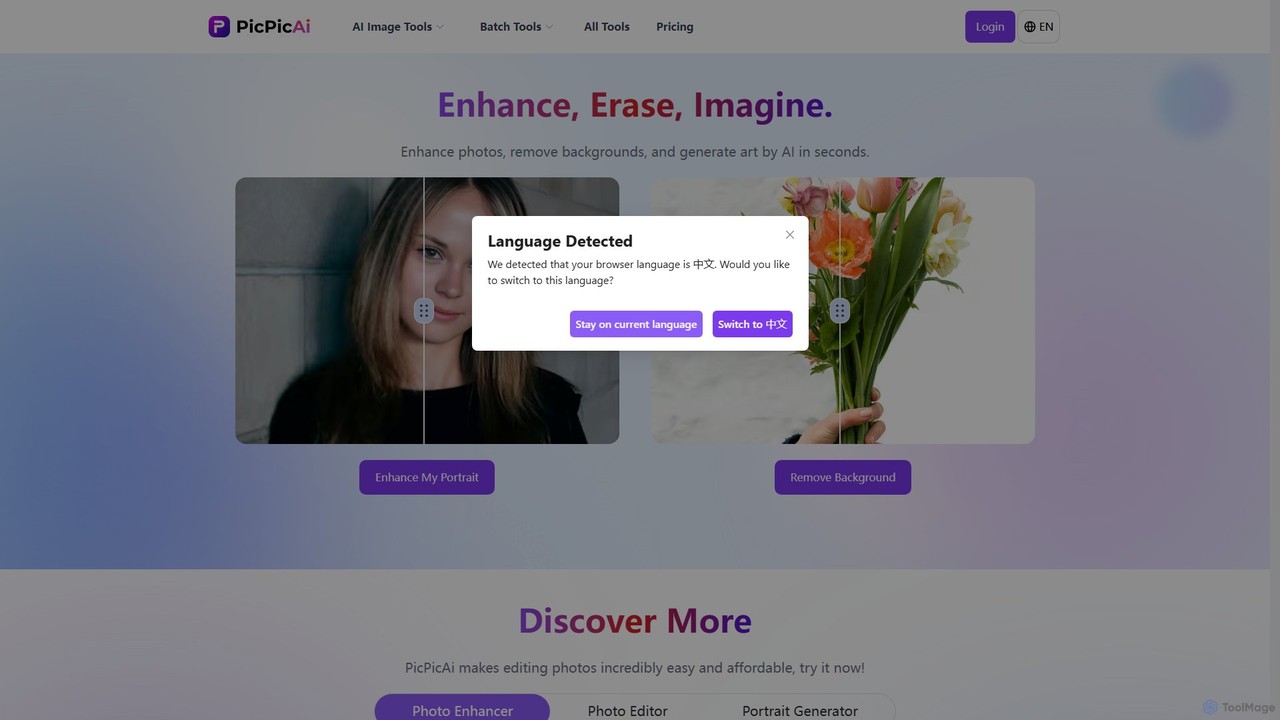
PicPicAI is an all-in-one AI-powered photo editing suite designed for ease of use and professional results. It offers a wide range of tools, including photo enhancement, background and object removal, AI art generation, portrait retouching, and old photo restoration. Ideal for marketers, e-commerce sellers, and content creators.
Image Generation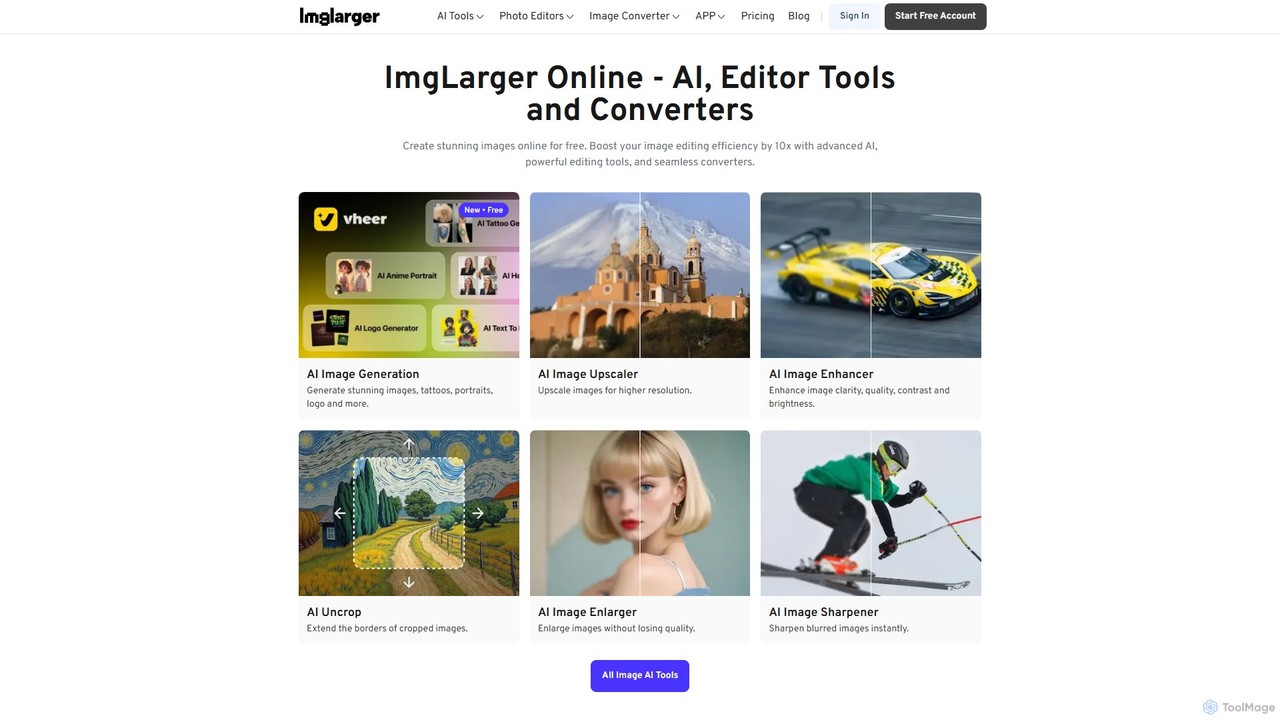
Imglarger
Imglarger is an all-in-one AI-powered toolkit for enhancing, editing, and converting images. It allows users to upscale photos up to 800% without quality loss, remove noise, restore old photos, and perform a wide range of edits like cropping, resizing, and color adjustments. It's a fast, online solution for photographers, designers, and social media managers.
Image Editing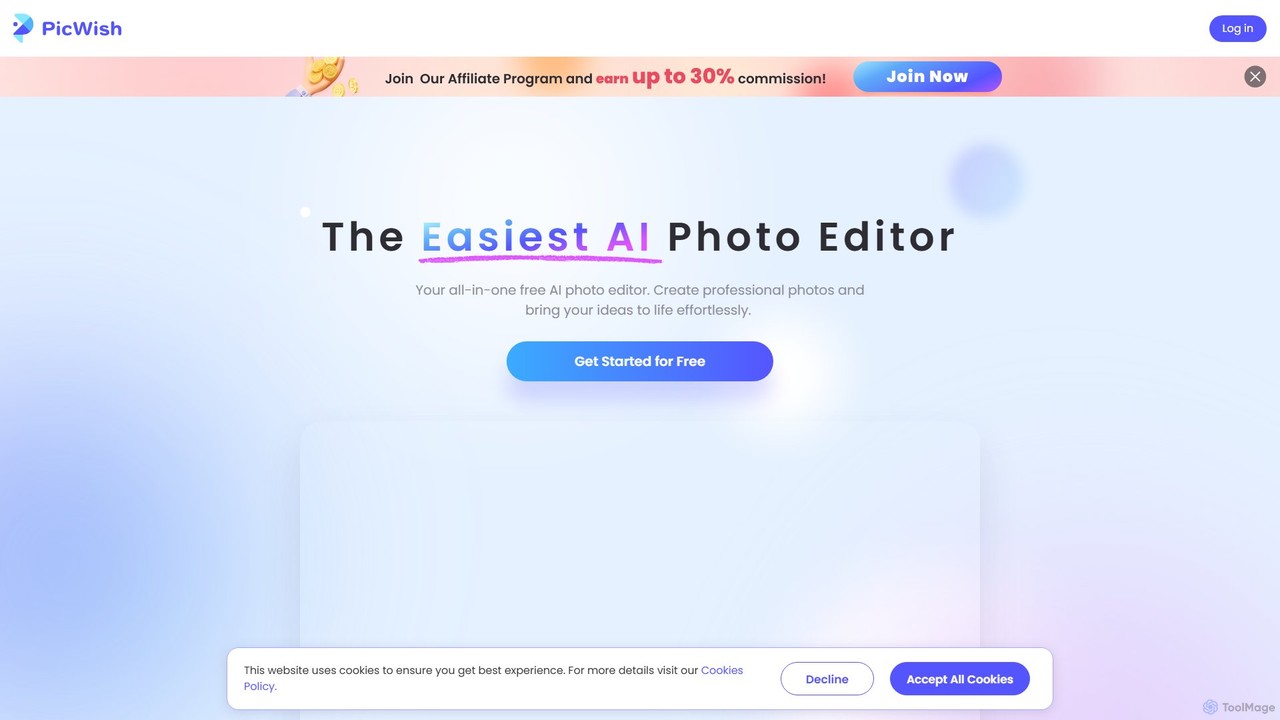
PicWish
PicWish is an all-in-one AI-powered photo editing suite designed to simplify complex image processing. It offers a wide range of free and pro tools, including background removal, photo enhancement, object removal, and AI background generation. Available online and as a dedicated app, PicWish empowers e-commerce sellers, designers, and content creators to produce professional-quality visuals effortlessly, without needing advanced technical skills.
Image Generation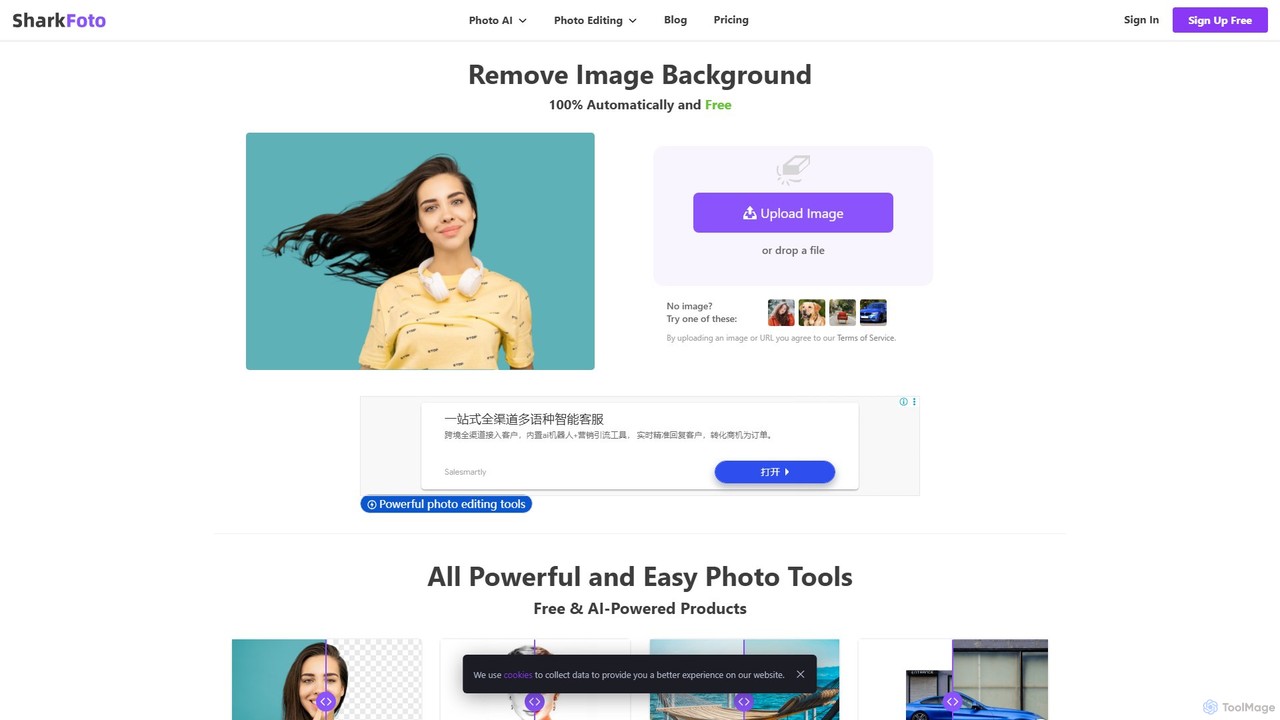
sharkfoto
sharkfoto is an all-in-one online photo editing suite powered by AI. It offers a range of tools including automatic background removal, image colorization, photo enhancement, and resolution enlargement. Additionally, it provides over 10 free standard editing tools like image conversion, compression, resizing, and a full-featured photo editor, catering to both professionals and casual users.
Background Removal
pixelz.ai
Pixelz.ai is an AI-powered image editing platform specializing in product photography for e-commerce. It automates tedious editing tasks like background removal, retouching, and color correction, enabling brands and photographers to scale their image production efficiently and affordably.
Product Image OptimizationBatchcropper Categories
Batchcropper Embed Widget
Copy this embed code to place the badge on your blog, article, or product site and send readers directly to this ToolMage detail page.

Related AI tools
Imglarger
Imglarger is an all-in-one AI-powered toolkit for enhancing, editing, and converting images. It allows users to upscale photos up to 800% without quality loss, remove noise, restore old photos, and perform a wide range of edits like cropping, resizing, and color adjustments. It's a fast, online solution for photographers, designers, and social media managers.
Image Editing
Jyek
Jyek is an AI agent platform that understands objectives, creates execution plans, uses tools, and delivers verifiable results for complex, multi-step tasks.
AutomationPicWish
PicWish is an all-in-one AI-powered photo editing suite designed to simplify complex image processing. It offers a wide range of free and pro tools, including background removal, photo enhancement, object removal, and AI background generation. Available online and as a dedicated app, PicWish empowers e-commerce sellers, designers, and content creators to produce professional-quality visuals effortlessly, without needing advanced technical skills.
Image Generationsharkfoto
sharkfoto is an all-in-one online photo editing suite powered by AI. It offers a range of tools including automatic background removal, image colorization, photo enhancement, and resolution enlargement. Additionally, it provides over 10 free standard editing tools like image conversion, compression, resizing, and a full-featured photo editor, catering to both professionals and casual users.
Background Removalpixelz.ai
Pixelz.ai is an AI-powered image editing platform specializing in product photography for e-commerce. It automates tedious editing tasks like background removal, retouching, and color correction, enabling brands and photographers to scale their image production efficiently and affordably.
Product Image Optimization
removal.ai
An AI-powered background remover that instantly erases the background from images for free. It offers high-quality cutouts, batch processing, a built-in photo editor, and an API for seamless integration, catering to photographers, e-commerce, marketers, and developers.
Photo Editing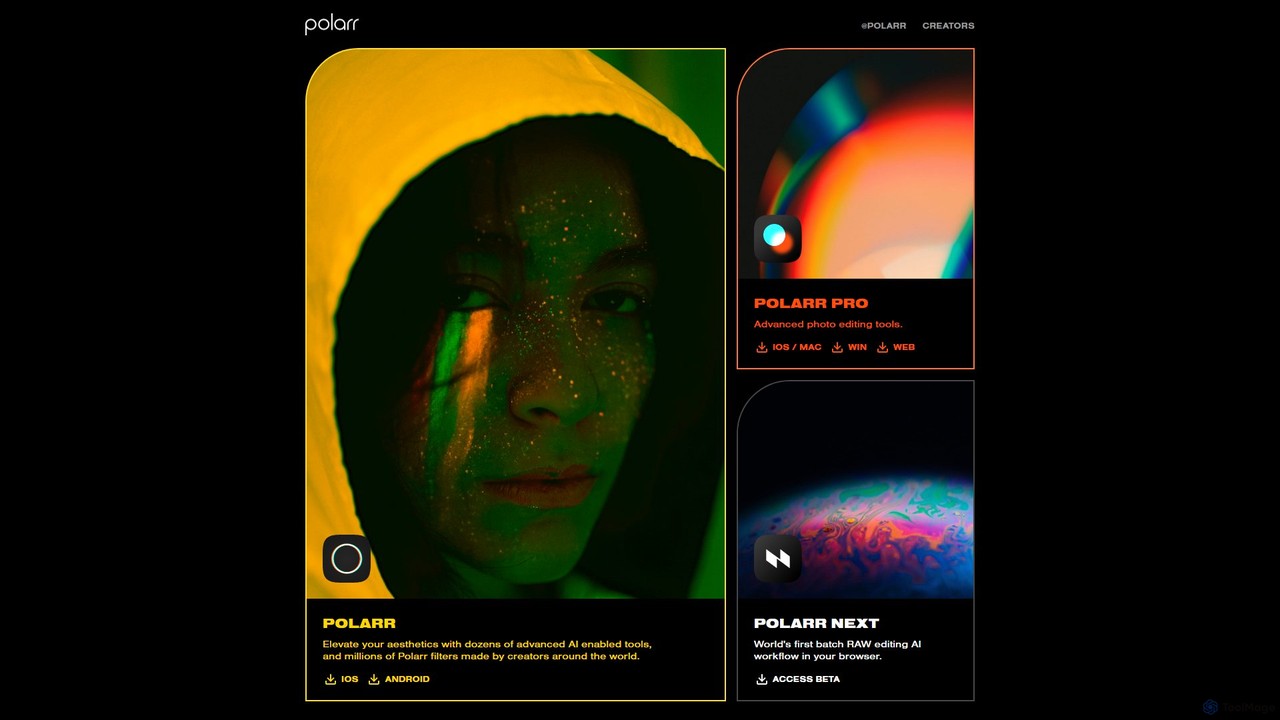
Polarr
Polarr is a powerful AI-driven photo and video editing suite for creators of all levels. It offers advanced editing tools, a vast library of millions of community-created filters, and a revolutionary batch RAW editing workflow, available across all devices.
Generative Art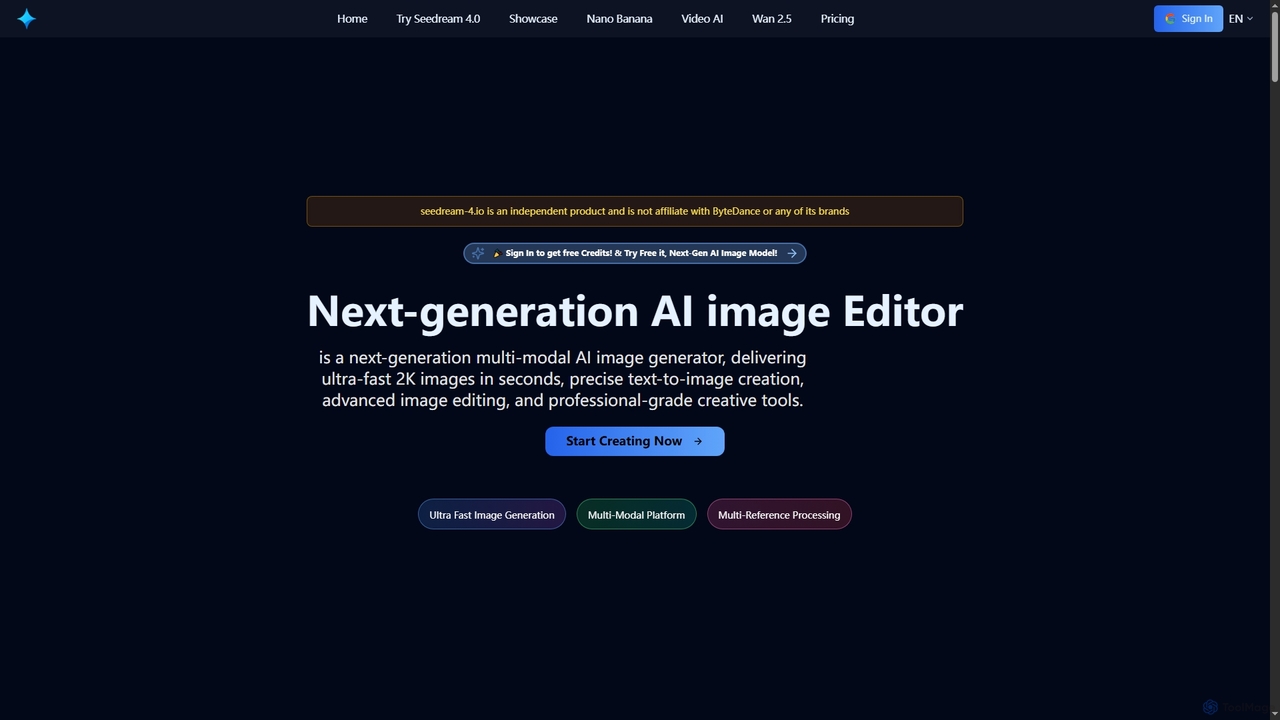
Seedream 4
Seedream 4 is a cutting-edge multimodal AI platform for ultra-fast 2K image and video generation and editing. Leveraging advanced MoE architecture, it offers precise text-to-image creation, multi-reference processing, and batch generation, supporting both English and Chinese prompts for global creators.
Ai Photo Editor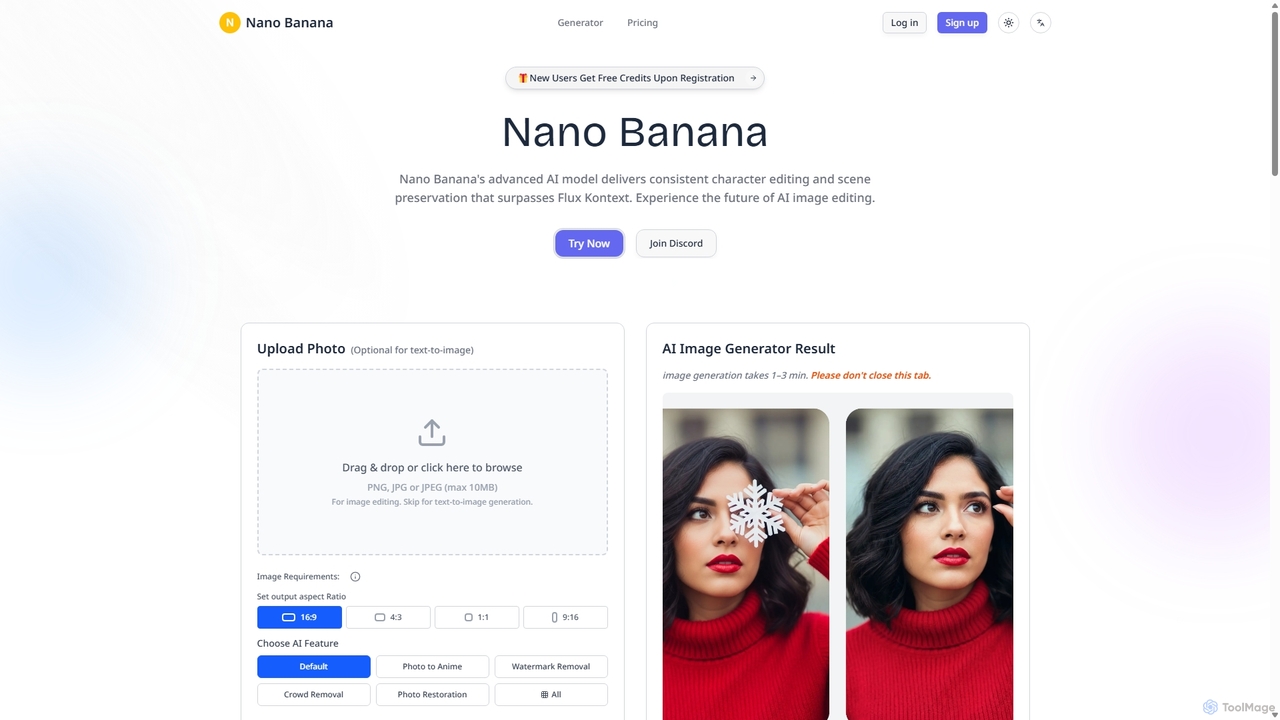
Nanobanana
Nanobanana is an advanced AI image editing and generation platform that transforms images using natural language prompts. It specializes in maintaining character consistency and scene integrity while offering powerful features like watermark removal, photo restoration, and batch processing. Ideal for creators, marketers, and photographers seeking efficient, high-quality visual content creation.
3D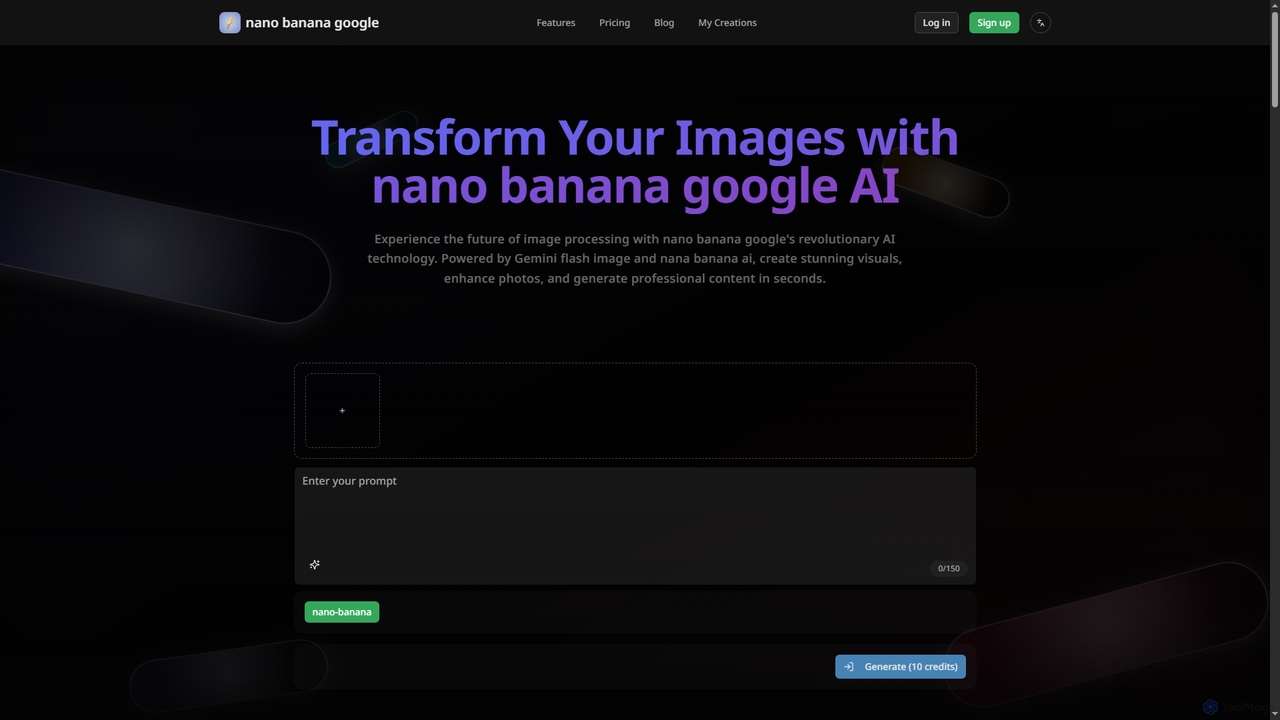
Nanobanana Google
Nanobanana Google is an advanced AI image processing platform powered by Gemini Flash Image and Nana Banana AI. It enables users to generate stunning visuals, enhance photos, apply artistic styles, and automate image tasks with unparalleled efficiency and quality.
Generation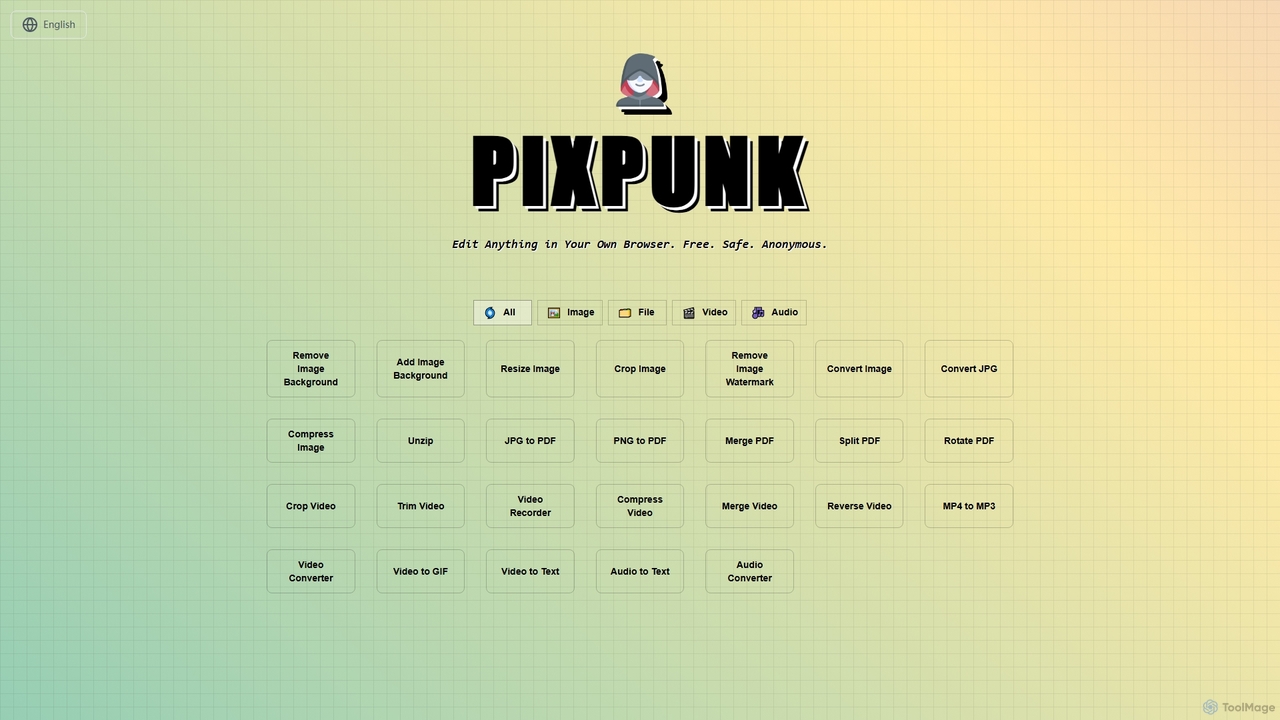
PixPunk
PixPunk is a free, safe, and anonymous online tool that allows users to edit images, convert files, and process videos and audio directly in their browser. It offers a suite of functionalities including background removal, image resizing, cropping, and format conversion, all without uploads or watermarks, ensuring maximum privacy.
Audio Converter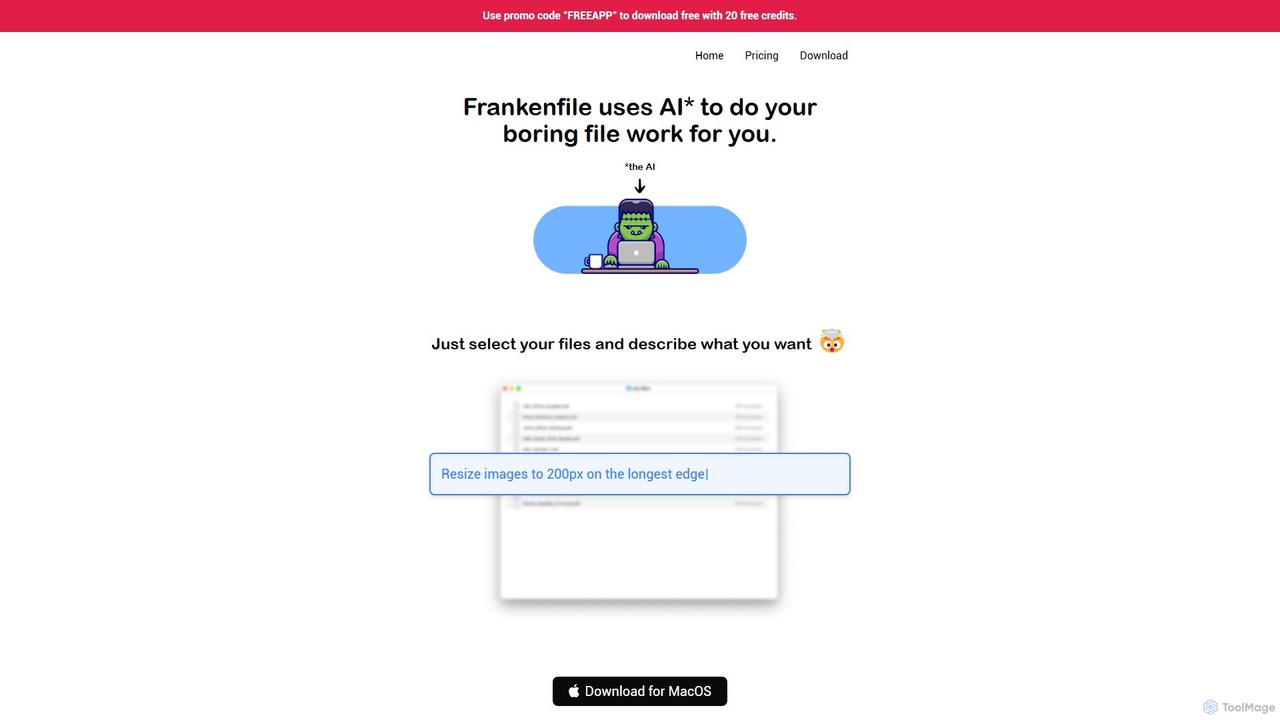
Frankenfile
Frankenfile is an AI-powered assistant for MacOS that automates your file management tasks. Simply describe what you want to do in plain English, and the app handles complex operations on images, videos, audio, and PDFs. It runs entirely locally, ensuring your files remain private and secure.
Task AutomationPicPicAI
PicPicAI is an all-in-one AI-powered photo editing suite designed for ease of use and professional results. It offers a wide range of tools, including photo enhancement, background and object removal, AI art generation, portrait retouching, and old photo restoration. Ideal for marketers, e-commerce sellers, and content creators.
Image Generation
Upscale.media
Upscale.media is a free AI-powered tool that automatically upscales and enhances images in seconds. It increases image resolution by up to 8x without losing quality, sharpens details, and removes artifacts. Ideal for e-commerce, photographers, and personal use, it offers web, mobile app, and API access for seamless integration.
Image Editing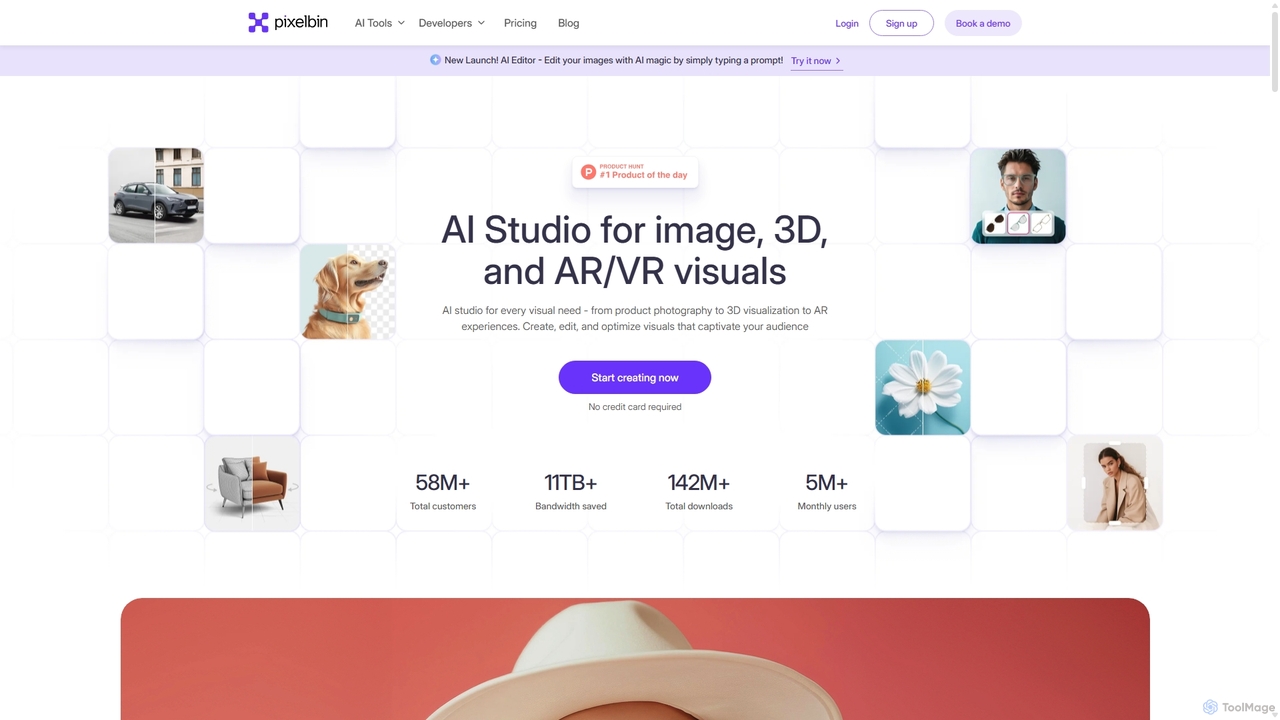
Pixelbin
Pixelbin is a comprehensive AI-powered platform for visual asset management and real-time image transformation. It offers a suite of tools including an AI editor, background remover, image upscaler, and watermark remover, alongside a robust Digital Asset Management (DAM) system and a smart CDN. Designed for developers, marketers, and e-commerce businesses, Pixelbin streamlines the entire visual content lifecycle from creation and storage to optimization and delivery, ensuring high-quality visuals and faster performance.
Digital Asset Management
Batchcropper Comments (0)
Sign in to comment.
Sign inNo comments yet.