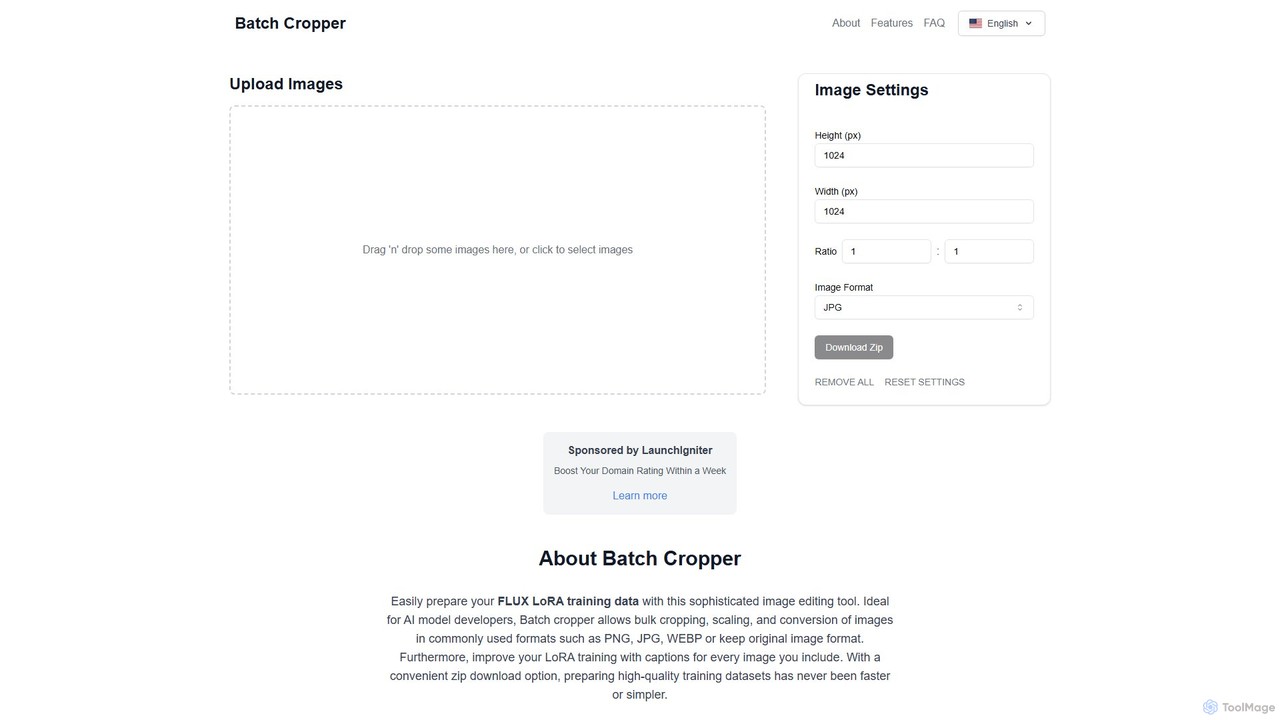
Batch Processing tools are a class of applications designed to automatically execute a sequence of operations on a large collection of files or data without manual intervention. These tools leverage predefined workflows or AI-driven logic to apply consistent changes, such as resizing images, converting document formats, or cleaning datasets, across hundreds or thousands of items at once. Their primary value lies in drastically reducing the time and effort required for repetitive, high-volume tasks, ensuring consistency and minimizing human error. This makes them a cornerstone of productivity for professionals in digital media, data management, and content creation.
Core Features
- Bulk File Handling: Process entire folders or lists of files in a single operation.
- Workflow Automation: Create and save multi-step sequences of actions to be applied to each item.
- Template & Preset Application: Apply pre-configured settings, filters, or formatting rules consistently across a batch.
- AI-Powered Operations: Utilize AI for intelligent tasks like automatic background removal, content tagging, or data extraction in bulk.
- Scheduled & Background Processing: Run large jobs during off-peak hours or in the background without tying up your system.
Use Cases
Batch Processing tools are widely used by e-commerce businesses for standardizing product images, marketing teams for preparing social media assets, and data analysts for cleaning and normalizing large datasets. Administrative professionals also use them for converting and archiving documents in bulk.
How to Choose
When selecting a Batch Processing tool, consider the specific file types it supports (e.g., JPG, PDF, MP4). Evaluate the library of available actions to ensure it meets your needs. For large-scale tasks, assess its processing speed and whether it operates locally or in the cloud. Finally, consider the user interface's complexity and whether an API is available for integration.