

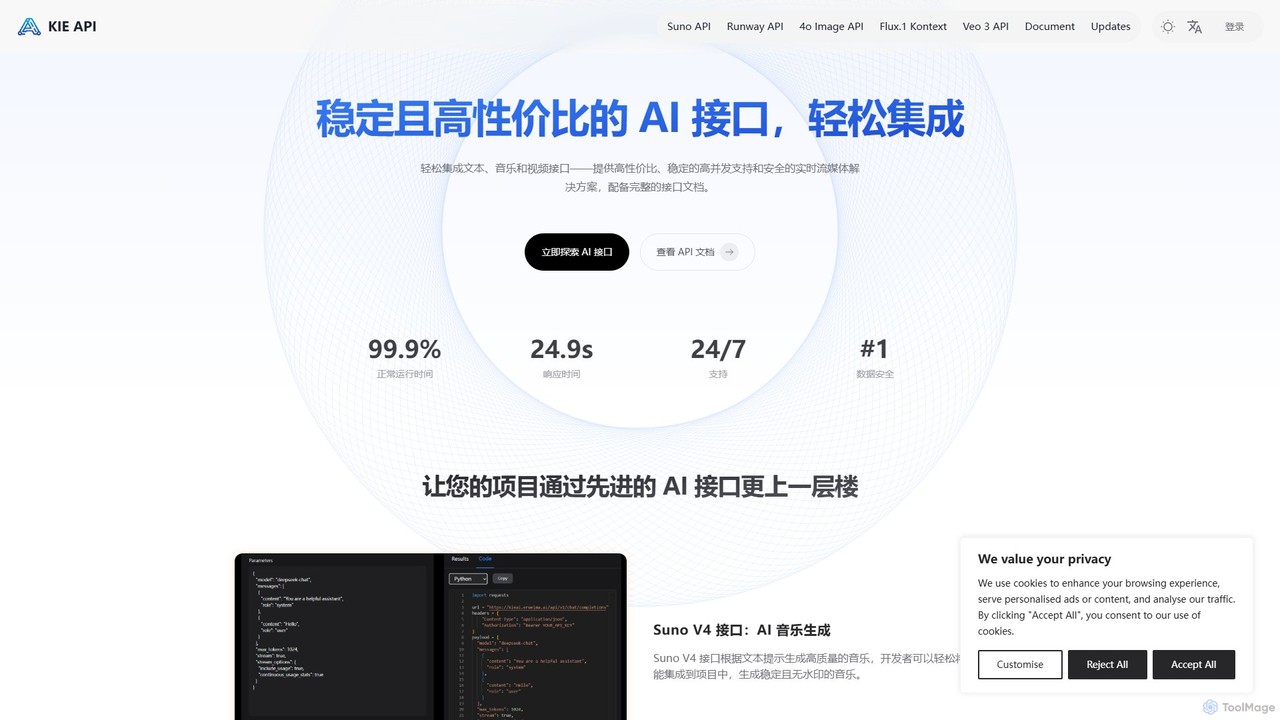
Kie AI Overview
Kie AI is a platform dedicated to providing developers and businesses with affordable, stable, and high-performance AI interfaces for seamless integration into their applications and workflows. The service positions itself as a cost-effective solution for accessing powerful AI capabilities without the high overhead. The standout feature of Kie AI is its FLUX.1 Kontext API, a state-of-the-art image editing tool developed by Black Forest Labs. This API revolutionizes image manipulation by allowing users to make complex edits using simple, natural language instructions. Instead of mastering complicated software, users can simply describe the changes they want, and the AI executes them with precision.
The FLUX.1 Kontext API is available in two distinct versions to cater to different user requirements: a [Pro] version optimized for speed, delivering results up to 8 times faster than comparable models, and a [Max] version that prioritizes maximum precision, offering superior typography, element consistency, and overall accuracy for detailed and iterative design work. This dual-offering makes Kie AI a versatile tool for a wide range of creative and professional tasks.
How to use Kie AI
Integrating and using the Kie AI platform, specifically the FLUX.1 Kontext API, is designed to be straightforward for developers and end-users alike.
For Developers (API Integration):
- Sign Up & Get API Key: Register on the Kie AI website to access your dashboard and obtain a unique API key for authentication.
- Choose an API Endpoint: Select the appropriate API version for your needs—either FLUX.1 Kontext [Pro] for speed or [Max] for precision.
- Make an API Call: Send a request to the API endpoint, including the source image (e.g., as a file or URL) and a text prompt describing the desired edit (e.g., "change the background to a sunny beach," "make the t-shirt red," or "add the text 'Summer Sale' in a modern font").
- Receive the Edited Image: The API processes the request and returns the newly generated image, which can then be used in your application.
For End-Users (via a compatible interface):
- Upload Your Image: Start by uploading the image you wish to edit. The platform supports common formats like PNG, JPG, and WEBP.
- Write Your Instructions: In the provided text field, type a clear, descriptive prompt of the changes you want to make.
- Generate and Refine: The AI will generate the edited image based on your prompt. Thanks to non-destructive editing, you can continuously refine your instructions to perfect the result without degrading the original image quality.
Core Features of Kie AI
- FLUX.1 Kontext API: A powerful image editing API that understands natural language commands.
- Natural Language Editing: Modify images by describing changes in plain text, such as adjusting colors, swapping elements, changing styles, or adding text.
- Dual Performance Tiers: Choose between the [Pro] version for ultra-fast processing and the [Max] version for enhanced precision, typography, and consistency.
- Non-Destructive Workflow: Edits are applied without altering the original image, allowing for endless adjustments and iterations without quality loss.
- API-First for Integration: Built for developers to easily incorporate advanced image editing features into their own software, websites, or services.
- Cost-Effective Solution: Positioned as a highly affordable alternative to other premium AI models and manual editing processes.
- Broad File Compatibility: Supports major image file types including PNG, JPG, and WEBP.
Use Cases for Kie AI
Kie AI's FLUX.1 Kontext API is versatile and beneficial for various professionals and industries:
- Marketers: Quickly generate A/B test variations for ad creatives, adapt visuals for different social media platforms, and create on-brand marketing materials without needing a dedicated designer for every small change.
- Graphic Designers: Streamline the creative process by rapidly iterating on designs, making precise adjustments to client feedback, and exploring different visual concepts in a fraction of the time.
- E-commerce Businesses: Enhance product photos by changing backgrounds, adjusting lighting, or placing products in various lifestyle settings to boost visual appeal and conversion rates without expensive photoshoots.
- Content Creators: Maintain a consistent visual brand across blogs, YouTube, and social media by easily applying the same style or edits to multiple images.
- Software Developers: Integrate powerful, user-friendly image editing capabilities directly into applications like content management systems (CMS), design tools, or social media management platforms.
Advantages of Kie AI
The primary advantages of using Kie AI are centered around efficiency, accessibility, and scalability. It dramatically reduces the time and technical skill required for professional-level image editing. The natural language interface makes powerful tools accessible to non-designers. For businesses, the API-driven approach allows for automating and scaling image production workflows, leading to significant savings in time and resources. The flexibility of choosing between speed (Pro) and precision (Max) ensures that users only pay for the performance they need.
Pricing and Plans
Kie AI operates on a freemium model. The platform offers a Free Trial that allows new users to explore the powerful features of the FLUX.1 Kontext API and test its capabilities before committing to a paid plan. While specific pricing details are not listed here, the service is marketed as an affordable solution, costing significantly less than many competitors. Detailed pricing information, likely based on API call volume or subscription tiers, is available on the official Kie AI website after signing up.
Traffic
Latest traffic
Status
Monthly traffic trend
- 2026-1: 1.6M
- 2026-2: 1.6M
- 2026-3: 1.8M
- 2026-4: 2.1M
- 2026-5: 1.7M
Geography
Top 5 countries / regions
- 🇺🇸United States47.6%
- 🇮🇳India17.8%
- 🇧🇷Brazil12.6%
- 🇰🇭Cambodia12.0%
- 🇮🇩Indonesia9.9%
Traffic sources
| Source type | Percentage |
|---|---|
Direct | 91.2% |
Referral | 7.0% |
Email | 1.8% |
Kie AI Videos on YouTube

Just Curious Channel

Meydeey | Automatisation IA


NoCodeDad

Marisol Vega Daily
Kie AI Alternatives
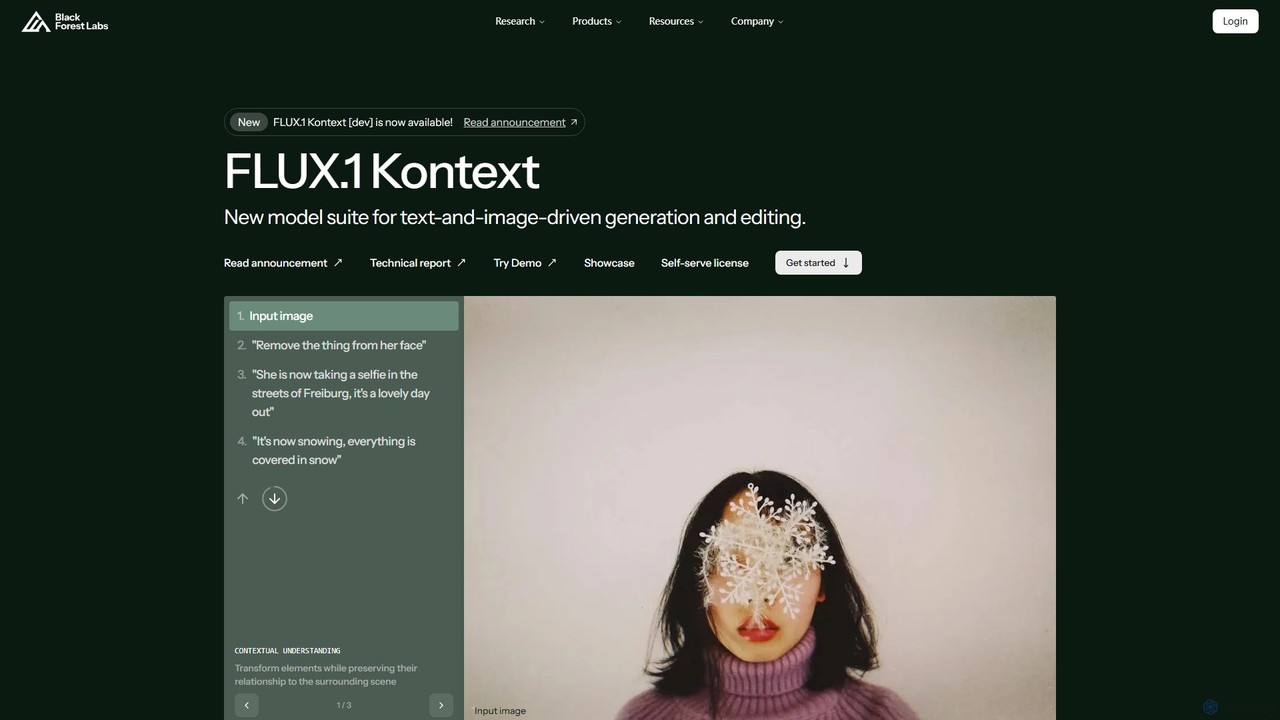
Black Forest Labs FLUX.1
FLUX.1 by Black Forest Labs is an advanced AI model suite for context-aware image generation and editing. It allows users to modify images using both text and image prompts, ensuring character consistency, precise local edits, and style preservation. It offers open-weight models for developers and commercial licenses for businesses, redefining iterative creative workflows.
Api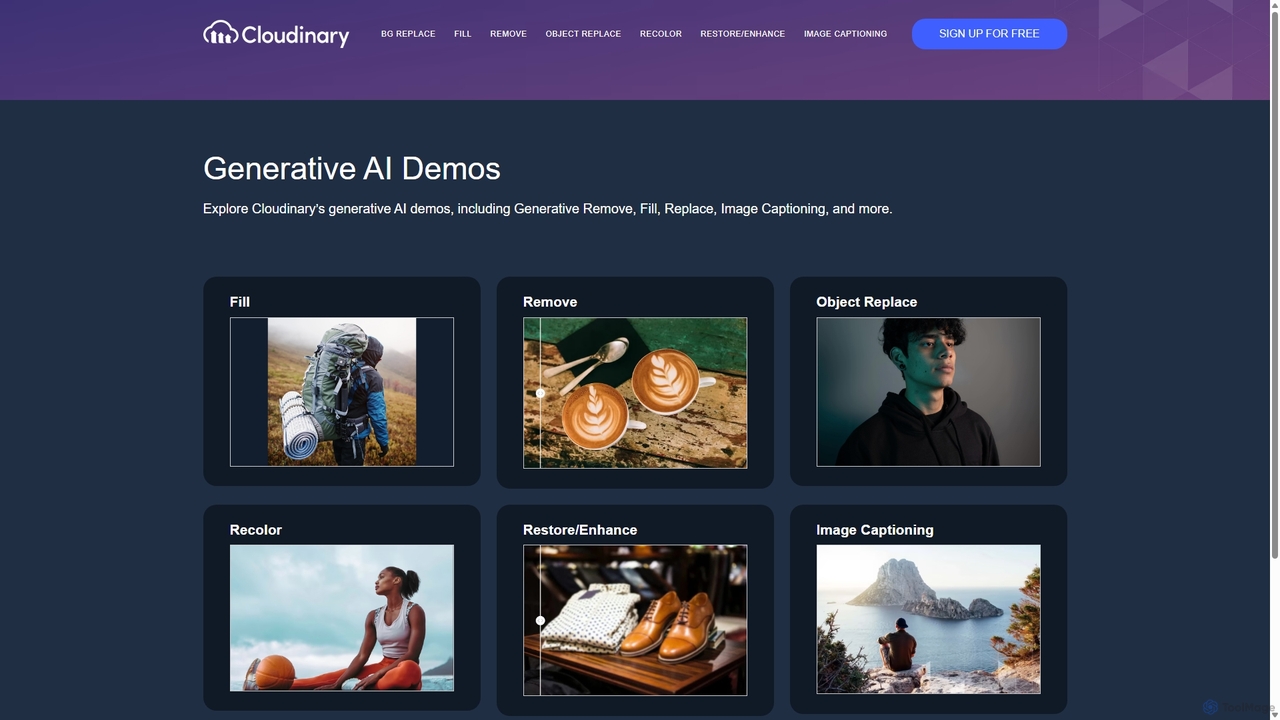
Cloudinary Generative AI Playground
An advanced suite of AI-powered tools from Cloudinary for developers, marketers, and creators. Effortlessly perform complex image manipulations like background removal, generative fill, object replacement, and image generation through an intuitive interface and powerful APIs.
Api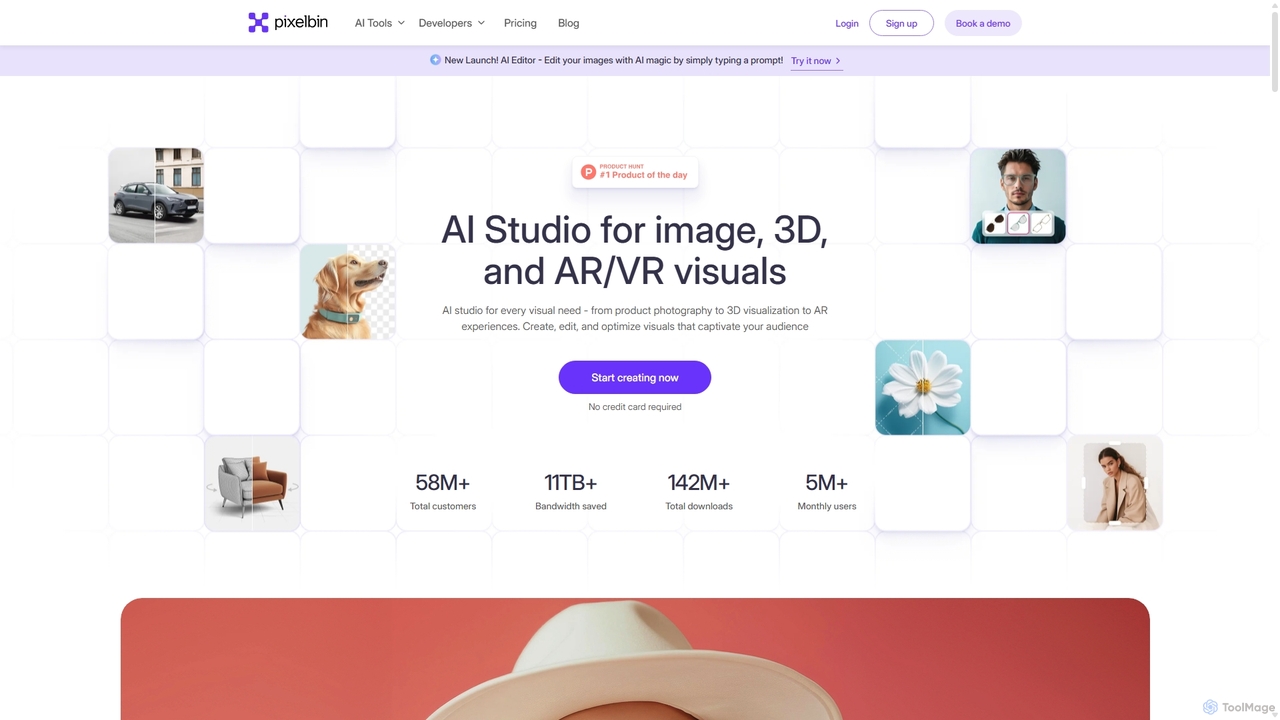
Pixelbin
Pixelbin is a comprehensive AI-powered platform for visual asset management and real-time image transformation. It offers a suite of tools including an AI editor, background remover, image upscaler, and watermark remover, alongside a robust Digital Asset Management (DAM) system and a smart CDN. Designed for developers, marketers, and e-commerce businesses, Pixelbin streamlines the entire visual content lifecycle from creation and storage to optimization and delivery, ensuring high-quality visuals and faster performance.
Digital Asset Management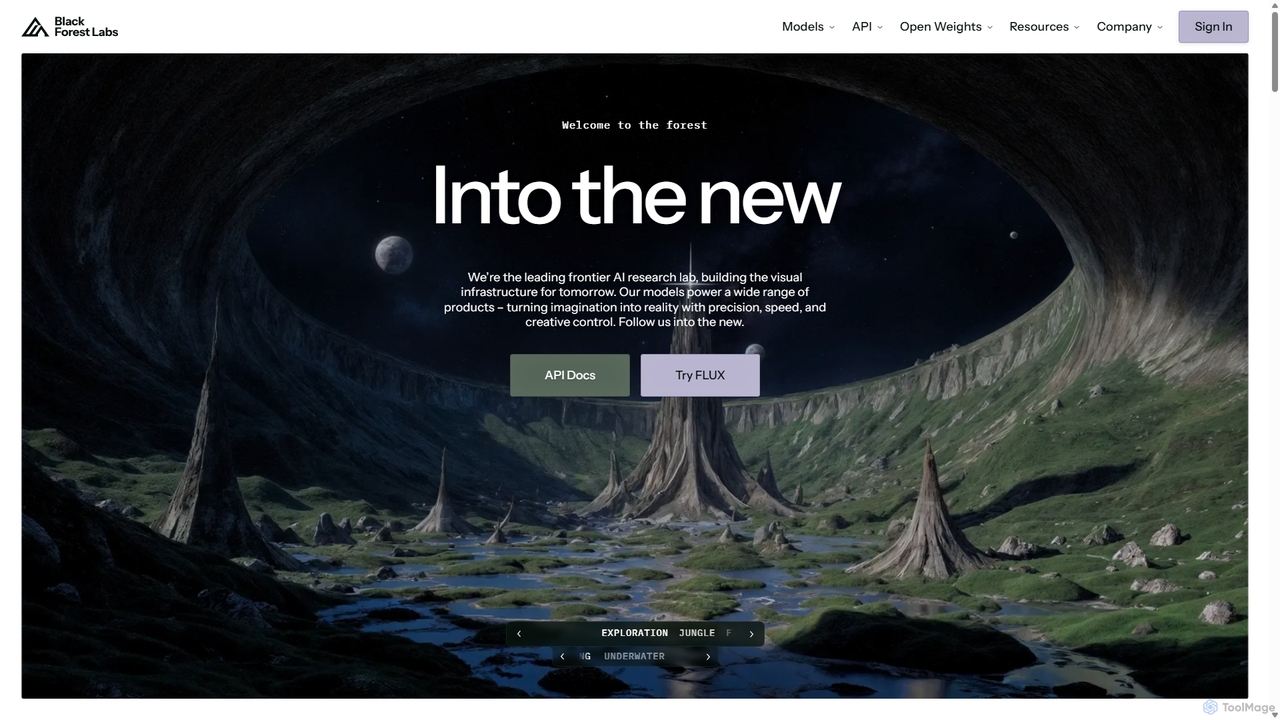
Blackforestlabs
Black Forest Labs is a frontier AI research lab developing advanced visual infrastructure. Their flagship FLUX models offer state-of-the-art, high-speed image generation and editing. They provide access via a user-friendly Playground, a powerful API for developers, and open-weight models for custom deployment, turning imagination into reality with unparalleled precision and creative control.
Api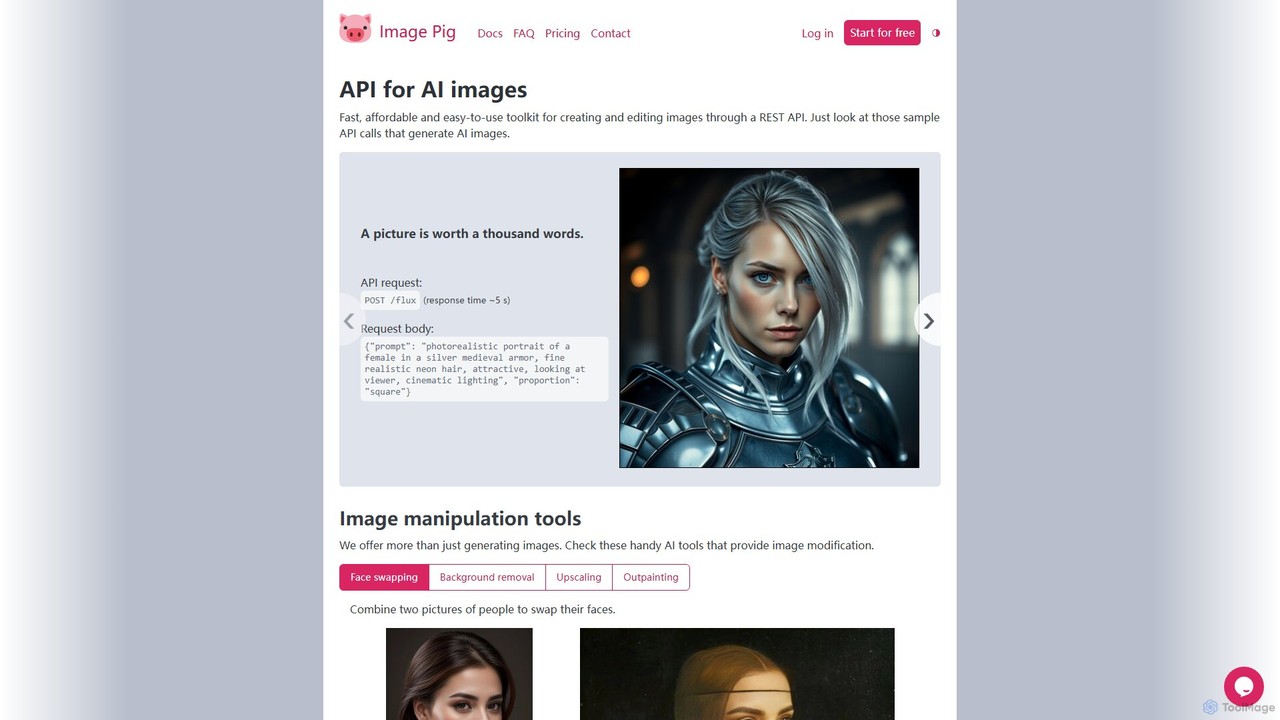
Image Pig
Image Pig is a developer-focused REST API for AI image generation and manipulation. It offers a fast, affordable, and easy-to-use toolkit for creating images from text, swapping faces, removing backgrounds, upscaling, and outpainting. With curated models like Stable Diffusion and FLUX, it allows developers to integrate powerful visual AI into their projects without managing complex hardware.
ApiKie AI Categories
Kie AI Embed Widget
Copy this embed code to place the badge on your blog, article, or product site and send readers directly to this ToolMage detail page.

Related AI tools
Xunguang AI
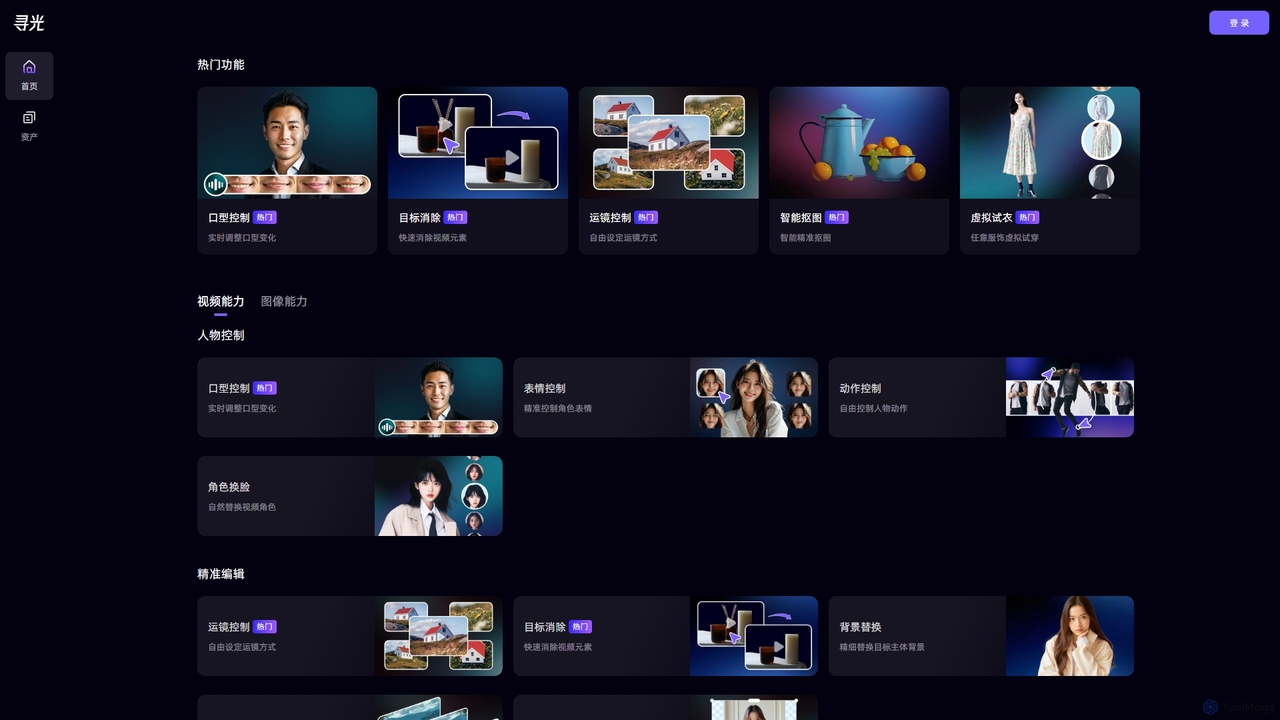
Xunguang AI is a powerful, all-in-one AI content creation platform specializing in advanced video and image manipulation. It offers a comprehensive suite of tools, including lip-sync control, object removal, face swapping, and virtual try-on, designed to streamline complex editing tasks and empower creators, marketers, and e-commerce professionals to produce high-quality content with unprecedented ease and efficiency.
Product VisualizationBlack Forest Labs FLUX.1
FLUX.1 by Black Forest Labs is an advanced AI model suite for context-aware image generation and editing. It allows users to modify images using both text and image prompts, ensuring character consistency, precise local edits, and style preservation. It offers open-weight models for developers and commercial licenses for businesses, redefining iterative creative workflows.
ApiCloudinary Generative AI Playground
An advanced suite of AI-powered tools from Cloudinary for developers, marketers, and creators. Effortlessly perform complex image manipulations like background removal, generative fill, object replacement, and image generation through an intuitive interface and powerful APIs.
Api
Picsart
Picsart provides powerful photo and video editing APIs and SDKs for businesses. It allows developers to integrate a world-class, AI-powered content editor directly into their platforms. Key features include generative AI tools like text-to-image and background removal, extensive content libraries, and highly configurable solutions for web-to-print, e-commerce, and marketing automation, enabling businesses to offer advanced creative capabilities to their users seamlessly.
Api & Sdk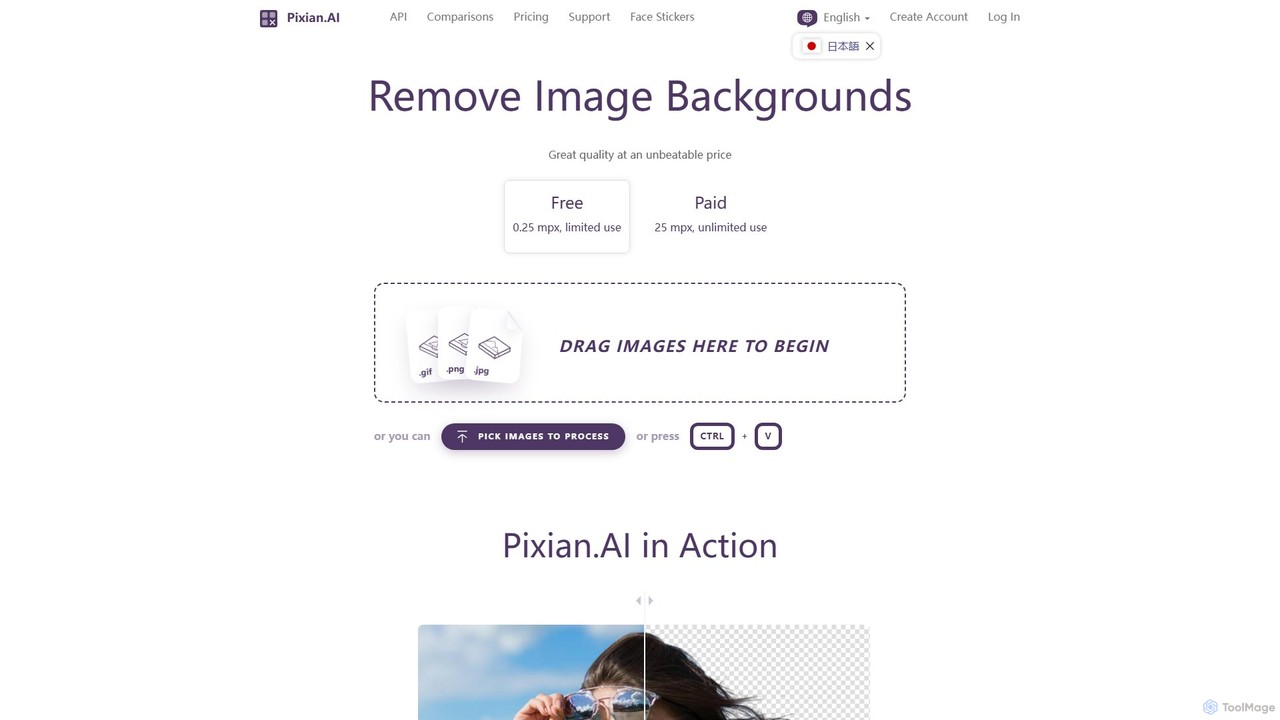
Pixian.ai
Pixian.ai is an AI-powered tool for instantly removing backgrounds from images. It offers a free service for basic use and a highly affordable pay-as-you-go API for high-resolution images. Leveraging a custom AI model, it excels at handling complex details like hair and fur on a wide range of images, including photos, logos, and AI-generated art. It's designed for efficiency, quality, and outstanding value.
Image Editing
Bria
Bria is a developer-first visual generative AI platform, offering source-available models and APIs built on 100% licensed data. It enables businesses and developers to create, edit, and scale high-quality, commercially-safe visual content, with full legal indemnification. Bria provides flexible toolkits for custom AI solutions, including image generation, editing, product photography, and ad creation.
Api & Sdk
Imagepipeline
An advanced AI image generation platform for developers and creators, offering maximum control over visual asset creation. It provides a comprehensive suite of tools including Stable Diffusion, ControlNets, LoRA, and custom models via a simple REST API, designed for production-quality outputs and seamless integration into applications.
Design Assistant
Robolly
Robolly is an all-in-one platform for automated visual content generation. Design a template once and use its API and bulk generation tools to create millions of personalized images, videos, and PDFs on-demand. It's ideal for marketers, developers, and businesses looking to scale their content production efficiently.
Image Generation
Fotographer.ai
Fotographer.ai is an all-in-one AI creative suite designed for professionals to generate production-ready visuals. It specializes in product photography, offering tools for AI background generation, relighting, virtual try-on, and high-consistency image generation from a single input. It's built to streamline creative workflows for e-commerce, marketing, and branding.
Generative Art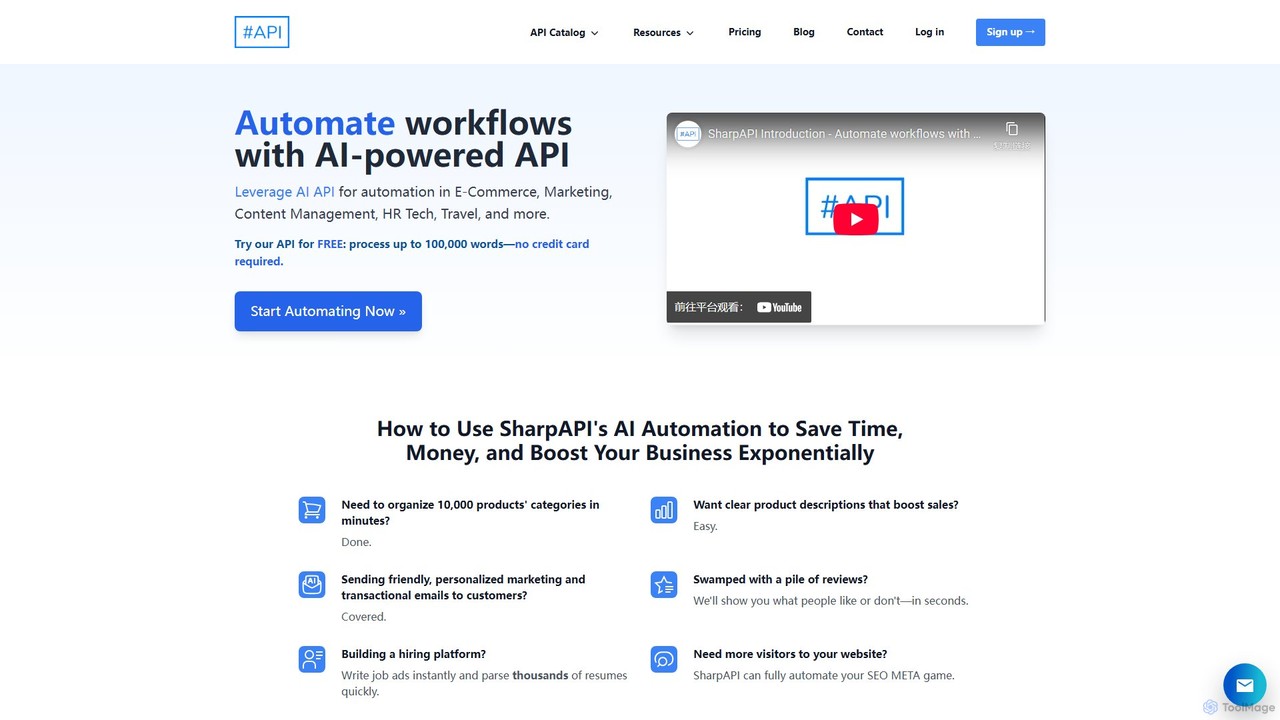
SharpAPI
SharpAPI is an all-in-one AI-powered workflow automation API for developers. It provides a comprehensive suite of tools for e-commerce, HR tech, marketing, and content management, enabling easy integration of features like resume parsing, content generation, text analysis, and multi-language translation into any application via a simple RESTful API and dedicated SDKs.
Api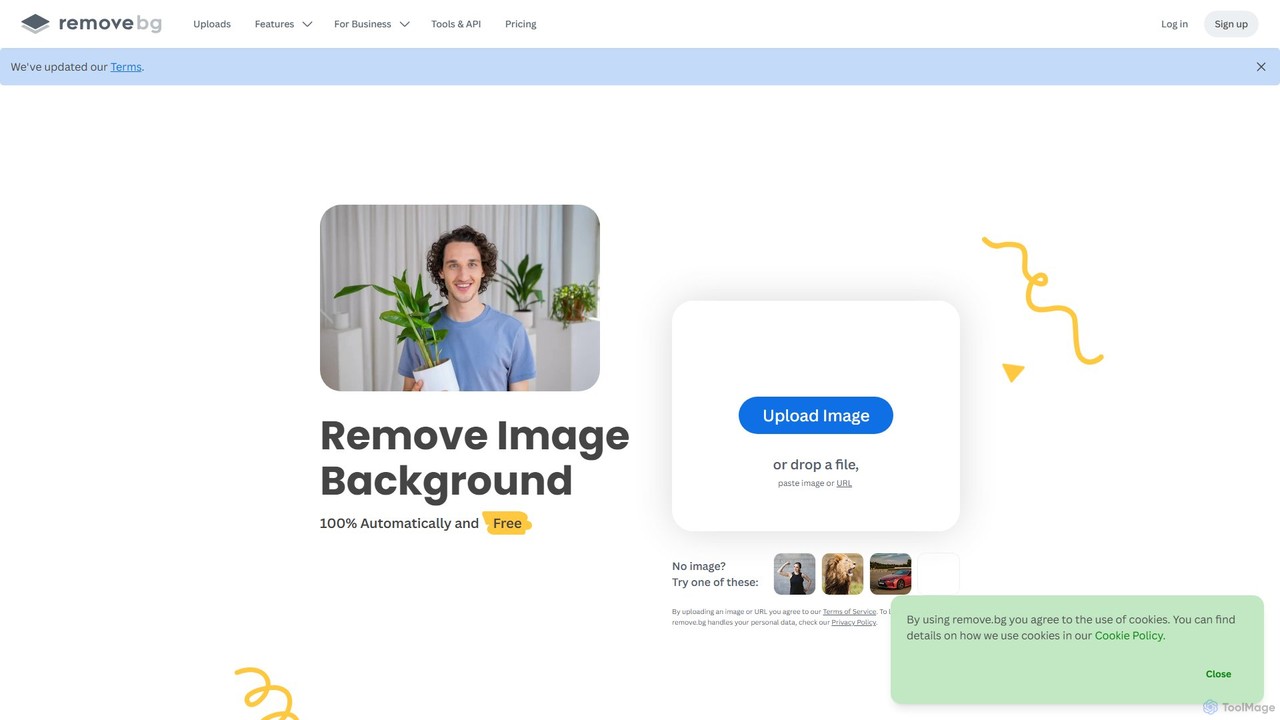
remove.bg
remove.bg is an AI-powered tool that automatically removes the background from any image in just 5 seconds. It uses advanced AI to accurately handle challenging edges like hair and fur. Ideal for photographers, e-commerce businesses, marketers, and developers, it offers web, desktop, and plugin integrations to streamline workflows.
Editing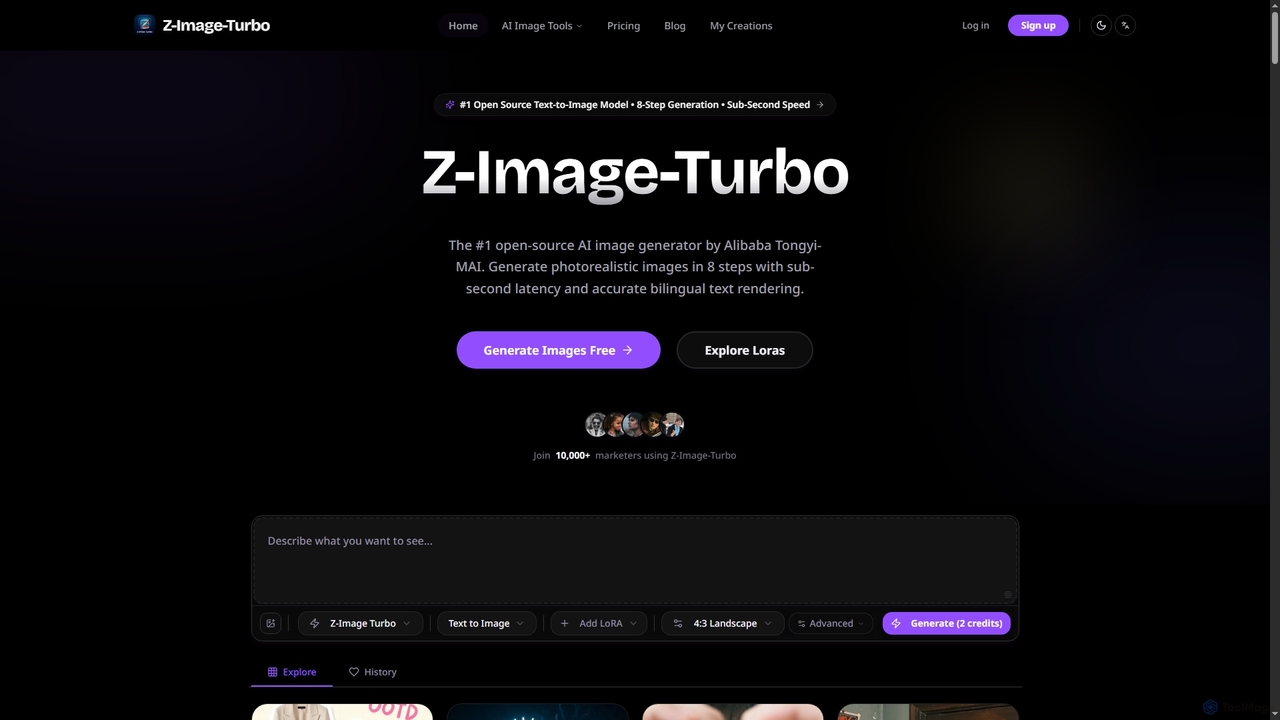
ZImageTurbo
ZImageTurbo is the #1 open-source AI image generator by Alibaba Tongyi-MAI, offering sub-second photorealistic image creation in just 8 steps. It excels in accurate bilingual text rendering (English and Chinese), runs efficiently on consumer GPUs, and provides advanced features for content creators, marketers, and designers.
Visuals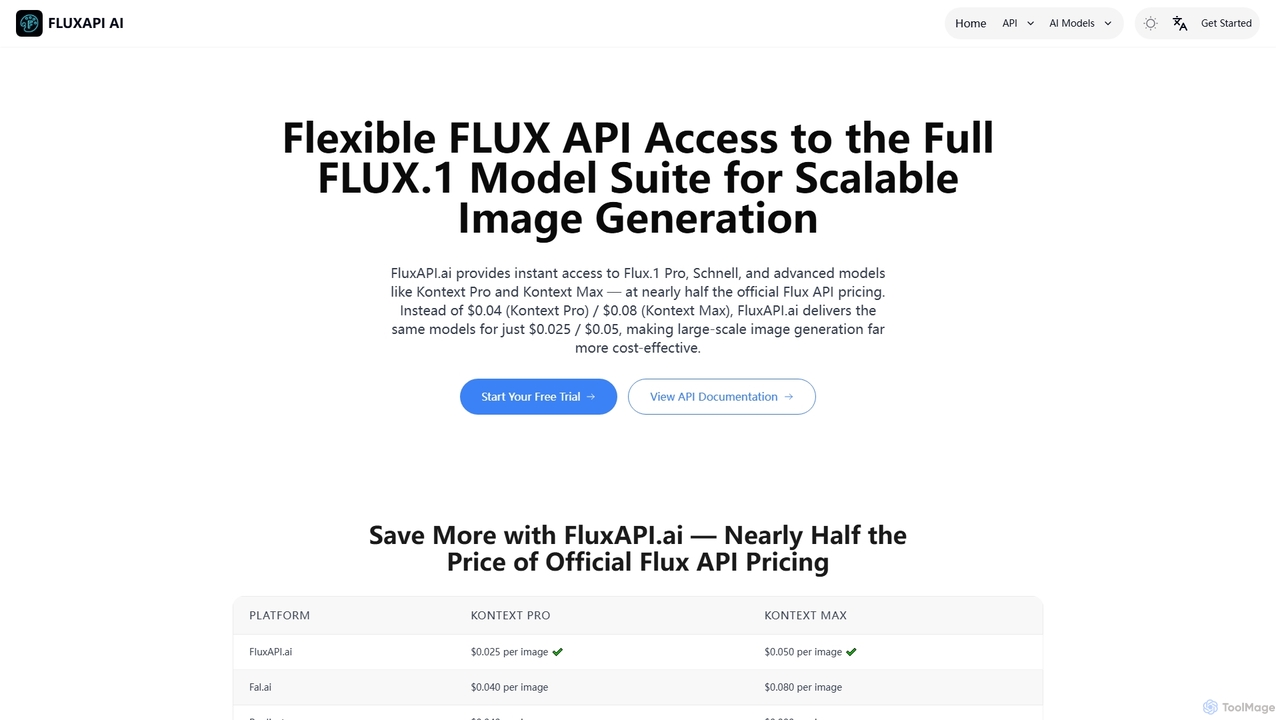
FluxAPI
FluxAPI provides developers with programmatic access to the FLUX.1 model family, enabling fast and affordable text-to-image generation and advanced image-to-image editing. It offers a suite of specialized AI models like Kontext Pro and Kontext Max at competitive, credit-based pricing, making large-scale visual content creation efficient and cost-effective.
Visual Content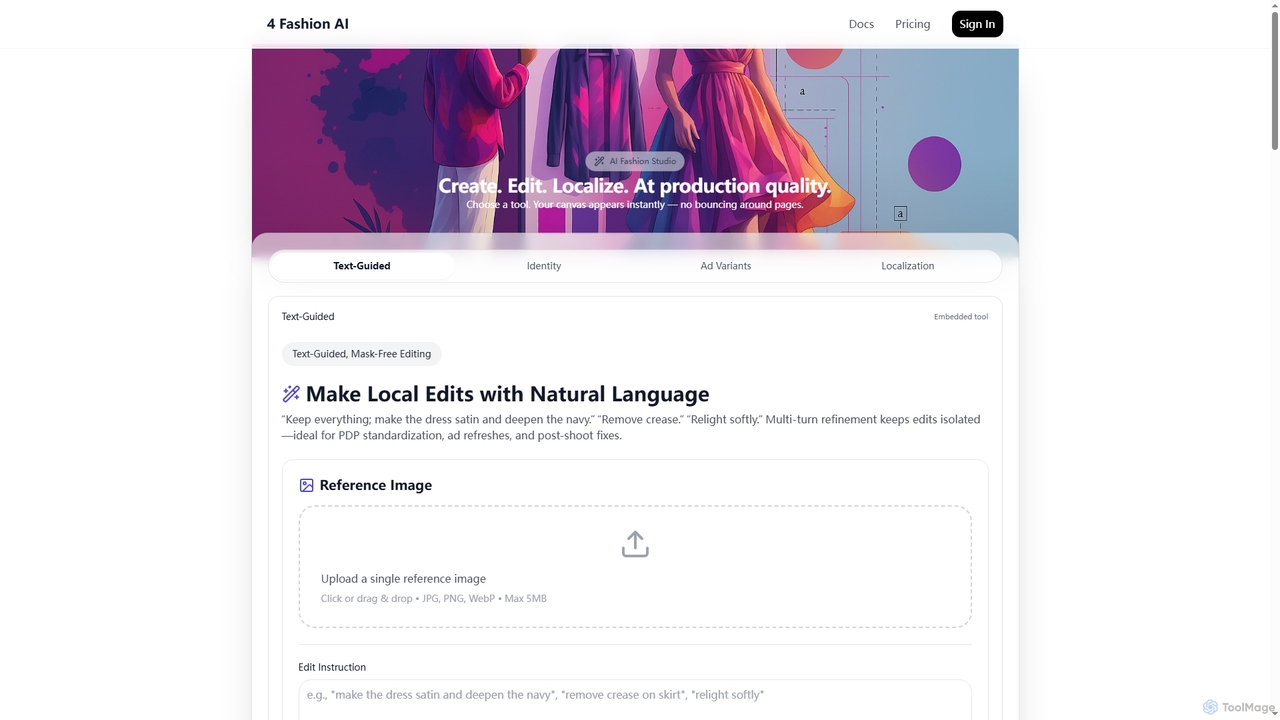
4FashionAI
4FashionAI is an advanced AI platform for the fashion industry, offering tools for virtual try-on, outfit generation, and model creation. It enables users to transform garments, localize models, create ad variants, and perform mask-free image edits using natural language, streamlining fashion content creation from concept to campaign with studio-grade visuals.
3D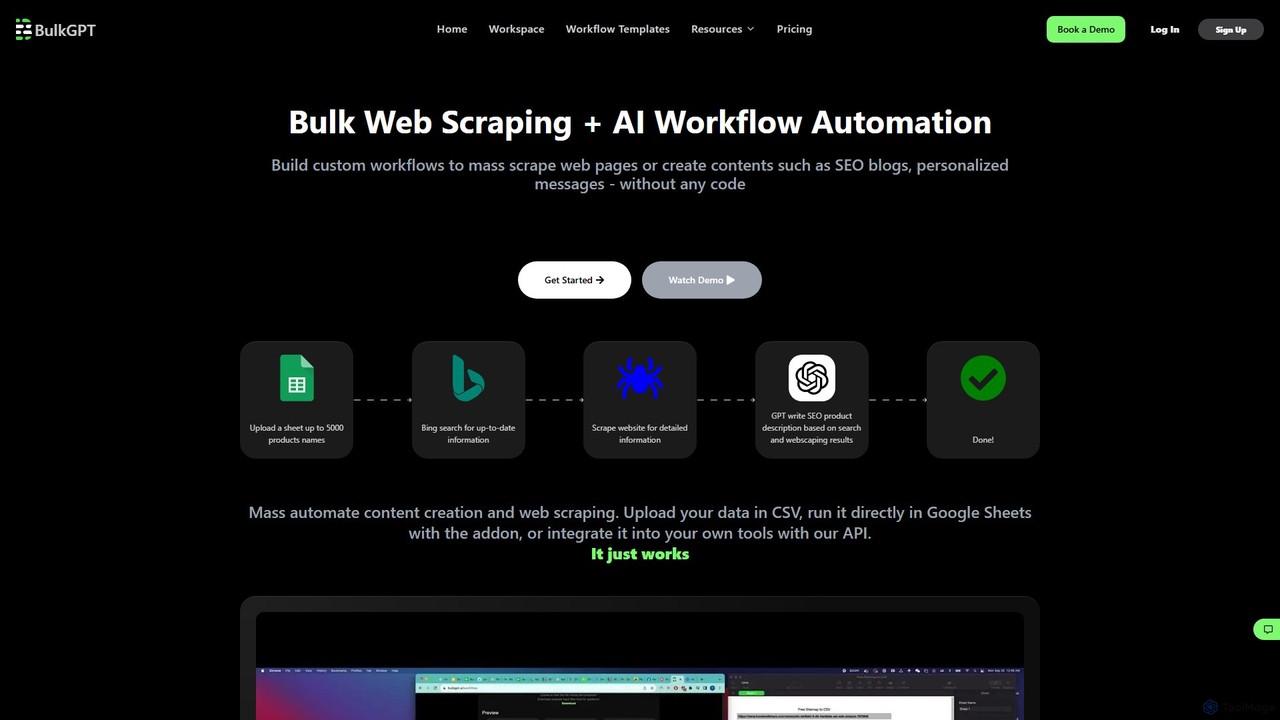
BulkGPT
BulkGPT is a no-code platform for AI workflow automation, enabling users to perform bulk web scraping, mass content creation, and batch processing of AI tasks. It integrates with CSV, Google Sheets, and an API to streamline repetitive tasks for marketing, e-commerce, and data analysis without any coding knowledge.
Web Scraping
Kie AI Comments (0)
Sign in to comment.
Sign inNo comments yet.