Art Best in category 3 results Design Assistant AI Tool

Popular AI tools in the Design Assistant field of Art include imgnai、Imagepipeline、Imagifly, etc., helping you quickly improve efficiency.

Imagepipeline

Imagepipeline

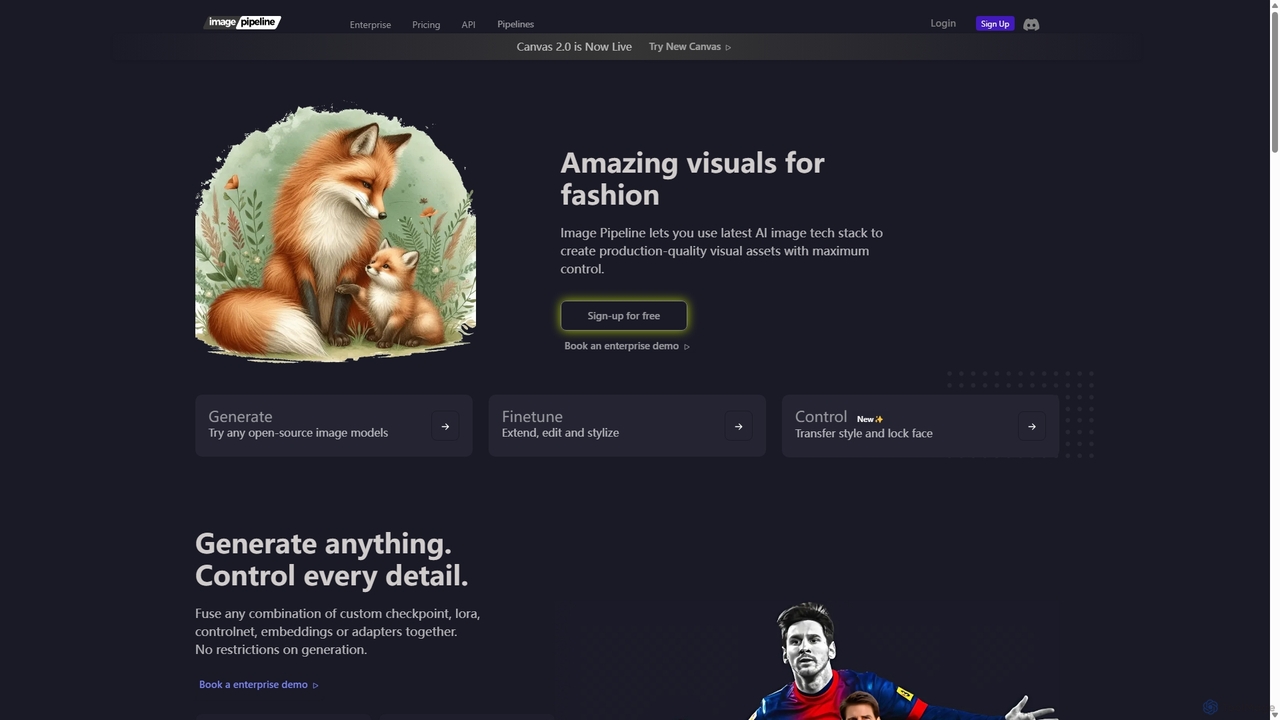
An advanced AI image generation platform for developers and creators, offering maximum control over visual asset creation. It …

23.3K
Imagifly

Imagifly

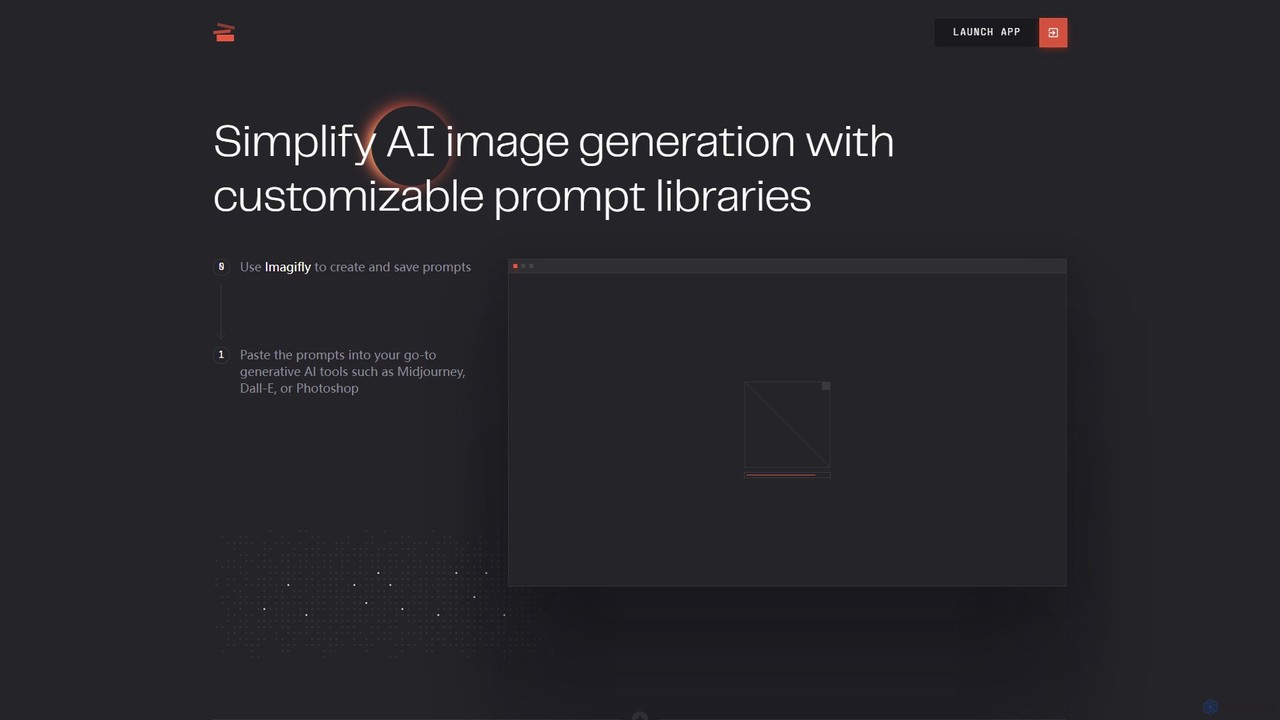
Imagifly is a prompt management tool designed to simplify AI image generation. It allows users to create, save, …

3.9K
imgnai

imgnai

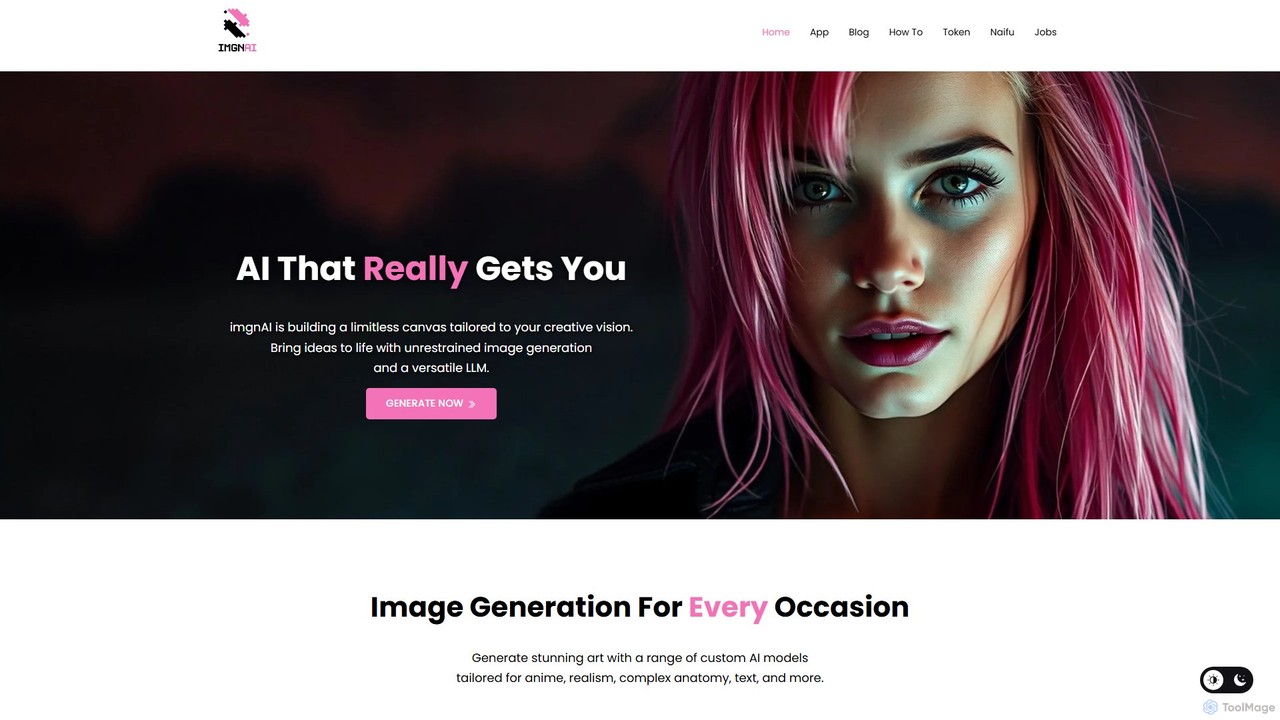
imgnai is a powerful AI image generator that transforms text prompts into stunning, unique visuals. Designed for artists, …

46.5K

About Design Assistant

Design Assistant tools are AI-powered applications that streamline and enhance the creative workflow for designers. They use machine learning to automate repetitive tasks, generate design variations, and provide intelligent suggestions for layouts, colors, and typography. This allows designers to focus on high-level creative decisions, accelerating project timelines and improving design consistency. Unlike simple image generators, these assistants act as a co-pilot within the design process.

Core Features

  • Automated Layout Generation: Suggests and creates balanced compositions for web pages, social media posts, or presentations based on content.
  • Smart Style Suggestions: Recommends harmonious color palettes, font pairings, and visual styles that align with brand guidelines or content mood.
  • Asset Adaptation & Resizing: Automatically resizes and reformats a single design for multiple platforms and dimensions, saving significant manual effort.
  • Brand Guideline Enforcement: Instantly applies brand colors, logos, and fonts to new designs, ensuring unwavering consistency across all materials.
  • Component & Icon Generation: Creates contextual icons, buttons, and other UI elements that fit the existing design system.

Use Cases

Design Assistants are ideal for UI/UX designers, marketing teams, and content creators who need to produce high-quality visuals at scale. They are frequently used for creating multi-platform social media campaigns, rapidly prototyping user interfaces, and maintaining strict brand consistency in corporate communications and presentations.

How to Choose

When selecting a Design Assistant, consider its integration with your existing software (e.g., Figma, Adobe Creative Suite). Evaluate the scope of its automation features, its ability to learn and adapt to your brand's specific style, and its user-friendliness, especially for team members who are not professional designers.

Design AssistantUse Cases

1

Rapid Prototyping for UI/UX Design

A UI/UX designer needs to create multiple layout options for a new mobile app screen. Instead of manually arranging elements, they use a Design Assistant integrated with Figma. By defining key components like headers, buttons, and image placeholders, the AI generates ten distinct, well-aligned layout variations in seconds. This allows the designer to immediately test different user flows and visual hierarchies with stakeholders, reducing the initial design phase from days to hours.

2

Scaling Social Media Content Creation

A marketing manager needs to launch a campaign across Instagram, Facebook, and LinkedIn, each requiring different image dimensions. They create one core visual and input it into a Design Assistant. The tool automatically generates correctly sized and composed variations for each platform's feed posts, stories, and ad formats. It also suggests alternative text placements and call-to-action button styles that are optimized for each network, ensuring brand consistency while saving hours of tedious resizing work.

3

Enforcing Brand Consistency in Presentations

A sales team member, who is not a designer, needs to create a client presentation. They use a Design Assistant plugin within their presentation software. After adding their text and data, the assistant automatically applies the company's official color palette, fonts, and logo placement according to pre-set brand guidelines. It also suggests on-brand icons and chart styles, transforming a basic draft into a professional, polished, and consistent presentation that upholds the company's visual identity without any design expertise required.

4

Automating E-commerce Product Graphics

An e-commerce manager for a fashion brand needs to create promotional banners for a new collection of 50 products. Using a Design Assistant, they upload the product images and select a 'New Arrival' template. The tool automatically removes the background from each image, places the product on a branded background, adds the product name and price from an imported spreadsheet, and generates a unique banner for each of the 50 items. This automates a process that would typically take a designer several days to complete manually.

5

Generating Contextual Design System Components

A product design team is building a new feature and needs several new icons and buttons that match their existing design system. They use a Design Assistant that has been trained on their brand's visual language. By providing simple text prompts like "a 'download report' button with a cloud icon," the assistant generates multiple component variations that are perfectly consistent in style, size, and color with their established system. This avoids manual creation and ensures new UI elements integrate seamlessly.

6

Personalizing Email Marketing Visuals at Scale

A CRM specialist wants to send a personalized promotional email to thousands of customers. Using a Design Assistant integrated with their marketing automation platform, they create a template banner. The assistant then dynamically inserts each customer's name and a product image based on their browsing history into the banner. This generates thousands of unique, personalized visuals in minutes, significantly increasing the relevance and potential engagement of the email campaign compared to using a single, generic image for all recipients.

Design AssistantFrequently Asked Questions