Art Best in category 5 results 3D AI Tool

Popular AI tools in the 3D field of Art include 3D AI Studio、Banger.Show、Skyglass、videopromptai、posed.ai, etc., helping you quickly improve efficiency.

3D AI Studio

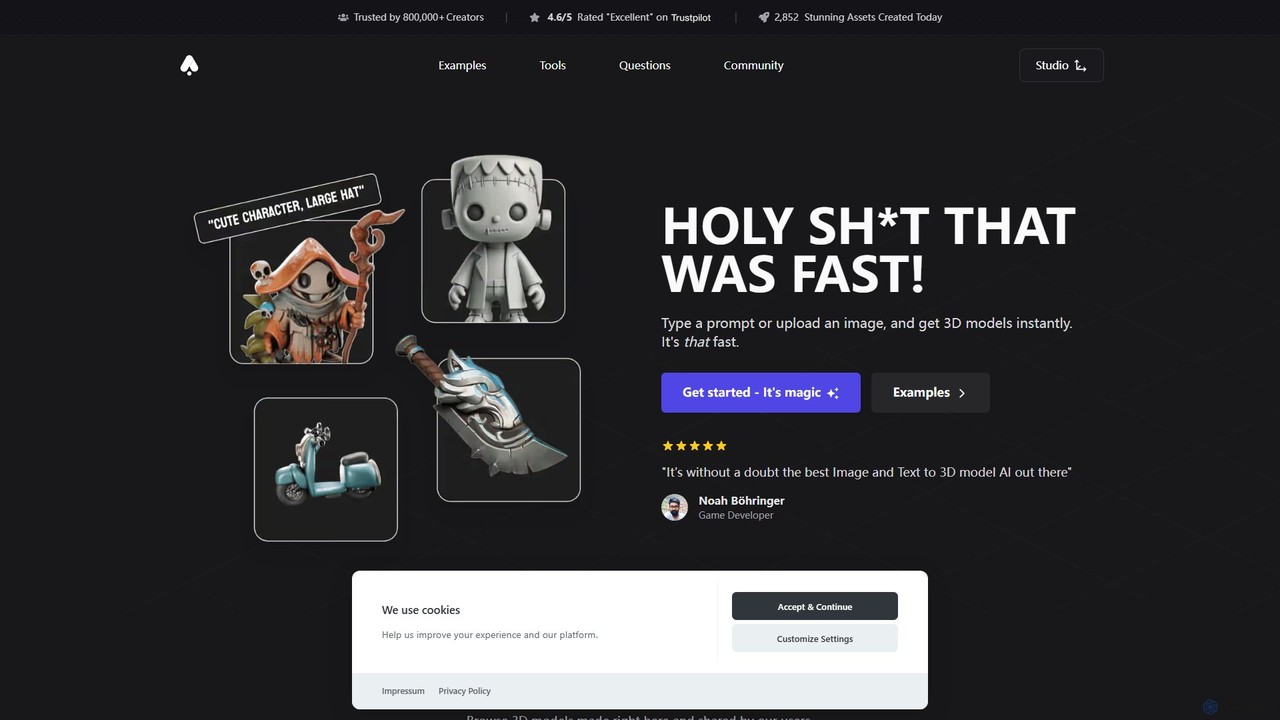
3D AI Studio

3D AI Studio is a powerful AI-driven platform that generates high-quality 3D models from text prompts or images …

624.7K
Banger.Show

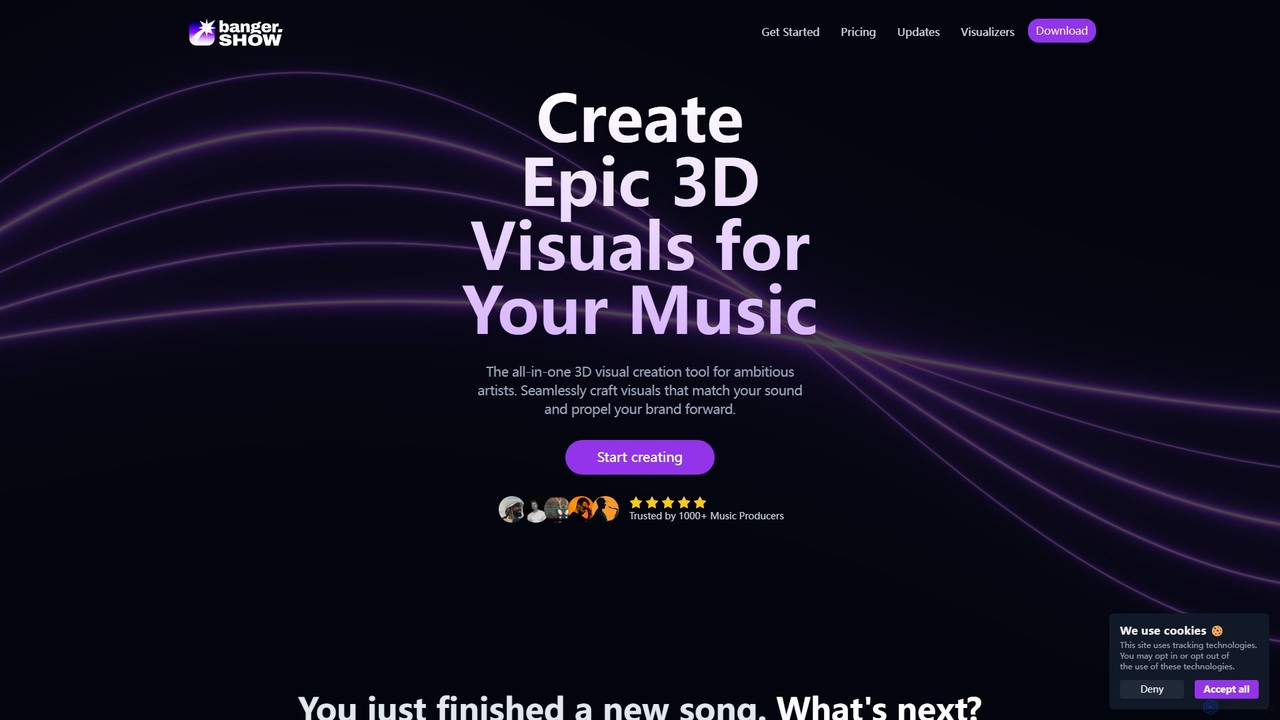
Banger.Show

Banger.Show is an all-in-one online 3D video editor designed for artists and music producers. It enables the creation …

189.8K
videopromptai

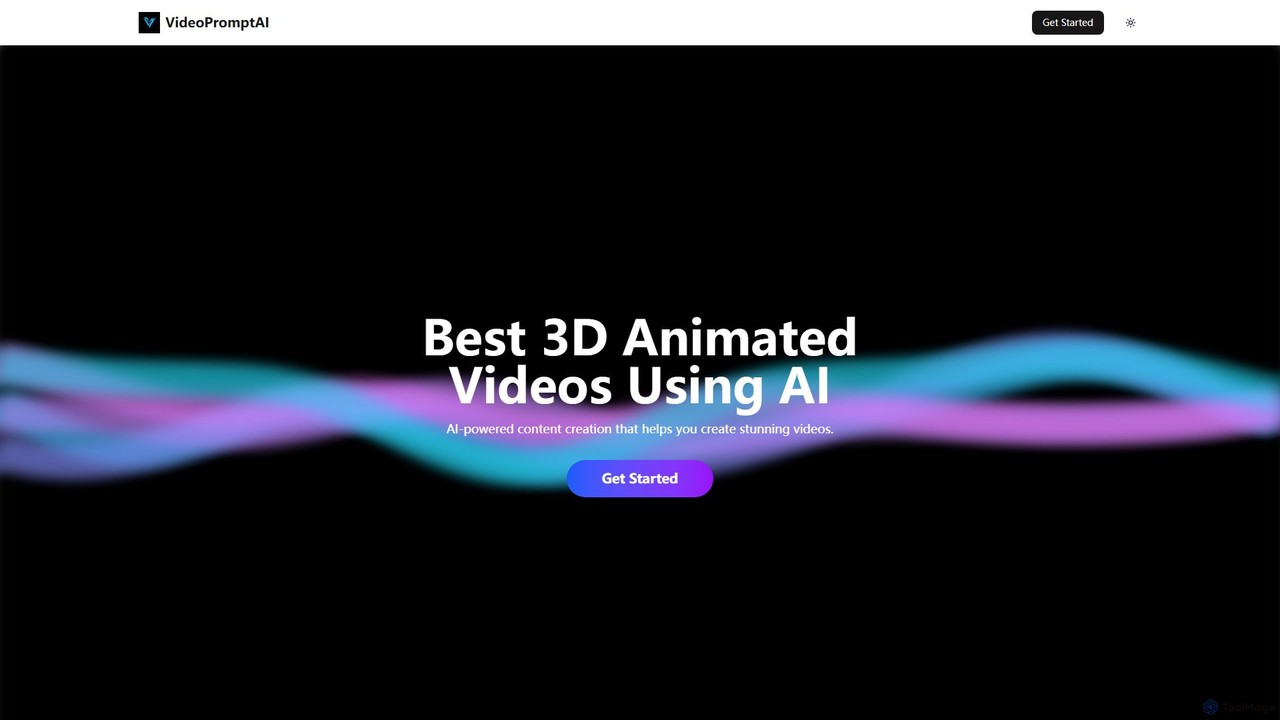
videopromptai

videopromptai is an AI-powered platform that transforms text prompts into stunning 3D animated videos. Designed for creators, marketers, …

2.9K
posed.ai

posed.ai

Posed.ai is an AI-powered 3D pose generator for artists, designers, and animators. Instantly create dynamic and realistic human …

2.5K
Skyglass

Skyglass

Skyglass is an AI-powered mobile VFX studio that transforms your iPhone into a Hollywood-grade filmmaking tool. It enables …

3.5K

About 3D

AI 3D tools are a class of software that use artificial intelligence to generate, modify, and texture three-dimensional models and scenes. These tools leverage advanced algorithms like generative adversarial networks (GANs) and neural radiance fields (NeRFs) to create complex geometry and realistic materials from simple inputs such as text prompts or 2D images. They dramatically accelerate creative workflows in game development, VFX, and product design by automating time-consuming modeling and texturing tasks. This enables both professionals and beginners to produce high-quality 3D assets with greater speed and efficiency.

Core Features

  • Text-to-3D Generation: Creates 3D models directly from descriptive text prompts.
  • Image/Video-to-3D Conversion: Constructs 3D geometry and textures from one or more 2D images or video clips.
  • AI-Powered Texturing: Generates seamless, high-resolution materials and textures for existing 3D models based on prompts.
  • 3D Scene Generation: Assembles entire 3D environments, including objects, lighting, and composition, from a single input.
  • Mesh Optimization: Automatically cleans up, retopologizes, and optimizes 3D model geometry for better performance.

Use Cases

These tools are widely used in industries requiring rapid asset creation. Game developers use them for prototyping characters and environments. VFX artists and animators generate concept models and background elements. In e-commerce and product design, they are used to create realistic product visualizations and virtual try-on experiences. Architects also employ them for quick conceptual modeling of buildings and spaces.

How to Choose

When selecting an AI 3D tool, consider the output quality and artistic style it produces. Evaluate the supported input methods (text, image, video) and crucial export formats like OBJ, FBX, or glTF for compatibility with your workflow. Assess the tool's ease of use, as some are beginner-friendly while others are designed for professionals. Finally, check for integration capabilities with standard 3D software or game engines like Blender, Unity, or Unreal Engine.

3DUse Cases

1

Rapid Prototyping for Game Developers

A solo game developer is working on a fantasy RPG and needs to populate the world with dozens of unique environmental assets like ancient ruins, magical plants, and stylized rocks. Manually modeling each asset would take weeks. By using a text-to-3D tool, the developer can input prompts like 'mossy stone altar with glowing runes' or 'crystalline alien flora' to generate a variety of 3D models in minutes. This allows for rapid iteration on the game's visual style and frees up valuable time to focus on core gameplay mechanics, significantly shortening the asset creation pipeline.

2

E-commerce Product Visualization

An online furniture store wants to offer an 'augmented reality view in your room' feature. Instead of hiring expensive 3D artists to model their entire catalog, the marketing team uses an image-to-3D tool. They upload high-quality photos of their products, like chairs and tables, from multiple angles. The AI processes these images and generates optimized, textured 3D models. These models are then integrated into their website and mobile app, allowing customers to visualize furniture in their own space, which helps increase conversion rates and reduce returns.

3

Concept Art for Animation and VFX

An art director at a VFX studio needs to design a unique spaceship for a sci-fi film. The initial brief is vague, requiring a design that is 'organic, ancient, and intimidating.' The concept art team uses an AI 3D generator to quickly explore dozens of visual directions. By feeding the AI descriptive prompts and reference images, they generate a wide array of 3D concept models. This process allows the director to visually review and refine ideas in 3D space from the very beginning, rather than relying solely on 2D sketches, leading to a more informed and efficient design process before committing to detailed manual modeling.

4

Generating Textures for 3D Models

A 3D artist is working on a character model for a fantasy game and needs a unique, high-resolution texture for its armor. Instead of spending hours manually painting textures or searching for suitable stock materials, the artist uses an AI texturing tool. They input a prompt like 'ornate elven steel armor, engraved with leaf patterns, slightly worn'. The AI generates several seamless PBR (Physically Based Rendering) material maps, including color, roughness, and normal maps. The artist can then apply these textures directly to their model in software like Blender or Substance Painter, achieving a detailed and custom look in a fraction of the time.

5

Architectural Pre-visualization

An architect needs to quickly present several design concepts for a new residential building to a client. Traditional 3D modeling for each concept would be too slow for this early stage. The architect uses an AI 3D tool that can generate a 3D massing model from a simple 2D floor plan sketch. By uploading different sketches, they can produce multiple 3D conceptual models within an hour. These models provide the client with an immediate and intuitive understanding of the building's form, scale, and spatial relationships, facilitating faster feedback and decision-making in the project's initial phase.

6

Creating Custom 3D Avatars

A user wants to create a personalized avatar for use in VR chat platforms and social media. They don't have 3D modeling skills. Using an AI 3D tool, they upload a single portrait photo of themselves. The AI analyzes the facial features and generates a stylized 3D head model that resembles them. The user can then customize hairstyles, accessories, and clothing from a library of options. The final avatar is exported in a compatible format like VRM, ready to be used in their favorite virtual environments, providing a simple and accessible way to create a unique digital identity.

3DFrequently Asked Questions