Art Best in category 6 results 3D Modeling AI Tool

Popular AI tools in the 3D Modeling field of Art include Meshy、radicalmotion、Monster Mash、Stable Fast 3D、Artefacts.ai、Blimeycreate, etc., helping you quickly improve efficiency.

Blimeycreate

Blimeycreate

Blimeycreate is a desktop AI image generator that gives you full control by building 3D scenes. It enables …

5.7K
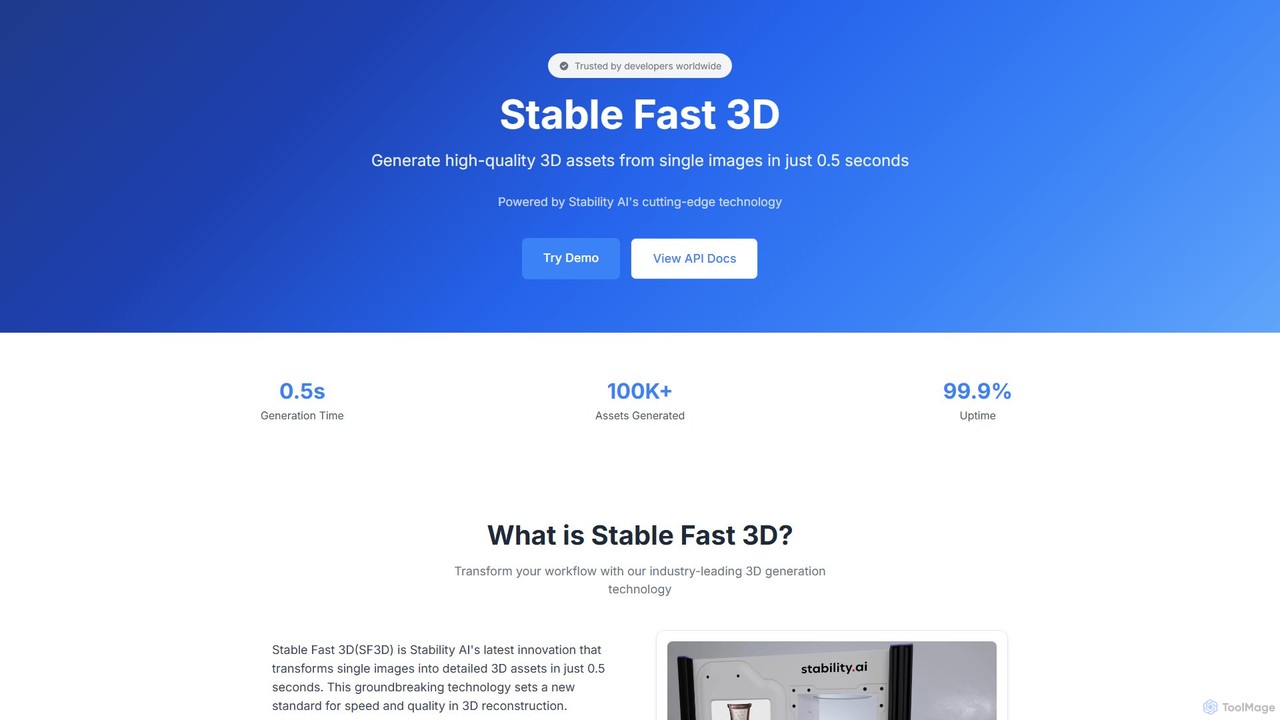
Stable Fast 3D

Stable Fast 3D

Stable Fast 3D by Stability AI is a groundbreaking tool that generates high-quality 3D models from a single …

8.9K
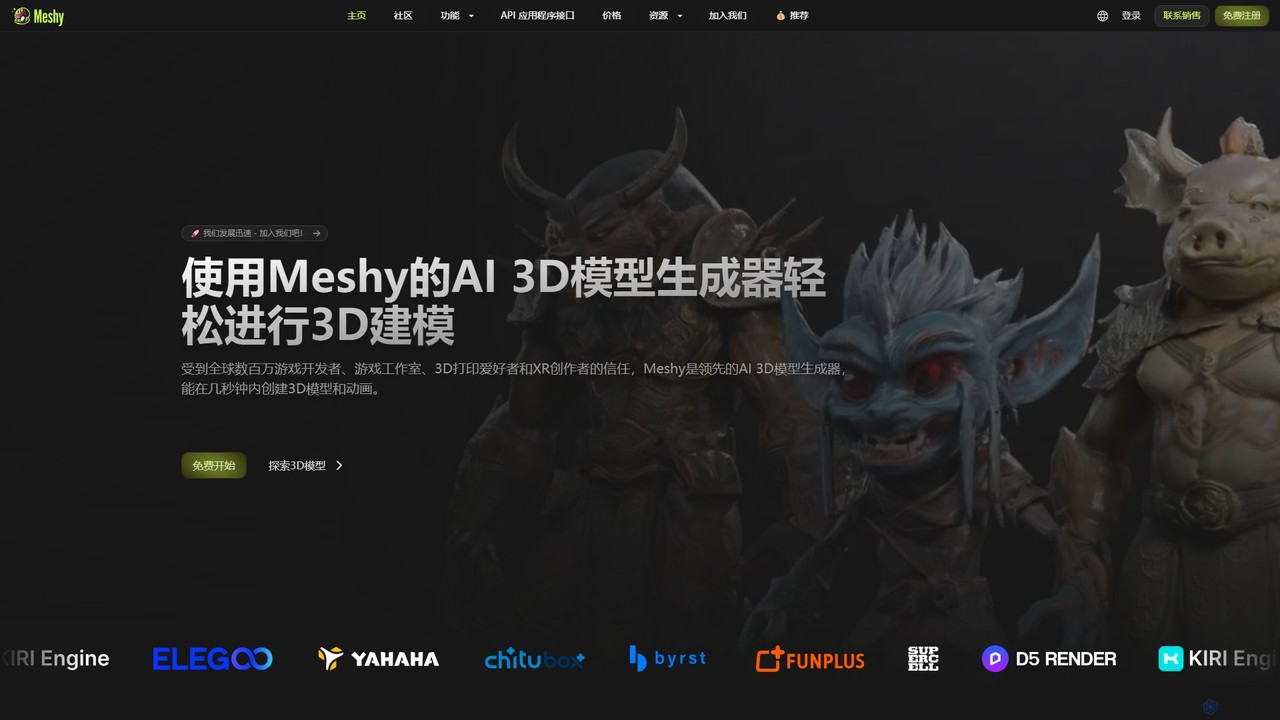
Meshy

Meshy

Meshy is an all-in-one AI 3D content creation suite. Generate stunning 3D models, textures, and animations from text …

18.1M
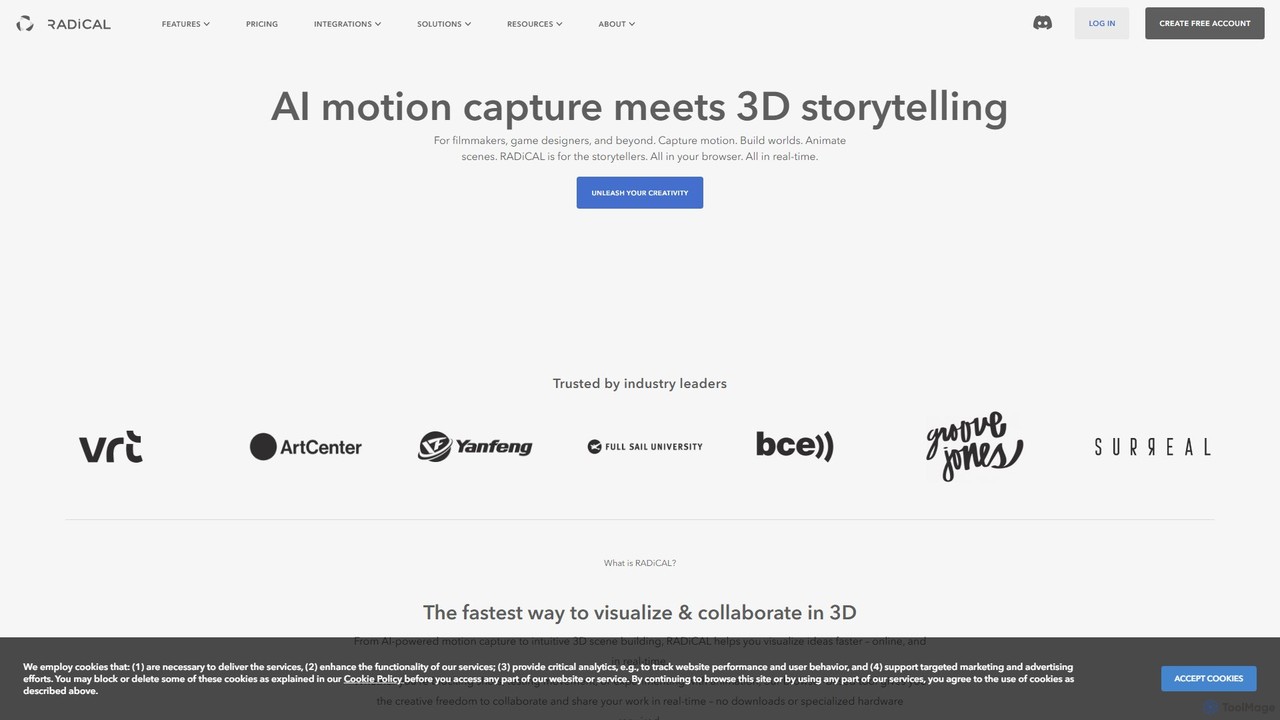
radicalmotion

radicalmotion

RADiCAL is a browser-based AI platform for real-time motion capture and 3D content creation. It enables users to …

54.0K
Artefacts.ai

Artefacts.ai

Artefacts.ai is a powerful AI-driven platform that transforms text prompts and 2D images into high-quality 3D models in …

5.8K
Free
Monster Mash

Monster Mash

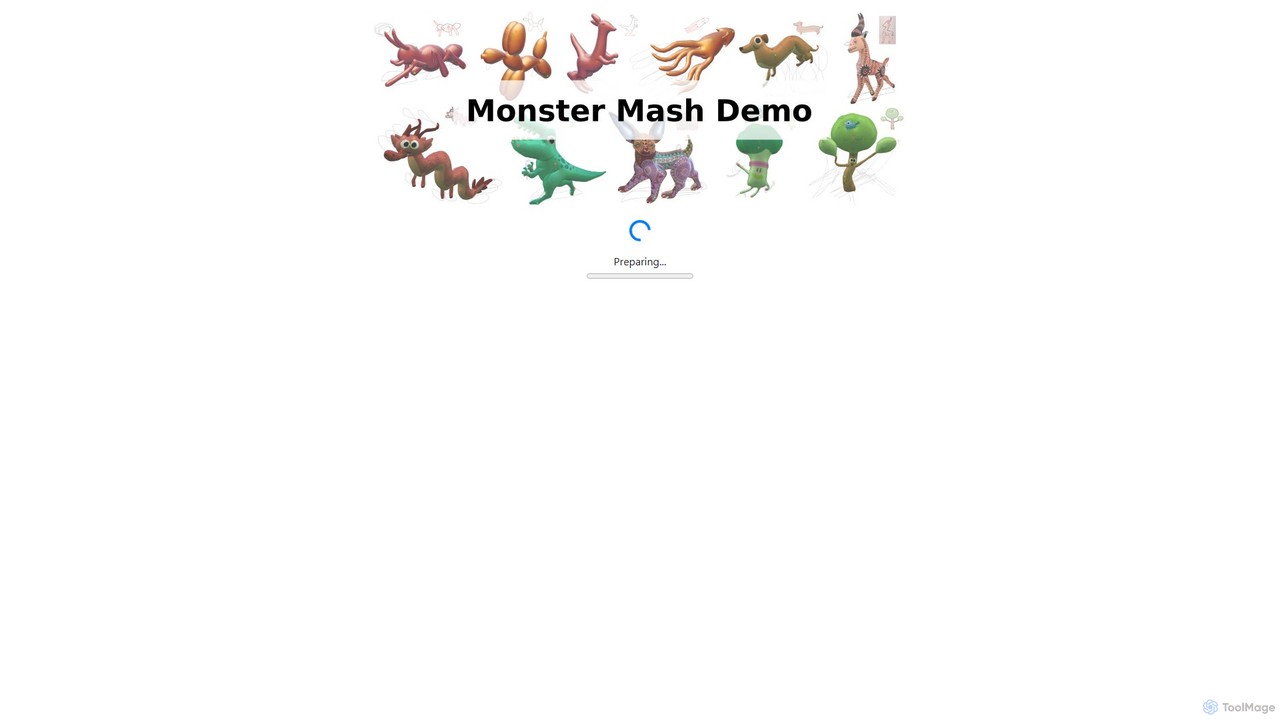
Monster Mash is a free, web-based tool that transforms 2D sketches into fully animated 3D models. Simply draw …

45.6K

About 3D Modeling

AI 3D Modeling tools are a class of software that use artificial intelligence to generate or modify three-dimensional digital models. These tools typically interpret text prompts, 2D images, or sketches to automate the creation of complex shapes and structures, a specialized application within the broader field of digital art. They significantly accelerate workflows in game development, product design, and visual effects by reducing the time required for manual modeling. This technology enables both professionals and beginners to quickly bring their ideas to life in 3D space.

Core Features

  • Text-to-3D Generation: Creates 3D models directly from descriptive text prompts.
  • Image-to-3D Conversion: Transforms a single 2D image or sketch into a 3D object.
  • AI-Assisted Editing: Provides intelligent suggestions for refining topology, adding details, or smoothing surfaces.
  • Material & Texture Synthesis: Generates realistic materials and textures based on text descriptions.
  • Procedural Asset Creation: Automates the generation of variations of objects or entire scenes based on defined rules.

Applicable Scenarios

These tools are widely used by game developers for rapid asset prototyping, industrial designers for conceptual modeling, and VFX artists for creating digital elements. They are also valuable in architecture for pre-visualization and for hobbyists entering the world of 3D printing and virtual reality content creation.

Selection Criteria

When choosing an AI 3D modeling tool, consider the supported input types (text, image), the quality and style of the output (photorealistic vs. stylized), available export formats (e.g., OBJ, FBX, glTF), and its ability to integrate with your existing 3D software pipeline. Also, evaluate the balance between ease of use for beginners and the level of control offered to advanced users.

3D ModelingUse Cases

1

Rapid Prototyping of Game Assets

An indie game developer needs to populate a fantasy world with dozens of unique props like chests, potions, and furniture. Using traditional methods, this would take weeks of manual modeling. Instead, they use an AI 3D modeling tool. By inputting text prompts such as 'ornate wooden treasure chest with iron fittings' or 'glowing blue health potion in a crystal vial,' they can generate dozens of base models in a few hours. These models can then be quickly imported into a standard 3D editor like Blender for minor tweaks and optimization, reducing the asset creation time by over 80%.

2

Creating 3D Avatars from Photos

A user wants to create a personalized 3D avatar for use in a VR chat application or as a unique social media profile. They upload a clear, front-facing photo of themselves to an image-to-3D AI tool. The AI analyzes the facial features, head shape, and hair from the photo and generates a corresponding 3D mesh. The tool often provides options to stylize the avatar, such as converting it into a cartoon, anime, or voxel-art style. The final model can be exported and used directly in compatible platforms, offering a highly personalized digital identity without any 3D modeling skills.

3

Conceptual Product Design Visualization

An industrial designer is brainstorming ideas for a new ergonomic office chair. Instead of spending days creating detailed CAD models for each concept, they use an AI tool. They can input simple sketches or text descriptions like 'a minimalist office chair made of bent plywood and chrome, with a mesh back'. The AI generates several 3D variations in minutes. This allows the designer and their team to quickly visualize and evaluate different design directions, select the most promising concept, and then proceed with detailed modeling in traditional software, streamlining the initial creative process.

4

Architectural Pre-visualization Elements

An architect is preparing a presentation for a client to showcase a new residential building design. To make the 3D render feel more alive, they need to populate it with furniture, plants, and decor. Using an AI 3D modeling tool, they can quickly generate a variety of these assets by typing prompts like 'modern leather sofa', 'potted fiddle leaf fig tree', or 'abstract metal wall sculpture'. This avoids the time-consuming process of searching through stock 3D model libraries or modeling each item from scratch. The result is a richer, more detailed visualization that helps the client better understand the space's scale and potential.

5

Creating Custom 3D Printing Models

A hobbyist wants to 3D print a custom phone stand with a unique design, such as a dragon holding the phone. They lack the advanced skills required for digital sculpting. Using a text-to-3D tool, they describe their idea: 'A small, stylized dragon sitting down, with its wings curled forward to hold a smartphone'. The AI generates a 3D model that serves as a perfect starting point. They might then use a simple 3D editor to make minor adjustments, like ensuring the base is flat and the size is correct. Finally, they export the model as an STL file, ready for their 3D printer, turning a complex idea into a physical object with minimal effort.

6

Generating Textures for 3D Models

A 3D artist is working on a model of an ancient stone temple but needs unique, high-quality textures. Instead of searching for stock photos or painting them manually, they use an AI texture generation feature. They input prompts like 'mossy, cracked cobblestone, photorealistic' or 'aged bronze with green patina'. The AI generates seamless, high-resolution texture maps (including color, normal, and roughness maps) that can be directly applied to the model. This allows for the creation of countless unique material variations, giving the artist more creative freedom and saving significant time in the texturing phase of the pipeline.

3D ModelingFrequently Asked Questions