

posed.ai Overview
Posed.ai is a revolutionary AI tool designed to empower artists, illustrators, 3D modelers, and animators by simplifying the complex process of creating human poses. It serves as an infinite digital reference library, allowing creators to generate highly specific and dynamic poses in seconds, overcoming creative blocks and eliminating the need for physical models or tedious searches for stock photos. By leveraging advanced AI, Posed.ai translates simple text prompts into fully adjustable 3D models, providing unparalleled control over every aspect of the character's posture, from the subtlest gesture to the most dramatic action sequence.
The platform is built around an intuitive 3D viewer that gives users complete freedom to manipulate the generated pose. You can adjust limbs, torso, and head with simple drag-and-drop controls, fine-tune finger positions, and experiment with different camera angles and focal lengths. Furthermore, Posed.ai includes comprehensive lighting controls, enabling you to simulate various lighting conditions to study shadows and highlights, which is crucial for realistic rendering and illustration.
How to use posed.ai
Using Posed.ai is a straightforward and intuitive process designed for creators of all skill levels:
- Sign Up and Log In: Create a free account to get started.
- Generate a Pose: Choose your preferred method. You can use the 'Text-to-Pose' feature by typing a description like "a knight kneeling" or "a ballerina performing a pirouette." Alternatively, you can browse the extensive library of pre-made poses, categorized by action, emotion, and profession.
- Refine in the 3D Editor: Once a pose is generated, it appears in the interactive 3D viewer. Click and drag any joint or body part to make precise adjustments. Use the on-screen controls to rotate the model, pan the camera, and zoom in or out to find the perfect angle.
- Customize Lighting and Model: Access the lighting panel to change the direction, intensity, and color of the light sources. You can also switch between different body types, including male, female, and stylized models, to fit your project's needs.
- Export Your Reference: When you are satisfied with the pose, export it as a high-resolution PNG image with a transparent background or as a 3D file (FBX, OBJ) for use in other software like Blender, ZBrush, or Maya.
Core Features of posed.ai
- AI Text-to-Pose Generation: Describe any pose you can imagine, and the AI will generate a corresponding 3D model.
- Interactive 3D Control: Full control over every joint, allowing for precise and subtle adjustments to create the perfect pose.
- Extensive Pose Library: A vast collection of pre-designed poses for quick inspiration and use.
- Customizable Camera and Lighting: Manipulate camera angles, field of view, and multiple light sources to create ideal reference images.
- Diverse 3D Models: Choose from a variety of realistic and stylized human models with different body types and proportions.
- Multiple Export Formats: Export your work as high-resolution 2D images (PNG, JPG) or 3D models (FBX, OBJ) for seamless integration into your workflow.
- Image-to-Pose (Upcoming): An upcoming feature to extract a 3D pose from an uploaded 2D image.
Use Cases for posed.ai
Posed.ai is a versatile tool for various creative professionals:
- Digital Artists & Illustrators: Quickly generate references for character art, concept designs, and complex scenes without spending hours searching for the right photo.
- Animators & 3D Modelers: Create keyframes, block out animation sequences, and test rigging with realistic human poses.
- Comic Book & Manga Artists: Design dynamic and expressive character poses for panels, ensuring anatomical accuracy and consistency.
- Game Developers: Prototype character stances, movements, and idle animations for in-game assets.
- Art Students & Educators: A powerful educational aid for studying human anatomy, figure drawing, perspective, and lighting.
Advantages of posed.ai
The primary advantage of Posed.ai is its ability to accelerate the creative workflow. It provides instant inspiration and accurate anatomical references, saving countless hours. The high degree of customization ensures that the generated poses perfectly match the artist's vision. It's more flexible than static stock photos and more accessible than complex 3D modeling software, making it a powerful tool for both beginners and seasoned professionals. By breaking down creative barriers, Posed.ai allows artists to focus on what they do best: creating.
Pricing and Plans
Posed.ai operates on a freemium model, making it accessible to everyone.
- Free Plan: Ideal for hobbyists and students, offering a limited number of AI generations per month, access to basic models, and standard-resolution exports with a watermark.
- Pro Plan: Aimed at professional artists and freelancers, this plan includes unlimited AI generations, access to all premium 3D models, high-resolution exports, no watermarks, and a commercial use license.
- Team Plan: Designed for studios and agencies, offering all Pro features plus collaborative tools, shared libraries, and priority support.
posed.ai Alternatives
Muse Pro
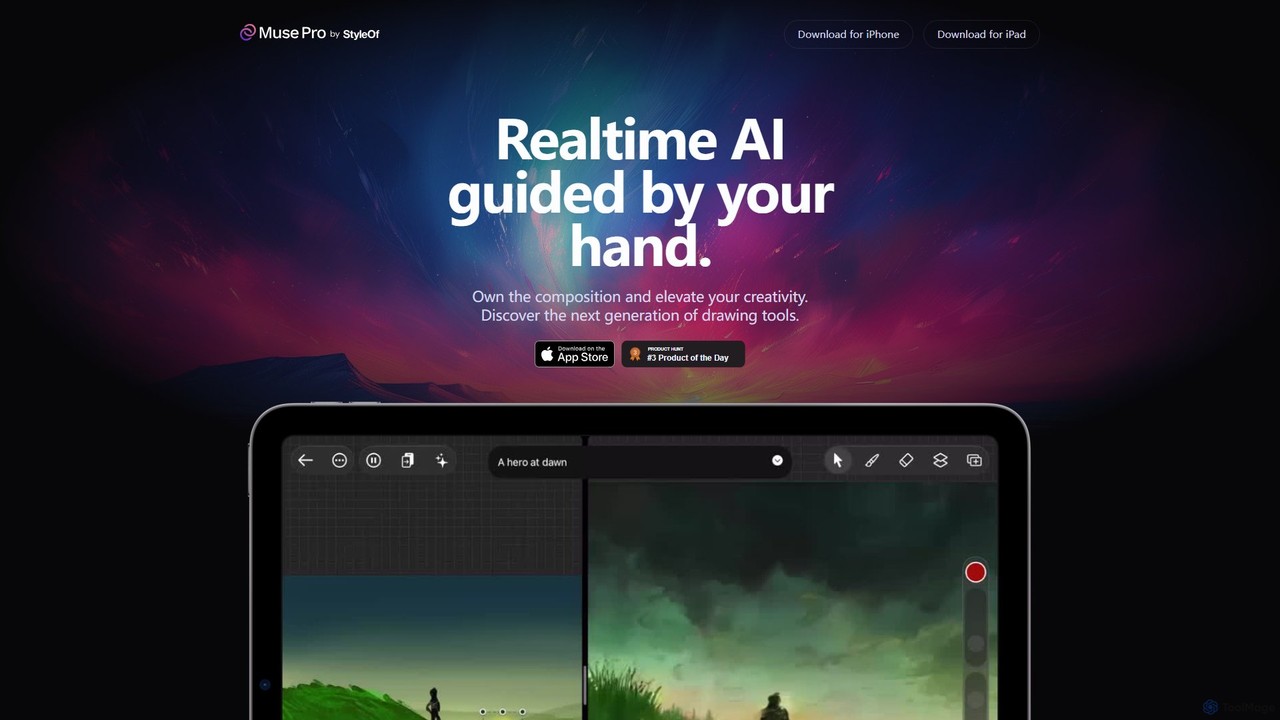
Muse Pro is a revolutionary iPad drawing app that merges your creative strokes with real-time AI assistance. Guided by your hand and text prompts, it allows artists to co-create stunning visuals, explore endless variations, and enhance their work with powerful, intuitive tools. It's the next generation of digital art, where you are always in control of the composition.
Image Generation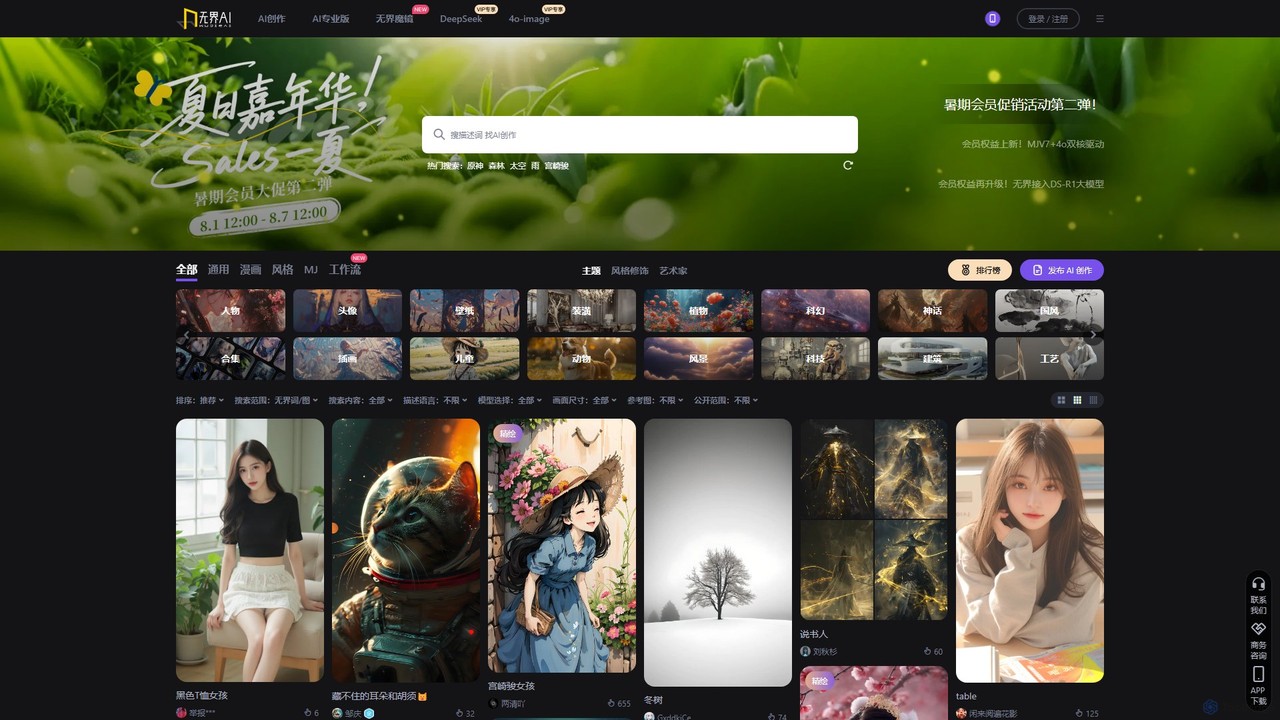
Wujie AI
Wujie AI is a powerful AI art generation platform that makes creativity accessible to everyone. It uniquely integrates multiple advanced models, including a Midjourney engine and its proprietary models, offering a 'dual-core' creative experience. Users can generate high-quality images in diverse styles, from photorealistic characters to traditional Chinese art, using simple text prompts or reference images. It also features a vibrant community gallery for inspiration and sharing.
Image Generation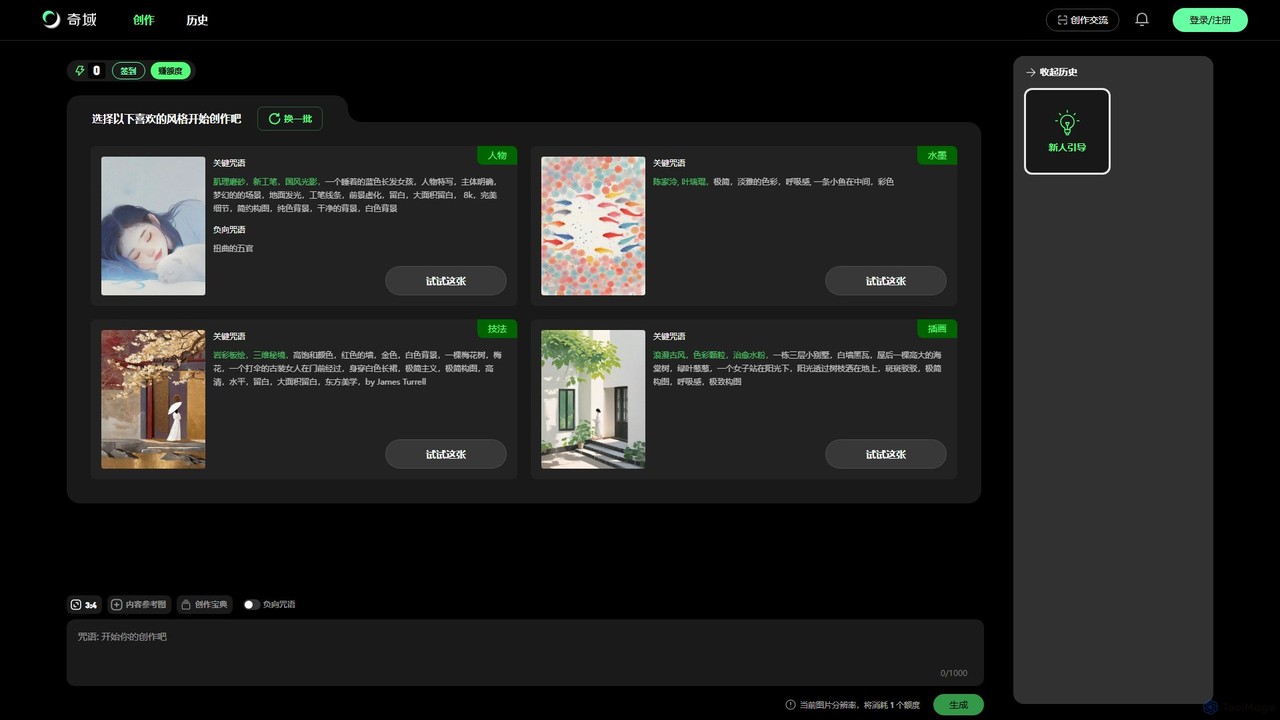
Qiyu AI
Qiyu AI is an AI art generator specializing in Chinese and Asian artistic styles. It empowers users to create high-quality, unique artworks like ink wash paintings, Suzhou embroidery, and ancient-style illustrations using simple text prompts or reference images.
Image Generation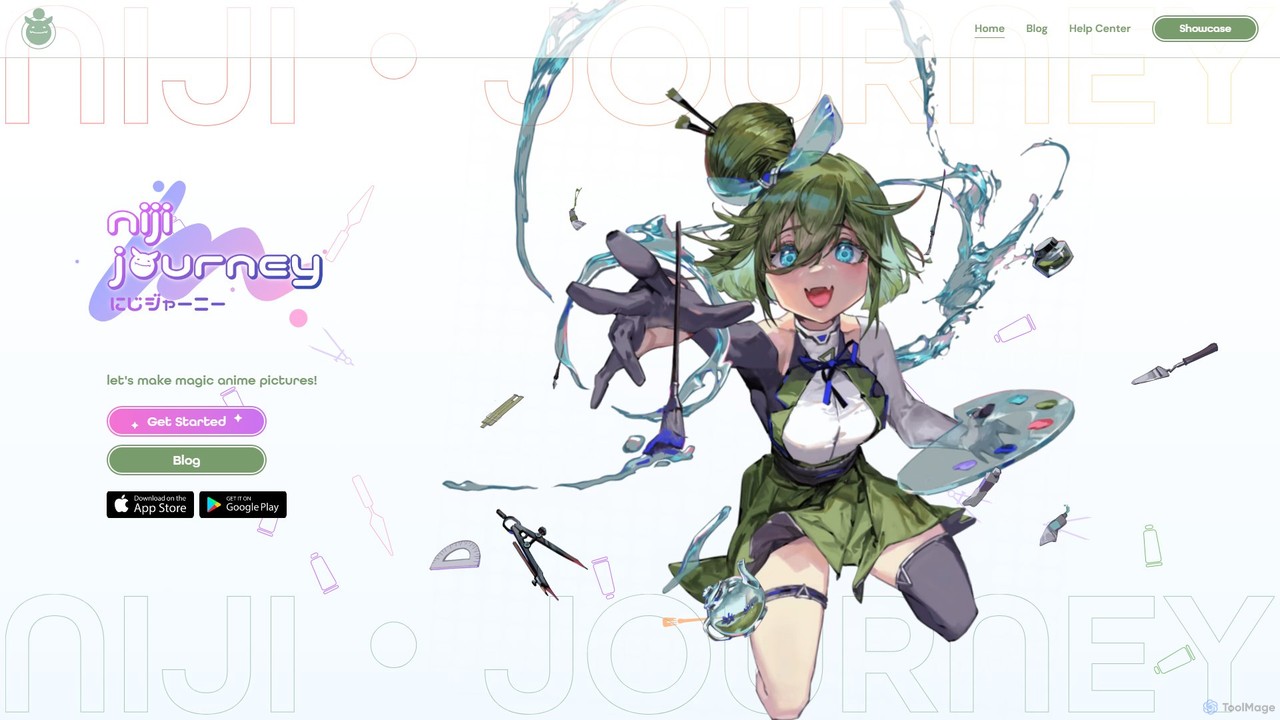
niji・journey
Niji・journey is a state-of-the-art AI image generator specializing in creating custom, high-quality anime and illustrative art. A collaboration between Spellbrush and Midjourney, it translates text prompts into stunning visuals, from cute chibi characters to dynamic action scenes. It offers advanced features like character and style referencing, inpainting, and style personalization, accessible via Discord and a dedicated mobile app.
Illustration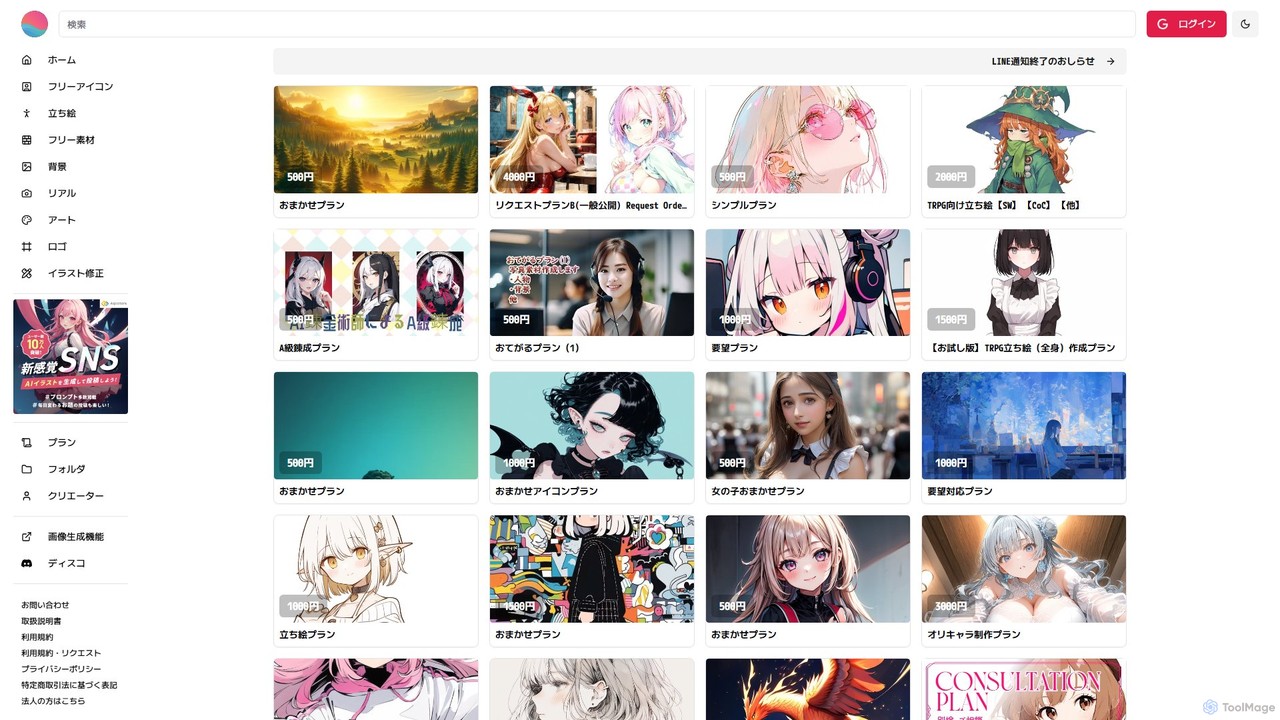
prompton
Prompton is a Japanese online marketplace where users can commission custom AI-generated illustrations from a diverse community of creators. It offers a streamlined platform to request unique artwork for various purposes, such as social media icons, character designs, and TRPG assets, with clear pricing and usage rights for each commission.
Generative Artposed.ai Categories
posed.ai Embed Widget
Copy this embed code to place the badge on your blog, article, or product site and send readers directly to this ToolMage detail page.

Related AI tools

Holara
Holara is a specialized AI image generator for creating high-quality anime and manga-style artwork. Using text prompts, users can generate unique characters, scenes, and concepts. It offers advanced features like style LoRAs, image-to-image generation, and precise control over output. With a user-friendly interface and a credit-based system including a free plan, Holara caters to both hobbyists and professional artists.
Anime & MangaMuse Pro
Muse Pro is a revolutionary iPad drawing app that merges your creative strokes with real-time AI assistance. Guided by your hand and text prompts, it allows artists to co-create stunning visuals, explore endless variations, and enhance their work with powerful, intuitive tools. It's the next generation of digital art, where you are always in control of the composition.
Image Generationniji・journey
Niji・journey is a state-of-the-art AI image generator specializing in creating custom, high-quality anime and illustrative art. A collaboration between Spellbrush and Midjourney, it translates text prompts into stunning visuals, from cute chibi characters to dynamic action scenes. It offers advanced features like character and style referencing, inpainting, and style personalization, accessible via Discord and a dedicated mobile app.
Illustrationprompton
Prompton is a Japanese online marketplace where users can commission custom AI-generated illustrations from a diverse community of creators. It offers a streamlined platform to request unique artwork for various purposes, such as social media icons, character designs, and TRPG assets, with clear pricing and usage rights for each commission.
Generative Art
aigeneratoranime
aigeneratoranime is a powerful AI-driven tool designed for creating high-quality anime-style art from text prompts. It allows users, from artists to hobbyists, to effortlessly generate unique characters, scenes, and illustrations in various anime aesthetics. With an intuitive interface and advanced customization options, it transforms creative ideas into stunning visual realities in seconds.
Illustration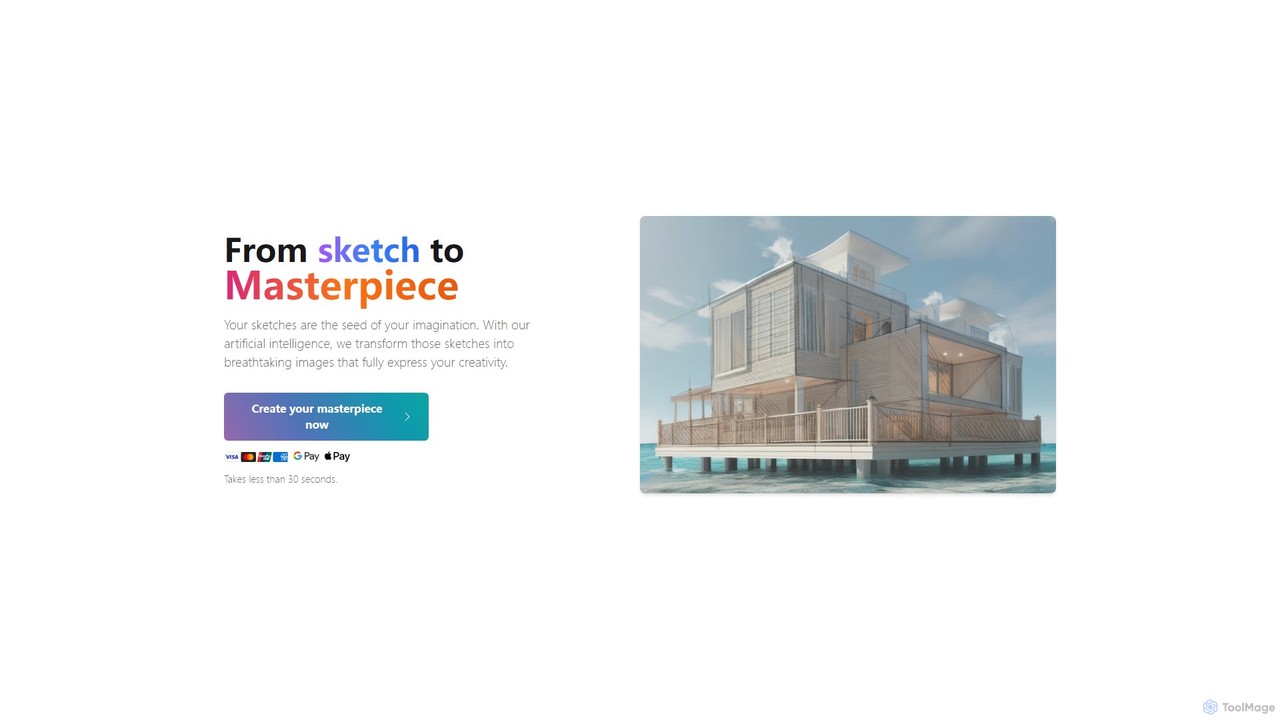
SketchImage.AI
SketchImage.AI is an AI-powered tool that transforms your simple sketches into stunning, high-quality images. Just upload a drawing, add an optional text prompt to guide the style, and let the AI generate a masterpiece in under 30 seconds. It's perfect for artists, designers, and creatives looking to quickly visualize and realize their ideas.
Digital Art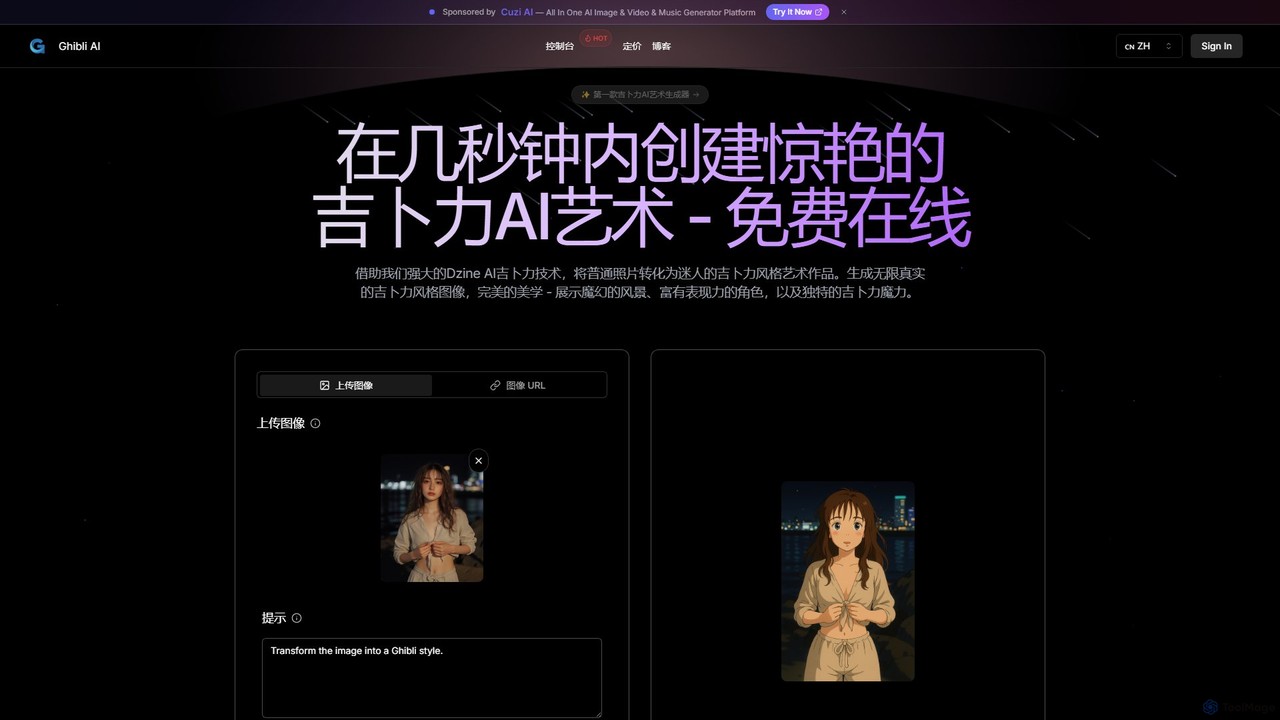
aighibli
aighibli is a specialized AI art generator that transforms text prompts and photos into the iconic and enchanting style of Studio Ghibli. Create magical landscapes, expressive characters, and unique scenes in seconds. Ideal for artists, designers, fans, and content creators looking to capture the Ghibli aesthetic.
Illustration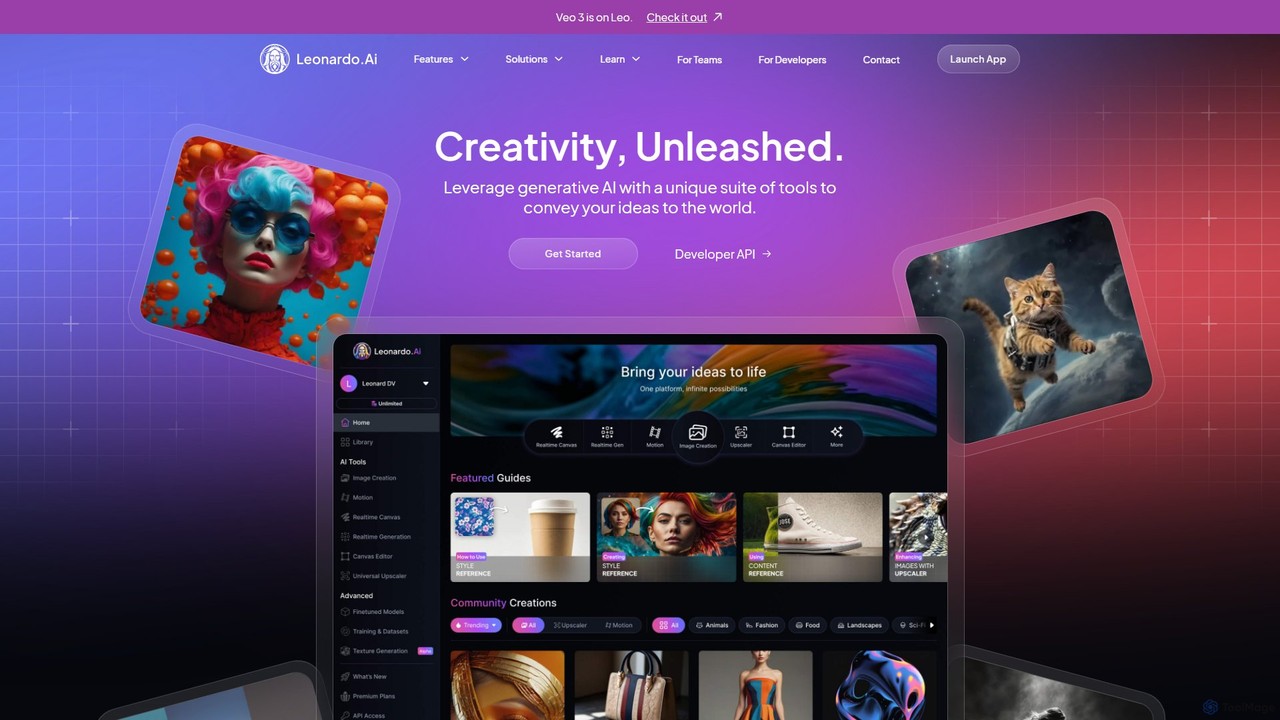
Leonardo.ai
Leonardo.ai is a comprehensive generative AI suite for creating high-quality visual assets. It offers a wide range of tools, including image and video generation, AI Canvas, 3D texturing, and numerous fine-tuned models. Ideal for individual creators, collaborative teams, and developers, it emphasizes quality, speed, and style consistency.
Generative Art
Midjourney
Midjourney is a powerful AI image generator that creates stunning, high-quality, and artistic visuals from simple text prompts. Operating primarily through Discord, it's renowned for its unique aesthetic, advanced customization options, and vibrant creative community, making it a top choice for artists, designers, and creators.
Digital Art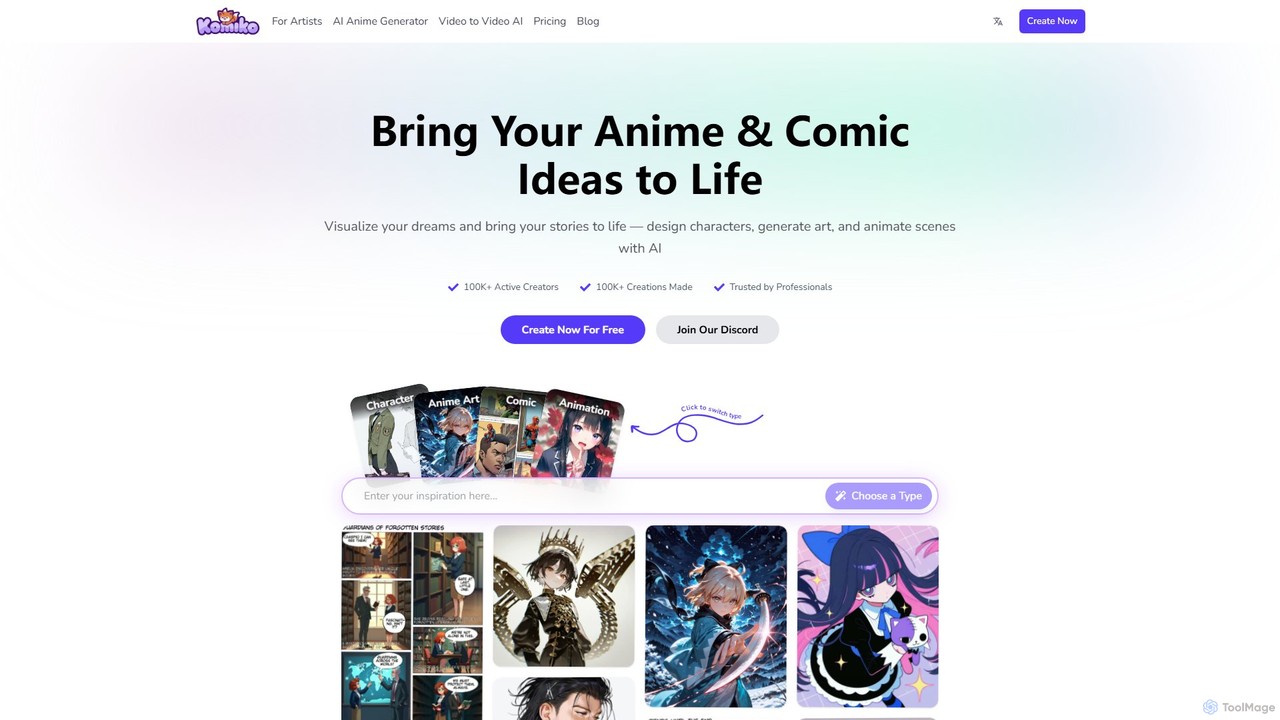
Komiko
Komiko is an all-in-one AI-powered platform designed for creating anime, manga, comics, and animations. It offers a suite of tools for consistent character design, art generation, comic layout, and video animation, catering to both professional artists and hobbyists.
Anime Generation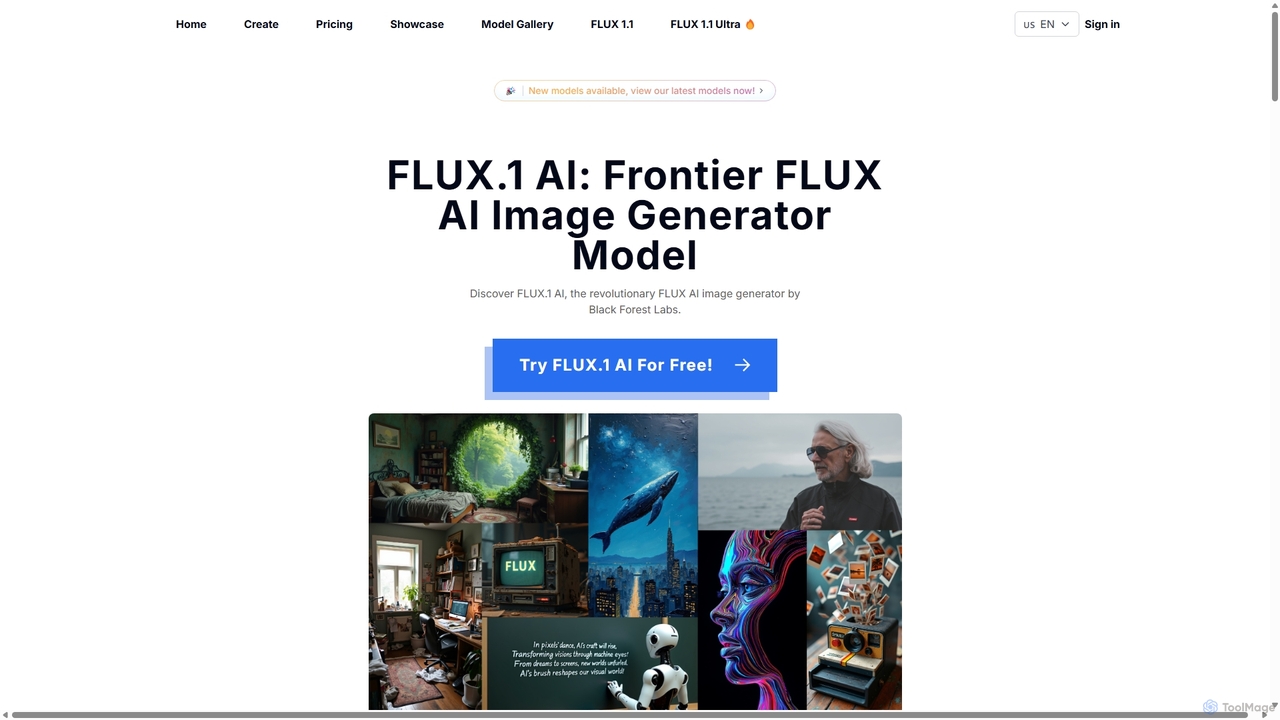
Flux1ai
Flux1ai is a revolutionary text-to-image AI generator by Black Forest Labs. It offers a suite of models tailored for different needs, from rapid generation to professional-grade photorealism. It excels in prompt adherence, visual quality, and style diversity, making it a powerful tool for artists, designers, and developers.
Generative Art
Diffus
A professional-grade, browser-based AI image generation platform offering precise control. Access over 70,000 models, including Stable Diffusion, LoRAs, and ControlNet, to create stunning visuals without needing powerful hardware. Ideal for artists, designers, and hobbyists.
Digital Art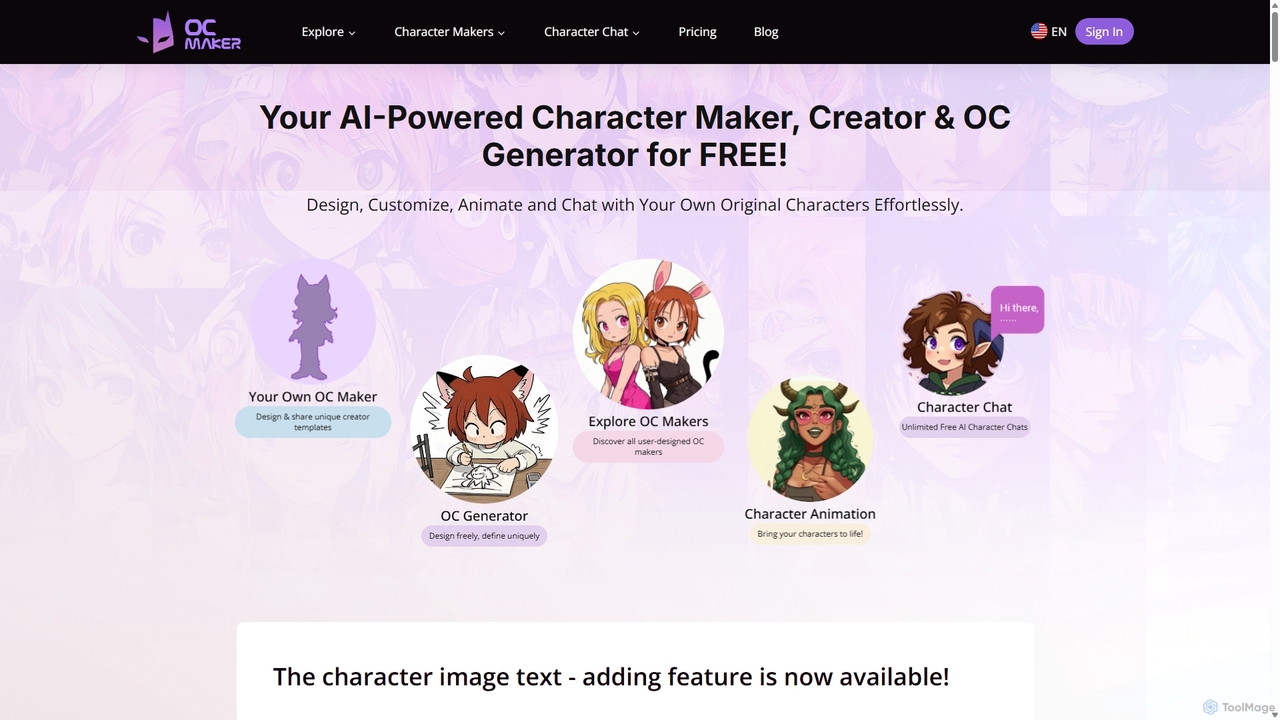
OC Maker
OC Maker is an AI-powered platform for creating, customizing, animating, and chatting with original characters (OCs). Effortlessly bring your character ideas to life from text descriptions or images, with styles inspired by popular anime and games. Perfect for writers, artists, and gamers.
Character Generator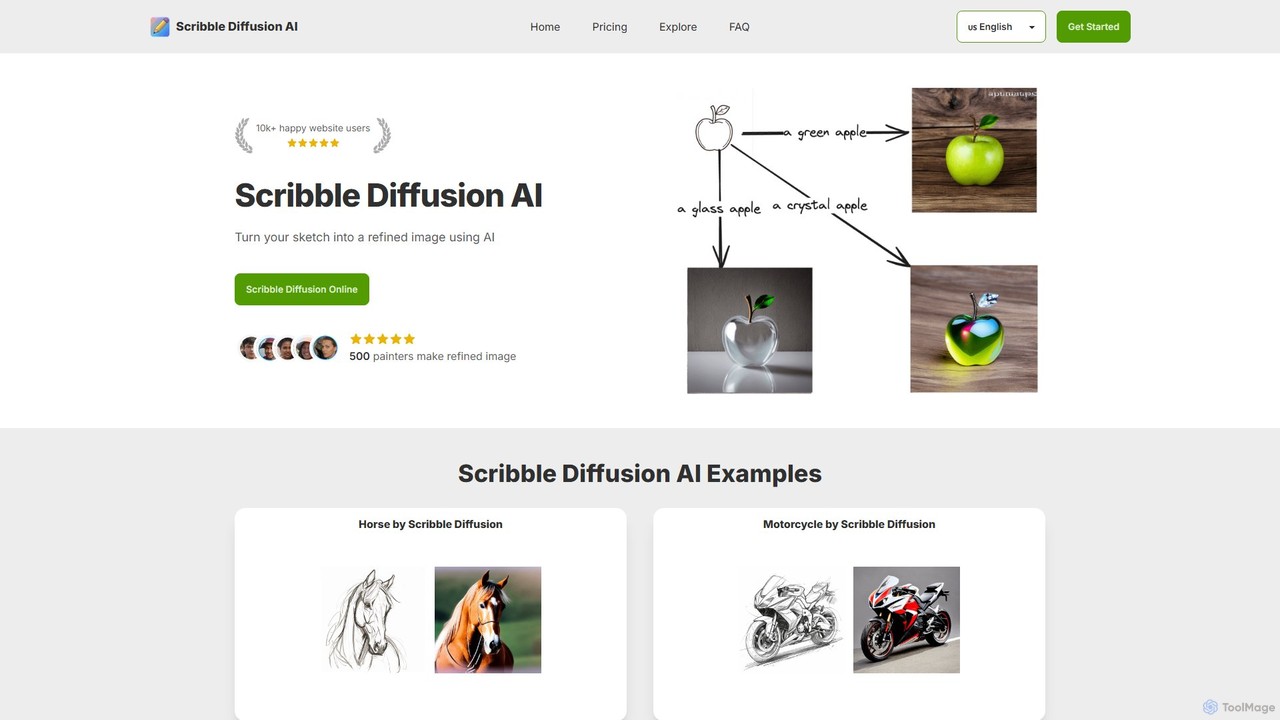
Scribble Diffusion
Scribble Diffusion is an AI-powered tool that transforms your simple sketches and text prompts into detailed, high-quality images. It's designed for artists, designers, and hobbyists to quickly visualize ideas, create concept art, and bring imagination to life with ease. Start for free and turn your doodles into masterpieces.
Creative Tools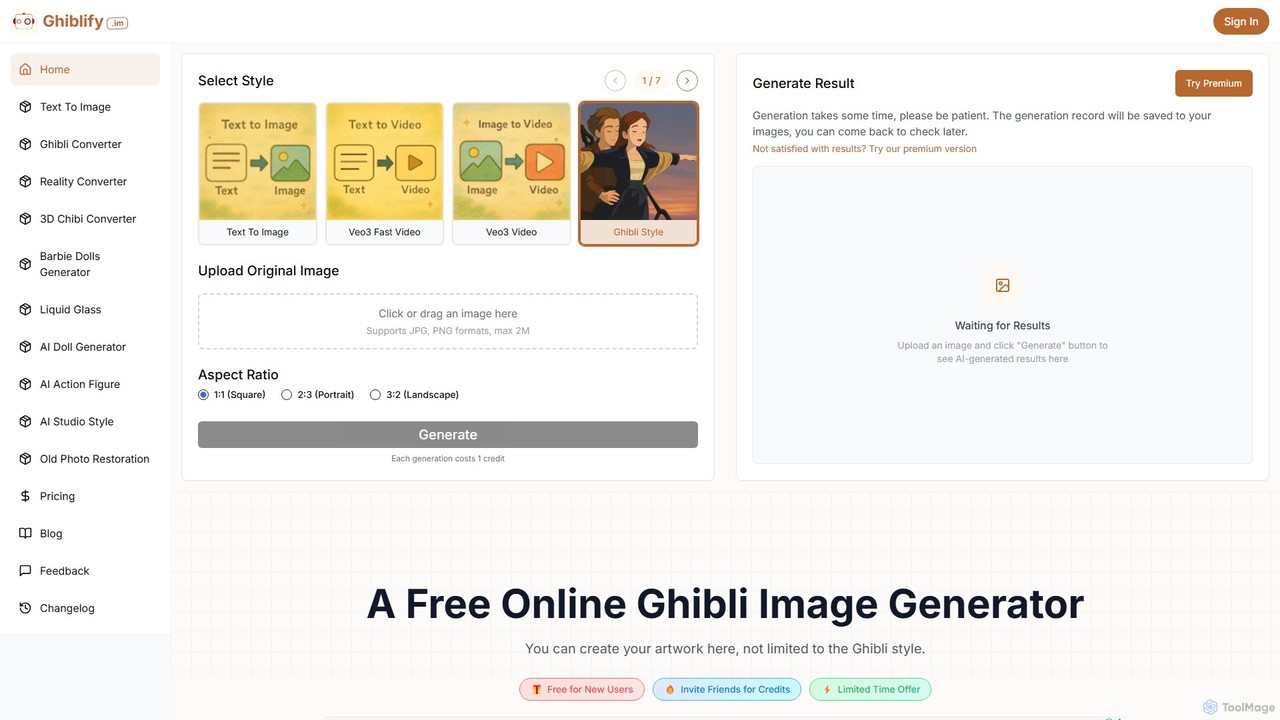
ghiblify
Ghiblify is a specialized AI art and video generator that brings the enchanting, timeless art style of Studio Ghibli to your fingertips. Using advanced AI, it transforms text prompts or existing images into stunning masterpieces that capture the signature watercolor textures and whimsical character designs of Ghibli films. It's perfect for anime fans, artists, and creators looking to generate unique, high-quality artwork and animations in seconds.
Anime
posed.ai Comments (0)
Sign in to comment.
Sign inNo comments yet.