
Muse Pro Overview
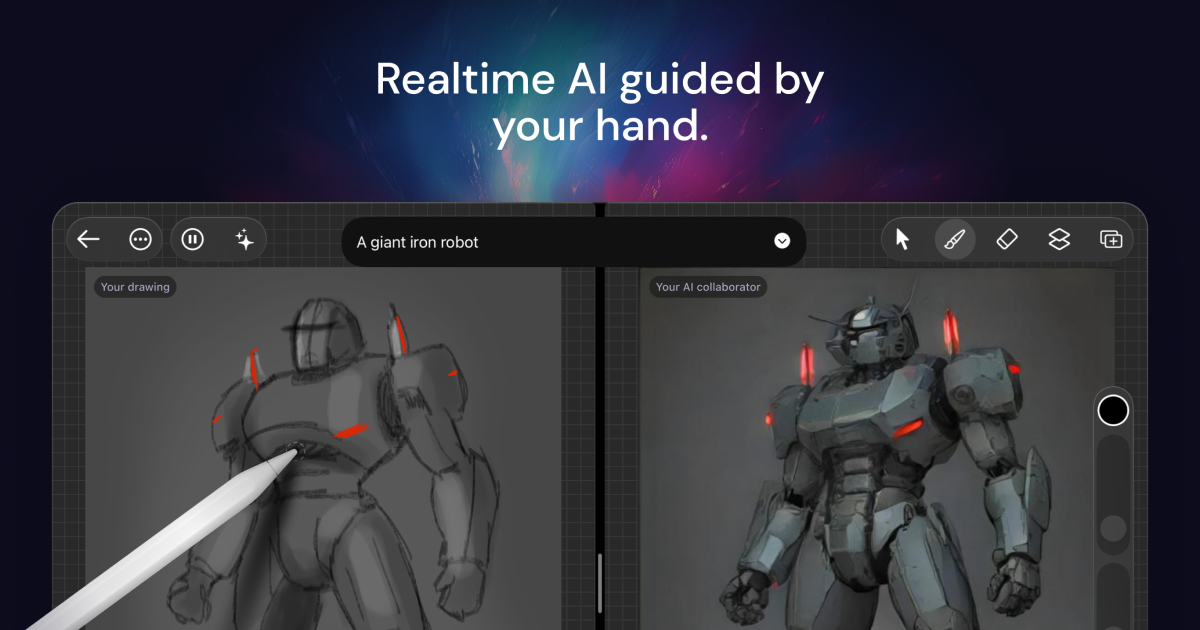
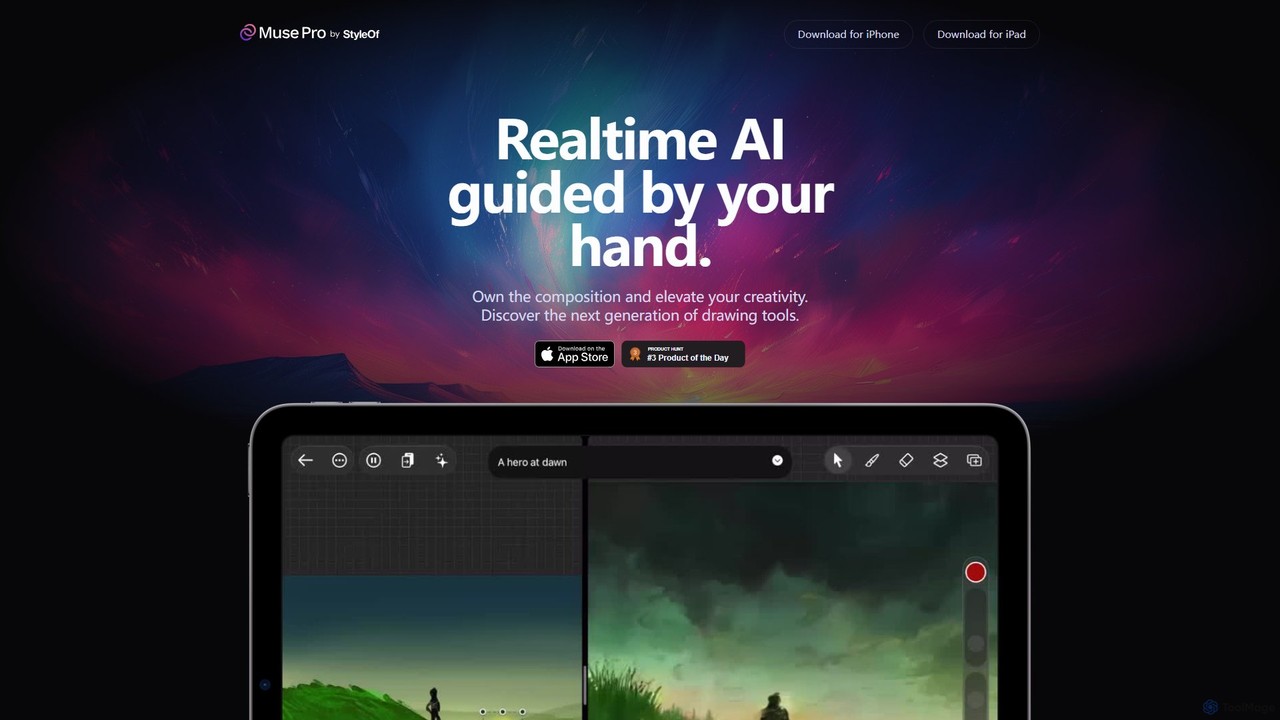
Muse Pro introduces a groundbreaking approach to digital art, positioning itself as a collaborative partner for creators on the iPad. It's not just another drawing application; it's an intelligent toolset designed to augment and elevate your creativity. By combining the familiar, tactile experience of drawing with an Apple Pencil and a sophisticated real-time AI engine, Muse Pro allows your artistic vision to unfold instantly on the canvas. The core philosophy is simple: the AI is guided by your hand, ensuring that you, the artist, always own the composition and creative direction.
The application transforms the creative process into a dynamic dialogue between the artist and the AI. As you sketch, the AI interprets your strokes in real-time, suggesting details, textures, and forms that align with your input. This immediate feedback loop accelerates ideation and helps overcome the dreaded blank canvas syndrome. With Muse Pro, you're never starting from scratch unless you want to.
How to use Muse Pro
The workflow in Muse Pro is designed to be intuitive and seamlessly integrate into a creative's process. Here’s a typical way to get started:
- Start Your Canvas: Open the app and create a new canvas. If you're feeling uninspired, use the 'Randomize' feature to generate an initial concept or color palette to kickstart your imagination.
- Begin Sketching: Using your Apple Pencil, start drawing as you would in any digital art app. Choose from a diverse library of brushes, each with unique properties. The app supports pressure sensitivity for expressive and nuanced strokes.
- Guide with Prompts: Use the 'Text-to-Image' feature to guide the AI. Type in simple or complex prompts like "a mystical forest at twilight, impressionist style" to steer the visual output in a specific direction.
- Fine-Tune AI Collaboration: Use the intuitive sliders to control the AI's influence. You can increase its creative input for more abstract results or decrease it to keep the output closer to your original strokes. You can also 'Pause' the AI at any time to work traditionally or 'Shuffle the seed' to explore endless variations of the current idea.
- Refine and Layer: Work with a full-featured layer system to experiment non-destructively. Add, merge, and adjust layers to build up complexity and refine your composition. You can also import assets like shapes, images, and text.
- Enhance and Finalize: Once you're happy with the overall design, use the one-tap 'Enhance' feature to add beautiful, intricate details and polish your masterpiece. For professional use, the 'Upscale' function generates print-ready, high-resolution outputs.
Core Features of Muse Pro
- Real-time AI Co-creation: The AI engine works in real-time, interpreting your hand-drawn strokes and generating visuals that evolve as you draw.
- Prompt-based Guidance: Steer the AI's creative direction with simple text prompts, allowing you to change styles, subjects, and moods on the fly.
- Advanced AI Controls: Maintain full creative authority with intuitive sliders to adjust AI strength, a pause button to halt AI collaboration, and a seed shuffler for infinite exploration.
- One-Tap Enhance & Upscale: Instantly add sophisticated detail to your work with the 'Enhance' button and prepare it for professional printing with the high-resolution 'Upscale' feature.
- Full-Fledged Drawing Suite: Includes all the tools a digital artist needs, such as a comprehensive layer system, a diverse brush library, and the ability to import custom assets like images and text.
- Apple Pencil Integration: Offers a seamless and responsive drawing experience with full support for Apple Pencil features, including pressure sensitivity.
- Inspiration Tools: Features like 'Randomize' help you overcome creative blocks, while the 'Vision' feature can describe your drawing with AI, offering a new perspective on your work.
Use Cases for Muse Pro
Muse Pro is a versatile tool for a wide range of creative professionals and hobbyists:
- Concept Artists: Rapidly generate and iterate on character designs, environments, and props, exploring multiple visual directions in minutes instead of hours.
- Illustrators: Discover new artistic styles, augment existing workflows, and add complex, AI-generated textures and details to their illustrations.
- Graphic Designers: Create unique backgrounds, abstract visuals, and bespoke assets for branding, marketing, and web design projects.
- Hobbyists and Art Students: A fun, engaging way to learn about composition and color while experimenting with art without the pressure of technical perfection.
- Storytellers and World-builders: Quickly visualize scenes, characters, and entire worlds, bringing written ideas to life with compelling imagery.
Advantages of Muse Pro
The primary advantage of Muse Pro is its unique blend of human control and AI power. Unlike purely generative tools, it keeps the artist at the center of the creative process. It acts as a powerful assistant that enhances, rather than replaces, human creativity. The real-time feedback loop accelerates workflows, while features like randomization and prompt guidance provide a limitless source of inspiration. The ability to fine-tune the AI's influence ensures that the final artwork always reflects the artist's unique vision and skill.
Pricing and Plans
Muse Pro operates on a freemium model. You can download the app for free from the App Store to experience the core features of creative collaboration with AI. This free trial allows users to explore the basic functionality. To unlock the full suite of advanced tools, including unlimited use of enhancement features, upscaling, and access to the complete brush and asset libraries, a subscription to Muse Pro is required. Specific pricing details for the Pro plan are available directly on the Muse Pro App Store page.
Traffic
Latest traffic
Status
Monthly traffic trend
- 2025-9: 687
- 2026-1: 653
- 2026-2: 724
- 2026-3: 1.1K
- 2026-4: 388
- 2026-5: 915
Geography
Top 5 countries / regions
- 🇺🇸United States100.0%
Top keywords
| Keyword | Cost per click |
|---|---|
| muse ai | $1.10 |
| muse app | $2.27 |
| musebot pro | $0.00 |
| muse pro | $0.00 |
Muse Pro Alternatives
Wujie AI
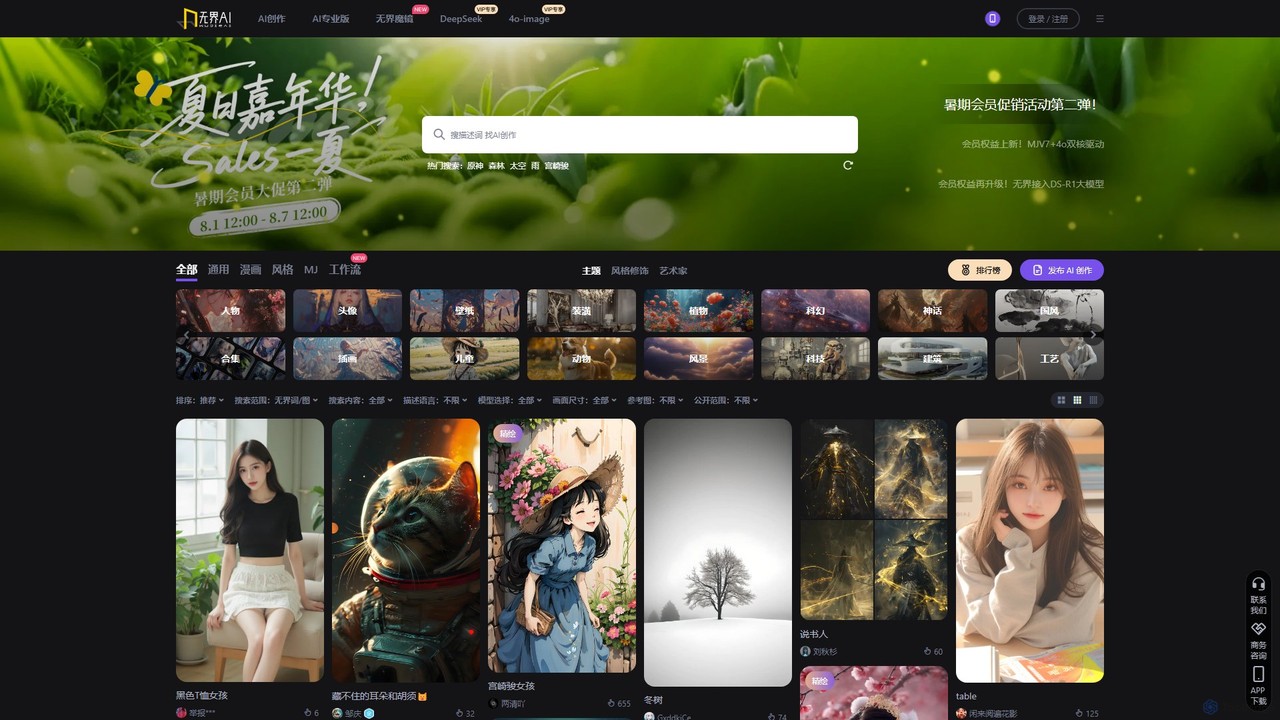
Wujie AI is a powerful AI art generation platform that makes creativity accessible to everyone. It uniquely integrates multiple advanced models, including a Midjourney engine and its proprietary models, offering a 'dual-core' creative experience. Users can generate high-quality images in diverse styles, from photorealistic characters to traditional Chinese art, using simple text prompts or reference images. It also features a vibrant community gallery for inspiration and sharing.
Image Generation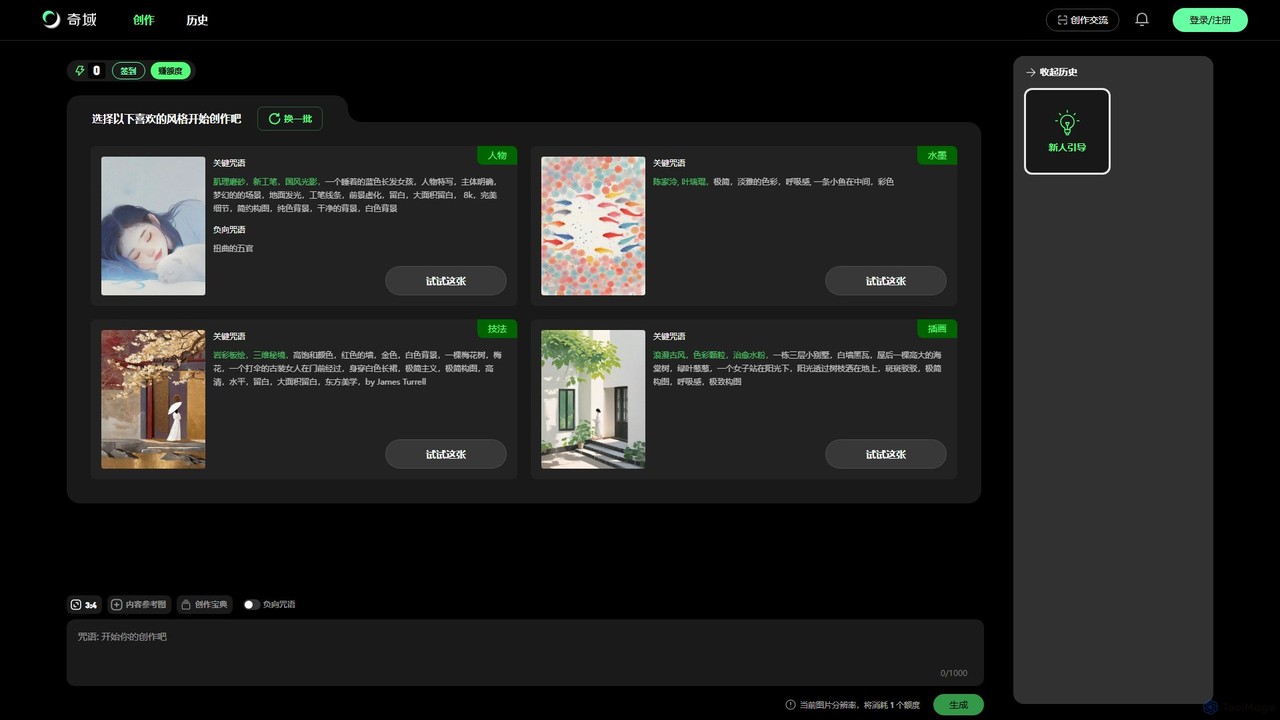
Qiyu AI
Qiyu AI is an AI art generator specializing in Chinese and Asian artistic styles. It empowers users to create high-quality, unique artworks like ink wash paintings, Suzhou embroidery, and ancient-style illustrations using simple text prompts or reference images.
Image Generation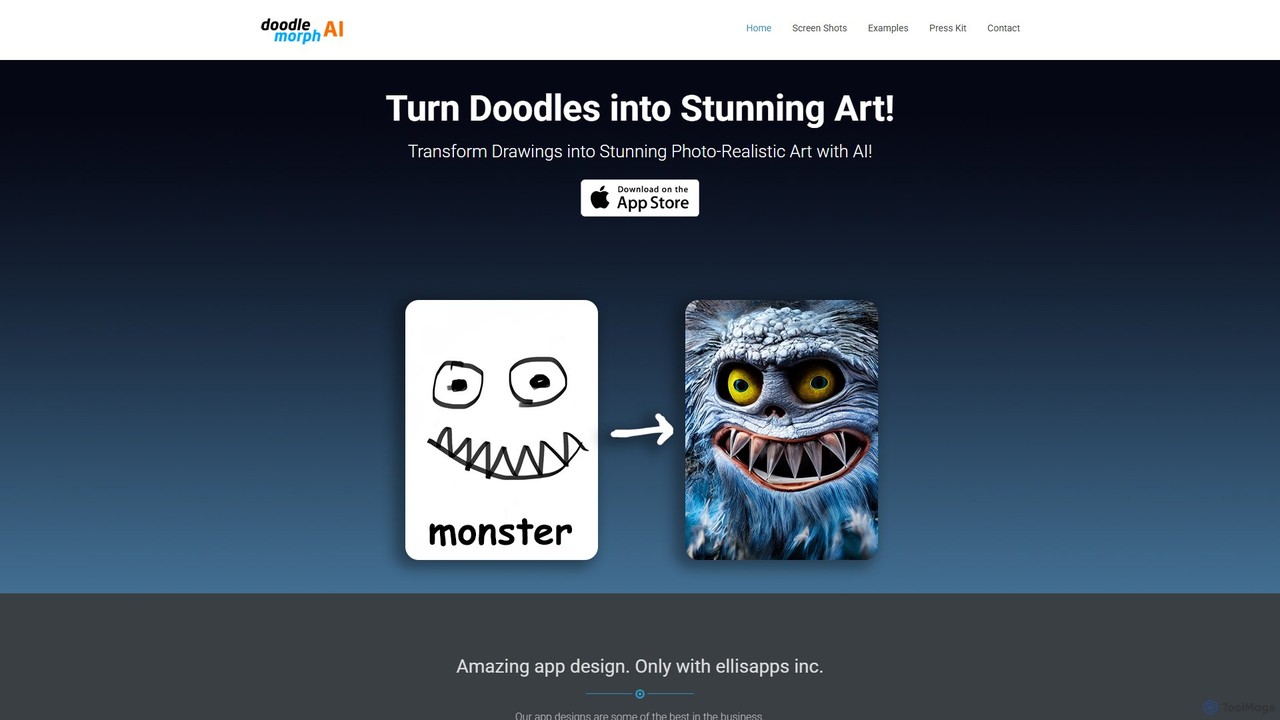
Doodlemorph AI
Doodlemorph AI is a mobile app that transforms your simple doodles and sketches into stunning, photo-realistic, or stylized works of art using advanced AI. Unleash your creativity by turning rough ideas into detailed masterpieces in seconds, with various artistic styles.
Image Generation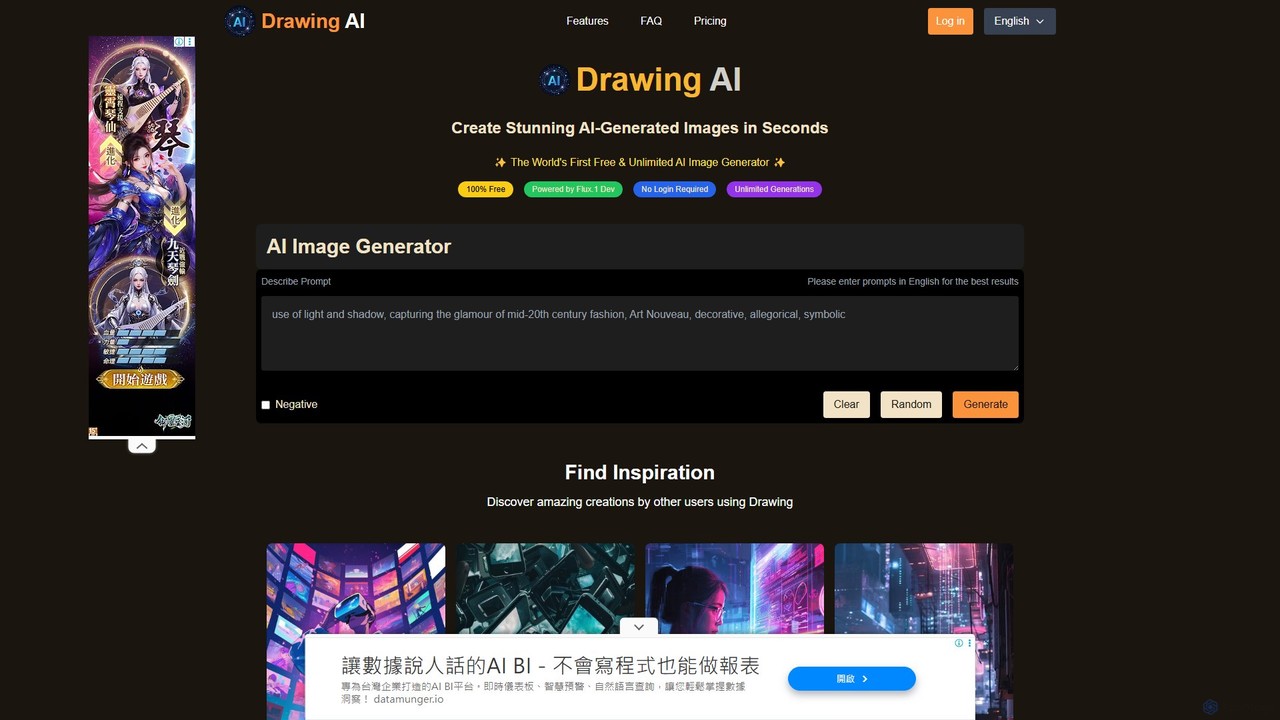
ai_drawing_generator
An online AI image generator that creates unlimited high-quality drawings and images from text prompts. Offers various styles, fast generation speeds, and flexible plans for individuals, teams, and businesses, including a free-to-use option.
Image Generation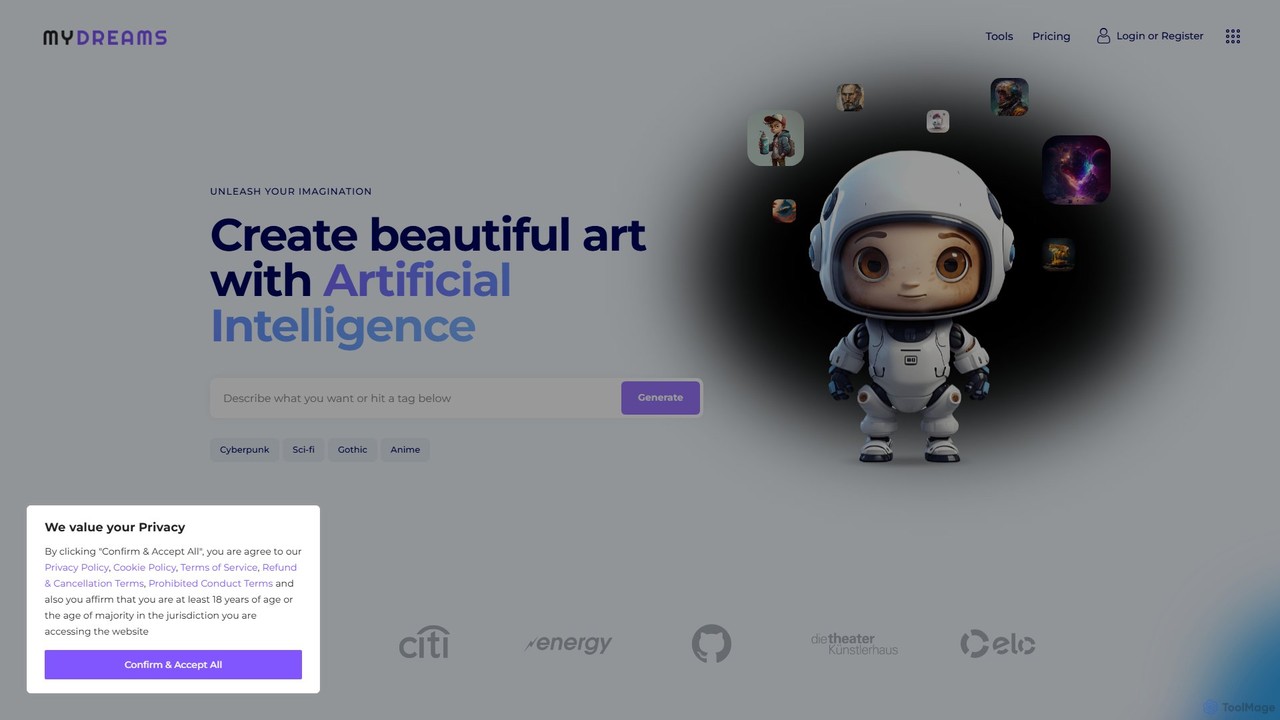
My Dreams Studio
My Dreams Studio is an AI-powered art generator that transforms your text prompts into stunning, dream-like visual creations. Specializing in surreal, fantasy, and abstract styles, it provides a creative suite for artists, designers, and anyone looking to visualize their imagination. Turn your wildest ideas into unique digital art with ease.
Image GenerationMuse Pro Categories
Muse Pro Embed Widget
Copy this embed code to place the badge on your blog, article, or product site and send readers directly to this ToolMage detail page.

Related AI tools
Draw Anything
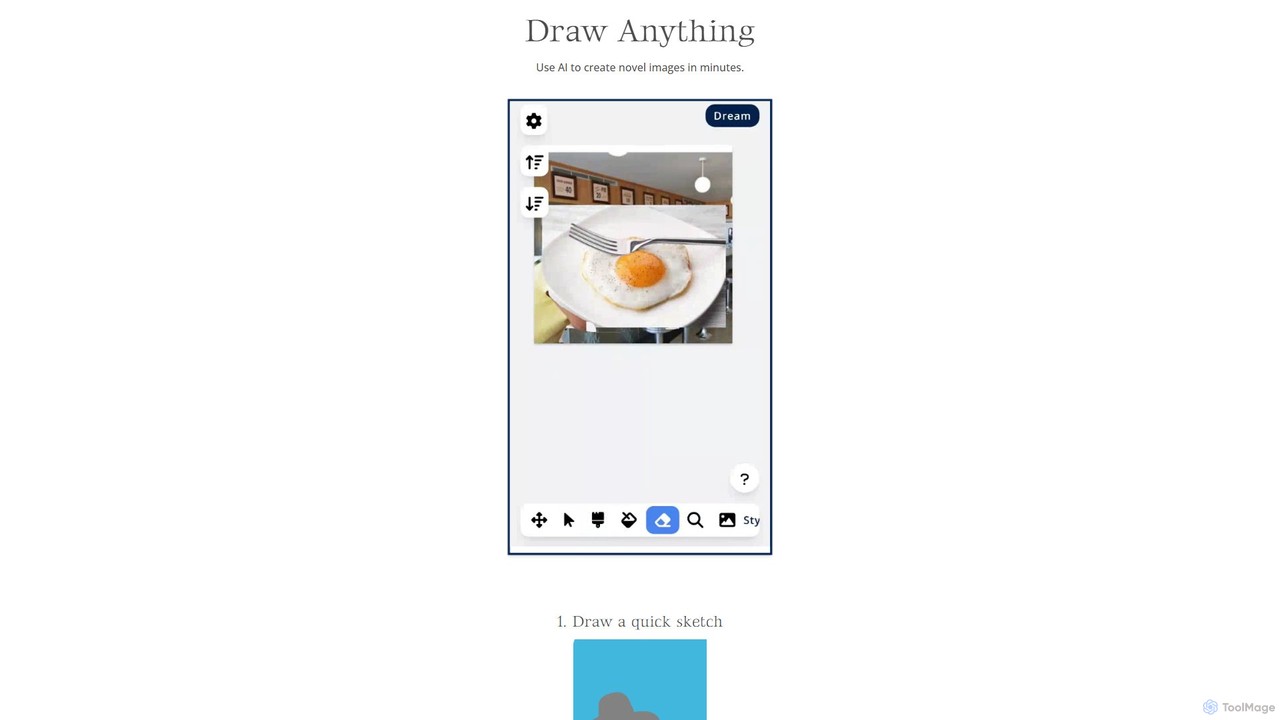
An AI-powered playground that transforms your simple sketches and text descriptions into stunning, detailed images. Leveraging Stable Diffusion, it offers an iterative creative process for artists and designers.
Creative Tools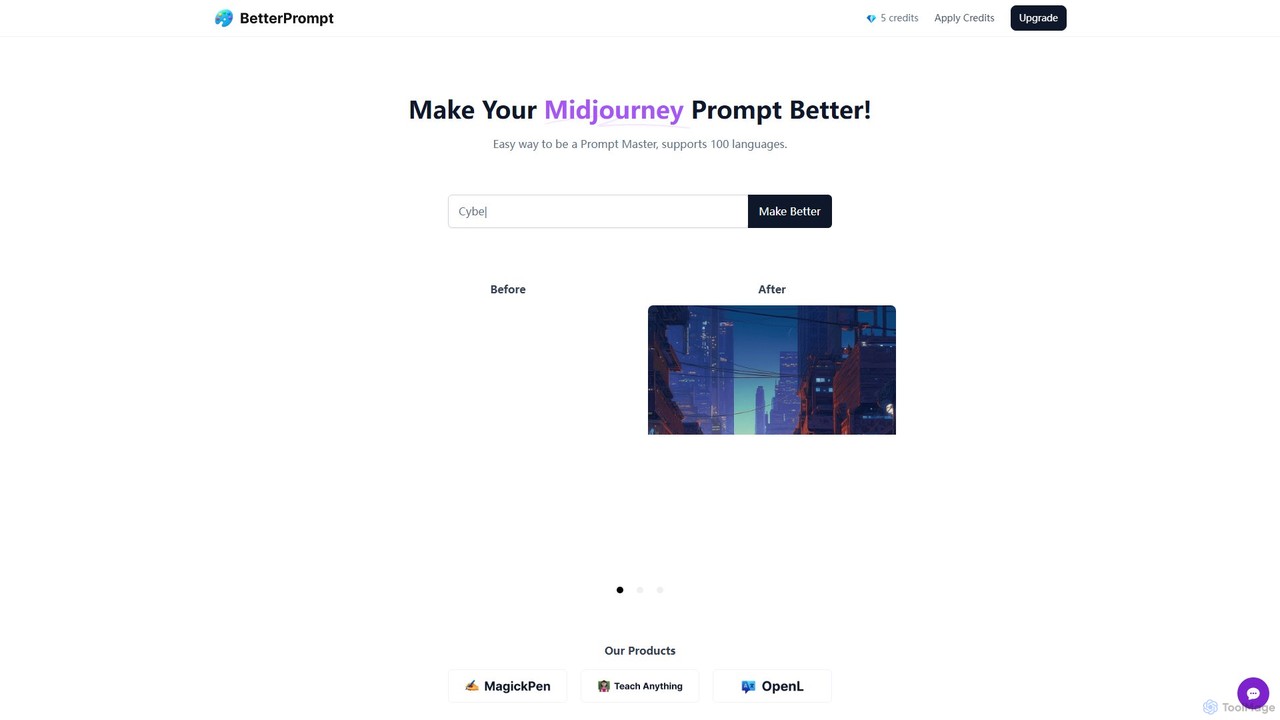
BetterPrompt
BetterPrompt is a free AI-powered tool that enhances your Midjourney prompts. It transforms simple text ideas into detailed, artistic, and effective prompts, helping you create stunning AI images effortlessly. It supports over 100 languages, making it accessible to a global audience of artists and creators.
Ai Art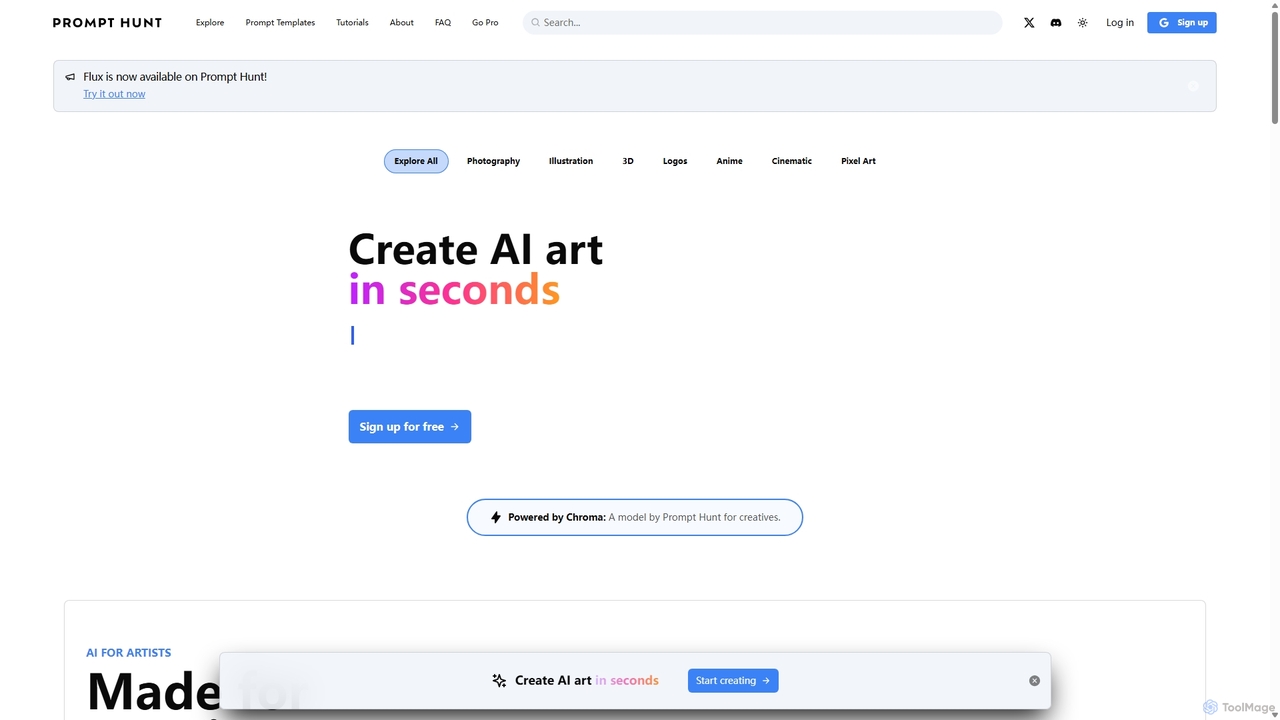
Prompt Hunt
Prompt Hunt is an AI art platform designed for creatives to explore, create, and share high-quality AI-generated images. It features a powerful proprietary model called Chroma, an extensive library of prompt templates, and an intuitive interface, making it easy for both beginners and experts to produce stunning visuals.
IllustrationWujie AI
Wujie AI is a powerful AI art generation platform that makes creativity accessible to everyone. It uniquely integrates multiple advanced models, including a Midjourney engine and its proprietary models, offering a 'dual-core' creative experience. Users can generate high-quality images in diverse styles, from photorealistic characters to traditional Chinese art, using simple text prompts or reference images. It also features a vibrant community gallery for inspiration and sharing.
Image GenerationQiyu AI
Qiyu AI is an AI art generator specializing in Chinese and Asian artistic styles. It empowers users to create high-quality, unique artworks like ink wash paintings, Suzhou embroidery, and ancient-style illustrations using simple text prompts or reference images.
Image Generation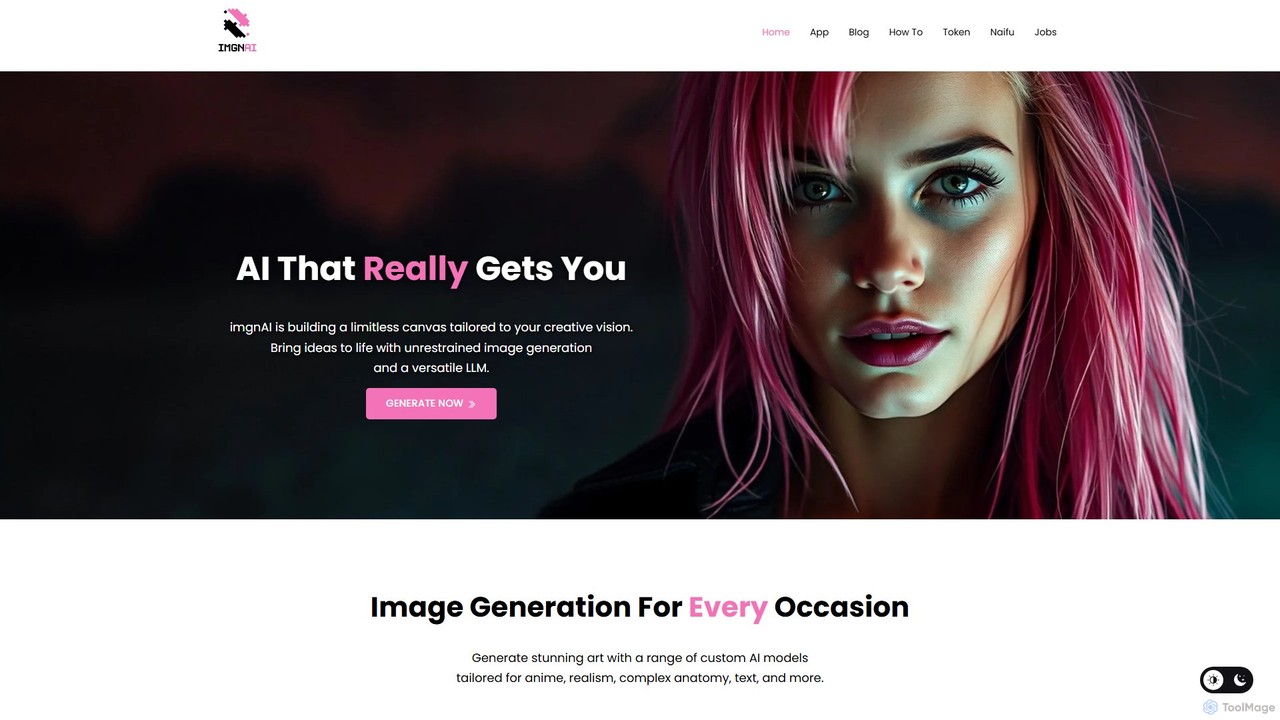
imgnai
imgnai is a powerful AI image generator that transforms text prompts into stunning, unique visuals. Designed for artists, marketers, and creators, it offers a user-friendly interface to produce high-quality art, illustrations, and photorealistic images in seconds, streamlining the creative process.
Design Assistant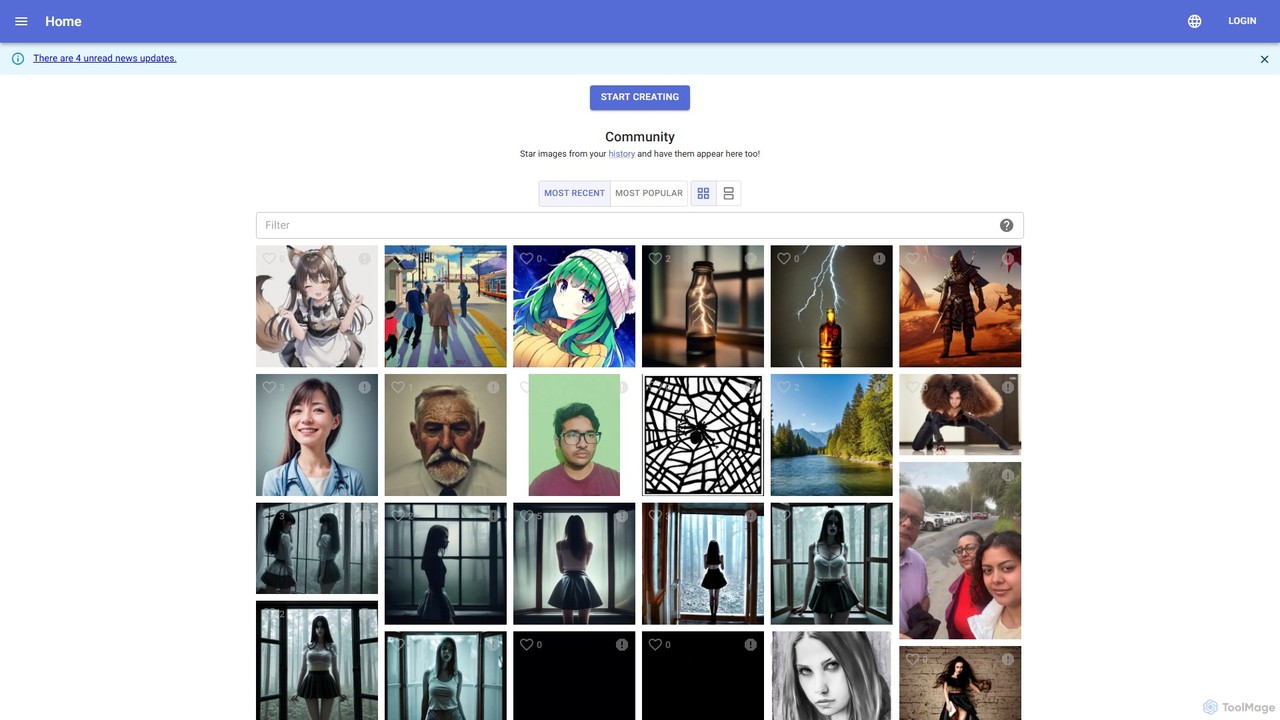
kiri.art
kiri.art is a web-based AI image generator powered by Stable Diffusion. It features a user-friendly interface and a strong focus on community, allowing users to create, share, and discover AI-generated art. It offers advanced controls for detailed image customization, making it suitable for both beginners and experienced artists.
Generative Art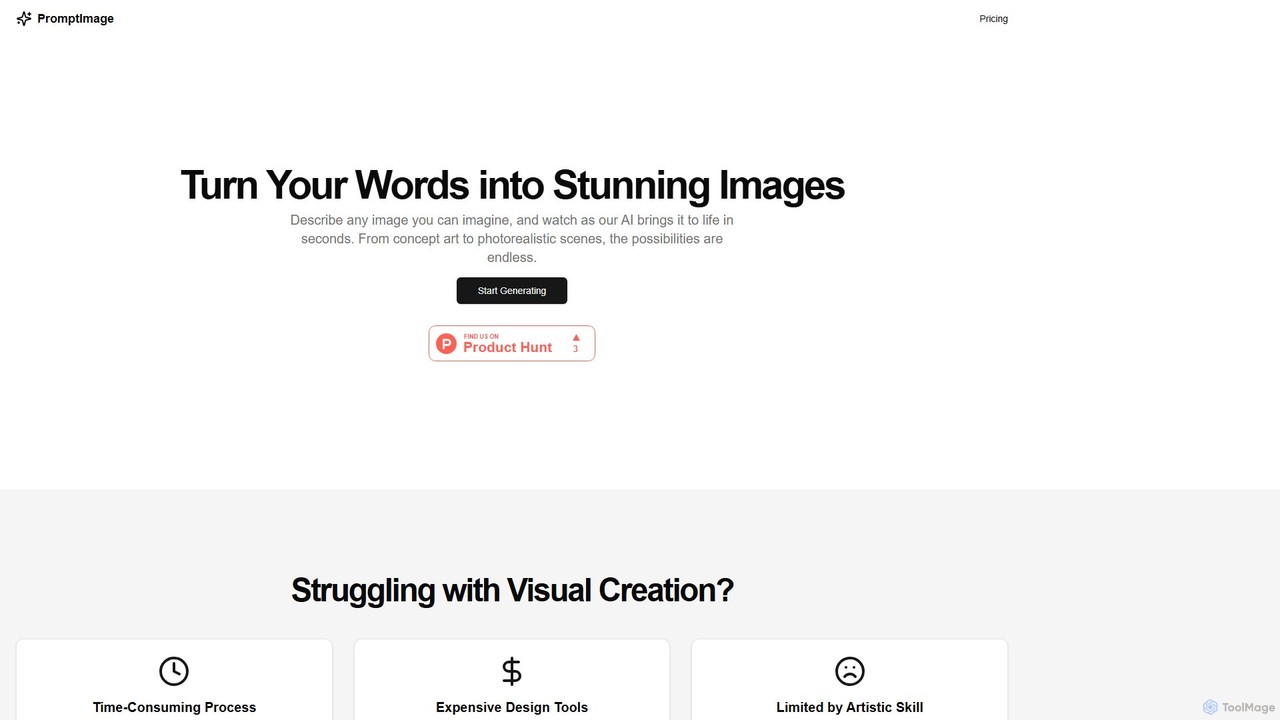
PromptImage
PromptImage is an AI-powered tool that transforms text descriptions into stunning, high-quality images in seconds. It's designed for marketers, designers, and creators of all skill levels to overcome creative blocks, save time, and produce unique visuals like concept art, photorealistic scenes, and illustrations without expensive software.
Image Generationai_drawing_generator
An online AI image generator that creates unlimited high-quality drawings and images from text prompts. Offers various styles, fast generation speeds, and flexible plans for individuals, teams, and businesses, including a free-to-use option.
Image Generation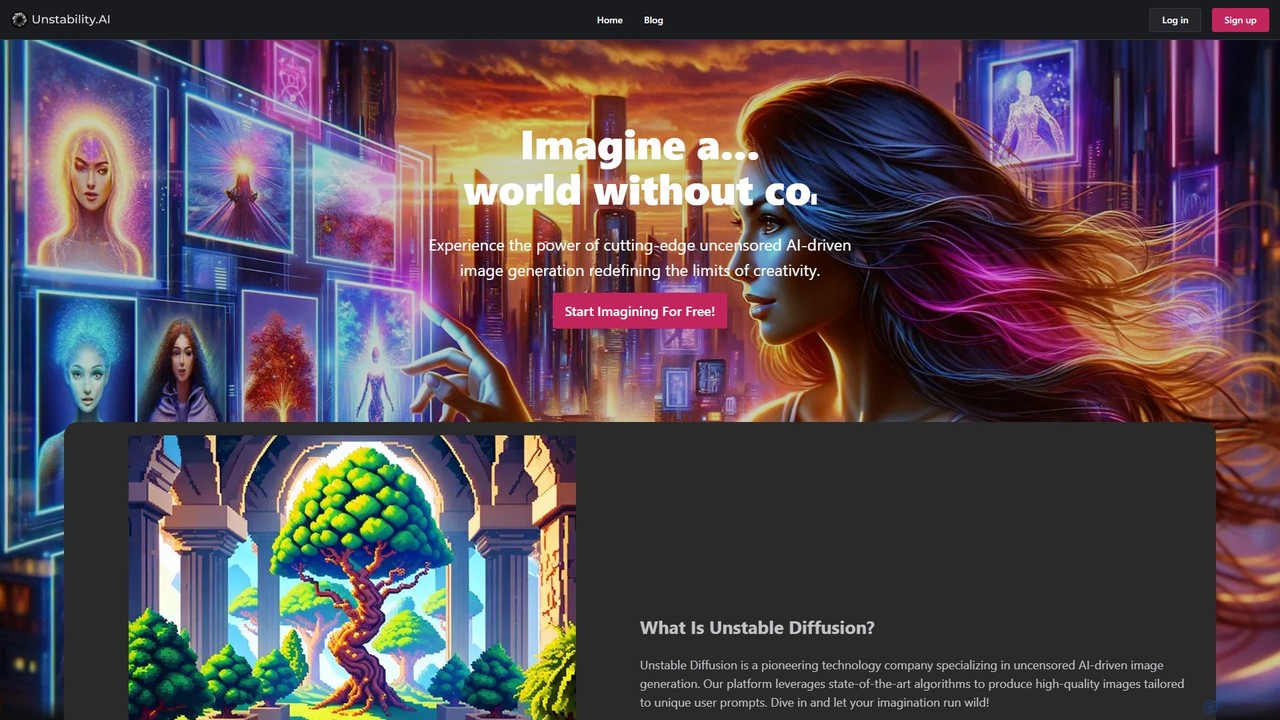
Unstable Diffusion
Unstable Diffusion is an uncensored AI image generation platform that empowers users to create high-quality, realistic visuals from text prompts without creative restrictions. It leverages state-of-the-art diffusion models to offer limitless artistic possibilities, from stunning landscapes to complex character designs. The platform provides a free-to-start experience, advanced customization options, and instant image creation, catering to artists, designers, and creative enthusiasts who seek ultimate freedom in their AI-generated art.
Generative Art
Crea.ai
Crea.ai is a groundbreaking real-time AI image and video generator. It features an interactive AI canvas that transforms your sketches and prompts into high-quality visuals instantly. Designed for artists, designers, and marketers, it combines generation, upscaling, and stylization into one intuitive platform, accelerating the creative workflow with unparalleled speed and control.
Illustration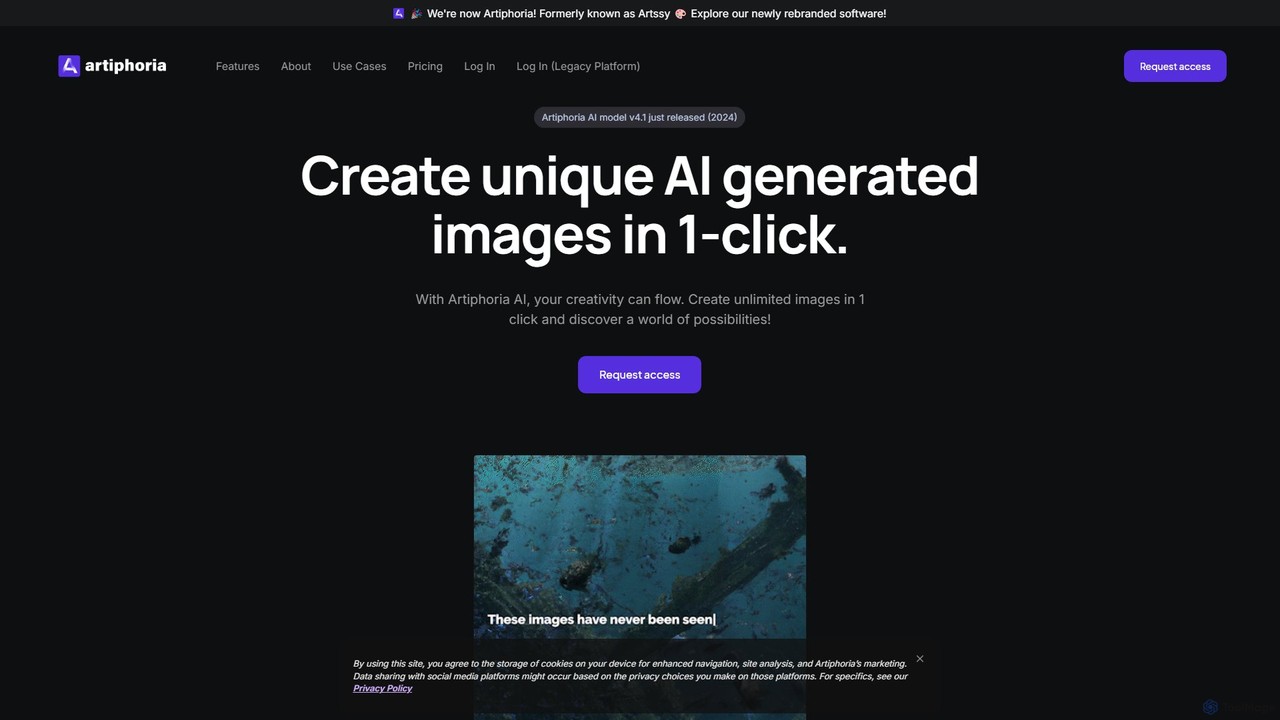
Artiphoria
Artiphoria is an advanced AI art generator that transforms your creative ideas into unique, high-quality images. It offers extensive customization options, in-platform editing, and a unique feature for training your own AI models, making it ideal for artists, designers, and businesses.
Image Generation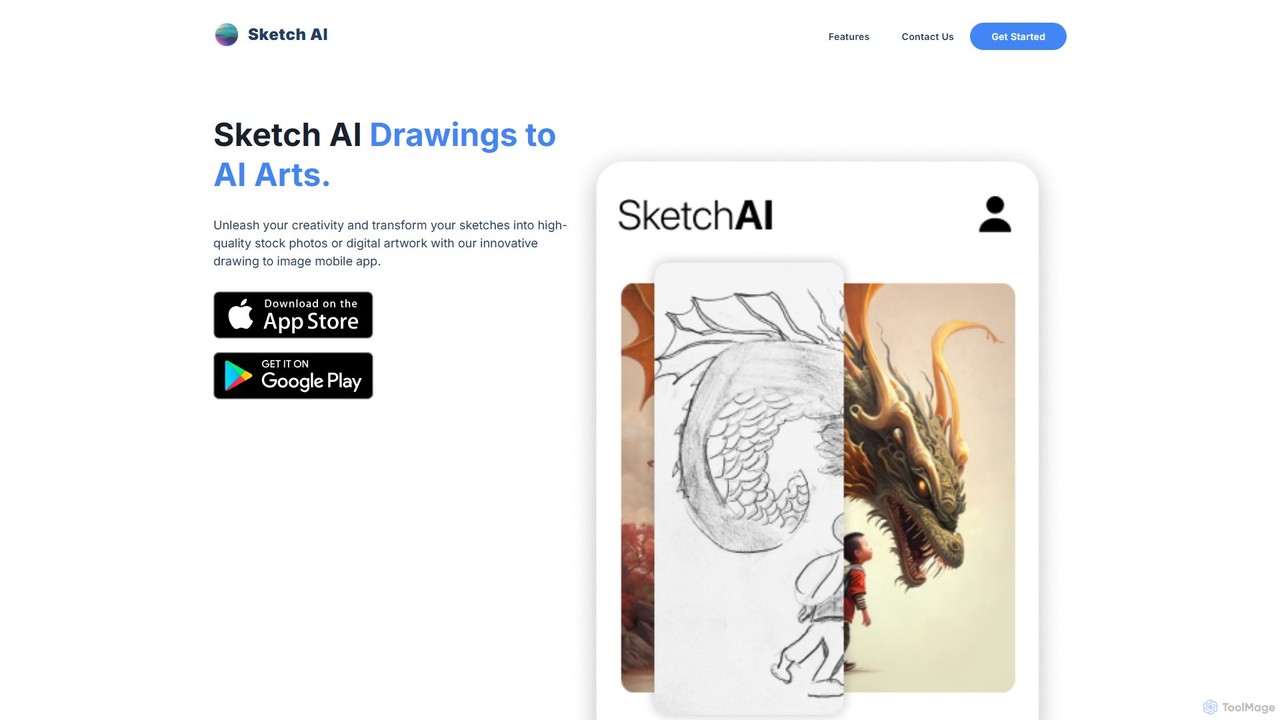
Sketch AI
Sketch AI is an innovative mobile app that transforms your simple sketches and doodles into high-quality, detailed artwork and photorealistic images using AI. Just draw a basic outline, add a text prompt to describe your vision, and watch as the app generates stunning digital art in various styles. It's perfect for artists, designers, and anyone looking to unleash their creativity.
Image Generation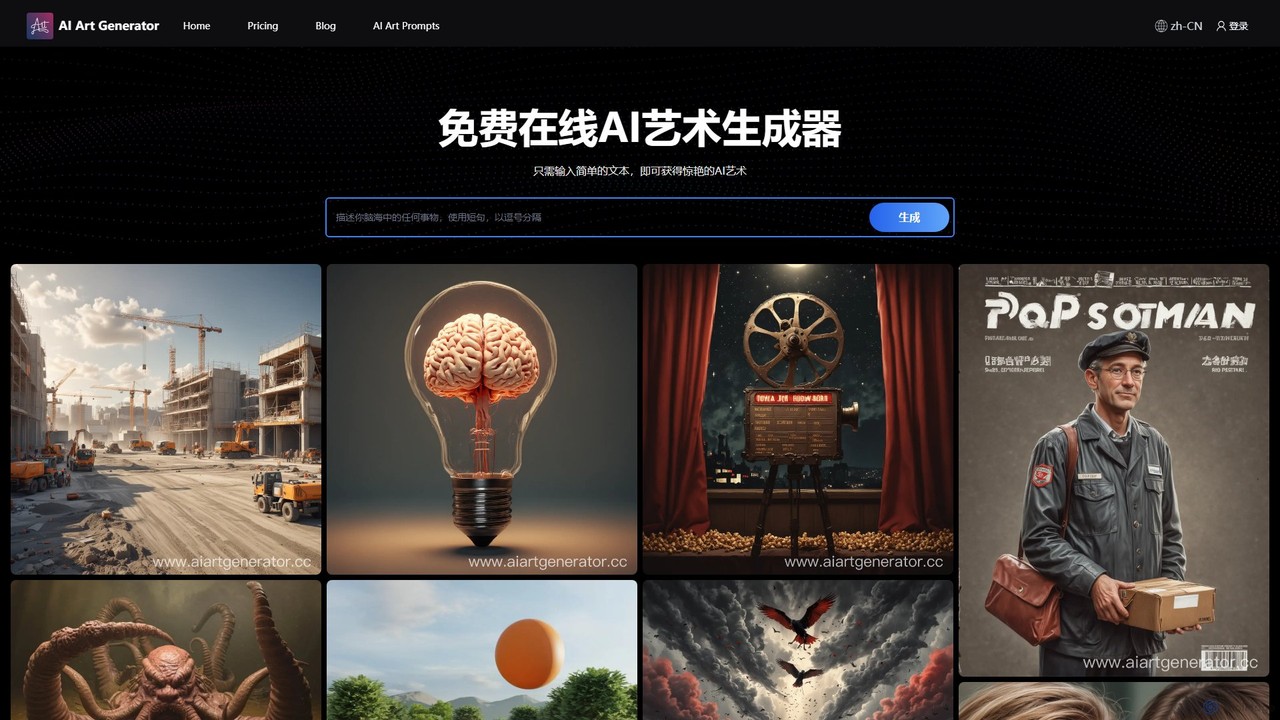
aiartgenerator.cc
aiartgenerator.cc is a powerful and user-friendly AI art generator that transforms your text prompts into stunning, unique images. Leveraging advanced Stable Diffusion technology, it allows anyone, regardless of artistic skill, to create high-quality visuals for personal or commercial use. The platform offers a free plan to get started and premium tiers with advanced features like faster generation, upscaling, and a commercial license.
Image Generation
color_anything
color_anything is an AI-powered tool that generates unique, high-quality coloring pages from simple text descriptions. Instantly create or discover thousands of designs across diverse categories like animals, anime, and celebrities, perfect for creative fun for all ages.
Image Generation
Muse Pro Comments (0)
Sign in to comment.
Sign inNo comments yet.