

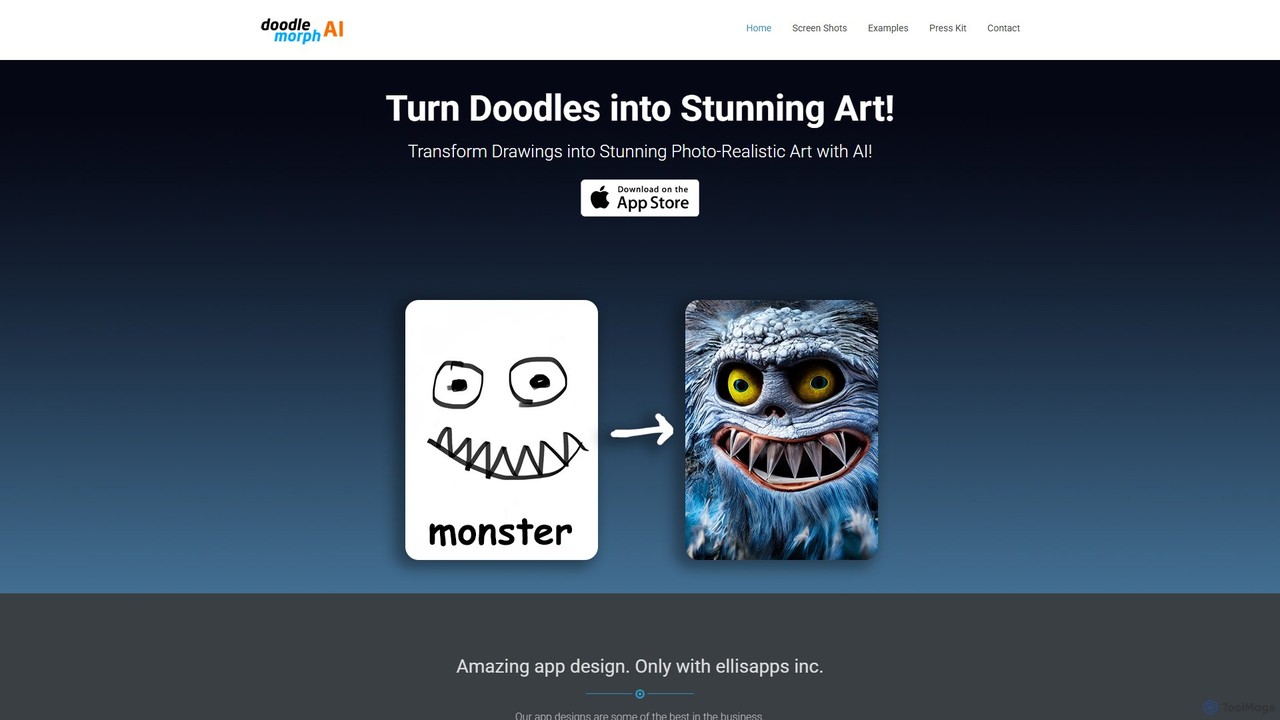
Doodlemorph AI Overview
Doodlemorph AI is a revolutionary mobile application developed by ellisapps inc., designed to bridge the gap between simple imagination and complex artistic creation. It empowers users of all skill levels, from professional artists to casual hobbyists and even children, to transform their basic doodles and sketches into breathtaking, high-quality artworks. By leveraging a sophisticated AI engine, the app interprets the lines and shapes of a drawing and 'morphs' it into a fully realized image in a variety of styles, from photorealism to fantasy.
The core premise of Doodlemorph AI is accessibility and speed. It eliminates the steep learning curve and time commitment often associated with digital art creation. Users can instantly visualize their concepts, experiment with different aesthetics, and produce unique visuals directly from their mobile devices. The app's interface is designed to be intuitive, ensuring a seamless and enjoyable creative process for everyone.
How to use Doodlemorph AI
Using Doodlemorph AI is a straightforward and magical experience. Follow these simple steps to bring your doodles to life:
- Download the App: First, locate and download the Doodlemorph AI app from the Apple App Store or Google Play Store for your smartphone or tablet.
- Create or Upload a Doodle: You can either use the app's built-in drawing canvas to sketch a new idea or upload a photo of an existing doodle from your device's gallery.
- Describe Your Vision: Enhance the AI's understanding by writing a simple text prompt. For example, if you've doodled a house, you could add a prompt like, 'A cozy cottage in a fantasy forest, glowing mushrooms, twilight.' This helps guide the final output.
- Choose an Artistic Style: Browse through a diverse library of pre-set styles. Options may include Photorealistic, Anime, Oil Painting, Watercolor, Cyberpunk, Cartoon, 3D Render, and more. Select the one that best fits your vision.
- Generate the Artwork: Tap the 'Morph' or 'Generate' button. The AI will process your doodle and text prompt, transforming it into a unique piece of art within seconds.
- Refine and Share: Review the generated image. You can then save the high-resolution artwork to your device, share it directly to social media, or use it in your personal or professional projects.
Core Features of Doodlemorph AI
- Advanced Doodle-to-Art AI: The core technology that intelligently interprets simple sketches and transforms them into detailed, coherent images.
- Multi-Style Generation: A rich library of artistic styles allows users to explore various aesthetics, from realistic to abstract and everything in between.
- Text Prompt Enhancement: Combine your visual doodle with a text description for more precise control and detailed results, a key feature of modern generative AI.
- Integrated Drawing Canvas: A user-friendly drawing interface with basic tools like brushes, an eraser, and color palettes to create doodles directly within the app.
- Image Upload Capability: Flexibility to import existing drawings, sketches, or line art from your device's photo library.
- High-Resolution Export: Generate and save artwork in high quality, suitable for digital use, printing, or professional portfolios.
- Intuitive User Interface: Designed for ease of use, making the creative process accessible and enjoyable for beginners and experts alike.
Use Cases for Doodlemorph AI
Doodlemorph AI is a versatile tool with a wide range of applications:
- Concept Artists & Designers: Quickly visualize ideas and create mood boards by turning rough concept sketches into polished visuals.
- Hobbyists & Aspiring Artists: Explore artistic passions without needing advanced technical drawing skills, providing a fun and rewarding creative outlet.
- Social Media Content Creators: Generate unique, eye-catching images for posts, stories, and marketing campaigns that stand out.
- Parents & Educators: A magical tool for children to see their imaginative drawings come to life, encouraging creativity and storytelling.
- Personalized Gifts & Decor: Create custom artwork from simple drawings to print on posters, t-shirts, mugs, or greeting cards.
- Overcoming Creative Block: A powerful way for artists to break through creative slumps by rapidly iterating on new ideas and visual styles.
Advantages of Doodlemorph AI
The primary advantage of Doodlemorph AI is its ability to democratize art creation. It empowers anyone to be an artist. The app offers incredible speed, turning a quick sketch into a detailed image in moments. This efficiency accelerates the creative workflow for professionals and provides instant gratification for hobbyists. Being a mobile app, it offers the convenience of creating art anywhere, anytime. Its combination of sketch input and text prompts provides a unique and powerful method of creative control.
Pricing and Plans
Doodlemorph AI likely operates on a freemium model, offering both free and paid tiers to cater to different user needs.
- Free Plan: This plan would likely offer a limited number of daily or weekly art generations, access to a basic set of styles, and may include watermarks on the final images or display ads within the app.
- Premium Plan: Available as a monthly or annual subscription, the premium plan would typically unlock features such as unlimited generations, access to all exclusive and advanced styles, higher resolution exports, no watermarks, and an ad-free experience.
For the most accurate and current pricing details, please visit the Doodlemorph AI page on the Apple App Store or Google Play Store.
Traffic
Latest traffic
Status
Monthly traffic trend
- 2025-9: 391
- 2026-1: 410
- 2026-2: 45
- 2026-3: 1.2K
- 2026-4: 882
- 2026-5: 428
Geography
Top 5 countries / regions
- 🇺🇸United States100.0%
Top keywords
| Keyword | Cost per click |
|---|---|
| ai morphing art | $0.00 |
| morph ai | $2.60 |
Doodlemorph AI Alternatives
Wujie AI
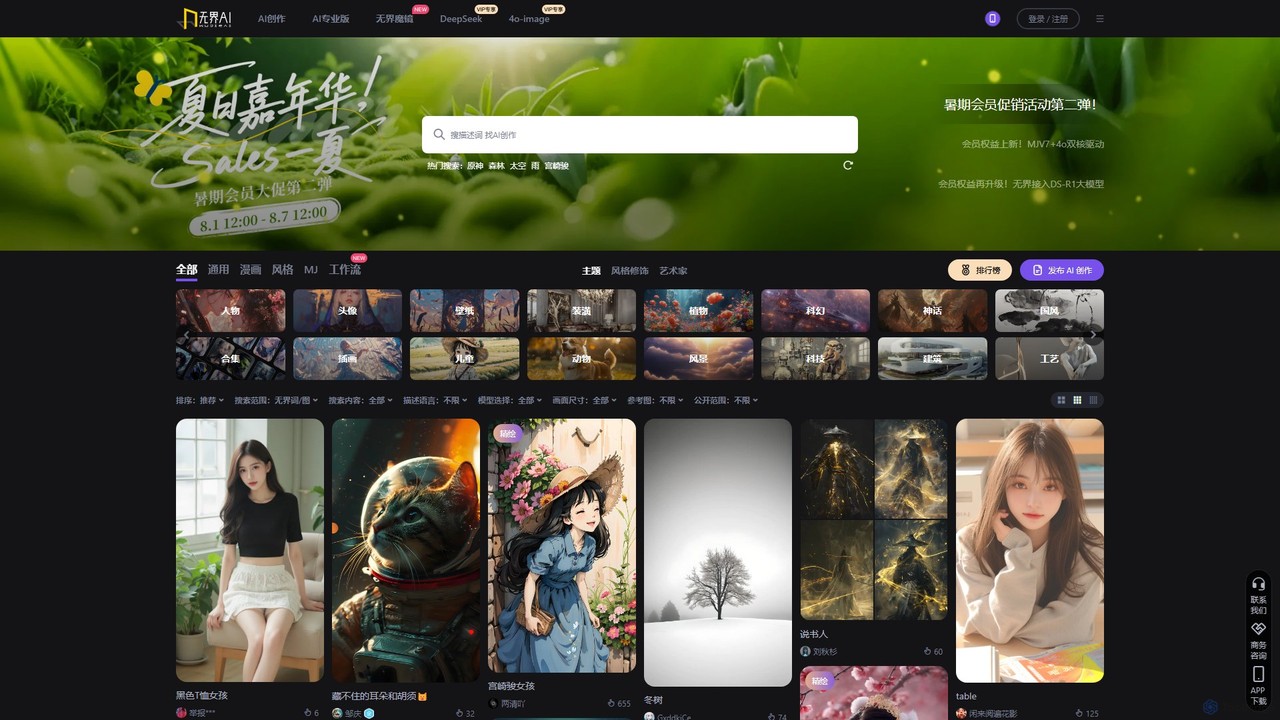
Wujie AI is a powerful AI art generation platform that makes creativity accessible to everyone. It uniquely integrates multiple advanced models, including a Midjourney engine and its proprietary models, offering a 'dual-core' creative experience. Users can generate high-quality images in diverse styles, from photorealistic characters to traditional Chinese art, using simple text prompts or reference images. It also features a vibrant community gallery for inspiration and sharing.
Image Generation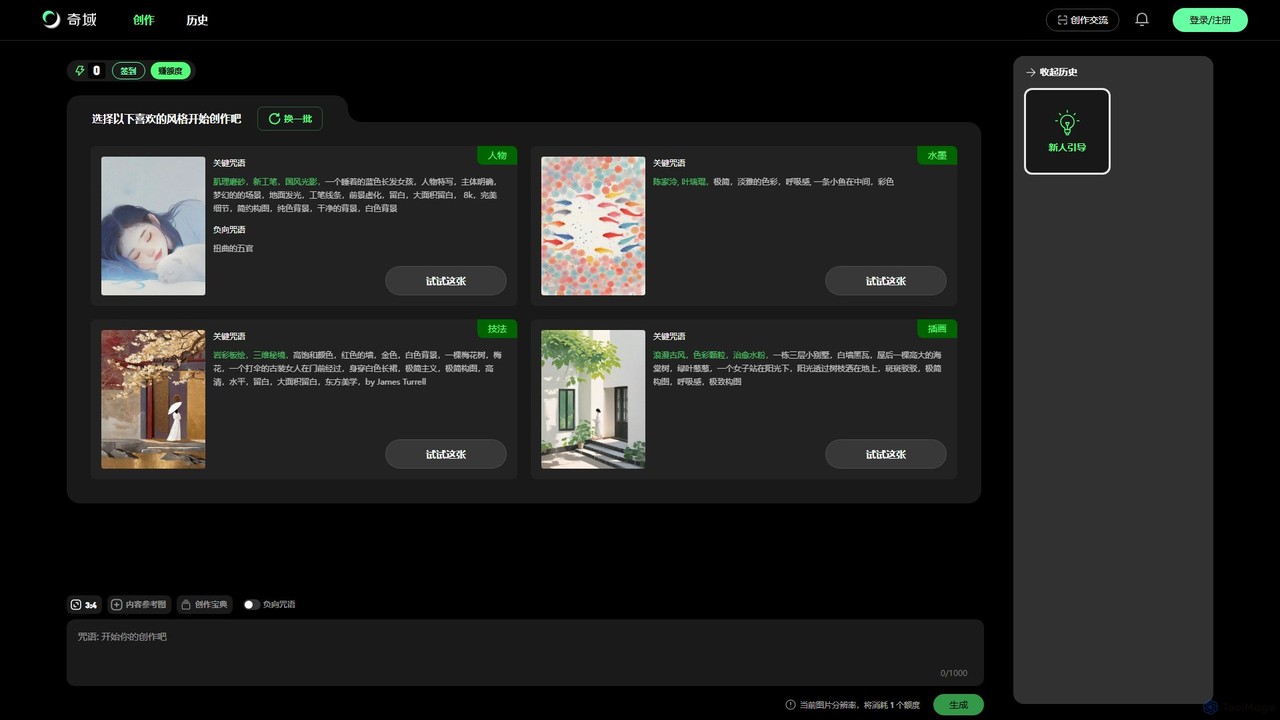
Qiyu AI
Qiyu AI is an AI art generator specializing in Chinese and Asian artistic styles. It empowers users to create high-quality, unique artworks like ink wash paintings, Suzhou embroidery, and ancient-style illustrations using simple text prompts or reference images.
Image Generation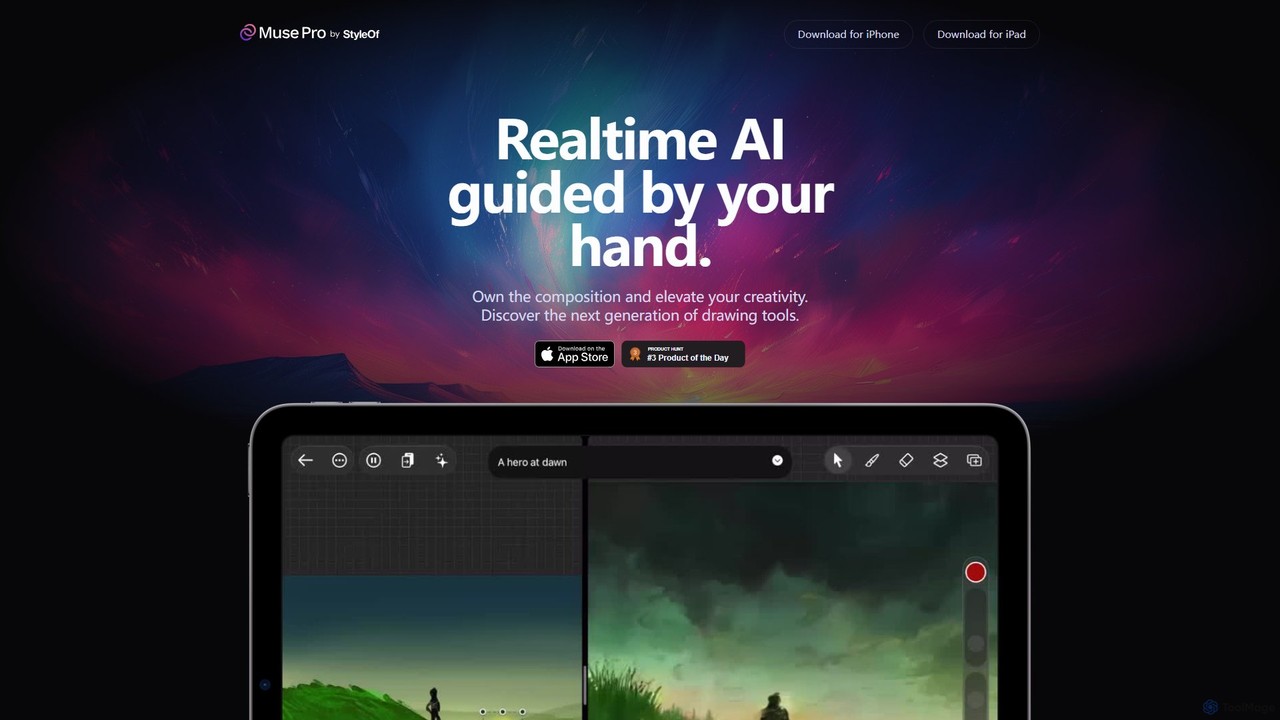
Muse Pro
Muse Pro is a revolutionary iPad drawing app that merges your creative strokes with real-time AI assistance. Guided by your hand and text prompts, it allows artists to co-create stunning visuals, explore endless variations, and enhance their work with powerful, intuitive tools. It's the next generation of digital art, where you are always in control of the composition.
Image Generation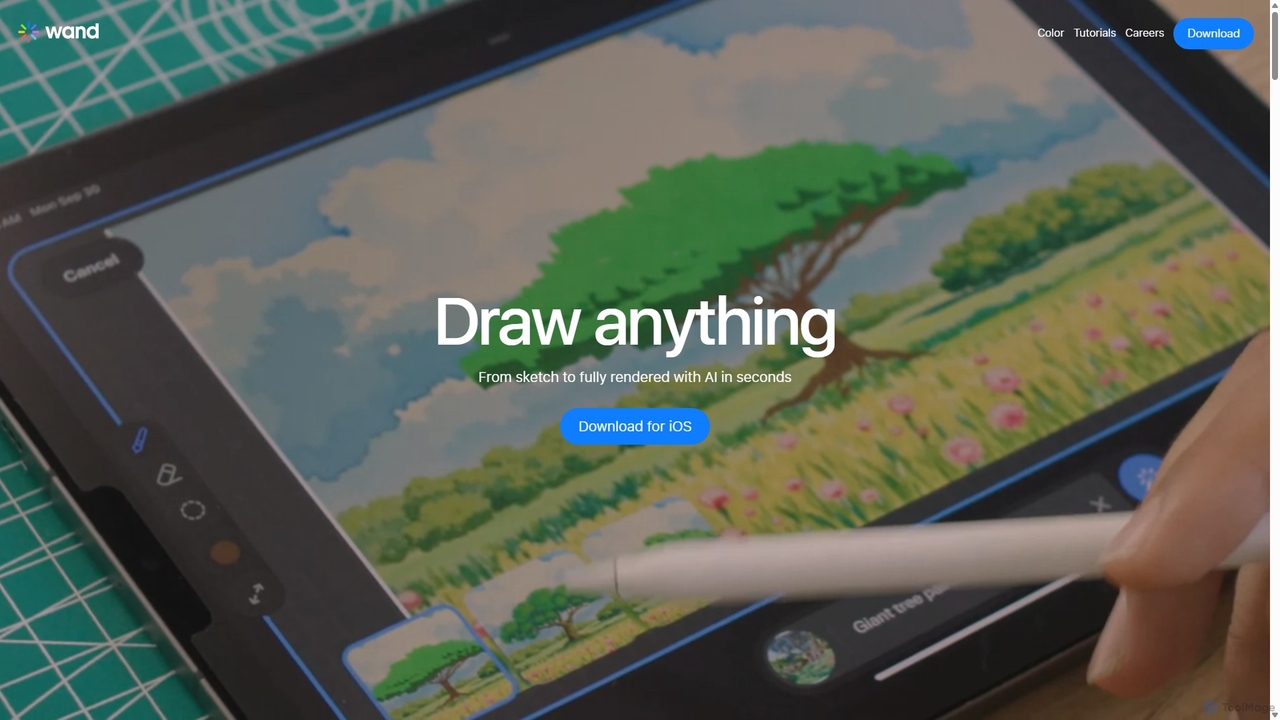
Wand
Wand is a revolutionary AI-powered art studio for iPhone and iPad. It seamlessly blends your drawing skills with powerful AI features like a custom brush engine, preloaded style libraries, and instant coloring. Designed for artists, designers, and students, Wand accelerates the creative process, allowing you to explore new techniques, refine details with precision, and produce professional-quality artwork faster than ever before.
Image Generation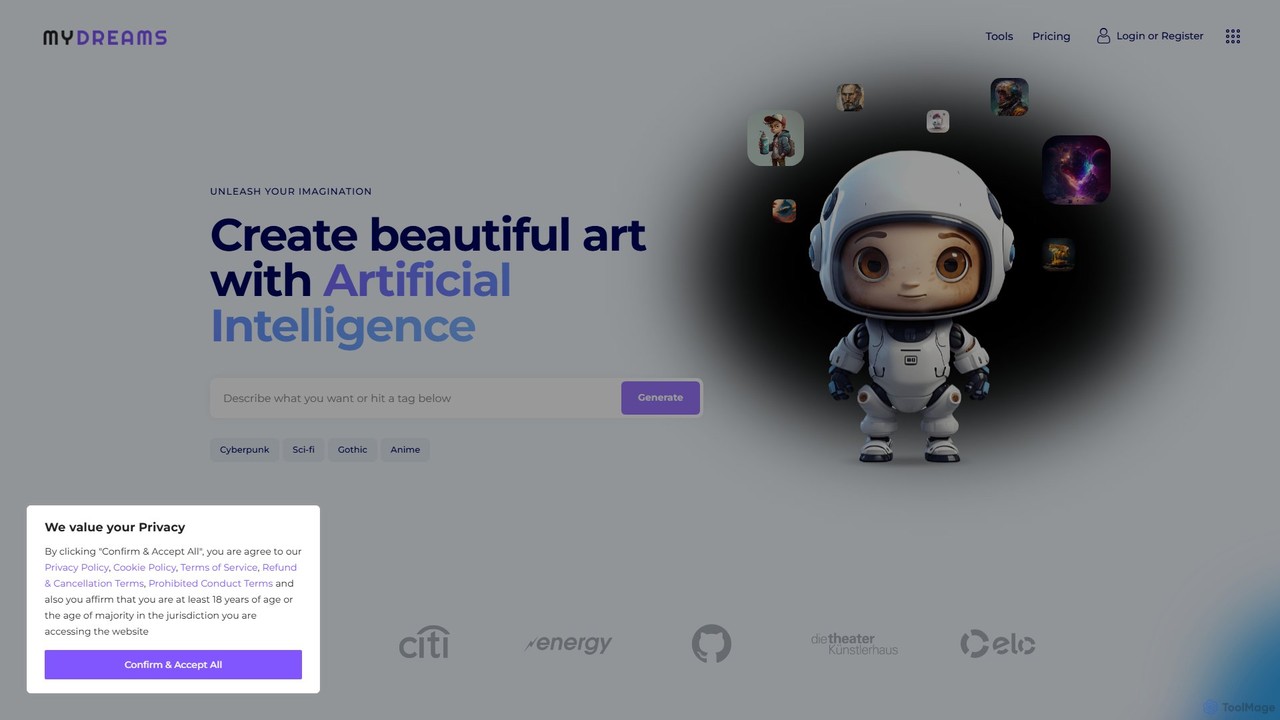
My Dreams Studio
My Dreams Studio is an AI-powered art generator that transforms your text prompts into stunning, dream-like visual creations. Specializing in surreal, fantasy, and abstract styles, it provides a creative suite for artists, designers, and anyone looking to visualize their imagination. Turn your wildest ideas into unique digital art with ease.
Image GenerationDoodlemorph AI Categories
Doodlemorph AI Embed Widget
Copy this embed code to place the badge on your blog, article, or product site and send readers directly to this ToolMage detail page.

Related AI tools
Sketch AI
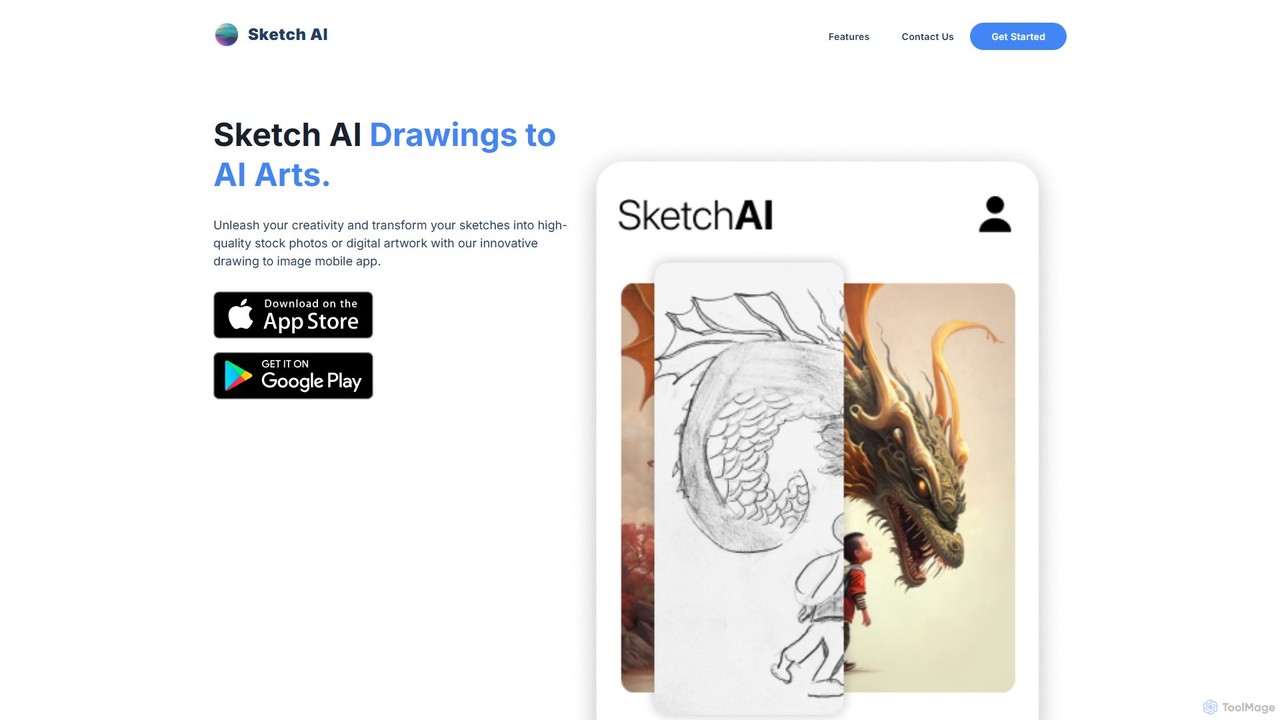
Sketch AI is an innovative mobile app that transforms your simple sketches and doodles into high-quality, detailed artwork and photorealistic images using AI. Just draw a basic outline, add a text prompt to describe your vision, and watch as the app generates stunning digital art in various styles. It's perfect for artists, designers, and anyone looking to unleash their creativity.
Image Generation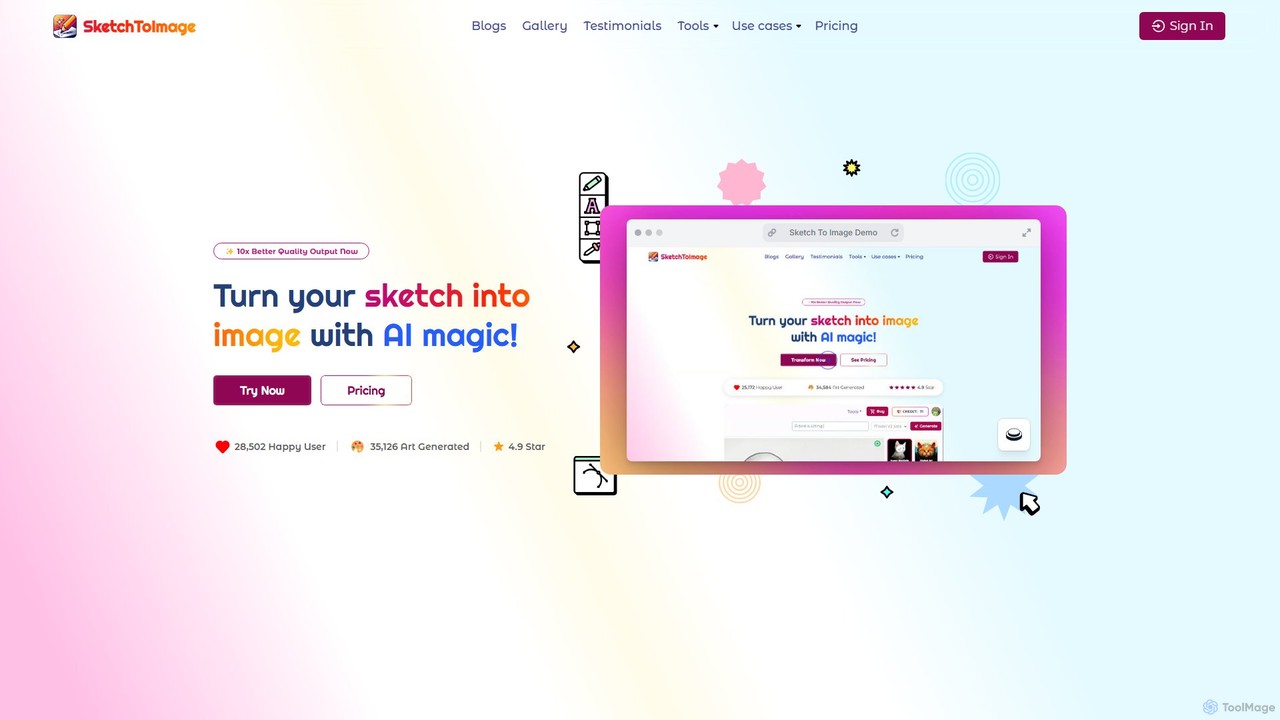
Sketch To Image
An AI-powered tool that transforms your sketches and doodles into high-quality art in various styles. It features image upscaling up to 8x, video generation from images, and provides copyright-free artwork for commercial use.
Generative ArtWand
Wand is a revolutionary AI-powered art studio for iPhone and iPad. It seamlessly blends your drawing skills with powerful AI features like a custom brush engine, preloaded style libraries, and instant coloring. Designed for artists, designers, and students, Wand accelerates the creative process, allowing you to explore new techniques, refine details with precision, and produce professional-quality artwork faster than ever before.
Image GenerationWujie AI
Wujie AI is a powerful AI art generation platform that makes creativity accessible to everyone. It uniquely integrates multiple advanced models, including a Midjourney engine and its proprietary models, offering a 'dual-core' creative experience. Users can generate high-quality images in diverse styles, from photorealistic characters to traditional Chinese art, using simple text prompts or reference images. It also features a vibrant community gallery for inspiration and sharing.
Image GenerationQiyu AI
Qiyu AI is an AI art generator specializing in Chinese and Asian artistic styles. It empowers users to create high-quality, unique artworks like ink wash paintings, Suzhou embroidery, and ancient-style illustrations using simple text prompts or reference images.
Image Generation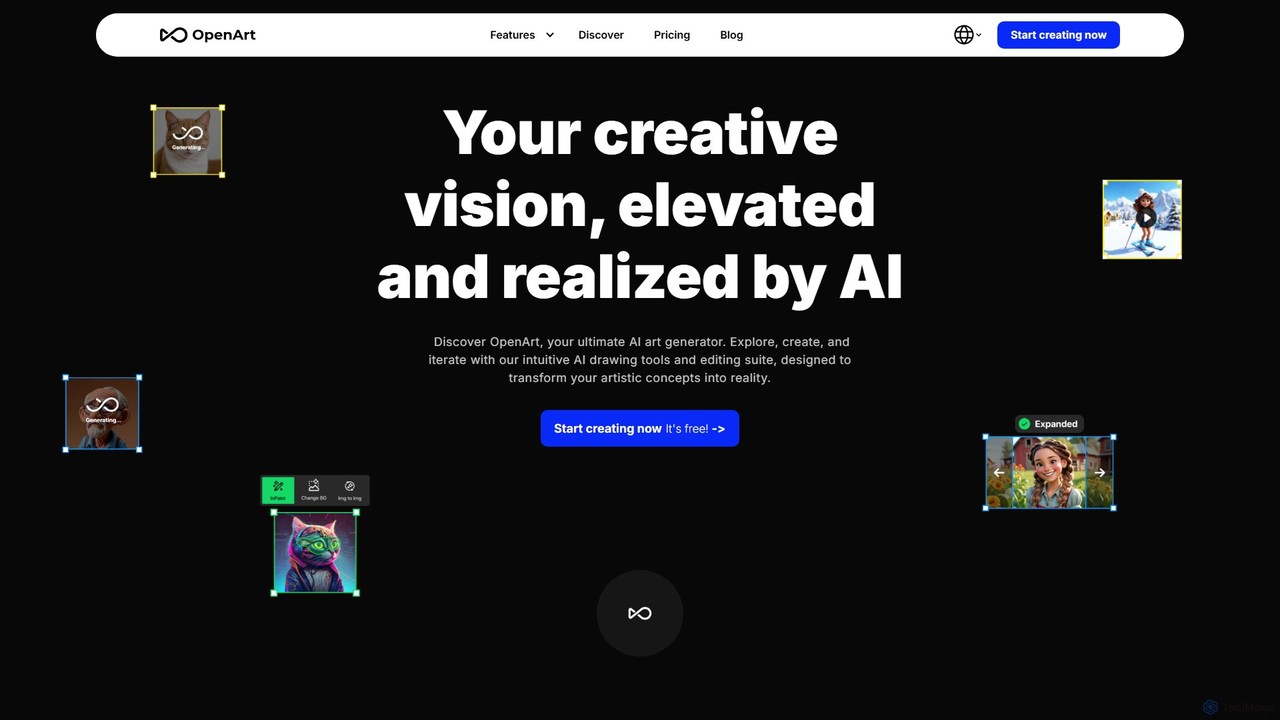
OpenArt
OpenArt is a powerful AI art platform for creating and editing images. It features an advanced AI image generator, a comprehensive suite of editing tools, and the unique ability to train custom AI models for specific styles or characters. Ideal for artists, designers, and hobbyists, it offers both free and professional plans.
Art Generation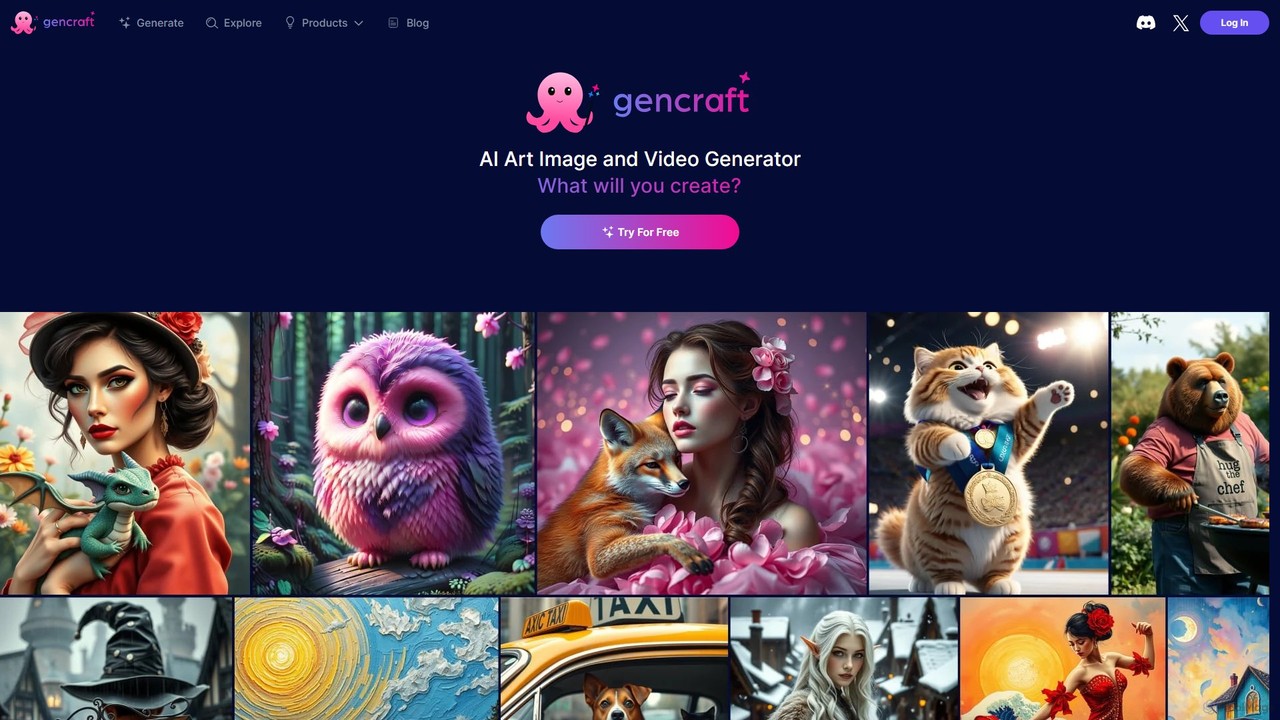
Gencraft
Gencraft is a powerful AI art and video generator that transforms text prompts into stunning visuals. It offers a wide range of styles, custom model training, and an integrated community platform. Available on web, iOS, and Android, it caters to everyone from hobbyists to professional creators, providing tools for image generation, video creation, and advanced editing.
Ai Art Generator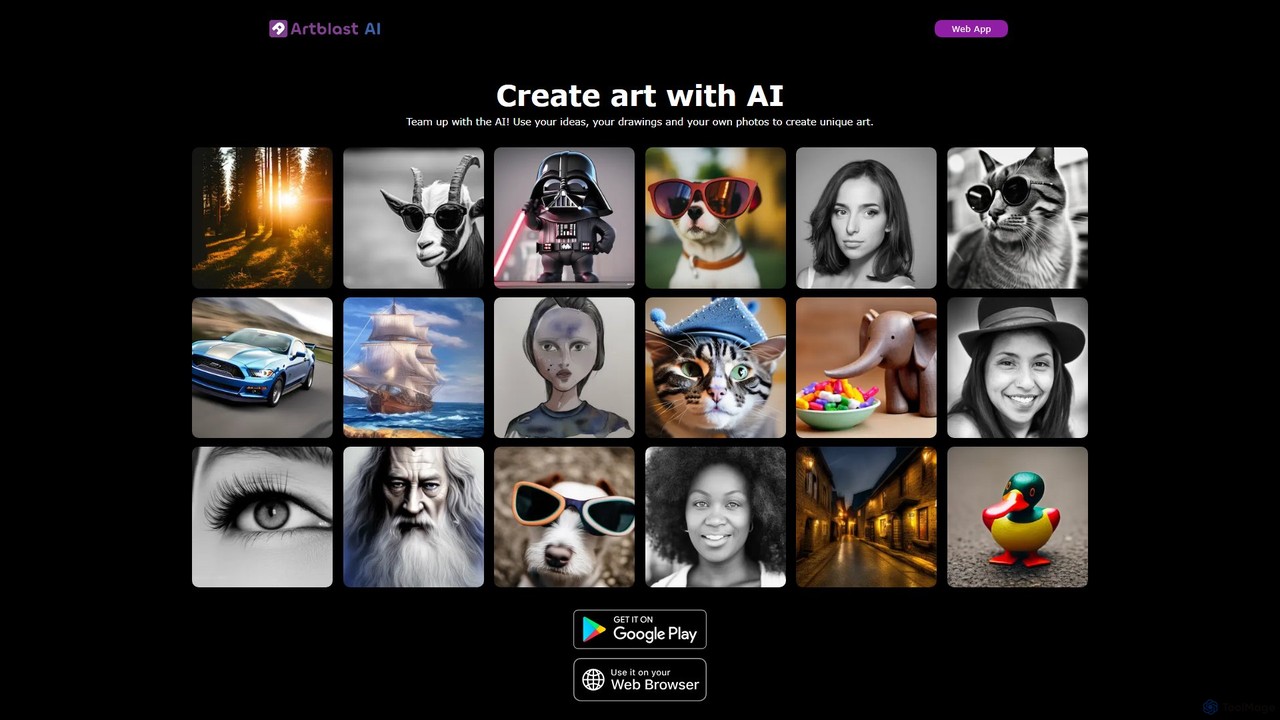
ArtBlast AI
ArtBlast AI is a powerful web-based platform that transforms your ideas into unique art. It allows users to generate stunning images from text, sketches, and existing photos. Key features include Smart Sketch for turning doodles into masterpieces, image-to-image variations, and the innovative 'Unclip' tool for expanding images beyond their original borders.
Image Editing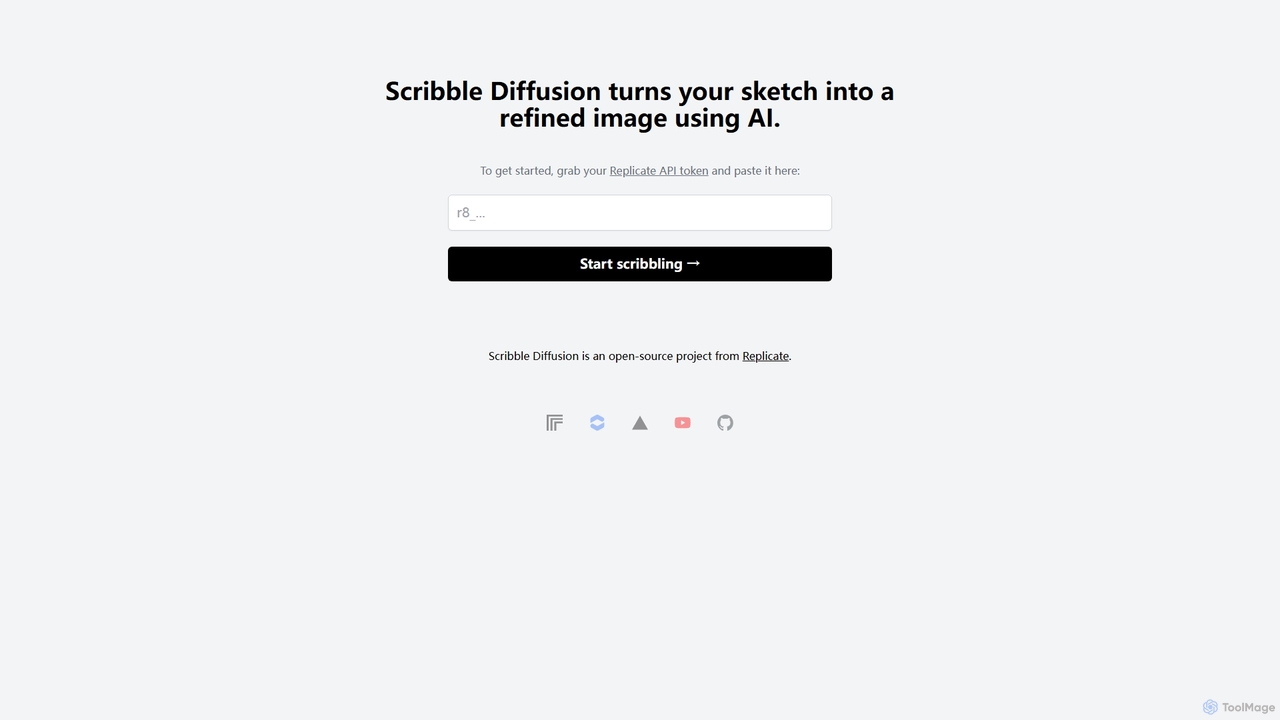
Scribble Diffusion
Scribble Diffusion is a powerful AI tool that transforms your simple sketches and doodles into detailed, high-quality images. Just draw a rough outline, provide a text prompt, and watch as the AI brings your vision to life with stunning artistic detail. It's an open-source project, making it accessible for both creative exploration and developer integration via API.
Creative Tools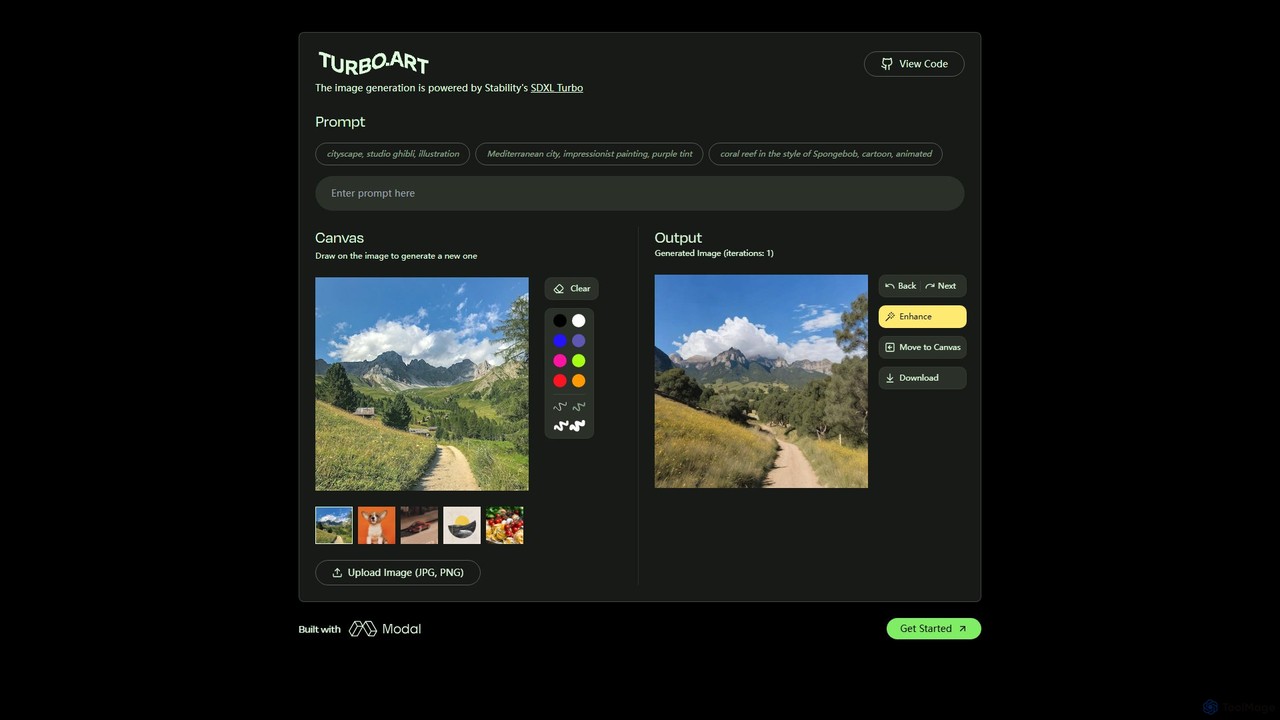
Turbo.Art
Turbo.Art is a real-time AI image generator powered by Stability AI's SDXL Turbo. It allows users to create and edit images instantly from text prompts and simple sketches on an interactive canvas, offering an incredibly fast and fluid creative experience.
Creative ToolsMy Dreams Studio
My Dreams Studio is an AI-powered art generator that transforms your text prompts into stunning, dream-like visual creations. Specializing in surreal, fantasy, and abstract styles, it provides a creative suite for artists, designers, and anyone looking to visualize their imagination. Turn your wildest ideas into unique digital art with ease.
Image Generation
Aicoloringpages
Aicoloringpages is an AI-powered tool that generates unique, printable coloring pages from simple text prompts. Leveraging DALL-E 3 technology, it allows users to create endless designs for children, educators, and hobbyists. The platform is user-friendly, cost-effective, and offers various credit-based plans to suit different needs, from a free trial to advanced packages.
Image Generation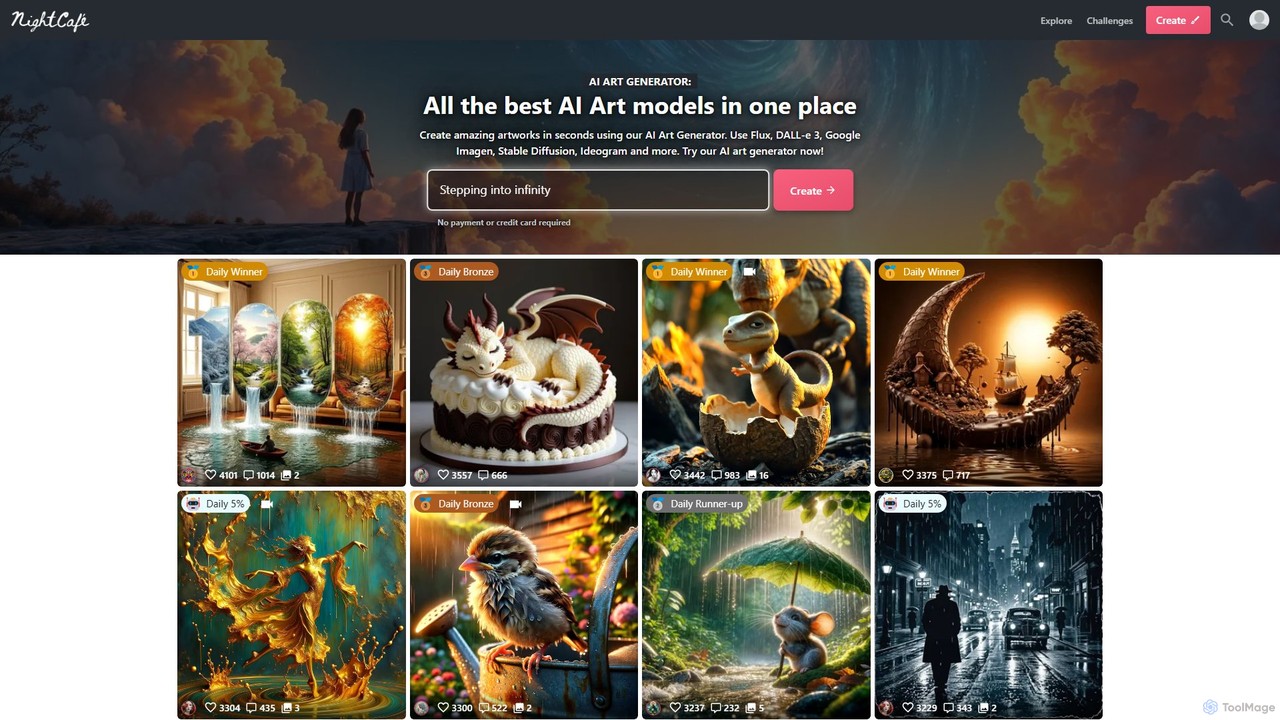
NightCafe Creator
A powerful AI art generator platform that brings together top models like DALL-E 3, Stable Diffusion, and Flux in one place. It's designed for both beginners and experts, featuring a vibrant community, daily art challenges, and extensive creative tools. Generate unlimited base images for free or upgrade for advanced features and more credits.
Image Generation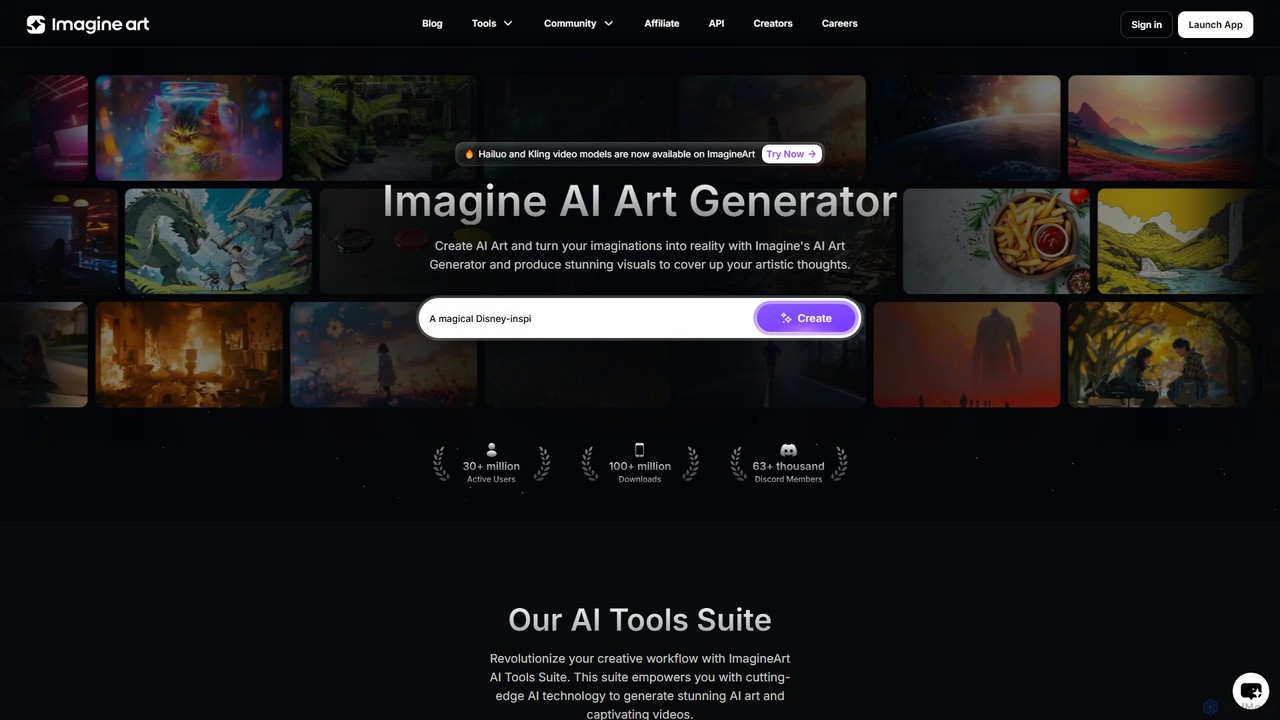
Imagine
Imagine is a powerful AI art and video generator that transforms text prompts into stunning visuals. It offers a comprehensive suite of tools, including text-to-image, image reference, character creation, and video generation. With various artistic styles, advanced editing features, and plans for both individuals and businesses, it's designed to overcome creative blocks and accelerate workflows for artists, designers, marketers, and developers.
Image Generation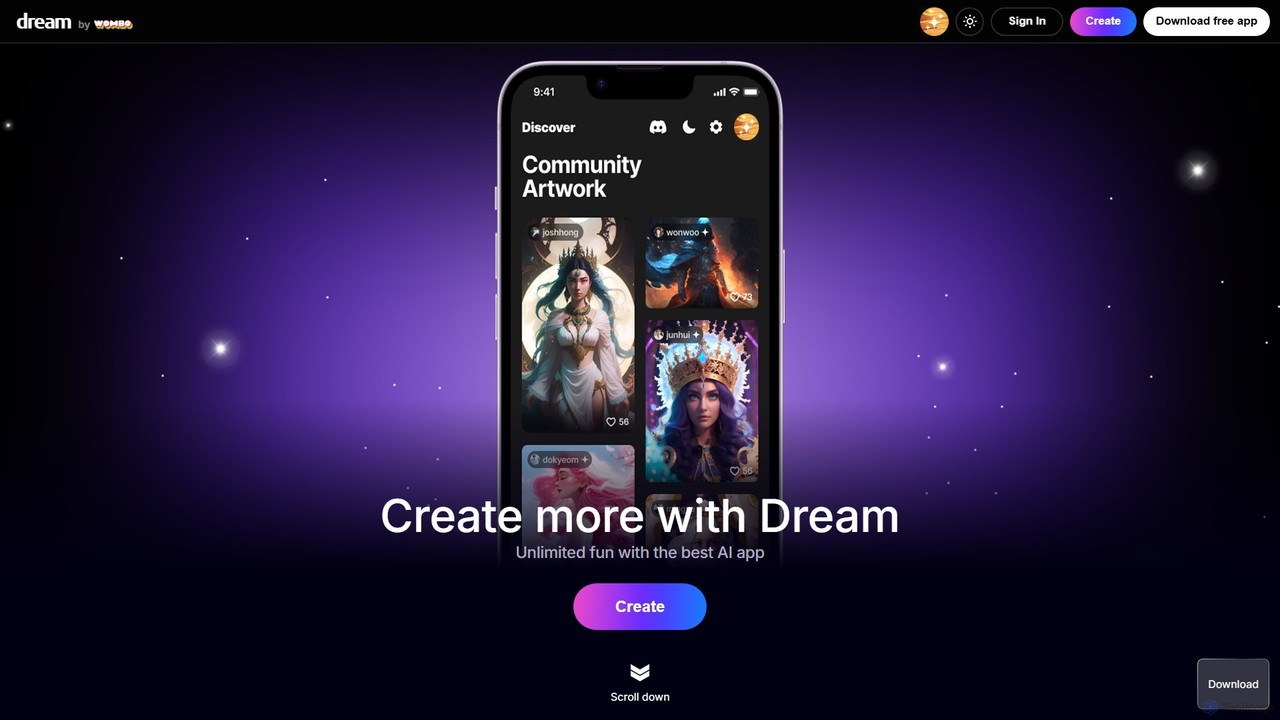
Dream by WOMBO
Dream by WOMBO is a powerful AI art generator that transforms your text prompts into stunning paintings and images in seconds. With a vast library of art styles, an intuitive interface, and both web and mobile app versions, it makes creating unique digital art accessible to everyone, from artists to hobbyists.
Image Generation
Doodlemorph AI Comments (0)
Sign in to comment.
Sign inNo comments yet.